The first thing that comes to mind when you decide to record your sales calls is to set up an AI note-taker in your calendar. It works great for video conferences. During the first phone call, however, there’s nothing to record: the bot doesn’t have a meeting to join… Looking for a Fireflies app for your phone? You’ve come to the right place.
Between a note-taking app that costs 15 euros and a platform that costs 500 euros per month, the difference doesn’t lie in the quality of the AI (because, yes, obviously, all these tools are AI-based) but in what the tool is capable of capturing:
- Which one actually records your phone calls (and not just your video calls…)?
- At what team size does a platform costing several hundred euros a month become cost-effective?
We compared ten tools, using actual prices for a team of five sales reps. Here’s our complete selection.
Sommaire
Which tool should you choose to record and analyze your calls?
For a small team that sells via video calls, Fathom offers the best combination of simplicity and value, with a truly usable free plan. To populate your CRM without manual data entry, Modjo dominates the French market. Finally, to capture phone calls, you’ll need to use your phone system: Ringover, Aircall, or Allo.
| Tool | What it detects | Ideal for | Publisher and data | Starting price |
|---|---|---|---|---|
| Fathom | Visio | Get Started Without a Budget | United States | Free, then $15 per user per month |
| Fireflies | Visio | Search call history | United States | Free, then $10 per user per month (annual plan) |
| Noota | Video conferencing, in-person meetings, imports | Stick with a European publisher | France, data stored in Europe | Free, then $19/user/month with an annual plan |
| Leexi | Video conferencing, in-person meetings, connected telephony | French-speaking SMEs | Belgium, AWS Europe hosting | €12 per user per month (annual plan) |
| Modjo | Video conferencing, phone calls, emails | Populate the CRM without manual entry | France, hosted in Paris | Based on quote, annual contract |
| Claap | Visio, no robots in the meeting | Get started with self-service | France | Free, then €24; CRM at €48 |
| Gong | Video Conferencing and Telephony | Large commercial organizations | United States | Based on a quote; platform fees apply |
| Ringover | Phone | Enable custom analysis | France | Starting at €20; Empower module for €39 |
| Aircall | Phone | Well-structured and well-equipped teams | France | Starting at €30 per user, minimum of 3 licenses |
| Hello | Phone | Very small teams | France | €120 per year for a single user, €25 per license for two or more users |
Here’s a quick summary of our recommendations, in case you don’t have time to read the rest:
- If you mainly sell via video calls to a small number of people: Start with the free version of Fathom, then upgrade to its Business plan when CRM becomes a priority.
- You mainly sell over the phone: start with your front desk, not a note-taker. Allo for a very small team; Ringover or Aircall for larger teams.
- Your data must remain in Europe: Noota, Leexi, or Modjo, depending on your budget and the level of analysis you need.
- Your real focus is CRM data entry: Modjo if you’re on Salesforce or HubSpot, Claap if you want a public price and a setup without a sales rep.
- If you manage more than fifty salespeople, Gong remains the gold standard—provided you’re willing to accept its pricing model.
Recording video calls: Fathom, Fireflies, Noota, Leexi
These four tools work on the same principle: a bot joins your Meet, Teams, or Zoom meeting, records it, transcribes it, and then writes up the minutes. They can’t see anything that’s happening on the call. Expect to pay between 10 and 50 euros per user per month.
Fathom: The Most Generous Free Plan on the Market
- Screen capture: video conferencing (Meet, Teams, Zoom)
- Price: Free, then $15–$25 per user per month with an annual plan
- Publisher: U.S.
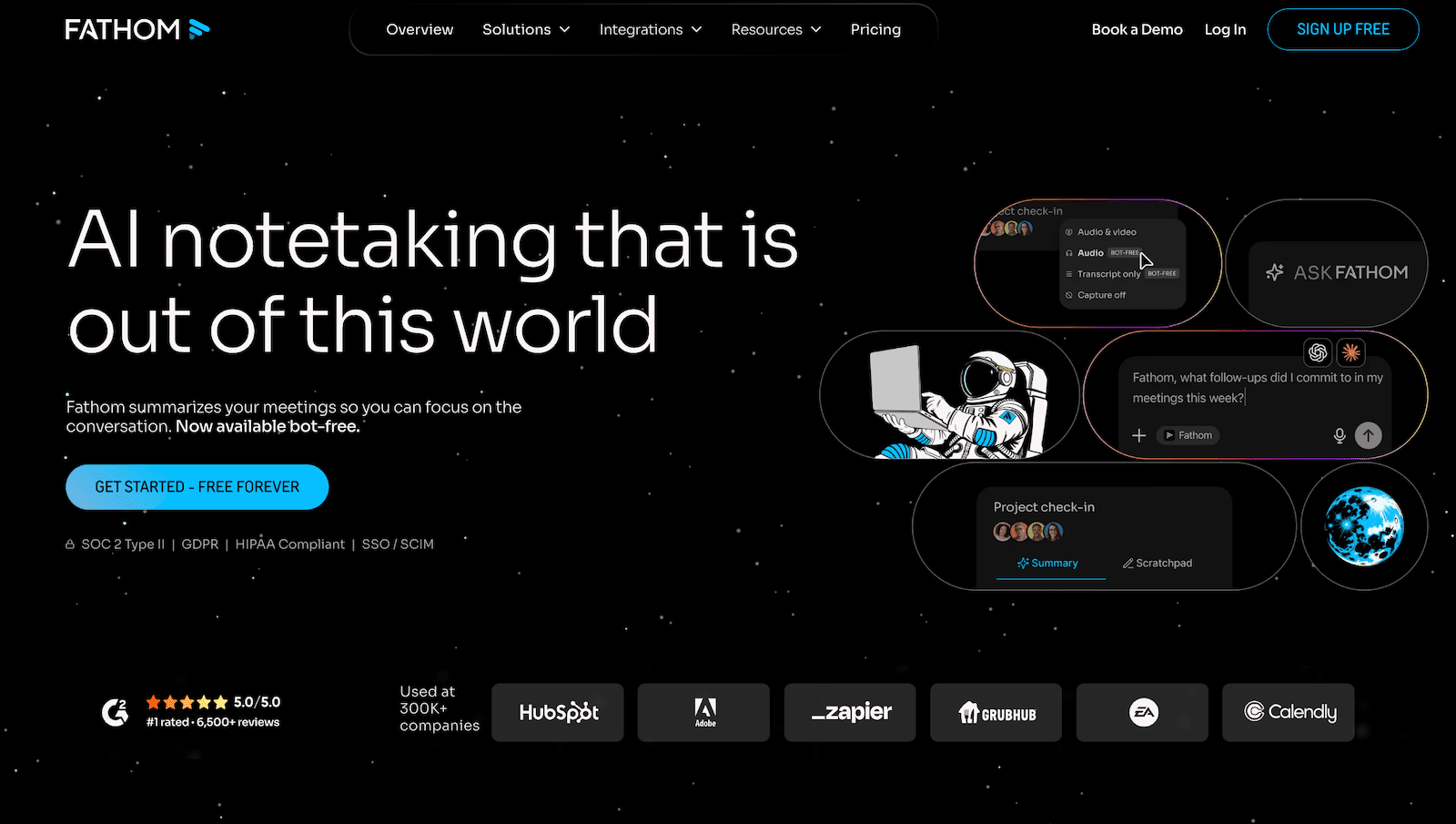
Fathom’s free plan records and transcribes with no time or volume limits, and includes five AI summaries per month. Honestly, that’s more than enough for a freelancer or salesperson testing the service. The summary is delivered about 30 seconds after the meeting ends, before your next call.
The meeting report templates follow sales methodologies (MEDDPICC, SPICED, BANT), which helps avoid generic summaries. The $25 Business plan enables CRM synchronization with custom fields, a deal-by-deal view, and scoring grids.
Two reservations:
- The publisher is American, which carries weight in some purchasing committees.
- The limit of five monthly summaries on the free plan becomes noticeable with just two appointments per day.
The free plan is sufficient to judge the transcription quality of your own appointments, without a credit card.
Fireflies: the searchable library of all your calls
- Price: Free, then $10 per user per month on an annual plan, up to $39
- Publisher: U.S.
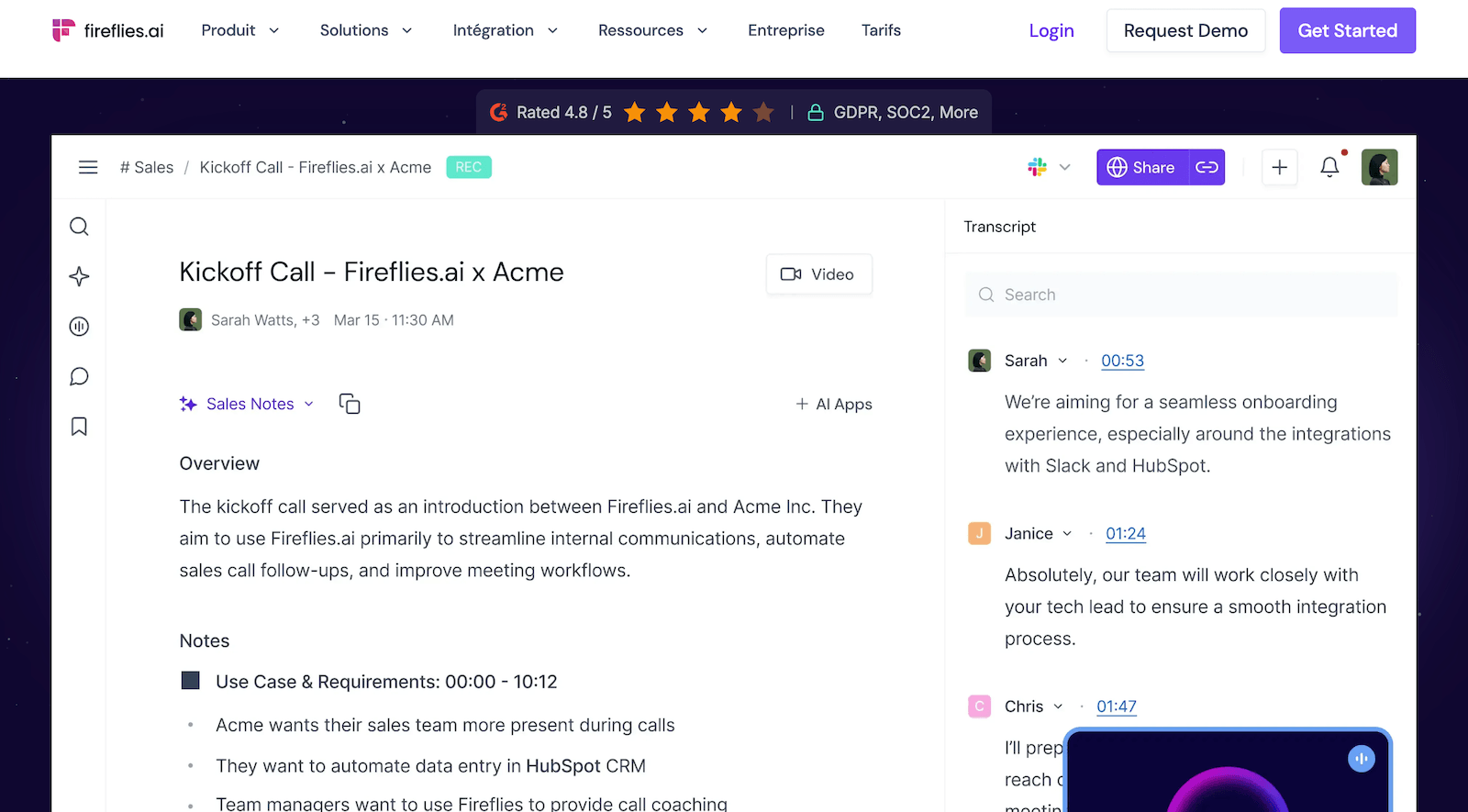
Fireflies offers unlimited transcription even on the free plan. You only pay for storage and AI credits. The $19-per-year Business plan adds conversational analysis and team statistics, while the $39 Enterprise plan includes SSO, audit logs, and, most importantly, customizable retention periods.
Keep this last point in mind: this is exactly the setting you’ll need to meet the retention periods detailed below. With most hosting providers, it’s reserved for the most expensive tier.
Another one of its strengths is search. It takes just a few seconds to find all the times a prospect mentioned a competitor over the course of six months of calls. Learn more on the Fireflies website.
Noota: The French publisher that keeps your data in Europe
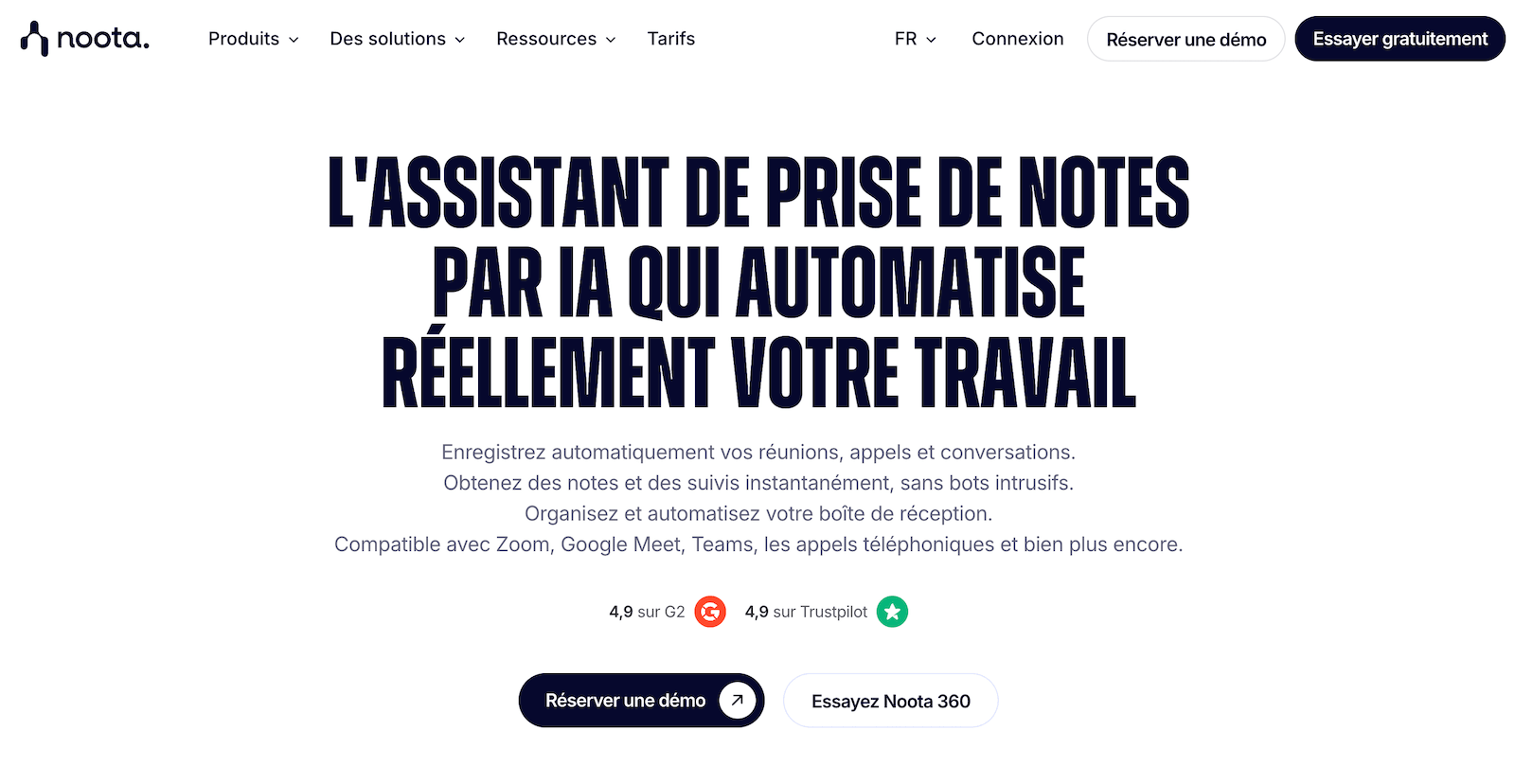
- Recording: video calls, in-person meetings, file imports
- Pricing: Free for up to 300 minutes, then $19 and $39 per user per year
- Publisher: French, data hosted in Europe
Noota functions like a traditional note-taking app, with two key advantages for a French SME: a France-based provider and European hosting. Meeting minutes are structured using templates, and integrations cover everything from CRMs to recruitment tools.
The Business plan adds a rare and immediately useful feature: participant consent management. When you get to the section on contact information, you’ll understand why this feature is worth the price.
The limitation of the Pro plan is the 1,000-minute monthly allowance, which a sales rep with back-to-back appointments can quickly use up.
The free plan offers 300 minutes per month, which is enough to test the quality of the French transcription before you commit.
Leexi: The Note-Taking App That Integrates with Your Phone
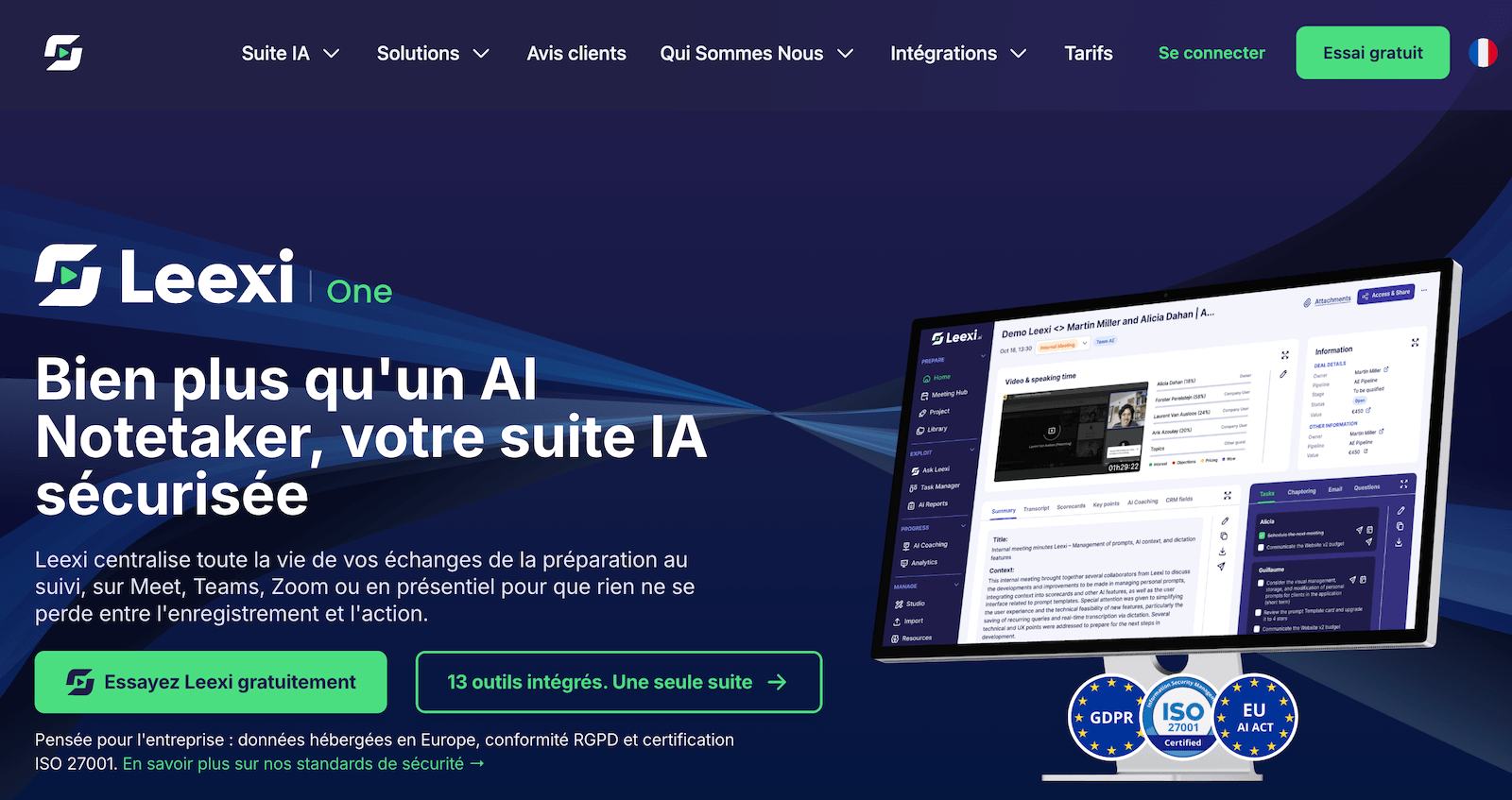
- Price: €12, €23, and €39 per user per month, billed annually
- Publisher: Belgian; hosted on AWS Europe
- Trial: 7 days, no permanent free plan
Leexi is the tool most similar to Noota on paper, with one key difference that will interest sales teams: the €39 Business plan connects both the CRM and the phone systems. It’s the only note-taking tool in this selection that claims to cover both channels.
Be aware of the plan tiers. The Starter plan at €12 records and summarizes data, but does not send anything to your other tools. Integrations start at €23, CRM and phone features at €39, and performance analytics are reserved for the Enterprise tier, which has no publicly listed price.
Details about the offers can be found on the Leexi website.
Analyzing Sales Calls in the CRM: Modjo, Claap, Gong
A Shift in Categories. Here, the recording is merely raw data. What you’re buying is the automatic populating of the CRM, call scoring, portfolio analysis, and the coaching that goes with it. The price is on a different scale, and so is the level of commitment.
Modjo: The French Leader in Automated CRM Data Entry
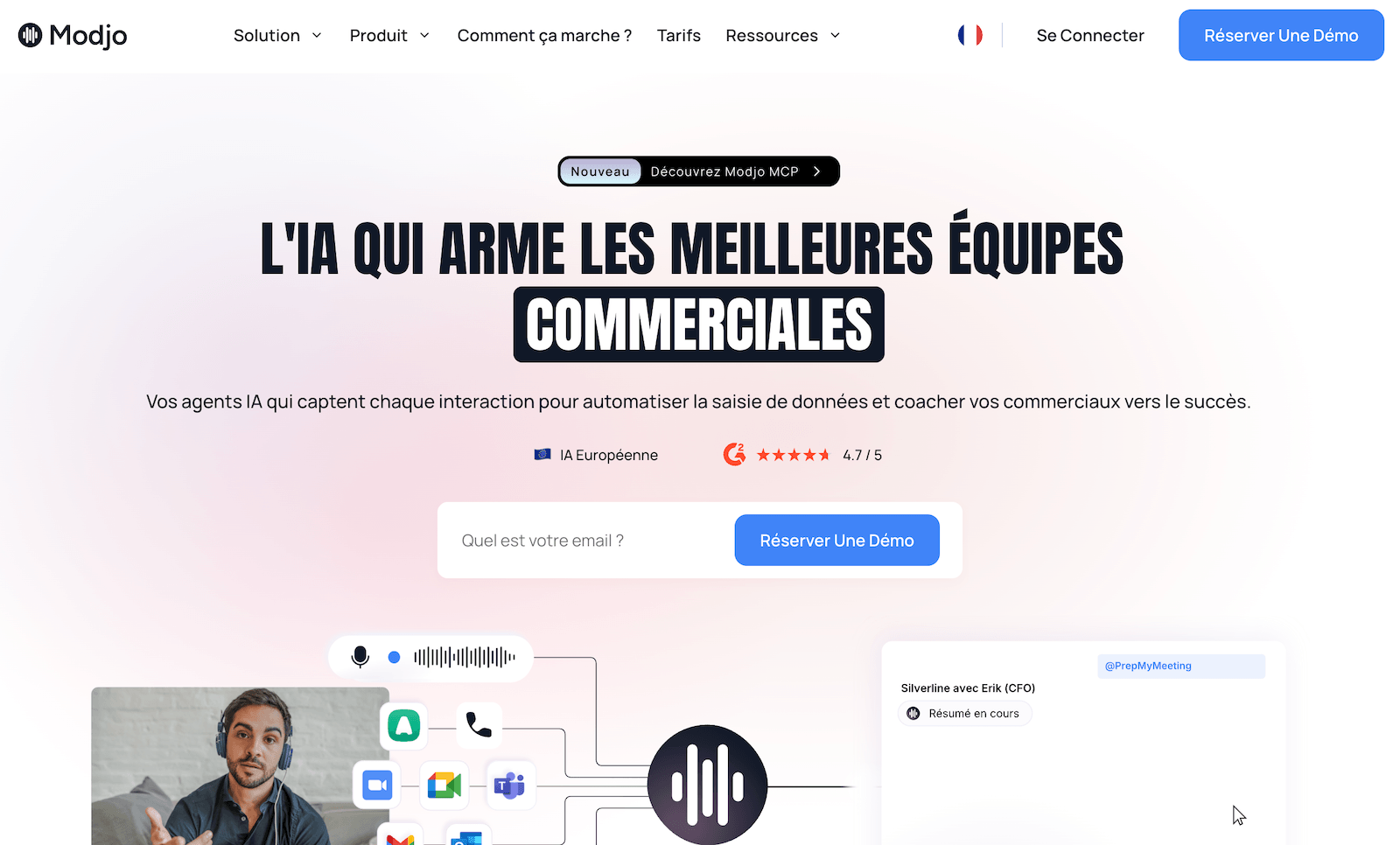
- Recording: video conferencing, phone calls, and emails
- Pricing: based on quote, annual contract, no self-service trial
- Provider: French, data hosted in Paris
Modjo integrates with your phone system and sends its bot to your video calls, then populates Salesforce or HubSpot field by field. That’s its main selling point—and also its limitation: on Pipedrive, Zoho, or Dynamics, you lose the feature that sets it apart the most.
The licensing model is well thought out. Only registered users are billed; listening is free and unlimited for managers and executives. The typical cost is around 100 euros per license per month, with volume-based discounts, as detailed in our full review of Modjo.
Modjo does not offer a self-service trial: come to the demo with your call volume and a list of your tools to get a quote quickly.
Claap: A Fixed Price in the Face of Quote-Based Platforms
- Price: Free, €24 per user, then €48 to populate the CRM
- Special feature: recording without a visible bot in the meeting
Claap, now part of lemlist, offers the best of both worlds. At €24, it’s an excellent note-taking tool. At €48, you get CRM data entry, coaching, and deal analysis dashboards. All of this is publicly available, with no mandatory annual commitment.
What sets it apart is that it records without using a bot. No “ghost” participants appear in the meeting, which eliminates a real business friction point. On the other hand, the responsibility for announcing the recording falls entirely on you, and this changes your obligations. We’ll come back to this below. Our detailed review of Claap compares the different pricing tiers.
Gong: the platform for large sales organizations
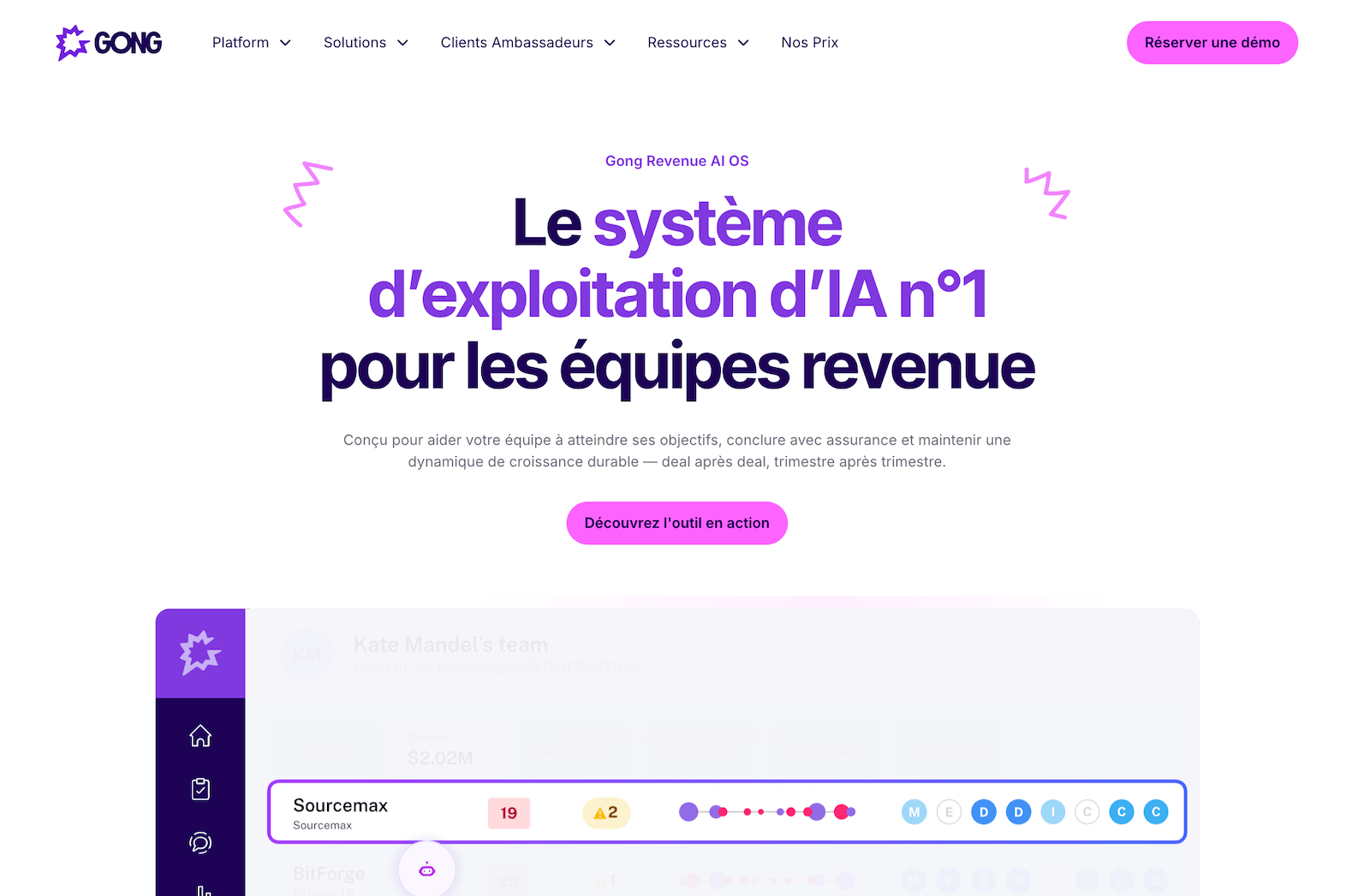
- Pricing: Based on a quote; per-user license plus annual platform fees
- Publisher: U.S.-based
Gong remains the leader in sales forecasting and portfolio analysis. The engagement and forecasting modules are billed separately, which can quickly drive up the cost.
Prices are not publicly disclosed. According to purchase data compiled by the Vendr platform and cited in several market analyses, the license costs between $1,300 and $1,900 per user per year, plus annual platform fees ranging from $5,000 to $50,000 depending on the company’s size. It is these fixed costs that make Gong unsuitable for a team of fewer than twenty salespeople, since they do not decrease with the number of licenses.
Gong does not publish its pricing: request details on platform fees and modules before comparing it with any European competitor.
Recording Phone Calls: Ringover, Aircall, Allo
If your sales reps spend their days on the phone, no note-taking tool will save you. Recording is triggered at the switchboard, not during video calls. Analysis comes next, either as an add-on module or via a platform connected to your phone system.
Ringover: Conversational analysis as a separate module
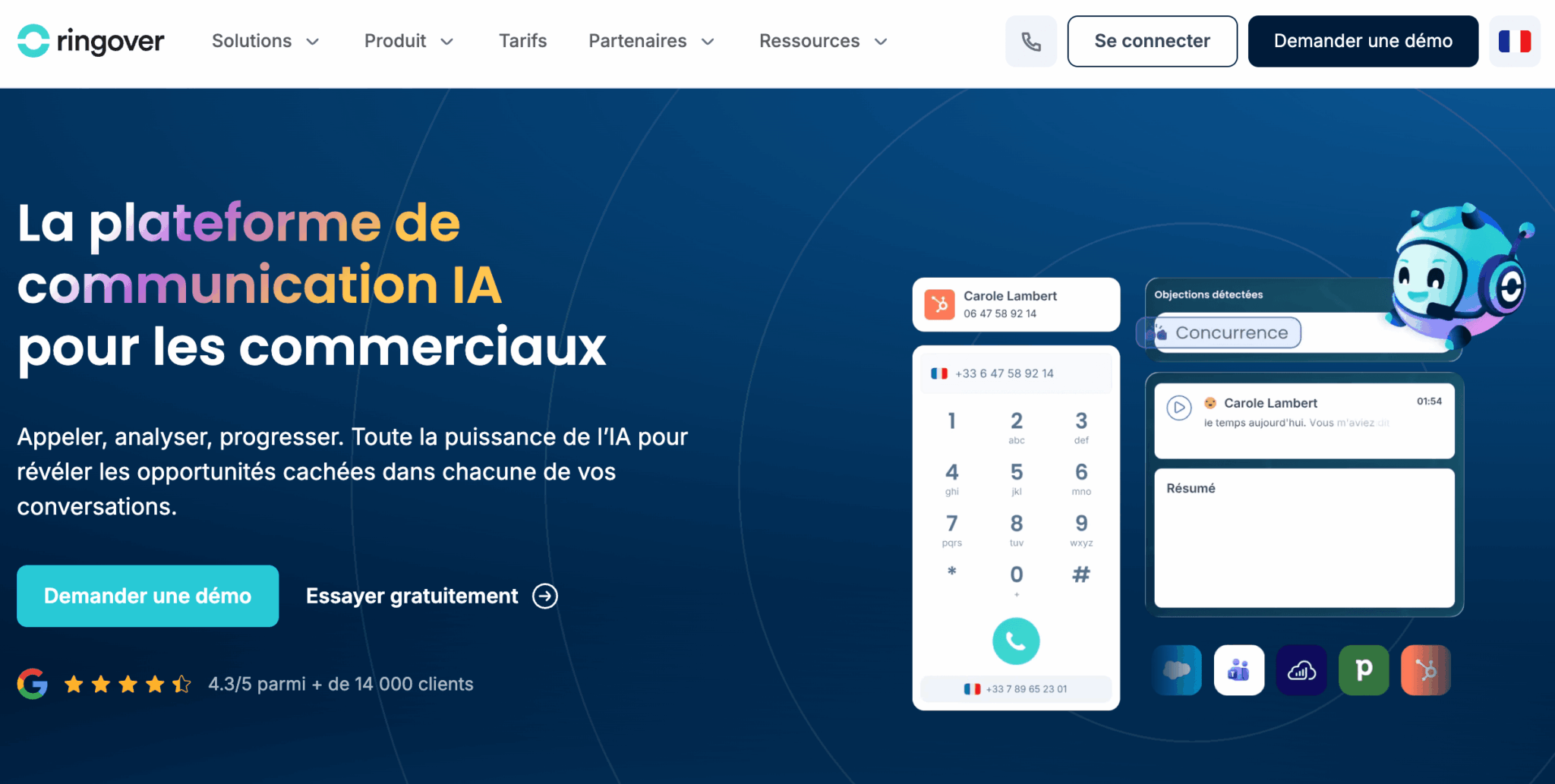
- Price: starting at €20 per user per month
- Empower module: €39 per license per month
- Publisher: French
Ringover includes call transcripts and summaries in its premium plans. Advanced conversation analysis, however, is available through the Empower module, which is billed separately.
This approach has an advantage that few comparisons highlight: you only provide licenses to the sales reps who need them. Three Empower licenses for a team of ten cost less than a platform billed to everyone. Ringover also integrates with conversation intelligence platforms, including Modjo, if you want to separate telephony from analytics.
The free trial includes a few Empower licenses, so you can evaluate the conversation analysis on your actual calls.
Aircall: The Broadest Integration Ecosystem
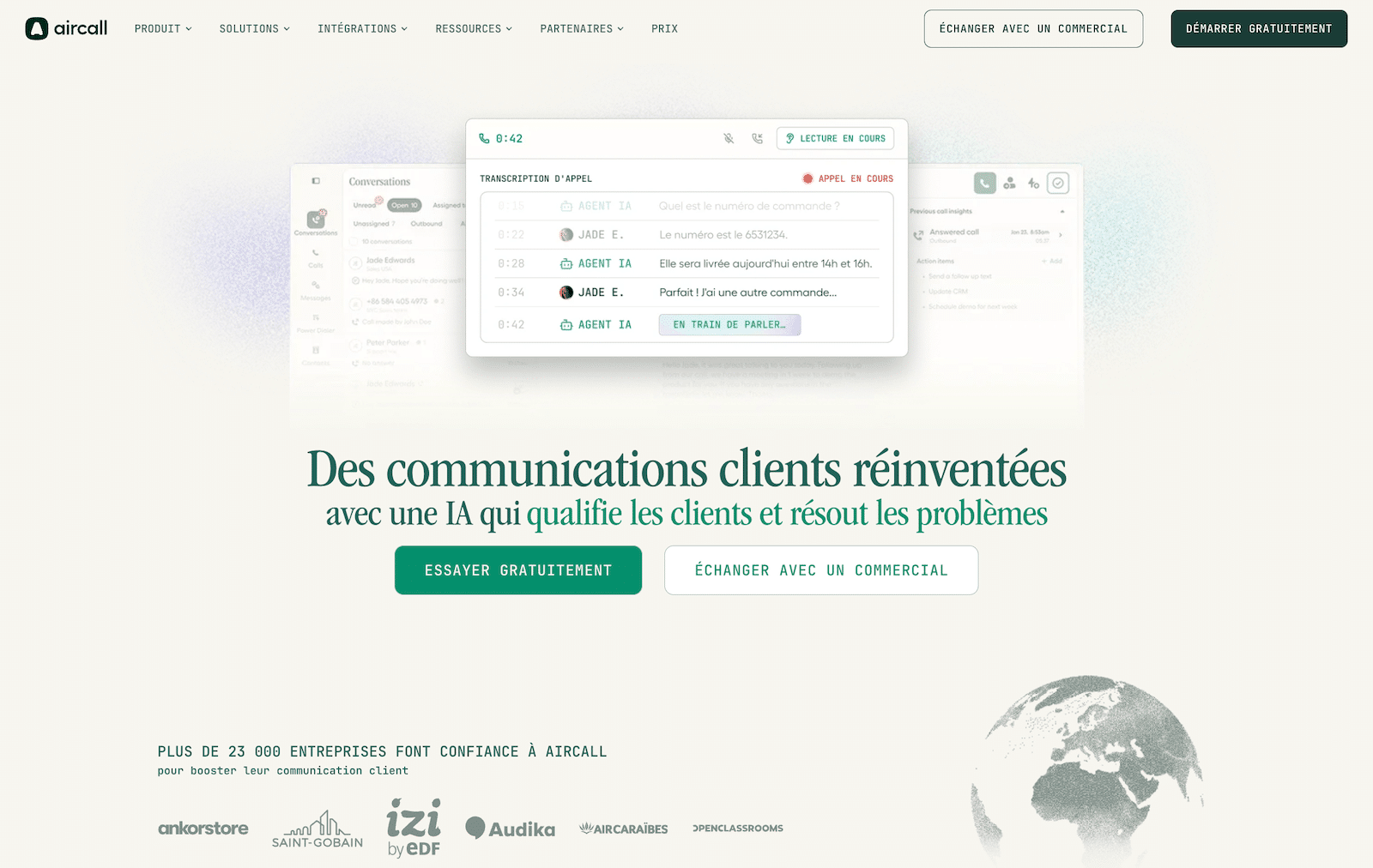
- Price: starting at €30 per user per month, with a minimum of three licenses
- AI features are billed separately
- Publisher: French
Aircall remains the go-to choice for teams that are already well-equipped, with over 100 native integrations and live coaching features such as dual listening and whispering. AI features, including transcription, are billed as optional add-ons, which drives up the cost compared to the listed starting price.
The minimum requirement of three licenses effectively excludes freelancers. To help you choose between the two French providers, our review of Aircall takes a closer look at the pricing plans.
Aircall offers a free trial: take advantage of it to see how transcription works for your outbound calls.
Allo: AI-powered phone service for small teams
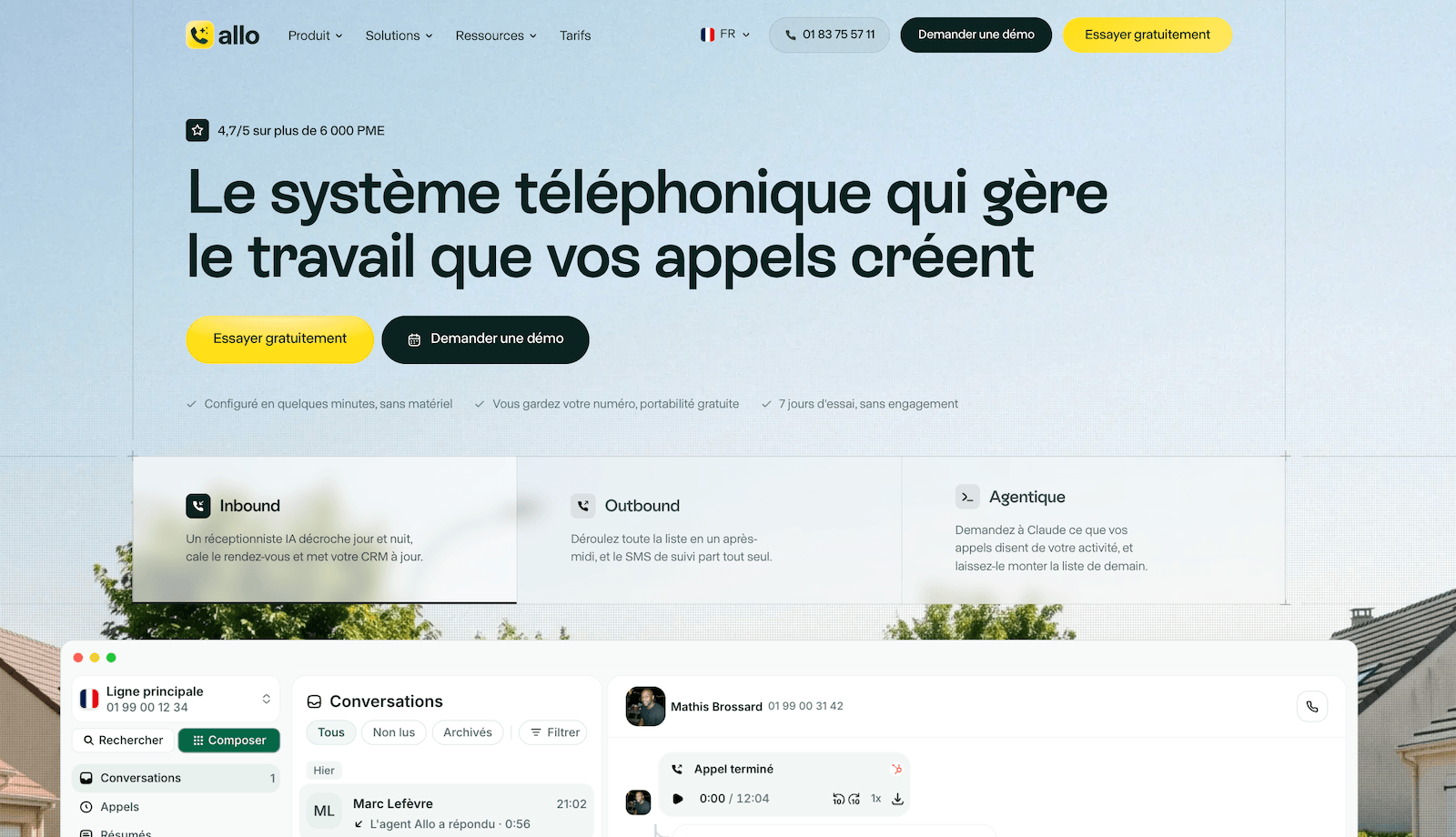
- Pricing: €120 per year for a single user, €25 per license for two or more users
- Publisher: French
Allo includes automatic transcription and summaries in both of its plans, with no additional modules required. There’s also no minimum license requirement, making it the only viable option for a freelancer or a two-person team that wants to properly record their calls. The trial lasts seven days. Our review of Allo details the pricing based on team size.
For contact center volumes, check out Diabolocom or CloudTalk, and our comparison of calling software.
Sales Calls: What These Tools Don’t Record
Before signing up, make sure the tool actually captures your conversations.
There are four blind spots that consistently arise:
- Non-standard cloud-based mobile phones. A sales representative who calls from their personal cell phone—without a corporate calling app—is not tracked by any of these tools. This is the most common scenario in small and medium-sized businesses and the one least well addressed by comparison reviews.
- In-person meetings. Only Noota and Leexi offer a mobile app capable of recording an in-person meeting. The others rely on video conferencing or a phone line.
- Written communications. WhatsApp, LinkedIn, and text messages fall outside the scope of all these tools, even though part of the negotiation takes place there. Only Modjo also tracks emails.
- The robot itself. A participant named “Fathom Notetaker” or “Noota Bot” who joins the meeting is visible, and sometimes changes the dynamic of the meeting. Claap is the only one in this selection that records without a robot, which eliminates commercial friction but shifts the responsibility of announcing the recording to you.
The best tool is the one that covers the channel where you actually sell, not the one with the longest list of features. Count your appointments from last week, separate video calls from phone calls, and choose the tool based on which column is the fullest. Our tips for selling via video conference are a useful addition to this topic.
How much does a sales call analytics tool cost?
There are three pricing models:
- Note-taking tools bill per user.
- Telephony solutions charge a flat rate plus an analytics module fee.
- Platforms add fixed fees to the price of licenses.
Here’s what a team of five sales representatives looks like, based on the annual rates listed by publishers.
| Solution for 5 sales representatives | Estimated monthly cost | What you get |
|---|---|---|
| Fathom Business | $125 | Meeting Notes and CRM Synchronization During Video Conferences |
| Noota Business | $195 | The same thing, but with a French publisher |
| Claap Business | €240 | CRM Data Entry, Coaching, and Deal Analysis |
| Ringover Business and Empower | €430 | Comprehensive telephony and conversation analytics |
| Modjo | Approximately €500 | Multichannel capture, CRM integration, free monitoring licenses |
| Gong | Based on a quote | Licenses, platform fees, and modules billed separately |
Four pitfalls to watch out for:
- AI features sold as add-ons by telecom providers: the advertised plan almost never includes analytics.
- Dormant licenses, since you pay for every sales rep equipped with the system, whether they log two calls or forty per week.
- The annual commitment, which is standard for platforms that operate on a quote basis.
- Billing in dollars by U.S. software vendors, which exposes your budget to exchange rate fluctuations.
Two questions to ask during a demo, before discussing pricing: First, how does the pricing change if you add licenses during the year? And second, what happens to your recordings at the end of the contract—in what format, and how long before they’re deleted? A vague answer to the second question speaks volumes about the vendor’s maturity.
Call Recording: 6 Settings to Configure Up Front
Almost all of these tools are installed with default settings designed to capture as much as possible. Fifteen minutes of configuration is all it takes to get the system back on track and avoid an awkward conversation with a sales rep who discovers that all their calls have been archived for the past two years:
- Switch from automatic logging to selective logging. Choose between manual triggering or limiting logging to certain types of appointments. This is the most important—and most often overlooked—setting.
- Set a retention period and verify that it’s actually being enforced. Automatic purging isn’t available with all software vendors (or is only available on higher-tier plans).
- Disable emotion analysis if the tool offers it. It’s often enabled by default under the name “sentiment analysis.”
- Restrict access. A sales manager doesn’t need to listen in on calls from another department, and integrations sometimes grant access to the entire call history.
- Exclude personal lines and calls. Have an unregistered line or a mute button available during the call.
- Prepare the announcement and the information page. Say a few words at the start of the call, provide a link to the full description of the treatment, and you’re all set.
Frequently Asked Questions About Recording Sales Calls
Can an AI note-taker record a phone call?
No, unless it’s connected to your PBX. Fathom, Fireflies, or Noota join a video conference: without an online meeting, they have nothing to record. For phone calls, recording is triggered on the phone system side, and then the analysis takes place within the tool or on a platform connected to it.
What free tool can you use to record and analyze your calls?
Fathom offers the most generous free plan, with unlimited recordings and transcripts and five AI summaries per month. Fireflies also provides unlimited transcripts in its free version, with a storage limit. Noota offers 300 minutes per month. None of these offers cover landline calls.
Can a customer call be recorded without notifying the customer?
No. Prior notification is mandatory for both employees and callers, and it must be provided early enough in the conversation to allow the person to object.
How long can a call recording be retained?
A maximum of six months for the recording itself, and one year for reports and analysis sheets, unless a law specifies a different retention period. Best practice is to review the recording promptly and then retain only the analysis document.