You’ve typed “best sales prospecting software” into Google and you’ve probably come across a dozen articles listing 15, 20, sometimes 50 tools…without ever helping you choose. Normal: these articles compare incomparable things. Waalaxy and HubSpot in the same list? It’s like comparing a kitchen knife and a Thermomix food processor.
The truth is, there‘s no such thing as the “best sales prospecting software”. What does exist is a prospecting stack, i.e. a combination of 3 to 5 specialized tools which, together, cover your prospecting chain from end to end: one tool to find your prospects, another to collect their contact details, a third to automate your follow-ups, a CRM to keep track of it all.
In this article, we won’t give you a list of 50 tools. First, we explain what sales prospecting software really means. Then, we recommend concrete combinations according to your profile (solopreneur, VSE, structured SME) and realistic budgets. And for each tool in our Top 10, we tell you exactly why it deserves its place, and especially for whom it’s not suitable.
Sommaire
Sales prospecting software: what exactly is it?
When we talk about sales prospecting software, we often mix up tools that have nothing to do with each other: LinkedIn Sales Navigator, Lemlist, HubSpot, Dropcontact and so on. They’re all labeled “prospecting”, but they don’t do the same thing at all.
To understand this, you need to understand that a complete B2B prospecting chain has five distinct links. Each link can be managed manually (when you’re just starting out) or automated (when volume demands it). Your objective: identify which links are your bottlenecks today – that’s where you need to invest first.
The 5 building blocks of a sales prospecting stack
#1 Prospect discovery
This is the starting point: finding the right people to contact. We’re talking about software that enables you to identify companies and decision-makers corresponding to your target.
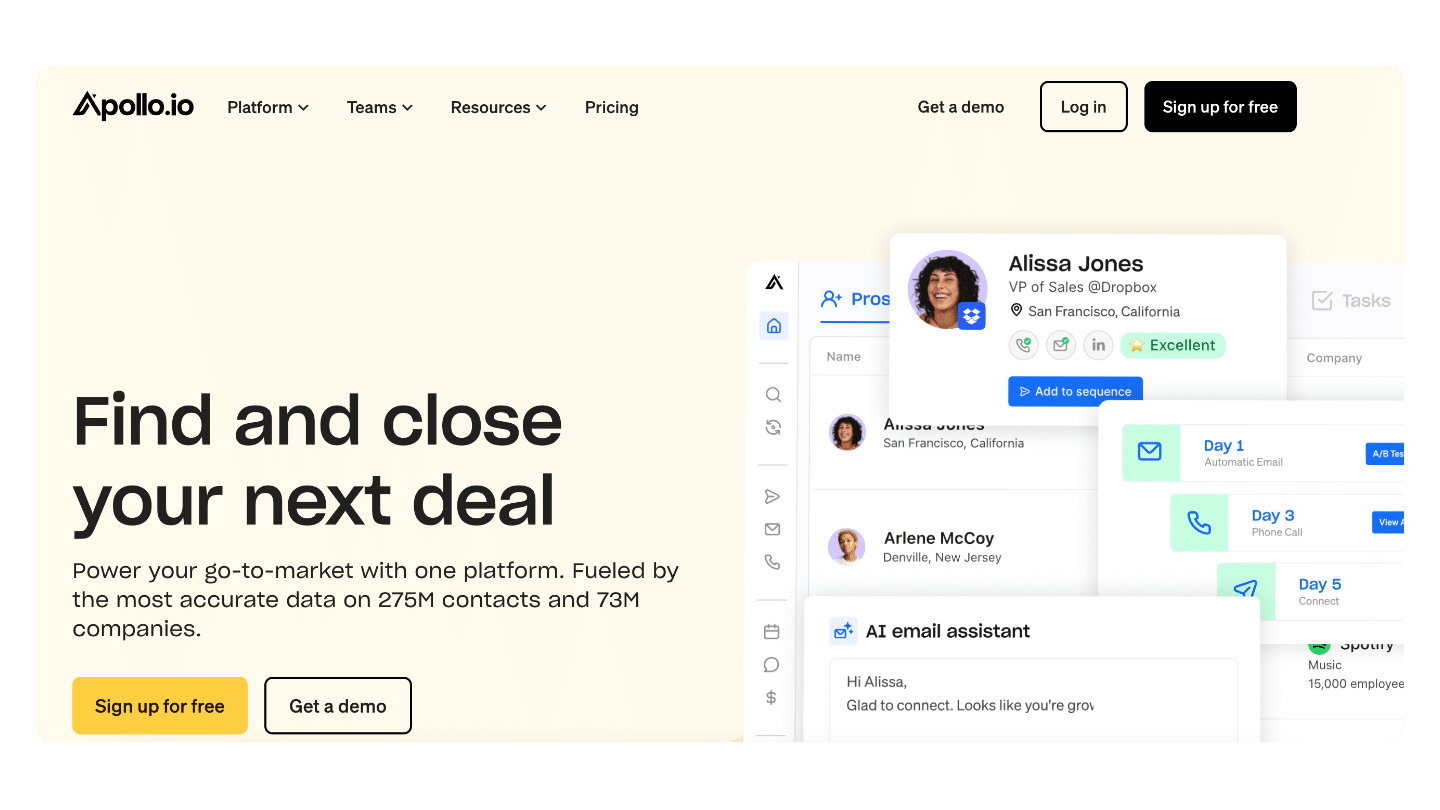
LinkedIn Sales Navigator is the king in this category, with its advanced filters (sector, function, company size, job changes). But there are also B2B databases such as Apollo or Cognism, or more traditional methods such as scraping sector-specific directories.
#2 Data enrichment
You’ve identified an interesting prospect on LinkedIn. Problem: you don’t have their professional email or phone number.
This is the role of enrichment tools such as Kaspr, Dropcontact or Hunter. They transform a simple “first name + last name + company” into actionable contact details, with real-time validation to avoid bounces.
#3 Multi-channel sequencing
You’ve got your prospects and their contact details. Now it’s time to contact them and, above all, follow them up, because one email is never enough.
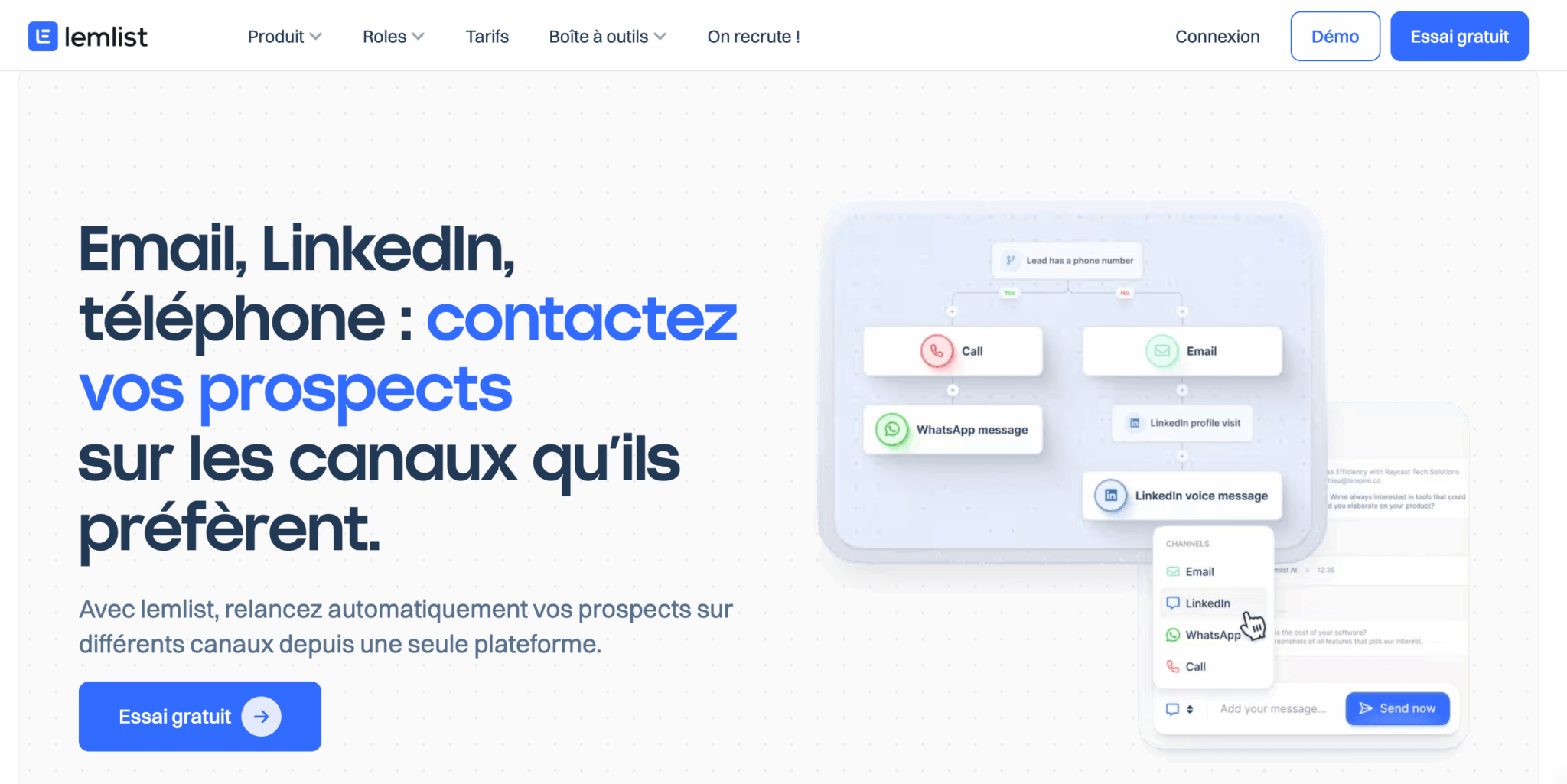
Sales prospecting software such as Waalaxy or Lemlist automate these contact sequences across multiple channels: LinkedIn, email, sometimes telephone.
The idea: create workflows like “Day 1: LinkedIn invitation → Day 3: LinkedIn message → Day 7: follow-up email”, with automatic personalization.
#4 Pipeline management
As you multiply your contacts, you need to keep track of where each prospect is in your sales cycle:
- Who answered?
- Who needs a boost?
- Who’s ready for a date?
This is the role of CRM: HubSpot, Pipedrive, noCRM, Salesforce and others. Without it, you lose leads along the way, you forget to follow up, you have no visibility on your sales activity.
#5 Optimization and analysis
Once your prospecting machine is up and running, you want to understand what works:
- Which messages get the best response rates?
- Which salespeople perform best and why?
This is the terrain of analytics tools integrated into CRMs, call recording solutions like Aircall or conversational intelligence platforms like Gong that analyze your calls and appointments using AI.
Why this distinction changes everything
To understand these five bricks is to understand why there is no universal “best sales prospecting software”.
A solopreneur prospecting 10 leads a week doesn’t have the same needs as an SME with 10 salespeople handling 500 leads.
The former can make do with LinkedIn Sales Navigator + Kaspr + an Excel spreadsheet. The latter needs HubSpot Pro, Lemlist for email automation, perhaps Aircall for telephony and Gong to coach his teams.
So the right question isn’t “what’s the best sales prospecting software?”, but rather: “which bricks am I missing today, and which tools match my volume and budget?”
That’s exactly what we’re going to see in the rest of this article: first, turnkey stacks according to your profile, then details of the 10 best tools in each category.
Which sales prospecting software best suits your profile? 3 turnkey stacks
Rather than letting you assemble your stack blindly, we’ve come up with three tried-and-tested configurations. Each has been designed for a specific profile, with a realistic monthly budget, to give you a solid base that you can adjust to your specific needs.
Stack #1: Solopreneur / TPE (1-2 people) – Budget €50-150/month
You’re prospecting alone or with a partner. You don’t need a gas factory, but you do want to structure your approach so you don’t lose any more prospects along the way. Your objective is to prospect 5 to 15 qualified leads a week without spending all day on it.
| Brick | Recommended tool | Price | Why this one |
|---|---|---|---|
| CRM / Pipeline | HubSpot CRM (free) | 0€ | Complete CRM with no contact limit. Enough to structure your pipeline without paying a cent. |
| Discovery | LinkedIn Sales Navigator | 99/month | Essential for identifying your B2B prospects. Advanced filters are well worth the investment. |
| Enrichment | Kaspr | 45/month | Simple, effective Chrome extension. Up-to-date database on the French/European market. |
| Planning | Calendly (free) | 0€ | Eliminates the need to email back and forth to schedule appointments. Saves time immediately. |
Total budget: €150/month
This stack covers the essentials: you identify your prospects on LinkedIn, retrieve their emails with Kaspr, centralize everything in HubSpot and schedule your appointments with Calendly. Sequencing (automated follow-ups) remains manual at this stage, but it’s manageable when you’re dealing with fewer than 50 prospects a month.
Tight budget alternative: free Waalaxy (includes limited discovery version + LinkedIn sequencing) + free noCRM + free Calendly. You lose targeting power, but it’s functional to get started.
Stack #2: Small business (3-5 salespeople) – Budget €200-400/month
You have a small sales team. Your prospecting volume is increasing, and you’re starting to waste time on repetitive tasks: manual follow-ups, copying and pasting emails, data scattered between several tools. It’s time to automate.
| Brick | Recommended tool | Price | Why this one |
|---|---|---|---|
| CRM / Pipeline | HubSpot Sales Hub Starter | 20/month/user | Basic automation, email sequences, shared pipeline. The right compromise between features and price. |
| Discover | LinkedIn Sales Navigator | 99/month | A shared account may be enough for 3-5 people if you organize your searches well. |
| Enrichment | Dropcontact | From €24/month | Enrichment + validation + deduplication. RGPD-compliant. Native HubSpot integration. |
| Sequencing | Waalaxy | 19/month/user | LinkedIn + email automation. Personalization AI. Respects LinkedIn limits. |
| Planning | Calendly | 10/month/user | Paid version for CRM integrations and team pages. |
Total budget for 3 salespeople: around €350/month
This prospecting stack adds two key elements to the previous one:
- Sequencing automation (Waalaxy manages your LinkedIn and email follow-ups automatically).
- More robust enrichment (Dropcontact cleans and completes your data en masse).
Your sales reps spend less time on repetitive tasks and more time talking to prospects.
Alternative if email is your main channel: Replace Waalaxy with Lemlist (€55/month). Lemlist is more powerful on email sequencing (extreme personalization, dynamic images, A/B testing), but less complete on LinkedIn.
A common pitfall: wanting to use Waalaxy AND Lemlist right from the start. In practice, mastering a single sequencing tool already takes 2-3 weeks. Choose the one that corresponds to your main channel (LinkedIn → Waalaxy, Email → Lemlist), use it for 3 months, then add the second if the need is confirmed.
Stack #3: Structured SME (5-15 salespeople) – Budget €600-1,200/month
You have a real sales team with SDRs, Account Executives, maybe a manager. You need visibility on collective performance, data-driven coaching, and an infrastructure that holds the load when you recruit.
| Brick | Recommended tool | Price | Why this one |
|---|---|---|---|
| CRM / Pipeline | HubSpot Sales Hub Pro | 90/month/user | Advanced automation, lead scoring, team reporting, forecasting. The standard for growing SMEs. |
| Discover | LinkedIn Sales Navigator | 99/month/user | Share prospect lists and avoid duplication between sales reps. |
| Enrichment | Dropcontact | 50-199€/month | Volume-adapted plan. Bi-directional synchronization with HubSpot. |
| Email sequencing | Lemlist | 55/month/user | Advanced email sequencing with AI personalization, videos, A/B testing. Measurable ROI. |
| Telephony | Aircall | 30/month/user | If significant telephone prospecting. Registration, analytics, CRM integration. |
| Conversational intelligence | Gong (optional) | ~€150/month (on request) | AI analysis of your calls and meetings. Automated coaching. Proven ROI on 10+ teams. |
Total budget for 8 sales reps (without Gong): ~€900/month
At this level, you have a complete prospecting machine: discovery, enrichment, multi-channel sequencing, unified pipeline and analytics to drive performance. The addition of Gong (optional but recommended for 10 or more sales reps) gives you an extra layer of conversational intelligence to understand why some sales reps perform better than others.
Salesforce alternative: If you’re already on Salesforce (or aiming for very rapid growth to 50+ salespeople), replace HubSpot with Salesforce Sales Cloud + Salesforce CPQ. Higher budget, but more mature ecosystem for larger teams.
Which stack to choose? Summary table
| Profile | Team size | Monthly budget | Key tools | What you earn |
|---|---|---|---|---|
| Solopreneur / VSE | 1-2 people | 50-150€ | HubSpot Free + Sales Navigator + Kaspr + Calendly | Structured prospecting, 5-15 leads/week, zero loss of prospects |
| Very small business | 3-5 people | 200-400€ | HubSpot Starter + Sales Navigator + Dropcontact + Waalaxy | Automated follow-ups, own data, shared pipeline |
| Structured SME | 5-15 people | 600-1 200€ | HubSpot Pro + Sales Navigator + Lemlist + Dropcontact + Aircall | Full multichannel, team analytics, coaching, scalability |
The 10 best sales prospecting software: our selection
Now that you know what you need, let’s get down to the nitty-gritty. We’ve selected the 10 best sales prospecting software by analyzing dozens of solutions available on the market.
Our criteria: efficiency, reputation, value for money, ease of use and relevance for French-speaking companies (support, EMEA databases, RGPD compliance).
We’ve sorted them by category rather than by artificial “ranking” – because comparing a CRM to an enrichment tool doesn’t make sense. It’s up to you to pick and choose from each category according to the stack that best suits your situation.
The best CRMs for sales prospecting
The CRM is the backbone of your prospecting. It’s where you centralize your contacts, track your pipeline and avoid losing opportunities along the way. There are two opposing approaches: the complete CRM (HubSpot) and the minimalist CRM designed for pure salespeople (noCRM).
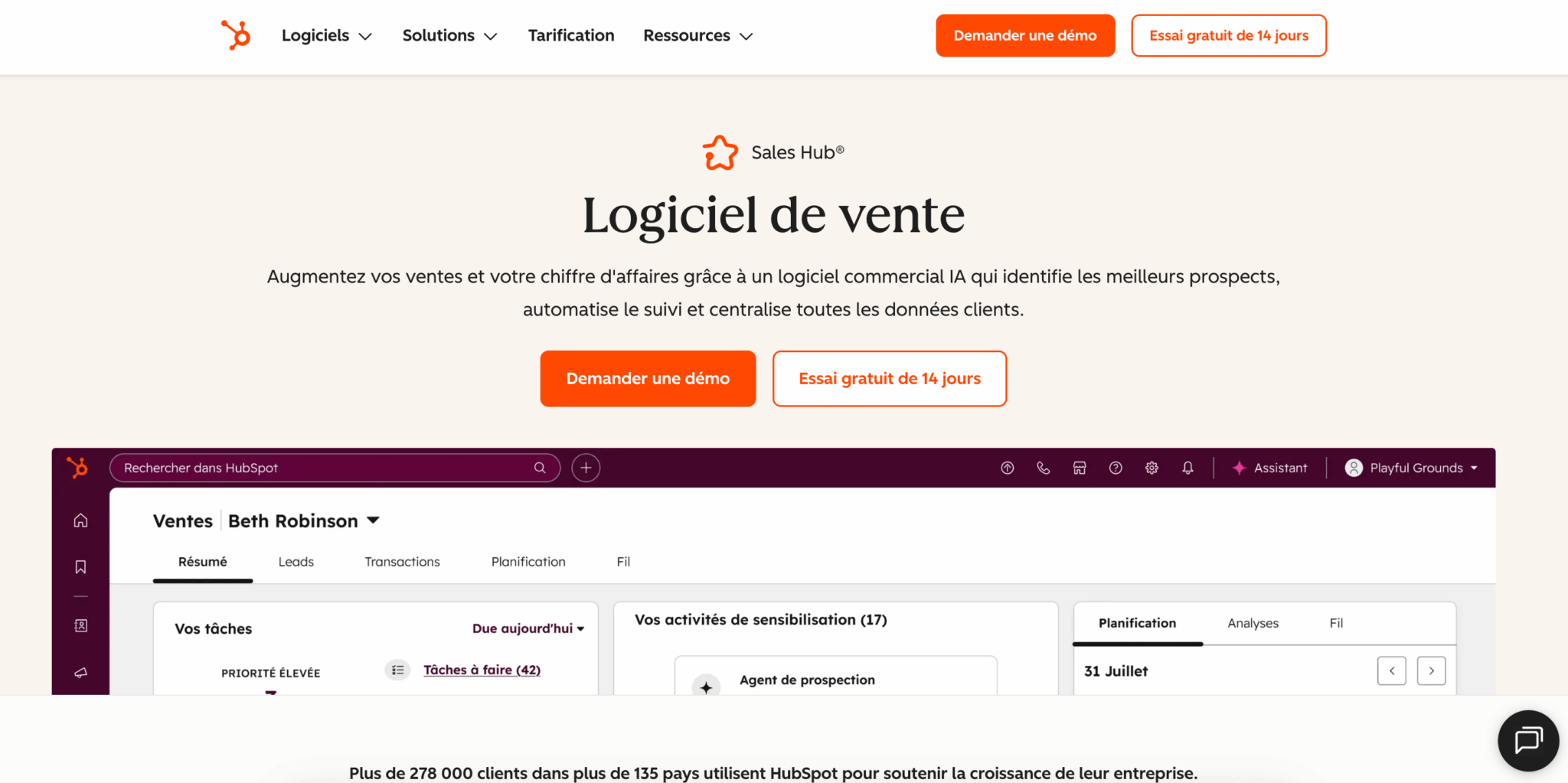
#1 HubSpot Sales Hub: The essential foundation
- In a nutshell: CRM + prospecting platform all-in-one
- Price: Free (Free version) → Starter at €20/month/user → Pro at €90/month/user
- Rating: 4.5/5 on G2 (493 reviews)
HubSpot is the recommended starting point for the vast majority of French SMEs. Not because it’s the most sophisticated, but because it’s the most pragmatic: the free version offers a complete CRM (with no contact limit), pipeline management, basic email marketing and first-level automation. No other sales prospecting software offers this functional density for zero euros.
The typical route: you start on HubSpot Free with 2-3 sales reps. You add LinkedIn prospecting via a third-party extension (Waalaxy, Kaspr). When the volume increases and you need automated email sequences and team reporting, you upgrade to Starter (20€/month). And only upgrade to Pro (90€/month) if you really need lead scoring, advanced workflows and forecasting.
What we like: Zero cost of entry, 60+ native integrations, powerful automation workflows (from Starter version), French interface, rich training ecosystem (HubSpot Academy), active French-speaking community.
The limitation: The interface may seem complex to someone who just wants to “manage their leads”. If you’re looking for absolute simplicity and don’t need automation, noCRM will be better suited.
Who’s it for? Any B2B company that wants to structure its prospecting with a scalable tool. From solopreneurs (Free version) to SMEs with 50 employees (Pro/Enterprise version).
HubSpot offers a 100% free CRM with no time or contact limits. You can then upgrade to the paid versions (Starter, Pro) only if your needs change.
#2 noCRM.io: CRM for pure salespeople
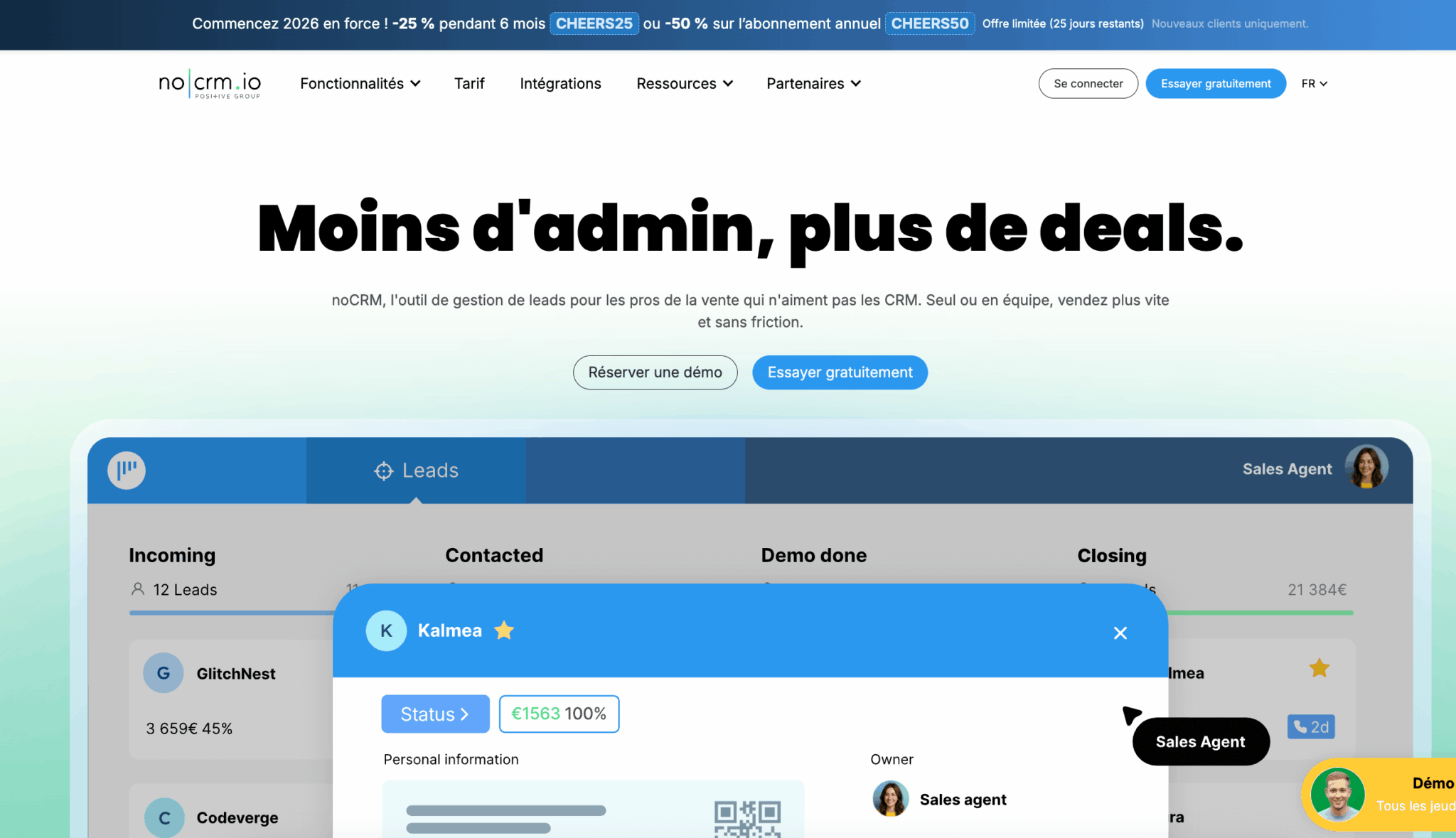
- In short: Minimalist CRM designed to maximize prospecting time
- Price: From €22/month per user (15-day free trial)
- Rating: 4.7/5 on G2
noCRM embodies the opposite philosophy to Salesforce or HubSpot: “Let’s remove all the fields that a salesperson never fills in.” The interface is deliberately minimalist. Your prospects are “cards” that move visually through a pipeline (New → Contacted → In discussion → Won/Lost). No lengthy mandatory fields, no modules that nobody uses.
The tool was designed in Paris, specifically for French SMEs who want a CRM up and running in less than a week, with no IT training required. The promise: your sales reps spend their time prospecting, not filling out forms.
What we like: Radical simplicity (you’re up and running in 30 minutes), affordable price, Zapier integrations (2,000+ apps), efficient mobile application, responsive customer support in French.
The limitation: Fewer advanced analytics than HubSpot. Customization and automation options are deliberately limited – that’s the price of simplicity. If you need complex workflows or granular reporting, don’t bother.
For whom: Solopreneurs, freelancers and VSEs (1-10 people) who want a frictionless CRM. Particularly suited to teams allergic to Salesforce-type “gas factories”.
noCRM offers a 15-day free trial without credit card. Test this minimalist CRM and see if it suits your way of working.
The best lead discovery software
Before enriching and contacting, you need to identify the right people. In the B2B ecosystem, one tool largely dominates this category – to the point where it has become virtually unavoidable. We call it…
#3 LinkedIn Sales Navigator: The B2B must-have
- In brief: LinkedIn’s premium version for sales prospecting
- Price: €99 per month per user
- Rating: 4.3/5 on G2 (1,800+ reviews)
LinkedIn has 1.2 billion users worldwide, including millions of B2B decision-makers. Sales Navigator is the pro version of LinkedIn: advanced search filters (sector, function, company size, seniority in position, technologies used…), alerts on your prospects (change of position, promotion, news) and an integrated CRM to organize your lists.
In concrete terms, a salesperson who has mastered Sales Navigator identifies 5 to 10 qualified leads a day in 15-20 minutes. Multiply that by 220 working days, and you get 1,100 to 2,200 qualified leads a year. At €99/month, the ROI is obvious.
What we like: Massive, up-to-date contact database, ultra-precise filters (including “buy signals” such as job changes or fundraisings), native integration with most CRMs, InMails included for contacting people outside your network.
The limitation: Sales Navigator doesn’t provide professional emails or phone numbers. You identify your prospects, but to contact them outside LinkedIn, you’ll need an enrichment tool (Kaspr, Dropcontact, Hunter). This is a deliberate limitation of LinkedIn, not an oversight.
Who is it for? Any B2B salesperson. Seriously. If you’re doing B2B prospecting and you don’t have Sales Navigator, you’re working with one arm tied behind your back. It’s the next-biggest investment after your CRM.
LinkedIn offers a free one-month trial of Sales Navigator. Take advantage of this opportunity to test the advanced filters and measure how many qualified leads you can identify.
Sales Navigator offers a free one-month trial. Take advantage of this to test the advanced filters and measure how many qualified leads you identify per day. If you exceed 3-5 leads/day, the subscription will pay for itself. Below that, you may need to refine your targeting before investing.
The best data enrichment software
You’ve identified a prospect on LinkedIn. That’s great. But all you have is his name, position and company. To contact them by email or telephone, you need their contact details. This is the role of enrichment tools – and two French solutions in particular stand out on the European market:
#4 Kaspr : Simple and effective LinkedIn data extraction
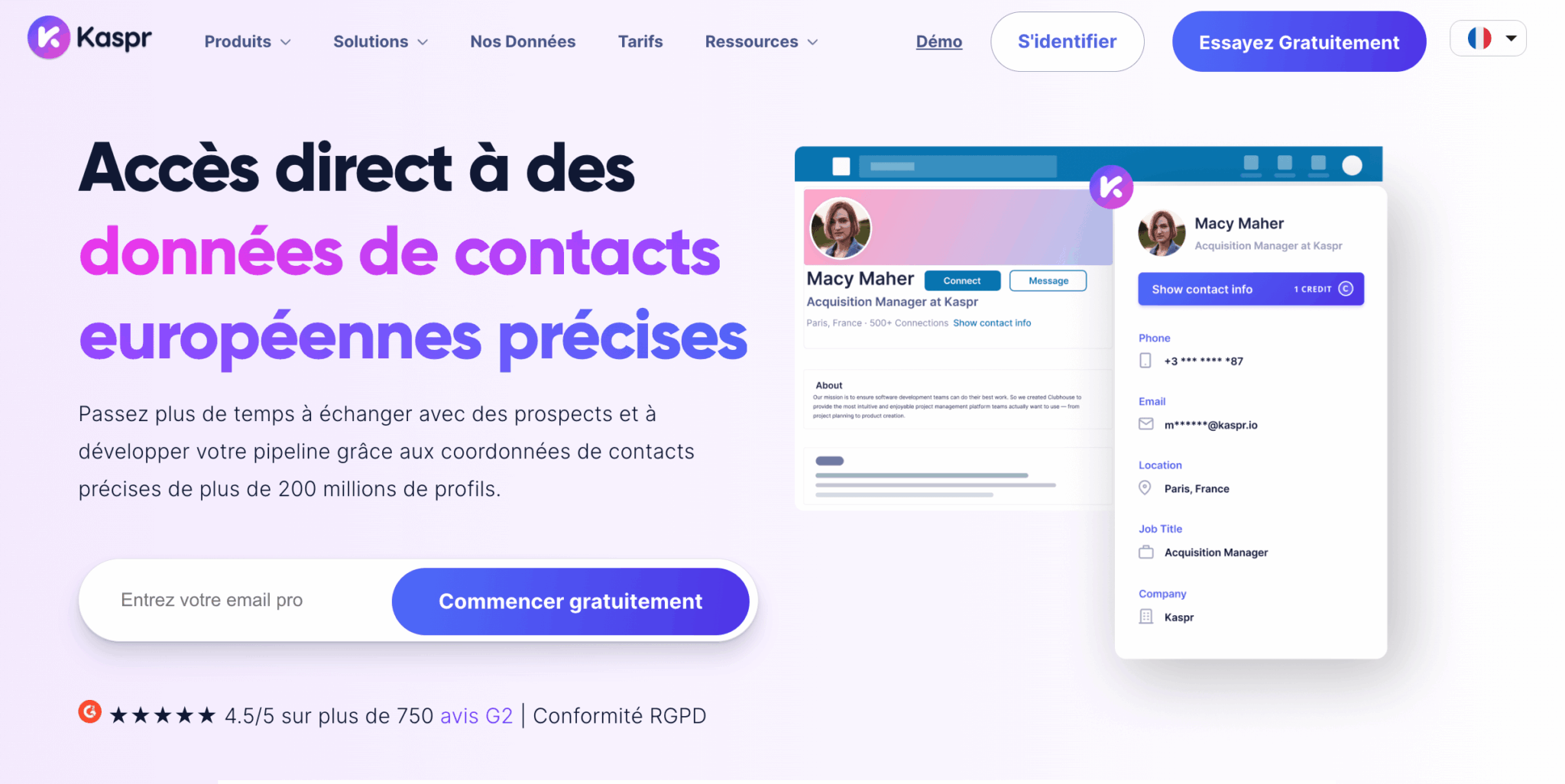
- In brief: Chrome extension to retrieve emails and phones from LinkedIn
- Price: From €45/month (limited free version available)
- Rating: 4.4/5 on G2
Kaspr is a French startup that solves a simple but critical problem: finding the professional email and phone number of a person identified on LinkedIn. It’s easy to use: install the Chrome extension, navigate to a LinkedIn profile, click on the Kaspr button and instantly retrieve the contact details (when available in the database).
The tool integrates directly with the main CRMs (HubSpot, Salesforce, Pipedrive), so there’s no need to copy and paste. You can also enrich entire lists by importing a CSV file or connecting Kaspr to Sales Navigator.
What we like: Ease of use (really plug & play), particularly up-to-date database on the French and European market, automatic CRM enrichment, affordable price, French-language support.
Limitation: The database is less complete than American solutions (ZoomInfo, Cognism) for US or APAC prospects. If your target is international, you’ll sometimes have gaps. Moreover, Kaspr is designed for “as you go” enrichment – for massive volumes (10,000+ contacts), Dropcontact will be better suited.
For whom: Sales people who prospect on LinkedIn and want to retrieve emails quickly, without a gas factory. Ideal for teams of 1 to 10 people with moderate enrichment needs (a few hundred contacts per month).
Kaspr offers a free version with limited credits for testing the tool. Install the Chrome extension and retrieve your first emails in just a few clicks.
#5 Dropcontact: RGPD-friendly mass enrichment
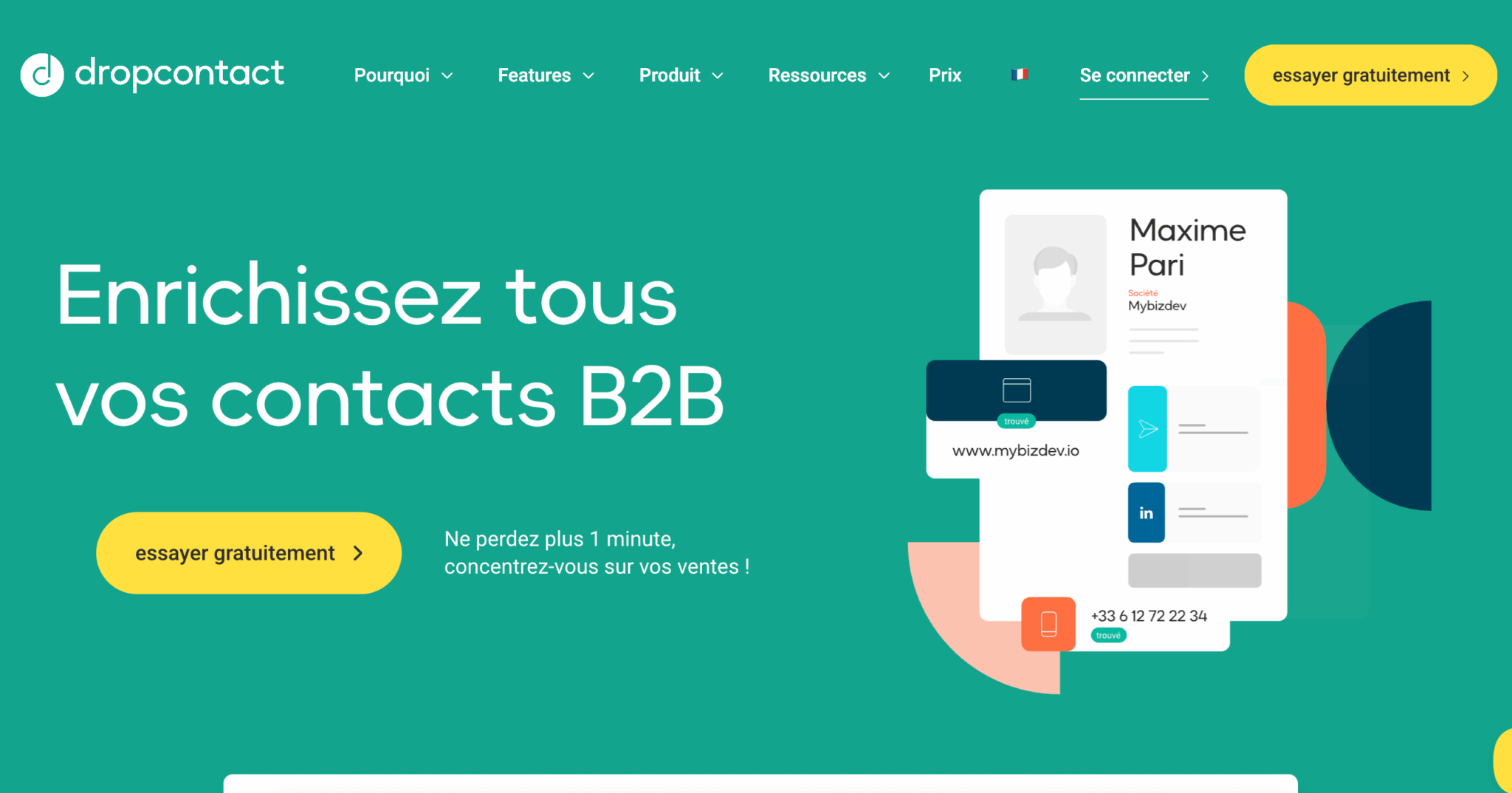
- In brief: Platform for enriching, validating and cleansing contact data
- Price: From €25/month (sliding scale according to volume)
- Rating: 4.7/5 on G2
Dropcontact is in a slightly different league to Kaspr. Where Kaspr excels in unitary enrichment (profile by profile), Dropcontact is designed to handle entire lists. You import a file with first name, last name and company – Dropcontact returns validated emails, phone numbers, job titles, LinkedIn profiles and cleans up your duplicates in the process.
The differentiating point: Dropcontact is 100% RGPD-compliant. The tool doesn’t use scraping or dubious third-party databases. Emails are found and validated by proprietary algorithms, which puts you in the clear legally (a real issue for French companies).
What we like: Native RGPD compliance, automatic deduplication and cleansing, real-time email validation (drastically reduces bounces), two-way integration with HubSpot and Salesforce (automatic enrichment of new contacts).
The limitation: The tool is less “instant” than Kaspr, and is designed for mass enrichment workflows rather than for retrieving an email on the fly from LinkedIn. For one-shot work, Kaspr is more practical.
Who’s it for? Teams that handle significant volumes (500+ contacts/month) and want to automate the enrichment of their CRM. Particularly recommended if RGPD compliance is a sensitive issue in your company.
Kaspr or Dropcontact? The two tools complement rather than compete with each other. A common configuration: Kaspr for on-the-fly enrichment (when your sales reps come across an interesting profile), Dropcontact for mass enrichment and periodic cleaning of your CRM database.
Dropcontact offers a free trial to test the enrichment and validation of your data. Ideal for seeing the impact on the quality of your CRM database.
The best multi-channel prospecting software
You’ve got your prospects, you’ve got their contact details. Now you need to contact them and, above all, follow them up, because a single message is never enough. Sequencing software automates this process: LinkedIn invitation → follow-up message → follow-up email → second follow-up… All personalized and scheduled in advance.
#6 Waalaxy: LinkedIn + Email prospecting made in France
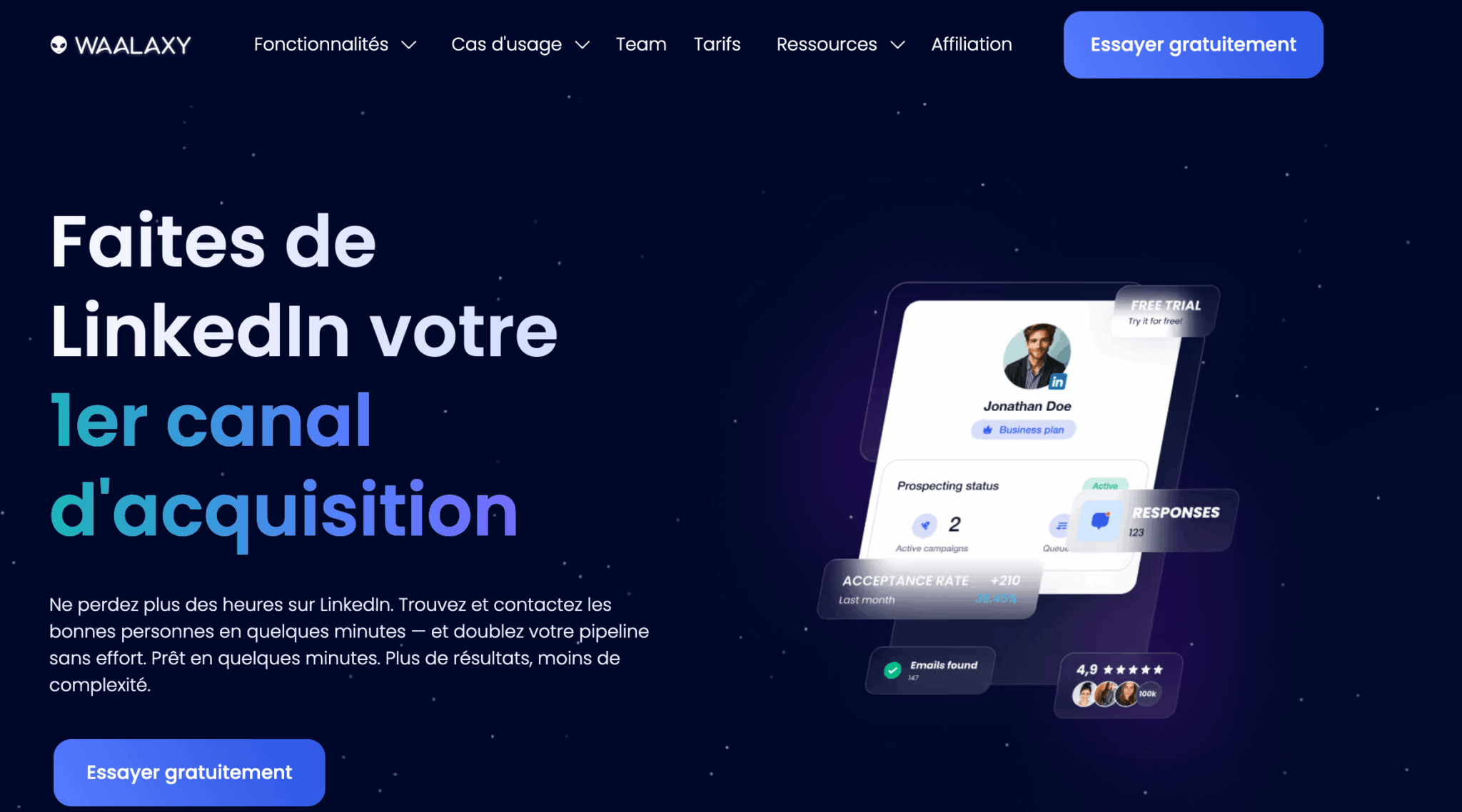
- In brief: Automating LinkedIn and email prospecting
- Price: Free (limited to 80 invitations/month) → Pay-as-you-go from €19/month
- Rating: 4.6/5 on G2
Waalaxy is a French startup born in 2019, quickly becoming a benchmark for automated LinkedIn prospecting. The tool comes in the form of a Chrome extension that transforms LinkedIn into a veritable prospecting machine: sending personalized invitations, automatic follow-up messages, and redirecting to email sequences for prospects who haven’t responded on LinkedIn.
Waalaxy’s strong point is its intelligent management of LinkedIn limits. The platform detects your account’s restrictions and automatically adapts the sending rate to avoid blockages. This is a real issue when you consider that LinkedIn regularly suspends overly aggressive accounts. On-board AI (“Waami”) generates personalized messages by analyzing the prospect’s profile.
What we like: Clean, intuitive interface, strict adherence to LinkedIn limits (no risk of blocking), effective personalization AI, native multi-channel (LinkedIn + Email), very affordable price, responsive customer support in French.
The limit: Waalaxy is excellent on LinkedIn, correct on email, but it can’t compete with Lemlist for sophisticated email sequences (no personalized videos, basic A/B testing). If email is your main channel, Lemlist will be better suited.
For whom: Sales people and entrepreneurs who prospect mainly on LinkedIn and want to automate without risking their account. Ideal for teams of 1 to 15 people who are new to automation.
Waalaxy offers a permanent free version (limited to 80 LinkedIn invitations/month). Enough to test the tool and see if LinkedIn automation is right for you.
#7 Lemlist: Email automation taken to the extreme
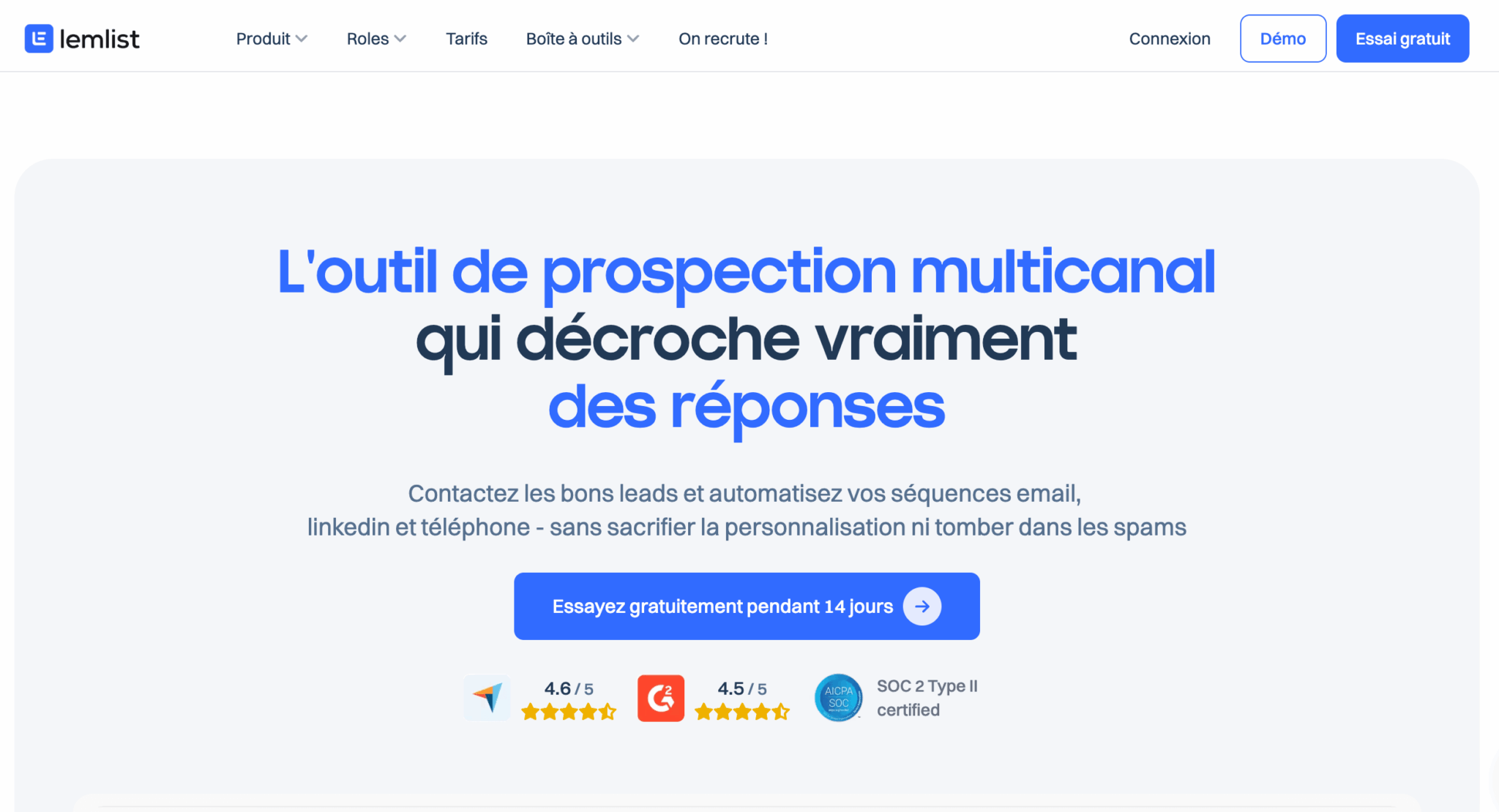
- In brief: Ultra-customized email sequencing platform
- Price: From €55/month per user
- Rating: 4.5/5 on G2
Lemlist is the answer to “spam emails” and “catastrophic response rates”. The platform allows you to build multi-step email sequences (3 to 7 touches in general) where each message is hyper-personalized. We’re not just talking about inserting the prospect’s first name: Lemlist generates dynamic images with the target company’s logo, personalized GIF videos, screenshots of the prospect’s website…
The result: emails that don’t look like mass mailings and open rates 2 to 3 times higher than generic campaigns. Teams that use Lemlist correctly increase their response rates from 5-8% to 15-25%.
What we like: Extreme personalization (images, videos, dynamic variables), advanced A/B testing, automatic response detection (pause sequence), multi-channel possible (email + LinkedIn + calls), native CRM integrations, integrated lead database (lemlist B2B Leads).
The limit: The learning curve is steeper than Waalaxy. You need to invest time to master all the features and create truly effective sequences. For simple needs (just sending basic reminders), it’s over-engineering.
For whom: Sales teams who use email as their main prospecting channel and want to maximize their response rates. Recommended for sales teams of 3-5 or more with a significant volume of mailings (500+ emails/month).
Waalaxy or Lemlist? The question comes up often. In short: Waalaxy if LinkedIn is your main channel (and email a complement), Lemlist if email is your main channel (and LinkedIn a complement). The two tools can also coexist in a stack – Waalaxy for LinkedIn prospecting, Lemlist for email sequences on leads already identified.
Lemlist offers a 14-day free trial of personalized email sequences. Measure the impact on your open and response rates.
The best telephone prospecting software
The telephone is not dead. For certain sales cycles (high ticket prices, less digitalized targets, urgency), a call is still the most effective way of securing an appointment. But you still need the right tools to make large-scale calls, record and analyze them.
#8 Aircall: Cloud telephony for sales teams
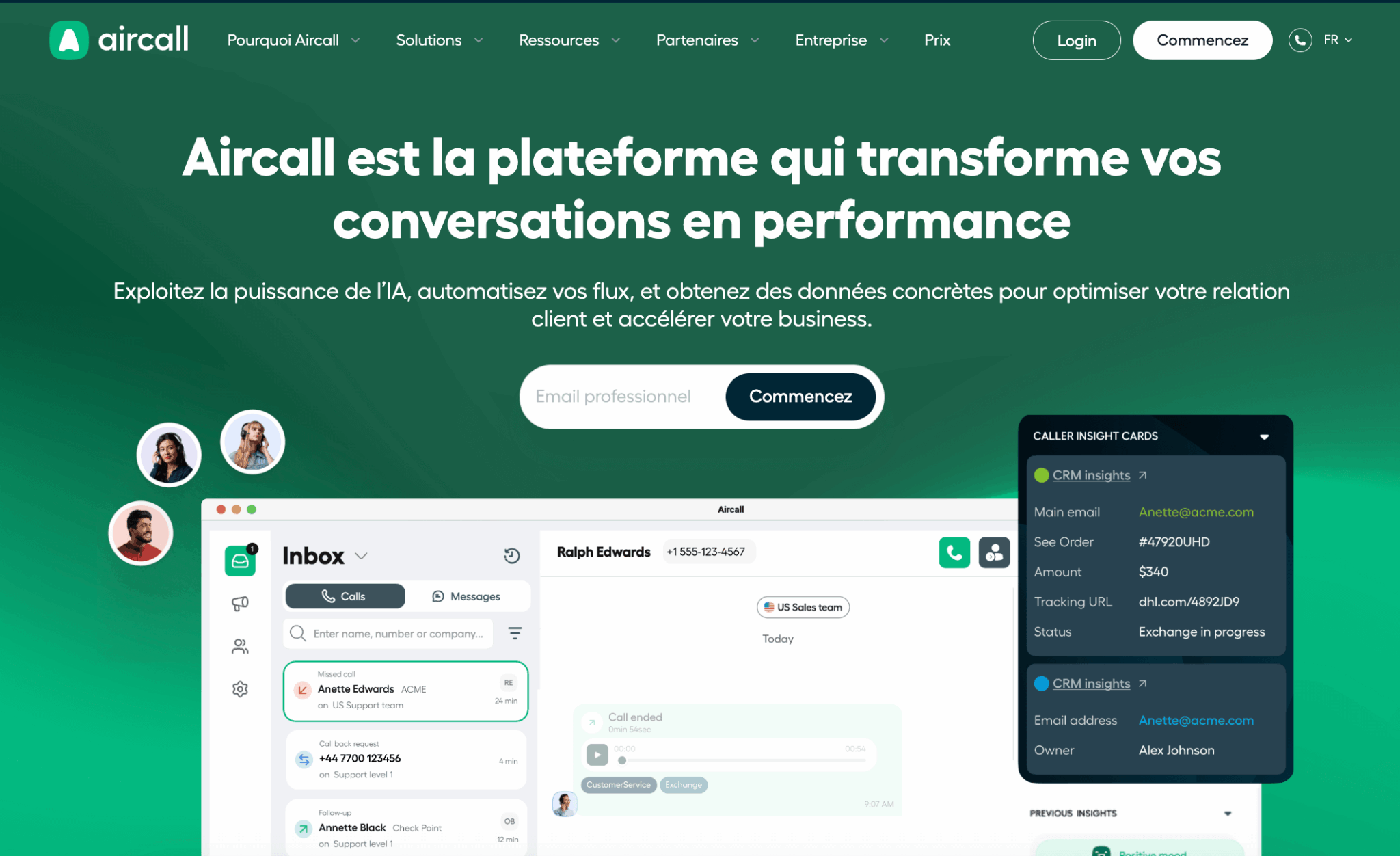
- At a glance: Cloud telephony solution with recording and CRM integration
- Price: From €30/month per user (annual commitment)
- Rating: 4.3/5 on G2 (1,000+ reviews)
Aircall transforms telephone prospecting into a structured, measurable process. Your sales reps make calls from their PC or cell phone via the Aircall application. Each conversation is automatically recorded, notes are created in one click during or after the call, and all data (duration, result, recording) is synchronized with your CRM.
For a sales manager, it’s a gold mine: you can listen back to your SDRs’ calls to coach them, identify recurring objections, measure the time spent on the phone per sales rep… Aircall creates a culture of transparency and continuous improvement around telephone prospecting.
What we like: Impeccable call quality, automatic recording (RGPD compliant with consent), native CRM integrations (HubSpot, Salesforce, Pipedrive…), detailed analytics, local numbers in 100+ countries, high-performance mobile app.
The limit: Aircall only makes sense if cold calling represents a significant part of your business (say, 30%+ of your sales force’s time). If you make 5 calls a week, your personal phone will suffice. The price can also rise quickly with a large team.
For whom: SDR teams who make 20+ calls a day, field salespeople who need a professional mobile number, managers who want to coach their teams based on concrete data.
Aircall offers a free 7-day trial of cloud telephony and CRM integrations. Ideal for evaluating the impact on your telephone prospecting.
The best complementary tools
Some tools don’t fit into the above categories, but they solve specific frictions in the prospecting process. We’ve selected two that particularly deserve your attention.
#9 Calendly : Frictionless appointment scheduling
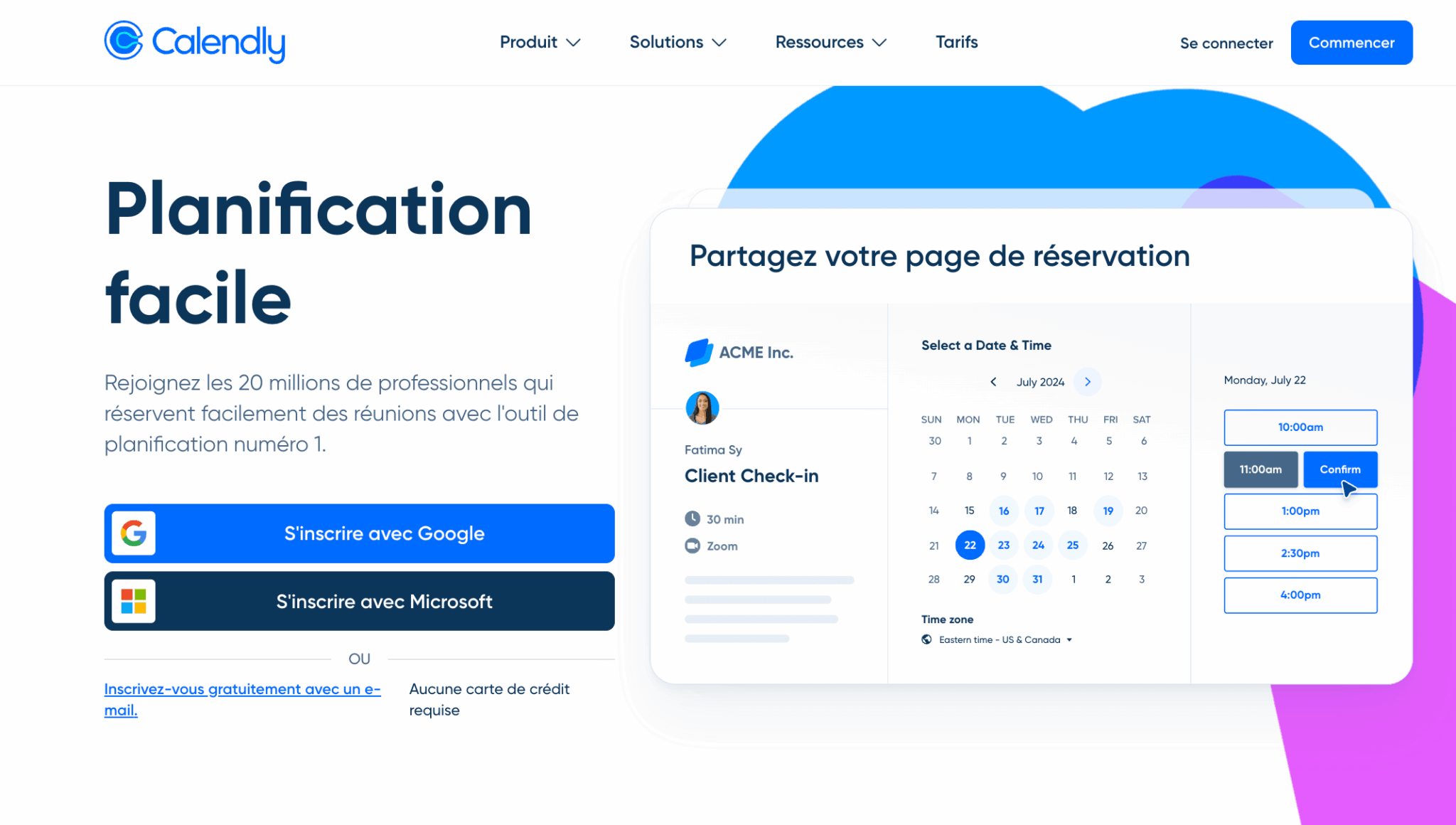
- In brief: Automated appointment scheduling tool
- Price: Free (limited) → Pay-as-you-go from €10/month
- Rating: 4.7/5 on G2
Calendly solves a simple but time-consuming problem: going back and forth by email to set up an appointment. “Are you available on Tuesday at 2pm? – “No, but Thursday at 10am?” – “Thursday I can’t, what about Friday?” … We’ve all been there.
With Calendly, you send a link to your availability page. The prospect chooses a convenient time slot and the appointment is automatically created in your respective calendars (with reminders). Estimated savings: 2-3 minutes per appointment. Out of 30 appointments per month, that’s 1 to 2 hours saved – time that your sales reps can devote to prospecting.
What we like: Absolute simplicity (up and running in 5 minutes), calendar integrations (Google, Outlook, iCal), CRM integrations (HubSpot, Salesforce), automatic email/SMS reminders, automatic time-zone detection, team pages for distributing appointments.
The limit: Calendly does only one thing (making appointments) and does it well. It’s not sales prospecting software in the strict sense of the word, but a productivity tool that integrates into your stack. Don’t expect CRM or sequencing functionalities.
For whom: Any salesperson who spends time coordinating appointments by email. ROI is immediate, even with the free version.
Calendly offers a permanent free version with one appointment type. This is more than enough to test the tool and save time when booking appointments.
#10 Gong: Conversational intelligence for mature teams
- At a glance: AI-based platform for analyzing sales conversations
- Price: On quotation (allow €150/month minimum per user)
- Rating: 4.6/5 on G2
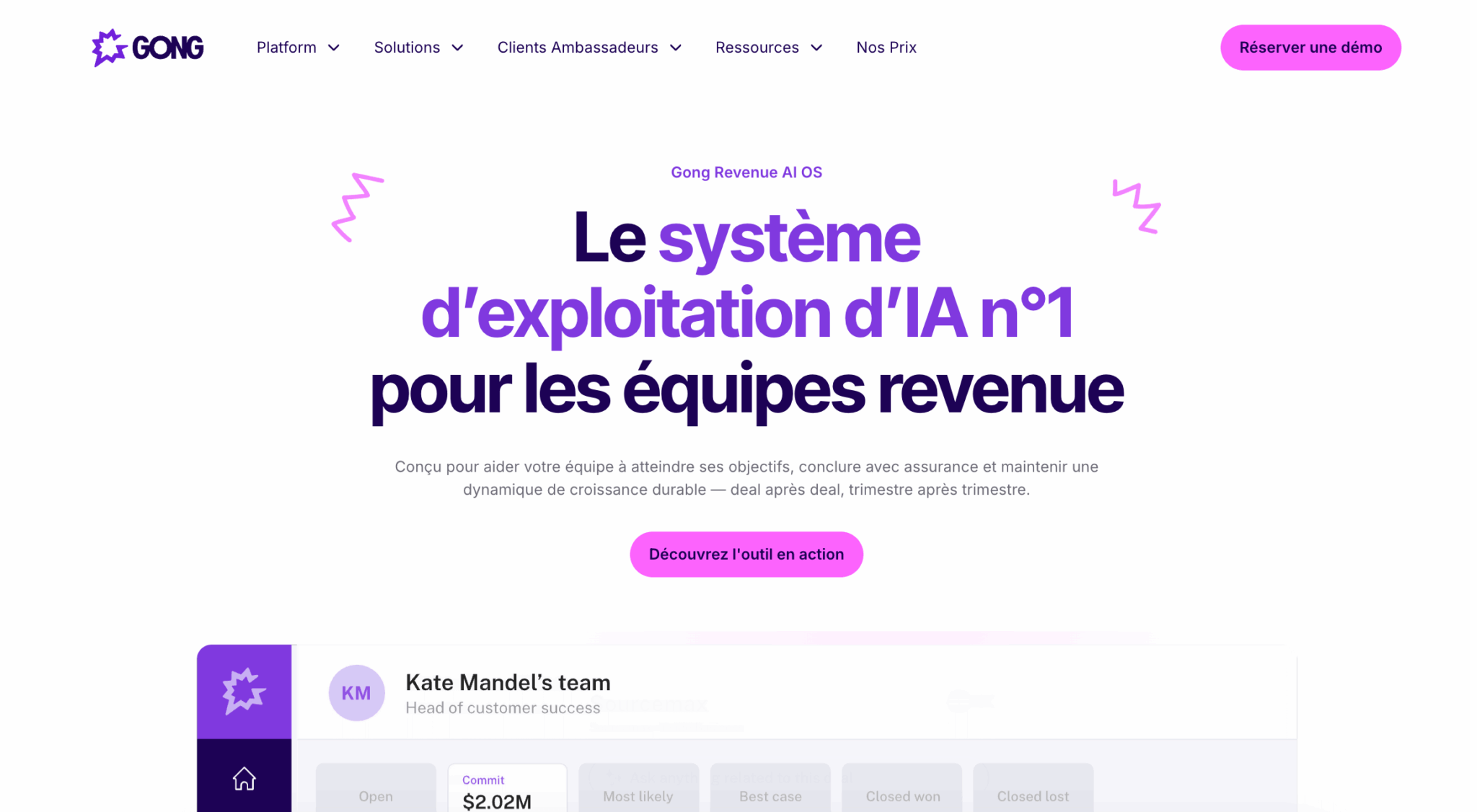
Gong is in a class of its own. The tool records all your sales conversations (calls, videoconferences, demos) and uses artificial intelligence to extract actionable insights. What were the moments when the prospect showed interest? What objections come up most often? What phrases do your top sales reps use to close?
Gong transforms this data into automated coaching: each sales person receives personalized recommendations for improvement, based on the analysis of their own conversations compared with the team’s top performers. For a sales manager, this is an unrivalled management tool.
What we like: Stunning AI analysis (buying signal detection, deal scoring, closing prediction), automated and personalized coaching, library of “best practices” built from your own conversations, native CRM integrations, advanced reporting and forecasting.
The limit: Gong isn’t for everyone. The price is high, and the tool only makes sense if you have enough conversations to analyze (count at least 10 sales reps with sales cycles of 2+ months). For a 3-person VSE, the ROI won’t be there.
For whom: SMEs and scale-ups with 10+ salespeople, complex sales cycles (2 months or more), and a need for ongoing coaching/optimization. If you’re wondering “why our closing rate is 25% and not 35%”, Gong can give you the answer.
Gong does not offer a free self-service trial, but you can request a personalized demo to see the tool in action on your own use cases.
Summary table: the 10 best sales prospecting software programs
| Tool | Category | Entry price | Ideal for | Note G2 |
|---|---|---|---|---|
| HubSpot Sales Hub | CRM / Pipeline | Free | Any B2B company (scalable from solo to 50+ people) | 4.5/5 |
| noCRM.io | CRM / Pipeline | 22/month | VSEs that want a simple, frictionless CRM | 4.7/5 |
| LinkedIn Sales Navigator | Discovery | 99/month | All B2B salespeople (a must-have) | 4.3/5 |
| Kaspr | Enrichment | 45/month | Single enrichment from LinkedIn (1-10 pers.) | 4.4/5 |
| Dropcontact | Enrichment | 25/month | Mass enrichment + CRM cleansing (RGPD-friendly) | 4.7/5 |
| Waalaxy | Sequencing | Free | Automated LinkedIn prospecting (1-15 people) | 4.6/5 |
| Lemlist | Sequencing | 55/month | Advanced email sequences with extensive personalization | 4.5/5 |
| Aircall | Telephony | 30/month | SDR teams with intensive telephone prospecting | 4.3/5 |
| Calendly | Calendly | Free | All commercial (immediate time savings) | 4.7/5 |
| Gong | Conversational intelligence | +150€/month | SME/Scale-ups with 10+ salespeople and long cycles | 46/5 |
How to choose your sales prospecting software? 4 key questions to ask yourself
You now have a clear picture of the tools available. But with so much on offer, how do you decide? Before you pull out the blue card, ask yourself these four questions. They’ll help you avoid investing in sales prospecting software that you’ll never use, or worse, that doesn’t correspond to your reality in the field.
Question 1: What is your main prospecting channel?
This is the fundamental question, yet one that many people avoid. Where are your prospects located? How do they prefer to be contacted? Your answer determines 80% of your stack:
- If LinkedIn is your primary channel (which is the case for the majority of B2B), prioritize Sales Navigator + Waalaxy. Email becomes a secondary follow-up channel.
- If email is your main channel (cold prospecting on lists, sectors less present on LinkedIn), prioritize Lemlist + a solid enrichment tool (Dropcontact or Kaspr).
- If the telephone is your main channel (high ticket volume, low digitalisation targets, short cycles), prioritize Aircall + a simple CRM like noCRM. LinkedIn and email become preparation channels.
- If you’re doing balanced multi-channel, go for HubSpot (which centralizes everything) + Waalaxy (LinkedIn) + Lemlist (email). This is the most complete stack, but also the most demanding to master.
Question 2: How many people in your team prospect?
The size of your sales team radically changes your needs. A solopreneur doesn’t need the same tools as an SME with 15 salespeople:
- 1-2 people: Keep it simple. HubSpot Free + Sales Navigator + Kaspr are all you need. You don’t need complex automation or team reporting, you just need to prospect.
- 3-5 people: Automation becomes profitable. Add Waalaxy or Lemlist to industrialize your sequences and switch to HubSpot Starter for a shared pipeline and basic team metrics.
- 5-15 people: Management becomes critical. HubSpot Pro for advanced reporting, Dropcontact to maintain a clean base and potentially Aircall if the phone is significant. Start looking at Gong if your sales cycles are long.
- 15+ people: You’re entering enterprise stack territory. Salesforce may become relevant, Gong becomes almost indispensable for coaching, and you’ll probably need an ops person to maintain it all.
Question 3: What is your sales cycle?
A one-week sales cycle and a 6-month cycle don’t call for the same tools. The longer the cycle, the more follow-up, nurturing and intelligence you need on your deals:
- Short cycle (less than 2 weeks): Speed is of the essence. You need tools that let you contact fast and close fast. Lemlist (for punchy email sequences) + Aircall (to pick up the phone quickly) + a simple CRM.
- Medium cycle (1-3 months): Follow-up becomes important. HubSpot with its automation features, Waalaxy to maintain contact on LinkedIn, Calendly to facilitate appointments. The aim is to avoid losing any prospects along the way.
- Long cycle (3-12 months): Intelligence becomes critical. You need to understand where your deals stand, why some are progressing and others stagnating. HubSpot Pro or Salesforce for forecasting, Gong to analyze your conversations and identify buying signals.
Question 4: What is your realistic monthly budget?
Let’s be pragmatic: budget constrains choices. But the good news is that you can build an efficient stack at almost any price level:
- Under €50/month: Play the freemium card. HubSpot Free + Waalaxy Free + Calendly Free + LinkedIn classic (without Sales Navigator). Limited, but functional to get you started.
- 50-150/month: Add Sales Navigator (€79) and Kaspr (€45). You now have a real LinkedIn prospecting stack with enrichment.
- 150-400€/month: Upgrade to HubSpot Starter, add Waalaxy (paid) or Lemlist, and Dropcontact. You can seriously automate and maintain a clean base.
- 400+/month: HubSpot Pro, full multi-channel stack (Waalaxy + Lemlist + Aircall), robust enrichment. This is the level where you can really industrialize prospecting for a team.
Before committing to an annual subscription (often 20-30% cheaper), test the tool on a monthly basis for 2-3 months. Savings on annual subscriptions are worthless if you realize after 6 months that the tool doesn’t correspond to your actual usage. Most publishers offer to switch to annual at any time.
Conclusion: start small, iterate quickly
The classic trap is to try to build the perfect stack right from the start. You spend three months comparing tools, invest €500/month in a gas factory… and six months later, your sales reps are only using 20% of the features.
Our recommendation: start with the minimum stack adapted to your profile (see turnkey stacks above). Use it for 2-3 months. Identify your real bottlenecks – not the ones you imagine, but the ones you experience every day. And add bricks only when you really need them.
A stack of 3 well-mastered tools will always beat a stack of 8 poorly used tools. The best sales prospecting software is the one your teams actually use, not the one with the most features on paper.