The 10 Best ChatGPT Alternatives

Ten ChatGPT alternatives compared for professional B2B use: Claude for writing and long documents, Gemini and Microsoft Copilot for teams on Google Workspace or Microsoft 365, Mistral Vibe for a French AI, Perplexity for sourced research, Duck.ai to compare several models without an account, then DeepSeek, Qwen, Kimi and Grok. All ten have a free version.

Maxime Ben Bouaziz
Maxime Ben Bouaziz
CEO Salesdorado, IA & Sales Tech
November 8, 2026, 2 min read
See all tools

Thinking about dropping ChatGPT, or at least no longer relying on it alone? The conversational AI ecosystem has filled out over time, so swapping one for another is now realistic. In the selection we put together, all ten have a free version. Yes, all 10.

Now the job is to think about your needs, because the tools we are about to show you each have their own specifics.

What makes a good alternative to ChatGPT?

In case you did not know, ChatGPT, OpenAI’s artificial intelligence assistant, is still the most used chatbot in the world. It helps you write text and code, summarize and structure ideas, and generate images. The tool comes in a free version and a paid subscription. A hard competitor to dethrone, and yet free alternatives keep multiplying.

But other solutions have now established themselves and carved out a place. Among them you will find the AIs from Google (Gemini), Microsoft (Copilot), Anthropic (Claude), Mistral AI and DeepSeek. Looking for “the” best alternative in absolute terms is the wrong question to ask yourself.

To be honest, keep in mind that a good alternative does not have to do everything better than ChatGPT. It mainly has to do better on your sticking point: the price for the whole team, reliable sources, integration with your tools, data privacy or a French option.

We do not hand you a blind selection. We judge each tool on criteria that we think matter to you (and to your budget):

  • The real cost: the price excluding VAT for the whole team over 12 months, and what the free version is really worth (quotas, available models).
  • Integration: does the tool connect to Google Workspace, Microsoft 365, Notion, Slack or your CRM without disrupting your workflow?
  • Answer reliability: quality in French, cited sources and real-time web search.
  • Privacy: data hosting, the privacy policy, whether or not the models are trained on your conversations.
  • Ease of use: a simple interface, an account created in two minutes with an email address, prompts you can reuse as they are, with no technical skill or certification.

Open source or ready-to-use service?

On the technology side, one fundamental choice remains: open source or ready-to-use service. What does that mean in practice?

An open source LLM is installed on your own servers. That means your data does not leave and you adapt the model to your needs. On the other hand, you need technical skills, machines and someone to keep it up to date.

An online service is up and running in five minutes and keeps pace with new models. But it has a price. You get that freedom in exchange for a subscription, data that passes through the vendor and a dependence on its prices and its choices.

Salesdorado’s advice: when to stay on ChatGPT?Does your team still use ChatGPT every day to build its custom GPTs and share its prompts? Switching tools to save a few euros a month does not necessarily make sense. ChatGPT is perfectly capable of covering most professional uses, from image generation to file analysis (the former Code Interpreter). The advantages of the alternatives only justify a switch if one specific thing is blocking you.

The 10 tools, side by side

# Logos tool Score Price Best for
01 Claude 4.7/5 ★ €15 Professional writing, long documents and team projects Visit site
02 Gemini 4.6/5 ★ €4.99 Teams that work on Google Workspace Visit site
03 Microsoft Copilot 4.5/5 ★ €10 Teams that work on Microsoft 365 Visit site
04 Mistral Vibe 4.4/5 ★ €17.99 Companies that want a French AI, hosted in the EU Visit site
05 Perplexity 4.3/5 ★ $17 Sourced research, monitoring and fact-checking Visit site
06 Duck.ai 4.1/5 ★ €9.99 Confidential use without an account, comparing several models Visit site
07 DeepSeek 4.0/5 ★ Free Reasoning and code, on public data Visit site
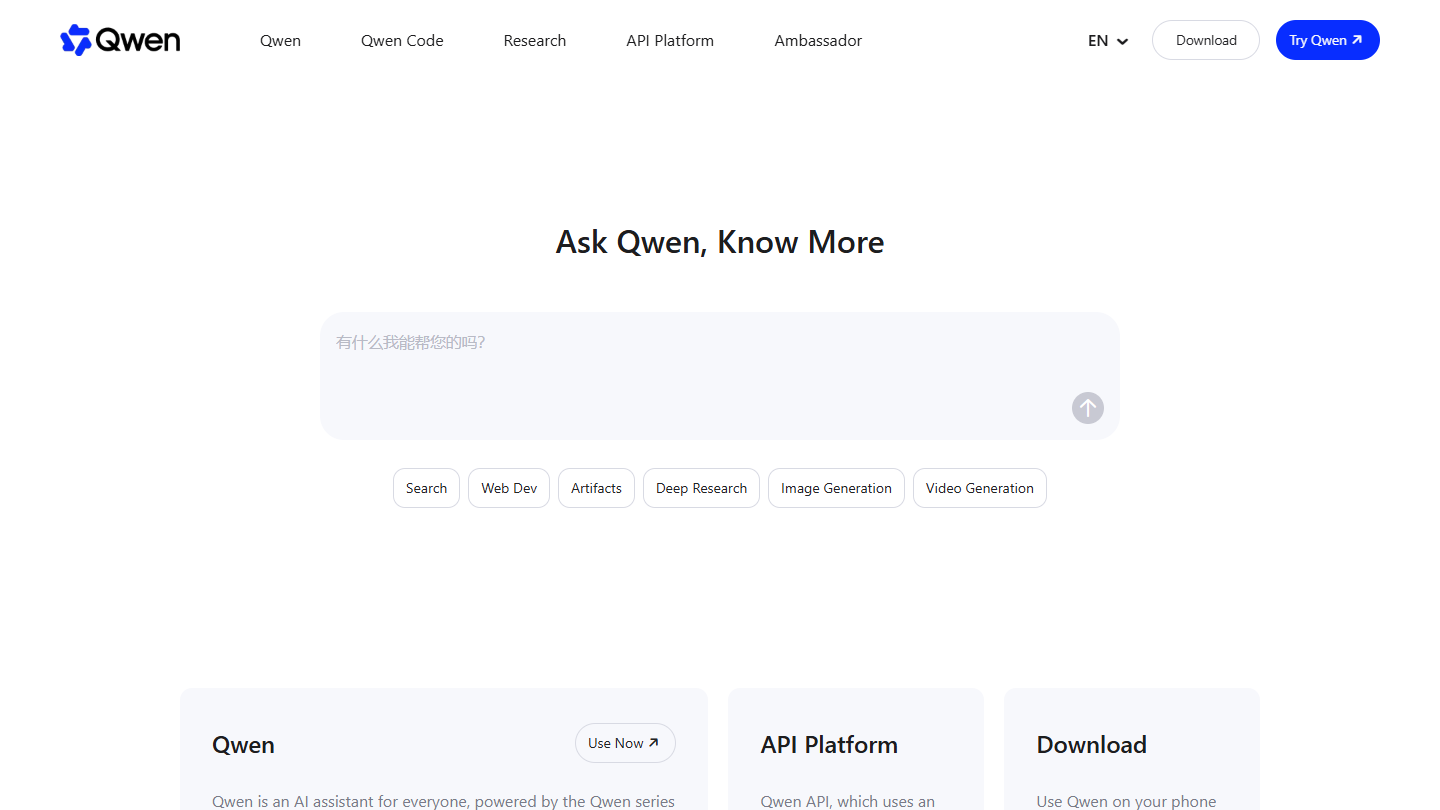
08 Qwen 3.9/5 ★ Free Technical teams that want an open model, multimodal tasks Visit site
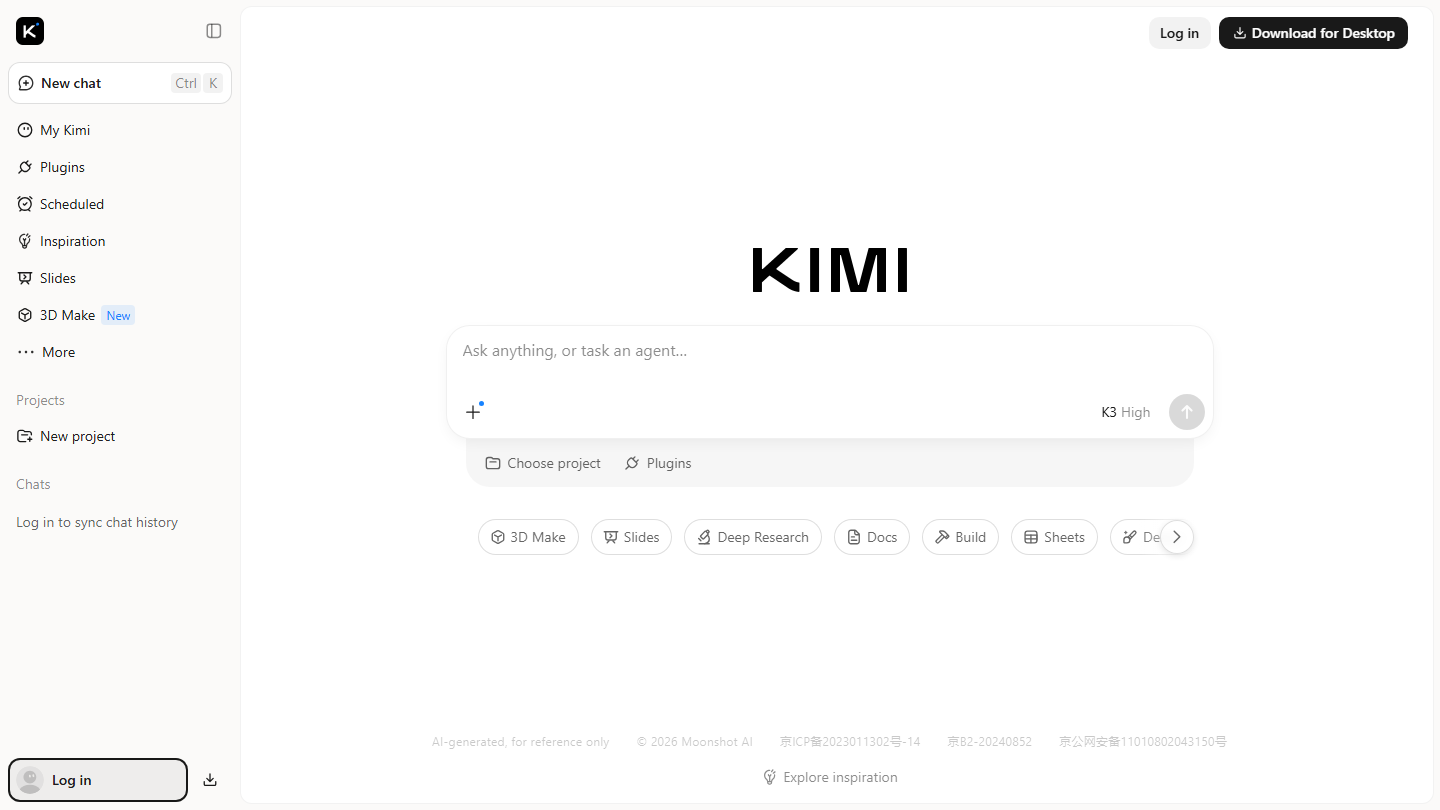
09 Kimi 3.8/5 ★ $15 Deep research, agents that deliver documents, slides and spreadsheets Visit site
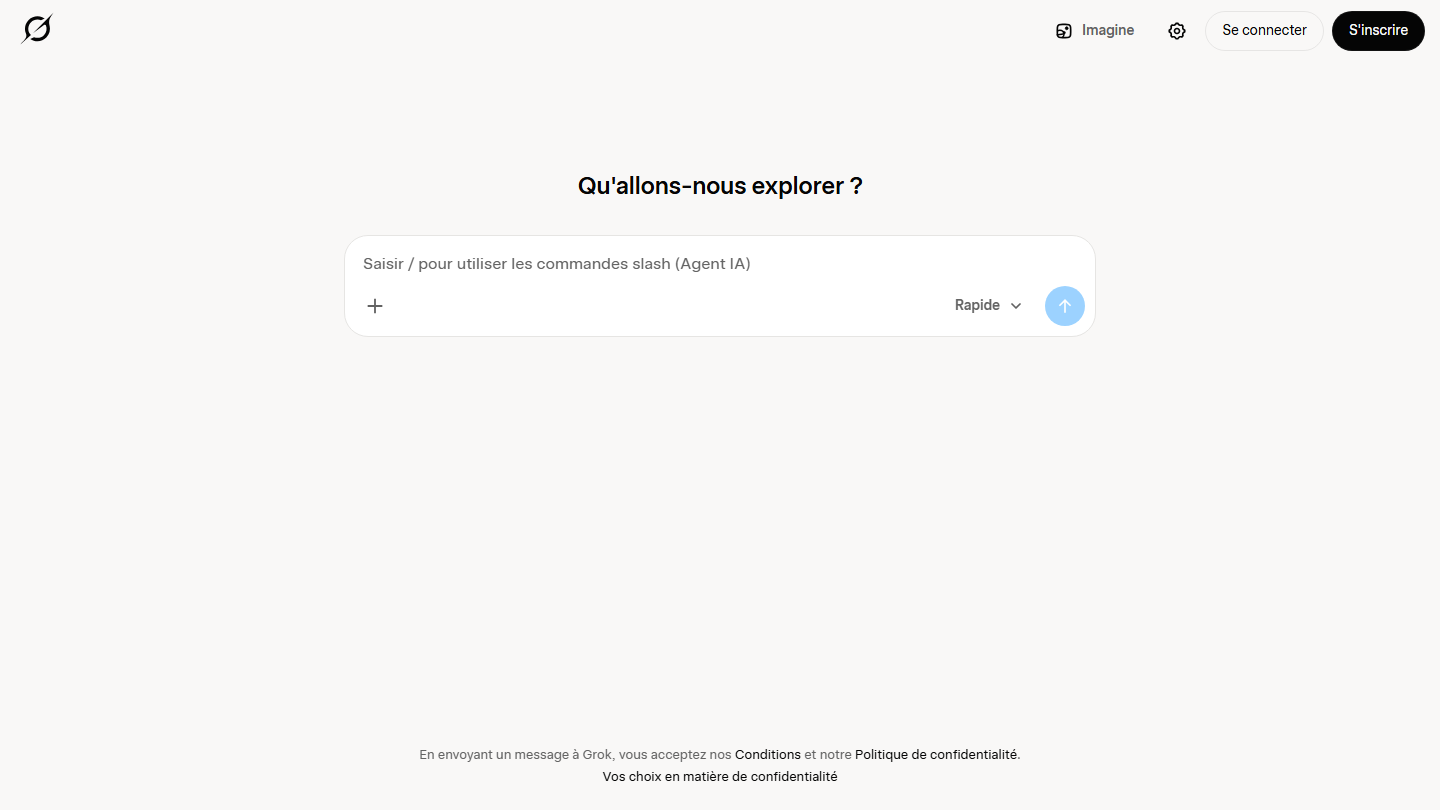
10 Grok 3.7/5 ★ €8 Real-time monitoring on X Visit site
01

Claude

4.7/5 From €15

Best for: Professional writing, long documents and team projects

+ Strengths
  • In our use, the best writing quality of this selection, in French as in English: natural style, few verbal tics
  • Comfortable with long documents (tenders, contracts, call transcripts) without losing the thread
  • Projects: you load your context once (ICP, tone, offers, guidelines), and on the Team plan the whole team reuses it
− Downsides
  • Tight quotas on the free version, quickly reached on a busy day
  • No generation of photos or illustrations: for those visuals, you need another tool
★ Claude in brief

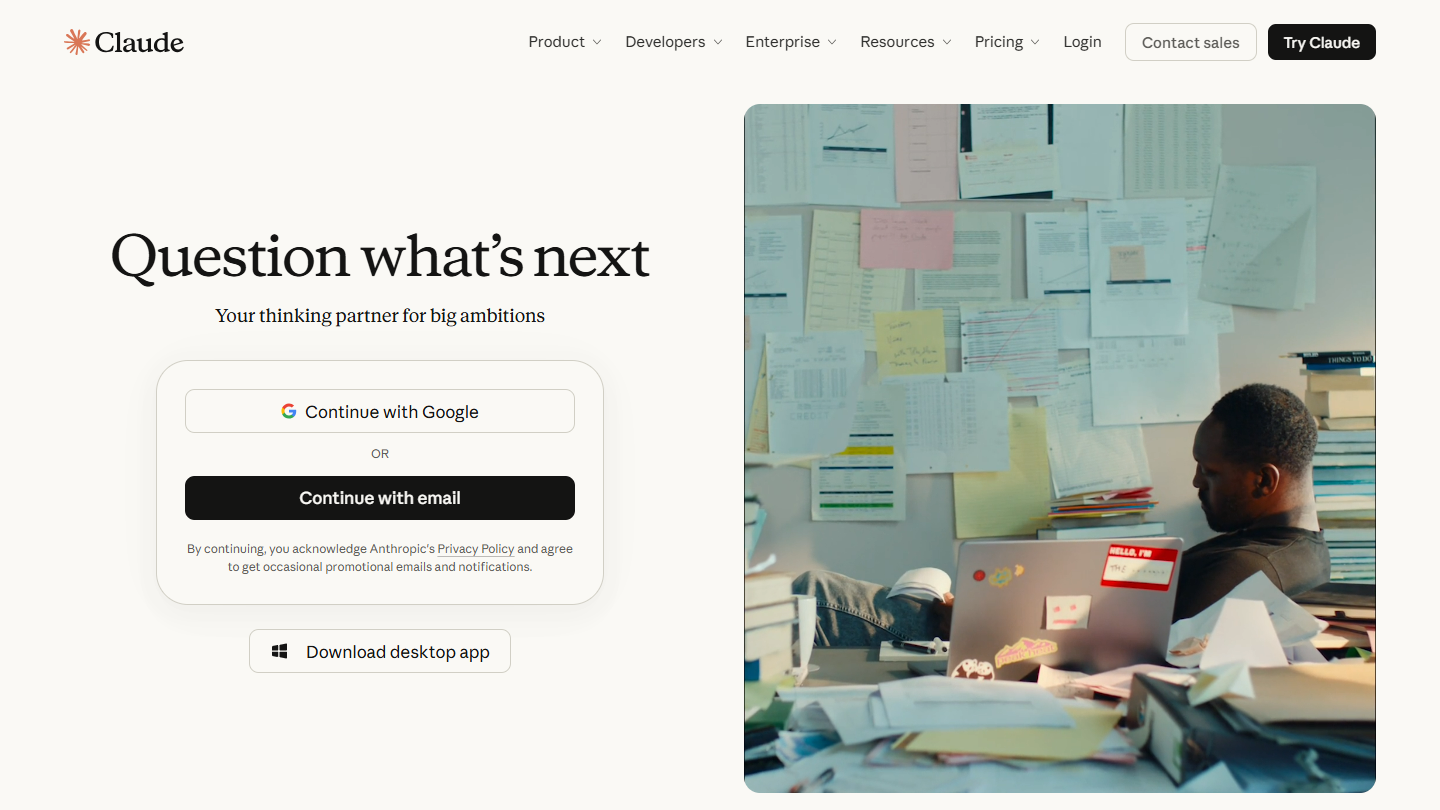
Claude website: “Question what’s next”

To set the scene, Claude is the AI assistant from Anthropic, a US company incorporated as a public benefit corporation. Its line is reliable, steerable models, with AI safety as the priority. It writes, summarizes, searches the web, codes, analyzes data and translates, in a web chat, in mobile and desktop apps, or through the API for developers.

On the code side, Claude Code plays in the same league as OpenAI Codex and GitHub Copilot, and it is included in every paid subscription. On the data side, the privacy settings let you decide whether your conversations are used for training on Free, Pro and Max, and the Team and Enterprise plans do not train the models on your conversations by default.

At Salesdorado, Claude is the tool we use most among the alternatives listed here: writing, reworking long blog articles or pages with the editorial guidelines loaded into a project, SEO work (SEO briefs, page structure, FAQs) and building client reports. On the production side, we rely on Claude Code and Claude Design to build websites and landing pages, from mockup to code.

On the free version, usage is capped over a rolling five-hour window, with no fixed number of messages. The most powerful models, Claude Code and the tasks Claude carries out on its own on your behalf are reserved for paid subscriptions.

Pro costs €15 excl. VAT per month billed annually (€180 charged upfront), or €18 excl. VAT monthly. Max starts at €90 excl. VAT per month, for 5 or 20 times the usage of Pro. On Team, from 2 to 150 people, the Standard seat costs €18 excl. VAT per month billed annually (€21.04 monthly), with SSO, centralized billing and no training on your content by default; the Premium seat costs €90 excl. VAT (€105.23 monthly) for five times the usage of a Standard seat. Enterprise is billed $20 excl. VAT per seat per month billed annually, 20 seats minimum, plus usage at API rates.

Our verdict: choose Claude if writing is your raw material (emails, proposals, articles, documentation) and you want the text that needs the fewest rewrites.

02

Gemini

4.6/5 From €4.99

Best for: Teams that work on Google Workspace

+ Strengths
  • Integration with Gmail, Google Docs, Sheets and Drive: answers go straight into your documents
  • Web search backed by Google Search, with up-to-date information
  • Ready-to-use Gems, and a builder to create your own specialized assistants
− Downsides
  • Gemini in Gmail and Docs requires a Google AI subscription or a compatible Workspace plan
  • On the free tier, most answers go through Flash-Lite, the lightest model
★ Gemini in brief

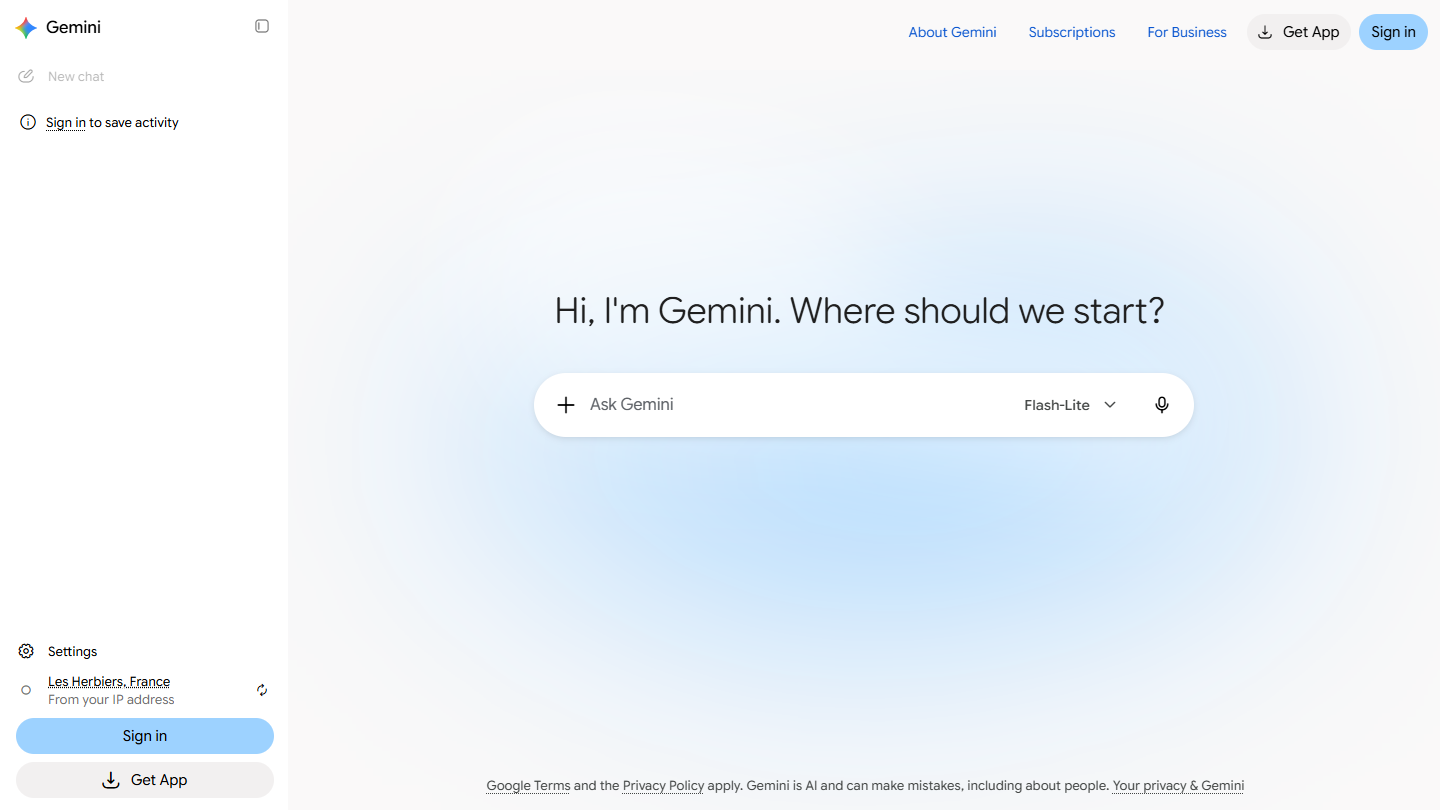
Gemini website: “Hi, I'm Gemini. Where should we start?”

Google Gemini is Google’s AI assistant, formerly called Google Bard, built on Google’s in-house models. You can talk to it and listen to it out loud with Gemini Live, on the web as in the mobile app.

In Google Workspace, Gemini reads your emails and your files to answer in context. For a company already equipped with Google, it is the alternative that takes the least effort to adopt.

At Salesdorado, before a meeting, we may ask it to summarize a long email thread with a prospect: who said what, the objections, the next steps. The summary fits in ten lines and can be pasted straight into the call prep note.

Without a subscription, Gemini picks the model on its own; Deep Research, Canvas, Gems and 15 GB of storage are included. For the more powerful models, you need a Google AI subscription.

Google AI Plus costs €4.99 incl. VAT per month (€4.16 excl. VAT): doubled limits, Gemini in Gmail and Vids, 400 GB of storage. Google AI Pro goes up to €21.99 incl. VAT (€18.33 excl. VAT) with the Pro models, including Gemini 4 Argon, quadrupled limits, Gemini in Gmail and Docs and 5 TB. Google AI Ultra costs €99.99 incl. VAT per month for five times the Pro limits, or €219.99 incl. VAT for twenty times, with 20 TB of storage and up. For business, the Business edition of Gemini Enterprise starts at $21 per license per month, up to 300 licenses.

Our verdict: choose Gemini if your team lives in Gmail and Google Docs and you want an AI that works where your data already is.

03

Microsoft Copilot

4.5/5 From €10

Best for: Teams that work on Microsoft 365

+ Strengths
  • Present in Word, Excel, PowerPoint, Outlook and Teams: the AI arrives in the tools your teams already open
  • In Excel, it handles data, creates tables and reports
  • A free version on the web, Windows, Mac, Edge and mobile, with image generation
− Downsides
  • Microsoft 365 Copilot for businesses is paid per user, on top of the Microsoft 365 license
  • A confusing range: free Copilot, Copilot Chat, Microsoft 365 Premium, Microsoft 365 Copilot, not to mention GitHub Copilot
★ Microsoft Copilot in brief

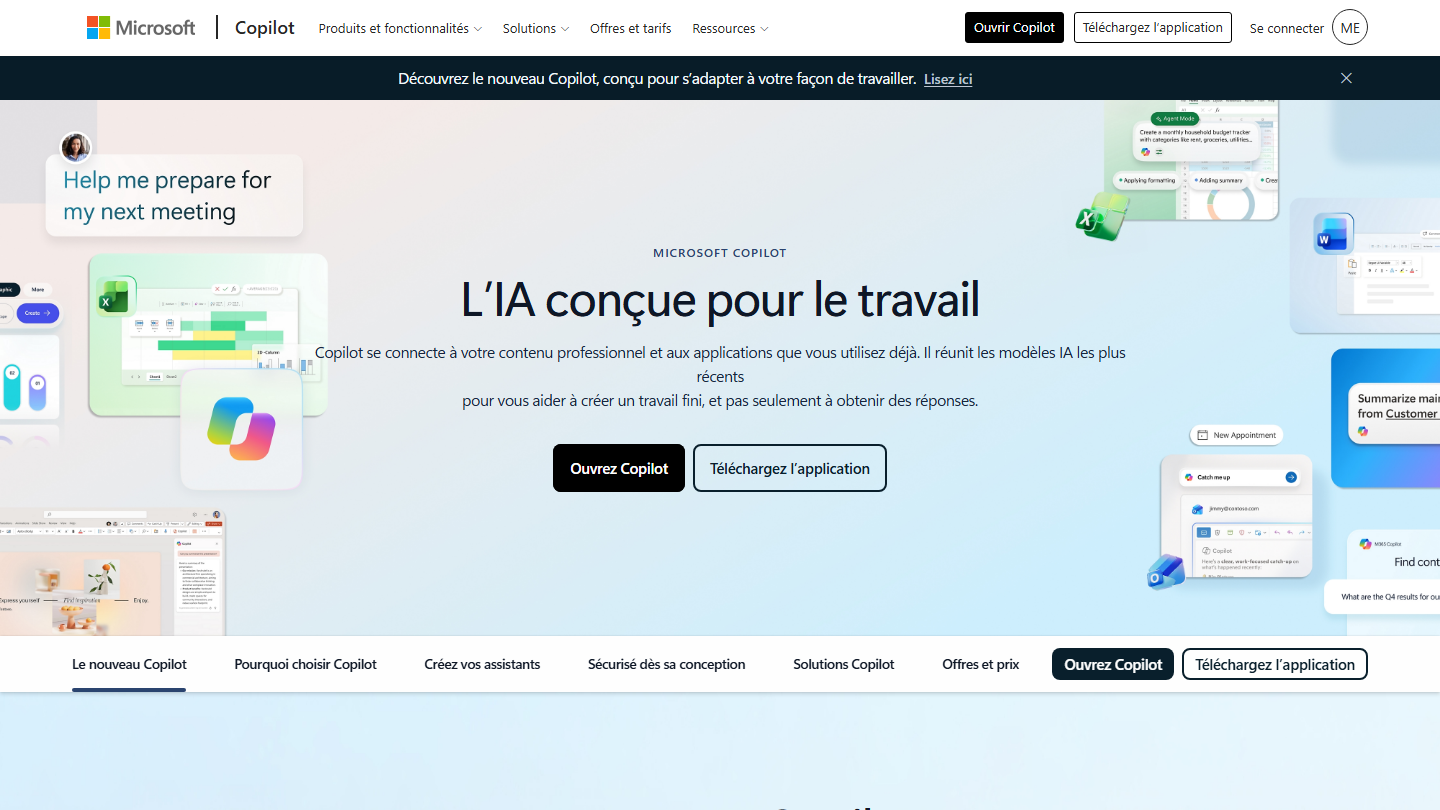
Microsoft Copilot page: “AI built for work”, with previews of Copilot in Excel, Word and Outlook

Microsoft Copilot is Microsoft’s AI assistant, formerly Bing Chat. It relies on OpenAI’s latest models, offers others depending on the plan and can pick the right model on its own. It writes a draft, makes an outline, brainstorms, creates images, translates, helps with code and summarizes a website. Copilot Studio, Microsoft’s agent builder, extends the tool for IT teams.

It has two small qualities we like. It suggests the next step of the conversation on its own instead of just answering, and the history syncs across all your devices.

The free version does not work in Word, Excel or Outlook: for that, you need Microsoft 365 Personal or a business license. At peak hours, subscribers get priority, and image creation stays limited with a free account.

For individuals and freelancers, Microsoft 365 Personal costs €10 incl. VAT per month or €99 incl. VAT per year, for one person. Microsoft 365 Premium, at €22 incl. VAT per month or €219 incl. VAT per year, replaces Copilot Pro. Microsoft 365 Professional costs €110 incl. VAT per month, with no annual option, for 1 to 6 users.

For business, Microsoft 365 Copilot Business costs €18.20 excl. VAT per user per month with annual payment, on top of an eligible Microsoft 365 license, up to 300 users. Bundled with the license, expect €20.36 excl. VAT with Business Standard and €27.73 excl. VAT with Business Premium. Microsoft 365 Copilot for large companies costs €26 excl. VAT per user per month billed annually (€27.30 monthly), license extra, and Copilot Chat stays free for eligible subscribers. Copilot Studio costs €173.30 excl. VAT per month for the pack of 25,000 credits, or pay as you go.

Our verdict: choose Copilot if your teams spend their day in Outlook, Teams and Excel, and work out the total cost, license included, before you sign.

04

Mistral Vibe

4.4/5 From €17.99

Best for: Companies that want a French AI, hosted in the EU

+ Strengths
  • A French company, data hosted in the EU by default, a GDPR topic that is easier to defend internally
  • Two modes in the same app: Work to chat and delegate tasks to an agent, Code for developers
  • The agent connects to Google Workspace, Outlook, Slack or GitHub, and submits its plan before acting
− Downsides
  • Newer connectors, less integrated with the office suite than Gemini or Copilot
  • In our use, a notch behind the leaders on the most complex reasoning tasks
★ Mistral Vibe in brief

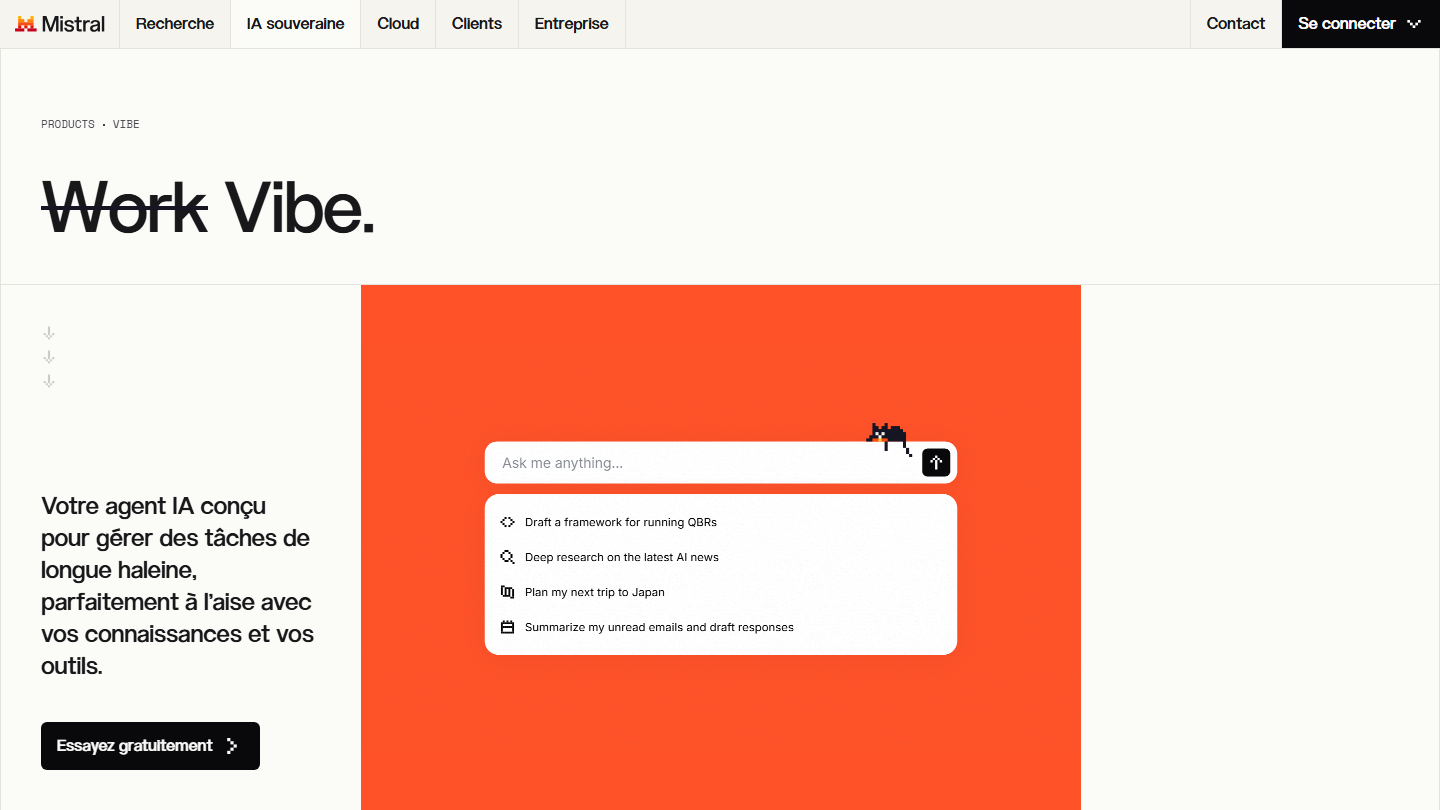
Mistral AI’s Vibe page: “Work Vibe. Your AI agent built to handle long-haul tasks”

Vibe is the assistant from Mistral AI, a French startup founded in 2023 and based in Paris. It took over from Le Chat in August 2026: same address, same account, same conversations. Since September 2026, Work mode brings together quick answers, web search, image generation, document summaries and multi-step tasks. Code mode runs in the terminal, VS Code or the browser.

Some of the models are still published as open source, under the Apache 2.0 license, which lets technical teams run them on their own servers. For an SME that has to justify its subcontractors to sensitive clients, that is the argument that makes the difference.

At Salesdorado, we use it for variants of prospecting emails in French and to generate believable filler text (dummy text) in landing page mockups. Fast, with a natural style.

On the free version, the number of messages, web searches and images is limited, and you can only schedule five tasks. Your conversations may be used to train the models, on the free plan as on Pro: remember to turn the option off in the settings. On Team, the administrator can switch it off for the whole organization, and only Enterprise is excluded by default.

Pro costs €17.99 incl. VAT per month, or €14.99 excl. VAT. Team comes to €29.99 incl. VAT per user per month (€24.99 excl. VAT), with a shared workspace and administration. Enterprise is on request, with private or on-premises deployment possible.

Our verdict: want a French AI, with your data in Europe? Choose Mistral Vibe. Its free version is enough to test it on your real files, without getting out a credit card.

05

Perplexity

4.3/5 From $17

Best for: Sourced research, monitoring and fact-checking

+ Strengths
  • Every answer cites its sources, from official sites to forums like Reddit
  • Great for monitoring, preparing a newsletter or researching accounts before a meeting
  • On Pro, you choose the model (GPT, Claude, Gemini) depending on the question
− Downsides
  • Less comfortable at pure writing: good at finding, less at writing
  • Access can be limited during weeks of heavy usage, subscribers included
★ Perplexity in brief

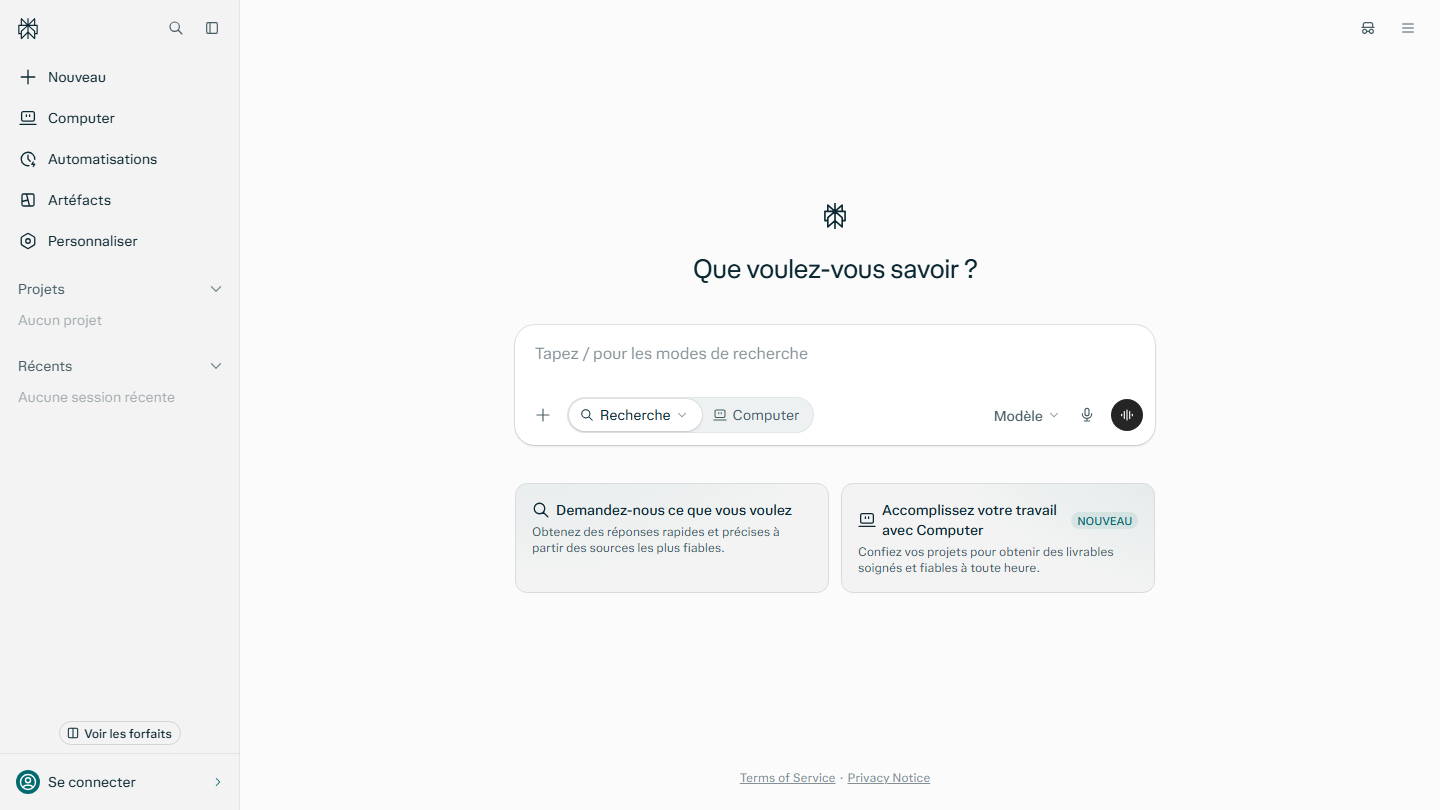
Perplexity home page: “What do you want to know?”, with the Search and Computer modes

Perplexity is a hybrid between a chatbot and a search engine. It looks for the best sources on the web and suggests related questions under each answer. It is compared to ChatGPT’s web search feature, more rigorous on sources.

It runs on desktop, on mobile and in Comet, its browser, free for everyone. For journalists, researchers and salespeople who have to check a fact before sending it to a client, it is the reflex to adopt in place of a Google search.

At Salesdorado, we use it to look up sourced information before writing a piece of content: market figures, a vendor’s news, changes to an offer. It also serves as a checker before publishing: we have it verify a price, a date or a quote on the web.

On the free version, basic searches are practically unlimited, but you only get three Pro searches a day and one deep research a month. You do not choose the model either.

Pro costs $17 per month billed annually, with deep research and premium sources such as Statista or PitchBook. Max costs $167 per month billed annually, with 10,000 monthly credits, the frontier models and the highest limits. For teams, Enterprise Pro is listed at $34 per user per month billed annually, Enterprise Max at $271. Perplexity only shows annual prices converted to a monthly figure: the monthly rate and the price in euros appear at checkout.

Our verdict: tired of checking every figure ChatGPT gives you? Take Perplexity. The free version is enough to make up your mind in a day.

06

Duck.ai

4.1/5 From €9.99

Best for: Confidential use without an account, comparing several models

+ Strengths
  • Free and no account: no sign-up, no email address to give
  • Several models in one place on the free version: Claude 4.5 Haiku, Mistral Small 4, GPT-6 Luna, GPT-5.4 mini, gpt-oss-120b or Gemma 4
  • Privacy: DuckDuckGo strips your metadata, IP address included, before passing requests to the model providers
− Downsides
  • The most powerful models are reserved for subscribers: GPT-5.6 Terra and Claude Sonnet 5.5 on Plus, Claude Opus and GPT-5.6 Sol on Pro
  • No announced connection to your office tools or your CRM, and no shared team projects
★ Duck.ai in brief

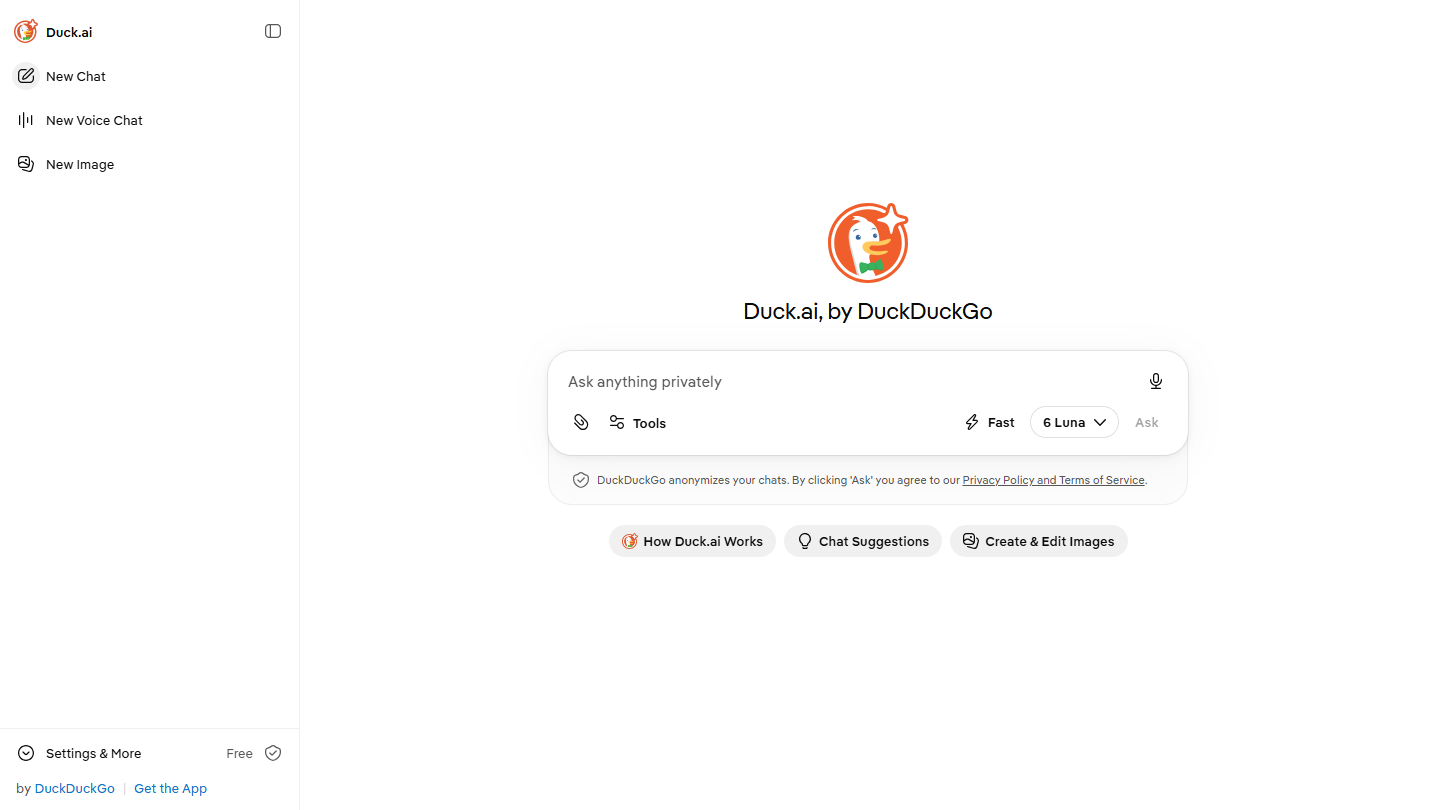
Duck.ai website: “Duck.ai, by DuckDuckGo”

Duck.ai, formerly DuckDuckGo AI Chat, is the AI chat from the DuckDuckGo search engine, on the web and also in its mobile app. Its two open models, including Google’s Gemma, are hosted by Tinfoil. According to the vendor, your recent conversations stay stored on your device and are not used to train the models.

The number of messages is limited each day, without DuckDuckGo saying exactly how many.

In the eurozone, DuckDuckGo Plus costs €9.99 incl. VAT per month or €99.99 per year, with the VPN and the advanced models. DuckDuckGo Pro costs €19.99 incl. VAT per month or €199.99 per year, with doubled limits and two exclusive models. In France, the subscription is taken out from the mobile apps.

Our verdict: want to try several AIs without creating an account or leaving a trace? Open Duck.ai. It is free, and you compare GPT and Claude in two minutes.

07

DeepSeek

4.0/5 From Free

Best for: Reasoning and code, on public data

+ Strengths
  • Free on the web and the mobile app, no subscription
  • Strong models at reasoning: math, logic, code
  • Models published as open source (MIT license) that you can run on your own servers
− Downsides
  • Privacy: according to its own policy, the app’s data is stored in China
  • Few integrations with business tools
★ DeepSeek in brief

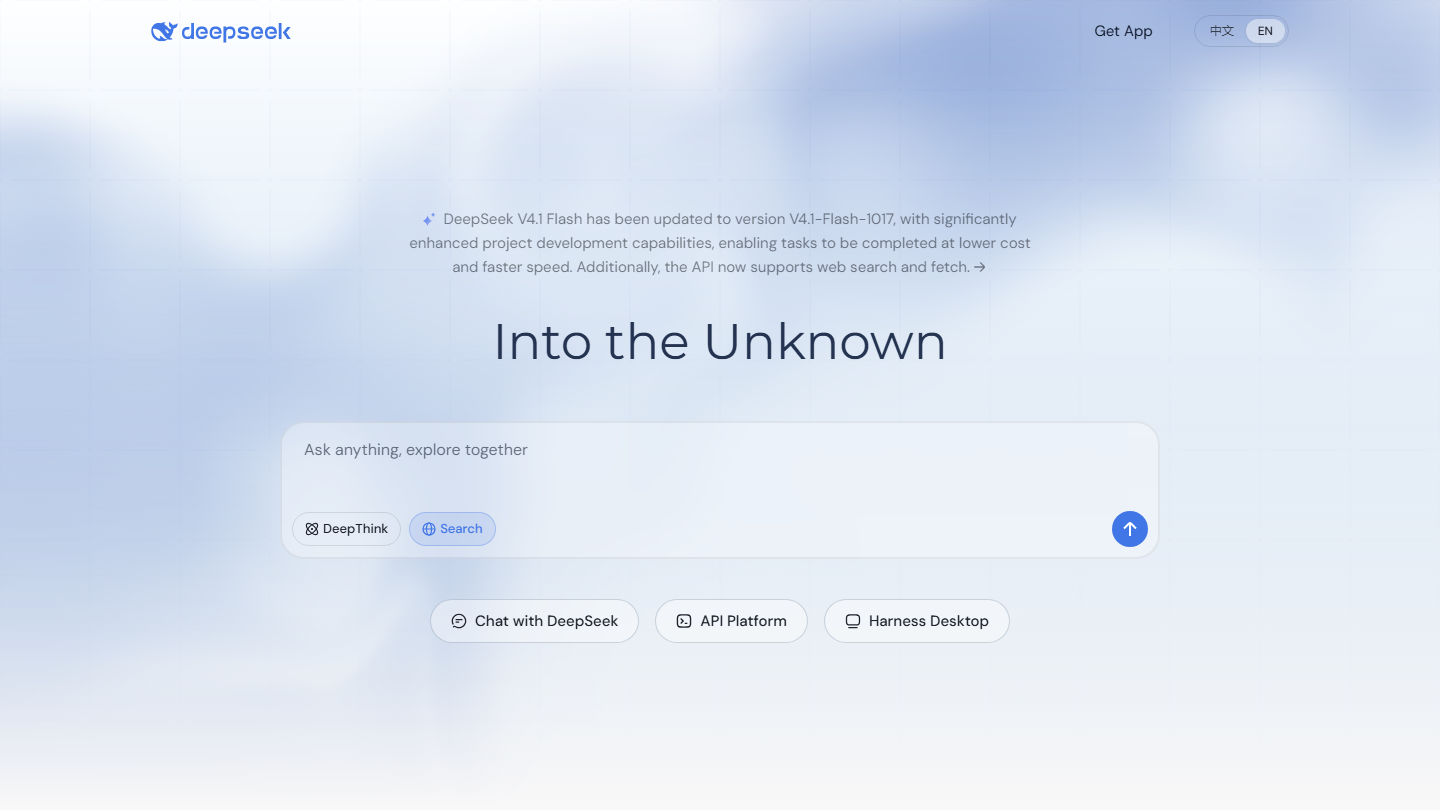
DeepSeek home page: “Into the Unknown”, with the Chat with DeepSeek and API Platform links

DeepSeek is the Chinese alternative to ChatGPT. Its arrival in January 2025, with its app and then the R1 model, shook the market: available for free, it rose to the level of the best models in reasoning and code.

The downside, however, is well known. In January 2025, the Italian data protection authority urgently ordered a limit on the processing of its users’ data, and the European data protection authorities are coordinating their investigations into DeepSeek within the EDPB. In June 2025, the Berlin authority asked Apple and Google to remove the app from their stores, which they refused to do. Keep this in mind on your side, in a company setting: the open source LLM on your servers, yes; the consumer app with customer data, no.

The free version comes with no availability commitment: nothing guarantees it will respond when you need it. No option lets you choose a hosting location other than China.

The API is billed by token volume, in dollars: for the Flash model, $0.30 per million input tokens and $1.20 for output at peak hours, half price off-peak. The open source models are free, only the cost of your servers counts.

Our verdict: need a free hand with code or reasoning? DeepSeek does the job. Just one rule: nothing confidential in it, your customer data stays elsewhere.

08

Qwen

3.9/5 From Free

Best for: Technical teams that want an open model, multimodal tasks

+ Strengths
  • Free on the web, mobile and desktop (iOS, Android, macOS, Windows)
  • Models largely published as open source, among the most downloaded on Hugging Face
  • Multimodal: text, image and video creation, document analysis in the same app
− Downsides
  • A service tied to the Chinese group Alibaba, even if the international version stores your data in Singapore
  • Few integrations with your business software and, in our use, answers in French a notch below the leaders
★ Qwen in brief

Qwen website

Qwen is Alibaba Cloud’s family of models. Its open models are often published under the Apache 2.0 license, a rare choice for a web giant. The largest models, however, fall under an in-house license, to be read before any commercial use.

Among the alternatives, it is one of the most open: a solid base for a data scientist, a data analyst, or a team in data training that wants to host its own model.

Alibaba does not say how many messages you can send on the free version, and those limits can change without notice.

The Alibaba Cloud API is billed by token volume, in dollars: $0.15 per million input tokens and $0.47 for output for Qwen3.8-Flash. The open source models are free, only the cost of your servers counts.

Our verdict: want your own AI, installed at home? Go with Qwen. Free and open, it also does the job of describing an image or reading a document, as long as your data is public.

09

Kimi

3.8/5 From $15

Best for: Deep research, agents that deliver documents, slides and spreadsheets

+ Strengths
  • An agent mode dedicated to creating documents, presentations and spreadsheets from a single instruction
  • Comfortable with long contexts and deep research
  • Kimi models published with open weights, under an in-house license
− Downsides
  • A Chinese vendor: as with DeepSeek, your data is stored in China
  • A stingy free version for the agent: one task at a time, 2 projects, 500 MB of storage
★ Kimi in brief

Home page of Kimi, by Moonshot AI: “Ask anything, or task an agent”, with the Slides, Docs and Sheets modes

Kimi is the assistant from Moonshot AI, a Chinese startup based in Beijing. The paid plans are set apart by their volume of agent credits, consumed according to your actual usage. The bill reads in credits, like a canteen card.

Plus costs $19 per month, or $15 per month billed annually ($180 per year), with Kimi Code, deep research and two agent tasks in parallel. Pro goes up to $39 per month, or $31 billed annually ($372 per year), for twice the agent credits. Max costs $99 per month, or $79 billed annually ($948 per year), for five times the credits and conversations up to one million tokens. Ultra costs $199 per month, or $159 billed annually ($1,908 per year), for ten times the credits.

Our verdict: want to delegate a spreadsheet or a presentation, not just chat? Try Kimi, and feed it public data only.

10

Grok

3.7/5 From €8

Best for: Real-time monitoring on X

+ Strengths
  • Access to X data in real time: trends, reactions, statements from executives
  • Image and short video generation in the same interface, with Grok Imagine
  • A single subscription covers Grok and the X perks (checkmark, fewer ads), from €8 excl. VAT per month
− Downsides
  • Less relevant for structured professional use, far from your office tools and your CRM
  • A pricing range that moves fast: the SuperGrok plans gave way to a pricing grid unified with X
★ Grok in brief

Grok home page: “What shall we explore?”, with access to Imagine

Grok is the AI assistant from xAI, Elon Musk’s company, plugged into the social network X. It answers in a more direct tone than its competitors. It is available on grok.com, in the mobile app and directly in X.

For a marketing team following a launch or a crisis, or preparing its newsletter, it is a real radar. For writing a sales proposal or analyzing a file, it brings nothing that the other tools in this selection do not already do.

On the free version, the number of questions is limited, without xAI saying exactly how many. The latest Grok models require at least the Premium subscription, which also adds image and video creation.

In France, Plus costs €8 excl. VAT per month, with Grok Chat, voice and Imagine. Premium goes up to €31 excl. VAT per month for four times the usage of Plus and the latest models. Super costs €105 excl. VAT per month (fifteen times the usage of Plus) and Ultra €210 excl. VAT (fifty times). The Teams offer starts at $30 excl. VAT per user per month, with SSO and centralized billing.

Our verdict: want to know what is being said on X, right now? Grok is your radar. For the rest of your work, keep another tool at hand.

How did we choose these 10 alternatives?

A top 10 with no method is a shopping list. The order of the list is not a ranking: it follows professional B2B use (sales, marketing, RevOps), not consumer use, and the right tool is still the one that fixes your sticking point.

  1. 01
    Scope

    General-purpose AI assistants, available in France and usable by a non-technical team. Tools specialized in a single task and those designed for other audiences are left out.

  2. 02
    Usage

    The selection draws on day-to-day writing use, on concrete tasks such as a prospecting email, a research query, a blog article or an Excel spreadsheet, in French as in English.

  3. 03
    Criteria

    The five described above (real cost, integration, answer reliability, privacy, ease of use), applied the same way to every tool.

  4. 04
    Independence

    No vendor paid to be in this selection or to have its product highlighted. If a link is an affiliate link, it is flagged, and it changes neither the score nor the verdict.

  5. 05
    Updates

    The selection changes when a vendor changes its prices, a feature or its free version.

  6. 06
    Why Claude opens the list

    In our use, writing comes first: on writing and long documents, it is the one that needs the fewest edits, including on a 2,000-word comparison. If your team lives in Google or Microsoft, start with Gemini or Copilot instead: the real productivity gain decides.

The questions we get over and over.

What are the best free alternatives to ChatGPT?

Mistral Vibe for professional use, with data hosted in Europe. Perplexity for sourced research, Microsoft Copilot for a free assistant with no OpenAI account.

Which ChatGPT alternative is safest for company data?

Mistral Vibe (EU hosting by default) and Claude (no training on your data by default on Team and Enterprise) are the two easiest solutions to defend. With Mistral, remember to turn off training in the settings: only Enterprise is excluded by default. Avoid DeepSeek for any sensitive information.

Is there a French alternative to ChatGPT?

Yes: Mistral Vibe, the assistant from Mistral AI, a Paris startup, which took over from Le Chat in 2026. It is the only French solution in this selection, and some of its models are published as open source.

How do you use a ChatGPT alternative without relearning everything?

Your prompts work as they are elsewhere, with no training or certification. Copy your best prompts and your context (tone, offers, target) into the new tool, then connect it to your apps, for example your email.

What about the tools missing from this selection (Poe, Notion AI, HuggingChat, Jasper)?

They are too specialized or built for another use: Jasper for marketing content, Notion AI inside Notion, Poe and HuggingChat for switching between models. None replaces ChatGPT day to day for a sales or marketing team.

Should you cancel your ChatGPT subscription?

Not necessarily: ChatGPT can remain your main tool. Cancel only if the alternative covers your uses with a real productivity gain.

★ The conversation, 0 comments

What the community says.

Basic Markdown, moderated within 24 h
Loading…

    In the same category