


All the “best LinkedIn scrapers” lists you will find on the web look alike. The overwhelming majority are written by the vendors themselves and most often (and logically…) put their author at the top. They conclude that everything will be fine if you respect the limits.
Let’s say it right away: that is less and less true. Since 2025, LinkedIn has pursued Proxycurl until it shut down, and the platform now goes after vendors as much as their users.
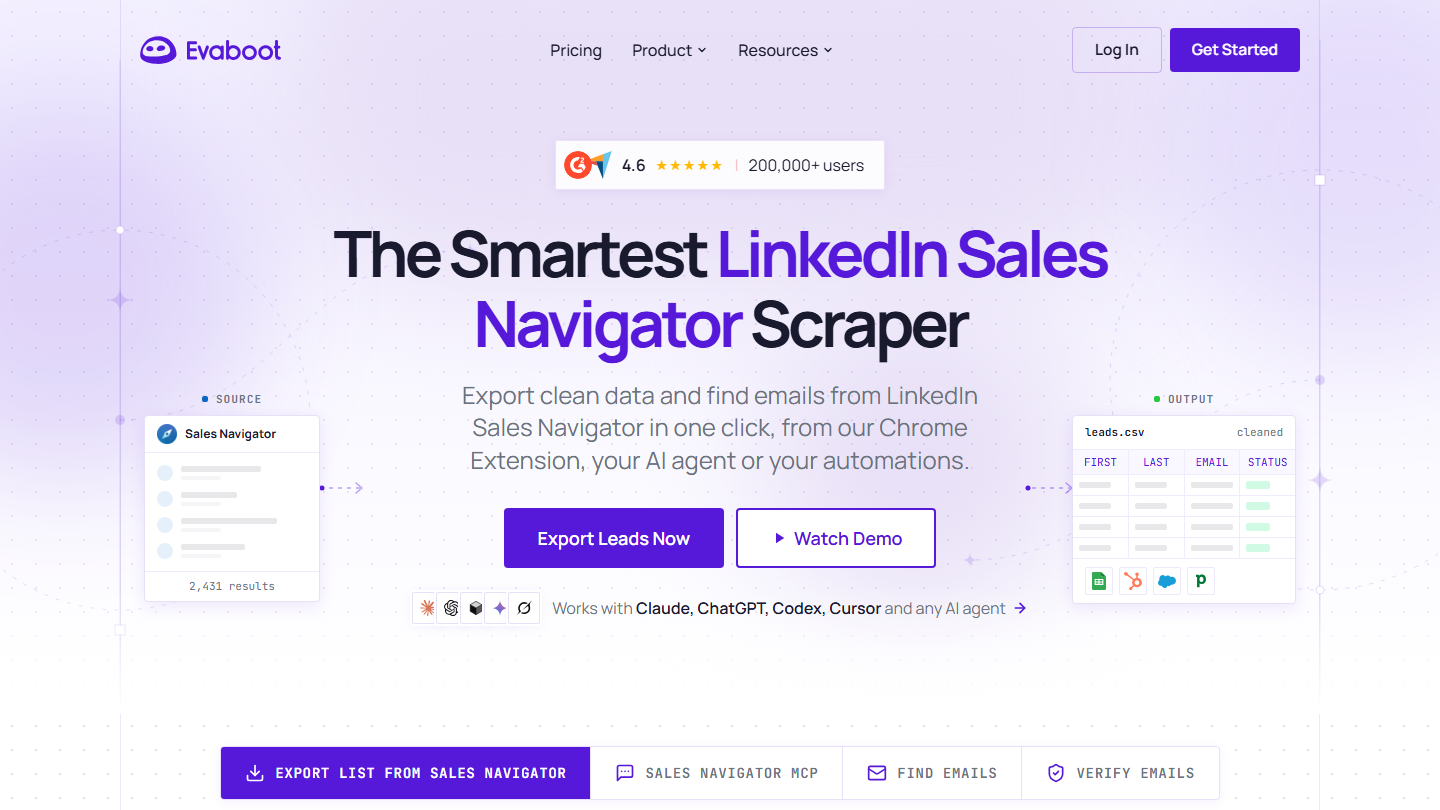
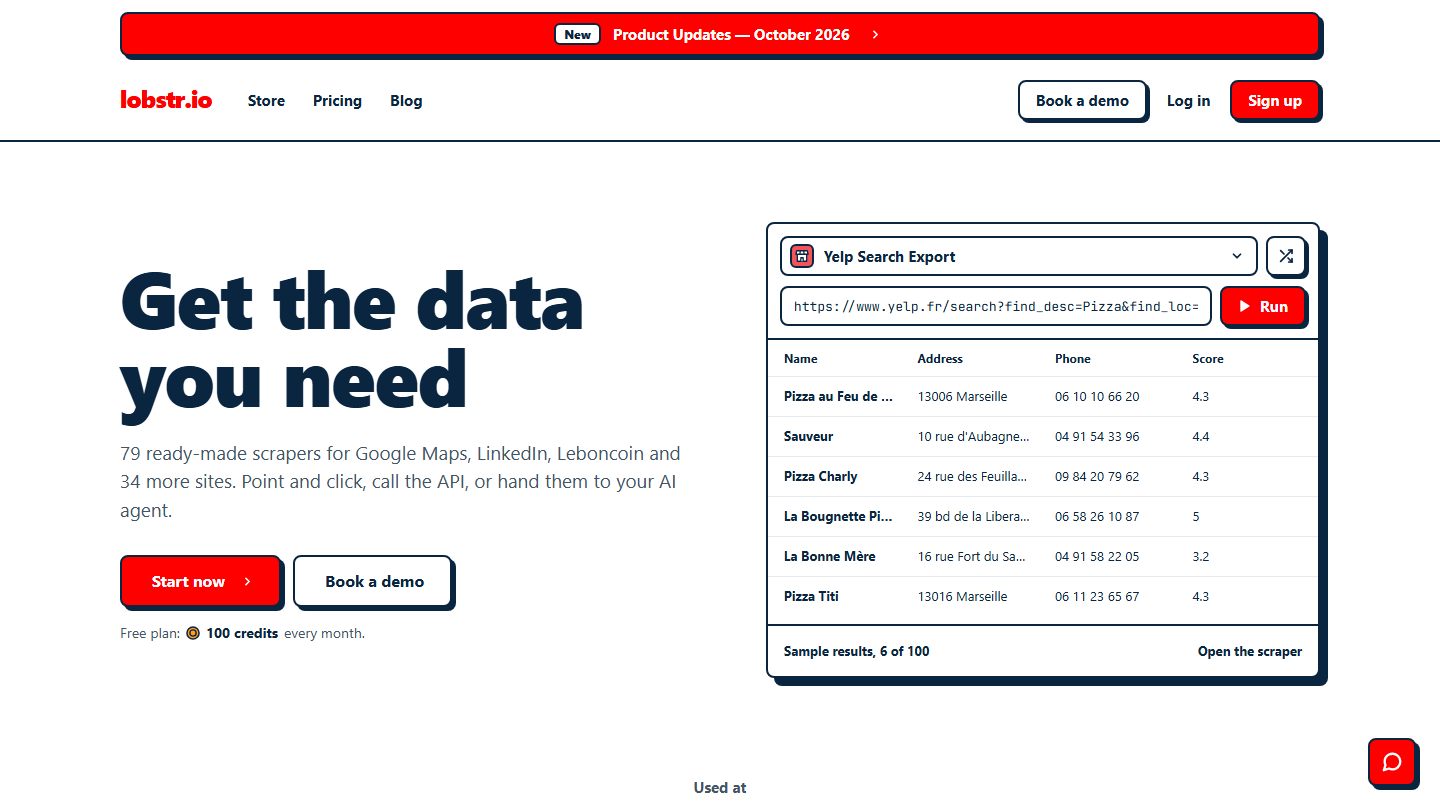
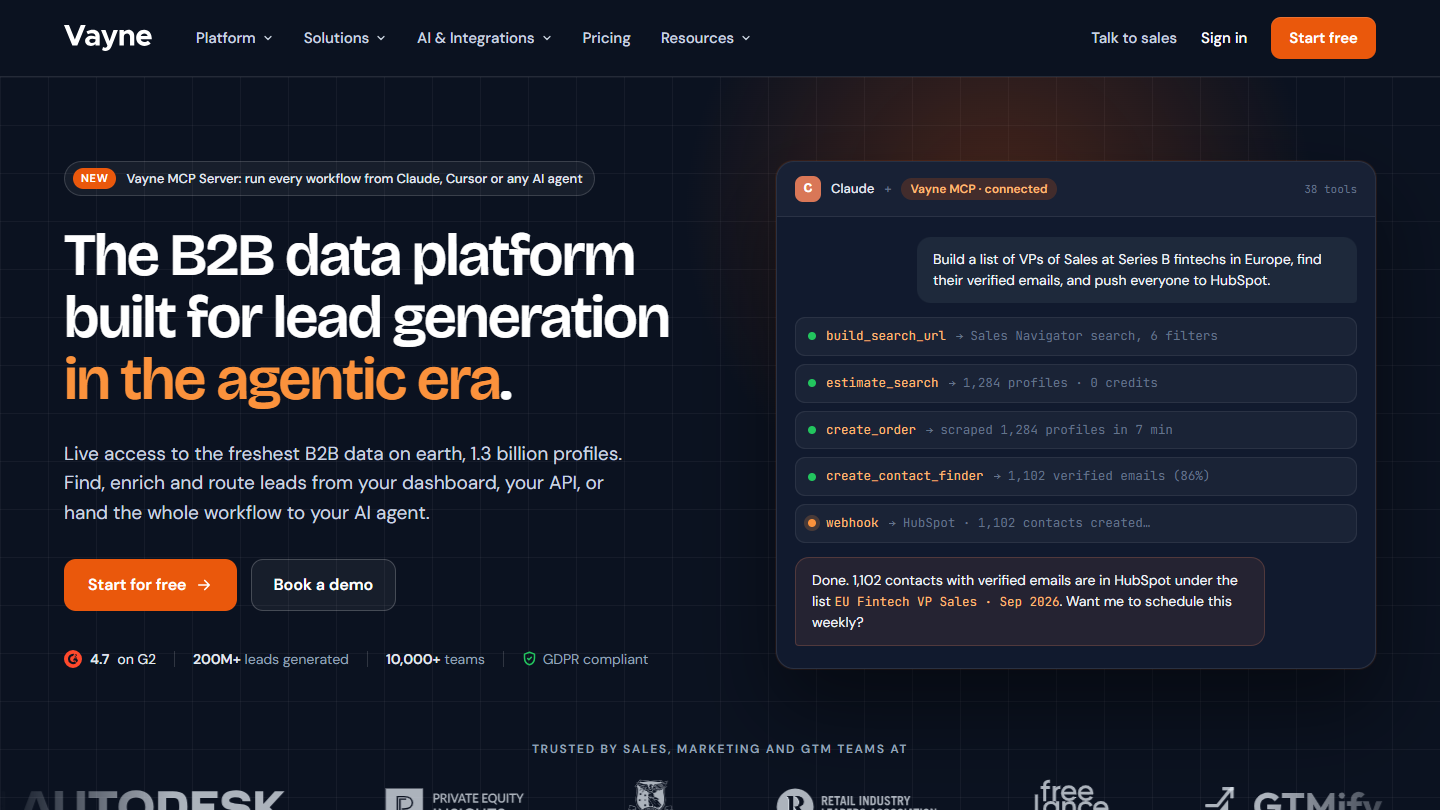
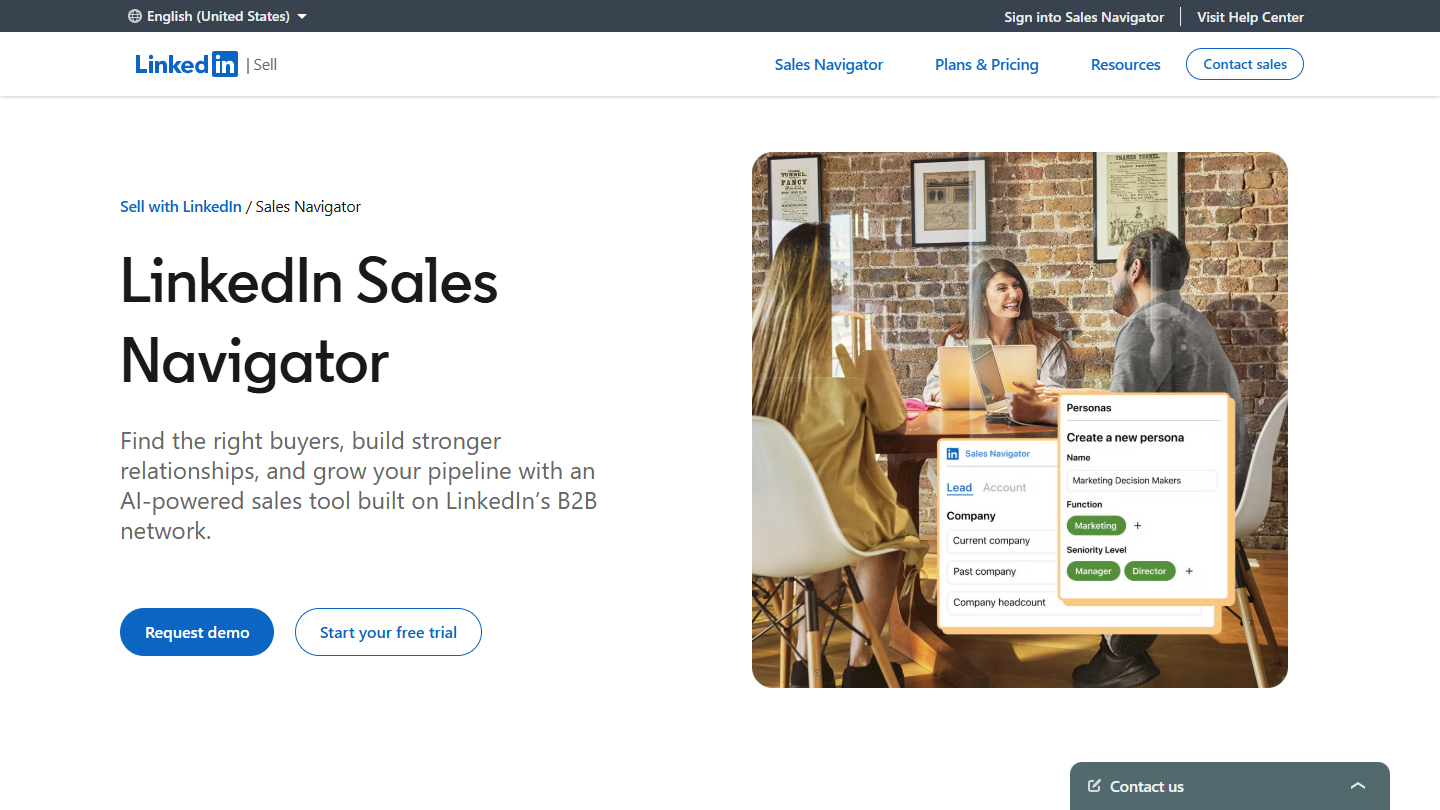
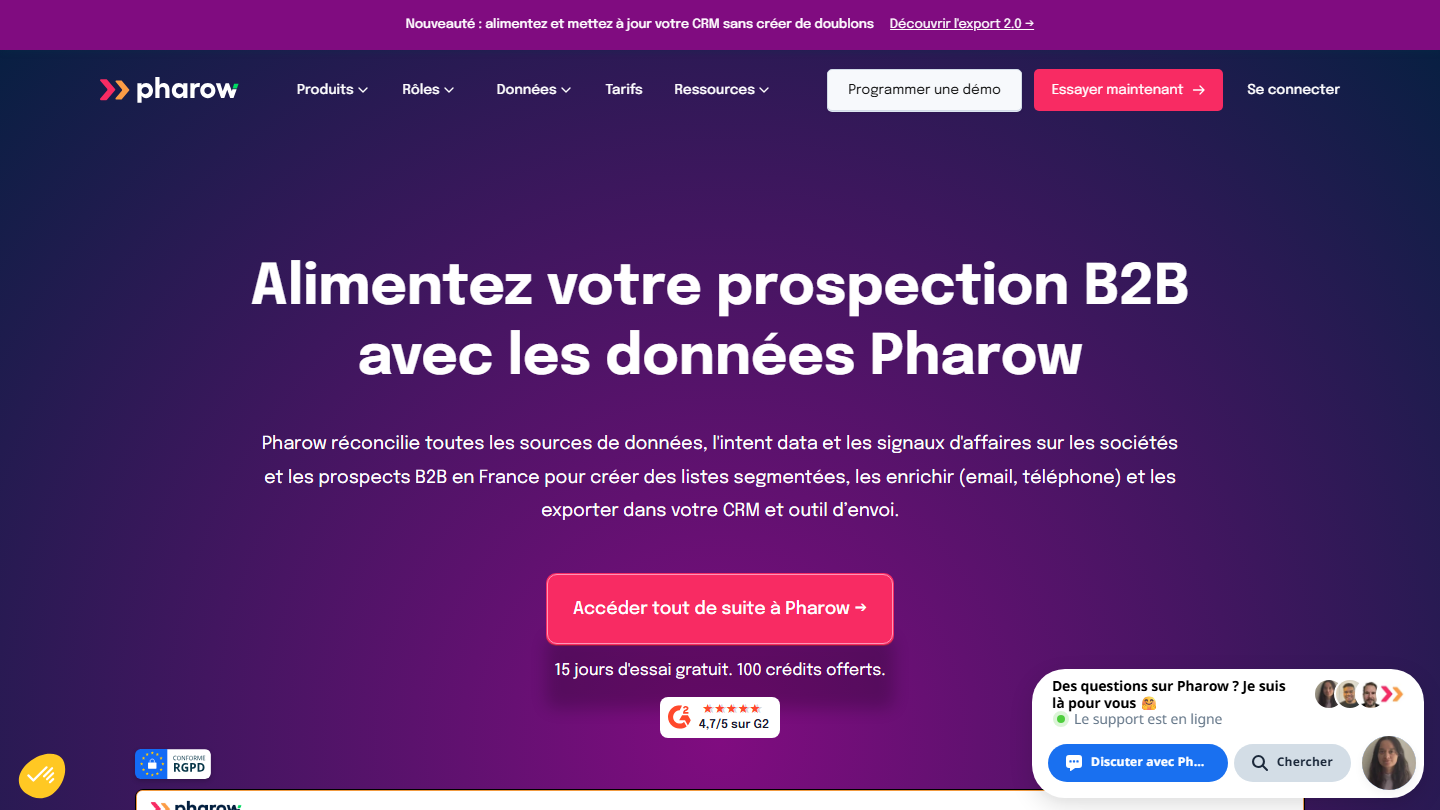
So we ranked the tools by the only question that really matters: if things go wrong, who pays? To export a Sales Navigator search, Evaboot remains the simplest option. For large volumes, look at Lobstr.io and Vayne. To extract profiles without using your account, Apify or Bright Data. To limit the risk as much as possible, target in Sales Navigator and then enrich with a database like Pharow.
Depending on what you need:
- Pull a few hundred leads a month from a Sales Navigator search: Evaboot
- Build lists of several thousand leads a week: Lobstr.io or Vayne, knowing that your Sales Navigator account absorbs that volume
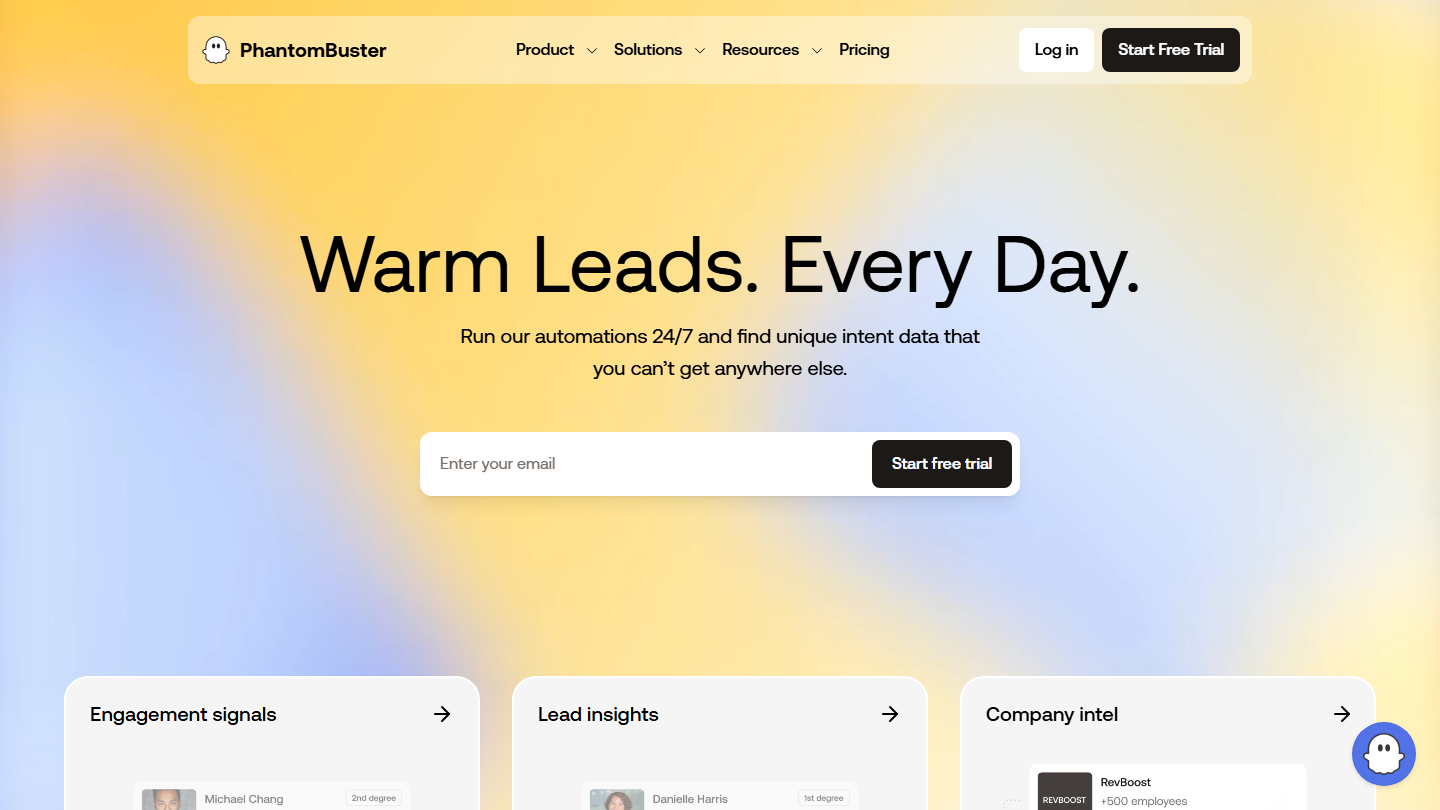
- Target the attendees of an event or the people reacting to a post: PhantomBuster
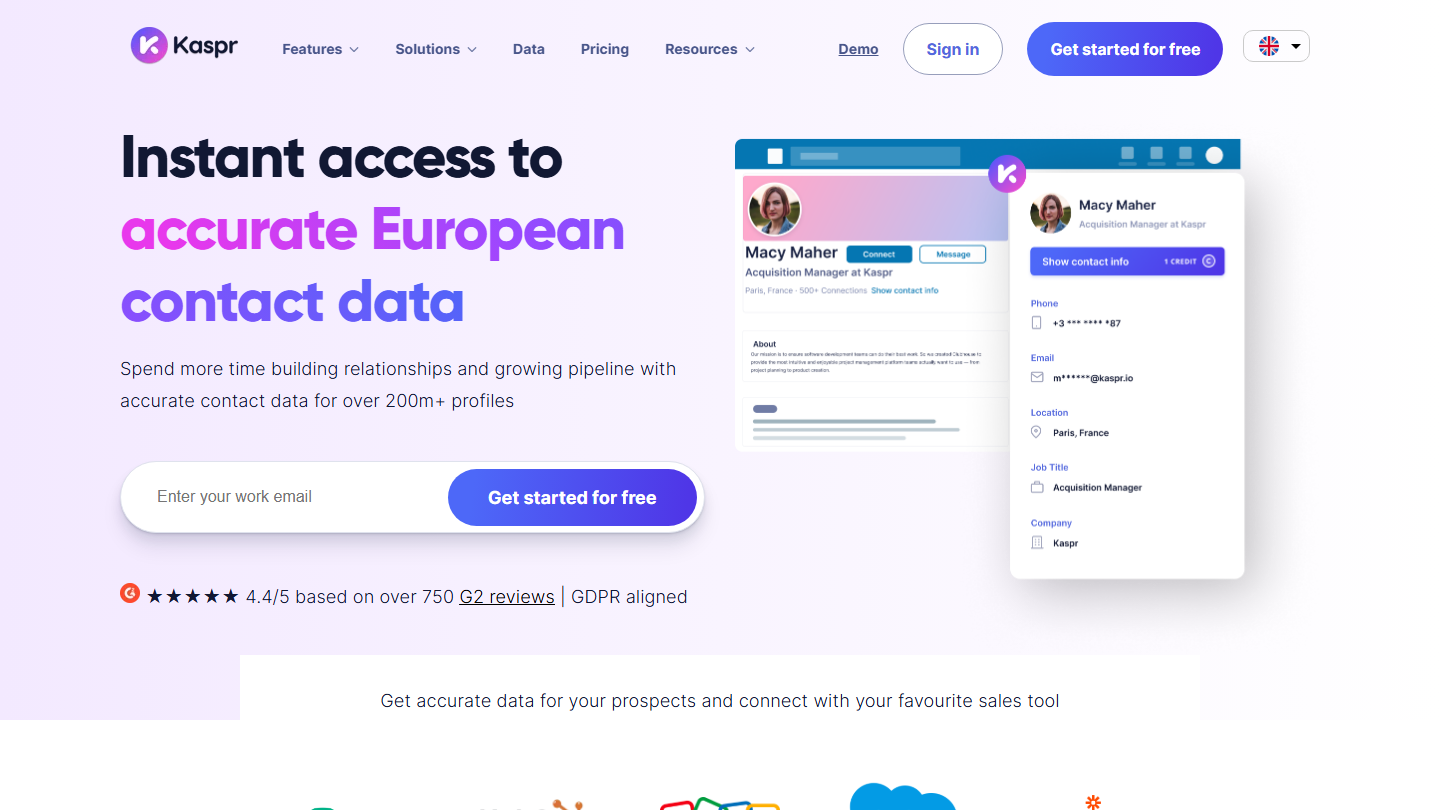
- Get emails and mobile numbers profile by profile: Kaspr
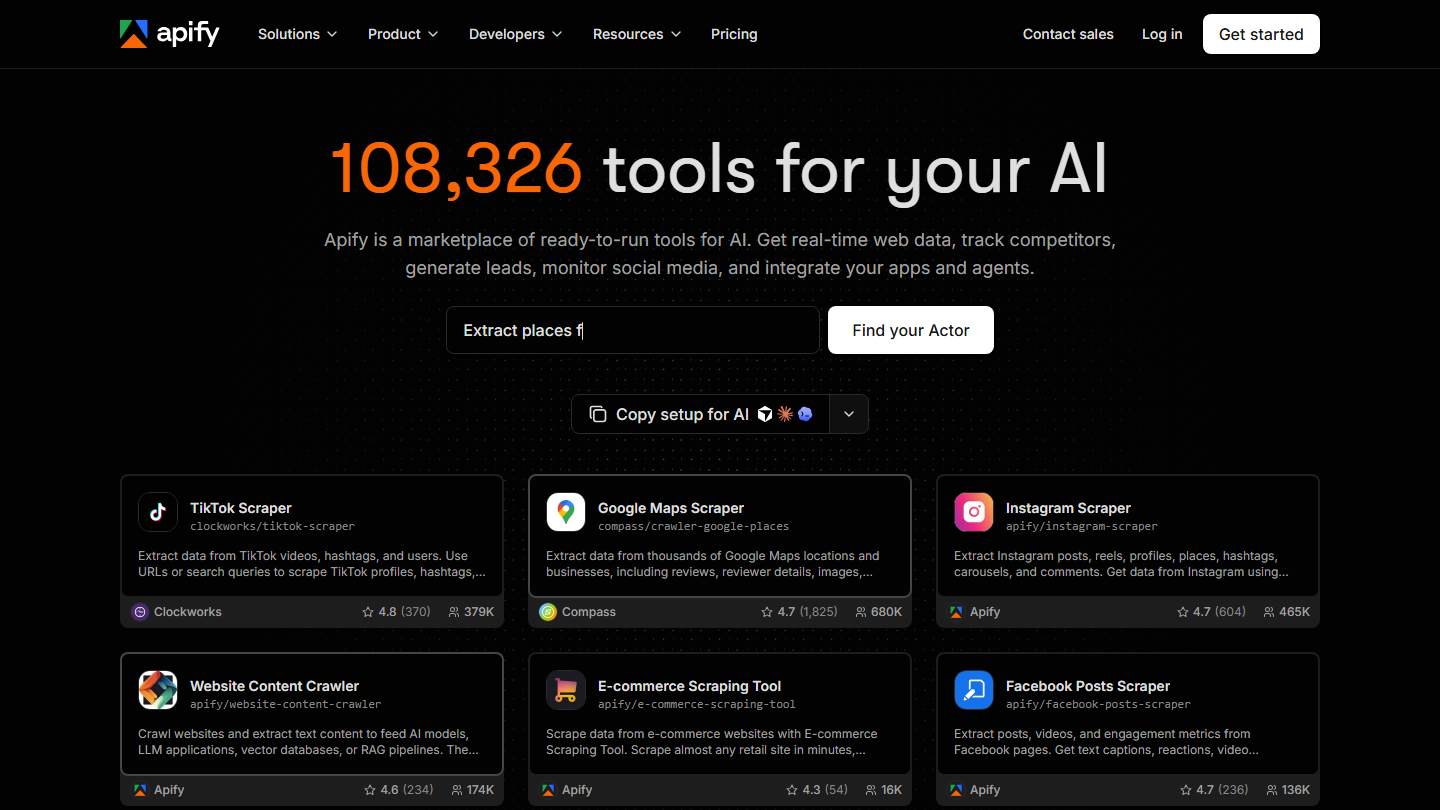
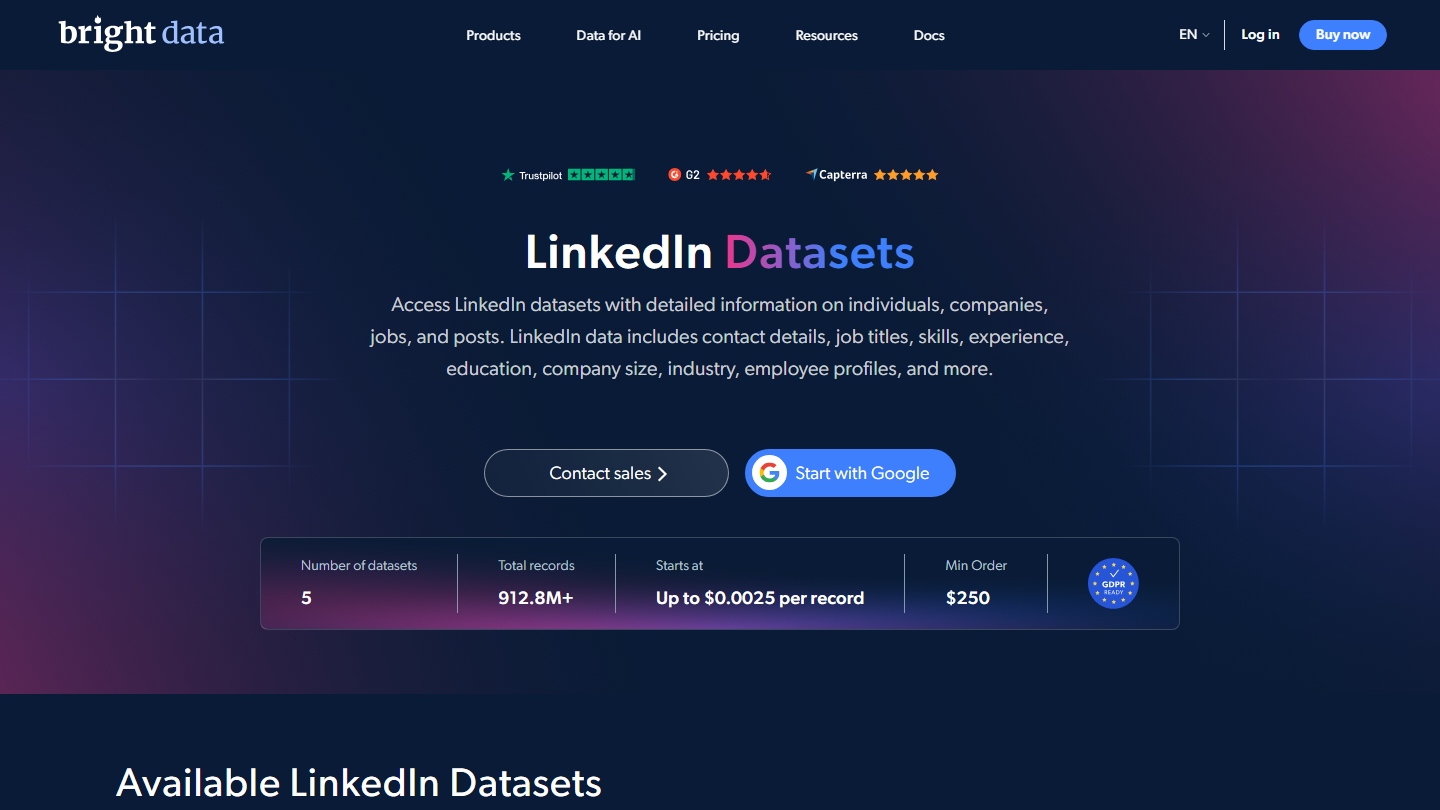
- Extract profiles without exposing your accounts, with a technical team: Apify or Bright Data, after checking where the data comes from
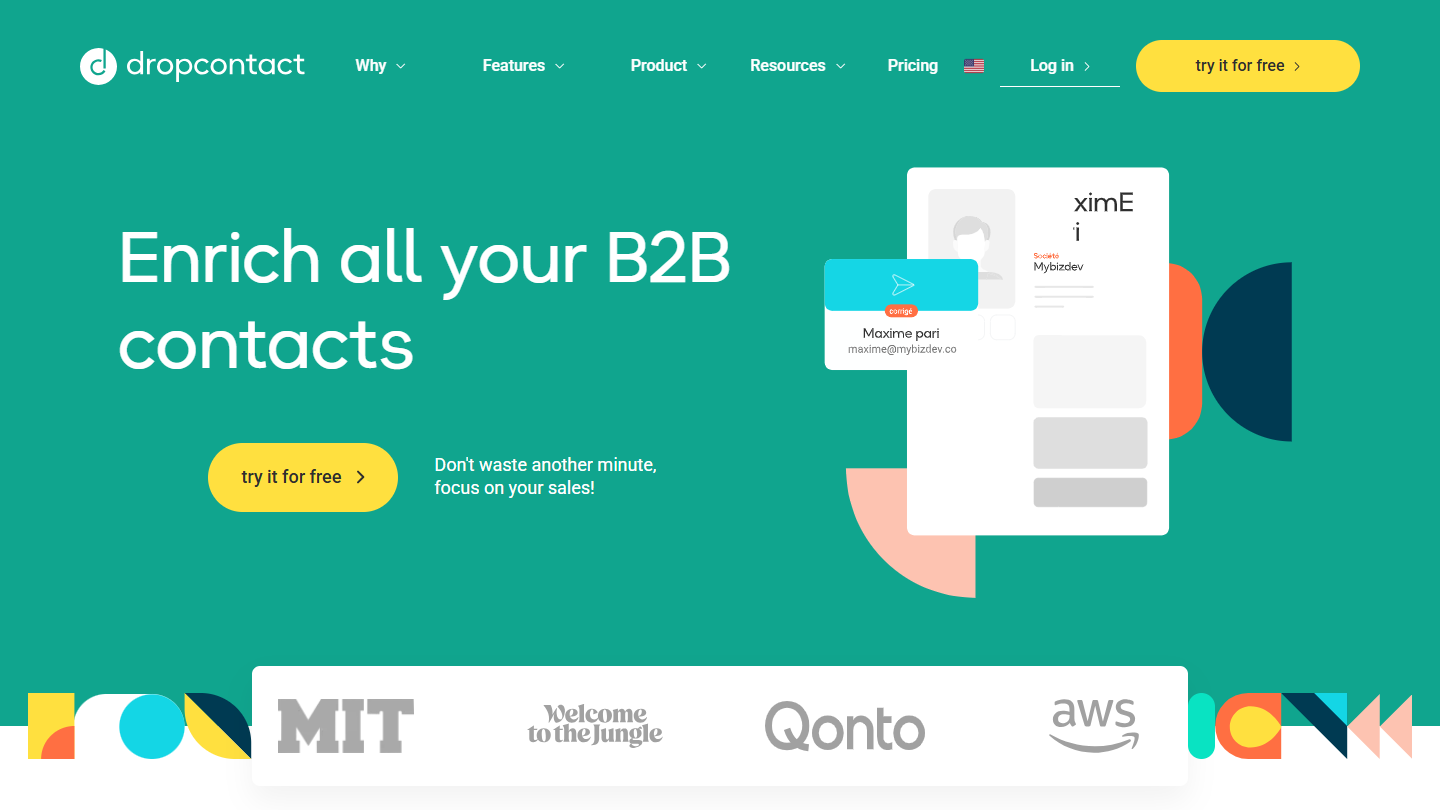
- Prospect French SMBs without scraping anything: Sales Navigator to target, then Pharow or Dropcontact for the contact details
Looking instead to automate your LinkedIn invitations and messages? That is another subject, covered in our top LinkedIn prospecting tools.
What does scraping LinkedIn actually mean?
Scraping LinkedIn means automatically extracting the information displayed on the platform (name, job title, company, profile URL) to use it elsewhere, most often in a spreadsheet or a CRM. In short, web scraping applied to LinkedIn.
One point the comparisons forget: LinkedIn rarely displays a prospect’s email. Each member chooses who can see their contact details, often only their connections. Tools that “find the email” therefore cross-reference the name and company with other sources. Building a LinkedIn lead file thus happens in two stages: extraction, which works on LinkedIn, then email enrichment, which works elsewhere.
As for sources, a scraper can go after:
- The results of a Sales Navigator search, the most used source. Sales Navigator displays no more than 2,500 results per search, a ceiling documented by export vendors such as Evaboot and Lobstr.io, and offers no native CSV export.
- Standard LinkedIn search, quickly throttled on a free account as soon as LinkedIn suspects commercial use.
- The attendees of an event or the reactions to a post: shorter lists, but ones that signal real interest.
- A company’s employees, useful for mapping a target account.
- Job postings, to spot companies hiring in your area.
LinkedIn scraping tools: who takes the risk for you?
Forget the price and the number of exported fields for a moment. What really separates the tools is the answer to a simple question: who picks up the pieces if LinkedIn reacts?
| Family | How it works | Who takes the risk? | What always remains your responsibility |
|---|---|---|---|
| Through your account | The tool reads LinkedIn with your session, from your browser (extension) or from its servers (cloud). | Your LinkedIn or Sales Navigator account | GDPR and informing prospects |
| Through the provider | The provider collects with its own means and delivers the result to you, with no cookie from you. | The provider, and you if the service stops | GDPR and the origin of the data |
| No scraping | You target in Sales Navigator or in a database, then you enrich. | Nobody on the LinkedIn side | GDPR and the cost of subscriptions |
Extension or cloud: the false debate. Vayne, which exports from the cloud, lists Chrome extensions among the fatal mistakes. Evaboot, which works through an extension, considers that no architecture is safer than another. Each defends its own model. The only question that matters: does the tool use your LinkedIn session? If so, your account is doing the work, whether the code runs in Chrome or on a server. Even Vayne advises, on days when the tool runs at full capacity, not to visit more than 100 profiles by hand.
Salesdorado’s takeBefore connecting a tool, ask it these four questions. One vague answer is enough to walk away.
- Do you ask for my session cookie or my LinkedIn credentials?
- Where is the extracted data hosted and how long do you keep it?
- Where do the emails and numbers you give me come from?
- What happens to my file if LinkedIn comes after you tomorrow?




What the community says.