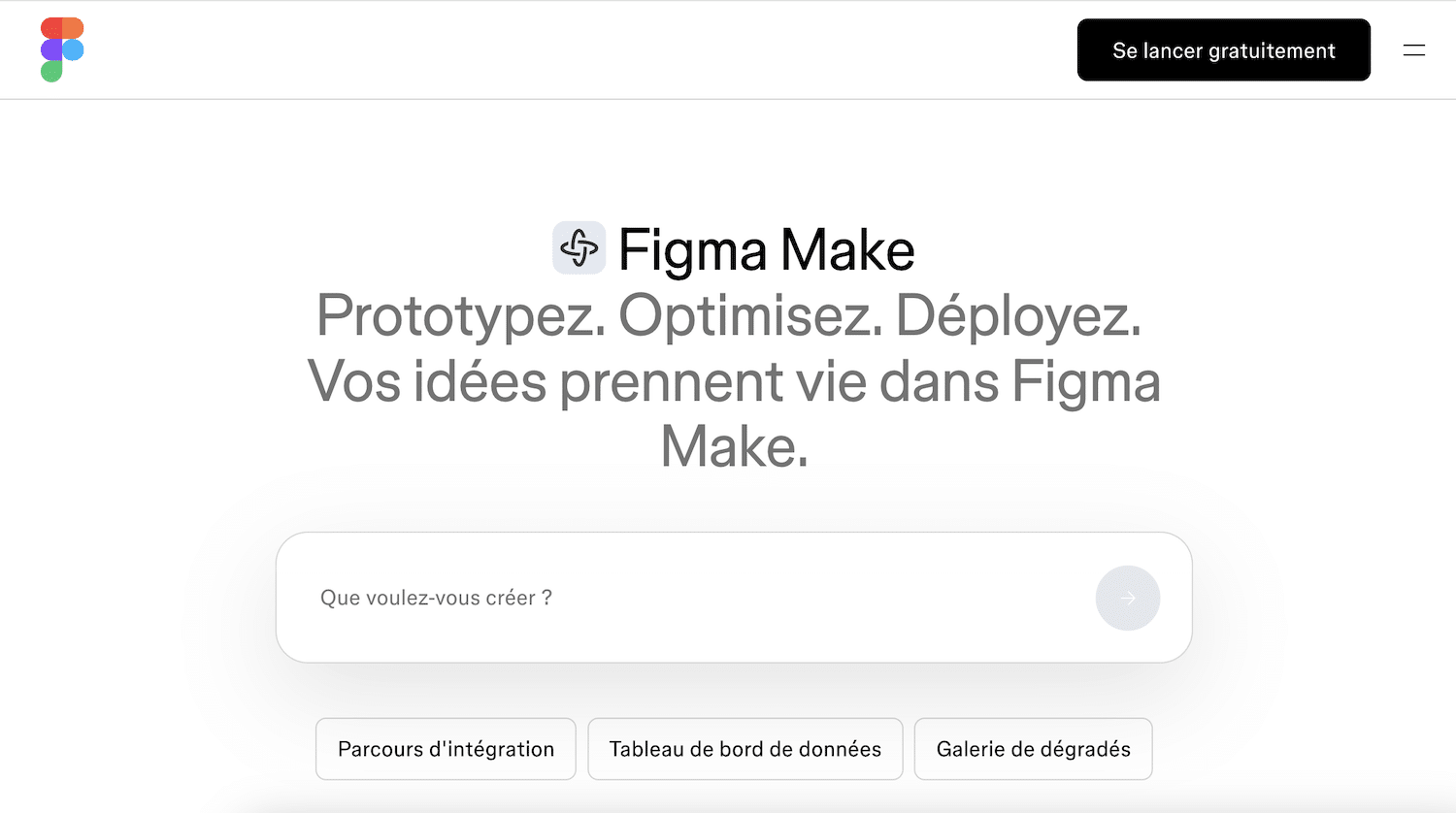
Coding vibe is the latest software craze. Lovable claims to have won over several million users in just one year, while v0 and Bolt are flooding LinkedIn feeds with demos of apps “built in 20 minutes without writing a single line of code.” And in the midst of this frenzy, Figma has unveiled its own response: Figma Make.
Asking whether Make is better than Lovable is the wrong question. All of these tools run on the same major AI models, with Anthropic’s Claude at the forefront. Make’s only real unique selling point lies elsewhere: it’s the only tool capable of natively reading your Figma files and design system. The entire decision therefore comes down to a question that few people ask: where are you starting from?
This article addresses that, focusing on three key questions:
- What can a marketing or sales team actually do about this, without a designer or developer on hand?
- How much does it really cost now that Figma tightened its AI credit policy in March 2026?
- Make, Lovable, or v0: Which One Should You Choose Based on Your Starting Point?
We gave Figma Make a try to check it out. Here’s our verdict.
Sommaire
The Vibe Coding in Two Minutes, for People with Real Jobs
If you missed the boat, here’s a quick catch-up. Vibe coding involves describing what you want in natural language and letting AI generate a functional web app, which you then refine through successive instructions. “Build me an ROI calculator with three sliders and a chart,” and thirty seconds later, it’s up and running in your browser.
The market has taken shape at breakneck speed. Lovable dominates the consumer market, v0 by Vercel appeals to front-end developers, while Bolt focuses on technical flexibility. Others are entering from related angles, such as Claude Design from Anthropic. Figma Make, launched in mid-2025, is the most closely watched newcomer, because it’s backed by the world’s most widely used design tool.
And contrary to popular belief, this is no longer just a matter for developers. Sales teams use it to put together customized demos for each client, and marketing teams use it for dashboards and test landing pages. It was precisely for this purpose that we evaluated Make.
The only real difference with Figma Make: it reads your mockups
When you submit a mockup to Lovable or v0, they view it as an image. They derive an interpretation from it—one that’s often correct in broad terms, but generic: spacing drifts, typography becomes approximate, and colors are smoothed out.
Make, on the other hand, provides direct access to the metadata of your Figma files. Independent benchmark tests that measured the accuracy of design reproduction are conclusive: direct access to Figma data is a structural advantage that screenshot tools simply cannot match.
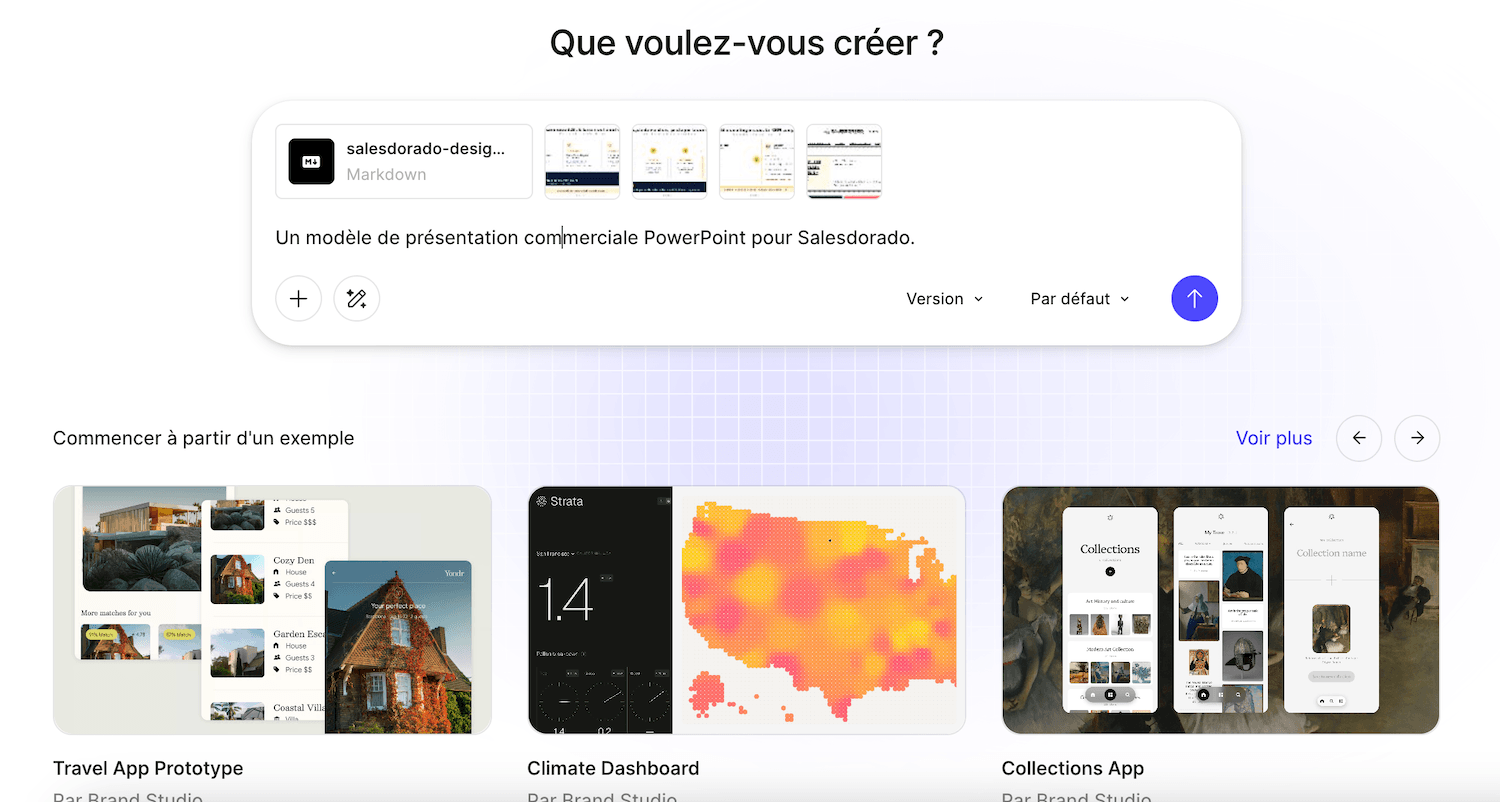
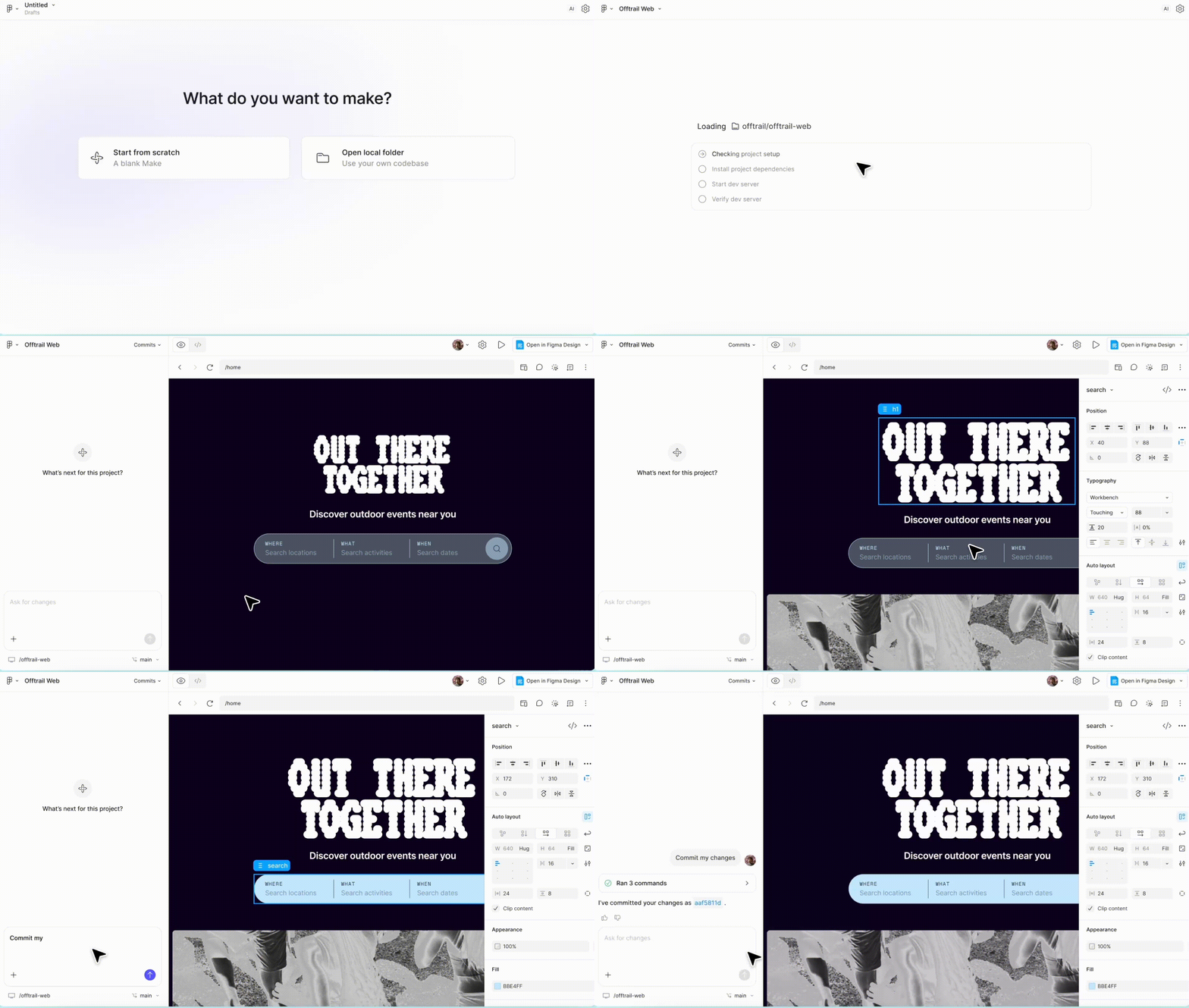
It goes beyond simply importing a mockup. Make can load the style context from a Figma library—including your colors, fonts, and components—and stick to it in everything it generates. Your prototype looks like your product, not just another Tailwind template.
The rest of the experience is well-designed for those who aren’t into coding:
- You select a specific item and highlight it, without affecting the rest
- You can edit text, an image, or a margin directly by hand, without any prompts
- Copy the result into layers in Figma Design to continue iterating
- You can publish to a figma.site address with just one click
- You connect a Supabase database when you need real user accounts and real data
The trade-off is just as fundamental. Without Figma mockups up front, this advantage disappears, and Make becomes just another generator—one that’s actually less flexible than its rivals. Keep this symmetry in mind; it’s what determines everything.
What You Can Do With It Without Being a Designer or Developer
Let’s talk about real-world applications, because that’s where Make becomes interesting for a Salesdorado reader:
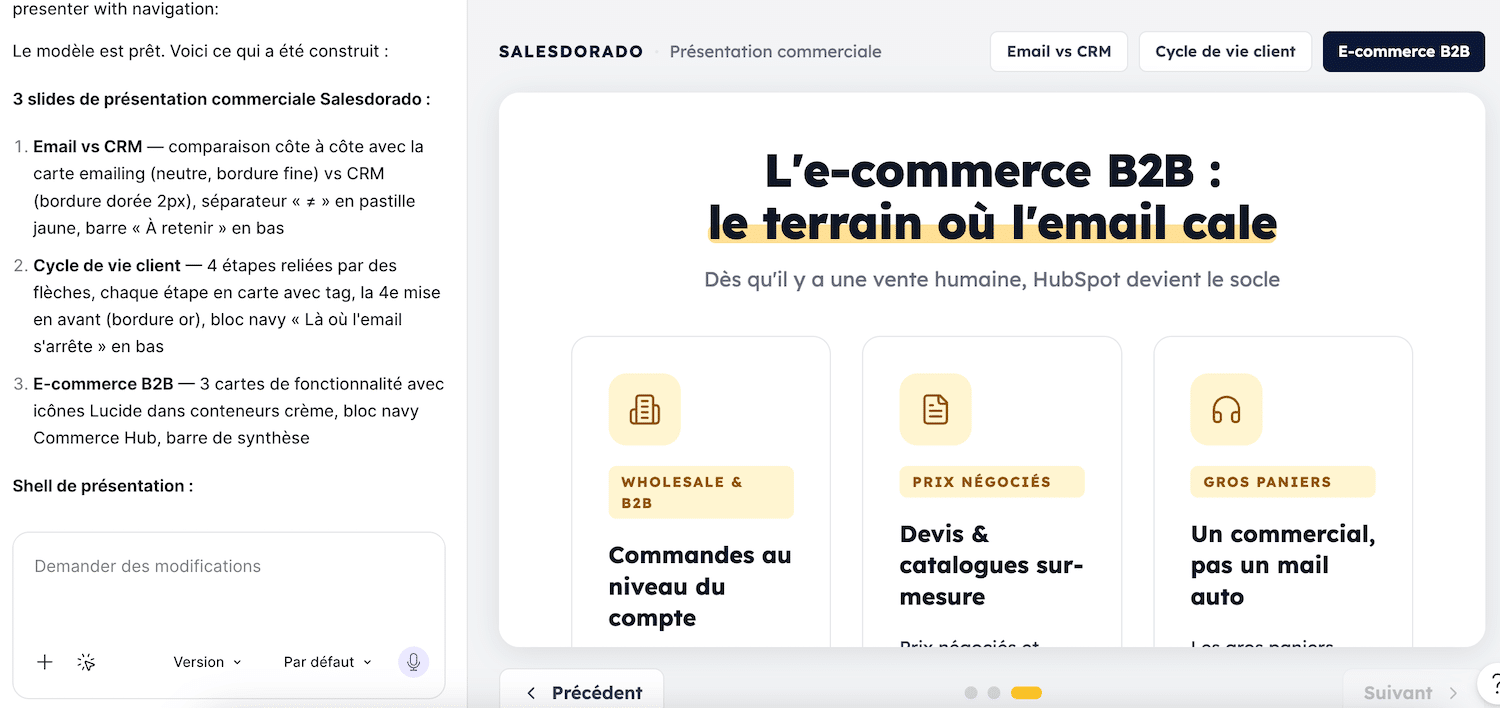
- The customized sales demo is the most underrated use case. Instead of a generic presentation deck, you show the prospect an interactive prototype customized with their branding and tailored to their specific use cases. A sales team working with existing product mockups can create a demo for each strategic account in an hour, whereas previously it would have taken a designer and a developer a whole week to complete.
- The test landing page comes right after that. Before investing in a full-fledged page, you create three versions of a message, test them with real users, and keep the one that performs best. Then, for scaling, our Comparison of Landing Page Tools takes over, and tools like LanderMagic specialize in this role.
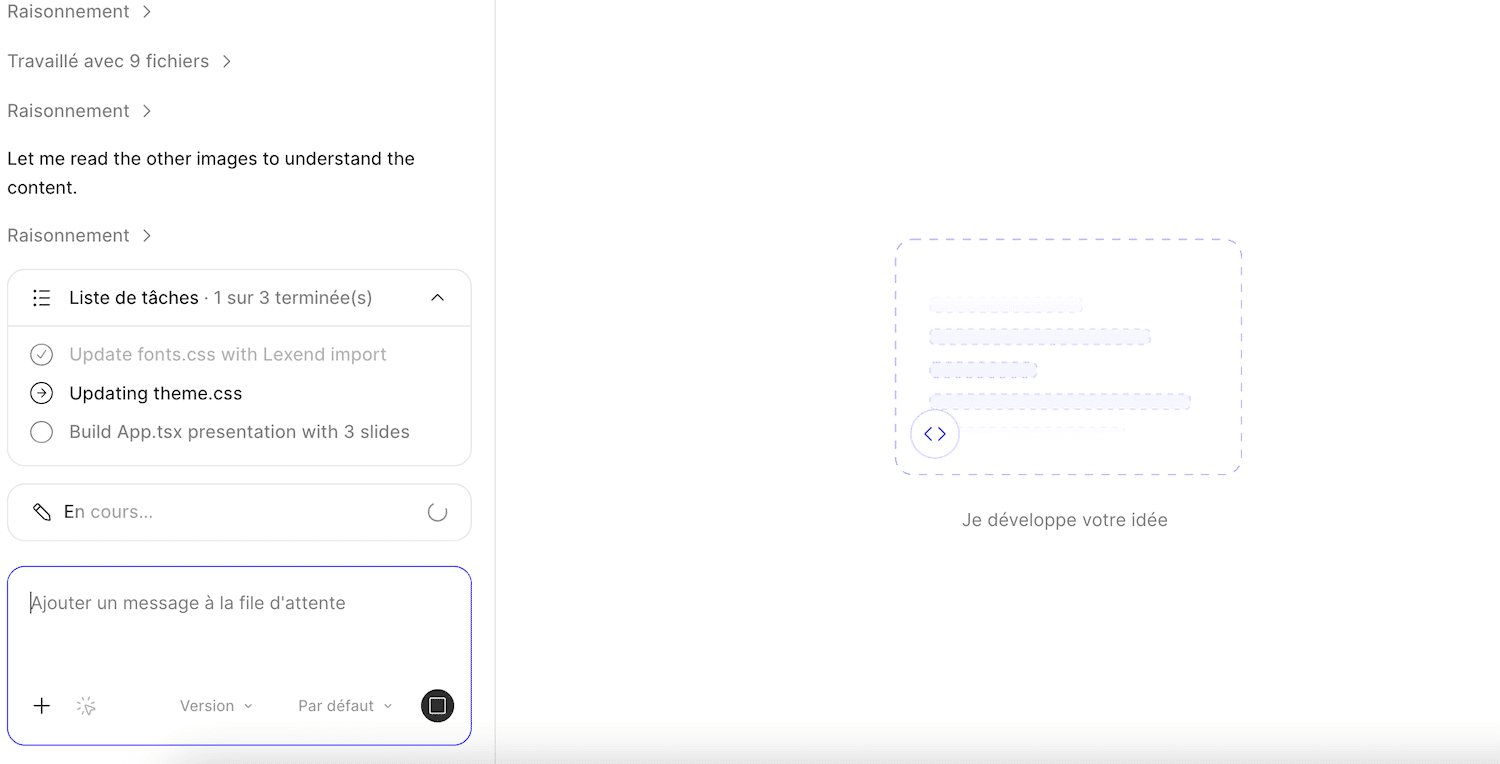
Two other uses are worth checking out:
- First, interactive calculators and simulators —excellent tools for generating B2B leads: an ROI calculator or a pricing simulator can be built in Make in a single session.
- Next, small internal tools: a tracking spreadsheet, a handy form, or a one-time dashboard for a specific task—all without involving the IT department.
How Much Does Figma Make Cost (and the Price Hike in March 2026)
This is where the prevailing discourse is a year behind, so let’s be precise.
First point: You can’t buy Make on its own. Figma doesn’t sell individual products; you need a comprehensive plan and the right type of license. Serious design work in Make requires a Full license. The Dev and Collab licenses, which are less expensive, are intended for other uses within the suite.
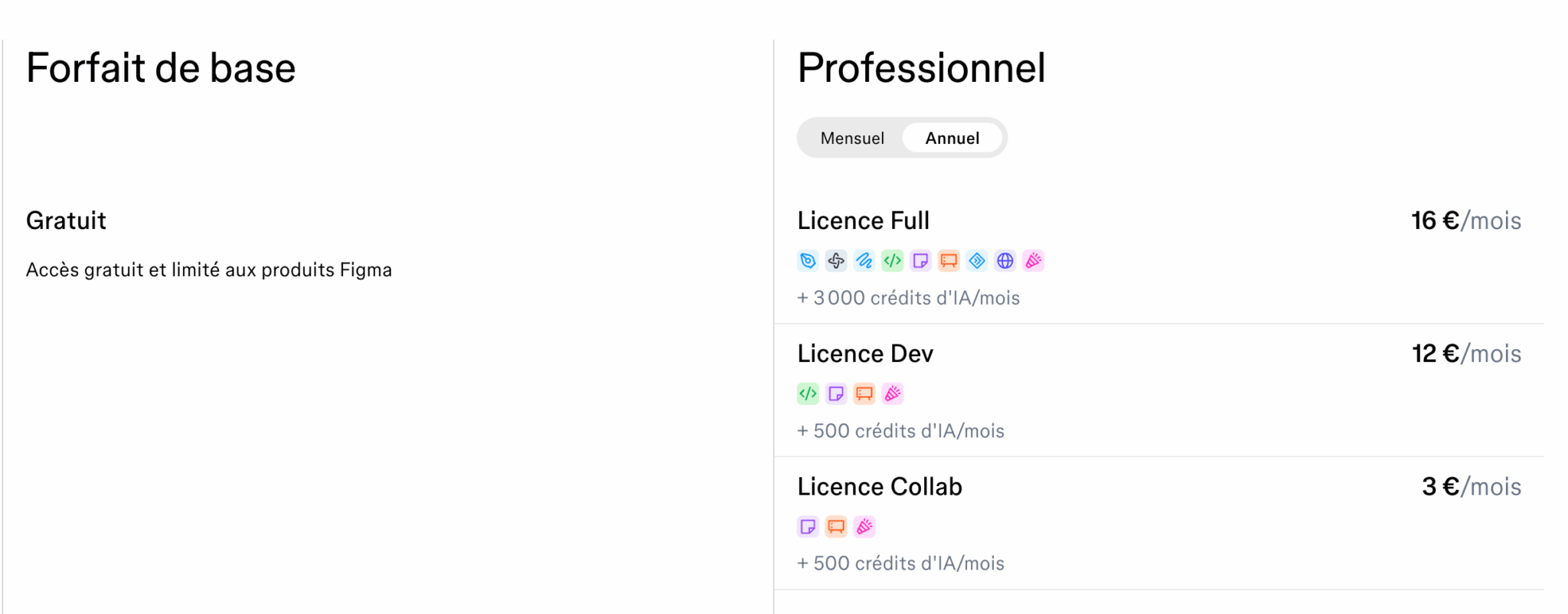
Second point: the real change. Make’s fuel is AI credits, which are deducted with each generation. In 2025, these limits were lenient, and the narrative “Make is included—help yourself” took hold. Since March 18, 2026, Figma has been strictly enforcing credit quotas per license. Each plan comes with a monthly allowance, and user feedback suggests that complex tasks can use up about 100 credits at once. The allowances run out quickly once you start using the service extensively, and after that, you’ll need to purchase additional credits.
The price list, in euros:
| Package | Full License | AI Credits / Month | Key Points |
|---|---|---|---|
| Basic Plan | Free | 500 | Enough to try out Make, but not for regular use |
| Professional | €16/month (annual plan) | 3,000 | The serious entry-level plan—the only package with a monthly option |
| Organization | €55/month, annual plan only | 3,500 | SSO and team libraries—the price jump is steep |
| Enterprise | €90/month, annual plan only | 4,250 | Large enterprises, advanced security and governance |
The Dev (€12 for the Professional plan) and Collab (€3) licenses are capped at 500 monthly credits, just like the free plan. Shared credit top-ups are available as an add-on for all plans.
How you interpret this pricing depends entirely on your situation:
- If your company already pays for full licenses for its designers or product managers, Make is a superpower with virtually no marginal cost, as long as you stay within your credit limit.
- If you need to subscribe to Figma just for Make, take a hard look at the numbers: €16 per month versus $25 for Lovable—the difference is small, and the latter is designed from the ground up for building apps.
Keep an eye on your credit balance
The “it’s included in Figma” mindset dates back to 2025. Since March 2026, each generation has been drawing from a strict monthly allowance. Before setting up a team workflow on Make, measure your actual credit usage on a pilot project—or you might find yourself having to pay for top-ups at the worst possible moment.
Where Figma Make Leaves Off
The consensus among independent testers draws a clear line, and we agree with it after putting it to the test: Excel is great for prototyping, but not beyond that.
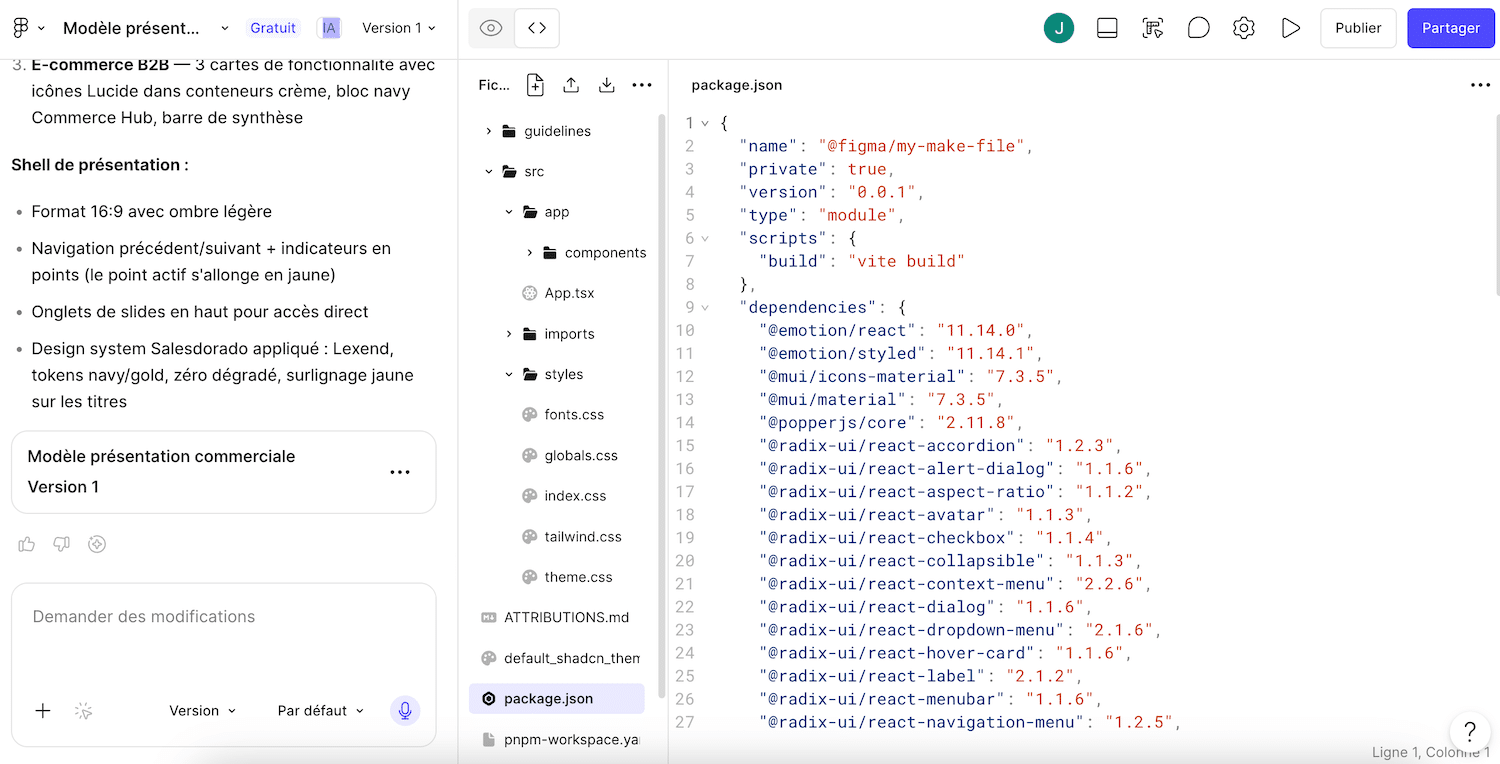
Hosting takes place on a figma.site subdomain, which is convenient for sharing but limited for a real deployment. The generated code isn’t designed to be taken as-is by a development team. And there’s no two-way synchronization with GitHub like there is with Lovable, which lets you export your project, work on it in a development environment, and reimport it. Make lives within Figma—that’s both its strength and its limitation.
Let’s be honest about what the competition does better. When it comes to delivering a truly usable MVP—complete with a database, authentication, and hosting managed end-to-end by someone who doesn’t know how to code—Lovable remains the gold standard in its category. For clean front-end code that can be handed off to developers, v0 still has the edge.
A word of caution applies to the entire category, including Make: Stanford researchers have shown that the vast majority of AI-generated applications contain at least one exploitable vulnerability. A prototype, demo, or test can get by just fine with this. But a tool that handles real customer data should never be deployed without a technical review.
Figma Make, Lovable, or v0: it all depends on where you’re starting from
The decision table, stripped of feature discussions:
| Criterion | Figma Make | Lovable | v0 |
|---|---|---|---|
| The Perfect Starting Point | Existing Figma mockups | An idea, a blank page | A need for a specific front-end interface |
| Faithful to your design | Excellent, native file support | Approximate, image interpretation | Approximate, image interpretation |
| Go to the actual app | Possible via Supabase, but not its intended purpose | Its core business, including GitHub | Front-end only—you have to build it yourself |
| Pricing Plan | Included in Figma plans, limited credits | Dedicated subscription starting at $25/month | Generous free trial, followed by paid plans |
| Ideal Profile | Teams Already Using Figma | Founder or marketer who built a business from the ground up | People comfortable with basic technical skills |
Slicing occurs in two situations:
- Does your company already use Figma, working with designers, a product team, or an agency that maintains mockups? Make is the fastest way to turn those mockups into a credible prototype, at the lowest marginal cost on the market.
- Starting from scratch, with no Figma files or license? Make loses its only key advantage. Lovable will take you further for a comparable price, and v0 is more than enough for pure interface design.
The Strengths and Limitations of Figma Make
- Unmatched design fidelity thanks to native support for Figma files
- Automatic brand consistency through style libraries
- Marginal cost is virtually zero if the company already pays for Full licenses
- Direct editing of results, without constant prompts
- Built-in Supabase to Move Beyond the Static Prototype
- Instant publishing for sharing and testing
- Interest Plummets Without Figma Models Up Front
- AI credits have been strictly capped since March 2026
- Cannot be purchased separately; locked into Figma plans
- Code not ready for production deployment
- Hosting limited to the figma.site subdomain, without GitHub synchronization
Our Final Thoughts on Figma Make
Figma Make is an excellent tool that you should choose for the right reason.
It’s not the best app generator on the market, and it doesn’t claim to be. It’s by far the best bridge between Figma mockups and a working prototype. .
Its native reading of files and libraries delivers a level of accuracy that Lovable and v0—which are limited to interpreting images—cannot match. This provides an immediate advantage for a marketing or sales team working within a company that already uses Figma: customized demos, test landing pages, lead calculators, and internal tools—all without needing to involve a developer.
Outside of this context, the verdict is reversed. Without preliminary mockups, Make reverts to being just another generator, limited to a Figma subscription and a credit counter that’s become strict. Anyone starting from a blank page would be better off using Lovable for building, or v0 for the interface.
One last thing to consider: the free plan, with its 500 monthly credits, is enough to let you form your own opinion about your designs in just one afternoon. That’s the test that will seal the deal.
. Figma Make is available with Figma’s free plan, which includes 500 AI credits per month—enough to generate your first prototypes from your mockups and test them in real-world scenarios.