Once the preserve of larger organizations, project management tools are now much more accessible to all small and medium-sized businesses. Some offer free plans, and the subscription model avoids prohibitive heavy investments.
But while project management software can generate enormous value, it also quickly becomes a gimmick when poorly implemented and integrated into the working environment.
We’ve thoroughly benchmarked some forty software products on the market to come up with our selection of the 10 best project tools available today.
Sommaire
Top software roundup in a table
| Software | Ideal for | Features | Price |
|---|---|---|---|
| Notion | Tech startups, creative agencies, content teams | – Modular workspaces – Relational databases – Wikis and documentation – Integrated Kanban boards |
Free (personal) 8$/user/month (team) 15$/user/month (business) |
| ClickUp | Multidisciplinary SMEs, consulting firms, companies centralizing tools | – Multiple views (15+) – Advanced automations – Native documents – Integrated OKR lenses |
Free (Limited) $7/user/month (Unlimited) $12/user/month (Business) |
| Wrike | Large corporations, marketing departments, engineering companies | – Professional interactive Gantt charts – Approval workflows – Real-time reporting – Project portfolio management |
9.80/user/month (Pro) 24.80/user/month (Business) On request (Enterprise) |
| Miro | UX/design teams, agile companies, strategy consultants | – Infinite whiteboards – Templates workshops – Real-time collaboration – Integrated design tools |
Free (3 boards) 8$/user/month (Starter) 16$/user/month (Business) |
| Zoho Projects | SME Zoho ecosystem, service companies, manufacturing companies | – Integrated Zoho suite – Timesheets – Budget management – Project forums |
4€/user/month (Premium) 9€/user/month (Enterprise) Custom (Ultimate) |
| Monday.com | Non-technical teams, agencies, digital SMEs | – Colorful visual interface – No-code automations – 200+ integrations – Industry templates |
8€/user/month (Basic) 10€/user/month (Standard) 16€/user/month (Pro) |
| Todoist | Freelancers, consultants, small teams, hybrid professionals | – Natural language input – Labels and filters – Hierarchical projects – Productivity/karma view |
Free (personal) 4€/user/month (Pro) 6€/user/month (Business) |
| Jira | Development teams, IT departments, DevOps companies | – Scrum/Kanban boards – Development workflows – JQL advanced queries – CI/CD integrations |
Free (10 users) 7.75$/user/month (Standard) 15.25$/user/month (Premium) |
| Trello | Editorial teams, small businesses, visual management | – Simple Kanban boards – Expandable Power-Ups – Butler automation – Checklists and voting |
Free (Basic) 5$/user/month (Standard) 10$/user/month (Premium) |
| Asana | Companies 50-1000 employees, marketing/events, matrix organizations | – Multiple project views – Portfolios and Goals – Automated Rules – Advanced reporting |
Free (15 users) 10.99€/user/month (Premium) 24.99€/user/month (Business) |
Our selection of the best software in detail
#1 Notion, a streamlined software solution
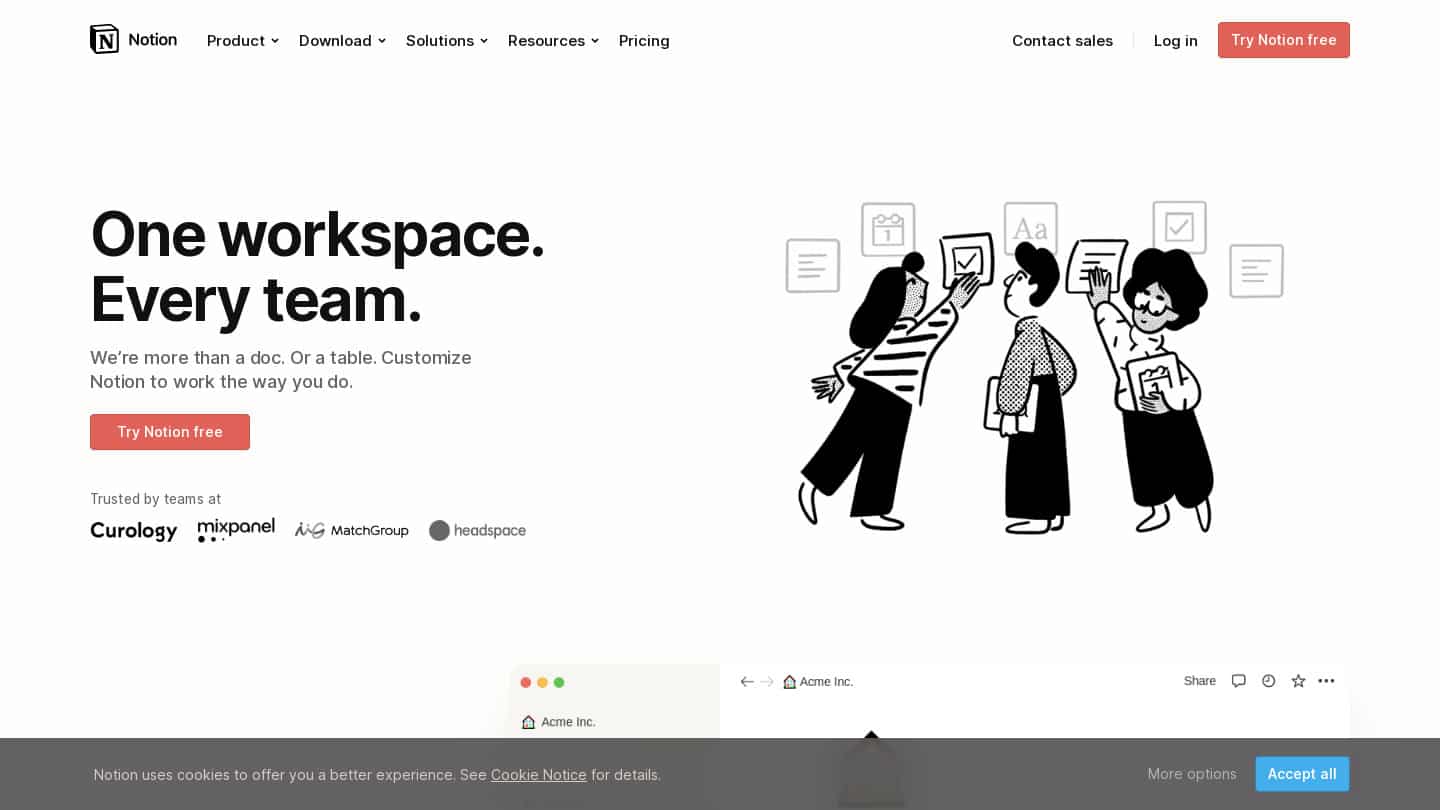
Notion functions as a digital workspace where each page can become a project board, a customer database, a corporate wiki or a simple document. Imagine being able to create a Kanban board to track your projects, then link each board to a detailed page containing creative briefs, team comments and change history. Relational databases let you connect projects, customers and resources: a click on a customer name displays all its current projects, their status and assigned teams.
For whom?
- Technology start-ups: These companies appreciate Notion’s ability to grow with them. Start with a few simple tables, then gradually develop a complete system of product documentation, roadmaps and internal processes.
- Creative agencies: Centralize customer briefs, moodboards, feedback and deliverables in a single space. Designers can embed their Figma designs directly into project pages.
- Content teams: Editorial calendars linked to articles in progress, with editing, proofreading and publication statuses visible to all
- Scale-ups: Flexibility to document evolving processes and maintain an up-to-date knowledge base
Discover Notion
Take advantage of Notion’s free plan to test the tool’s possibilities!
#2 ClickUp, the up-and-coming tool
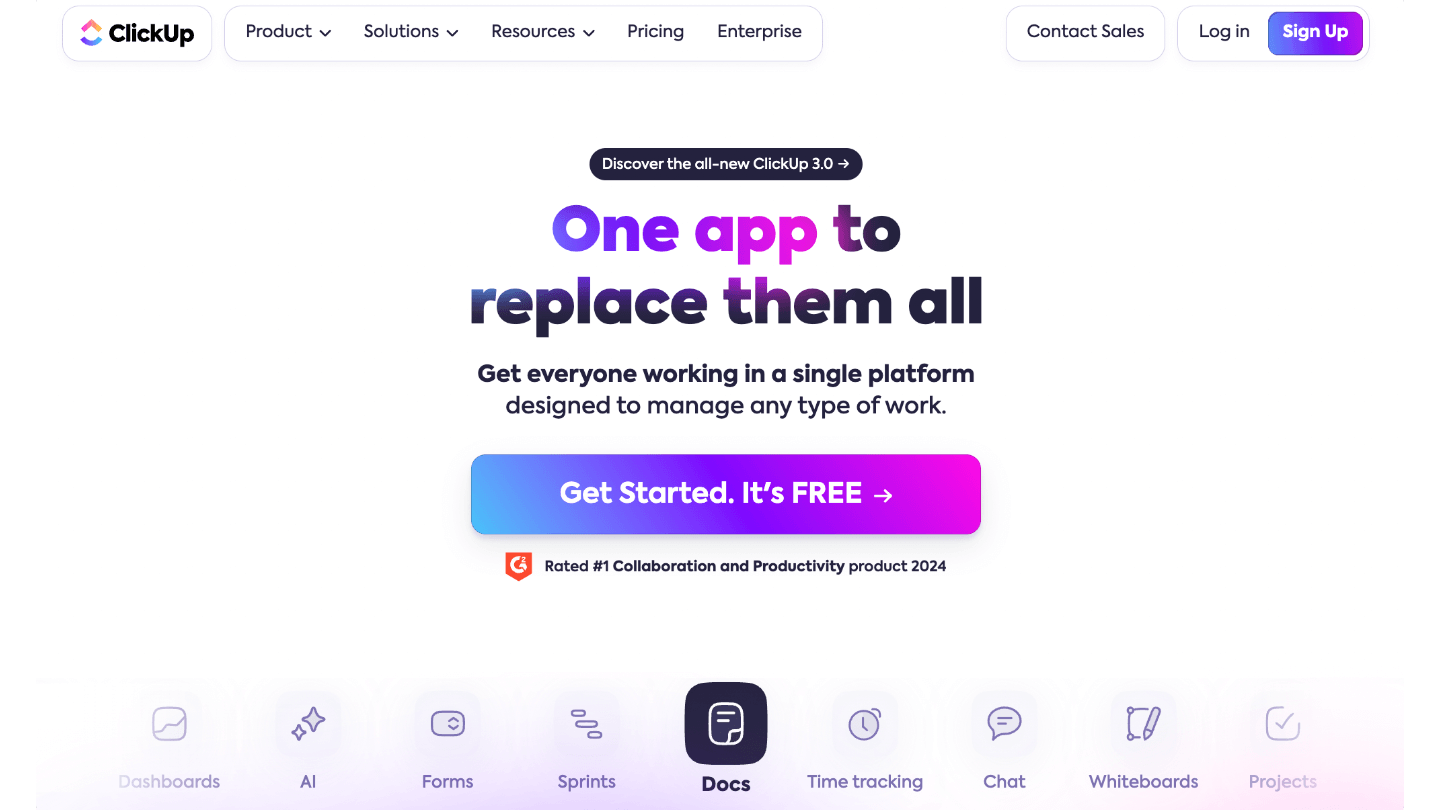
ClickUp aims to replace all your productivity tools. In addition to classic task lists, the platform integrates native documents (like Google Docs), whiteboards for brainstorming, OKR goals with automatic progress, and even an internal messaging system. Each workspace can adopt a different view: Mind Map view for strategic planning, Workload view to balance human resources, or Form view to capture customer requests directly as tasks.
For whom?
- Multi-department SMEs: A department can use agile sprints while accounting prefers simple lists, while sharing the same data.
- Consulting firms: Billable time tracking by project, automatic generation of customer reports, and management of deliverables in a single tool
- Industrial companies: Production management with task dependencies, critical milestones and machine resource allocation
- Operational teams: Automation reduces manual work – a completed task can automatically notify the next person involved and move the project on to the next stage.
Discover ClickUp
Discover the possibilities of ClickUp! software.
#3 Wrike, for structured teams
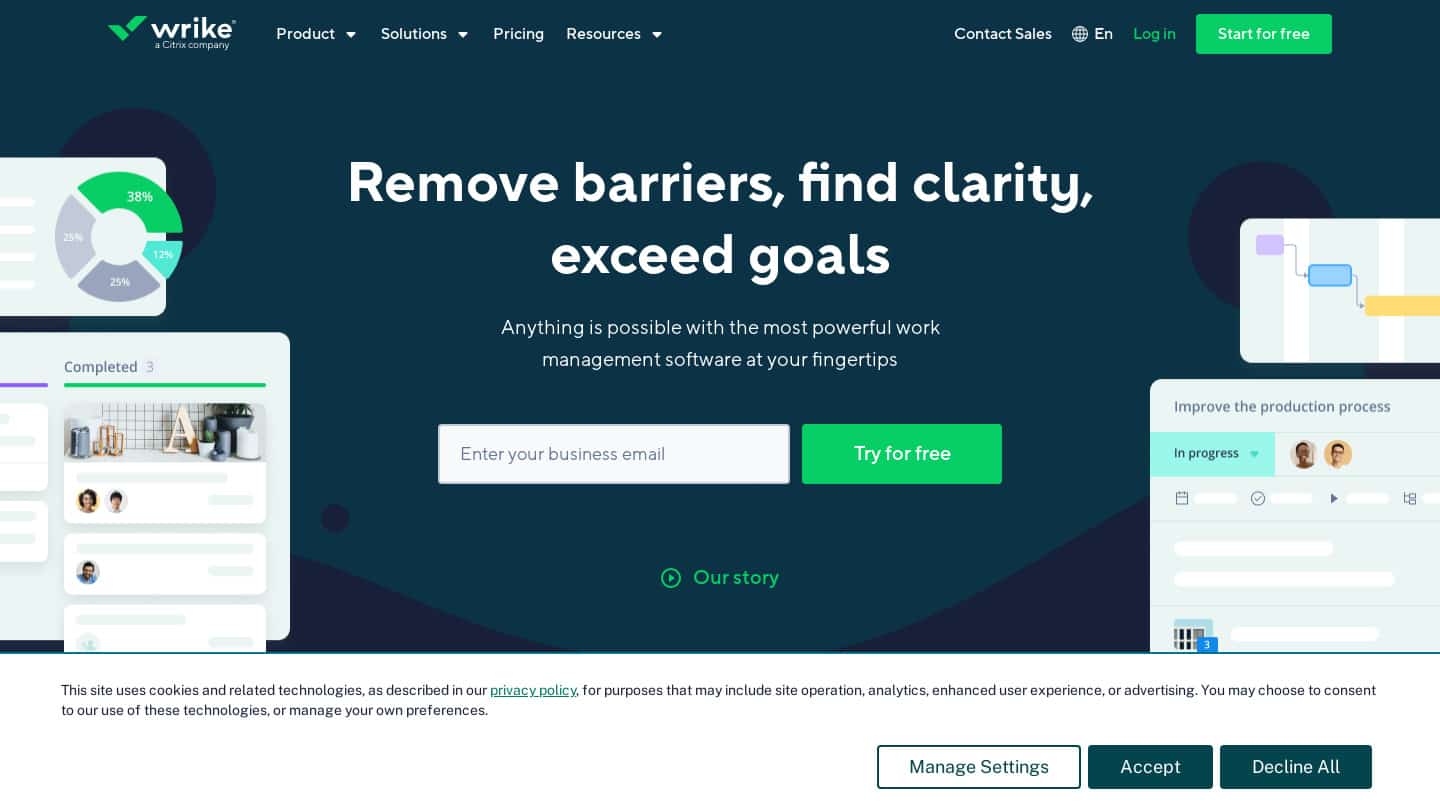
Wrike brings a professional structure to project management with features designed for corporate environments. Its interactive Gantt editor lets you drag-and-drop to adjust deadlines while visualizing the impact on the whole project. Customizable workflows define exactly who validates what: a design automatically passes from designer to art director to client for approval. Real-time dashboards aggregate data from multiple projects for an instant executive view.
For whom?
- Multinationals: Management of complex project portfolios with consolidated management reports
- Marketing departments: Multi-channel campaigns with integrated marketing calendars, creative approval workflows and ROI tracking
- Engineering companies: lengthy projects with numerous dependencies, risk management and detailed progress reports
- Regulated companies: Comprehensive audit trails, granular permissions and workflows in line with validated processes
Discover Wrike
Take advantage of Wrike’s free plan to test the tool’s possibilities!
#4 Miro, the whiteboard tool
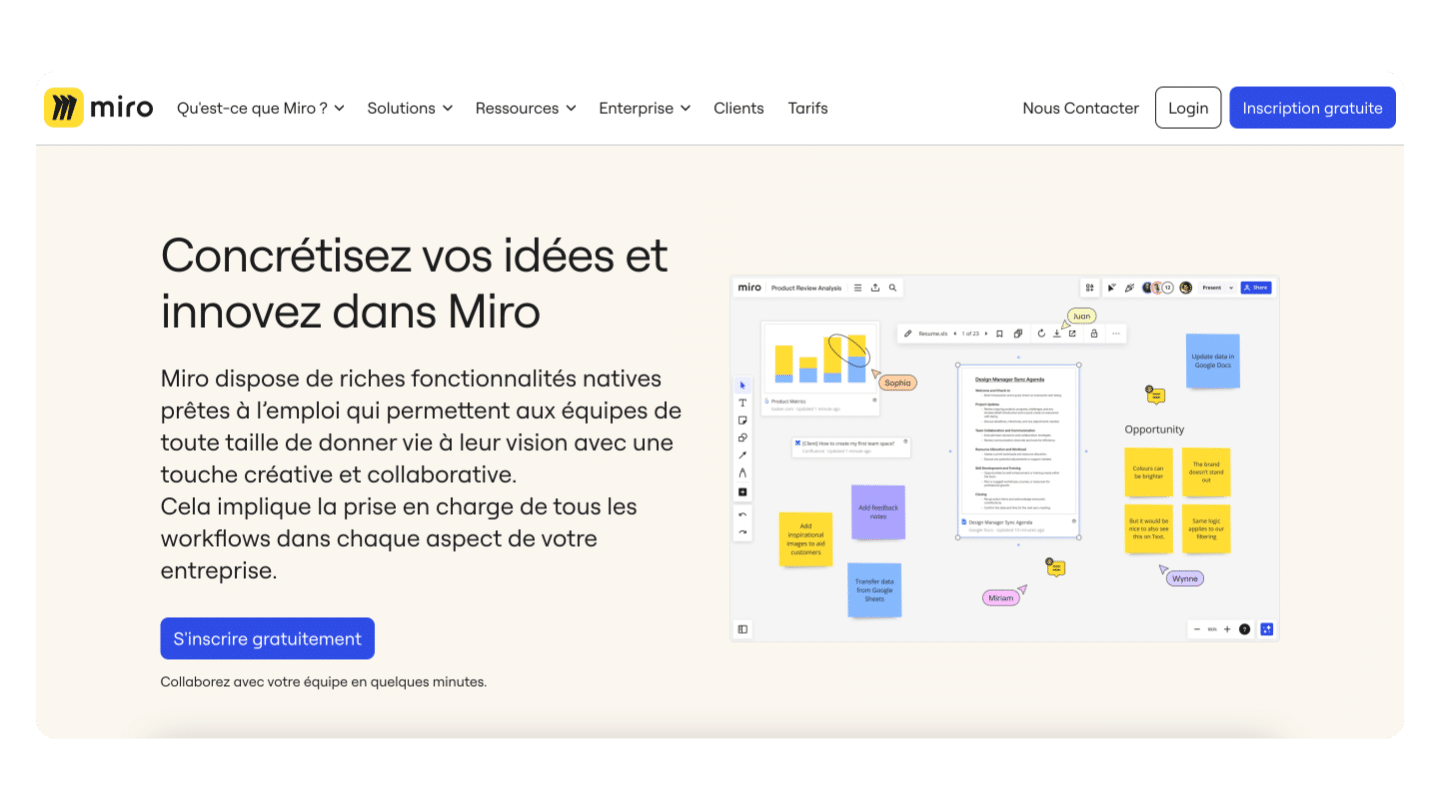
Miro transforms remote collaboration by recreating the experience of a physical whiteboard, but with digital superpowers. Teams can simultaneously add virtual post-its, draw diagrams, vote on ideas or build user journey maps. Pre-built templates speed up your workshops. Launch a Scrum retrospective template and guide your team through each step. Integration with project management tools transforms ideas into actionable tasks without leaving the board.
For whom?
- Product/UX teams: creation of personas, collaborative wireframes, and design thinking sessions with stakeholders
- Agile enterprises: virtual planning poker, story mapping and visual retrospectives for Scrum teams
- Strategy consultants: Interactive customer workshops, process mapping and dynamic visual presentations
- Distributed organizations: Replace face-to-face sessions with engaging virtual workshops with real-time participation
Discover Miro
Add a visual and collaborative dimension to your project management with Miro!
#5 Zoho Projects, a complete ecosystem
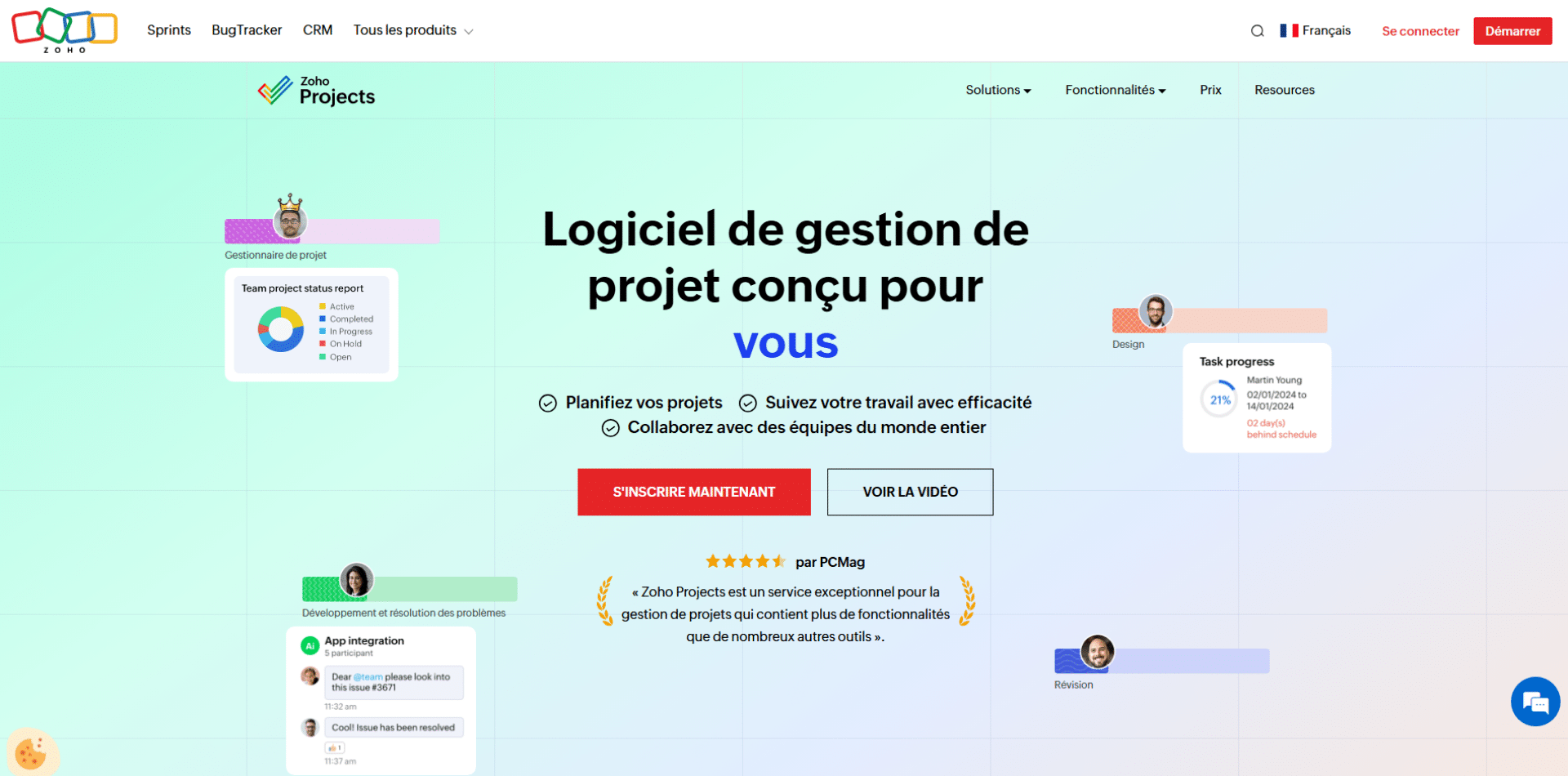
Zoho Projects integrates into a complete ecosystem of business applications. Create a project from a Zoho CRM quote, track time spent which automatically feeds Zoho Books for invoicing, and analyze profitability in Zoho Analytics. Gantt charts display the critical path, timesheets capture hours per task/client, and project forums centralize discussions without endless emails. Customizable dashboards show burn-down charts, consumed budgets and upcoming milestones.
For whom?
- SMEs already on Zoho: Natural synergy with CRM, accounting and other Zoho apps for unified workflows
- Service companies: Profitability tracking by project with comparison of planned vs. actual times and margins
- Manufacturing companies: management of continuous improvement projects, product launches and inter-site coordination
- Price-conscious structures: Cost-effective alternative to enterprise solutions with professional features
Discover Zoho Projects
Take advantage of Zoho Projects’ free plan to test the tool’s capabilities!
#6 Monday.com, France in the spotlight
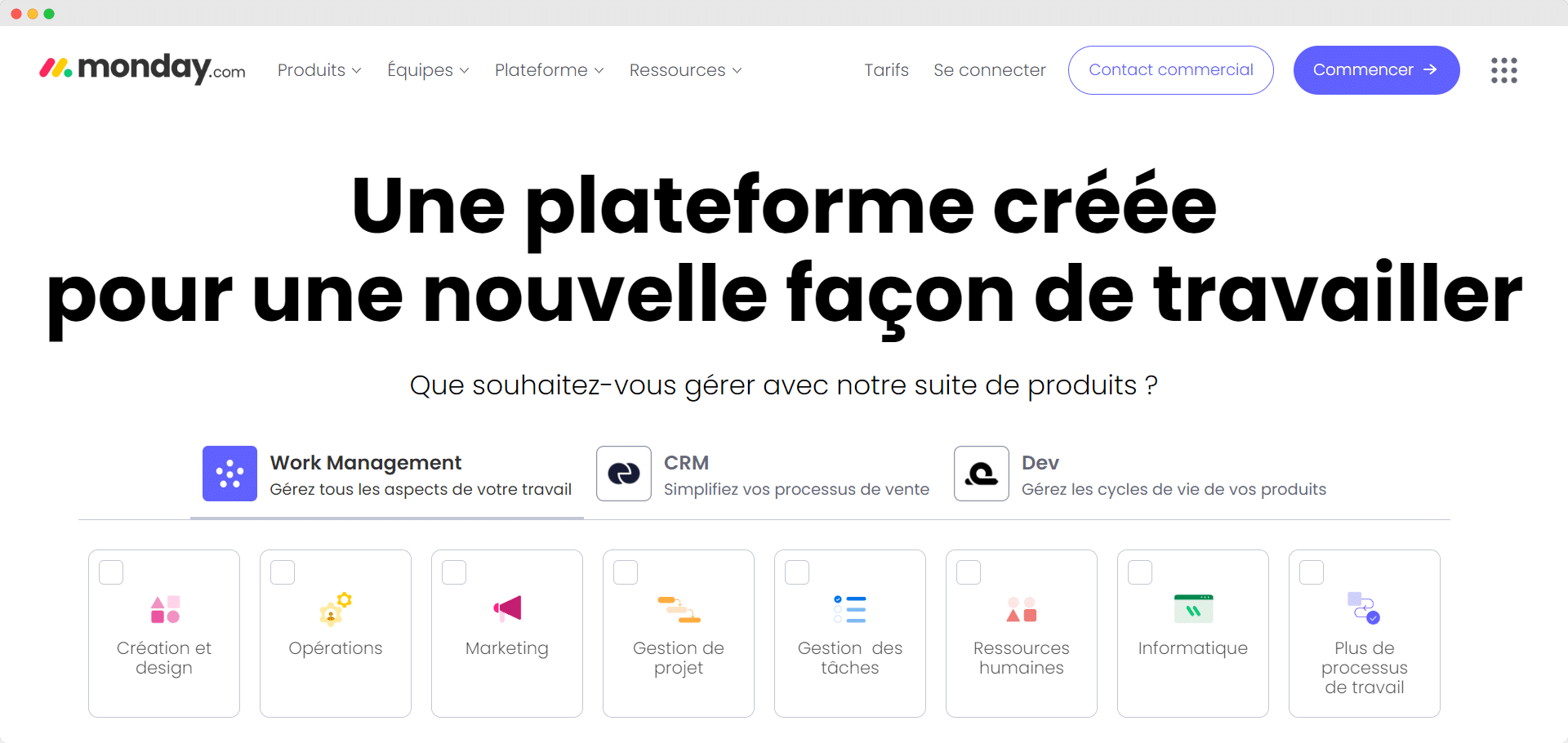
Monday.com makes project management accessible via its distinctive visual interface. Each “table” represents a process – recruitment, product launch, or sales pipeline – with columns customizable to your needs: colored statuses, assigned people, dates, budgets or any relevant data. Automations can be configured in natural language: “When status changes to Completed, move item to Archives table and notify Mary”. Bi-directional integrations synchronize data with your other tools without double entry.
For whom?
- Non-tech teams: Intuitive interface that can be adopted without extensive training, ideal for HR, finance or legal departments.
- Creative agencies: visual production pipelines, from customer brief to final delivery with all assets centralized
- Digitizing companies: Gradual migration from Excel/email processes to structured digital workflows
- Growing SMEs: Scalability from a few users to hundreds without changing tools
Discover Monday
Discover all the features of Monday!
#7 Todoist, simplified project management
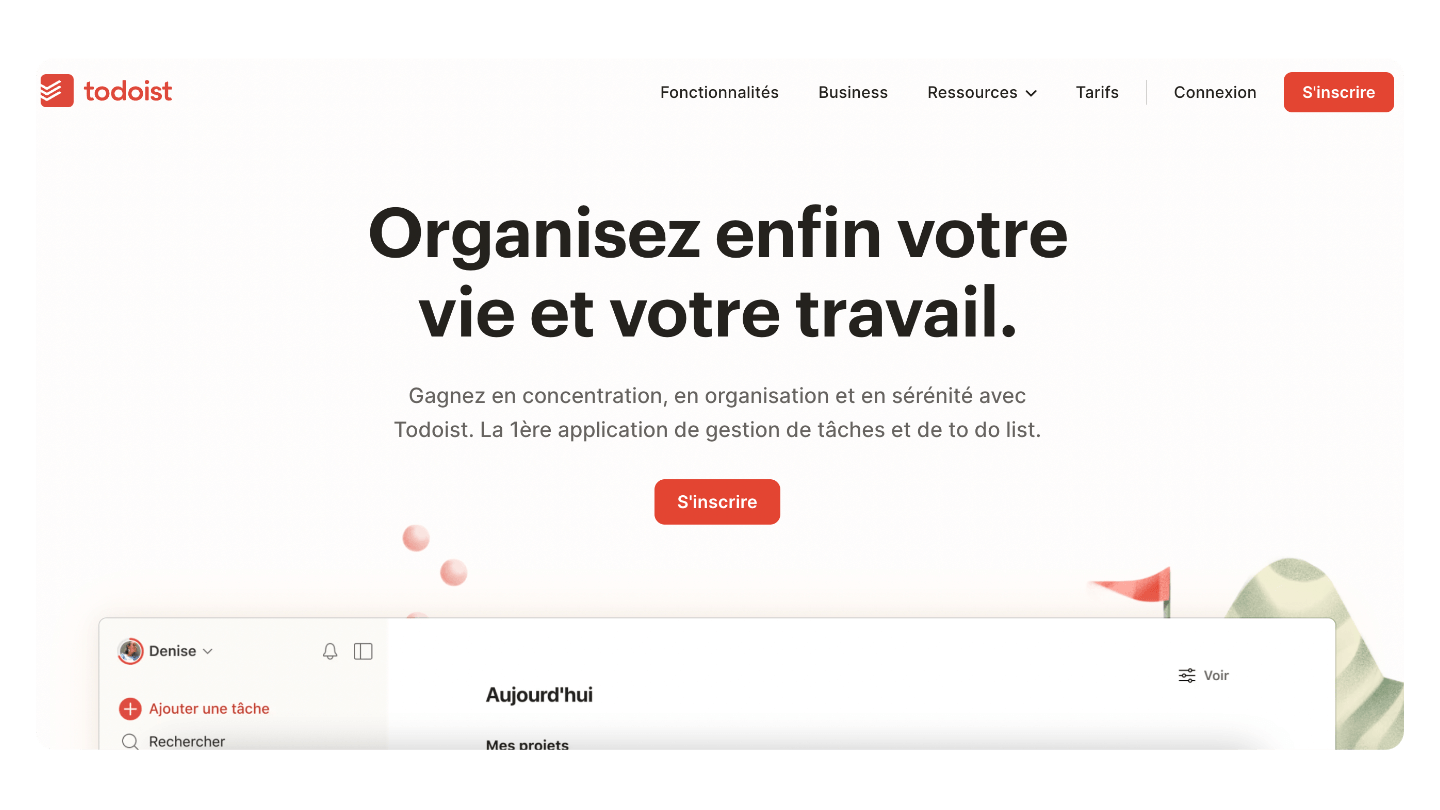
Todoist applies the GTD (Getting Things Done) philosophy with elegance. Quickly create tasks in natural language, type “Call customer tomorrow at 2pm #urgent” and Todoist understands date, time and priority. Projects are organized into hierarchies with sub-projects and sections, labels create cross-sectional views (all your tasks @office or #admin), and custom filters display exactly what you need: “Tasks due this week assigned to me”. The productivity view gamifies achievement with series and karma.
For whom?
- Solo consultants: Simultaneous management of multiple clients with filtered views by project
- Small teams: Light collaboration without complexity, project sharing and simple assignment
- Early-stage startups: Focus on rapid execution rather than cumbersome processes
- Hybrid professionals: Mixing personal and professional tasks with clear separation
Discover Todoist
Discover the possibilities of Todoist!
#8 Jira, the solution for devs
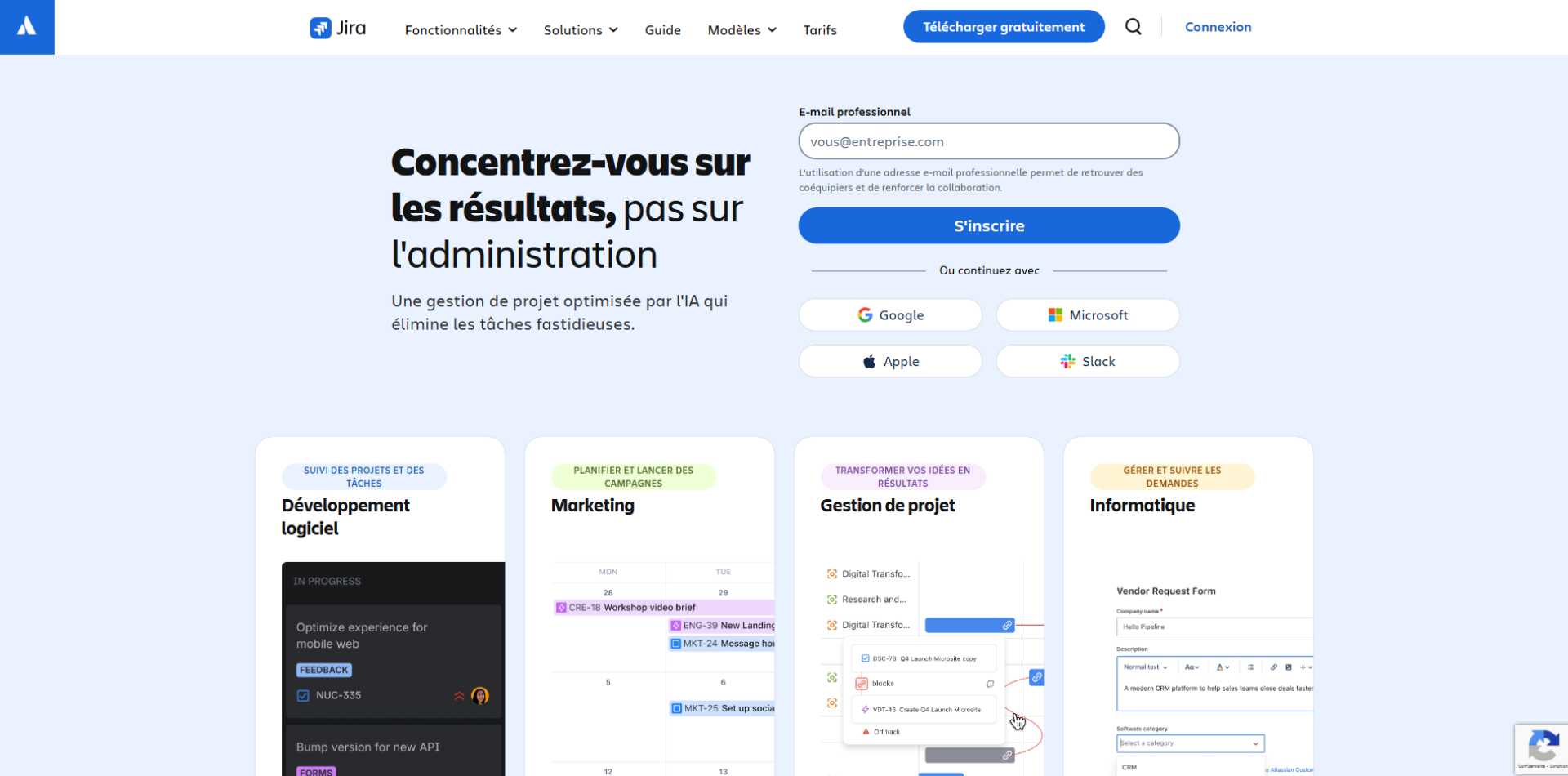
Jira structures software development around detailed tickets. Each bug, feature or task becomes an “issue” with description, acceptance criteria, estimated complexity and links to code/pull requests. Scrum boards organize sprints with prioritized backlog, sprint planning and automatic burn-down. Workflows reflect your exact process: “To Do → In Progress → Code Review → Testing → Done”. JQL (Jira Query Language) creates complex searches and technical dashboards.
For whom?
- Software publishers: From startup to enterprise, Jira remains the standard for dev teams
- IT departments: Incident, change and infrastructure project management with ITIL
- Mature tech companies: CI/CD integration, Git links, and advanced management reporting
- DevOps teams: end-to-end visibility from code to deployment with Atlassian suite
Discover Jira
Take advantage of Jira’s free plan to test the tool’s capabilities!
#9 Trello, the revised kanban
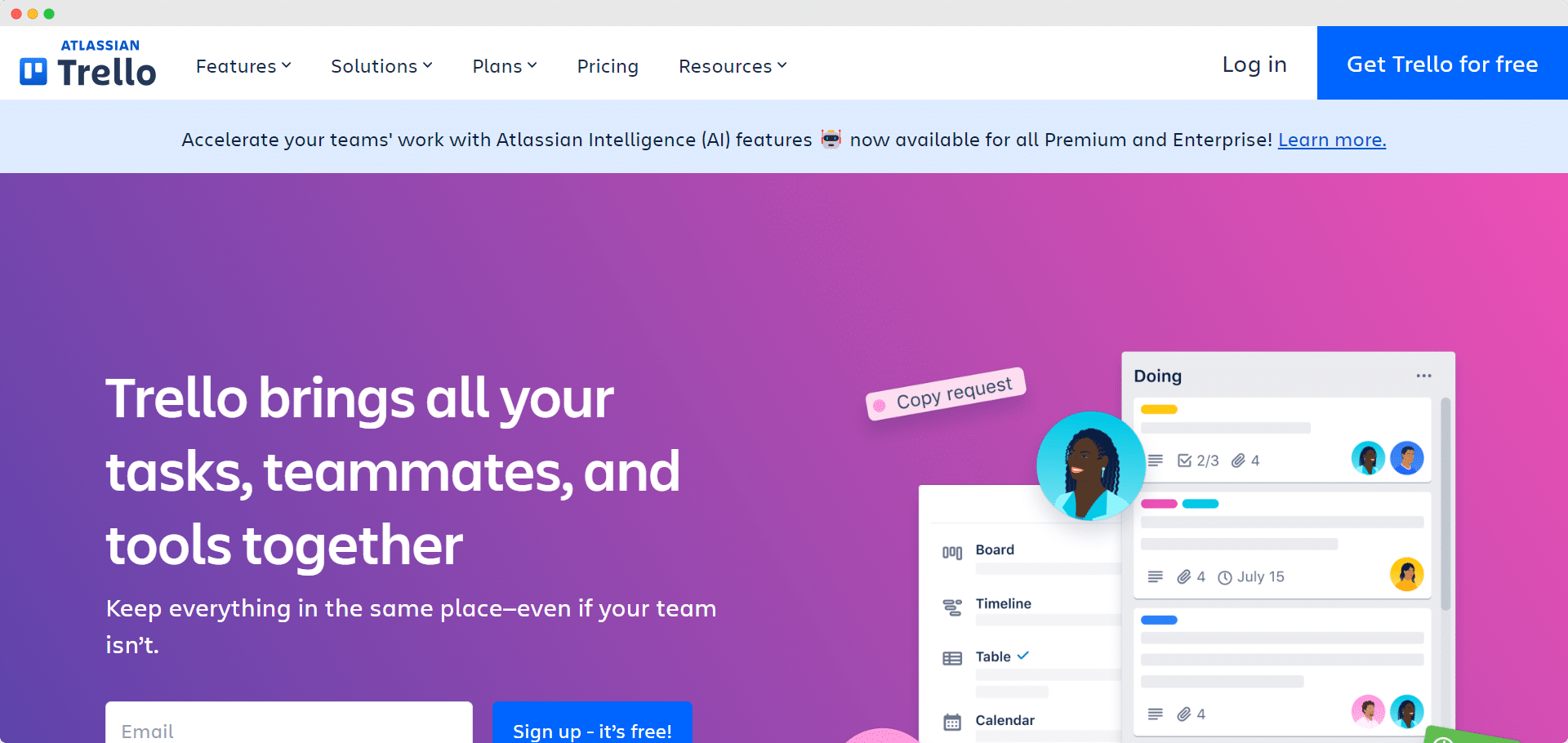
Trello digitalizes the concept of the physical Kanban board. Create columns (To Do, In Progress, Completed), add cards representing tasks, then drag them from one column to another. Each card contains checklists, attachments, deadlines and comments. Power-Ups transform Trello: add card voting, time tracking or calendar synchronization. Butler, the automation wizard, executes rules such as “Every Monday, create a ‘Weekly Meeting’ card in the To Do column”.
For whom?
- Editorial teams: Visible content pipeline from pitch to publication
- Small businesses: Immediate adoption with no learning curve
- Isolated departments: Fast solution without IT involvement for installation
- Visual management: Teams prefer to see information rather than read it
Discover Trello
Take advantage of Trello’s free plan to test the tool’s possibilities!
#10 Asana, pure coordination

Asana balances power and simplicity for team coordination. Projects can be displayed as a list, board, timeline (Gantt) or calendar, depending on preference. Portfolios group related projects together for a strategic view with health indicators. Goals connect daily work to company objectives – see how each task contributes to OKRs. Rules automate repetitive processes, forms turn requests into structured tasks, and status updates replace progress meetings.
For whom?
- Companies with 50-1000 employees: Structure adapted to organizational complexity without corporate heaviness
- Marketing & events: Multi-phase campaigns with dependencies and supplier coordination
- Matrix organizations: Cross-functional visibility and managing conflicting priorities
- Results-oriented companies: Clear alignment between day-to-day execution and strategic vision
Discover Asana
Test the free version before upgrading to the most comprehensive plan on the market
Make the right choice for your organization
Selecting project management software represents a strategic investment that goes far beyond the simple monthly cost. Prices vary considerably: from Todoist at €4/user/month to Wrike at €25 or more for advanced features. Between these extremes, you’ll find Monday.com and Asana at around €10-15/user/month, while Notion and ClickUp offer attractive packages at €5-10.
Price should never be the only decision criterion. A poorly adapted free tool will cost more in lost productivity than a paid solution perfectly aligned with your processes. Instead, consider the overall equation: team training time, ability to integrate with your existing systems, and potential to evolve as you grow.
For small structures and startups, Notion or Trello offer flexibility and gradual scalability. Technology companies naturally gravitate towards Jira for its development specialization. Organizations looking for a complete solution without a multiplicity of tools will appreciate ClickUp or Monday.com.
Three factors should guide your thinking:
- Your teams’ digital maturity: There’s no point imposing Jira on non-technical staff when Trello would suffice.
- Your current processes: are you looking to digitize or completely transform them?
- Your trajectory: The tool you choose today should support your growth for at least 2-3 years.
Most of these platforms offer free trials of 14 to 30 days. Take advantage of this to test with a real pilot project, involve future users, and measure natural adoption. The best software is the one your teams will enthusiastically use every day, transforming project management from a constraint into a performance gas pedal.