Electronic signature software: 9 tools compared

9 electronic signature tools compared. European vendors: Certyneo (flat-rate billing, 10 users from €19 excl. VAT/month, free plan), Youtrust formerly Yousign (hosted in France, One €9 excl.

Maxime Ben Bouaziz
Maxime Ben Bouaziz
CEO Salesdorado, IA & Sales Tech
March 31, 2020, updated November 10, 2026, 2 min read
See all tools

Signing a contract completes and validates the proper working of your sales funnel. It’s far from the most interesting phase, but it’s no less indispensable.

It isn’t always easy to travel to get a contract signed, which is why remote signing is so practical. Unfortunately, printing, signing and then scanning a contract is tedious (printer, scanner, turning a PNG image into a PDF…).

An electronic signature gives a digital document the same legal value as a handwritten one. It’s a very practical digital solution for companies, offered by various software vendors. Here is first what you can expect from a good digital signature tool, then the reference tools in this field.

Depending on what you need:

  • Equip several people without paying a per-user license: Certyneo
  • A French signature that is simple to roll out, hosted in France: Youtrust (formerly Yousign)
  • Sign public contracts with a qualified certificate: CertEurope
  • Send multi-document files to several signatories: Signaturit (formerly Universign)
  • High volumes and deep Salesforce integration: DocuSign
  • Your teams already work in Acrobat: Adobe Acrobat Sign
  • Your documents are stored in Dropbox or Google Drive: Dropbox Sign
  • Unlimited sending at the lowest price: Xodo Sign (formerly Eversign)
  • Have the same document signed by many people: SignWell (formerly Docsketch)

How does electronic signature work?

As with many digital tools, reliability is a major issue, especially when you roll one out across your whole organization. There are many electronic signature tools with varying reputations. Here is what they are made of.

When signing a document, you need to be sure of three things:

  • Your document was not modified after signing
  • The right person signed the document
  • The date of the signature matches that of the document

These tools guarantee the integrity of these criteria through their own processes: identity validation with a confirmation SMS or a digital certificate affixed to the document. The European eIDAS regulation distinguishes three levels: the simple signature, which is enough for most quotes and sales contracts, the advanced signature, which identifies the signatory (SMS code, ID document), and the qualified signature, the only one equivalent to a handwritten signature throughout the European Union, which requires a certificate issued after identity verification.

NoteEach signatory is responsible for keeping the original of the signed electronic document. Don’t panic: most signature software offers a digital vault.

In practice, how does it work?

  • Add a document to the platform of the tool you have chosen. You can also indicate the fields the other party needs to fill in, to save time (SIRET number, name and job title…).
  • Sign from the platform. You will sometimes need to validate your identity with a code received by SMS.
  • Send an invitation to the other signatory to complete and sign your document.
  • You receive the signed document by email.
  • Store this document securely on a company cloud (Dropbox, SharePoint, Google Drive…) or on the electronic signature platform.

To roll out such a tool effectively in your sales teams, sales operations need to handle the training.
The 9 tools, side by side

# Logos tool Score Price Best for
01 Certyneo 4.2/5 ★ €7 Very small and mid-sized businesses that want to equip several people without paying per seat Visit site
02 Youtrust (ex-Yousign) 4.3/5 ★ €9 French SMEs that want a signature that is simple to roll out, hosted in France Visit site
03 DocuSign 4.7/5 ★ €9 Companies with high volumes or already equipped with Salesforce and Microsoft Visit site
04 Adobe Acrobat Sign 4.2/5 ★ €16.80 Teams that already work in Acrobat and want to sign with no other tool Visit site
05 Dropbox Sign (ex-HelloSign) 4.1/5 ★ €13.33 Teams that already store their documents in Dropbox or Google Drive Visit site
06 Xodo Sign (ex-Eversign) 4.0/5 ★ $10 Freelancers and small teams that want unlimited sending at a low price Visit site
07 CertEurope 3.8/5 ★ €249 Companies that sign public contracts with a qualified certificate Visit site
08 SignWell (ex-Docsketch) 3.9/5 ★ $10 Small teams that have the same document signed by many people Visit site
09 Signaturit (ex-Universign) 4.0/5 ★ €9 SMEs that send multi-document files to several signatories Visit site
01

Certyneo

4.2/5 From €7

Best for: Very small and mid-sized businesses that want to equip several people without paying per seat

+ Strengths
  • Flat-rate billing: 10 users included from Standard
  • Simple, advanced and qualified signatures on the same account
  • Hosted in the European Union, outside the Cloud Act
  • REST API and webhooks from €19 per month
− Downsides
  • Not HDS certified, ISO 27001 and SOC 2 announced but not yet obtained
  • Free plan reduced to 2 envelopes per month after 14 days
  • No native mobile app
★ Certyneo in brief

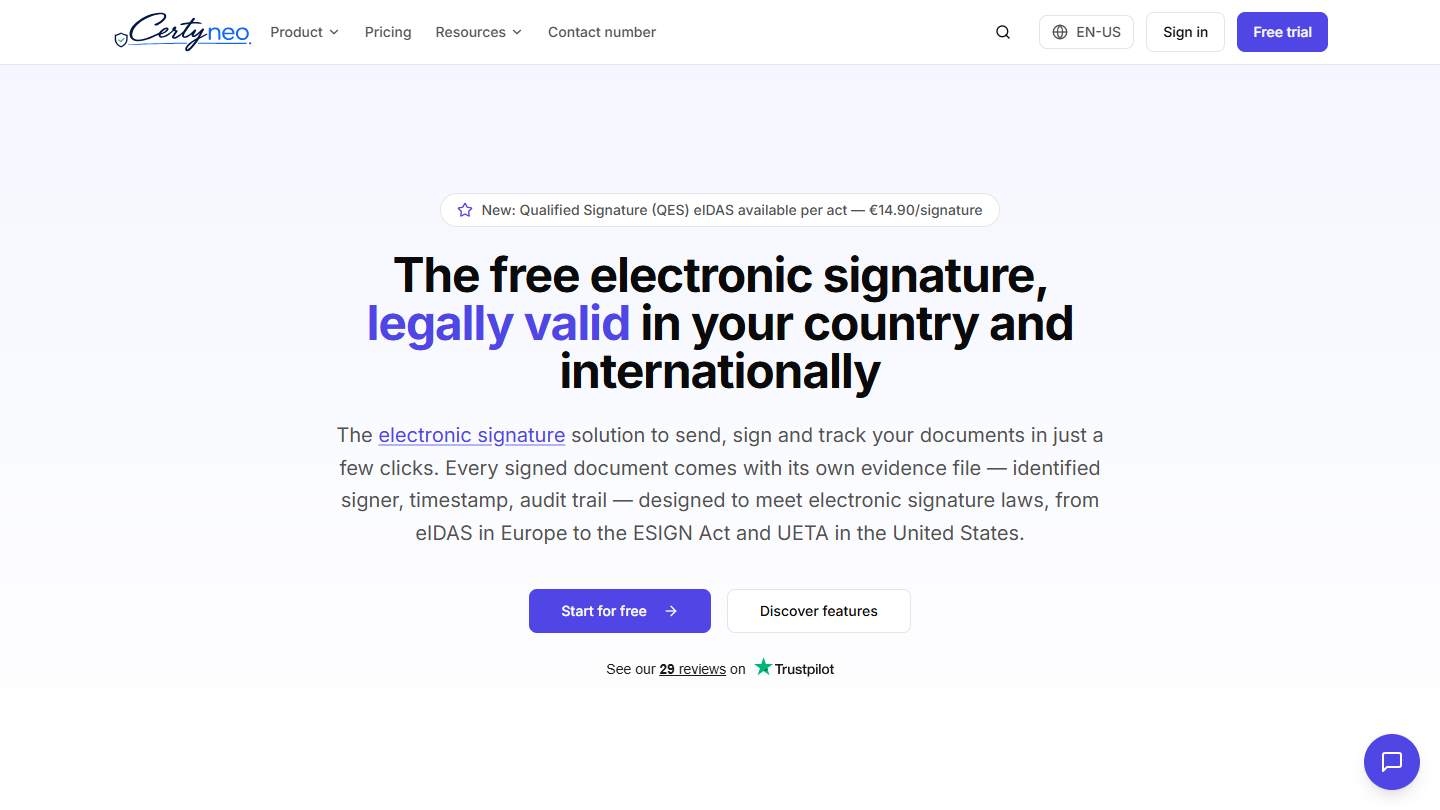
Certyneo website: “The free electronic signature, legally valid in your country and internationally”

Certyneo is a French electronic signature vendor compliant with the eIDAS regulation, positioned as a European alternative to the historic American platforms. The infrastructure is hosted by IONOS, in the European Union, which takes the data out of the scope of the Cloud Act and FISA. For a legal department that has to weigh convenience against extraterritorial exposure, the argument carries weight.

The real differentiator remains pricing. Where most players on the market bill per seat, Certyneo sells a flat-rate plan with a number of users included. A sales team of five pays the same on the Standard plan as a single user, against five licenses at the competition. The gap becomes clear beyond three or four users.

The three eIDAS levels coexist on one account and are chosen at the time of sending: simple signature on all plans, advanced with SMS code from the Personnel plan, qualified billed per signature. Signed documents follow the PAdES standards and RFC 3161 timestamping: a lawyer or court registry can verify the signature without going through the platform, and the documents remain enforceable after the account is closed. On top of that come bulk sending and web forms from Business, 10-year legal archiving and French-speaking coverage that is rare on this market: CFA franc, Mobile Money and contracts adapted to OHADA law. Certyneo also offers assisted migration from DocuSign or Yousign.

The free plan gives 5 envelopes for 14 days, then 2 per month, with simple signature and for 1 user, with no credit card. Personnel costs €9 excl. VAT per month (€7 billed annually) for 25 envelopes and 25 authentication SMS, Standard €19 (€16 billed annually) for 100 envelopes and 10 users, Business €39 (€33) for 300 envelopes, Business Pro €99 (€82.50) for 1,000 envelopes and unlimited users. The Enterprise offer starts at €299 per month, on request. The qualified signature costs €9.90 excl. VAT with a subscription, €14.90 without.

02

Youtrust (ex-Yousign)

4.3/5 From €9

Best for: French SMEs that want a signature that is simple to roll out, hosted in France

+ Strengths
  • Very simple interface, quick to learn
  • eIDAS qualified trust service provider, data in France
  • Unlimited signatures from the Plus plan
  • Identity verification and electronic seal on the same platform
− Downsides
  • No native mobile app
  • One plan limited to 10 signature invitations per month
  • Qualified signature costs extra, €10 to €15 excl. VAT each
★ Youtrust (ex-Yousign) in brief

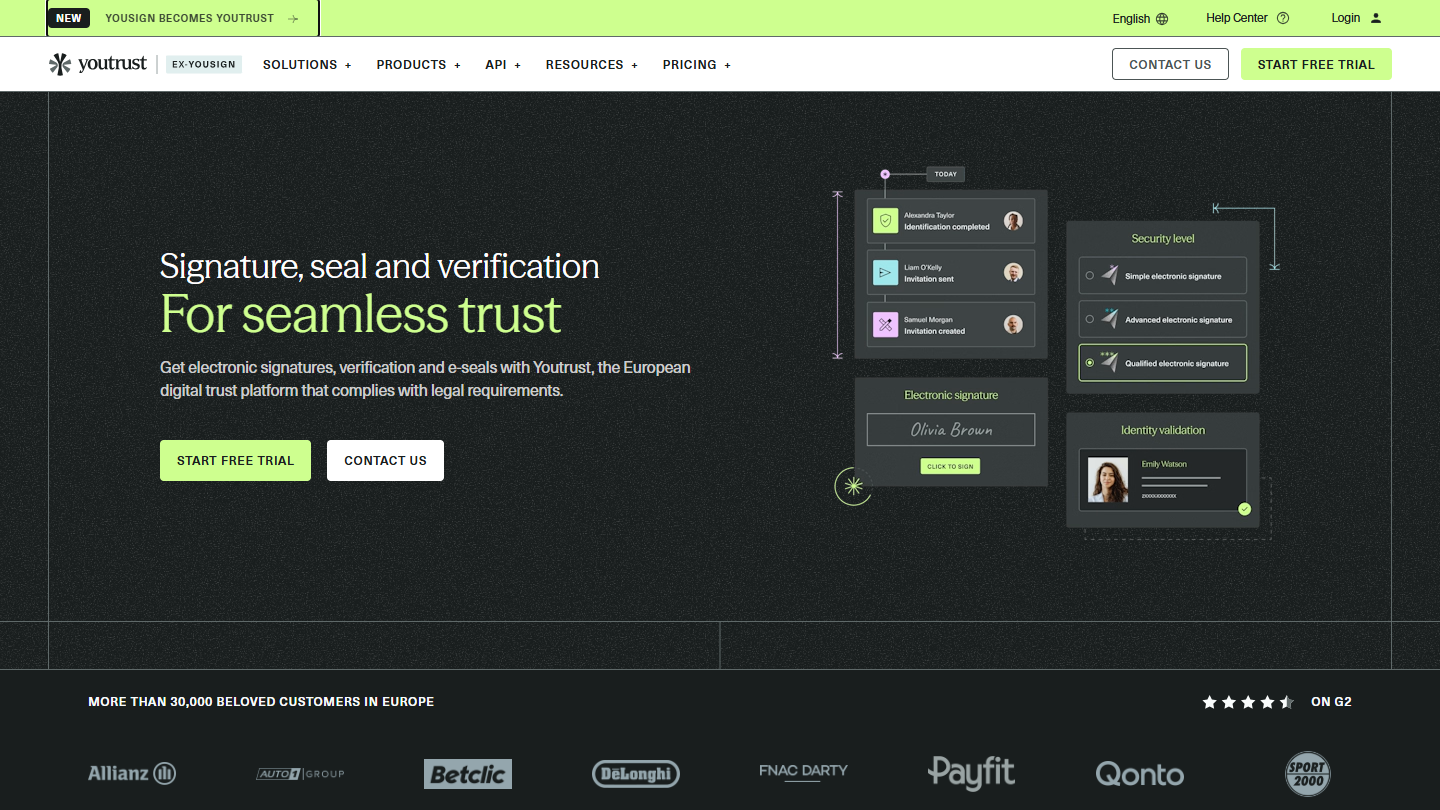
Youtrust (ex-Yousign) website: “Signature, seal and verification For seamless trust”

Youtrust, known as Yousign until 2026, offers solutions with simplified use and integration, legal and certified signatures, backed by a 100% French cloud infrastructure. The vendor, founded in Caen in 2013, is an eIDAS qualified trust service provider.

The main asset of this solution lies in its ease of use. The tool is very intuitive and your colleagues will be able to learn it, roll it out effectively and so be operational quickly.

Youtrust adds identity, company and bank account verification to the signature, as an option from the Plus plan, along with the electronic seal. The HubSpot and Zapier integrations are included from Plus; a Salesforce connector and an API, billed separately, cover more advanced needs. There is no native mobile app, a drawback for teams that get documents signed in the field.

Youtrust bills per user. The free plan lets you send 2 signature invitations per month and self-sign your documents without limit. One costs €108 excl. VAT per year (€132 billed monthly) for 10 invitations per month. Plus, at €23 excl. VAT per user per month billed annually (€360 per year billed monthly), removes the signature limit and adds SMS authentication and templates. Pro, at €38 (€576 per year billed monthly), adds bulk signature, automated forms and SSO. The qualified signature costs €10 excl. VAT with an annual commitment, €15 per unit. Each plan can be tried for 14 days.

03

DocuSign

4.7/5 From €9

Best for: Companies with high volumes or already equipped with Salesforce and Microsoft

+ Strengths
  • Very rich features: shared templates, reminders, custom fields, bulk sending
  • More than 1,000 integrations, including Salesforce, Microsoft and Google Drive
  • Mobile app for signing and sending
− Downsides
  • Pricing higher than that of French vendors
  • Envelopes are counted: 5 per month on Personal, 100 per user per year on Standard
  • Qualified signature as a paid module
★ DocuSign in brief

DocuSign website: “Everything you need to agree”

DocuSign is the most widely used electronic signature tool on the market. The vendor claims 1.9 million business customers and hundreds of millions of users worldwide.

It’s a very feature-rich tool: easy tracking and archiving of agreements, storage that meets legal requirements, shared templates to standardize the main business processes, automatic reminders and a mobile app for signatories. DocuSign has more than 1,000 integrations with popular business applications such as Salesforce, Microsoft, Google Drive, Oracle or SAP.

DocuSign makes sense when volumes and integrations matter: large accounts, sales processes connected to Salesforce, international signatures. Its pricing is higher than that of French vendors, and the plans count envelopes: 100 per user per year on annual Standard and Business Pro, 10 per user per month on monthly billing.

DocuSign offers 3 eSignature plans. Personal starts at €9 per month billed annually (€14 billed monthly) for one user and 5 envelopes per month. Standard, at €23 per user per month billed annually (€39 billed monthly), lets you share templates and put your brand in place of DocuSign’s. Business Pro, at €38 (€62 billed monthly), lets you collect payments at signing, send to several recipients at once and create web forms. The eIDAS qualified signature is a paid module.

04

Adobe Acrobat Sign

4.2/5 From €16.80

Best for: Teams that already work in Acrobat and want to sign with no other tool

+ Strengths
  • Signature included in Acrobat licenses, with PDF editing
  • Admin console and 24/7 support
  • Free trial on Acrobat Pro and Studio
− Downsides
  • Annual commitment, fees if you cancel after 14 days
  • Expensive if all you want is signature
★ Adobe Acrobat Sign in brief

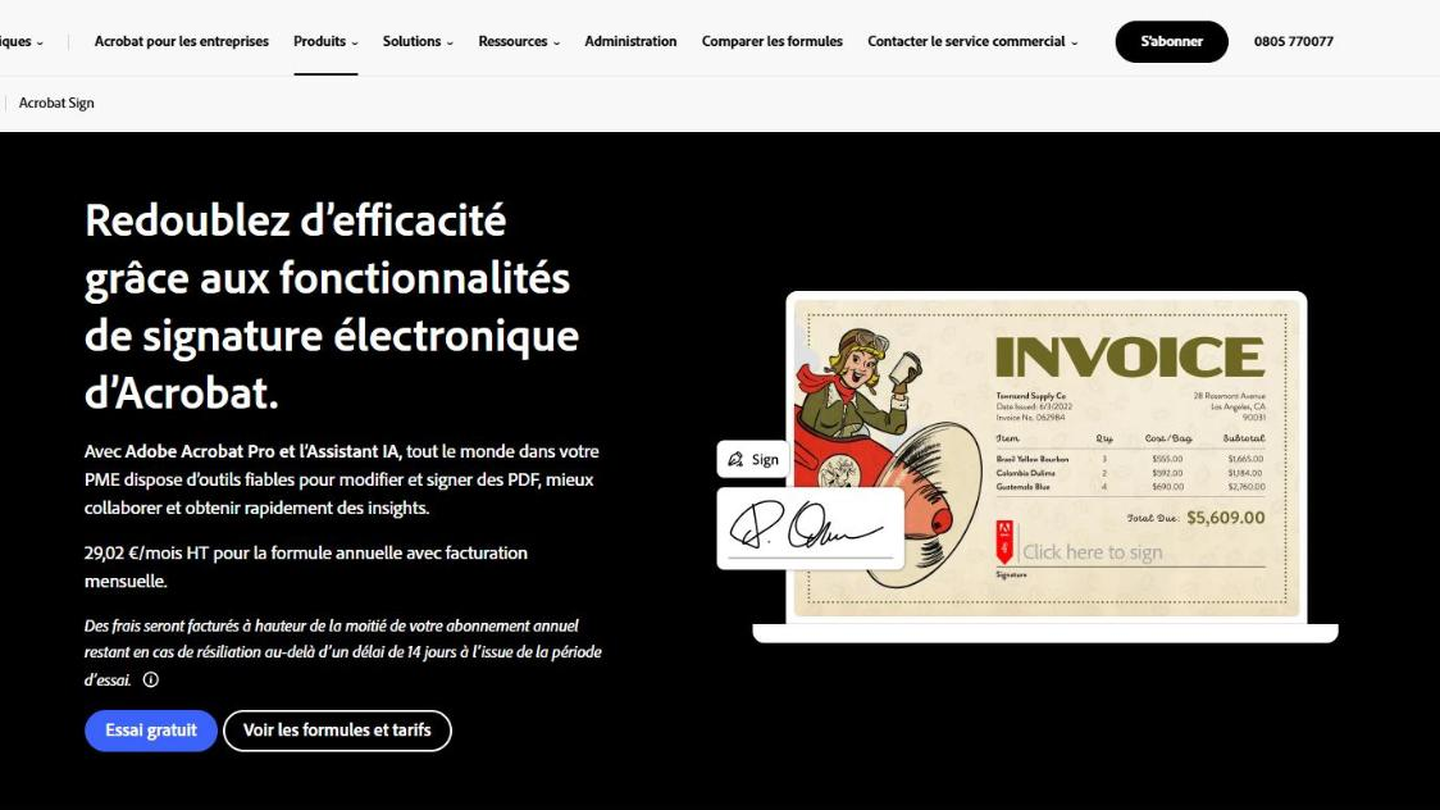
Adobe Acrobat Sign page: “Work more efficiently with Acrobat's electronic signature features”

Adobe Sign is now called Acrobat Sign and is part of Adobe Acrobat: electronic signature comes in the same plans as PDF creation, editing and conversion. Adobe also sells Acrobat Sign as a standalone signature solution for businesses.

The Acrobat plans for teams let you collect electronic signatures and track responses, fill in and sign PDFs and protect them with a password. They add an admin console and 24/7 technical support. Acrobat Pro adds redaction of sensitive information and web form creation.

Acrobat Sign makes sense above all if your teams already work in Acrobat: no extra tool to roll out, the signature is included in the license. If you’re looking for a pure signature tool, with no PDF editing, the specialist vendors in this comparison cost less.

For teams, Acrobat Standard costs €16.80 excl. VAT per license per month, Acrobat Pro €23.99 and Acrobat Studio, which adds the AI assistant, €30.24, all on an annual plan billed monthly. Fees apply if you cancel after 14 days. Pro and Studio can be tried for free. The price of the standalone Acrobat Sign solution is available from the sales team.

05

Dropbox Sign (ex-HelloSign)

4.1/5 From €13.33

Best for: Teams that already store their documents in Dropbox or Google Drive

+ Strengths
  • Unlimited signature requests from Essentials
  • Google Drive, Microsoft Word and HubSpot integrations
  • 30-day trial and free plan
− Downsides
  • Pricing page in English only
  • Salesforce and SSO reserved for the on-request offer
★ Dropbox Sign (ex-HelloSign) in brief

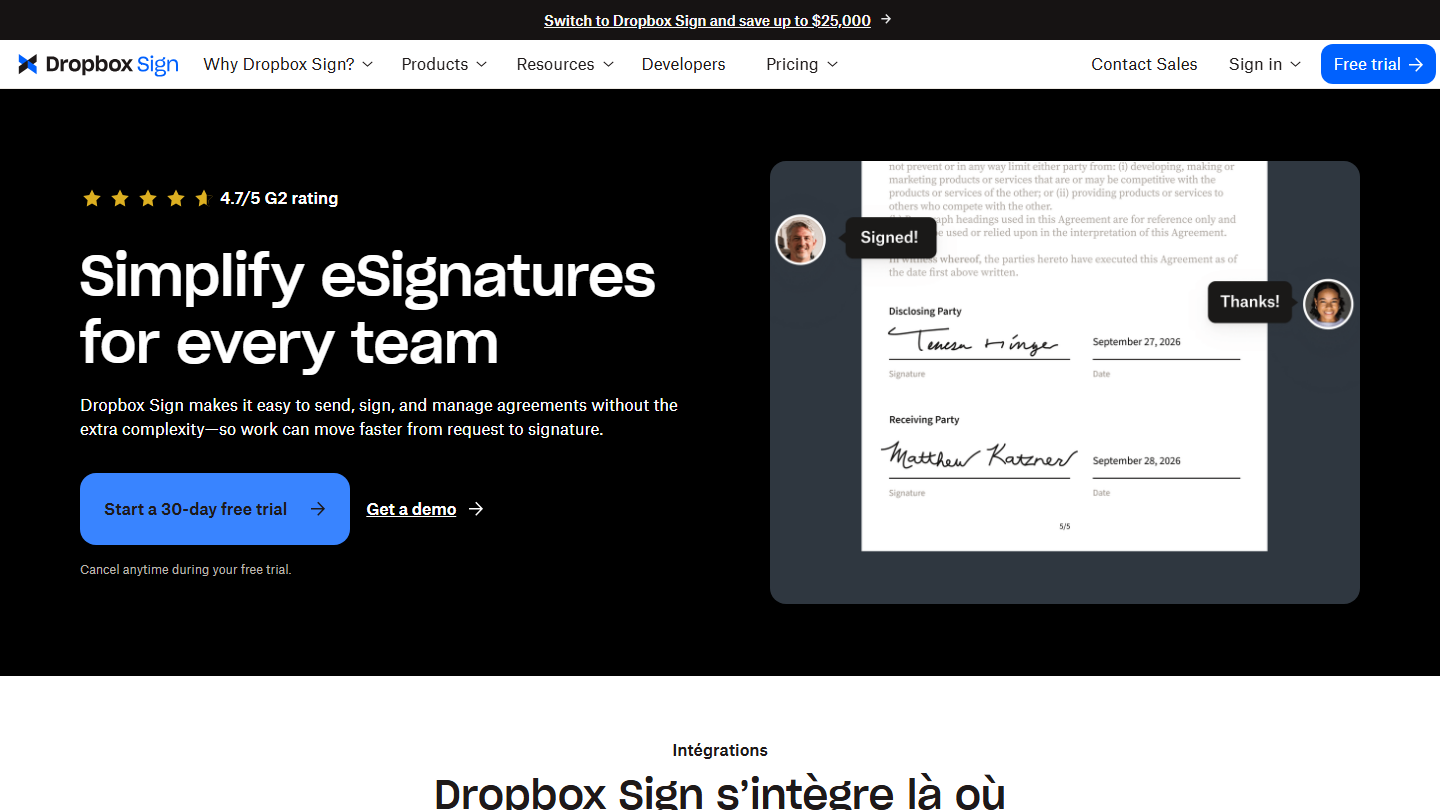
Dropbox Sign (formerly HelloSign) homepage: “Simplify eSignatures for every team”, with a contract signed by two parties

HelloSign, bought by Dropbox, is now called Dropbox Sign. The tool aims to provide a secure electronic signature that lets you customize your documents while staying affordable for SMEs.

Dropbox Sign integrates with common business applications: Google Drive, Microsoft Word and HubSpot from the first plans, Salesforce on the Premium offer. Signature requests are unlimited, with templates, audit trail, reminders and in-person signing. A signature API, billed separately, lets you integrate signing into your own software.

It’s a logical choice for a team that already stores its documents in Dropbox. Its pricing is close to DocuSign’s, but with no sending cap.

Essentials costs €13.33 per month billed annually (€160 per year), or €17.50 billed monthly, for one user and 5 templates. Standard, at €24 per user per month billed annually (€29 billed monthly), starts at 2 users and adds 15 templates and the team features. Premium is on request, beyond 5 users. Each plan can be tried for 30 days, and a free plan is enough to sign the occasional document.

06

Xodo Sign (ex-Eversign)

4.0/5 From $10

Best for: Freelancers and small teams that want unlimited sending at a low price

+ Strengths
  • Unlimited documents from $10 per month billed annually
  • iOS and Android mobile app
  • Free plan and 7-day trial with no credit card
− Downsides
  • Prices in dollars, doubled on monthly billing
  • Free plan limited to 1 document every 7 days
  • Website in English
★ Xodo Sign (ex-Eversign) in brief

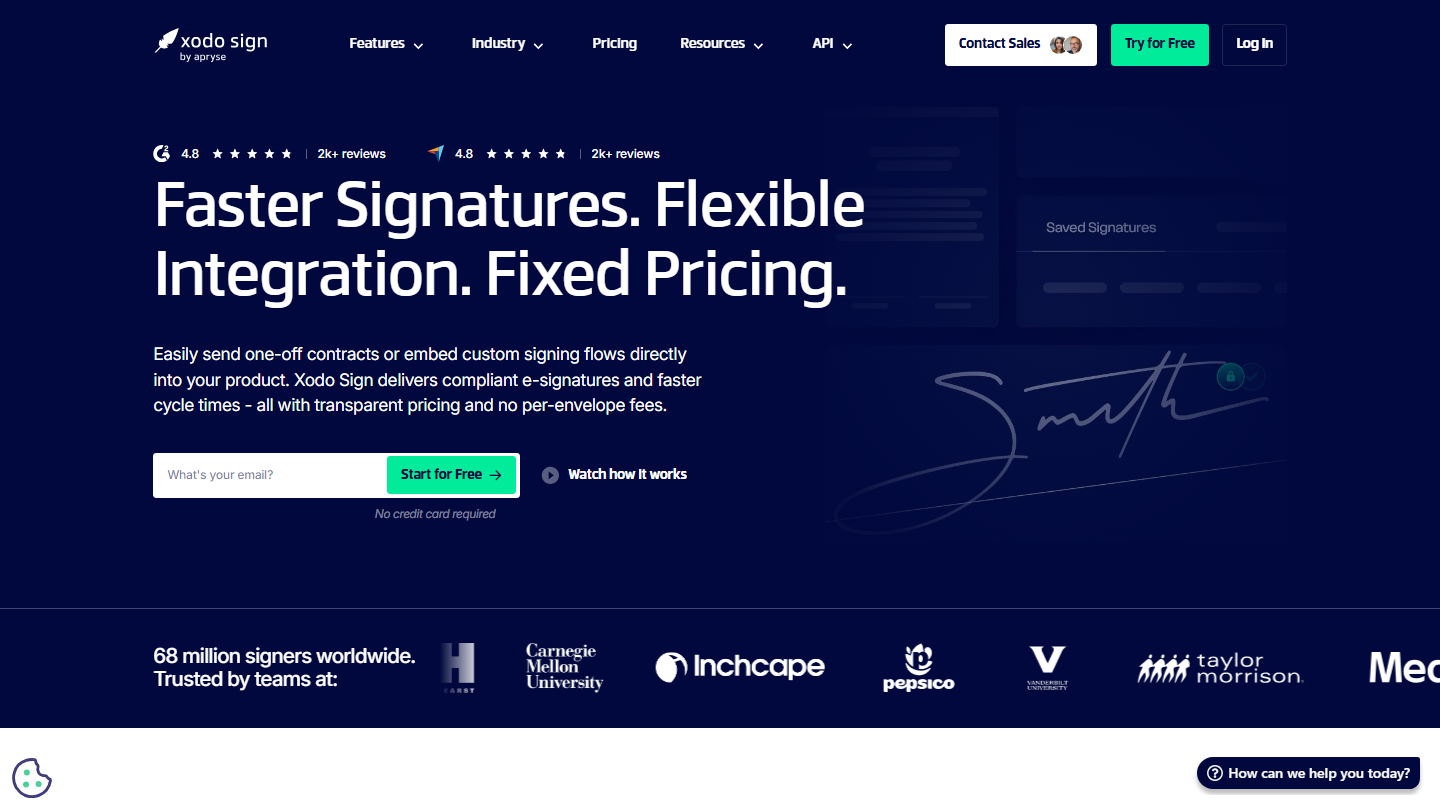
Xodo Sign (formerly Eversign) homepage: “Faster Signatures. Flexible Integration. Fixed Pricing.”

Eversign has become Xodo Sign, attached to the Xodo PDF suite. It stands out for its ease of use, multi-team management and affordable prices for companies of all sizes.

Documents are unlimited from Basic, with long-term validation of signatures (LTV), an iOS and Android mobile app and Zapier, Dropbox and Gmail integrations. Professional adds advanced PDF editing, bulk sending, SMS signer verification, custom branding, in-person signing and AI contract summaries. Several companies can be managed from a single account.

Xodo Sign makes sense for a freelancer or small team that wants unlimited sending at the lowest price and reads English: the website and prices are in dollars and in English.

The free plan allows 5 documents per month, at a rate of one every 7 days. Basic costs $10 per user per month billed annually ($20 billed monthly), Professional $16 ($32 billed monthly). Enterprise is on request. Professional can be tried for 7 days with no credit card. The API offer starts at $50 per month billed annually for 50 documents.

07

CertEurope

3.8/5 From €249

Best for: Companies that sign public contracts with a qualified certificate

+ Strengths
  • Simple, advanced and qualified signatures, RGS** certificates supplied by the vendor
  • Free Desktop version for signing with your certificate
  • Signature via FranceConnect, with no prior certificate
− Downsides
  • Cap of 150 signature files on Business
  • Workflow templates, long-term archiving and timestamping are paid options
★ CertEurope in brief

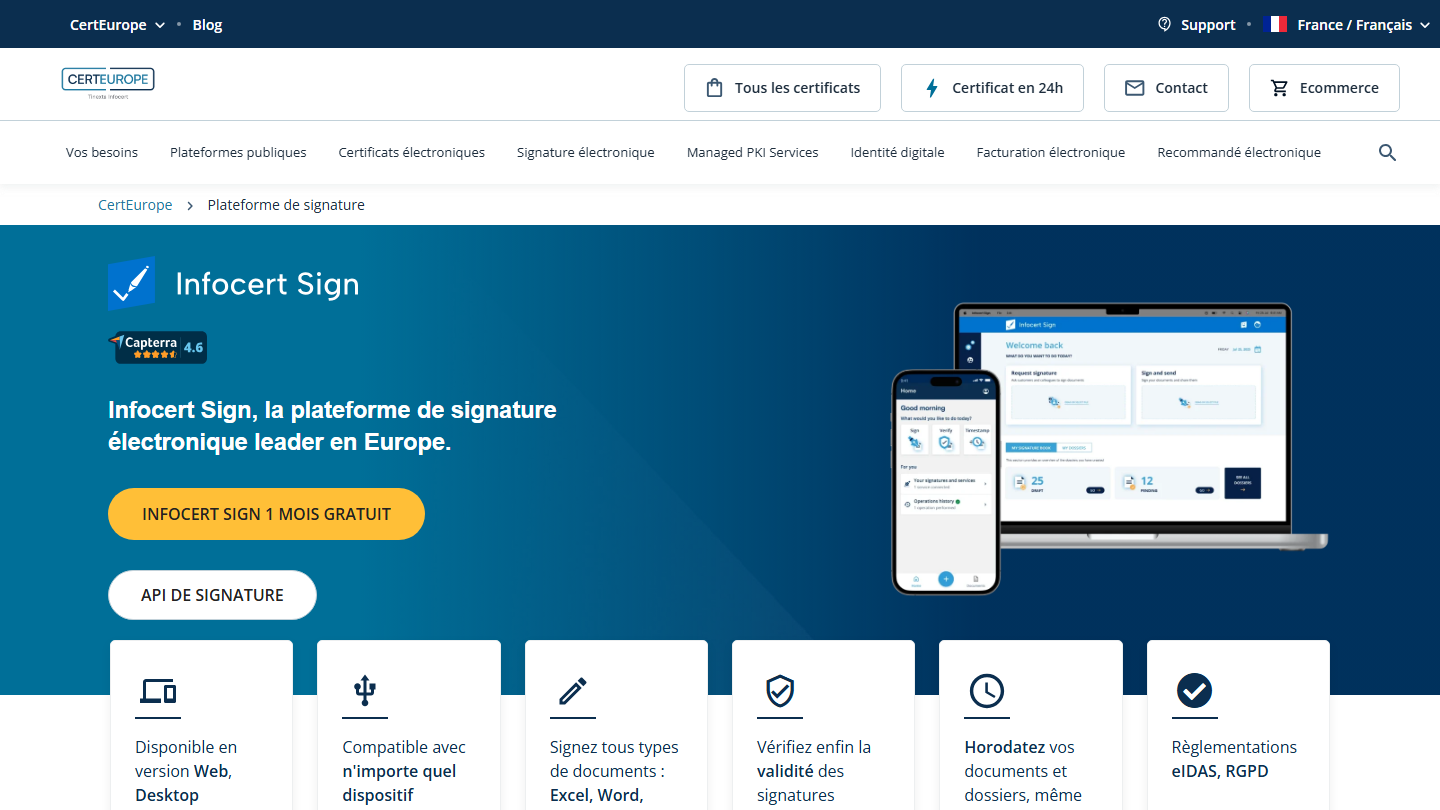
CertEurope page on infocert-sign: “Infocert Sign, the leading electronic signature platform in Europe”

Also specialized in electronic certificates, CertEurope, part of the Tinexta InfoCert group, focuses on security during the transmission and storage of information related to electronic signature. Its signature platform is called infocert-sign.

infocert-sign comes in Web, Desktop and API versions. It signs all types of files (Excel, Word, PowerPoint, PDF, images, HTML or XML) in CAdES and PAdES formats, at the simple, advanced or qualified level. The qualified signature goes through an RGS** certificate issued by CertEurope; a signatory without a certificate can also log in with FranceConnect, and CertEurope generates a temporary certificate for them.

CertEurope makes sense for companies that respond to public tenders or file on platforms such as Chorus Pro, INPI or Infogreffe, where a certificate is required. For getting quotes signed by customers, a simpler platform is enough.

infocert-sign Desktop is free for signing and verifying files with your CertEurope certificate. The Web Business version costs €249 excl. VAT per user per year, for 150 signature files and 2 GB of storage, with the first month free. Workflow templates, long-term archiving and timestamping are paid options. infocert-sign Enterprise is on request.

08

SignWell (ex-Docsketch)

3.9/5 From $10

Best for: Small teams that have the same document signed by many people

+ Strengths
  • Template links to fill in and sign, from Light
  • API included in all plans
  • Unlimited documents from $10 per month
− Downsides
  • Free plan limited to 3 documents per month
  • Website in English, prices in dollars
★ SignWell (ex-Docsketch) in brief

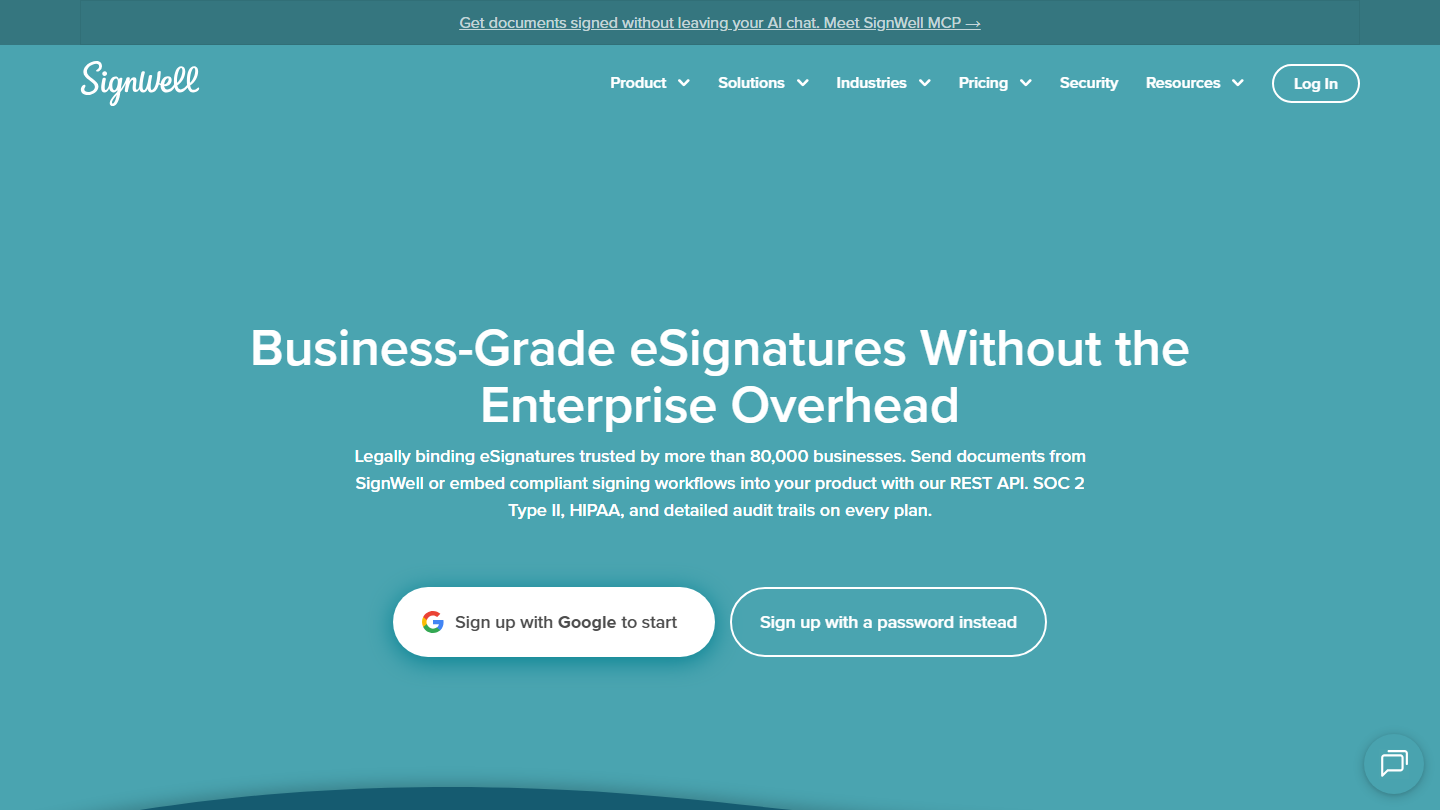
SignWell (formerly Docsketch) homepage: “Business-Grade eSignatures Without the Enterprise Overhead”

Docsketch is now called SignWell. It’s an all-in-one solution for electronic signature, approval and document tracking, used by more than 80,000 companies according to the vendor.

The tool stands out with a feature for creating and sharing links to predefined templates. Send a link to several people and they can fill in their own version of the document. The link can also be included in a form or web page: the customer clicks on it to sign.

SignWell includes the API in all its plans, along with the audit trail. The paid plans add SOC 2 Type II and HIPAA compliance. The tool targets small teams comfortable with a website in English and prices in dollars.

The free plan allows 3 documents per month, with 1 sender and 1 template. Light costs $10 per month billed annually ($12 billed monthly) for 1 sender, 5 templates and unlimited documents, then $10 per additional sender. Business, at $30 per month billed annually ($36 billed monthly), includes 3 senders, unlimited templates, custom branding, in-person signing and attachments. Enterprise, on request, targets teams of 50 people or more.

09

Signaturit (ex-Universign)

4.0/5 From €9

Best for: SMEs that send multi-document files to several signatories

+ Strengths
  • Up to 20 documents and 50 signatories per transaction
  • Advanced and qualified signatures as options, billed per use
  • 14-day trial with no credit card
− Downsides
  • Only 5 transactions on Personal
  • Advanced signature billed at €2.50 excl. VAT per signature
★ Signaturit (ex-Universign) in brief

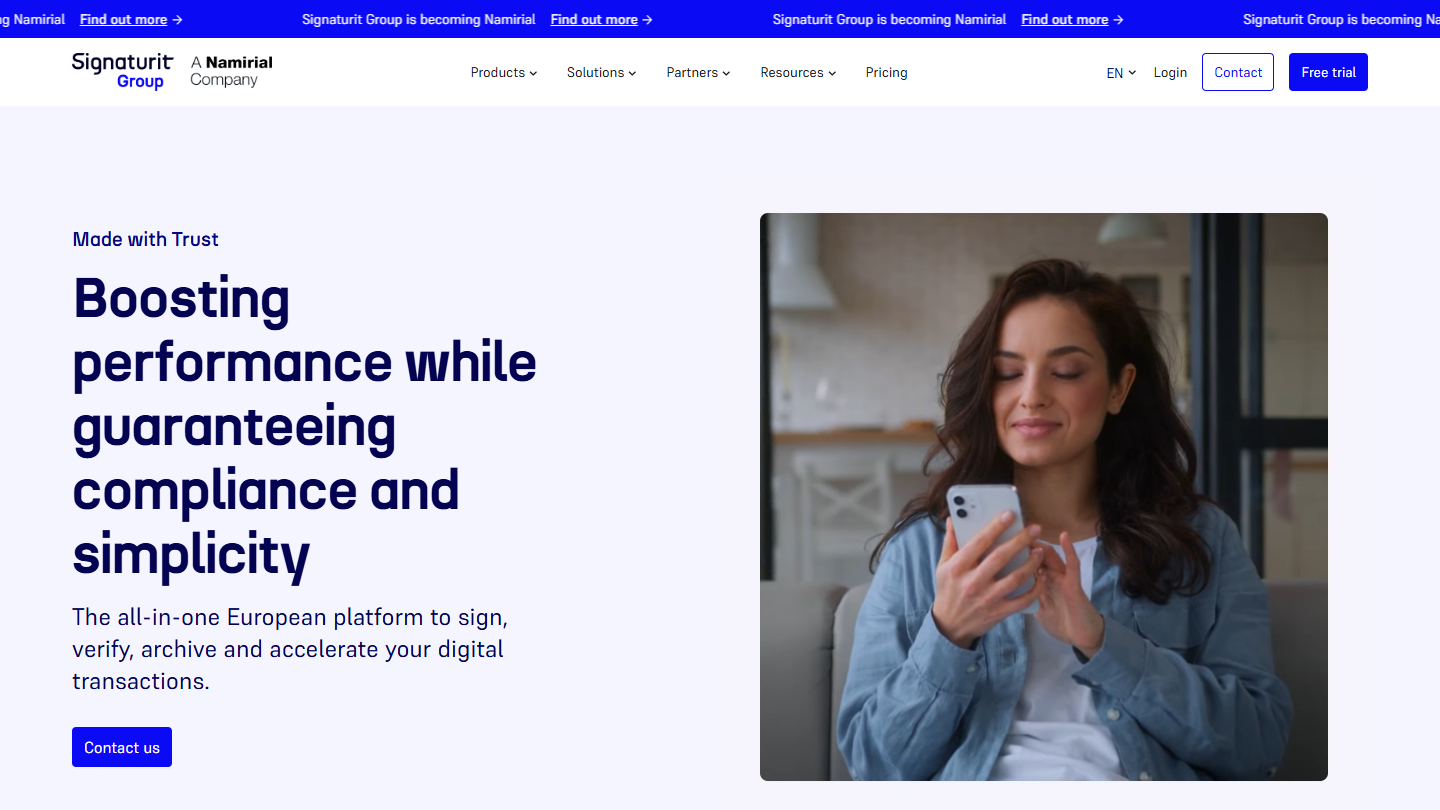
Signaturit (ex-Universign) website: “Made with Trust”

Universign has joined Signaturit Group, itself now a company of the Namirial group: the offer is now on the Signaturit website. It remains a SaaS electronic signature platform compliant with the European eIDAS regulation, with a signed proof file for each transaction.

The main assets of this solution are: having one or more documents signed in one go, by several people; tracking the progress of your signature collection in real time; modifying a transaction after launch; customizing signature journeys to match your brand on the Business+ plan.

Signaturit stands out for its per-transaction pricing: one transaction covers up to 20 documents and 50 signatures. The advanced signature adds €2.50 excl. VAT, the qualified signature from €10 excl. VAT, as options on Business and Business+. Transactions on the Business plan are pooled: 4 users give 40 transactions per month, usable by any of them.

Personal costs €9 excl. VAT per month billed annually (€10 billed monthly) for one user and 5 transactions. Business, at €23 excl. VAT per user per month billed annually (€29 billed monthly), gives 10 transactions per user and adds roles, templates and attachments. Business+, at €38 (€45 billed monthly), removes the transaction limit and adds campaigns and mass signature. Enterprise is custom. The free trial lasts 14 days.

How did we choose these 9 tools?

The selection draws on the tools from our original comparison, reviewed one by one: all are still on sale, five have changed names. They are grouped by the vendor's origin, which determines where documents are hosted and the exposure to the Cloud Act.

  1. 01
    Scope

    Software for sending a document for remote signature, tracking the signature and keeping proof, usable by a company without an integration project.

  2. 02
    Criteria

    eIDAS signature levels offered, billing model (per seat, flat rate or per transaction), sending limits, CRM integrations and API, data hosting, entry price.

  3. 03
    Verification

    Each tool was reviewed on its vendor's website. Yousign is now Youtrust, Adobe Sign Acrobat Sign, HelloSign Dropbox Sign, Eversign Xodo Sign, Docsketch SignWell, and the Universign offer has moved to Signaturit.

  4. 04
    Pricing

    The price shown is the regular price displayed by the vendor, excluding promotions. When the vendor displays both an annual and a monthly rate, both are given. Prices excluding VAT are marked as such.

  5. 05
    Ratings

    Certyneo, Youtrust and DocuSign use the rating from their Salesdorado review. For the other six, the rating is the editors', based on the features and limits noted at each vendor.

The questions we get over and over.

Does an electronic signature have the same value as a handwritten signature?

Yes, in the European Union, the eIDAS regulation recognizes the legal value of electronic signatures. The qualified signature is the only one automatically equivalent to a handwritten signature in all EU countries. For a quote or a standard sales contract, a simple or advanced signature is enough, provided the tool keeps an audit trail proving who signed, when and on which document.

What is the difference between simple, advanced and qualified signatures?

The simple signature relies on a link sent by email, sometimes with an SMS code. The advanced signature identifies the signatory more firmly, by SMS code or ID document, and links the signature to the document. The qualified signature goes through a certificate issued by a qualified provider after identity verification. Certyneo, Youtrust, Signaturit and CertEurope offer all three levels, with the qualified signature billed per use or as an option.

Is there free electronic signature software?

Several tools have a limited free plan: Youtrust allows 2 signature invitations per month, Certyneo 2 envelopes per month after its first 14 days, Xodo Sign 5 documents per month, SignWell 3. Dropbox Sign also has a free plan for occasional signing. For signing with a CertEurope certificate, the Desktop version of infocert-sign is free.

How much does electronic signature software cost?

Count on €7 to €15 excl. VAT per month for a single user, and €20 to €40 per user per month for a team at most vendors. Certyneo is the exception with its flat-rate billing: €19 per month for 10 users on the Standard plan. The qualified signature is often added per use, at around €10 to €15 excl. VAT.

Where are signed documents hosted?

It depends on the vendor. Youtrust hosts its data in France, Certyneo in the European Union, with IONOS. DocuSign, Adobe, Dropbox Sign, Xodo Sign and SignWell are North American vendors: check their data location options if your legal department is concerned about the Cloud Act.

★ The conversation, 0 comments

What the community says.

Basic Markdown, moderated within 24 h
Loading…

    In the same category