


Automatic AI transcription means using this technology to convert audio and video content into text. Unlike manual transcription, where you have to listen and type what you hear, these transcription tools do the job automatically. They use natural language processing, machine learning algorithms and huge language databases to recognize and transcribe speech. That lets you automate note-taking during meetings or interviews, turn video and audio content into text and even add subtitles to videos.
Transcribing by hand is still possible for a short recording, but it takes several times the length of the audio. Technical profiles can also install Whisper, OpenAI’s open source speech recognition model, and transcribe their files on their own machine. For everyone else, a ready-to-use tool saves that time.
Depending on what you need:
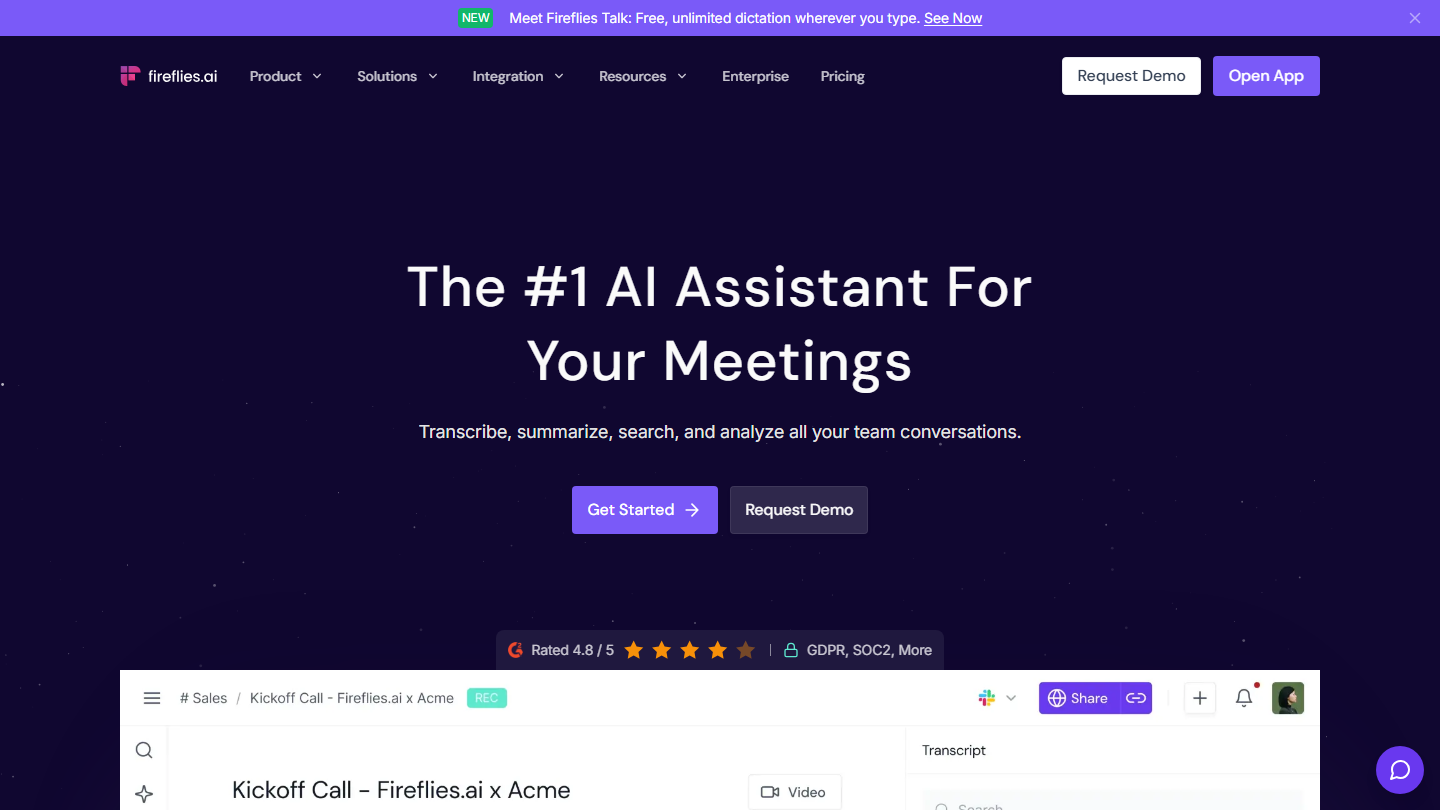
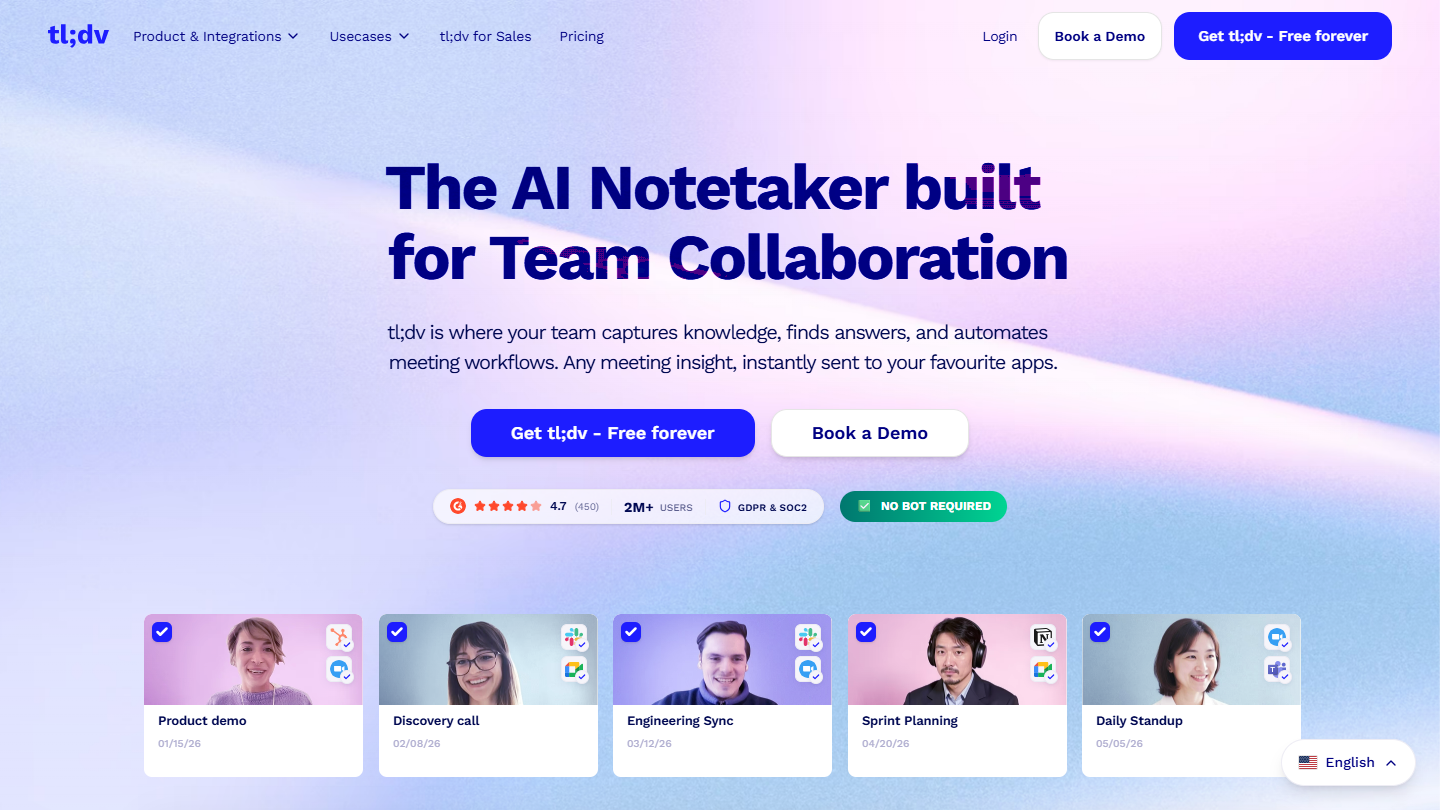
- Automatic notes for your Zoom, Meet or Teams meetings: Fireflies or tl;dv
- Meetings in English with a generous free plan: Otter.ai
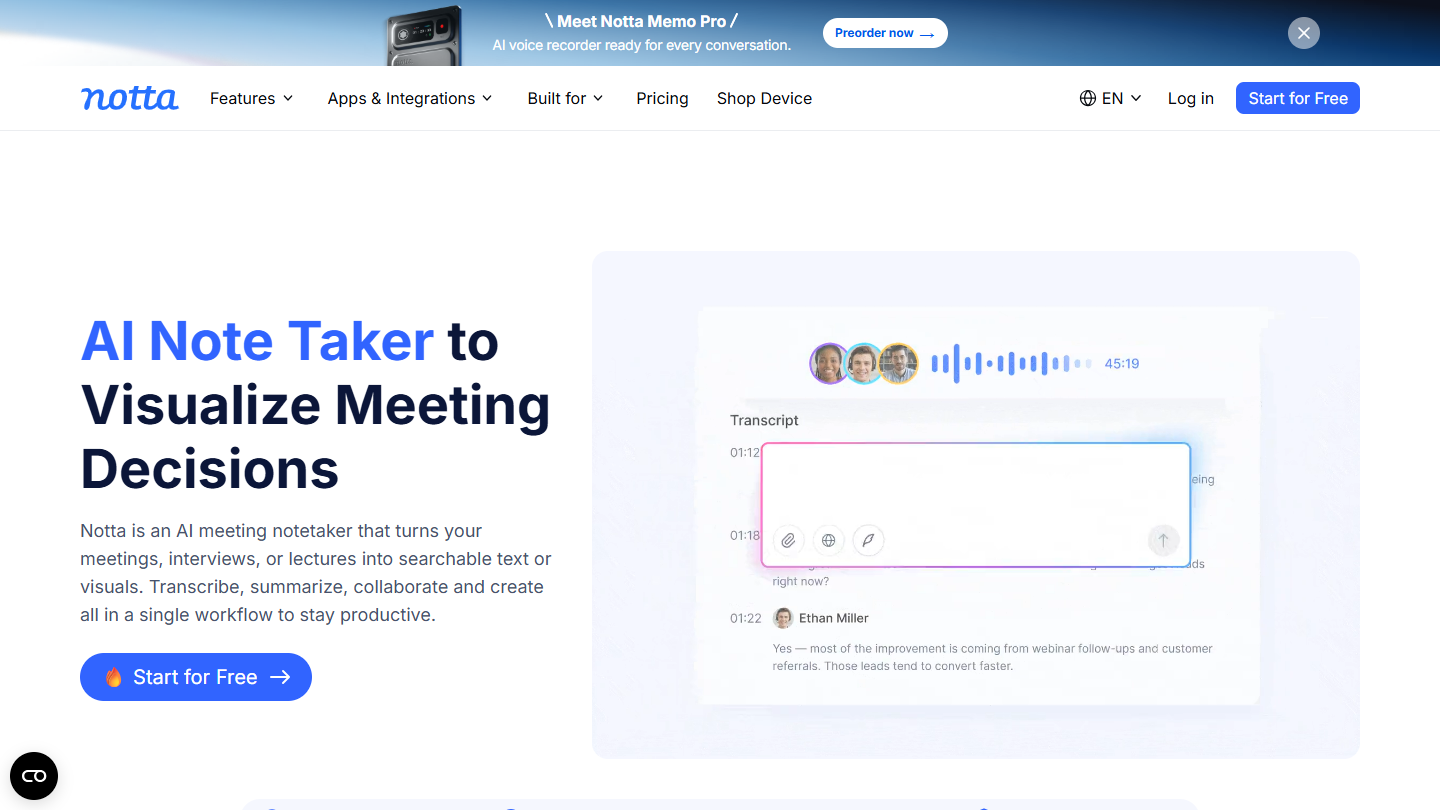
- Transcribing audio files and meetings on a small budget: Notta
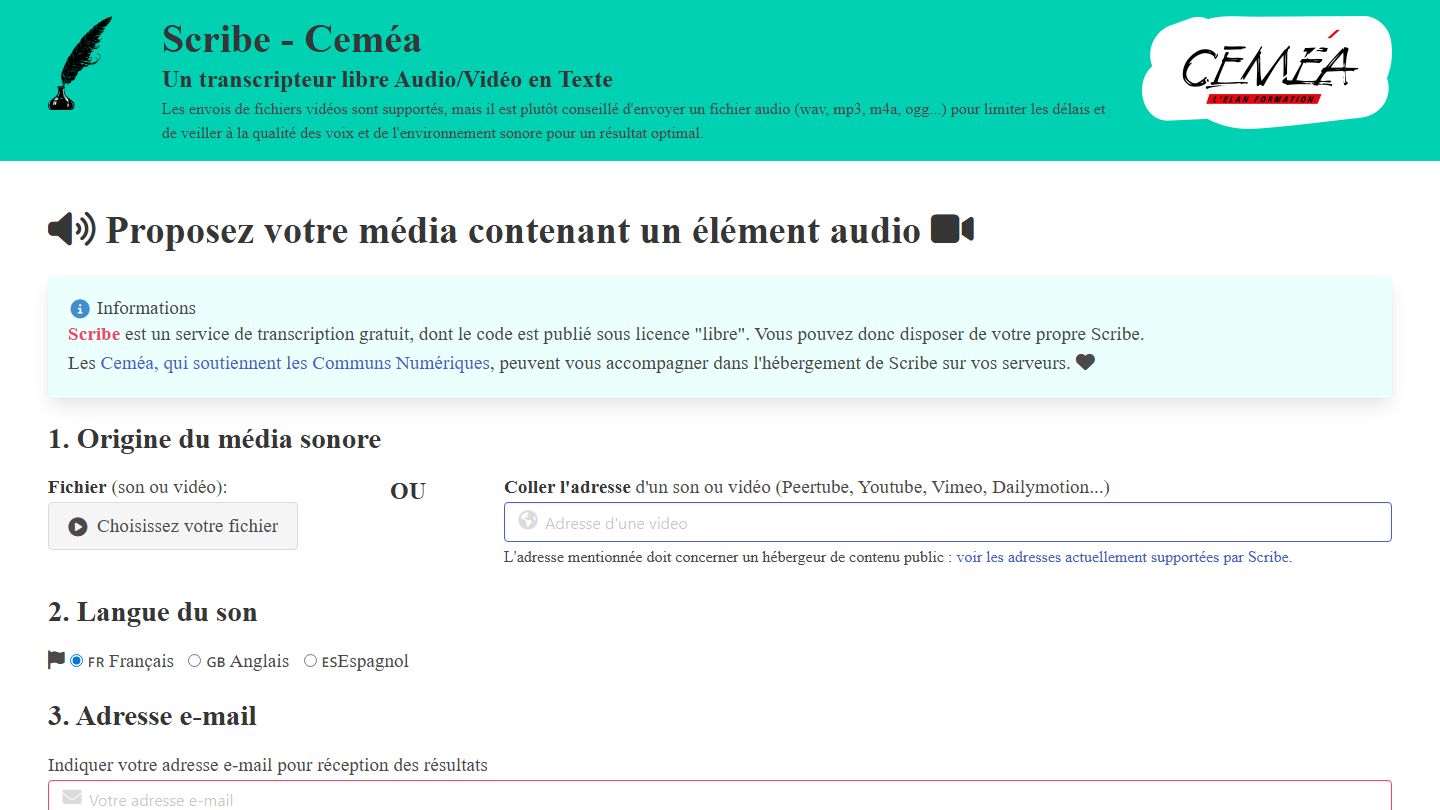
- Free transcription, no account, with open source software: Scribe
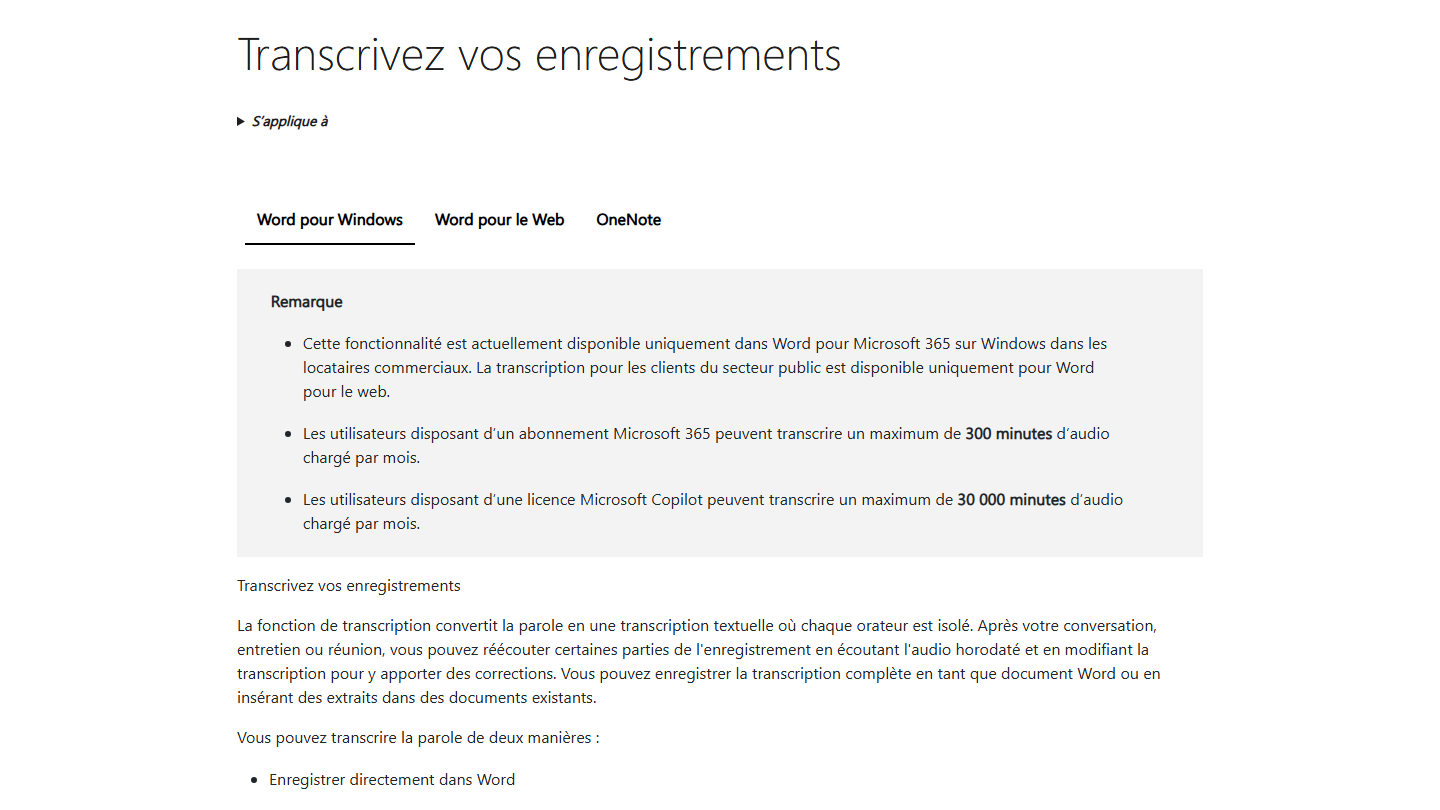
- You are already on Microsoft 365: Word’s Transcribe feature
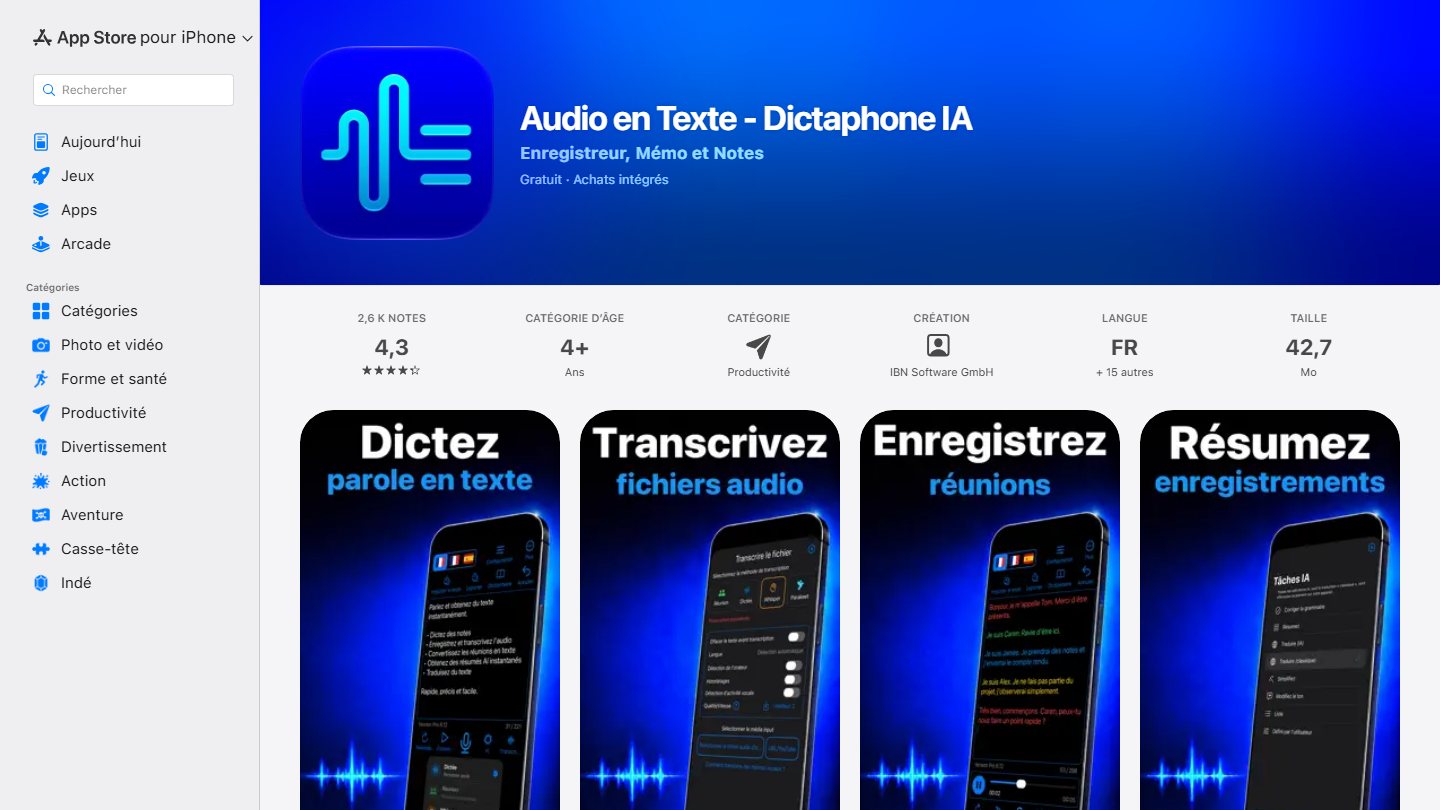
- Dictating or transcribing from an iPhone: Audio en Texte (formerly Dictation)
- An interview to transcribe, with optional human proofreading: Happy Scribe
- Editing a podcast or video by editing the text: Descript
- Adding subtitles to short videos: Capte
The 4 uses of audio and video transcription software
Audio and video transcription software works in a few simple steps. You start by uploading your audio or video file to the transcription tool. The AI tool then analyzes the file, converting it to text during the processing phase. You end up with the transcript of your content, ready to be reviewed, translated, edited and shared.
Transcribing an interview into writing
After a spoken interview with an expert in your field, you can easily turn it into a written article with transcription tools such as Notta, Scribe, Happy Scribe or the Audio en Texte app. These tools quickly turn the information gathered during the interview into written text.
Meeting notes
After a long meeting with several participants, where there is little time to take good notes, some software automates your note-taking. Tools such as Fireflies, tl;dv, Otter.ai and Notta analyze the voices recorded during the meeting to generate a summary automatically, which makes it simpler to produce good meeting notes.
Turning your video and audio content into text
Once you have created a video or a podcast, if you want to repurpose it in other formats or use its key moments to diversify your content, you can analyze it and cut it up. This type of software, like Descript or Capte, transcribes the key passages and lets you convert them into snack content, a white paper or any other written format.
Adding subtitles to your video content
If you are looking for tools to add subtitles to your videos, software like Happy Scribe or Capte will do the job. These programs analyze the audio and give you a synchronized transcript. You can then adjust the text so the subtitles appear at the right moment.



What the community says.