Our pick of the 10 best Calendly alternatives (8 of them free)

Calendly's free plan allows unlimited meetings with a single event type and a single connected calendar, with no group meetings, automatic reminders or payments; the Standard plan costs $10 per user per month billed annually. Ten alternatives compared. Free and built into an existing tool: Google Calendar (one booking page with a personal account), Brevo (Meetings, Stripe payment), HubSpot (unlimited meetings, 2 users), Zoho Bookings (1 user).

Maxime Ben Bouaziz
Maxime Ben Bouaziz
CEO Salesdorado, IA & Sales Tech
October 24, 2024, updated November 10, 2026, 1 min read
See all tools

In our selection of the best online scheduling software, Calendly is still our favorite. Its free plan is enough for a lot of people: unlimited meetings, a customizable booking page, a Zoom, Google Meet or Teams link added to every appointment.

Its limits show up fast: a single event type, a single connected calendar, no group meetings, no automatic reminders, no payment at booking, and the Calendly logo on the page. To remove them, the Standard plan costs $10 per user per month billed annually, $12 billed monthly.

But many other tools have grown up since. Some give away for free what Calendly charges for. We offer 10 Calendly alternatives, 8 of them free with no time limit. Depending on your need:

  • a booking page in the calendar you already use: Google Calendar;
  • appointments that feed your CRM: HubSpot, Brevo or Zoho Bookings;
  • several event types and online payment, without paying: Cal.com or Zcal;
  • finding a time that works for several people: Doodle;
  • booking services, in several languages: SimplyBook.me;
  • a paid tool that is more flexible than Calendly: SavvyCal;
  • selling sessions and collecting payment online: Acuity Scheduling.

The 10 tools, side by side

# Logos tool Score Price Best for
01 Cal.com 4.1/5 ★ $12 A solo user who wants several event types and online payment without paying Visit site
02 Google Agenda 4.8/5 ★ €13.60 People who already use Gmail, Google Meet and the other Google tools Visit site
03 SavvyCal 4.6/5 ★ $10 Connecting several calendars and managing your availability Visit site
04 HubSpot 4.5/5 ★ €20 Booking appointments from the HubSpot CRM Visit site
05 Doodle 4.3/5 ★ $11 Scheduling group meetings Visit site
06 Brevo 4.6/5 ★ €7 A free, customizable booking page Visit site
07 Acuity Scheduling 4.0/5 ★ $16 An easy-to-learn, customizable tool Visit site
08 SimplyBook.me 3.9/5 ★ €11.90 International organizations Visit site
09 Zcal 3.9/5 ★ $7 Full free usage, with no ads Visit site
10 Zoho Bookings 4.2/5 ★ €6 A freelancer who wants a free booking tool, or a company already equipped with Zoho Visit site
01

Cal.com

4.1/5 From $12

Best for: A solo user who wants several event types and online payment without paying

+ Strengths
  • Unlimited event types and calendars on the free plan
  • Stripe or PayPal payment and SMS notifications included
  • Open source and collaborative
− Downsides
  • A single user on the free plan
  • Cal.com branding on the booking page until you pay
★ Cal.com in brief

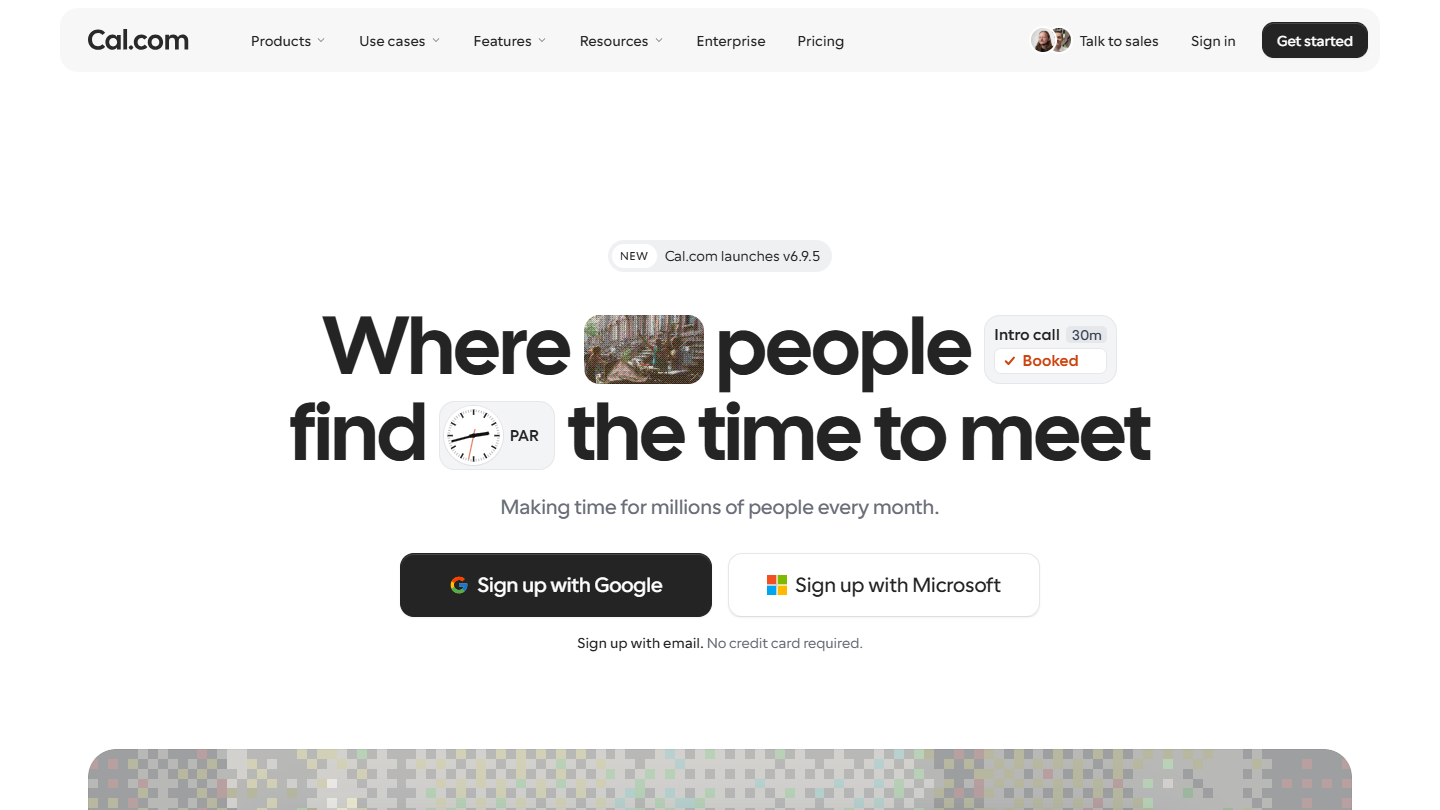
Cal.com website: “Where people find the time to meet”

Cal.com is scheduling software that started as a collaborative open source project: its code is public, and a company can host it on its own servers.

Its free plan is the broadest in this top for a solo user: unlimited event types and calendars, email and SMS notifications, payment via Stripe or PayPal, and more than 100 connectable apps, including two-way sync with Salesforce and HubSpot. A one-click import brings in your Calendly events.

Compared with free Calendly, Cal.com removes almost every limit. It stops being free as soon as you work with others: teams, round-robin appointments and routing forms require the Teams plan.

Teams costs $12 per user per month billed annually, with a 14-day trial, and removes the Cal.com branding from booking pages.

02

Google Agenda

4.8/5 From €13.60

Best for: People who already use Gmail, Google Meet and the other Google tools

+ Strengths
  • A free booking page with a simple Google account
  • Native integration with the Google ecosystem
  • Pleasant, familiar interface
− Downsides
  • A single booking page on the free plan
  • Automatic reminders, payments and multi-calendar checks reserved for subscriptions
★ Google Agenda in brief

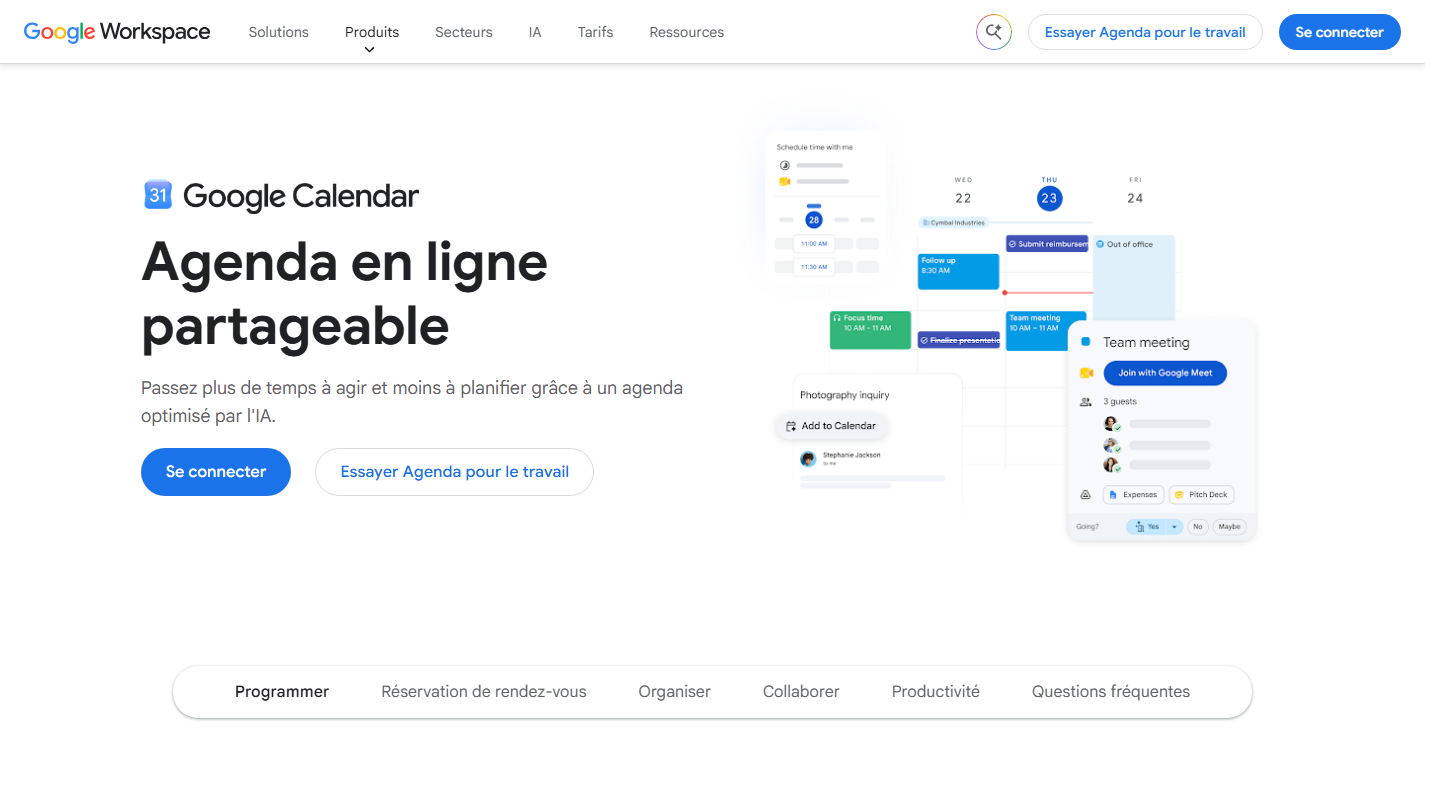
Google Workspace Google Calendar page: "Shareable online calendar", with an appointment schedule

Google Calendar, the calendar of Gmail and the Google Workspace suite, can create appointment schedules: a public page where your contacts see your free slots and book themselves. The Google Meet link is added to the appointment.

A free personal Google account includes one booking page. You set the appointment length, the time ranges and the information requested at booking. Creation is done from a computer: the Calendar mobile app cannot create a schedule.

Compared with free Calendly, Google Calendar is on par for the most common case, a single event type, with no extra tool to install. It falls short as soon as you need several pages, automatic email reminders or a check across several calendars before offering a slot.

These features require a subscription: Google One Premium, Workspace Individual, or Business Standard at €13.60 per user per month billed annually. The Business Starter plan, at €6.80, stays at a single page, like the free account.

03

SavvyCal

4.6/5 From $10

Best for: Connecting several calendars and managing your availability

+ Strengths
  • Elegant interface and great flexibility
  • Easy connection of several calendars
  • Recently adopted at Salesdorado
− Downsides
  • The free account cannot receive bookings
  • Custom domains and Stripe payment reserved for Premium
★ SavvyCal in brief

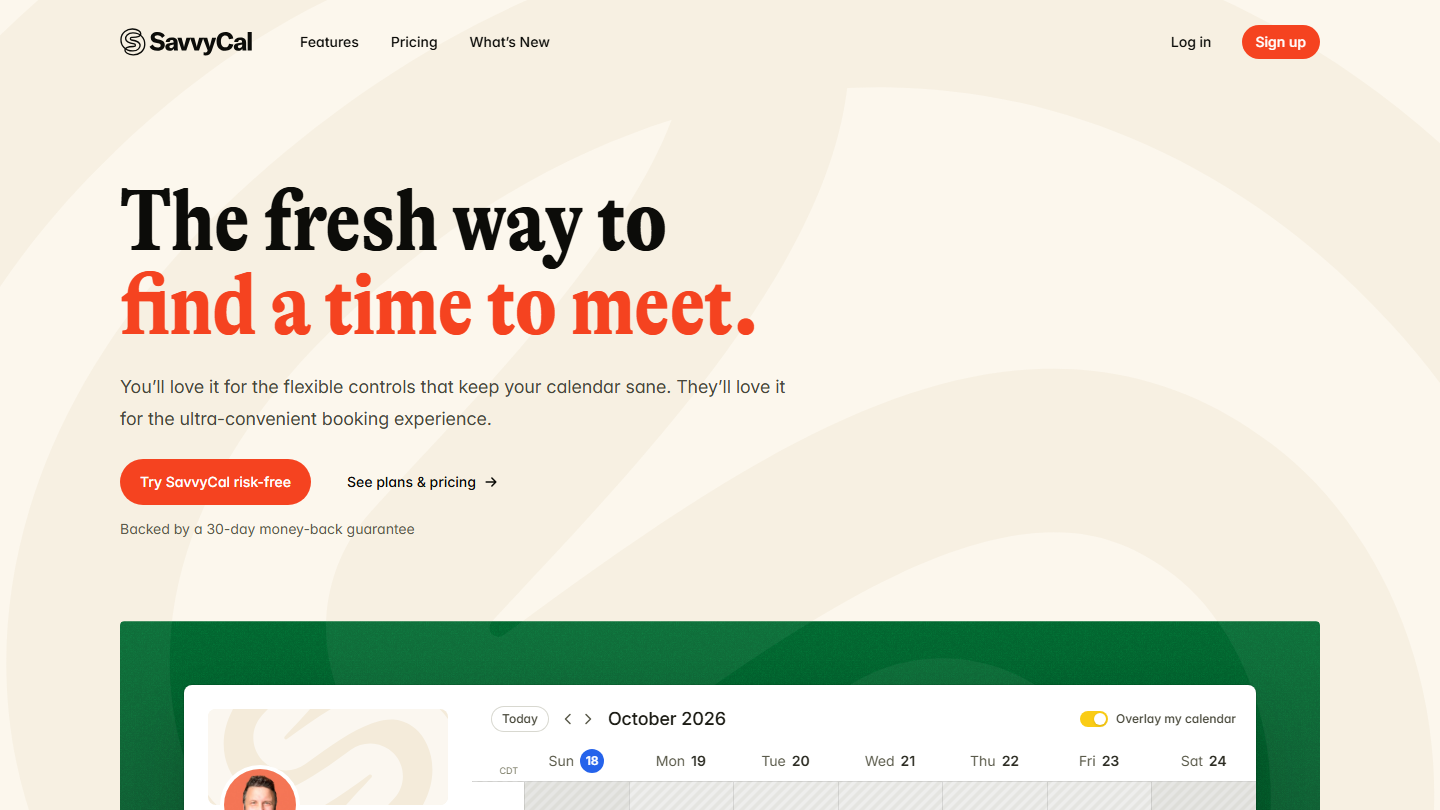
SavvyCal home page: "The fresh way to find a time to meet", with a booking calendar

SavvyCal, an alumnus of the B2B SaaS accelerator TinySeed, is scheduling software with several strengths: an elegant interface and real flexibility. An attractive alternative to Calendly, and the one we adopted at Salesdorado.

The tool connects several calendars (Google, Microsoft, iCloud, Fastmail) and checks all of them before offering a slot. The person booking can overlay their own calendar on your availability and see the shared slots at a glance. Links and polls are unlimited, and the tool can group appointments to protect blocks of work time.

Compared with free Calendly, SavvyCal is not a free alternative: you can create an account, connect your calendars and prepare your links without paying, but you need a subscription for anyone to book. No trial either, only a 30-day money-back guarantee.

Basic costs $10 per user per month billed annually ($12 monthly), teams and round-robin appointments included. Premium, at $17 ($20 monthly), adds the custom domain, removal of the SavvyCal branding, emails sent from your own address and Stripe payment.

04

HubSpot

4.5/5 From €20

Best for: Booking appointments from the HubSpot CRM

+ Strengths
  • Available from the free version, unlimited appointments
  • Many customization options
  • Built into the HubSpot CRM
− Downsides
  • Team links and appointment distribution from Starter
  • Free plan limited to 2 users
★ HubSpot in brief

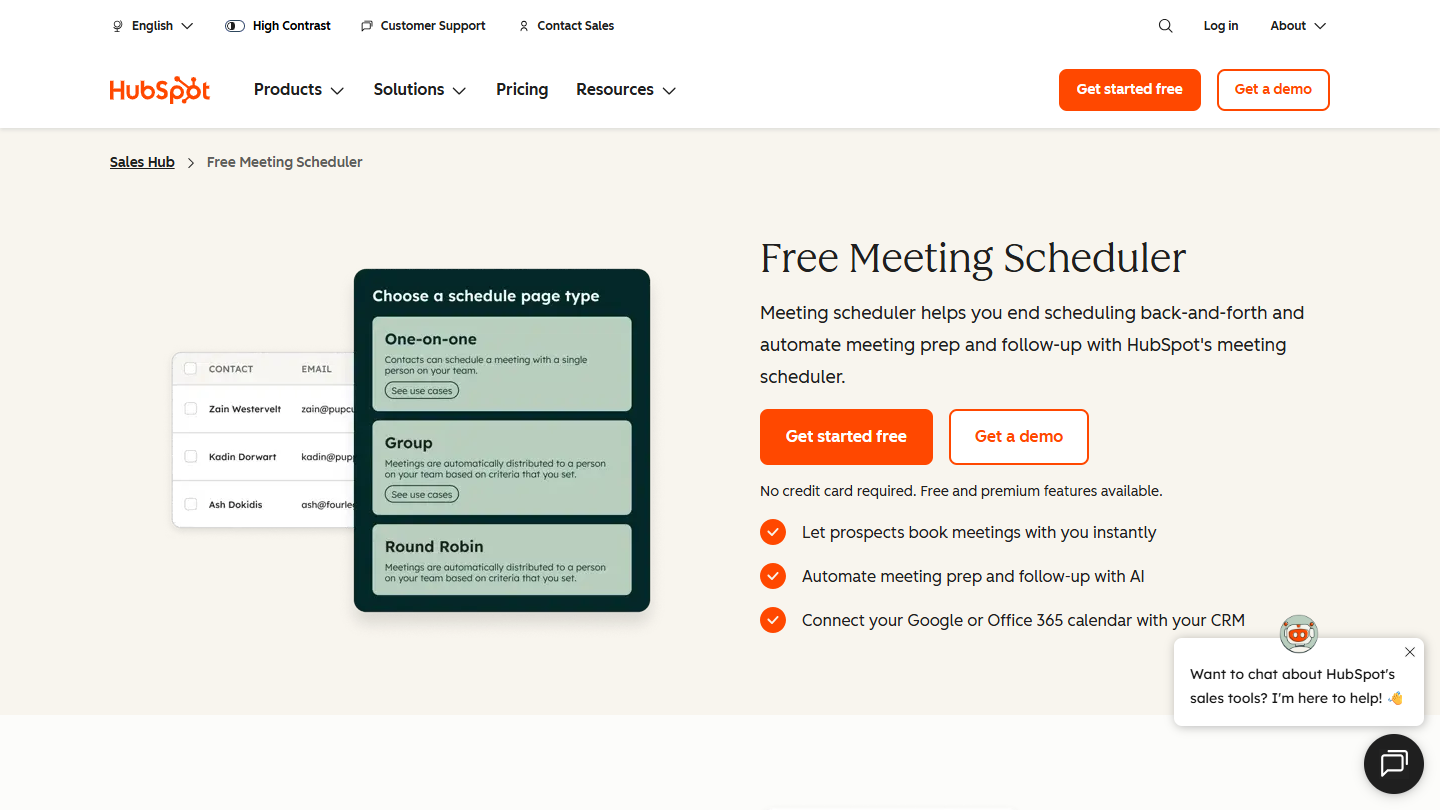
HubSpot website: “Free Meeting Scheduler”

It is one of the CRM’s signature features: online appointment booking. It is part of HubSpot’s free tools.

Each sales rep shares a personal link or embeds it on a page of the website. The prospect picks a free slot in your Google Calendar or Office 365, and the appointment is logged on their contact record, next to their emails and calls. We like the customization options: several durations, time ranges, buffer between two appointments.

Compared with free Calendly, the appeal is the CRM: no connector to install to find the appointment in the prospect’s history. If you don’t use HubSpot, the tool loses most of its point.

The free plan covers 2 users and an unlimited number of appointments. Team links, which distribute appointments among sales reps, require the Starter plan at €20 per license per month.

05

Doodle

4.3/5 From $11

Best for: Scheduling group meetings

+ Strengths
  • The reference tool for group meetings
  • Simple and intuitive
  • Coordinates several calendars
− Downsides
  • Free limited to 1 group poll, 1 booking page and 1 one-on-one appointment
  • Ads and no reminders on the free version
★ Doodle in brief

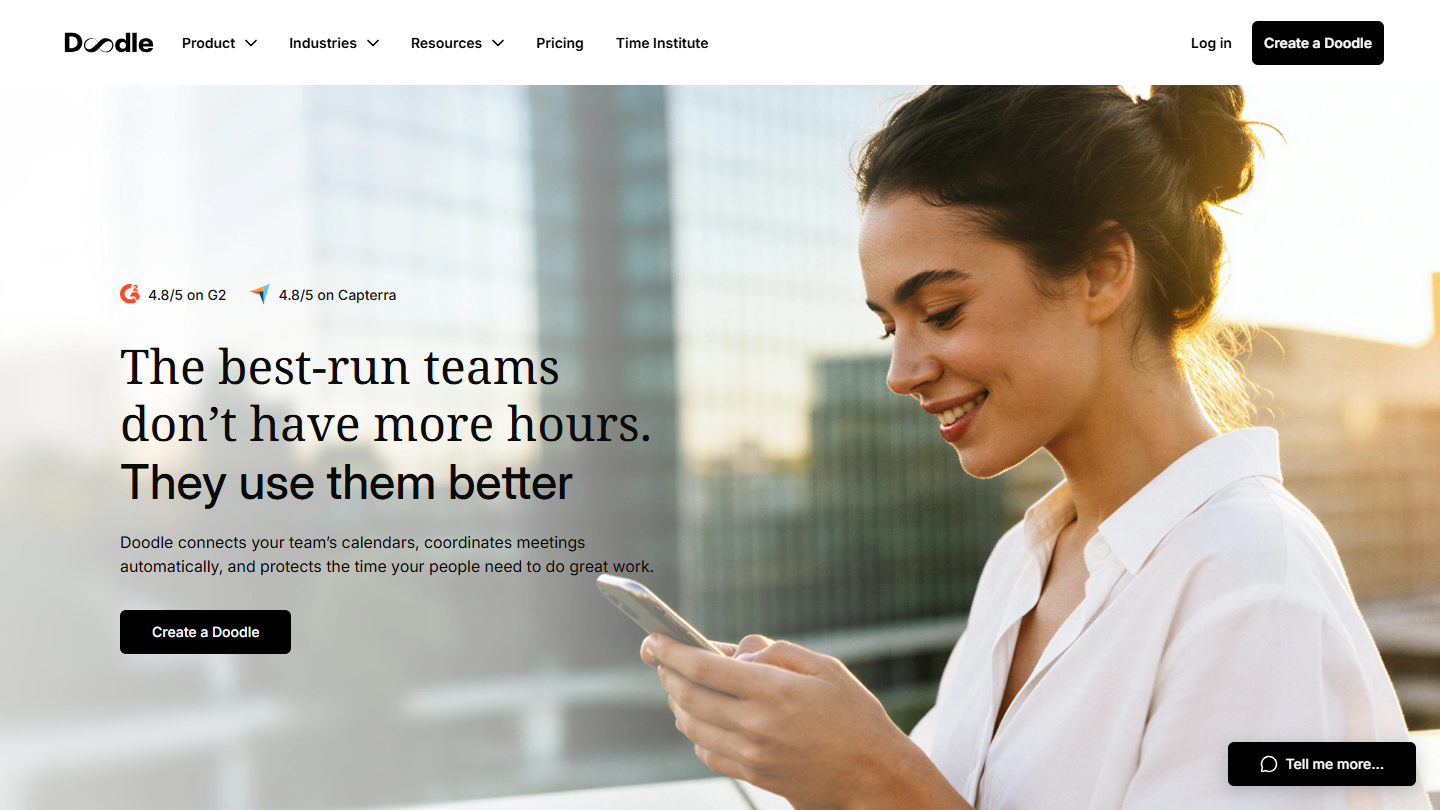
Doodle website: “The best-run teams don’t have more hours. They use them better”

Doodle is an online scheduling platform known for how simple it makes organizing group meetings. Its principle: a poll where each guest ticks the slots that suit them.

It is the tool for sales reps who have to coordinate several calendars: a demo with three decision-makers on the client side, a steering committee, a training session. Doodle also offers an individual booking page and sign-up sheets for a workshop.

Compared with free Calendly, which does not handle group meetings, Doodle covers that need. Its free version, however, has tightened: a single group poll, a single booking page and a single one-on-one appointment, with ads.

Pro costs $11 per seat per month billed annually: unlimited polls and pages, reminders, Zoom, Teams and Webex, no ads. Team, at $16, adds the admin console and payment via Stripe.

06

Brevo

4.6/5 From €7

Best for: A free, customizable booking page

+ Strengths
  • Free appointment booking, with several appointment types
  • Card payment via Stripe at the time of booking
  • Reminders by email or SMS, contacts created in the Brevo CRM
− Downsides
  • Weak lead capture: forms and landing pages not robust enough
  • SMS reminders paid in credits
★ Brevo in brief

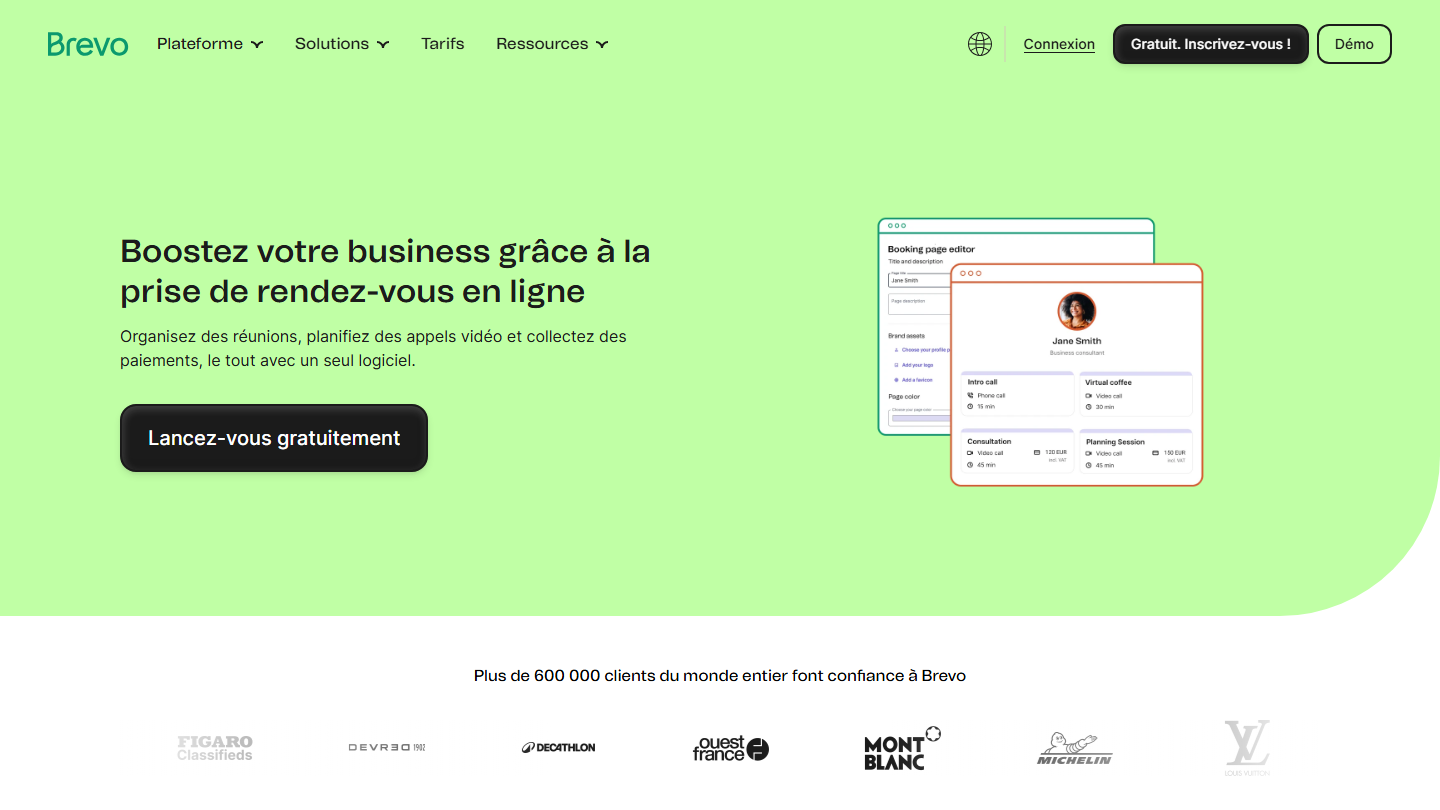
Brevo Meetings page: "Boost your business with online appointment scheduling", with a booking page

Brevo is an all-in-one sales and marketing tool. The French gem, which started in emailing, keeps adding features: SMS, WhatsApp, chat, landing pages and a CRM with a sales pipeline. Its Meetings module handles appointment booking.

In practice, you create a booking page with several appointment types, in person, by phone or by video (Brevo, Zoom or Google Meet). An appointment can be paid: the customer pays by card via Stripe at the time of booking. Reminders go out by email or SMS, and each booking creates the contact in the CRM.

Compared with free Calendly, Brevo offers what is missing there: several appointment types, payment and reminders. Brevo counts on this free tool to bring customers to its paid plans; it is most useful if you already send your newsletters with Brevo.

Brevo presents Meetings as free. SMS is paid in credits, and paid emailing starts at €7 per month with the Starter plan.

07

Acuity Scheduling

4.0/5 From $16

Best for: An easy-to-learn, customizable tool

+ Strengths
  • Easy to learn and customizable
  • "Look busy" option
  • Adapts to a wide range of sectors
− Downsides
  • No free plan: 7-day trial
  • No SMS reminders on the cheapest plan
★ Acuity Scheduling in brief

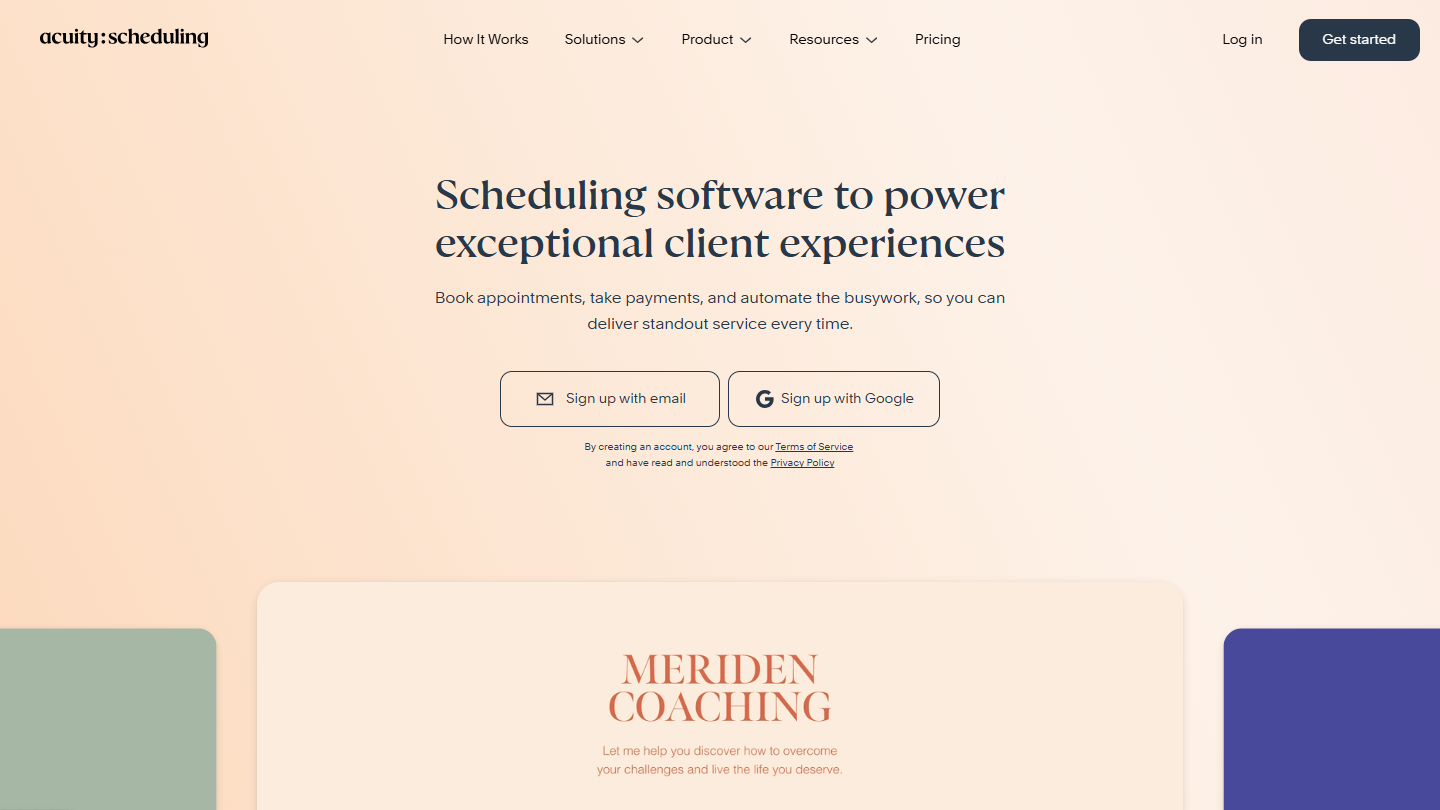
Acuity Scheduling website: “Scheduling software to power exceptional client experiences”

Acuity Scheduling, owned by Squarespace, targets people who sell their time by the session: classes, coaching, treatments, consulting. Easy to learn, it remains highly customizable.

The client picks their service, fills in an information form and pays at the time of booking, via Stripe, Square or PayPal. The time is displayed in their time zone, and confirmations and reminders go out by email. The distinctive feature: the « Look busy » option, which hides some of your free slots when the calendar is empty.

Compared with free Calendly, Acuity costs money from the start: the free trial lasts 7 days, then you have to subscribe. It makes sense for a freelancer who sells sessions, packages or subscriptions, much less for a sales rep booking demos.

Starter costs $16 per month billed annually ($20 monthly) for 1 calendar, without SMS reminders. Standard, at $27, goes to 6 calendars and adds SMS and package sales; Premium, at $55, goes up to 36 calendars.

08

SimplyBook.me

3.9/5 From €11.90

Best for: International organizations

+ Strengths
  • Booking site in about twenty languages
  • Booking from your website, Facebook or Instagram
  • Free plan
− Downsides
  • Free limited to 50 bookings per month and 1 provider
  • A single extra feature on the free plan
★ SimplyBook.me in brief

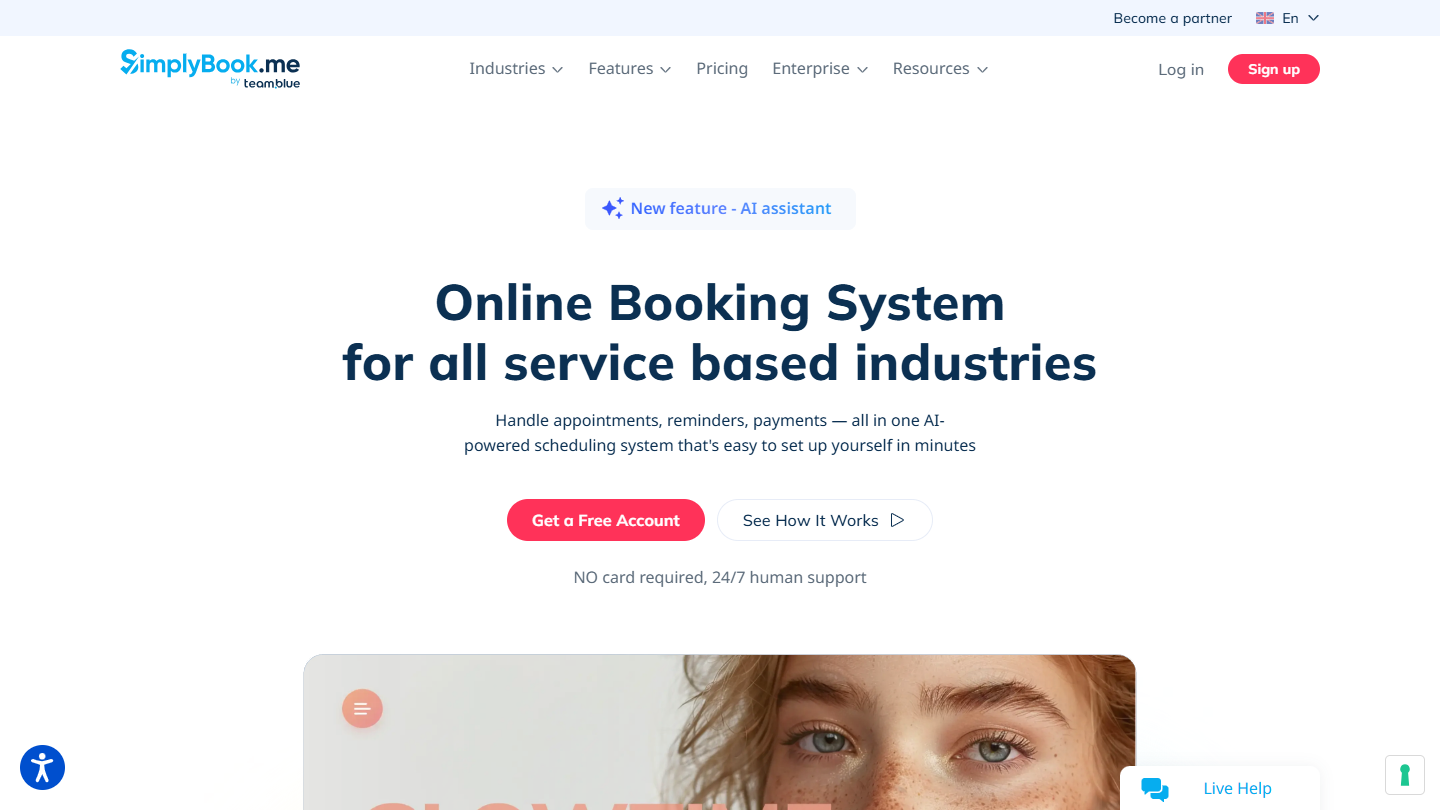
SimplyBook.me website: “Online Booking System for all service based industries”

SimplyBook.me is a booking system designed for service businesses: practices, salons, studios, consultants. The booking site is displayed in about twenty languages and in the customer’s time zone.

The customer books from your website, a dedicated page, Facebook or Instagram. You assign each service to a provider, set the duration, buffer time and price, and confirmation and reminder emails go out on their own. Zapier is included in all plans.

Compared with free Calendly, SimplyBook.me is aimed at booking services rather than sales appointments. The free plan holds up for a small business: 50 bookings per month, one provider, and a single extra feature, to choose from the tool’s modules.

The Basic plan costs €11.90 per month billed annually (€13.90 monthly) for 100 bookings and 5 providers. Standard goes up to 500 bookings for €24.90, Premium to 2,000 for €49.90.

09

Zcal

3.9/5 From $7

Best for: Full free usage, with no ads

+ Strengths
  • 99% of features free, with no ads
  • Unlimited links and calendar accounts
  • Zoom, Google Meet, Teams, Stripe and Zapier from the free plan
− Downsides
  • 3% commission on payments on the free plan
  • Teams and SMS reminders reserved for the Pro version
★ Zcal in brief

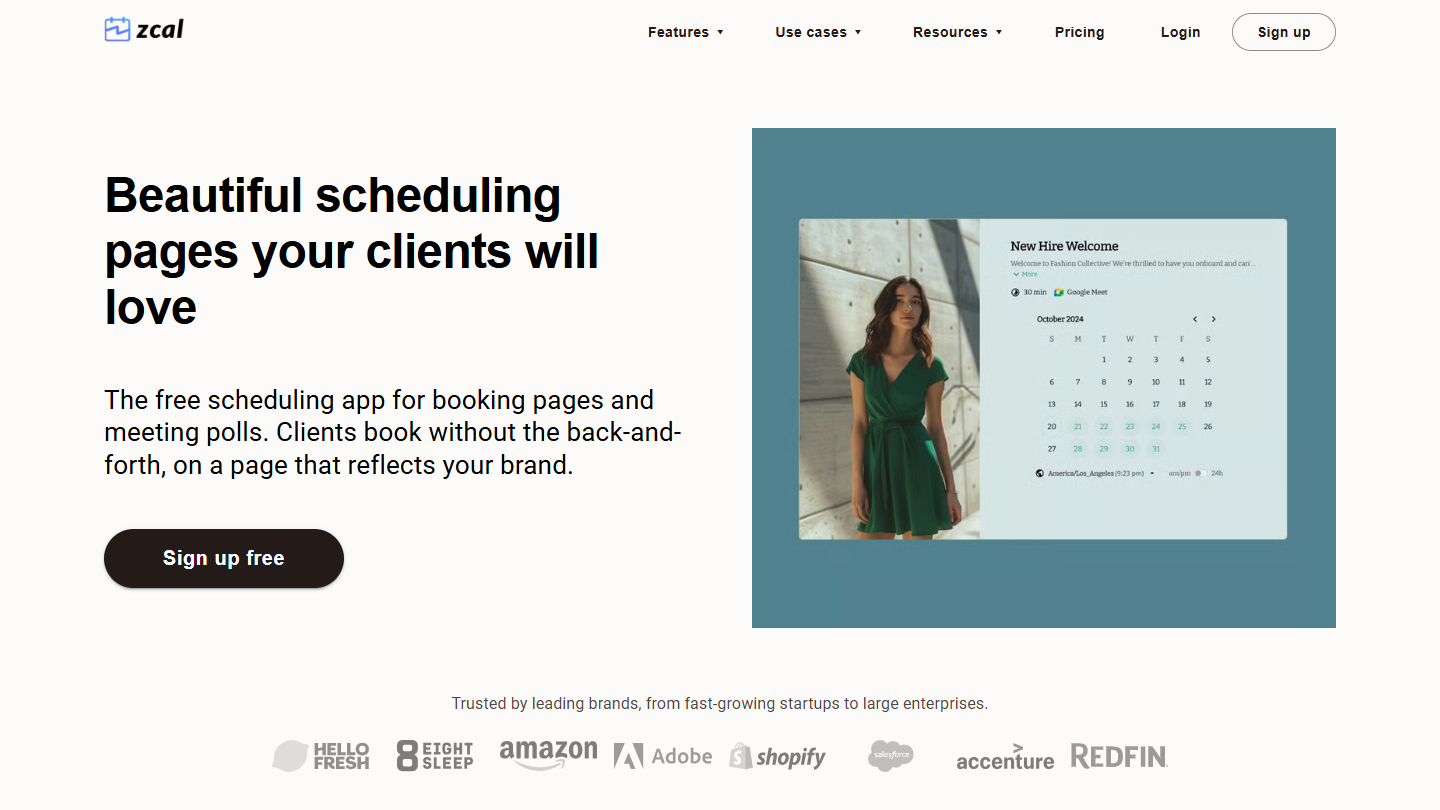
Zcal website: “Beautiful scheduling pages your clients will love”

The alternative that offers almost every feature of a premium plan… but for free. As the vendor puts it, « 99% of zcal’s features are free forever ».

The free plan gives unlimited booking links and calendar accounts (Google, Outlook, Apple), meeting polls, group events of up to 5 people per slot, one email reminder, and Zoom, Google Meet, Teams and Zapier integrations. All with no ads.

Compared with free Calendly, Zcal offers what is missing: several event types, several calendars, Stripe payment. In return, Zcal takes 3% on payments collected on the free plan, and its branding stays on your pages.

The Pro version, at $7 per user per month billed annually, adds teams, SMS reminders, several email reminders and follow-up emails, and removes the commission. Business, at $12, adds custom domains. Both can be tried for 14 days.

10

Zoho Bookings

4.2/5 From €6

Best for: A freelancer who wants a free booking tool, or a company already equipped with Zoho

+ Strengths
  • Free for life for one user, no credit card
  • Two-way sync with Google, Microsoft 365 and Zoho Calendar
  • Paid plans among the cheapest in the top
− Downsides
  • A single user and a single workspace on the free plan
  • Online payment from the Premium plan
★ Zoho Bookings in brief

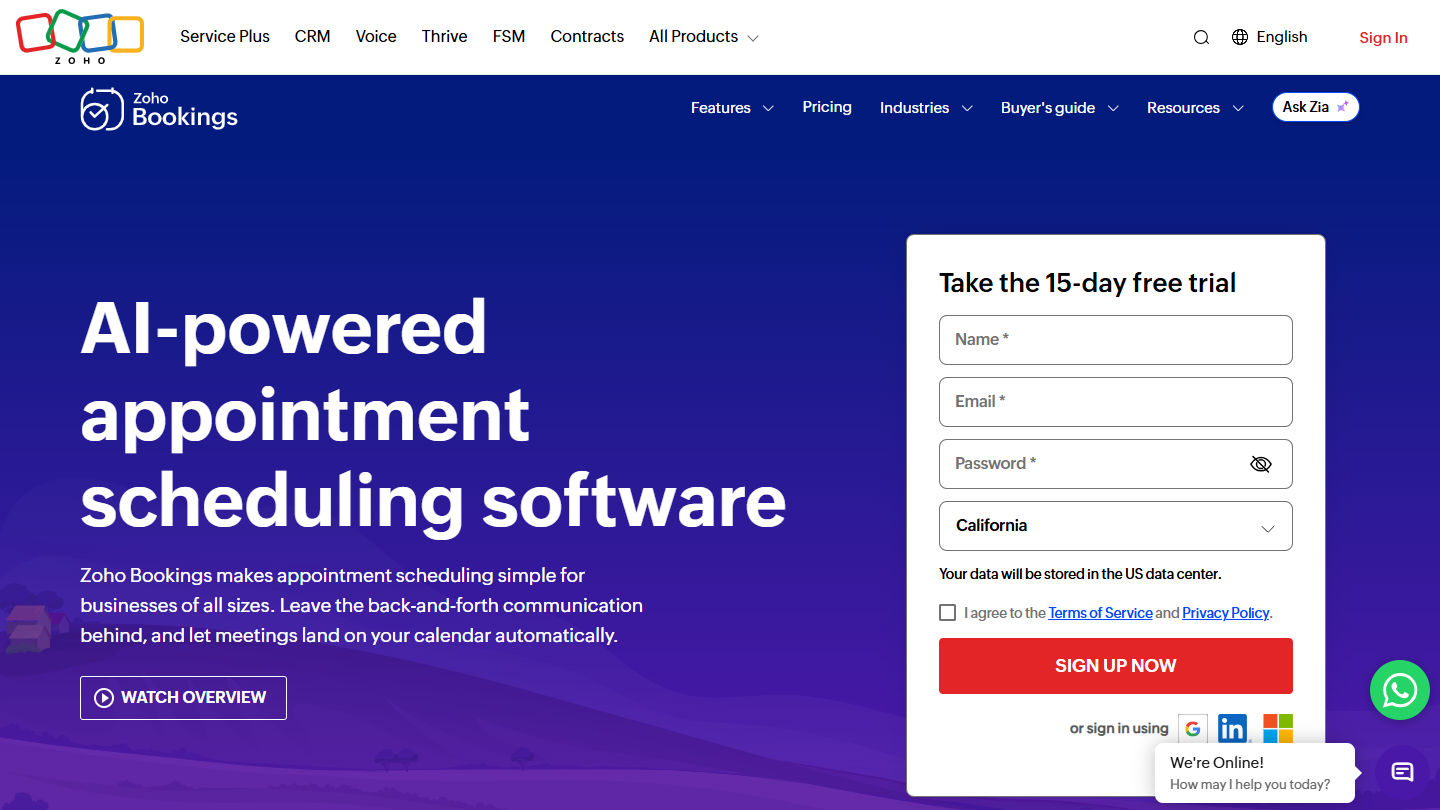
Zoho Bookings website: “AI-powered appointment scheduling software”

Zoho Bookings is the appointment scheduling tool from Zoho, the vendor known for its CRM. It handles one-on-one, collective (several hosts) and group appointments, and adapts the time zone and language to the location of the person booking.

Its lifetime free plan is aimed at the solo user: one booking page, online meetings, email notifications and reminders, and two-way sync with Zoho Calendar, Google Calendar and Microsoft 365. No credit card is requested.

Compared with free Calendly, Zoho Bookings mostly makes sense for a company already equipped with Zoho, since it connects to Zoho CRM and Bigin. Without paying, it stays limited to one user and one workspace.

The Basic plan costs €6 per user per month billed annually; Premium, at €9, adds online payments and several workspaces. The paid plans can be tried for 15 days.

How we chose these 10 tools

Every tool in this selection has been used in real conditions by our team or by a Salesdorado consultant, in a B2B sales and marketing setting. No ranking built from a marketing deck. The order of the list is not a ranking: the right tool depends on your needs.

  1. 01
    Benchmark scope

    Broad identification of the tools on the market (G2, Capterra, Salesdorado customer feedback, LinkedIn signals). Initial filtering, then a short list based on a 2-hour setup per tool.

  2. 02
    Test conditions

    3 to 4 weeks of active use per tool, with data representative of a B2B sales use case. When a tool targets a specific profile (SDR, AE, Ops, Marketer…), we match the tester accordingly.

  3. 03
    Weighted criteria

    For each category, 5 to 7 axes weighted according to what matters in the segment: UX, feature depth, native integrations, support, pricing at scale, compliance (GDPR, security), and roadmap quality.

  4. 04
    Independence

    No tool is scored in exchange for payment. Partner links (affiliate) are marked as such and do not influence the score. Non-partner tools are included when their place in the ranking is deserved.

  5. 05
    Updates

    The ranking is reviewed every 6 to 12 months or on every major release of a tool mentioned. The date of the last check is shown at the top of the article.

The questions we get over and over.

What makes a good free alternative to Calendly?

Calendly's free plan is limited to one event type and one connected calendar, with no group meetings, automatic reminders or payments. A good free alternative removes at least one of these limits: calendar integrations, number of event types, integrations with video tools (Zoom, Google Meet and Microsoft Teams), group invitations. Also look at what your customers see: ads on Doodle, the vendor's branding on the page for most of the others.

Can Google Calendar replace Calendly for free?

For a single event type, yes: a free personal Google account lets you create a booking page, with the Google Meet link added to the appointment. Multiple schedules, automatic email reminders, checking several calendars and payment require Google One Premium, Workspace Individual or Business Standard. The Business Starter plan of Google Workspace does not extend these features.

Which tool should I choose to schedule a group meeting?

Doodle, the reference tool for scheduling group meetings: each guest ticks their availability in a poll. Its free version is limited to one group poll and includes ads. Zcal handles group events of up to 5 people per slot for free, whereas Calendly reserves them for its paid plans.

Which Calendly alternative suits a B2B sales team?

HubSpot builds scheduling into its CRM, available from the free version: each appointment lands on the prospect's record. Team links, which distribute appointments among sales reps, require the Starter plan at €20 per license per month. Cal.com syncs its appointments with Salesforce and HubSpot for free, for one user.

Which scheduling software suits an international organization?

SimplyBook.me displays its booking site in about twenty languages and in the customer's time zone. Zoho Bookings automatically adapts the time zone and language to the location of the person booking. Both have a free plan.

★ The conversation, 0 comments

What the community says.

Basic Markdown, moderated within 24 h
Loading…

    In the same category