Our top 10 time tracking tools

Ten time tracking tools compared. Free or nearly free: Toggl (formerly Toggl Track, free up to 3 users, Starter €9 per user per month billed annually), Clockify (free up to 5 users, Basic €3.99), TrackingTime (free with no user limit, Starter $4.

Maxime Ben Bouaziz
Maxime Ben Bouaziz
CEO Salesdorado, IA & Sales Tech
July 7, 2022, updated November 10, 2026, 1 min read
See all tools

A time tracking tool measures the time your teams spend on each task, project or client, with a timer or by entering hours after the fact. The idea is to see how much time each task takes so you can invoice accurately and improve productivity.

This kind of service used to be used mostly by freelancers and service companies. Time tracking tools are now spreading to any organization looking to improve the performance of its staff. The problem is that the market offers dozens of products. Depending on your need:

  • a free plan for a small team: Clockify (5 users) or Toggl (3 users)
  • a free plan with no user limit: TrackingTime
  • an open source tool you host yourself: TimeTagger
  • tracking time and budgets, then invoicing: Harvest
  • logging time without leaving Slack or Teams: Gryzzly
  • paying by number of projects rather than per seat: Tick
  • tracking time inside your project management tool: monday.com
  • monitoring the activity of a remote team: Time Doctor
  • measuring your own focus: RescueTime

The Salesdorado tipThese tools are multi-purpose. They help project managers, but also HR, production management and billing follow-up.

The 10 tools, side by side

# Logos tool Score Price Best for
01 Toggl 4.0/5 ★ €9 People who want a free tool that makes each user accountable for their own time Visit site
02 monday.com 4.0/5 ★ €24 Teams that want time tracking built into their overall project management Visit site
03 TrackingTime 4.3/5 ★ $4.50 People who want to see their time as calendar blocks, by day, week, month or team Visit site
04 Harvest 4.4/5 ★ $9 Teams getting organized that want to track both their time and their budgets Visit site
05 Tick 4.2/5 ★ $19 Teams that track time and budget project by project Visit site
06 TimeTagger 4.2/5 ★ €3 Freelancers who want an open source tool, free if self-hosted Visit site
07 Time Doctor 4.1/5 ★ $6.67 Project managers who want a quick, clear view of their employees’ work Visit site
08 Clockify 4.5/5 ★ €3.99 Teams looking for the best value for money, free version included Visit site
09 RescueTime 4.2/5 ★ $7 People who want to analyze their own activity on their own and limit distractions at work Visit site
10 Gryzzly 4.2/5 ★ €10 Teams on Slack or Microsoft Teams that want to log their time without leaving their messaging app Visit site
01

Toggl

4.0/5 From €9

Best for: People who want a free tool that makes each user accountable for their own time

+ Strengths
  • Free plan usable day to day, up to 3 users
  • Idle detection, logging reminders and Pomodoro timer
  • No screenshots: the tool measures time, not activity
  • Calendar events tracked automatically
− Downsides
  • Billable rates and team reports from Starter
  • Timesheet approval reserved for Premium
★ Toggl in brief

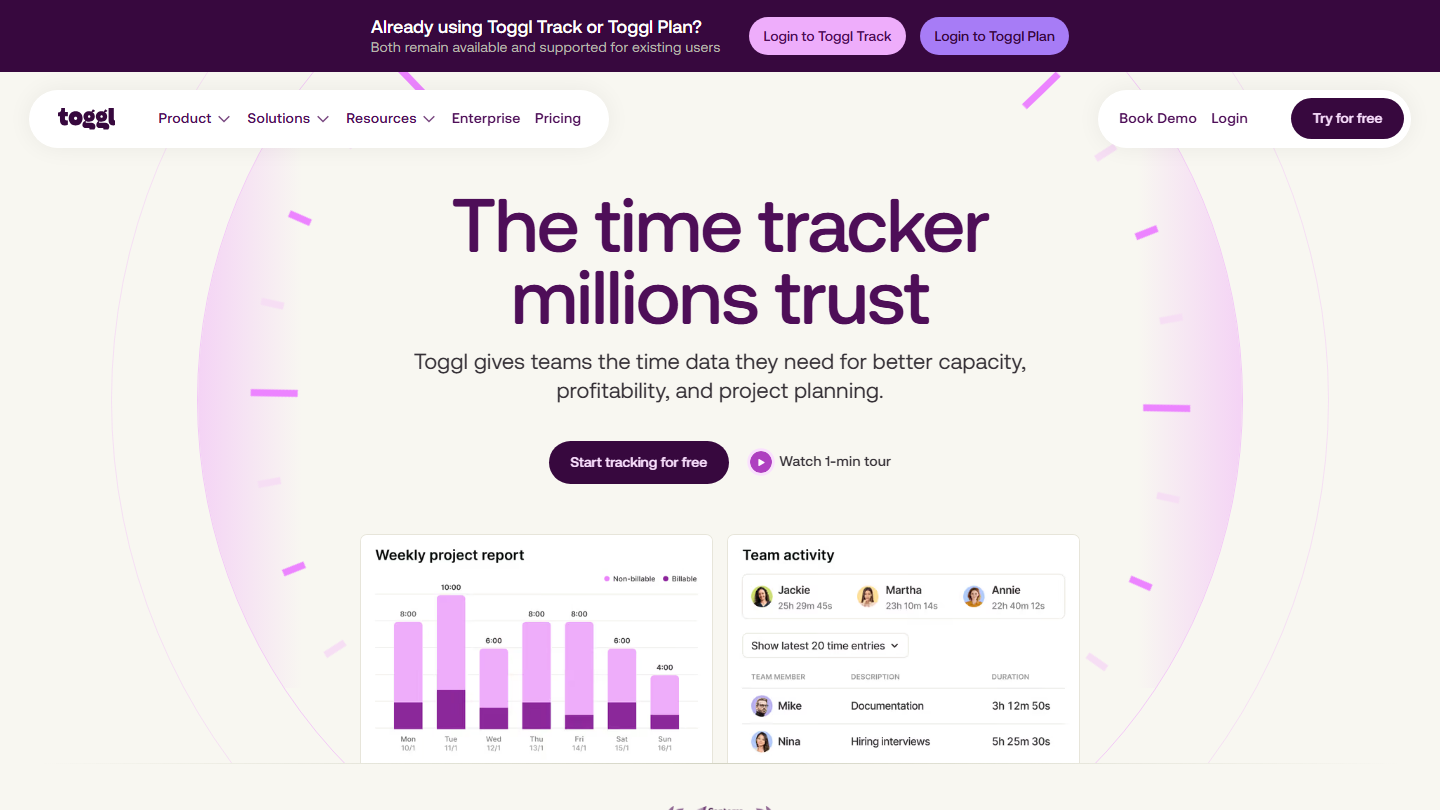
Toggl homepage: “The time tracker millions trust”, with a weekly project report and team activity

Toggl Track is now just Toggl: the vendor sells a single offer that combines time tracking and planning, and existing Toggl Track accounts remain supported. The core is unchanged: a one-click timer on web, desktop, mobile and as a browser extension.

Toggl stays a tool for accountability rather than control. Each user tracks their own time, with an idle detector, reminders when they forget to log, a Pomodoro timer and automatic tracking of their meetings. The vendor refuses on principle to take screenshots or record keystrokes and browsing.

It makes sense for a service team that first needs to get into the habit of logging time, before invoicing it. Billable rates arrive with Starter; costs, profitability and the Jira integration with Premium.

The free plan covers up to 3 users. Starter costs €9 per user per month billed annually (€12 monthly), Premium €16 (€24), and Enterprise is on request. 30-day trial on paid plans.

02

monday.com

4.0/5 From €24

Best for: Teams that want time tracking built into their overall project management

+ Strengths
  • Time tracked in the same boards as tasks and deadlines
  • The whole project management ecosystem: collaboration, tasks, planning
  • Very rich catalog of integrations: Google Calendar, Jira, Trello
  • Quick to learn
− Downsides
  • Time tracking reserved for the Pro plan
  • Minimum of 3 seats on paid plans
★ monday.com in brief

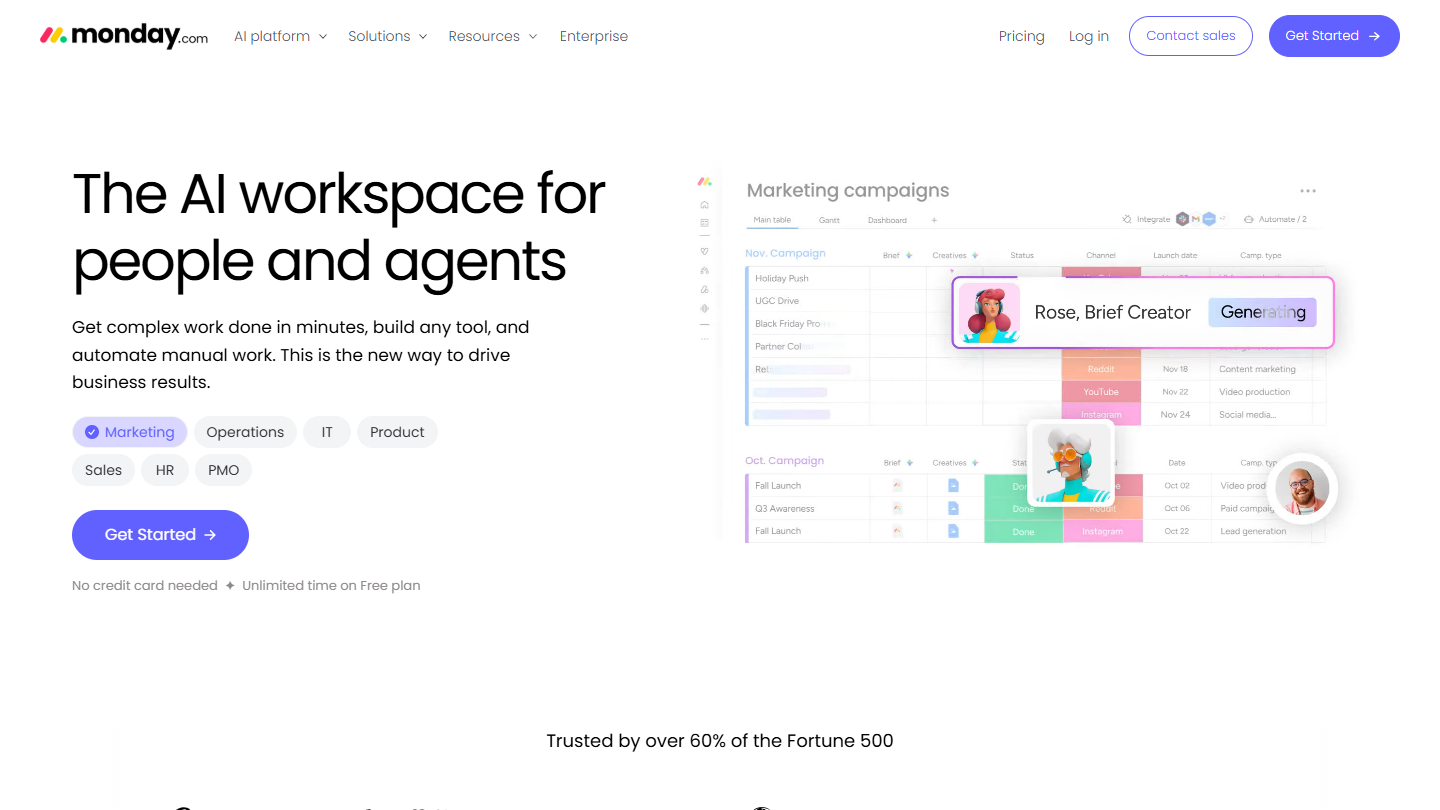
monday.com website: “The AI workspace for people and agents”

monday.com is first and foremost a project management tool. Time tracking there takes the form of a column you add to a board: each item, whether a task, a deliverable or a request, gets its own timer.

The time logged stays attached to the work item. A project manager sees in one place where a task stands, who is on it and how long it took, without exporting a timesheet to another tool.

monday.com makes sense if the team also wants a tool to organize its projects. For time tracking alone it is expensive: the time tracking column only exists from the Pro plan.

Pro costs €24 per seat per month billed monthly, with a minimum of 3 seats, so €72 per month. The free plan (2 users, 3 boards), Basic (€9 billed annually) and Standard (€14 billed monthly) do not include time tracking. Each paid plan can be tried for free.

03

TrackingTime

4.3/5 From $4.50

Best for: People who want to see their time as calendar blocks, by day, week, month or team

+ Strengths
  • Time shown as blocks, like calendar events
  • Day, week, month or team views
  • Free plan with no user limit
  • Asana, Notion, Airtable, Jira and Slack integrations
− Downsides
  • Rates, invoices and timesheet approval from Pro
  • Prices shown in dollars only
★ TrackingTime in brief

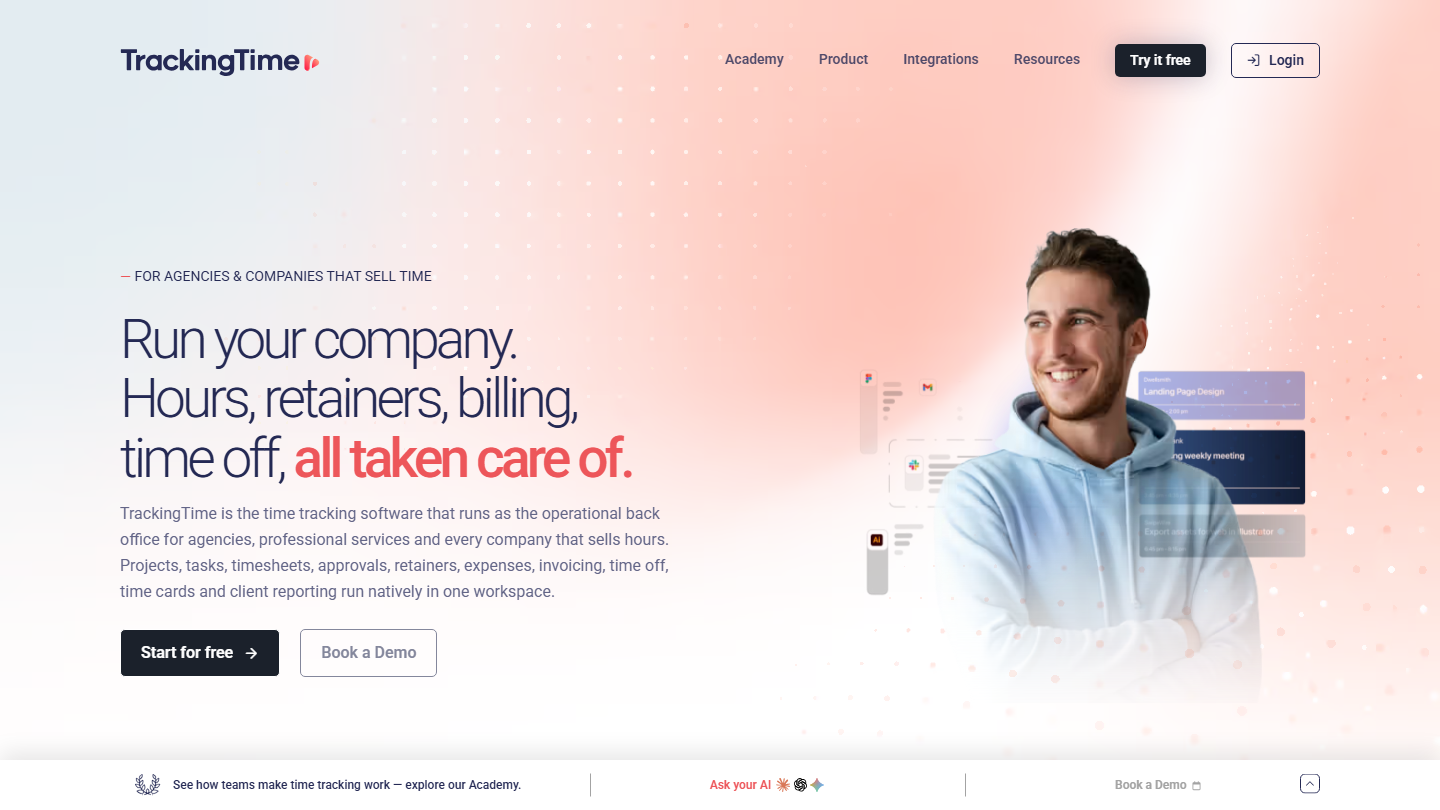
TrackingTime homepage: “Run your company. Hours, retainers, billing, time off, all taken care of.”

In TrackingTime, time is shown like an event in your calendar: as blocks. With the day, week, month or team view, you pick the one that suits you best.

The vendor targets agencies and consulting firms that sell their hours: beyond tracking, it handles client retainers, expenses, time off and timesheets. With the Asana, Notion or Airtable integrations, the timer plugs into the project management tools you already use.

It makes sense for a large team that wants to start for free, whatever its size, then move on to invoicing without changing tools.

Starter costs $4.50 per user per month billed annually ($6 monthly) and adds shared reports, automatic weekly reports and the calendar integration. Pro, at $6.50 ($8.50), adds rates, invoicing and approval; Business, at $10 ($13.50), adds SSO and audit logs.

04

Harvest

4.4/5 From $9

Best for: Teams getting organized that want to track both their time and their budgets

+ Strengths
  • Very easy to pick up, intuitive interface
  • Timesheets, invoices, expenses and project budgets
  • Accounting and payment integrations
  • Team scheduling with Harvest Forecast
− Downsides
  • Free plan limited to 1 seat and 2 projects
  • Profitability reports and time approval reserved for Enterprise
  • Invoices, projects and clients beyond the base allowance billed by usage
★ Harvest in brief

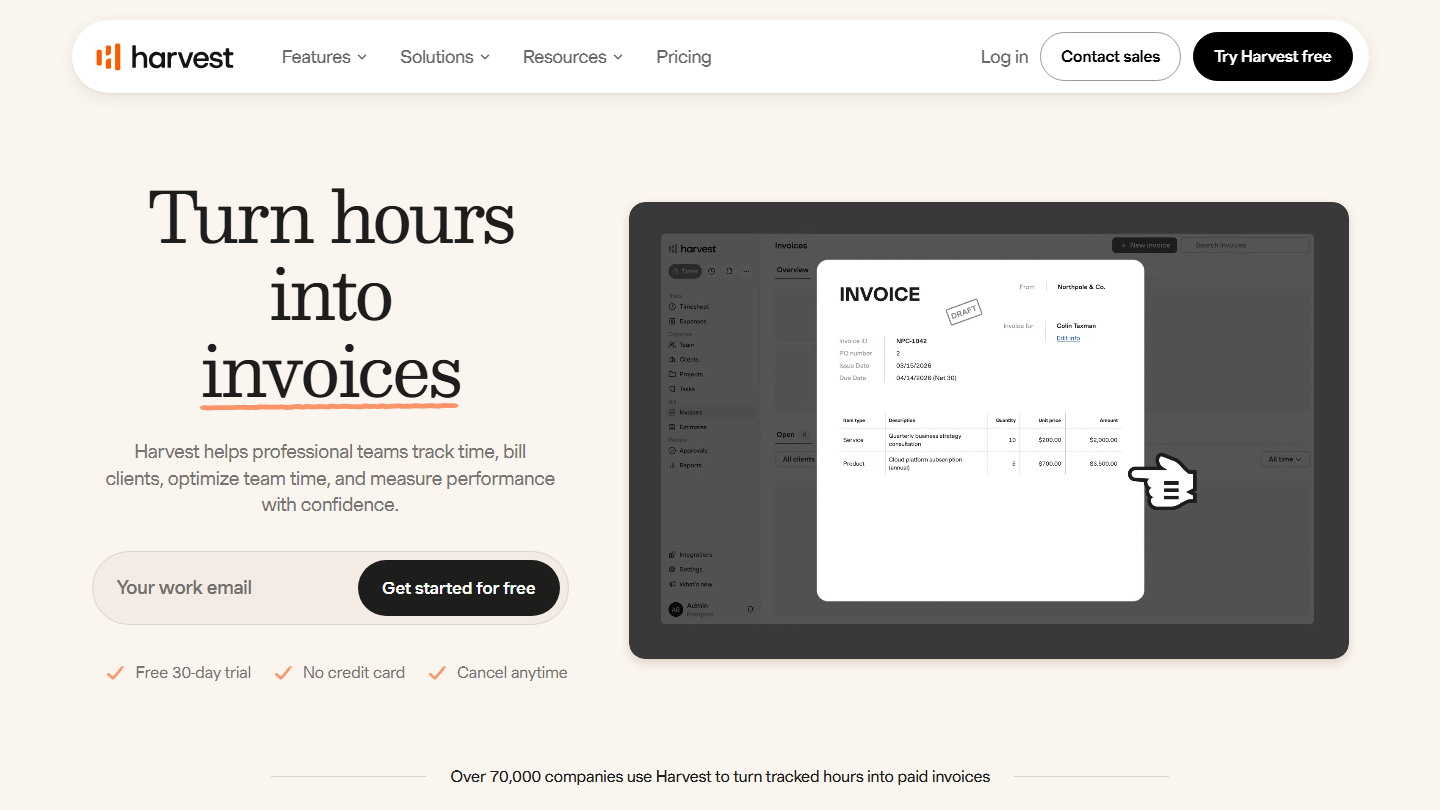
Harvest homepage: “Turn hours into invoices”, with an invoice generated from logged time

Harvest tracks time spent and turns it into invoices: the hours logged on a project feed the client invoice directly. Very easy to pick up, it suits teams getting organized that are discovering this type of tool.

It covers timesheets per user and per team, invoicing, expense tracking, project budgeting and team reporting. And if you pair it with its twin, Harvest Forecast, you also plan everyone’s workload on upcoming projects.

Harvest makes sense for an agency or firm that bills by the hour and wants to know, project by project, where the budget stands. The Teams plan no longer caps the number of seats, but part of the bill now depends on volume.

The free plan serves a freelancer. Teams costs $9 per seat per month billed annually ($11 monthly), Enterprise $14 ($17.50) with profitability reports, timesheet approval and SSO. 30-day trial with no card.

05

Tick

4.2/5 From $19

Best for: Teams that track time and budget project by project

+ Strengths
  • Very intuitive and easy to pick up
  • Project budget updated with every time entry
  • Basecamp integration, no extension to install
  • Unlimited users on all plans
− Downsides
  • Expensive if you run many projects in parallel
  • English-language site, prices in dollars
★ Tick in brief

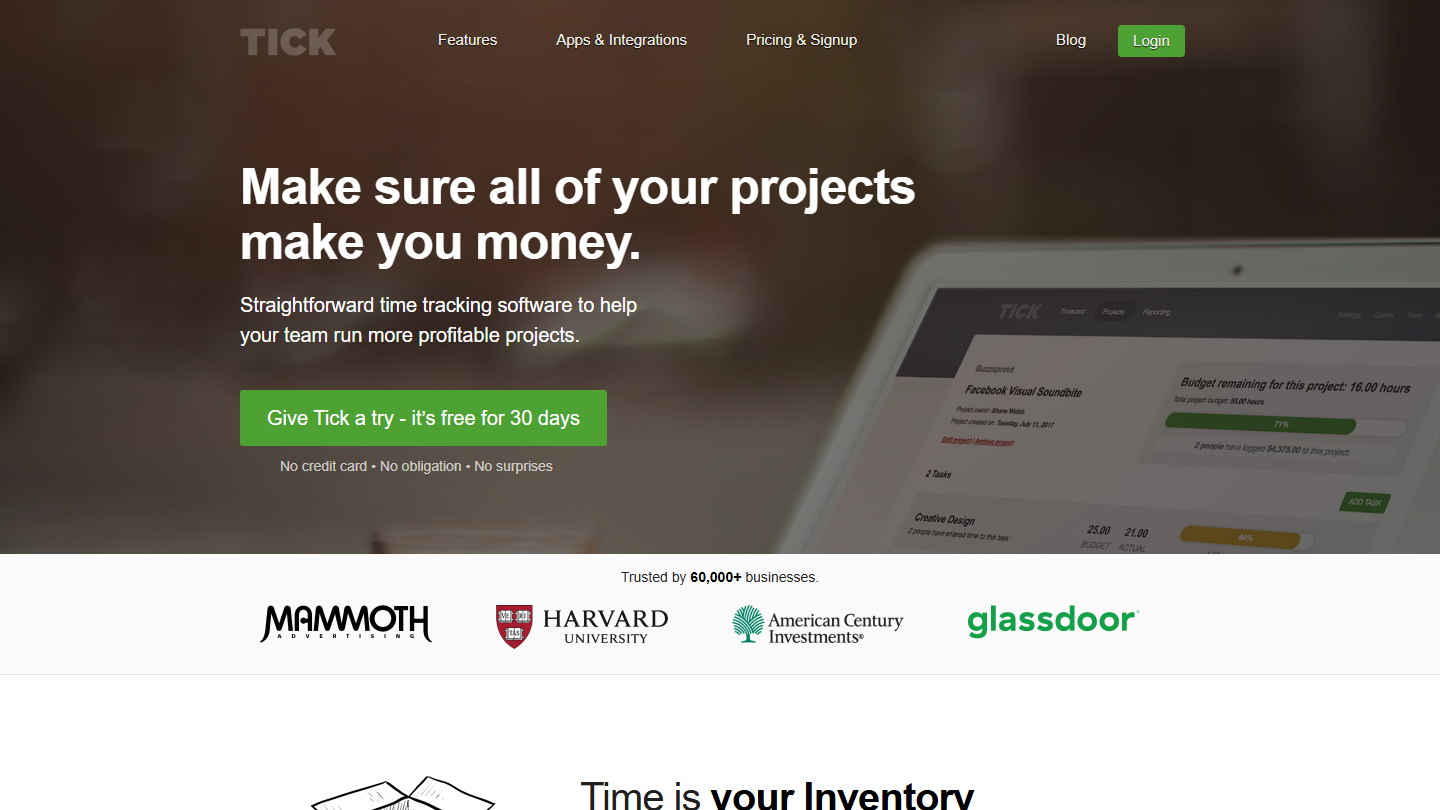
Tick homepage: “Make sure all of your projects make you money.”, with a project’s remaining budget

Tick, published by Higher Pixels, is a project-based time tracking tool that is very intuitive and easy to pick up. You choose the project and the task, start the timer, and that is it.

The budget is at the center: each project and each task gets a number of hours, and Tick shows in real time what is left, so you can spot a slip before it costs money. Reports can be filtered by client or by person for invoicing. Tick was the first time tracking tool integrated into Basecamp, and entry there needs no extension.

Its pricing model sets it apart: Tick does not charge per user but by number of open projects. A large team that runs few projects at a time pays less than with a per-seat tool.

The pricing page could not be read. The last published grid we recorded, in 2024, went from a free plan for 1 project to $19 per month for 10 projects, $49 for 30, $79 for 60 and $149 unlimited. 30-day trial with no card.

06

TimeTagger

4.2/5 From €3

Best for: Freelancers who want an open source tool, free if self-hosted

+ Strengths
  • Open source, free if self-hosted
  • Interactive timeline and tags rather than projects
  • PDF reports to invoice, CSV export for a spreadsheet
  • Works offline and syncs automatically
− Downsides
  • No free hosted plan: you have to host the tool yourself
  • Designed for individual use, not for managing a team
★ TimeTagger in brief

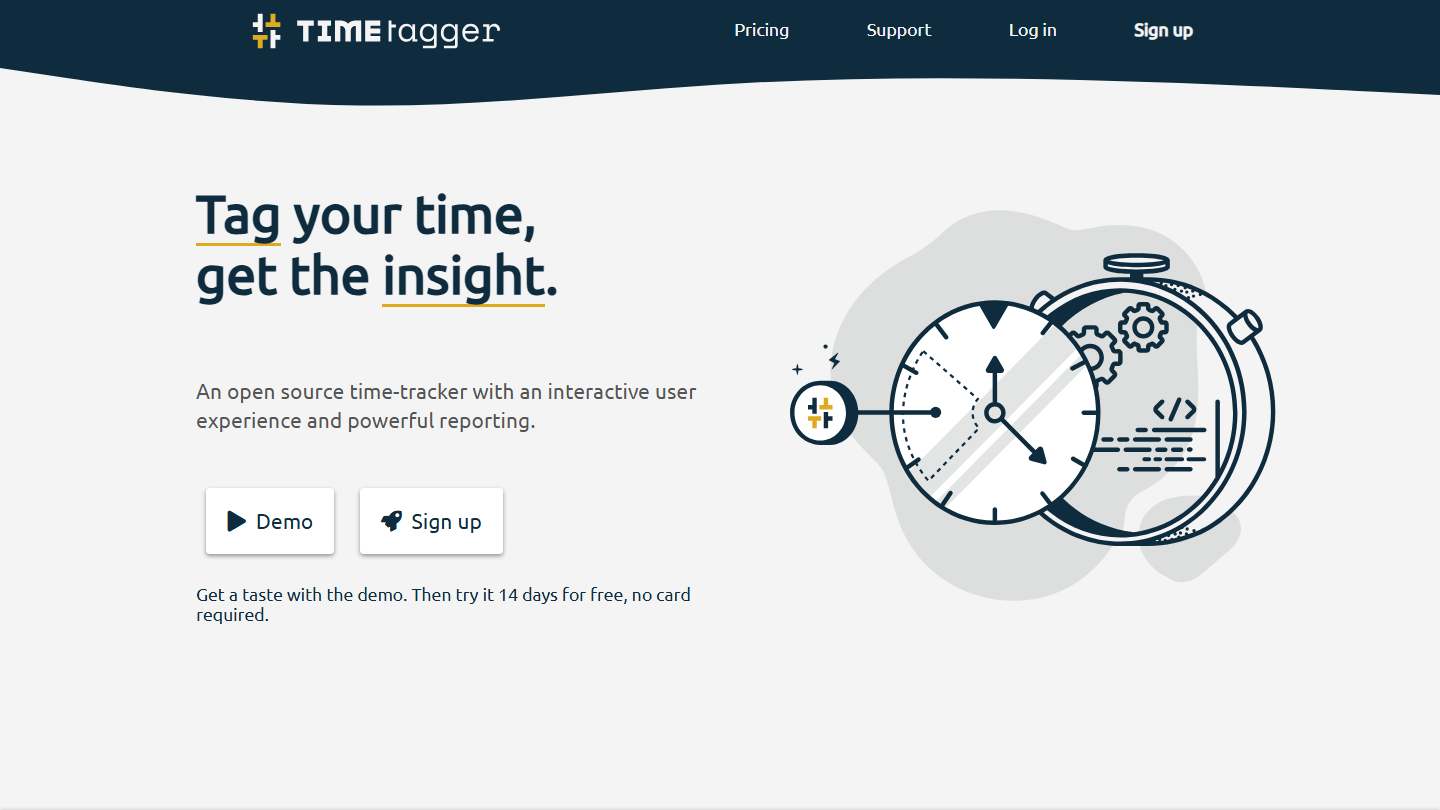
TimeTagger homepage: “Tag your time, get the insight.”, an open source time tracking tool

The only open source tool in our top (GPLv3 license), TimeTagger is easy to pick up. It relies on an interactive timeline and on tags rather than projects: you tag a work session, then find it again in the reports.

The timer is one click away, with a Pomodoro timer and time goals to hit. Reports come out as PDF to invoice a client or as CSV for a spreadsheet. An API and a command-line tool give access to tracking from the terminal.

TimeTagger targets freelancers and independents: to equip a team, you have to contact the developer. The site sets no tracking cookies, an argument for anyone who cares about their data.

The self-hosted version is free. The hosted service costs €3 per month billed annually (€1 more monthly), with backups and support; the lifetime license costs €144 as a one-off. 14-day trial with no card.

07

Time Doctor

4.1/5 From $6.67

Best for: Project managers who want a quick, clear view of their employees’ work

+ Strengths
  • Automatic time tracking and screenshots from Basic
  • Attendance, breaks, time off and payroll from Standard
  • Free 14-day trial with no credit card
− Downsides
  • No free plan
  • Website and application usage reports reserved for Standard
  • A surveillance logic you need to explain to the team before rollout
★ Time Doctor in brief

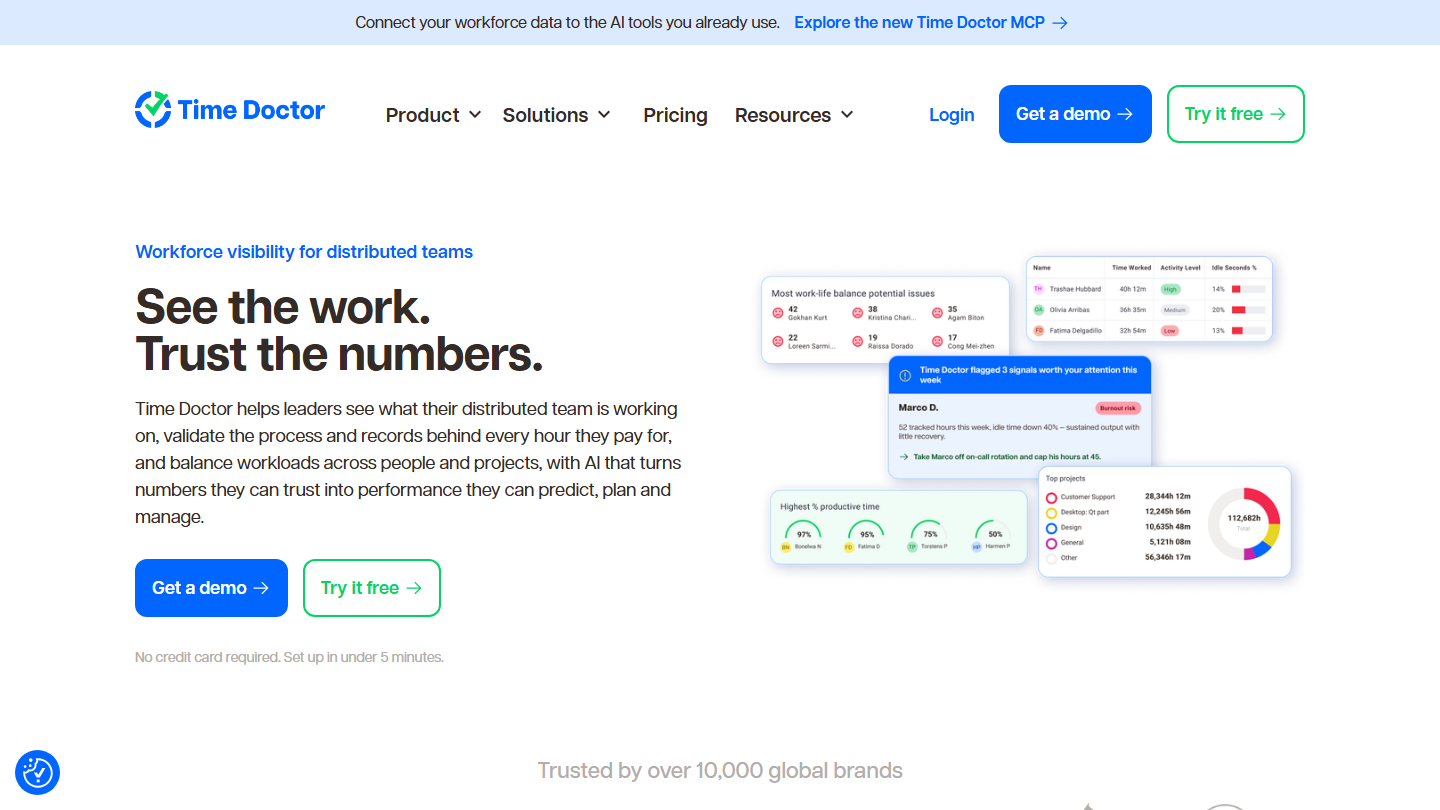
Time Doctor homepage: “See the work. Trust the numbers.”, with team activity reports

Time Doctor is a time tracking tool particularly suited to project managers who want a quick, clear view of their employees’ work, especially in a remote or hybrid team.

On top of automatic time and task tracking, it takes screenshots to check what users are doing. The Standard plan adds reports on time spent per website or application; Premium goes as far as screen video recording and detection of mouse jigglers.

It is the opposite approach to Toggl or Gryzzly, which rely on voluntary entry. Time Doctor makes sense when the company pays for hours it cannot see, in remote work or subcontracting. Employees must be informed before such a system is put in place.

Basic costs $6.67 per user per month billed annually ($8 monthly), Standard $11.67 ($14), Premium $16.70 ($20).

08

Clockify

4.5/5 From €3.99

Best for: Teams looking for the best value for money, free version included

+ Strengths
  • Timer, timesheet, calendar and automatic tracking from the free plan
  • Reporting filtered by user, team, client or day
  • Paid plans among the cheapest on the market
− Downsides
  • Free plan limited to 5 users, PDF-only exports
  • Free plan reports limited to 1 month
  • Every active or invited user takes up a paid seat
★ Clockify in brief

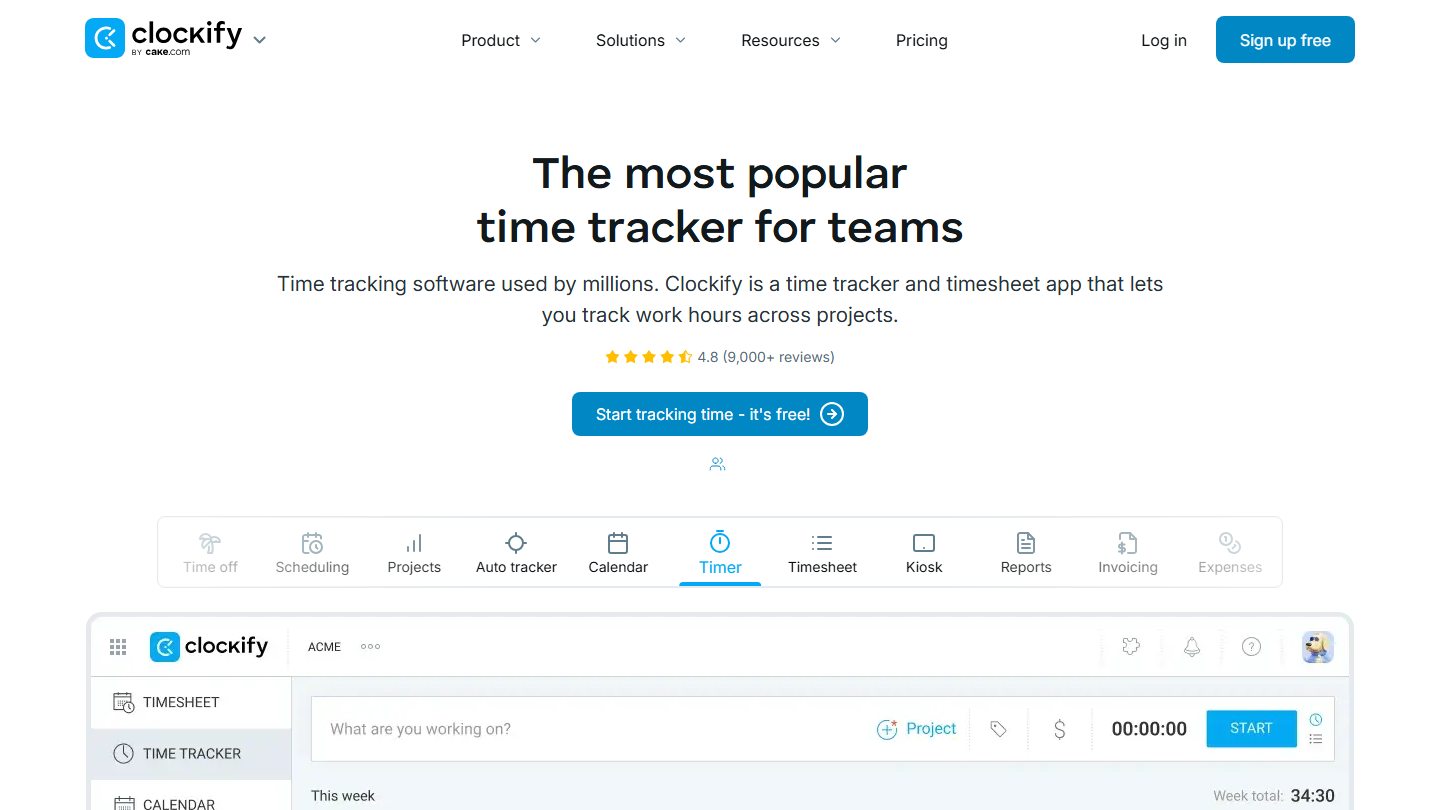
Clockify homepage: “The most popular time tracker for teams”, with the app’s timer

Clockify, published by CAKE.com, is a timer and timesheet for teams. The free plan limits neither the number of projects nor the volume of time tracked, and it already includes the calendar view, automatic tracking, idle detection and the mobile and desktop apps.

The strong point is reporting, with filters for a quick overview of statistics by user, team, client or day. The plans then stack by need: Basic to administer (log time for others, enforce fields, import), Standard to invoice, Pro to track costs, budgets and activity.

Clockify makes sense when the team goes beyond Toggl’s 3 free users and does not want to pay yet: up to 5 people, nothing to pay. Beyond that, a seat stays under €4 per month billed annually.

Basic costs €3.99 per seat per month billed annually (€4.99 monthly), Standard €5.49 (€6.99) with invoicing and the QuickBooks integration, Pro €7.99 (€9.99) with GPS and activity tracking, Enterprise €11.99 (€14.99) with SSO.

09

RescueTime

4.2/5 From $7

Best for: People who want to analyze their own activity on their own and limit distractions at work

+ Strengths
  • Automatic background tracking of the applications and sites you use
  • Focus sessions that block the sites and apps you choose
  • Daily and weekly summaries from the assistant
− Downsides
  • No more free plan, only a 14-day trial
  • Per-client timesheets reserved for the Solo+ and Team+ plans
  • Prices shown in dollars
★ RescueTime in brief

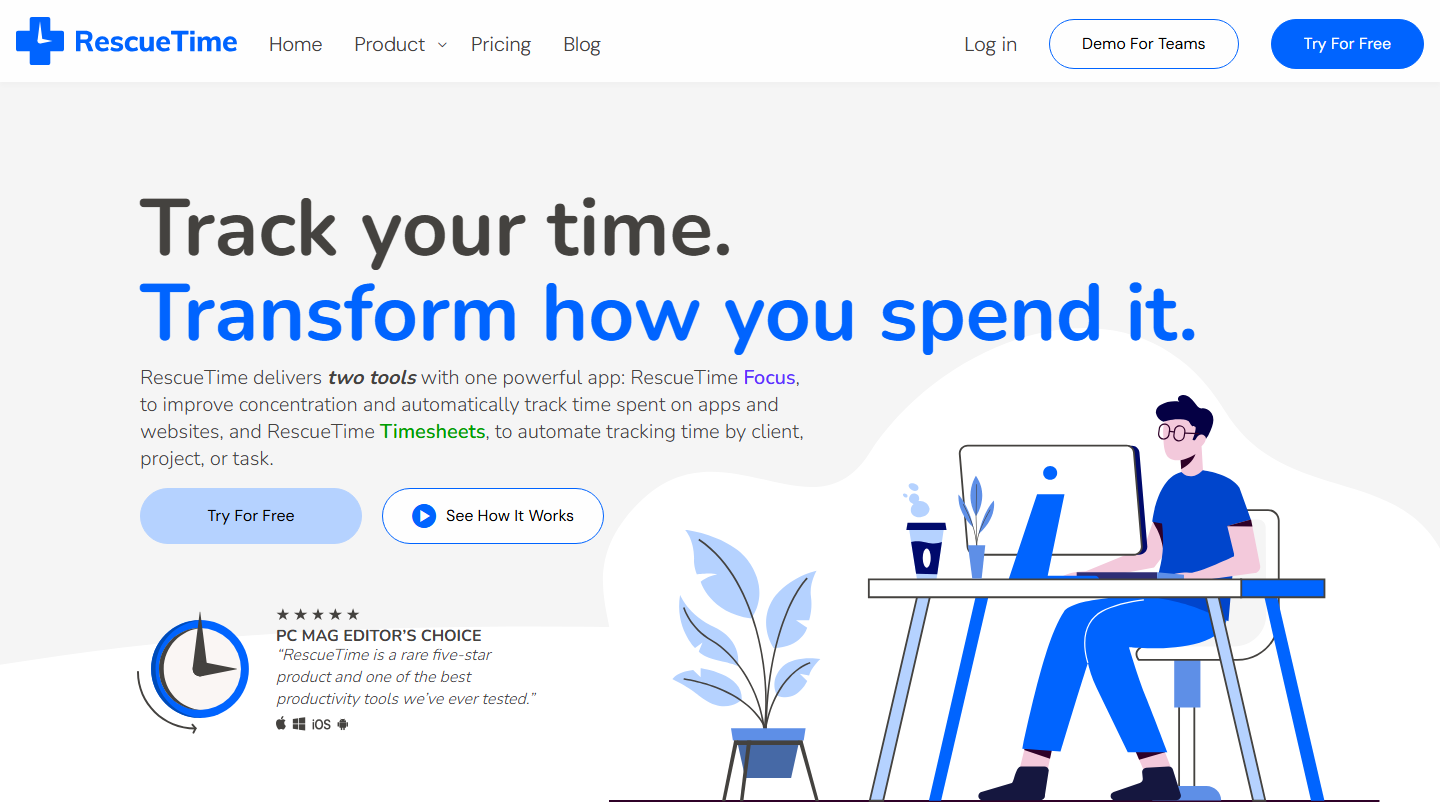
RescueTime homepage: “Track your time. Transform how you spend it.”, with the Focus and Timesheets offers

RescueTime is a time tracking tool dedicated to self-analysis: an app installed on your computer runs in the background and records the time spent on each application and each site, with no timer to start.

The offer splits into two tools. Focus measures concentration, sets a daily goal and starts sessions that block distracting sites; Timesheets sorts activity by client, project or task, with hourly rates for invoicing.

RescueTime makes sense first for personal use: a freelancer or a manager who wants to know where the day goes. The Team plans give a team-wide view of focus trends, with everyone keeping control over what is tracked.

Solo costs $7 per month billed annually, or $84 per year; Solo+, with Timesheets, $12 ($144 per year). For teams, Team costs $10 per user per month and Team+ $16, billed annually. The former free Lite plan is no longer offered: each plan can be tried for 14 days.

10

Gryzzly

4.2/5 From €10

Best for: Teams on Slack or Microsoft Teams that want to log their time without leaving their messaging app

+ Strengths
  • Hours logged directly in Slack or Microsoft Teams
  • Chatbot that suggests time entries and reminds you when you forget
  • French vendor, support in French
  • R&D time sorted for CIR and CII files
− Downsides
  • No free plan
  • Margins, daily rates, hourly costs and expenses reserved for the Budget plan
★ Gryzzly in brief

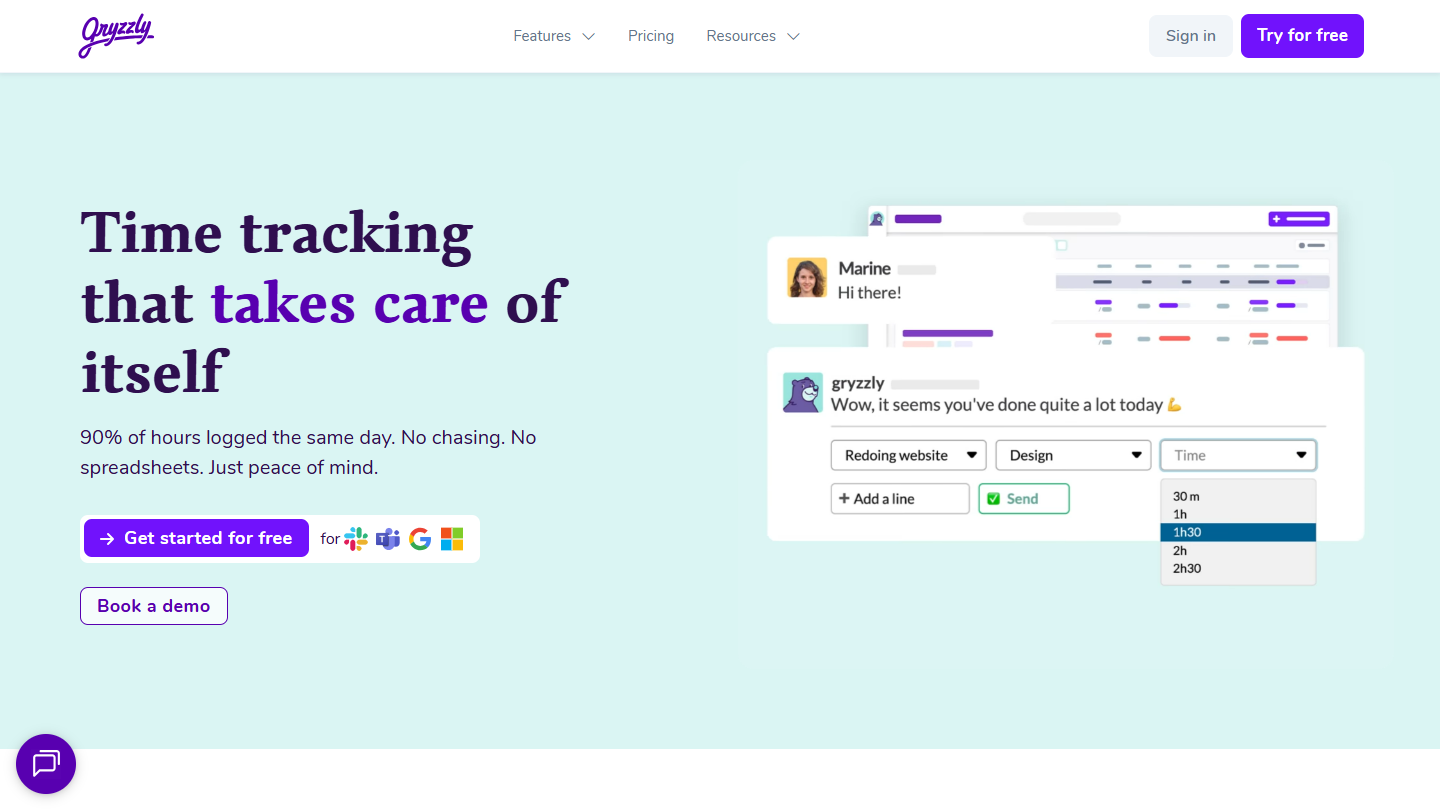
Gryzzly website: “Time tracking that takes care of itself”

Gryzzly is the only French tool in our top. Its principle: users log their hours in their messaging app, Slack or Microsoft Teams, without opening one more tool. The chatbot suggests projects and durations, and all that is left is to confirm.

The chatbot learns everyone’s habits to suggest the right times at the right moment. The vendor claims 90% of time is logged the same day. On the management side, the time feeds project tracking dashboards, with an alert when a budget slips.

It makes sense for an agency, a consulting firm or an R&D team that has to justify its time, notably for the French research or innovation tax credit (CIR/CII). Approval of entries is included from the first plan.

Time costs €10 per user per month billed annually (€12 monthly), with unlimited users and projects. Budget, at €15 (€18), adds billable projects, margins, daily rates and expenses. Enterprise is on request, for more than 100 people. 14-day trial with no credit card.

How we chose these 10 tools

Every tool in this selection has been used in real conditions by our team or by a Salesdorado consultant, in a B2B sales and marketing setting. No ranking built from a marketing deck. The order of the list is not a ranking: the right tool depends on your needs.

  1. 01
    Benchmark scope

    Broad identification of the tools on the market (G2, Capterra, Salesdorado customer feedback, LinkedIn signals). Initial filtering, then a short list based on a 2-hour setup per tool.

  2. 02
    Test conditions

    3 to 4 weeks of active use per tool, with data representative of a B2B sales use case. When a tool targets a specific profile (SDR, AE, Ops, Marketer…), we match the tester accordingly.

  3. 03
    Weighted criteria

    For each category, 5 to 7 axes weighted according to what matters in the segment: UX, feature depth, native integrations, support, pricing at scale, compliance (GDPR, security), and roadmap quality.

  4. 04
    Independence

    No tool is scored in exchange for payment. Partner links (affiliate) are marked as such and do not influence the score. Non-partner tools are included when their place in the ranking is deserved.

  5. 05
    Updates

    The ranking is reviewed every 6 to 12 months or on every major release of a tool mentioned. The date of the last check is shown at the top of the article.

The questions we get over and over.

What is time tracking software?

It is a tool that measures the time teams spend on each task, project or client, to know where time goes, invoice accurately and improve productivity. There are two types: pure time tracking tools, and fuller project management tools that build time management into broader data.

What are the key features of time tracking software?

Real-time tracking with a timer, self-service time management (correcting an entry or adding a block of time after the fact), reporting by day, week, month, agent or client, and data export to invoicing software or in PDF, CSV and Google Sheets formats.

Should you choose a time tracking tool or a project management tool?

It depends on your line of work. If time management is not your only need, turn to project management tools, like monday.com, which build time tracking into collaboration, task management and planning. At monday.com, time tracking requires the Pro plan, at €24 per seat per month billed monthly.

Which time tracking software should you use to monitor employee activity?

Time Doctor is for project managers who want a quick overview of their employees’ work: it takes screenshots from the Basic plan and generates reports on time spent on each site or application from the Standard plan. Toggl, by contrast, refuses screenshots on principle.

Is there open source time tracking software?

Yes, TimeTagger is the only open source tool in this top. The self-hosted version is free, the hosted service costs €3 per month, and it keeps working offline, syncing data.

★ The conversation, 0 comments

What the community says.

Basic Markdown, moderated within 24 h
Loading…

    In the same category