


- Define your candidate persona before searching, then refine the search with the Boolean operators NOT, OR and AND.
- A connection request with a personalized message lets you contact a candidate for free.
- Personalize your InMails and stay under 100 words: a mass, poorly targeted send can earn you a warning.
- A job offer can be shared for free on the company page, in LinkedIn groups or on your profile.
- The employer brand is also built outside job offers: company page, Glassdoor reviews, career page.
You have probably heard a lot about LinkedIn’s potential for prospecting, but the professional platform is also a favorite hunting ground for headhunters. In this article, we review the free and paid options for recruiting smartly on LinkedIn.
How to hunt for the best candidates on LinkedIn
Define and identify your ideal candidate profile
Before you even launch your recruitment campaign, you need to identify your personas. These fictional candidates should represent your ideal candidate: define their job, degree, experience, aspirations and goals based on your hiring needs.
Once your persona is set, you can start searching. Use the search bar and enter relevant keywords related to the position you are filling. Using synonyms and translations (English ones in particular) can be a smart move. Obviously, the free version of LinkedIn offers less depth than the paid version.
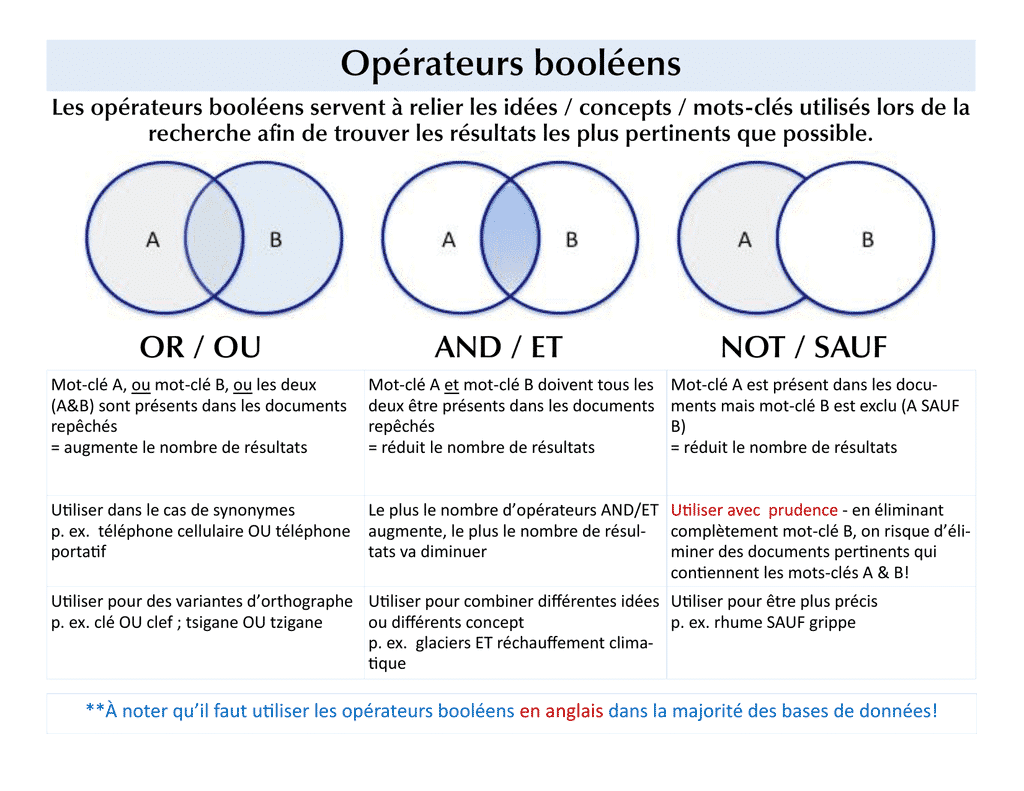
Boolean operators are more technical, but they are also more effective. They let you refine your search. You can use NOT (excludes a term from the search), OR (broadens your search) or AND (combines two elements). Finally, quotation marks « » let you search for an exact phrase.
Contact candidates for free
You have probably noticed that LinkedIn recently capped connection requests at 100 per week. A relief for some, given the flood of « spammers » seen over the past few months 🙂
For recruiting, this limit will not hold you back: connection requests with a personalized message are an excellent way to get in touch with potential candidates for free!
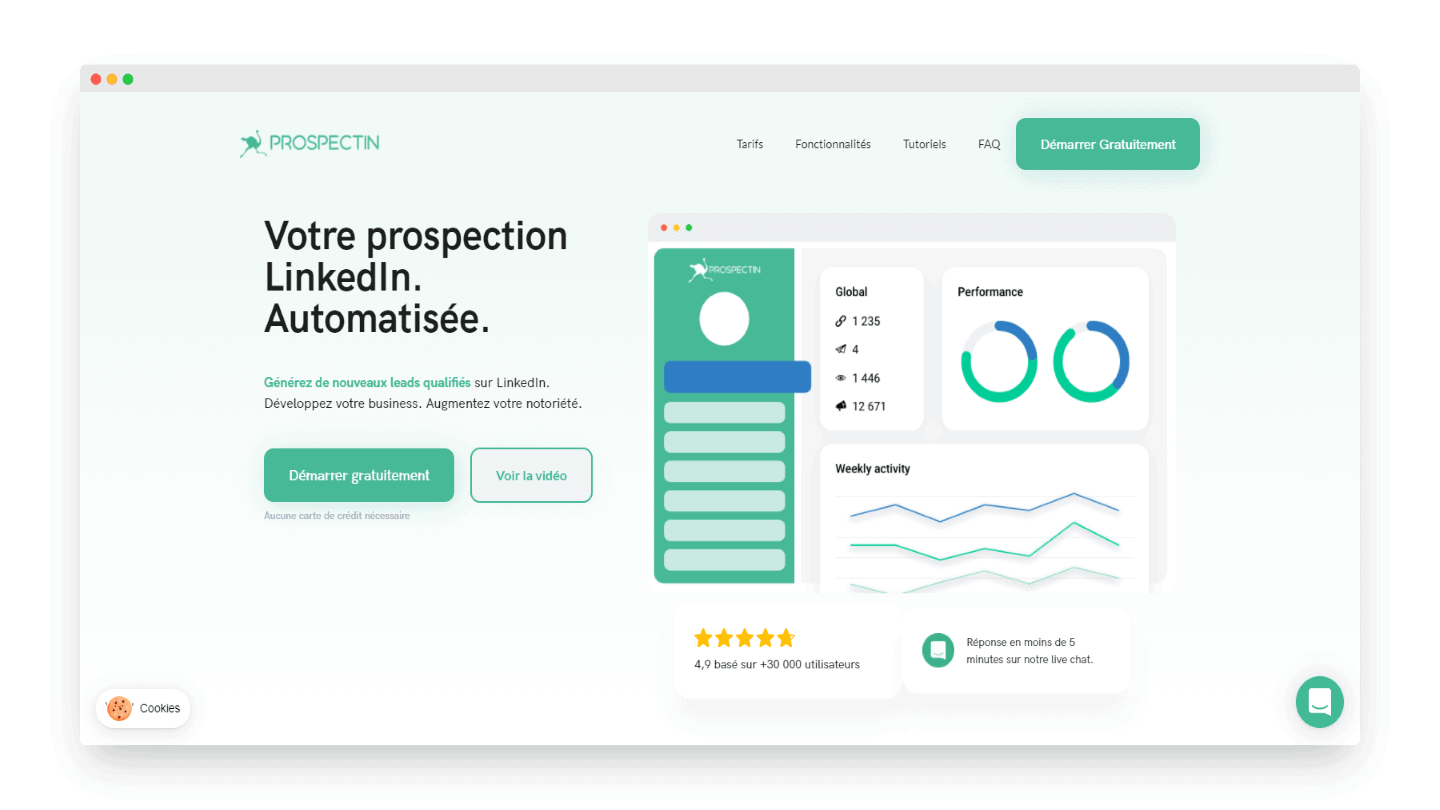
To automate this process, tools originally built for prospecting, such as Waalaxy (formerly ProspectIn), let you automate and personalize your messages to save time.
However, always keep in mind that a connection request from a headhunter is easy to spot. It is therefore better to use an operational profile rather than the headhunter’s profile.
Use LinkedIn’s paid options
Sending an InMail is free if you get a reply (positive or not). So personalize them as much as possible. Staying courteous and taking the time to spell the recipient’s name correctly matters just as much.
Email templates are handy and can save time, but personalizing a message considerably increases your chances of getting a reply. Look into your target’s work, mention their achievements and their name. Finally, keep it short: ideally, no more than 100 words. We give plenty of advice on this in our article on prospecting on LinkedIn!
Be careful, though: mass-sending unwanted, untargeted InMails could get your account blocked, so favor quality. If you send more than 100 InMail messages over a two-week period and get a response rate below 13%, you will receive a warning.
Also readThe 10+ best sales recruitment agencies
How to attract the best candidates on LinkedIn?
How to share a job offer on LinkedIn for free?
Here are free ways to share your job offers on the platform and maximize their visibility:
Use your company page
Use your company page to post job offers! This works if your LinkedIn company page is followed by potential candidates. In that case, it makes sense to publish a post on your page with a link to your job offer.
As soon as you publish a post, it appears in the feed of the people who follow your company page. Candidates can interact with your post, which extends its reach even further. So encourage your employees to share your job offer! You will reach even more people and their networks.
Share your post in LinkedIn groups
You can also post jobs in LinkedIn groups. These are places where professionals from the same industry gather to share content, build professional contacts, and post and browse targeted job offers. Many groups have dedicated « Jobs » sections where you can post your offers.
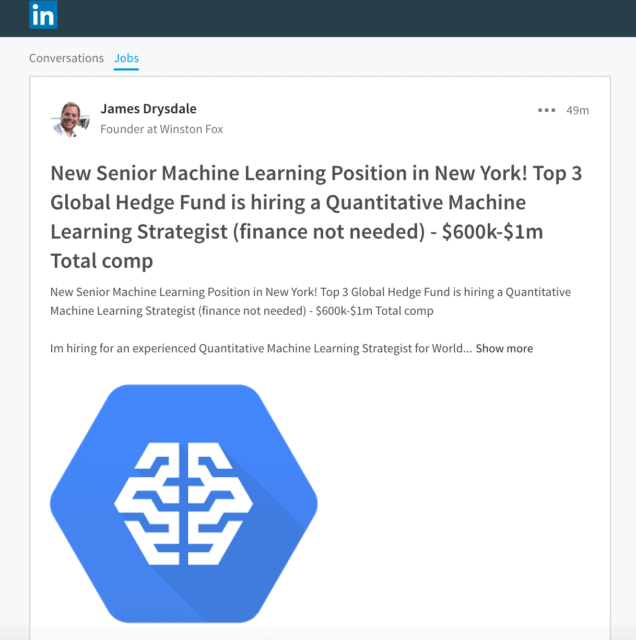
Source: workable.com
Note that group administrators may review your membership request or ask you for more information before granting you access and allowing you to post anything.
You can also share a job offer directly on your LinkedIn profile. It is quite simple: fill in the information you consider relevant, and your professional connections will be able to see and share your post.
How to use LinkedIn’s paid services?
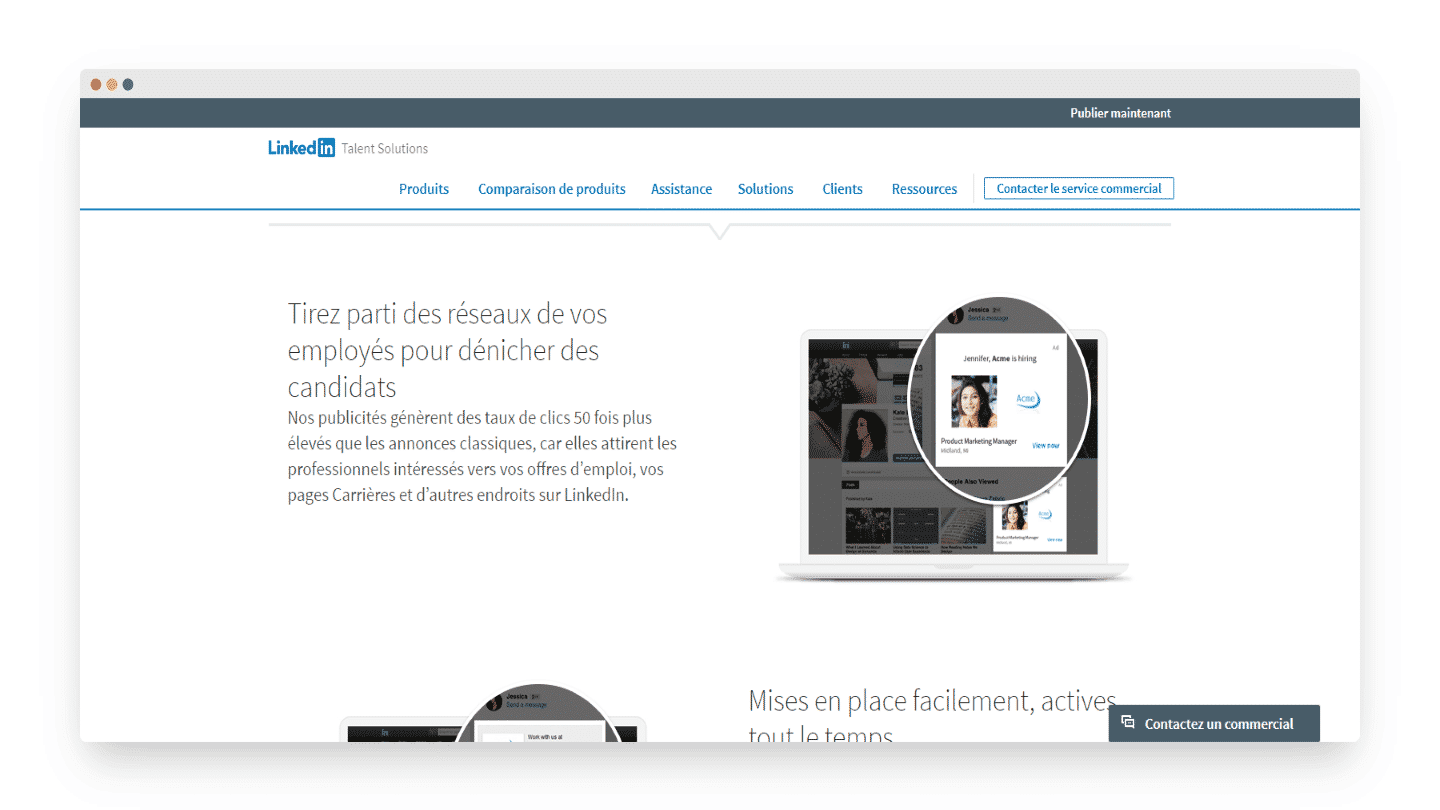
According to LinkedIn, « Work With Us » ads generate 50 times more clicks than standard ads. These ads can be fairly expensive, but they are simple and let you target your ideal candidate. You can add a box that highlights your open positions.
How to build a strong employer brand on LinkedIn?
Good recruiting is not just about posting job offers. You also need to build your brand to connect with passive candidates.
A strong company brand paves the way for better hires, shorter time-to-hire and better retention rates.
Showcase your employer brand on LinkedIn
You can use LinkedIn to build your brand image. Write compelling company and job descriptions on your company page. You also need to know your audience. Finally, make your posts clear, do not ask for too much, and know how to sell your position and your company.
Make sure your descriptions cover what LinkedIn identifies as the three main things candidates want to know about your company: its culture, the work on offer and the benefits.
Also, feel free to feature your new hires and employees on your company page. It shows top potential candidates that you care about how you treat your employees and that you are proud of their achievements. It also gives your company a more human side.
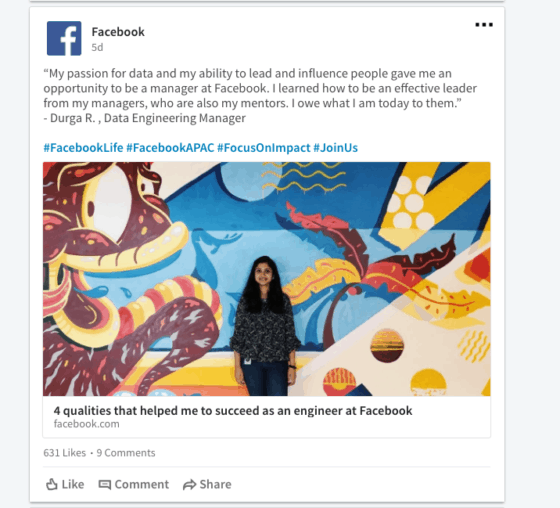
Source: workable.com
You can also publish product updates, business news or events. Your followers will appreciate them. Consider publishing your own articles on LinkedIn too.
Salesdorado’s tipPublishing on LinkedIn pays off in three ways: you share your knowledge and expertise, you grow your audience, and you develop and strengthen your own professional identity.
Don’t forget Glassdoor
Also consider using Glassdoor, a site where a company’s current or former employees can rate their work environment anonymously. Reviews on this kind of site give job seekers a realistic picture of what it is like to work at your company.
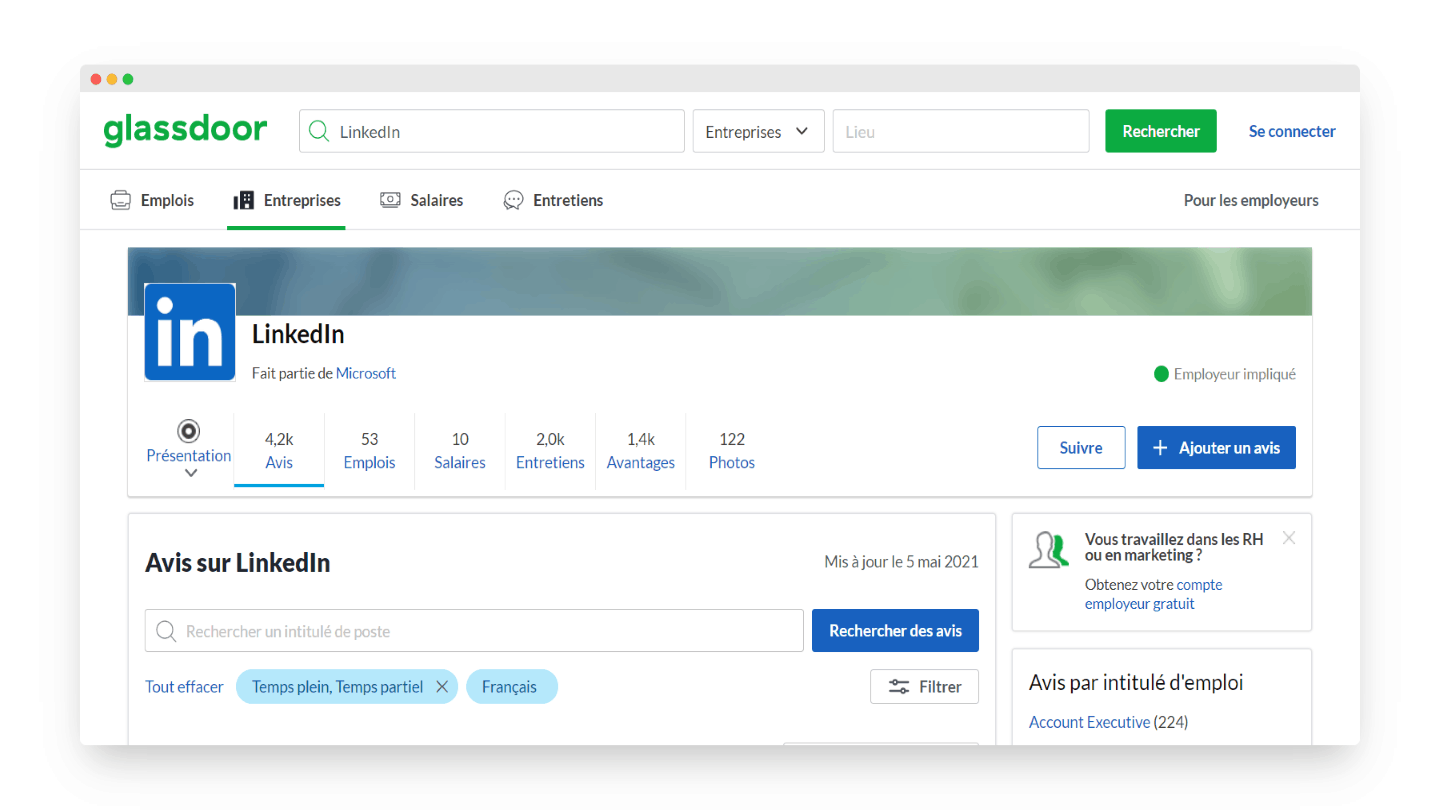
They can give you the competitive edge you need to recruit top talent. Reviews also give you feedback to improve your employees’ working conditions. This can help you keep the talent you worked so hard to hire, even when other companies are actively trying to poach them.
Here are a few best practices to get the most out of Glassdoor:
- Ask your employees to post a review
- Share your Glassdoor profile on your website and social networks
- Reply to reviews
- Take your employees’ feedback into account and act on it
Make the most of LinkedIn career pages
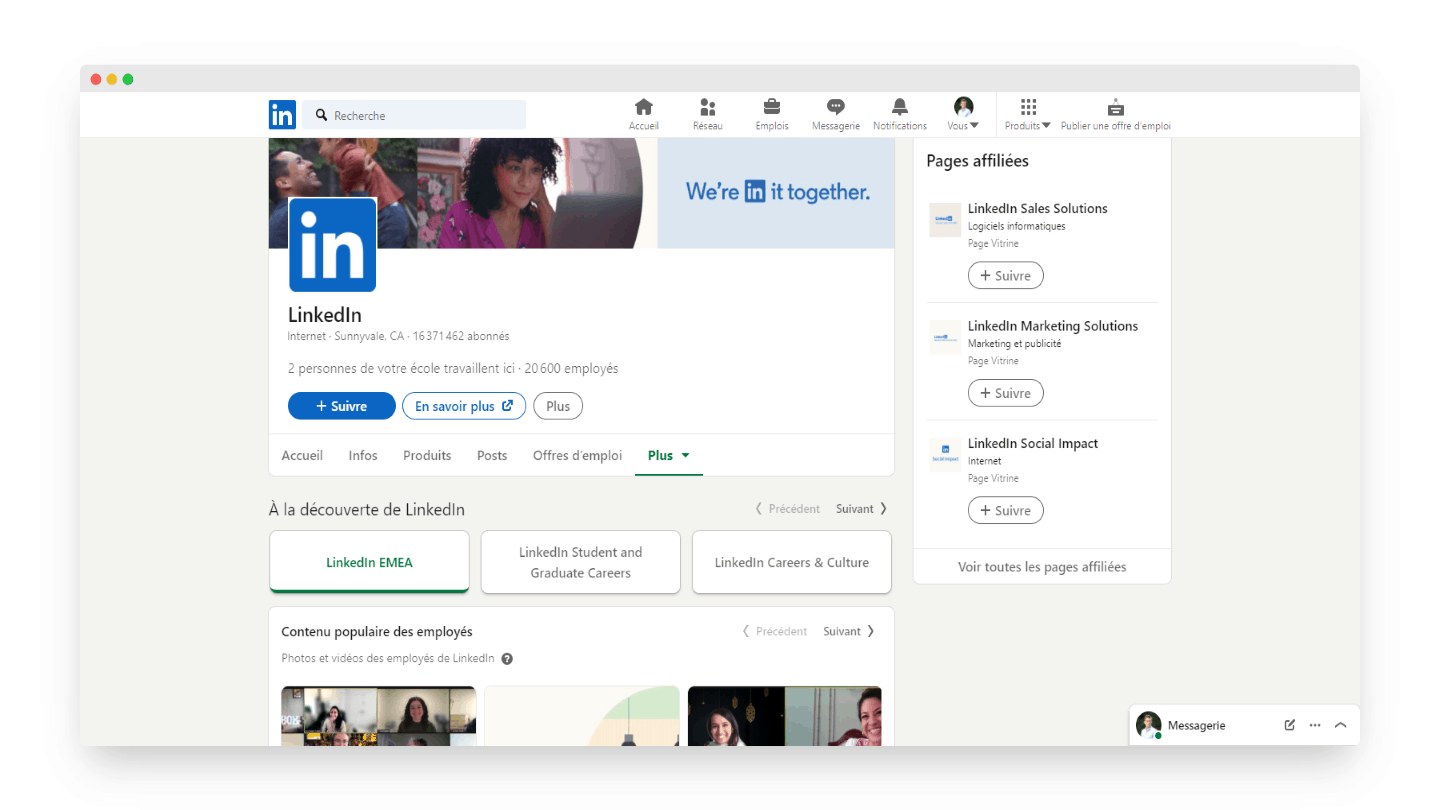
Last but not least: polish your LinkedIn career page. To do so:
- Use banners that showcase your employees and the distinctive traits of your company culture.
- Keep it simple and short to hold the reader’s interest.
- Encourage your employees to write a short comment about their experience at your company.
- Personalize and target your messages according to your audience (recent graduates, senior employees, etc.).
- Upload video or photo content that promotes your company culture.
The questions we get over and over.
How do you contact a candidate on LinkedIn for free?
With a connection request that includes a personalized message. It is better to send it from an operational profile than from a headhunter's profile, which is easy to spot.
How do you post a job offer on LinkedIn for free?
On your company page, encouraging your employees to share it, in LinkedIn groups that have a Jobs section, or directly on your profile.
What should you highlight on your LinkedIn company page to recruit?
What LinkedIn identifies as the three things candidates want to know: the company culture, the work on offer and the benefits. Featuring new hires and employees also gives the company a more human side.



What the community says.