Top 10 Business Card Scanner Apps

Ten apps for scanning business cards: Covve Scan, CamCard, ABBYY Business Card Reader, BizConnect, ScanBizCards, HubSpot, snapADDY, Kayo, Evernote and Google Lens. They range from dedicated apps to CRM-integrated scanners, lead capture for trade shows and repurposed general-purpose apps. Reading accuracy, integrations and ease of use make the difference.

Maxime Ben Bouaziz
Maxime Ben Bouaziz
CEO Salesdorado, IA & Sales Tech
December 4, 2023, updated November 10, 2026, 1 min read
See all tools

A business card scanner app photographs the card, reads the text with optical character recognition (OCR) and files the name, company, email and phone number in a contact record. Three criteria make the difference: reading accuracy, integrations (Excel export, phone contacts, CRM) and how easy it is to sort and share contacts.

The right choice depends on what you do with the cards afterwards:

  • pushing them into your CRM: HubSpot if you already use it, snapADDY for most of the others;
  • a dedicated app that is accurate and shareable with the team: Covve Scan or CamCard;
  • a free scanner for occasional use: ScanBizCards, BizConnect or Google Lens;
  • cards in several languages: ABBYY Business Card Reader;
  • trade show leads: Kayo;
  • keeping the card with your meeting notes: Evernote.

The 10 tools, side by side

# Logos tool Score Price Best for
01 CamCard 4.5/5 ★ $9.99 Professionals who want a full-featured scanner, solo or with their team Visit site
02 Covve Scan 4.6/5 ★ €9 Those who want very accurate recognition and to share their contacts with colleagues Visit site
03 Kayo 4.5/5 ★ On request Exhibitors who want to capture and follow up their leads at trade shows Visit site
04 ABBYY Business Card Reader 4.0/5 ★ €2.99 International companies that scan business cards in several languages Visit site
05 ScanBizCards 4.1/5 ★ $100 Teams that want a scanner that is free for life, with optional human transcription of difficult cards Visit site
06 snapADDY 4.3/5 ★ €60 Companies of any size that want to push their business cards into their CRM Visit site
07 BizConnect 4.2/5 ★ $9.99 Salespeople who want to sync their business cards with Outlook, Google and their CRM Visit site
08 HubSpot 4.5/5 ★ €20 HubSpot CRM users who want their business cards to go into it automatically Visit site
09 Evernote 4.0/5 ★ €12.99 Those who want to file their business cards in their note-taking app Visit site
10 Google Lens 3.8/5 ★ Free Saving the number or address from a card to your contacts for free, on Android and iPhone alike Visit site
01

CamCard

4.5/5 From $9.99

Best for: Professionals who want a full-featured scanner, solo or with their team

+ Strengths
  • Free plan up to 100 cards
  • Batch scanning with compatible scanners (Business plan)
  • Card exchange with your contacts and a notification when one of them updates their details
  • Salesforce sync from Premium, Dynamics and SugarCRM in Business
− Downsides
  • Excel and vCard export reserved for paid plans
  • Team plans with no listed price, pricing on request
★ CamCard in brief

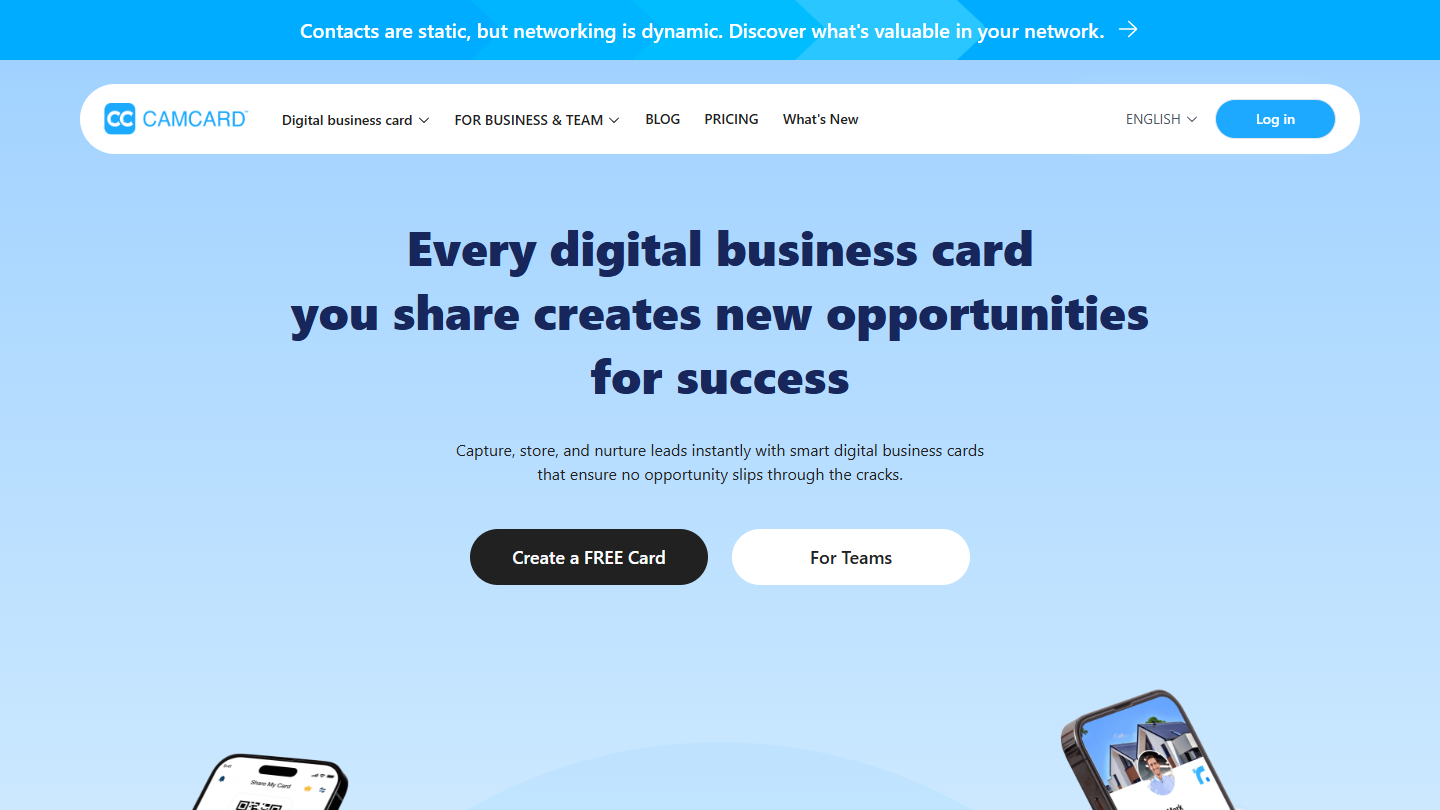
CamCard website: “Every digital business card you share creates new opportunities for success”

CamCard is one of the best-known business card scanners. It is both a card wallet and an exchange tool: you share your own digital card and get notified when a contact updates their details.

In practice, you scan the card with your phone, CamCard reads it and creates the record, which you sort into groups. For teams, the Business plan centralises the cards of all the salespeople, supports batch scanning with compatible scanners and sends them to Salesforce, Microsoft Dynamics or SugarCRM.

The free plan is enough to test, but it is capped at 100 cards and cannot export to Excel: for regular use, you need Premium.

Premium costs $9.99 per month, with export and Salesforce sync; PRO is $24.99. The Business plan is on request, with a 10-day trial.

02

Covve Scan

4.6/5 From €9

Best for: Those who want very accurate recognition and to share their contacts with colleagues

+ Strengths
  • Highly accurate recognition thanks to AI
  • Contact sharing by email or WhatsApp, Excel export
  • Notes, tags and places to organise your contacts
  • Unlimited scanning of cards and QR codes from the Essential plan
− Downsides
  • No free plan, only a trial
  • CRM integrations reserved for the Enterprise plan on request, or as an option at €5 per month on Pro
★ Covve Scan in brief

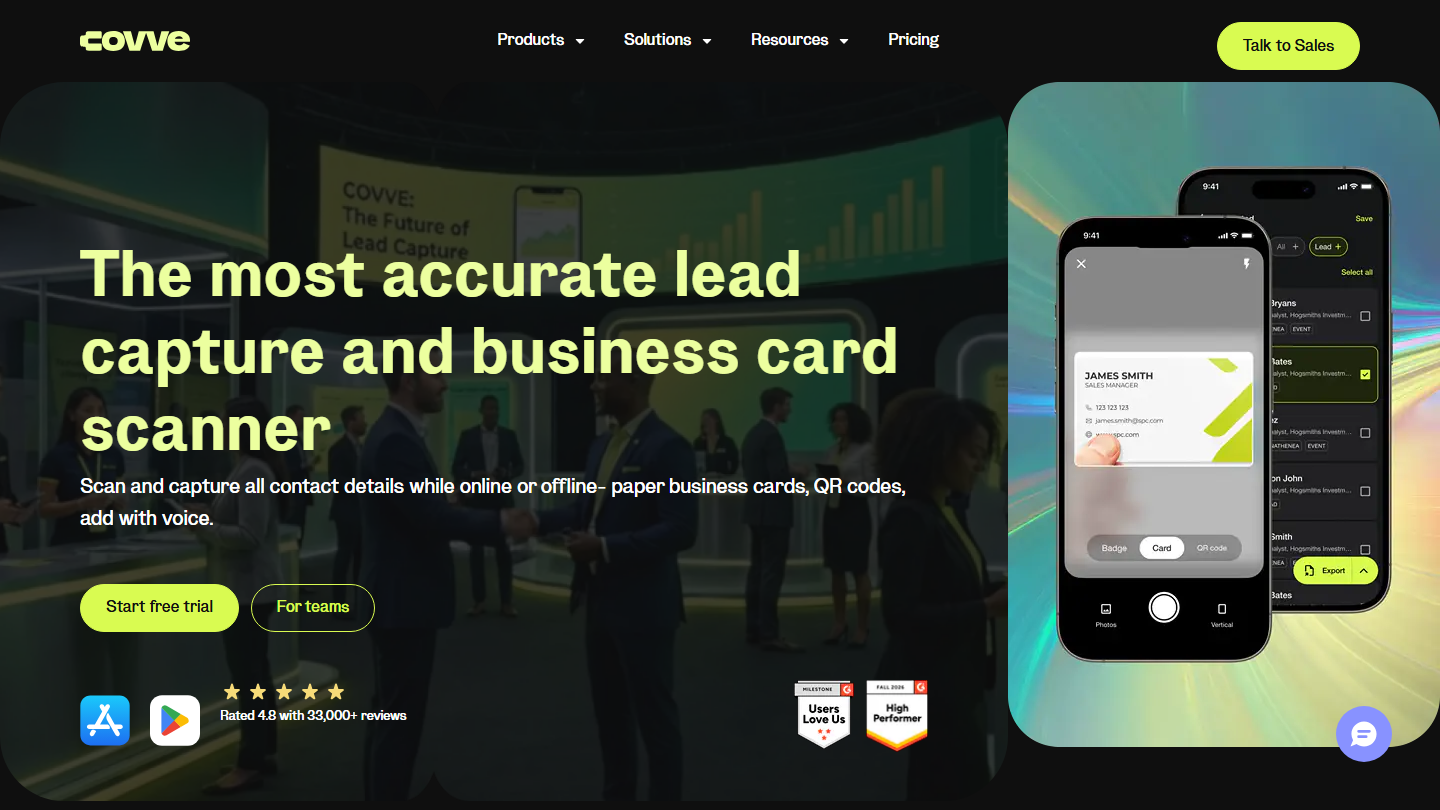
Covve Scan page: “The most accurate lead capture and business card scanner”, with the app on a smartphone

Covve Scan is an American app known for the accuracy of its AI-backed reading. It reads business cards, but also QR codes and event badges, and captures a contact even offline.

In practice, you photograph the card, check the proposed record and add a note, a tag or the place you met. Contacts can then be found by search, shared with a colleague by email or WhatsApp, or exported to Excel. You can also dictate a voice note right after the conversation.

Covve suits salespeople who meet a lot of people and want reliable reading with no corrections. The app works on its own; to push contacts into a CRM, you need the paid option of the Pro plan or the Enterprise plan.

Essential costs €9 per seat per month (€85 per year). Pro goes up to €17 per month, with CRM integration as an option at €5 per month; Enterprise is on request, with native HubSpot, Salesforce, Pipedrive, Zoho and Dynamics. 14-day trial.

03

Kayo

4.5/5 From On request

Best for: Exhibitors who want to capture and follow up their leads at trade shows

+ Strengths
  • Specialised in trade shows: card and badge scanning, on smartphone and tablet
  • More than 1,500 compatible apps, native HubSpot integration
  • Works even offline when the show connection is poor
  • Performance tracking during the event
− Downsides
  • Pricing on request only
  • No permanent free plan
★ Kayo in brief

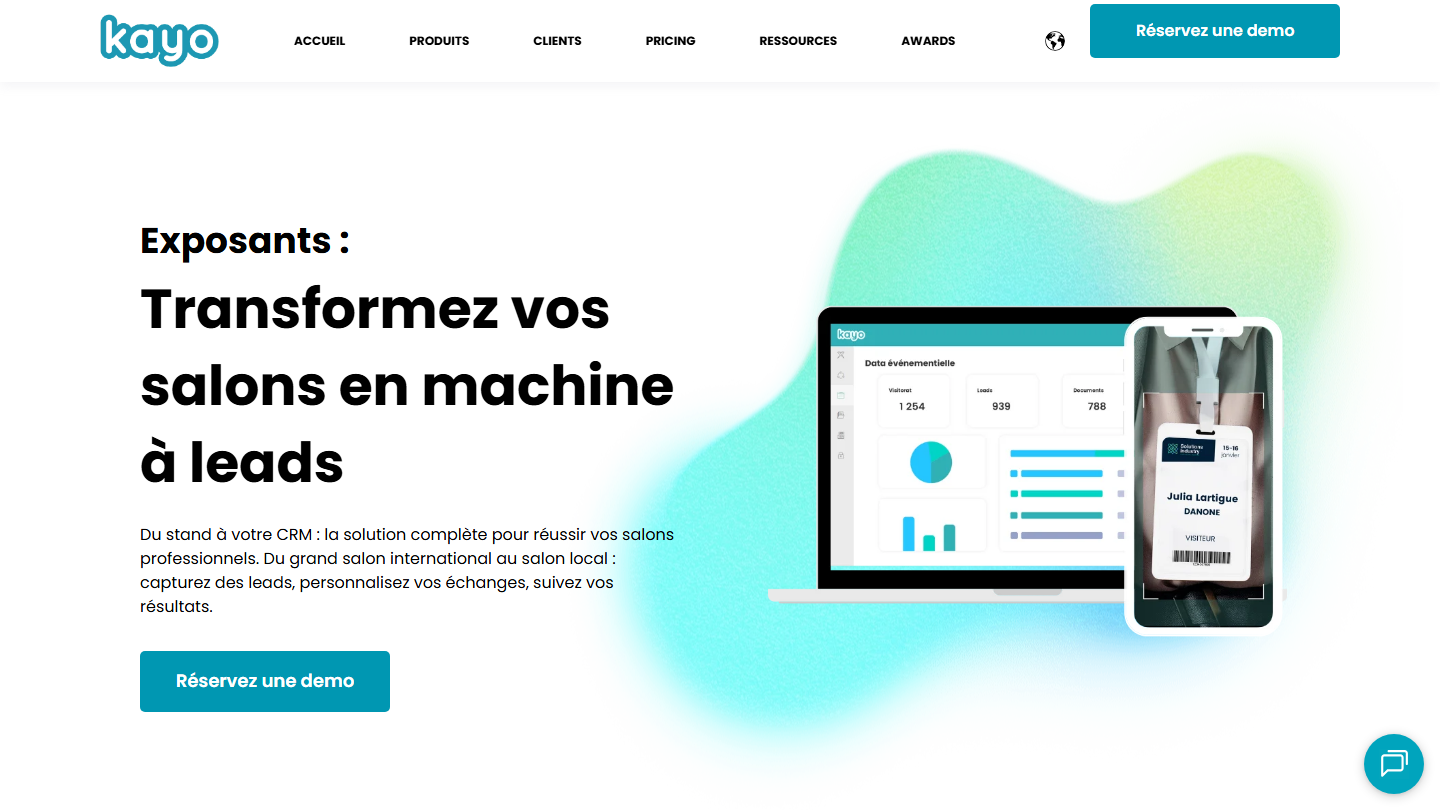
Kayo home page: “Exhibitors: turn your trade shows into a lead machine”

Kayo is a French lead capture tool designed for trade show exhibitors. Business card scanning is only one part of the tool, which covers all the work at the booth.

In practice, the team scans cards and badges on a smartphone or tablet, qualifies each visitor with a few questions prepared in advance and tracks the number of leads captured live. The app works even offline, which matters when the show network is saturated. After the event, leads go to the CRM for follow-up.

Kayo makes sense for companies that exhibit several times a year and want to measure the return on each show. For a few cards received in meetings, a standard scanning app is enough.

The GO (small businesses and SMEs) and Enterprise plans are on request; CRM integration belongs to the Enterprise plan. Free trial of the GO plan, no credit card required.

04

ABBYY Business Card Reader

4.0/5 From €2.99

Best for: International companies that scan business cards in several languages

+ Strengths
  • OCR from one of the leaders in optical character recognition
  • Scanning of business cards in 25 languages
  • Subscription-free option at €69.99
− Downsides
  • Android version discontinued: app available on iOS only
  • Not updated since September 2025, sync removed
★ ABBYY Business Card Reader in brief

ABBYY Business Card Reader page: “Scan and manage all your business cards and contacts in a flash”

ABBYY is one of the long-standing specialists in optical character recognition. Its app reads business cards in 25 languages, which makes it useful for companies working internationally.

In practice, you photograph a card in Japanese or German, the app recognises the language and fills in the contact record, which you save in the iPhone contacts.

Be careful: the Android version has been discontinued, the app now exists only on iOS and it has not been updated since September 2025. Sync has been removed. Keep it for individual use, with no integration expected.

The free version, with ads, reads 10 cards. In France, Premium costs from €2.99 per month, or €69.99 with no time limit.

05

ScanBizCards

4.1/5 From $100

Best for: Teams that want a scanner that is free for life, with optional human transcription of difficult cards

+ Strengths
  • Free starter plan, with no time limit
  • Unlimited card scanning, export and sharing with your contacts
  • Sales Ninja plan at $100 per user per year, with CRM integration
− Downsides
  • Automatic card recognition not always optimal
  • Only two human transcriptions in the free plan, to be bought again afterwards
★ ScanBizCards in brief

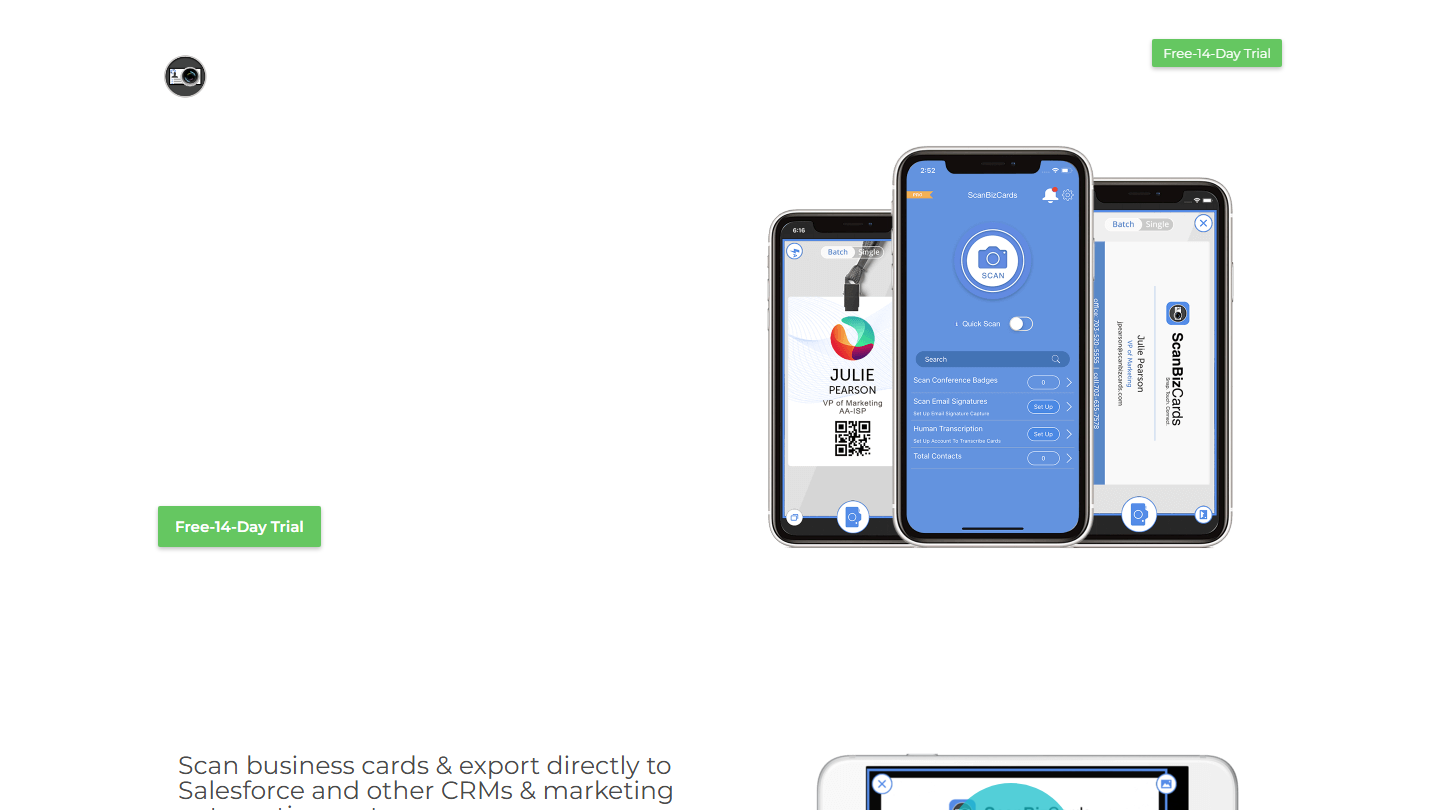
ScanBizCards home page: the scanning app on three smartphones, with the 14-day free trial

ScanBizCards is a scanner for business cards and trade show badges, designed for sales teams and free for life in its basic version.

In practice, you scan the card and the OCR fills in the record. When automatic reading struggles with a difficult card, you can hand it to a human transcriber, who enters it for you. The Sales Ninja plan then sends contacts directly to Salesforce or another CRM, and allows batch export.

Free has its limits: automatic reading is not always optimal, and the free plan includes only two human transcriptions. Transcription packs are then bought separately (100 for $25).

Trail-Blazer is free. Sales Ninja costs $100 per user per year, up to 50 users, with 100 human transcriptions; Growth Hacker is on request. 14-day trial.

06

snapADDY

4.3/5 From €60

Best for: Companies of any size that want to push their business cards into their CRM

+ Strengths
  • Integrations with almost every CRM
  • Unlimited scanning and CRM export with PRO
  • Free plan up to 20 scans per day
− Downsides
  • Enterprise plan with no listed price, on request
  • Custom CRM mapping as an option, with no listed price
★ snapADDY in brief

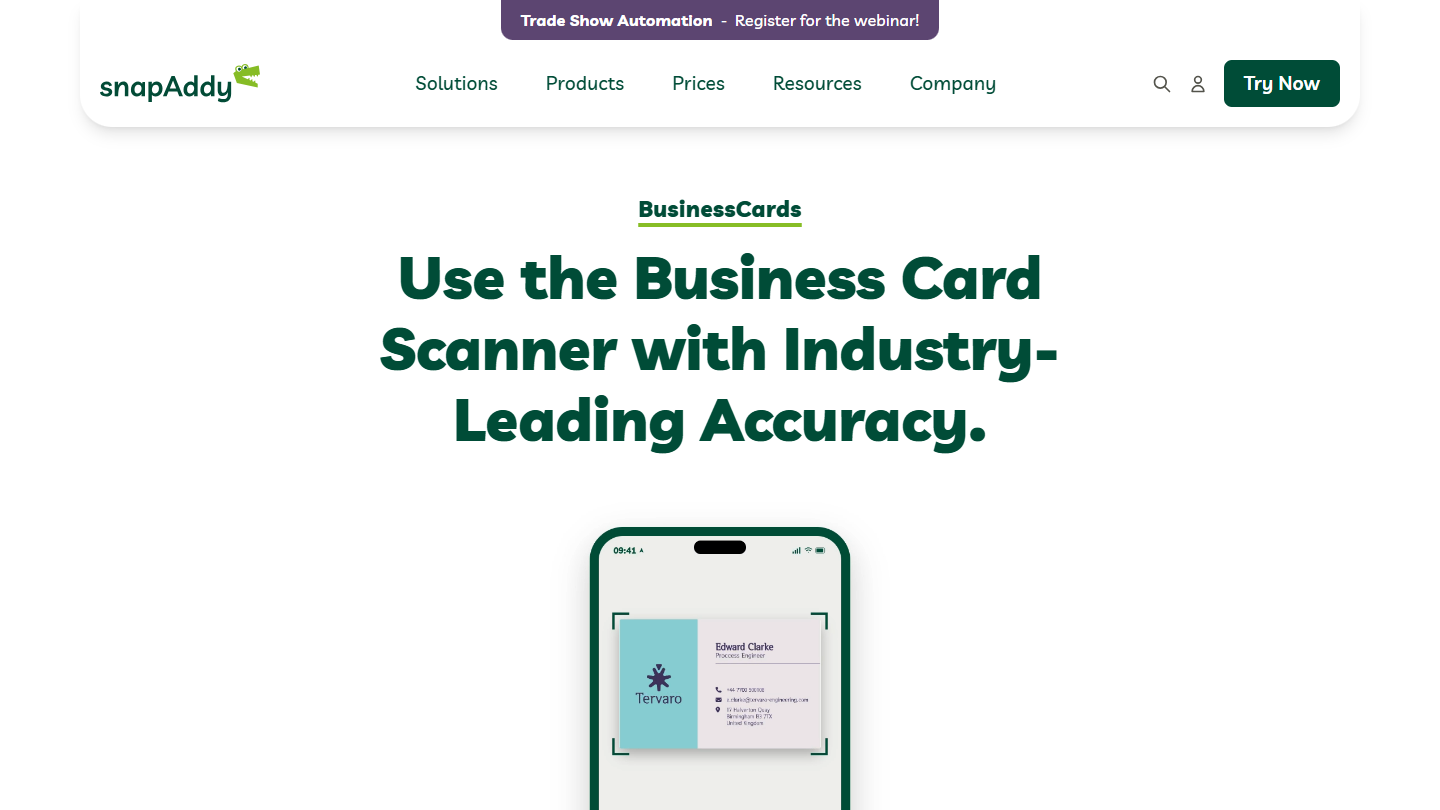
snapADDY website: “Use the Business Card Scanner with Industry-Leading Accuracy.”

snapADDY is a German vendor whose scanning app is now called BusinessCards. It targets companies of any size and bets on integration: the vendor promises to make « every integration possible ».

In practice, the salesperson scans the card, the app enriches it and the record goes to the company CRM with the right fields. For an in-house CRM or custom fields, custom setup is offered as an option.

It is the choice for teams that do not use HubSpot and want cards to reach their CRM without an intermediate export. For individual use without a CRM, the free plan is enough.

The free version lets you scan 20 cards per day. PRO costs €60 per year per user, with unlimited scanning and CRM export; the Enterprise plan is on request.

07

BizConnect

4.2/5 From $9.99

Best for: Salespeople who want to sync their business cards with Outlook, Google and their CRM

+ Strengths
  • Direct sync with Outlook and Google, Excel export
  • Reporting, activity tracking and team task management
  • Free plan up to 50 business cards per day
− Downsides
  • Contact sharing between colleagues reserved for the Enterprise plan, from 10 licences
  • iOS app not updated since 2023
★ BizConnect in brief

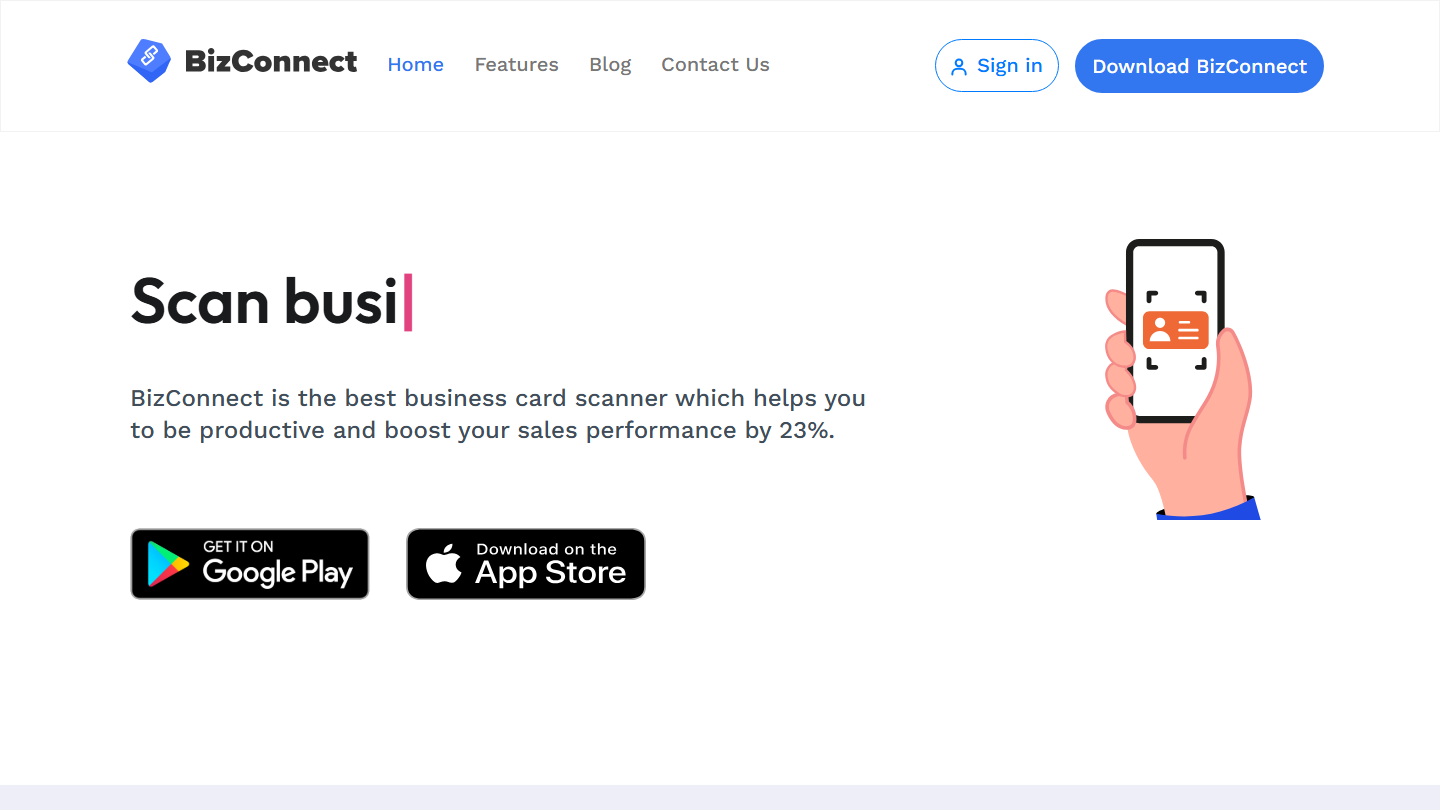
BizConnect home page: “Scan business cards”, with links to Google Play and the App Store

BizConnect is a business card scanner that also aims to be a small CRM: besides reading cards, it offers activity tracking, tasks and reporting for the team.

In practice, you scan the card, the record syncs with Outlook or Google and goes to your CRM or to an Excel export. From the app or the web dashboard, you schedule the follow-up and track what was done after each meeting.

The app is available on iOS, Android and the web. The iOS version, however, has not been updated since 2023, a point to watch for a team equipped with iPhones.

The free plan lets you scan 50 cards per day. Premium costs $9.99 per month or $79.99 per year for one user; the Enterprise plan starts at $399.99 per year for 10 licences and more, with contact sharing between colleagues.

08

HubSpot

4.5/5 From €20

Best for: HubSpot CRM users who want their business cards to go into it automatically

+ Strengths
  • Free scanning app, cards added to the CRM automatically
  • Follow-up emails, scheduled tasks and calls from the app
  • Free CRM plan, very relevant at the very start
− Downsides
  • Scanner available only to HubSpot CRM users
  • Starter and Professional plans expensive for what they offer
  • Learning curve judged long by users
★ HubSpot in brief

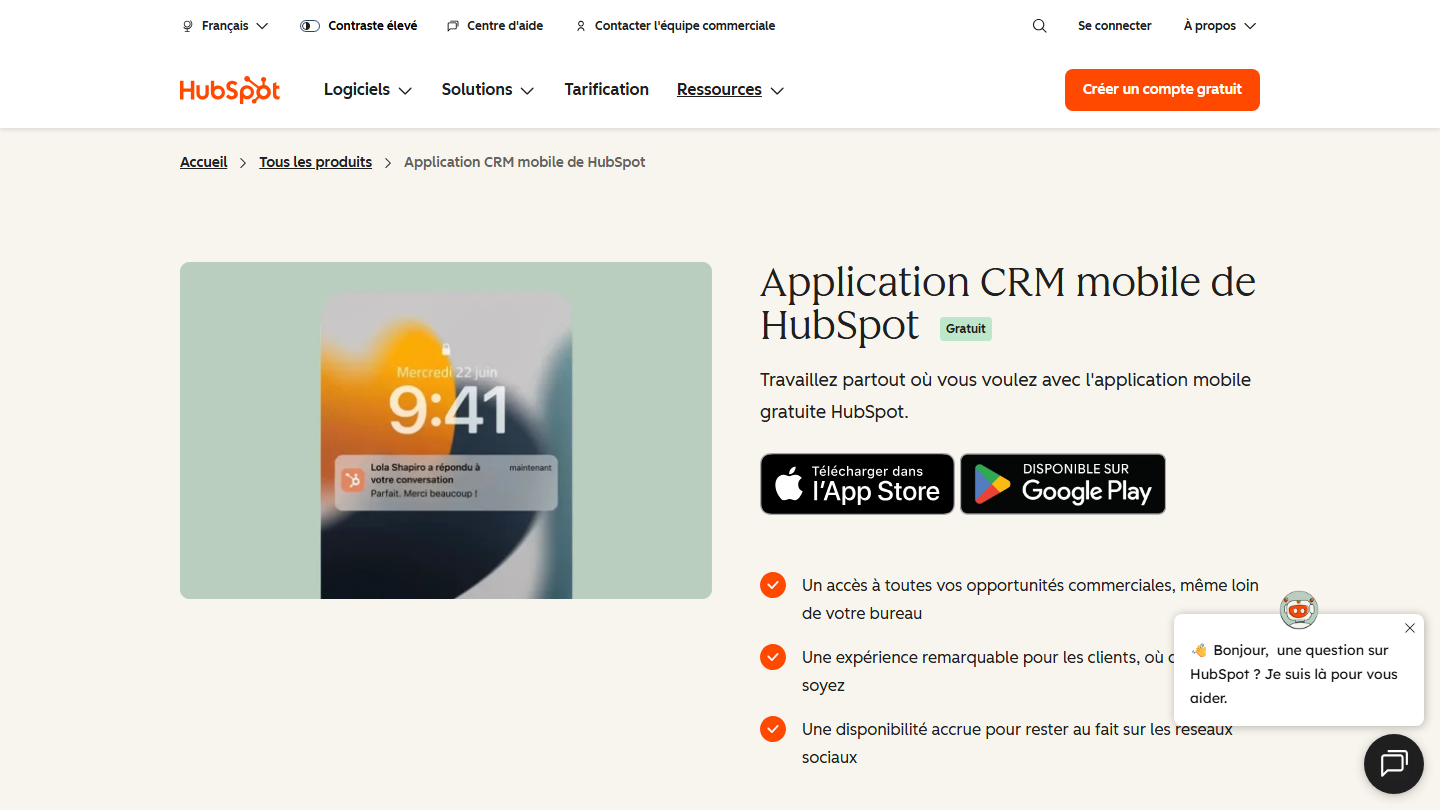
Page of the HubSpot mobile CRM app, free, on the App Store and Google Play

The HubSpot CRM includes a business card scanner in its mobile app. It is free, on all plans, including the free CRM.

In practice, you open the HubSpot app, choose to scan a card and the contact is created in the CRM, linked to their company. From the same app, you send the follow-up email, schedule a call or create a follow-up task, with no re-entry.

If your CRM offers a scanner, it is the option to favour: contacts arrive in the right place. HubSpot’s scanner serves only its own users; it works on Android and on iPhone (iOS 16 or later), but not on iPad.

The scanner is included in the free CRM. The Starter plan costs €20 per licence per month.

09

Evernote

4.0/5 From €12.99

Best for: Those who want to file their business cards in their note-taking app

+ Strengths
  • Card recognised automatically: name, company and number extracted
  • Card filed with your meeting notes
  • Free plan to discover the app
− Downsides
  • No CRM integration highlighted by the vendor
  • Free plan limited to 50 notes, 1 notebook and 1 device
★ Evernote in brief

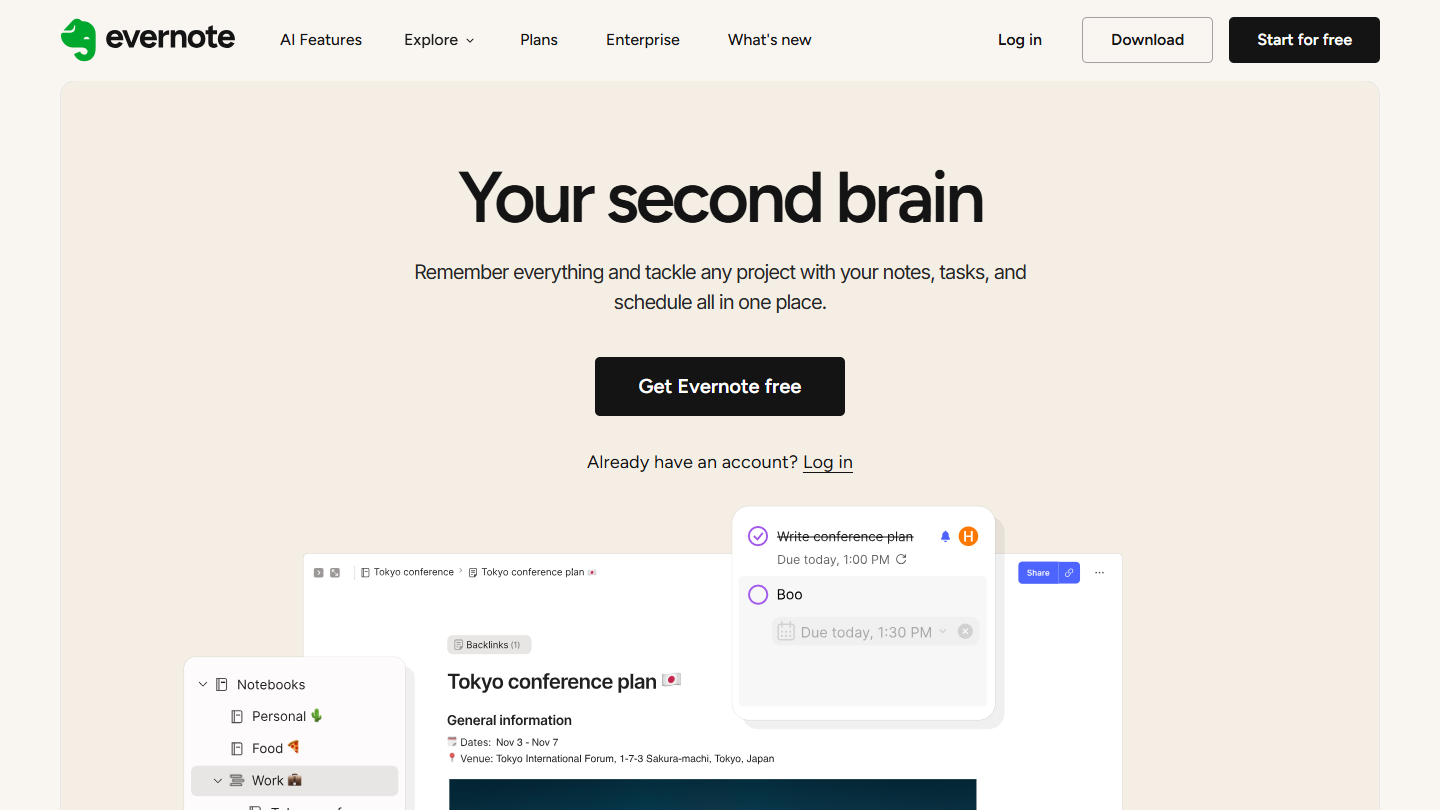
Evernote website: “Your second brain”

The Evernote note-taking app can also read business cards. It recognises the card photographed and extracts the name, company and number.

In practice, you photograph the card right after a meeting and file it in the same note as your meeting report. Weeks later, a search on the company name finds both the card and what was said.

It is a good solution if you already live in Evernote and want to keep the context of each meeting. It is not a sales tool: the vendor highlights no CRM integration.

Starter costs €12.99 per month and Advanced €21.99, with a 7-day trial; a free version lets you discover the app.

10

Google Lens

3.8/5 From Free

Best for: Saving the number or address from a card to your contacts for free, on Android and iPhone alike

+ Strengths
  • Free
  • Often already built into Android smartphones
  • Number or address added to contacts in a few seconds
− Downsides
  • Basic features: card scanning and saving only
  • No integration with other software
★ Google Lens in brief

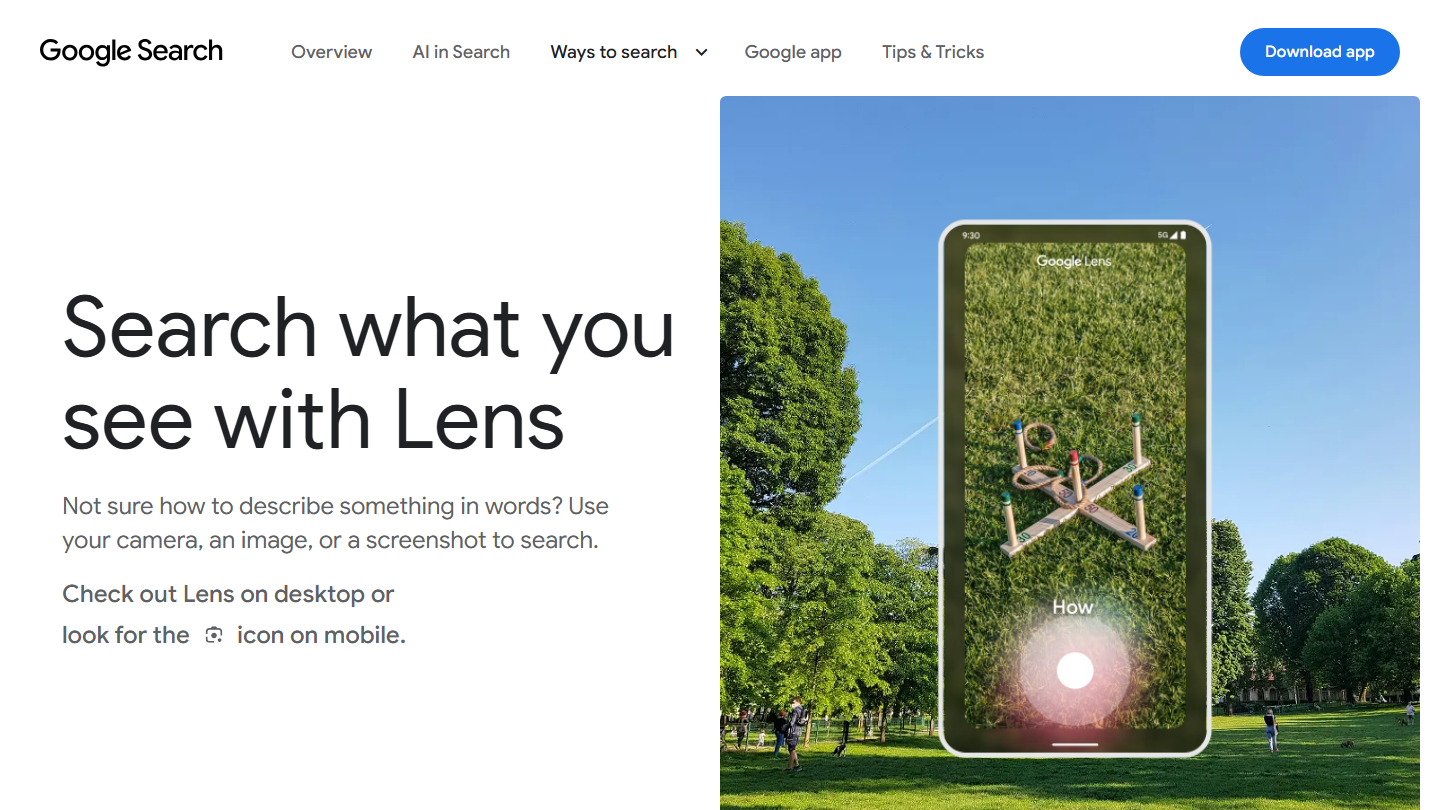
Google Lens page: “Search what you see with Lens”

Google Lens, Google’s visual search tool, also reads business cards. It is often already on Android smartphones, and available on iPhone in the Google app.

In practice, you point the camera at the card and Lens offers to save the phone number or address to your contacts. It takes a few seconds, with no app to install on Android.

It is the simplest solution for an occasional card. It does not create a full record with all the fields, keeps no history and connects to no CRM.

Free.

How we chose these 10 tools

Every tool in this selection has been used in real conditions by our team or by a Salesdorado consultant, in a B2B sales and marketing setting. No ranking built from a marketing deck. The order of the list is not a ranking: the right tool depends on your needs.

  1. 01
    Benchmark scope

    Broad identification of the tools on the market (G2, Capterra, Salesdorado customer feedback, LinkedIn signals). Initial filtering, then a short list based on a 2-hour setup per tool.

  2. 02
    Test conditions

    3 to 4 weeks of active use per tool, with data representative of a B2B sales use case. When a tool targets a specific profile (SDR, AE, Ops, Marketer…), we match the tester accordingly.

  3. 03
    Weighted criteria

    For each category, 5 to 7 axes weighted according to what matters in the segment: UX, feature depth, native integrations, support, pricing at scale, compliance (GDPR, security), and roadmap quality.

  4. 04
    Independence

    No tool is scored in exchange for payment. Partner links (affiliate) are marked as such and do not influence the score. Non-partner tools are included when their place in the ranking is deserved.

  5. 05
    Updates

    The ranking is reviewed every 6 to 12 months or on every major release of a tool mentioned. The date of the last check is shown at the top of the article.

The questions we get over and over.

What makes a good business card app?

Three criteria: detection accuracy, which depends on the OCR (optical character recognition) software; integrations, from vCard or Excel export to import into your CRM; and ease of use, with tagging, labels and contact grouping tools.

How much does a business card scanner cost?

There are two pricing models. Free plans, which are plentiful, are more limited in export and integration options. Paid plans, around $100 per year, unlock export (Excel, contacts) and integration with your software, sometimes with manual validation of your leads.

Is there a free business card scanner?

Yes, notably those offered by CRM software, such as the HubSpot app, which however limit integration to their own software. If your CRM offers one, it is the option to favour. Tools like Google Lens are also free, but offer no integration with other software.

Which business card scanner should I choose for a trade show?

Kayo is a lead capture tool specialised in trade shows: the team scans business cards and badges on a smartphone or tablet, qualifies each visitor, works even offline and tracks its performance during the event.

Can you scan business cards with Evernote or OneNote?

With Evernote, yes: the app recognises a business card photographed and extracts the name, company and number. With OneNote, it is no longer possible: Microsoft removed the Microsoft Lens app, which was used to scan cards, from the app stores on February 9, 2026, and scanning stopped working on March 9, 2026. OneDrive, which replaces it, saves the card as a PDF without creating a contact.

★ The conversation, 0 comments

What the community says.

Basic Markdown, moderated within 24 h
Loading…

    In the same category