15 tools to find good prospects

15 tools to find B2B prospects. Build a targeted list: Nomination (on request), FindThatLead (Starter €37/month billed annually), Apollo.io (free 75 credits/month, Basic $49/seat/month billed annually), LeadGibbon ($39/month), Pharow (Essentiel €105 excl.

Maxime Ben Bouaziz
Maxime Ben Bouaziz
CEO Salesdorado, IA & Sales Tech
January 12, 2018, updated November 10, 2026, 1 min read
See all tools

Here are fifteen tools that identify the companies matching your target profile and retrieve the information that matters about your prospects (email, phone, job title, company size, etc.) so you can build your prospecting lists. These tools will save you a considerable amount of time in your prospecting work.

The tools are grouped by your starting point: a target profile to turn into a list of prospects, prospects spotted on LinkedIn, or names for which you are missing the email.

Depending on what you need:

  • Target decision-makers at French companies, org chart included: Nomination
  • Build segmented lists of French companies: Pharow
  • Target, find contact details and launch your sequences in a single tool: Apollo.io
  • Get a prospect’s email and mobile number from LinkedIn: Kaspr
  • Buy contacts in packs, with no subscription: AeroLeads
  • Find every email attached to a company’s domain: Hunter
  • Complete a file of names with verified emails: Anymail Finder

SalesdoradoSimulate your choice of enrichment tool
Free tool, 2 minutes
Simulate your choice of enrichment tool

Answer 10 targeted questions and find the tools that actually fit your situation.

12
tools analyzed
10
targeted questions
€0
no sign-up
Methodology published by the Salesdorado editorial team

The 15 tools, side by side

# Logos tool Score Price Best for
01 Anymail Finder 4.2/5 ★ €26 Teams that already have a list of names and domains and want verified emails in bulk Visit site
02 FindThatLead 4.0/5 ★ €37 Small teams that want to find their leads and write to them from the same tool Visit site
03 VoilaNorbert 4.0/5 ★ $49 Email searches from a first name, last name and domain, one at a time or in bulk Visit site
04 AeroLeads 4.0/5 ★ $49 Occasional needs for contacts with phone numbers, without committing to a subscription Visit site
05 Hunter 4.6/5 ★ €34 Teams that want all of a company’s emails, then verify them before sending Visit site
06 LeadGibbon 3.8/5 ★ $39 Small teams that want a filterable database and verified emails at a modest price Visit site
07 Skrapp.io 4.3/5 ★ $29 Salespeople who source their prospects on LinkedIn and want verified emails Visit site
08 eMail-Prospector Pro 3.5/5 ★ $1,195 Windows users who enrich Excel files and prefer installed software Visit site
09 Nomination 4.7/5 ★ On request Teams that target structured accounts in France and need to know who decides Visit site
10 Apollo.io 4.0/5 ★ $49 Teams that want to target, find contact details and launch sequences in a single tool Visit site
11 Pharow 4.7/5 ★ €105 Teams prospecting in France that want segmented lists ready for the CRM Visit site
12 ZoomInfo 4.2/5 ★ On request Structured sales teams that want data, buying intent and integrations Visit site
13 Kaspr 4.3/5 ★ €59 Salespeople who call their prospects after finding them on LinkedIn Visit site
14 Tomba 4.0/5 ★ $49 Teams that want to find and verify their emails in the same place, API included Visit site
15 Snov.io 4.2/5 ★ $29.25 Teams that want to find, verify and contact their prospects without paying per user Visit site
01

Anymail Finder

4.2/5 From €26

Best for: Teams that already have a list of names and domains and want verified emails in bulk

+ Strengths
  • Credit deducted only if a verified email is found
  • Search by name and domain, by domain or by LinkedIn URL
  • Unlimited users on the same pool of credits
− Downsides
  • Credit card required for the trial
  • No prospect database: you have to identify your contacts first
★ Anymail Finder in brief

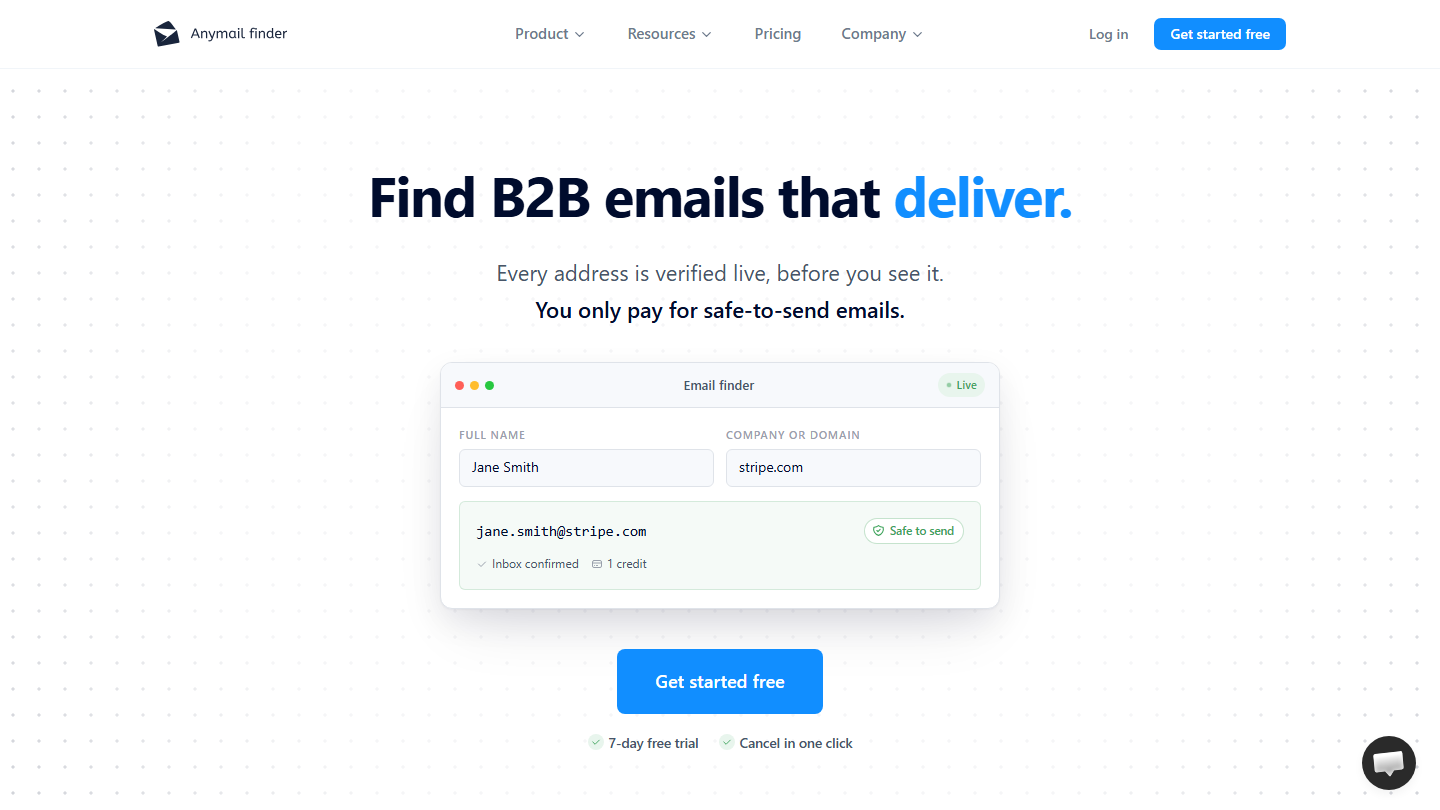
Anymail Finder homepage: “Find B2B emails that deliver”, with a search form by name and domain

Anymail Finder finds your prospects’ emails. You enter the prospect’s name and the company’s domain name, and the tool takes care of finding the email address. The vendor also offers a Chrome extension and an API.

You can use this tool in five steps: build a table in Excel with your list of prospects, giving each prospect’s name and the company’s domain name (which assumes, obviously, that you have already identified your prospects), save the list as a .csv file, upload it to Anymail Finder to find the emails, export the results to your emailing software to create a contact list, then send your prospecting emails.

Each address is verified before it is delivered to you, and a credit is only deducted if a verified email is found. Domain search returns up to 20 emails for one credit; searching for a decision-maker by job title costs two.

On pricing, expect €26 excl. VAT per month for 400 credits, €39 for 1,000 and €69 for 2,000; on an annual plan, 4,800 credits cost €204 per year. You can test the tool for free for 7 days, with 100 credits.

02

FindThatLead

4.0/5 From €37

Best for: Small teams that want to find their leads and write to them from the same tool

+ Strengths
  • Search, filtered lists, verification and sending in a single tool
  • A prospect already looked up during the month is not charged again
  • Prices shown in euros
− Downsides
  • Trial limited to 7 days
  • Phone credits counted separately and few in number
★ FindThatLead in brief

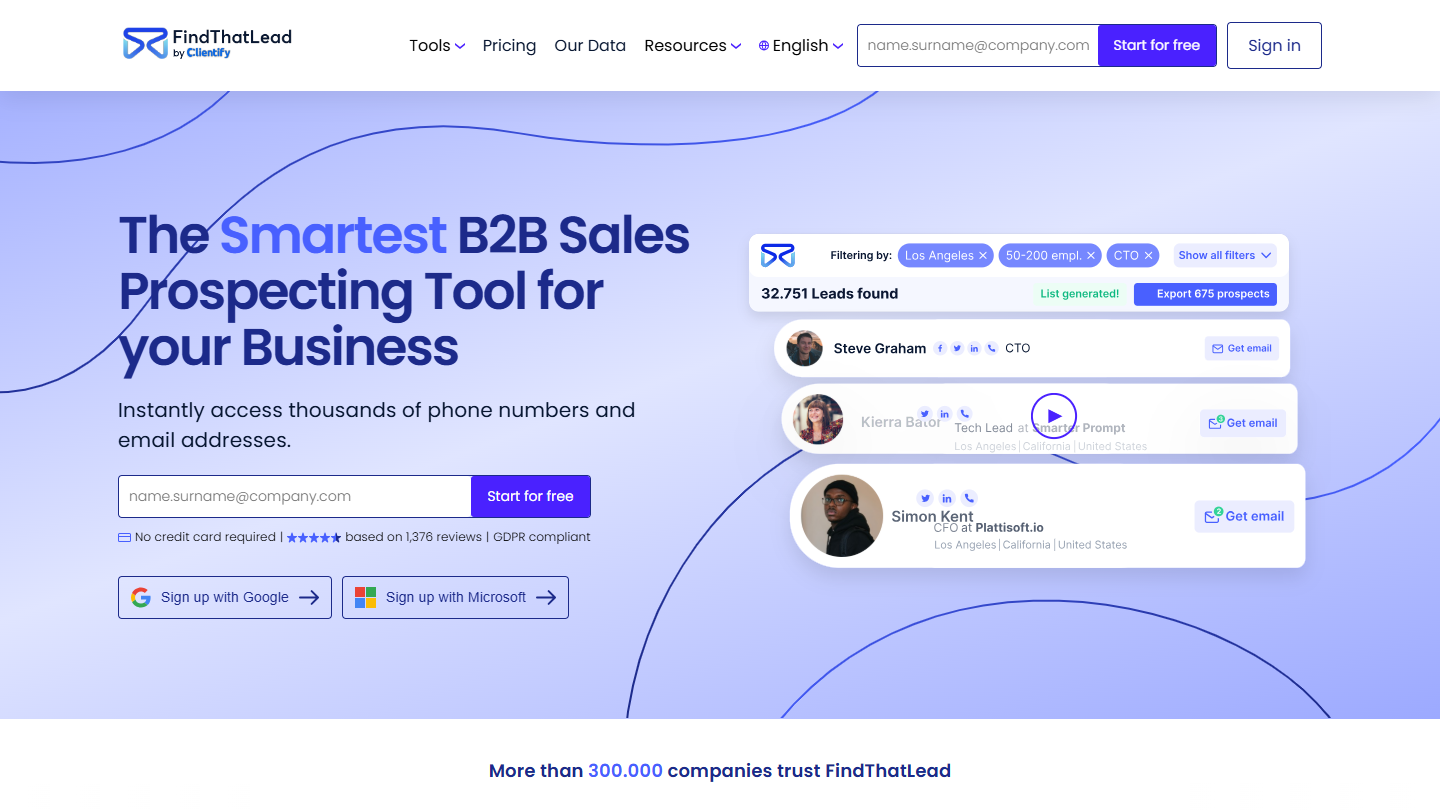
FindThatLead website: “The Smartest B2B Sales Prospecting Tool for your Business”

FindThatLead retrieves your target’s email addresses from their name and company, or the email and phone number from the URL of a social profile.

The Prospector module builds prospect lists filtered by industry, location and company size, and another module targets shops and local businesses. A verifier checks emails in bulk.

FindThatLead also sends your cold email campaigns, with sequences, and keeps your prospects in an internal CRM or pushes them to yours. A prospect you already looked up during the month is not charged again.

The free trial lasts 7 days, with 50 email credits. The Starter plan costs €37 per month billed annually (€49 billed monthly) for 2,000 email credits per month; Ultimate costs €75 per month billed annually (€99 billed monthly), with unlimited users and credits.

03

VoilaNorbert

4.0/5 From $49

Best for: Email searches from a first name, last name and domain, one at a time or in bulk

+ Strengths
  • Simple interface: first name, last name and domain are enough
  • Only emails found are counted
  • Unlimited members and rollover credits
− Downsides
  • No prospect database for targeting accounts
  • CRM integrations through Zapier
★ VoilaNorbert in brief

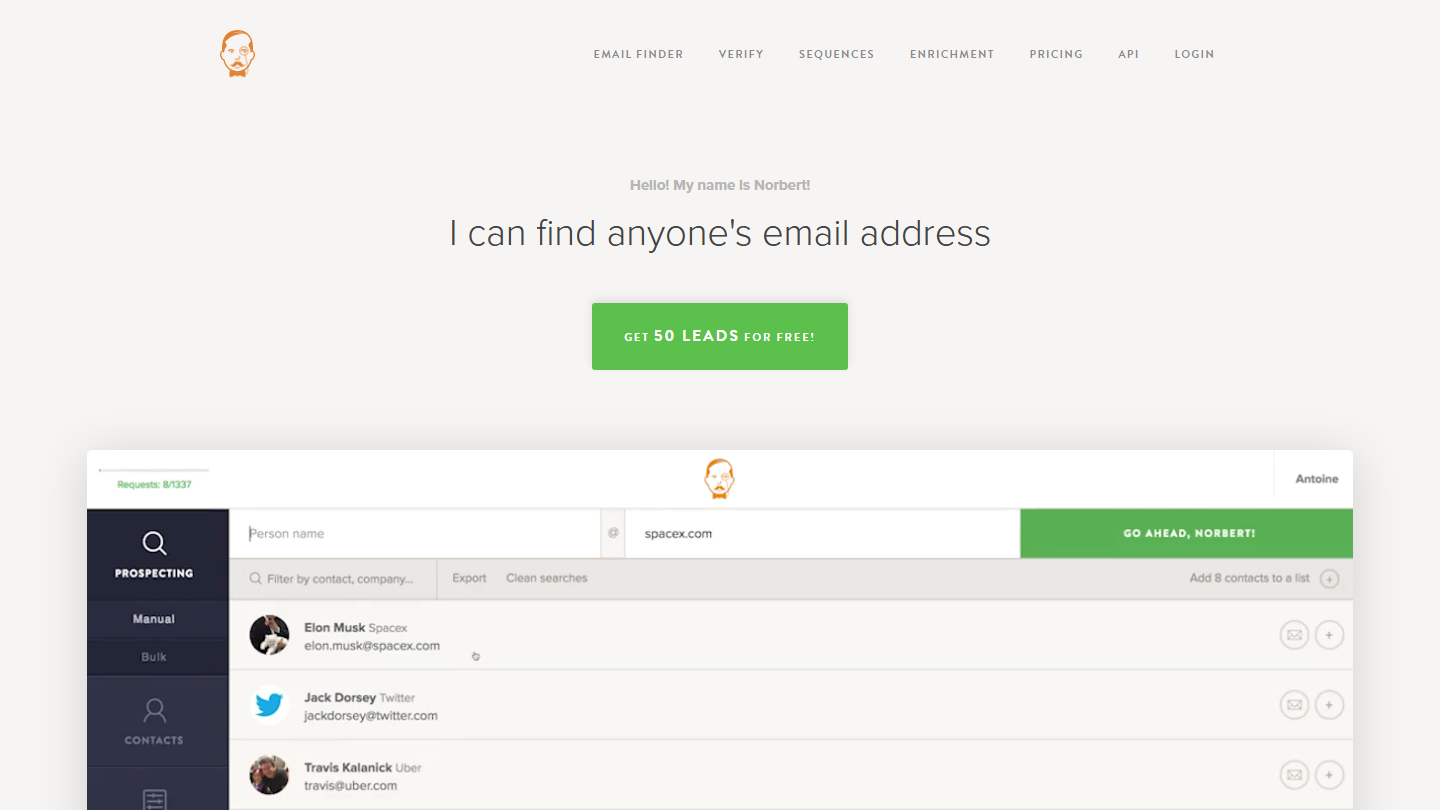
VoilaNorbert homepage: “I can find anyone’s email address”, with the search interface by name and domain

VoilaNorbert is another very interesting tool, with a very intuitive and elegant interface. Norbert is there to help you find your prospects’ email addresses. To do so, you give him three pieces of information: first name, last name and domain name. You can also find email addresses in bulk by importing a .csv file.

Only emails found are counted. The Chrome extension launches the search from your browser, a Google Sheets add-on and an API round out the tool, and CRM integrations go through Zapier.

VoilaNorbert also sells verification per unit, at $0.003 per email, and a separate sequences offer, from $19 per user per month.

The vendor offers 50 free leads. Beyond that, VoilaNorbert has 4 plans, from $49 per month (1,000 leads) to $499 per month (50,000 leads), or from $39 to $399 per month billed annually. Team members are unlimited.

04

AeroLeads

4.0/5 From $49

Best for: Occasional needs for contacts with phone numbers, without committing to a subscription

+ Strengths
  • Credit packs with no subscription
  • Emails and phone numbers
  • Chrome extension for LinkedIn
− Downsides
  • A contact with a phone number costs 6 credits
  • Prices in dollars
★ AeroLeads in brief

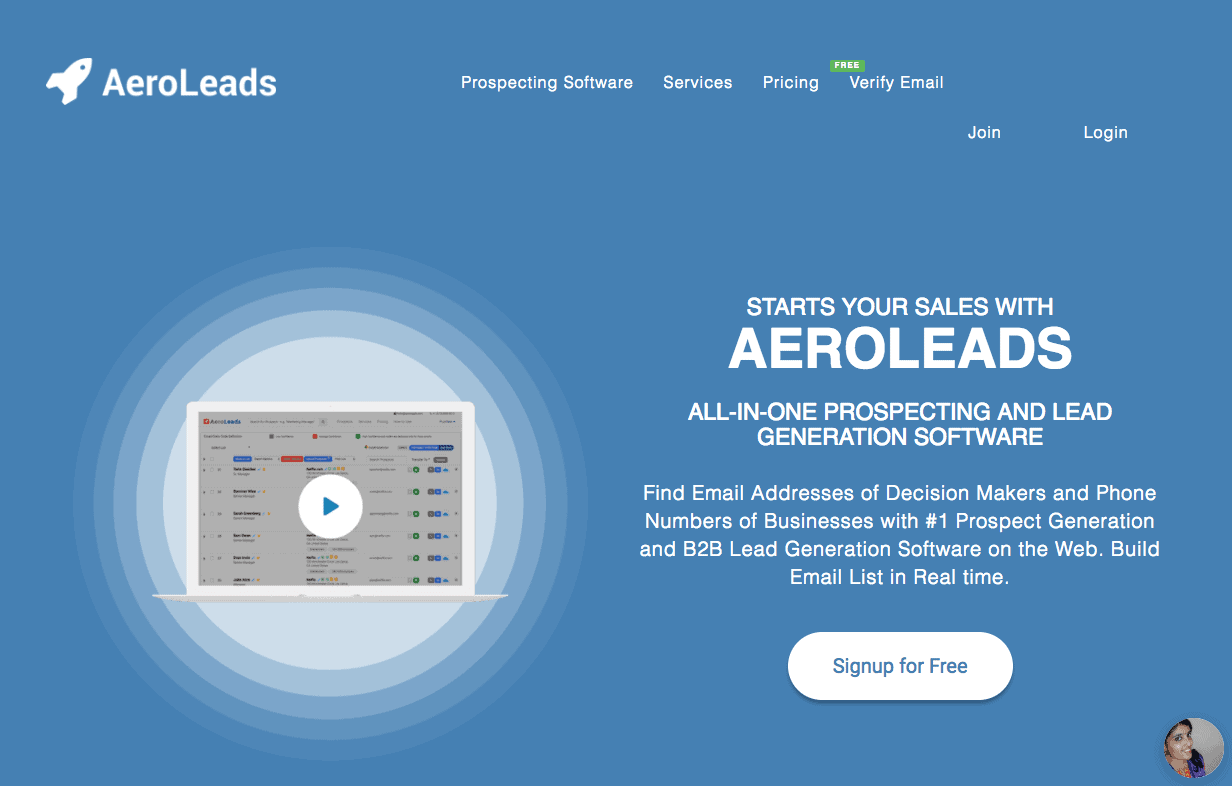
Former AeroLeads homepage: “All-in-one prospecting and lead generation software”

AeroLeads, launched in 2015, finds not only your prospects’ email addresses but also their phone numbers. AeroLeads delivers very rich data, and that is its strength.

Its Chrome extension collects contacts while you browse LinkedIn. You can also search for contacts by job title, company and location, or enrich a CSV file of LinkedIn URLs. The vendor claims more than 650 million profiles.

Lists generated in the tool can be exported to Excel or to your CRM, through integrations or the API.

AeroLeads is paid for in credit packs valid for 12 months, with no subscription: $49 for 2,000 credits, $149 for 8,000, $299 for 20,000. A contact costs 1 credit, 6 with a phone number. Ten credits are offered on sign-up, with no credit card.

05

Hunter

4.6/5 From €34

Best for: Teams that want all of a company’s emails, then verify them before sending

+ Strengths
  • Search by domain and by name in the same interface
  • Automatic verification of the emails found
  • Permanent free plan
− Downsides
  • Advanced database filters reserved for paid plans
  • Free plan limited to 50 credits per month
★ Hunter in brief

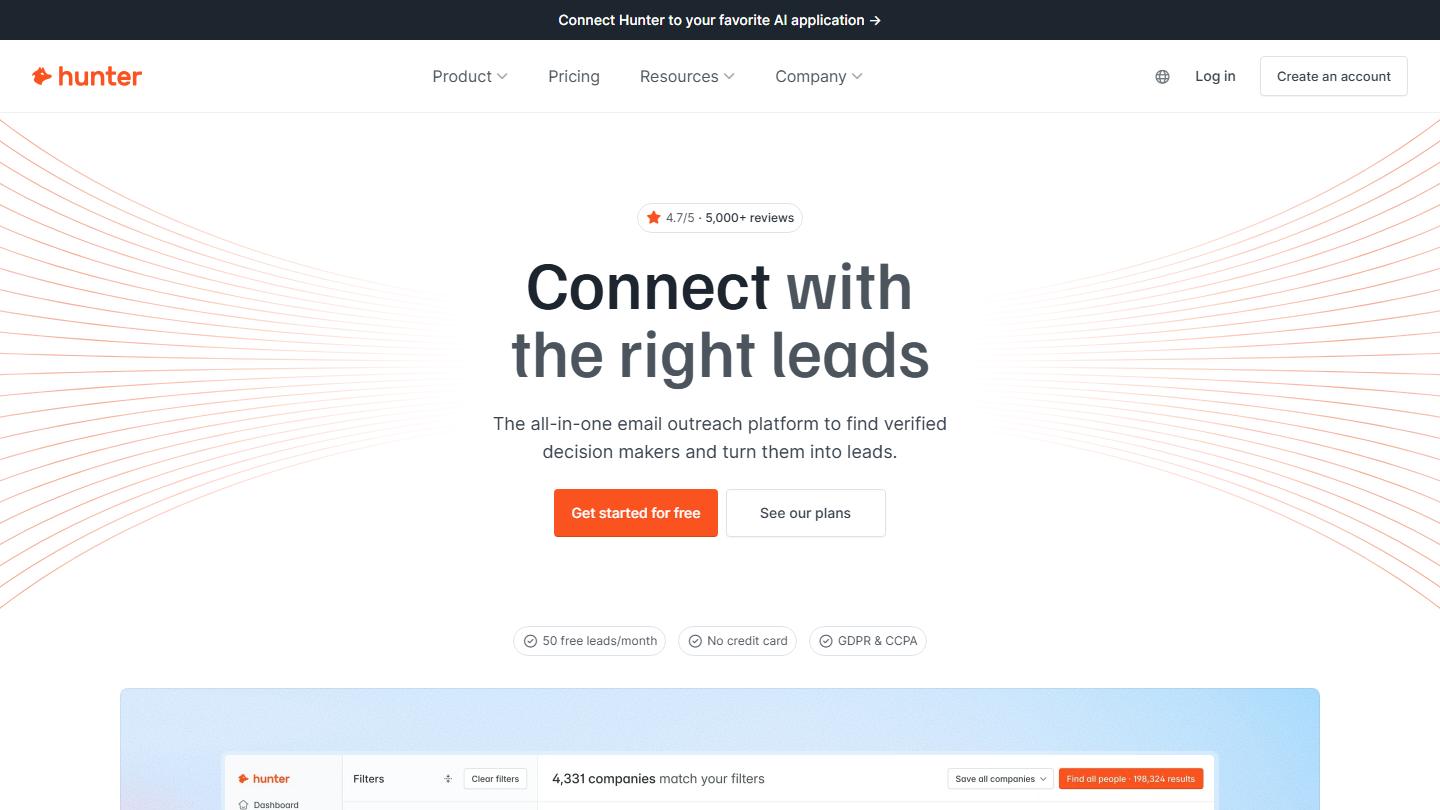
Hunter homepage: “Connect with the right leads”, with a filtered company search

Hunter (the new name of Email Hunter) finds all the email addresses associated with a specific domain name. Its Email Finder also looks up a person’s address from their name and company.

A Chrome extension is also available, so you can use Hunter directly from your browser. You can also use Hunter to check whether an email address is valid, and the leads found are verified automatically.

Hunter has added a filterable B2B database, Discover, and cold email sequences. A Google Sheets add-on, CRM integrations and an API complete the package.

Pricing ranges from €0 (50 credits per month) to €299 per month (25,000 credits per month). The first paid plan, Starter, costs €49 per month, or €34 per month billed annually, for 2,000 credits per month.

06

LeadGibbon

3.8/5 From $39

Best for: Small teams that want a filterable database and verified emails at a modest price

+ Strengths
  • Only verified emails are billed
  • Unused credits roll over from one month to the next
  • Emails sent from your Gmail account
− Downsides
  • Smaller database than the big platforms
  • No Chrome extension in the current version
★ LeadGibbon in brief

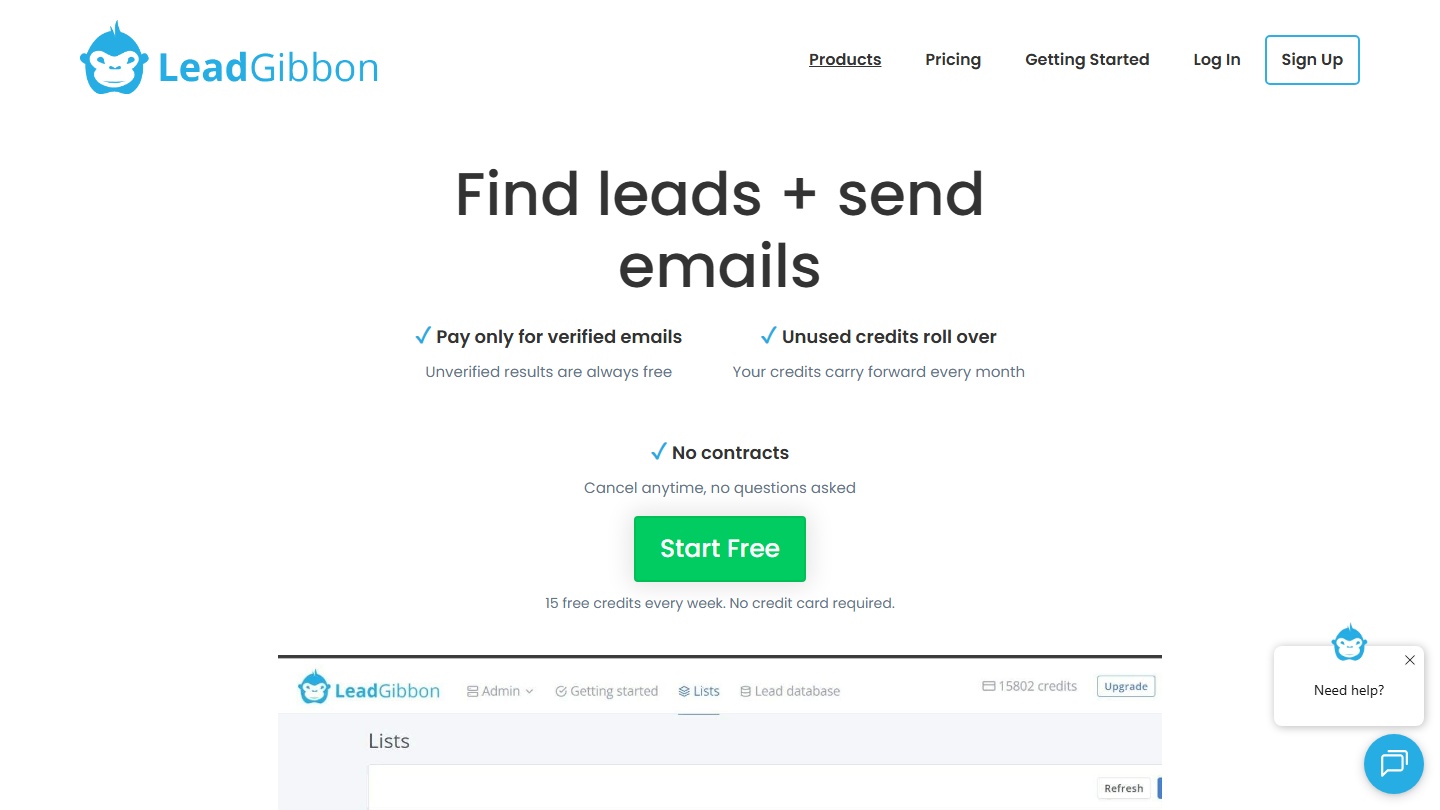
LeadGibbon homepage: “Find leads + send emails”, paying only for verified emails

LeadGibbon’s search engine finds your prospects’ email addresses. Its database holds 26 million records and 3.25 million companies, which you filter on about ten criteria, including job title and industry.

LeadGibbon creates prospect lists with emails and sends them to your CRM. For an existing file, the Email Enricher finds addresses from the name and domain, and each email goes through the built-in verifier.

The tool also sends your emails from the Gmail account you connect to it. You only pay for verified emails, and unused credits roll over from one month to the next.

You can try the tool for free, with 15 credits per week. After that, expect between $39 per month (1,000 verified emails) and $299 per month (30,000 verified emails).

07

Skrapp.io

4.3/5 From $29

Best for: Salespeople who source their prospects on LinkedIn and want verified emails

+ Strengths
  • Extension on LinkedIn, Sales Navigator and Recruiter
  • Credit deducted only for valid or catch-all emails
  • Credits roll over from one month to the next
− Downsides
  • API reserved for the Enterprise plan
  • Free plan limited to 50 credits
★ Skrapp.io in brief

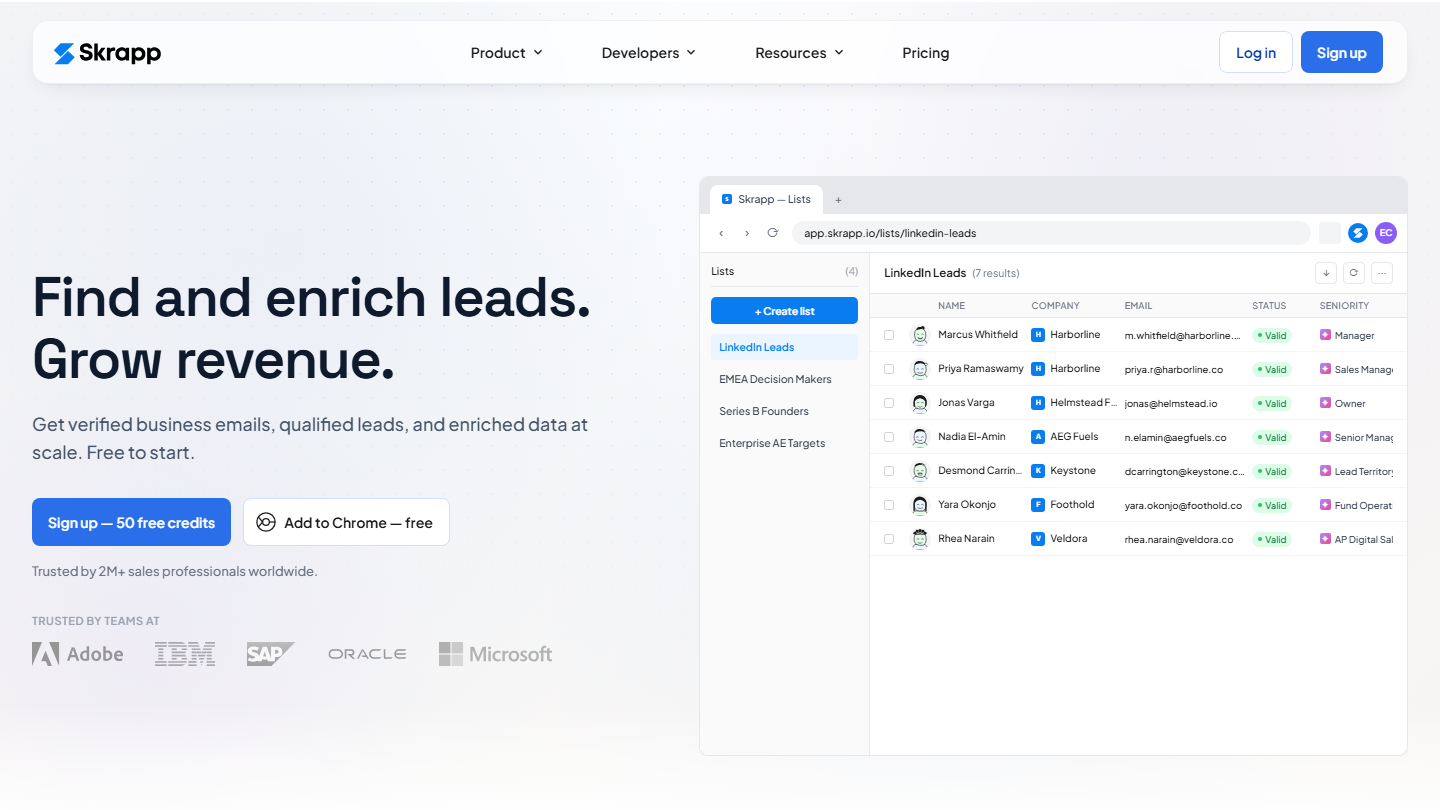
Skrapp.io homepage: “Find and enrich leads. Grow revenue.”, with a list of LinkedIn leads and their verified emails

Skrapp.io retrieves your prospects’ public information from LinkedIn and Sales Navigator: last name, first name, company, location, industry, etc. Skrapp.io also uses this information to identify email addresses.

Its extension also works on LinkedIn Recruiter and on company websites, and company search lists a firm’s contacts. Addresses go through the verifier, one at a time or in bulk.

Only emails rated valid or catch-all consume a credit. The Professional plan adds list export and CRM sync; the API is reserved for the Enterprise plan.

The solution is free up to 50 credits. The Professional plan costs $29 per month billed annually ($39 billed monthly) for 2,000 credits per month and 2 users; tiers go up to 25,000 credits, then the Enterprise offer.

08

eMail-Prospector Pro

3.5/5 From $1,195

Best for: Windows users who enrich Excel files and prefer installed software

+ Strengths
  • Email and phone number from a name and a company
  • Enrichment of an Excel table in one click
− Downsides
  • Windows software that requires Internet Explorer 11
  • Annual license at $1,195, with no monthly option
★ eMail-Prospector Pro in brief

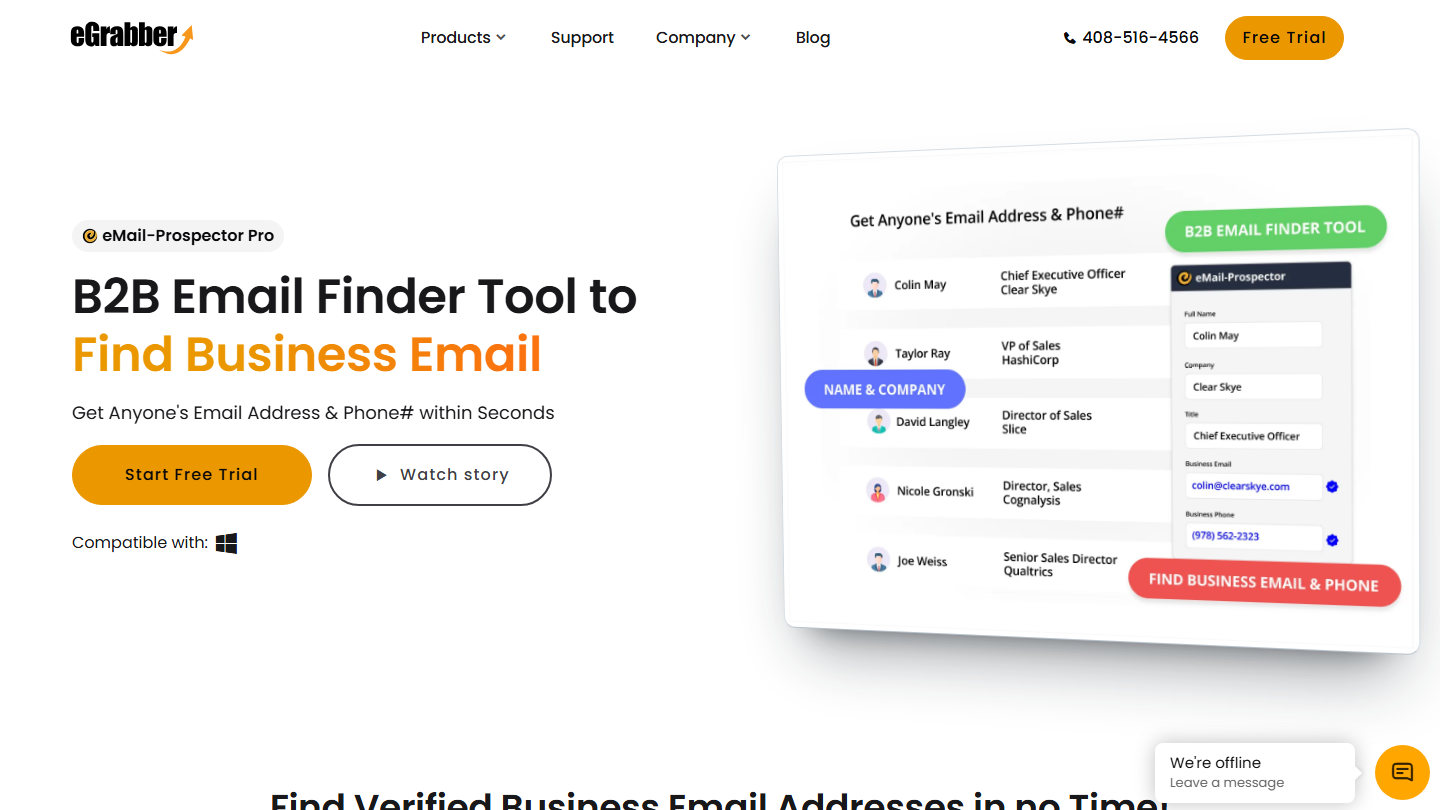
eGrabber’s eMail-Prospector Pro page: “B2B Email Finder Tool to Find Business Email”

eMail-Prospector Pro, from eGrabber, is the only software on this list that is not SaaS. You have to download it to your computer, like good old traditional software: it runs on Windows 7 to 11 and requires Internet Explorer 11.

eMail-Prospector gives you your prospects’ email address from two pieces of information: the prospect’s name and the company name. The software then scans the internet to retrieve the email address and phone number. The solution also includes an email verification tool.

The Smart Capture feature grabs a contact highlighted on a web page, and an Excel table pasted into the software is completed in one click. Results go to Outlook, Excel or Salesforce.

The drawback of this solution is its price. The annual license costs $1,195 for 4,000 leads, and each additional batch of 2,000 leads costs $395. A 7-day trial gives you 50 searches.

09

Nomination

4.7/5 From On request

Best for: Teams that target structured accounts in France and need to know who decides

+ Strengths
  • Detailed org charts of French companies
  • Data verified by a dedicated team
  • Alerts on job moves and account news
− Downsides
  • Pricing on request only
  • Coverage limited to French companies of significant size
★ Nomination in brief

Nomination homepage: “Strategic data to spot and reach B2B decision-makers in France”

Nomination starts from French companies and the people who make decisions in them. The database covers 450,000 decision-makers and 100,000 companies, with 546,000 emails and phone numbers verified by a team of 60 people. Each account is shown with its org chart and the links between group and subsidiaries.

More than 50 filters are used to target accounts and job functions, and alerts flag news from the companies you follow, including job moves: more than 40,000 news items per year. Follow-ups by email and LinkedIn launch from the tool, and contacts go to Salesforce or HubSpot.

Nomination is worth it when you go after structured accounts and need to know who decides before you call. Coverage stops at French companies of significant size: no international, no very small businesses.

Pricing is not public: the subscription is quoted on request, after a demo.

10

Apollo.io

4.0/5 From $49

Best for: Teams that want to target, find contact details and launch sequences in a single tool

+ Strengths
  • Large contact database and many targeting filters
  • Email sequences and calls in the same tool
  • Permanent free plan
− Downsides
  • Data richer in the United States than in France
  • Per-seat pricing, quickly expensive for a team
★ Apollo.io in brief

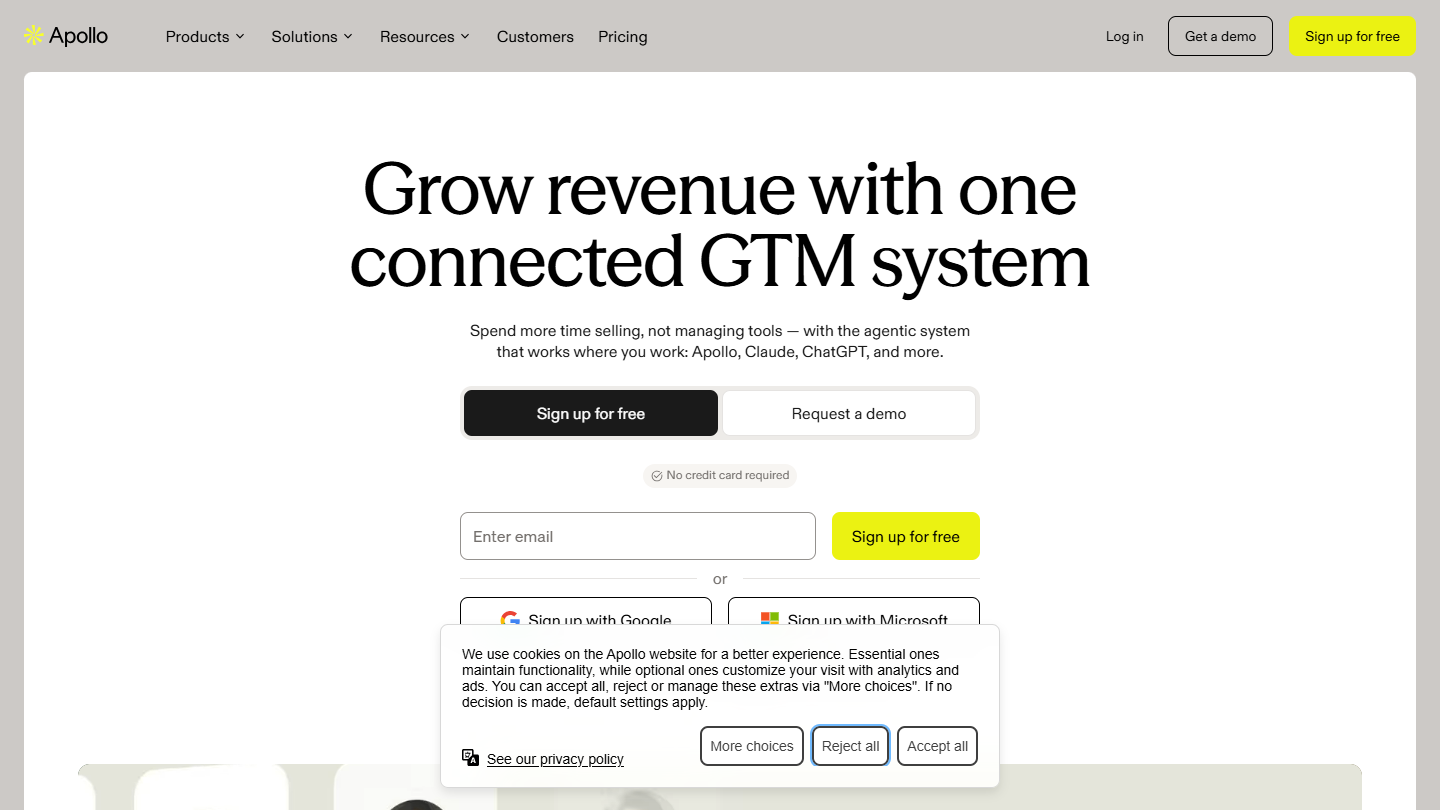
Apollo.io website: “Grow revenue with one connected GTM system”

Apollo.io combines a B2B contact database with the tools to work it. The vendor claims 240 million contacts and 30 million companies, which you filter by job title, industry, size or location to build a prospecting list.

Verified emails and phone numbers are paid for in credits. The extensions for Chrome, Gmail and Salesforce retrieve contact details without leaving your tools, and Apollo also enriches a CSV file or the records in your CRM.

Once the list is built, Apollo sends the email sequences and places the calls. It connects to Salesforce, HubSpot, Outreach or Salesloft. Our test found a database that is richer for the US market than for the French market.

The free plan gives 75 credits per month. The Basic plan costs $49 per seat per month billed annually ($65 billed monthly) with 2,500 credits per month, Professional $79 ($99 billed monthly) with 4,000 credits. Paid plans come with a 14-day trial.

11

Pharow

4.7/5 From €105

Best for: Teams prospecting in France that want segmented lists ready for the CRM

+ Strengths
  • Fine-grained targeting of French companies
  • Emails included with no extra credit
  • Business signals to pick the right moment
− Downsides
  • France only
  • High entry price for a freelancer
  • Does not send campaigns
★ Pharow in brief

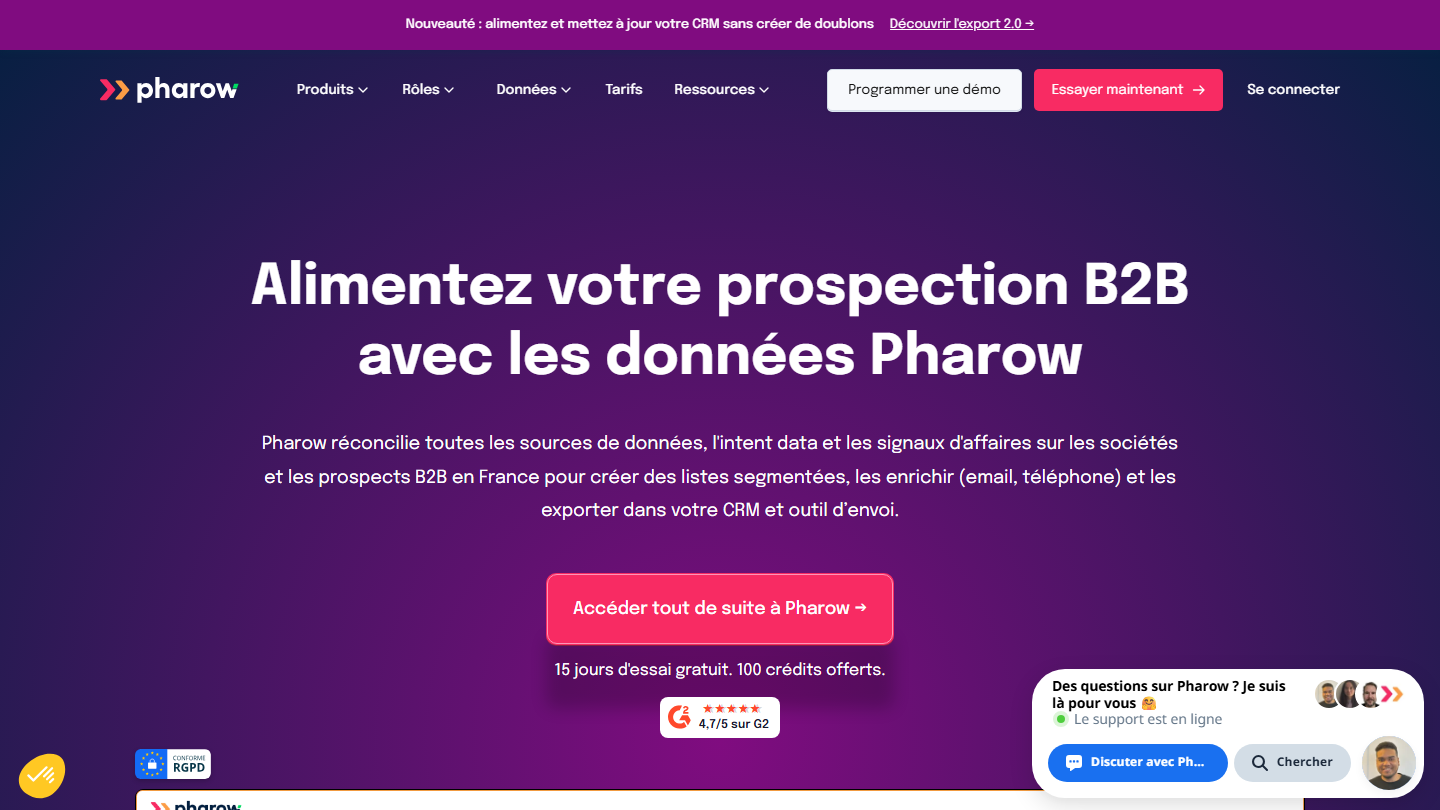
Pharow homepage: “Power your B2B prospecting with Pharow data”

Pharow is a French B2B prospecting tool, limited to France. It matches companies’ legal data, the web and LinkedIn: 3.4 million companies and 10 million prospects, which you can target by NAF code, headcount, revenue, location and job title.

More than 80 additional filters spot business signals: hiring, funding rounds, technologies used. Business emails come from Dropcontact, FullEnrich and BetterContact, at no extra cost; mobile numbers come from FullEnrich or Kaspr.

Lists go in one click to HubSpot, Pipedrive, lemlist or La Growth Machine, or to CSV. Pharow does not send campaigns itself: it prepares the file.

The free trial lasts 15 days, with 100 credits. The Essentiel plan costs €105 excl. VAT per month billed annually (€139 billed monthly), for one user and 1,000 credits per month; Avancé costs €169 excl. VAT per month billed annually.

12

ZoomInfo

4.2/5 From On request

Best for: Structured sales teams that want data, buying intent and integrations

+ Strengths
  • Contact database with business emails and mobile numbers
  • Buying intent signals
  • CRM and sequencing tool integrations
− Downsides
  • Pricing on request, with no entry-level price
  • Each exported record consumes a credit
★ ZoomInfo in brief

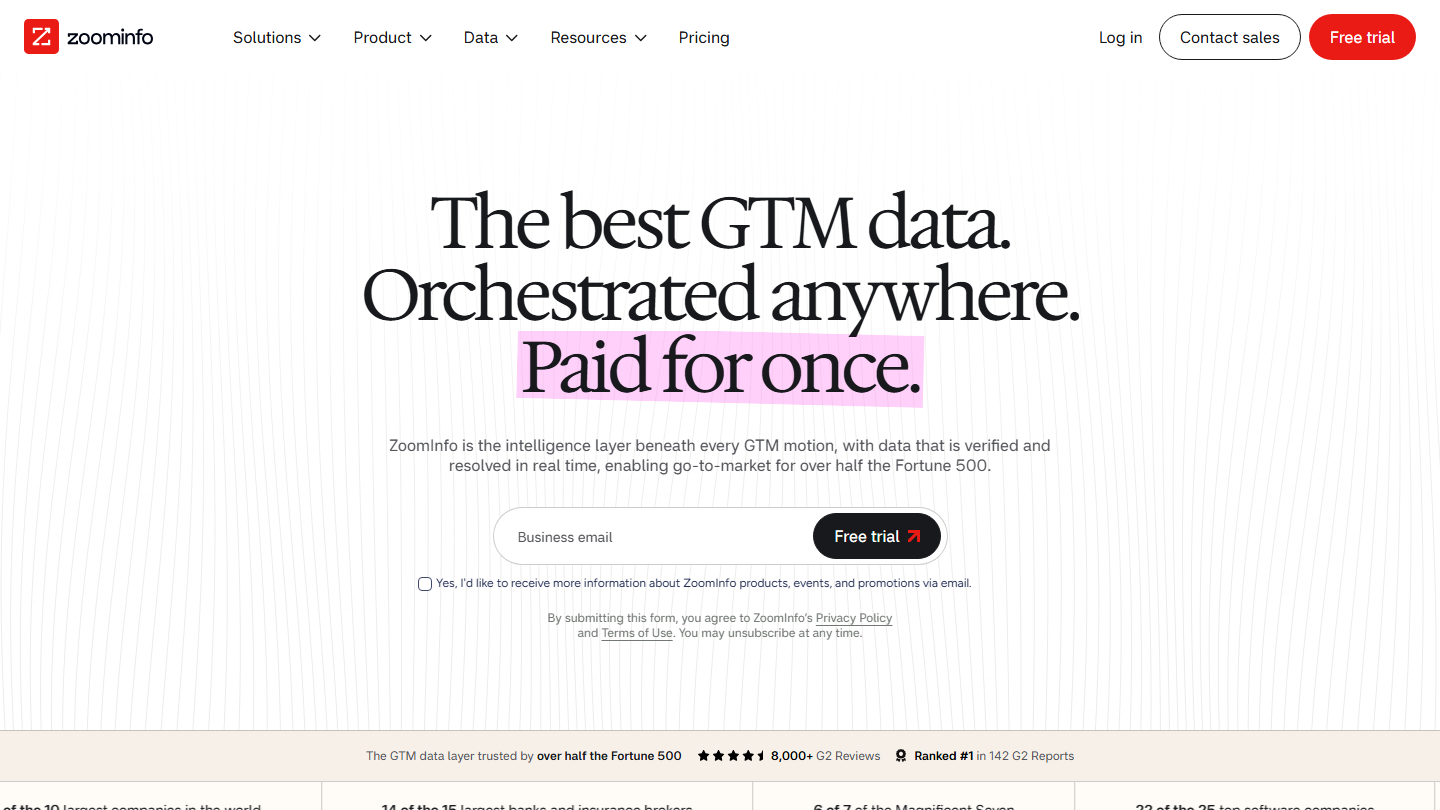
ZoomInfo homepage: “The best GTM data. Orchestrated anywhere. Paid for once.”

RingLead, which made the Capture extension, was acquired by ZoomInfo in 2021. Capture retrieved your prospects’ information from websites and social networks and exported it to your CRM; at ZoomInfo, the ReachOut Chrome extension plays that role.

ZoomInfo is first and foremost a database of contact and company records, with simple and advanced search, business emails and mobile numbers. Exports are counted in credits: one record exported, one credit.

The more complete packages add buying intent signals, identification of the companies visiting your site and export to Outreach or Salesloft. Contacts go to HubSpot or Salesforce.

ZoomInfo does not publish its prices: everything is quoted on request, based on features, number of licenses and credits. The free trial, with no credit card, generally lasts 7 days.

13

Kaspr

4.3/5 From €59

Best for: Salespeople who call their prospects after finding them on LinkedIn

+ Strengths
  • Emails and phone numbers displayed directly on LinkedIn
  • Unlimited B2B emails from the Starter plan
  • Many CRM and telephony integrations
− Downsides
  • Phone credits run out fast
  • Sales Navigator reserved for paid plans
★ Kaspr in brief

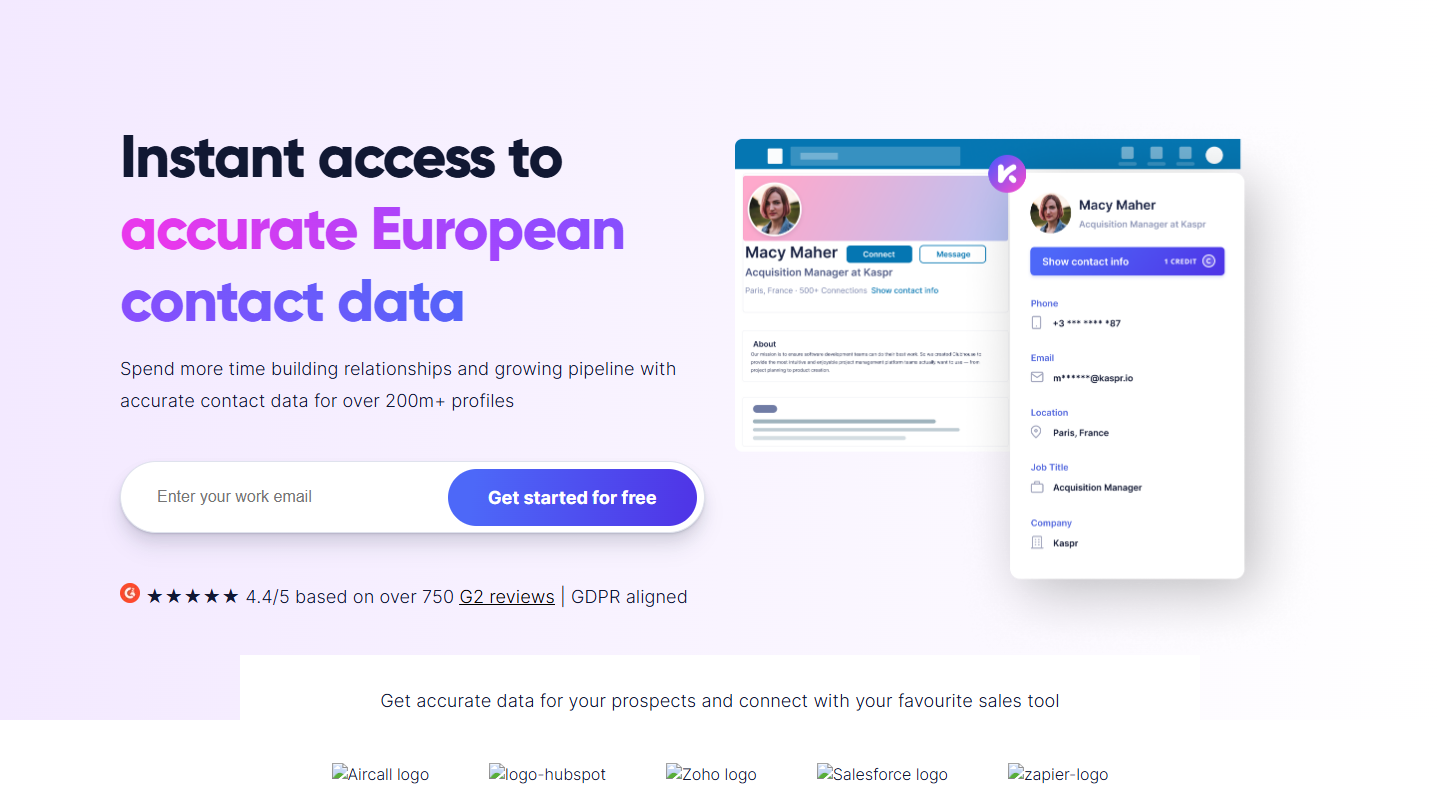
Kaspr website: “Instant access to accurate European contact data”

Kaspr installs as a Chrome extension and opens on LinkedIn profiles, but also on groups and events. One click displays the contact’s business email and phone number, which you save to a list.

For an existing file, Kaspr enriches a CSV of LinkedIn URLs. Contacts then go to HubSpot, Salesforce, Pipedrive, Zoho, Brevo or lemlist, and to Aircall or Ringover to call them. Kaspr has been part of Cognism since 2022.

This is the tool for salespeople who prospect by phone from LinkedIn. The Starter plan gives unlimited B2B emails: phone credits are what limit the volume.

The free plan gives 15 B2B emails, 5 phone credits and 5 direct emails each month. Starter costs €59 per user per month, with 100 phone credits; Business costs €99, with 200 phone credits and API access.

14

Tomba

4.0/5 From $49

Best for: Teams that want to find and verify their emails in the same place, API included

+ Strengths
  • Free plan with no credit card
  • Searches with no result are not counted
  • Phone, LinkedIn and verification in the same tool
− Downsides
  • Prices in dollars
  • Free plan limited to 25 searches per month, with no verification
★ Tomba in brief

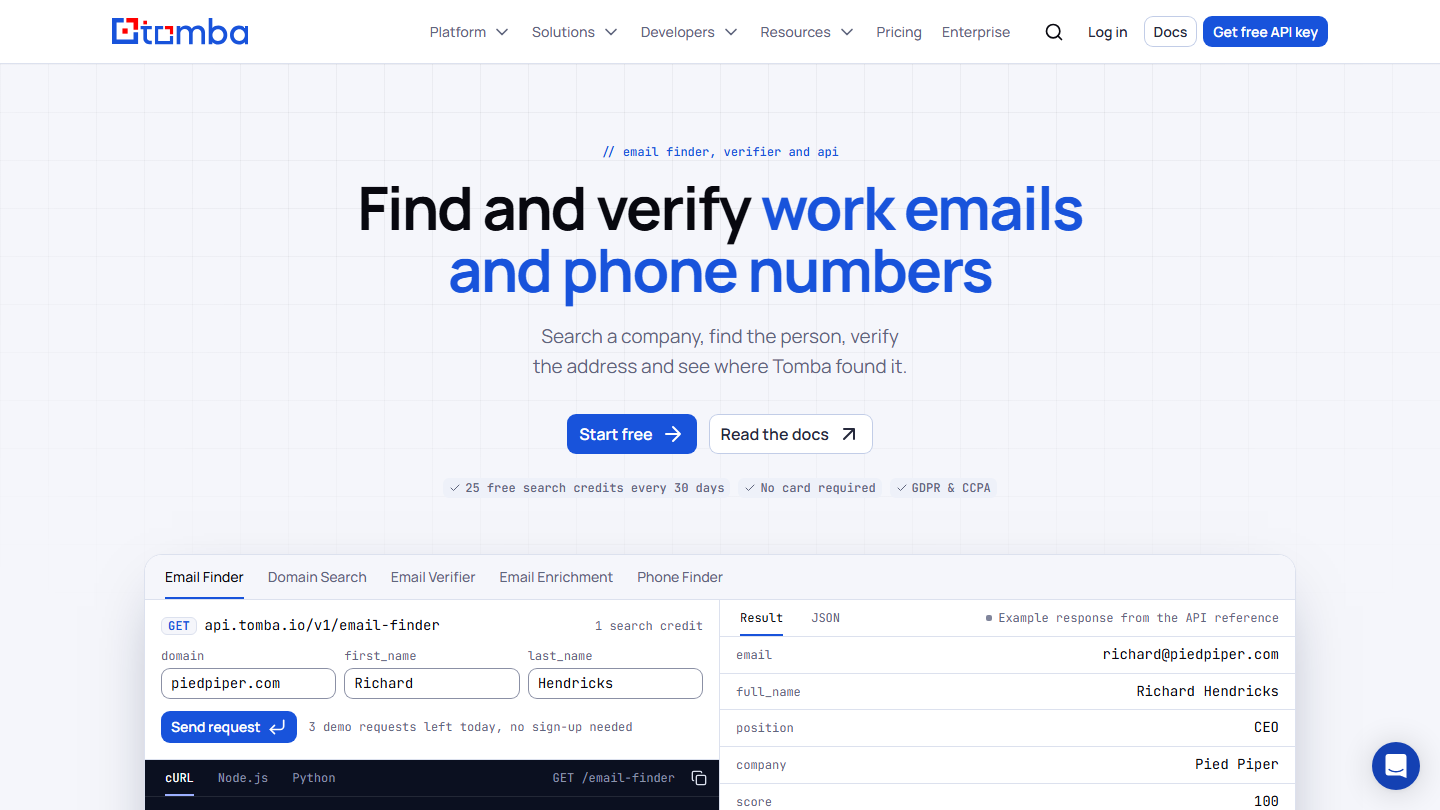
Tomba homepage: “Find and verify work emails and phone numbers”, with an example Email Finder query

Tomba finds a prospect’s business email from their name and company, and lists the addresses attached to a domain name. The tool includes an email verifier, so you can use it to spot the bad addresses in your lists, including on catch-all domains.

Other modules look up the phone number, the email from a LinkedIn profile or the author of an article. The Chrome extension works on LinkedIn and Sales Navigator, and add-ons exist for Google Sheets, Excel and Airtable, in addition to the API.

A search with no result costs nothing, and the credit is refunded when a delivered address bounces. The vendor claims more than 450 million verified contacts.

The free plan gives 25 searches every 30 days, with no credit card. The Basic plan costs $49 per month ($37 billed annually) for 2,500 searches and 2,500 verifications.

15

Snov.io

4.2/5 From $29.25

Best for: Teams that want to find, verify and contact their prospects without paying per user

+ Strengths
  • Search by domain and by name
  • Unlimited seats from the Starter plan
  • Built-in email and LinkedIn campaigns
− Downsides
  • No export on the free plan
  • LinkedIn seat billed separately
★ Snov.io in brief

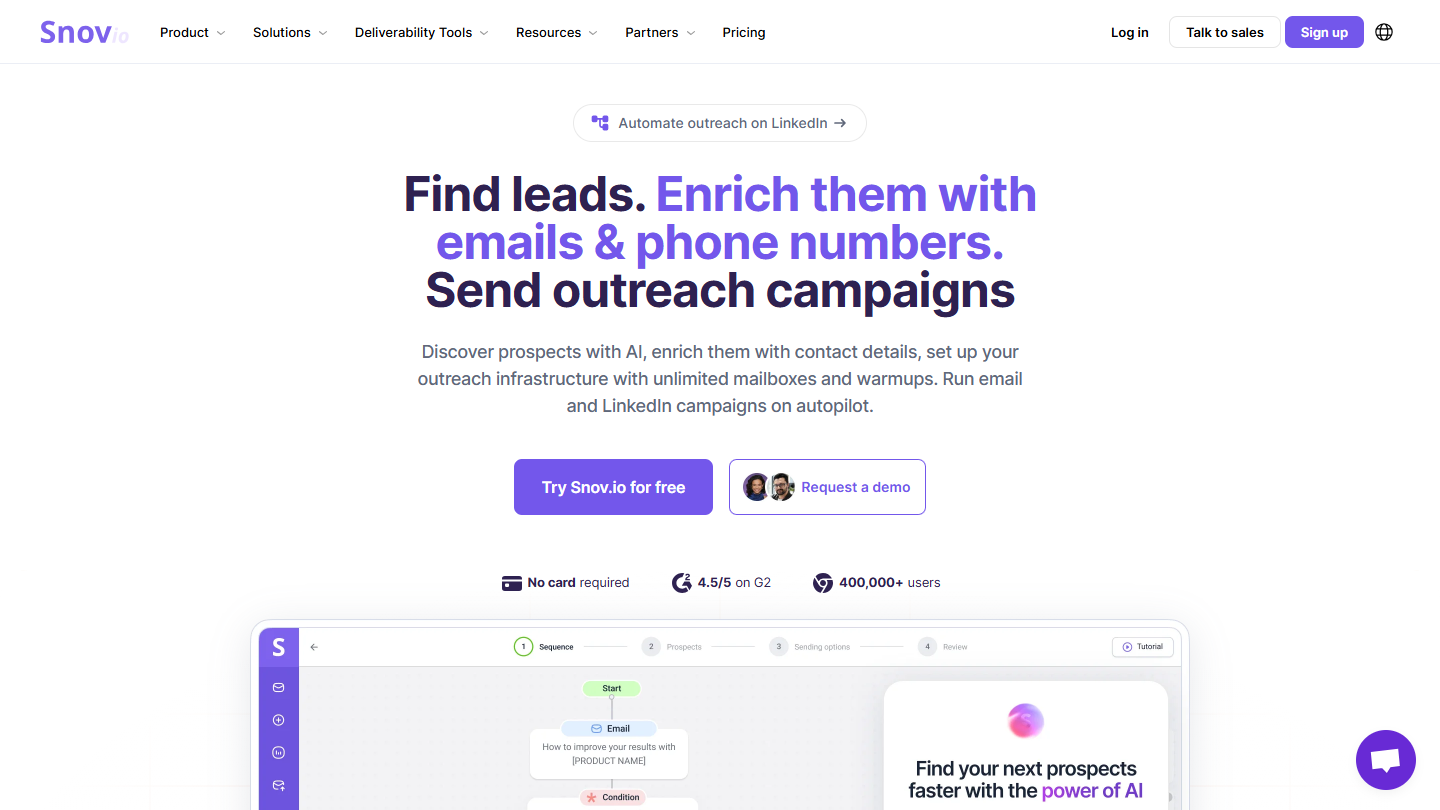
Snov.io website: “Find leads. Enrich them with emails & phone numbers. Send outreach campaigns”

Snov.io looks up a company’s emails from its name or domain, and a person’s email from their name and company. Its database of prospects and companies can be filtered by your ideal customer profile.

Two Chrome extensions round out the tool, Email Finder and LinkedIn Prospect Finder. The 7-step verification handles up to 100,000 addresses per file.

Snov.io also sends campaigns, by email and on LinkedIn (the LinkedIn seat costs an extra $69 per month), and syncs contacts with HubSpot and Pipedrive in both directions.

The free plan, renewed every 30 days, gives 50 credits and 100 recipients, with no export. The Starter plan costs $29.25 per month billed annually ($39 billed monthly) for 1,000 credits, with unlimited seats.

How did we choose these 15 tools to find prospects?

The list builds on the one from the first version of this article, published in 2018, reviewed tool by tool. The order is not a ranking: each tool meets a different need.

  1. 01
    Scope

    Tools used to find B2B prospects and their contact details: filterable databases, LinkedIn extensions and email finders. Tools that only send campaigns are left out.

  2. 02
    Verification

    Each tool was reviewed on its vendor’s website. ProspectHive, Profile Hopper and Etools no longer exist, Datananas is no longer sold, SellHack and Toofr are no longer maintained. The Headreach and Find That Email addresses redirect to other tools, and RingLead was acquired by ZoomInfo.

  3. 03
    Replacements

    ZoomInfo takes the place of RingLead and Tomba that of Find That Email. Nomination, Kaspr, Apollo.io, Pharow and Snov.io replace the other tools that have disappeared; Toofr and Datananas leave with no replacement.

  4. 04
    Prices

    The price shown is the normal price displayed by the vendor, excluding promotions, with annual billing when that is the default display and the monthly price alongside it. Several tools are sold only in dollars.

  5. 05
    Ratings

    Tools that Salesdorado has tested carry the rating from their test. The others have an editorial rating, aligned with our other comparisons when the tool already appears in them.

The questions we get over and over.

How do you find a prospect’s email address?

With their first name, last name and company domain, an email finder such as VoilaNorbert, Anymail Finder or Hunter finds the address and verifies it. From LinkedIn, an extension such as Kaspr or Skrapp.io displays it directly on the profile. For a whole file, import a CSV: most of these tools process it in bulk.

What is the difference between an email finder and a prospect database?

An email finder starts from a person you have already identified and finds their address. A database such as Apollo.io, Pharow, Nomination or ZoomInfo starts from your criteria (industry, size, job title, location) and offers you the matching companies and decision-makers, with their contact details.

Which tools can you use to find prospects for free?

Several tools have a permanent free plan: Hunter (50 credits per month), Apollo.io (75 credits per month), Snov.io (50 credits every 30 days), Kaspr (15 emails and 5 phone credits per month), Tomba (25 searches per month) and Skrapp.io (50 credits). VoilaNorbert, AeroLeads and LeadGibbon offer credits on sign-up; FindThatLead, Anymail Finder and Pharow offer a trial.

How do you find B2B prospects in France?

To target French companies by NAF code, headcount or revenue, Pharow and Nomination rely on French data, and Nomination adds org charts. Kaspr provides emails and mobile numbers of European contacts from LinkedIn. Apollo.io also covers France, but its database remains richer in the United States.

Should you verify the emails you find before using them?

Yes. A bad address bounces and, in numbers, damages the reputation of your sending domain. Most of the tools on this list verify the emails they find; Hunter, Tomba, Snov.io and Skrapp.io also verify a list you import.

★ The conversation, 0 comments

What the community says.

Basic Markdown, moderated within 24 h
Loading…

    In the same category