The best tools for your video conferences

Eight video conferencing tools compared. Standalone tools: Whereby (fixed-address room, no installation), Zoom Workplace, Webex and GoTo Meeting. Video built into a suite: Google Meet (Google Workspace), Microsoft Teams (Microsoft 365), Zoho Meeting (Zoho suite) and IONOS Video Chat (Nextcloud Workspace, hosted in Europe).

Maxime Ben Bouaziz
Maxime Ben Bouaziz
CEO Salesdorado, IA & Sales Tech
February 13, 2022, updated November 10, 2026, 1 min read
See all tools

With the 2020 health crisis, a good share of selling moved to video conferencing, and it stayed there. Video conferencing software is for meetings where everyone speaks and turns their camera on: sales calls, product demos, team check-ins. If one or more hosts address an audience that listens, what you need is webinar software.

The eight tools in this selection all offer chat, screen sharing and recording. They differ on price, meeting length on the free plan, access without installation for your guests, and the software suite they belong to.

Depending on your need:

  • guests who join from a link, with nothing to install: Whereby;
  • a team already on Microsoft 365: Microsoft Teams;
  • a team on Google Workspace: Google Meet;
  • the lowest price per host: Zoho Meeting, from €1 per month;
  • long, frequent meetings, with the tool your clients already know: Zoom or Webex;
  • a tool dedicated to meetings, with 24/7 support: GoTo Meeting;
  • data hosted in Europe: IONOS.

The 8 tools, side by side

# Logos tool Score Price Best for
01 Whereby 4.6/5 ★ $10.99 Freelancers and small teams who receive clients in a fixed room, reachable from a simple link Visit site
02 Google Meet 4.2/5 ★ €6.80 Companies on Google Workspace that create their video calls from Google Calendar Visit site
03 Zoom Workplace 4.1/5 ★ €13.33 Teams that want the tool their clients already know, for both their meetings and their webinars Visit site
04 GoTo Meeting 4.3/5 ★ €10.75 Companies that want a “serious” meeting tool, with support reachable at any hour Visit site
05 IONOS Video Chat (Nextcloud Workspace) 3.8/5 ★ €7.50 Companies that want a European video tool, included in an office suite hosted in Europe Visit site
06 Microsoft Teams 4.5/5 ★ €3.50 Companies on Microsoft 365 that want video inside their collaboration tool Visit site
07 Zoho Meeting 4.0/5 ★ €1 Zoho suite users who want a 100% web video tool for their client demos Visit site
08 Webex 4.4/5 ★ €11 Companies that want a tool with a very professional look, with a free plan to get started Visit site
01

Whereby

4.6/5 From $10.99

Best for: Freelancers and small teams who receive clients in a fixed room, reachable from a simple link

+ Strengths
  • Extremely easy to use
  • Nothing to install: works in the browser, on mobile and desktop
  • A permanent room, with the same address for every meeting
  • European vendor, which puts privacy front and center
− Downsides
  • Free plan limited to 4 participants and 30 minutes per meeting
  • Recording reserved for paid plans
  • Business plan requires a minimum of 3 hosts
★ Whereby in brief

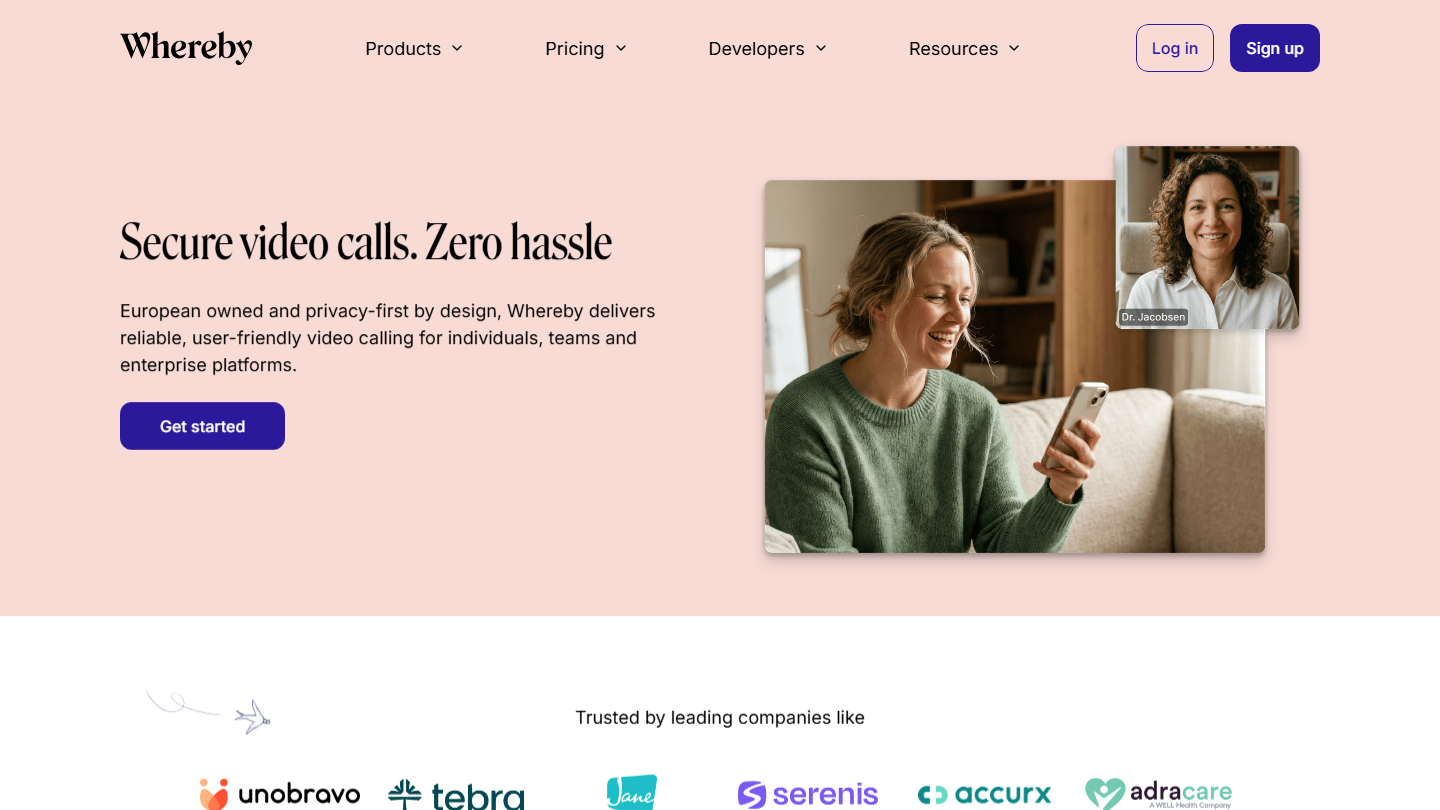
Whereby home page: “Secure video calls. Zero hassle”, video conferencing with no installation

Whereby is the lightest video conferencing tool we know. Each host has a room with a fixed address: you memorize it once, send it to anyone, and the guest enters from their browser, with no account or software. It is even easier than WhatsApp.

In sales, this changes the logistics of meetings. The room link goes in your email signature or in the calendar invitation, and it never changes. Screen sharing, noise reduction and breakout groups are there for a demo or a client workshop.

Whereby makes sense when most of your video calls are with outside people who do not want to install a tool for a 30-minute meeting. For a team that already lives in Teams or Google Workspace, it duplicates what you have.

The free plan gives 1 room, 4 participants and 30 minutes per meeting. Pro costs $10.99 per month for 1 host: 3 rooms, 100 participants, unlimited duration, recording and branding in your company colors. Business goes up to $13.99 per host per month, with a 3-host minimum, 200 participants and unlimited rooms.

02

Google Meet

4.2/5 From €6.80

Best for: Companies on Google Workspace that create their video calls from Google Calendar

+ Strengths
  • Video link generated automatically when you create a Google Calendar event
  • Up to 100 participants, even with a free Google account
  • Guests can be reached by phone
− Downsides
  • Meetings of 3 or more people limited to 60 minutes on the free plan
  • No recording with Business Starter: you need Business Standard
  • Still few advanced features
★ Google Meet in brief

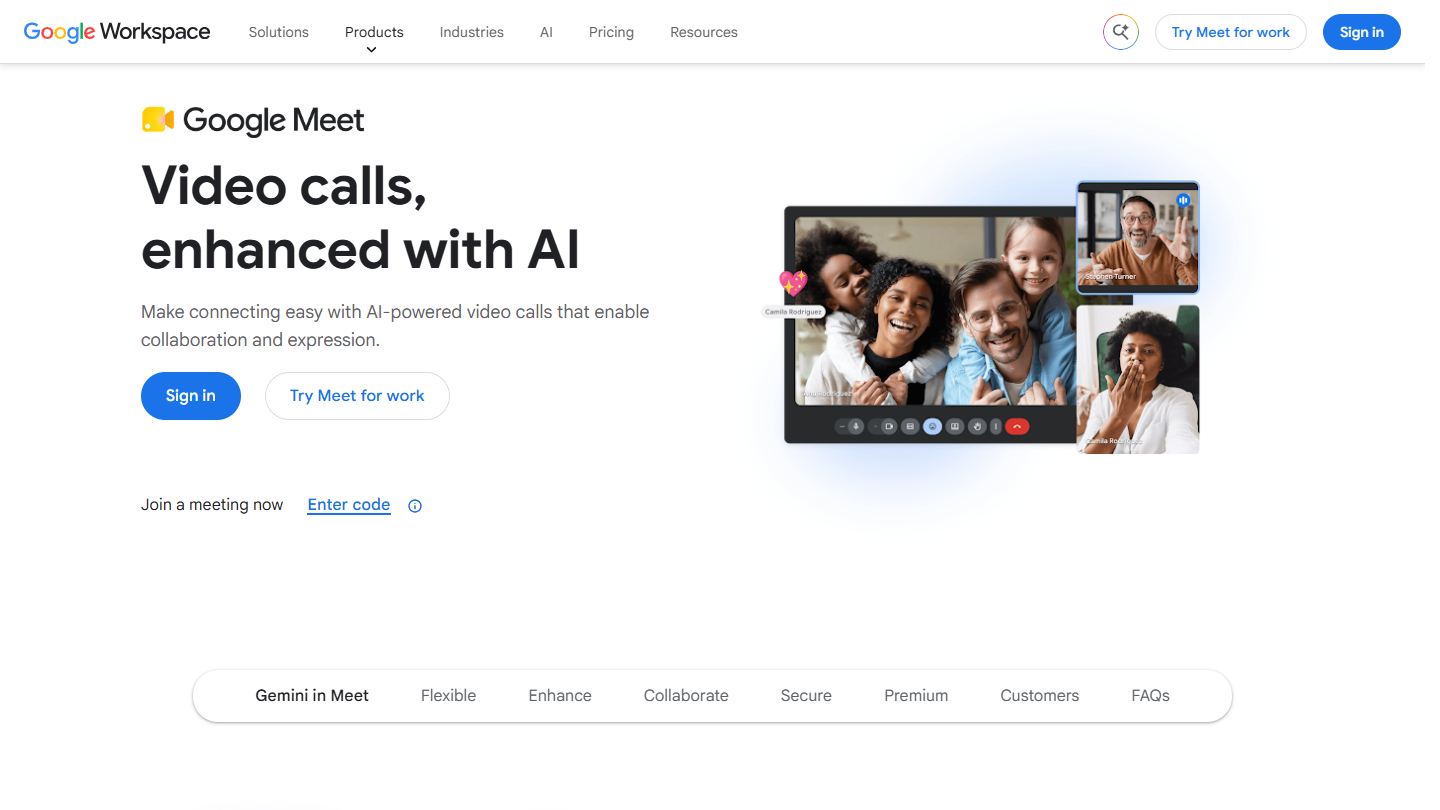
Google Meet website: “Video calls, enhanced with AI”

Google Meet is the video conferencing tool of Google Workspace. It opens in the browser, from Gmail, Google Calendar or the mobile app, and outside guests join through a link without a Workspace account.

For a salesperson, the value is in the calendar: every meeting created in Google Calendar already carries its Meet link, which the prospect finds in their invitation. You can also join the meeting from Docs, Sheets or Slides to work on a document during the call.

Meet makes sense if the company already pays for Google Workspace: video is included in the subscription. On its own it stays fairly basic, and the features that matter in client meetings (recording, noise suppression, breakout groups) only arrive with Business Standard.

With a personal Google account, Meet is free up to 100 participants, but a meeting with three or more people stops after 60 minutes. Business Starter costs €6.80 per user per month (100 participants, 24 hours per meeting). Business Standard, at €13.60, adds recording and goes up to 150 participants. Workspace can be tried for 14 days.

03

Zoom Workplace

4.1/5 From €13.33

Best for: Teams that want the tool their clients already know, for both their meetings and their webinars

+ Strengths
  • Up to 100 participants for free
  • Easy to use and reliable
  • AI note-taking and meeting summaries
− Downsides
  • Meetings limited to 40 minutes on the free plan
  • Security flaws seen during the lockdowns (zoom-bombing)
  • A broader offer (mail, calendar, whiteboard) when you only want video
★ Zoom Workplace in brief

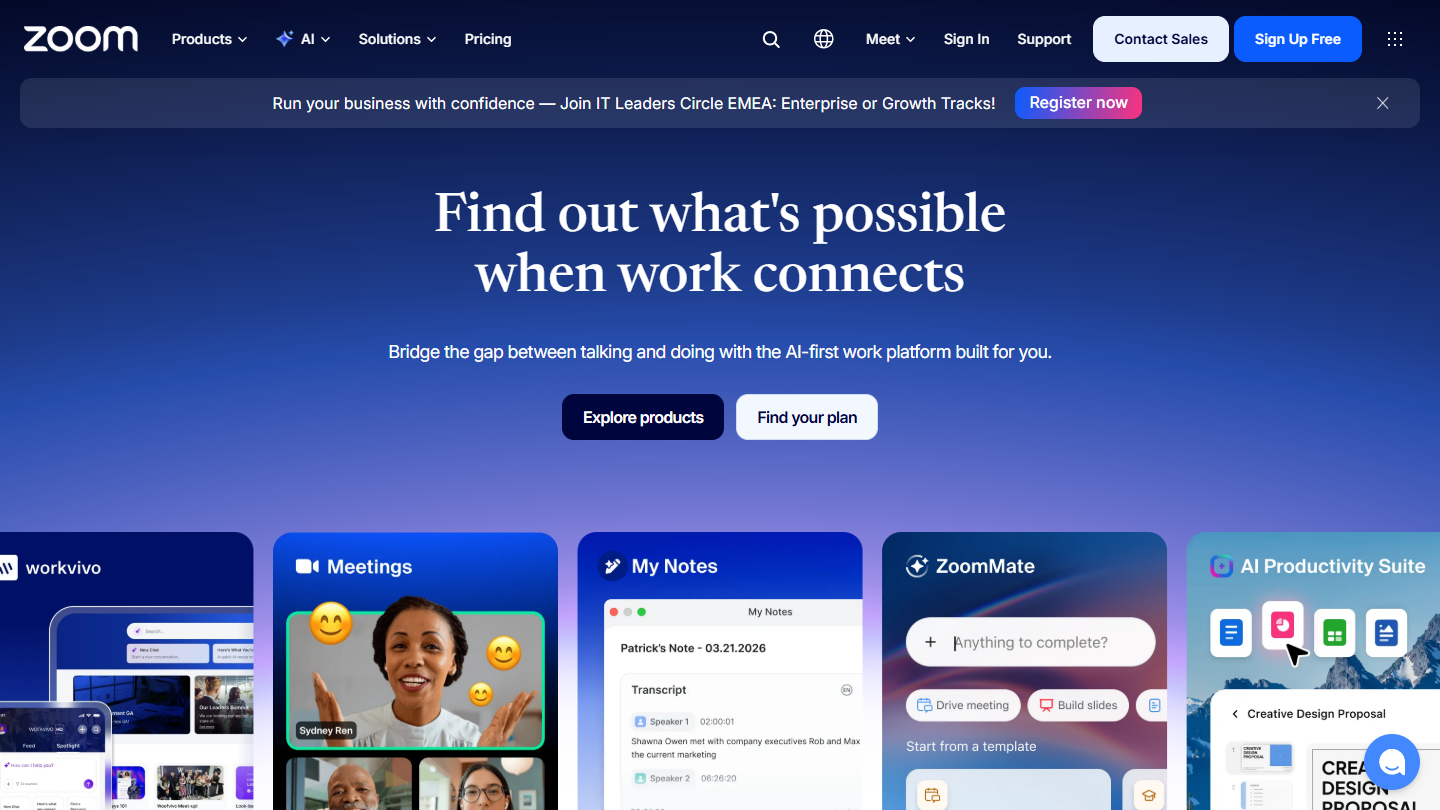
Zoom Workplace website: “Find out what's possible when work connects”

Zoom is the big winner of the lockdowns. Most of its features are matched by other tools on this list, but people find it simple, solid and reliable, and that stuck. The software is now called Zoom Workplace: video sits alongside a chat, a calendar, mail and a whiteboard.

Participants join through the app, the browser or by phone. Zoom mostly pushes AI: automatic meeting summaries, questions asked during the call, note-taking. On a sales call, the summary is the basis for the write-up in the CRM.

Zoom makes sense if your prospects already use it, or if you want a tool that can also host a webinar (optional module, included in the Enterprise plan). A team already equipped with Teams or Google Workspace has less reason to pay for it on top.

The Basic plan is free: 100 participants and 40 minutes per meeting, local recording only. Pro costs €13.33 excl. VAT per user per month billed annually, with 30 hours per meeting and 10 GB of cloud recording. Business, at €17.49, goes up to 300 participants and adds SSO. Enterprise is on request, up to 1,000 participants.

04

GoTo Meeting

4.3/5 From €10.75

Best for: Companies that want a “serious” meeting tool, with support reachable at any hour

+ Strengths
  • Very business-oriented
  • The host can hand keyboard and mouse control to a participant
  • Customer service 24/7
  • Free trial with no credit card
− Downsides
  • No free version
  • Beyond 250 participants, you have to move to GoTo Webinar
★ GoTo Meeting in brief

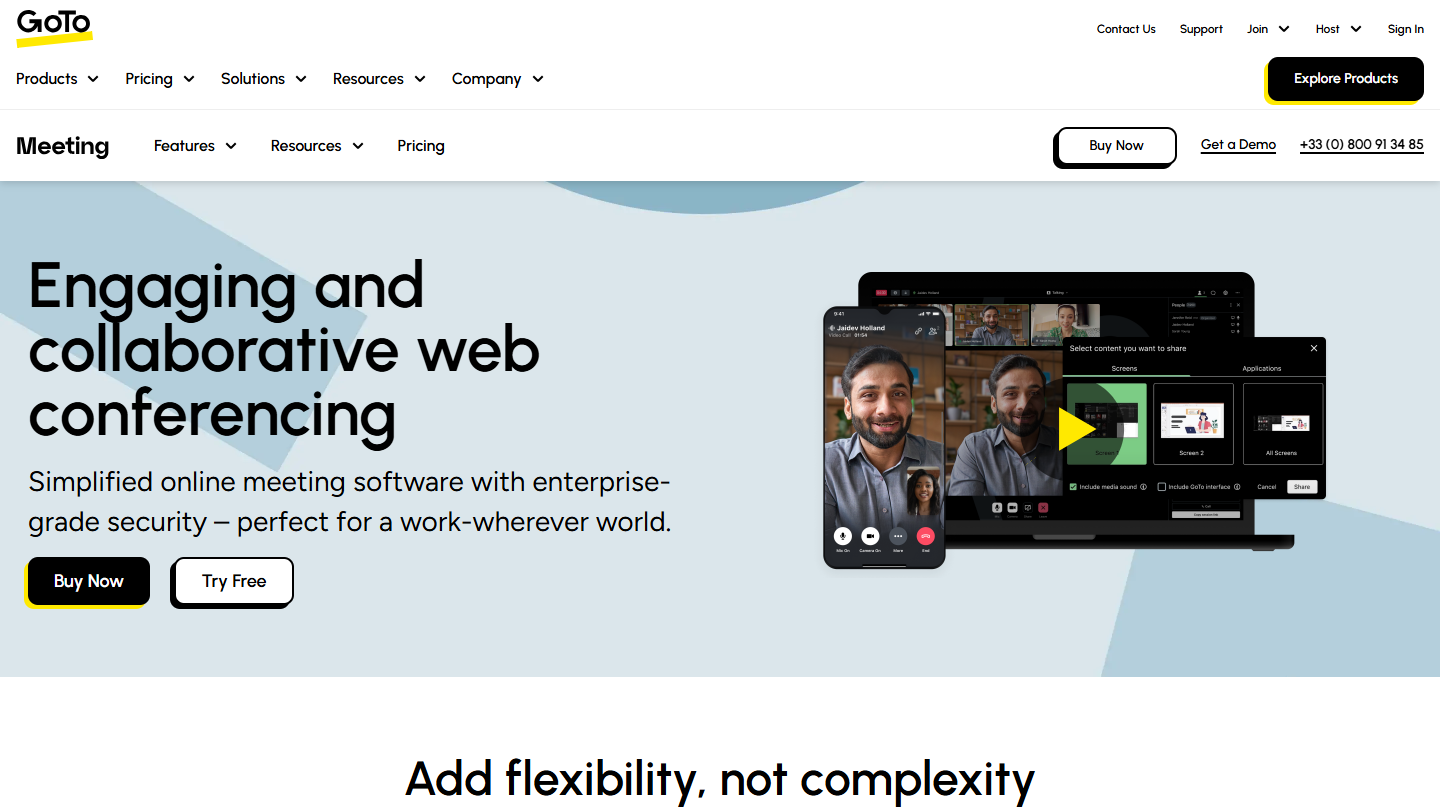
GoTo Meeting website: “Engaging and collaborative web conferencing”

While Google Meet or Zoom are aimed at everyone, GoTo Meeting presents itself as a “serious” meeting tool, designed for businesses. The vendor, GoTo (formerly LogMeIn), also sells telephony and webinars, and Meeting is its video building block.

Meetings are launched from a computer or smartphone, and participants join by browser, app or phone. Captions, hand raising, quick polls, transcription and AI summaries are part of the offer; for a demo, the host can hand control to a participant.

GoTo Meeting makes sense for a company that wants a tool dedicated to meetings, with human support and integrations with Office 365, Google Calendar, Slack and Salesforce. It costs more than the video tools included in a suite.

There is no free version. Professional costs €10.75 per organizer per month billed annually (€12.50 billed monthly) for 150 participants. Business goes up to €14.33 (€17 billed monthly) and 250 participants. Enterprise is on request.

05

IONOS Video Chat (Nextcloud Workspace)

3.8/5 From €7.50

Best for: Companies that want a European video tool, included in an office suite hosted in Europe

+ Strengths
  • European solution, GDPR-compliant and ISO-certified
  • End-to-end encryption and two-factor authentication
  • Video included in a pack with a 50 GB mailbox and 1 TB of storage per user
− Downsides
  • No longer free: sold only in Nextcloud Workspace packs
  • A full suite to pay for even if you only want video
★ IONOS Video Chat (Nextcloud Workspace) in brief

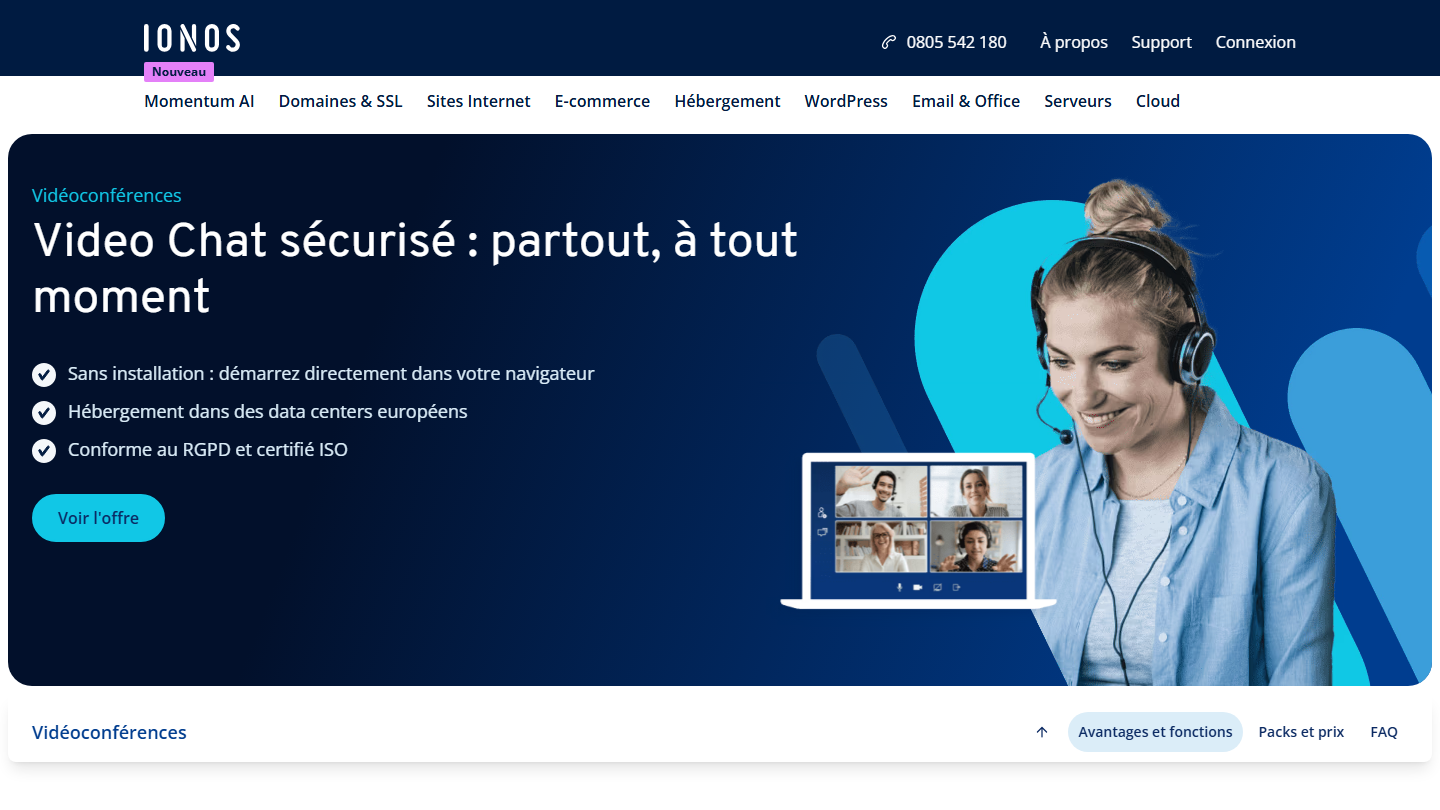
IONOS Video Chat page: “Secure Video Chat: anywhere, anytime”, hosting in European data centers

The hosting giant IONOS offers a video conferencing tool. No installation: you open the link in any web browser and you can start the conference. Video is now part of Nextcloud Workspace, IONOS’s collaborative suite, with email, storage and an online Office.

Participants are invited by link and join in one click, from a computer or the iOS and Android app. Screen sharing and written chat come with the call, and the meeting is launched from the suite’s calendar.

What people appreciate most is that it is a European solution, unlike most of the software presented here: data stays in European data centers. That is the argument for a company that handles sensitive topics or whose clients ask the question.

IONOS no longer sells video on its own. The Nextcloud Workspace pack for 1 user costs €7.50 excl. VAT per month, with no commitment, excluding the welcome offer. IONOS backs it with a 30-day money-back guarantee.

06

Microsoft Teams

4.5/5 From €3.50

Best for: Companies on Microsoft 365 that want video inside their collaboration tool

+ Strengths
  • Included in Microsoft 365 Business plans sold “with Teams”
  • Video call launched directly from a chat
  • Very smooth file search, saving and collaboration
  • Up to 300 participants from Teams Essentials
− Downsides
  • Limited flexibility
  • Paid subscriptions with an annual commitment
  • Meetings limited to 60 minutes on the free version
★ Microsoft Teams in brief

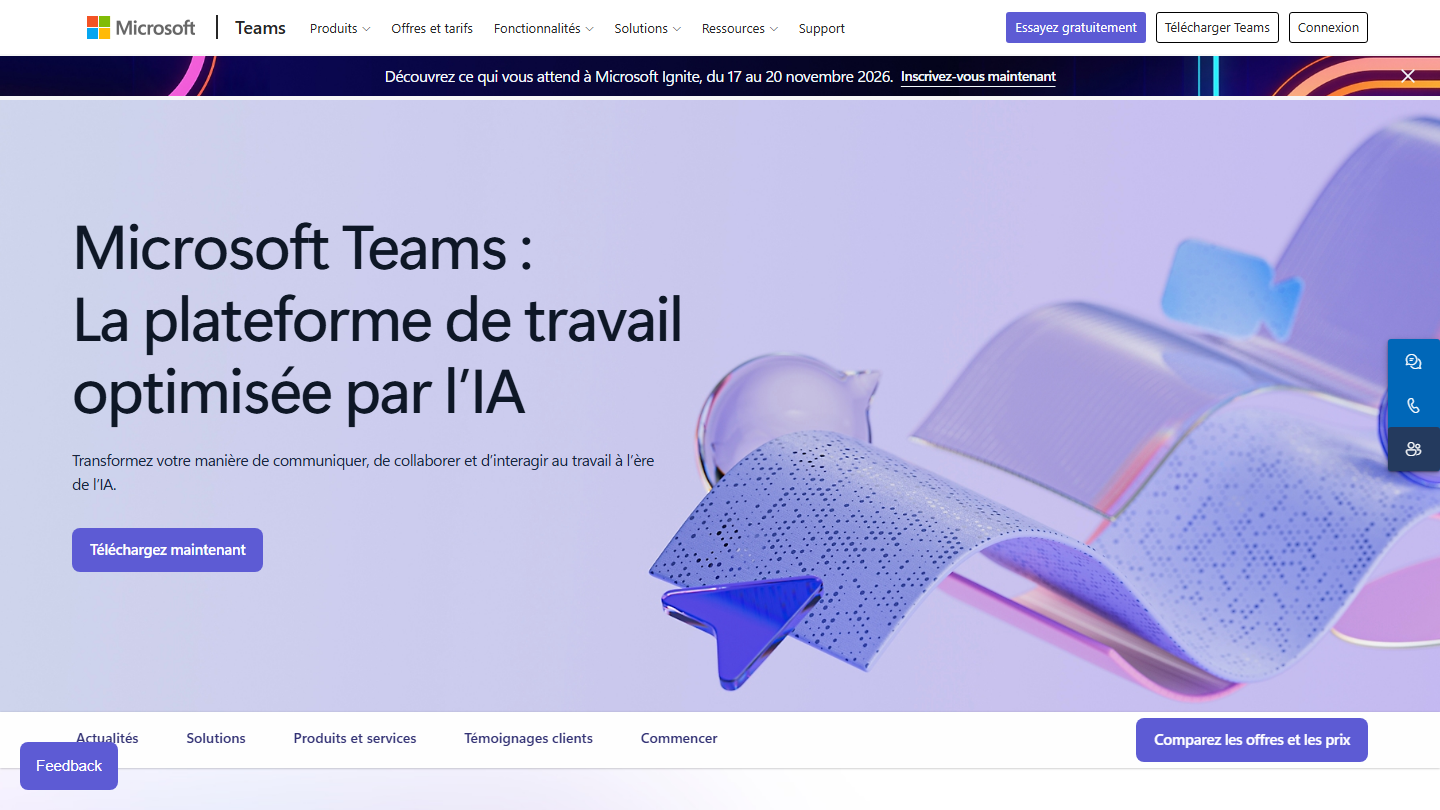
Microsoft Teams page: “Microsoft Teams: the AI-powered work platform”

Microsoft Teams is a catch-all tool for everything that touches teamwork: conversations, calls, files, and video conferencing. You go from a written exchange to a video call in one click, with shared documents within reach during the meeting.

For a sales team, Teams works as much internally as with clients: a guest joins by link, without a Teams account. Essentials adds meeting recording with transcription, polls and file sharing.

Teams makes sense first for companies already on Microsoft 365, where it is included in the plans “with Teams”. Microsoft also sells its suites without Teams: check the line on your subscription before counting on it.

The free version allows meetings of up to 60 minutes. Teams Essentials costs €3.50 excl. VAT per user per month, on an annual subscription: 300 participants, 30 hours per meeting, 10 GB of storage. Microsoft 365 Business Basic, at €6.07 excl. VAT, adds professional email and 1 TB of storage. Each plan can be tried for one month, credit card required.

07

Zoho Meeting

4.0/5 From €1

Best for: Zoho suite users who want a 100% web video tool for their client demos

+ Strengths
  • Free version already very solid: 100 participants
  • Entirely web-based: nothing to download, on Windows, Mac and Linux
  • Remote control can be handed to clients during product presentations
− Downsides
  • The entry price applies to 10 participants: it rises with the capacity you choose
  • No recording and 60 minutes maximum on the free plan
  • Somewhat rudimentary features
★ Zoho Meeting in brief

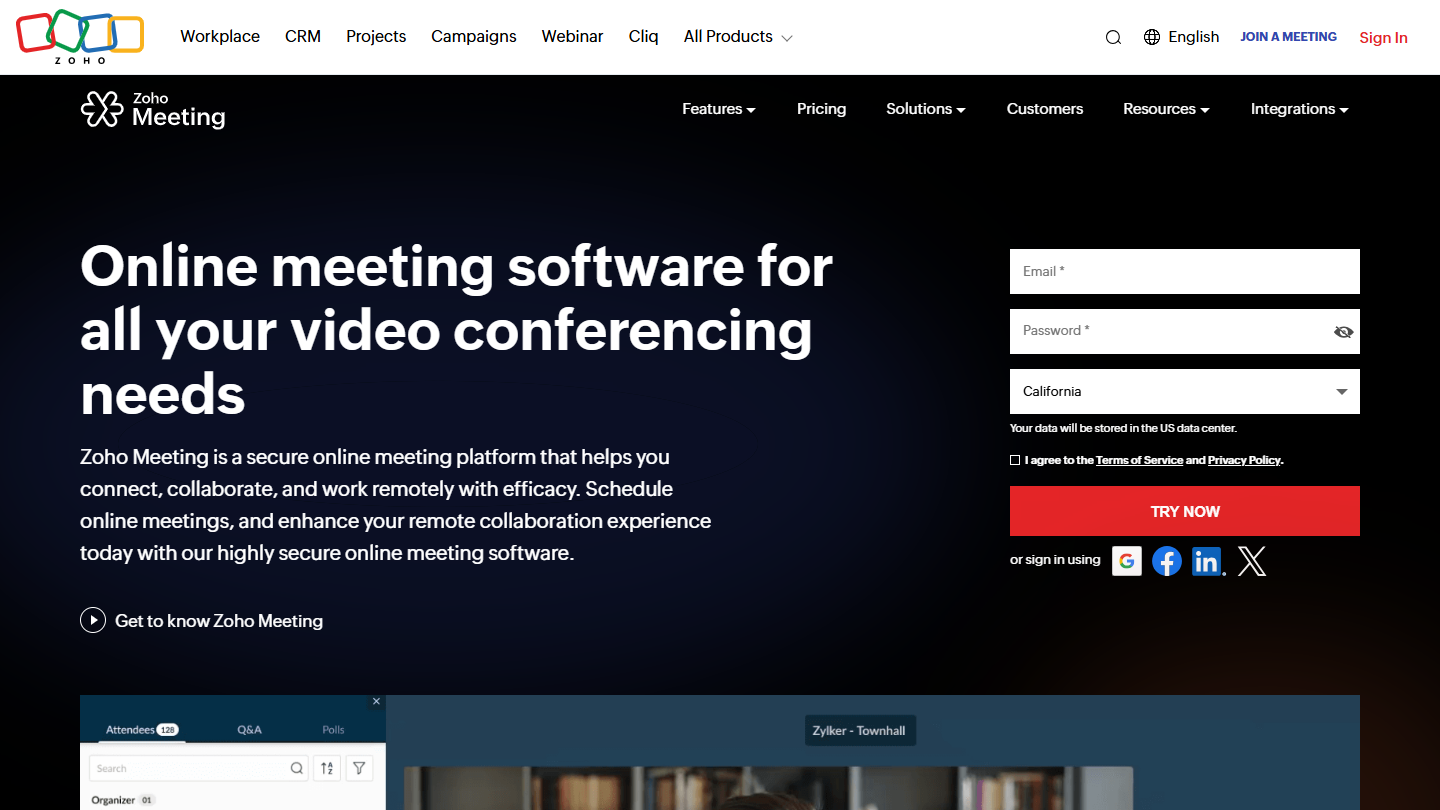
Zoho Meeting website: “Online meeting software for all your video conferencing needs”

Zoho Meeting is the video conferencing tool of the Zoho suite, the one behind Zoho CRM. It handles meetings and webinars, and runs entirely in the browser: participants join in one click, on Windows, Mac or Linux.

In a product demo, you share your screen then hand control to the client so they can test it themselves. The meeting can be locked, annotated and recorded, and the tool embeds in your website to reach a wider audience.

Zoho Meeting makes sense first for teams already on Zoho CRM. Outside the suite, it is the cheapest option in the selection for small meetings, with a more basic result than Zoom or Webex.

The free plan accepts 100 participants but cuts off at 60 minutes and does not record. Standard starts at €1 per host per month billed annually (€1.20 billed monthly) for 10 participants: recording, 5 GB of storage, 24 hours per meeting. Professional, at €3, adds transcriptions. 14-day trial with no credit card.

08

Webex

4.4/5 From €11

Best for: Companies that want a tool with a very professional look, with a free plan to get started

+ Strengths
  • Free plan up to 100 participants, with local recording
  • A very professional look
  • Accessible through browser, desktop and mobile apps, or by phone
  • Polls and Q&A with Slido from Starter
− Downsides
  • Platform less well known than its competitors
  • Meetings limited to 40 minutes on the free plan
★ Webex in brief

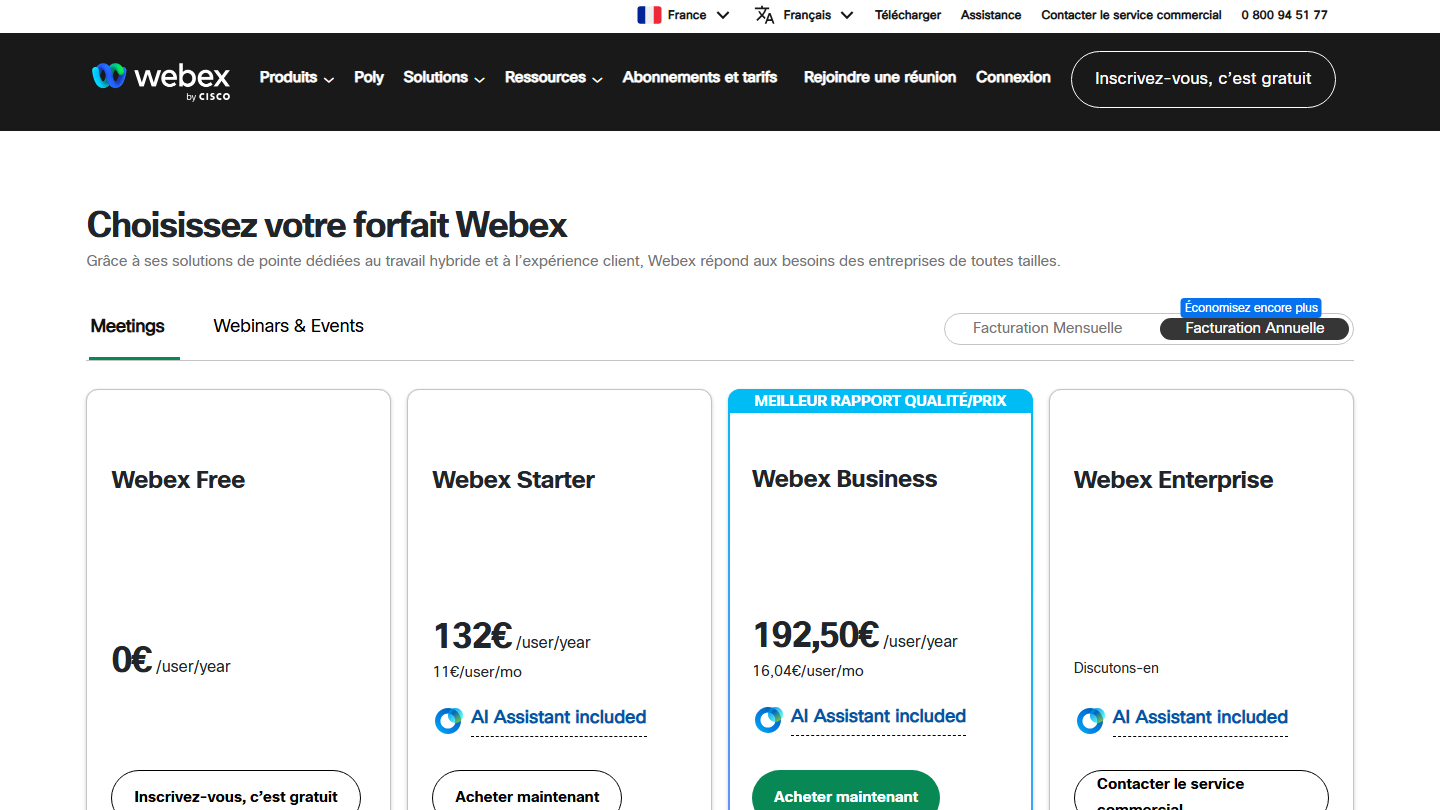
Webex by Cisco plans page: “Choose your Webex plan”, from Webex Free to Webex Enterprise

Cisco is a major name in enterprise software, and its tools are generally very expensive. So it is surprising that its video conferencing tool, Webex, comes with a free plan that will meet most people’s needs: HD meetings, screen sharing with annotation, whiteboards and messaging.

Meetings are accessible through the browser, the desktop apps, iOS and Android, or by phone. Paid plans add an AI assistant, captions and cloud recording.

Webex makes sense for a company that wants a polished result in front of large accounts, with plans going up to 1,000 participants. For small teams, the free plan is enough for many meetings.

Webex Free is free: 100 participants, 40 minutes per meeting, local recording. Starter costs €132 per user per year, or €11 per month (24 hours, 150 participants, 5 GB of cloud recording). Business, at €192.50 per year (€16.04 per month), goes up to 200 participants. Enterprise is on request, up to 1,000 participants.

How we chose these 8 tools

Every tool in this selection has been used in real conditions by our team or by a Salesdorado consultant, in a B2B sales and marketing setting. No ranking built from a marketing deck. The order of the list is not a ranking: the right tool depends on your needs.

  1. 01
    Benchmark scope

    Broad identification of the tools on the market (G2, Capterra, Salesdorado customer feedback, LinkedIn signals). Initial filtering, then a short list based on a 2-hour setup per tool.

  2. 02
    Test conditions

    3 to 4 weeks of active use per tool, with data representative of a B2B sales use case. When a tool targets a specific profile (SDR, AE, Ops, Marketer…), we match the tester accordingly.

  3. 03
    Weighted criteria

    For each category, 5 to 7 axes weighted according to what matters in the segment: UX, feature depth, native integrations, support, pricing at scale, compliance (GDPR, security), and roadmap quality.

  4. 04
    Independence

    No tool is scored in exchange for payment. Partner links (affiliate) are marked as such and do not influence the score. Non-partner tools are included when their place in the ranking is deserved.

  5. 05
    Updates

    The ranking is reviewed every 6 to 12 months or on every major release of a tool mentioned. The date of the last check is shown at the top of the article.

The questions we get over and over.

What is the difference between video conferencing software and webinar software?

It depends on whether everyone needs to be able to speak and turn their video on. If so, you need standard video conferencing software. If not, webinar software, in which one or more hosts address an audience.

What features do video conferencing tools have in common?

A chat module, screen sharing, meeting recording (often reserved for paid plans) and HD video and audio. These technologies are now largely settled: video quality is not a selection criterion.

What criteria separate video conferencing tools?

Price, meeting length on the free version (40 minutes on Zoom and Webex, 60 minutes on Google Meet, Teams and Zoho Meeting), tools to interact without audio or video (hand raising, polls), security, access from a web browser with no app to install, and integrations with calendars and CRMs.

Which video conferencing tool should you choose if you already use Microsoft 365?

Microsoft Teams. It is included in the Microsoft 365 Business plans sold “with Teams”, starting with Business Basic at €6.07 excl. VAT per user per month, and you launch a video call directly from a chat. On its own, Teams Essentials costs €3.50 excl. VAT per user per month on an annual subscription.

What is the easiest video conferencing tool to use?

Whereby, the lightest tool in the selection: the host keeps the same room and the same address from one meeting to the next; the guest clicks and enters, with no account or software. It works on any device that has a web browser, a microphone and a webcam. The free plan is limited to 4 participants and 30 minutes.

★ The conversation, 0 comments

What the community says.

Basic Markdown, moderated within 24 h
Loading…

    In the same category