The tool in detail
Figma Make after real-world use: feature scope, integrations, pricing and concrete limits.
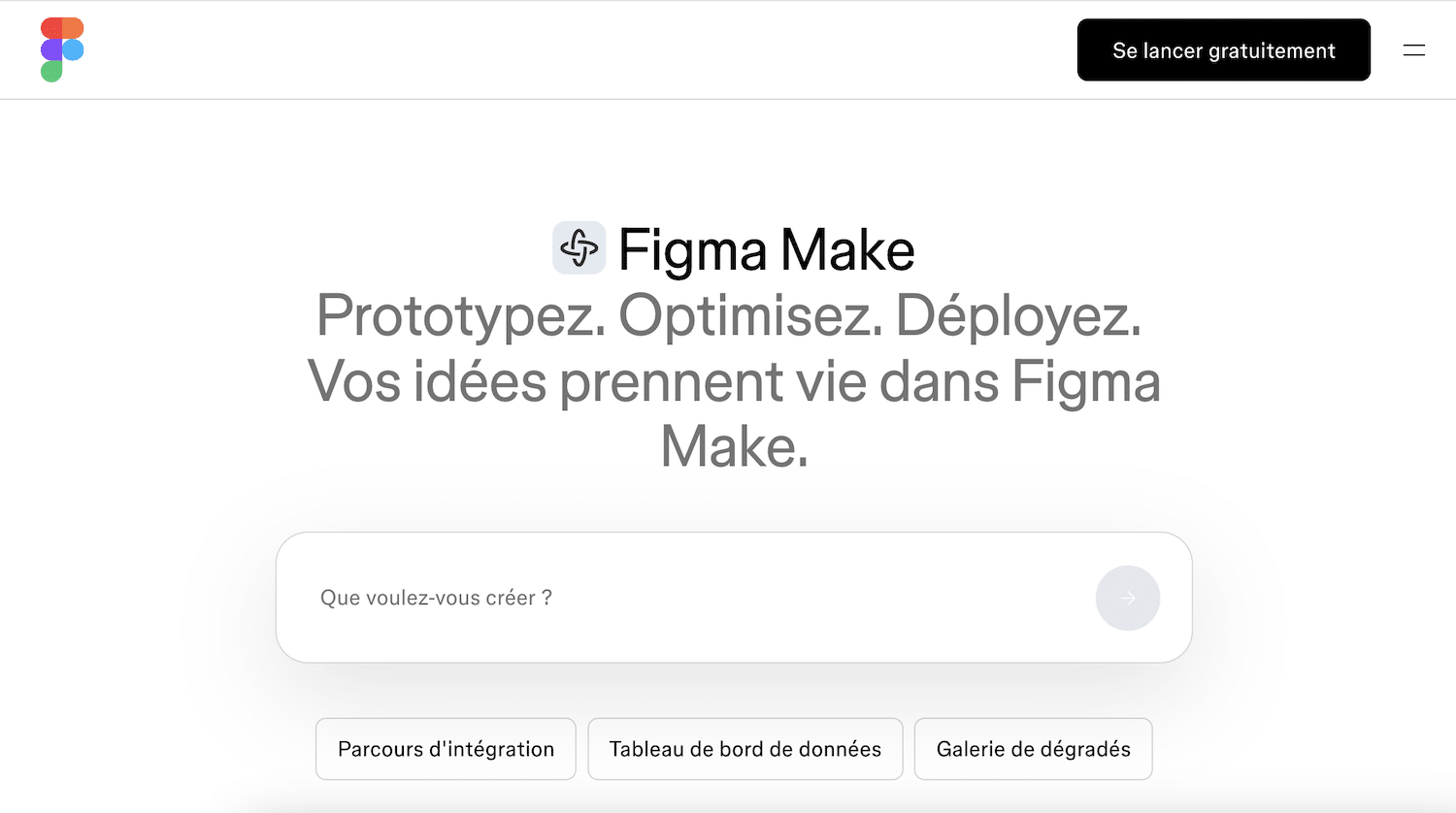
Vibe coding is the software wave of the moment. Lovable claims several million users won over in a year, v0 and Bolt flood LinkedIn feeds with demos of apps « built in 20 minutes without writing a line of code ». And in the middle of this scrum, Figma has drawn its own answer: Figma Make.
Asking whether Make is better than Lovable is the wrong question. All these tools run on the same large AI models, Anthropic’s Claude first among them. Make’s only real distinguishing feature lies elsewhere: it is the only tool able to read your Figma files and design system natively. The whole decision therefore comes down to a question few people ask: where are you starting from?
This article answers it, with three questions as a common thread:
- What can a marketing or sales team actually do with it, without a designer or developer on hand?
- How much does it really cost, now that Figma tightened the screws on AI credits in March 2026?
- Make, Lovable or v0: which one to choose depending on your starting point?
Vibe coding in two minutes, for people who have a real job
If you missed the train, here’s a quick catch-up. Vibe coding means describing what you want in natural language and letting AI generate a working web application, which you then refine through successive instructions. « Build me an ROI calculator with three sliders and a chart » and thirty seconds later, it exists and it runs in the browser.
The market has taken shape at high speed. Lovable dominates the mainstream category, v0 by Vercel wins over front-end developers, while a Bolt plays the technical flexibility card. Others come in from neighbouring angles, like Claude Design on Anthropic’s side. Figma Make, launched in mid-2025, is the most closely watched newcomer, because it is backed by the most widely used design tool in the world.
And contrary to what people think, this is no longer a developers’ affair. Sales teams use it to build demos customised per client, marketing teams for dashboards and test landing pages. That is precisely the use we evaluated Make for.
Figma Make’s only real difference: it reads your mockups
When you give a mockup to Lovable or v0, they look at it as an image. They infer an interpretation from it, often right in broad strokes, but generic: spacing drifts, typography is approximate, colours get rounded off.
Make, on the other hand, directly accesses the metadata of your Figma files. The independent comparative tests that measured how faithfully a design is reproduced are unequivocal: direct access to Figma data is a structural advantage that screenshot-based tools cannot make up for.
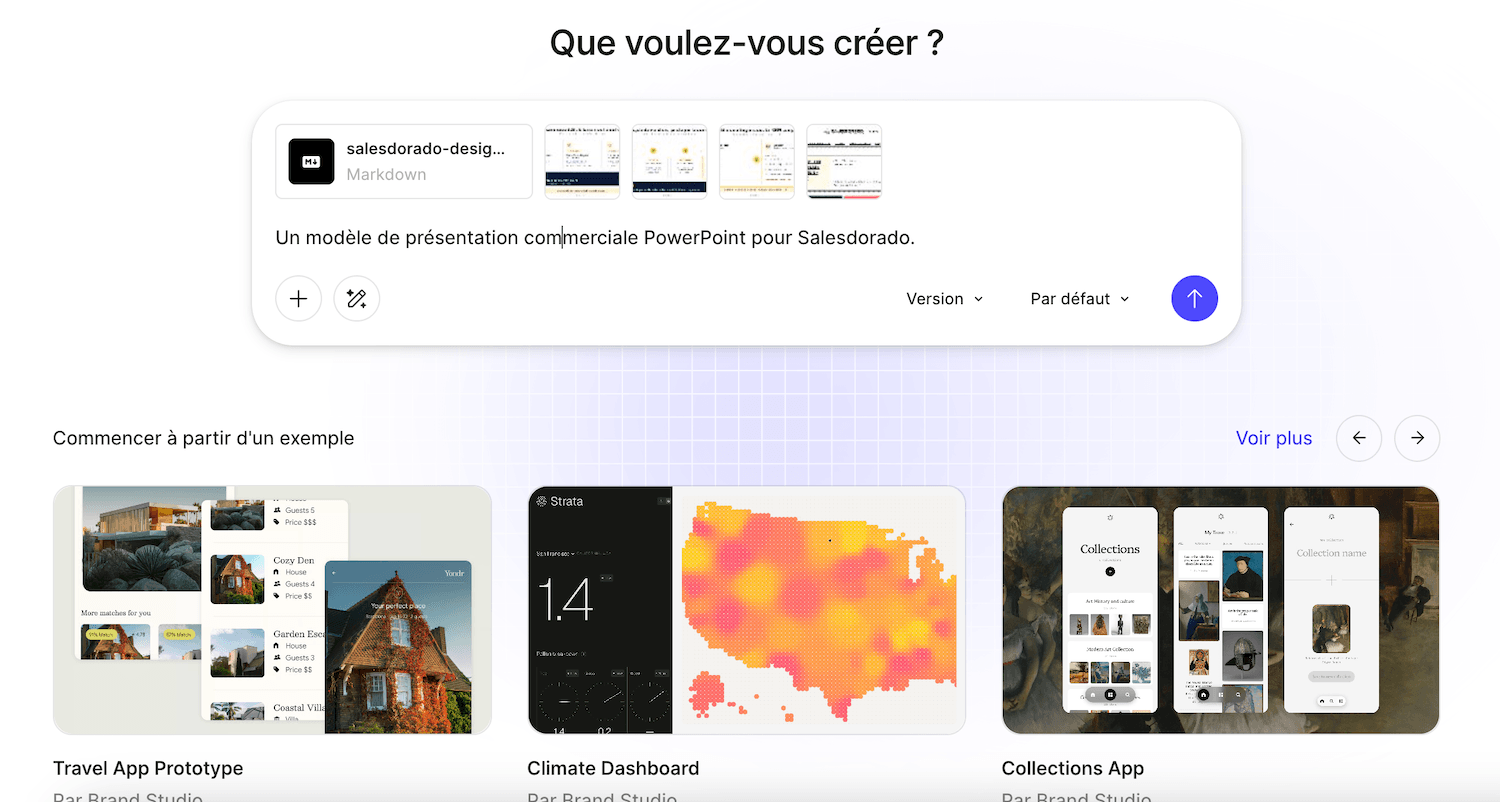
It goes further than importing a mockup. Make can load the style context of a Figma library, your colours, your fonts, your components, and stick to it in everything it generates. Your prototype looks like your product, not like yet another Tailwind template.
The rest of the experience is well thought out for the code-allergic:
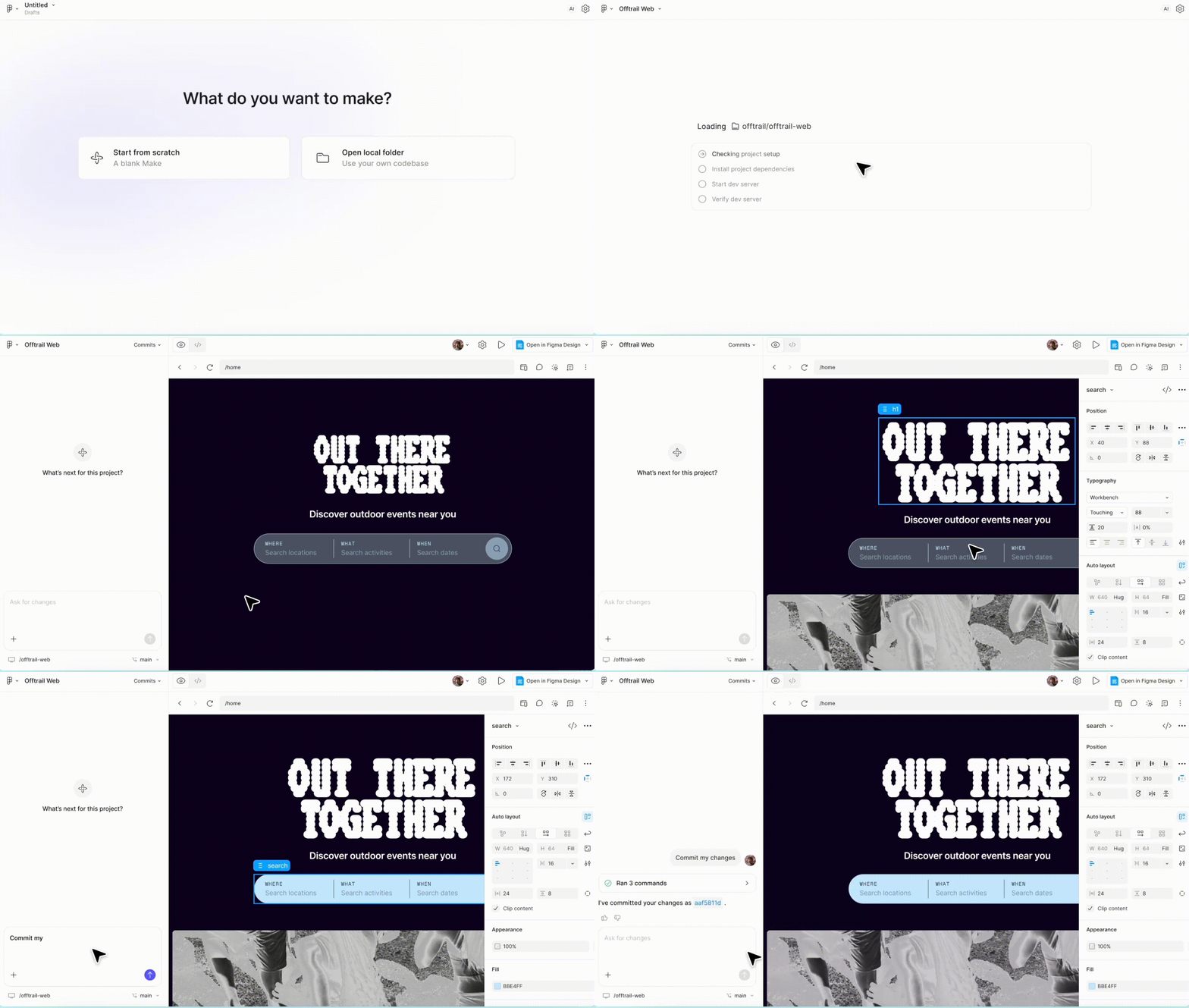
- You select a specific element and prompt on it, without touching the rest
- You edit a text, an image or a margin directly by hand, without a prompt
- You copy the result as layers into Figma Design to keep iterating
- You publish in one click to a figma.site address
- You plug in a Supabase database when you need real user accounts and real data
The flip side is just as structural. Without Figma mockups upstream, this advantage disappears and Make becomes one generator among others again, rather less open than its rivals. Remember this symmetry: it decides everything.
What you can do with it without being a designer or a developer
Let’s talk concrete uses, because that’s where Make gets interesting for a Salesdorado reader:
- The personalised sales demo is the most underrated use case. Rather than a generic deck, you show the prospect an interactive prototype dressed in their colours, with their use cases. A sales team working with existing product mockups can roll out one demo per strategic account in an hour, where it used to take a designer and a developer for a week.
- The test landing page comes right behind. Before investing in a real page, you prototype three variants of a message, put them in front of real users and keep the winner. For scaling up afterwards, our comparison of landing page tools takes over, and tools like LanderMagic play that role as specialists.
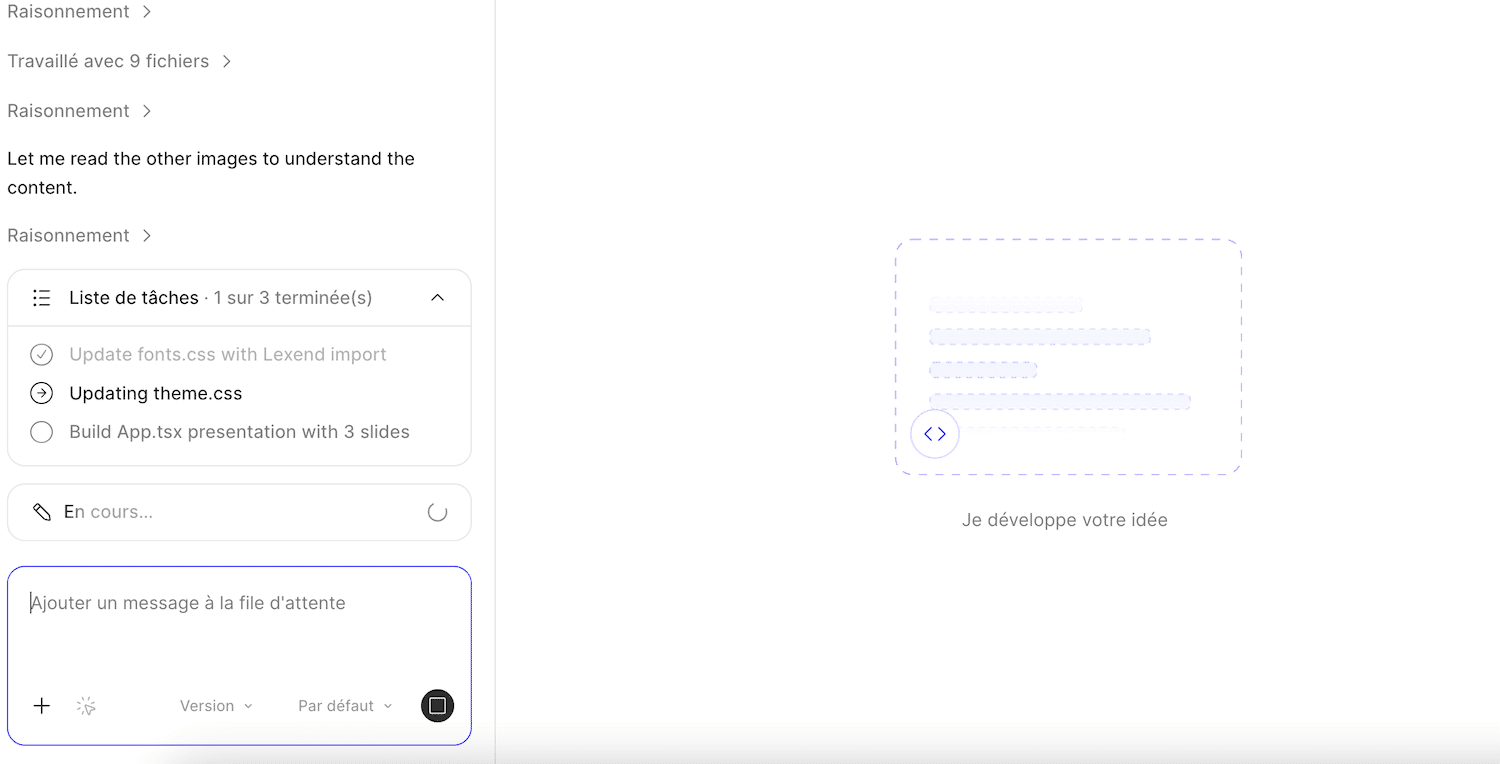
Two other uses are worth the detour:
- Interactive calculators and simulators first, excellent B2B lead magnets: an ROI calculator or a pricing simulator can be built in Make in one session.
- Small internal tools next: a tracking table, a clever form, a throwaway dashboard for a one-off operation, without involving the IT department.
How much Figma Make costs (and the March 2026 squeeze)
This is where the prevailing narrative is a year behind, so let’s be precise.
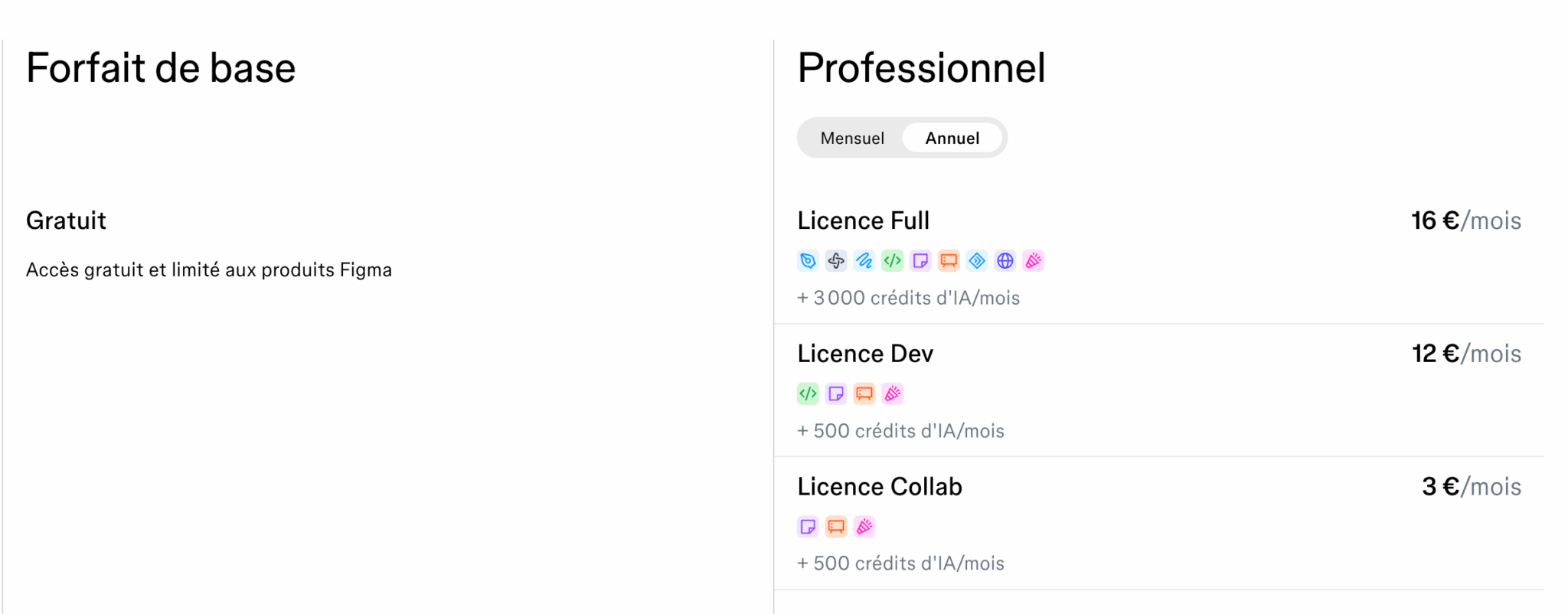
First point: Make cannot be bought on its own. Figma doesn’t sell any product individually: you need an overall plan and the right type of seat. Serious creation in Make requires a Full seat. Dev and Collab seats, which are cheaper, serve the suite’s other uses.
Second point, the real change: Make’s fuel is AI credits, counted down with every generation. In 2025, these limits were lenient and the « Make is included, help yourself » story took hold. Since 18 March 2026, Figma strictly enforces credit quotas per seat. Each plan comes with a monthly allowance, and user feedback mentions complex tasks that consume around a hundred credits in one go. Allowances melt fast as soon as you iterate seriously and, beyond them, you have to buy top-ups.
The grid, in euros:
| Plan | Full seat | AI credits / month | Key takeaway |
|---|---|---|---|
| Starter plan | Free | 500 | Enough to test Make, not to use it regularly |
| Professional | €16 / month billed annually | 3,000 | The serious entry point, the only plan with a monthly option |
| Organization | €55 / month, annual only | 3,500 | SSO and team libraries, the price jump is brutal |
| Enterprise | €90 / month, annual only | 4,250 | Large accounts, advanced security and governance |
Dev seats (€12 on Professional) and Collab seats (€3) cap out at 500 monthly credits, like the free plan. Shared credit top-ups are available as an add-on on all plans.
How to read this pricing depends entirely on your situation:
- If your company already pays for Full seats for its designers or PMs, Make is a superpower at near-zero marginal cost, within the credit limits.
- If you have to subscribe to Figma just for Make, compare coolly: €16 a month against a Lovable at 25 dollars, the gap is small and the latter is designed end to end for building applications.
Watch the meterThe « it’s included in Figma » reflex dates from 2025. Since March 2026, every generation draws from a strict monthly allowance. Before building a team process on Make, measure actual credit consumption on a pilot project, or you’ll discover paid top-ups at the worst possible moment.
Where Figma Make stops
The consensus among independent testers draws a clear line, and we share it after putting it to the test: Make excels up to the prototype, not beyond.
Hosting is done by Figma, on a figma.site subdomain or a custom domain on a paid plan: handy for sharing, limited for a real deployment. The generated code isn’t designed to be taken over as is by a development team. And pushing to GitHub is one-way only, with no two-way sync like Lovable’s, which lets you take your project out, rework it in a development environment and import it back. Make lives inside Figma: that is both its strength and its fence.
Let’s be honest about what competitors do better. To deliver a real, usable MVP, with database, authentication and hosting handled end to end by someone who can’t code, Lovable remains the category benchmark. To get clean front-end code to hand over to developers, v0 keeps the edge.
One warning applies to the whole category, Make included: Stanford researchers have shown that the vast majority of AI-generated applications contain at least one exploitable vulnerability. A prototype, a demo or a test can live with that very well. A tool that handles real customer data, never without a technical review.
Figma Make, Lovable or v0: it all depends on where you start
The decision table, stripped of feature debates:
| Criterion | Figma Make | Lovable | v0 |
|---|---|---|---|
| Ideal starting point | Existing Figma mockups | An idea, a blank page | A specific front-end interface need |
| Fidelity to your design | Excellent, native reading of files | Approximate, image interpretation | Approximate, image interpretation |
| Going all the way to a real app | Possible via Supabase, not what it’s for | Its core business, GitHub included | Front end only, to assemble yourself |
| Pricing model | Included in Figma plans, limited credits | Dedicated subscription from $25 / month | Generous free tier, paid plans after that |
| Ideal profile | Teams already equipped with Figma | Founder or marketer starting from scratch | Profiles comfortable with a minimum of technical skills |
The call comes down to two situations:
- Does your company already work in Figma, with designers, a product team or an agency maintaining mockups? Make is the shortest path between those mockups and a credible prototype, at the lowest marginal cost on the market.
- Are you starting from scratch, with no Figma file or seat? Make loses its only decisive advantage. Lovable will take you further for a comparable price, and v0 is more than enough for pure interface work.