The tool in detail
GenSpark after real-world use: feature scope, integrations, pricing and concrete limits.
GenSpark is one of the few AI tools to have reached unicorn status less than a year after launching its Super Agent, passed $100 million in ARR and, at the same time, lost its Trustpilot rating: the platform shows « rating unavailable » for breaching its guidelines, after removing fake reviews, and a quarter of the 482 reviews are still one star.
These two realities coexist because GenSpark does something few tools do: it genuinely delivers on some use cases and misses completely on others. The mistake in the articles written about it is selling the platform as a « stack killer » that replaces ChatGPT, Canva, Perplexity, Notion and your no-code tool. It is technically possible and, in practice, false.
GenSpark is not a universal substitute, but a research and deliverable-production tool of rare power, provided you know exactly what you are not asking it to do.
GenSpark, what is it exactly?
GenSpark was founded in 2023 by a team that is anything but ordinary. Eric Jing, CEO, is a former founding member of Microsoft Bing. Kay Zhu, CTO, led AI ranking technologies at Google from 2011. Among other things, he launched the first deep neural network ranking model in production in 2013. Wen Sang, COO, previously founded and sold Smarking, a Y Combinator-backed SaaS startup. It is the kind of team that raises money before it even has a product.
The financial trajectory confirms the ambition: $50 million in ARR five months after launch, $100 million in ARR four months later, and a $275 million Series B at the end of 2025 valuing the company at $1.25 billion. Less than three years after its founding, unicorn status. On paper, it is dizzying.
The strategic pivot is important to understand. GenSpark started as a personalized search engine for individuals (consultants, analysts, developers), before pivoting to an enterprise solution in the face of demand that exceeded expectations.
What sets GenSpark apart architecturally is what its founders call a « Context System ». The idea: a language model on its own is a reasoning engine. What it lacks is the scaffolding to turn that reasoning into specific, verifiable results. GenSpark embeds more than 30 foundation models, 150 in-house tools and 20 premium datasets to provide that context. Each complex request triggers the collaboration of 6 to 14 specialized agents, which is what they call Mixture-of-Agents (MoA).
Salesdorado’s takeGenSpark is not an improved chatbot. It is an agent infrastructure that breaks your requests down into sub-tasks, routes them to the right specialists and hands you back a finished deliverable.
GenSpark’s key features
Multi-agent chat: the best answer without picking the model
If you are used to playing « LLM ping-pong » (asking a question on ChatGPT, comparing with Claude, checking on Perplexity), GenSpark solves the problem at the root. Instead of choosing your model from a drop-down menu, you prompt once and the platform automatically routes to the most relevant models: GPT-5.2, Claude Sonnet 4.6, Gemini 3, depending on the nature of the request.
A « reflection » mechanism then analyzes the outputs and selects the best answer or synthesizes the complementary perspectives. The result is often better than what you would get by going to a single model, especially for complex questions where different models have different strengths.
It is the most immediately useful feature for teams already juggling several AI subscriptions. You cut down the back-and-forth and get a sturdier answer without having to compare manually.
Sparkpages: AI search reinvented
This is where GenSpark truly justifies its existence. Sparkpages are the feature every AI search engine was missing, and they are better than what Perplexity or ChatGPT’s Search mode do.
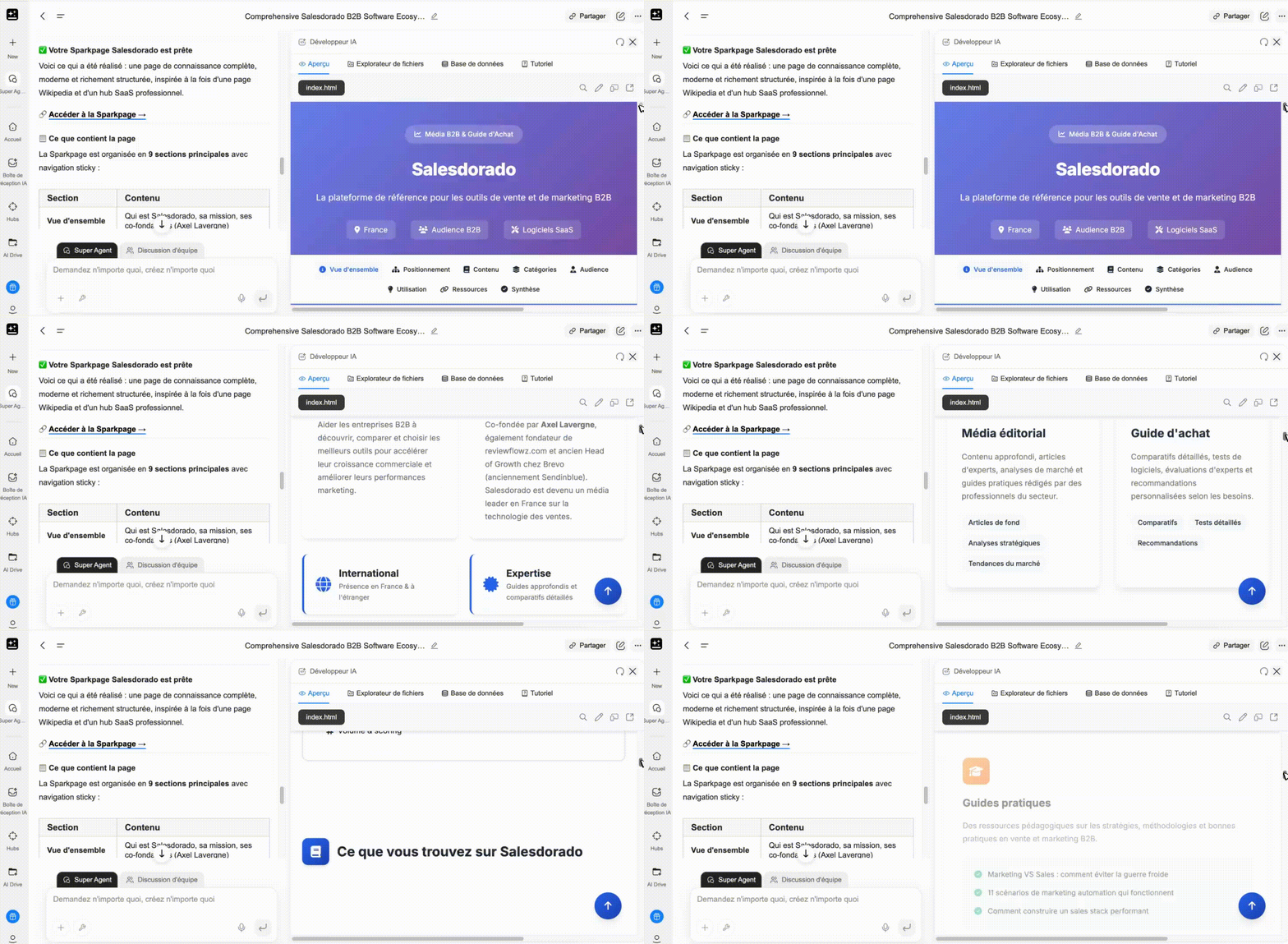
In practice: instead of returning a list of summarized links, a research query generates a structured page that looks like an interactive mini-wiki, with sections organized by theme, clear and verifiable citations pointing to the original sources, visuals generated to illustrate the key points, comparison tables built automatically and, the icing on the cake, a built-in copilot to ask follow-up questions directly about the page content.
Salesdorado’s takeIf you only test one use case on the free plan, make it this one. Enter a complex research question (« Best B2B prospecting tools for SMBs in 2026 » or « Comparative analysis of data enrichment solutions ») and compare the result with Perplexity. The difference in depth and format is immediately visible. Sparkpages do not replace an analyst, but they easily replace 2 hours of manual research on Google.
AI Slides: from idea to deck in a few minutes
Presentation generation is one of the most used use cases on GenSpark, and for good reasons. From a prompt or a brief, the tool generates a full deck of 10 to 15 slides in a few minutes: title, narrative structure, content per slide, speaker notes, visuals. You can export to PDF, PPT or directly to Google Slides.
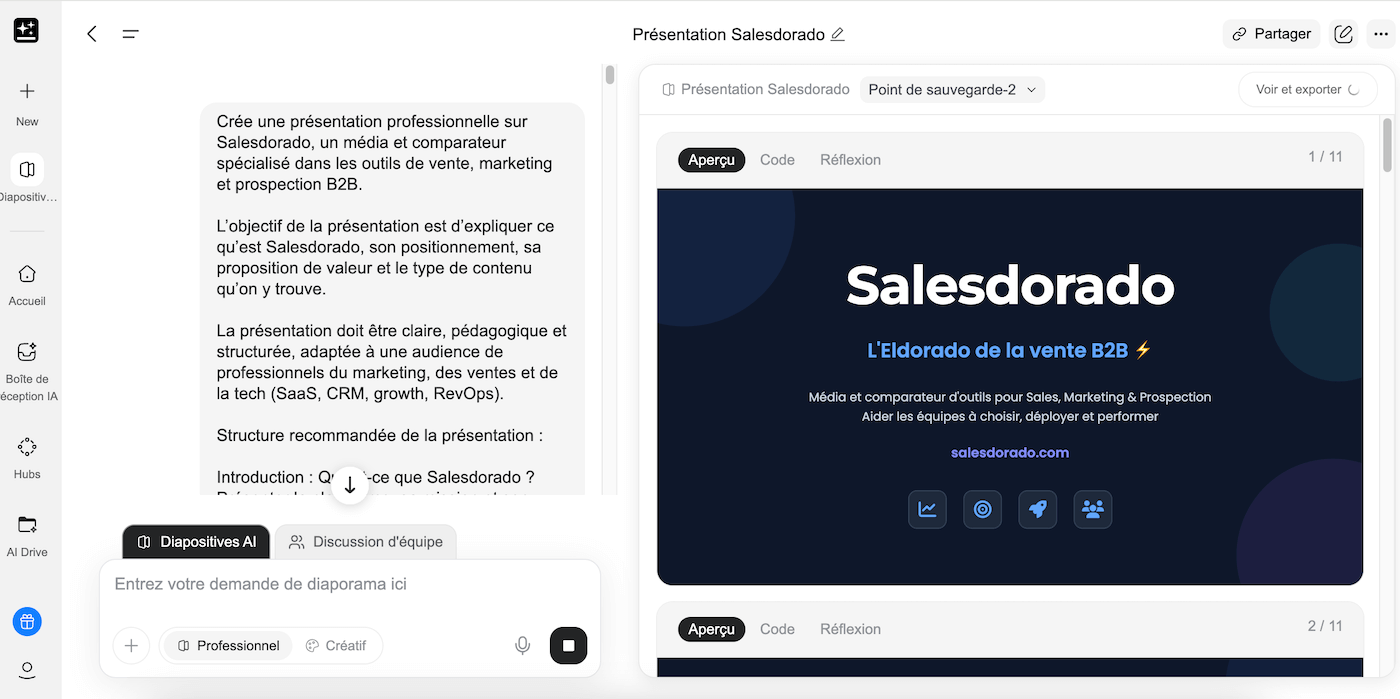
Be warned, the limit is real: the designs are clean and functional, but clearly not as polished as Beautiful.ai or Canva. GenSpark slides look like a good wireframe: the content is there, the structure is solid, but you will often need a formatting pass before sharing externally. Think « first draft » rather than « final deliverable ».
The real gain: you go from « blank page » to « solid working base » in 5 minutes rather than 2 hours. The value is not in the final result, it is in eliminating the start-up phase.
AI Sheets: formulas replaced by natural language
AI Sheets offers a simple paradigm: describe what you want in your spreadsheet instead of building the formulas. « Create an editorial calendar for the next 30 days with columns for status, priority, notes and performance » generates a structured sheet with the right columns, basic formulas and even aggregated summaries at the top of the table.
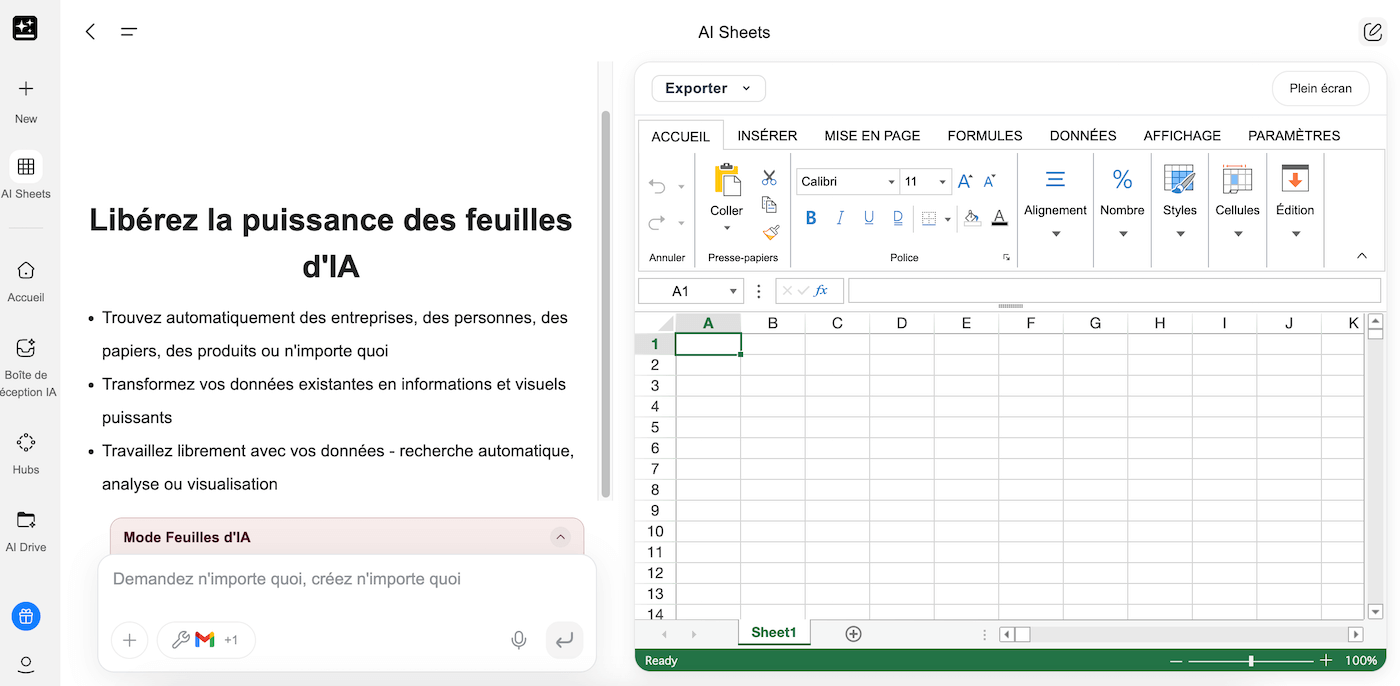
The most relevant B2B use cases: solution comparison tables (CRM, marketing tools, vendors), recruiting pipelines, sales performance trackers, campaign calendars. You can also ask the tool to pull data straight from the web to feed the table (for example a list of competitors with their characteristics).
Everything stays manually editable afterwards: GenSpark generates a normal sheet, not a proprietary tool. The « natural language description to structured spreadsheet » workflow is much faster than starting from scratch, especially for teams that are not comfortable with Excel or Google Sheets.
AI Inbox: managing your emails by prompt
AI Inbox connects your Gmail or Outlook and lets you run your mailbox with natural-language requests. « Summarize the last 7 days of emails, group by topic, flag what needs action » returns an overview in under a minute: urgent items, follow-ups, informational messages, trends.
The tool can also draft contextualized replies for you, based on the full conversation thread. The generated reply is fully editable before sending.
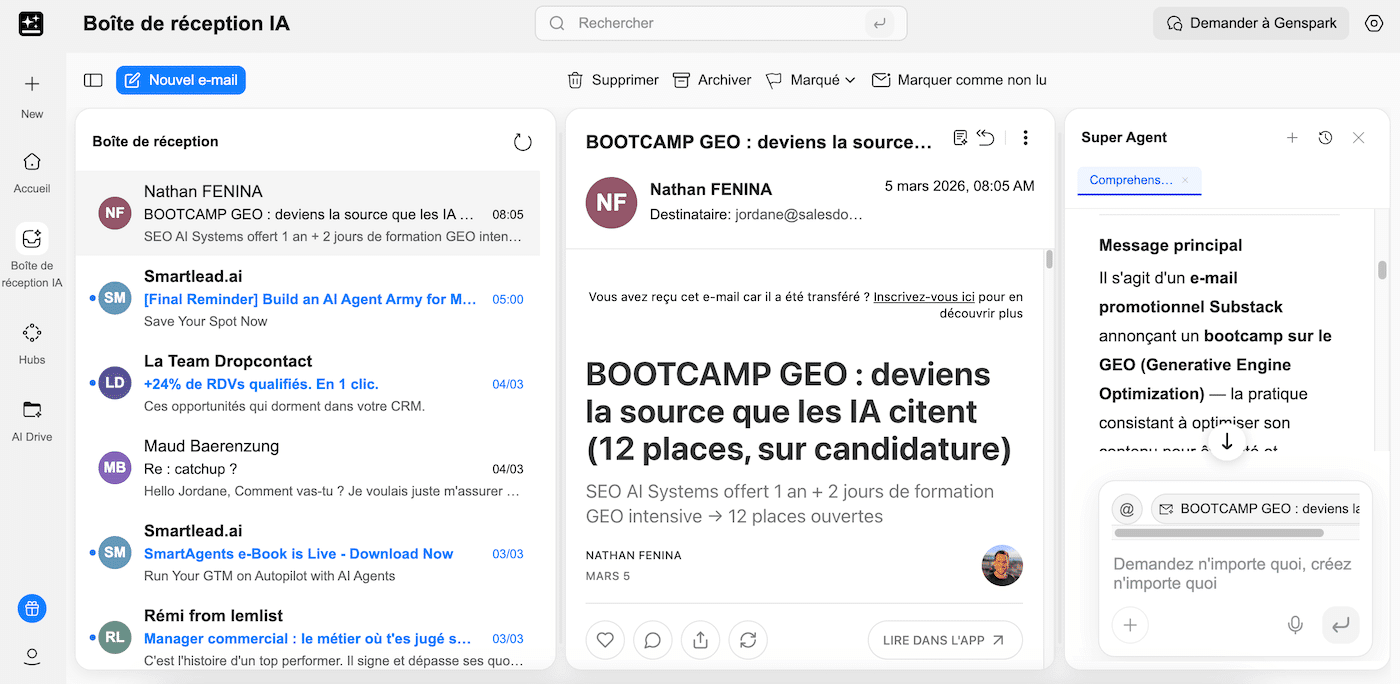
WarningConnecting your work mailbox to a third-party tool means giving it access to all your communications. Check GenSpark’s privacy policy carefully and make sure this connection complies with your company’s security rules, especially in an enterprise environment or in regulated industries.
AI Developer: apps and sites without writing a line of code
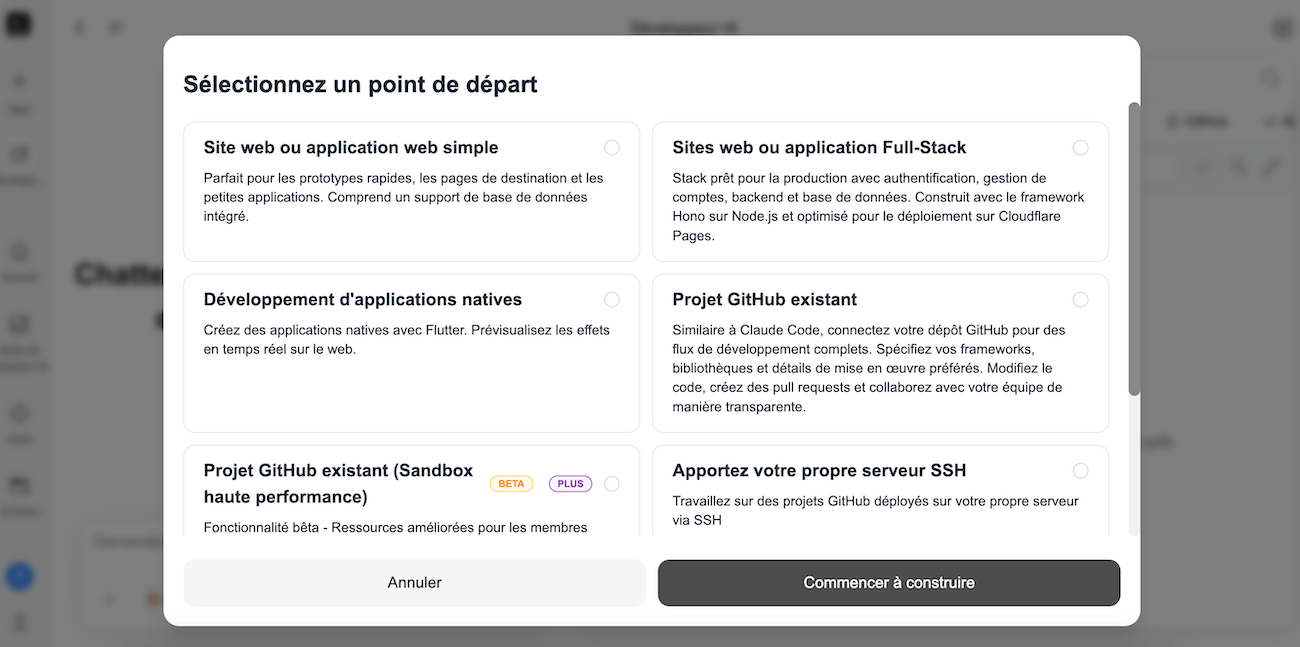
AI Developer lets you build landing pages, internal tools and full applications from a natural-language description. The workflow is simple: you describe what you want (sections, features, design, stack), the tool picks the best available code model, generates the project and offers one-click deployment to Vercel or Cloudflare.
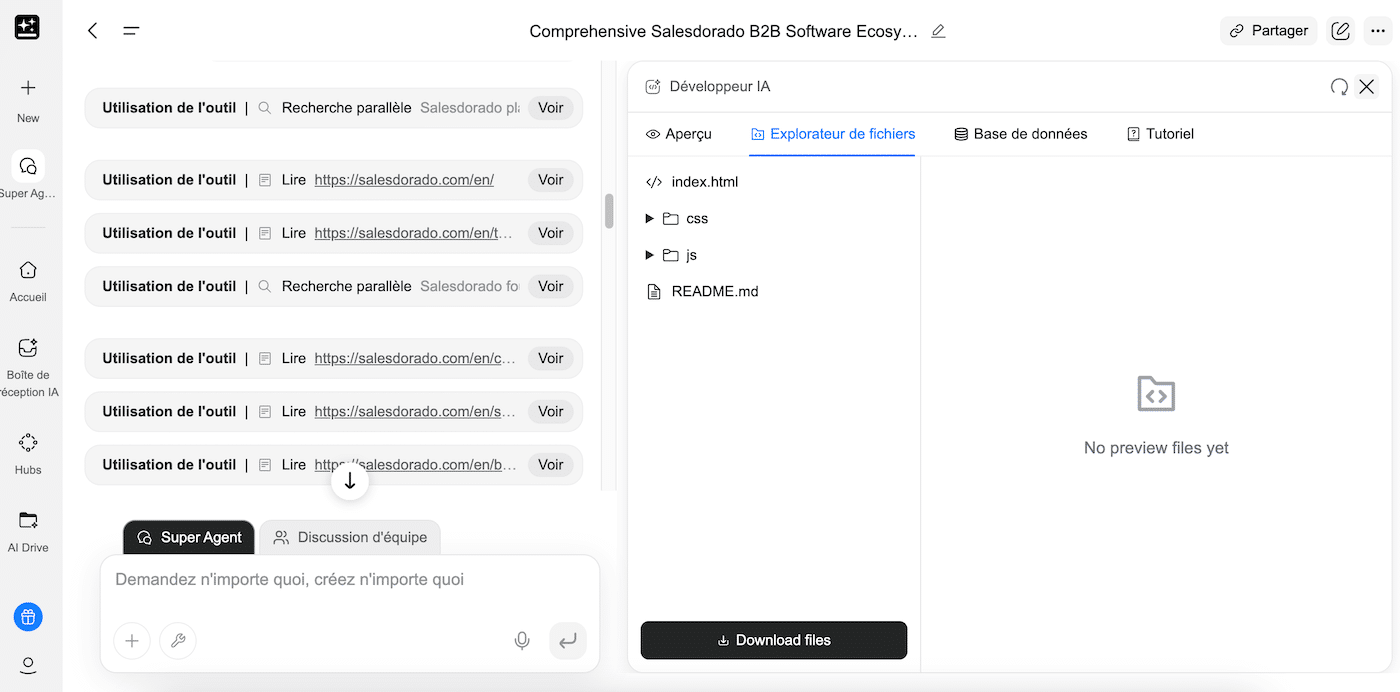
For MVPs, capture pages, simple internal tools or prototypes to show a client quickly: GenSpark Developer does the job. For applications with complex backend logic, advanced authentication or multiple API integrations: Lovable, Bolt or Replit remain better suited. That is roughly where the line sits.
« Call For Me »: the agent that makes your phone calls
This is the feature that gets the most attention, for good and bad reasons. « Call For Me » is a voice agent that makes real phone calls on your behalf, powered by Twilio. You give it an instruction (« Call this restaurant and book a table for 4 on Friday night », « Call this prospect and ask whether they received our proposal »), it calls, navigates phone menus, talks to the person, handles holds, and sends you a full transcript with a summary of the outcome.
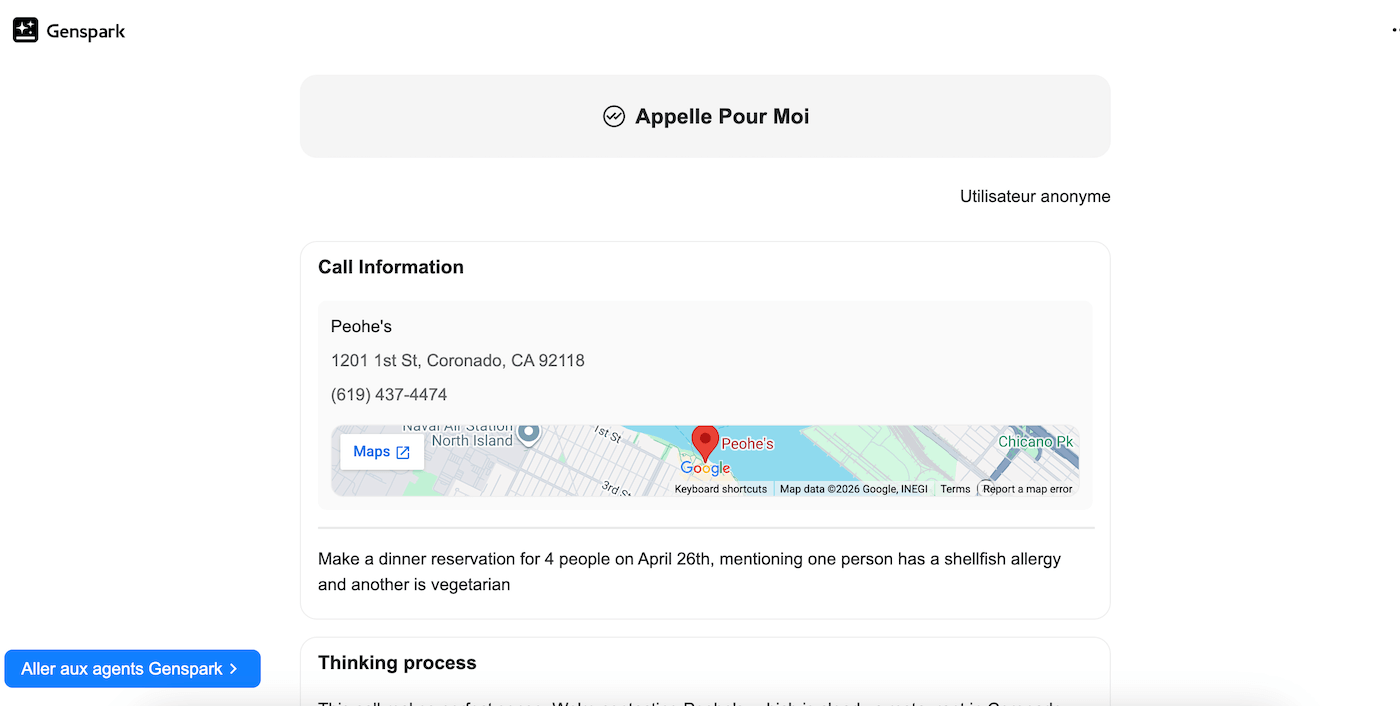
An ethical point worth noting positively: the agent introduces itself as an AI from the start. GenSpark does not try to pass the bot off as a human, unlike some competitors.
The limits are real in 2026: latency is noticeable, pauses can be awkward in a fluid conversation and availability varies by region.
WarningThe « Call For Me » agent consumes a flat 500 credits per call, plus a few credits for analysis and the summary. With the 10,000 credits included in the Plus plan, you get about twenty calls, which can go fast if you use it intensively. Work out your consumption before committing to a plan.
GenSpark pricing: what it really costs
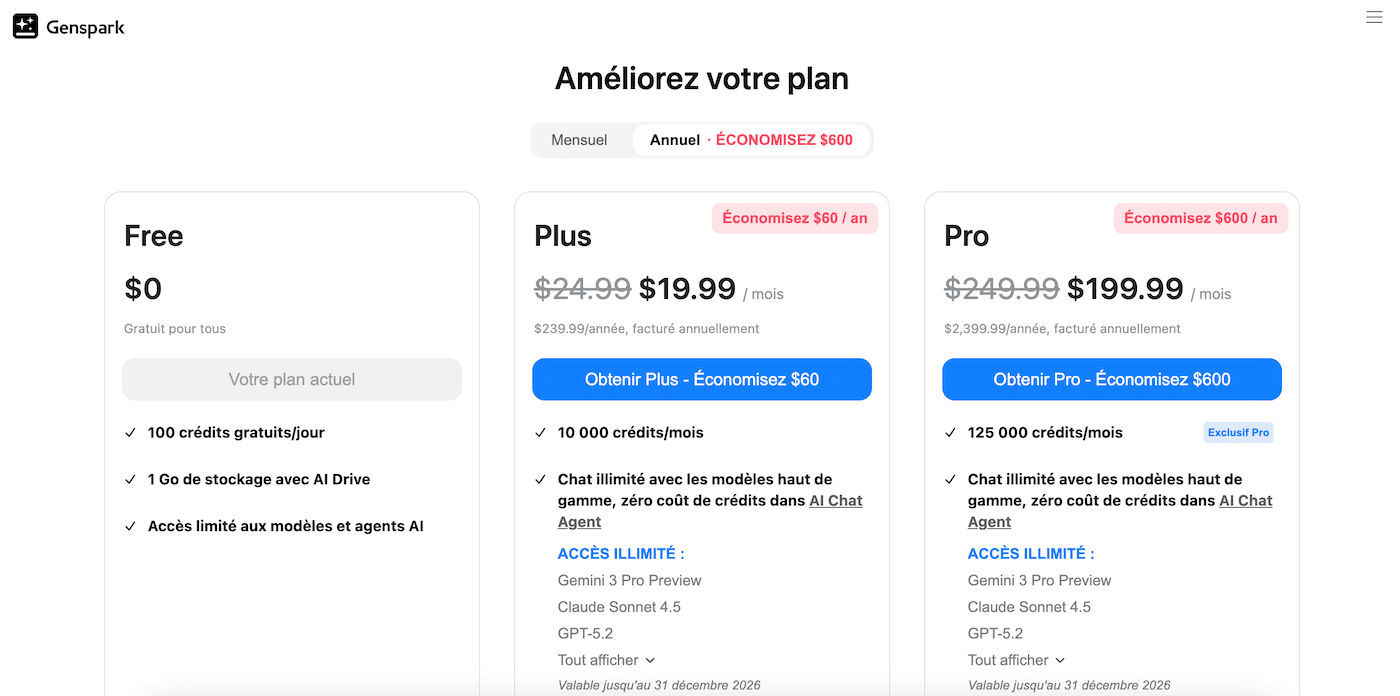
GenSpark publishes its prices in its help center, on the membership plans page, readable without an account. What you find on third-party sites may differ from reality by the time you read this article. Always check that page and read the subscription terms carefully before confirming, in particular the billing cycle (monthly or annual).
| Plan | Monthly price | Credits included | What is included | Who it is for |
|---|---|---|---|---|
| Free | $0 | 100 / day, lifetime cap | Access to basic agents, Sparkpages, Docs, Sheets, Slides (limited access) | Testing the platform, very occasional use |
| Plus | $24.99 | 10,000 / month | Premium agents (Deep Research, Sparkpages with citations), 50 GB of storage, advanced exports | Solo professionals, consultants, content managers |
| Pro | $249.99 | 125,000 / month | Everything in Plus + advanced deep research, extended exports, 1 TB of storage, priority access | Agencies, teams with very intensive use |
| Team | $40 / seat | 10,000 / seat / month | Admin controls, unlimited AI chat (no credits), multi-model access, collaboration | Teams of 2 to 150 users |
What each task costs in credits
| Task type | Estimated consumption | With 10,000 credits (Plus plan) |
|---|---|---|
| AI chat (standard requests) | Free on the Team plan, low on Plus | Near-unlimited use |
| Sparkpage (standard search) | ~50 to 200 credits | 50 to 200 Sparkpages / month |
| Deep Research | ~500 to 1,000 credits | 10 to 20 deep research runs / month |
| Slide generation (10 to 15 slides) | 300 to 500 credits | 20 to 33 decks / month |
| App generation (AI Developer) | 500 to 800 credits | 12 to 20 projects / month |
| Phone call (Call For Me) | 500 credits / call | ~20 calls / month |
Salesdorado’s takeThe Plus plan at $24.99 is the right entry point for regular professional use. The 10,000 credits allow comfortable use for research and slide production, without running out mid-month. Pro at $249.99 is hard to justify except for agencies with very intensive output. Note: unused credits do not roll over to the following month.