Gantt Chart: The Best Software

Ten Gantt chart tools compared. Project management tools with a Gantt view: monday.com (Gantt from Standard), ClickUp (unlimited Gantt from Core, critical path from Business), Wrike (from Team), Microsoft Planner and Project (Timeline view from plan 1, critical path in plan 3), ProofHub (in both its plans) and Smartsheet (from Pro).

Maxime Ben Bouaziz
Maxime Ben Bouaziz
CEO Salesdorado, IA & Sales Tech
July 28, 2022, updated November 10, 2026, 1 min read
See all tools

The Gantt chart is a widely used project management tool for visualizing the progress of your projects and the tasks still to do. Each task becomes a bar on a timeline. Gantt software adds what a spreadsheet does poorly: dependencies between tasks, the critical path, meaning the sequence of tasks that sets the end date, and milestones.

Most project management software offers a Gantt, but rarely in its entry plan, and it is sometimes too complex for small teams. Specialized tools, often easier to pick up, make scheduling their core business. This top mixes both.

Depending on your need:

  • a Gantt inside a complete project management tool: monday.com or ClickUp
  • the critical path at the lowest price: GanttPRO
  • taking over MS Project files: Wrike
  • a company on Microsoft 365: Microsoft Planner and Project
  • a flat-rate schedule, with no per-user price: TeamGantt or ProofHub
  • projects already managed in Asana: Instagantt
  • a single project, no budget: Agantty

Each card shows the price of the first plan that gives access to the Gantt.

SalesdoradoSimulate your choice of project management tool
Free tool, 2 minutes
Simulate your choice of project management tool

Answer 10 targeted questions and find the tools that actually fit your situation.

12
tools analyzed
10
targeted questions
€0
no sign-up
Methodology published by the Salesdorado editorial team

The 10 tools, side by side

# Logos tool Score Price Best for
01 monday.com 4.0/5 ★ €14 Teams that want a Gantt linked to the boards they already use for the rest of their work Visit site
02 TeamGantt 4.0/5 ★ €49 Project managers who want a Gantt specialist at a flat rate, with critical path and planned vs. actual Visit site
03 ClickUp 4.7/5 ★ $9 Small teams that want dependencies, critical path and slack in a somewhat pricey all-in-one tool Visit site
04 GanttPRO 4.4/5 ★ $8 Small teams that want a full Gantt, critical path included, from the first plan Visit site
05 Instagantt 4.0/5 ★ $10 Asana teams that want a real Gantt synced with their projects Visit site
06 Wrike 4.5/5 ★ $10 Teams taking over MS Project or Excel schedules and running several dependent projects Visit site
07 ProofHub 4.0/5 ★ $45 Managers who want a Gantt with dependencies for the whole team, at a fixed price Visit site
08 Smartsheet 3.9/5 ★ €8 Teams used to spreadsheets that want to move to Gantt without changing their logic Visit site
09 Agantty 3.7/5 ★ Free Small organizations that want a simple, free Gantt for one project Visit site
10 Microsoft Planner et Project 4.2/5 ★ €8.70 Companies on Microsoft 365 that want a Gantt in Teams, and Project’s critical path if needed Visit site
01

monday.com

4.0/5 From €14

Best for: Teams that want a Gantt linked to the boards they already use for the rest of their work

+ Strengths
  • Dependency and milestone tracking in the Gantt view
  • More than 200 templates to start a schedule
  • Communication and collaboration with the team in the same tool
  • Fully customizable boards and columns
− Downsides
  • No Gantt on the free or Basic plan: you need the Standard plan
  • Paid plans start at 3 seats, so €42 per month minimum on monthly Standard
★ monday.com in brief

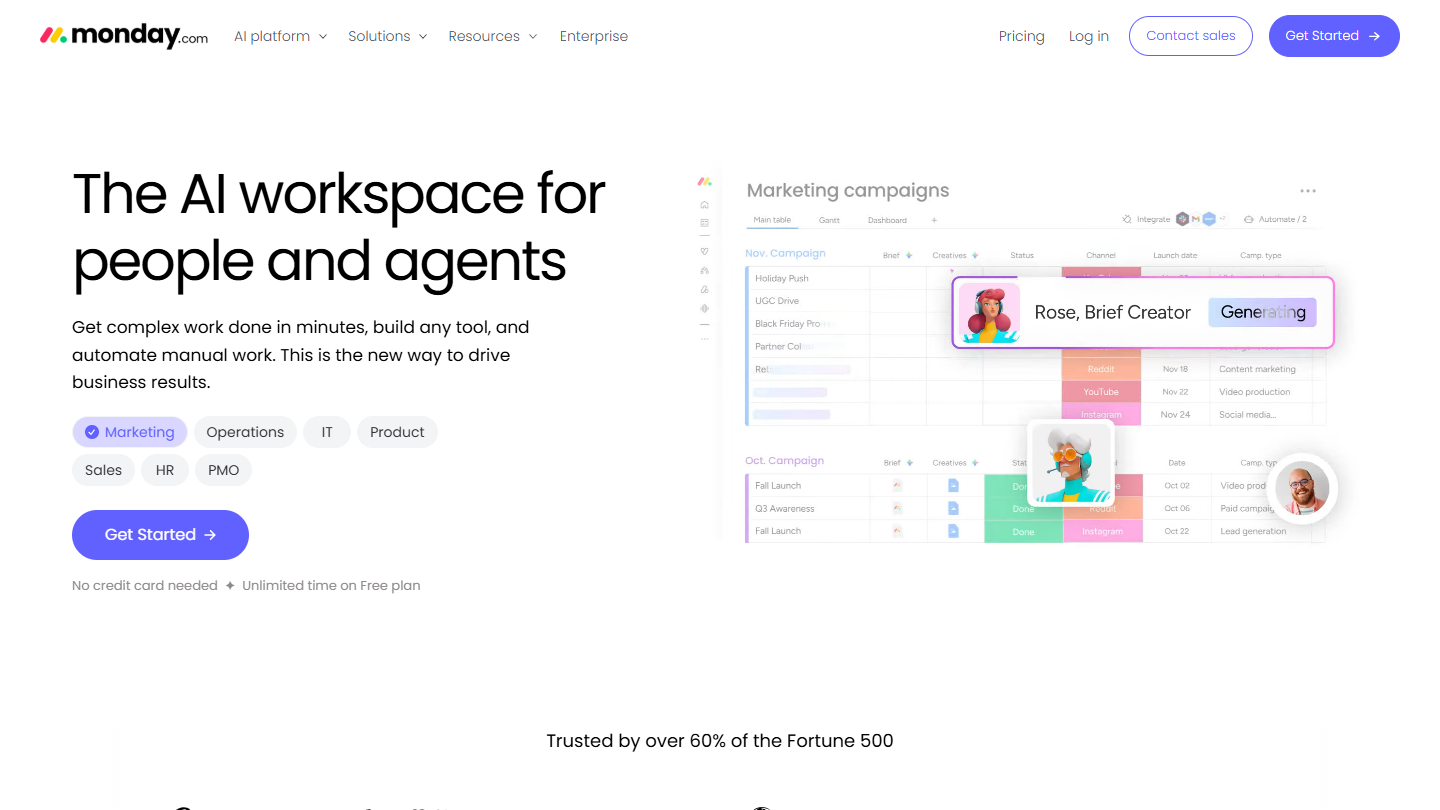
monday.com website: “The AI workspace for people and agents”

monday.com is a work management platform organized in boards. The Gantt is not a separate module: it is one more view on a board, which places each item on a timeline based on its dates.

Take a product launch. The board’s tasks become bars, dependencies show what is waiting on what, a milestone marks the go-live date. The team keeps updating its statuses in the board, and the schedule follows with no double entry.

monday.com makes sense if the team already works in it, or wants a single tool for several departments. Its Gantt page highlights dependencies and milestones, not critical path calculation: a project manager running a tight schedule will find more depth with the Gantt specialists.

The free plan (2 users, 3 boards) and the Basic plan (€9 per seat per month billed annually) have no Gantt view. It arrives with Standard, at €14 per seat per month billed monthly, with a 3-seat minimum, or €42 per month. Every plan can be tried for free.

02

TeamGantt

4.0/5 From €49

Best for: Project managers who want a Gantt specialist at a flat rate, with critical path and planned vs. actual

+ Strengths
  • Critical path from the Base plan, at a monthly flat rate
  • Dependencies with lead and lag
  • Comparison of planned and actual schedule
  • Schedule shareable live with outside people
− Downsides
  • No free plan at signup, 14-day trial with a credit card
  • Base limited to 1 manager, 5 projects and 150 tasks per project
  • Unlimited managers only from Business, €85 per month
★ TeamGantt in brief

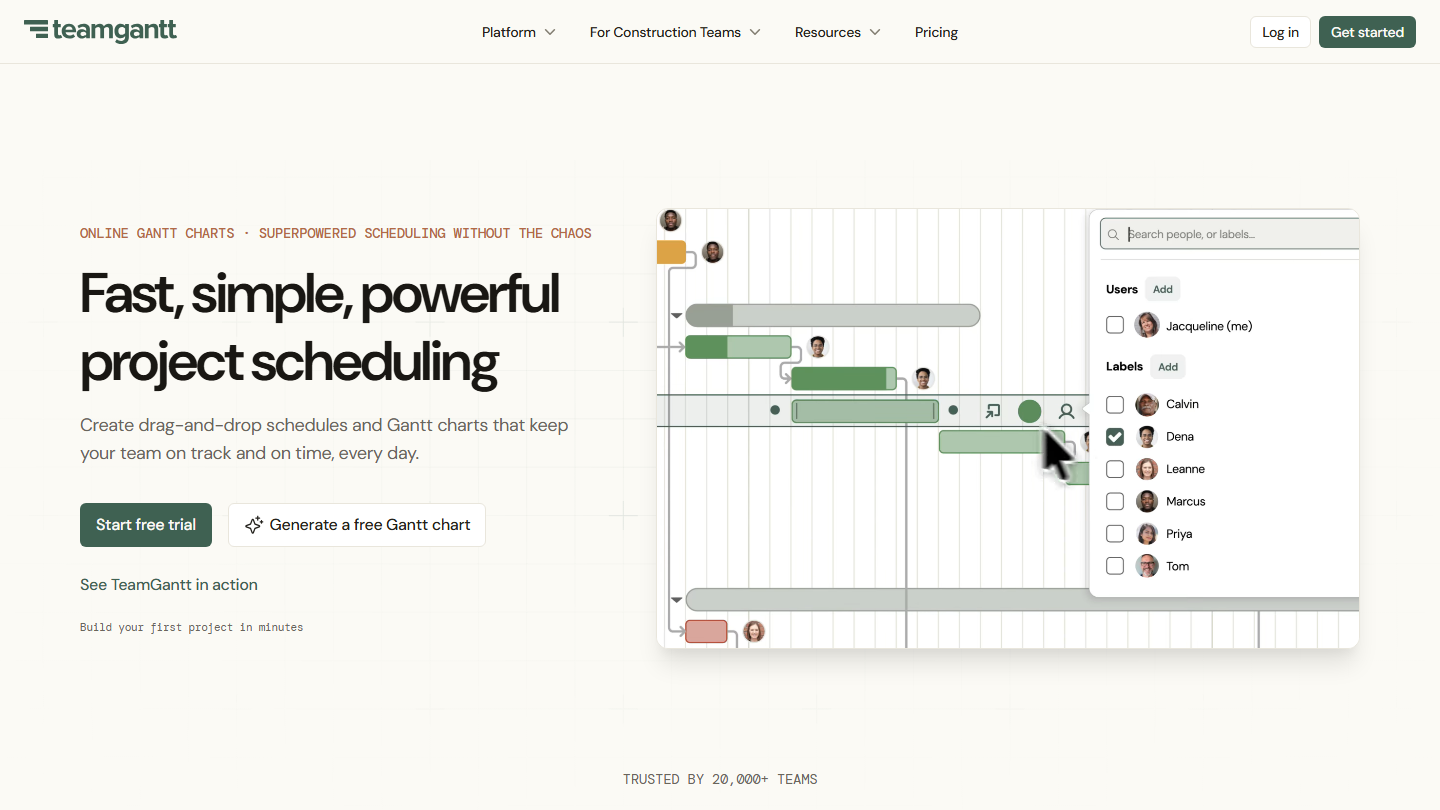
TeamGantt homepage: “Fast, simple, powerful project scheduling”, with a Gantt schedule

TeamGantt is built around a single Gantt schedule that the whole team updates. The calendar, list and board views, the workload and the time tracking all start from that same schedule.

You drop a task with drag and drop, pull a link to the next one, add a lead or a lag. The critical path shows on the chart, and the original schedule stays visible next to the actual one to measure the slippage. A dedicated edition targets construction companies.

TeamGantt suits the project manager who wants a real scheduling tool without the weight of MS Project, at a fixed price. The Base plan counts only one manager: as soon as two people need to build schedules, you need Business.

Base costs €49 per month for 1 manager, 10 collaborators and 5 projects of 150 tasks. Business starts at €85 per month with unlimited managers and collaborators, 5 projects included then €17 per extra project. Annual payment takes off 20%. The free Personal plan (1 user, 1 project) is only available at the end of the trial.

03

ClickUp

4.7/5 From $9

Best for: Small teams that want dependencies, critical path and slack in a somewhat pricey all-in-one tool

+ Strengths
  • Dependencies included in all plans, free one included
  • Critical path and slack time shown on the Gantt from Business
  • Baselines overlaid on the current schedule to measure drift
  • Unlimited Gantt from $9 per user billed annually
− Downsides
  • Gantt as a trial, with limited use, on the free plan
  • Critical path only as a trial on Core, included from Business
  • Long learning curve, no onboarding support outside the Enterprise plan
★ ClickUp in brief

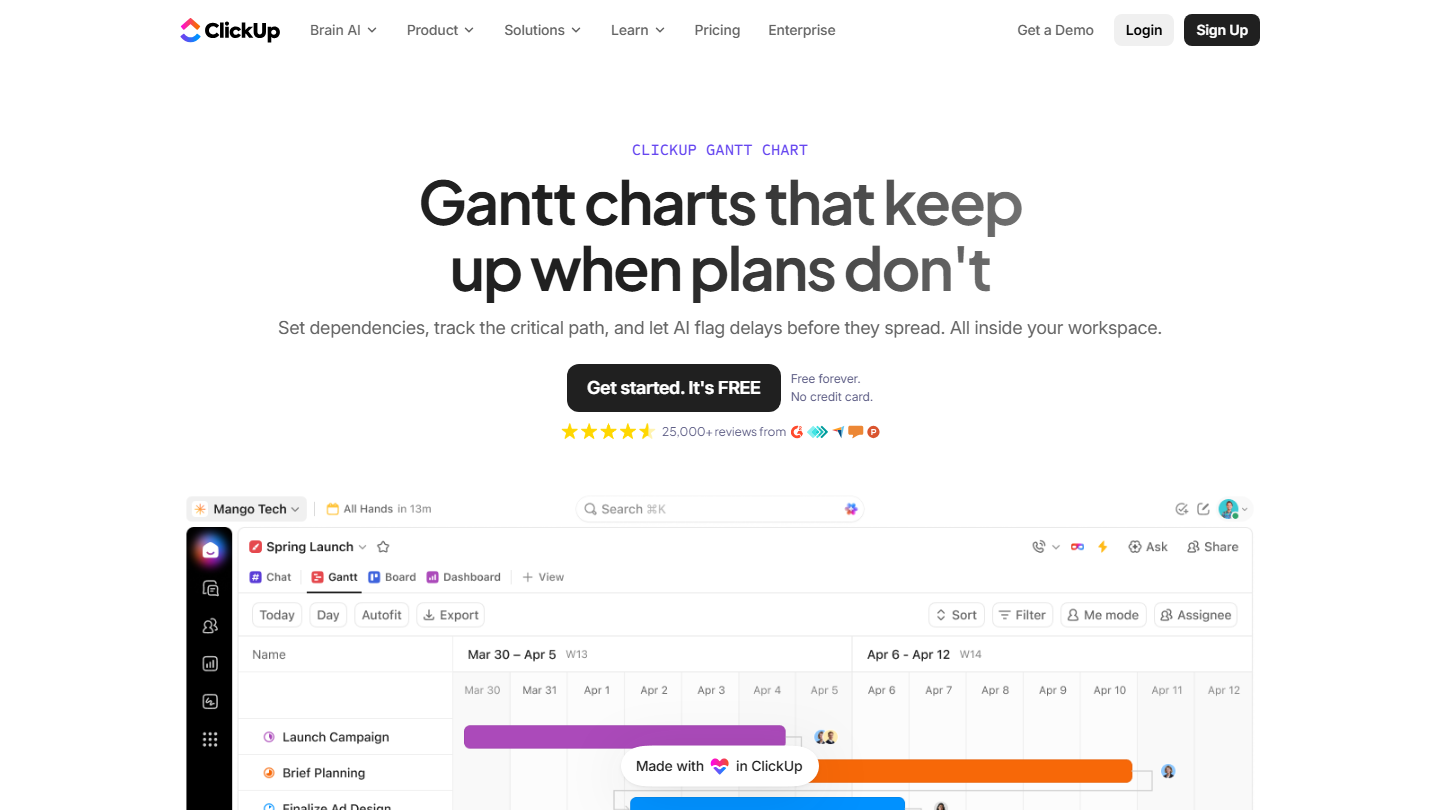
ClickUp Gantt page: “Gantt charts that keep up when plans don't”, with a project chart

ClickUp brings tasks, documents, chat and dashboards together in one workspace. The Gantt is one of the views of every list or folder: tasks already entered show up as bars, with no re-entry.

You link two tasks with a dependency, and when the first one slips, all the dates that depend on it shift in one move. The critical path option highlights the tasks that move the end date, slack shows those that still have room, and a baseline keeps the starting schedule to measure the gap.

It is the right choice for a team that wants a serious Gantt without paying for a specialized tool on top of its task tool. Mind the plan: the Gantt is unlimited from Core, but the critical path is only included in Business.

The Free Forever plan gives the Gantt as a trial, with a limited number of uses. Core costs $9 per user per month billed annually ($12 monthly). Business, at $17 billed annually ($25 monthly), adds the critical path, slack and Gantt export to PDF.

04

GanttPRO

4.4/5 From $8

Best for: Small teams that want a full Gantt, critical path included, from the first plan

+ Strengths
  • Critical path, dependencies, milestones and baseline from Core
  • Automatic scheduling and AI Gantt builder in all plans
  • Data hosted in the European Union, on Microsoft Azure
  • 14-day trial with no credit card
− Downsides
  • No free plan
  • Reports, workload and time tracking reserved for Business, $19 per user
  • Volume discount only from 20 members
★ GanttPRO in brief

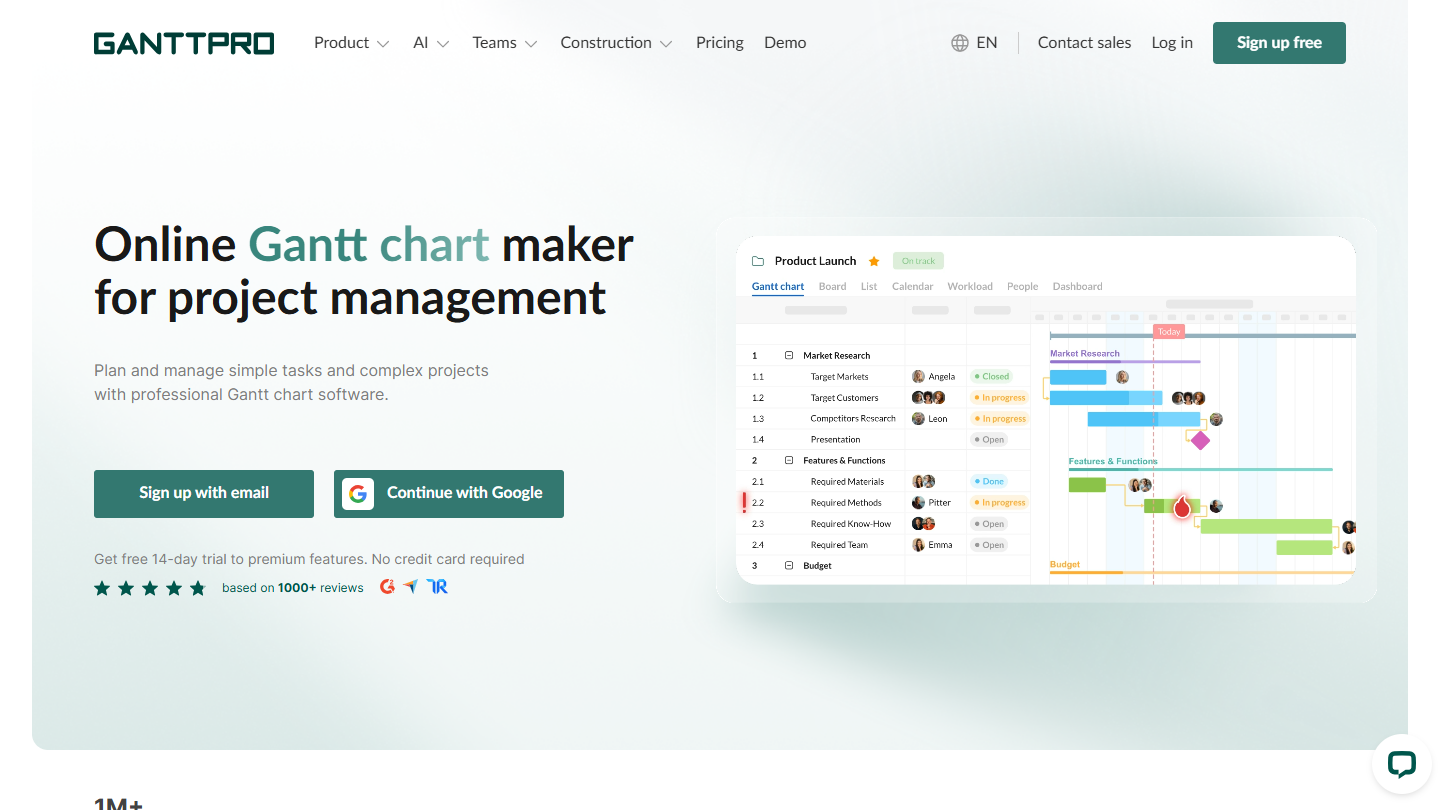
GanttPRO website: “Online Gantt chart maker for project management”

GanttPRO is online Gantt chart software, published by a Polish company. Everything starts from the schedule: task list on the left, bars on the right, with board, calendar and workload views as complements.

You create the project by hand, from a template, or by describing it to the AI builder. You link tasks, set milestones, save a baseline, and the critical path shows from the first plan, which is rare at this price.

GanttPRO targets small teams that manage projects planned in advance, an agency, a construction site or an event, and want the critical path without going through MS Project. Time tracking and budget require the Business plan.

From 1 to 15 members, Core costs $8 per user per month billed annually ($9 monthly), Advanced $12 ($15) and Business $19 ($24). From 20 members, Core drops to $7. No free plan, but a 14-day trial with no card.

05

Instagantt

4.0/5 From $10

Best for: Asana teams that want a real Gantt synced with their projects

+ Strengths
  • Two-way sync with Asana
  • Critical path, baselines and milestones on all accounts, free one included
  • Standalone version, usable without Asana, with a 7-day trial with no card
− Downsides
  • Free plan reserved for the Asana version: 1 user, 3 projects
  • Finish-to-start and start-to-start dependencies only
  • Lead and lag on dependencies reserved for paid plans
★ Instagantt in brief

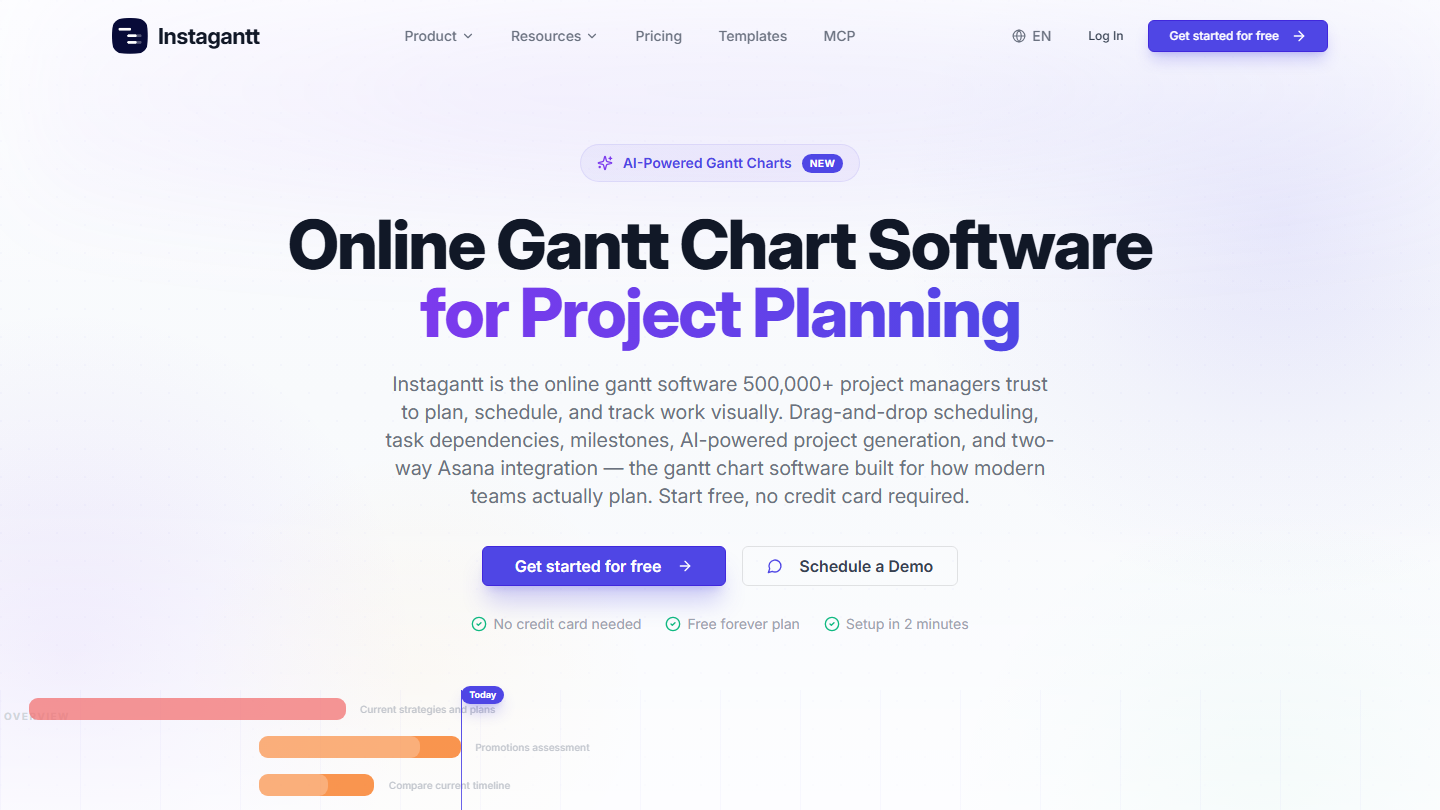
Instagantt homepage: “Online Gantt Chart Software for Project Planning”

Instagantt is Gantt software that started as an Asana add-on and became usable on its own. Both versions share the same scheduling engine.

In the Asana version, you connect your projects: tasks appear as bars, you draw dependencies and milestones, and every change goes back to Asana. All accounts get the critical path, baselines and public sharing links, the free one included.

Instagantt is the obvious pick for a team that works in Asana and wants a schedule with a critical path without changing tools. As a standalone version, it is a simple, cheap option, limited to two types of dependencies.

The free version, reserved for Asana, covers 1 user and 3 projects. Individual costs $10 per month billed annually ($120 per year, $12 monthly). Teams costs $20 per month billed annually ($24 monthly) for 3 collaborators, plus $8 per additional collaborator.

06

Wrike

4.5/5 From $10

Best for: Teams taking over MS Project or Excel schedules and running several dependent projects

+ Strengths
  • Import of MS Project (.MPP, .MPX, .XML) and Excel files with durations and dependencies
  • Automatic rescheduling of dependent tasks when a date moves
  • Filterable critical path and baseline reusable in reports
  • Permissions management suited to multidisciplinary projects
− Downsides
  • No Gantt on the free plan
  • Team plan limited to 15 users
  • Prices at the high end of the market
★ Wrike in brief

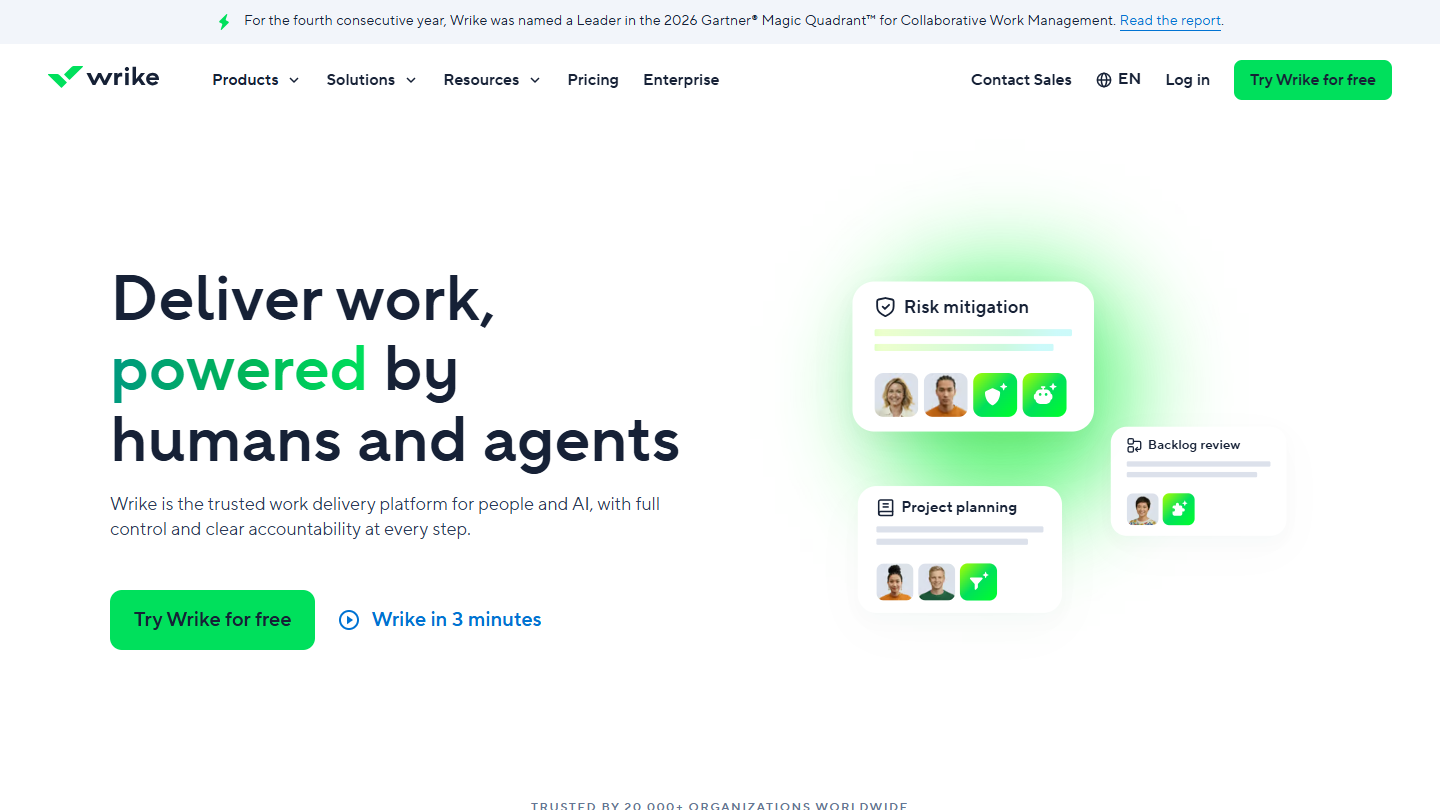
Wrike website: “Deliver work, powered by humans and agents”

Wrike is project management software for organizations that coordinate several teams. Its interactive Gantt, also called the timeline view, carries all the planning.

You import an MS Project file or a spreadsheet: durations, dependencies and owners arrive in the Gantt. Moving a task reschedules all the active tasks that depend on it. The critical path can be filtered to show only the tasks that set the deadline, and the baseline is saved in fields, reusable in dashboards to compare planned and actual dates.

Wrike makes sense for a team leaving MS Project without re-entering everything, or for a PMO tracking several projects at once. For five people on a single project, it is oversized.

The Free plan has no Gantt. Team, the first plan that includes it, costs $10 per user per month billed annually (about €8.96), for 2 to 15 users; Business goes up to $25. Wrike’s pages do not specify from which plan the critical path and baseline are available. 14-day trial with no credit card.

07

ProofHub

4.0/5 From $45

Best for: Managers who want a Gantt with dependencies for the whole team, at a fixed price

+ Strengths
  • Flat price, no limit on users
  • Gantt with dependencies and milestones from Essential
  • Tasks, chat, files and time tracking in the same tool
  • 14-day trial with no credit card
− Downsides
  • No free plan
  • Essential limited to 40 projects and 15 GB
  • Ultimate Control at $135 per month billed annually
★ ProofHub in brief

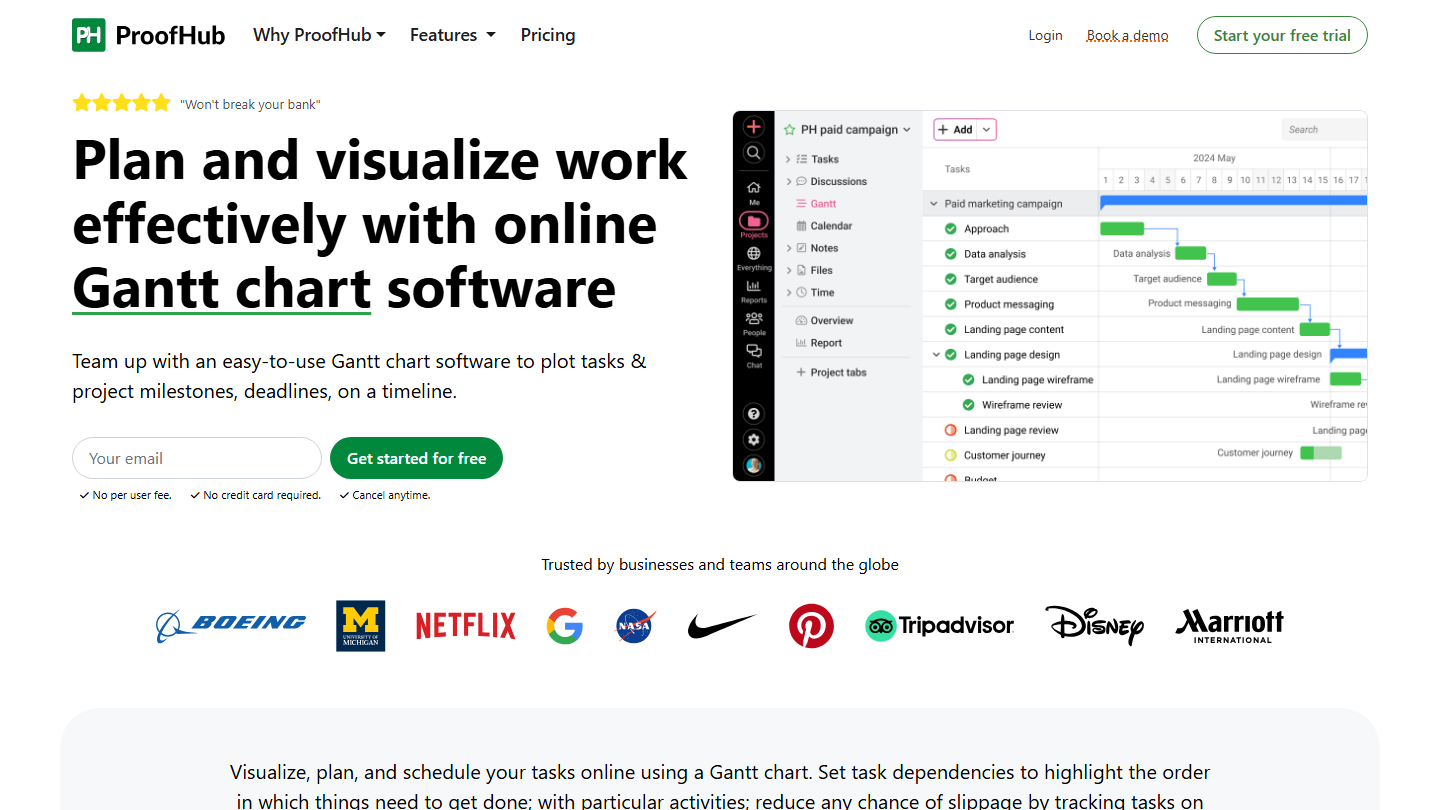
ProofHub Gantt page: “Plan and visualize work effectively with online Gantt chart software”, with a campaign chart

ProofHub is all-in-one project management software: tasks in board or list, Gantt, calendar, discussions, chat, files and timesheets. Its selling point is the flat price, whatever the number of users.

The project manager draws the schedule in the Gantt view, links dependent tasks and places delivery milestones. Tasks import as CSV, and charts can be exported and printed for a kickoff meeting.

ProofHub makes sense for a large team with modest projects, for whom a per-user price would be expensive: at 30 people, Essential works out to $1.50 per person per month. For heavy schedules, a Gantt specialist will go further.

Essential costs $45 per month billed annually ($50 monthly), unlimited users, 40 projects and 15 GB. Ultimate Control adds unlimited projects, 100 GB, custom roles and white labeling, for $135 per month billed annually ($150 monthly). The Gantt is included in both.

08

Smartsheet

3.9/5 From €8

Best for: Teams used to spreadsheets that want to move to Gantt without changing their logic

+ Strengths
  • Gantt view and dependencies from Pro, with unlimited free contributors
  • Grid interface, close to a spreadsheet, accessible to beginners
  • Rich template gallery
  • 30-day trial with no credit card
− Downsides
  • No free plan
  • Baseline reserved for Business, 3 members minimum
  • Pro capped at 10 members
★ Smartsheet in brief

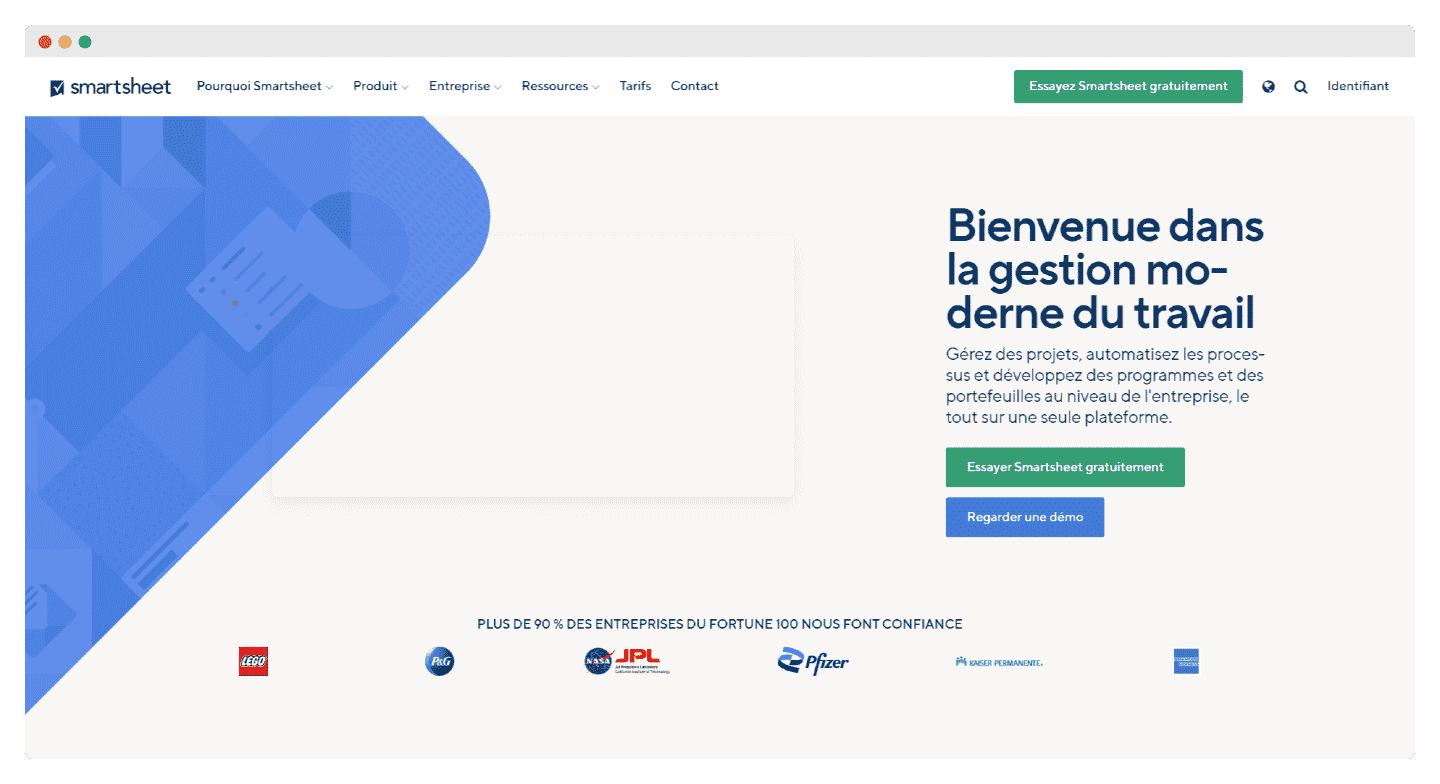
Smartsheet website homepage

Smartsheet is work management software organized in sheets that look like a spreadsheet: rows, columns, formulas. Each sheet can switch to a Gantt view.

A team that tracked its project in Excel finds its date and duration columns again. By filling in the predecessors, the sheet draws the bars and dependencies. Contributors, free and unlimited, update their rows without a license.

Smartsheet suits teams unfamiliar with Gantt, or very attached to the spreadsheet. To compare planned and actual with a baseline, you need to move up to Business.

Pro costs €8 per member per month billed annually (€11 monthly), from 1 to 10 members, Gantt included. Business costs €17 billed annually (€22 monthly), with a 3-member minimum. Enterprise is on request. 30-day trial with no credit card.

09

Agantty

3.7/5 From Free

Best for: Small organizations that want a simple, free Gantt for one project

+ Strengths
  • Free plan with all features for one project
  • Premium at €4.90 per person per month, unlimited projects and teams
  • Very simple to learn, optional Windows app
− Downsides
  • Neither dependencies nor critical path presented in its features
  • Free plan limited to 1 project, with no team or support
  • Site in German and English only
★ Agantty in brief

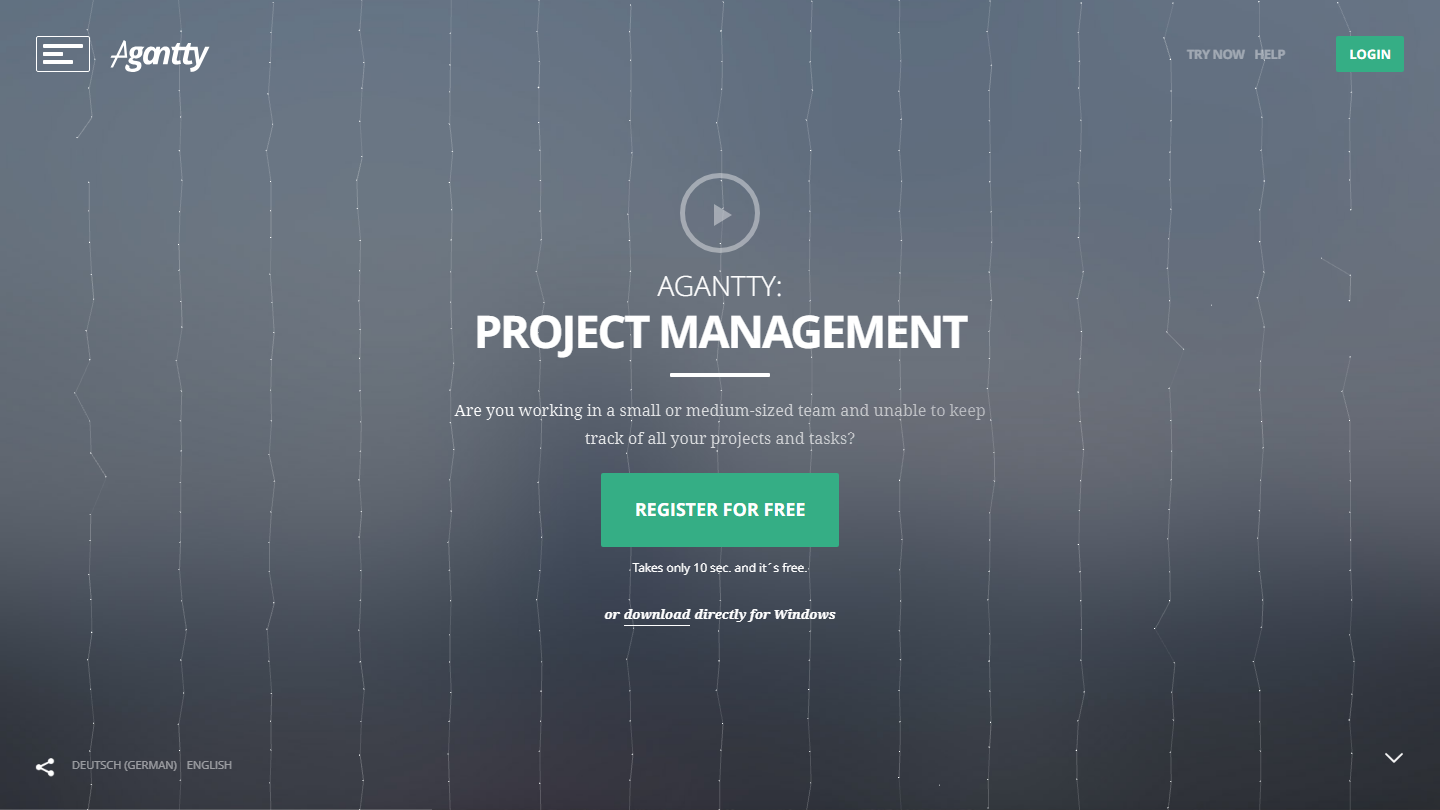
Agantty homepage: “Agantty: Project Management”, with the free signup button

Agantty is a Gantt planning tool created by a German web agency for small and medium-sized businesses. It stayed entirely free for seven years, before a Premium offer arrived.

You create a project, add tasks and milestones, set the deadline, then adjust the chart scale to see the week or several months. Tasks can be filtered by person and by period.

Agantty suits a freelancer or a small team that wants a visual schedule without paying, not a management tool. Its features page mentions neither dependencies nor the critical path: for tasks that follow one another, GanttPRO or Instagantt go further.

The free version gives all features on 1 project, with no team and no support. Premium costs €4.90 per person per month, or €50 per year, with unlimited projects, tasks and teams, CSV import, templates and ticket support; it can be tried for 14 days. Nonprofits, teachers and students can request free access.

10

Microsoft Planner et Project

4.2/5 From €8.70

Best for: Companies on Microsoft 365 that want a Gantt in Teams, and Project’s critical path if needed

+ Strengths
  • Timeline view (Gantt), dependencies and milestones from plan 1
  • Plans managed in Microsoft Teams, with Outlook and Power Automate
  • Plan 3: critical path, baselines, lead and lag, and Project for the desktop
− Downsides
  • The Planner included in Microsoft 365 has no Gantt view
  • Finish-to-start dependencies only in plan 1
  • Prices shown with an annual commitment
★ Microsoft Planner et Project in brief

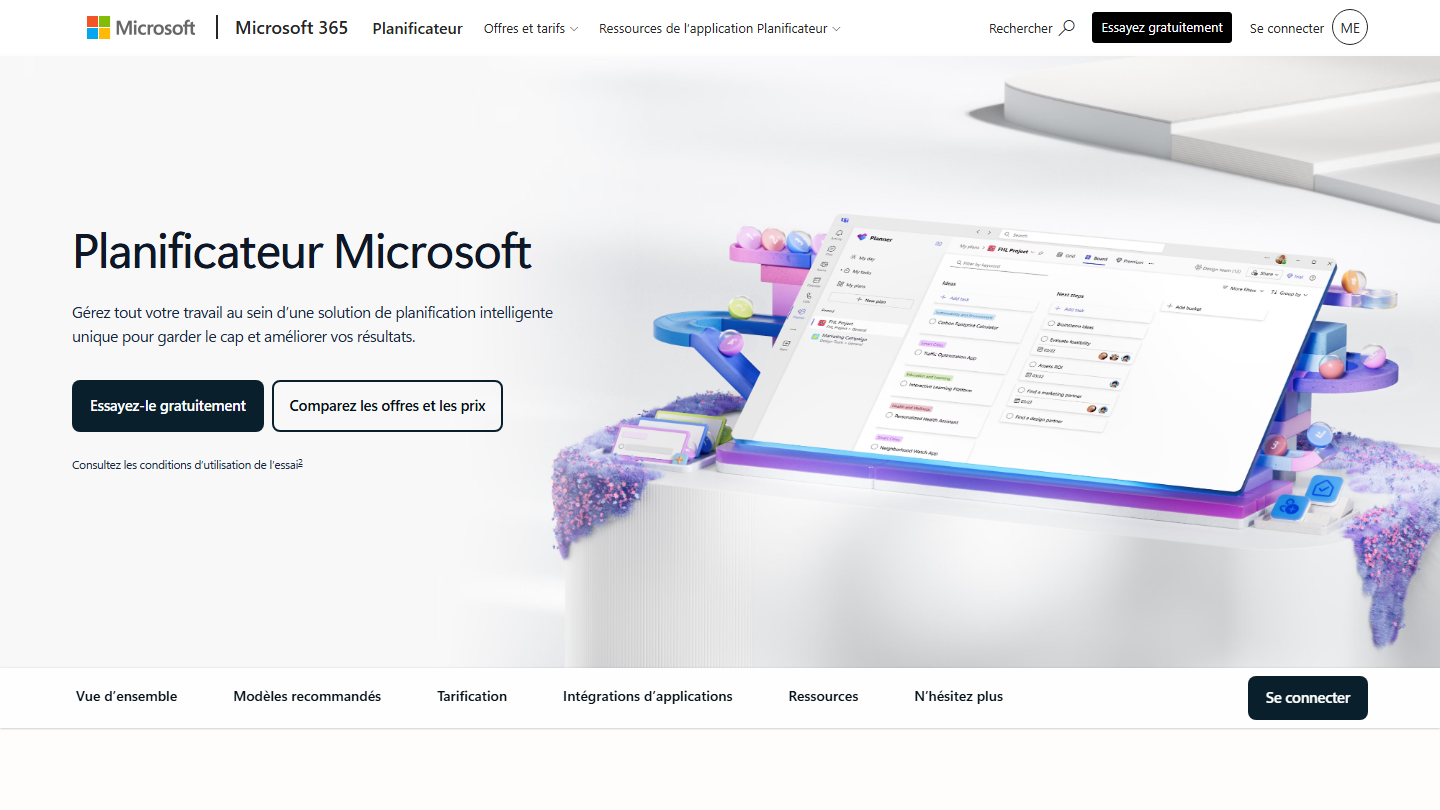
Microsoft Planner homepage: “Manage all your work in one intelligent planning solution”

Microsoft has merged Planner and Project into a single range, called Planner. The version included in Microsoft 365 manages tasks in board and grid; the paid plans add the Timeline view, that is, the Gantt chart.

The plan lives in a Teams tab: you create tasks, link them with finish-to-start dependencies, set milestones, and the timeline updates for all members. Plan 3 adds the critical path, baselines, lead and lag on dependencies, and gives access to Project for the desktop, the project managers’ historic tool.

The choice is logical for a company already on Microsoft 365: no extra tool, same accounts, same security rules. Outside the Microsoft ecosystem, the other tools in the top are easier to adopt.

Plan 1 costs €8.70 excl. VAT per user per month, with annual payment. Plan 3, which adds the critical path, costs €26 excl. VAT. Plan 1 can be tried for free for one month.

How we chose these 10 tools

Every tool in this selection has been used in real conditions by our team or by a Salesdorado consultant, in a B2B sales and marketing setting. No ranking built from a marketing deck. The order of the list is not a ranking: the right tool depends on your needs.

  1. 01
    Benchmark scope

    Broad identification of the tools on the market (G2, Capterra, Salesdorado customer feedback, LinkedIn signals). Initial filtering, then a short list based on a 2-hour setup per tool.

  2. 02
    Test conditions

    3 to 4 weeks of active use per tool, with data representative of a B2B sales use case. When a tool targets a specific profile (SDR, AE, Ops, Marketer…), we match the tester accordingly.

  3. 03
    Weighted criteria

    For each category, 5 to 7 axes weighted according to what matters in the segment: UX, feature depth, native integrations, support, pricing at scale, compliance (GDPR, security), and roadmap quality.

  4. 04
    Independence

    No tool is scored in exchange for payment. Partner links (affiliate) are marked as such and do not influence the score. Non-partner tools are included when their place in the ranking is deserved.

  5. 05
    Updates

    The ranking is reviewed every 6 to 12 months or on every major release of a tool mentioned. The date of the last check is shown at the top of the article.

The questions we get over and over.

What features should you expect from Gantt software?

Task management and planning, with a breakdown into subtasks and time units, task dependency management, workload distribution among team members (WBS), project progress tracking, reporting, integrations, multi-project management and a template gallery. The software should also be easy to learn.

Why build a Gantt chart?

It allows rigorous project tracking, updated in real time, so the project can be adjusted. Gantt software adds dedicated tools like milestones and the critical path method, and its reporting features give an overall view of how the project is running and what can be improved.

How do you build a Gantt chart?

Break the project down into steps and activities, put them in order and add milestones, marked with a triangle or a diamond. Then give each step an execution time on a horizontal axis in days, weeks or months, linking the tasks that depend on one another. Finally, fill in each bar as the task progresses.

Which Gantt software should you choose if you already use Asana?

Instagantt, designed for Asana: it converts your Asana projects into Gantt charts and sends every change back to Asana. Its Asana version is free up to 3 projects, with critical path, baselines and milestones.

Which Gantt software for people who use Excel or MS Project a lot?

Wrike imports Excel and MS Project files (.MPP, .MPX, .XML) with their durations, dependencies and owners; its Gantt starts with the Team plan, at $10 per user per month billed annually. Companies that want to stay with Microsoft will take Planner and Project (plan 3), which includes Project for the desktop and the critical path, for €26 excl. VAT per user per month.

Is there any free Gantt software?

Yes, with limits. Agantty is free for a single project, with no team. Instagantt is free in its Asana version, up to 3 projects and for 1 user. ClickUp offers the Gantt as a trial on its free plan, with a limited number of uses. monday.com and Wrike have a free plan, but without a Gantt view.

★ The conversation, 0 comments

What the community says.

Basic Markdown, moderated within 24 h
Loading…

    In the same category