The tool in detail
ClickUp after real-world use: feature scope, integrations, pricing and concrete limits.
Once reserved for the largest organizations, project management tools are now far more accessible to every SMB. ClickUp belongs to this category of software: very lightweight and simple to set up, it is ideal for small teams that want to get organized.
With a free plan that is very advanced in terms of features, ClickUp is probably the best value for money on the market. Its freemium plan offers great functional depth, and an unlimited number of users and projects.
By combining deep core features, planning and collaboration, with a one-of-a-kind automation feature, ClickUp is one of the most advanced tools on the market.
ClickUp: feature overview
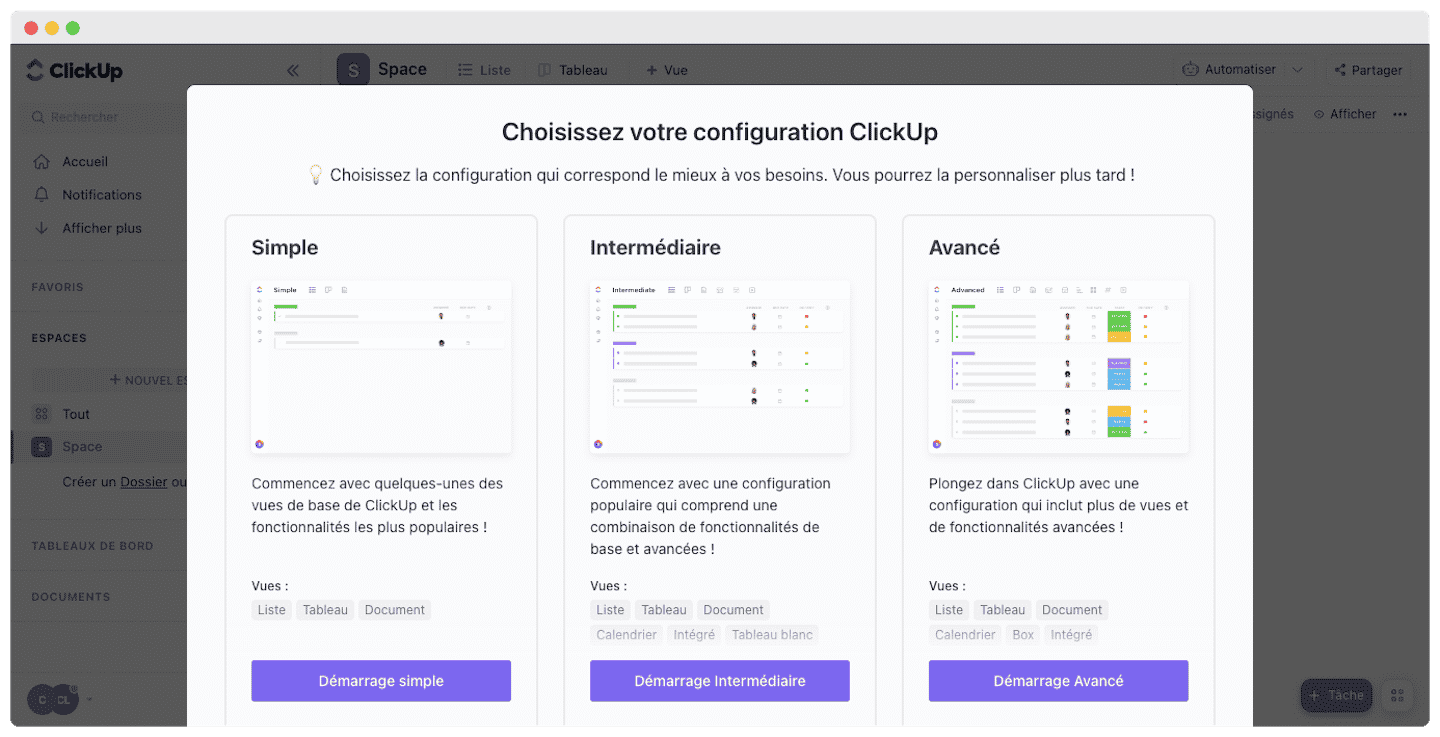
ClickUp offers a full range of features for managing your projects, adapted to the size of your organization. When it comes to onboarding, we like the fact that the software adapts to your level of familiarity by letting you choose the setup best suited to your needs.
Task management and planning
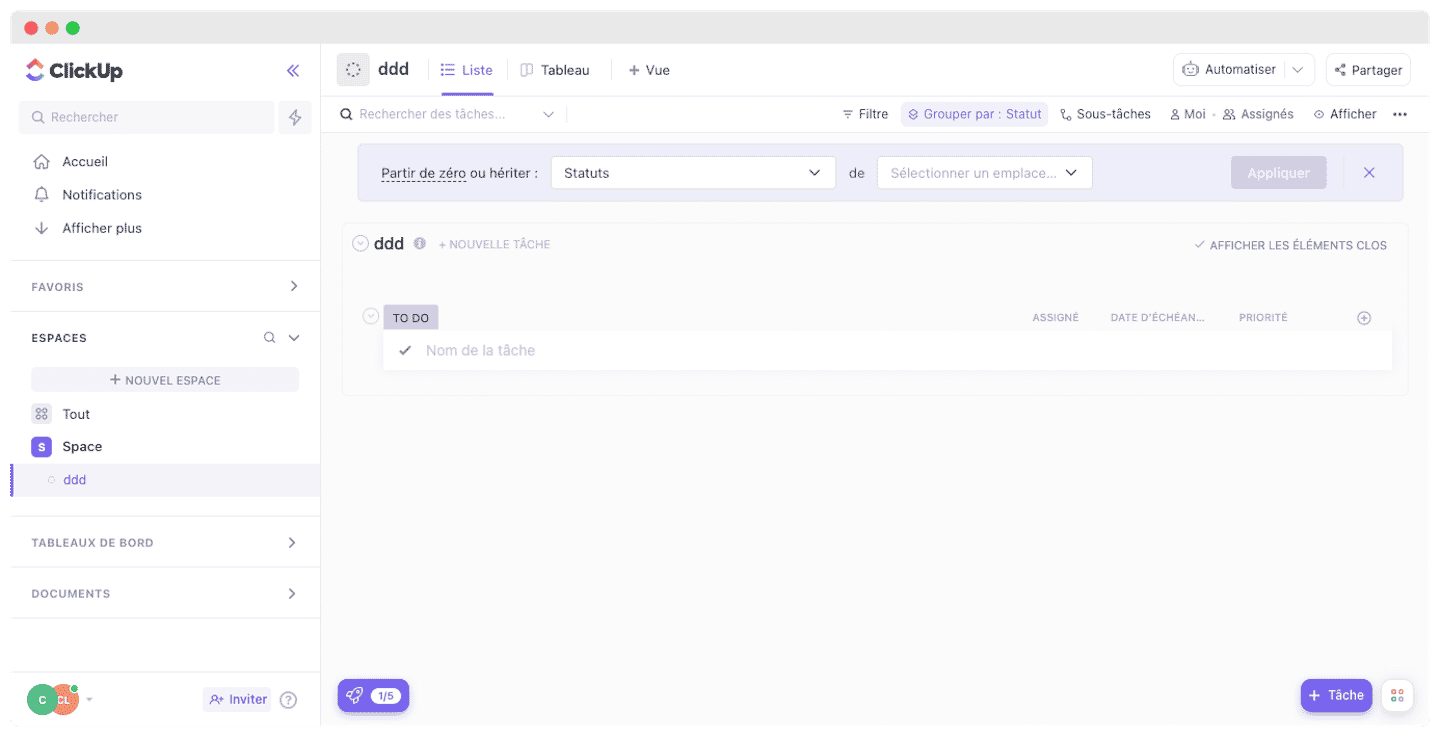
ClickUp lets you track your task lists, which you can access and manage in the blink of an eye. Project managers can create them and add them automatically to team members’ calendars.
For more flexibility, the drag-and-drop feature lets you rearrange deadlines and set the order of priority for completion. And the recurring task feature is a real time-saver for teams whose processes are often similar.
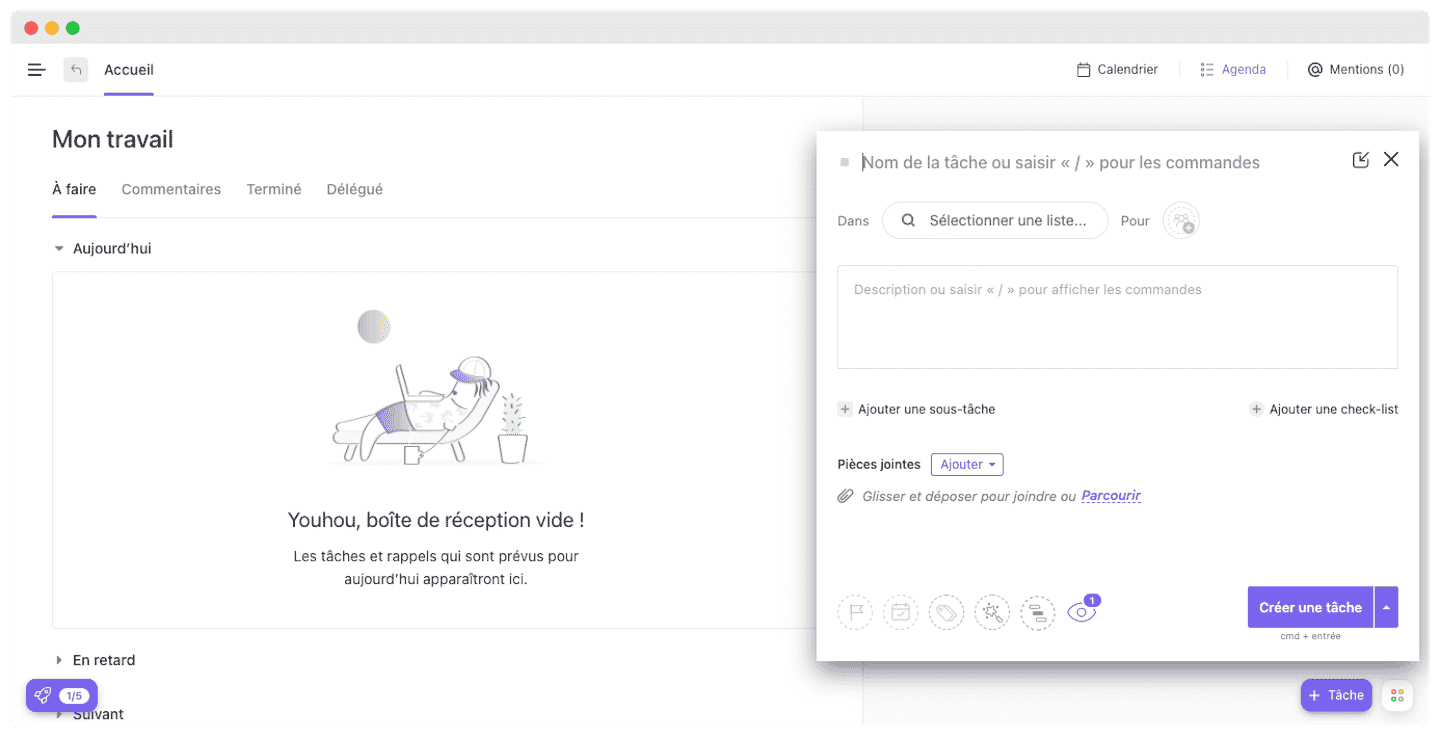
On top of its core task management functions, ClickUp also offers more advanced tools to make your teams more efficient and faster.
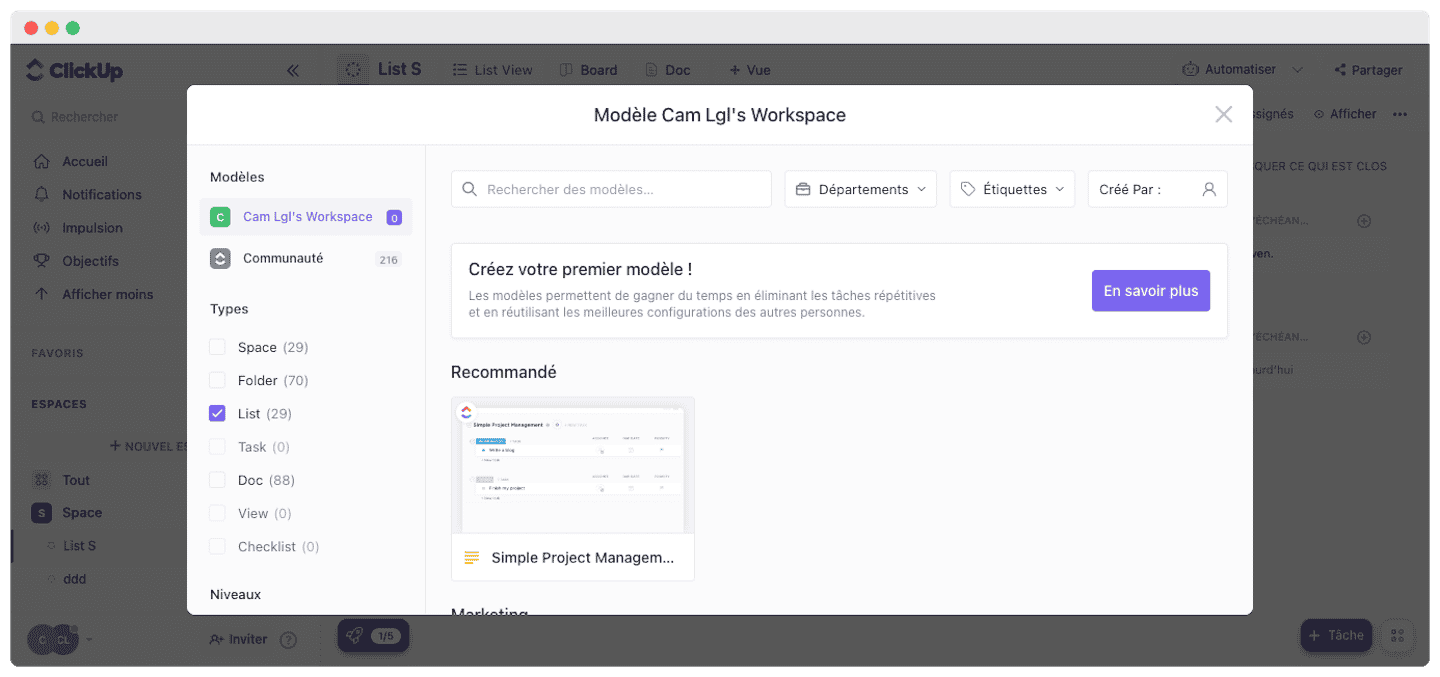
For example, savable templates, which let you pick the template without going through the whole planning process again.
Collaboration and communication
Along the same lines as Google Docs, ClickUp offers collaborative documents that let your team work together in real time.
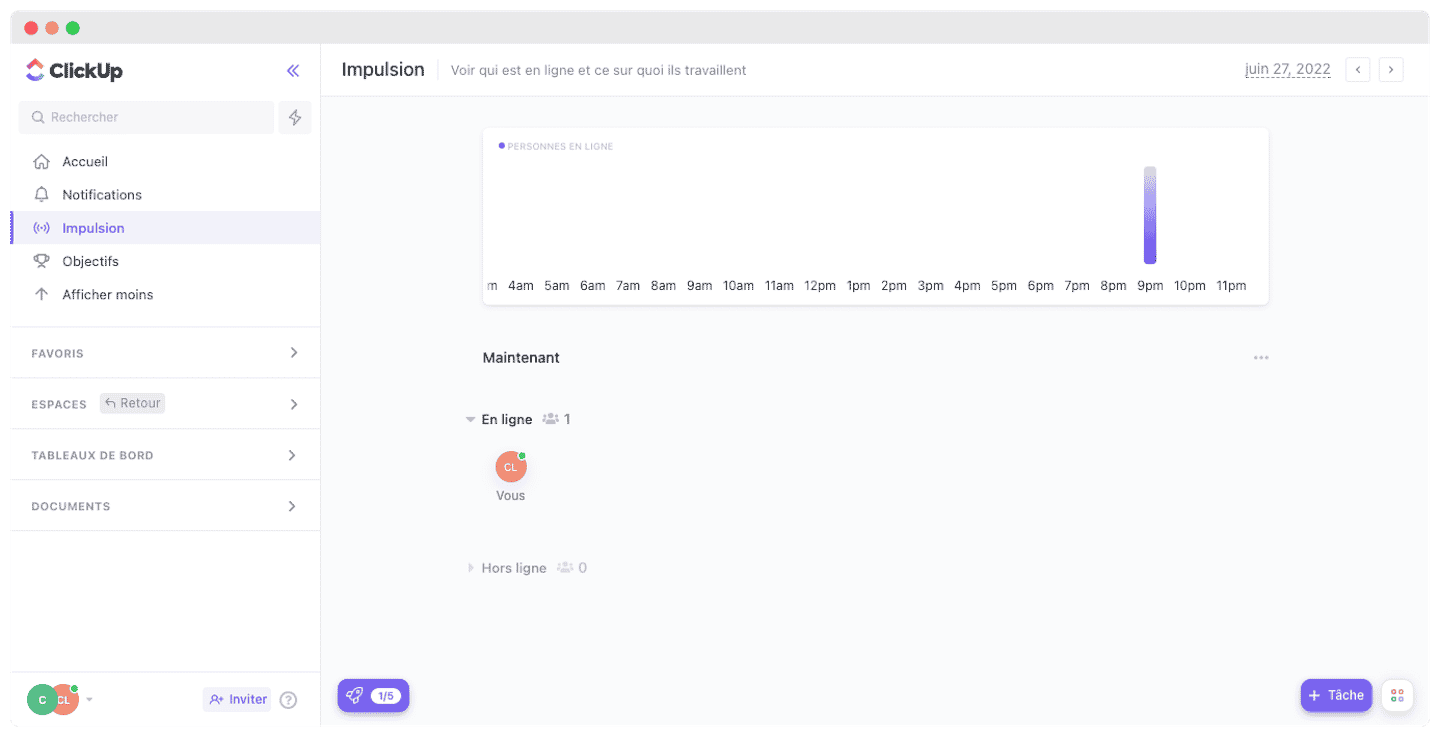
When the document is open, you can see who is working on it and follow the changes as they happen. Since documents can be shared, it is easy to collaborate and to ask other team members for feedback or help.
Reporting and time tracking
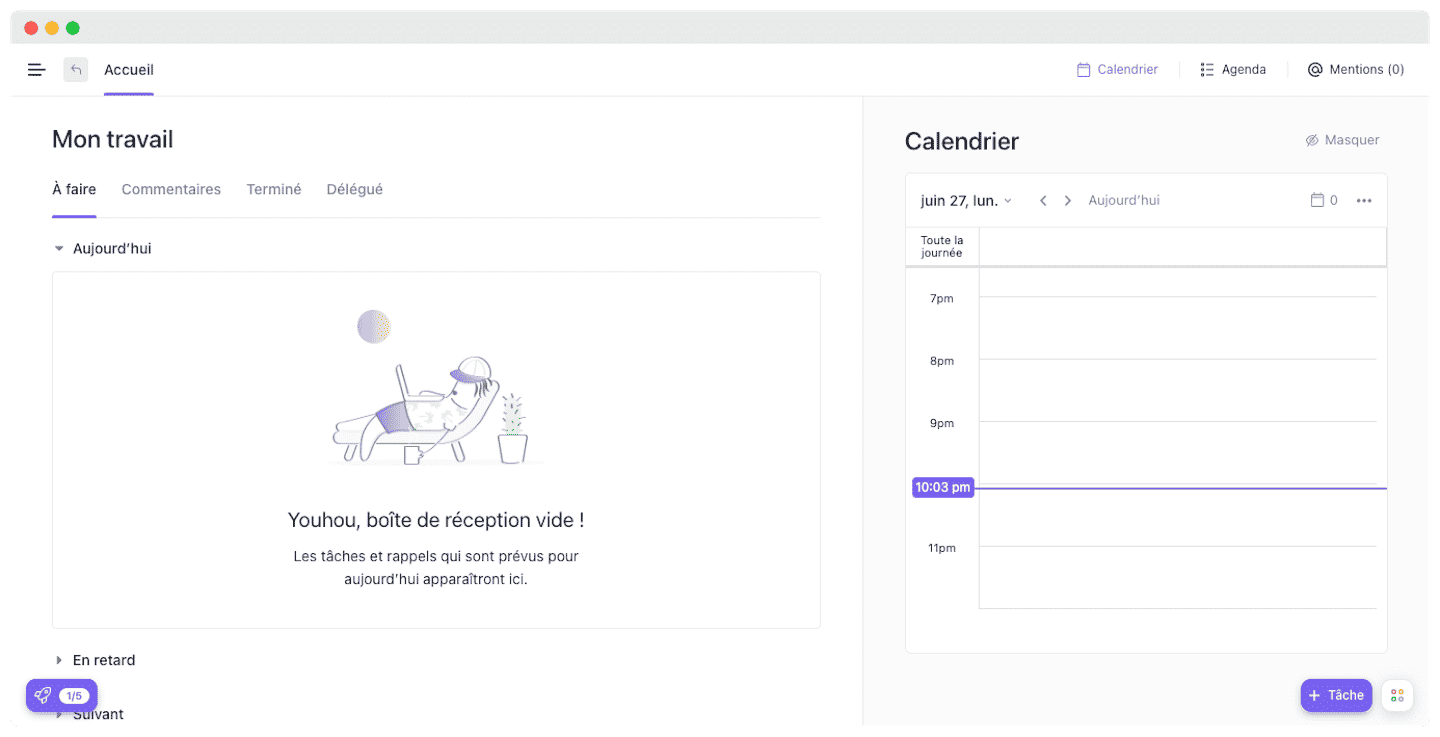
This is a key feature of the software, since it lets you assess a team’s capacity to better adapt to its needs, or to those of clients. With a view of each member’s calendar, by day, week or month, and syncing with Google Calendar, you know where each of your agents stands.
The time tracking feature lets you set deadlines and trigger notifications to make sure they are not forgotten. Each task can have a start and end date, with an adjustable duration.
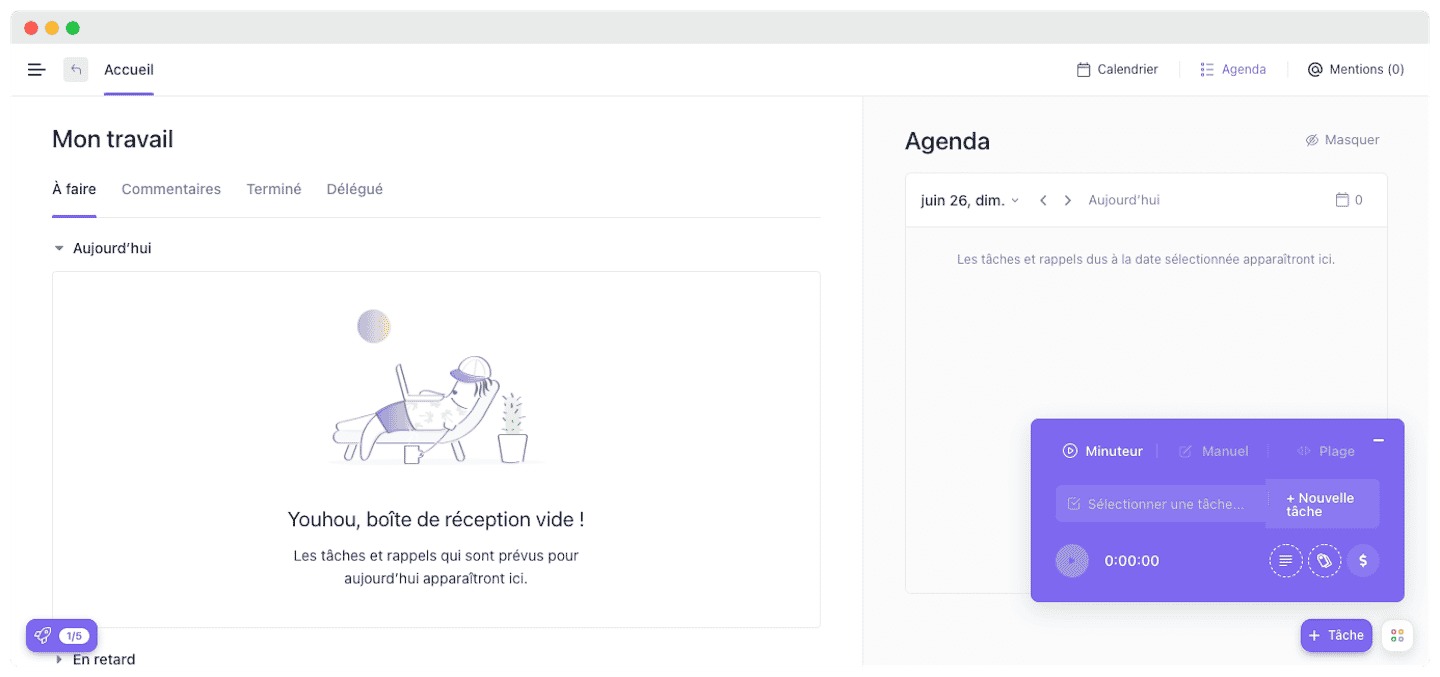
With the Gantt chart feature, you can plan and prioritize your activities by building an overall schedule for your project.
Customization options
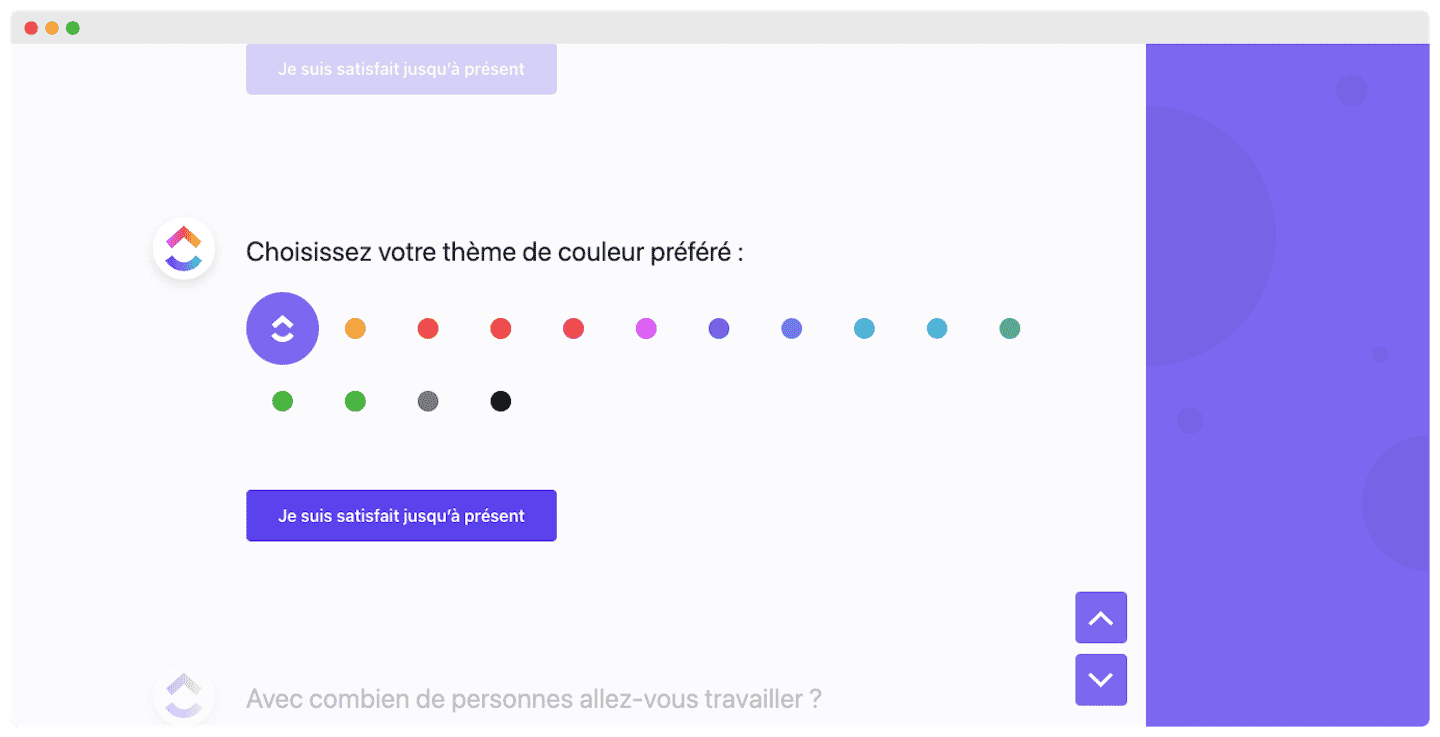
One of ClickUp’s strengths is its advanced customization features, which let you make the tool your own and adapt it to your needs.
Among other things, you can:
- Create your own task categories
- Adjust privacy settings for each team member
- Import Excel spreadsheets
- Use dark mode to work at night
- Pick distinct colors for each workflow
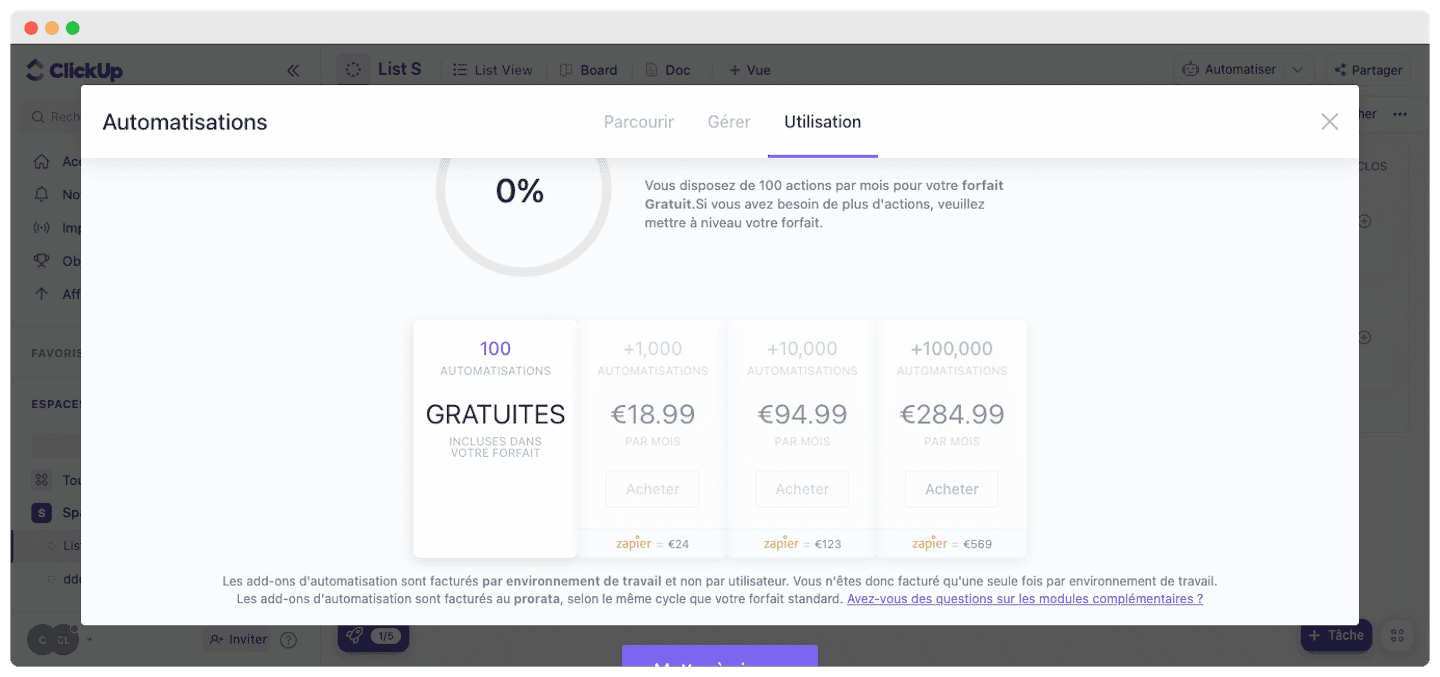
ClickUp’s key feature: automation
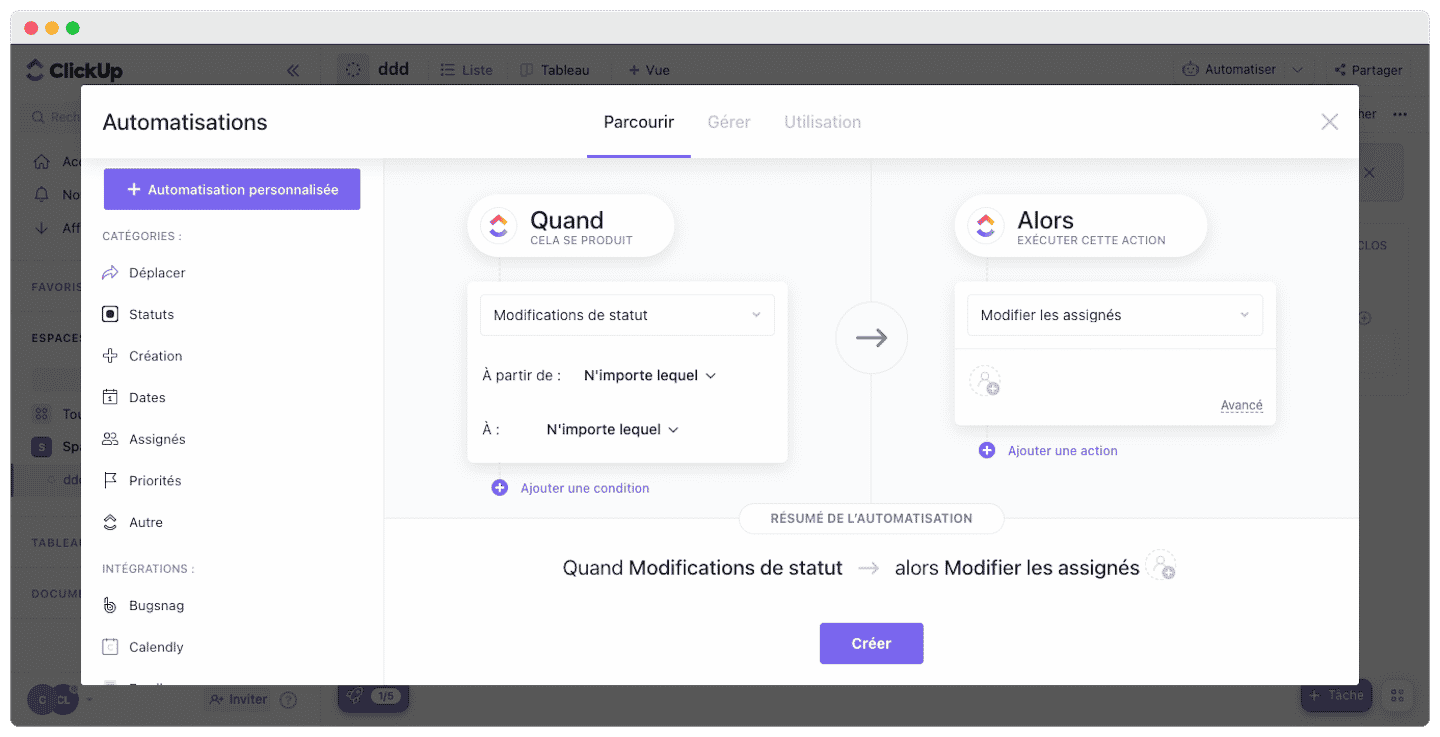
It is a real time-saver, for better performance and fewer repetitive tasks for teams.
- Native automation features: you get automatic task assignment, saved comments or replies, automatic task status changes, and automatic tagging, with predefined and custom categories.
- Customizable automation features: you can use the ones ClickUp provides or create whatever you want, based on your needs. In particular, you can decide what action happens when an automation is triggered, to save time compared with manual processes.
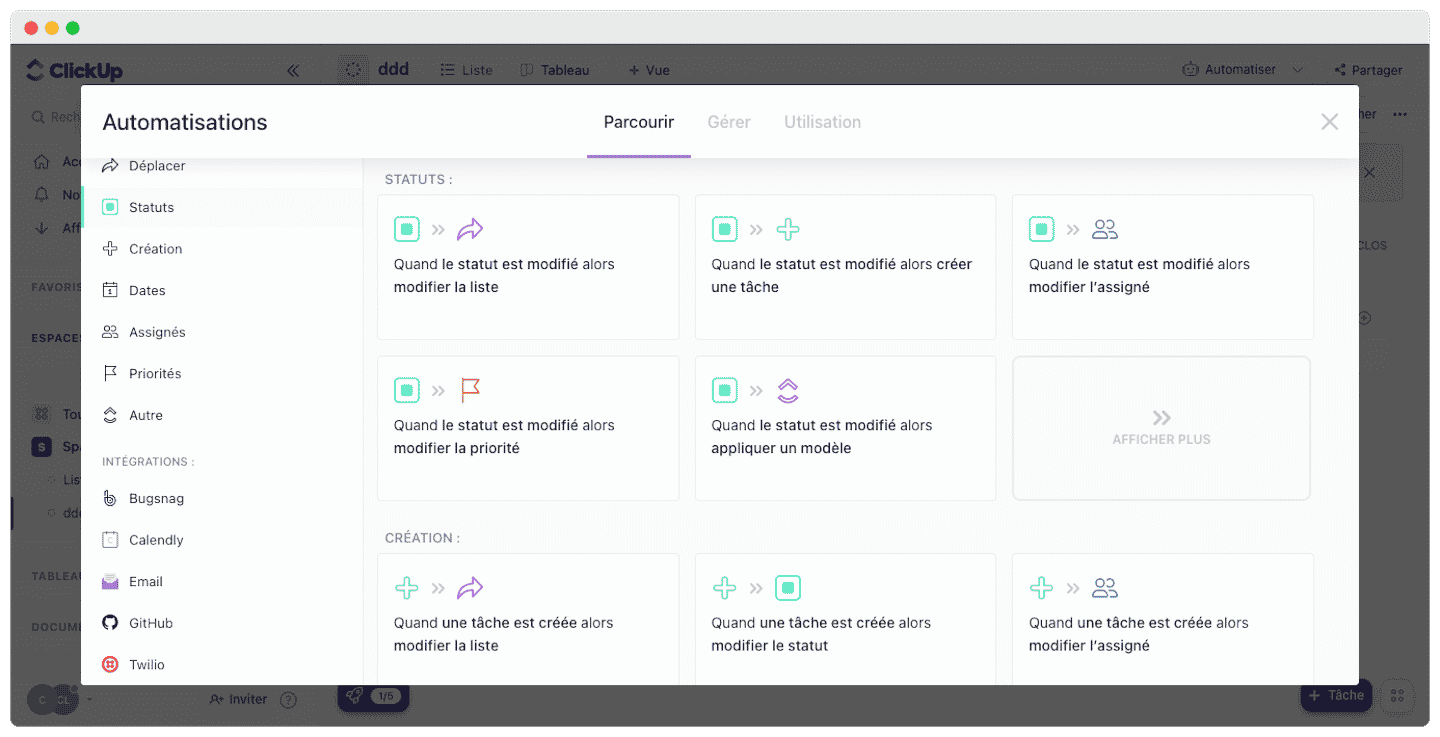
- Automation integrated with external apps: automation, combined with the many integrations ClickUp offers, gives you a single, shared and automated workflow.
ClickUp customer support
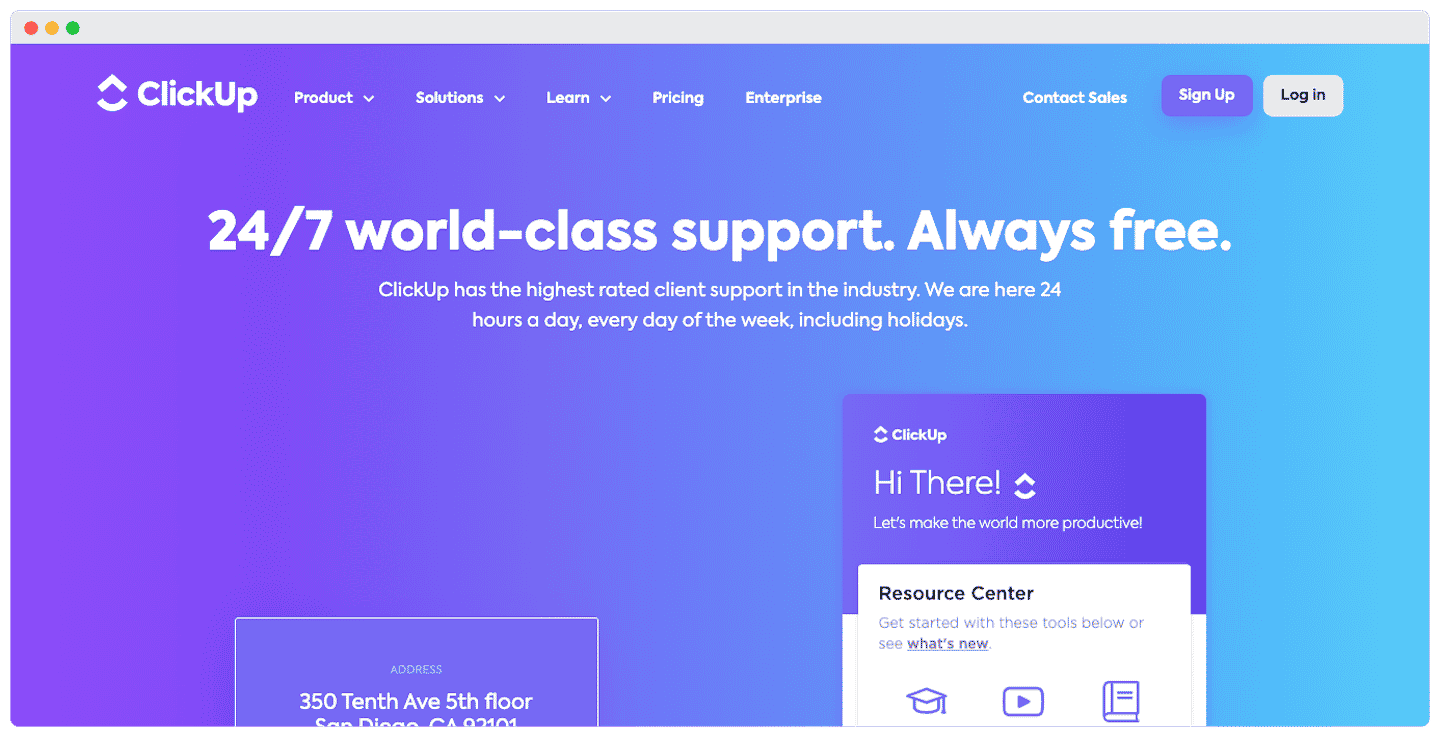
ClickUp’s customer support in a few points:
- Contact options: support is available through 24/7 live chat for your usage issues, on paid plans only: the Free Forever plan does not include it. For sales-related questions, you can reach them by phone and email, but not for other types of requests.
- Helpdesk: the helpdesk is rich but too complex. Navigating the interface is far from intuitive, the categories are unclear, and the sheer number of resources, videos and blog articles, makes solving problems on your own complicated.
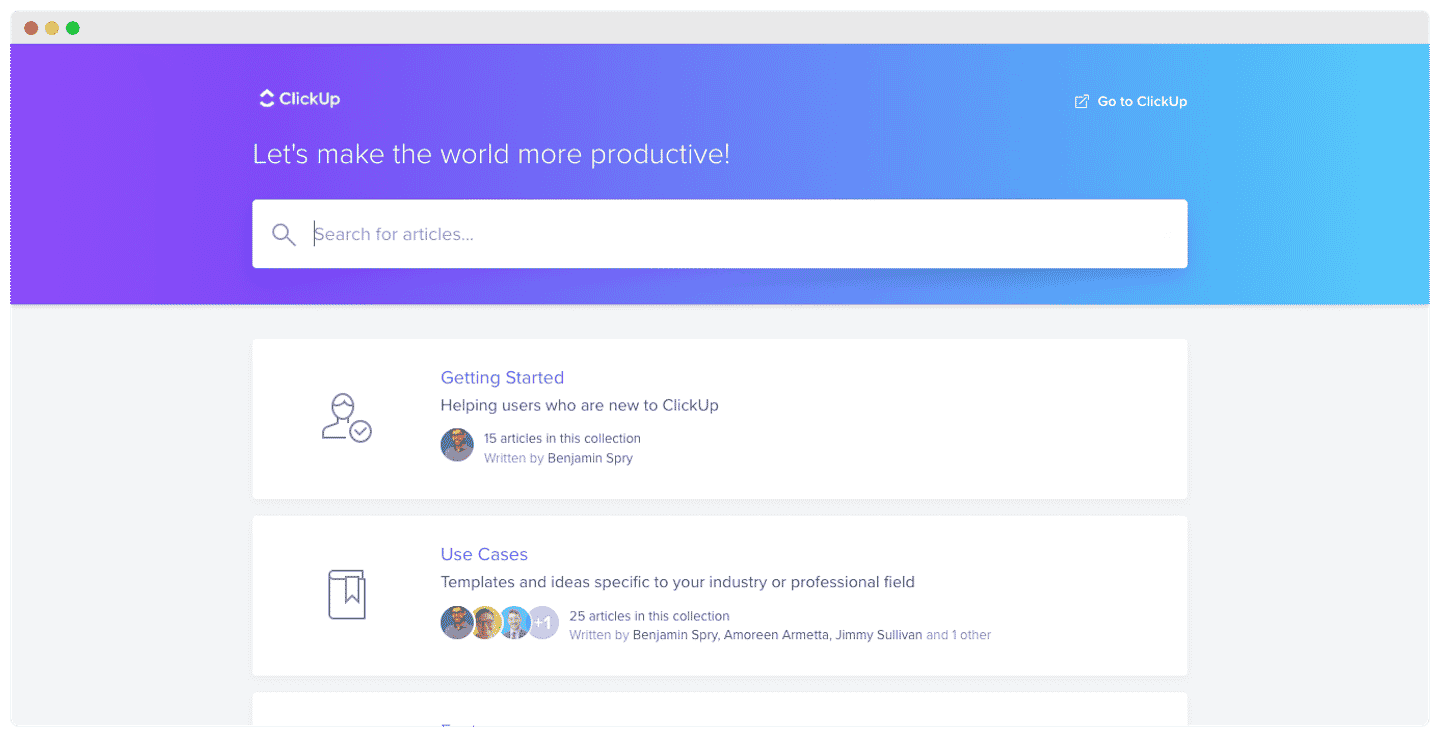
The ClickUp integrations marketplace
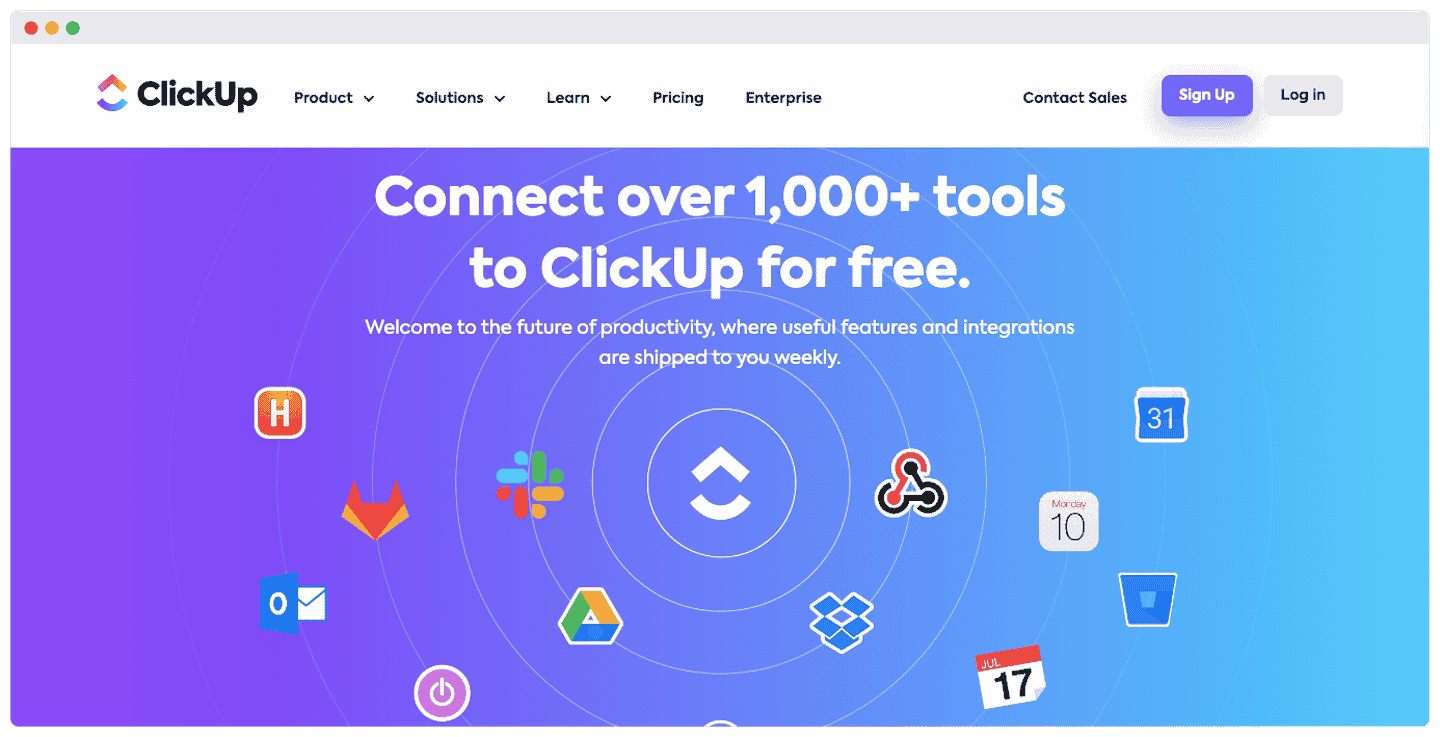
ClickUp’s integrations marketplace is extremely rich, with more than 1,000 integrations available. We like the Zapier integration, ideal for beginners.
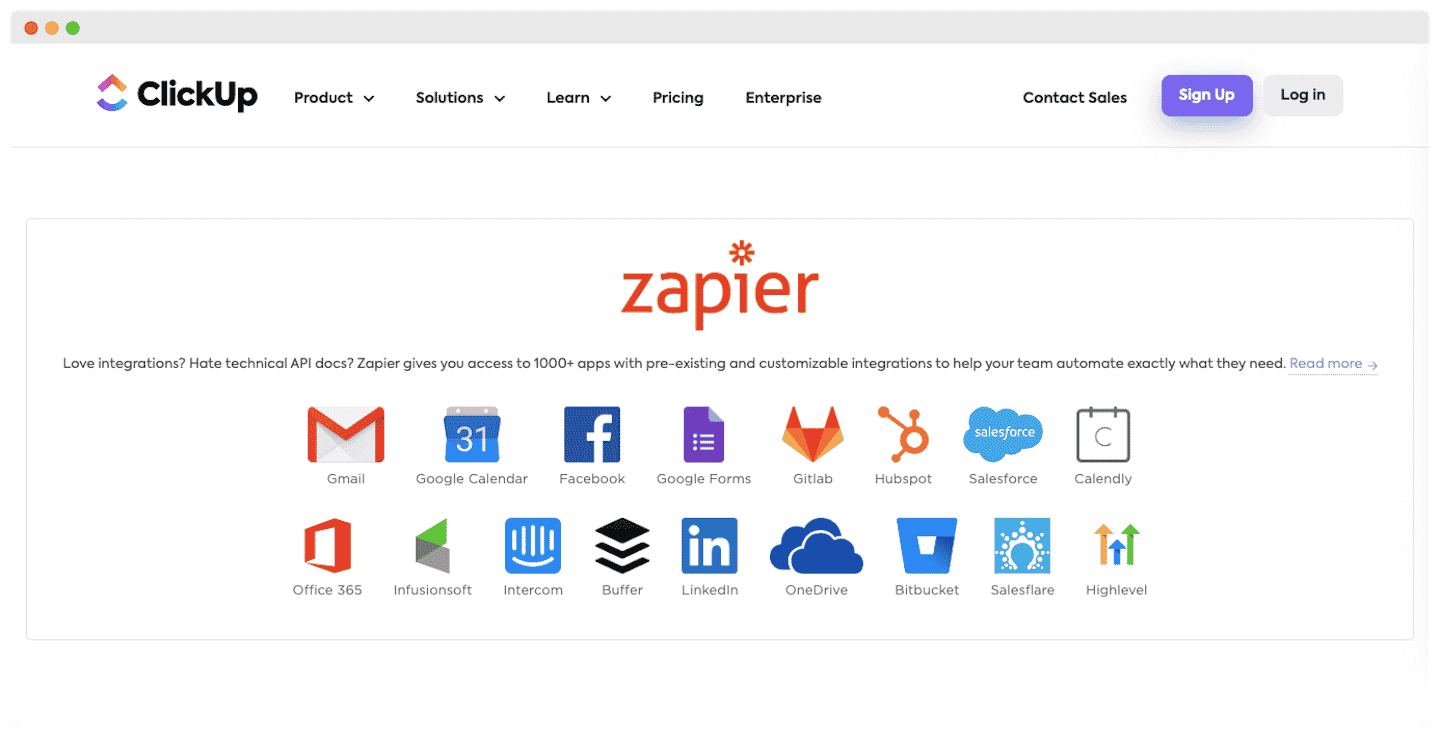
A few of the integrations:
- Communication channels: Gmail, Facebook, Twitter. These integrations make it easier to handle your customers’ requests across channels, among other things.
- CRM: HubSpot, Salesforce, Zendesk. Ideal for tying project management to the other parts of your business, customer support in particular.
- Project management software: Monday, Trello, Asana. You can import your data from other project management tools into ClickUp in one click.
- Internal communication and collaboration: Slack, Zoom, Microsoft Teams, Google Chat, Google Drive. ClickUp already offers real communication features between agents, but you can strengthen them with the many communication integrations.
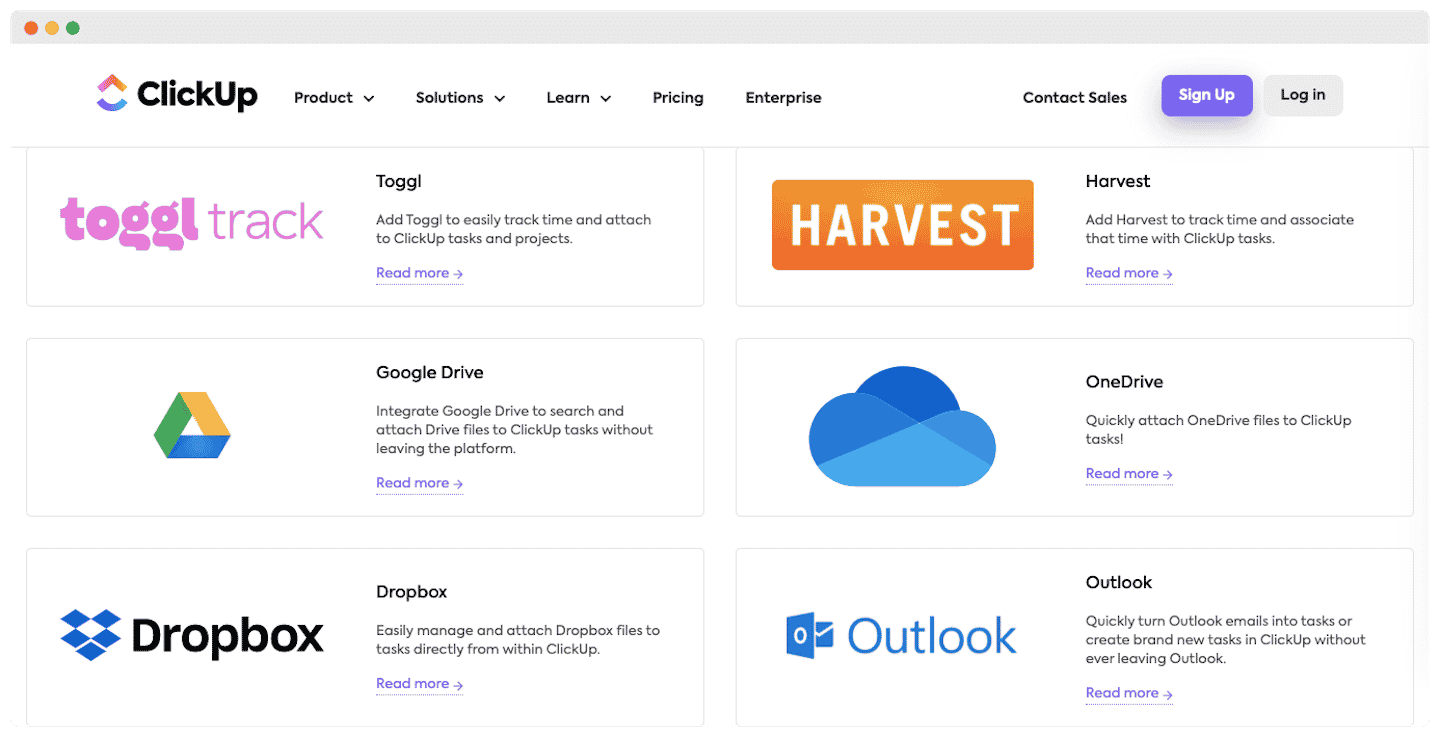
Salesdorado’s takeWe like the presence of some more original integrations, such as Grammarly for spelling correction and SaveMyLeads, a real asset for customer retention.
ClickUp: pricing
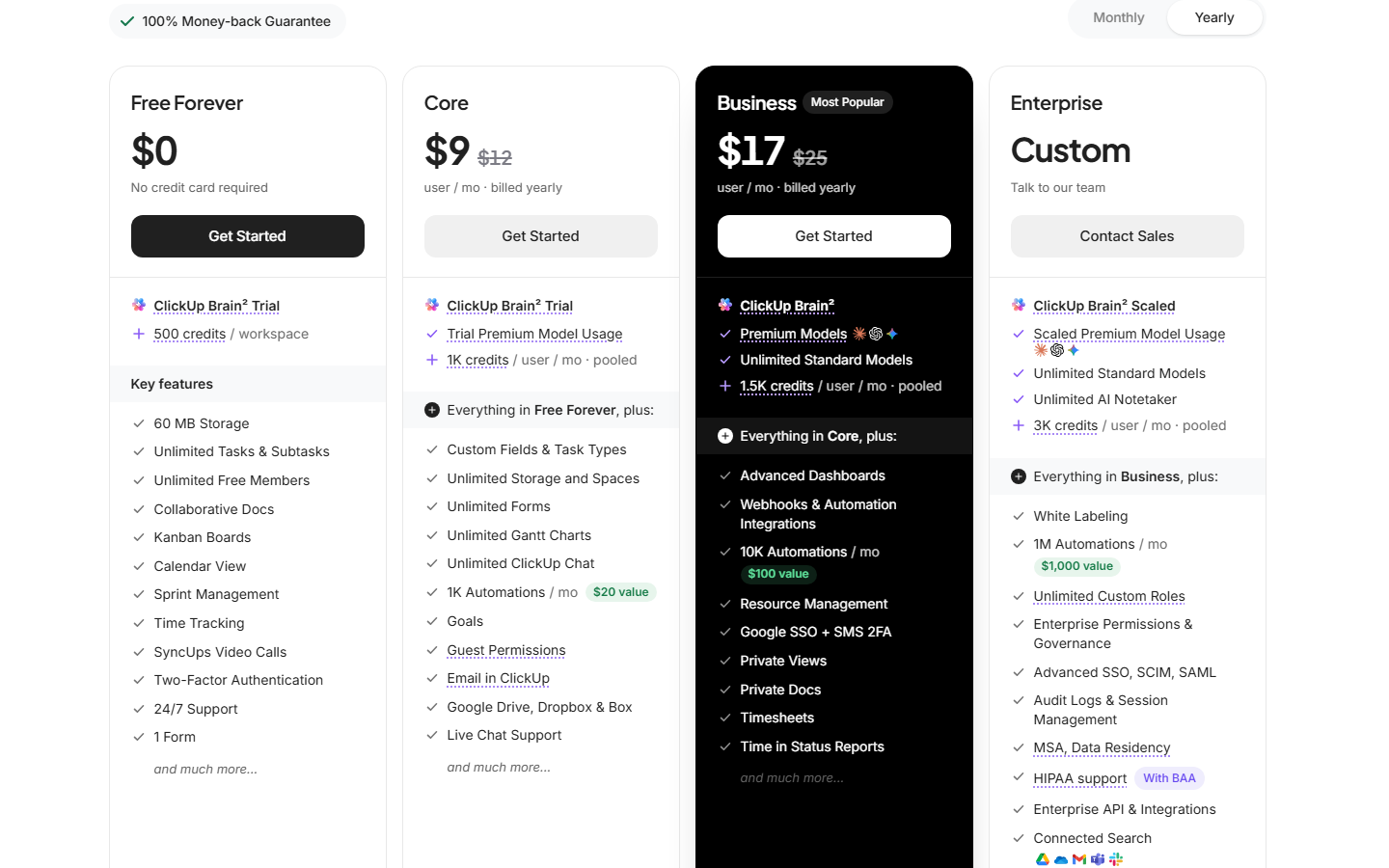
Here are the prices of the different ClickUp plans, per user and per month:
- Free Forever: a plan ideal for beginners, with unlimited members and tasks, but only 60 MB of storage and 100 automation actions per month. Gantt and dashboards are only available as a trial.
- Core: $9 billed annually, $12 billed monthly. Storage becomes unlimited, as do Gantt and time tracking. You add custom fields, 1,000 automation actions per month, Google Drive, Dropbox and Box, and 1,000 AI credits per user per month.
- Business: $17 billed annually, $25 billed monthly. Ideal for larger organizations: advanced dashboards, resource management, private views and docs, Google sign-in, timesheets and 10,000 automation actions per month.
- Enterprise: pricing on request. This is a high-end plan, for companies with the biggest needs: custom roles, advanced SSO, audit logs and 1 million automation actions per month.
ClickUp also lists a Max plan at $100 per user per month billed annually ($120 billed monthly), which includes Enterprise with the maximum AI credits. Workspaces opened before this pricing change stay on the old plans (Unlimited, Business, Business Plus) until they are migrated.
Salesdorado’s takeThe bonus: you get the 30-day money-back guarantee, ideal for testing what the tool can do.