The 11 best Jira alternatives

Eleven Jira alternatives compared. Agile tools for development teams: Linear, Shortcut, YouTrack, Taiga. Platforms that bring tickets and code together: GitLab, Azure DevOps, Backlog by Nulab.

Maxime Ben Bouaziz
Maxime Ben Bouaziz
CEO Salesdorado, IA & Sales Tech
October 15, 2024, updated November 10, 2026, 1 min read
See all tools

Jira is undeniably a good project management tool, but it has a few limits too. It is fairly complex to use, not very flexible and rather expensive. At Salesdorado, we like Jira and used it before switching to Notion.
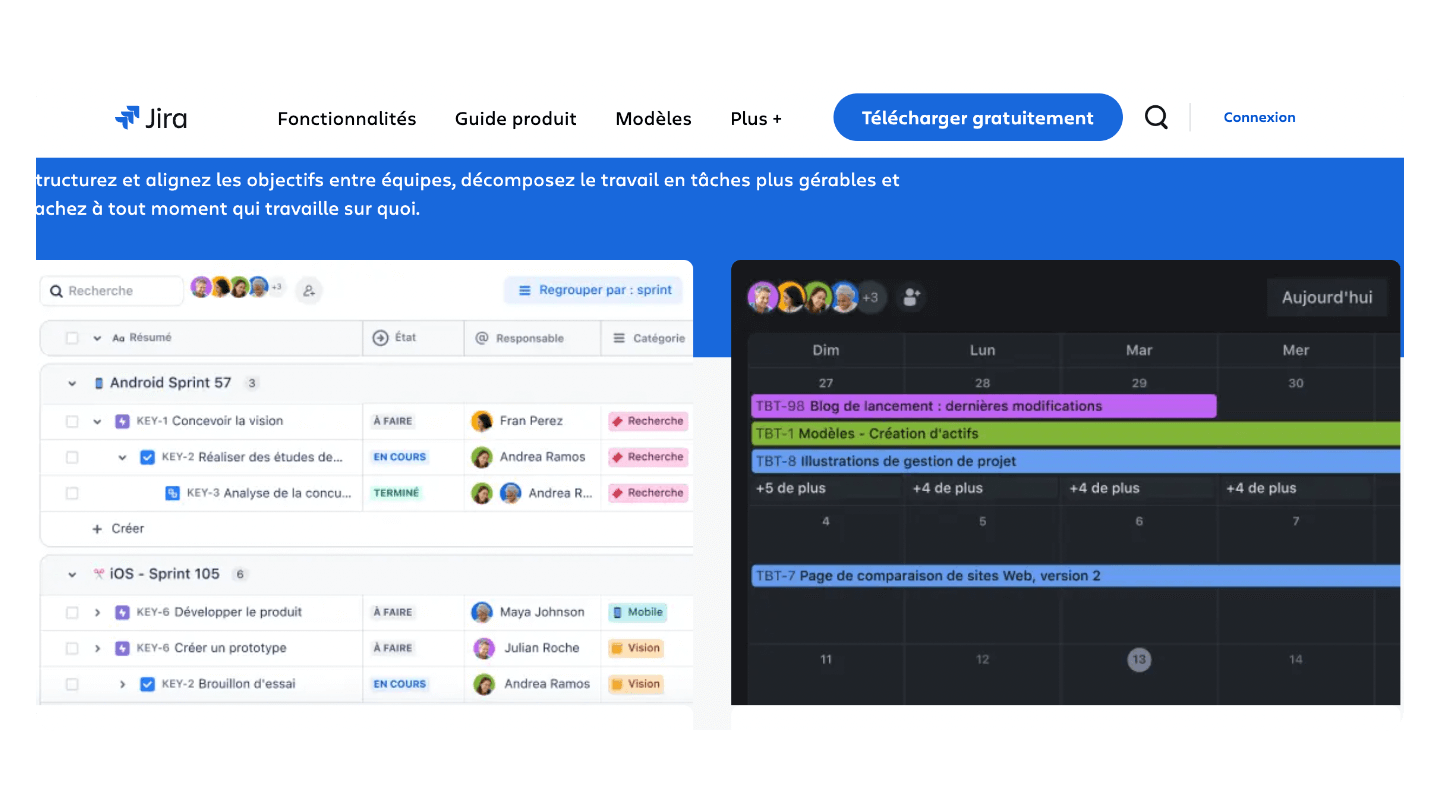
Jira interface

A Jira alternative has to cover what you chose it for: tickets, backlog, sprints and a link to the code. Most of the teams that leave it are development teams tired of its weight; the others are business teams that inherited it from IT and use only a fraction of it.

Depending on your need:

  • A product team that wants a fast tool with no configuration: Linear
  • Sprints and stories linked to GitHub, without Jira’s administration: Shortcut
  • Jira’s depth, free up to 10 users: YouTrack
  • An open source tool to host yourself: Taiga
  • Tickets, code and CI/CD on a single platform: GitLab
  • A company equipped with Microsoft and Visual Studio: Azure DevOps
  • Flat-rate pricing, with no per-user cost: Backlog by Nulab
  • Developers and business teams in the same tool: ClickUp
  • Cross-functional projects with multiple approvals: Wrike
  • Projects and documentation in one place: Notion
  • Non-technical teams that want visual boards: monday.com
SalesdoradoSimulate your choice of project management tool
Free tool, 2 minutes
Simulate your choice of project management tool

Answer 10 targeted questions and find the tools that actually fit your situation.

12
tools analyzed
10
targeted questions
€0
no sign-up
Methodology published by the Salesdorado editorial team

The 11 tools, side by side

# Logos tool Score Price Best for
01 Backlog by Nulab 4.4/5 ★ $35 Technical and non-technical teams that want a simple tool with no per-user cost Visit site
02 Notion 4.7/5 ★ €9.50 Small product teams that want to keep specs, documentation and task tracking in one place Visit site
03 ClickUp 4.7/5 ★ $9 Companies where developers and business teams have to share the same project tool Visit site
04 monday.com 4.0/5 ★ €9 Non-technical teams that inherited Jira and want visual boards without training Visit site
05 Wrike 4.5/5 ★ $10 Organizations whose projects mix technical teams, marketing and management, with approval circuits Visit site
06 Taiga 4.2/5 ★ €5 Development teams in Scrum or Kanban that want an open source tool Visit site
07 Shortcut 4.3/5 ★ $8.50 Software development teams that want to link tasks, commits and pull requests Visit site
08 Linear 4.5/5 ★ $10 Startups and product teams that want fast ticket tracking, without a Jira administrator Visit site
09 YouTrack 4.2/5 ★ €4.50 Small technical teams that want Jira's depth without paying up to 10 users Visit site
10 GitLab 4.2/5 ★ $29 DevOps teams that want tickets, code and pipelines on a single platform Visit site
11 Azure DevOps 4.2/5 ★ $6 Development teams on Microsoft that want backlog, repositories and pipelines in one place Visit site
01

Backlog by Nulab

4.4/5 From $35

Best for: Technical and non-technical teams that want a simple tool with no per-user cost

+ Strengths
  • Tickets, Git and Subversion repositories and documents in a single tool
  • Flat-rate pricing: unlimited users from Standard, at $100/month
  • Quick to learn, clean interface
  • 30-day trial without a credit card
− Downsides
  • Free plan limited to 10 users, 1 project and 100 MB
  • First paid plan capped at 30 users and 5 projects
  • Gantt and burndown from the Standard plan
★ Backlog by Nulab in brief

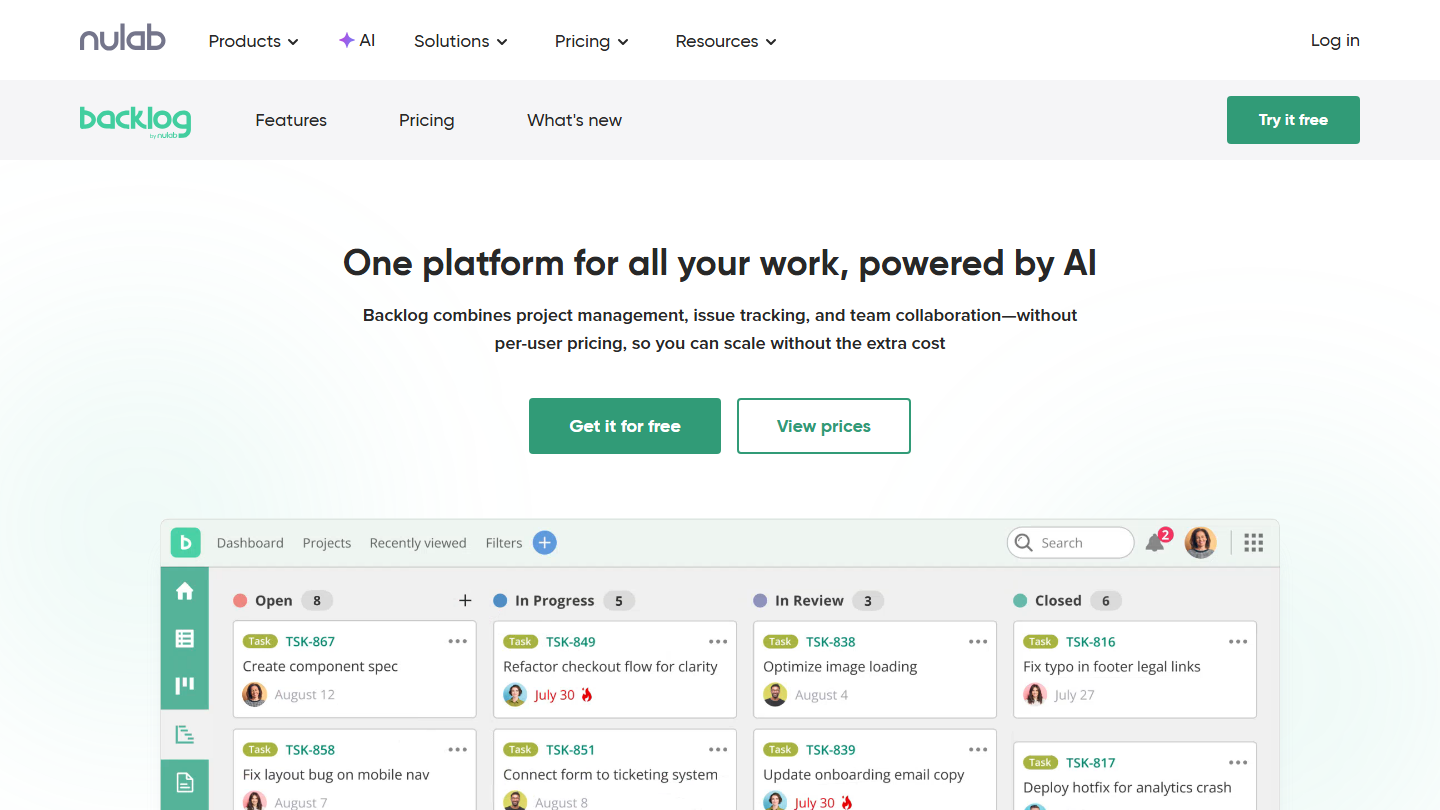
Backlog by Nulab home page: “One platform for all your work, powered by AI”, with a ticket board

Backlog is the project management tool from Nulab, the Japanese publisher also known for Cacoo. It brings together ticket and bug tracking, Git and Subversion repository hosting and project documents, with a price set per account and not per user.

In practice, developers and business teams work on the same tickets: the former link their commits to them, the latter follow progress on the board or the Gantt chart. Subtasks, ticket templates and custom statuses frame the work without needing a dedicated administrator.

Backlog makes sense for a growing team penalized by Jira’s per-user bill: from 12 users, the Standard plan at $100 per month costs less than Jira Standard at $8.48 per user. In exchange, the tool stays simpler, and custom fields only arrive with Premium.

The free plan accepts 10 users on one project, with 100 MB. Starter costs $35 per month for 30 users and 5 projects, Standard $100 for unlimited users and 100 projects, Premium $175 with unlimited projects, custom fields and an AI assistant. Annual billing saves 17%, and each paid plan can be tried for 30 days without a credit card.

02

Notion

4.7/5 From €9.50

Best for: Small product teams that want to keep specs, documentation and task tracking in one place

+ Strengths
  • Specs, wiki and task databases linked together
  • Block system: custom pages without technical skills
  • Many ready-made templates to start fast
  • Open API on any plan
− Downsides
  • Little-developed reporting
  • Sprints and estimates less well equipped than in a dedicated agile tool
  • Pages and blocks limited from 2 members on the free plan
★ Notion in brief

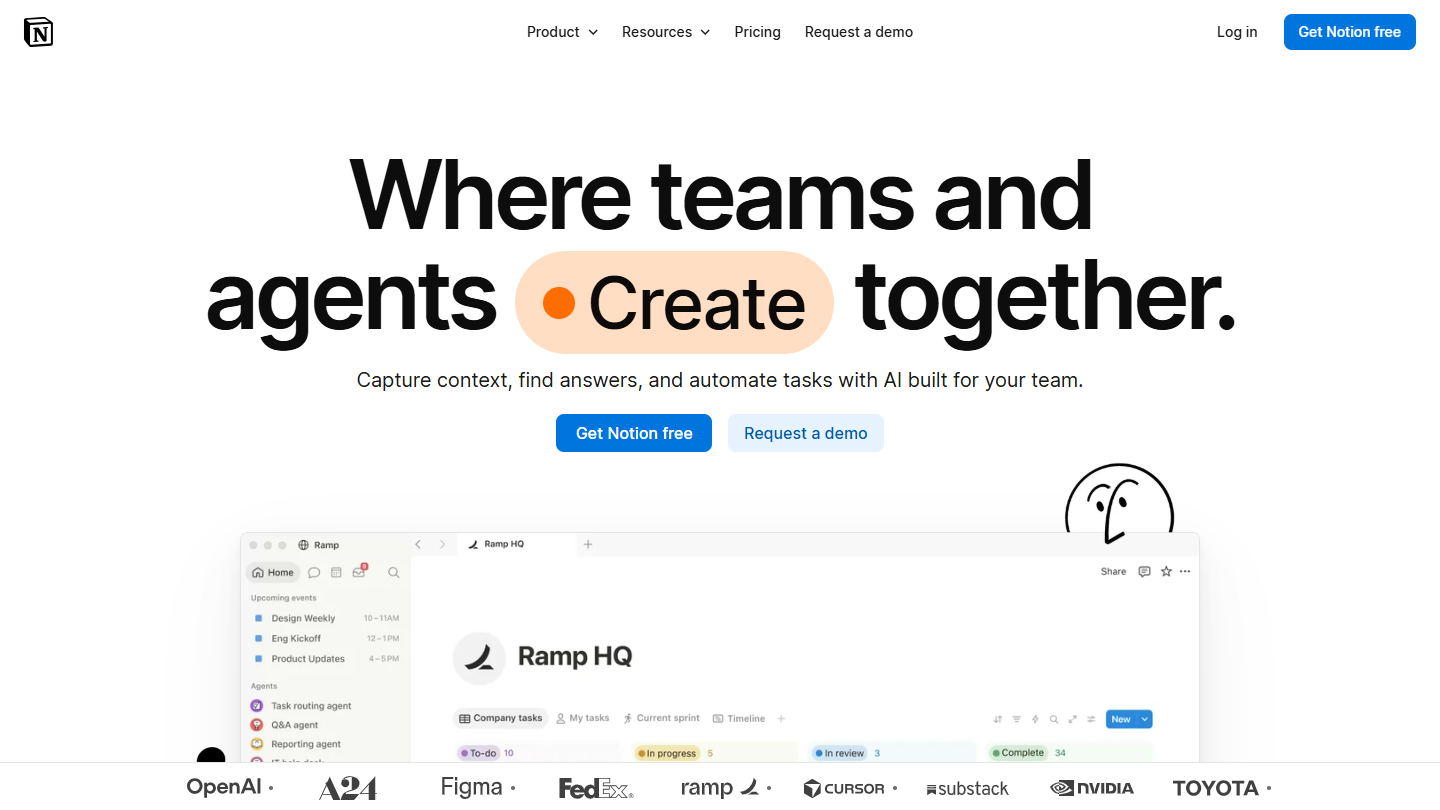
Notion website: “Where teams and agents Create together.”

Notion is a workspace made of pages and databases that you assemble yourself. At Salesdorado, it is the tool we moved to after Jira.

In practice, a Tasks database links to a Projects database and a Sprints database; each ticket is a page that holds the specification, the screenshots and the discussion. The same space hosts the technical wiki, meeting notes and the roadmap, which a team on Jira often hands to Confluence.

Notion makes sense for a small team that writes a lot and wants a single tool for documentation and tracking. For several development teams with estimated sprints and links to the code, a dedicated agile tool like Linear or YouTrack holds up better under load.

The free plan is unlimited for a solo user; from 2 members, the number of blocks is limited and history stops at 7 days. Plus costs €9.50 per member per month billed annually and €11.50 monthly; Business, at €19.50 billed annually, adds the AI agent, SAML SSO and private spaces.

03

ClickUp

4.7/5 From $9

Best for: Companies where developers and business teams have to share the same project tool

+ Strengths
  • Sprints and point estimates, Kanban, Gantt or list views as you choose
  • Built-in docs, chat and goals
  • Free plan with unlimited members and tasks
  • GitHub and GitLab integrations
− Downsides
  • Long learning curve, no onboarding support outside the Enterprise plan
  • Free plan limited to 60 MB of storage
  • Support reachable only by chat for usage questions
★ ClickUp in brief

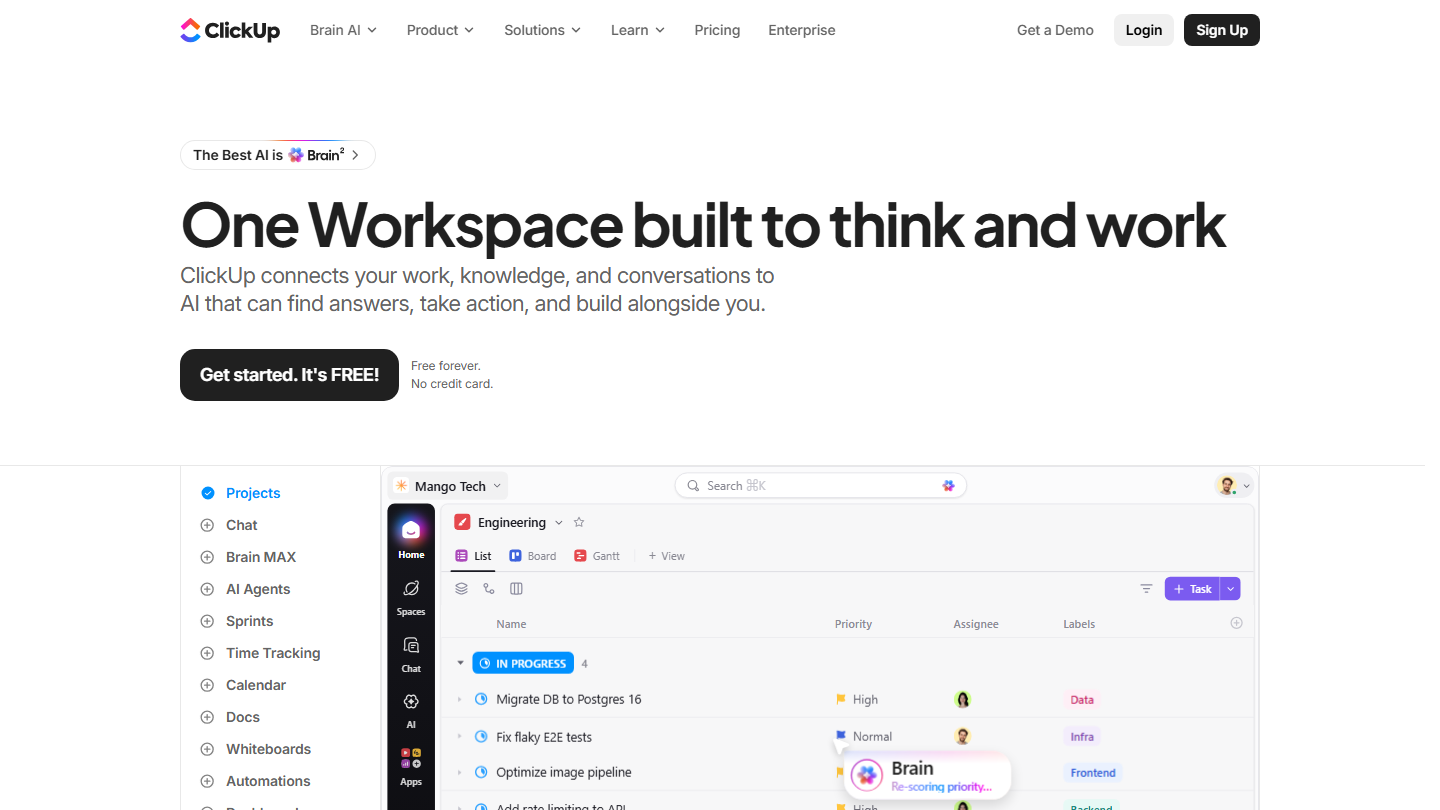
ClickUp home page: “One Workspace built to think and work”, with a task list in project view

ClickUp is a work platform that covers project management, documents, goals and team messaging. For a company leaving Jira, its appeal is offering sprints and tickets without imposing the development framework on the other departments.

In practice, the technical team turns on sprints, estimates its tasks in points and tracks its progress, while marketing keeps a list or calendar view in another space of the same account. Task dependencies, custom fields and automations replicate a good part of Jira workflows.

ClickUp makes sense when Jira was rolled out across the whole company and only the developers really use it. A purely technical team will find Linear or Shortcut more direct: ClickUp takes several weeks of configuration before it is comfortable.

Expect $9 per user per month for Core billed annually, $12 with no commitment: that’s where the Gantt, time tracking and uncapped storage arrive. Business goes up to $17 billed annually. AI runs on credits included each month and is paid for beyond that.

04

monday.com

4.0/5 From €9

Best for: Non-technical teams that inherited Jira and want visual boards without training

+ Strengths
  • Colorful, readable interface, adopted without training
  • More than 200 templates, from the free plan
  • Timeline, calendar and Kanban views
  • Forms, automations and integrations
− Downsides
  • Free plan limited to 2 seats and 3 boards
  • Gantt, calendar and automations from Standard
  • Three seats minimum on paid plans
★ monday.com in brief

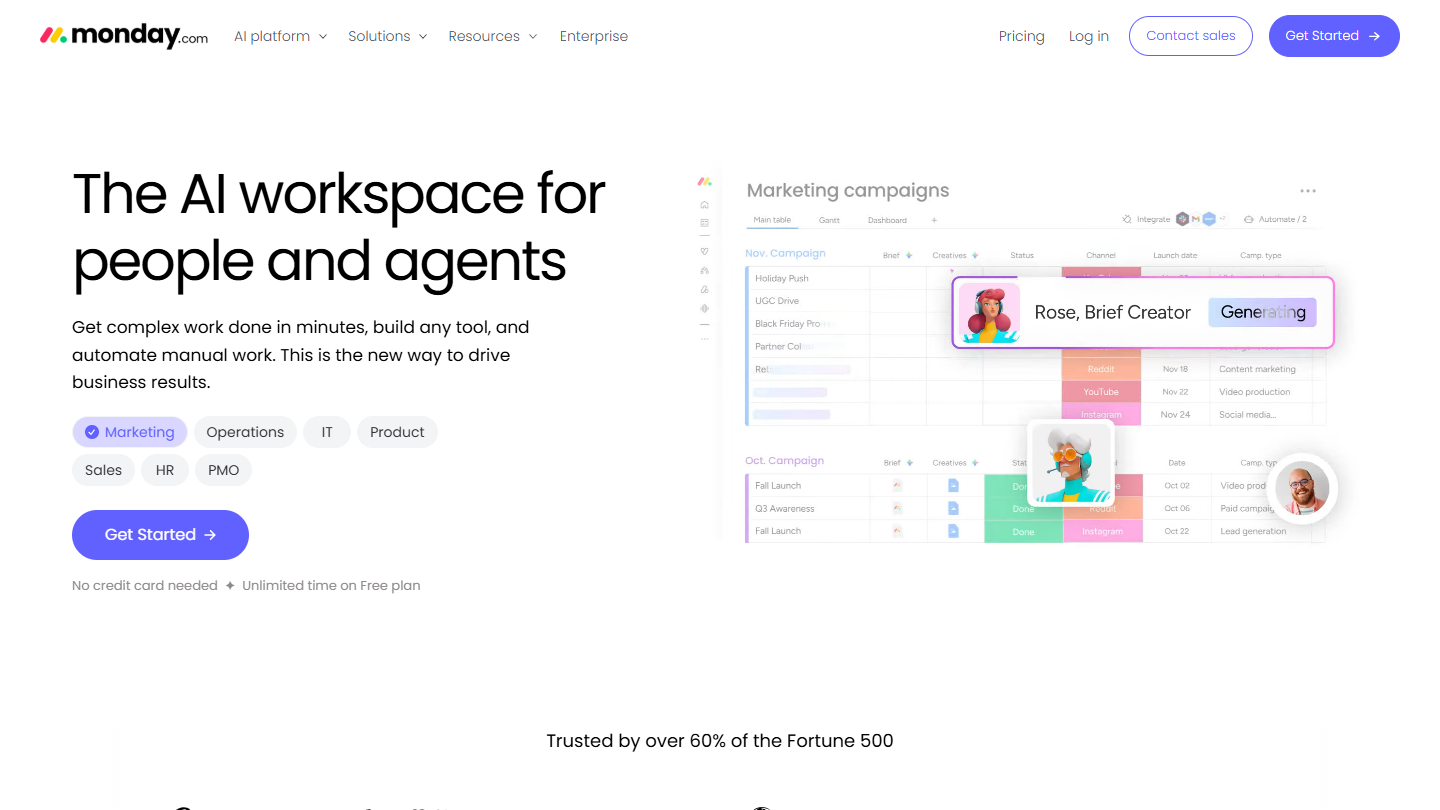
monday.com website: “The AI workspace for people and agents”

monday.com is a work management platform built around boards: each row is an item, each column a piece of information (status, owner, due date, budget). It is the Jira alternative for teams that don’t write code.

In practice, a marketing team that tracked its campaigns in Jira tickets gets a board per campaign, with color-coded statuses and a calendar view of publications. Managers follow several boards at once without learning a query language.

monday.com makes sense when the tool has to be adopted in a few days by non-technical profiles. For development teams, the publisher sells a separate product, monday dev, which this review does not cover.

The free plan accepts 2 users and 3 boards. Basic costs €9 per seat per month billed annually, €12 monthly, with a 3-seat minimum; you need to aim for Standard, at €14 per seat monthly, for the Gantt view, the calendar and automations.

05

Wrike

4.5/5 From $10

Best for: Organizations whose projects mix technical teams, marketing and management, with approval circuits

+ Strengths
  • Approval flows and role-based access rights
  • Interactive Gantt from the Team plan
  • Agile Board view from the free plan
  • Dashboards that consolidate several projects
− Downsides
  • Hard to set up for small organizations
  • Team plan capped at 15 users
  • Prices at the high end of the market
★ Wrike in brief

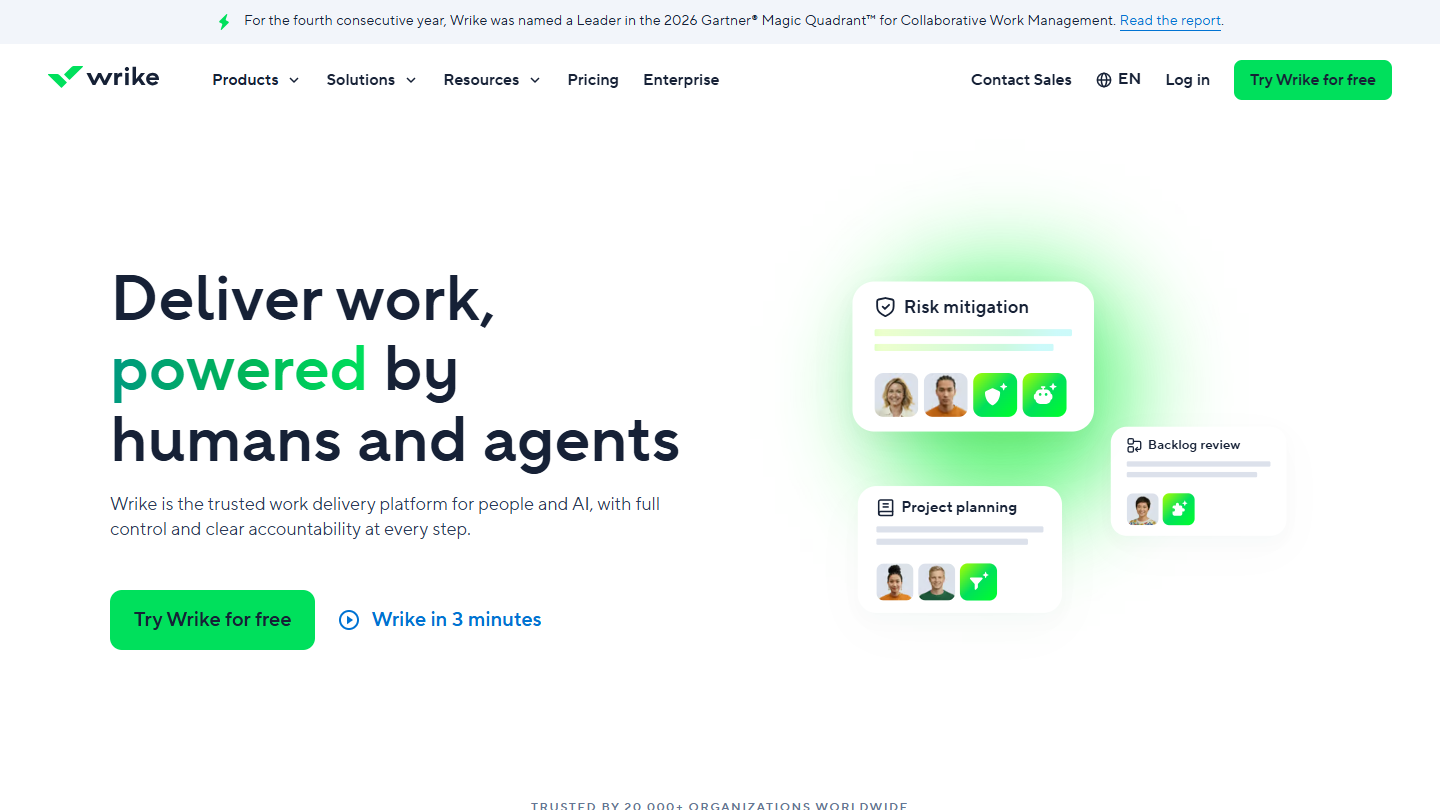
Wrike website: “Deliver work, powered by humans and agents”

Wrike is a project management platform geared toward large teams: approval flows, fine-grained permissions by role, resource planning and reports that aggregate several projects.

Against Jira, Wrike mainly serves projects that aren’t only development. A product launch brings together the developers’ tasks on an agile board, the marketing schedule on a Gantt and management’s final sign-off, with the history of who approved what.

Wrike makes sense when projects cross several departments and management wants a consolidated view. For a development team alone, it is oversized on approvals and less centered on code than Linear, YouTrack or GitLab.

The free plan handles tasks and projects with the Board and Agile Board views, but limits the number of active tasks and has no Gantt. Team costs $10 per user per month billed annually, from 2 to 15 users; Business $25, from 5 to 200 users. 14-day trial without a credit card.

06

Taiga

4.2/5 From €5

Best for: Development teams in Scrum or Kanban that want an open source tool

+ Strengths
  • Open source, free to install on your server
  • User stories, sprints, backlog, Kanban and burndown chart
  • Unlimited users on all plans
  • One wiki per project for documentation
− Downsides
  • Free cloud plan limited to 1 private project and 10 MB
  • Self-hosting to install and maintain yourself
  • No trial listed for paid plans
★ Taiga in brief

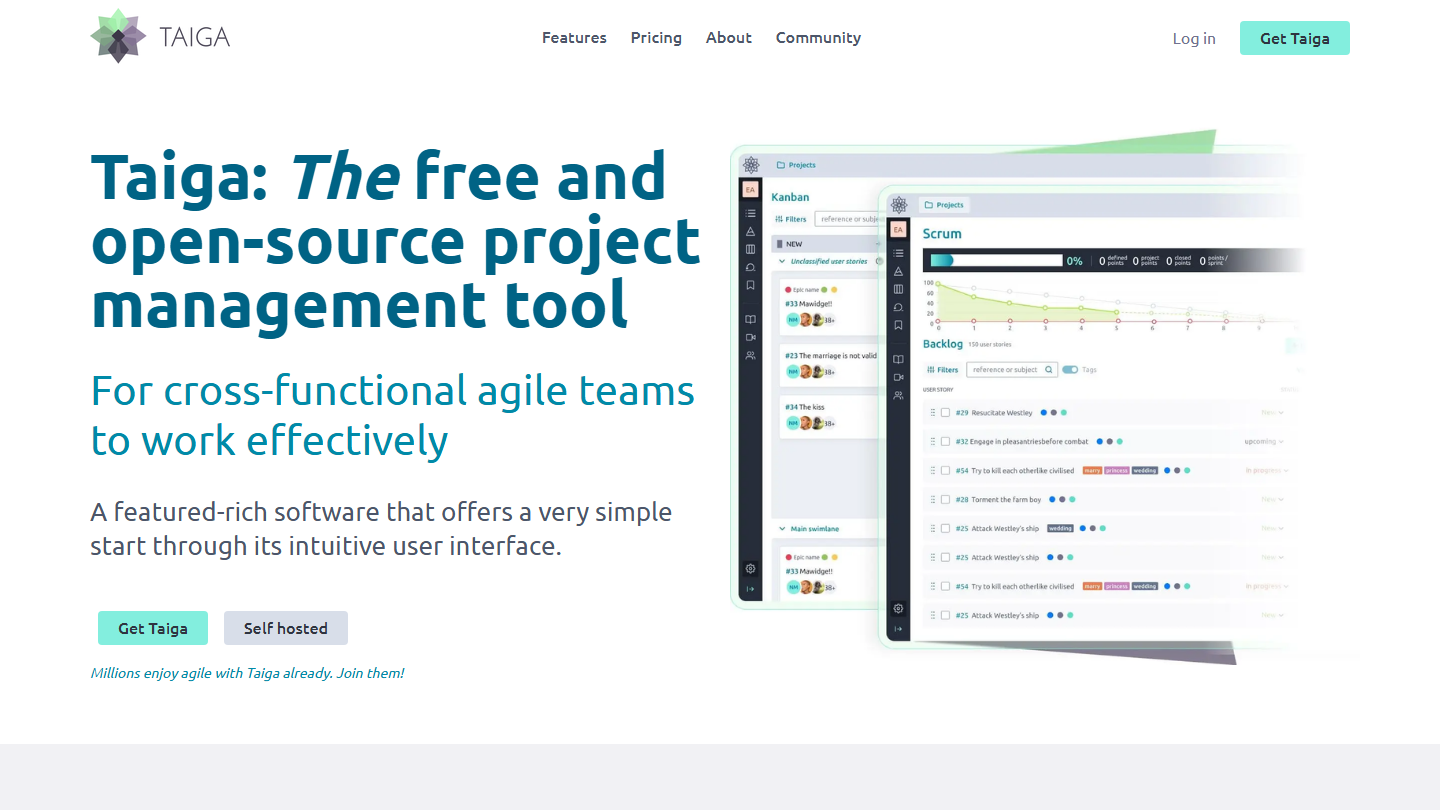
Taiga home page: “The free and open-source project management tool”, with Kanban and Scrum views

Taiga is an open source project management platform designed for agile teams. It covers what development teams use most in Jira: backlog, user stories, sprints, Kanban board, tickets and burndown chart.

In practice, the product owner prioritizes user stories in the backlog, the team breaks them into tasks at sprint planning, and the burndown updates as tasks are closed. Fields, statuses and roles adapt to the team’s process, and the wiki keeps documentation next to the tickets.

Taiga makes sense for a team that wants to leave Jira without depending on a vendor, by hosting the tool on its own servers. You then need someone to install, update and back it up.

In the cloud, the free plan accepts unlimited users but only one private project and 10 MB. Paid plans are billed per account and not per user: Enthusiast €5 per month (5 private projects, 100 MB), Basic €20 (unlimited projects, 500 MB), Premium €60 (3 GB). Self-hosting is free.

07

Shortcut

4.3/5 From $8.50

Best for: Software development teams that want to link tasks, commits and pull requests

+ Strengths
  • Stories linked to branches, commits and pull requests
  • GitHub, GitLab, Bitbucket, Slack and Figma integrations from the free plan
  • Iterations, backlog, roadmap and docs included in the free plan
  • 14-day trial of all features, no credit card
− Downsides
  • Built for development teams, poorly suited to other functions
  • Free plan limited to 10 users, 1 team and 1 workflow
  • Automations and metrics dashboard reserved for paid plans
★ Shortcut in brief

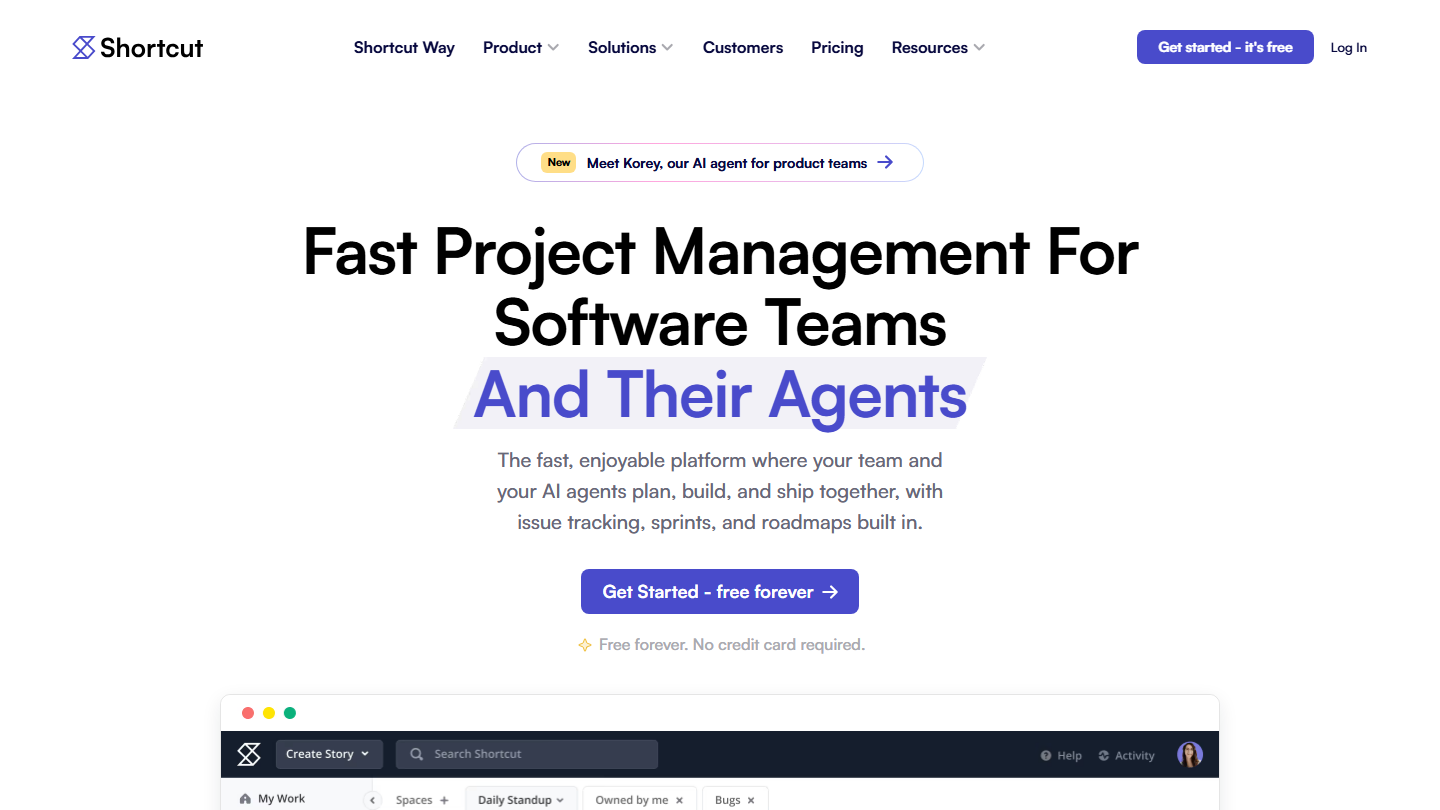
Shortcut home page: “Fast Project Management For Software Teams And Their Agents”

Shortcut, formerly Clubhouse, is an agile project management tool designed for software teams. It is organized around stories and epics, grouped into iterations, with a roadmap and documents for specifications.

In practice, a story links to a Git branch: when the developer opens their pull request on GitHub, GitLab or Bitbucket, the story moves forward in the workflow with no manual entry. The Kanban board filters by team, and the iteration report shows what was delivered and what slips to the next sprint.

Shortcut targets teams that want to keep Jira’s sprints and backlog without its administration. The publisher even has a comparison page aimed at teams leaving Jira. For a marketing or sales team, the tool remains too development-centered.

The free plan accepts 10 users, one team, one workflow and 5 GB. Team costs $8.50 per user per month billed annually ($10 monthly) and adds automations, work-in-progress limits and up to 5 teams; Business goes to $12 ($16 monthly) with goals and advanced custom fields.

08

Linear

4.5/5 From $10

Best for: Startups and product teams that want fast ticket tracking, without a Jira administrator

+ Strengths
  • Very fast interface, keyboard-driven
  • Cycles, projects and initiatives ready to use, no configuration
  • Unlimited members from the free plan
  • GitHub integration: the ticket follows the pull request
− Downsides
  • Free plan limited to 250 tickets and 2 teams
  • Workflows less configurable than in Jira, by the publisher's choice
  • Interface and site in English
★ Linear in brief

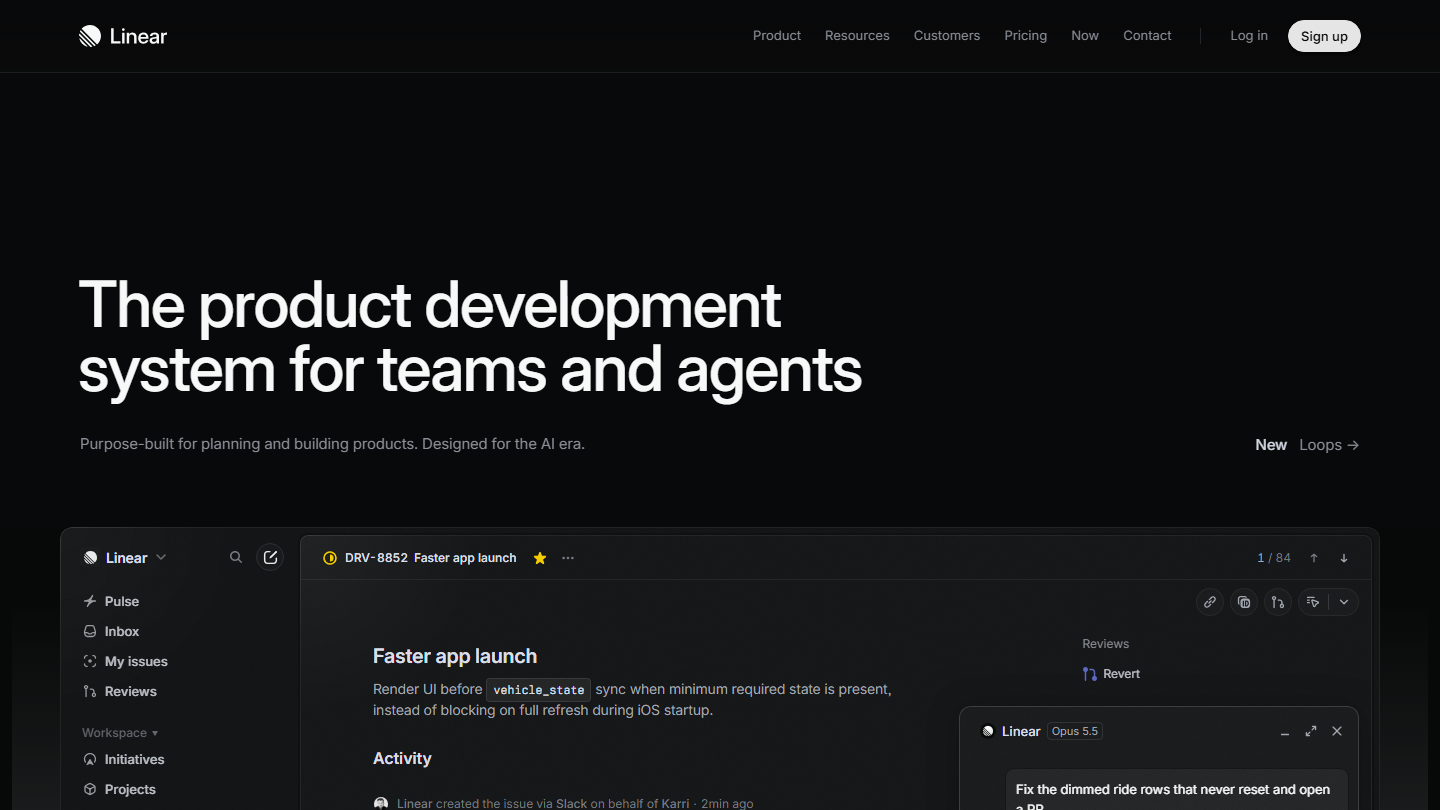
Linear home page: “The product development system for teams and agents”, with a ticket open in the app

Linear is a ticket tracking and product planning tool used, according to the publisher, by more than 40,000 companies. It takes Jira’s building blocks (tickets, cycles, projects, initiatives) but imposes a way of working instead of letting each team configure everything.

In practice, a ticket is created from the keyboard in a few seconds and filed in a cycle, the equivalent of a sprint. Linked to GitHub, it changes state when the associated pull request is opened and then merged, without the developer going back to the tool. Requests arrive by Slack, email or form in a triage queue.

Linear makes sense for a development team that finds Jira slow and over-configured, and accepts a more structured method in return. An organization that built very specific workflows in Jira, with fields and approvals per department, will lose that granularity.

The free plan accepts unlimited members but caps at 2 teams and 250 tickets: enough to test the tool, not to adopt it. Basic costs $10 per user per month billed annually (5 teams, unlimited tickets), Business $16 (unlimited and private teams, Insights); Enterprise is on request, annual only.

09

YouTrack

4.2/5 From €4.50

Best for: Small technical teams that want Jira's depth without paying up to 10 users

+ Strengths
  • Full free plan up to 10 users, with 30 GB
  • Agile boards, knowledge base and helpdesk in the same tool
  • Per-user price that decreases with volume
  • Server version to host yourself
− Downsides
  • Configuration as rich as Jira's, so just as long
  • From the 11th user, all users become paid
★ YouTrack in brief

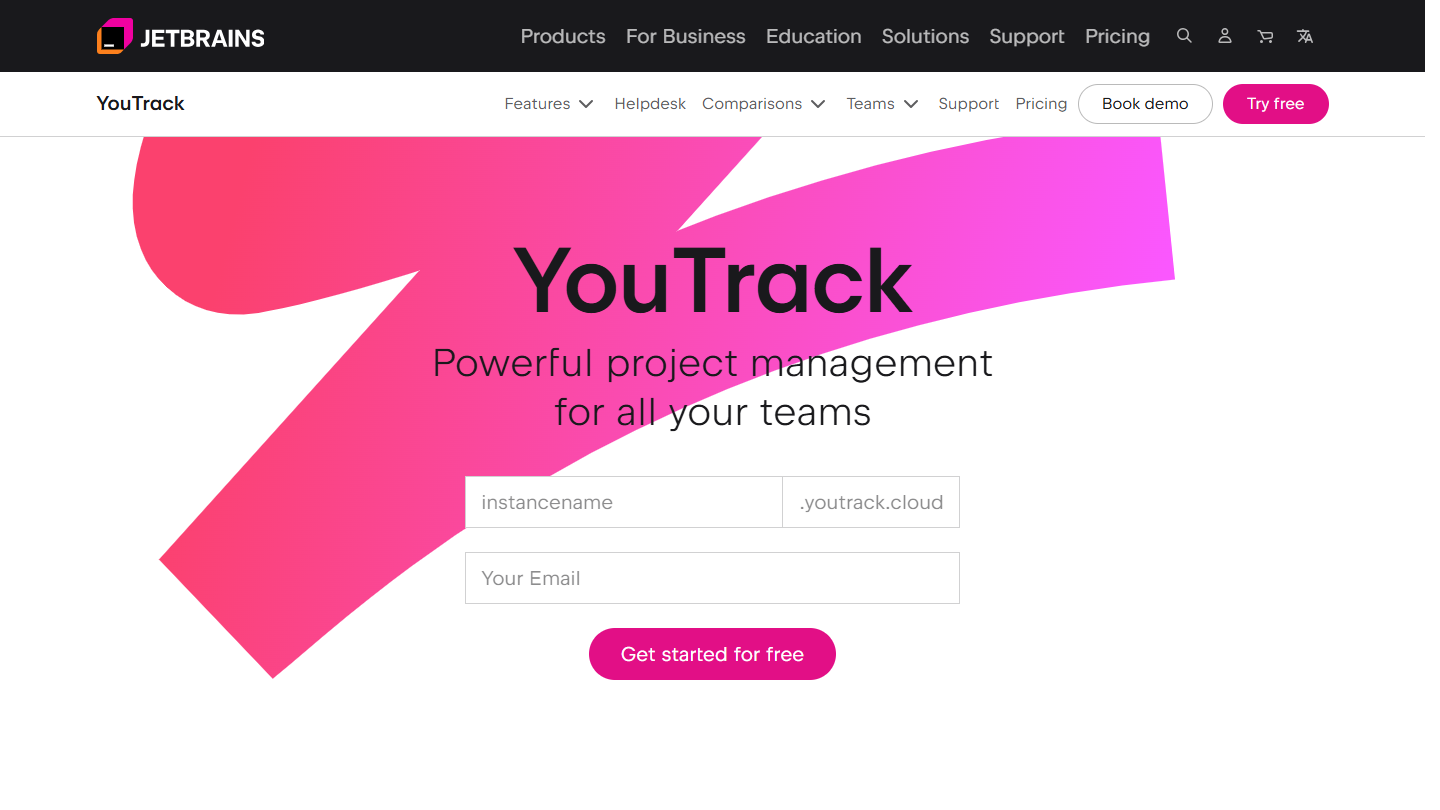
YouTrack website: “YouTrack”

YouTrack is the project management and ticket tracking tool from JetBrains, the publisher of the IntelliJ IDEA and PyCharm development environments. It brings together tickets, Scrum and Kanban agile boards, a knowledge base and a helpdesk, in the cloud or on your own server.

In practice, tickets are created and edited with commands typed on the keyboard, sprints are followed on an agile board, and customer requests arrive through the helpdesk, free up to 3 agents. JetBrains openly targets teams leaving Atlassian: its site highlights migration from Jira and Confluence.

YouTrack makes sense for a technical team that wants to keep custom workflows and fields without paying Jira’s price. It does demand the same configuration time, though: a team fleeing Jira’s complexity will find Linear or Shortcut lighter.

The free plan covers up to 10 users with all features, except the custom logo, and 30 GB of storage. Beyond that, each user costs €4.50 per month billed annually, less with volume; monthly, the scale starts at $5.40 per user. A 14-day trial opens the tool to 100 users, with no credit card.

10

GitLab

4.2/5 From $29

Best for: DevOps teams that want tickets, code and pipelines on a single platform

+ Strengths
  • Tickets, Git repositories and CI/CD pipelines in the same tool
  • A ticket closes when the merge request is merged
  • Cloud or self-hosted (Self-Managed)
  • 400 CI/CD compute minutes per month from the free plan
− Downsides
  • Free plan limited to 5 users per group
  • Team project management reserved for Premium, at $29 per user
  • Too technical for business teams
★ GitLab in brief

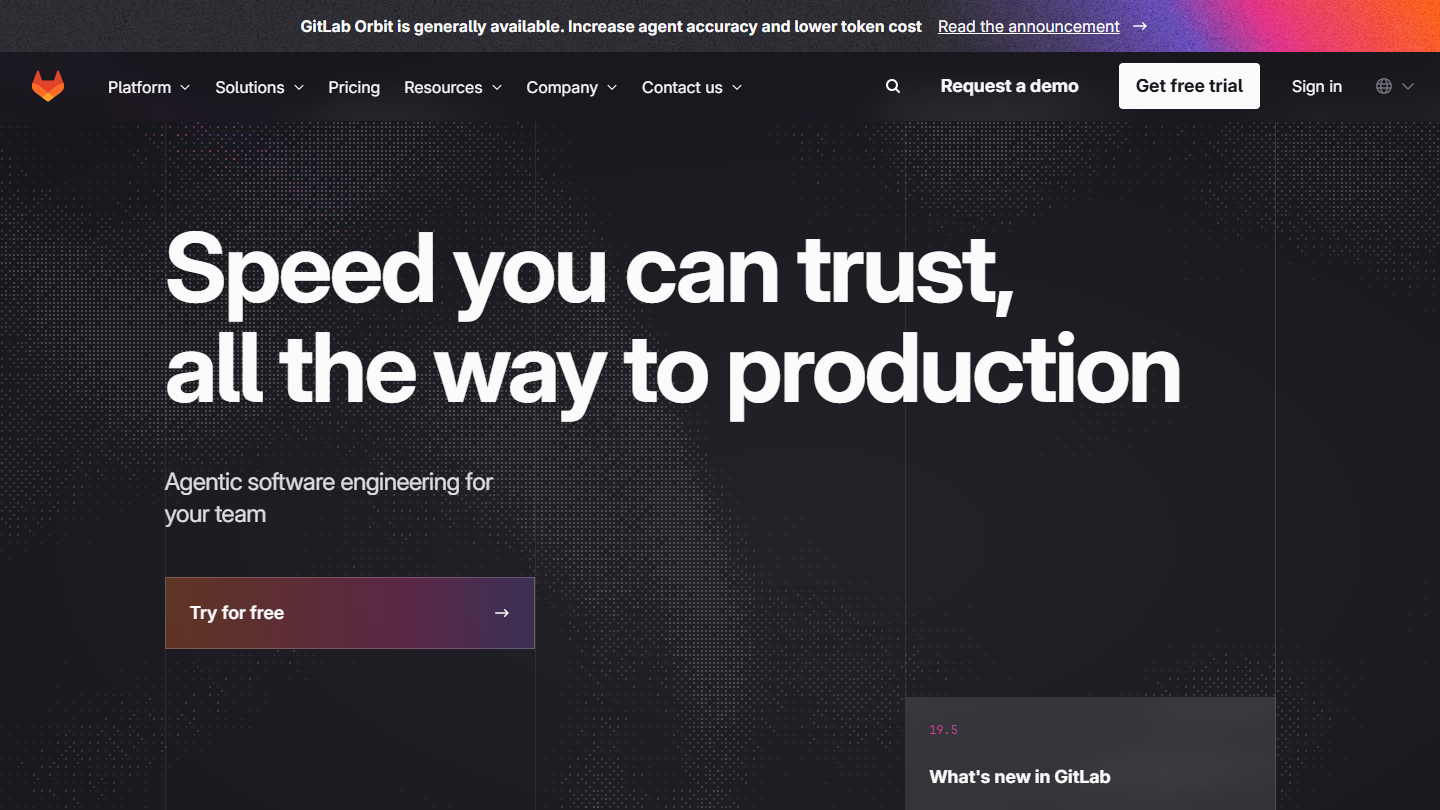
GitLab website: “Speed you can trust, all the way to production”

GitLab is first and foremost a development platform: Git repositories, code review, continuous integration and deployment pipelines, security testing. It also includes tickets, boards and milestones, which lets you track work where the code is written.

In practice, a ticket links to the merge request that fixes it; merging closes the ticket, and the pipeline shows whether the fix reached production. A team paying for Jira and a separate CI tool can bring everything together in one place.

GitLab makes sense when the team already hosts its code there or wants a single DevOps chain. Project management remains one module among others: product or business teams will find less comfort there than in Linear or ClickUp.

The free plan accepts 5 users per top-level group, with 400 compute minutes per month and 10 GiB of storage. Premium costs $29 per user per month billed annually, with 10,000 compute minutes and team project management; Ultimate is on request. AI features are paid for in GitLab credits, at $1 per credit.

11

Azure DevOps

4.2/5 From $6

Best for: Development teams on Microsoft that want backlog, repositories and pipelines in one place

+ Strengths
  • Azure Boards: backlogs, Kanban boards and work items
  • Unlimited private Git repositories and CI/CD pipelines included
  • 5 free users, free Stakeholder access
  • Included in Visual Studio subscriptions
− Downsides
  • Interface designed for developers, confusing for other functions
  • Test plans reserved for the Basic + Test offer, at $52 per user
★ Azure DevOps in brief

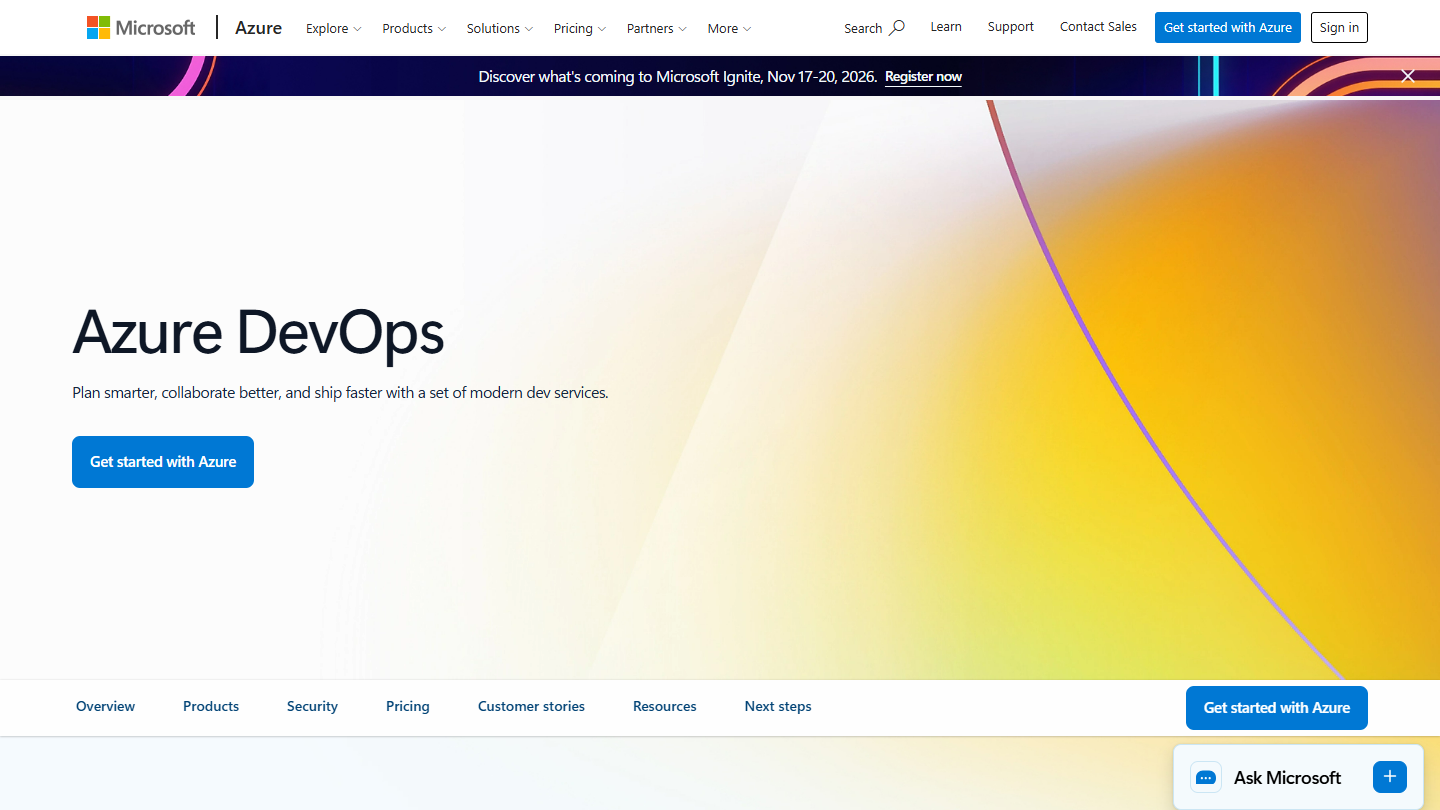
Azure DevOps website: “Azure DevOps”

Azure DevOps is Microsoft’s development suite. It groups Azure Boards for planning and tracking work, Azure Repos for Git repositories, Azure Pipelines for CI/CD, Azure Artifacts for packages and Azure Test Plans for testing.

In practice, Azure Boards replaces the Jira part: work items (bugs, requirements, tasks), backlogs, sprints and Kanban boards. Each item links to its commit, pull request and build. Project managers and business teams follow progress with Stakeholder access, which needs no paid license.

Azure DevOps makes sense for a company already equipped with Microsoft, whose developers work in Visual Studio and deploy on Azure. Outside that ecosystem, GitLab covers a similar scope.

The first 5 users of the Basic plan are free, then each user costs $6 per month. The Basic + Test offer, which adds test planning and execution, costs $52 per user per month, with a 30-day trial. Visual Studio subscribers get access at no cost.

How we chose these 11 tools

Every tool in this selection has been used in real conditions by our team or by a Salesdorado consultant, in a B2B sales and marketing setting. No ranking built from a marketing deck. The order of the list is not a ranking: the right tool depends on your needs.

  1. 01
    Benchmark scope

    Broad identification of the tools on the market (G2, Capterra, Salesdorado customer feedback, LinkedIn signals). Initial filtering, then a short list based on a 2-hour setup per tool.

  2. 02
    Test conditions

    3 to 4 weeks of active use per tool, with data representative of a B2B sales use case. When a tool targets a specific profile (SDR, AE, Ops, Marketer…), we match the tester accordingly.

  3. 03
    Weighted criteria

    For each category, 5 to 7 axes weighted according to what matters in the segment: UX, feature depth, native integrations, support, pricing at scale, compliance (GDPR, security), and roadmap quality.

  4. 04
    Independence

    No tool is scored in exchange for payment. Partner links (affiliate) are marked as such and do not influence the score. Non-partner tools are included when their place in the ranking is deserved.

  5. 05
    Updates

    The ranking is reviewed every 6 to 12 months or on every major release of a tool mentioned. The date of the last check is shown at the top of the article.

The questions we get over and over.

Why look for a Jira alternative?

Jira is relatively complex to get started with, its price climbs fast once you pass the 10 users of the free plan ($8.48 per user per month on Standard), it is designed above all for development teams following an Agile methodology, customizing it often takes technical skills, and its sheer number of features gives it a bit of an overbuilt feel.

Which Jira alternative for a development team?

Linear for a product team that wants to move fast with little configuration, Shortcut for sprints linked to GitHub, GitLab or Bitbucket, YouTrack to keep Jira's depth for free up to 10 users. Taiga is the open source option, centered on Scrum and Kanban. If the code is already on GitLab or Azure, their ticket module saves you one more tool.

Which Jira alternative doesn't charge per user?

Backlog by Nulab charges per account: the Standard plan at $100 per month accepts unlimited users, which works out cheaper than Jira Standard from 12 users. Taiga also bills its cloud plans per account, from €5 to €60 per month, with unlimited users.

Is there an open source alternative to Jira?

Yes: Taiga, an open source project management platform designed above all for development teams. It can be installed for free on your own server for full control of your data; a cloud offer also exists, free for one private project.

Which Jira alternative for a company equipped with Microsoft?

Azure DevOps. Its Azure Boards module handles backlogs, sprints and Kanban boards, and links to the Git repositories, pipelines and tests of the same suite. The first 5 users are free, then $6 per user per month; Visual Studio subscribers get access at no cost.

★ The conversation, 0 comments

What the community says.

Basic Markdown, moderated within 24 h
Loading…

    In the same category