


If you had to define workflow software in one sentence, it is software that automates the sequence of tasks in a business process to improve your teams’ productivity. A workflow has 3 components: the input (a request, a form, a new customer), the transformation (approvals, assignments, data transfers) and the output, which can in turn serve as the input of another step or another workflow.
The Salesdorado fun factThe .io domain names that were all the rage for a while don’t refer to the British Indian Ocean Territory, but to the famous « Input / Output » – it’s an abbreviation widely used in the software world!
In reality, it’s a bit more complex than that. There is software dedicated to workflow, but you can also manage workflows very well with an automation platform that connects your software together, or with a work management tool that ships with its own automation engine. Long story short, there is no shortage of options. Depending on what you need:
- move data between your software, with branching scenarios: Make
- automate fast, on the largest catalog of apps: Zapier
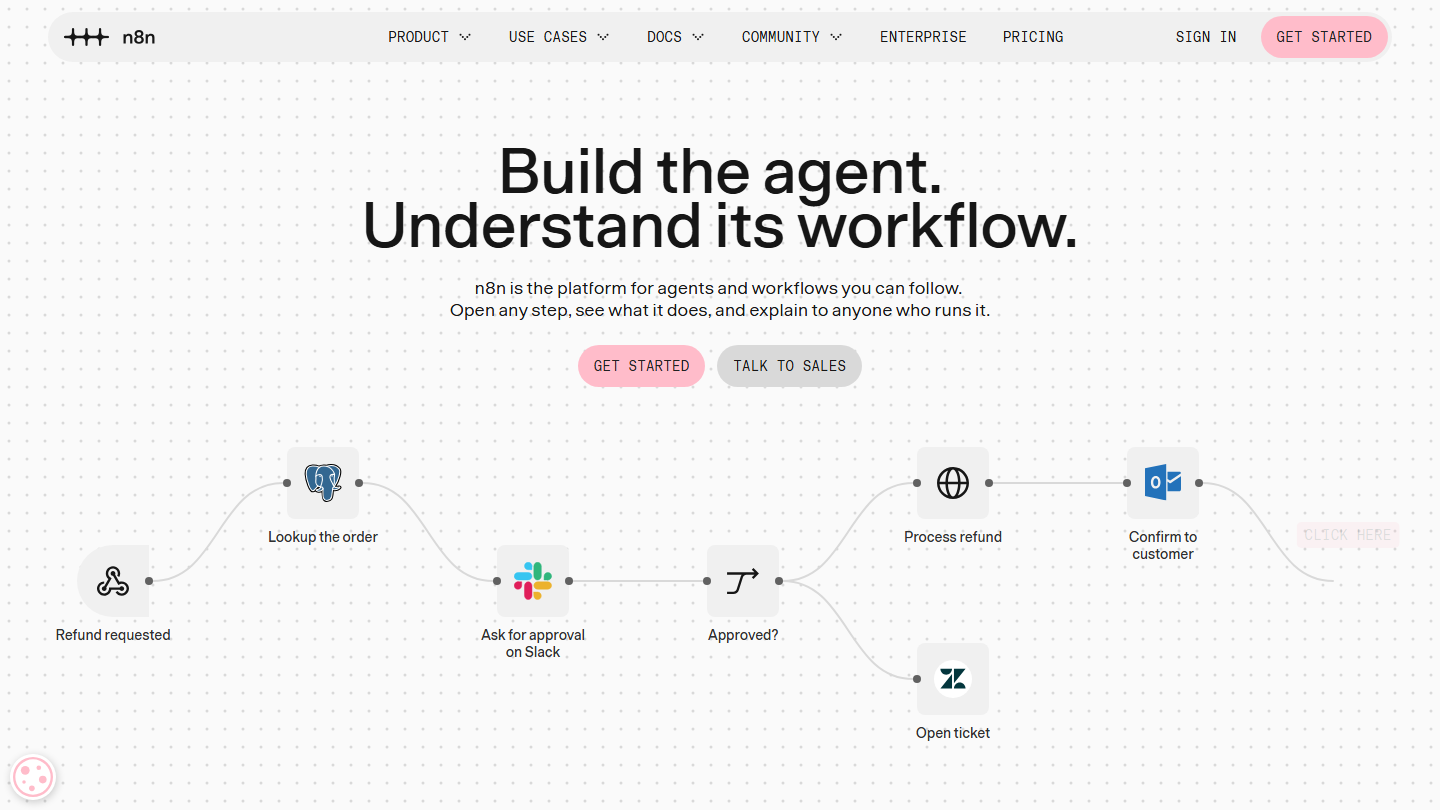
- keep control of hosting and code: n8n
- automate in a Microsoft 365 environment: Power Automate
- formalize a request and approval flow, with no code: Pipefy
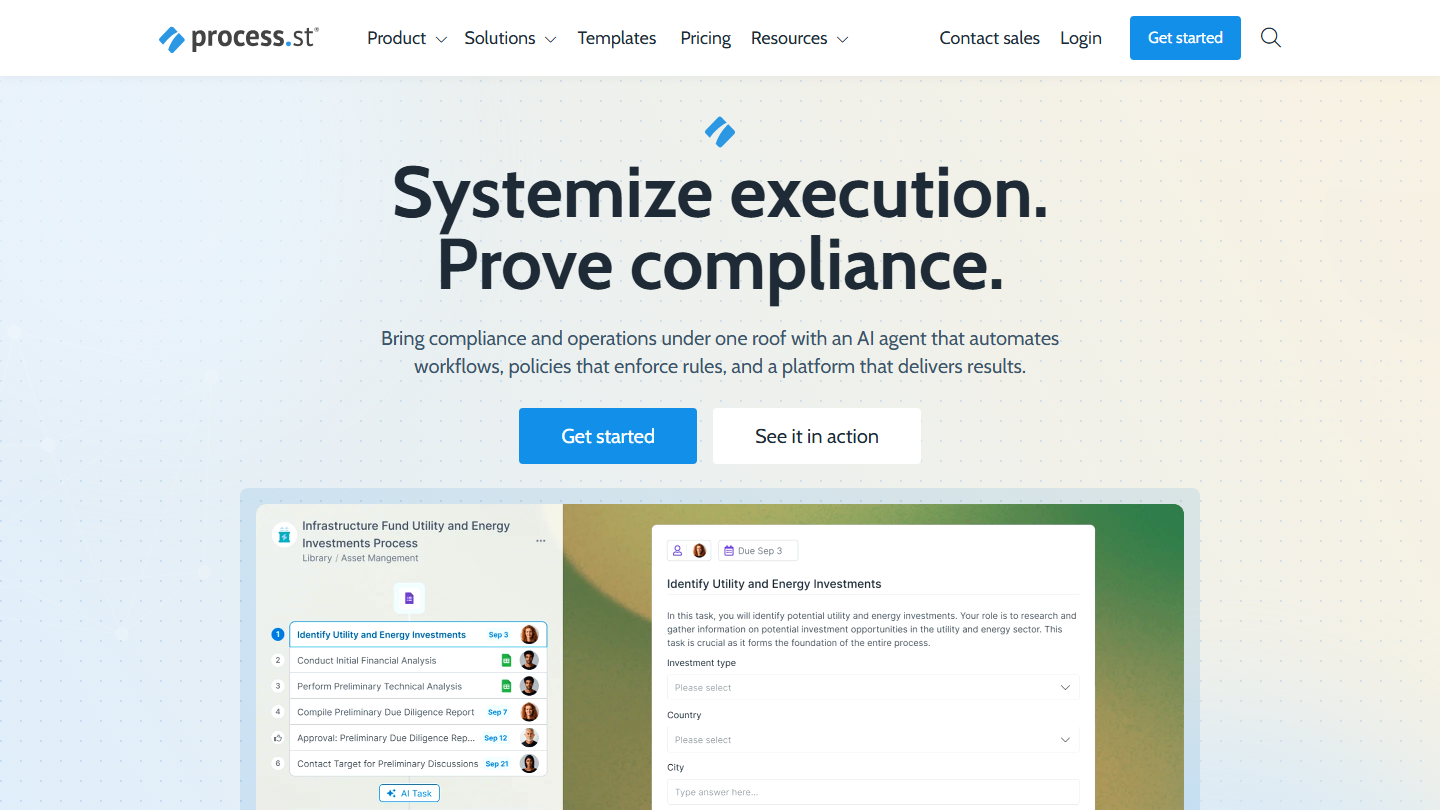
- have a procedure followed step by step, with proof that it was followed: Process Street
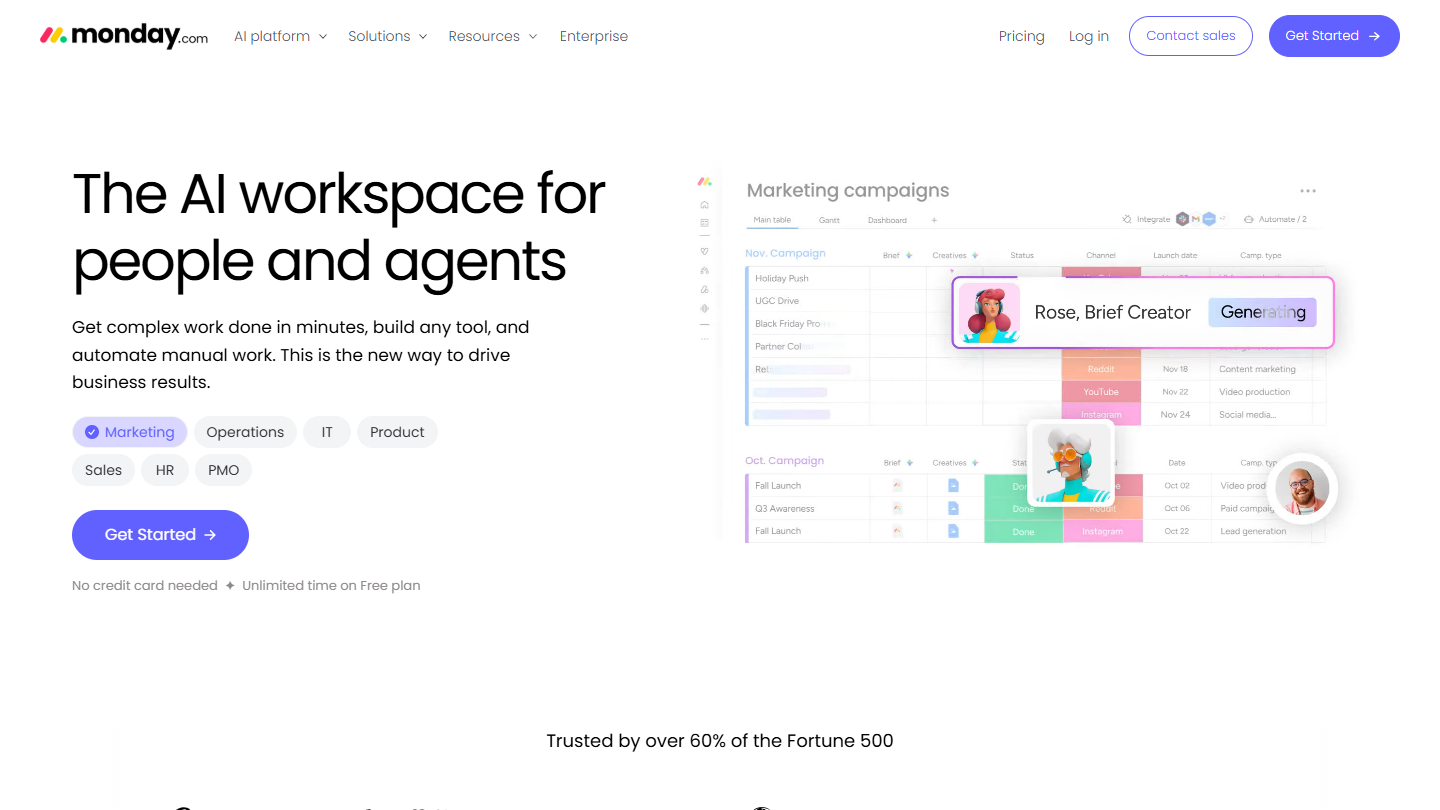
- track team workflows in boards: monday.com
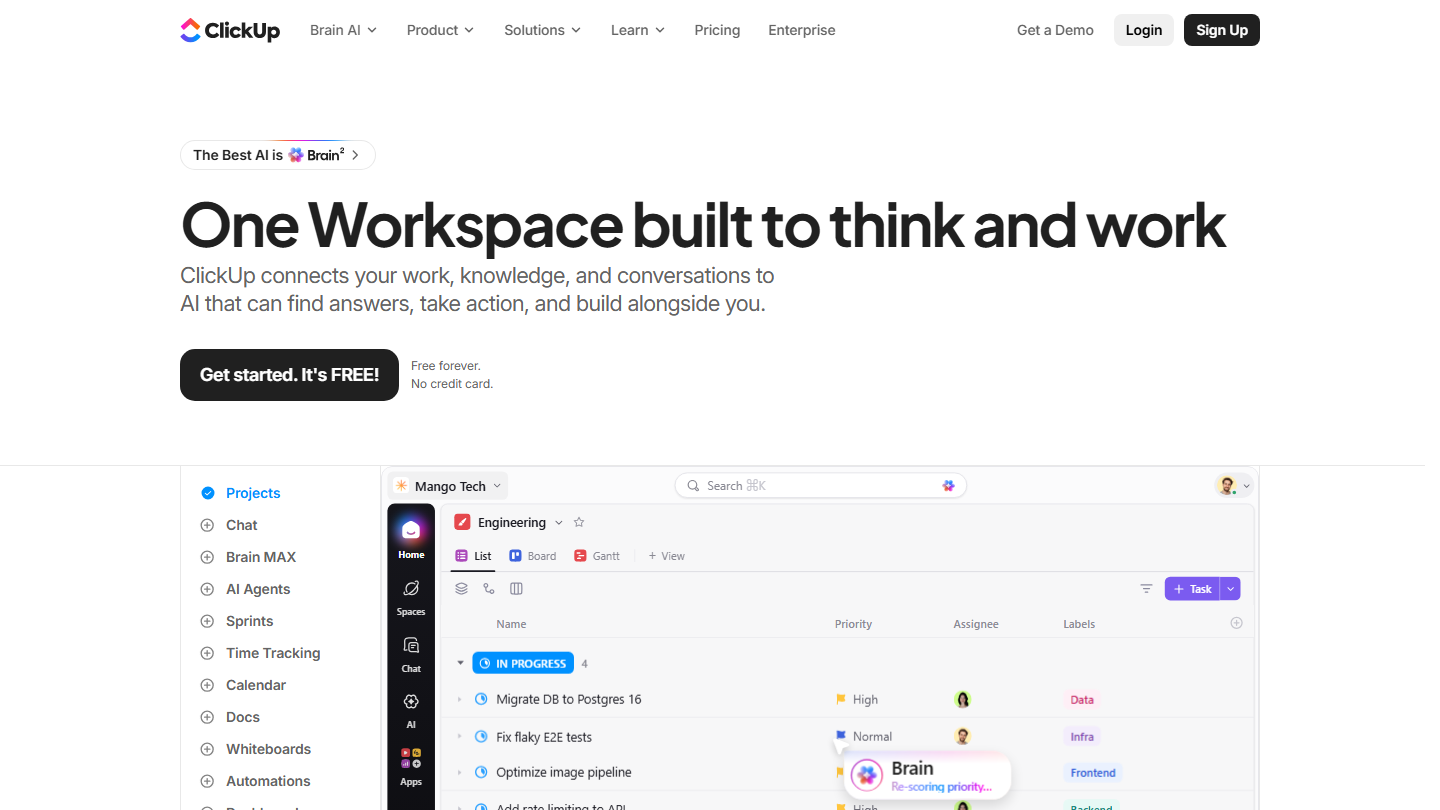
- tasks, documents and automations in a single tool: ClickUp
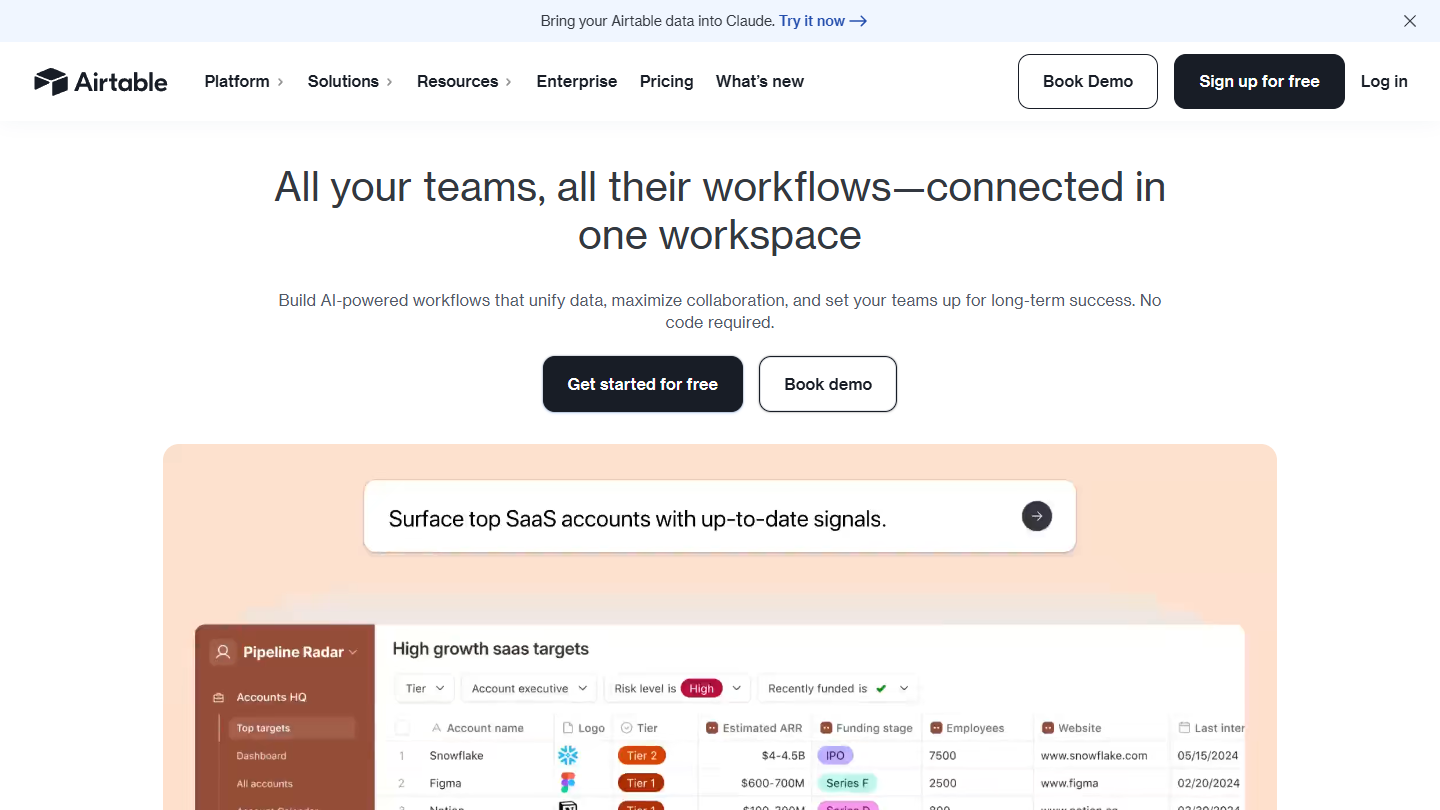
- structure a process in a relational spreadsheet: Airtable
- document your procedures and follow them in the same place: Notion
The key features of workflow management tools

Choosing workflow management software lets you:
- make it easier to carry out tasks within projects, for better visibility but also to improve collaboration and limit errors and the risk of breakdowns
- save time, thanks to automation
- improve your overall productivity and keep improving continuously, thanks to reporting
To help you reach these goals by streamlining your processes and automating as many tasks as possible, workflow software must have certain basic features. Here we take the example of a workflow for closing a service contract with a customer:
- Upstream integration: with your primary data sources, to define the process with all the information that makes up the workflow (coming from the other software used, which differs by team and function). In our example, this means qualifying the customer’s needs from the sales team’s database (the CRM) with a view to closing a contract (customer information and needs).
- Design of the transformation process: Any workflow management software must let you run a task or project through a standard process – this is the formalization of the 3 steps mentioned above (input, transformation, output). In our example, these steps are as follows:
- draw up a grid of functional & non-functional requirements (training, custom development, deployment, etc.), often using custom documents built in tools like Monday or Notion.
- design the offer: integration with collaborative document management tools to automate writing the commercial proposal
- customer negotiation: this step is hard to automate, but can be structured.
- finalizing the contract and the price: the software limits errors by streamlining the process.
Among the other essential features, workflow software must then allow:
- Progress tracking: to optimize workflows, collaborate better and spot any errors – users must be able to follow the progress of the project or campaign over time.
- Downstream integrations: with all the tools that need the output (CRM software, marketing automation, customer support, etc.). In our example: handoff to invoicing software, online contract signing software, etc.
- Reporting: to be able to measure your productivity and your success so you can keep iterating on a workflow and a process – this is the key to continuous productivity improvement.






What the community says.