The Best Google Chrome Extensions

A selection of 24 Google Chrome extensions for B2B sales and marketing teams. Several uses: finding contacts and qualifying accounts (Kaspr, Apollo.io, Evaboot, BuiltWith); automating LinkedIn and connecting it to the CRM (Waalaxy, STACKED formerly Dux-Soup, PhantomBuster, Octopus CRM, Surfe); writing better (MerciApp, Lavender, TextCortex, Taplio, AuthoredUp); showing, recording, getting documents signed (Loom, Scribe, tl;dv, Docusign eSignature); organizing your day (Bitwarden, Toggl Track, Save.

Maxime Ben Bouaziz
Maxime Ben Bouaziz
CEO Salesdorado, IA & Sales Tech
April 17, 2025, updated November 10, 2026, 1 min read
See all tools

A Chrome extension is a small program that adds itself to the browser and works inside the pages you already have open: a LinkedIn profile, your Gmail inbox, a prospect’s website. For a salesperson or a marketer, it’s the shortest way to grab a contact, automate a repetitive task or write better, without switching tools.

When we think about prospecting tools, we usually think CRM, cold email tools, sequencers, no-code scrapers, generative AI… But we often forget something very simple that we use all day without really thinking about it: the browser. We’ve gathered our favorite extensions here. Some are built for hard-core B2B prospecting, others are more “peripheral” but genuinely useful day to day. Depending on what you need:

  • find the email and phone number behind a LinkedIn profile: Kaspr, or Apollo.io if you also want sequences;
  • export a clean Sales Navigator search: Evaboot;
  • see which software a prospect’s website runs on: BuiltWith;
  • automate LinkedIn invitations and messages: Waalaxy, STACKED or Octopus CRM, and PhantomBuster for custom workflows;
  • send a LinkedIn profile to your CRM: Surfe;
  • write without typos in French: MerciApp; write prospecting emails that get replies: Lavender;
  • publish on LinkedIn: Taplio for ideas, AuthoredUp for formatting, TextCortex for rewriting;
  • show instead of write: Loom and Scribe; keep a record of meetings: tl;dv; get documents signed: Docusign;
  • everyday life: Bitwarden for passwords, Toggl Track for time spent, Save.to, Manganum, Instapaper and I don’t care about cookies.


The 24 tools, side by side

# Logos tool Score Price Best for
Prospecting & enrichment
01 Kaspr 4.3/5 ★ €45 Salespeople who want to pull emails and phone numbers straight from LinkedIn profiles Visit site
02 Apollo.io 4.0/5 ★ $49 Teams that chain LinkedIn enrichment and email sequences in a single tool Visit site
03 Evaboot 4.0/5 ★ $9 Teams that export volume from Sales Navigator and want clean lists Visit site
04 BuiltWith 4.3/5 ★ Free SaaS or technical services sellers who target by a website’s stack Visit site
05 STACKED (ex-Dux-Soup) 4.5/5 ★ $55 Salespeople who want a precise setup to automate LinkedIn visits, invitations and follow-ups Visit site
Automation & multichannel sequences
06 Waalaxy 4.0/5 ★ €19 SDRs, freelancers and marketers who want to automate LinkedIn and email without complexity Visit site
07 PhantomBuster 4.0/5 ★ €56 Growth hackers and sales ops who assemble their own scraping and automation workflows Visit site
08 Octopus CRM 4.0/5 ★ $6.99 Those who want to keep their prospecting inside LinkedIn without adding an external sequencer Visit site
09 Surfe 4.0/5 ★ €29 Salespeople who prospect on LinkedIn and want everything to flow cleanly into their CRM Visit site
Content creation & writing
10 MerciApp 4.0/5 ★ €12 Those who write a lot in French and want clearer professional messages Visit site
11 Lavender 4.4/5 ★ $27 SDRs who do a lot of outbound and want to raise their reply rates Visit site
12 TextCortex 4.1/5 ★ €23.99 Those who want to rephrase, summarize or change the tone of a text without leaving their browser Visit site
13 Taplio 4.1/5 ★ $32 Freelancers, salespeople and founders building their personal brand on LinkedIn Visit site
14 AuthoredUp 4.2/5 ★ $19.95 Those who post often on LinkedIn and want to make their posts more readable Visit site
15 Scribe 4.5/5 ★ $25 Sales, marketing, support or ops people who document internal processes Visit site
Useful cross-functional extensions
16 Bitwarden 4.4/5 ★ Free Those who manage dozens of customer accounts, tools and internal accesses Visit site
17 Toggl Track 4.0/5 ★ €9 Freelancers, multitasking salespeople and ops people who want to take back control of their time Visit site
18 Loom 4.4/5 ★ $18 Those who replace a long message with a video: product demo, reply to a prospect, explanation Visit site
19 tl;dv 4.2/5 ★ €18 Those who want to keep a record of their meetings and customer demos on Google Meet or Zoom Visit site
20 I don't care about cookies 4.0/5 ★ Free Those who want to stop clicking on cookie consent banners Visit site
21 Save.to (ex-Save to Notion) 4.1/5 ★ Free Those who use Notion as a CRM, content management tool or knowledge base Visit site
22 Manganum 4.2/5 ★ Free Those who juggle many tools and want to keep them at hand in Chrome Visit site
23 Instapaper 4.0/5 ★ Free Those who monitor their industry and want to read later, without distractions Visit site
24 Docusign eSignature 4.7/5 ★ €9 Those who get documents signed by their prospects or customers without leaving Chrome Visit site

Prospecting & enrichment

01

Kaspr

4.3/5 From €45

Best for: Salespeople who want to pull emails and phone numbers straight from LinkedIn profiles

+ Strengths
  • Emails and phone numbers shown on the LinkedIn profile you’re viewing
  • Data source indicated
  • Send a contact to a CRM or a prospecting sequence
  • Bulk export from Sales Navigator
− Downsides
  • Free plan limited to 15 B2B emails and 5 numbers per month
  • Numbers capped: 100 per month on Starter, 200 on Business
★ Kaspr in brief

Kaspr homepage: find phone numbers on LinkedIn and Sales Navigator

Kaspr is a Chrome extension that shows a contact’s details while you browse their LinkedIn profile or a Sales Navigator list. It opens on the right of the screen and tells you, in real time, what is available for the profile: work email, direct email, phone number.

It’s simple, fast and fairly reliable. We like the transparency about where the data comes from, and the fact that a contact you find goes straight into the CRM or a prospecting sequence. From Sales Navigator, export is done in bulk.

If you’re looking for an alternative aimed more at mid-market or enterprise, look at Lusha or Hunter. But Kaspr remains an excellent entry point to start enriching from LinkedIn, especially when your prospects are easier to reach by phone than by email.

The free plan gives you 15 B2B emails, 5 numbers and 5 direct emails each month, enough to judge the coverage on your own targets. Starter costs €45 per user per month billed annually (€59 month to month), Business €79 (€99).

02

Apollo.io

4.0/5 From $49

Best for: Teams that chain LinkedIn enrichment and email sequences in a single tool

+ Strengths
  • Extension active on LinkedIn, Gmail and company websites
  • Add a contact to an email sequence without leaving the page
  • Database of more than 240 million contacts
  • Free plan: 75 credits per seat per month
− Downsides
  • High prices for small teams
  • Less rich data on the French market
  • Customer support in English only
★ Apollo.io in brief

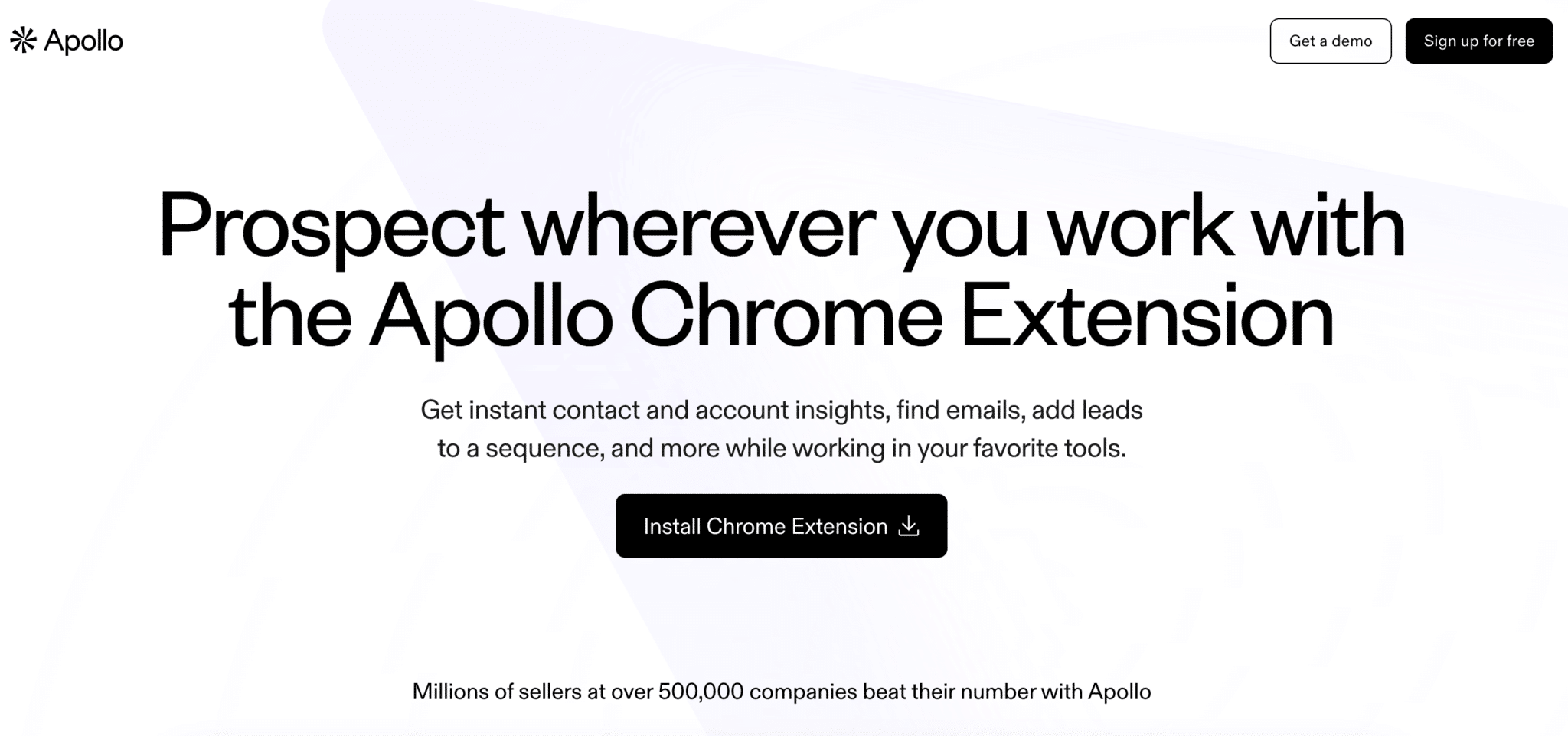
Apollo Chrome extension page

Apollo is an all-in-one prospecting platform, but its Chrome extension deserves a spot in this selection on its own. It appears on LinkedIn, in Gmail and on a company’s website, with contact details and information about their company.

It’s probably the most complete extension in the group: you find a decision-maker’s email on their profile, add it to an email sequence without changing tabs, and the record syncs with the CRM. In Gmail, the same extension tracks opens and schedules follow-ups.

It makes sense when the same person finds the contacts and follows up with them. If you only want addresses, Kaspr or a dedicated email finder cost less; if you already have a sequencer, a good part of Apollo will overlap.

The free plan gives 75 credits per seat per month. Basic costs $49 per seat per month billed annually, $65 monthly; Professional $79 billed annually. Paid plans come with a 14-day trial.

03

Evaboot

4.0/5 From $9

Best for: Teams that export volume from Sales Navigator and want clean lists

+ Strengths
  • Cleans Sales Navigator exports: duplicates, inconsistent job titles, off-target profiles
  • Verified email included in every credit
  • Unlimited seats and Sales Navigator accounts on every plan
− Downsides
  • Sales Navigator subscription required
  • An exported lead uses a credit, even when no email is found
  • Phone numbers not included
★ Evaboot in brief

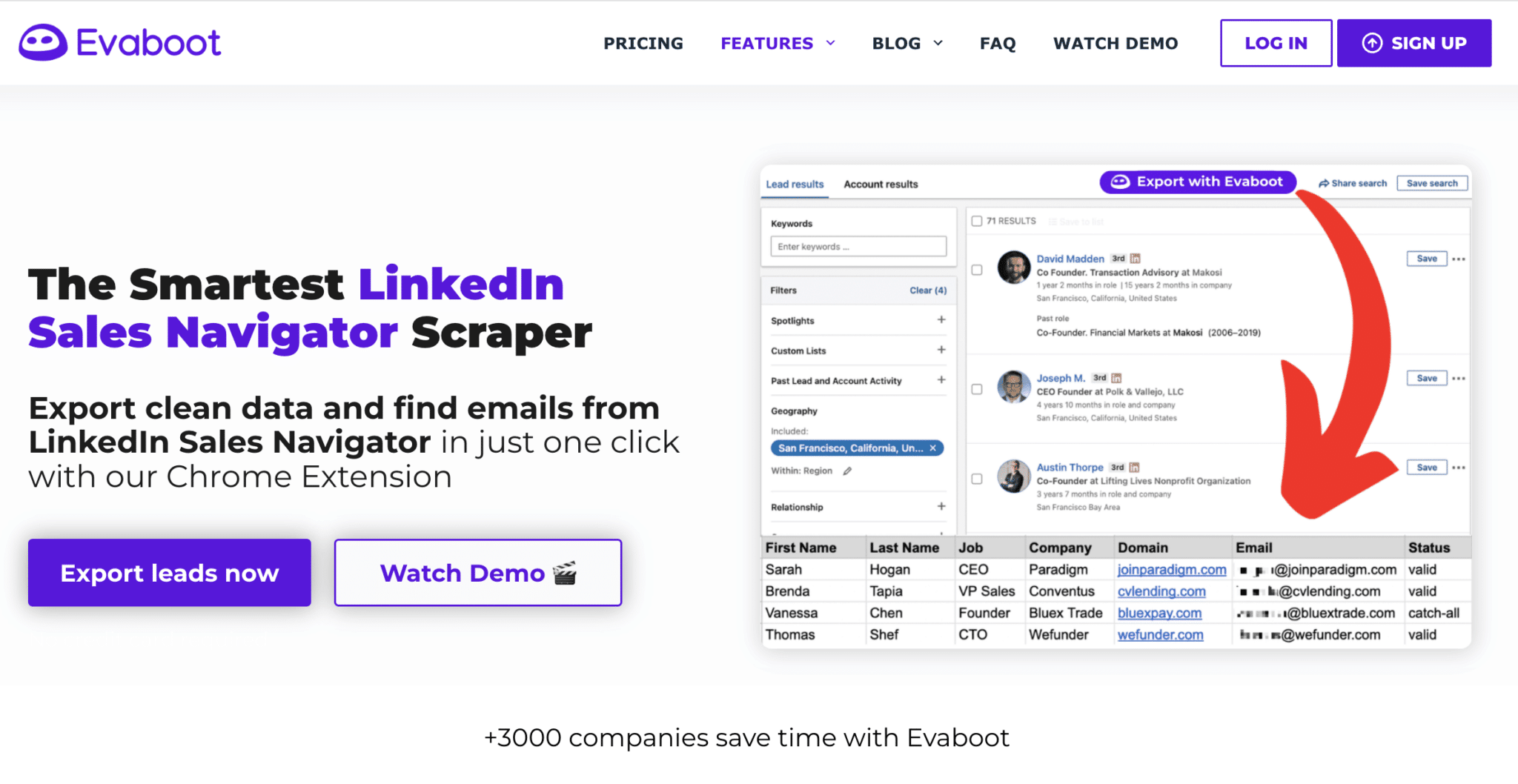
Evaboot homepage, LinkedIn Sales Navigator scraper, with a lead export

If you use Sales Navigator to prospect on LinkedIn, you know how painful raw exports can be to work with: duplicates, inconsistent job titles, off-target profiles… Evaboot is a Chrome extension built to automate this cleanup.

It adds an export button to your Sales Navigator searches. The file that comes out is sorted and cleaned: names without emojis or stray titles, leads that don’t match your filters flagged, a verified email added when one exists. It all takes a few clicks, with no Google Sheets tinkering.

It’s the tool for teams that work at volume or want to industrialize their LinkedIn prospecting. It doesn’t contact anyone: the list then goes to your emailing tool, your sequencer or your CRM.

Starter costs $9 per month for 100 credits, Grow $29 for 400 and Scale $49 for 1,000. Each exported lead uses one credit, and unused credits roll over to the next month.

04

BuiltWith

4.3/5 From Free

Best for: SaaS or technical services sellers who target by a website’s stack

+ Strengths
  • Detects a site’s CMS, analytics, live chat, payment and hosting
  • History of installed technologies
  • Lists of sites by technology, exportable or sent to the CRM
− Downsides
  • Expensive lead lists: $295 per month on Basic, no trial
  • Heavier than Wappalyzer for a quick look
★ BuiltWith in brief

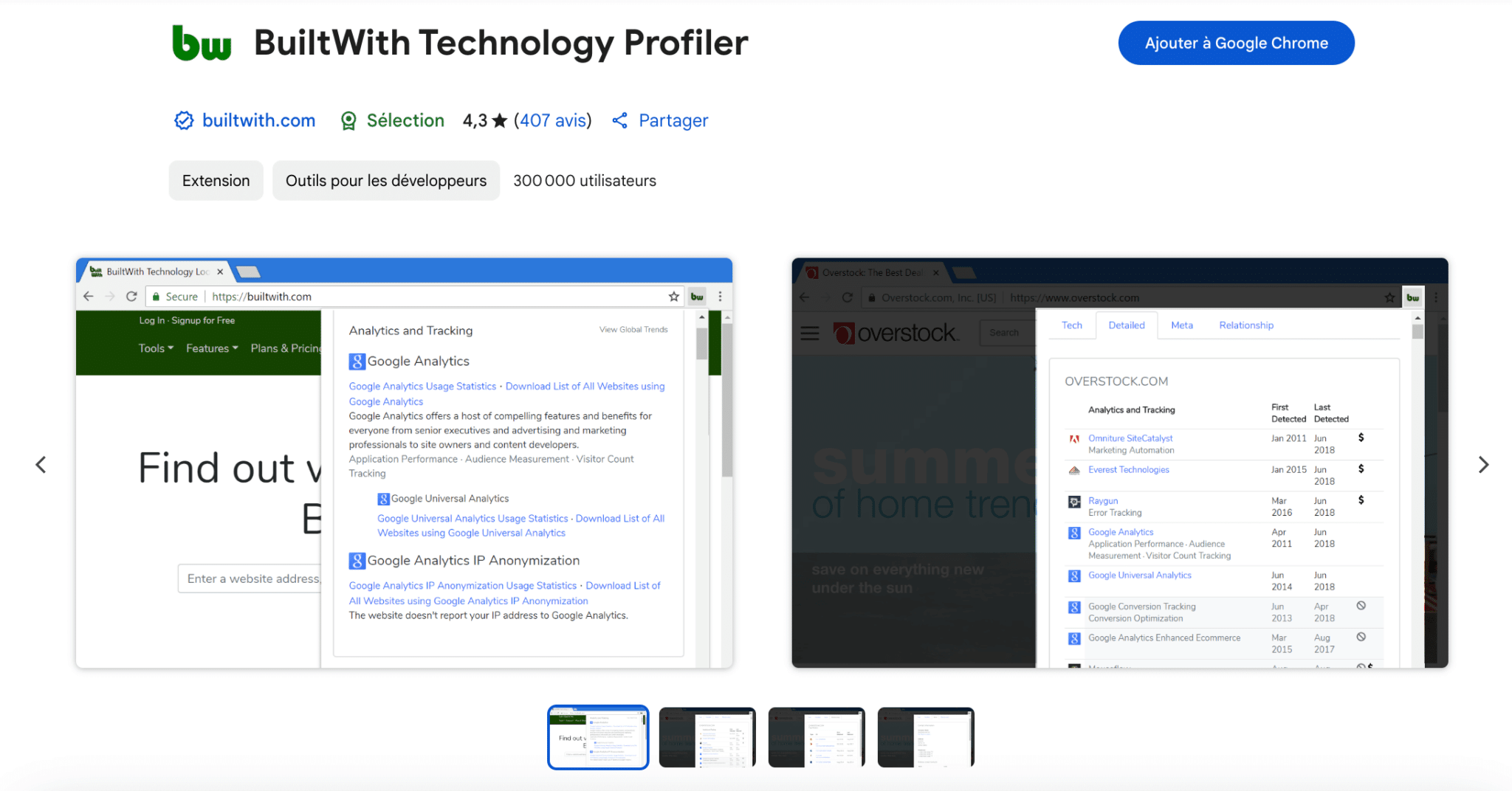
Chrome Web Store page for the BuiltWith Technology Profiler extension

BuiltWith analyzes a website’s tech stack: framework, CMS, analytics tool, live chat, payment solution, hosting… The extension shows these technologies with one click on the icon, from your prospect’s homepage.

It goes much further than the “classic” tools of this kind: the subscription gives you the history of installed technologies, detailed reports and lists of sites that use a given piece of software, with the associated public contacts.

It’s really handy if you sell a SaaS, a marketing service or a technical solution. In two clicks, you know whether a site uses a competitor, a complementary solution, or is ripe for migrating. If you want a faster, lighter version, Wappalyzer remains a good alternative; if you need to dig deeper, and above all to export, BuiltWith is far sturdier.

The extension and single-site lookup are free. Lead lists start at $295 per month with Basic, Pro costs $495 and Team $995; billed annually, you get two months free.

05

STACKED (ex-Dux-Soup)

4.5/5 From $55

Best for: Salespeople who want a precise setup to automate LinkedIn visits, invitations and follow-ups

+ Strengths
  • Up to 12 actions: visit, follow, endorsement, like, invitation, message, InMail
  • Automatic pause when the prospect replies
  • Actions pushed to Pipedrive, HubSpot or Salesforce
− Downsides
  • The product is now run from a desktop app or in the cloud
  • Cloud version almost twice as expensive: $99 per seat
  • Less modern interface than Waalaxy
★ STACKED (ex-Dux-Soup) in brief

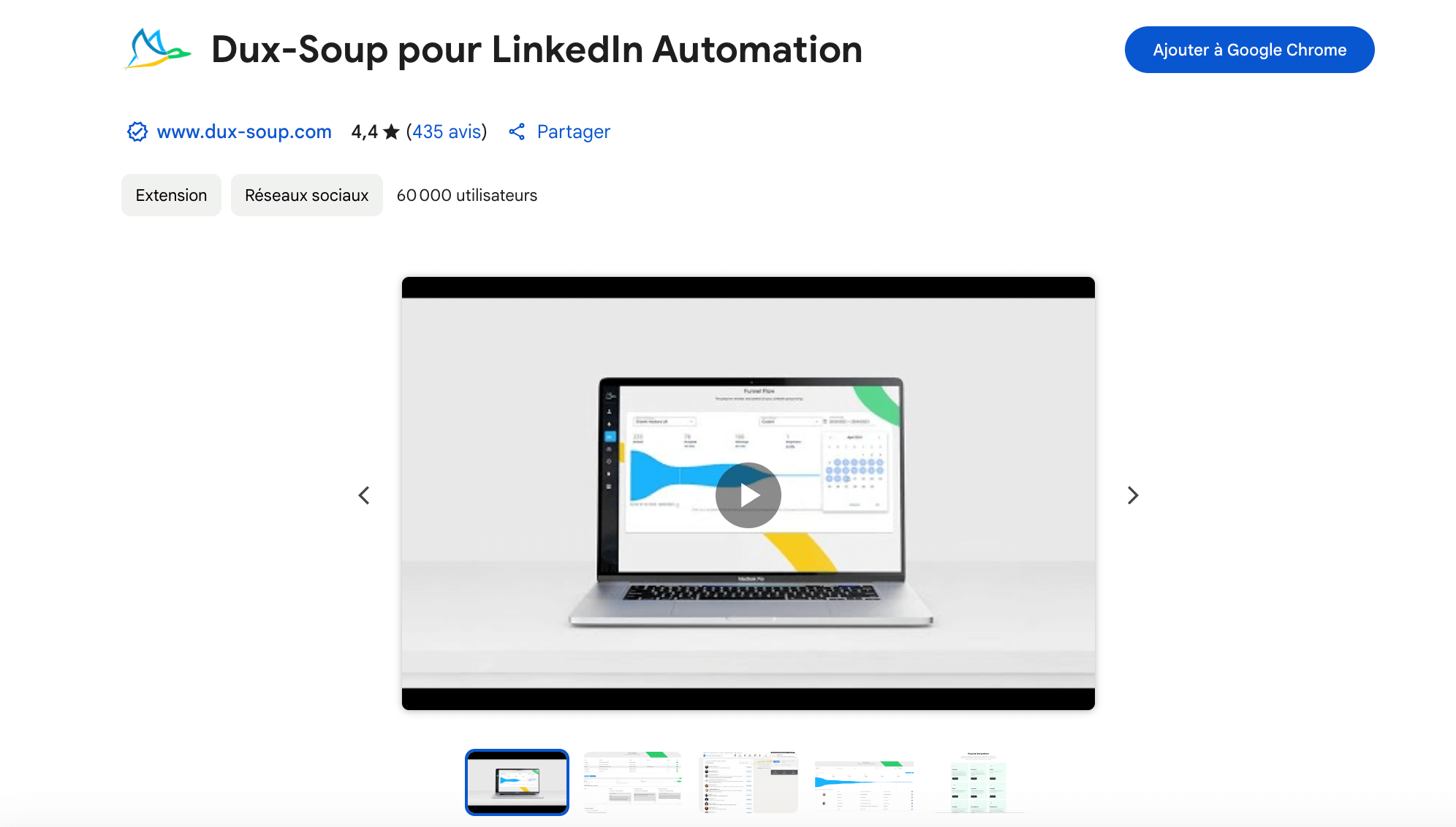
Chrome Web Store page for the Dux-Soup LinkedIn Automation extension

Dux-Soup is one of the first extensions to have automated prospecting on LinkedIn. The product is now called STACKED: it runs from a desktop app for Mac and Windows, or from a cloud version that runs on the vendor’s servers. The Dux-Soup Chrome extension is still published on the Chrome Web Store and kept up to date.

The tool automates profile visits, sending invitations with a personalized message and follow-ups, in campaigns that stop when the prospect replies. Actions are pushed to the CRM, and contacts can be exported.

If you want an alternative with a simpler interface, Waalaxy takes a more visual approach. But STACKED remains a trusted tool for those who want a precise setup. The local version requires leaving your computer on during campaigns; the cloud version doesn’t.

The local version costs $55 per seat per month, $41.25 billed annually; the cloud version $99, or $74.17 billed annually. A free trial is offered.

Automation & multichannel sequences

06

Waalaxy

4.0/5 From €19

Best for: SDRs, freelancers and marketers who want to automate LinkedIn and email without complexity

+ Strengths
  • Sequences mixing visits, invitations, LinkedIn messages and emails
  • Easy, visual onboarding, ready-made sequence templates
  • Quotas set to stay under LinkedIn’s limits
  • Built-in CRM to track prospects
− Downsides
  • No free plan
  • Follow-up emails reserved for the Business plan, at €69
  • 300 invitations per month on Pro
★ Waalaxy in brief

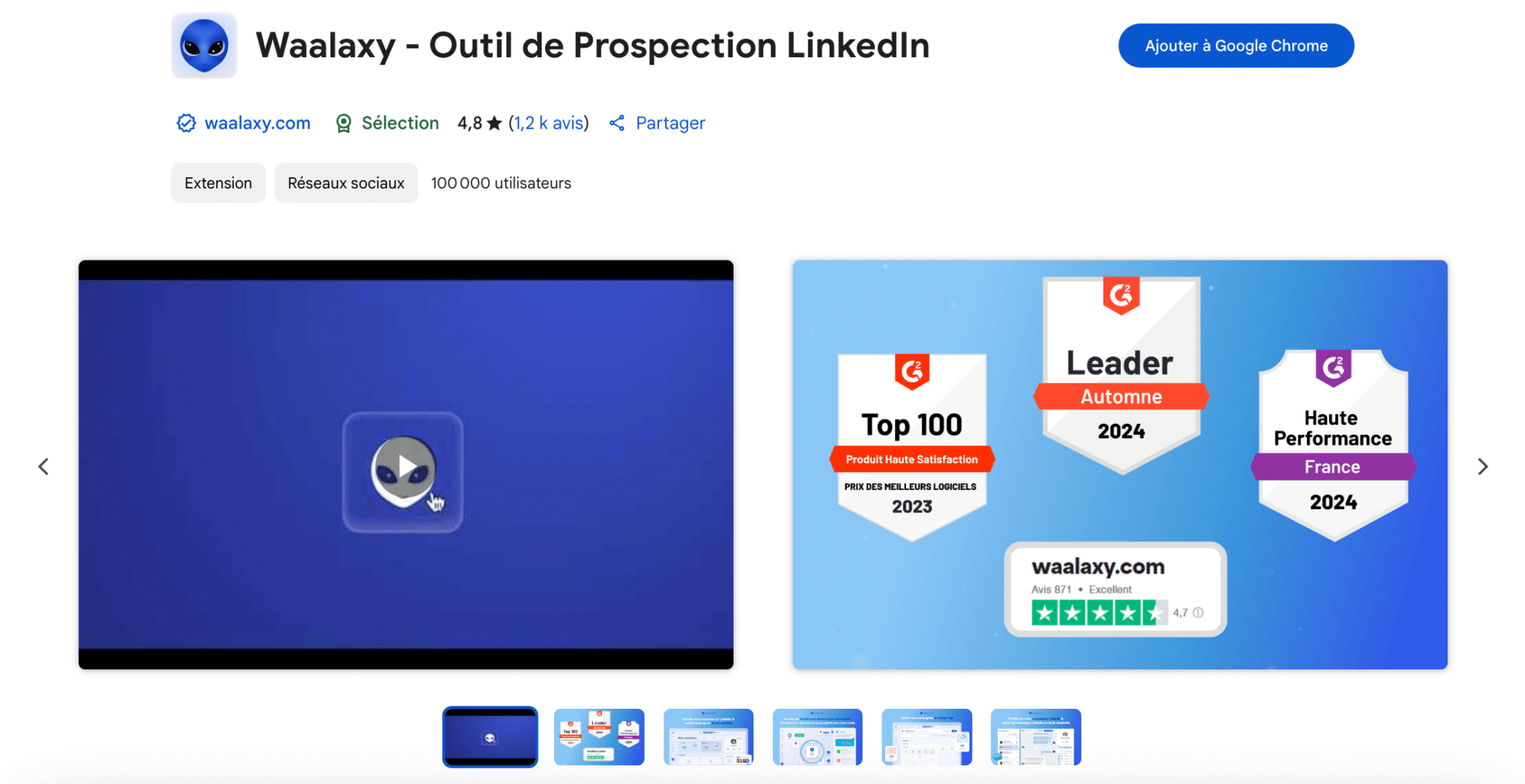
Chrome Web Store page for the Waalaxy extension, LinkedIn prospecting tool

Waalaxy is a bit like the “Canva” of LinkedIn automation: easy to pick up, visual, effective. The French tool, formerly ProspectIn, is run from its Chrome extension, which installs alongside your LinkedIn session.

The extension lets you build prospecting sequences mixing profile visits, connection requests, messages and emails, without having to juggle three tools. You import prospects from a LinkedIn or Sales Navigator search, pick a sequence template, and Waalaxy runs it while respecting invitation quotas.

It’s the right choice for SDRs, freelancers or marketers who want to automate without technical complexity. Those who want to tune every action in detail will look at STACKED or PhantomBuster.

Pro costs €19 per user per month billed annually (€39 monthly) for 300 invitations per month. Advanced goes up to €49 and Business to €69, with follow-up emails. There is no longer a free plan, but there is a 14-day trial.

07

PhantomBuster

4.0/5 From €56

Best for: Growth hackers and sales ops who assemble their own scraping and automation workflows

+ Strengths
  • Phantoms to extract LinkedIn profiles, post commenters or Google Maps listings
  • Extension that connects PhantomBuster to your LinkedIn session
  • Unlimited users on every plan
− Downsides
  • Takes real time to learn
  • Trial limited to 2 hours of execution and 10-row exports
  • You pay for execution time: it needs to be sized properly
★ PhantomBuster in brief

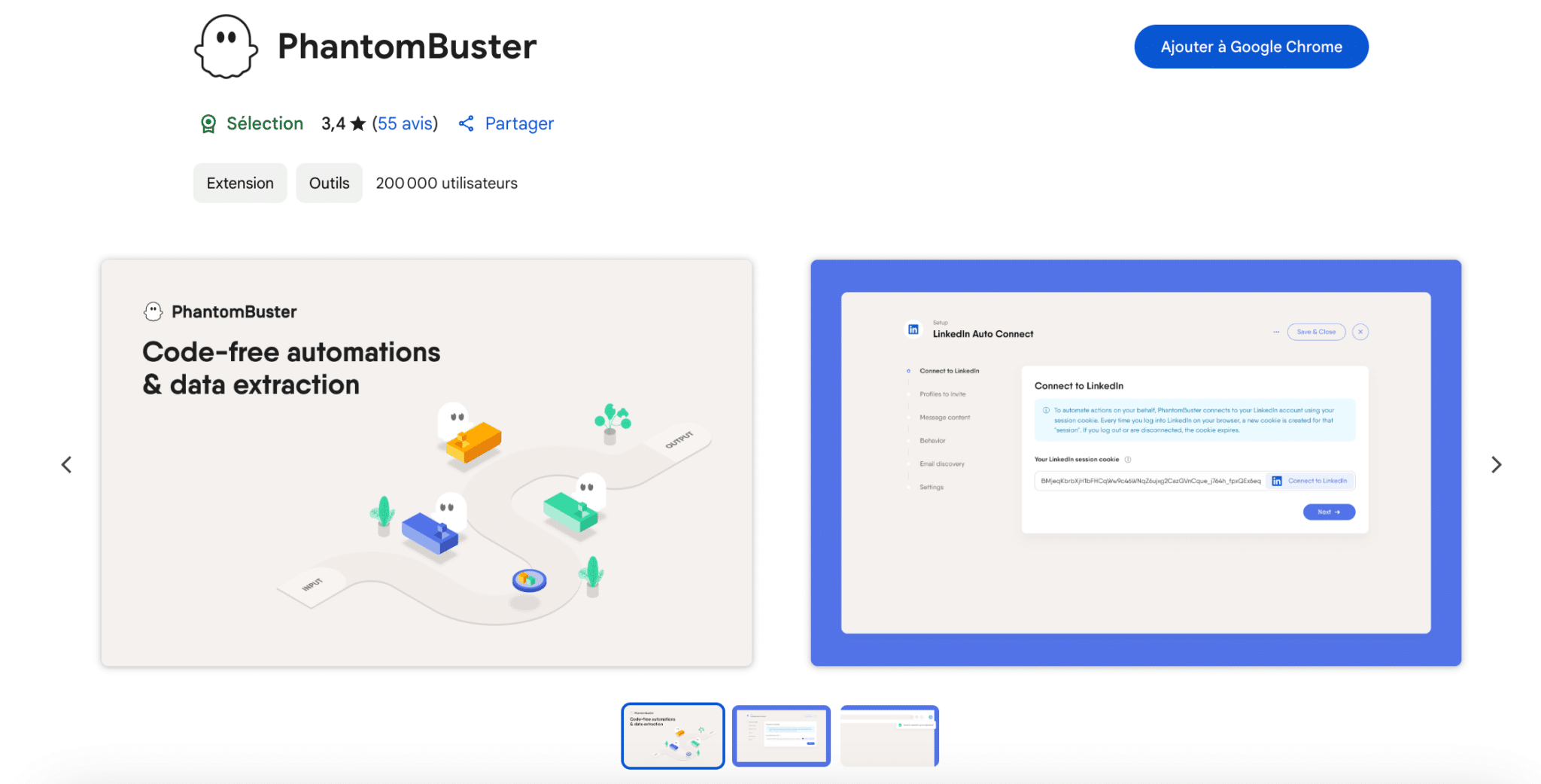
Chrome Web Store page for the PhantomBuster extension

PhantomBuster is a web automation platform. Each script, a “phantom”, does one specific task: extract the profiles from a LinkedIn search, collect the people who commented on a post, list Google Maps listings, send invitations…

The extension itself is fairly discreet. It connects PhantomBuster to your LinkedIn session, so the phantoms act on your behalf, and is used to launch and monitor tasks from the browser. It’s essential if you use PhantomBuster daily, especially for workflows that chain several phantoms.

It’s a very flexible tool, but it demands method: you have to plan your workflows and budget the execution time. If you want a more guided approach, look at Waalaxy for sequences or Surfe for the CRM link instead.

Start costs €56 per month billed annually (€69 monthly) for 20 hours of execution, Grow €128 and Scale €352. The free trial gives 2 hours of execution, with exports limited to 10 rows.

08

Octopus CRM

4.0/5 From $6.99

Best for: Those who want to keep their prospecting inside LinkedIn without adding an external sequencer

+ Strengths
  • LinkedIn prospects managed as in a CRM: tags, reply tracking, export
  • Simple sequences: profile visit, invitation, follow-up
  • Extension very well integrated into the LinkedIn interface
  • 7-day trial with no credit card
− Downsides
  • Slightly dated interface
  • Sequences limited to simple scenarios
  • No free plan
★ Octopus CRM in brief

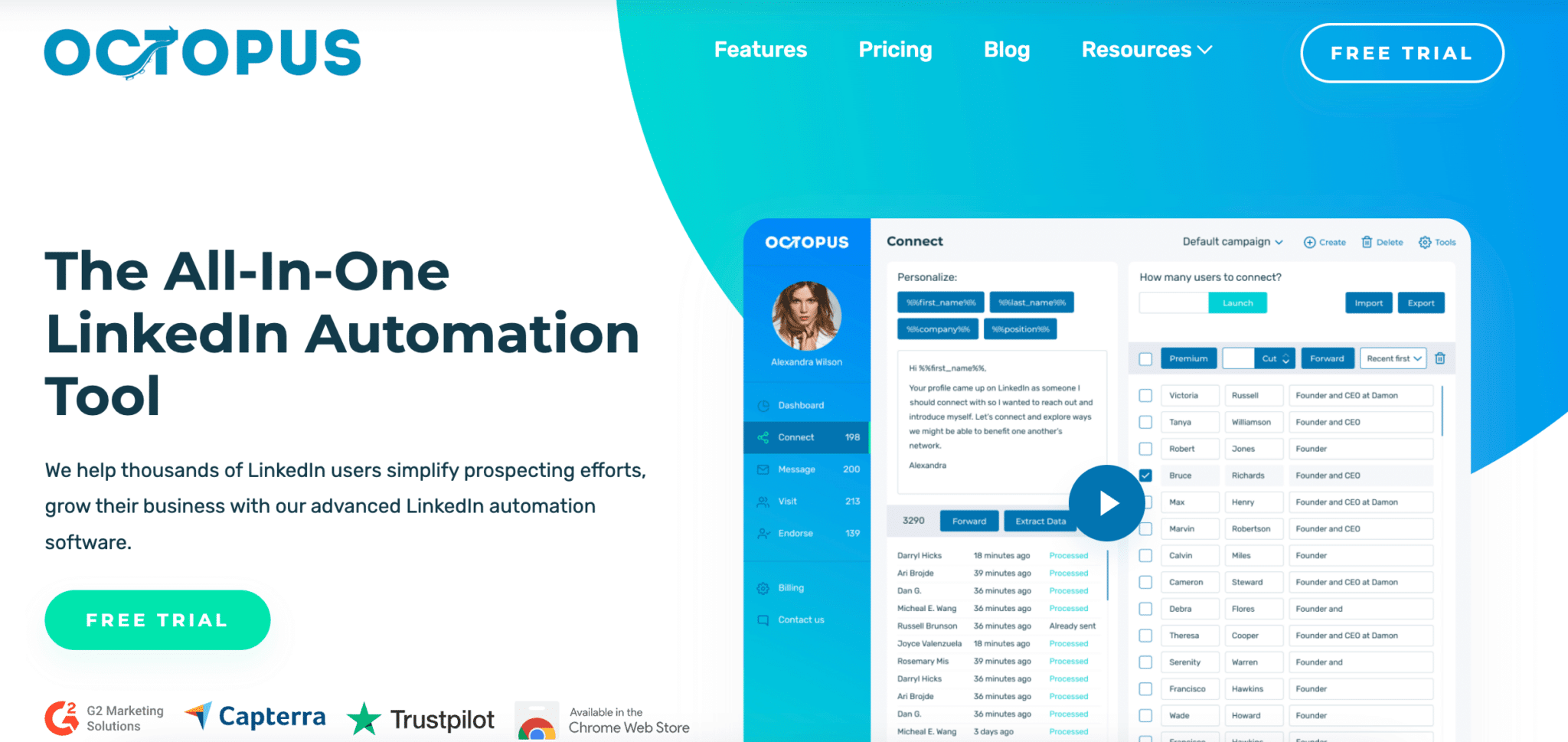
Octopus CRM homepage, LinkedIn automation tool

With Octopus CRM, you manage your LinkedIn prospects as in a real CRM, without leaving LinkedIn. The extension adds a dashboard where you tag leads, track replies and export data.

It also runs simple automated sequences: profile visit, invitation, follow-up message. The interface is a bit dated, but the workflow stays smooth and the extension is very well integrated into the LinkedIn interface.

It’s a good option for those who want to keep their prospecting inside LinkedIn without adding an extra layer like an external sequencer. To mix LinkedIn and email in the same sequence, Waalaxy goes further.

Starter costs $6.99 per month billed annually and $9.99 monthly; the Pro, Advanced and Unlimited plans go up to $24.99 billed annually. All come with a 7-day trial, no credit card required.

09

Surfe

4.0/5 From €29

Best for: Salespeople who prospect on LinkedIn and want everything to flow cleanly into their CRM

+ Strengths
  • Add a LinkedIn contact to the CRM in one click, with email and mobile
  • CRM record visible on the LinkedIn profile
  • Compatible with HubSpot, Salesforce, Pipedrive and Copper
− Downsides
  • CRM add limited to 1 contact per day on the free plan
  • Salesloft, Outreach and lemlist integrations reserved for Pro, at €69
★ Surfe in brief

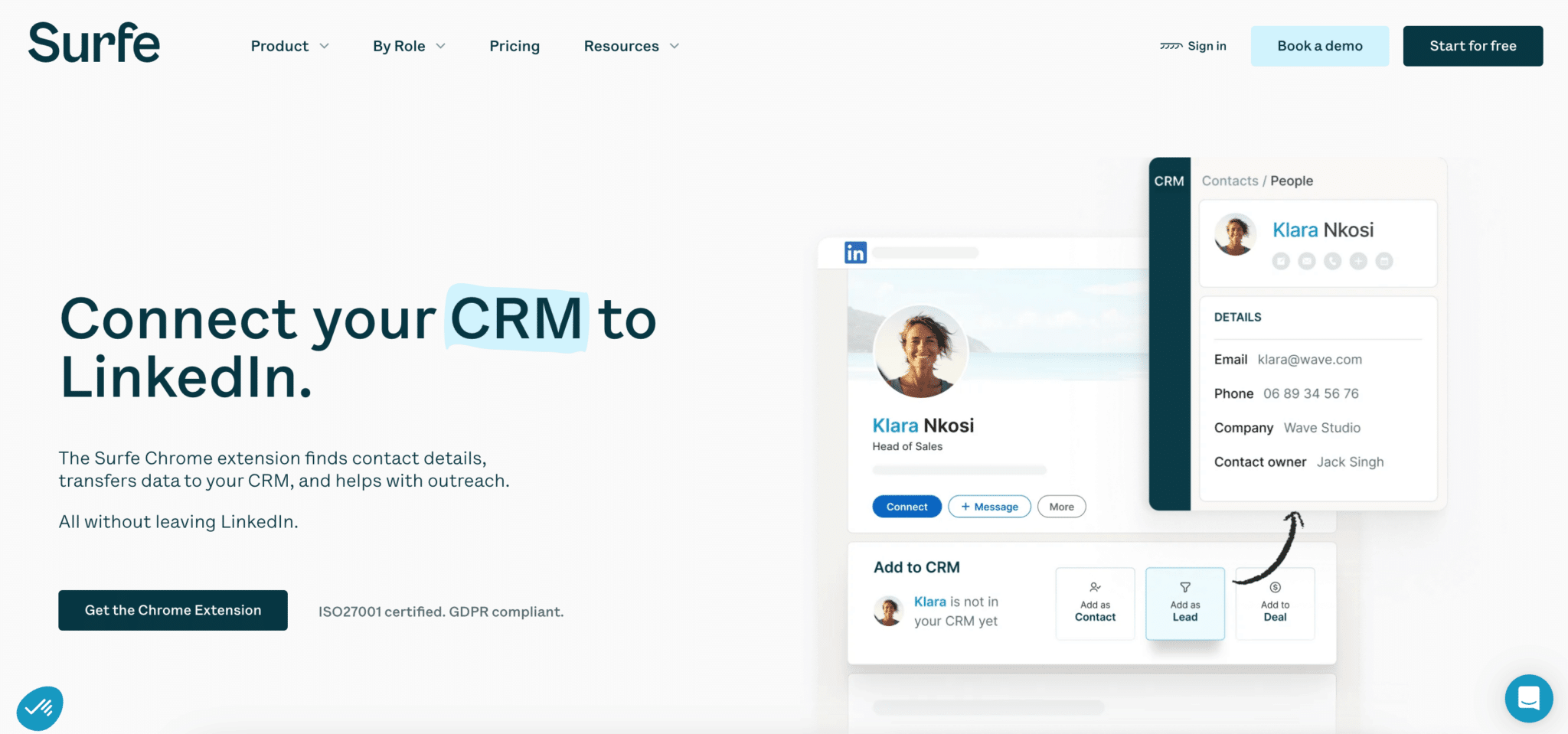
Surfe homepage: connect your CRM to LinkedIn

Surfe, formerly Leadjet, is an extension built for people who prospect from LinkedIn but still want everything to land cleanly in their CRM.

On a prospect’s profile, a button adds them to the CRM with their email and mobile number; if the record already exists, its information is shown next to the profile. You avoid re-entering data and duplicates, and the team immediately sees who is already following this contact.

It’s smooth, fast, and compatible with HubSpot, Salesforce, Pipedrive and Copper. Surfe doesn’t automate prospecting: it complements a tool like Waalaxy, or work done by hand.

The free plan gives 240 email lookups and 60 mobile lookups per year, but only one CRM add per day. Essential costs €29 per user per month billed annually (€39 monthly), Pro €69.

Content creation & writing

10

MerciApp

4.0/5 From €12

Best for: Those who write a lot in French and want clearer professional messages

+ Strengths
  • Corrects mistakes and suggests rewordings suited to a professional context
  • Works in Gmail, Notion, Slack, Zendesk or Intercom
  • Free plan: 600 words analyzed and 3 rewordings per day
− Downsides
  • Free plan capped each day, with no autocorrect or style alerts
  • Designed primarily for texts in French
★ MerciApp in brief

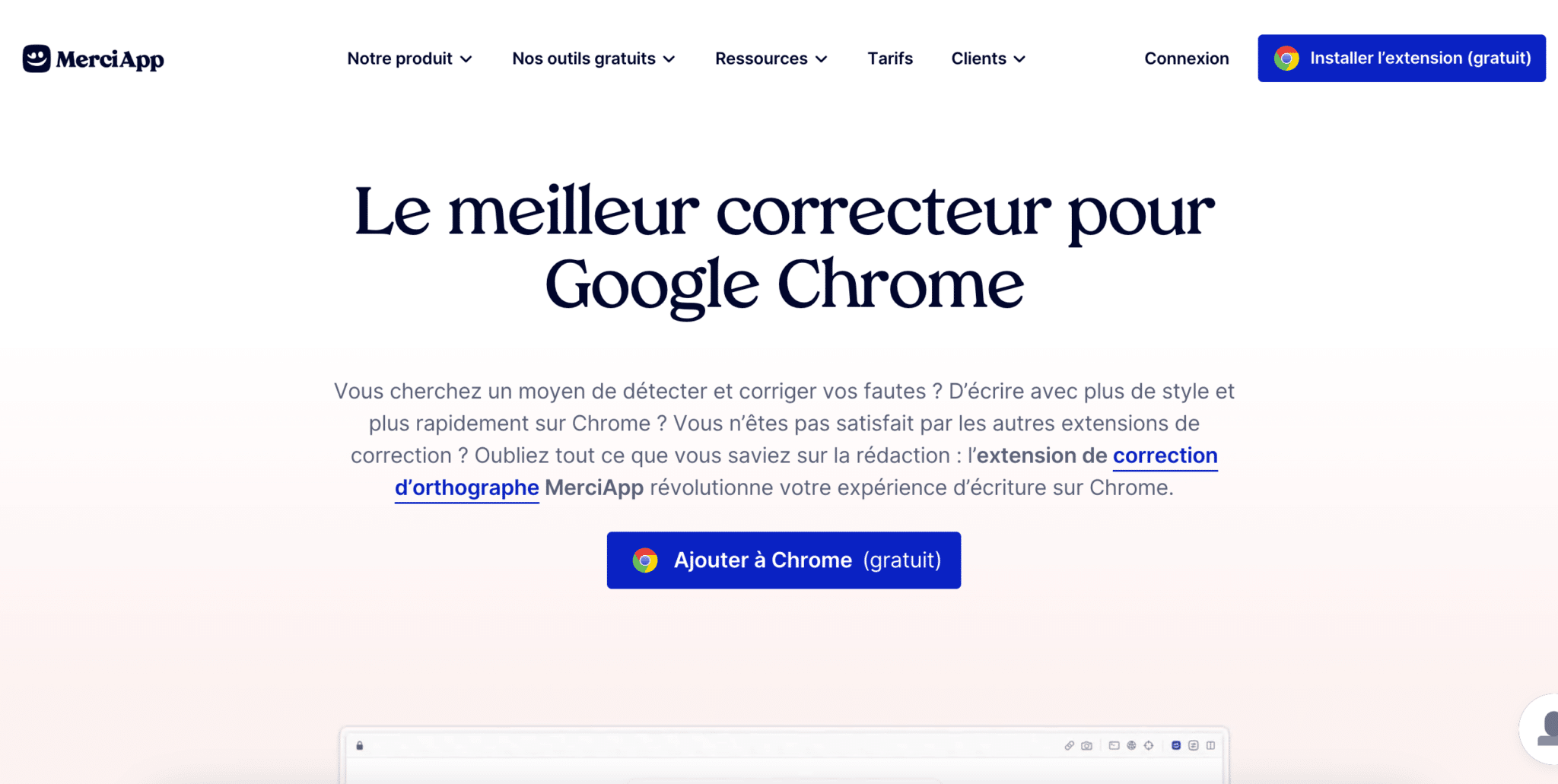
MerciApp Chrome extension page, spelling checker

MerciApp is built to improve the quality of your writing in French. The extension corrects mistakes, but also suggests smoother rewordings suited to a professional context.

It works in the tools where you write all day, Gmail, Notion, Slack or a support tool like Zendesk, and helps you write clearer, more polite, more effective messages. The paid version adds autocorrect and style alerts.

Compared with a general-purpose spellchecker, its appeal is the language: it is designed for French and its turns of phrase. For emails in English, it brings less.

The free version analyzes 600 words and offers 3 rewordings per day. The Assist plan costs €12 per license per month billed annually (€144 per year), €24 monthly, and comes with a 30-day trial, no card needed.

11

Lavender

4.4/5 From $27

Best for: SDRs who do a lot of outbound and want to raise their reply rates

+ Strengths
  • Real-time email score, with sentence-by-sentence suggestions
  • Integrates with Gmail, Outlook and email sequencers
  • Analysis of received emails to see what works elsewhere
− Downsides
  • Free plan limited to 5 analyzed emails per month
  • Integrations reserved for Individual Pro ($45 billed annually) and Team
★ Lavender in brief

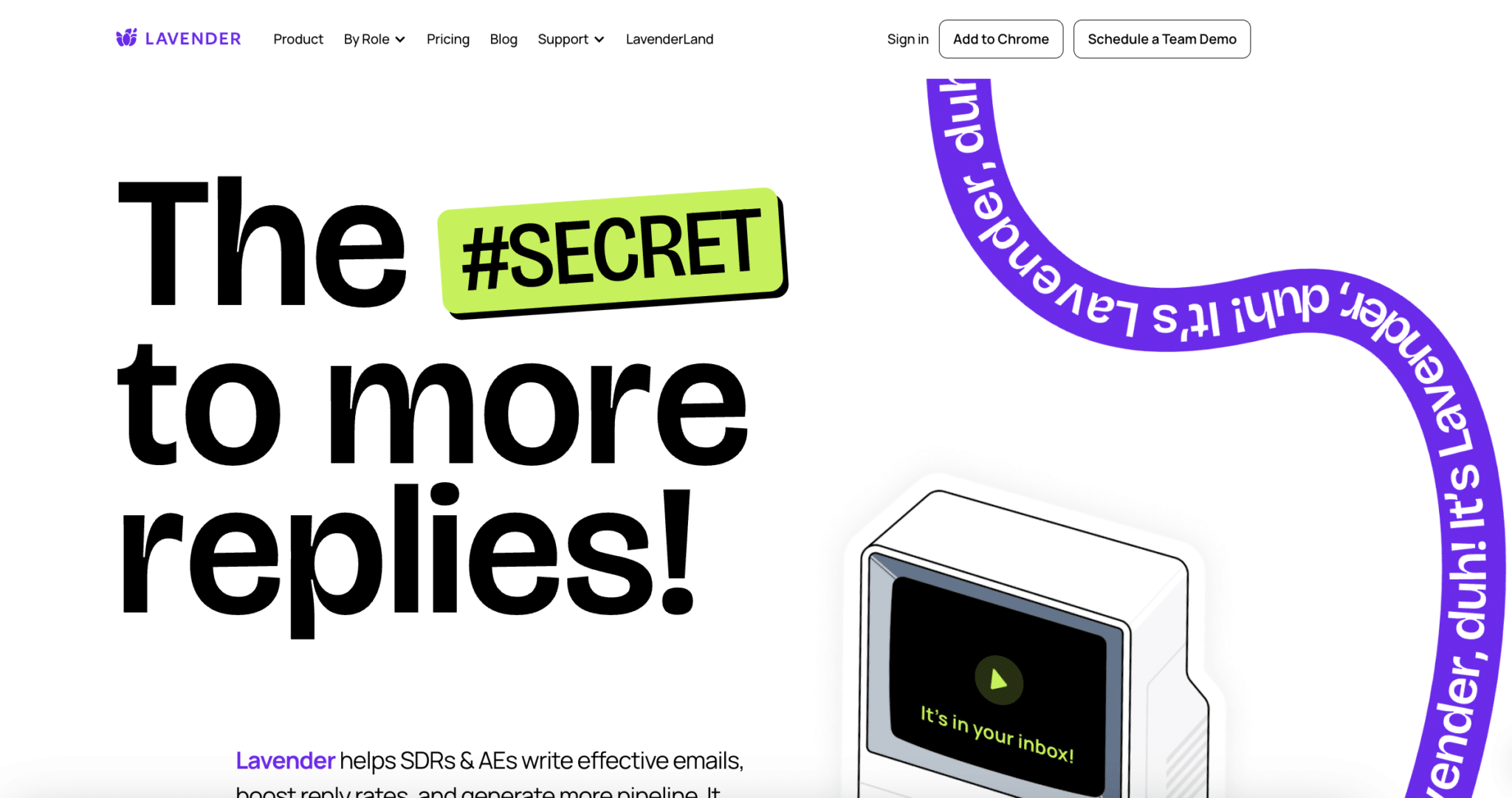
Lavender homepage, sales email writing assistant

Lavender is an extension built for salespeople who do a lot of outbound. Its “Email Coach” installs in Gmail or Outlook and analyzes your emails as you write them.

It gives you a score for clarity, personalization and structure, with concrete suggestions to improve each sentence. The goal? Write faster, target better, and raise your reply rates. Bonus: you can analyze the emails you receive and spot what works for others.

It’s a formidable tool for SDRs, and far more relevant than a standard spellchecker if your goal is sales performance.

The free version analyzes and personalizes 5 emails per month. Starter costs $27 per month billed annually ($29 monthly), Individual Pro $45 and Team $89 per seat.

12

TextCortex

4.1/5 From €23.99

Best for: Those who want to rephrase, summarize or change the tone of a text without leaving their browser

+ Strengths
  • Works in the text fields of Gmail, Notion, LinkedIn and Google Docs
  • Rephrasing, tone changes, summaries and generated replies
  • Can draw on the company’s internal documents
− Downsides
  • No more free plan: 14-day trial
  • Offer refocused on enterprise AI agents, broader than writing assistance
★ TextCortex in brief

TextCortex browser extension page

TextCortex is an AI writing assistant extension that works directly in your text fields: Gmail, Notion, LinkedIn, Google Docs…

You can rephrase a sentence, change the tone, summarize a text or generate a reply. Perfect for improving an existing text, polishing an important email or reworking a LinkedIn post on the fly.

The vendor now presents itself as an AI agent platform for businesses, able to draw on your internal documents. The extension remains the simplest way to use it day to day, but the offer is aimed at a team rather than a lone salesperson.

There is no longer a free plan: a 14-day trial, then Premium at €23.99 excl. VAT per user per month billed annually, €29.99 monthly.

13

Taplio

4.1/5 From $32

Best for: Freelancers, salespeople and founders building their personal brand on LinkedIn

+ Strengths
  • Post ideas drawn from your profile, the news or a link
  • Scheduling calendar and stats
  • Free Taplio X extension, stats shown inside LinkedIn
− Downsides
  • Writing AI reserved for Growth, at $49 per month billed annually
  • AI content often generic, needs rewriting
  • No free plan
★ Taplio in brief

Taplio X page, Taplio’s LinkedIn Chrome extension

Taplio helps you post more often, and better, on LinkedIn. The tool suggests post ideas based on your profile, the news or a link, then schedules them in a calendar.

Its Chrome extension, Taplio X, is free: it shows a profile’s stats in LinkedIn along with their best-performing posts. Handy for spotting what works on other accounts, or for preparing a conversation with a prospect who posts.

The tool is built for freelancers, salespeople or founders who want to grow their personal brand. For formatting the post before publishing, AuthoredUp complements it well.

Starter costs $32 per month billed annually ($39 monthly), Growth $49 with the writing AI, Pro $149. The 7-day trial unlocks all features.

14

AuthoredUp

4.2/5 From $19.95

Best for: Those who post often on LinkedIn and want to make their posts more readable

+ Strengths
  • Preview of the post as it will appear, character counter
  • Saved drafts and a library of hooks
  • Detailed stats after publishing
− Downsides
  • No free plan
  • Focused on editing: doesn’t generate post ideas
★ AuthoredUp in brief

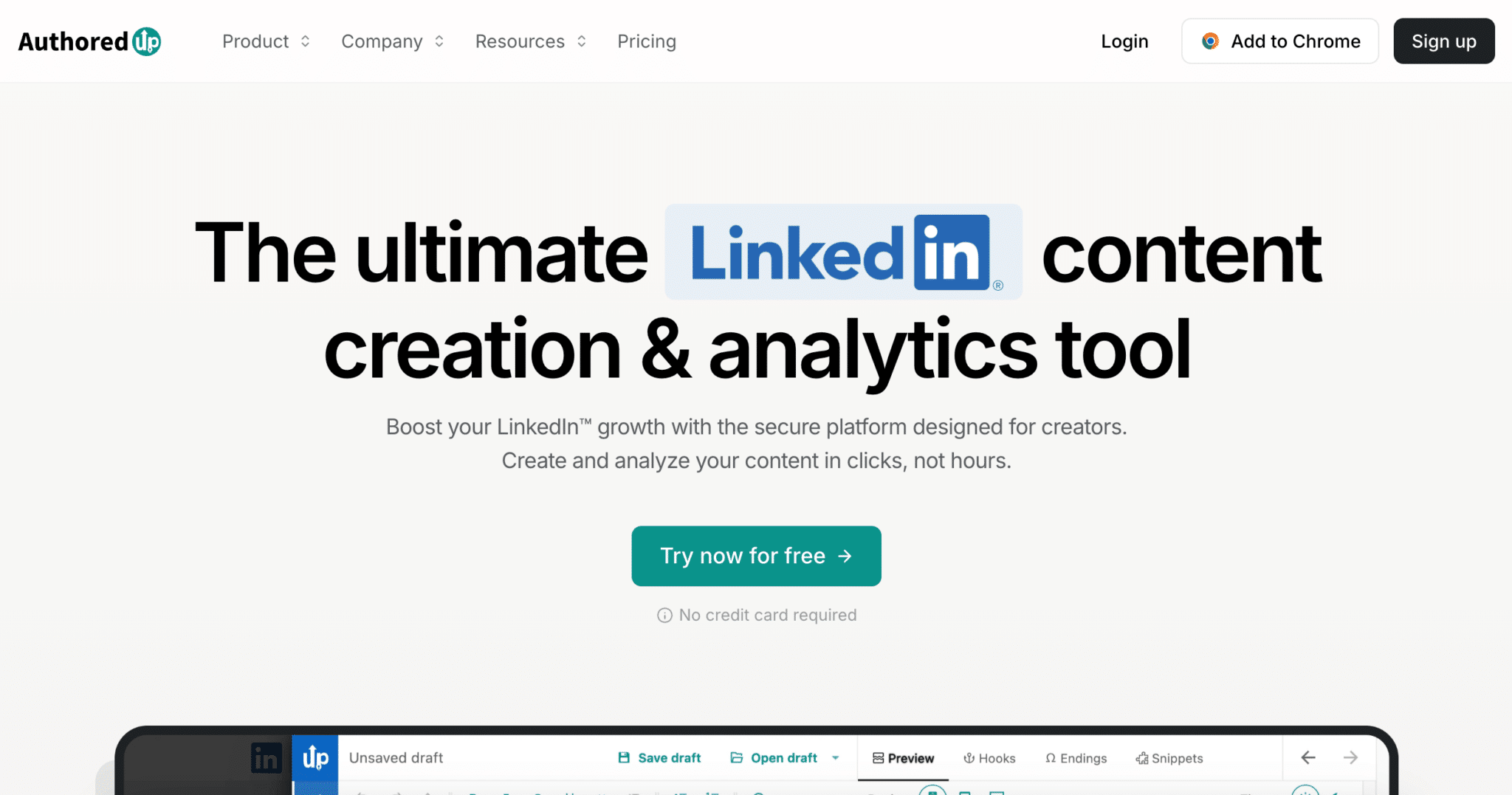
AuthoredUp homepage, LinkedIn content creation tool

AuthoredUp complements Taplio with an approach more focused on editing. The extension replaces LinkedIn’s editor with a rich text editor: formatting, a real preview of the post on desktop and mobile, character counter.

You keep your drafts, reuse your best hooks and, after publishing, get detailed stats per post, very useful for refining your style.

It’s the perfect tool if you post often and want to improve the readability of your posts. Combine it with Taplio for ideas, or with TextCortex to adjust the tone.

Individual costs $19.95 per month, $16.63 billed annually; Business starts at $14.95 per profile, with a minimum of three profiles. The trial is free and requires no card.

15

Scribe

4.5/5 From $25

Best for: Sales, marketing, support or ops people who document internal processes

+ Strengths
  • Illustrated guide generated while you browse
  • Handy for onboarding or a customer demo
  • Free plan with unlimited guides
− Downsides
  • Capture outside the browser reserved for paid plans
  • No PDF, HTML or Markdown export on the free plan
★ Scribe in brief

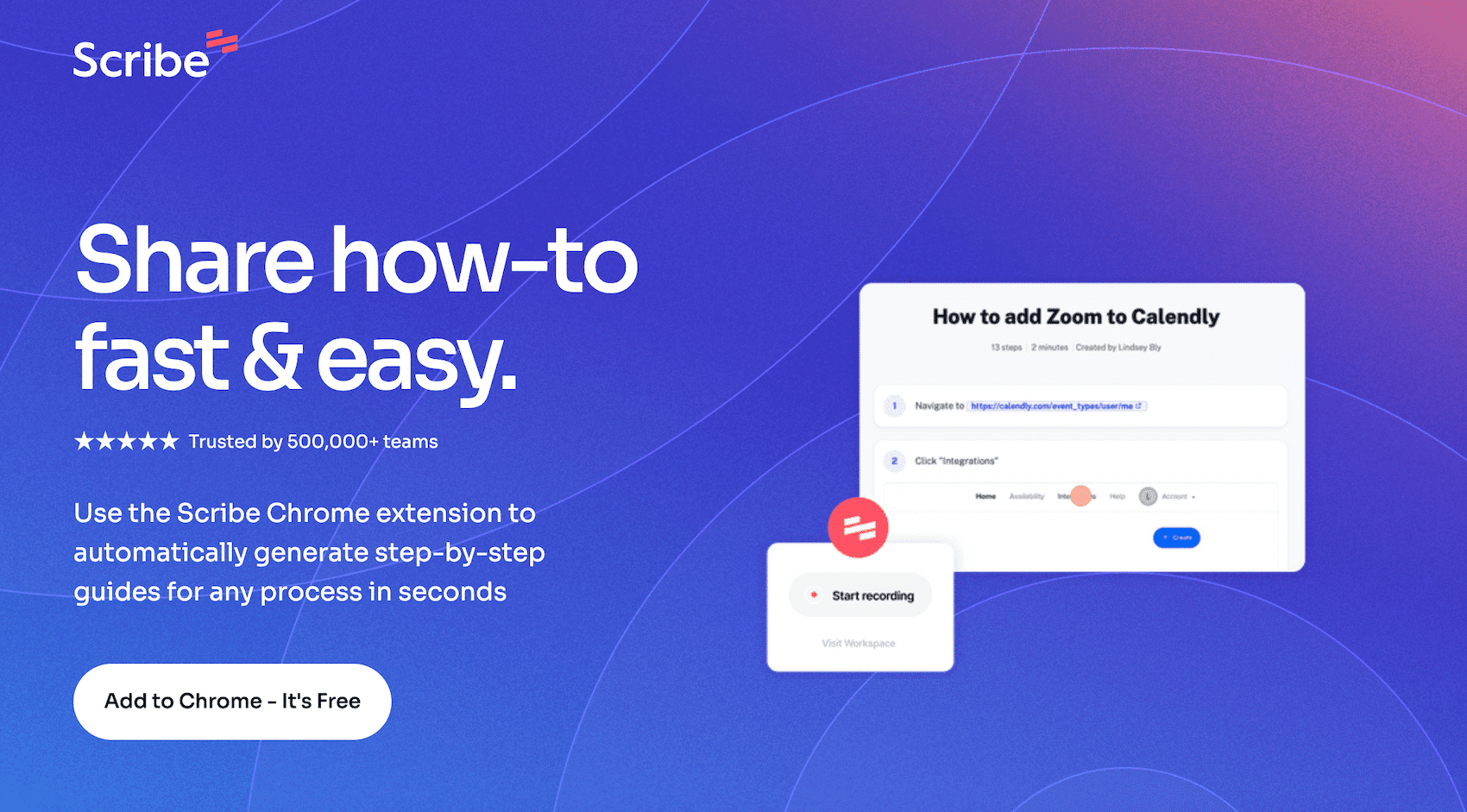
Scribe Chrome extension page, step-by-step guide generator

Scribe creates step-by-step tutorials automatically, just by navigating an interface. You start recording, do your actions as usual, and the extension generates an illustrated guide with screenshots, titles and descriptions.

It’s a gem for documenting an internal process, creating a quick onboarding or sending a clear demo to a customer or a colleague.

Very useful for sales, marketing, support or ops people. And it saves you opening Loom every time you want to explain something that reads better than it watches.

The free plan creates unlimited guides, from the browser. Pro Personal costs $25 per seat per month billed annually, Pro Team $13 per seat from five seats.

Useful cross-functional extensions

16

Bitwarden

4.4/5 From Free

Best for: Those who manage dozens of customer accounts, tools and internal accesses

+ Strengths
  • Open-source password manager
  • Generates, stores and fills credentials in the browser
  • Free plan enough for most uses
− Downsides
  • Team sharing is paid: $4 per user per month billed annually
  • Prices shown in dollars, annual billing only
★ Bitwarden in brief

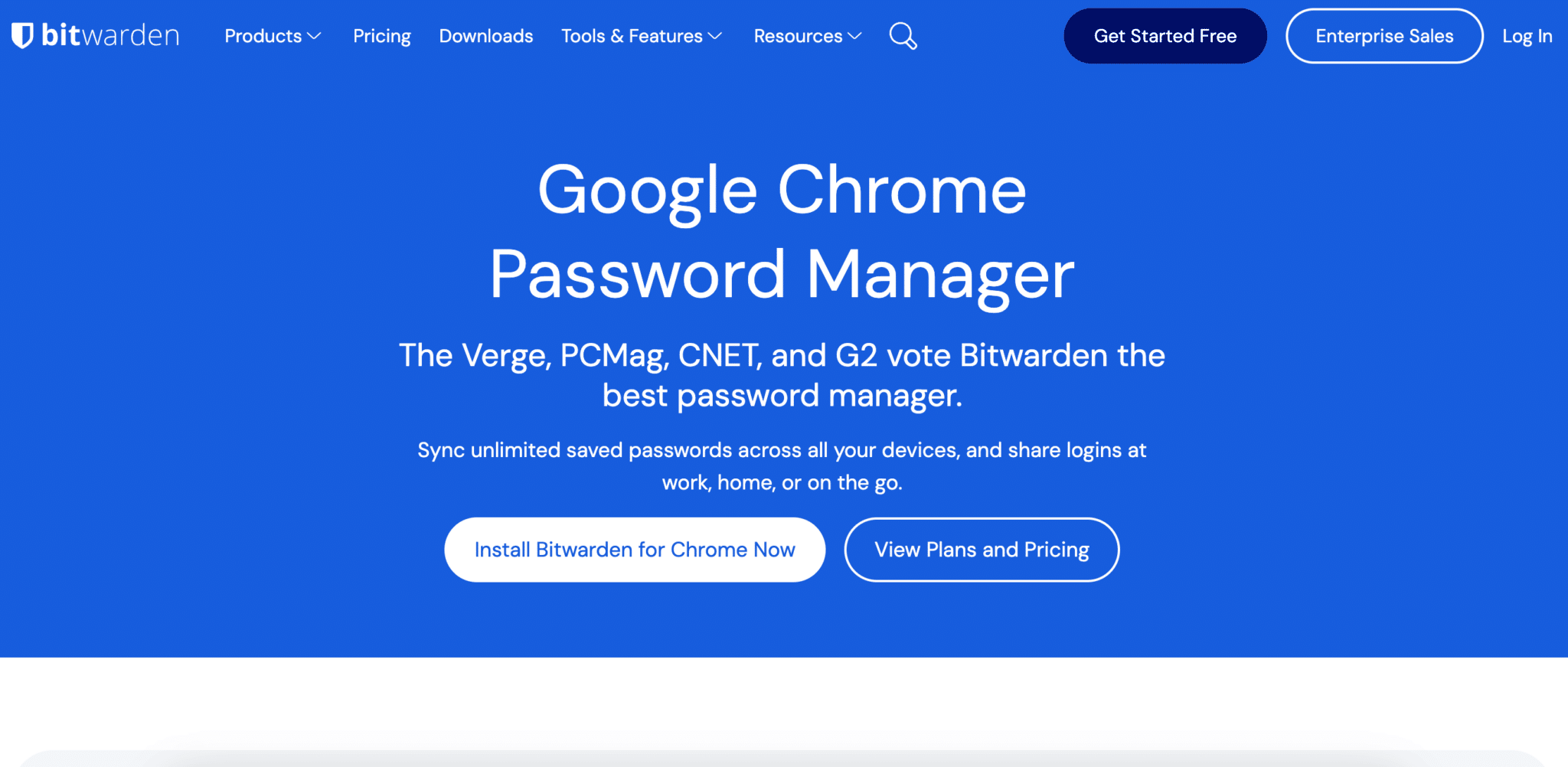
Chrome extension page for the Bitwarden password manager

Bitwarden is an open-source password manager. The Chrome extension generates, stores and autofills your login credentials, right in your browser.

It’s really handy when you manage dozens of accounts for your customers, your tools or your internal accesses. Passwords sync across all your devices.

The interface is simple and the free version is enough for most uses. A well-known alternative: LastPass, which offers similar features with a proprietary approach.

Premium costs $1.65 per month, billed $19.80 per year. To share access across a team, Teams starts at $4 per user per month billed annually.

17

Toggl Track

4.0/5 From €9

Best for: Freelancers, multitasking salespeople and ops people who want to take back control of their time

+ Strengths
  • Timer started in one click from Chrome, Trello, Notion, Gmail or Google Calendar
  • Reports, exports and tags to sort your tasks
  • Free plan up to 3 users
− Downsides
  • Billable rates and team reports reserved for paid plans
  • Site and app in English
★ Toggl Track in brief

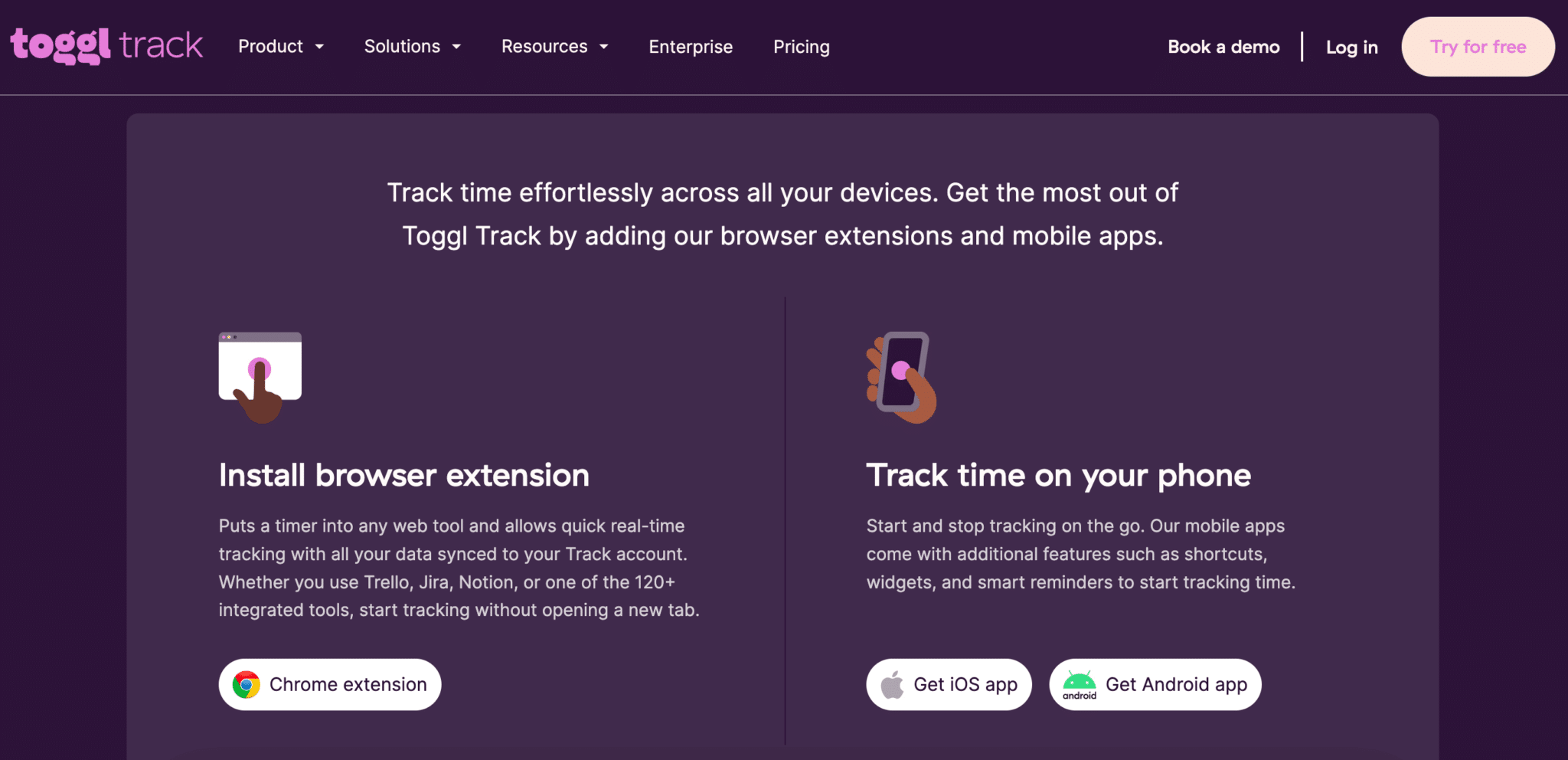
Toggl Track browser extensions and mobile apps page

Toggl Track is one of the simplest and most reliable extensions for tracking time. It adds a timer button to more than 120 web tools: Trello, Notion, Gmail, Google Calendar…

It’s built for freelancers, multitasking salespeople or ops people who want to take back control of their time without filling in spreadsheets by hand. Activity reports, exports and tags sort your tasks by client or by project.

The vendor now sells a single offer, Toggl, which adds planning to time tracking. Toggl Track is still available and the extension keeps its name.

The free plan covers up to 3 users. Starter costs €9 per user per month billed annually (€12 monthly), Premium €16.

18

Loom

4.4/5 From $18

Best for: Those who replace a long message with a video: product demo, reply to a prospect, explanation

+ Strengths
  • Screen, voice and webcam recorded in seconds
  • Shareable link as soon as recording ends
  • Timestamped comments and reactions under the video
− Downsides
  • Free plan limited to 25 videos of 5 minutes
  • AI summaries and chapters reserved for Business + AI, at $24
  • Not an editing tool
★ Loom in brief

Loom screen recorder for Chrome page

Loom lets you record your screen, your voice and your webcam in seconds. The Chrome extension starts recording from any tab and generates a shareable link as soon as you stop. No editing, no download.

It’s perfect for doing a product demo, sending a personalized reply to a prospect or explaining a complex point to a colleague. The recipient watches in their browser and comments at a specific moment of the video.

Loom belongs to Atlassian. For prospecting or team videos, the free plan is enough to test the format; you move to Business when you record longer demos.

Starter is free: 25 videos per person, 5 minutes maximum. Business costs $18 per user per month billed monthly, Business + AI $24, with a 14-day trial.

19

tl;dv

4.2/5 From €18

Best for: Those who want to keep a record of their meetings and customer demos on Google Meet or Zoom

+ Strengths
  • Recording and transcription of Google Meet, Zoom and Microsoft Teams meetings
  • Transcripts in more than 30 languages
  • Free plan: unlimited recordings and transcripts
− Downsides
  • AI notes limited to 10 meetings on the free plan
  • Pro at €29 per seat on monthly billing
★ tl;dv in brief

tl;dv extension page for Google Meet

tl;dv, for “too long; didn’t view”, records your Google Meet, Zoom or Microsoft Teams meetings and produces a transcript from them, with timestamped markers and AI-generated notes.

Perfect for sharing a summary with an absent colleague, keeping a record of your customer demos or finding a piece of information without having to rewatch everything. The extension installs in seconds and runs in the background on Google Meet.

For a sales team, the value is keeping what the customer said, word for word, and finding it again before the next meeting.

The free plan records and transcribes without limit, with AI notes for 10 meetings. Pro costs €18 per seat per month billed annually, €29 monthly; Business €29 billed annually.

20

I don't care about cookies

4.0/5 From Free

Best for: Those who want to stop clicking on cookie consent banners

+ Strengths
  • Hides or closes cookie banners on most sites
  • Discreet and free
− Downsides
  • May accept all cookies on your behalf when a site requires it
  • Owned by Gen Digital (Avast, Norton), rated 2.8 out of 5 on the Chrome Web Store
  • Saves time, no direct sales use
★ I don't care about cookies in brief

I don't care about cookies 3.5.1 extension homepage

This extension won’t make you money, but it will save you time (and a bit of sanity). It automatically hides cookie consent banners on most websites.

In most cases, it simply blocks or hides the banner. When a site requires an answer to work, it chooses for you: refuse non-essential cookies, accept only the necessary cookies or accept everything, depending on what the site allows.

That last point is what you need to know before installing it: if you insist on refusing trackers, the extension doesn’t guarantee it. It now belongs to Gen Digital, the parent company of Avast and Norton, and is still updated.

It’s free, lightweight, and installs in seconds.

21

Save.to (ex-Save to Notion)

4.1/5 From Free

Best for: Those who use Notion as a CRM, content management tool or knowledge base

+ Strengths
  • Saves a link, article, LinkedIn profile or email into Notion
  • Forms per database, fields pre-filled automatically
  • Screenshots possible from the extension
− Downsides
  • Free plan limited to 4 forms
  • Only useful if your organization runs on Notion
★ Save.to (ex-Save to Notion) in brief

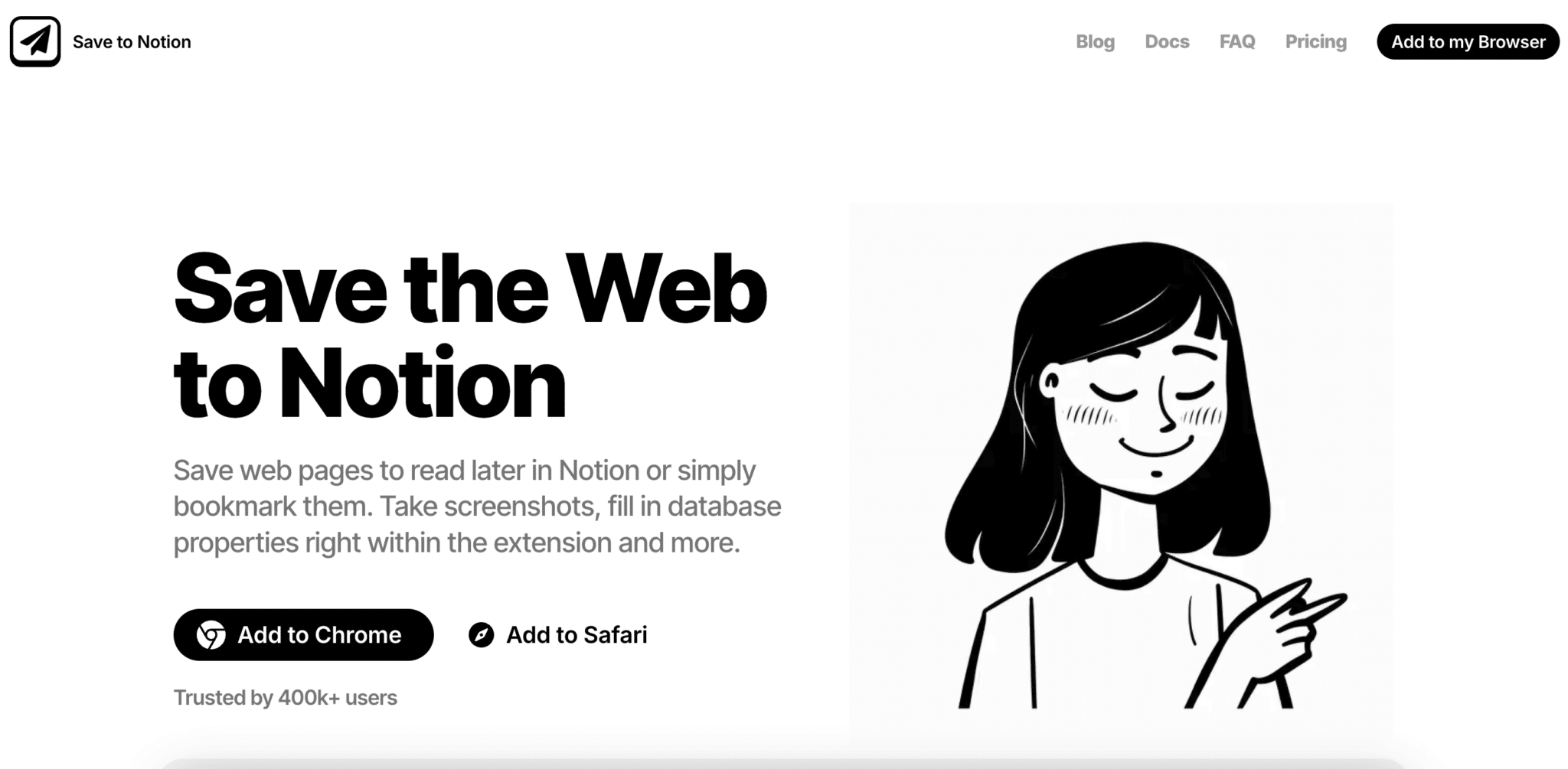
Save to Notion extension homepage

Save.to, formerly Save to Notion, saves a link, an article, a LinkedIn profile or an email straight into your Notion workspace, with the fields you’ve defined.

You set up forms for your databases, choose which properties to fill in, and some fields fill themselves (title, source, URL…). The extension also takes screenshots.

In short, the ideal extension if you use Notion as a CRM, content management tool or knowledge base.

The free plan gives 4 forms. Pro makes them unlimited for $5.99 per month, or $4.17 billed annually.

22

Manganum

4.2/5 From Free

Best for: Those who juggle many tools and want to keep them at hand in Chrome

+ Strengths
  • Sidebar with Gmail, Google Calendar, Drive, notes, tasks or ChatGPT
  • Available on any tab, without opening a new one
  • Customizable interface
− Downsides
  • In-app purchases announced on the Chrome Web Store, with no price on the site
★ Manganum in brief

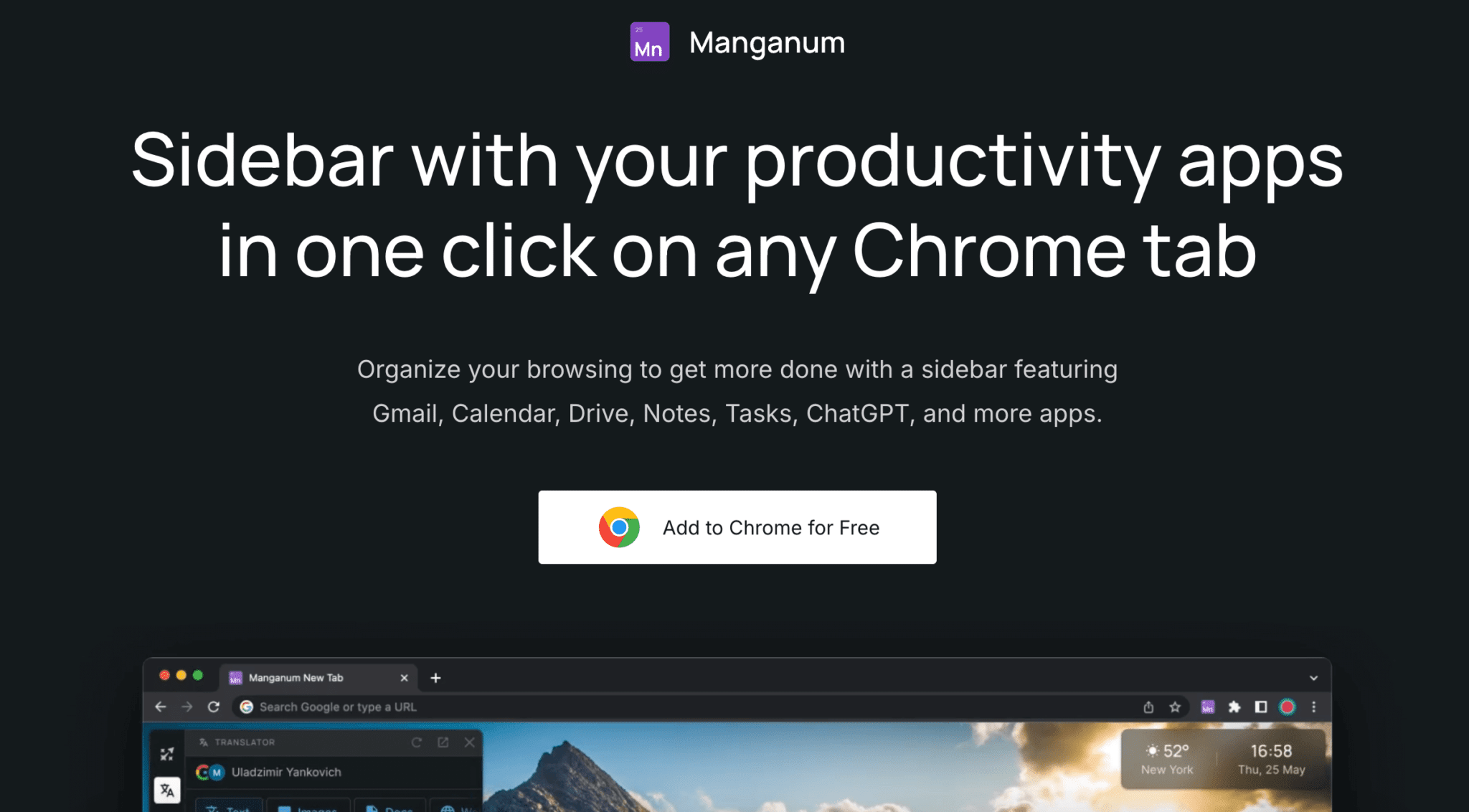
Manganum homepage, app sidebar for Chrome

Manganum adds a sidebar to your browser with your essential tools: Gmail, Google Calendar, Drive, notes, tasks, ChatGPT…

All accessible at any time, without having to open a new tab or an app. It’s a real command center for those who like to keep the essentials at hand, especially when working remotely or in “focus” mode.

The interface is smooth and customizable. If you’re the type to juggle lots of tools every day, this extension can change your routine.

Installation is free. The site shows no price, and the Chrome Web Store mentions in-app purchases.

23

Instapaper

4.0/5 From Free

Best for: Those who monitor their industry and want to read later, without distractions

+ Strengths
  • Unlimited saves, synced across all your devices
  • Ad-free reading, mobile-friendly format
  • Well-designed highlighting
− Downsides
  • Notes limited to 5 per month on the free plan
  • Full-text search reserved for Premium
★ Instapaper in brief

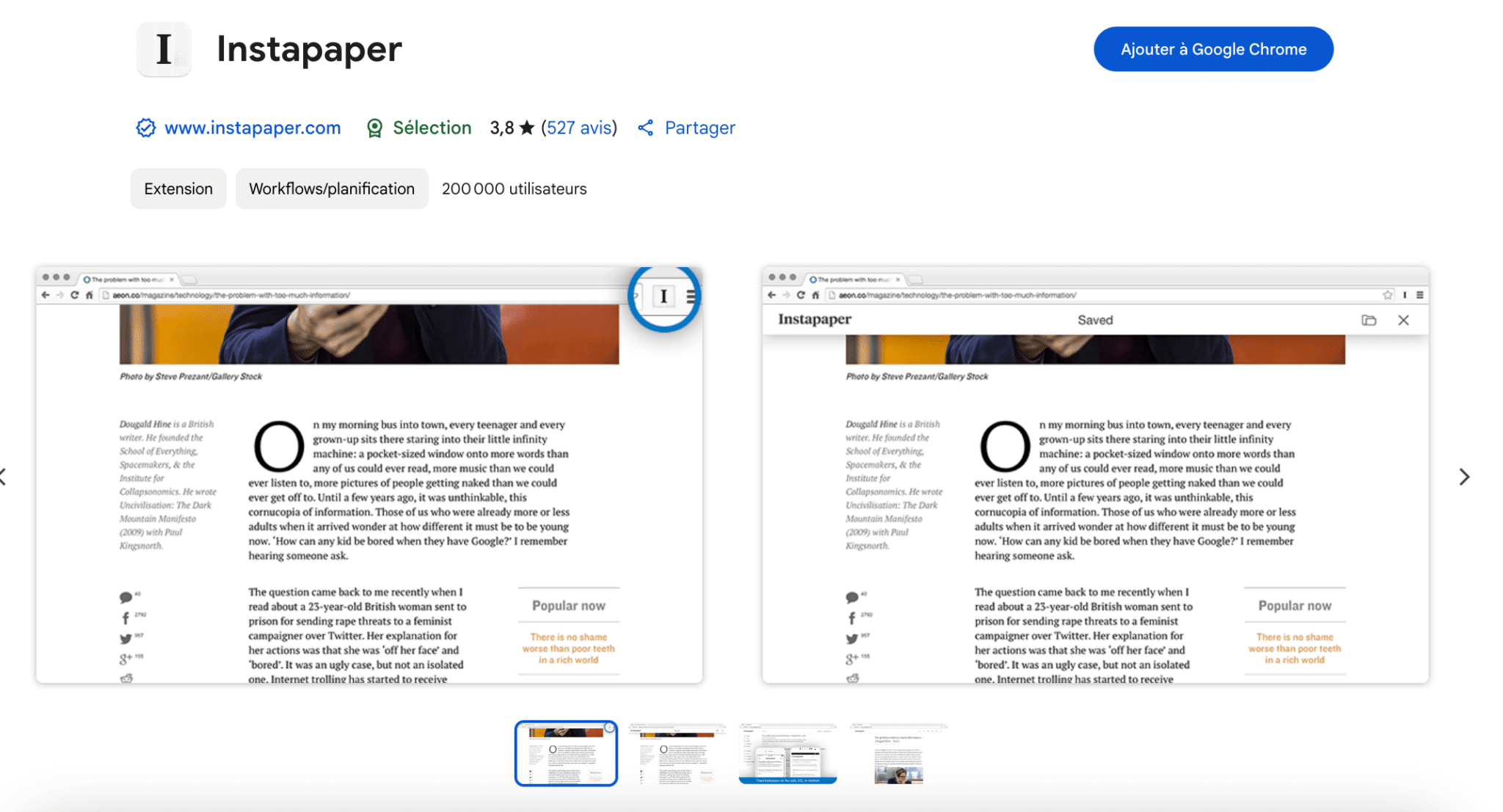
Chrome Web Store page for the Instapaper extension

Instapaper is a simple extension to save any web page (article, product page, LinkedIn post…) to a reading list synced across all your devices.

It’s handy for keeping up with your industry without being interrupted. In one click, you archive a piece of content to read later, without ads or distractions. The format is perfect on mobile and the highlighting feature is well thought out.

For a salesperson, it’s the place to file articles about an account before a meeting, and reread them on the train.

The free version keeps an unlimited number of articles, with 5 notes per month. Premium costs $5.99 per month or $59.99 per year, and adds full-text search.

24

Docusign eSignature

4.7/5 From €9

Best for: Those who get documents signed by their prospects or customers without leaving Chrome

+ Strengths
  • Sign a PDF or Word document from Chrome, no printing or scanning
  • Gmail integration to sign without leaving your inbox
  • Document tracking and automatic reminders
  • High-level security and compliance (eIDAS, GDPR)
− Downsides
  • Fairly expensive positioning against competitors
  • Entry plan limited to 5 envelopes per month
  • Standard at €23 per user per month billed annually
★ Docusign eSignature in brief

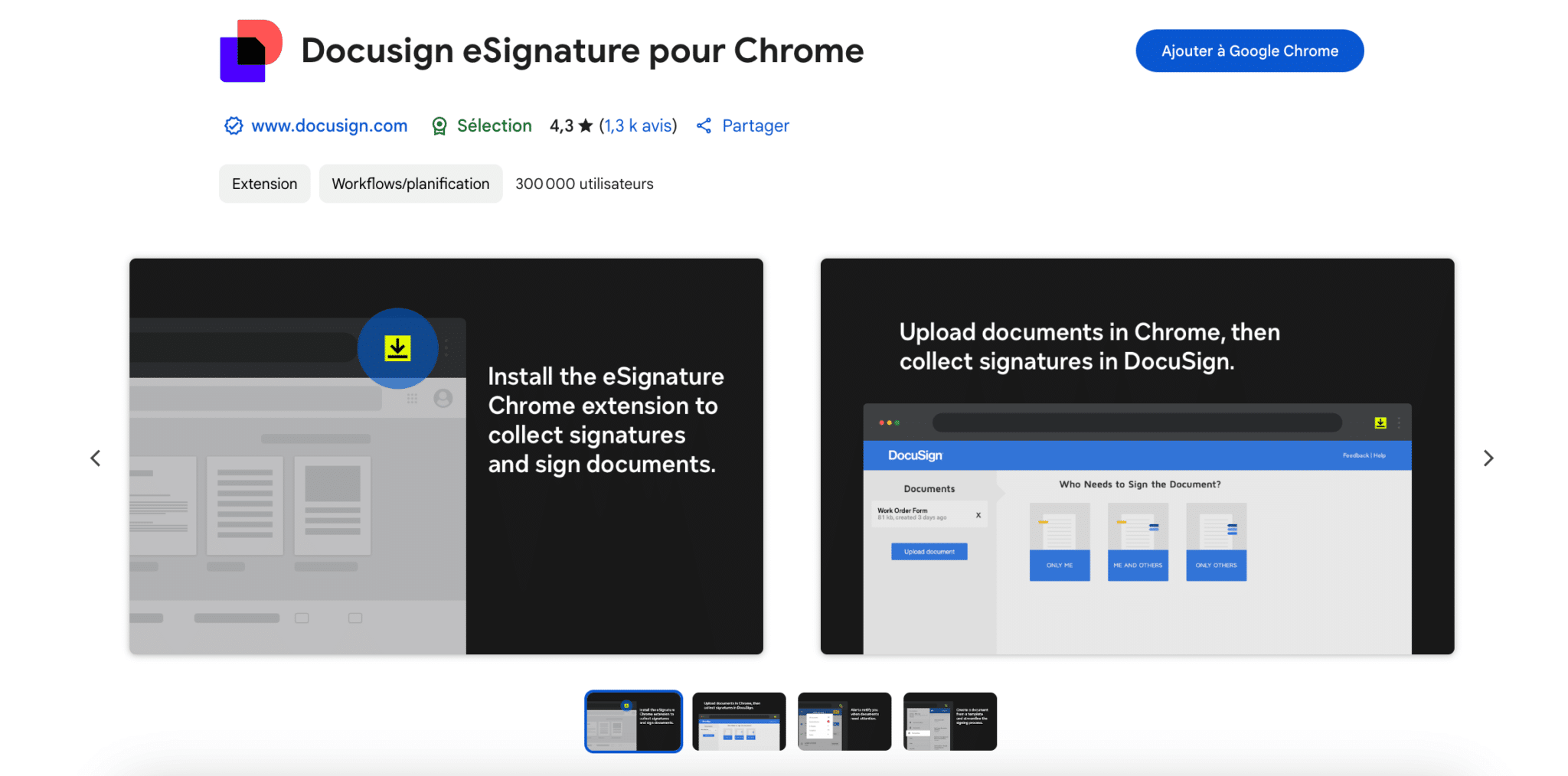
Chrome Web Store page for the Docusign eSignature extension for Chrome

The Docusign extension signs a PDF or Word document directly from Chrome, with no need to print, scan or go through a third-party app.

You can also send documents for signature to your prospects or customers in a few clicks, and track who has signed. Big advantage: the Gmail integration, which lets you open and sign a document without leaving your inbox.

Docusign is the benchmark for electronic signature, and its pricing reflects that. For a few contracts a month, the Personal plan is enough; a team sending quotes every day will move up to Standard.

Personal costs €9 per month billed annually (€14 monthly) for 5 envelopes per month. Standard costs €23 per user per month billed annually, Business Pro €38.

How we chose these 24 tools

Every tool in this selection has been used in real conditions by our team or by a Salesdorado consultant, in a B2B sales and marketing setting. No ranking built from a marketing deck. The order of the list is not a ranking: the right tool depends on your needs.

  1. 01
    Benchmark scope

    Broad identification of the tools on the market (G2, Capterra, Salesdorado customer feedback, LinkedIn signals). Initial filtering, then a short list based on a 2-hour setup per tool.

  2. 02
    Test conditions

    3 to 4 weeks of active use per tool, with data representative of a B2B sales use case. When a tool targets a specific profile (SDR, AE, Ops, Marketer…), we match the tester accordingly.

  3. 03
    Weighted criteria

    For each category, 5 to 7 axes weighted according to what matters in the segment: UX, feature depth, native integrations, support, pricing at scale, compliance (GDPR, security), and roadmap quality.

  4. 04
    Independence

    No tool is scored in exchange for payment. Partner links (affiliate) are marked as such and do not influence the score. Non-partner tools are included when their place in the ranking is deserved.

  5. 05
    Updates

    The ranking is reviewed every 6 to 12 months or on every major release of a tool mentioned. The date of the last check is shown at the top of the article.

The questions we get over and over.

Which Chrome extensions should I use to get contact details from LinkedIn?

Kaspr pulls email addresses and phone numbers straight from LinkedIn profiles, and offers bulk export from Sales Navigator. The Apollo extension plugs into LinkedIn and Gmail to extract contacts, enrich the data and add them to sequences. For a whole list from Sales Navigator, Evaboot exports the leads with a verified email.

Which Chrome extension can automate LinkedIn prospecting?

Waalaxy builds sequences that mix LinkedIn messages, connection requests and emails, with quota management to avoid getting blocked. STACKED, the new name of Dux-Soup, automates profile visits, invitations with a personalized message and follow-ups; it is now run from a desktop app or in the cloud. PhantomBuster triggers extraction and automation scripts from your web session.

How do I sync LinkedIn and my CRM with a Chrome extension?

Surfe (formerly Leadjet) adds a LinkedIn contact to your CRM in one click, syncs your messages and shows CRM info directly in LinkedIn. It works with HubSpot, Salesforce or Pipedrive. Octopus CRM manages your prospects like a mini CRM, right inside LinkedIn.

Which Chrome extensions help me write better emails and LinkedIn posts?

Lavender analyzes your sales emails in real time and gives them a score for clarity, personalization and structure. MerciApp corrects and rephrases your writing in French. For LinkedIn, Taplio generates post ideas and schedules them, and AuthoredUp helps you format them before publishing.

Which Chrome extensions are useful day to day, beyond prospecting?

Bitwarden manages your passwords, Toggl Track tracks your working time, Loom records screen videos, tl;dv records and transcribes your Google Meet, Zoom or Teams meetings, and Instapaper saves content to read later.

★ The conversation, 0 comments

What the community says.

Basic Markdown, moderated within 24 h
Loading…

    In the same category