The tool in detail
Let's take a look at the key features (prospect search, outreach, automation, CRM enrichment), getting started with the application, the tool's stability and the question of LinkedIn bans, customer support and the two versions of STACKED.
Dux-Soup’s key features
Finding prospects
Finding qualified prospects and building strong relationships are the main reasons to use Dux-Soup. How? By combining automation with a personalized message template.
Dux-Soup lets you improve and automate the search for prospects who match specific criteria.
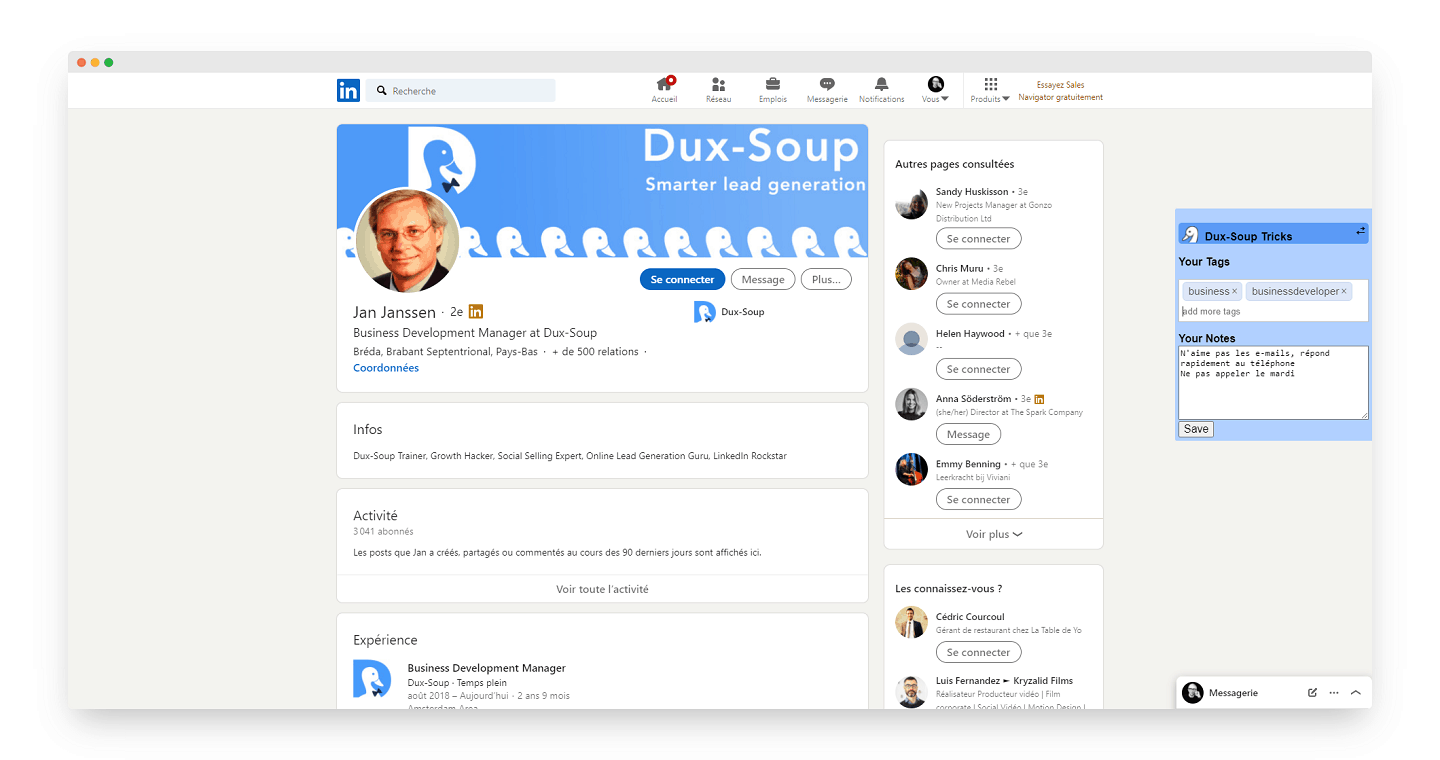
The search tool can be used to narrow down your results by location, job title or connection level. Once you have your list, prospecting can begin:
- Visit profiles: profile visits and data recording start automatically. People will see that someone visited their profile, which may prompt them to check yours in return.
- Visit and connect: this action visits the profile and sends the user a connection request. Connection requests can be personalized with a message to improve the chances of acceptance.
- Scan profiles: this function analyzes profiles without the user knowing that someone just visited their profile. Perfect for collecting data to export into CRM software.
Contacting your prospects
With your prospecting list in hand and your connection requests sent, let’s move on to following up and segmenting your contacts.
Here, everything can be done through a tag. Tagging can be automated and shows you where a prospect stands in terms of outreach, follow-up and interest. Which tags you choose and how you use them is up to you.
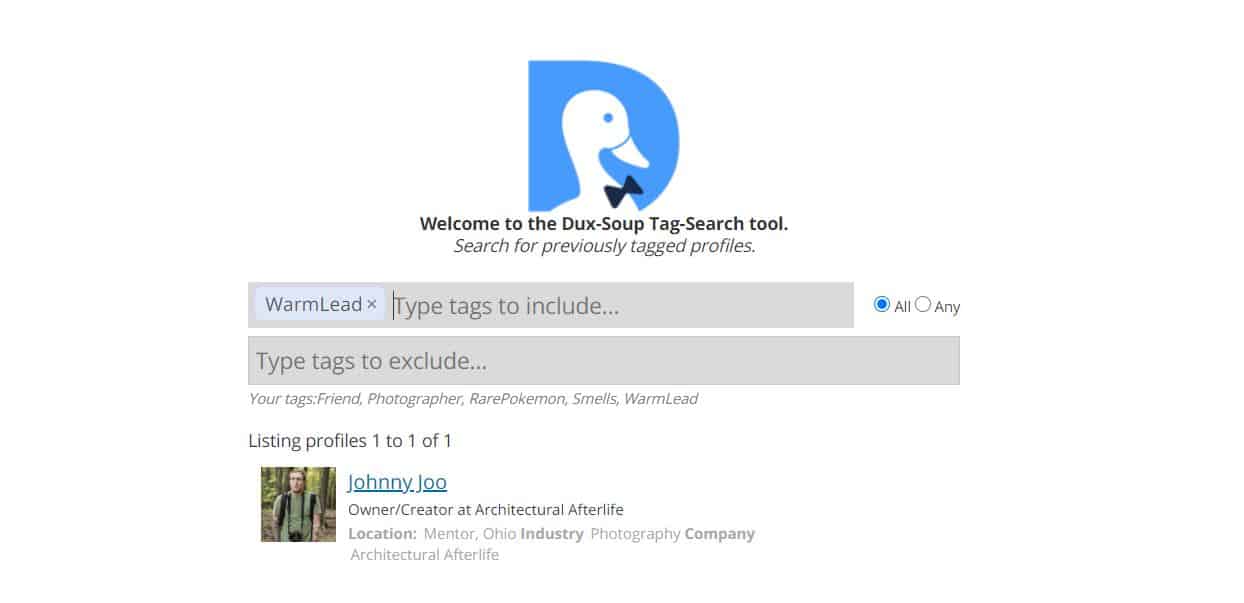
Segment your prospect lists using tags
By tagging your prospects properly, your messages won’t come across as automated and your sales prospecting will get better results.
Automating your actions
Here are the actions Dux-Soup can automate:
- Sending InMails
- Following
- Sending invitations
- Visiting profiles
- Sending messages to 1st-degree connections
Integration with other APIs or automation platforms is also possible. No need for third-party plugins to use the Dux-Soup API.
Enriching your customer data
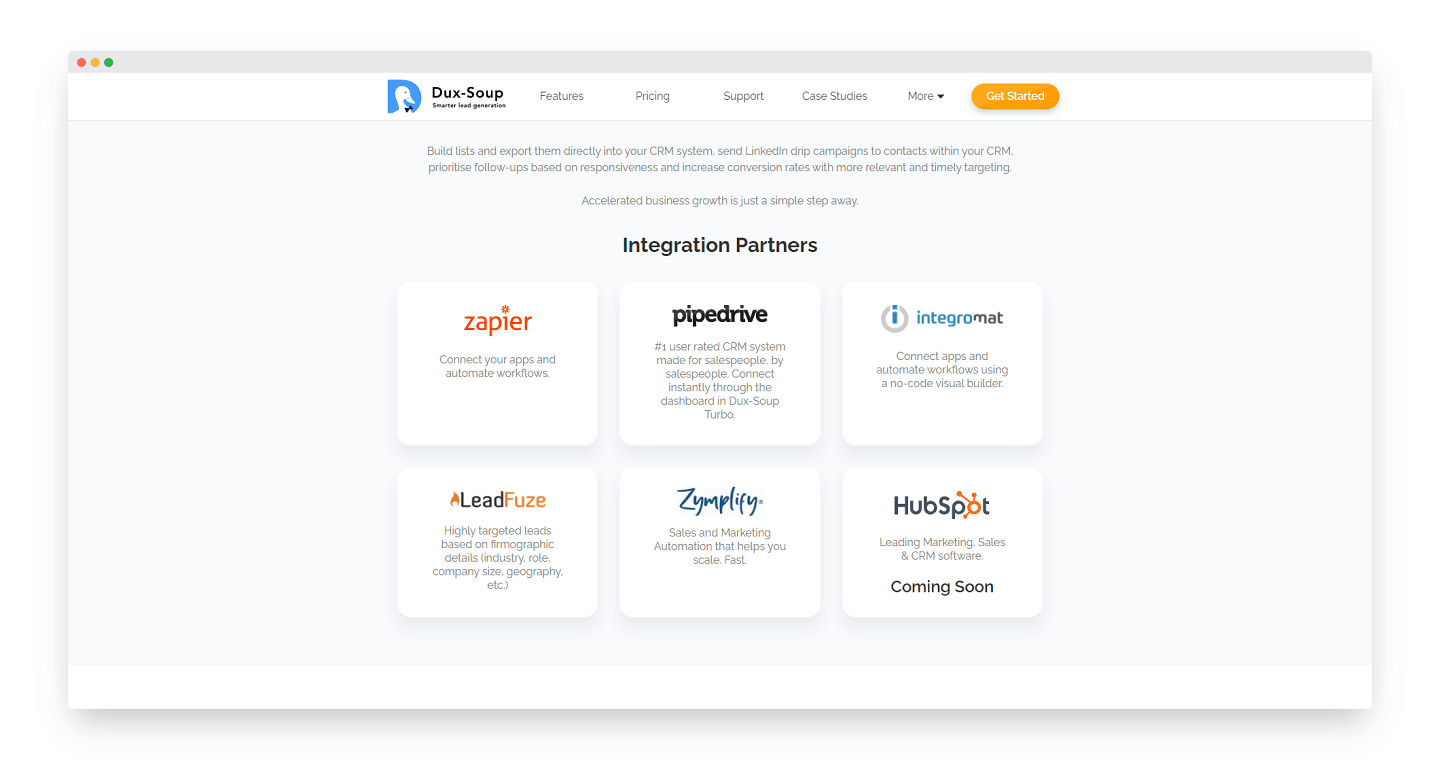
Dux-Soup lets you connect your CRM to make B2B data enrichment easier by pulling the details of the target profile. This includes:
- Full profile details (summary, skills, education, etc.).
- Email addresses.
- Sharing notes and tags with team members.
- Searching tagged profiles.
- Profile notes and attached tag lists,
Download visited profiles to a CSV file, or send actions and profile visits to Pipedrive, HubSpot, Salesforce, Freshsales or Zapier.
Salesdorado’s takeDux-Soup offers very solid functional depth: prospect identification, personalized messaging, CRM data enrichment. A very complete tool to take your LinkedIn prospecting up a level.
Getting started: expect a small learning curve
Installing STACKED is quick and simple: a desktop app for Mac or Windows with the local version, and browser access with the cloud version.
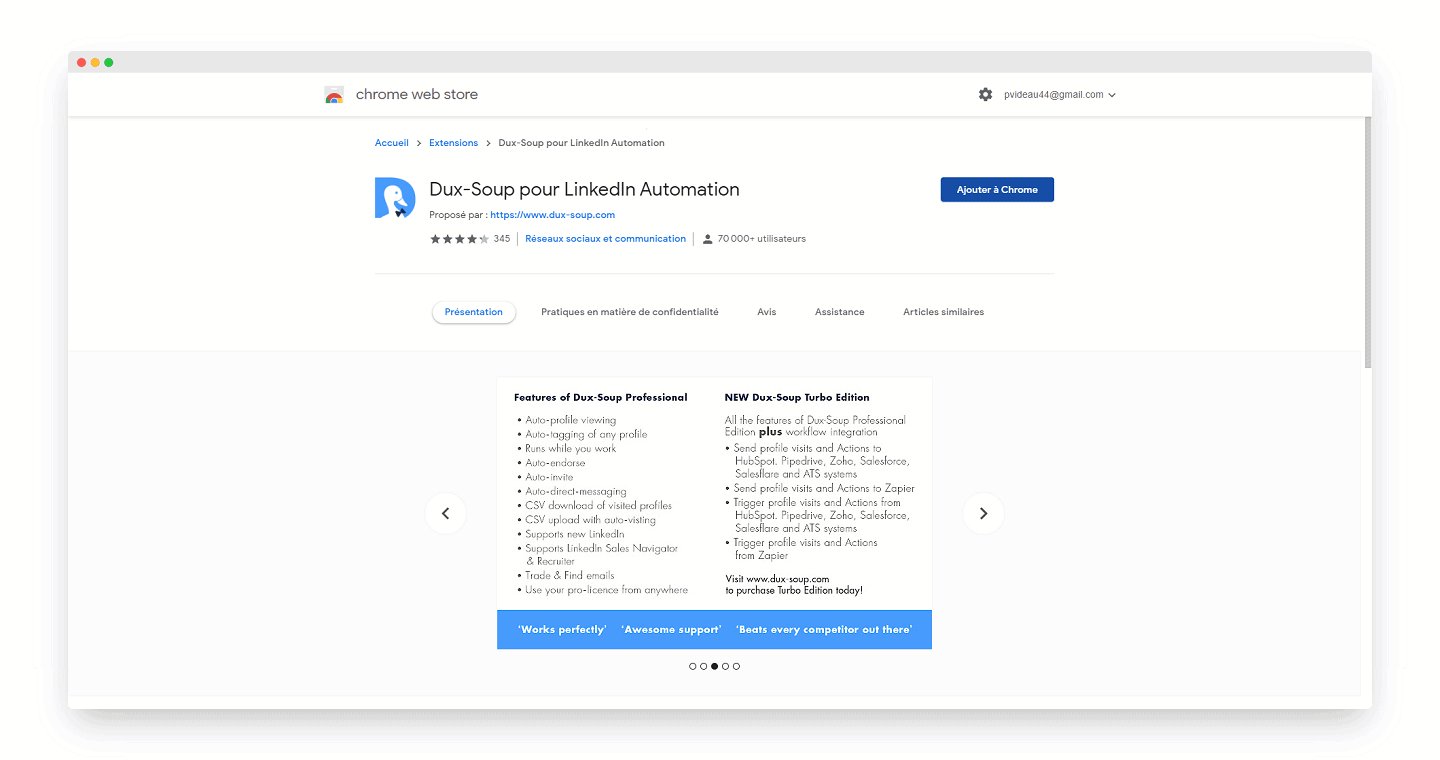
Once the app is installed, there isn’t much guidance on what to do next. Just a « Watch Tutorials » button that takes you to Dux-Soup’s YouTube channel, where a few videos explain the basics of the tool.
Even if the videos don’t help you build an outreach strategy or organize the data you collect, they get you started on the right foot.
Salesdorado’s tipInstallation is quick and easy, but using the tool involves a small learning curve, and tag management in particular could be more intuitive. Dux-Soup is an excellent solution if you master the scenarios you can implement on LinkedIn.
Stability: the oldest LinkedIn automation tool
Dux-Soup is without a doubt one of the most reliable and best-established LinkedIn automation tools on the market (since 2015).
A perfect understanding of how the LinkedIn algorithm works, and valuable advice given to users, back up that claim.
If you follow Dux-Soup’s guidelines, your automated behavior is as natural as possible, so it isn’t treated as spam and stays within LinkedIn’s terms of use.
One complaint keeps coming up in user reviews: the risk of getting banned from LinkedIn. We chose to include it in the weak points even though it is completely wrong, because it captures the misconceptions around LinkedIn prospecting tools so well.
The beauty of this comment is that it packs two big mistakes into just a few lines:
- 1. It isn’t Dux-Soup that will get you banned by LinkedIn, it’s your overuse of the tool! LinkedIn doesn’t clearly define the limits you must not exceed to stay on the safe side. Many LinkedIn-related solutions run tests and put forward a few figures that we won’t share with you, as there still isn’t enough hindsight. Stick to reasonable volumes, which also leaves you time to better personalize your approach.
- 2. The cloud lets you work asynchronously and automate completely, with no machine switched on. Dux-Soup now offers this with STACKED cloud. But it’s also a way of running that calls for even more caution on volumes.
On LinkedIn, as on other channels, mass prospecting brings little or no results and gets penalized (rightly so!). Dux-Soup puts few limits on how you use the tool and relies on its users’ experience. We like that. If you’d rather be guided through your first steps, take a look at Waalaxy instead.
Salesdorado’s takeDux-Soup is one of the oldest LinkedIn automation tools on the market. Be careful though: mass prospecting can be penalized by the platform, and the tool is very permissive. It’s up to you to use it with care!
Customer support: major progress
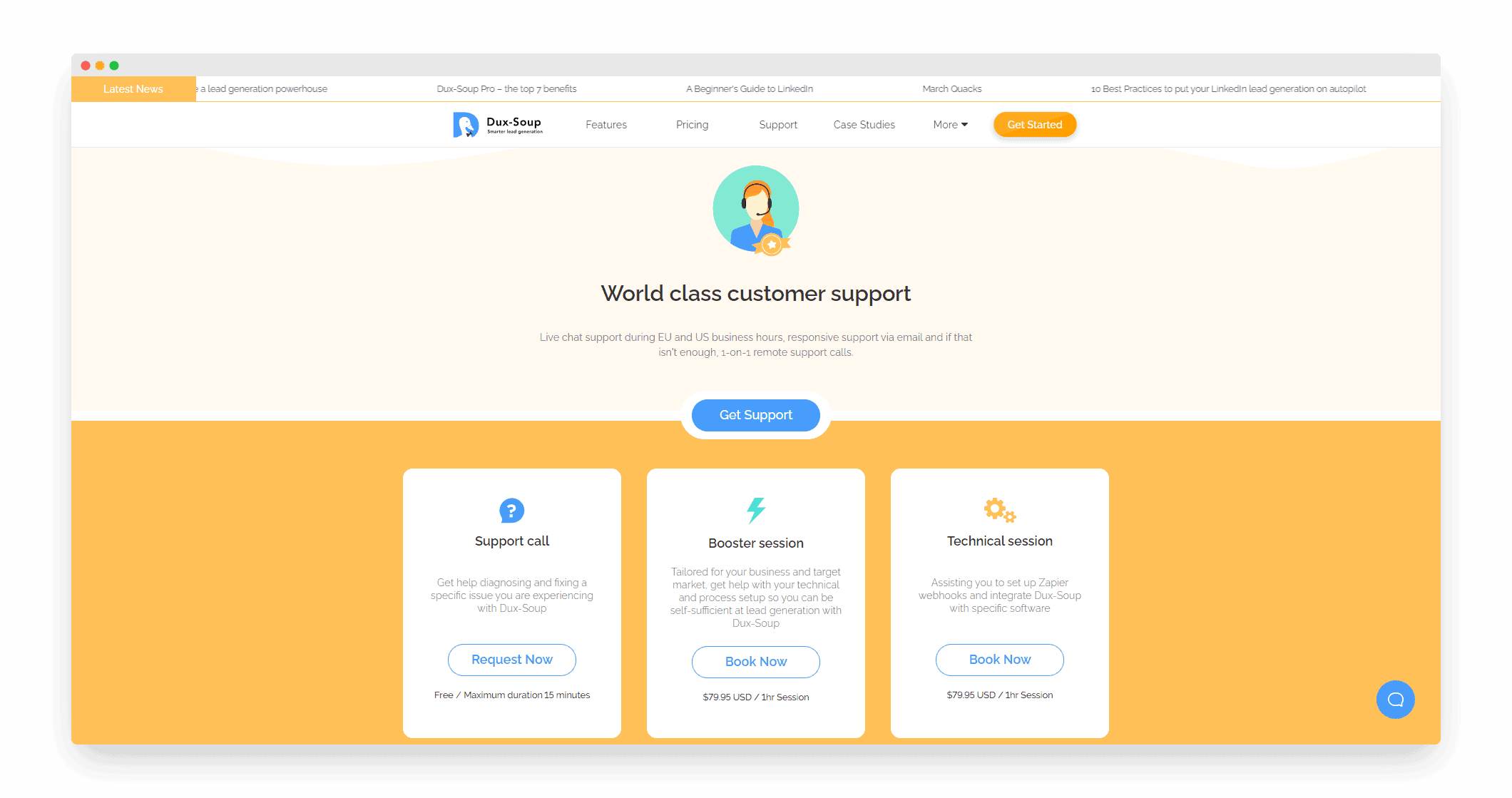
Dux-Soup offers a complete knowledge base to find a fix for the problems you run into. If the answer isn’t there, there’s live chat as well as email support.
You can now also get a call back from the support team. These free calls last up to 15 minutes.
Dux-Soup’s support team has broadened its offer and now provides two additional forms of assistance:
- Booster Sessions: these one-to-one half-hour sessions cost $60 and help you build workflows in Dux-Soup, as well as find and target your ideal customers on LinkedIn.
- Booster Pack: three half-hour Booster Sessions for $150, to use at your own pace.
Finally, even if Dux-Soup isn’t the most popular tool on the market, it has built its own community, present and active in answering users’ questions.
Salesdorado’s takeDux-Soup makes the effort to provide quality customer service. Email support, live chat, phone service, not to mention training sessions: everything is in place to guide users through the tool’s many features.
Dux-Soup pricing
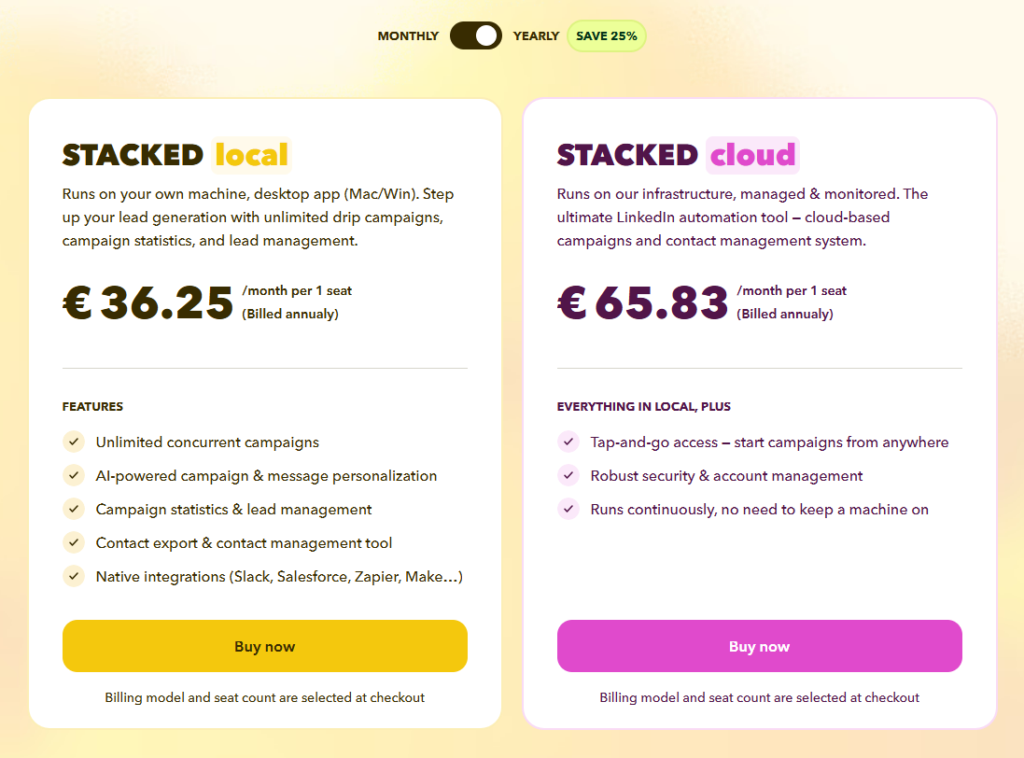
At Dux-Soup, there is a single product: STACKED. You choose to run it on your machine or in the cloud:
- STACKED local, at €36.25 per month per user (1-year commitment), or about €49 on a monthly plan. The tool runs on your computer, through a Mac or Windows app. It includes unlimited concurrent campaigns, AI message personalization, campaign statistics, lead management, contact export and native integrations (Slack, Salesforce, HubSpot, Pipedrive, Zapier, Make…).
- STACKED cloud, at €65.83 per month per user (1-year commitment). The same features, but the tool runs on Dux-Soup’s infrastructure: your campaigns keep going without your computer staying on, and you can launch them from anywhere.
Salesdorado’s takeDux-Soup remains affordable given the functional depth on offer, but the tool has changed its model: no more small plan under €10, all features are now bundled into a single offer. The cloud version is the most comfortable day to day, the local version the cheapest. The annual subscription saves you 25%. A 14-day free trial of the local version lets you test the tool before committing.