The Best Tools for LinkedIn Prospecting in 2026

Comparison of ten LinkedIn prospecting tools. LinkedIn action automation: Waalaxy (formerly ProspectIn, from €19 per month billed annually), Kanbox (lead pipelines, from €15), Linked Helper (desktop application, from $15). LinkedIn and email in the same sequences: lemlist (Multichannel at $109 per user), La Growth Machine (from €50 per identity billed annually).

Maxime Ben Bouaziz
Maxime Ben Bouaziz
CEO Salesdorado, IA & Sales Tech
September 30, 2024, updated November 10, 2026, 5 min read
See all tools

LinkedIn is something of an eldorado for prospecting and generating B2B leads, but it remains a fairly human social network where poorly targeted messages can really tarnish your company’s reputation. Hence the importance of choosing your tools well, so that your prospecting stays relevant (for your leads) and effective (for your business).

These tools break down as follows: those that automate actions on LinkedIn, those that combine LinkedIn and email, those that put several accounts to work, and those that pull the data out into a file or a CRM. Depending on your need:

  • automate LinkedIn simply: Waalaxy;
  • track your leads in pipelines: Kanbox;
  • fine-tune every action, from a desktop application: Linked Helper;
  • sequences that mix email and LinkedIn: lemlist, or La Growth Machine if LinkedIn comes first;
  • prospect with several accounts: HeyReach, and MirrorProfiles to rent accounts;
  • export a Sales Navigator search with emails: Evaboot;
  • send your LinkedIn contacts to the CRM: Surfe;
  • build your own automations: PhantomBuster.

SalesdoradoSimulate your LinkedIn prospecting tool selection
Free tool, 2 minutes
Simulate your LinkedIn prospecting tool selection

Answer 11 targeted questions and find the tools that actually fit your situation.

12
tools analyzed
11
targeted questions
€0
no sign-up
Methodology published by the Salesdorado editorial team

The 10 tools, side by side

# Logos tool Score Price Best for
01 HeyReach 5.0/5 ★ $79 Agencies and sales teams that prospect with several LinkedIn accounts Visit site
02 Lemlist 4.5/5 ★ $109 Teams that prospect by email first and want to add LinkedIn to the same sequences Visit site
03 Waalaxy 4.5/5 ★ €19 Freelancers, executives and salespeople new to LinkedIn automation Visit site
04 La Growth Machine (LGM) 4.5/5 ★ €50 Teams that want true multichannel, LinkedIn and email on the same level, with enrichment included Visit site
05 Mirror Profiles 4.0/5 ★ €140 Teams and agencies that want to multiply accounts without exposing their salespeople's personal profiles Visit site
06 Evaboot 4.0/5 ★ $9 Sales Navigator users who want cleaned lists, with verified emails, for an emailing tool or a CRM Visit site
07 Surfe 4.0/5 ★ €29 Salespeople who work in HubSpot, Salesforce or Pipedrive and want to file their LinkedIn contacts there without re-entering data Visit site
08 Kanbox 4.0/5 ★ €15 Salespeople and agencies who want to automate, sort their inbox and track their LinkedIn leads in one place Visit site
09 Phantombuster 4.0/5 ★ €56 Growth and technical profiles who want to extract and enrich LinkedIn data à la carte Visit site
10 Linked Helper 4.4/5 ★ $15 Advanced users who want highly configurable LinkedIn campaigns at a low price Visit site
01

HeyReach

5.0/5 From $79

Best for: Agencies and sales teams that prospect with several LinkedIn accounts

+ Strengths
  • Several senders in the same campaign, with daily limits per account
  • Unified inbox for all connected accounts
  • Separate workspaces per client, white label from Agency
  • HubSpot, Clay, Zapier and Make integrations, email via Instantly or Smartlead
− Downsides
  • Billed per sender: $79 per account per month with no commitment
  • No native email, you need an emailing tool alongside
  • Oversized for a single salesperson
★ HeyReach in brief

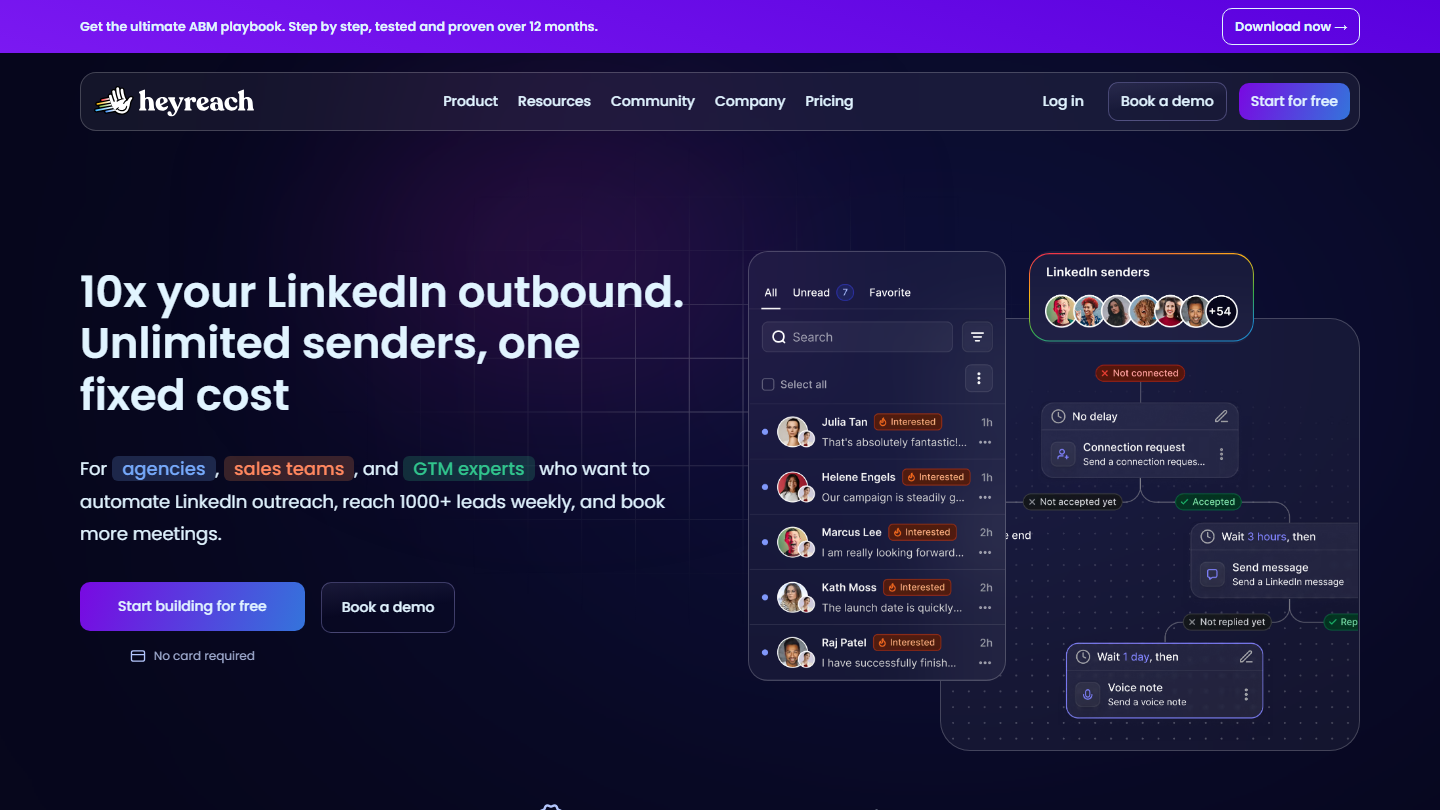
HeyReach homepage: “10x your LinkedIn outbound. Unlimited senders, one fixed cost”

HeyReach is a LinkedIn automation tool designed for agencies and sales teams. Its principle: several LinkedIn accounts, which it calls senders, feed the same campaign, and the tool spreads the invitations and messages among them.

In practice, you import a list of prospects, write the sequence (invitation, message, follow-up, voice note, profile visit) and HeyReach runs it on each account while respecting its daily limits. Replies from all accounts land in a single inbox, and each agency client has its own workspace, with its accounts, leads and campaigns.

Multi-account only makes sense if you already have several profiles to put to work: those of your salespeople, or accounts rented from MirrorProfiles, which incidentally offers HeyReach as an option. The tool remains centered on LinkedIn: email goes through integrations with Instantly or Smartlead.

Growth costs $79 per sender per month with no commitment, $64 billed annually. Agency comes to $999 per month for 25 senders, white label included, and Unlimited to $2,999. 14-day trial, no credit card required.

02

Lemlist

4.5/5 From $109

Best for: Teams that prospect by email first and want to add LinkedIn to the same sequences

+ Strengths
  • LinkedIn invitations, messages, voice messages and profile visits within email sequences
  • Database of more than 650 million contacts and built-in email finder
  • Advanced message personalization, variables included
  • 14-day trial on Multichannel features
− Downsides
  • LinkedIn automation reserved for the Multichannel plan, at $109 per user billed monthly
  • Prices in dollars, even on the French page
  • More features to pay for than needed for 100% LinkedIn use
★ Lemlist in brief

lemlist homepage: “The only platform you need to succeed at outbound”

lemlist is a French prospecting platform born on email and now multichannel: email, LinkedIn and calls, with WhatsApp and SMS as options.

In practice, a sequence can chain a profile visit, a LinkedIn invitation, a first email, a LinkedIn voice message and then a call, each step triggering based on the prospect’s reaction. The Chrome extension adds a LinkedIn profile to a campaign from the network, and the built-in contact database provides emails and phone numbers.

It is the tool to choose if email remains your main channel and LinkedIn comes in as reinforcement. If you only prospect on LinkedIn, you pay for features you won’t use.

The Email plan costs $69 per month ($55 billed annually), without LinkedIn. LinkedIn automation comes with Multichannel, at $109 per user per month, $87 billed annually. 14-day trial.

03

Waalaxy

4.5/5 From €19

Best for: Freelancers, executives and salespeople new to LinkedIn automation

+ Strengths
  • Quick to pick up, with ready-to-use sequences
  • Import from a LinkedIn search, Sales Navigator or Recruiter Lite
  • Email follow-ups and LinkedIn + email campaigns with the Business plan
  • French vendor, interface and support in French
− Downsides
  • No free plan anymore: 14-day trial, then €19 per month billed annually
  • Price doubles with no commitment: €39 per month for Pro
  • Only 300 invitations per month with Pro
★ Waalaxy in brief

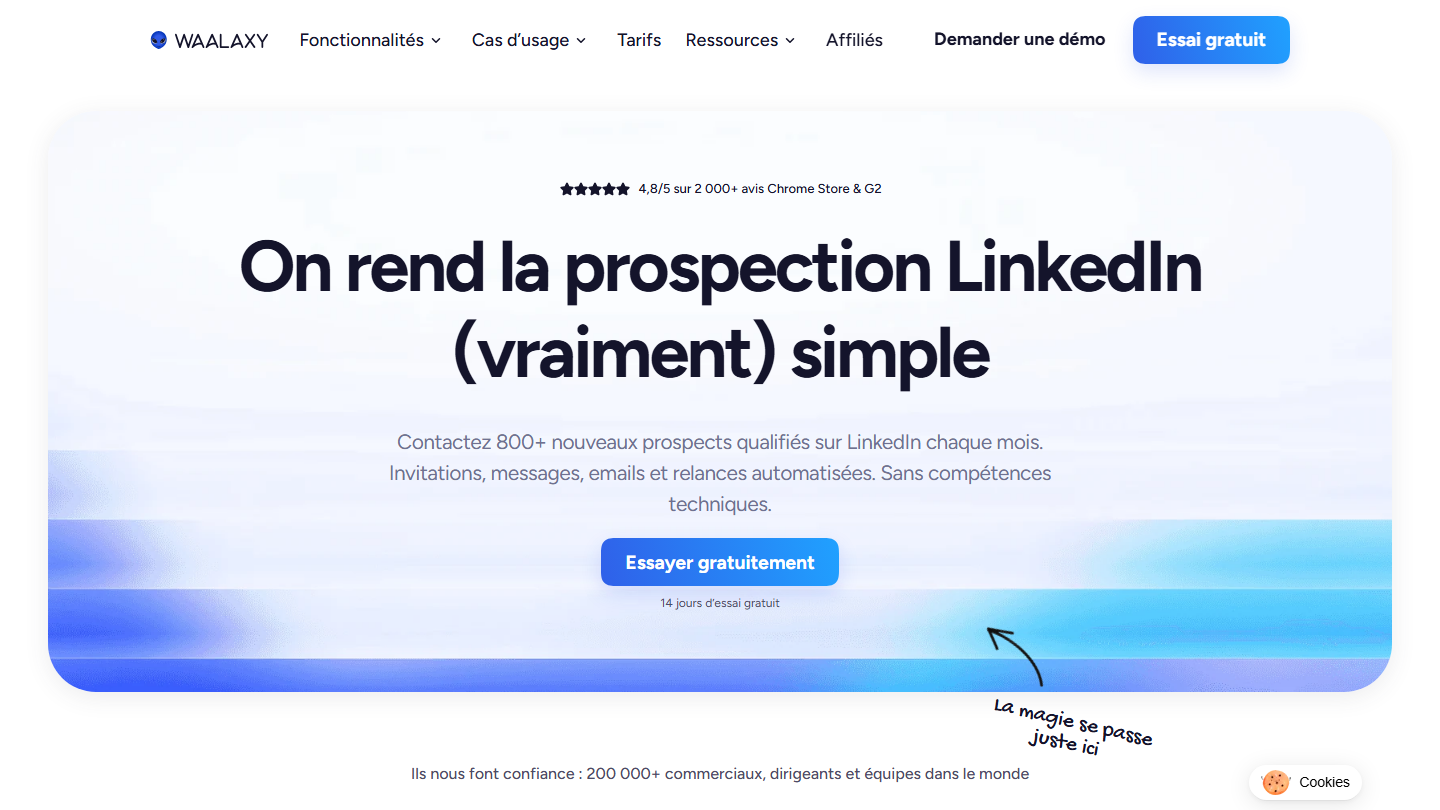
Waalaxy homepage: “We make LinkedIn prospecting (really) simple”

Waalaxy, formerly ProspectIn, is a French LinkedIn prospecting automation tool, run from a Chrome extension. It is the easiest to pick up in the selection: you launch your first campaign in a few minutes.

In practice, you import prospects from a LinkedIn search, Sales Navigator or an event, choose a ready-to-use sequence (visit, invitation, message, follow-ups) and Waalaxy runs it within a limit of 300 invitations per month with Pro, 800 with the higher plans. The Business plan adds follow-up emails and email search credits.

It is the right entry point for an executive or salesperson who wants to automate without configuration. To put several accounts to work at once or fine-tune every action, HeyReach or Linked Helper go further.

Pro costs €19 per user per month billed annually (€39 monthly), Advanced €49 (€99) and Business €69 (€139). The LinkedIn inbox is an option at €20 per month. 14-day trial: there is no free plan anymore.

04

La Growth Machine (LGM)

4.5/5 From €50

Best for: Teams that want true multichannel, LinkedIn and email on the same level, with enrichment included

+ Strengths
  • LinkedIn, email, calls and X in the same campaign, depending on the plan
  • Enriched leads included each month, 250 with Basic
  • Cloud automation, no extension
  • 50% discount for social-impact companies
− Downsides
  • Billed per identity: €60 per month per profile with no commitment
  • X reserved for the Ultimate plan, at €150 billed annually
  • Less useful if you only prospect on LinkedIn
★ La Growth Machine (LGM) in brief

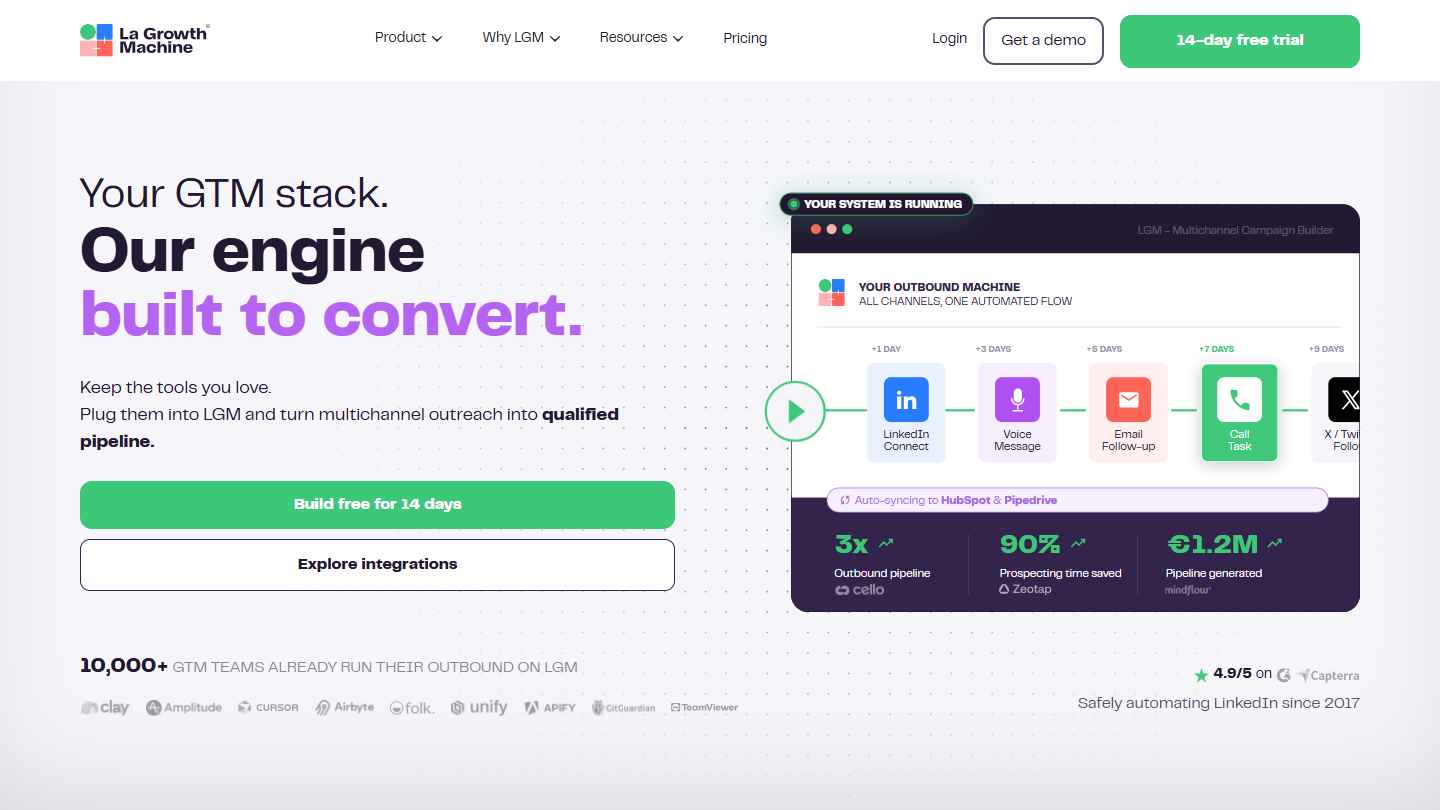
La Growth Machine (LGM) website: “Your GTM stack. Our engine built to convert.”

La Growth Machine, LGM to its friends, is a French multichannel prospecting platform. It puts “identities” to work, meaning a LinkedIn profile and its email addresses, on campaigns that combine LinkedIn, email, calls and X.

In practice, you build the journey in a visual editor: LinkedIn invitation, voice message, email if the invitation isn’t accepted, message on X. LGM enriches imported leads with their verified email, centralizes replies from all channels and syncs everything with HubSpot or Pipedrive.

Compared with lemlist, LGM starts from LinkedIn rather than email, and includes enrichment in the subscription. The cost is calculated per identity: a team of five salespeople pays for five subscriptions.

Basic costs €50 per identity per month billed annually (€60 monthly), Pro €100 (€120) and Ultimate €150 (€180). 14-day trial, and a 50% discount for social-impact companies, on request.

05

Mirror Profiles

4.0/5 From €140

Best for: Teams and agencies that want to multiply accounts without exposing their salespeople's personal profiles

+ Strengths
  • Accounts used by hand for more than 3 months before rental, with more than 500 connections
  • Accounts and leads stay with the company when a salesperson leaves
  • No commitment, account replaced within 24 hours
  • Volume pricing: €119 per account from 10 accounts
− Downsides
  • €140 per account per month for one or two accounts
  • A complement: you need an automation tool alongside
  • Use subject to LinkedIn's rules, under the customer's responsibility
★ Mirror Profiles in brief

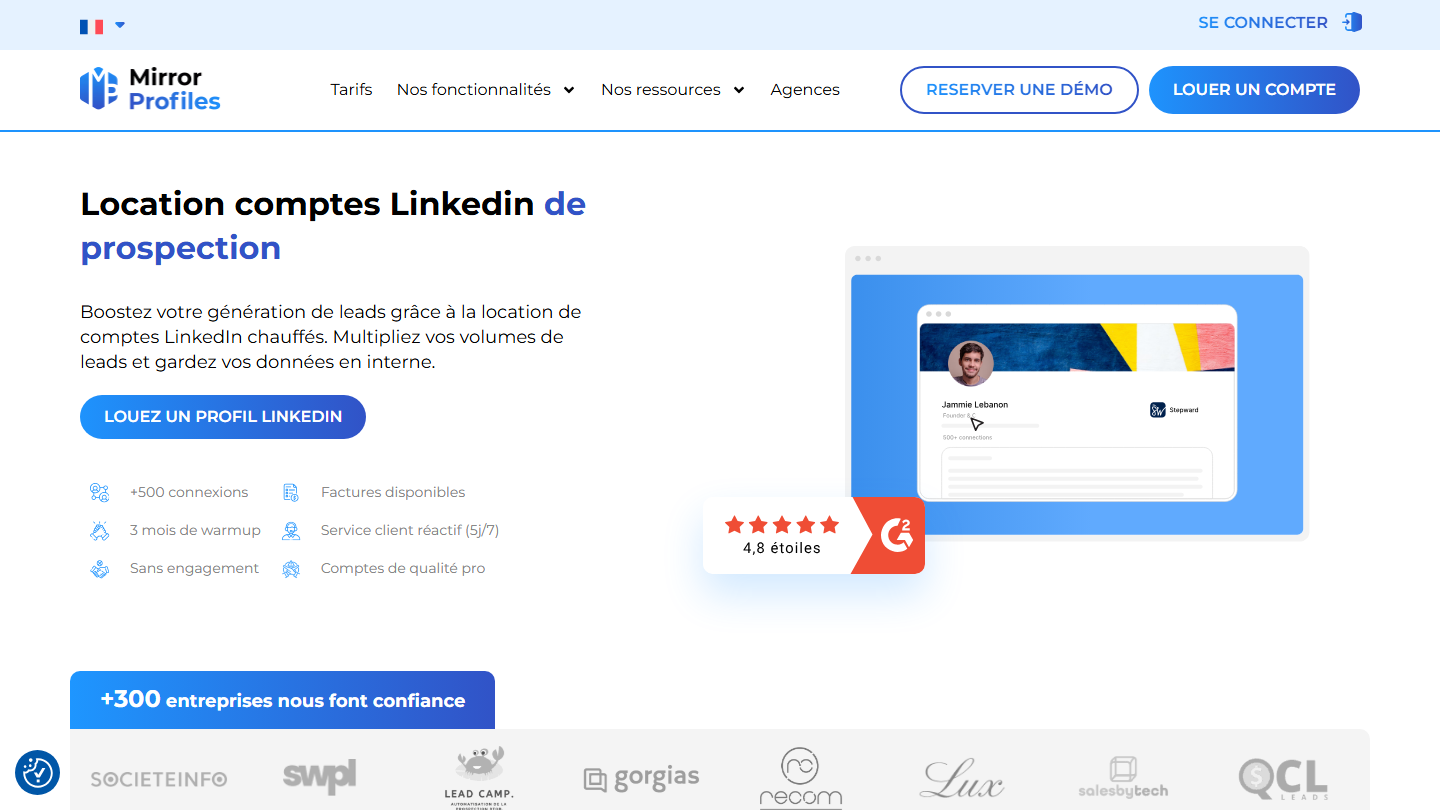
MirrorProfiles homepage: “LinkedIn prospecting account rental”

MirrorProfiles, a service launched by the growth agency Stepward, rents LinkedIn accounts ready to prospect. It is not an automation tool but what plugs in underneath: additional profiles to multiply volumes.

In practice, each account has been used by hand for more than three months, has more than 500 connections and has a dedicated IP. You customize it, connect it to your automation tool and manage it from a customer area; if needed, it is replaced within 24 hours. The company keeps the account and its leads when a salesperson leaves.

The service pairs with a multi-account tool: MirrorProfiles offers HeyReach at $59 per month instead of $79. Its site specifies that the platform is independent of LinkedIn and that the customer alone is responsible for complying with the network’s rules: a choice to make knowingly.

A European account costs €140 per month, €126 per account from five and €119 from ten. North American accounts are more expensive, $180 per month from five. No commitment.

06

Evaboot

4.0/5 From $9

Best for: Sales Navigator users who want cleaned lists, with verified emails, for an emailing tool or a CRM

+ Strengths
  • One-click export of a Sales Navigator search with verified emails
  • Data cleaning and filtering of off-target leads
  • Unlimited Sales Navigator seats and accounts, credits rolled over from one month to the next
  • Low entry price: $9 for 100 leads
− Downsides
  • Sales Navigator subscription required
  • One credit used per exported lead, even with no email found
  • No automated action on LinkedIn
★ Evaboot in brief

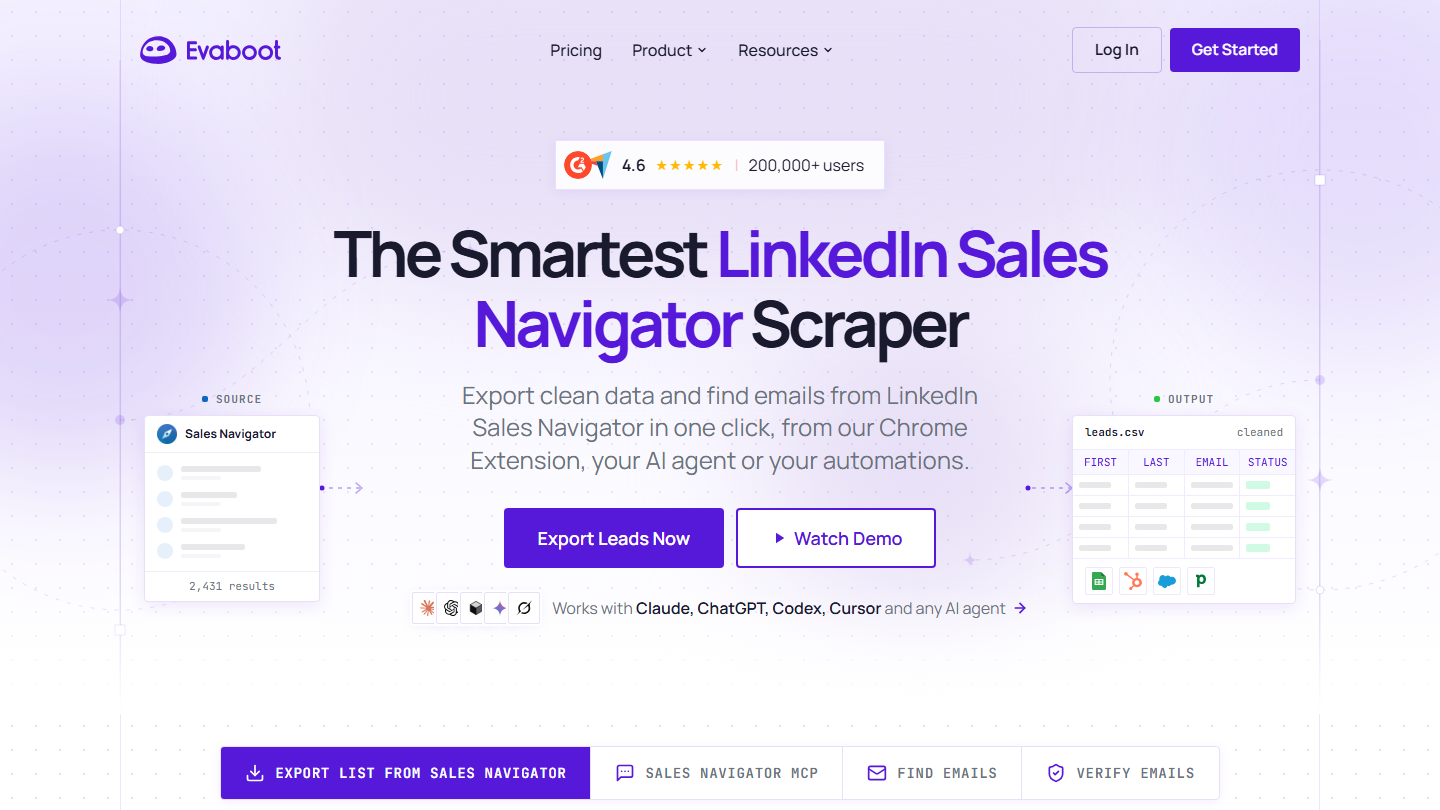
Evaboot homepage: “The Smartest LinkedIn Sales Navigator Scraper”

Evaboot is a Chrome extension that exports the results of a LinkedIn Sales Navigator search into a clean file, with the verified email of each lead.

In practice, you run your search in Sales Navigator, click the Evaboot button and get a CSV: profile, job title, company, website, verified email. The tool removes duplicates and stray characters, and filters out leads that don’t match your filters, a frequent Sales Navigator error. Lists can also go to a CRM, a webhook or the API.

Evaboot does only one thing: it sends no invitations or messages. It is used to feed an emailing or sequencing tool, and assumes a Sales Navigator subscription. A search can be exported up to 2,500 leads, a cap set by Sales Navigator itself.

Starter costs $9 per month for 100 credits, Grow $29 for 400 and Scale $49 for 1,000. An exported lead uses one credit, email included, even if no email is found; unused credits roll over.

07

Surfe

4.0/5 From €29

Best for: Salespeople who work in HubSpot, Salesforce or Pipedrive and want to file their LinkedIn contacts there without re-entering data

+ Strengths
  • One-click add of a LinkedIn profile to the CRM, synced in both directions
  • Email and mobile number lookup from the profile
  • HubSpot, Salesforce, Pipedrive and Copper integrations
  • Free plan to try it out
− Downsides
  • Free plan limited to one CRM add per day
  • No sending automation on LinkedIn
  • Mobile numbers are capped: 600 per year with Essential
★ Surfe in brief

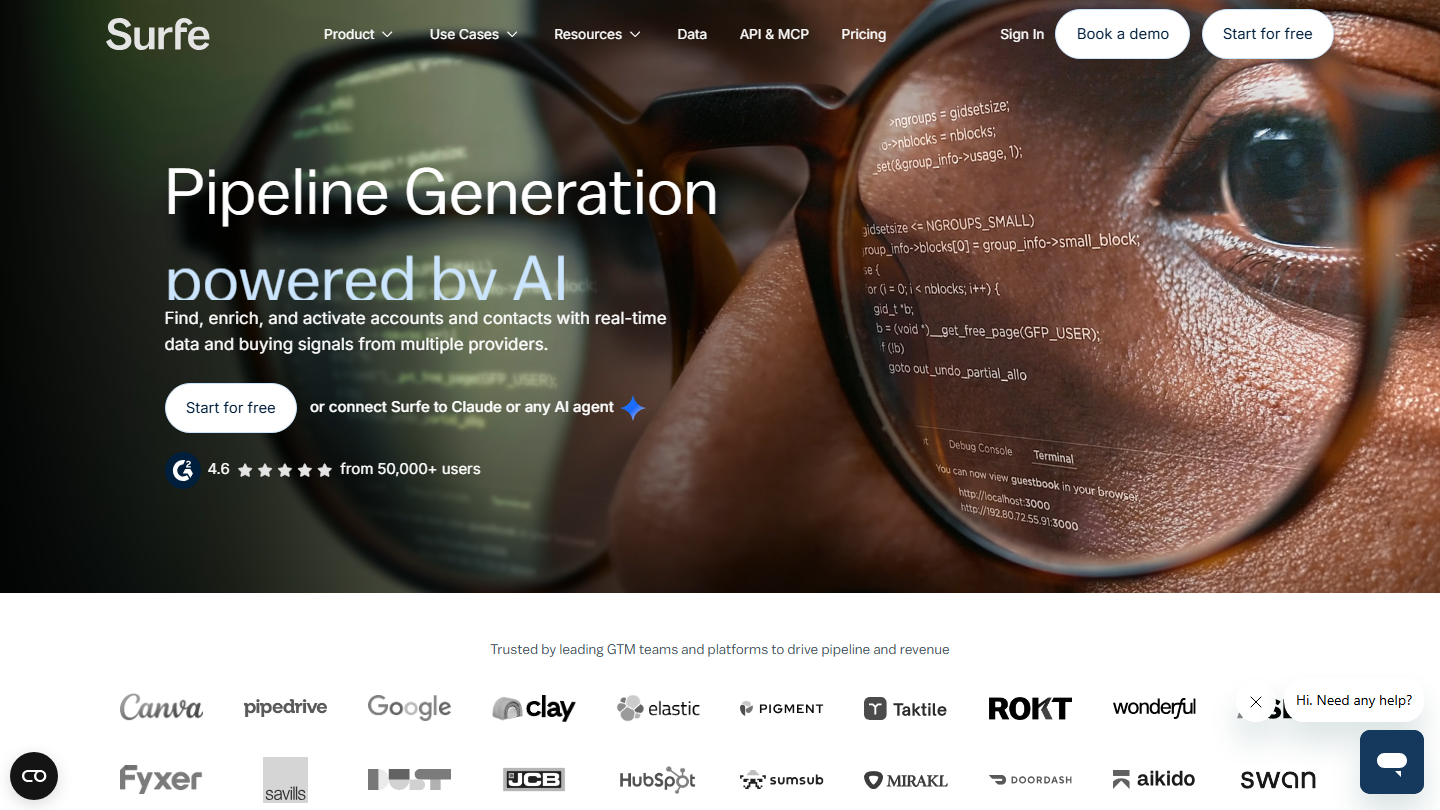
Surfe homepage: “Pipeline Generation powered by AI”

Surfe is a Chrome extension that links LinkedIn to your CRM. It appears on LinkedIn profiles and lets you enrich them and save them to HubSpot, Salesforce, Pipedrive or Copper without leaving the network.

In practice, on a prospect’s profile, you add them to the CRM in one click with their email and mobile number, and the record then updates in both directions. Surfe also offers a company and people search to build lists, and integrations with Salesloft, Outreach and lemlist in the Pro plan.

Surfe doesn’t prospect for you: it removes the re-entry between LinkedIn and the CRM. It complements an automation tool like Waalaxy or HeyReach well.

The free plan includes 240 email lookups per year, but only one CRM add per day. Essential costs €29 per user per month billed annually (€39 monthly), Pro €69 (€79).

08

Kanbox

4.0/5 From €15

Best for: Salespeople and agencies who want to automate, sort their inbox and track their LinkedIn leads in one place

+ Strengths
  • Kanban pipelines to track every LinkedIn lead
  • LinkedIn inbox with labels, filters, reminders and notes
  • Cloud automation, no need to leave the computer on
  • 15-day trial, no credit card required
− Downsides
  • Starter limited to one campaign and 300 imported leads per month
  • Email finder sold in credit packs, on top of the subscription
★ Kanbox in brief

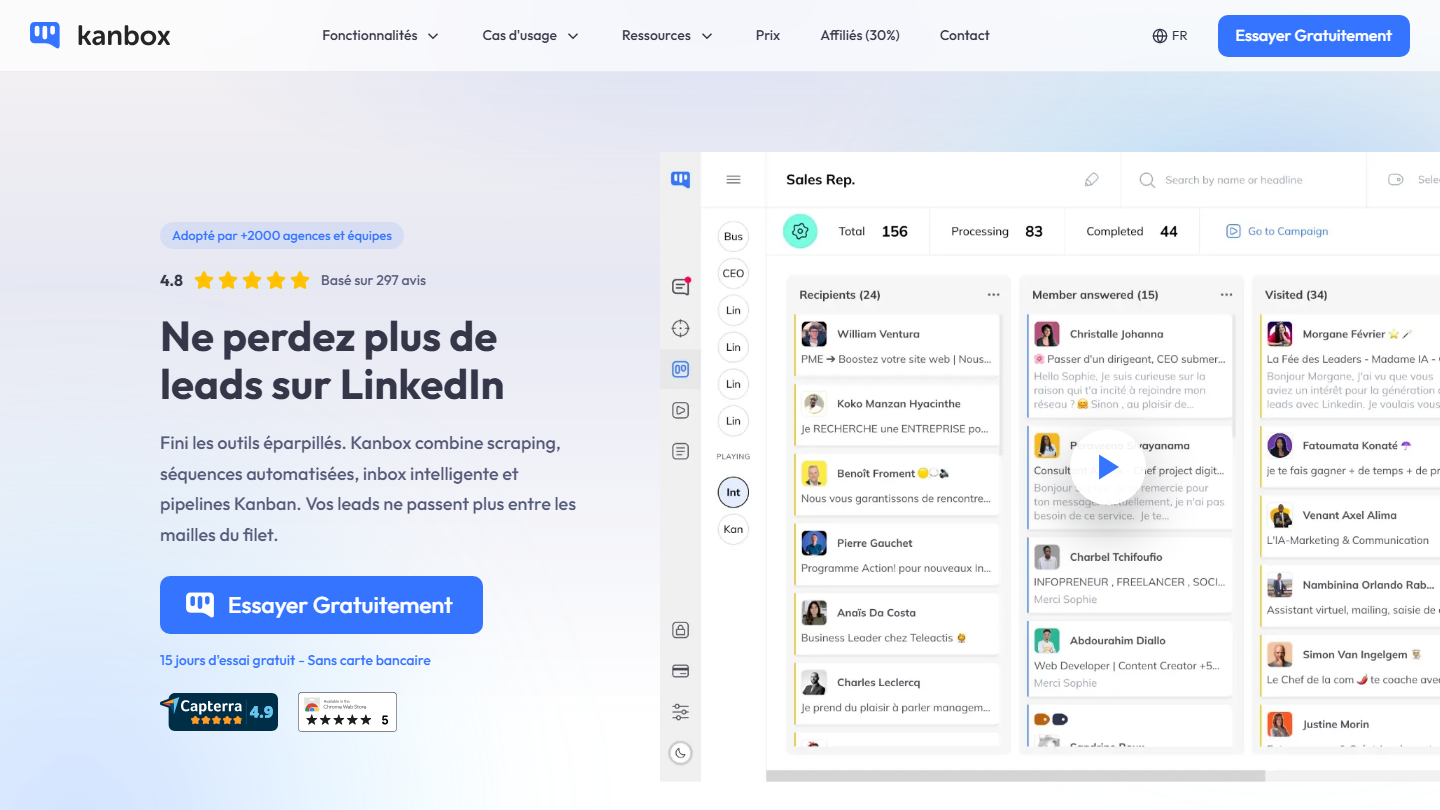
Kanbox homepage: “Never lose leads on LinkedIn again”

Kanbox is a LinkedIn automation tool built around lead tracking: it combines list extraction, automated sequences, an enhanced LinkedIn inbox and Kanban pipelines.

In practice, you import leads from a LinkedIn or Sales Navigator search, event participants or the authors of comments under a post, then launch a sequence from the cloud: visit, invitation, message and up to six follow-ups. Each lead that replies is filed in a pipeline that you move forward column by column, and the inbox adds labels, filters and notes to conversations.

Compared with Waalaxy, Kanbox stresses what happens after the reply: conversation sorting and pipeline tracking. The Essential and Pro plans are billed per LinkedIn account, and an Agency plan covers 5 to 10 accounts.

Starter costs €15 per month billed annually (€25 monthly), Essential €30 per account (€45) and Pro €50 (€80), with 75,000 leads imported per month. Agency starts at €279 per month billed annually. 15-day trial, no credit card required.

09

Phantombuster

4.0/5 From €56

Best for: Growth and technical profiles who want to extract and enrich LinkedIn data à la carte

+ Strengths
  • More than 100 ready-to-use automations, on LinkedIn and about fifteen other platforms
  • Results exportable to Google Sheets or a CRM, to keep human validation
  • Unlimited users on all plans
− Downsides
  • Billed on execution time: 20 hours per month with Start
  • Free trial limited to 10 rows per export
  • Requires method to chain automations
★ Phantombuster in brief

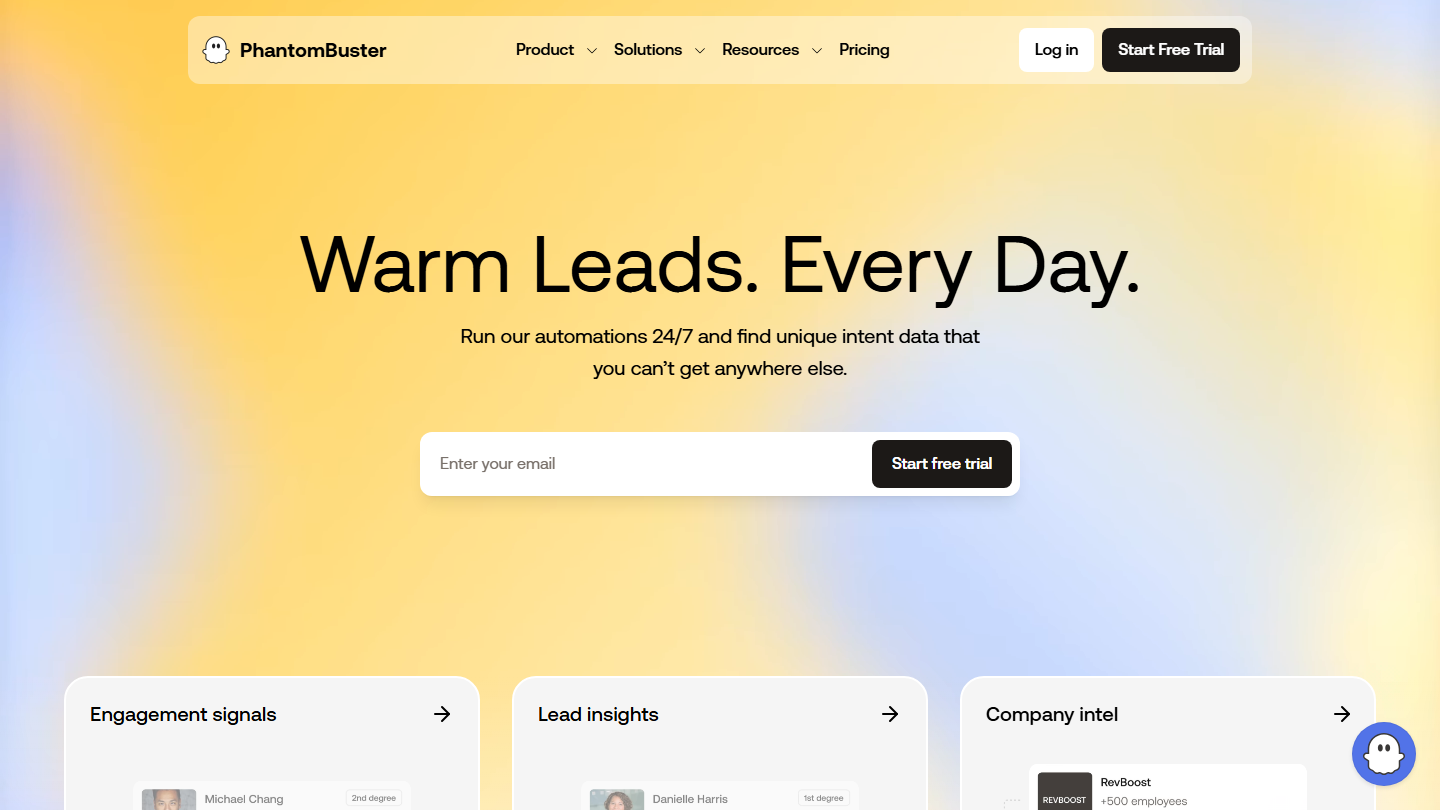
PhantomBuster homepage: “Warm Leads. Every Day.”

PhantomBuster works differently from the other tools in the selection. Each automation, a “Phantom”, does a single task: you give it an input, it returns a result. For example, the URL of a LinkedIn post as input, the list of people who commented on it as output.

In practice, you chain Phantoms into workflows: extract the commenters of a post, enrich their profiles and emails, then send them to a CRM or launch an invitation campaign. Results can go through Google Sheets, which lets you validate each list by hand before sending.

It is the most flexible tool in the selection, and the one that demands the most method. You pay for execution time, not invitations: you have to size your automations. For turnkey prospecting sequences, Waalaxy or Kanbox are faster.

Start costs €56 per month billed annually (€69 monthly) for 20 hours of execution, Grow €128 (€159) for 80 hours and Scale €352 (€439) for 300 hours. The free trial gives 2 hours of execution, with exports limited to 10 rows.

10

Linked Helper

4.4/5 From $15

Best for: Advanced users who want highly configurable LinkedIn campaigns at a low price

+ Strengths
  • Desktop application, data stored on your computer by default
  • More than 30 action types and IF-THEN-ELSE conditions in messages
  • Messages to members of a group or participants of a LinkedIn event
  • Full 14-day Pro trial, no credit card required
− Downsides
  • More settings to configure than in Waalaxy
  • Cloud storage twice as expensive: $29.90 per month on Standard
  • Group and event messages limited to 20 per day on Standard
★ Linked Helper in brief

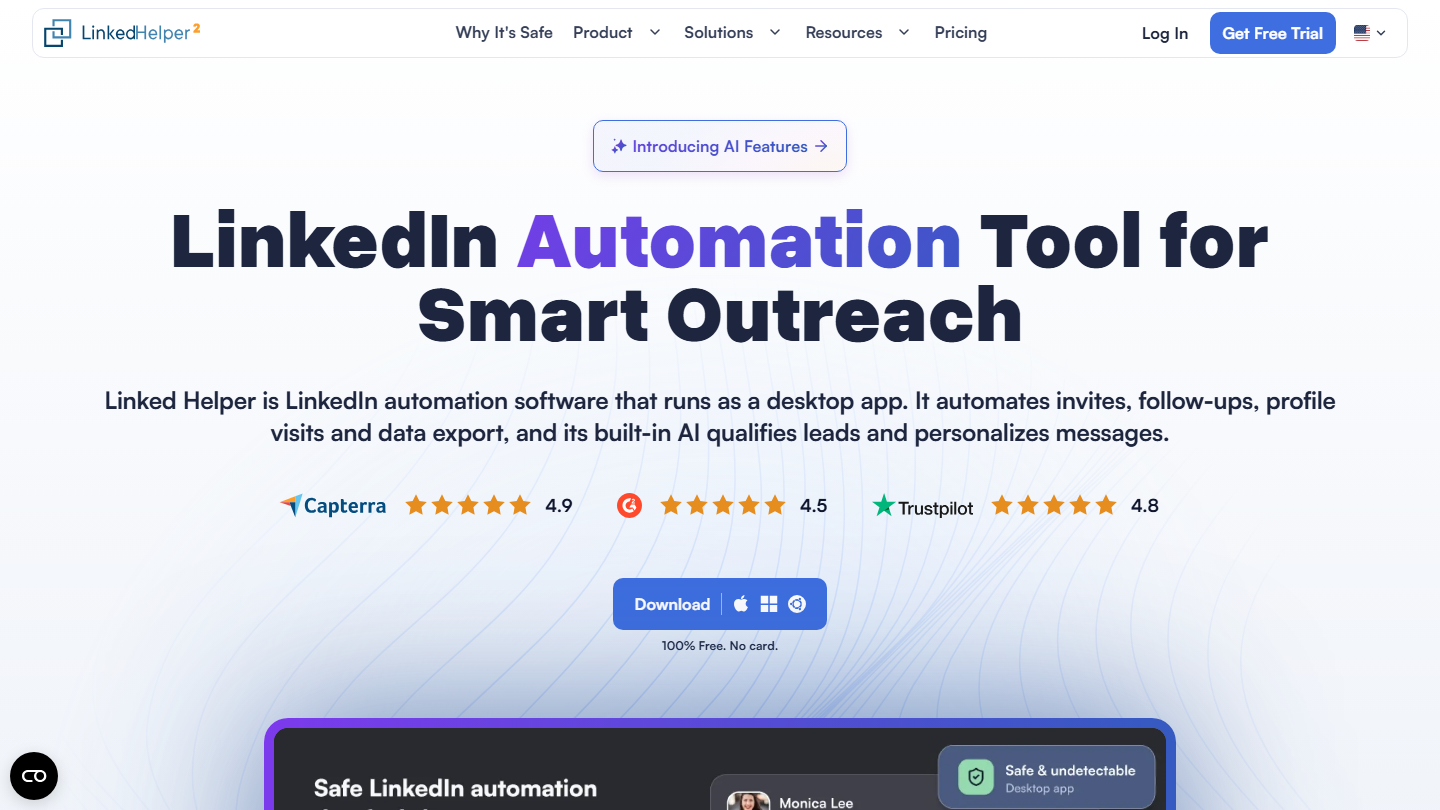
Linked Helper homepage: “LinkedIn Automation Tool for Smart Outreach”, desktop application

Linked Helper is LinkedIn automation software that installs on your computer, instead of running in the browser or in the cloud. By default, campaign data stays in local folders, a separate space for each LinkedIn account.

In practice, you build a campaign with more than thirty types of actions: invitation, messages and follow-ups, InMail, profile visit, invitation to an event or to follow a company page. Message templates accept variables and IF-THEN-ELSE conditions, and the tool extracts profiles to export them or send them to a CRM.

It is the most configurable tool at this price, and the least guided: it requires more settings than Waalaxy. It suits those who want to control their action limits, delays and sending hours.

Standard costs $15 per license per month with no commitment on local storage, up to 45% less with a 12-month commitment; Pro costs $45. Cloud storage is more expensive, $29.90 per month on Standard. 14-day trial with all Pro features, no credit card required.

How we chose these 10 tools

Every tool in this selection has been used in real conditions by our team or by a Salesdorado consultant, in a B2B sales and marketing setting. No ranking built from a marketing deck. The order of the list is not a ranking: the right tool depends on your needs.

  1. 01
    Benchmark scope

    Broad identification of the tools on the market (G2, Capterra, Salesdorado customer feedback, LinkedIn signals). Initial filtering, then a short list based on a 2-hour setup per tool.

  2. 02
    Test conditions

    3 to 4 weeks of active use per tool, with data representative of a B2B sales use case. When a tool targets a specific profile (SDR, AE, Ops, Marketer…), we match the tester accordingly.

  3. 03
    Weighted criteria

    For each category, 5 to 7 axes weighted according to what matters in the segment: UX, feature depth, native integrations, support, pricing at scale, compliance (GDPR, security), and roadmap quality.

  4. 04
    Independence

    No tool is scored in exchange for payment. Partner links (affiliate) are marked as such and do not influence the score. Non-partner tools are included when their place in the ranking is deserved.

  5. 05
    Updates

    The ranking is reviewed every 6 to 12 months or on every major release of a tool mentioned. The date of the last check is shown at the top of the article.

The questions we get over and over.

What are the best LinkedIn prospecting tools?

The main tools are Waalaxy (simple LinkedIn automation), Kanbox (automation and lead pipelines), Linked Helper (highly configurable desktop application), lemlist (email and LinkedIn multichannel), La Growth Machine (LinkedIn, email, calls and X), HeyReach (multi-account for agencies), MirrorProfiles (account rental), Evaboot (Sales Navigator export), Surfe (CRM sync) and PhantomBuster (custom automations).

Which LinkedIn tool should I choose to get started?

Waalaxy is the most accessible entry point: ready-to-use sequences, a 14-day trial, then €19 per month billed annually (€39 with no commitment). It no longer has a free plan; Surfe keeps a free plan and PhantomBuster a free trial with limited exports. The key is to validate your message, your channel and your target with micro-actions before investing in a more expensive multichannel tool.

How do I get past LinkedIn's limit of 200 invitations per week?

Two approaches: HeyReach connects several accounts to the same campaign and spreads the volume while respecting each account's limits. MirrorProfiles rents LinkedIn accounts already used by hand (€140 per month for a European account, less from five), which belong to the organization and not to the salesperson. The service reminds users that the customer remains responsible for complying with LinkedIn's rules.

What is the difference between a multichannel tool and a scraping tool?

A multichannel tool (lemlist, La Growth Machine) automates sequences across LinkedIn, email and phone, with personalization and reporting. An extraction tool like Evaboot is limited to pulling data out of LinkedIn to use it elsewhere, without interacting with the network.

★ The conversation, 0 comments

What the community says.

Basic Markdown, moderated within 24 h
Loading…

    In the same category