The best tools to prepare your sales proposals

Nine tools to manage a sales proposal from creation to signature and payment. All-in-one proposal software: PandaDoc (free plan, Starter $19), Proposify (Build $39) and Qwilr (Starter $35), which combine templates, quotes, read tracking, signature and payment. Producing the document: Canva for layout, Conga Composer to generate documents from Salesforce.

Maxime Ben Bouaziz
Maxime Ben Bouaziz
CEO Salesdorado, IA & Sales Tech
April 7, 2021, updated November 10, 2026, 1 min read
See all tools

Knowing how to structure a sales proposal is one thing. Knowing what to put in it is another.

A sales proposal tool does the rest: it produces the proposal from templates, sends it as a link, tells you when the prospect reads it, then gets it signed and paid. PandaDoc, Proposify and Qwilr cover the whole chain; the six other tools in this top handle one step.

You’ll save time, you’ll stop forgetting to replace a logo or a figure somewhere despite 14 proofreads, and above all you’ll be able to send polished proposals fast, with an e-signature link and a payment link. Closing has never been easier.

Depending on your need:

  • manage everything, from proposal to signature, connected to the CRM: PandaDoc
  • frame a team’s proposals, with approvals: Proposify
  • a proposal as an interactive web page, paid online: Qwilr
  • polished layout without a graphic designer: Canva
  • generate proposals and contracts from Salesforce: Conga Composer
  • present your materials in meetings, on a tablet: Zélit
  • know when to follow up after sending: Tilkee by Efalia
  • get a proposal signed that was produced elsewhere: Youtrust
  • get paid by payment link, with no subscription: Lydia Pro
The 9 tools, side by side

# Logos tool Score Price Best for
01 Canva 4.6/5 ★ €12 Non-designers who want to turn out polished proposals fast, within their brand guidelines Visit site
02 Youtrust (ex-Yousign) 4.3/5 ★ €9 Teams that want proposals and contracts signed online with a European vendor Visit site
03 PandaDoc 4.5/5 ★ $19 Teams that want to create, track and get their proposals signed in a single tool Visit site
04 Proposify 4.3/5 ★ $39 Sales teams that want to control what goes out to the customer, with approvals and locked templates Visit site
05 Conga Composer 4.2/5 ★ On request Teams on Salesforce that produce proposals, quotes and contracts in volume from CRM data Visit site
06 Zélit (ex-Touch & Sell) 4.0/5 ★ On request Field sales networks that present their materials in meetings, on a tablet Visit site
07 Tilkee by Efalia 4.4/5 ★ €39 Salespeople who want to know when and why to follow up, based on how their documents are read Visit site
08 Lydia Pro 4.1/5 ★ 1.9% Freelancers and small businesses that want to be paid by card through a link, with no subscription Visit site
09 Qwilr 4.3/5 ★ $35 Agencies and service vendors that want an interactive web proposal, accepted and paid online Visit site
01

Canva

4.6/5 From €12

Best for: Non-designers who want to turn out polished proposals fast, within their brand guidelines

+ Strengths
  • Proposal templates that already build in layout best practices
  • Interface close to PowerPoint, most shortcuts work
  • Free version already very complete
  • 5 brand kits on Pro to keep proposals consistent
− Downsides
  • No signature, no read tracking, no priced quote
  • Collaboration and team administration tools reserved for Pro+
  • Doesn't replace a graphic designer for a highly customized design
★ Canva in brief

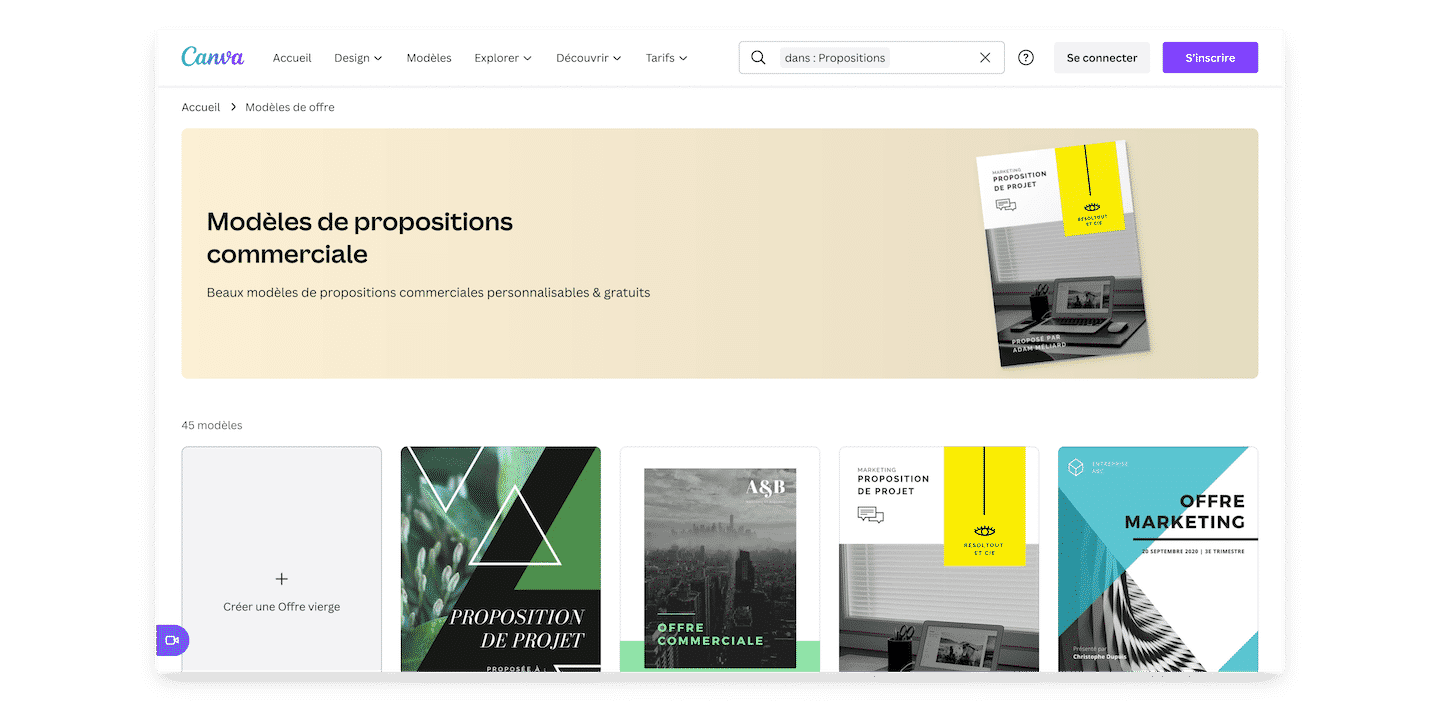
Canva's sales proposal templates page, with several offer and project proposal templates

You may already know Canva, a design tool mostly aimed at non-designers. It’s a bit like Photoshop / Illustrator for dummies. But they’ve done a lot of work since the last time you went to look.

For a sales proposal, Canva handles layout. The proposal templates already build in best practices: margins, font sizes, heading hierarchy. All the things you only notice when they’re done badly, without ever really knowing where the problem comes from. Brand kits store colors, logos and fonts so every proposal comes out in the brand’s colors, and you can add audio or video.

Canva only does the document: no quote tied to a catalog, no read tracking, no signature. You use it alone when you send few proposals, or ahead of a signature tool like Youtrust. If you’re here to step up how you produce your proposals, it’s a solution worth a serious look.

The free version already goes far, with a brand kit limited to 3 colors. Canva Pro costs €12 per month or €110 per year for one person, with 5 brand kits. For teamwork, Pro+ (€170 per year per person) adds the collaboration and team administration tools. Free trial of Pro and Pro+.

02

Youtrust (ex-Yousign)

4.3/5 From €9

Best for: Teams that want proposals and contracts signed online with a European vendor

+ Strengths
  • Simple, advanced and qualified signature, plus the electronic seal
  • Free plan with 2 signature invitations per month
  • Automatic reminders from the free plan
  • HubSpot and Zapier integrations from Plus, Salesforce integration
− Downsides
  • One plan limited to 10 signature invitations per month
  • Templates and approvers reserved for Plus, €23 per user
  • SSO only on Pro and billed annually
★ Youtrust (ex-Yousign) in brief

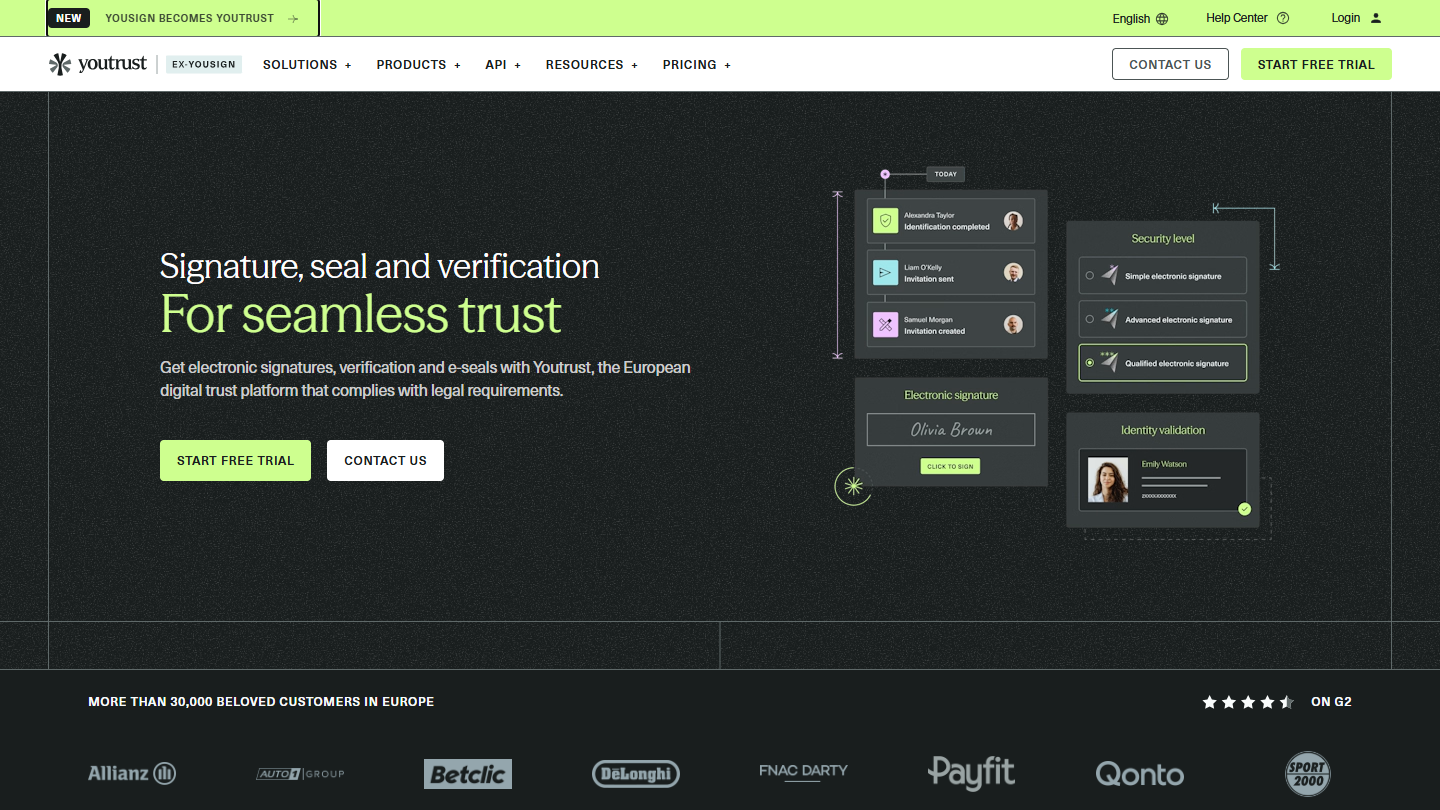
Youtrust (ex-Yousign) website: “Signature, seal and verification For seamless trust”

Yousign has become Youtrust: same vendor, same e-signature app, extended to identity verification and the electronic seal. In a sales process, this is the step where the accepted proposal becomes a signed commitment.

The salesperson uploads the PDF, places the fields to fill in and sends the invitation. The customer signs from a computer or a phone, reminders go out on their own and progress is tracked in real time. From Plus, you save templates, add approvers before signature and authenticate the signer by SMS.

Youtrust is the pick when the proposal is produced elsewhere, in Canva, PowerPoint or the CRM, and only the signature is missing. It also offers advanced and qualified signatures, useful for contracts that need more guarantees.

The free plan allows 2 signature invitations per month. One costs €9 excl. VAT per month billed annually (€11 monthly) for 10 invitations, Plus €23 per user and Pro €38, billed annually, with unlimited signatures. The qualified signature is paid per unit, from €10 excl. VAT.

03

PandaDoc

4.5/5 From $19

Best for: Teams that want to create, track and get their proposals signed in a single tool

+ Strengths
  • Drag-and-drop editor, real-time open tracking
  • Free plan with e-signature
  • HubSpot, Salesforce, Pipedrive and monday integrations
  • Deal rooms and approval workflows on Business
− Downsides
  • Free plan limited to 5 documents per month
  • Custom quotes and CRM integrations reserved for Business, $49 per seat
  • Documents generated by API or automation counted in credits
★ PandaDoc in brief

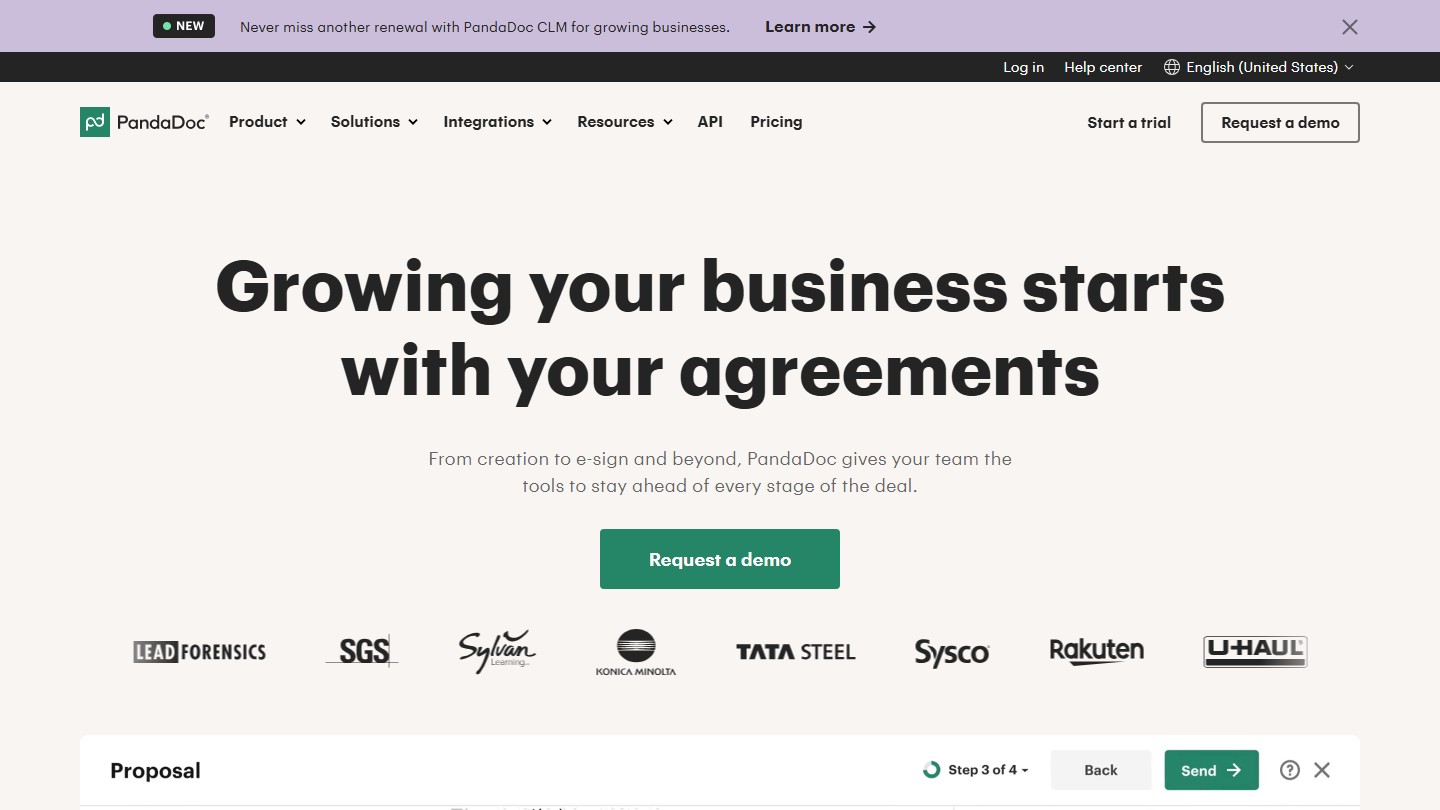
PandaDoc homepage: “Growing your business starts with your agreements”, with a preview of the proposal editor

PandaDoc handles the sales proposal end to end: you build it from a template, send it, track its reading and get it signed without switching tools. The vendor has since added contract management and a CPQ for large accounts.

In practice, the salesperson assembles the proposal in a drag-and-drop editor, inserts the price grid and sends it. They get a notification on every open and can see where the document stands. On Business, the quote is generated from the CRM record, the proposal goes through an internal approval workflow before it goes out, and the customer finds all the deal’s documents in a deal room.

It’s the safest choice for a team that wants a single tool from proposal to signed contract and already works in HubSpot, Salesforce or Pipedrive. A freelancer who sends a few proposals a month can stay on the free plan, but anything touching the CRM requires Business.

The free plan lets you create 5 documents per month with e-signature. Starter costs $19 per seat per month billed annually, Business $49, and Enterprise is negotiated per seat or per document. Documents created through the API, Zapier or bulk send consume credits. 14-day free trial.

04

Proposify

4.3/5 From $39

Best for: Sales teams that want to control what goes out to the customer, with approvals and locked templates

+ Strengths
  • Unlimited documents and signatures from Build
  • Section-by-section reading statistics
  • Interactive quote: the customer ticks options and adjusts quantities
  • Approval workflows based on amount or discount, on Grow
− Downsides
  • No free plan, 14-day trial
  • Salesforce integration is a paid option, reserved for Scale
  • Interface and support in English
★ Proposify in brief

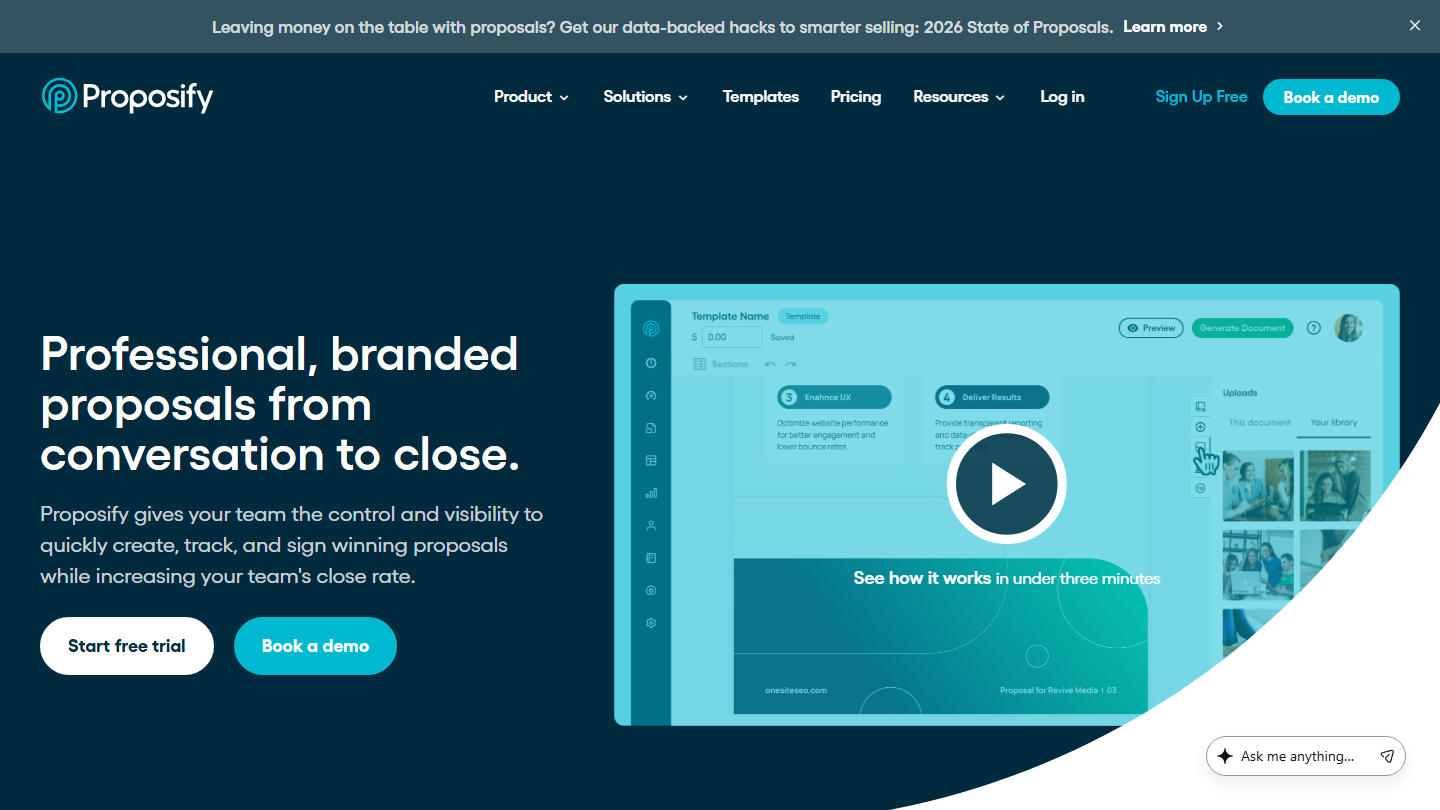
Proposify homepage: “Professional, branded proposals from conversation to close.”, with the editor demo video

Proposify is sales proposal software built for teams: sales management keeps control over what goes out to the customer, and salespeople compose their proposals from templates and a content library.

The library gathers reusable sections (references, team presentation, terms) and the product catalog centralizes prices. The customer can tick options or adjust quantities in the quote, then sign online. On the tracking side, Proposify shows when each recipient opens the document and how long they spend on each section.

The tool makes sense when several salespeople send proposals and you need to prevent rogue discounts: from Grow, a proposal whose discount or amount exceeds a threshold goes to approval before sending, and some pages can be locked. For a freelancer, that’s a lot of framework for few sends.

Build costs $39 per user per month billed annually ($49 monthly), Grow $65 billed annually. Scale starts at $12,800 per year for 10 users, with the Salesforce integration as a paid option. No free plan, but a 14-day trial without a credit card.

05

Conga Composer

4.2/5 From On request

Best for: Teams on Salesforce that produce proposals, quotes and contracts in volume from CRM data

+ Strengths
  • Documents generated from Salesforce data, no copy-pasting
  • Export to PDF, Word, Excel or PowerPoint
  • Batch generation, for follow-ups or invoices
  • Open API for other CRMs and ERPs
− Downsides
  • Pricing on request, no public price
  • No self-service trial, only a demo
  • Signature in a separate product, Conga Sign
★ Conga Composer in brief

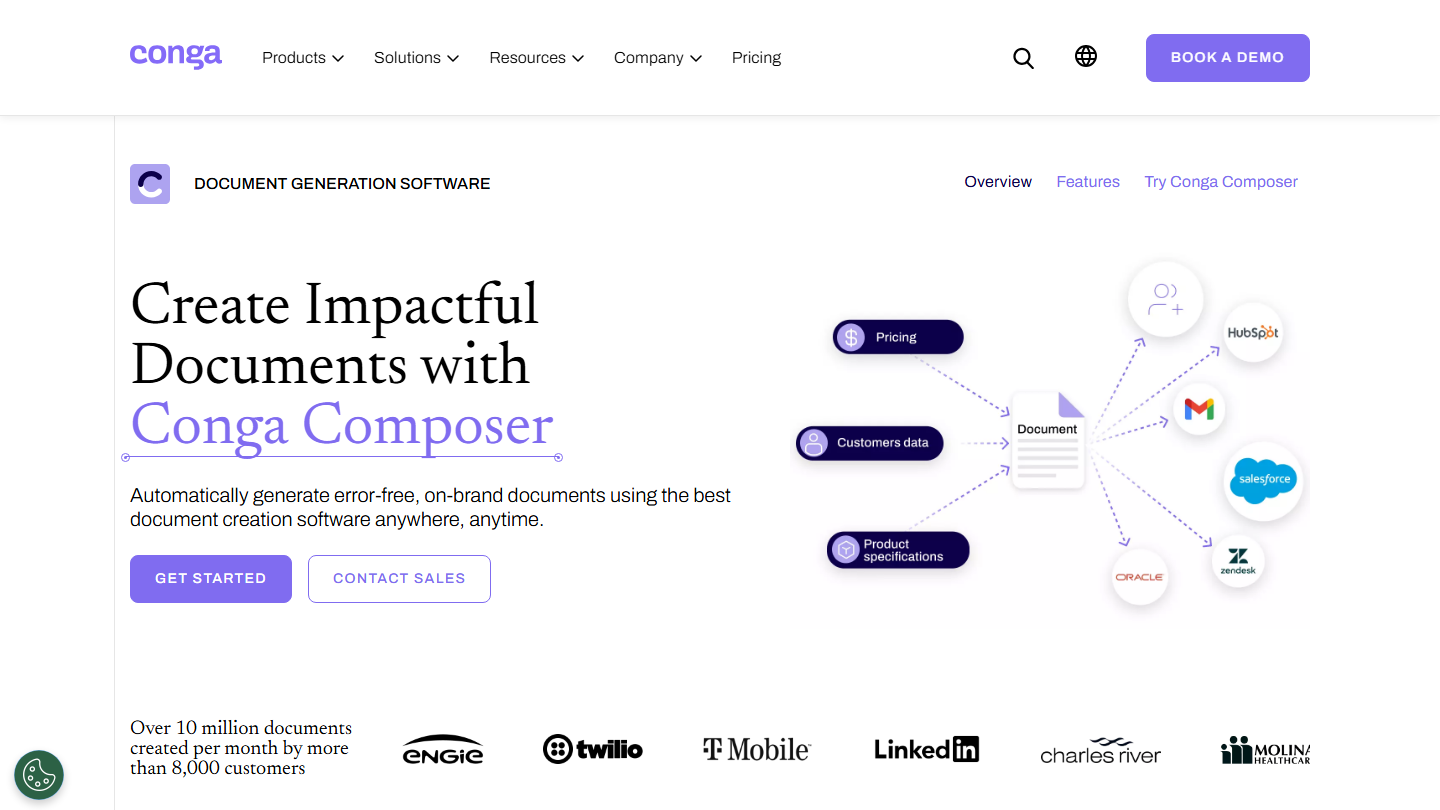
Conga Composer page: “Create Impactful Documents with Conga Composer”, a document fed by Salesforce, HubSpot and other sources

Conga Composer is document generation software: it fills templates with CRM data to produce proposals, quotes, contracts or invoices. Conga claims more than 10 million documents created per month by 8,000 customers.

Its historic ground is Salesforce. The salesperson launches generation from the opportunity: Composer pulls the account, contacts and product lines, merges them into the template and outputs a PDF, a Word, an Excel or a PowerPoint. Batch processing produces hundreds of documents at once, such as renewal notices.

Composer makes sense in an organization already equipped with Salesforce, with lots of documents and templates that depend on the customer or product type. The API lets you plug it into another CRM or an ERP, but for a small business that sends a few proposals a week, a tool like PandaDoc or Qwilr will be quicker to deploy.

Pricing is given on request, after a conversation with the sales team. There is no self-service trial: the « Try Conga Composer » link leads to a demo.

06

Zélit (ex-Touch & Sell)

4.0/5 From On request

Best for: Field sales networks that present their materials in meetings, on a tablet

+ Strengths
  • Up-to-date sales materials, gathered in one place and available offline
  • Personalized presentations in the brand's colors
  • Meeting reports written with AI
  • Salesforce, Microsoft Dynamics, HubSpot and SharePoint integrations
− Downsides
  • Pricing on request, no public price
  • Annual billing
  • Produces neither quotes nor contracts to sign
★ Zélit (ex-Touch & Sell) in brief

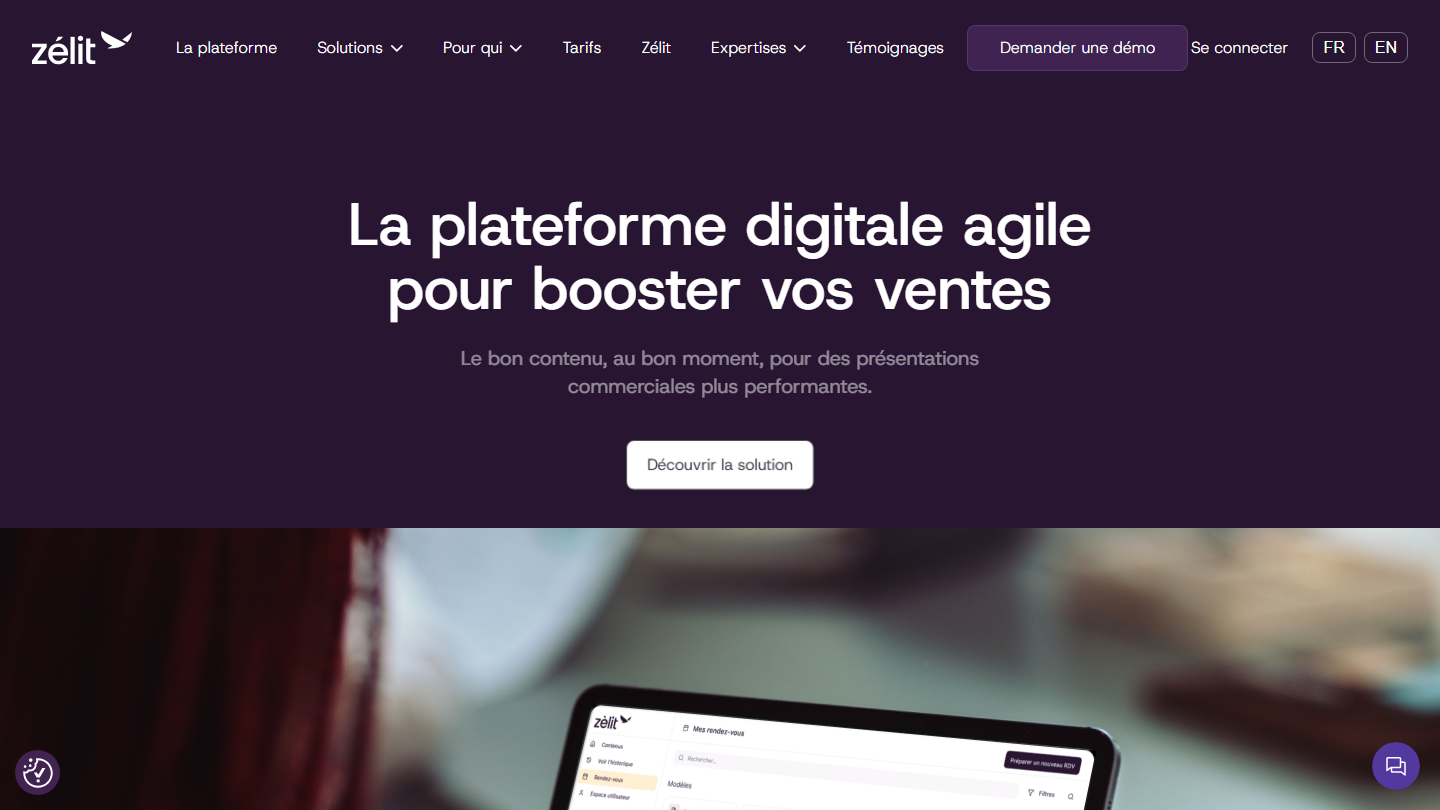
Zélit homepage, formerly Touch & Sell: “The agile digital platform to boost your sales”, with the tablet app

Zélit, formerly Touch & Sell, is a French sales enablement platform: it puts the materials approved by marketing at salespeople’s disposal and helps them present them in meetings. The vendor claims more than 15,000 users.

On their tablet, the salesperson finds up-to-date presentations, including offline, tailors them to the customer and shares them before, during or after the meeting while seeing what was viewed. After the visit, AI helps structure the meeting report, and the information flows back into Salesforce, Microsoft Dynamics or HubSpot.

Zélit serves the presentation of the offer, not its writing: it produces neither quotes nor contracts. It has its place in field sales networks, in food or consumer goods for example, where the proposal is first won face to face with the customer.

Pricing is on request: a monthly subscription per user, billed annually, whose price depends on the number of users and the length of commitment. 30-day free trial, with onboarding support.

07

Tilkee by Efalia

4.4/5 From €39

Best for: Salespeople who want to know when and why to follow up, based on how their documents are read

+ Strengths
  • Reading tracking: views, time spent per page, downloads
  • Spots new readers when the proposal circulates at the customer
  • E-signature included from the trial
  • Outlook and Gmail plugin, Zapier, API
− Downsides
  • Salesforce integration reserved for Pro, 10-user minimum
  • No free plan beyond the 30-day trial
  • Doesn't create the document: you have to produce it elsewhere
★ Tilkee by Efalia in brief

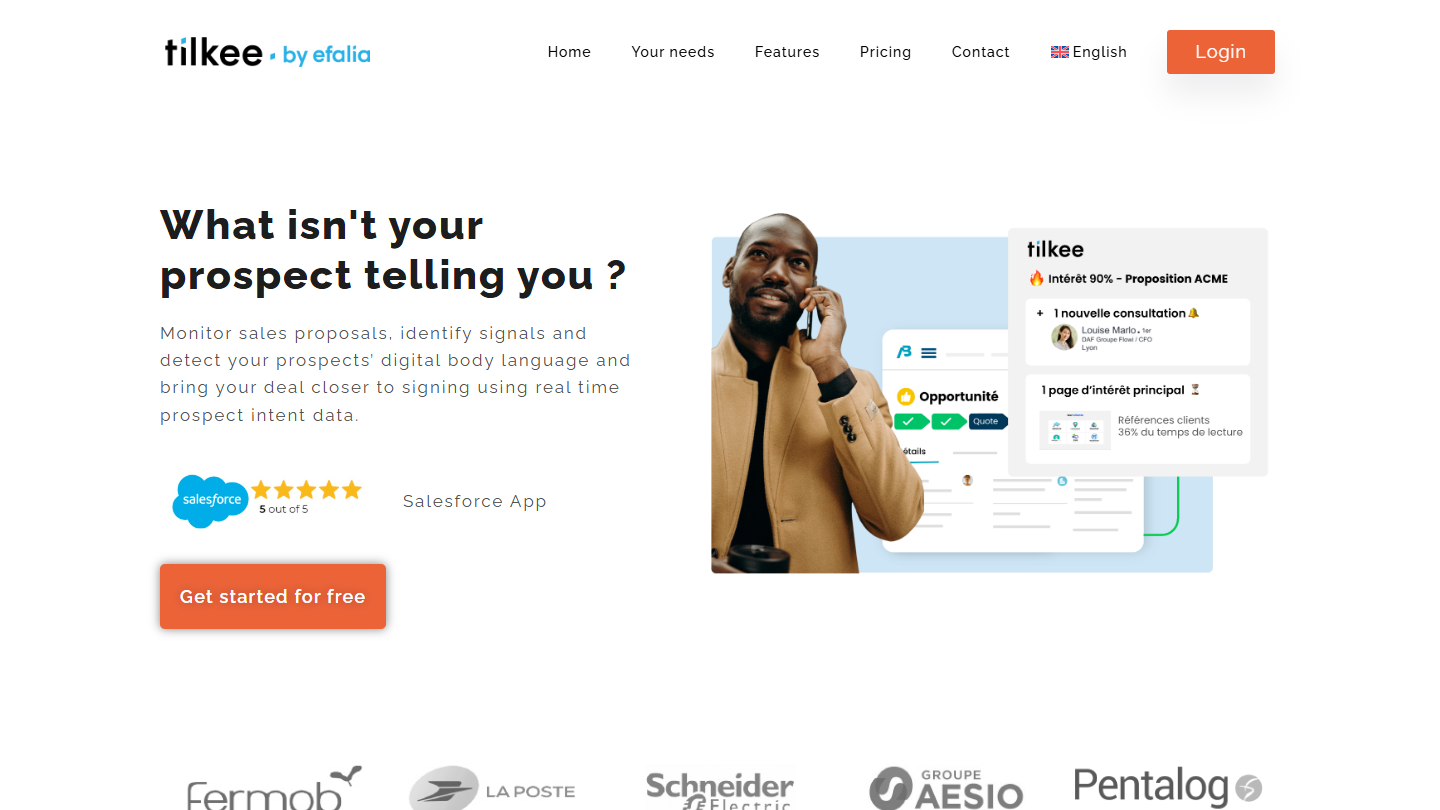
Tilkee by Efalia website: “What isn't your prospect telling you ?”

Tilkee, now Tilkee by Efalia, a vendor based in Lyon, tracks what happens to a proposal once it’s sent. Instead of attachments, the prospect receives a unique link to a space that gathers all the documents of the offer.

The salesperson sees who opened it, how long they stayed on each page, what was downloaded and whether new people viewed the document, a sign it’s circulating at the customer. These signals feed a deal score. You can enrich the space with videos or customer references, and withdraw information after sending.

The tool makes sense when the sales cycle is long and several decision-makers read the proposal, or conversely when you send many offers and need to spot the ones that are moving. It doesn’t create the document: you upload the one produced in PowerPoint, Canva or another tool.

The free trial lasts 30 days. After that, Plus costs €39 per user per month, with signature, Outlook and Gmail plugin, Zapier and CRM integration through the API. Pro, at €49 per user with a 10-user minimum, adds the Salesforce app.

08

Lydia Pro

4.1/5 From 1.9%

Best for: Freelancers and small businesses that want to be paid by card through a link, with no subscription

+ Strengths
  • Payment links and custom payment requests
  • No setup fees, no fixed fees, no commitment
  • Management console and API to track payments
− Downsides
  • 1.9% excl. VAT commission, plus €0.10 excl. VAT per remote payment
  • Automatic transfers only after supporting documents are validated
  • No quotes or invoices: it's a payment collection tool
★ Lydia Pro in brief

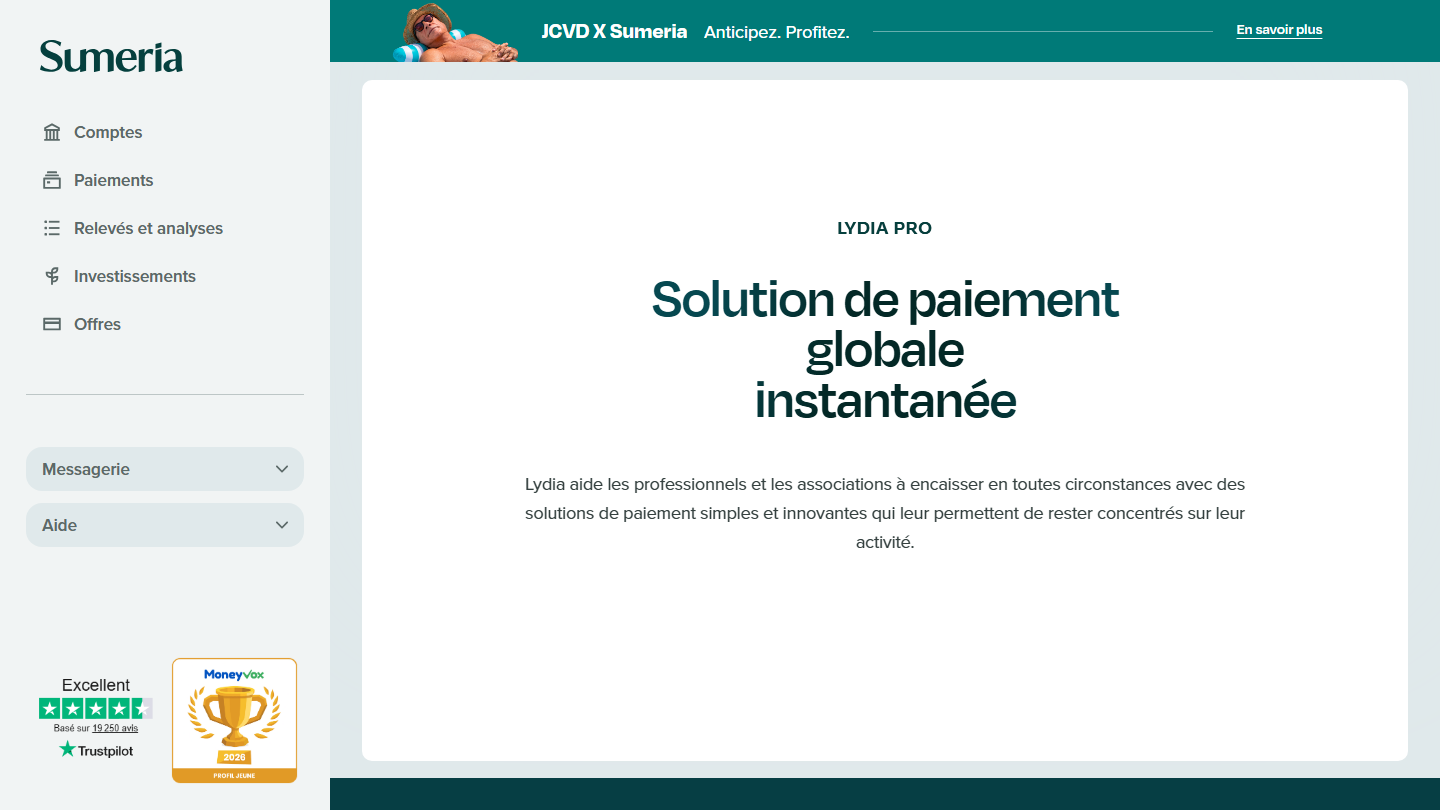
Lydia Pro page on the Sumeria site: “Instant global payment solution” for professionals and nonprofits

Lydia Pro is the payment collection solution for professionals from Lydia Solutions, the company behind Sumeria. It’s aimed mostly at freelancers, craftspeople and service providers, and needs only a smartphone.

Once the proposal is signed, you send the customer a payment link or a custom request, and they pay by card. When you sell custom work, it lets you invoice very simply. Payments are tracked in a management console, and the API lets you plug payment into your own tools.

It’s the last step of the process, for those whose proposal tool doesn’t handle payment. PandaDoc, Proposify and Qwilr already collect payments through Stripe or other gateways. To receive funds automatically every day, you first have to provide proof of business activity.

No subscription: Lydia Pro takes 1.9% excl. VAT of the amount collected, plus €0.10 excl. VAT per transaction for a link or a remote request. In person, by QR code, the commission is 1.9% excl. VAT.

09

Qwilr

4.3/5 From $35

Best for: Agencies and service vendors that want an interactive web proposal, accepted and paid online

+ Strengths
  • Proposals as web pages, in unlimited numbers
  • Interactive quote block and ROI calculator
  • One-click acceptance, signature and payment on the page
  • HubSpot, Zoho CRM and Pipedrive integrations from Starter
− Downsides
  • No free plan, 14-day trial
  • Growth and Scale billed annually only, 5 and 10 users minimum
  • Salesforce integration reserved for Scale
★ Qwilr in brief

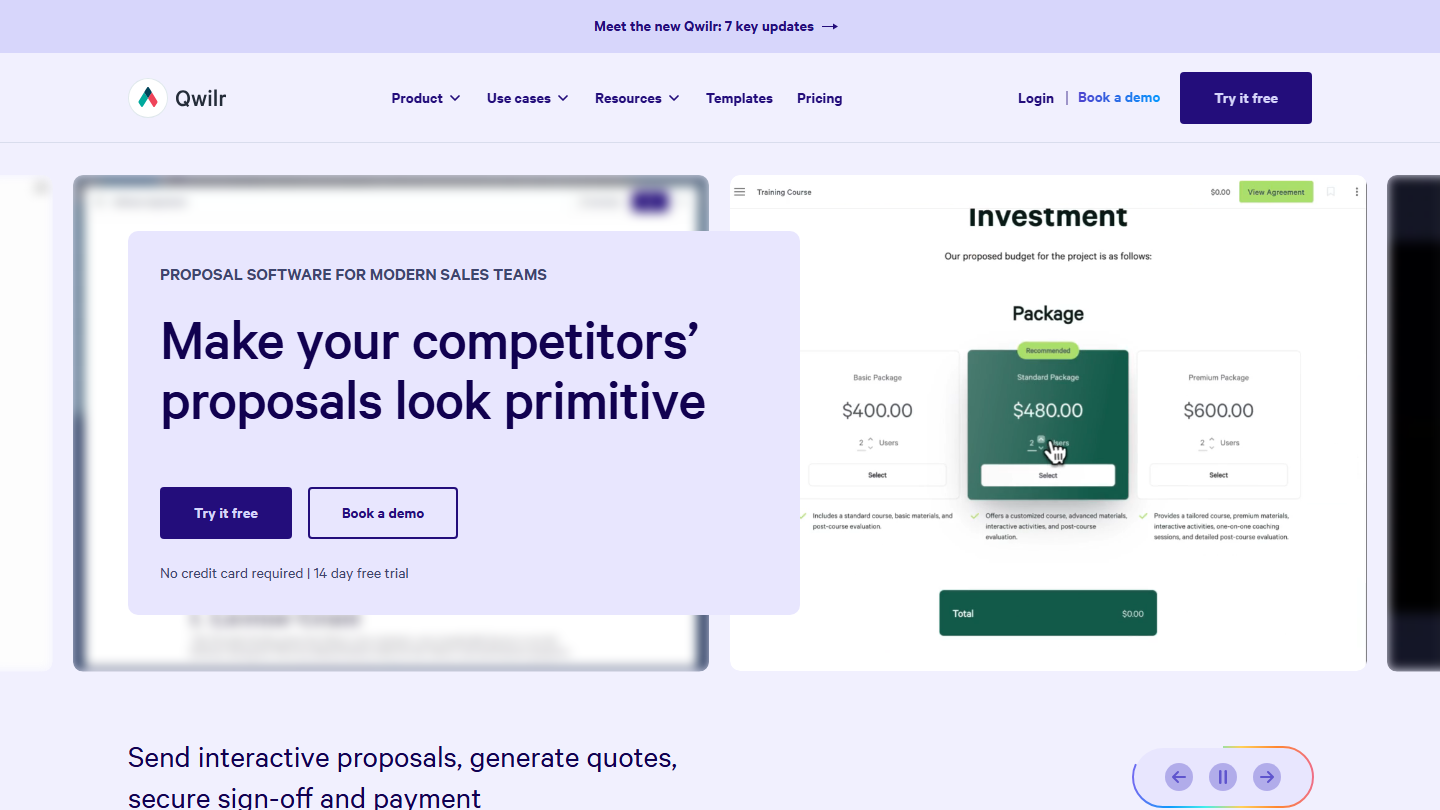
Qwilr homepage: “Make your competitors' proposals look primitive”, with an interactive three-offer quote page

Qwilr replaces the PDF with a web page: the proposal opens in the customer’s browser, with embedded videos, a meeting booking calendar or tables, and reads just as well on mobile.

The quote block presents a price grid, several offers to choose from, or both, and the customer builds their own order. An ROI calculator quantifies the gain from your offer, then the customer accepts in one click, signs and pays on the same page through QwilrPay, connected to Stripe. The salesperson gets an alert when the page is viewed, accepted or left hanging.

Qwilr suits agencies, firms and service vendors that sell offers with options and want a proposal that looks like their website. A company on Salesforce will have to move up to Scale, reserved for teams of 10 users or more.

Starter costs $35 per user per month billed annually, $49 monthly, for 1 user. Growth ($55, 5-user minimum) and Scale ($75, 10 minimum) are billed annually. On Starter, Qwilr takes 0.09% per payment collected on top of Stripe fees. 14-day free trial without a credit card.

How we chose these 9 tools

Every tool in this selection has been used in real conditions by our team or by a Salesdorado consultant, in a B2B sales and marketing setting. No ranking built from a marketing deck. The order of the list is not a ranking: the right tool depends on your needs.

  1. 01
    Benchmark scope

    Broad identification of the tools on the market (G2, Capterra, Salesdorado customer feedback, LinkedIn signals). Initial filtering, then a short list based on a 2-hour setup per tool.

  2. 02
    Test conditions

    3 to 4 weeks of active use per tool, with data representative of a B2B sales use case. When a tool targets a specific profile (SDR, AE, Ops, Marketer…), we match the tester accordingly.

  3. 03
    Weighted criteria

    For each category, 5 to 7 axes weighted according to what matters in the segment: UX, feature depth, native integrations, support, pricing at scale, compliance (GDPR, security), and roadmap quality.

  4. 04
    Independence

    No tool is scored in exchange for payment. Partner links (affiliate) are marked as such and do not influence the score. Non-partner tools are included when their place in the ranking is deserved.

  5. 05
    Updates

    The ranking is reviewed every 6 to 12 months or on every major release of a tool mentioned. The date of the last check is shown at the top of the article.

The questions we get over and over.

Which tool should I choose to manage a sales proposal through to signature?

PandaDoc, Proposify and Qwilr cover the whole journey, from the sales proposal to signature and payment. PandaDoc stands out for its CRM integrations (HubSpot, Salesforce, Pipedrive) on Business, at $49 per seat; Proposify for its approval workflows and its content library, which saves you from editing each template by hand; Qwilr for its web-page proposals, with an interactive quote.

How do I produce polished sales proposals without being a designer?

Canva offers proposal templates that already build in design best practices (margins, font sizes) and brand kits to keep documents consistent: only one on the free plan, 5 on Pro. Its interface is very close to PowerPoint and most shortcuts work. To work as a team, the team collaboration tools are in Pro+.

How do I know when to follow up with a prospect after sending a proposal?

Tilkee by Efalia tracks in real time how a proposal sent by link is read: who opens it, how long they spend on each page, who receives it by forward. The salesperson thus knows when and why to call back. The tool connects to CRMs through the API or Zapier, and to Salesforce through a dedicated app on Pro.

Which sales proposal tool suits a team that works in Salesforce?

Conga Composer is used directly inside Salesforce: it pulls the account and opportunity data in real time, and generates proposals, quotes and contracts as PDF or Word for each customer, including in batches. Pricing is provided on request.

How do I simply get paid after a proposal is signed?

Lydia Pro generates payment links to share with customers so they pay by bank card, with no setup fees, no subscription and no commitment. The commission is 1.9% excl. VAT of the amount collected, plus €0.10 excl. VAT per remote transaction.

★ The conversation, 0 comments

What the community says.

Basic Markdown, moderated within 24 h
Loading…

    In the same category