


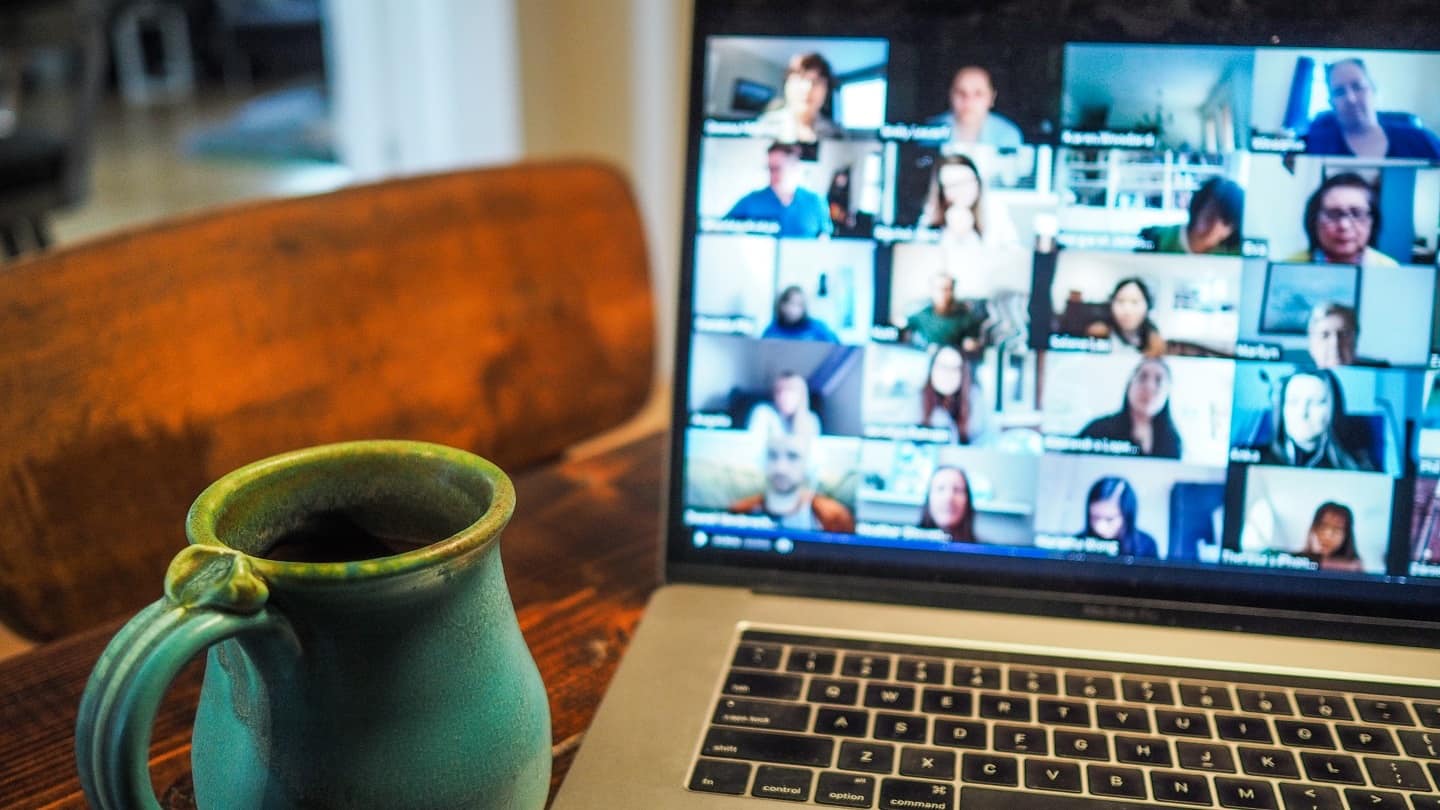
- Before the meeting, send a short video or email explaining how to use the platform, and use it to set the goal of the meeting.
- Video is not optional: tell the prospect clearly, in advance.
- With a group in the same room, draw the layout of the room and write down names according to where each person sits.
- Take care of image and sound: face the light source, use a headset or earphones rather than ambient microphones.
- Over-communicate, adding the person’s first name to your question or comment.
The 2020 health crisis profoundly changed most sales organizations. But if you work in sales, you are under even more pressure.
Virtual selling practices (such as video calls and demos) have become the norm. As a result, the performance, atmosphere and look of your video calls are scrutinized much more closely.
In this article, we present 8 best practices and tips to sell better remotely.
1. Don’t assume your prospects know the platform you use for the call
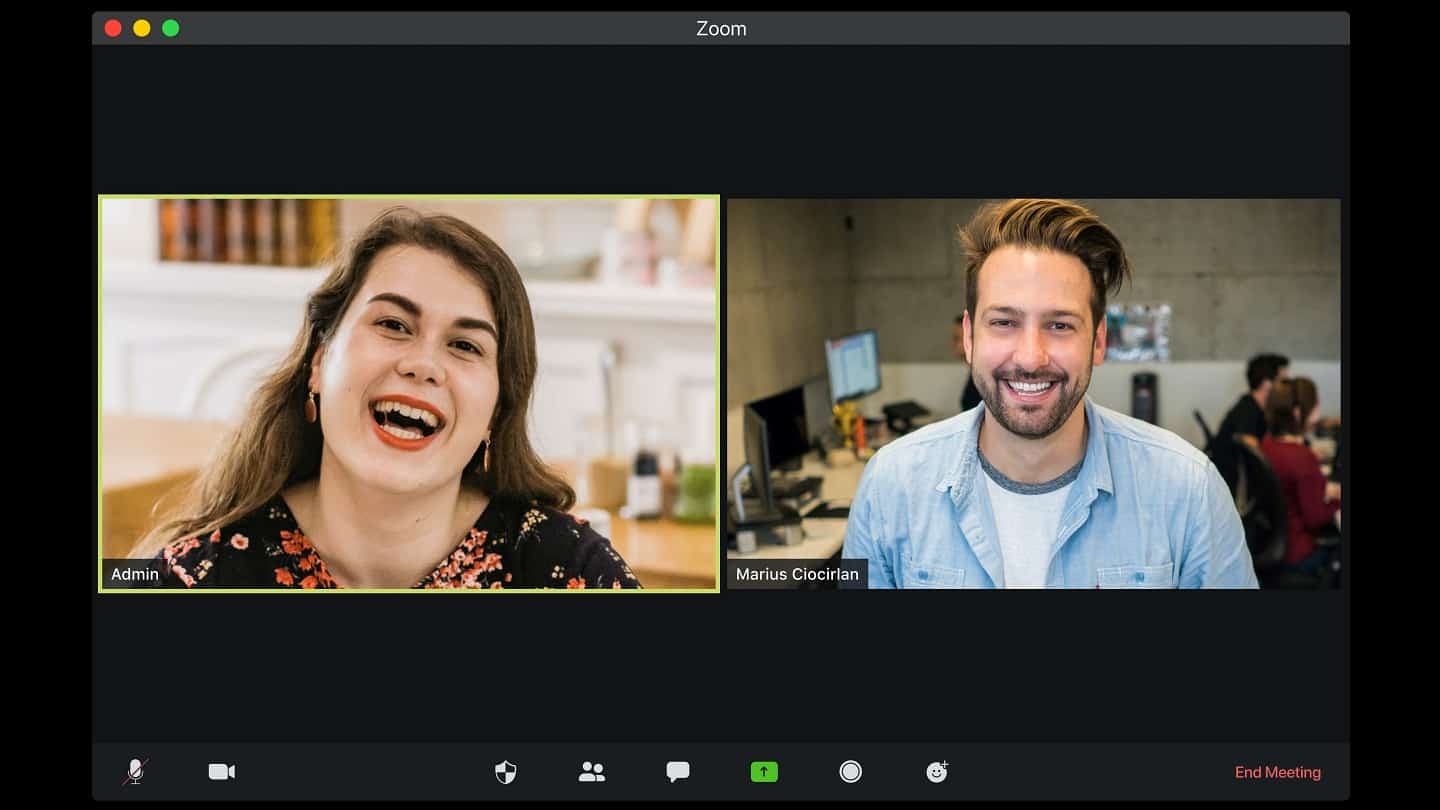
Even though COVID-19 normalized the use of video conferencing software, don’t make the mistake of thinking that the prospects you meet know how the platform you chose works.
So, before your scheduled meeting time, send your prospects a quick personalized explainer video (an email can do the job too) showing them how to use the platform.
This message can also be used to set the goal of the meeting and your expectations.
2. Make it clear that video is not optional
For many people, appearing on camera during a video call is uncomfortable. So you may hesitate to suggest a video call. Without being insensitive to the other person’s discomfort, you still have to ask them.
When a camera is on, your conversion rate is about 10% higher. Think of the last meeting where someone turned their camera off. Did it really go well? Would it have gone better if the camera had been on? Almost certainly!
So you need to say clearly that video is not optional. If you don’t know how to do it, here is an example of what you could tell your prospect in advance:
« For this meeting, it’s essential that we both turn our cameras on. You need to see me clearly and get to know me. On my side, I need to see you, because what we’re going to discuss is very important. And if you don’t understand what I’m explaining, I need to be able to notice that too. Can you make sure your camera is on? »
3. If you’re meeting several people, make sure you know who is who
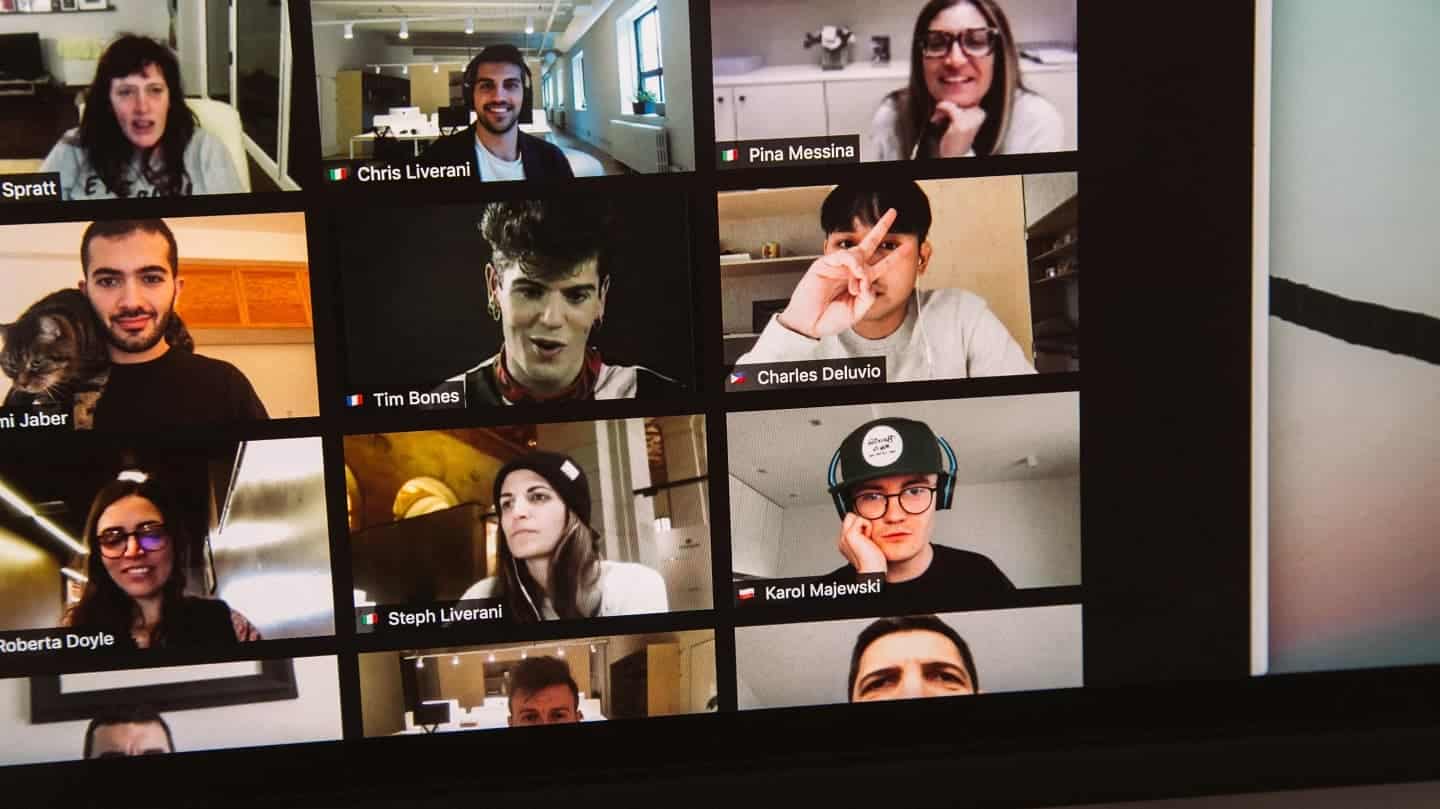
Forgetting someone’s name during a video sale (or worse, getting it wrong) is not the best way to build a prospect’s trust. So if you’re meeting a group of people who are all in the same room, write down their names.
If you’re afraid of mixing them up, draw the layout of the room on a piece of paper and write their names according to where they’re sitting. That way, you can be sure not to forget anyone.
4. Smile!
Do you have a serious, stern face? Maybe you didn’t even know it until you watched the replay of your first video call.
What you may not realize is that your resting face isn’t always as pleasant as you think. And this is much more visible on video than face to face.
That’s why you should always do your best to smile (in a way that may sometimes not feel natural). Smiling will keep you from putting off a prospect with an unintentional « killer » look.
But smiling is a psychological principle for selling better that takes on a whole new importance on video: face to face, a prospect sees your whole body, including your body language. On a video call, they only see your upper body.
This means they see none of the friendly posture or body language that might go with a « serious face ».

5. Face the light
You need to face your light source. Why? Because when someone is lit by a light source behind them, you can’t see their face.
So before taking your call, run a test to make sure you’re facing your light source and that it doesn’t wash you out. It would be a shame to present your product or service on video and have the other person unable to see it.
Also remember to check the quality of your audio equipment. People must hear you well, and you must hear them well. The simplest way to ensure good sound quality is to avoid « ambient » speakers and microphones as much as possible.
Wear a headset or earphones if you don’t have professional recording equipment.
6. Sit up straight, or even stand

Nobody is a great communicator when they’re sitting slumped and/or lying down during a video call.
Even if your sentences are perfectly correct and your ideas clear, you’ll send the wrong message about your professionalism and you won’t be listened to the way you’d like.
Focus on your posture. We strongly recommend investing in a standing desk. If you can’t make that kind of investment, stack up books and shoeboxes and stand up.
Standing brings considerable energy to video calls, a refreshing energy for your customers and prospects who, like you, are probably going from one video meeting to the next.
7. Over-communicate
This is a key point in your video sales, especially if you’re addressing a group of people.
Your prospects and meeting participants will be more involved in the discussion if you add their first name to your question or comment.
Communicating with them this way will genuinely include them in your sales process.
Generally speaking, video calls don’t convey as much as in-person meetings. So it’s essential to communicate a lot more (at the risk of overdoing it) to make sure everyone has understood the same thing.
8. It’s your meeting
It’s your meeting. If something distracts you, you have to fix it. If someone needs to be muted, mute them.
If your discussion goes off in all directions, quickly bring it back to where it should be. Obviously, do all this tactfully: you don’t want to lose anyone along the way.
If you run your whole meeting well, you’ll probably have earned the trust of your (future) customer. It’s important for the person in front of you to feel comfortable during your presentation, but it’s just as important that YOU feel comfortable.
The questions we get over and over.
Should you insist on the camera during a sales meeting over video?
Yes. When a camera is on, the conversion rate is about 10% higher. Without being insensitive to the other person's discomfort, tell them clearly in advance that video is not optional.
How do you prepare a prospect for a video meeting?
Before the scheduled time, send them a quick personalized explainer video, or an email, explaining how to use the chosen platform. This message can also be used to set the goal of the meeting and your expectations.
How do you light yourself properly for a video call?
Face your light source: lit by a light placed behind you, your face can't be seen. Run a test before the call to check that the lighting doesn't wash you out.
Why smile more on video than face to face?
Face to face, the prospect sees your whole body and your body language. On video, they only see your upper body, so no friendly posture compensates for a serious resting face.
How do you involve several participants in a video sale?
By adding the person's first name to your question or comment. Video calls convey less than in-person meetings: you need to communicate much more so that everyone has understood the same thing.



What the community says.