The best tools for social selling

Comparison of six social selling tools. Know and listen to your market: LinkedIn Sales Navigator (Core at €120.99 per month or €1,088.

Maxime Ben Bouaziz
Maxime Ben Bouaziz
CEO Salesdorado, IA & Sales Tech
May 7, 2020, updated November 10, 2026, 1 min read
See all tools

Social selling means building your authority on a given topic, typically through social networks, to help drive your sales funnel. In this article, we review 6 tools to equip you properly and work on your social selling index.

LinkedIn measures this work with its Social Selling Index (SSI), a score from 0 to 100 that looks at four things: your professional brand, your ability to find the right prospects, to share information and to build relationships. Depending on your need:

  • find the right contact and follow their signals: LinkedIn Sales Navigator;
  • follow what is said about your brand, your competitors or your target accounts: Mention;
  • post regularly on LinkedIn: Taplio;
  • show your face and your screen on video: Loom;
  • automate profile visits and follow-ups: STACKED (formerly Dux-Soup);
  • spot those who comment on posts in your sector: PhantomBuster.

SalesdoradoSimulate your LinkedIn prospecting tool selection
Free tool, 2 minutes
Simulate your LinkedIn prospecting tool selection

Answer 11 targeted questions and find the tools that actually fit your situation.

12
tools analyzed
11
targeted questions
€0
no sign-up
Methodology published by the Salesdorado editorial team

The 6 tools, side by side

# Logos tool Score Price Best for
01 LinkedIn Sales Navigator 4.7/5 ★ €120.99 Salespeople who want to find the right contact in an account and know when to reach out Visit site
02 Mention 4.2/5 ★ On request Marketing and sales teams who follow what is said about their brand, their competitors or their target accounts Visit site
03 STACKED (ex-Dux-Soup) 4.5/5 ★ $55 Salespeople who want to automate profile visits and follow-ups, while writing first messages by hand Visit site
04 PhantomBuster 4.0/5 ★ €56 Salespeople comfortable with a spreadsheet who want to turn a post's comments into a contact list Visit site
05 Loom 4.4/5 ★ $18 Those who want to show their screen on video, in a LinkedIn post or a message to a prospect Visit site
06 Taplio 4.1/5 ★ $32 Salespeople and executives who want to post every week on LinkedIn to get known by their prospects Visit site
01

LinkedIn Sales Navigator

4.7/5 From €120.99

Best for: Salespeople who want to find the right contact in an account and know when to reach out

+ Strengths
  • More than 50 search filters, by function, seniority or team size
  • Alerts on job changes and new posts from your prospects
  • Shared connections and buying committee mapping to get an introduction
  • Syncs with Salesforce, HubSpot or Microsoft Dynamics depending on the plan
− Downsides
  • No free plan: trial with a credit card, then €120.99 per month
  • 50 InMails per month, whatever the plan
  • AI features available in some languages only
★ LinkedIn Sales Navigator in brief

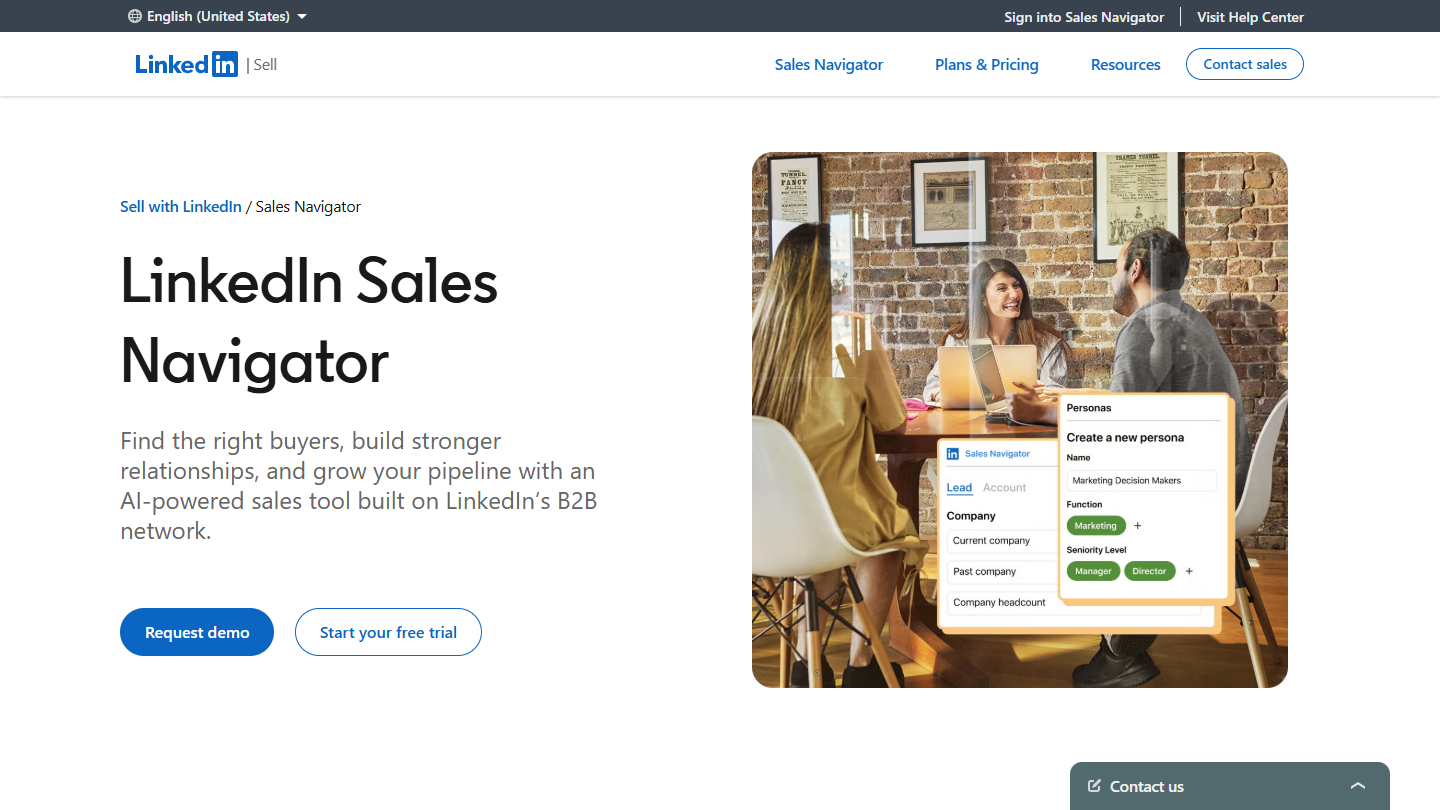
LinkedIn Sales Navigator website: “LinkedIn Sales Navigator”

LinkedIn Sales Navigator is LinkedIn’s sales subscription. It replaces the standard search with more than 50 filters and adds a space to save accounts and prospects, follow them and contact them.

In social selling, it is the preparation tool. You search for a company, find the right contact by function and seniority, see who in your network can introduce you, then follow their alerts: job change, new post. These signals give you a legitimate reason to comment on a post or write a message, instead of a cold invitation.

Sales Navigator doesn’t publish anything for you and doesn’t provide contact details: it is there to tell you who to talk to and when. LinkedIn adds AI-generated summaries on accounts and prospects (Account IQ, Lead IQ) and message writing help, still in beta and limited to some languages.

Core costs €120.99 per license per month, or €1,088.88 per year. Advanced starts at €148.21 per month or €1,693.88 per year, Advanced Plus is on request. The free trial requires a credit card and is only open to members without a paid LinkedIn subscription or a trial in the last 365 days.

02

Mention

4.2/5 From On request

Best for: Marketing and sales teams who follow what is said about their brand, their competitors or their target accounts

+ Strengths
  • More than a billion sources tracked: social networks, press, blogs, forums and more than 75 review sites
  • Boolean search to keep only the useful mentions
  • Sentiment analysis, share of voice and comparison with competitors
  • Shared alerts and assignment of mentions within the team
− Downsides
  • A single plan, Company, on request and billed annually
  • History and API sold as a paid option
  • LinkedIn missing from the list of networks tracked on the pricing page
★ Mention in brief

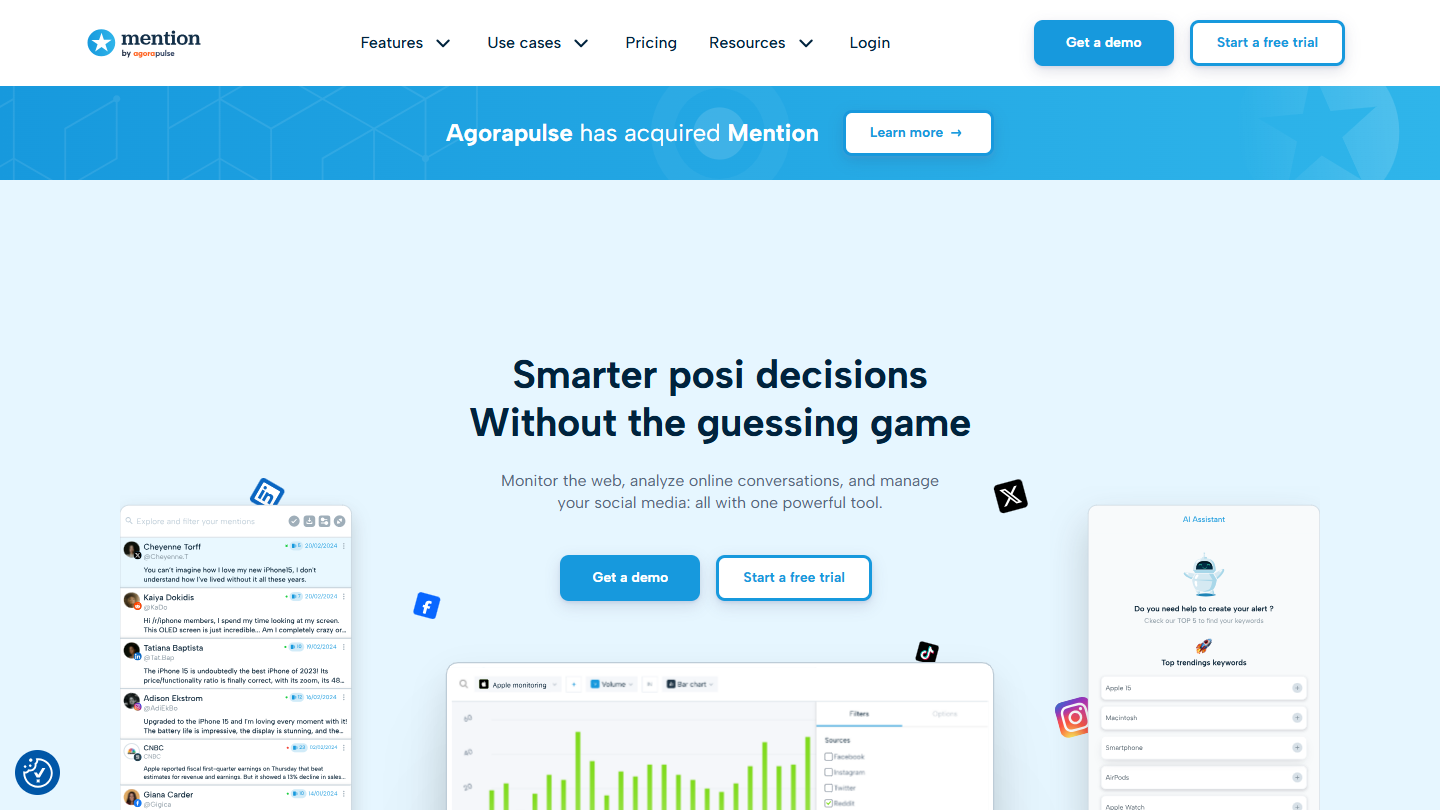
Mention website: “Smarter post decisions Without the guessing game”

Mention is a web and social media monitoring tool, now part of Agorapulse. It tracks more than a billion sources: Facebook, Instagram, X, Reddit, TikTok or YouTube, but also press, blogs, forums and more than 75 review sites.

For social selling, it is for listening. You create an alert on your brand, a competitor, a keyword from your trade or the name of a target account, and Mention surfaces every result in an inbox you handle like a mailbox (read, unread). Boolean search, up to 2,000 characters in an advanced alert, cuts the noise. A complaint about a competitor or a question asked on a forum becomes a chance to step in with something useful to say.

Mention no longer publishes or replies: those features were removed in favor of Agorapulse. It is a team tool, designed for marketing and communication as much as for sales. A lone salesperson will find most of their signals in Sales Navigator’s alerts.

There is now only one plan, Company, on request and billed annually; data history and API access are paid options. The free trial goes through Agorapulse’s website.

03

STACKED (ex-Dux-Soup)

4.5/5 From $55

Best for: Salespeople who want to automate profile visits and follow-ups, while writing first messages by hand

+ Strengths
  • Light actions automated: profile visit, follow, skill endorsement, like
  • Campaigns with up to 12 action types, paused when the prospect replies
  • HubSpot, Salesforce, Pipedrive, Slack, Zapier and Make integrations
  • Works with LinkedIn, Sales Navigator and Recruiter
− Downsides
  • Built for volume: badly set up, it does the opposite of social selling
  • Local version: the computer must stay on, the cloud version costs almost twice as much
★ STACKED (ex-Dux-Soup) in brief

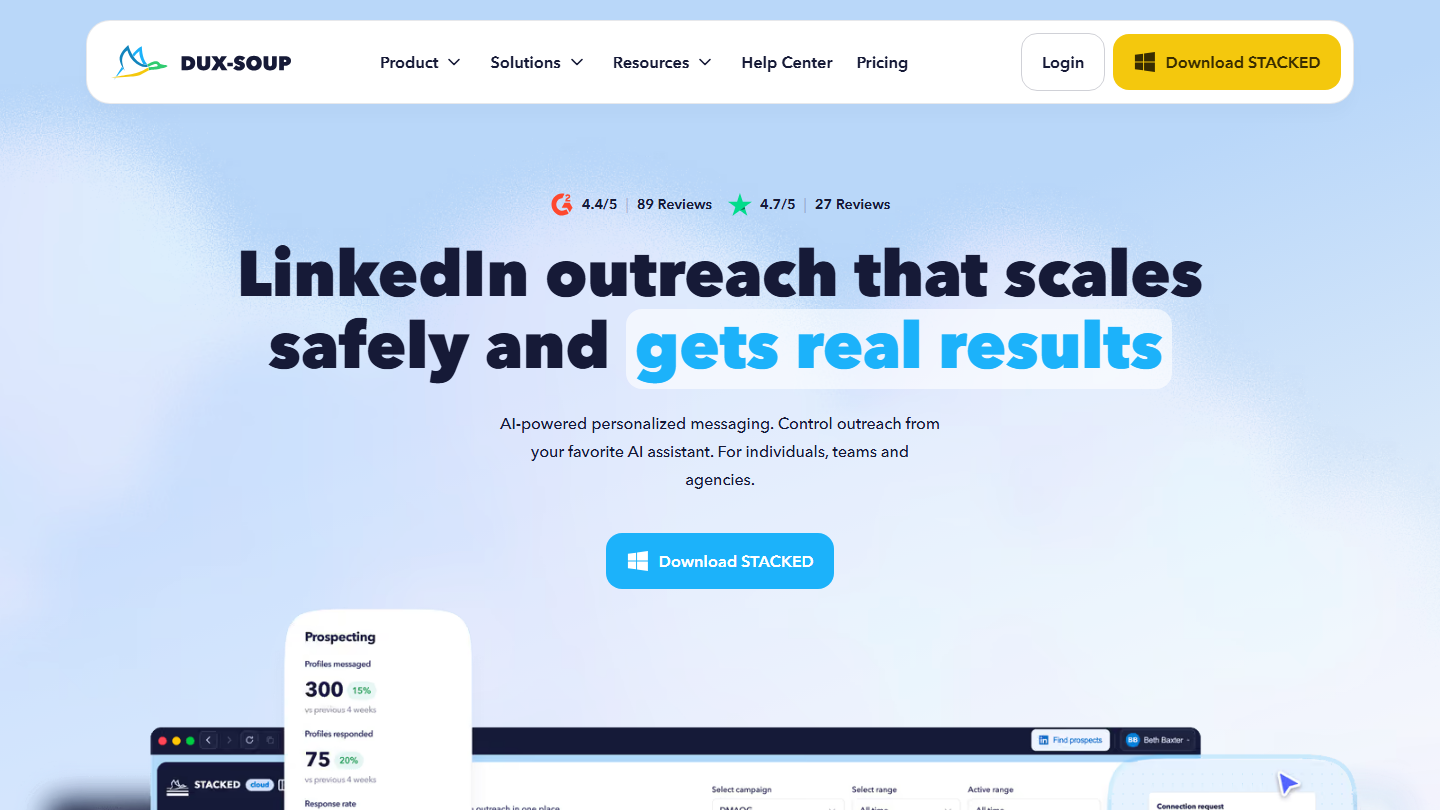
Dux-Soup home page for STACKED: “LinkedIn outreach that scales safely and gets real results”

STACKED is the new name of Dux-Soup, one of the oldest LinkedIn automation tools. The Chrome extension has given way to a desktop app for Mac and Windows, and to a cloud version that runs on the vendor’s servers.

Its appeal in social selling lies in the light actions: visit a profile (the prospect gets a notification), follow it, endorse one of its skills, like a post. These gestures make you visible before any contact. The tool also chains invitations, messages and InMails into campaigns, stops when the prospect replies and sends data to HubSpot, Salesforce, Pipedrive or Slack.

This is where you need discipline. STACKED is built to scale up volume, with AI-personalized messages. In social selling, keep it for profile visits and follow-ups on contacts you already know, and write the first messages yourself. The local version requires leaving your computer on during campaigns.

The local version costs $55 per seat per month, $41.25 billed annually; the cloud version $99, or $74.17 billed annually. A free trial is available.

04

PhantomBuster

4.0/5 From €56

Best for: Salespeople comfortable with a spreadsheet who want to turn a post's comments into a contact list

+ Strengths
  • Extracts the people who commented on a post, yours or a competitor's
  • Lists you can check in a spreadsheet before any contact
  • Cloud: nothing to leave running on your computer
  • Unlimited users, whatever the plan
− Downsides
  • Learning curve that takes effort
  • Bulk invitations, likes and comments: use sparingly, or risk getting your LinkedIn account blocked
  • Limited trial: 2 hours of execution and 10 rows per export
★ PhantomBuster in brief

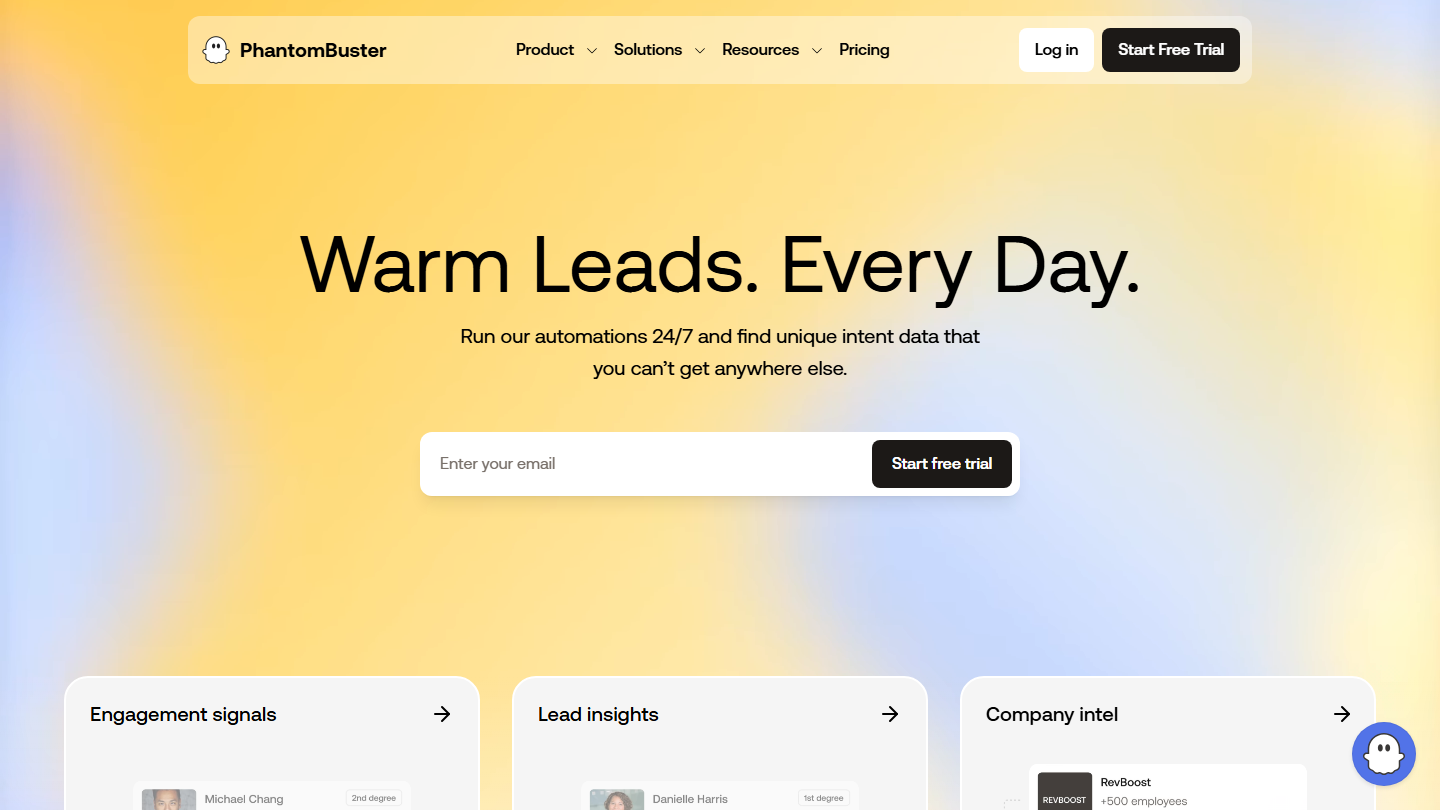
PhantomBuster home page: “Warm Leads. Every Day.”

PhantomBuster is a cloud platform for automation and data extraction, centered on LinkedIn. Its current tagline, “Warm Leads. Every Day.”, sums up the use that matters in social selling: spotting people already active around your topic.

In practice, you give it the address of one of your posts, or of a post by a voice that matters in your sector, and it extracts the people who commented on it, with their profile. These contacts have already shown interest: you can reply to them, comment on their own posts or invite them with a message that starts from what they wrote.

It can also send invitations, and like or comment in bulk. In social selling, set these features aside: lists go through a spreadsheet or a CRM, which leaves time to sort them by hand. Stay on small volumes so as not to expose your LinkedIn account.

Billing is based on execution time. Start, at €56 per month billed annually or €69 monthly, gives 20 hours; Grow (€128, €159 monthly) gives 80 and Scale (€352, €439) 300. Users are unlimited. The free trial offers 2 hours of execution, with exports capped at 10 rows.

05

Loom

4.4/5 From $18

Best for: Those who want to show their screen on video, in a LinkedIn post or a message to a prospect

+ Strengths
  • Screen and camera video shared with a simple link
  • Comments and reactions at a specific moment in the video
  • Transcription in more than 50 languages, even on the free plan
  • Mac, Windows, iOS and Android apps and a Chrome extension
− Downsides
  • Free plan limited to 25 videos of 5 minutes maximum
  • Basic editing, AI features reserved for Business + AI at $24
★ Loom in brief

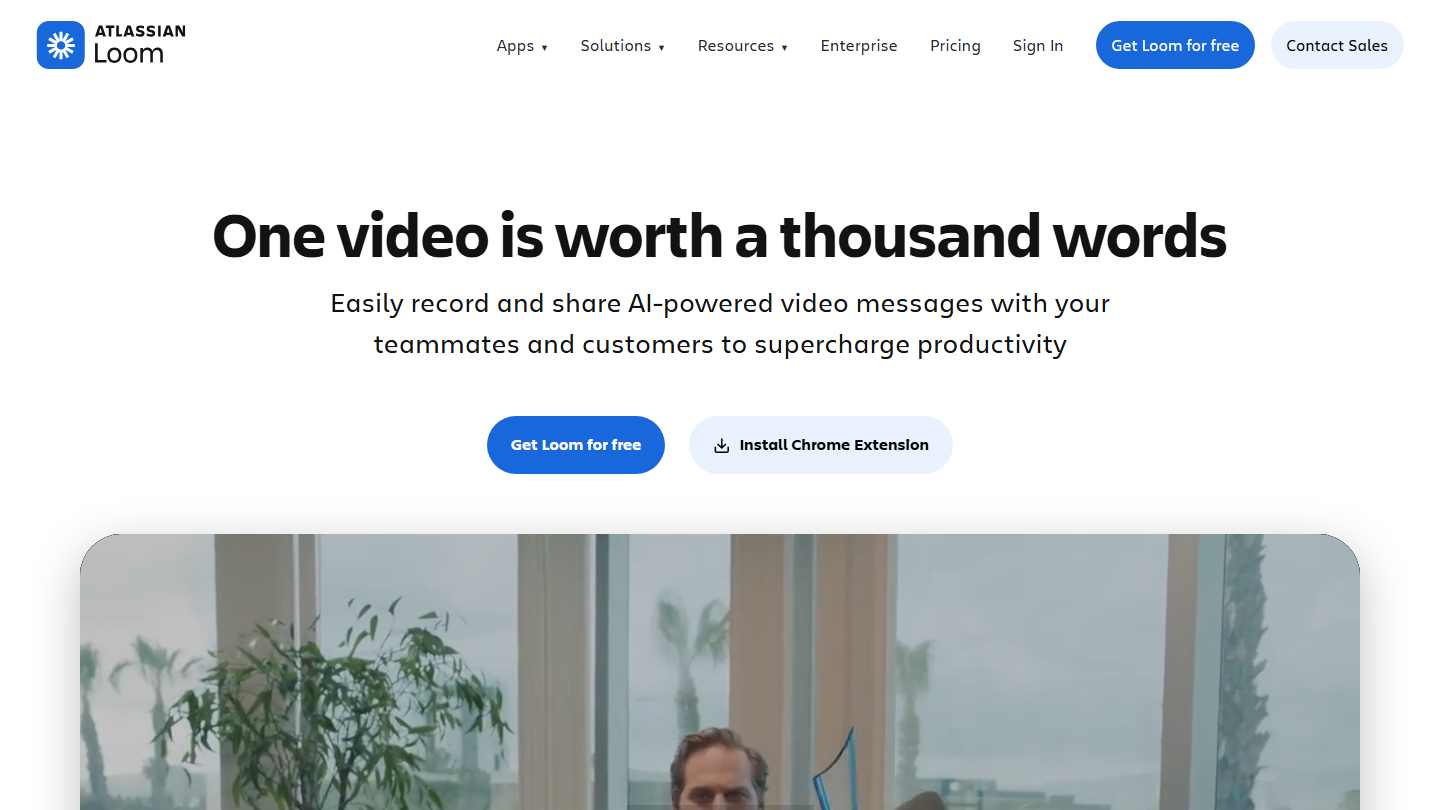
Loom (Atlassian) home page: “One video is worth a thousand words”

Loom is a screen and camera video recording tool, acquired by Atlassian. A PDF, an Excel file, a web page: whatever you want to show, the video is then shared with a simple link.

In social selling, Loom is for putting a face to your messages. Two minutes commenting on a prospect’s website, a demo in reply to a question asked under a post, or a LinkedIn post more original than text: the recipient sees who is talking to them. They can comment or react at a specific moment in the video.

It is not an editing tool: on Business, editing is limited to trimming the track, and summaries, chapters and filler-word removal are reserved for Business + AI. For a short prospecting video, the free plan is often enough to test the format.

The Starter plan is free: 25 videos per person, 5 minutes maximum. Business costs $18 per user per month billed monthly, with unlimited videos and no Loom logo; Business + AI costs $24. Annual billing saves up to 17%, and Business + AI can be tried free for 14 days.

06

Taplio

4.1/5 From $32

Best for: Salespeople and executives who want to post every week on LinkedIn to get known by their prospects

+ Strengths
  • AI ideas, writing and rewriting of posts from the Growth plan
  • Base of more than 5 million posts for inspiration
  • Statistics on your posts and your audience
  • Chrome extension that displays the best posts of a profile
− Downsides
  • Writing AI absent from the $32 Starter
  • Automatic invitations and messages in Pro, to leave aside in social selling
  • Prices in dollars
★ Taplio in brief

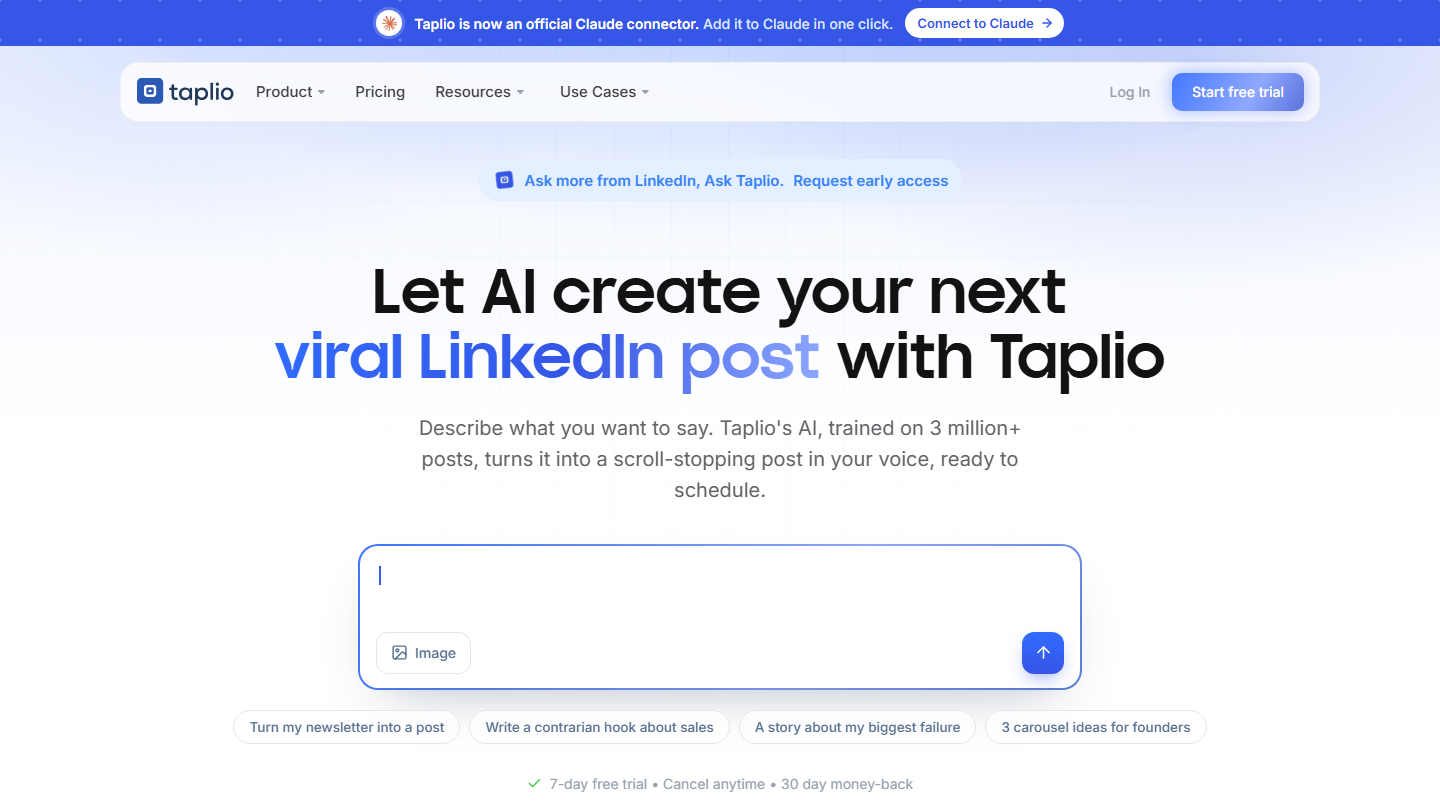
Taplio home page: “Let AI create your next viral LinkedIn post with Taplio”

Taplio is a content tool for LinkedIn: find ideas, write, schedule and measure your posts. It relies on an AI and on a base of more than 5 million posts that did well.

For a salesperson, this is the “professional brand” side of social selling: posting regularly about your expertise so that prospects know you before your first message. Taplio suggests ideas, rewrites a draft, turns a post into a carousel and shows which formats get your audience to react. Its Chrome extension displays the best posts of a profile, handy for preparing a conversation with a prospect who posts.

Keep control of what goes out in your name. Taplio can schedule your posts, suggest AI-written comments and, in Pro, send automatic invitations and messages to people who react to your posts. That falls back into the automation this guide advises against: use Taplio to write and analyze, and reply yourself.

Starter costs $32 per month billed annually ($39 monthly) and covers scheduling and statistics. The writing AI comes with Growth, at $49 ($69), and Pro costs $149 ($199). The 7-day trial opens all Pro features, and the vendor refunds for 30 days.

How we chose these 6 tools

Every tool in this selection has been used in real conditions by our team or by a Salesdorado consultant, in a B2B sales and marketing setting. No ranking built from a marketing deck. The order of the list is not a ranking: the right tool depends on your needs.

  1. 01
    Benchmark scope

    Broad identification of the tools on the market (G2, Capterra, Salesdorado customer feedback, LinkedIn signals). Initial filtering, then a short list based on a 2-hour setup per tool.

  2. 02
    Test conditions

    3 to 4 weeks of active use per tool, with data representative of a B2B sales use case. When a tool targets a specific profile (SDR, AE, Ops, Marketer…), we match the tester accordingly.

  3. 03
    Weighted criteria

    For each category, 5 to 7 axes weighted according to what matters in the segment: UX, feature depth, native integrations, support, pricing at scale, compliance (GDPR, security), and roadmap quality.

  4. 04
    Independence

    No tool is scored in exchange for payment. Partner links (affiliate) are marked as such and do not influence the score. Non-partner tools are included when their place in the ranking is deserved.

  5. 05
    Updates

    The ranking is reviewed every 6 to 12 months or on every major release of a tool mentioned. The date of the last check is shown at the top of the article.

The questions we get over and over.

What is social selling?

Social selling means building your authority on a given topic, typically through social networks, to help drive your sales funnel.

Which tool to find the right contact in a company?

LinkedIn Sales Navigator. Its people search filters by function, job type and seniority, and its account search by technology used, growth and team size. It lets you save leads, follow their job changes and their posts, and contact them by InMail (50 per month) or by invitation. Expect €120.99 per month, or €1,088.88 per year.

Which tools to automate your actions on LinkedIn?

STACKED, the new name of Dux-Soup, automatically visits your prospects' profiles, follows them, likes their posts and exports profiles to your CRM; it runs as a desktop app or in the cloud. PhantomBuster extracts the people who commented on a LinkedIn post and automates invitations, comments and likes. Use sparingly, or risk getting your LinkedIn account blocked.

Should you automate first contacts on LinkedIn?

No: you will never be precise enough to be relevant, and you will make a bad impression. Better to play the game humanly before automating anything, and to avoid automatic posting tools on a personal LinkedIn account.

Are Hootsuite or Buzzsumo social selling tools?

No. They are marketing tools that serve very different goals (traffic, impressions). They are not precise enough to be effective in social selling.

★ The conversation, 0 comments

What the community says.

Basic Markdown, moderated within 24 h
Loading…

    In the same category