
The tool in detail
Asana after real-world use: feature scope, integrations, pricing and concrete limits.
Almost every company now uses project management tools, which have become even more indispensable as remote work has spread. Asana is one of the truly solid solutions we have tested, because it offers a feature-rich free plan that is a perfect fit for very small businesses, since it is capped at two users.
On the other hand, while the paid plan offers high-quality functional depth, with advanced automation and reporting, it remains slightly more expensive than those of its competitors.
Asana: the features in detail
Task management and planning
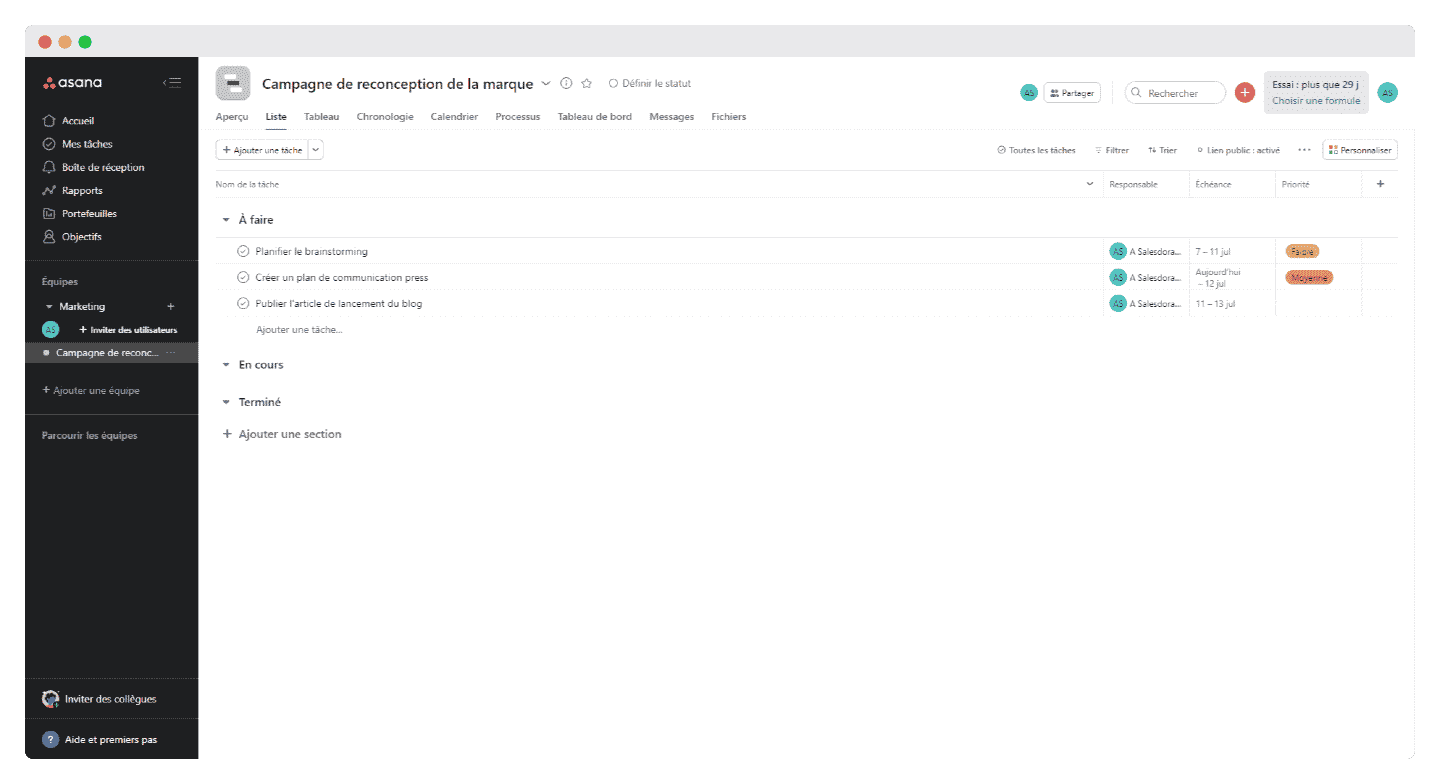
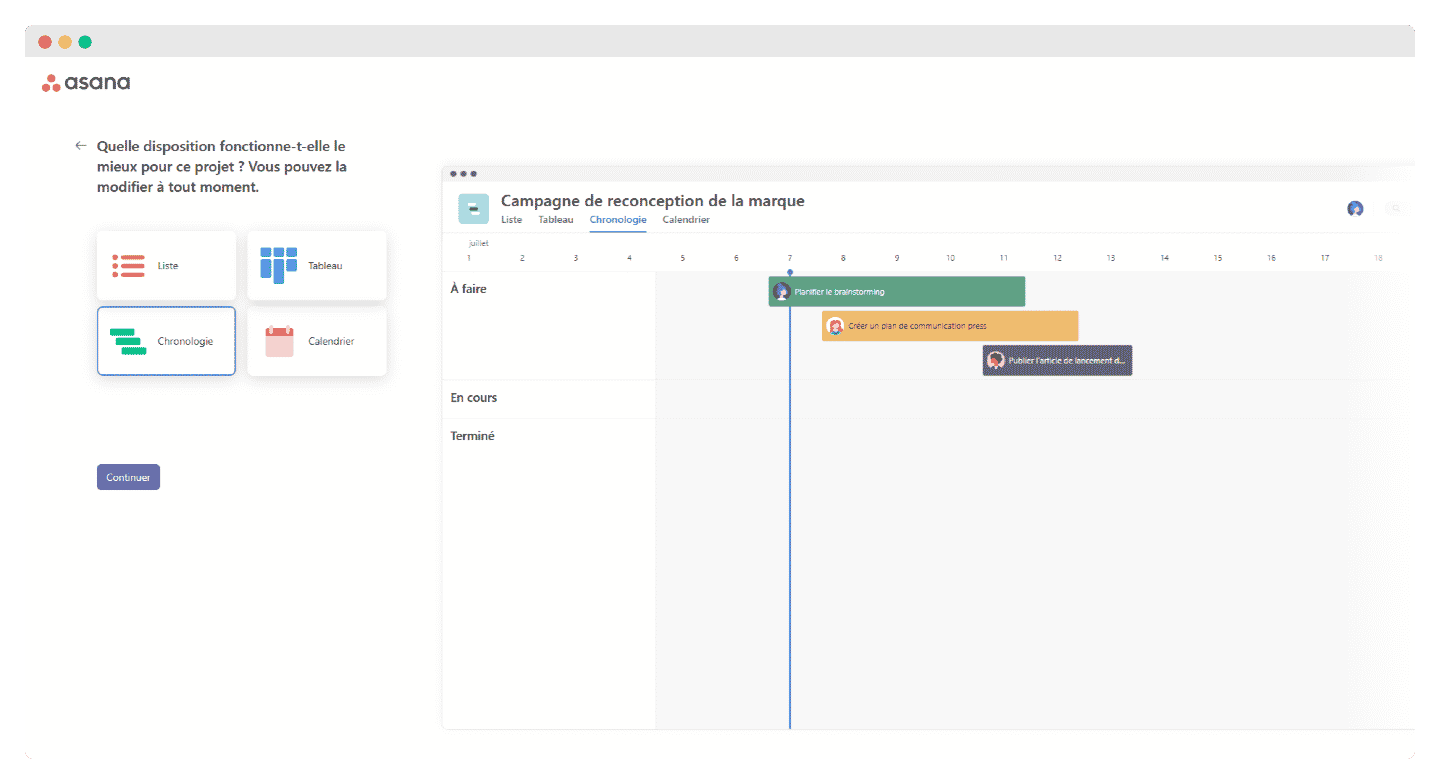
Asana is a really well-designed tool for visualizing your various projects: there are plenty of options, and each member of your team is free to choose the Kanban board or the lists and calendars. The bonus is that the tool can be customized endlessly.
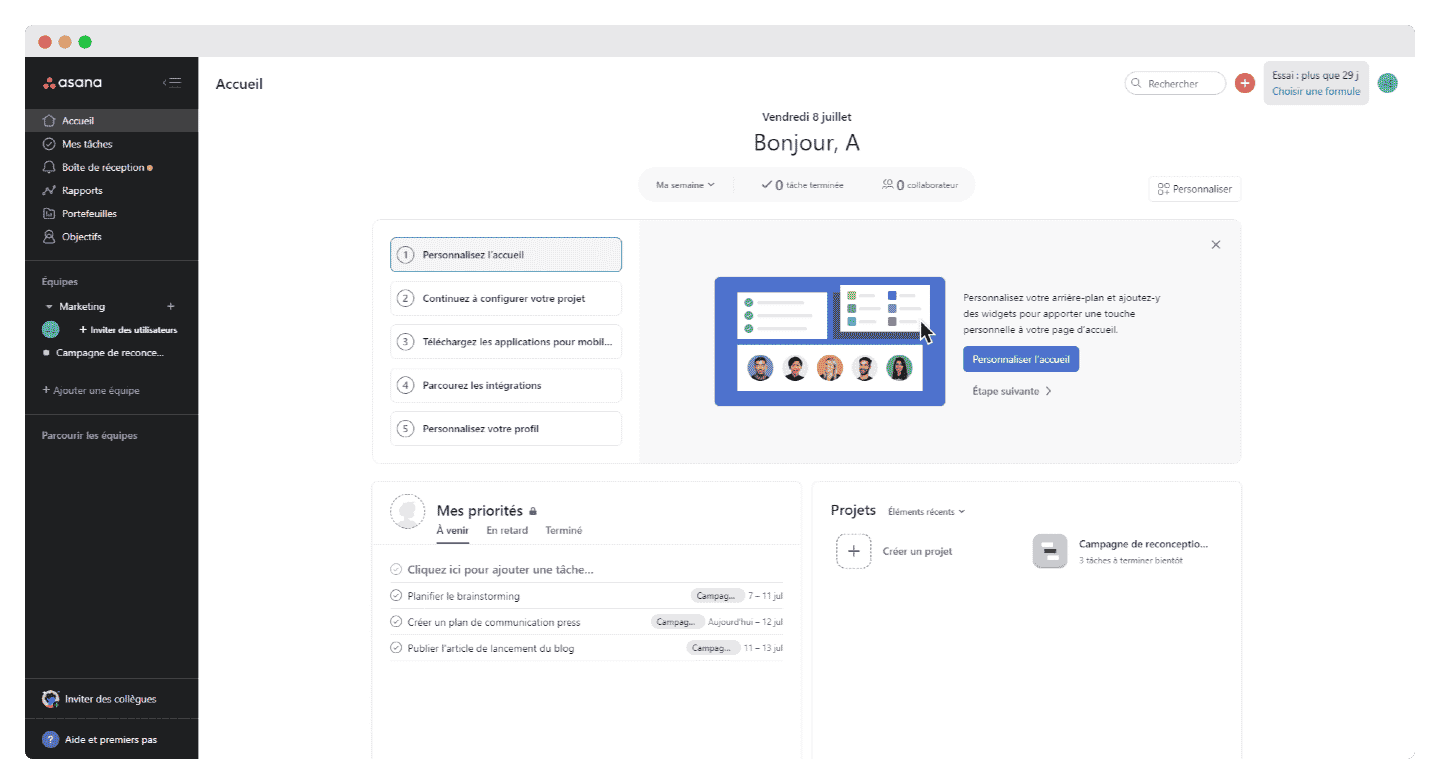
Project managers can easily switch from one view to another to get the big picture.
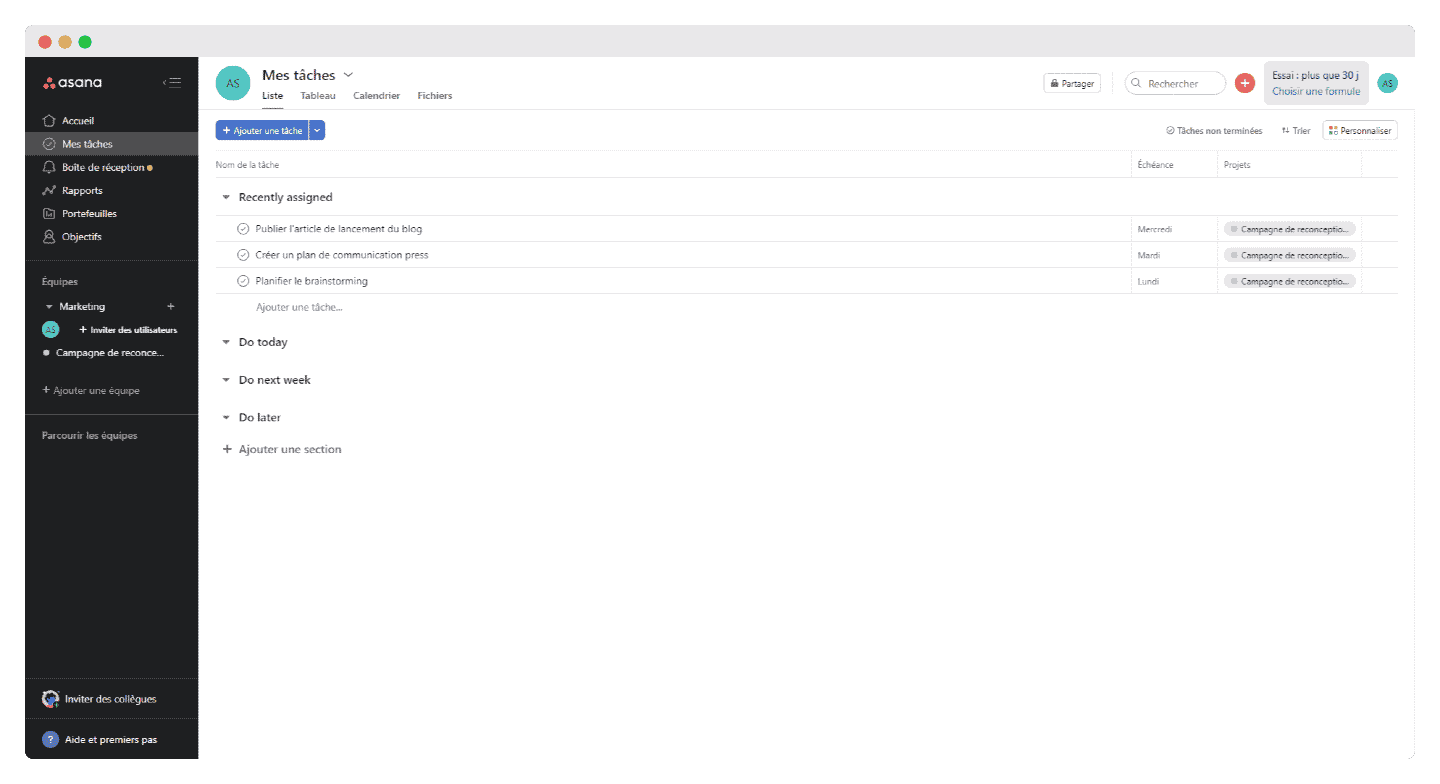
On the task side, you can create tasks and subtasks and give them an assignee, a due date (recurring or not), attachments, comments and tags. You can also add followers, who then receive updates as soon as the task is modified.
Comments are well done, because they support rich text formatting, editing after posting, and mentions.
In our view, one feature is missing: the ability to turn a task and all its subtasks into a default template that would then apply to every new task created for a given project, even if the template is customized at project level.
But you can work around this drawback by creating a task called « template » that each member of your team can easily duplicate.
Collaboration and communication
One of Asana’s strengths is that it is also a good collaboration tool: your team members can assign tasks to each other and create dependencies between tasks. They can also set priorities and adjust their due dates among themselves.
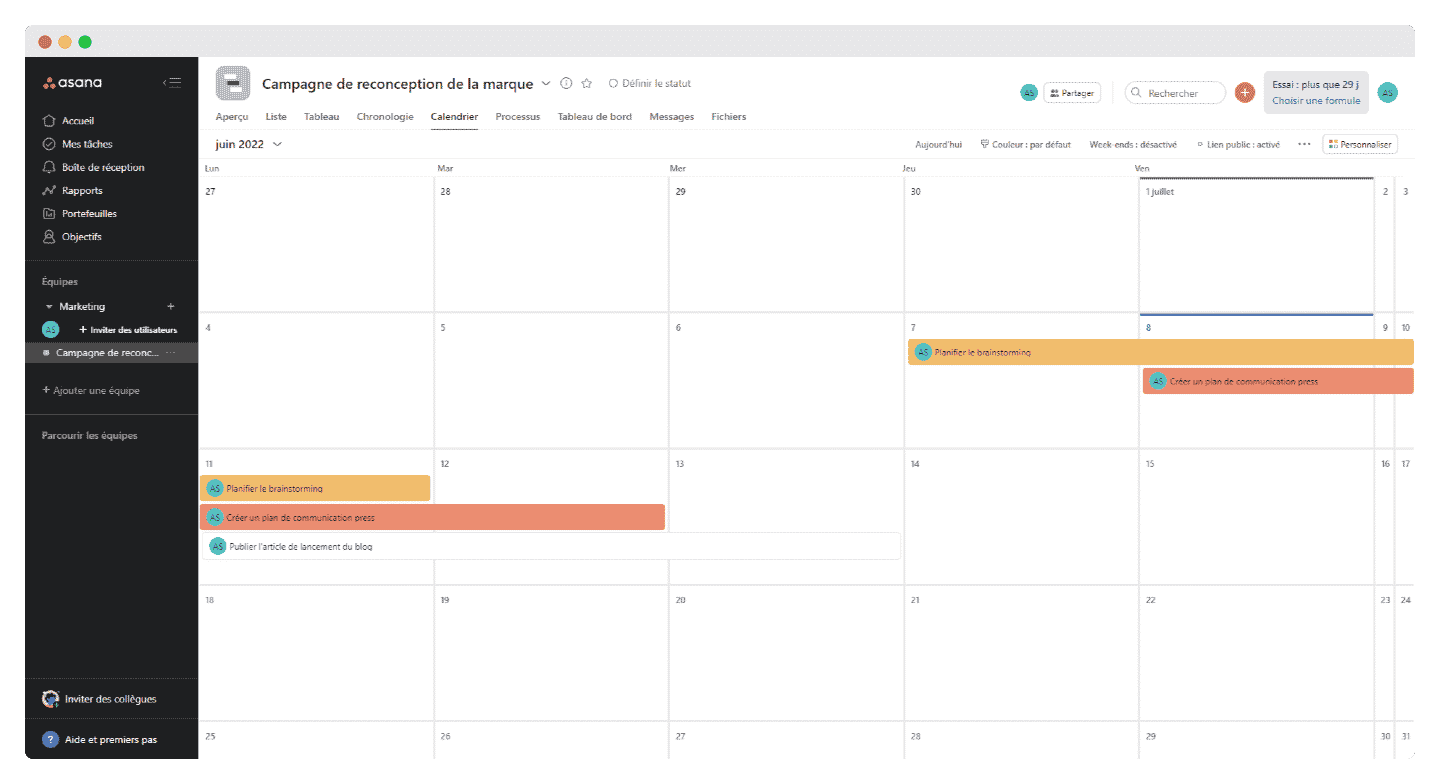
The calendar view lets teams plan their tasks around everyone’s schedules and stay informed of any change without having to notify each other by email.
All project discussions are handled in Asana, but if that is not enough, the software integrates with all your messaging tools. It also lets you share any kind of file, PDF, JPG or Google Docs.
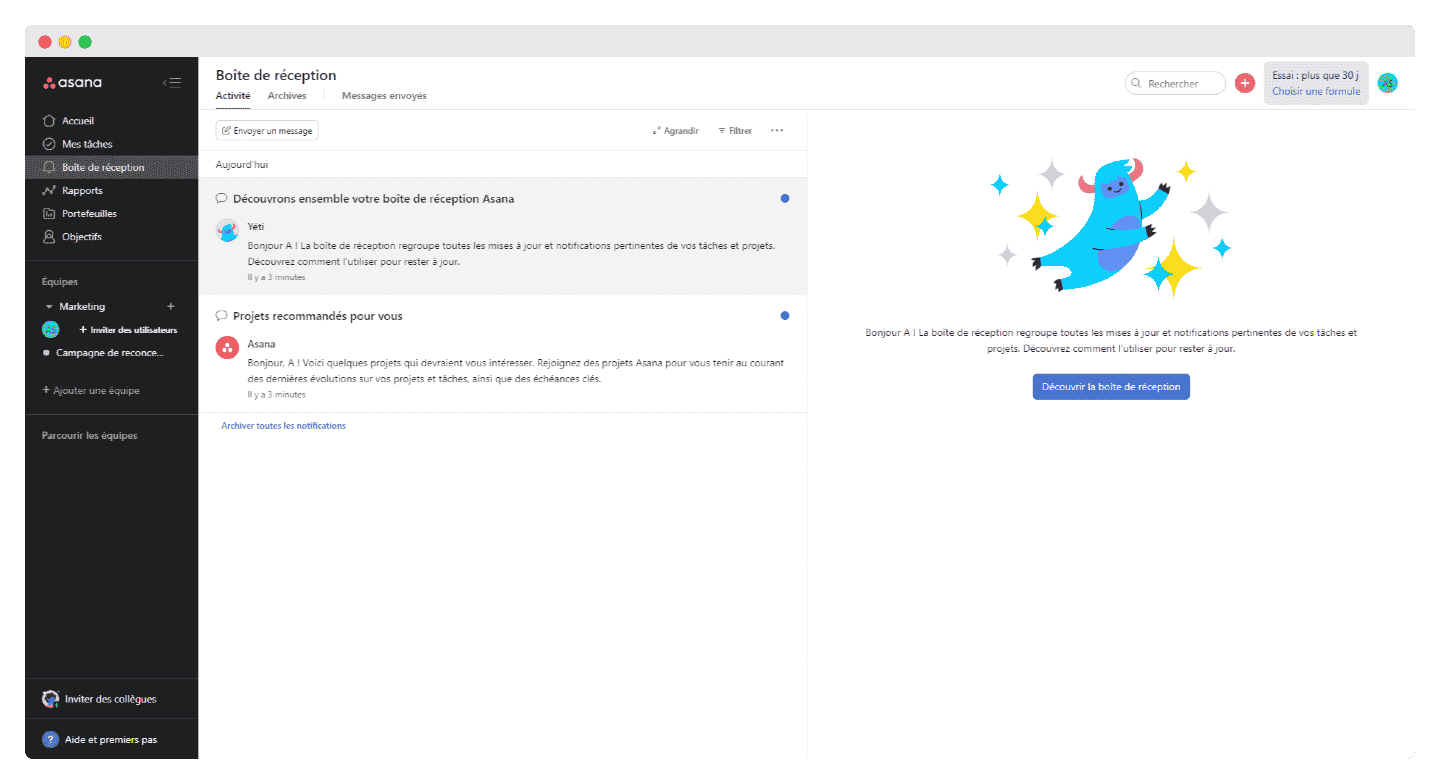
The only downside in our view is that you cannot assign a task to more than one user, because the software is designed to know the main owner of each task. This is easy to work around by mentioning several collaborators in the task or assigning them subtasks, or even by creating copies of the task.
Reporting and time tracking
Reporting is hugely important for project management software, so that a project manager can easily see how the project is progressing without having to ask each team member or go through the various documents linked to it.
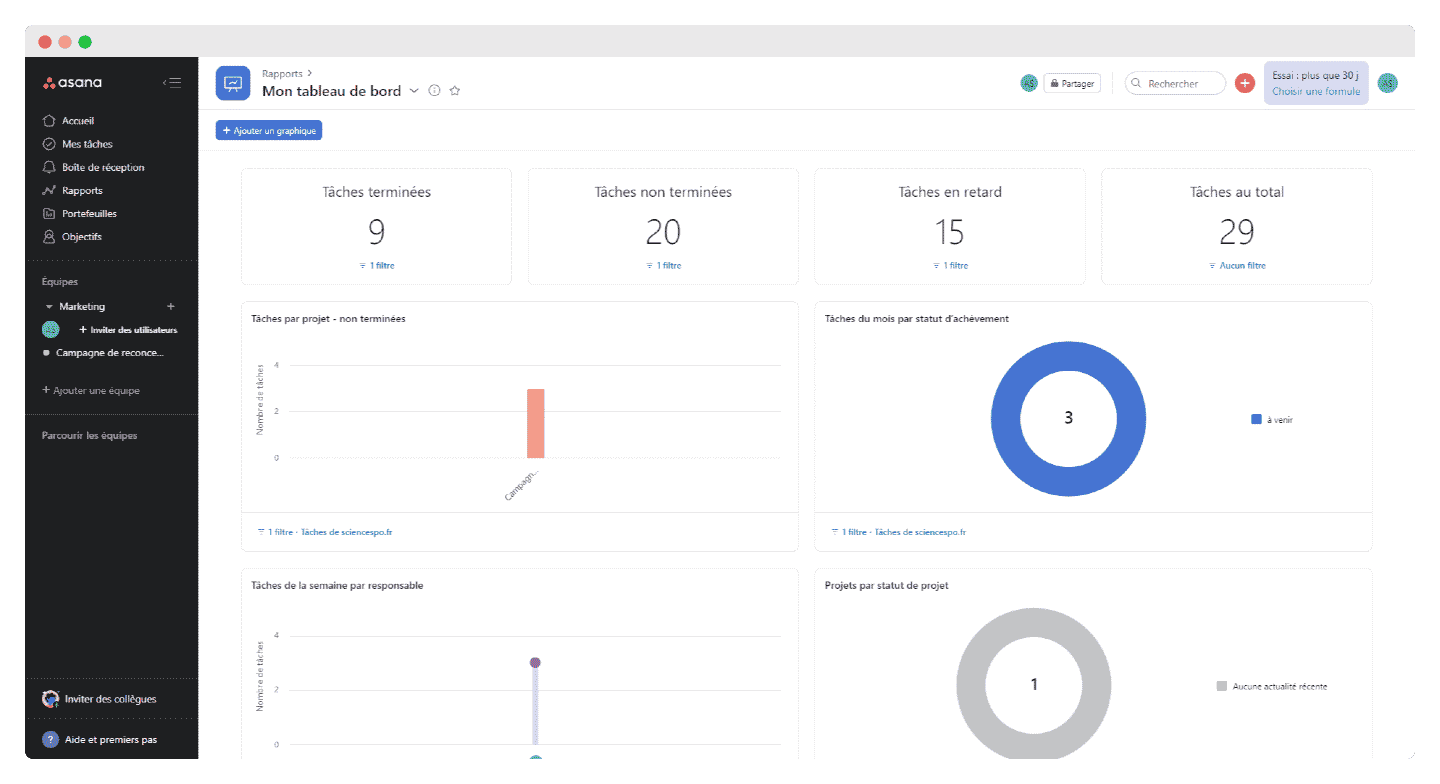
Asana is a fairly well-designed piece of software when it comes to visualization, and that shows in the reporting too. From the Starter plan, you get real-time dashboards for all your teams and all your projects, with information on workloads, budget and schedule, entirely generated by the software.
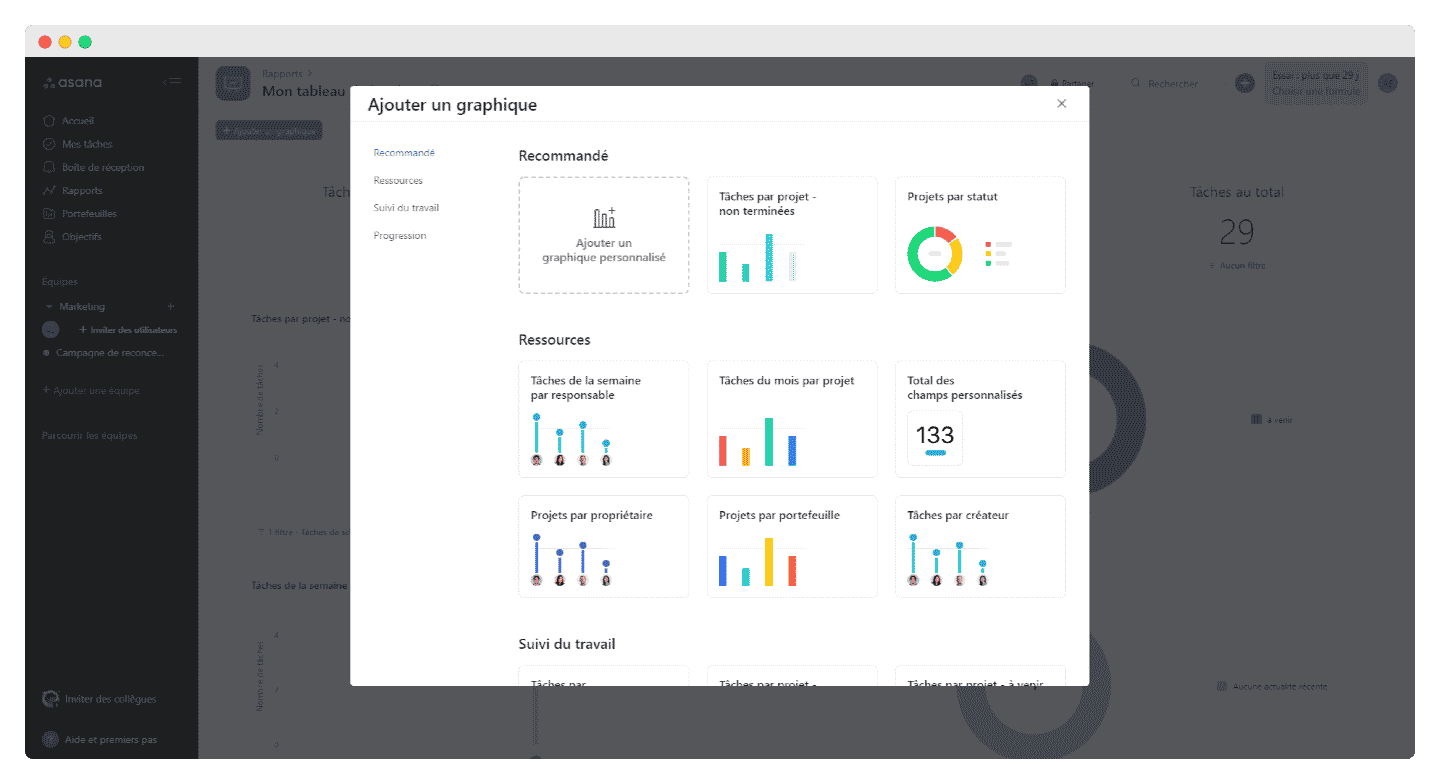
From the reporting, you can then take action directly in Asana.
Reporting comes with high-quality advanced search: you can search tasks by keyword, by status (Assigned to, In project and Followed by), but also by due date, by attachment and by person, to see who is productive thanks to the instant updates on the Reporting page.
One of Asana’s most useful features is the calendar: to make sure nothing slips through the cracks, the Timeline feature, available from the Starter plan, offers Gantt charts showing how all the project’s tasks fit together.
Customization options
On top of the initial customization features, such as choosing the Kanban board or the calendar, Asana offers many possibilities: you can customize tasks by adding details, but also rank them by priority (low, medium, high) or by progress status (waiting, in progress, waiting for approval).
Asana also offers some quite useful features, which are however reserved for Advanced and Enterprise customers:
- Portfolios: this feature gives you a global view of all projects in one place and lets you track their progress. It is very useful when you have to manage many projects at once. Portfolios can be exported to Google Sheets.
- Workload management: this feature lets managers see their employees’ workload to prevent burnout. You see the workload planned by each person and you can set a maximum capacity not to be exceeded.
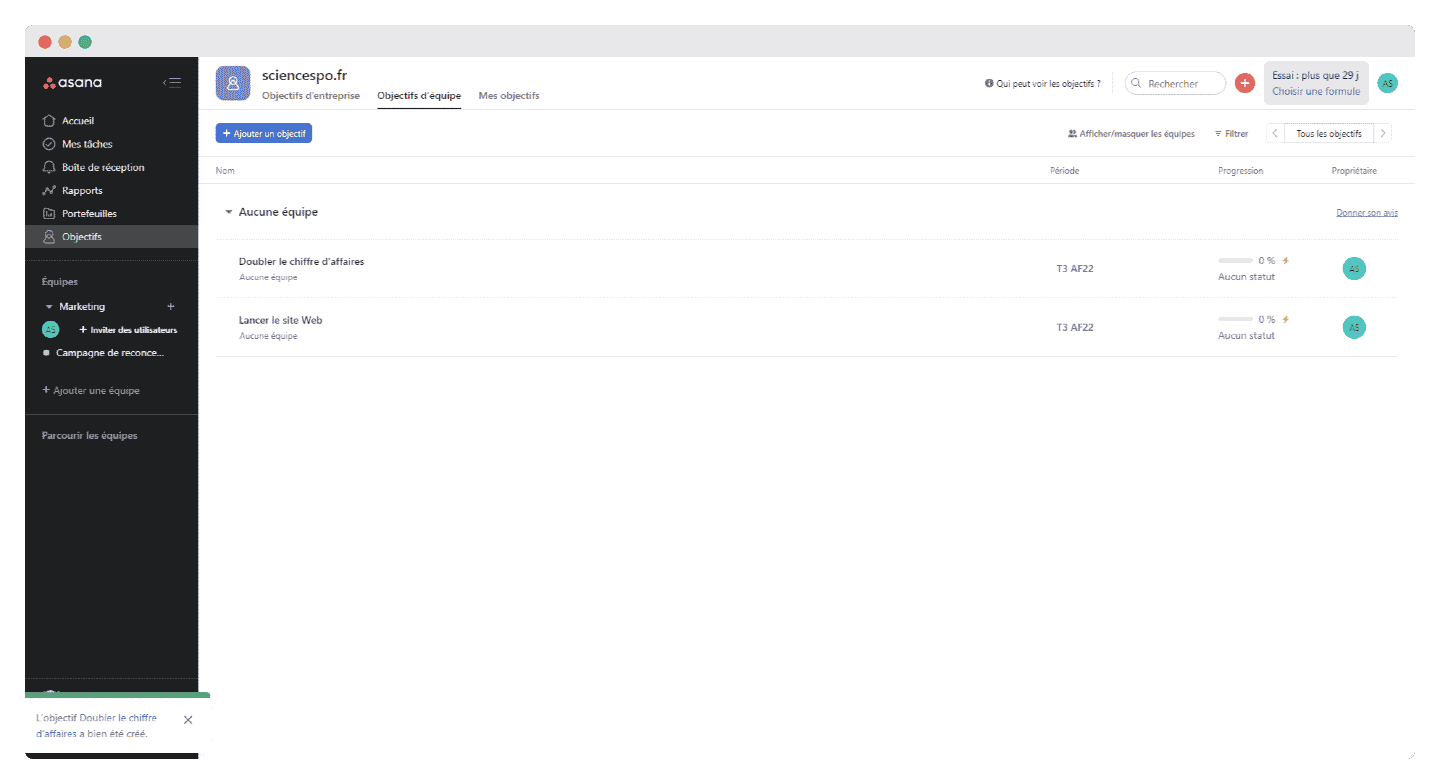
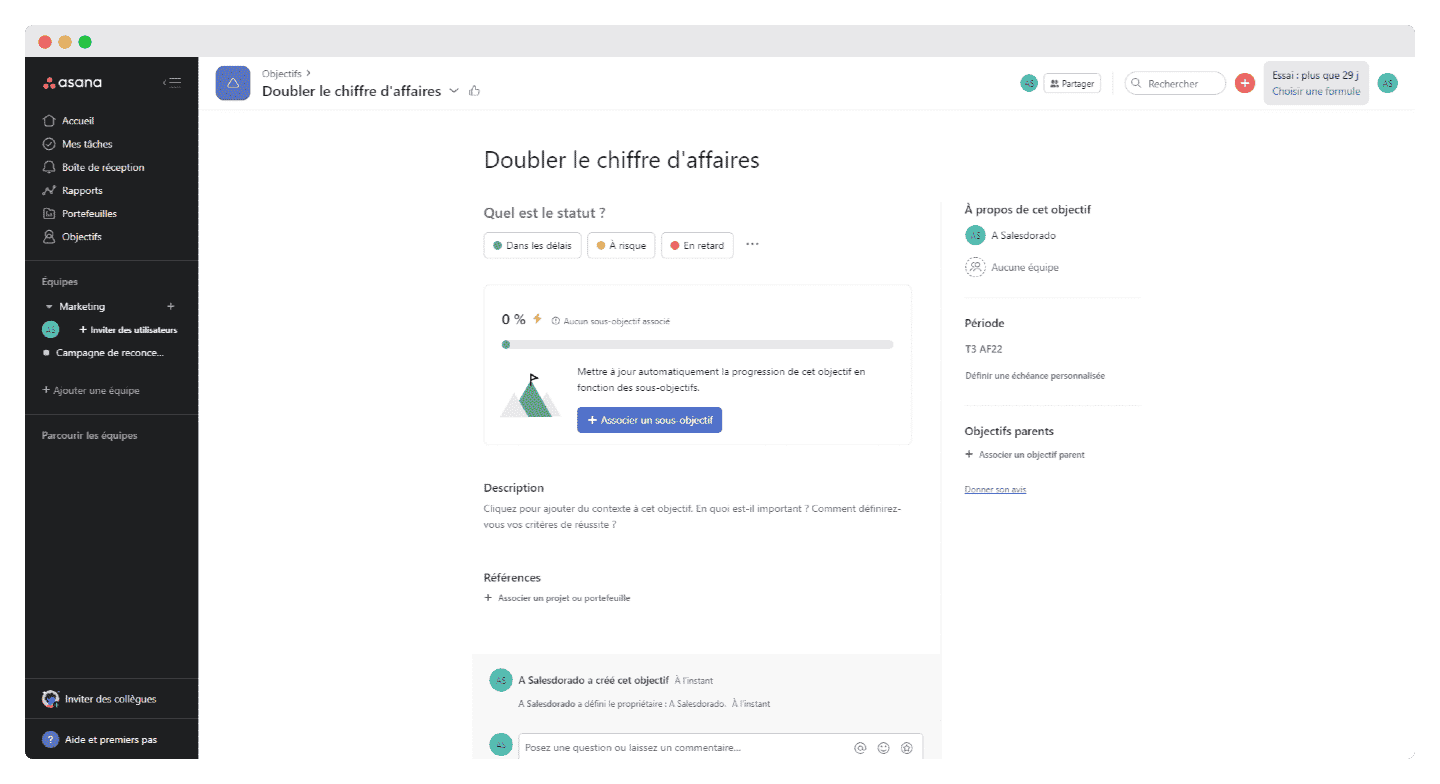
- Goals: Asana offers a fairly effective goal tracking system. You set long-term company goals or shorter-term team goals, and these are visible to your team at all times, along with a detailed sheet that sets out the context and the sub-goals, and links them to projects or portfolios.
Automation: Asana’s take
For Asana Starter, Advanced or Enterprise customers, the software offers fairly advanced automation features: for example, you can build custom rules, such as « When a due date changes, automatically add the team lead as a follower of the task ».
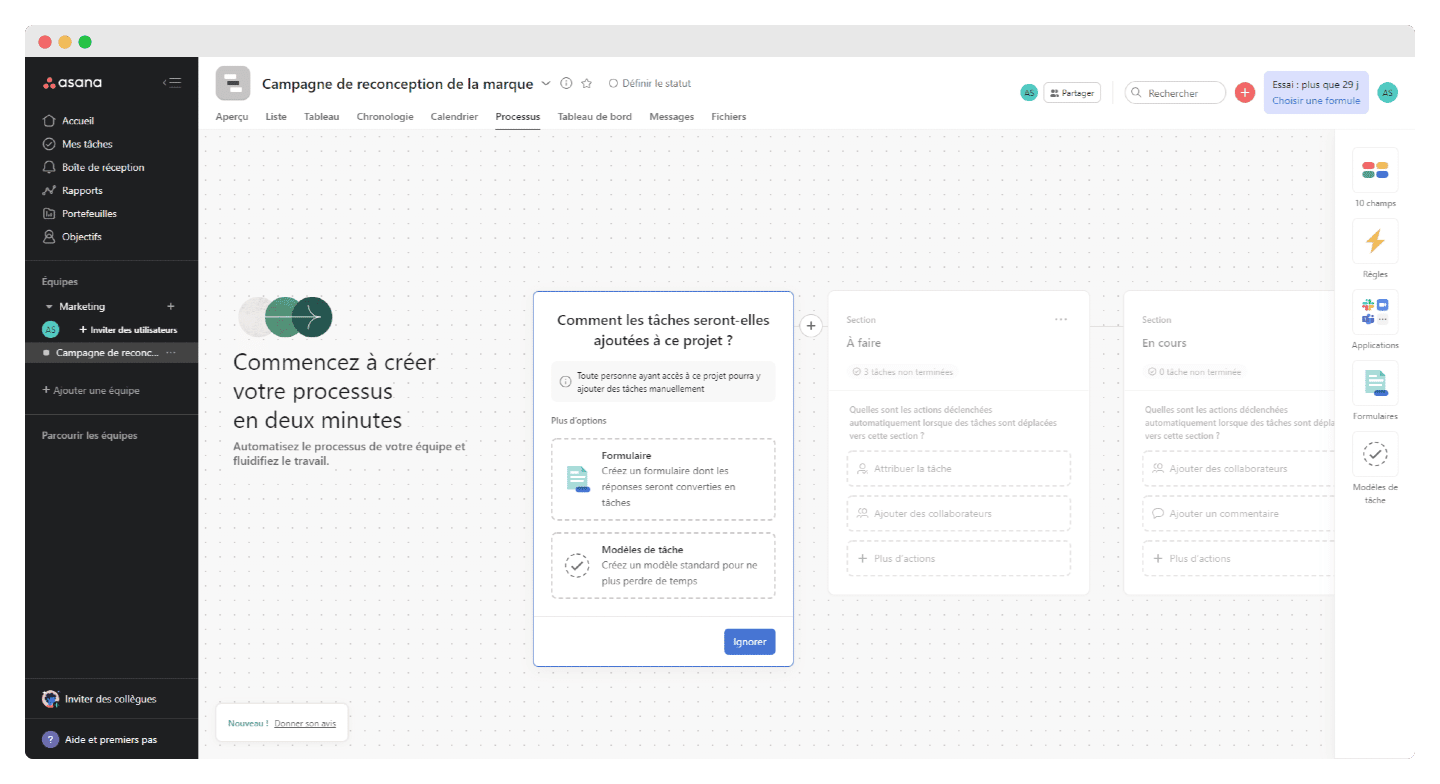
Rules are very simple to create, all the more so as there are ready-made options in the rule gallery:
- Alert in Slack when a project is completed
- Assign a task to the right teammate
- Set due dates
- Move tasks to the right project
Asana’s customer support
Asana’s customer support is quite divisive: on one hand, the software is fairly easy to roll out across your teams, and the support is fairly comprehensive and available in several languages. On the other hand, and this is really one of its weak points, it has a rather bad reputation judging by the reviews.
In terms of resources, they are very rich:
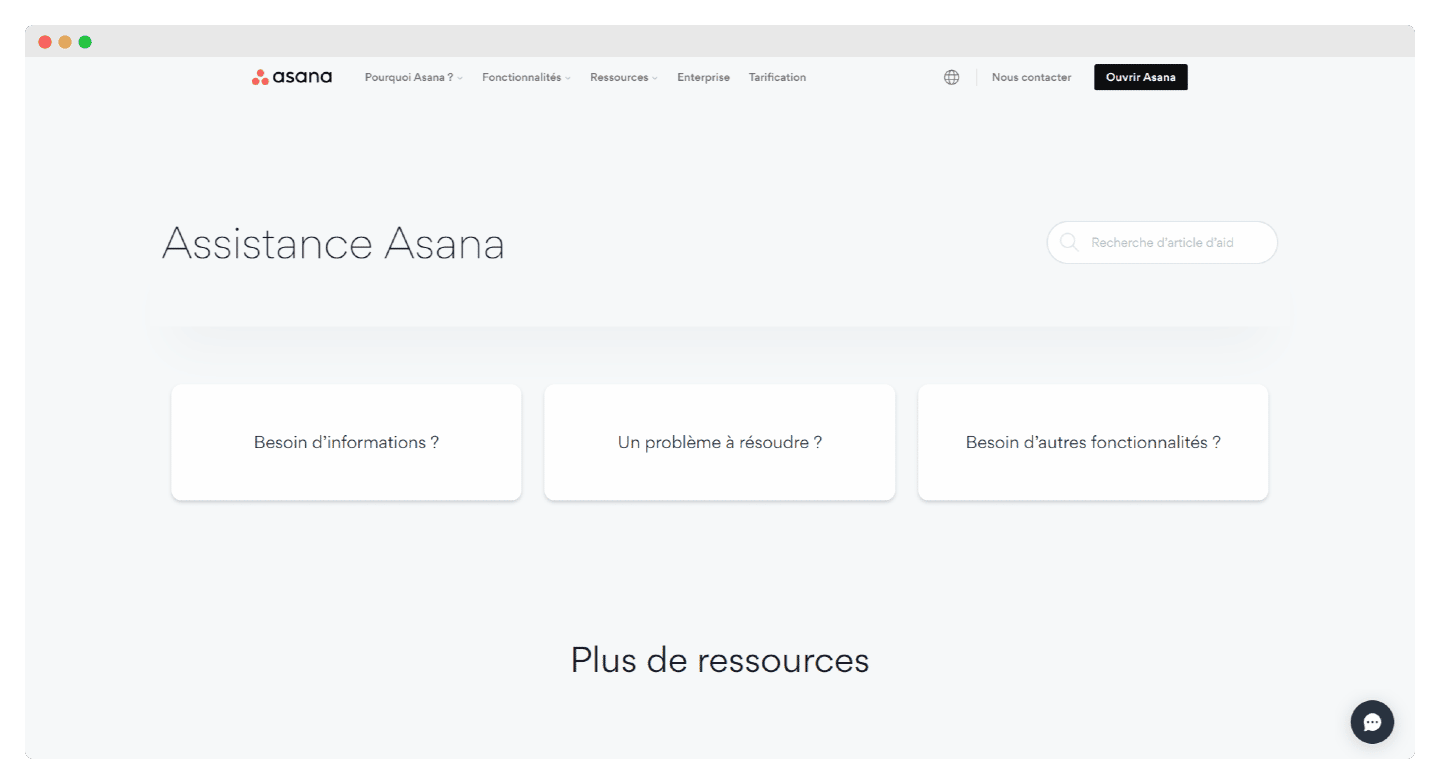
You can find online the answers to many of your questions thanks to comprehensive FAQs available in several languages.
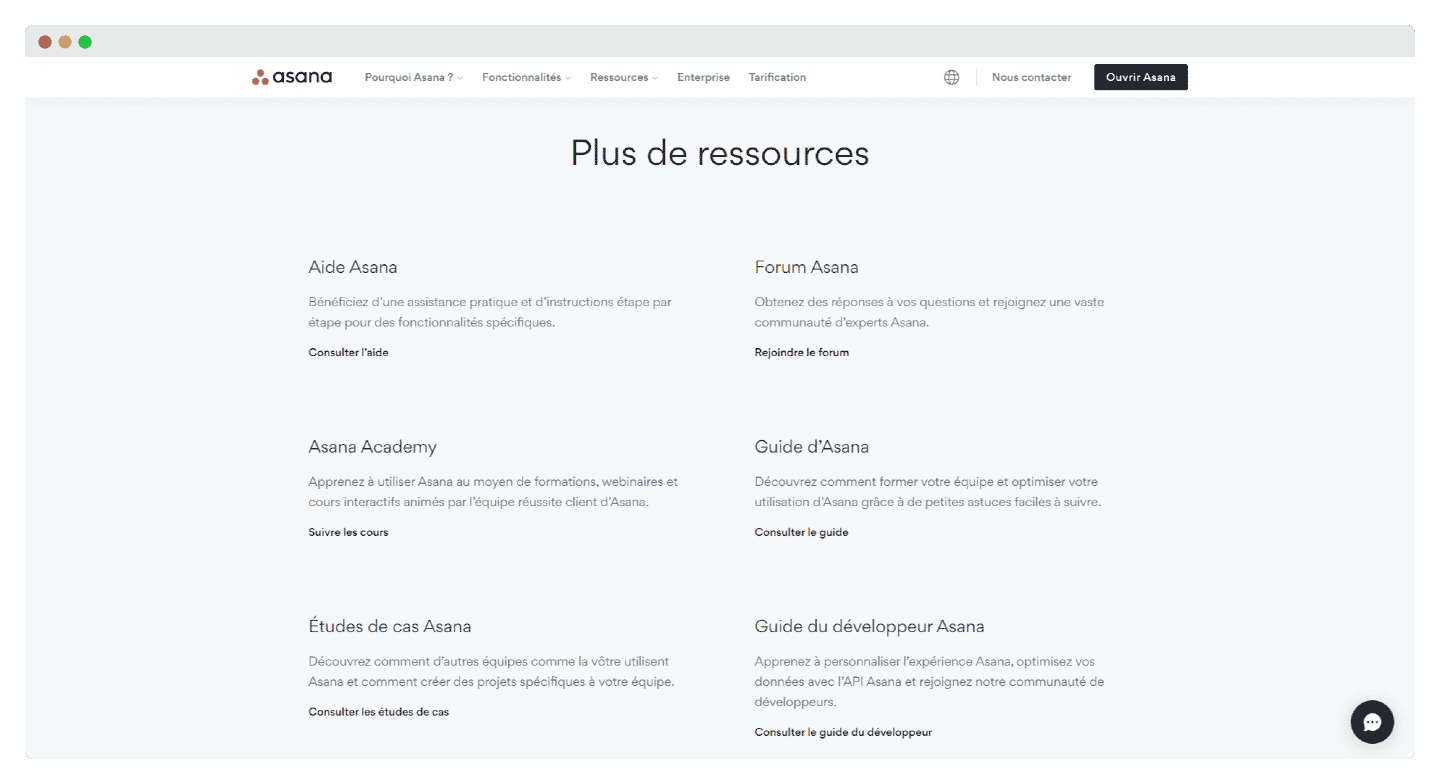
You can take part in the Asana Academy, which offers, for example, very well-made case studies showing how different types of companies and projects use Asana.
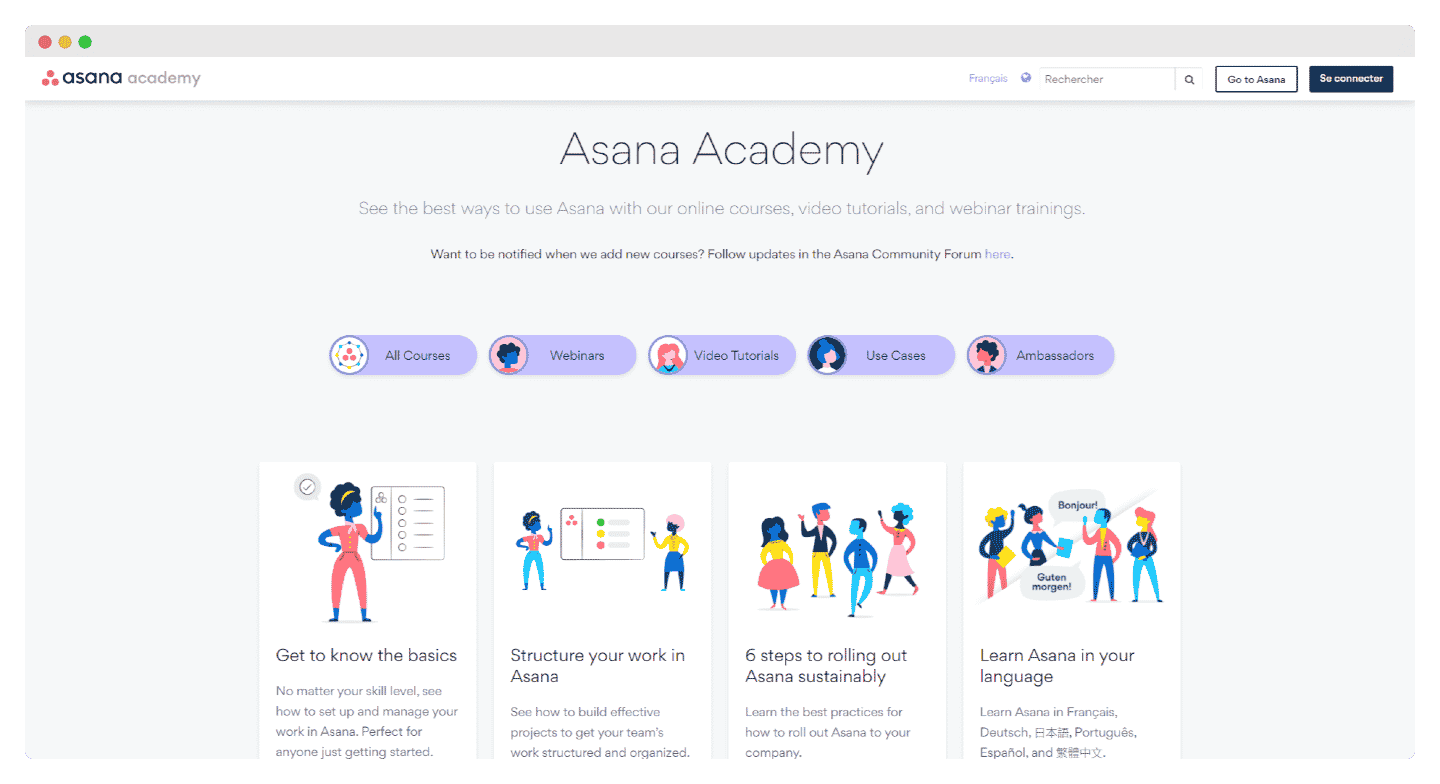
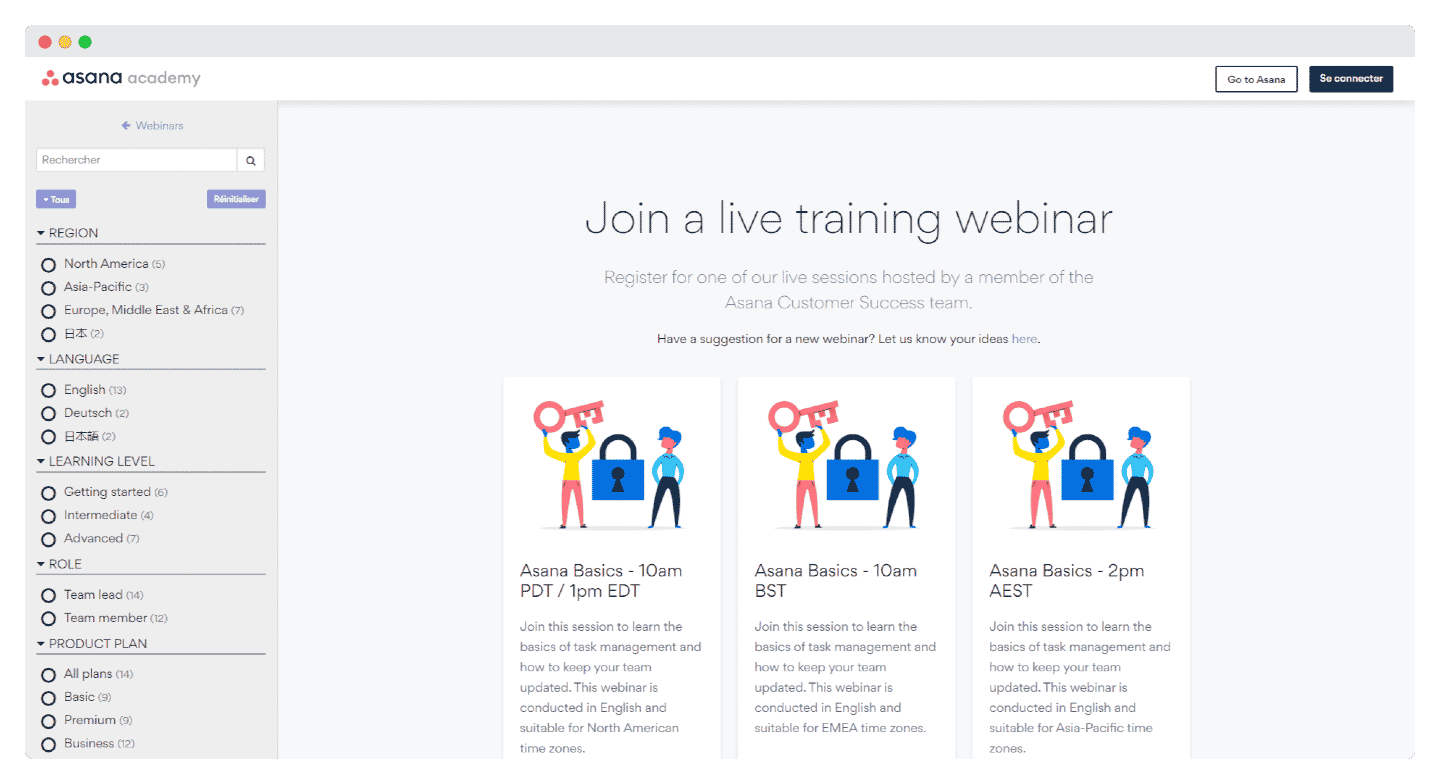
The Asana Academy is also rich in video tutorials and webinars. Note that they are mostly in English, even though some sessions exist in other languages.
If you cannot find what you need, you can of course contact customer service through a form on their website.
Integrations: a strong point for Asana
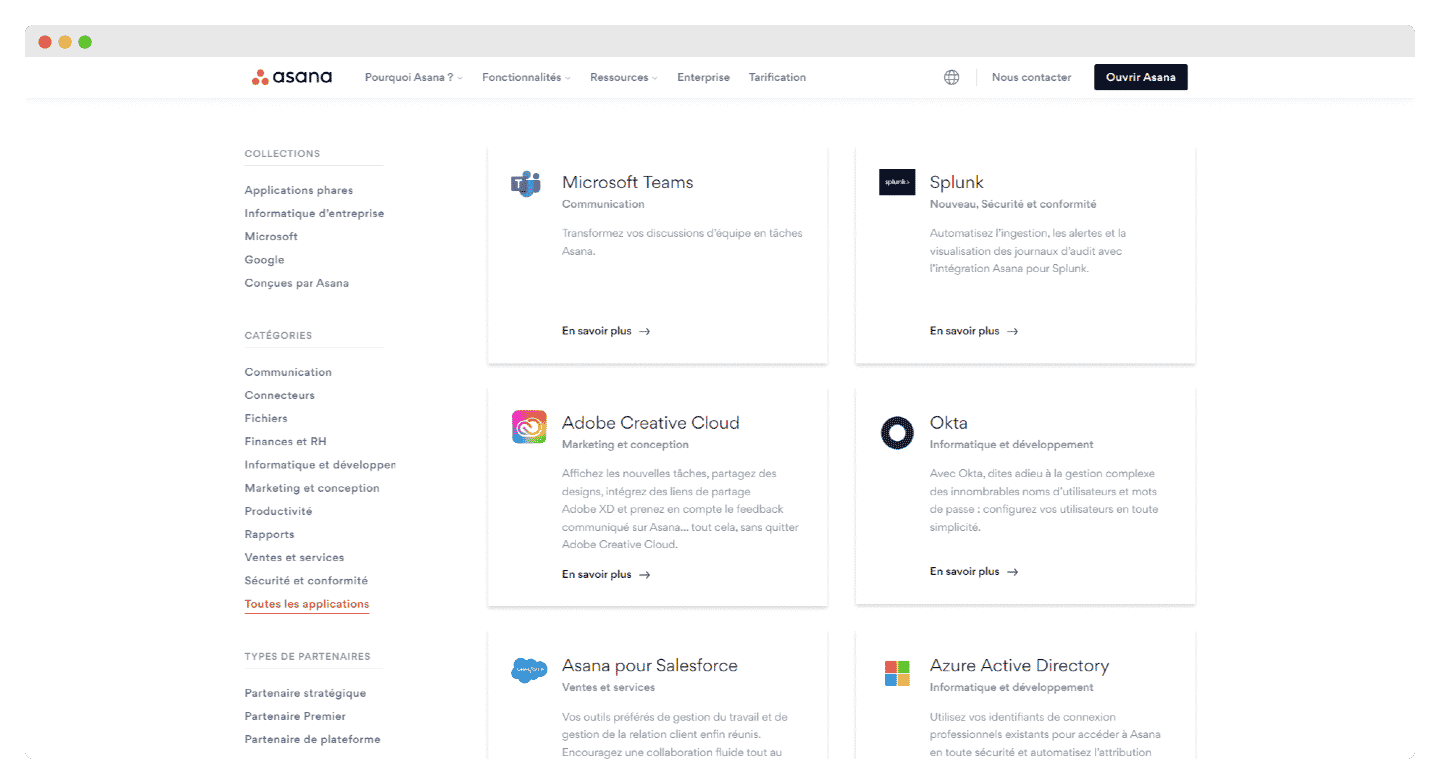
One of Asana’s strengths is its integrations catalog, which really helps extend its features. For example, your team is instantly notified in Slack as soon as a project or task is updated in Asana. One caveat though: some advanced integrations, such as Salesforce and Tableau, are not available on every plan.
To name just a few integrations, you will find:
- Design tools such as Canva, Adobe Creative Cloud, Figma.
- Customer support software such as Zendesk, Freshdesk, or HelpSpot for resolving the most complex tickets.
- Communication tools: Microsoft Teams, Zoom, Gmail, Outlook, Slack.
Asana: pricing
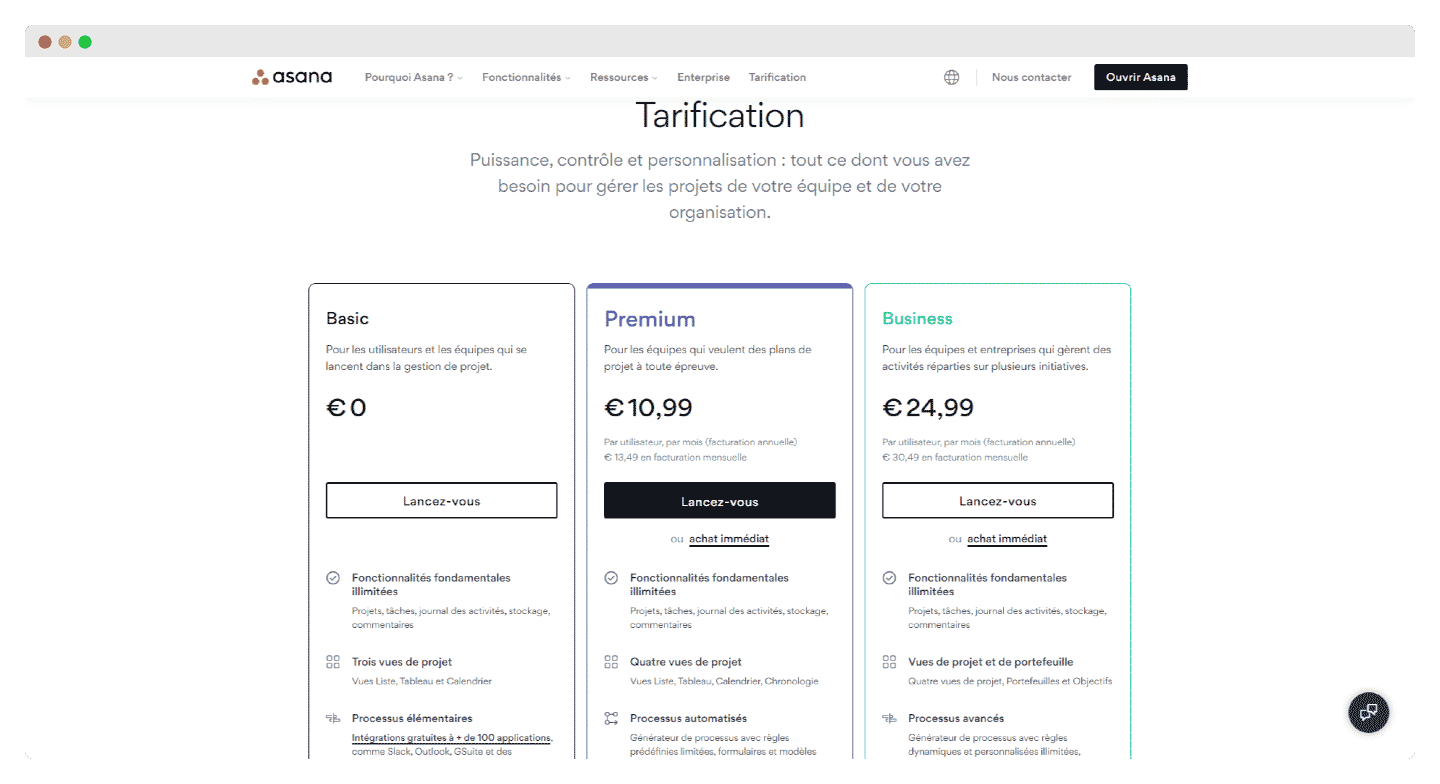
Asana’s big strength is its free plan and how much it includes: the main project and task features are unlimited, as is the number of integrations.
However, this plan is capped at two users and can quickly prove insufficient: the customization and automation features only make sense from the Starter plan up.
Asana offers three paid plans:
- Starter: from US$10.99 per user per month, billed annually (US$13.49 billed monthly). Compared with the free plan, you get rule automation and much more advanced reporting, with unlimited dashboards across an unlimited number of projects, and notably the very useful custom search feature.
- Advanced: from US$24.99 per user per month, billed annually (US$30.49 billed monthly). Customization and automation go even further: you can create your own dynamic rules.
- Enterprise: pricing on request. On top of the features mentioned above, this plan offers 24/7 support and much more advanced privacy and security features.