
The tool in detail
Help Scout after real-world use: feature scope, integrations, pricing and concrete limits.
Choosing the right customer support software is critical for your business, but it is easy to get lost among the many tools on the market.
Help Scout is the ideal platform for newcomers or small teams, because it is so easy to pick up. And the real plus is its value for money, which is hard to beat.
But its many features will also suit larger organizations perfectly well, thanks to a well-developed help center, easy ticket management and quality reporting.
Help Scout: features in detail
At Help Scout, every feature serves a purpose. And if customization is limited, it is above all because the platform bets on being easy to access and easy to use.
Support ticket management
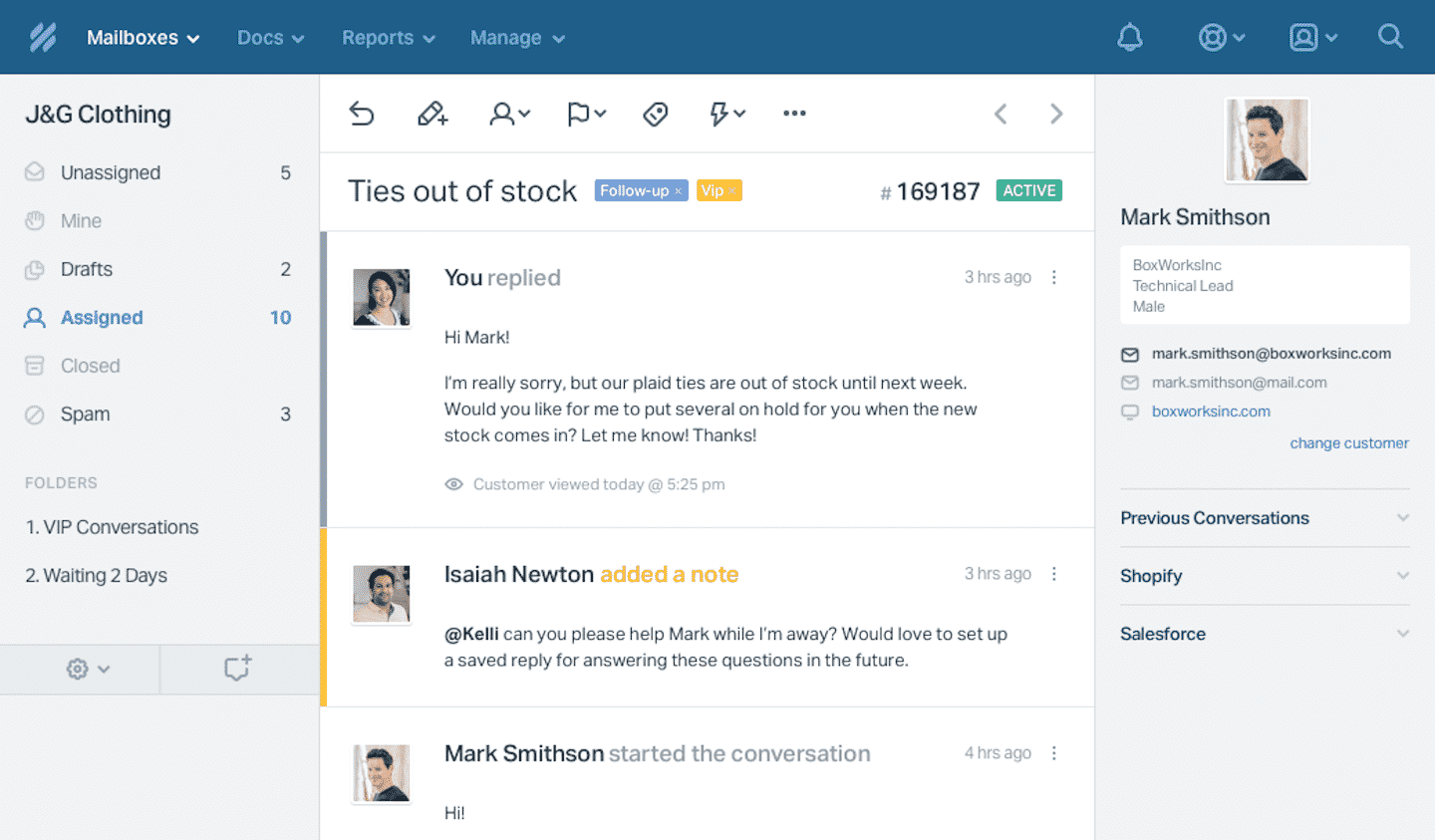
One of the first features of the Help Scout help center: shared inboxes. Each one holds the emails and live chats with customers, plus calls when a phone integration such as Aircall is connected, and all agents have access to them.
This system makes communication easier and, above all, avoids duplicate replies thanks to Help Scout’s collision detector: it shows in real time who else is viewing a message or replying to it.
Several features are tied to the inbox:
- Saved replies: you can use pre-written replies to move as fast as possible.
- Private notes: they let you leave messages for other agents to ask for help or bring someone in on a conversation.
- Tags: you can add them to messages to make reporting easier.
The nice touch: switching from the inbox to a one-to-one discussion with the customer takes a single click.
The management system is completed by Help Scout’s automated workflows. Built on if-then logic, they run repetitive tasks and save you time: sending bulk emails, assigning conversations to agents.
You can configure them to fit your needs: for example, as soon as a customer message contains the word laptop, the system routes it to your specialist on the topic.
The help center
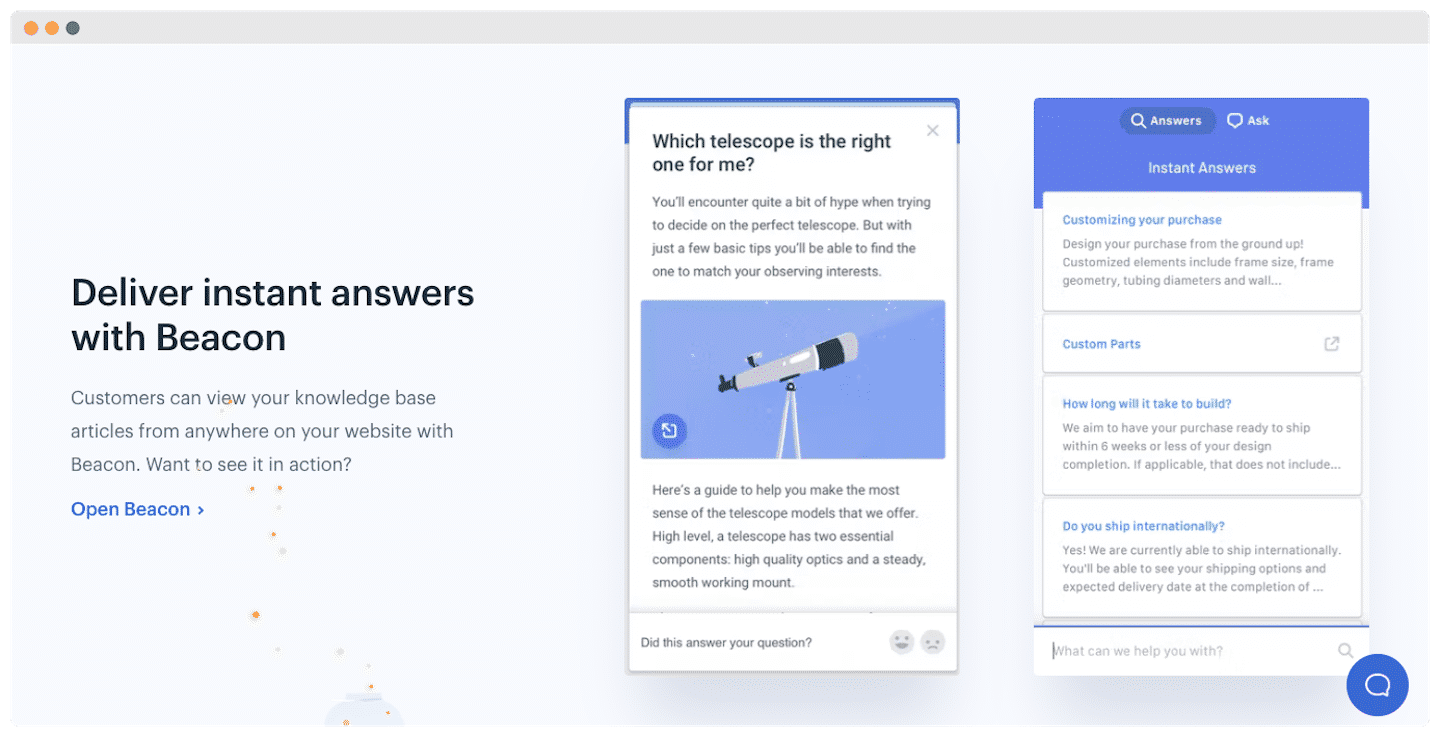
Its main feature is a very well-developed knowledge base, designed to improve customer service. The articles are aimed both at agents, with advice on the relevant information to give, and at customers looking for answers on their own.
According to Help Scout, this feature cuts conversations between agents and customers by 20%.
Any agent can customize the knowledge base through the message editor. Each company can create articles with customizable categories, related articles and keywords for SEO.
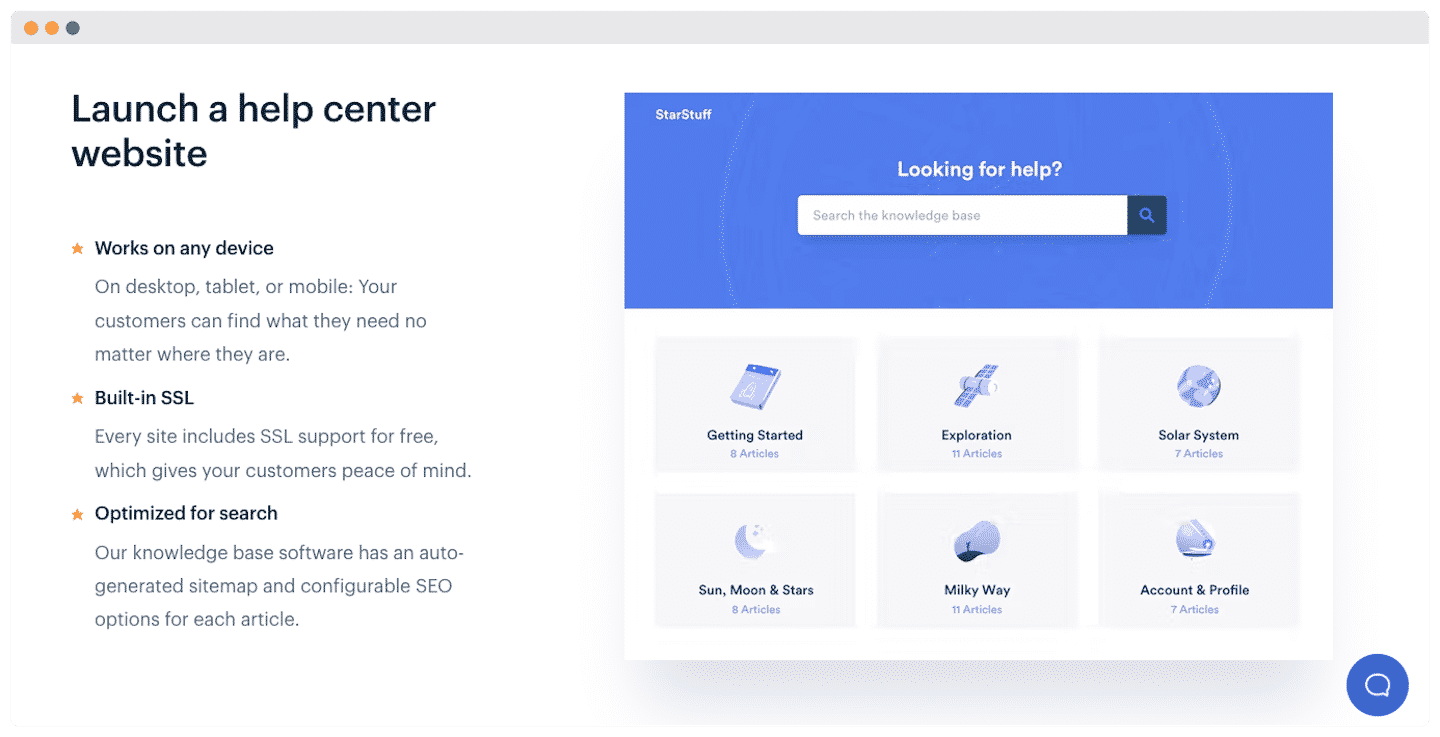
You can then embed your articles on any web page, including as a pop-up or in a sidebar. You can also make them available through Beacon, Help Scout’s widget.
Live chat and automatic replies
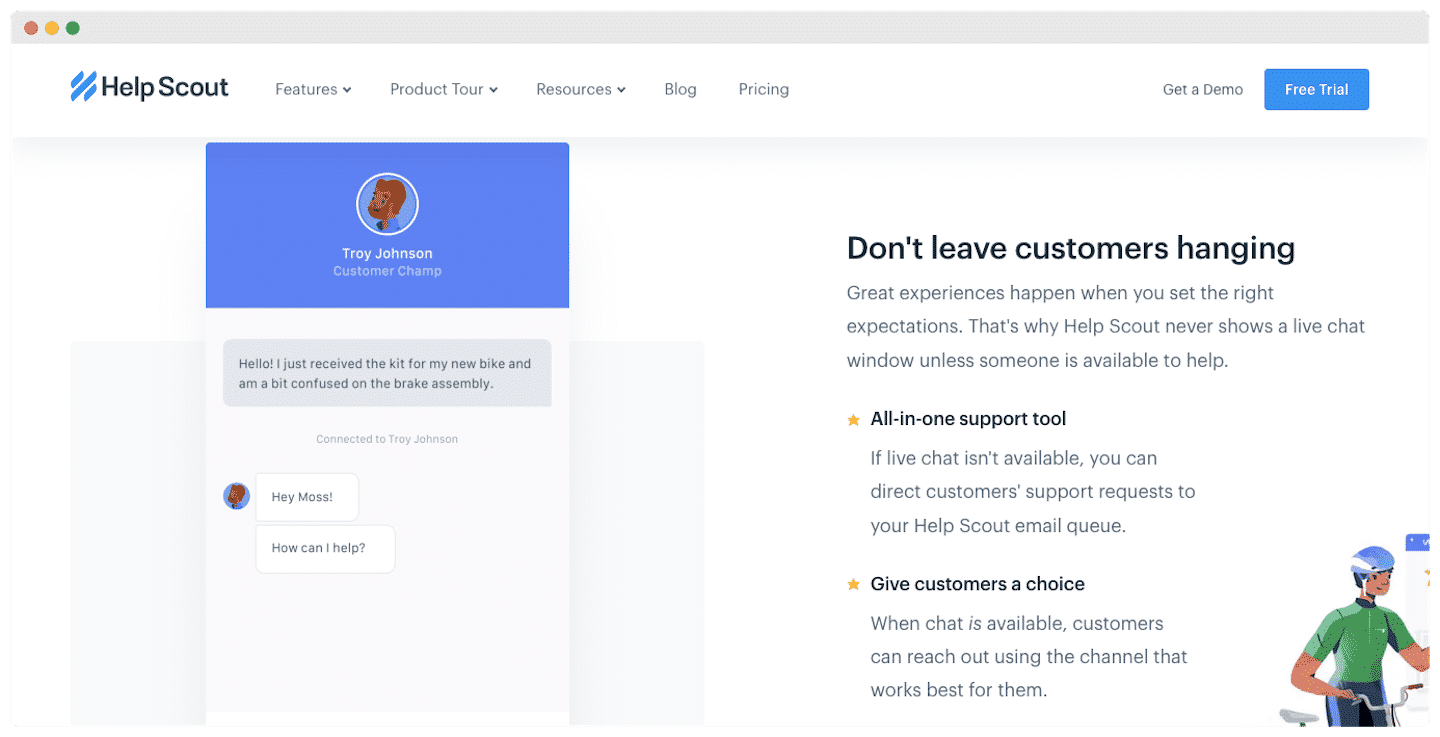
The live chat option limits the volume of conversations your agents have to handle: your customers find an answer easily thanks to the Beacon tool.
Beacon makes sure the chat window only appears when an agent is available. The tool can be customized with the Self service or Ask first modes, which guide customers as well as possible.
On top of that, the in-app messaging option lets you send a message from any website, blog or app using a tag: you cut down your support requests.
With a few extra lines of code, you can create your own custom replies, with reporting included.
Reporting at Help Scout
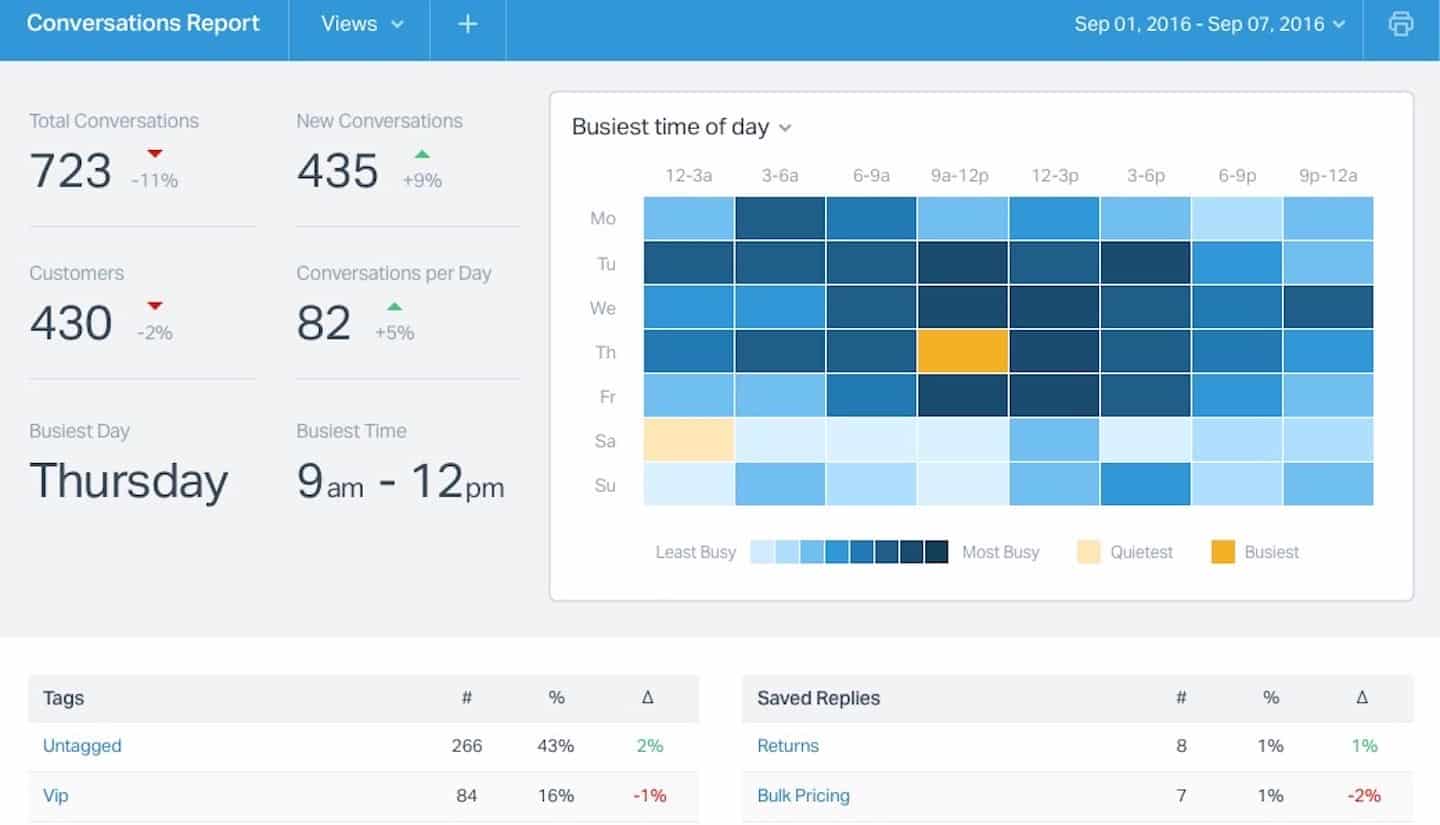
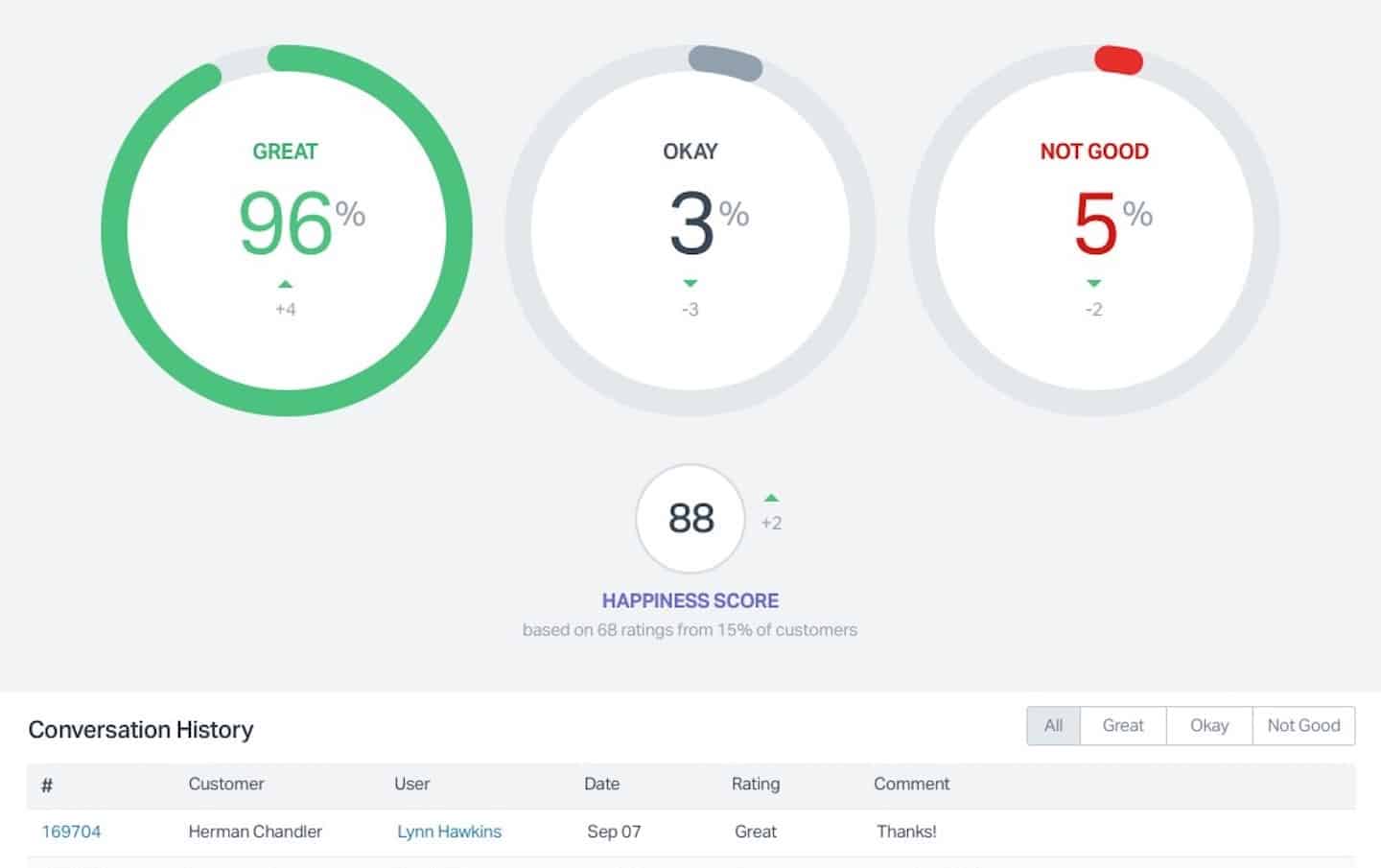
The success of customer service software is measured by its performance data. With Help Scout’s reports, your managers have all the information they need: chats, email, phone calls, knowledge base documents and customer satisfaction rates.
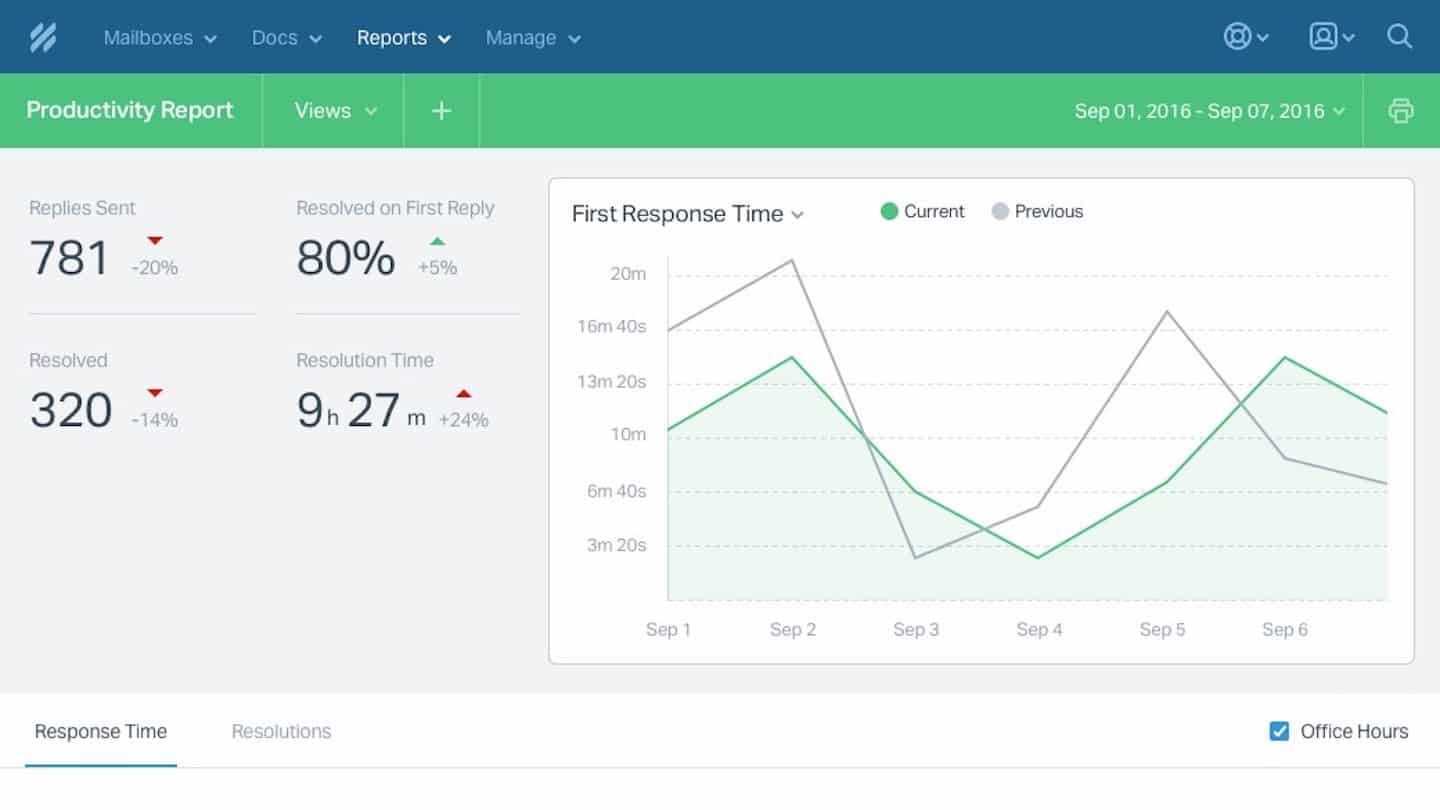
Other options are available for reports on your most loyal customers, workflows or saved replies.
Export this data to a spreadsheet, or use the Fivetran integration to connect it to your business intelligence applications.
Customer support at Help Scout
Customer support is available on all plans. Agents can be reached by email and chat 6 days a week, but there is no phone support.
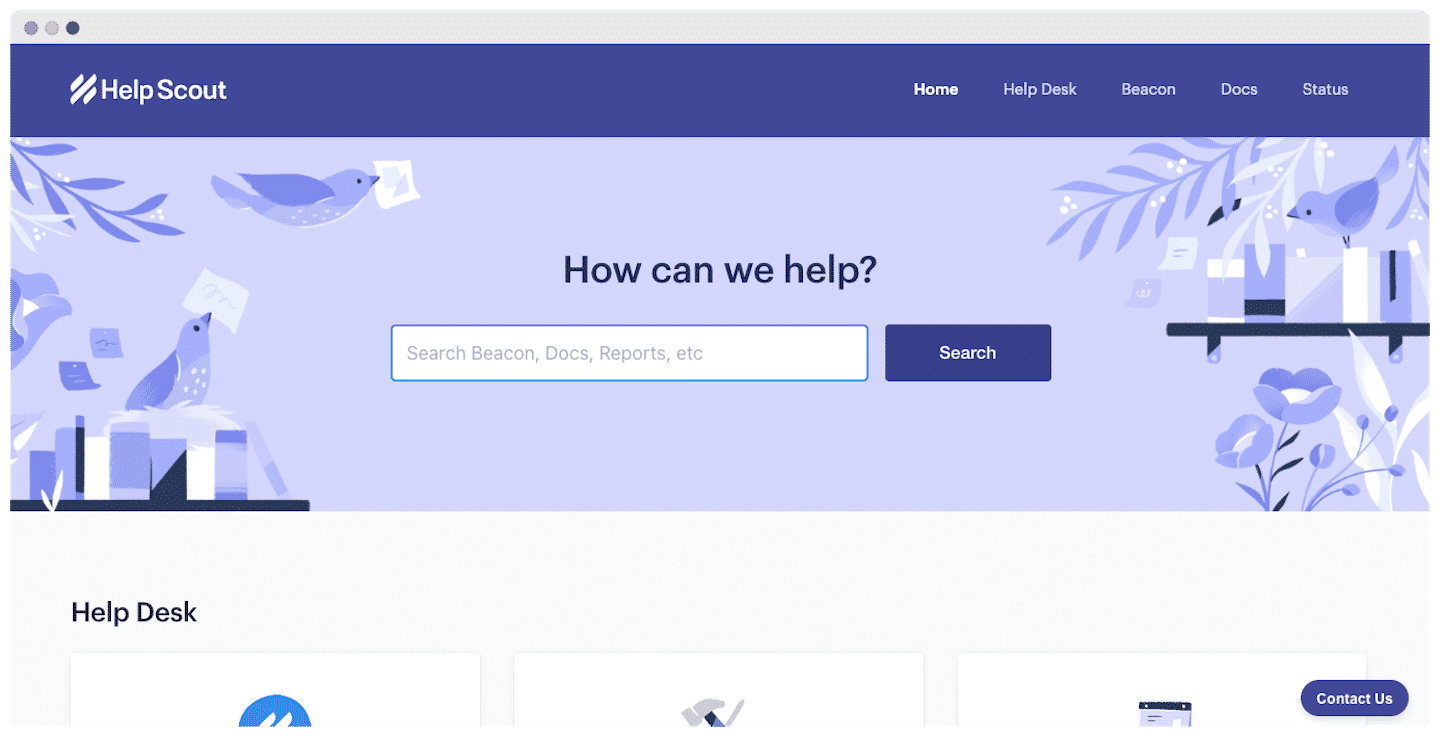
Support also gives access to online resources:
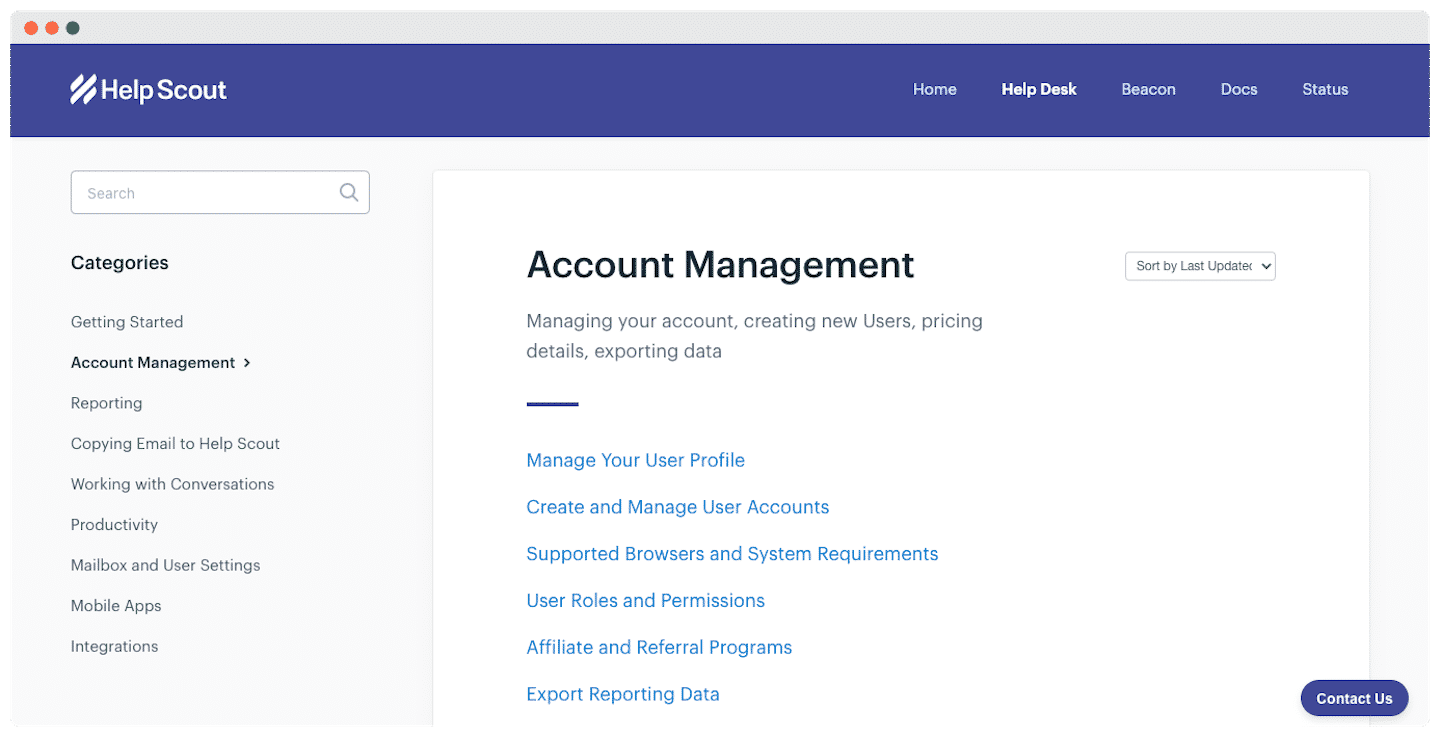
- Knowledge base: articles split into 8 categories, getting started, account management, mobile apps and integrations.
- Guides: detailed information on customer acquisition, support and retention.
- HelpU: live events, a monthly video series and articles written by customer service experts.
- Newsletters: on customer support, growth and culture, or product updates, with a choice of frequency, twice a week, weekly or monthly.
- Webinars: live or on demand, on a range of topics, customer experience, using the help center, branding.
Help Scout’s real plus is its customer-centric approach. Customers are much more than incident ticket numbers, which ensures quality service at every step.
Help Scout integrations
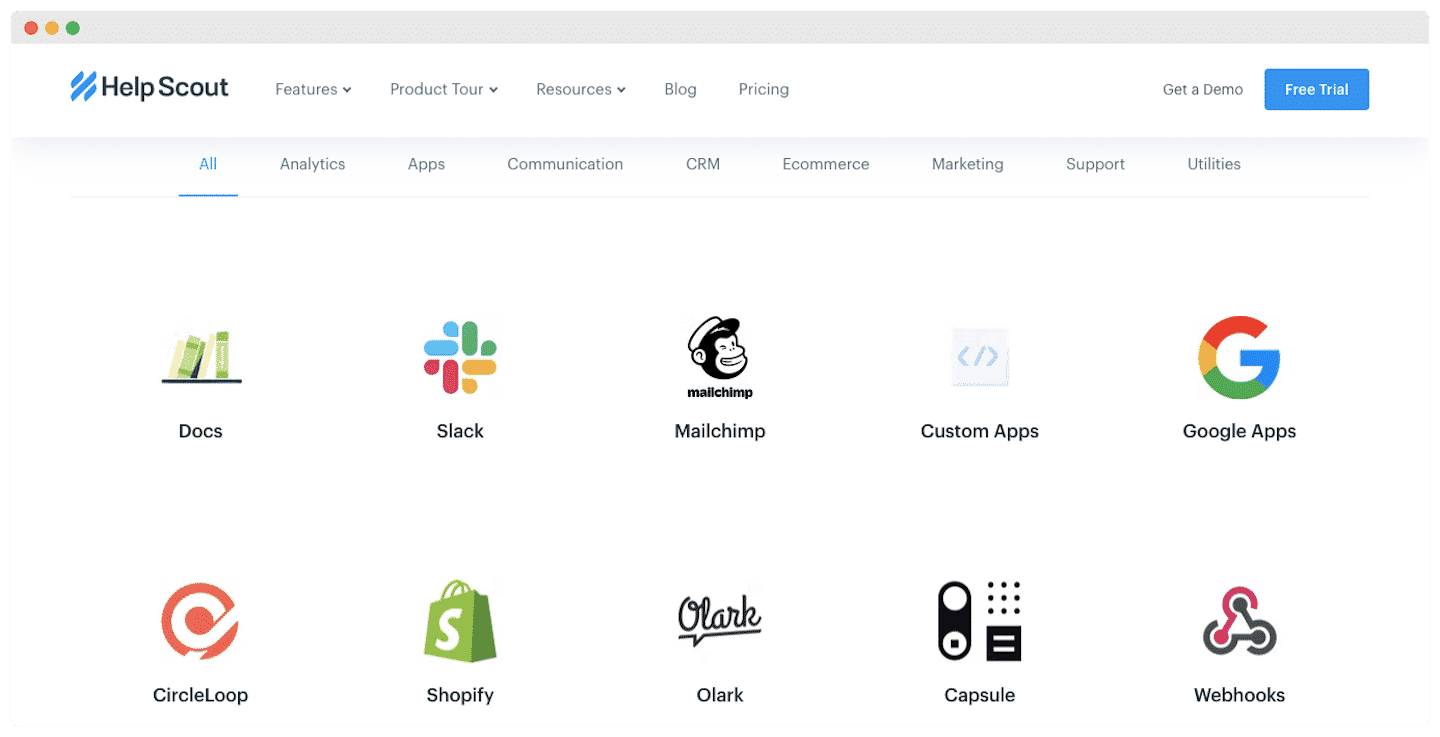
Help Scout offers more than 75 integrations split into 7 categories: analytics, communication, CRM software, e-commerce, marketing, support and utilities. You will find all the must-haves, such as Slack, WordPress or Mailchimp.
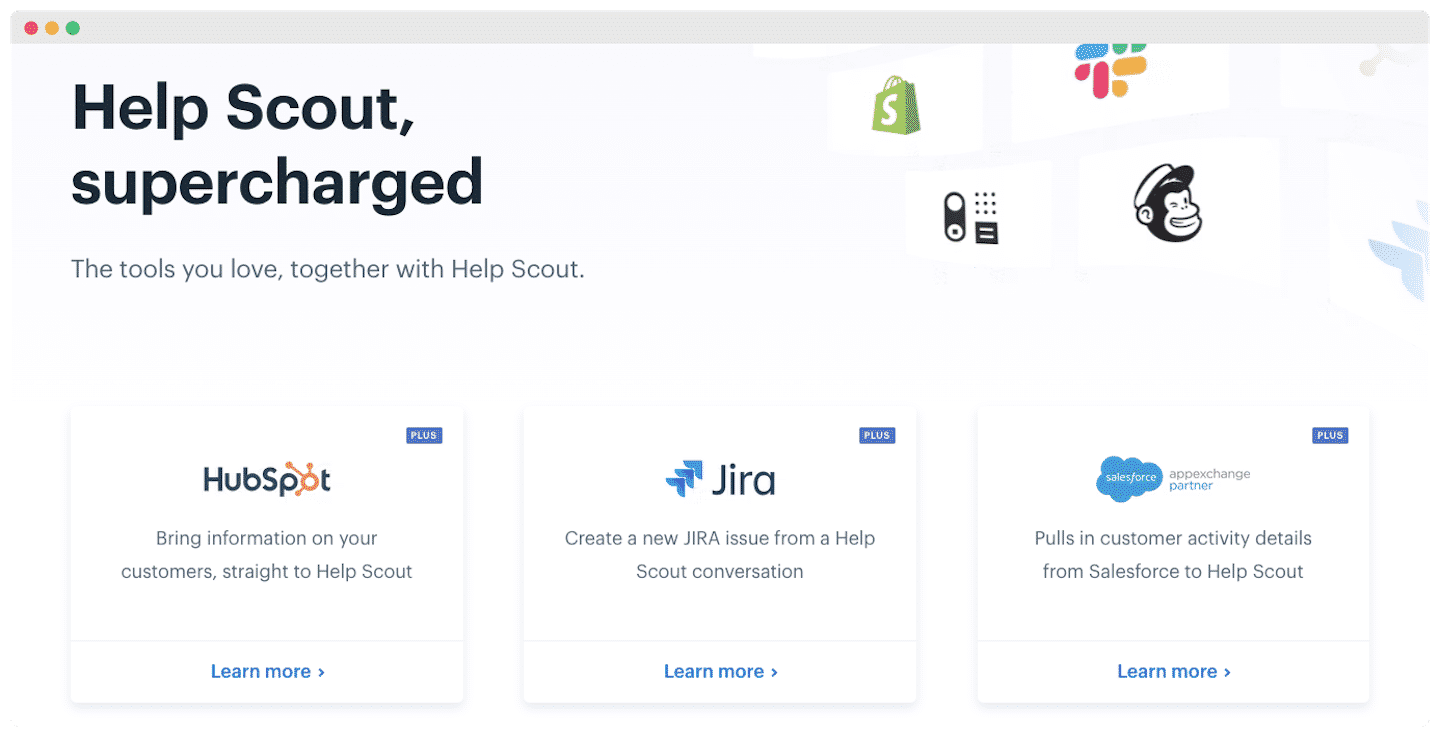
With the Plus plan, you also get HubSpot, Salesforce and Jira:
- With HubSpot and Salesforce, you transfer your customer history data and related information directly.
- With Jira, you create incident tickets directly from Help Scout, and the two apps sync in real time based on resolution status.
Help Scout pricing
- Free: up to 5 users and 100 contacts per month, no credit card required. Enough to test the tool in real conditions or handle a very small volume.
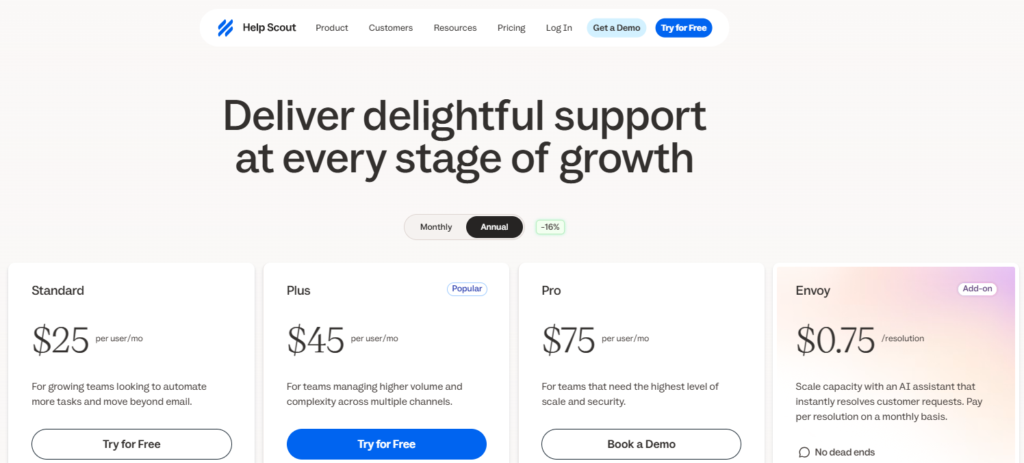
- Standard, at $25 per user per month ($30 billed monthly): this plan already gives access to most of the features, multiple inboxes, live chat and SMS, WhatsApp, Instagram and Messenger, multiple knowledge bases, simple workflows, one response time rule (SLA) and the inbox AI assistant. Contacts become unlimited.
- Plus, at $45 per user per month ($54 billed monthly): it adds advanced workflows, two advanced SLA rules, a secure customer portal, unlimited AI drafts, round robin conversation assignment, internal teams and advanced integrations, Salesforce, HubSpot or Jira.
- Pro, at $75 per user per month ($90 billed monthly): this plan is built for teams that need the highest level of security. It brings unlimited workflows and SLAs, SSO, HIPAA compliance, up to 50 read-only users, an onboarding specialist and a dedicated account manager. It is only available after a demo.
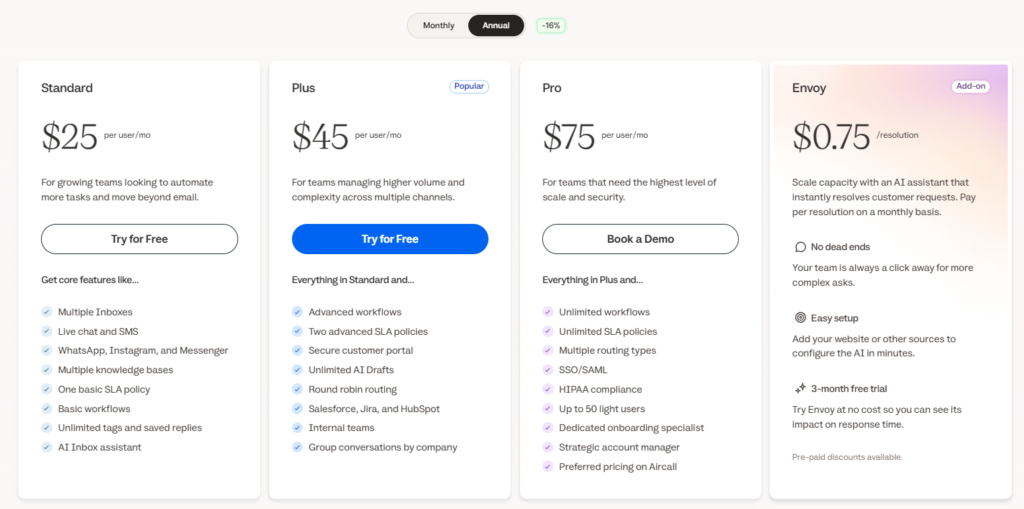
That is not all. You can also use Envoy, an AI agent that answers customer requests directly, billed at $0.75 per resolved conversation, with a 3-month free trial. The Standard and Plus plans can be tried free for 15 days, no credit card required, and annual billing saves you 16%.