The 6 Best Web Scraping Tools, from Beginner to Very Advanced

Web scraping means extracting data from a website in a structured way. Six tools compared, from the most accessible to the most technical: Google Sheets, Web Scraper, Apify, Captain Data, Scrapy and Puppeteer, to be chosen according to the number of rows to collect and your technical level.

Maxime Ben Bouaziz
Maxime Ben Bouaziz
CEO Salesdorado, IA & Sales Tech
October 13, 2020, updated November 10, 2026, 1 min read
See all tools

Web scraping means extracting data from a website in a structured way, to put it in a table: building a prospecting file, enriching an existing database, monitoring a competitor’s prices. The right tool depends on two things: the number of rows to collect and your technical level.

Depending on your need:

  • a few hundred rows, without leaving a spreadsheet: Google Sheets and its IMPORTXML function;
  • several thousand rows without writing code: the Web Scraper extension;
  • data from well-known sites (Google Maps, Instagram, TikTok…) with a scraper that’s already written: Apify;
  • up-to-date records of B2B people and companies, through an API: Captain Data;
  • a custom scraper in Python: Scrapy;
  • pages that only display in JavaScript: Puppeteer, which drives a real browser.

Before opening a tool, think about copy-paste. A table displayed on a page can often be pasted as is into Excel or Google Sheets, and the job is done in a minute. I’ve caught myself several times looking for a complicated pattern on a table when a copy-paste would have done the job: automating only makes sense if the operation repeats or if the volume requires it.

The six tools below are ranked from the most accessible to the most technical.
The 6 tools, side by side

# Logos tool Score Price Best for
01 Captain Data 4.2/5 ★ €59.99 Teams that want up-to-date B2B data on people and companies, through an API, without maintaining a scraper Visit site
02 Google Sheets 4.0/5 ★ Free Small scraping jobs, under 1,000 rows, done directly in a spreadsheet Visit site
03 Web Scraper 4.1/5 ★ $40 Novices tackling large volumes (more than 1,000 rows) without writing code Visit site
04 Apify 4.0/5 ★ $19 Scraping between 1,000 and 10,000 rows with pre-configured bots, without managing a server Visit site
05 Scrapy 4.3/5 ★ Free Python developers who want to scrape quickly, locally, on their own servers or in the cloud Visit site
06 Puppeteer 4.4/5 ★ Free Large projects on pages generated in JavaScript, when the data source remains inaccessible Visit site
01

Captain Data

4.2/5 From €59.99

Best for: Teams that want up-to-date B2B data on people and companies, through an API, without maintaining a scraper

+ Strengths
  • Takes care of the technical side: you focus on the data
  • B2B contact and company enrichment (people, companies, search)
  • Search compatible with LinkedIn Sales Navigator filters
  • Volume discounts
− Downsides
  • Credit-based billing with a 2,500-credit minimum, about €150 per month
  • Has become a data API: no longer a no-code scraping tool
  • Neither email nor phone number in the records
★ Captain Data in brief

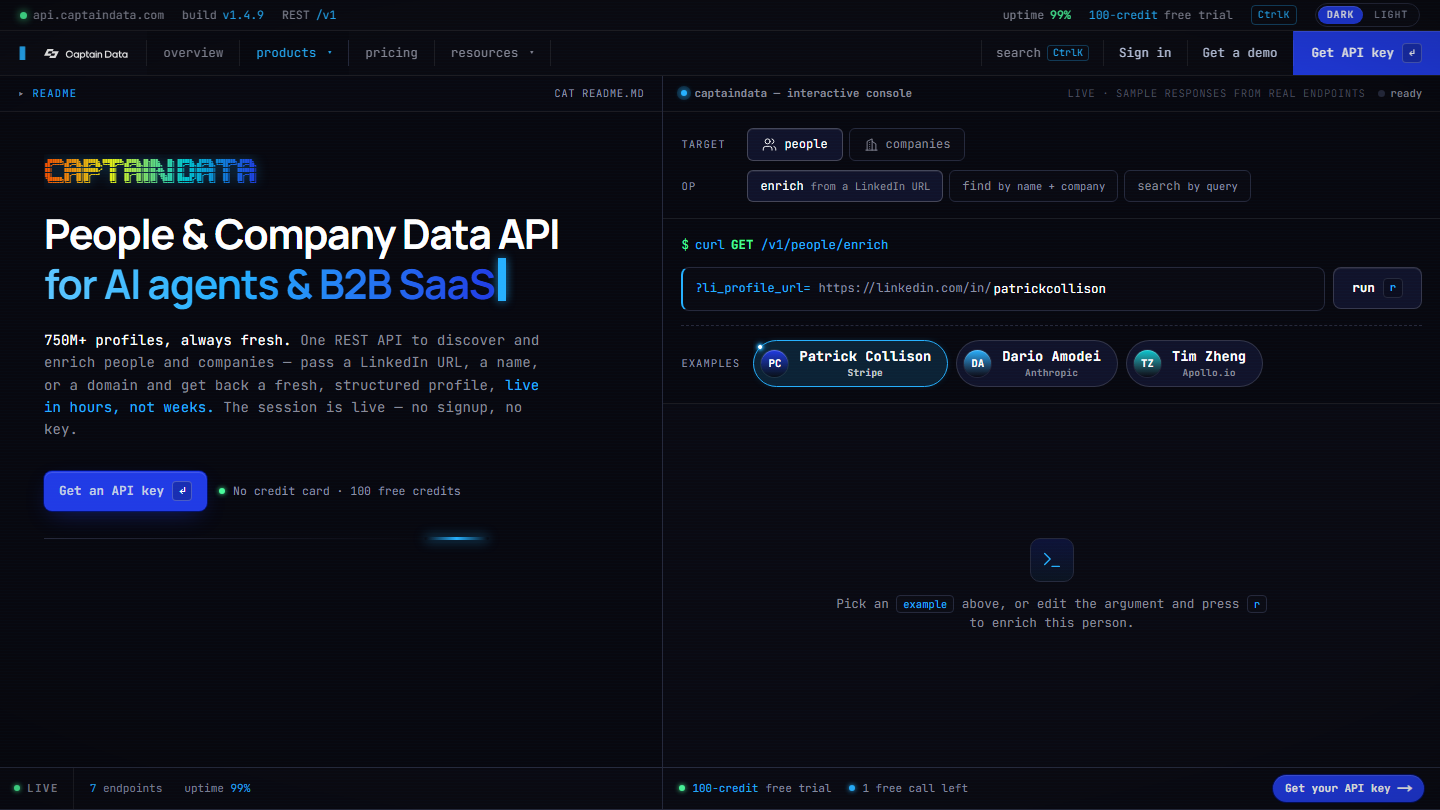
Captain Data homepage: “People & Company Data API for AI agents & B2B SaaS”, with a console that enriches a profile from a LinkedIn URL

Captain Data used to be a no-code automation tool, with ready-to-run scenarios on LinkedIn, Sales Navigator or directories. The vendor has changed course: Captain Data is now a data API on people and companies, designed for B2B software vendors and AI agents. The vendor claims more than 750 million profiles.

In practice, you send the API a LinkedIn URL, a name and a company, or a domain, and you get back a structured record: job title, career history, company, size, industry. The search for people and companies reuses the Sales Navigator filters. Captain Data does not provide emails or phone numbers, however: you need to complete it with a contact enrichment tool.

For a sales team, it’s a tool to be plugged in by a developer, or through an automation tool, into a CRM or a home-built application. The scraping itself, its maintenance and the blocking by websites remain the vendor’s responsibility.

The Bronze tier costs €59.99 per 1,000 credits, billed monthly, with a minimum purchase of 2,500 credits. One enriched record costs 1 credit. The trial gives 100 credits with no credit card.

02

Google Sheets

4.0/5 From Free

Best for: Small scraping jobs, under 1,000 rows, done directly in a spreadsheet

+ Strengths
  • IMPORTXML function: any element of a page via XPath
  • Usable as a flow, not only in batch
  • Opens the door to processes that refresh or enrich data
  • Free with a Google account
− Downsides
  • Requires knowing XPath, which is learned fairly quickly
  • Hardly viable beyond 1,000 rows
★ Google Sheets in brief

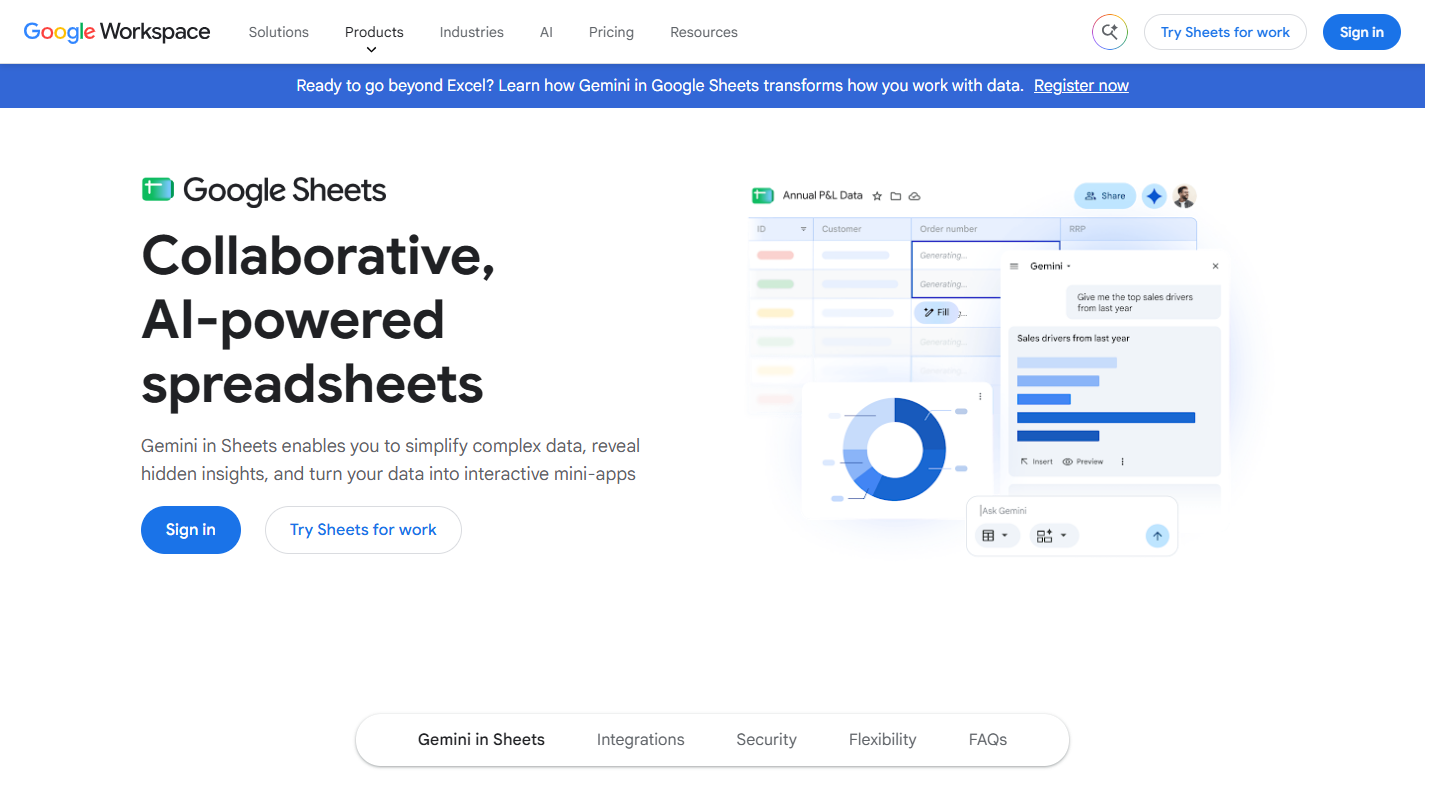
Google Sheets website: “Collaborative, AI-powered spreadsheets”

Google Sheets is not a scraping tool, but its IMPORTXML function turns it into one. You give it the address of a page and an XPath query, and the cell fills up with the elements found: titles, prices, links, the content of a specific tag.

In practice, you paste a list of URLs in a column and write the formula once in the neighboring column, then drag it down. That’s what we use in Salesdorado’s lead scorer to get the homepage title of the domain associated with a contact’s email address. XPath syntax takes an hour to learn, and it will come in handy with all the more advanced tools in this list.

Since the data stays in a spreadsheet, you can chain steps: clean it, cross it with another tab, send it to a CRM. Google recalculates IMPORT functions every hour, which is enough to follow a page that rarely changes. The method shows its limits as soon as the site requires a login or displays its content in JavaScript: the formula then returns an empty cell.

Free with a Google account.

03

Web Scraper

4.1/5 From $40

Best for: Novices tackling large volumes (more than 1,000 rows) without writing code

+ Strengths
  • No-code tool, no XPath to write
  • Handles pagination and interactions with the page
  • Tutorials easy to pick up, even without having coded
  • Free browser extension
− Downsides
  • Fairly slow, both to set up and to run
  • Paid Cloud version: $50 per month, $40 billed annually
★ Web Scraper in brief

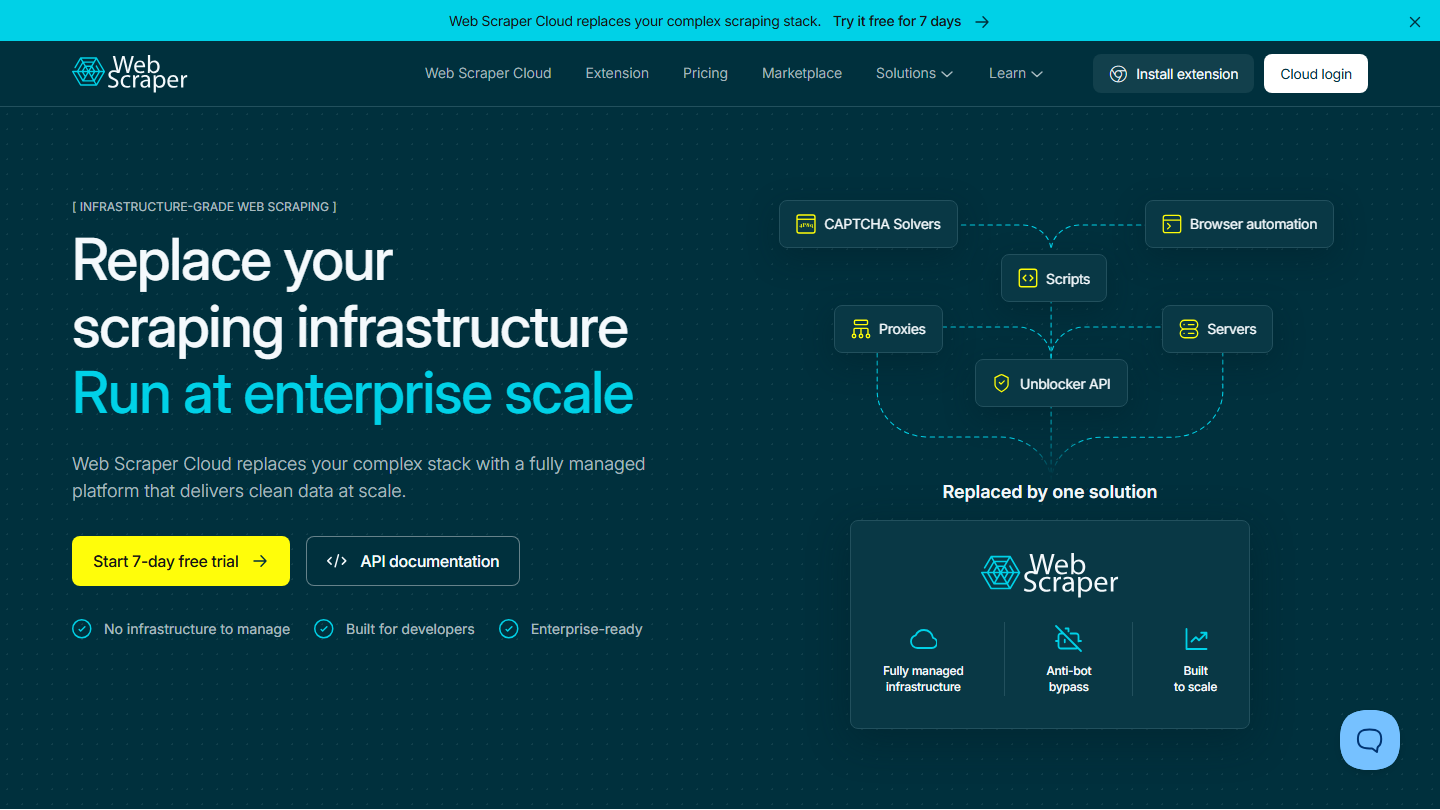
Web Scraper homepage: “Replace your scraping infrastructure”, with the 7-day free trial of Web Scraper Cloud

Web Scraper is a Chrome extension that lets you build a scraper by clicking on the page, without writing code. It goes further than you’d think: pagination, clicking a “see more” button, moving from a list to each detail page.

In practice, you open the site to scrape, then the Web Scraper tab of the developer tools. You create a “sitemap”, that is, the path the tool will follow: the list page, the link to each record, then the fields to capture on the record (name, address, phone number). You start the extraction, the browser goes through the pages before your eyes and you get a CSV or Excel file. The tutorials are easy to follow, even if you’ve never written a line of code in your life.

The extension runs on your computer: during a large scraping job, the browser is busy. Web Scraper Cloud runs the same sitemaps on the vendor’s servers, with scheduling and an API. The vendor states that its Cloud version does not extract data from social networks, LinkedIn included.

The extension is free for local use. Web Scraper Cloud starts with the Project plan at $50 per month ($40 billed annually), then Professional at $100 and Scale from $200, with a 7-day trial.

04

Apify

4.0/5 From $19

Best for: Scraping between 1,000 and 10,000 rows with pre-configured bots, without managing a server

+ Strengths
  • Very complete library of “actors”, pre-configured bots
  • No server setup to manage, IP rotation included
  • Bots turned into flows via the API to refresh datasets
  • Free plan
− Downsides
  • Requires a fairly good knowledge of the web
  • Can get expensive fast on a project that calls the same site a lot
★ Apify in brief

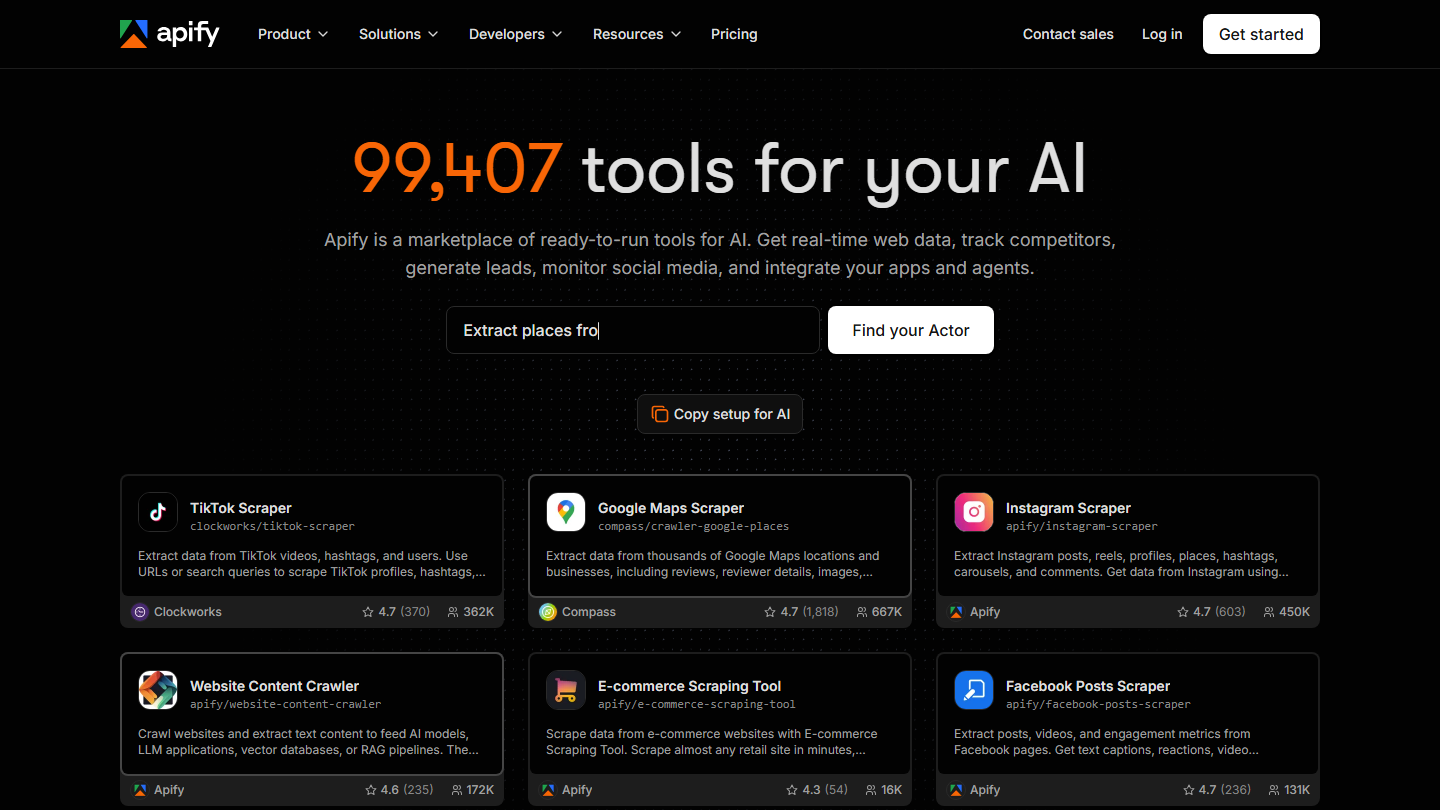
Apify homepage: the search for Actors and ready-to-use scrapers for TikTok, Google Maps or Instagram

Apify is a platform where you run scrapers in the cloud, without installing anything. Its strength is its library: nearly 100,000 “Actors”, bots already written for Google Maps, Instagram, TikTok, e-commerce sites or any site you need to crawl.

In practice, you search for the Actor that matches your need, for example “Google Maps Scraper”, you fill in a form (keywords, city, number of results) and you launch it. Results arrive in a table that can be exported as CSV, Excel or JSON. The platform handles the servers and IP address rotation, which prevents the target site from blocking you.

We used Apify to build Salesdorado’s email finder: in our use, Actors ran about ten times faster than the same tasks on PhantomBuster. Actors can also be launched by API, to refresh a dataset at regular intervals. Some of the Actors are published by independent developers: check the rating and the number of users before relying on them.

The free plan gives $5 of usage credits per month, enough to test. The Starter plan costs $19 per month, then Scale at $199 and Business at $999.

05

Scrapy

4.3/5 From Free

Best for: Python developers who want to scrape quickly, locally, on their own servers or in the cloud

+ Strengths
  • A reference for Python fans
  • Very efficient and well-documented framework
  • Runs locally, on servers or lambdas, or on Scrapy Cloud
  • Free and open source
− Downsides
  • Limited on pages generated in JavaScript
  • Reserved for those who write Python
★ Scrapy in brief

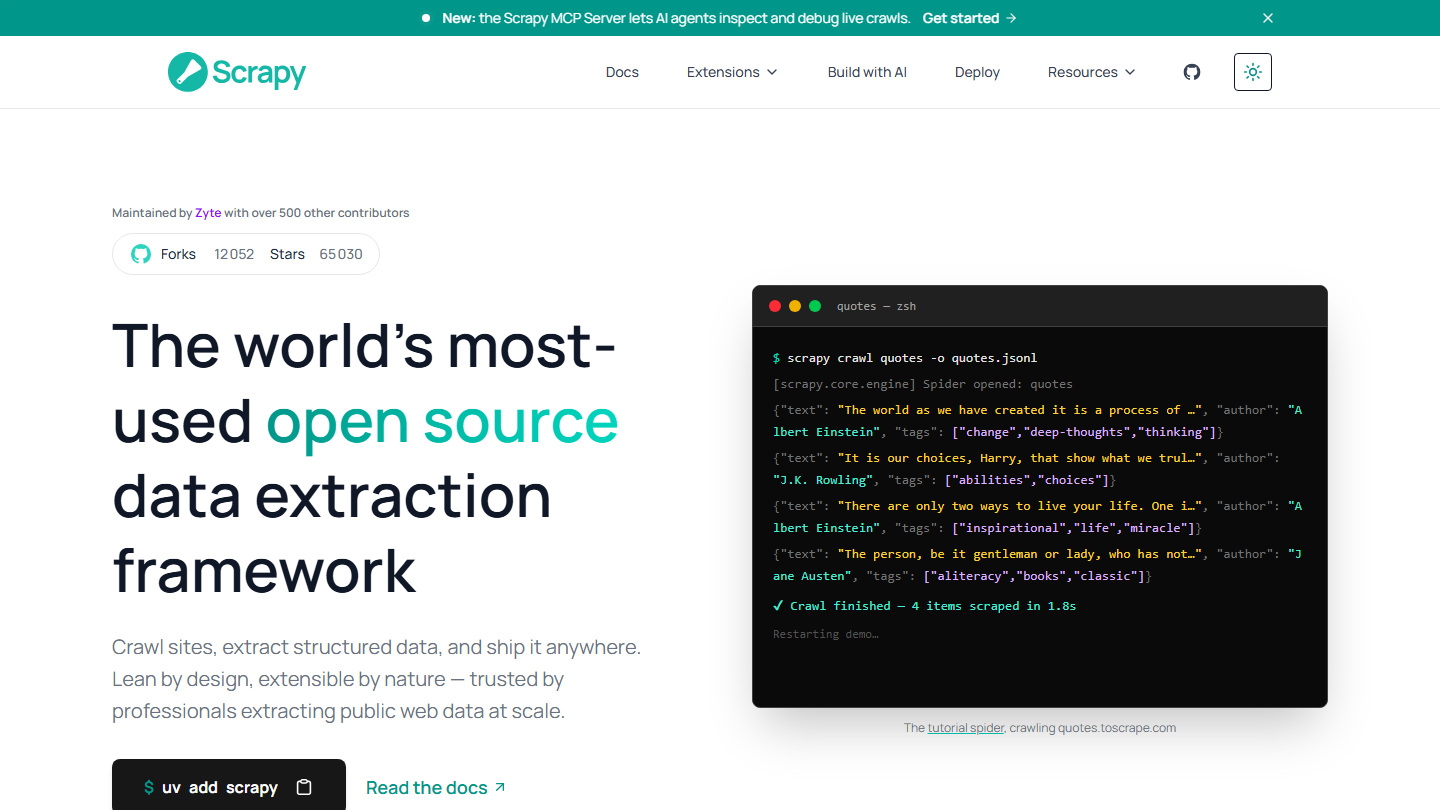
Scrapy homepage: “The world’s most-used open source data extraction framework”, with a command-line crawl example

Scrapy is the reference framework for scraping in Python. It is free, open source and maintained by the company Zyte with more than 500 contributors.

In practice, you write a “spider”, a Python class that says where to start, which links to follow and which fields to capture on each page. Scrapy takes care of the rest: parallel requests, queue, retries on error, export as CSV or JSON. You run it locally, on your servers or your lambdas, or on Scrapy Cloud, the hosting offered by Zyte.

Its limit lies in pages built in JavaScript, which are more and more common: Scrapy reads the HTML code returned by the server, not the page as the browser displays it. Often, the page fetches its data from an API that you can call directly, and Scrapy becomes the right solution again.

Scrapy is free. Scrapy Cloud has a free Starter plan (one hour of crawling, data kept for 7 days) and a Pro plan at $9 per month per unit.

06

Puppeteer

4.4/5 From Free

Best for: Large projects on pages generated in JavaScript, when the data source remains inaccessible

+ Strengths
  • Gets through almost every site, JavaScript pages included
  • Simple to write in NodeJS and remarkably well documented
  • Free, open source library, maintained by Google, that drives Chrome or Firefox
− Downsides
  • Prior knowledge required
  • Costly to set up, in time or in money
★ Puppeteer in brief

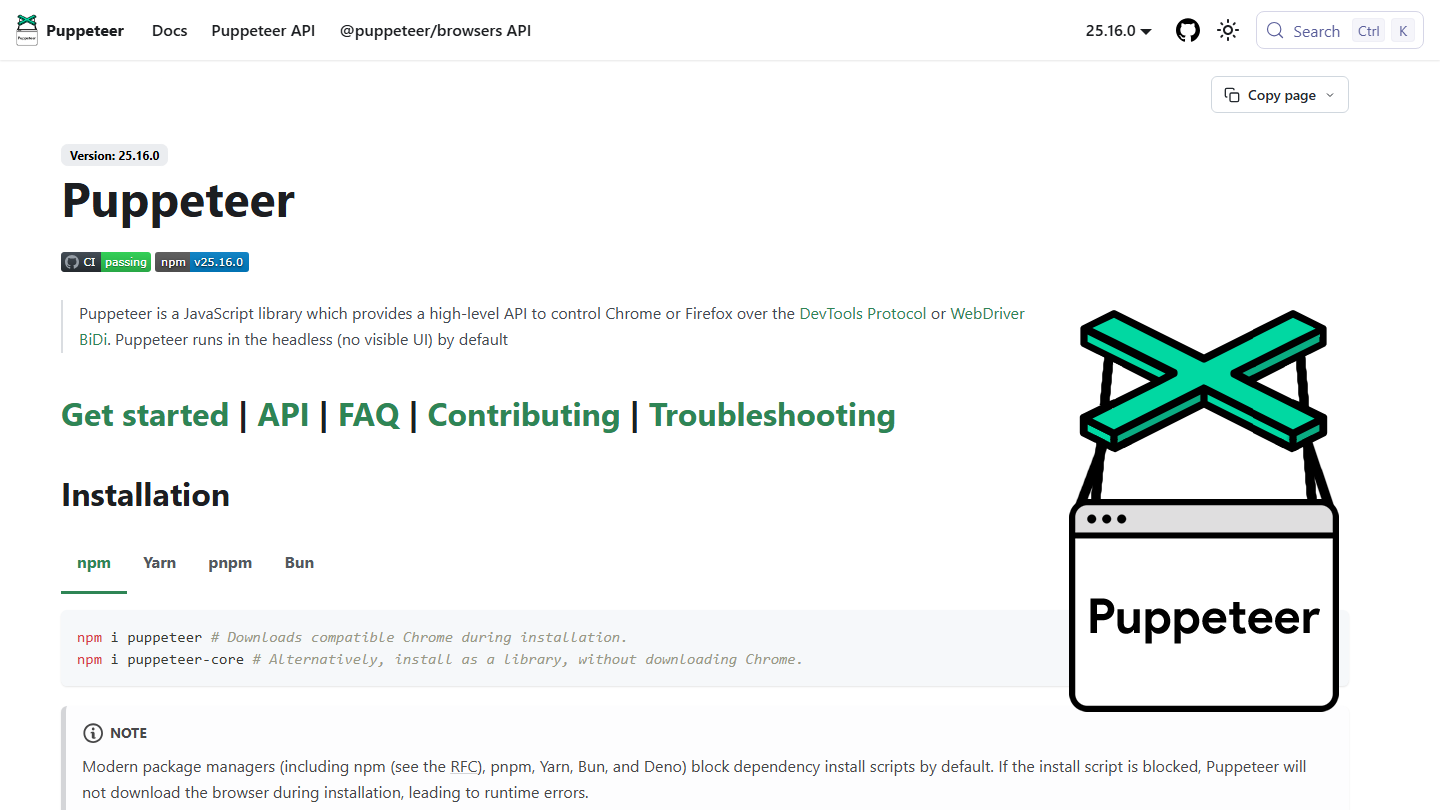
Puppeteer documentation homepage, a JavaScript library that drives Chrome or Firefox

Puppeteer is a JavaScript library that drives a real browser, Chrome or Firefox, from a script. The browser loads the page like a visitor would, JavaScript included, then the script reads what is displayed. It is the last-resort solution when the data source can’t be called directly (most of the time, it returns a 403 error).

In practice, a Puppeteer script opens a page, waits for an element to appear, clicks, scrolls, fills in a search field, then retrieves the text you want. At Salesdorado, we use it in NodeJS: it’s simple to write and remarkably well documented. Python fans will rather go for Selenium; Playwright, from a Microsoft team, offers the same approach in several languages.

A browser consumes far more memory and time than a simple request: each page costs more to scrape than with Scrapy. Before writing your script, check that a bot doesn’t already exist for that site on Apify. It works quite often and saves you trouble.

Puppeteer is free and open source, maintained by the Chrome browser automation team at Google.

How we chose these 6 tools

Every tool in this selection has been used in real conditions by our team or by a Salesdorado consultant, in a B2B sales and marketing setting. No ranking built from a marketing deck. The order of the list is not a ranking: the right tool depends on your needs.

  1. 01
    Benchmark scope

    Broad identification of the tools on the market (G2, Capterra, Salesdorado customer feedback, LinkedIn signals). Initial filtering, then a short list based on a 2-hour setup per tool.

  2. 02
    Test conditions

    3 to 4 weeks of active use per tool, with data representative of a B2B sales use case. When a tool targets a specific profile (SDR, AE, Ops, Marketer…), we match the tester accordingly.

  3. 03
    Weighted criteria

    For each category, 5 to 7 axes weighted according to what matters in the segment: UX, feature depth, native integrations, support, pricing at scale, compliance (GDPR, security), and roadmap quality.

  4. 04
    Independence

    No tool is scored in exchange for payment. Partner links (affiliate) are marked as such and do not influence the score. Non-partner tools are included when their place in the ranking is deserved.

  5. 05
    Updates

    The ranking is reviewed every 6 to 12 months or on every major release of a tool mentioned. The date of the last check is shown at the top of the article.

The questions we get over and over.

Can you do web scraping without a tool?

Yes, with a simple copy-paste. You can copy entire Wikipedia tables into an Excel file or a Google Spreadsheet: postal codes, common first names or phone dialing codes can be collected in a minute. The method is very fast but very limited.

How do you scrape a web page with Google Sheets?

With the =importxml function and an XPath query. For example, =importxml(“https://salesdorado.com/automatisation/meilleurs-outils-webscraping/”, “//h2”) retrieves all the H2 headings of the page. The method becomes hardly viable beyond 1,000 rows.

Which scraping tool to choose if you can’t code?

Web Scraper is a no-code tool, fairly easy to use, that handles pagination and interactions with the page, with no XPath to write. It is, however, fairly slow, both to set up and to run.

How do you scrape pages generated in JavaScript?

First look for the data source directly in the browser’s “Network” tab. If it can’t be called, you have to go through a browser: Puppeteer in NodeJS, or Selenium for Python fans.

Should you run your scraping locally or in the cloud?

If you call many sites, a few times each, run everything locally with a good Internet connection. If you call a single site many times, look at AWS Lambda to handle IP rotation.

★ The conversation, 0 comments

What the community says.

Basic Markdown, moderated within 24 h
Loading…

    In the same category