Our selection of the best monitoring software

Eight monitoring tools compared in three families. Curation and alerts: Feedly (Pro €6.99 per month billed annually, Feedly AI in Pro+ at €12.

Maxime Ben Bouaziz
Maxime Ben Bouaziz
CEO Salesdorado, IA & Sales Tech
October 24, 2025, updated November 10, 2026, 1 min read
See all tools

Keeping up with what is said about your market, your brand or your competitors has become a never-ending job. There are too many sources. Between online press, blogs, newsletters and social networks, the amount of information to process is far beyond what a human can absorb. Without a method or a tool, monitoring quickly turns into constant background noise where the essentials get lost.

Monitoring software collects these sources automatically, filters them according to your criteria and gives you back only what matters. Some simply centralize your feeds, others analyze sentiment, share of voice or trends over several years. The market is therefore quite mixed. Depending on your need:

  • organize your sources and let AI sort them: Feedly
  • keep control of your feeds, filters and rules: Inoreader
  • track a keyword on no budget: Google Alerts
  • find out which content gets reactions on your topic: BuzzSumo
  • follow your online reputation across the web, social networks and review sites: Mention
  • measure your press coverage internationally: Meltwater
  • analyze years of online conversations: Brandwatch
  • compare your brand with your competitors on social networks: Onclusive Social
The 8 tools, side by side

# Logos tool Score Price Best for
Curation and alerts
01 Feedly 4.6/5 ★ €6.99 Monitoring pros who want an AI to sort, classify and summarize their sources Visit site
02 Inoreader 4.6/5 ★ €6.67 Seasoned monitoring pros who want to keep control of their sources, filters and rules Visit site
03 Google Alertes 3.8/5 ★ Free Personal or one-off monitoring of a brand or a keyword, on no budget Visit site
Social and content monitoring
04 BuzzSumo 4.5/5 ★ $159 Marketing and PR teams who want to know which content generates engagement Visit site
05 Mention 4.2/5 ★ On request Agencies and large companies running multi-brand or international monitoring Visit site
Strategic monitoring suites
06 Meltwater 4.5/5 ★ On request PR and communication teams who track their press coverage internationally Visit site
07 Brandwatch 4.7/5 ★ On request Communication, marketing or research departments analyzing conversations over several years Visit site
08 Onclusive Social 4.5/5 ★ On request Large organizations that want a 360° competitive view of their market Visit site

Curation and alerts

The foundation of any monitoring: centralize your reading, RSS feeds, newsletters and alerts in one place, without depending on social network algorithms. Simple and often free, these tools stay limited as soon as you need to analyze or share.

01

Feedly

4.6/5 From €6.99

Best for: Monitoring pros who want an AI to sort, classify and summarize their sources

+ Strengths
  • Feedly AI (Pro+): feeds filtered by topic, deduplication and keyword filters
  • Tags, folders, notes and highlighting to organize your monitoring
  • Follows sites, blogs, newsletters and Google News searches
  • Free plan: 100 feeds and 3 folders
− Downsides
  • Price gap between Pro+ (€12.15) and Market Intelligence ($1,600 per month)
  • Interface, support and documentation in English only
  • Slack, Teams and API reserved for the Enterprise plan, on request
★ Feedly in brief

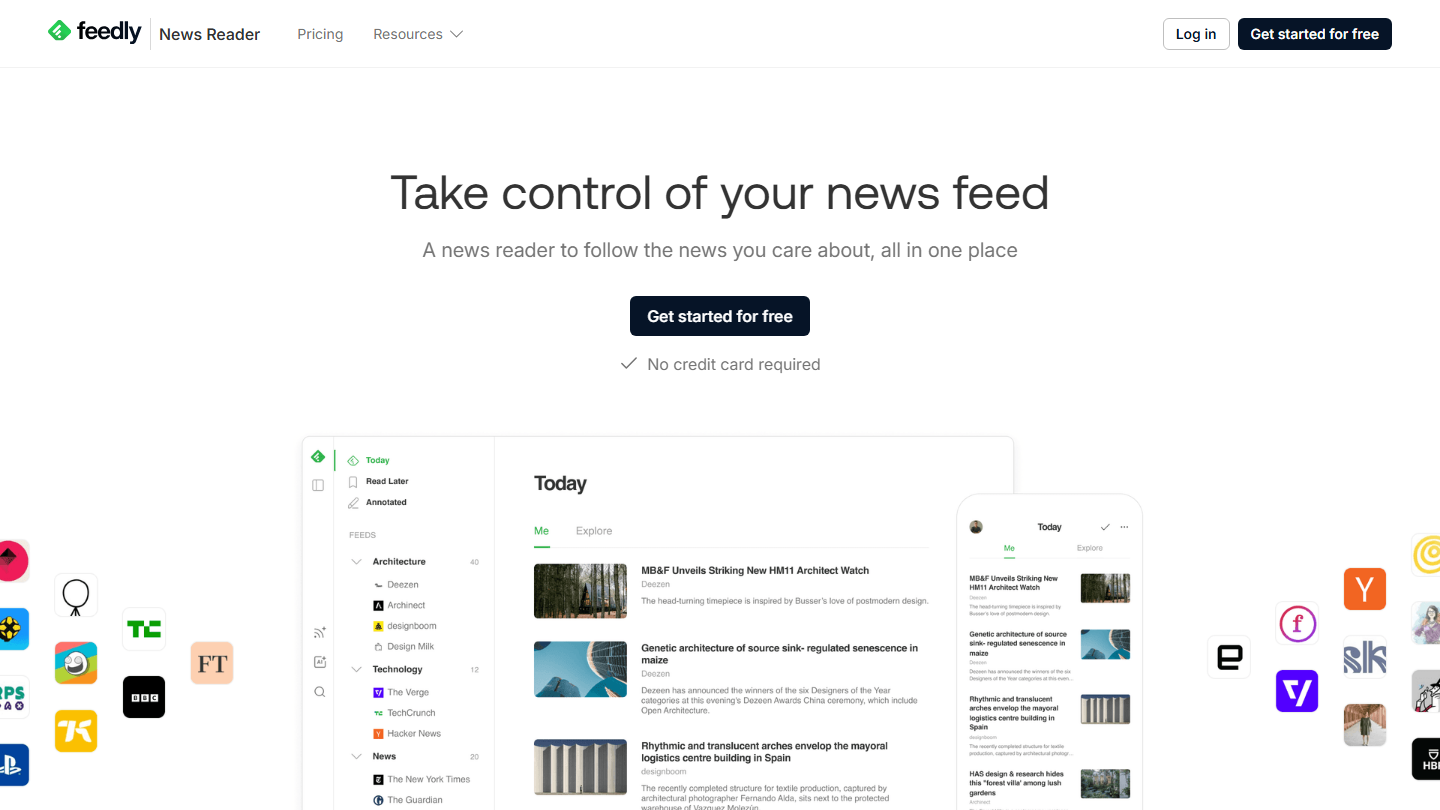
Feedly News Reader page: “Take control of your news feed”, with the Today feed sorted by folders

For a long time Feedly was “just” an RSS feed aggregator, handy for following your sources without going through social networks. The platform has since taken the artificial intelligence turn for monitoring, and is now sold as three products: News Reader (the reader), Market Intelligence and Threat Intelligence, for cybersecurity.

In the reader, the AI (Feedly AI, long called Leo) reads the articles from your sources and keeps only those that touch your topics, dropping duplicates and the terms you have muted. You spend less time sorting. Your newsletters and your Google News searches land in the same feed, which you then file into folders and annotated boards.

For a consultant, a marketing manager or an analyst who monitors alone, Pro+ is enough. Teams that want shared feeds, automatic internal newsletters and an output to Slack or Teams move up to Enterprise or Market Intelligence, and change budget scale.

Pro costs €6.99 per month billed annually and Pro+ €12.15 (the page shows a 30% discount for the first year). Market Intelligence starts at $1,600 per month billed annually, for 10 seats at most (yes, really…).

02

Inoreader

4.6/5 From €6.67

Best for: Seasoned monitoring pros who want to keep control of their sources, filters and rules

+ Strengths
  • Rules, filters, deduplication and keyword monitoring feeds (Pro)
  • Newsletters received at a dedicated address, pages without RSS tracked
  • Facebook, Bluesky and Telegram feeds and Google News alerts
  • Free plan for life: 150 RSS feeds
− Downsides
  • Needs a bit of configuration at the start
  • Rules, filters and newsletters missing from the free plan
  • Team plan (Enterprise) on request
★ Inoreader in brief

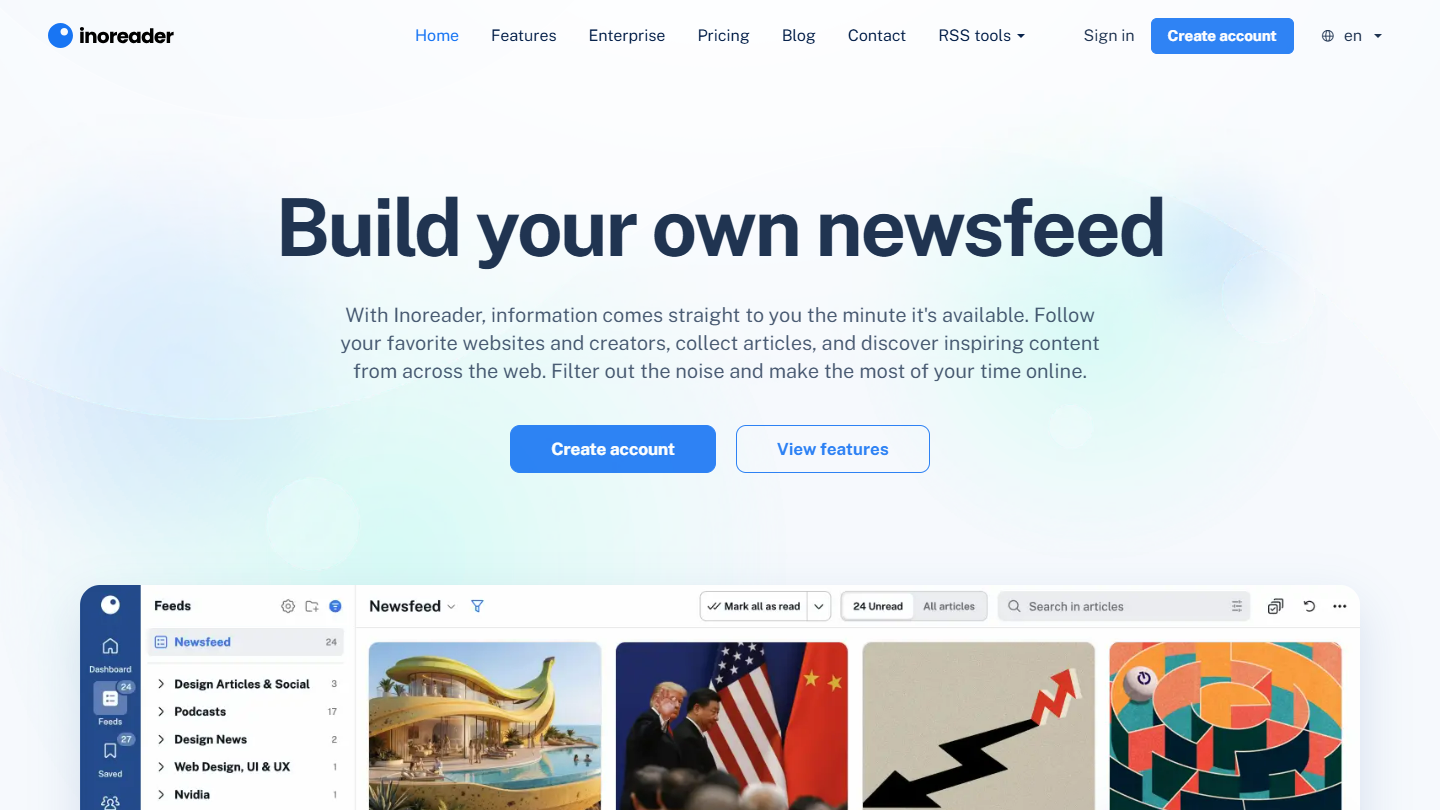
Inoreader website: “Build your own newsfeed”

If Feedly chose AI, Inoreader chose control and customization. It is probably the most complete feed reader on the market for those who want to keep control of their sources, their filters and their way of working.

The interface is clean and fast. You filter, tag, automate: mark a recurring topic as read, mute certain terms, get a notification on a precise keyword, file an article according to its source. Monitoring feeds follow a person, a brand or a company across their publications.

Inoreader is not limited to RSS. Newsletters arrive at a dedicated email address, sites without a feed are tracked (with detection of text or price changes) and public Facebook pages, Bluesky accounts or Telegram channels come up in the same feed. IFTTT, Zapier and n8n take over toward your other tools.

The free plan covers 150 RSS feeds, but rules, filters and newsletters are reserved for Pro, at €6.67 per month billed annually (€8.99 monthly). The time spent configuring at the start is paid back later in precision: where Feedly bets on AI assistance, Inoreader is for those who prefer to stay in control.

03

Google Alertes

3.8/5 From Free

Best for: Personal or one-off monitoring of a brand or a keyword, on no budget

+ Strengths
  • Completely free, no limit on the number of alerts
  • Set up in seconds: a keyword, a brand or a name is enough
  • Frequency, language and type of sources can be adjusted
− Downsides
  • Alerts sometimes late, missed or redundant
  • No context data: no audience, no domain authority, no sentiment
  • Quickly limited for driving a content strategy or tracking your reputation
★ Google Alertes in brief

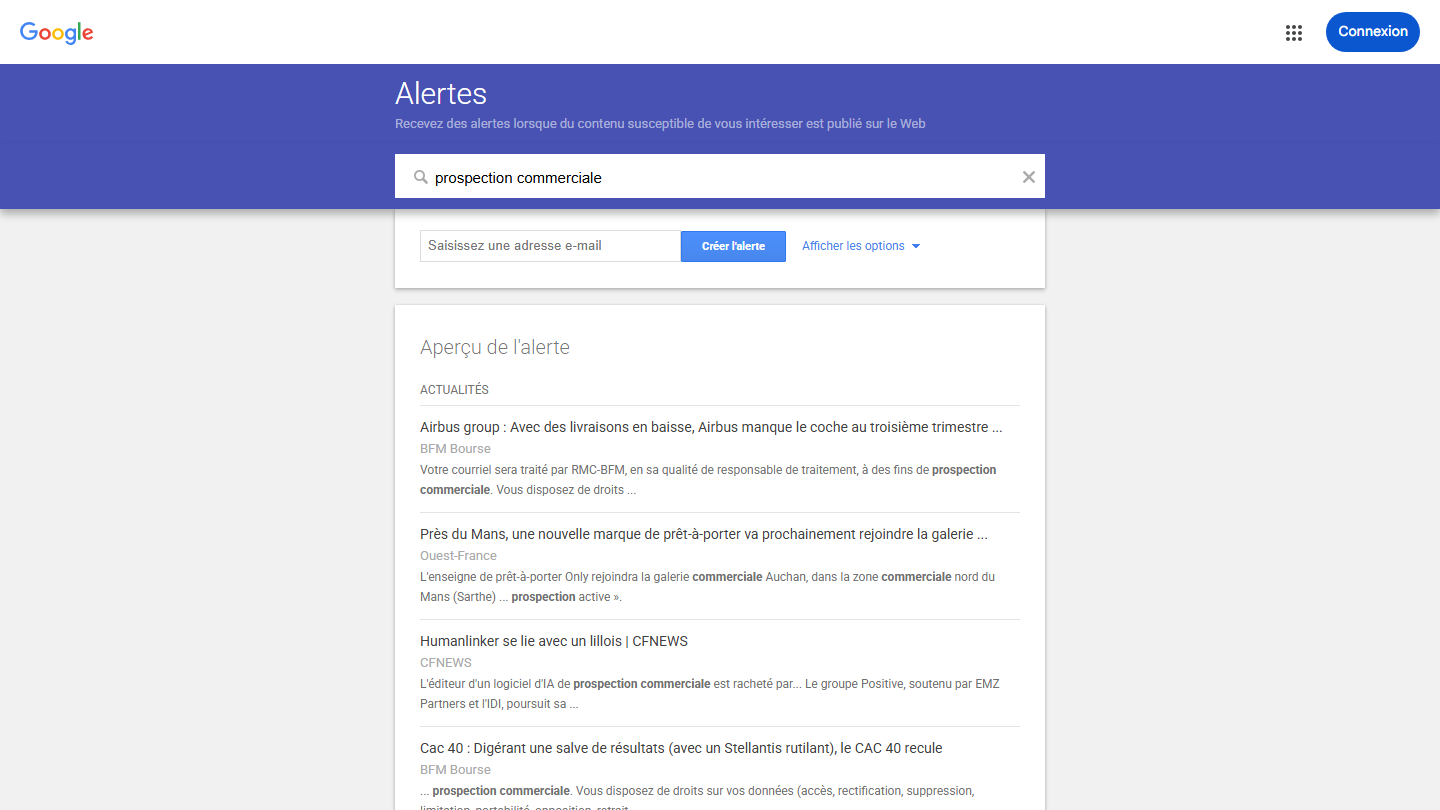
Creating a Google alert on “prospection commerciale”, with a preview of the news results

You can’t talk about monitoring without mentioning Google Alerts. It is often the very first reflex, and for good reason: the tool is free, simple to set up and open to everyone. You enter a keyword, a brand or your company name and Google sends you an email as soon as a new matching page is indexed.

But this simplicity has a downside. Google Alerts relies on the classic search engine index, not on real monitoring technology: it flags pages, without saying anything about their weight or the tone used.

For personal or one-off monitoring, that is more than enough. You can, for example, be alerted when an article cites your brand or a press release is picked up. To drive a content strategy or track your reputation, you need to move on to the next tools.

It is an excellent starting point to discover monitoring, but not a professional tool. It will help you get into the habit of watching and understand how alerts work, before moving to more complete solutions.

Social and content monitoring

These platforms continuously track what is said about your brand, your competitors or your topics, measure engagement and alert you to spikes in activity. The territory of marketing and communication teams.

04

BuzzSumo

4.5/5 From $159

Best for: Marketing and PR teams who want to know which content generates engagement

+ Strengths
  • Measures the real engagement of articles: shares, likes, comments
  • Brand, competitor, backlink and journalist alerts
  • Database of 700,000 journalists from the PR & Comms plan
  • Trial without a credit card
− Downsides
  • No free plan: $159 per month billed annually, $199 monthly
  • Only 1 user and 2 alerts in the first plan
  • No French version
★ BuzzSumo in brief

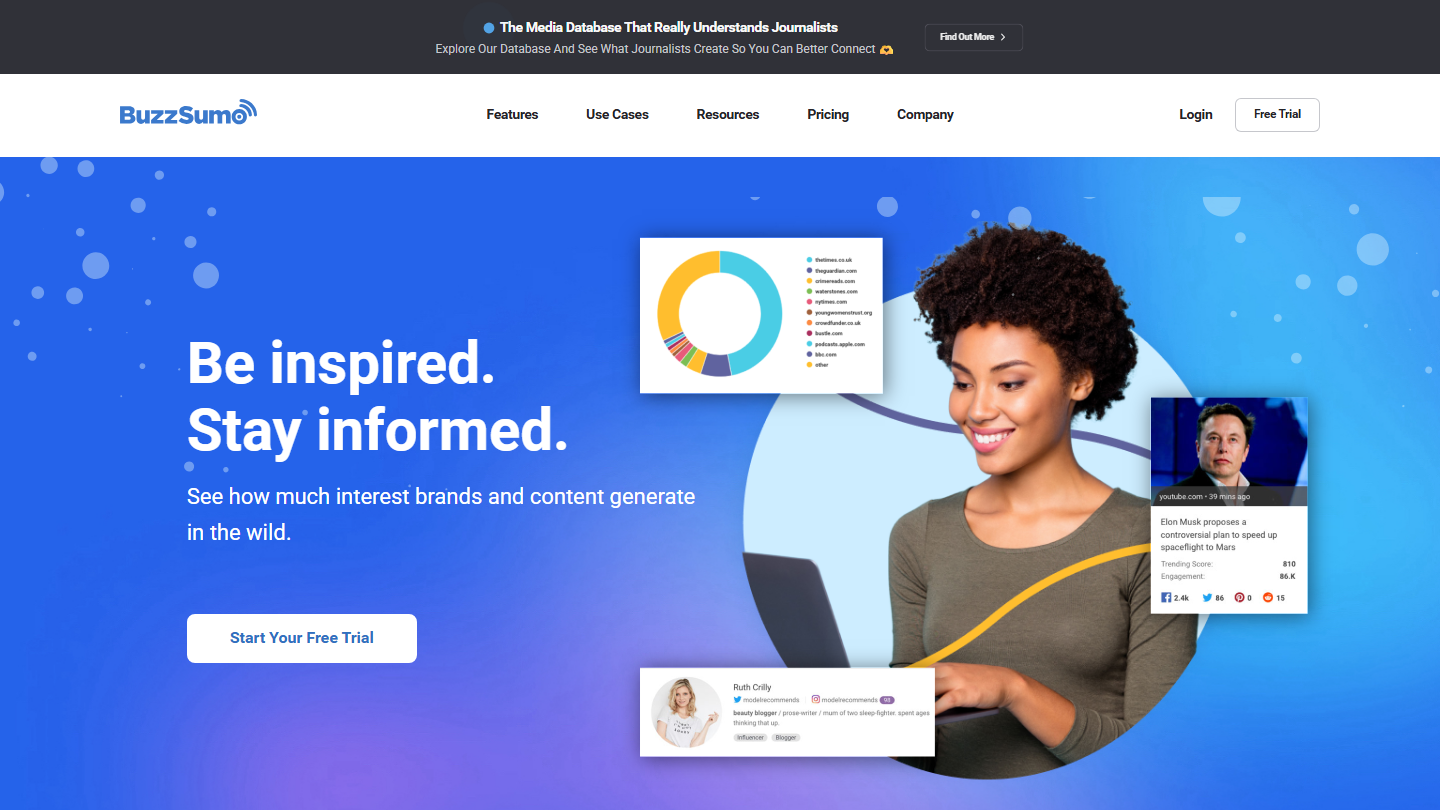
BuzzSumo home page: “Be inspired. Stay informed.”

BuzzSumo made a name for itself in content marketing with a simple, pragmatic approach: identify what works best on the web and understand why. The tool, now owned by Brandwatch (Cision group), indexes more than 5 billion articles and measures the engagement they generate.

In a few minutes, you know which topics captivate your audience, which media cover them and who shares them. Unlike Google Alerts, BuzzSumo doesn’t just tell you that someone is talking about you: it gauges the size of the conversation. Its alerts also track new links to your site or a competitor’s, which helps spot backlink opportunities.

It is at once a monitoring tool, a content idea generator and a PR lever. The PR & Comms plan, at $299 per month, adds the media database and coverage reports, useful for agencies and teams that pitch journalists.

Expect $159 per month billed annually for the first plan, $199 monthly. It is expensive for occasional use, but the return comes fast for a marketing or PR team that wants results-driven monitoring: more visibility, more links, less noise.

05

Mention

4.2/5 From On request

Best for: Agencies and large companies running multi-brand or international monitoring

+ Strengths
  • More than a billion sources: social networks, press, blogs, forums and more than 75 review sites
  • Sentiment, share of voice and competitor benchmark
  • White-label reports and alerts shared across the team
  • Integrates with Slack and Zapier
− Downsides
  • A single plan, Company, on request
  • History and API sold as a paid option
  • Publishing and replying removed, redirected to Agorapulse
★ Mention in brief

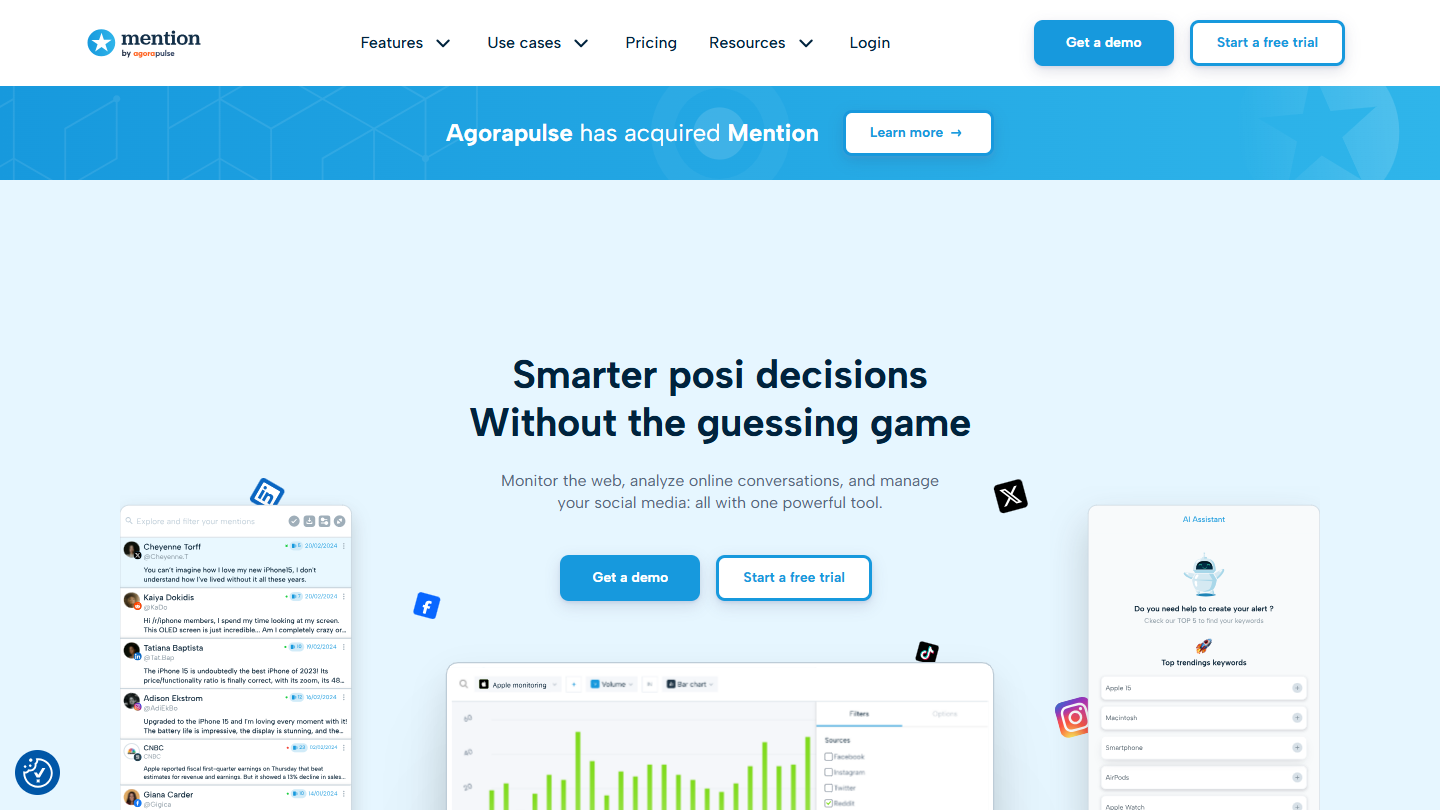
Mention website: “Smarter post decisions Without the guessing game”

Mention was long the simple, quick-to-deploy monitoring tool of SMEs and marketing teams. Since joining Agorapulse, it has refocused on listening and now targets companies and agencies that manage their reputation at scale.

The principle hasn’t changed: monitor, analyze, act. You create an alert on your brand or a competitor, with Boolean search to cut the noise, and each mention arrives enriched with volume, sentiment and influence indicators. Alerts come in real time, reports are ready to use.

Compared with BuzzSumo, Mention looks less at content performance and more at reputation: what is said about you on social networks, forums and review sites. To publish or reply to users, you now have to go through Agorapulse.

The offer has been simplified to a single plan, Company, on request and billed annually; history and API are sold as options. The tool is therefore reserved for organizations ready to invest seriously in their monitoring setup.

Strategic monitoring suites

Here, collecting is no longer enough: you analyze at scale, with AI, long histories and dashboards for each department. All are on request and aimed at organizations that have made monitoring a decision-support tool.

06

Meltwater

4.5/5 From On request

Best for: PR and communication teams who track their press coverage internationally

+ Strengths
  • Media monitoring, social listening and tracking of AI visibility on one platform
  • Measures media reach and spots key influencers
  • More than 240 languages covered
  • API and MCP integrations in the Enterprise and Agencies plans
− Downsides
  • Pricing on request, no self-service free trial
  • Minimum 12-month commitment in most contracts
★ Meltwater in brief

Meltwater website: “Intelligence is always in style”

Meltwater is one of the pioneers of media monitoring and social listening. Today it is a platform that combines international coverage, impact analysis and reporting: more than 240 languages and 1.3 billion documents processed every day, according to the vendor.

In practice, you follow press coverage, social mentions and conversations around your brand or your competitors in real time. The tool puts the emphasis on PR performance: it measures media reach, identifies influencers and helps you prioritize according to the audience of each outlet. It also tracks how generative AIs talk about your brand.

The offer comes in four plans (Essential, Pro, Enterprise, Agencies) that you build with modules: media monitoring, social listening, AI visibility, media relations, influence. The Mira AI assistant and the API connectors scale up with the level you choose.

Everything is on request, with no self-service trial (a guided demo instead), and a minimum 12-month commitment in most cases. For operational, international and responsive monitoring, Meltwater remains a reference.

07

Brandwatch

4.7/5 From On request

Best for: Communication, marketing or research departments analyzing conversations over several years

+ Strengths
  • Conversations archived since 2010 to follow long-term trends
  • Iris AI for summaries and emerging topics, plus image analysis
  • Clear interface, accessible to non-technical teams
  • Natural fit with the Cision suite
− Downsides
  • Not an entry-level tool
  • On request, no trial or free plan
★ Brandwatch in brief

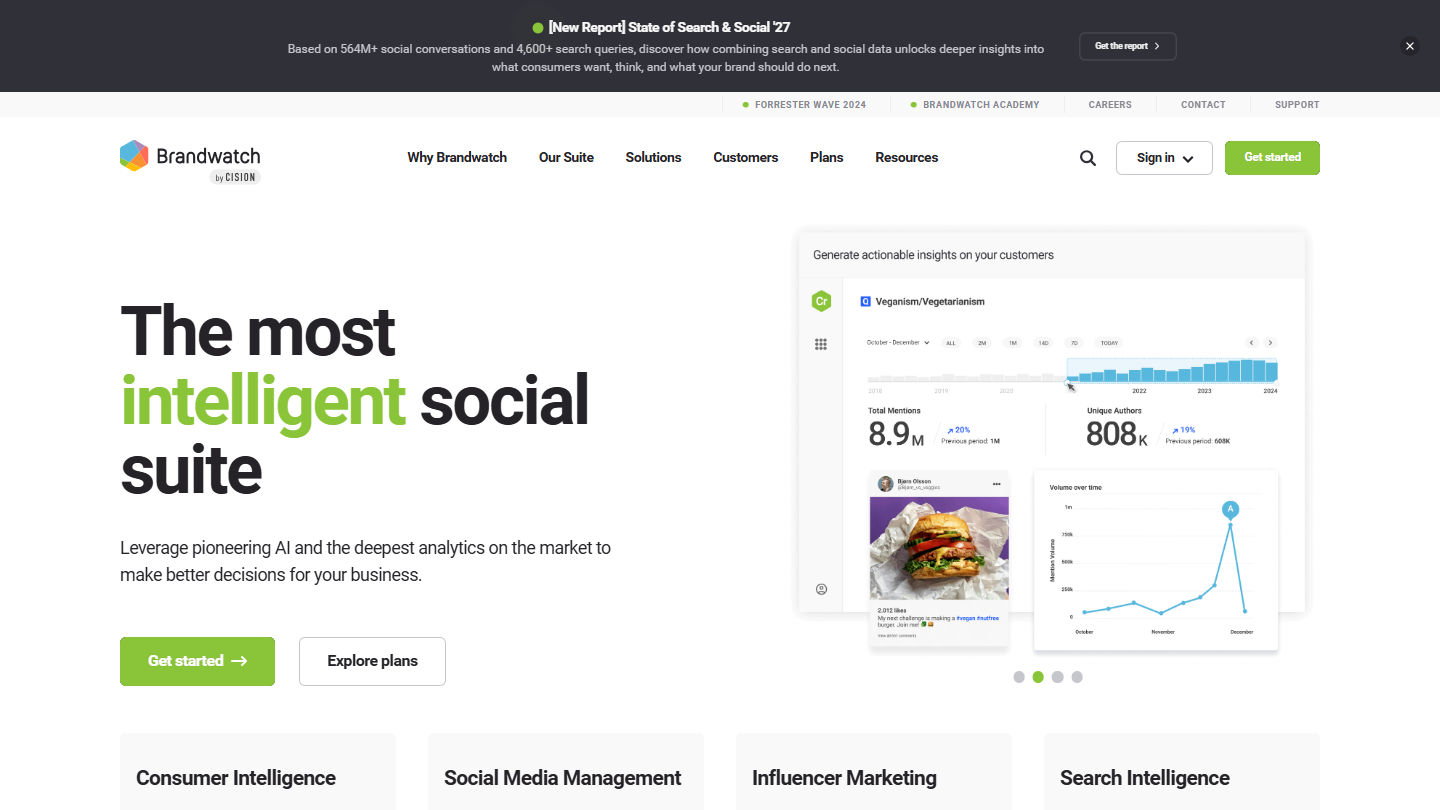
Brandwatch website: “The most intelligent social suite”

Brandwatch, part of the Cision group like BuzzSumo, is arguably the most advanced monitoring software on the market in analytical terms. It is for those who want to go beyond simple mention tracking and understand online conversations and behavior in depth.

Its main asset is history: 1.7 trillion conversations archived since 2010, according to the vendor. You can analyze opinion cycles over several years or follow how the perception of your brand changes over time. Few tools offer such hindsight.

The in-house AI, Iris, developed for more than seventeen years, segments conversations, detects emerging topics and writes readable summaries. You then filter by channel, region or tone. The suite also covers social media management and influencer marketing, and if you use Cision, monitoring feeds directly into your PR campaigns.

Each module is on request, with no trial. It is an investment that makes sense for a communication, marketing or research department running a brand, a product portfolio or an international strategy.

08

Onclusive Social

4.5/5 From On request

Best for: Large organizations that want a 360° competitive view of their market

+ Strengths
  • Social monitoring, competitive monitoring and trend analysis on one platform
  • 24 months of social archives, unlimited searches without prior setup
  • Covers LinkedIn, TikTok and Threads in addition to Facebook and Instagram
  • Sentinel: alerts on negative sentiment spikes and crisis dashboards
− Downsides
  • Designed first for large organizations
  • On request, no trial or free plan
★ Onclusive Social in brief

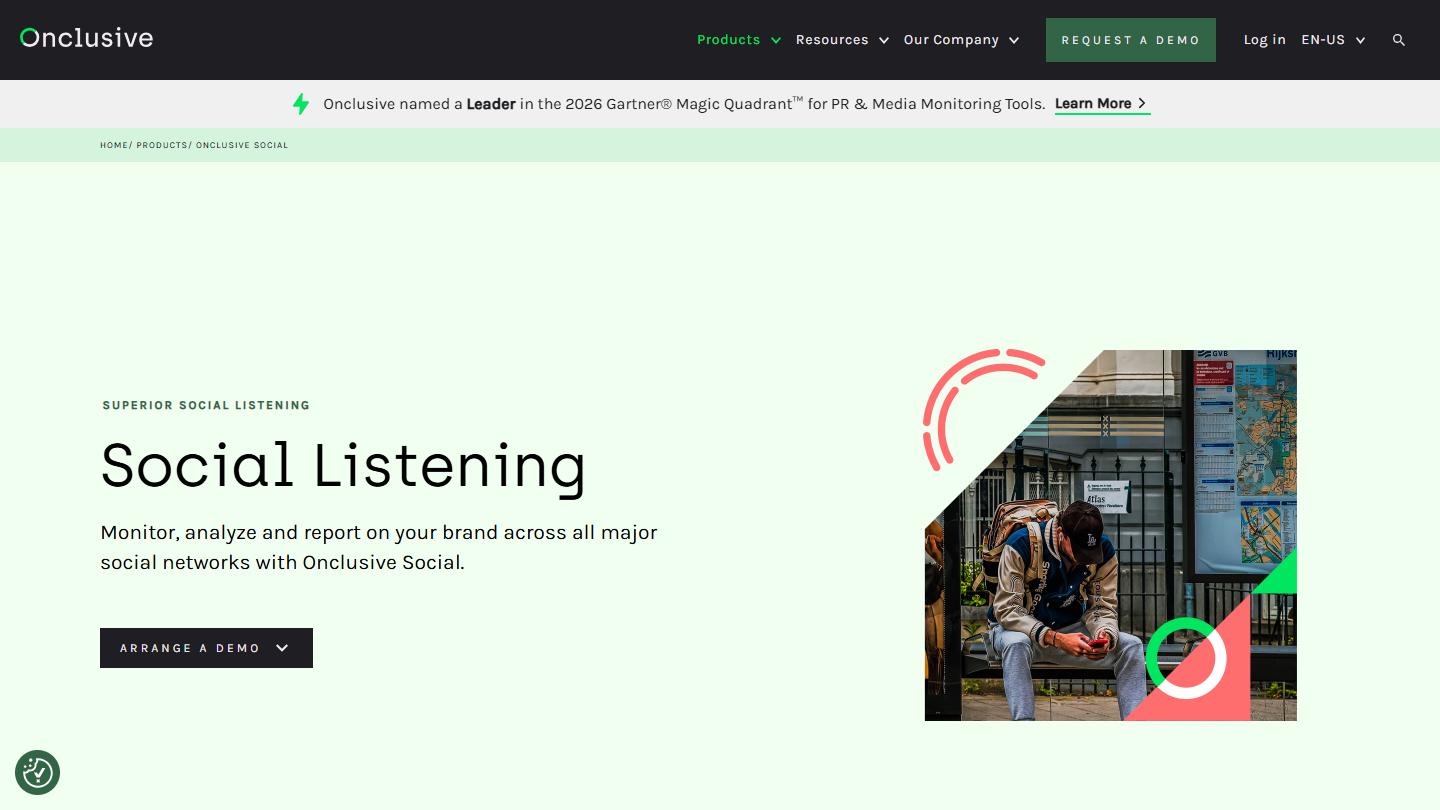
Onclusive Social website: “Social Listening”

Formerly known as Digimind, Onclusive Social keeps what made the brand strong: a complete approach to social listening and competitive intelligence. Where other tools focus on media tracking, it helps you understand your competitive environment in all its complexity.

The platform turns social conversations into share of voice, emerging trends, competitor benchmark and brand perception. Its AI, Sense, summarizes content in one click and feeds Sentinel, which alerts you to a negative spike or a hashtag and builds a crisis dashboard: origin, reach, impact.

You configure your dashboards according to the priorities of each department (marketing, communication, executive management) and can start on a narrow scope before widening it. Compared with Brandwatch, the history is shorter, but the competitive angle is more direct.

The offer is on request, after a demo, and mainly targets large accounts; Onclusive’s insights and customer success teams support the setup.

How we chose these 8 tools

Every tool in this selection has been used in real conditions by our team or by a Salesdorado consultant, in a B2B sales and marketing setting. No ranking built from a marketing deck. The order of the list is not a ranking: the right tool depends on your needs.

  1. 01
    Benchmark scope

    Broad identification of the tools on the market (G2, Capterra, Salesdorado customer feedback, LinkedIn signals). Initial filtering, then a short list based on a 2-hour setup per tool.

  2. 02
    Test conditions

    3 to 4 weeks of active use per tool, with data representative of a B2B sales use case. When a tool targets a specific profile (SDR, AE, Ops, Marketer…), we match the tester accordingly.

  3. 03
    Weighted criteria

    For each category, 5 to 7 axes weighted according to what matters in the segment: UX, feature depth, native integrations, support, pricing at scale, compliance (GDPR, security), and roadmap quality.

  4. 04
    Independence

    No tool is scored in exchange for payment. Partner links (affiliate) are marked as such and do not influence the score. Non-partner tools are included when their place in the ranking is deserved.

  5. 05
    Updates

    The ranking is reviewed every 6 to 12 months or on every major release of a tool mentioned. The date of the last check is shown at the top of the article.

The questions we get over and over.

What is monitoring software?

Monitoring software automatically collects data from hundreds, sometimes thousands of sources: websites, media, blogs, newsletters, forums, social networks. It sorts it according to your criteria, filters it and gives you back only the relevant information.

What are the main types of monitoring software?

There are three families: curation and aggregation tools (Feedly, Inoreader, Google Alerts), social and content monitoring tools (Mention, BuzzSumo) and strategic intelligence suites (Meltwater, Brandwatch, Digimind, now Onclusive Social).

Feedly or Inoreader: which one to choose?

Feedly bets on artificial intelligence: with Pro+ (€12.15 per month billed annually), Feedly AI keeps only the articles tied to your topics and drops duplicates. Inoreader is for those who prefer total control over their monitoring, with filters, automation rules and newsletter tracking from Pro (€6.67 per month billed annually), at the cost of a bit of configuration at the start.

Is Google Alerts enough for monitoring?

For personal or one-off monitoring, yes. But the tool relies on the classic search engine: alerts can arrive late, be missed or be redundant, with no context data (audience, domain authority, sentiment). To drive a content strategy or track your reputation, it quickly hits its limits.

How do you choose monitoring software?

Ask yourself three questions: why are you monitoring, who will work with the data and how will you use the results. A beginner or freelancer will go for a curation tool, a marketing or communication team for a social monitoring tool, a company running global monitoring for a strategic monitoring suite. Then compare coverage (the more media-heavy or international your sector, the more it matters), relevance (a good engine reduces noise), collaboration and total cost: the subscription, but also setup time and the availability of your teams to work with the results.

★ The conversation, 0 comments

What the community says.

Basic Markdown, moderated within 24 h
Loading…

    In the same category