Top 15 free and paid royalty-free video libraries

A selection of 15 royalty-free video libraries, in two groups. Free: Pexels, Pixabay, Videezy, Mixkit, Coverr (attribution required only on Videezy’s free tier). Paid: Shutterstock, Adobe Stock, iStock, Artgrid, Motion Array, 123RF, Getty Images, Dreamstime, Envato (formerly Envato Elements) and Magnific (formerly Freepik).

Maxime Ben Bouaziz
Maxime Ben Bouaziz
CEO Salesdorado, IA & Sales Tech
November 22, 2023, updated November 10, 2026, 1 min read
See all tools

A royalty-free video is a video you can use, and edit, without asking for permission each time. It is still subject to a license: depending on the site, the license may require crediting the author, prohibit reselling the raw file or restrict certain commercial uses.

Here are the best sites for downloading royalty-free videos, free and paid. To keep it simple, there are three main types of license:

  • Free videos with no obligation to name the author, as on Pexels or Pixabay.
  • Free videos where you have to credit the author in your video, as on Videezy or the free version of Magnific.
  • Paid videos, downloaded from sites such as Adobe Stock or Getty Images.

Depending on what you need:

  • A free video on just about any subject, with no credit to anyone: Pexels or Pixabay
  • Free clips that are easy to filter by duration or orientation: Mixkit
  • Polished shots for a product presentation video: Coverr
  • Editing directly in Premiere Pro: Adobe Stock
  • Downloading without counting for a fixed subscription: Envato or Motion Array
  • Cinema-grade footage, up to 8K: Artgrid
  • A high-end production with a per-video budget: Getty Images

The 15 tools, side by side

# Logos tool Score Price Best for
Free video libraries
01 Pexels 4.5/5 ★ Free Everyday free videos, in vertical format for TikTok or Instagram as well as horizontal Visit site
02 Pixabay 4.5/5 ★ Free One free platform for all your content: videos, photos, music, sound effects Visit site
03 Videezy 3.8/5 ★ Free A free complement to the other libraries, if crediting the author doesn’t bother you Visit site
04 Mixkit 4.3/5 ★ Free Quickly finding a specific free clip, with filters for duration, orientation and date Visit site
05 Coverr 4.0/5 ★ Free Product presentation videos and website backgrounds Visit site
Paid video libraries
06 Shutterstock 4.4/5 ★ €49 Teams that want images, videos and music in one unlimited subscription Visit site
07 Adobe Stock 4.4/5 ★ €29.99 Editors already working in Premiere Pro and the Adobe suite Visit site
08 iStock 4.2/5 ★ €105 Illustrating specific professions and work situations you can’t find for free Visit site
09 Artgrid 4.1/5 ★ $19.99 Videographers who want color-graded shots, in 4K to 8K, for ads or client content Visit site
10 Motion Array 4.1/5 ★ €24.99 Editors who want videos, templates, music and plugins in one subscription Visit site
11 123RF 3.9/5 ★ €24.50 A low-priced unlimited subscription, images and videos included Visit site
12 Getty Images 4.0/5 ★ On request Audiovisual professionals, for premium or archive videos Visit site
13 Dreamstime 3.5/5 ★ €178 Projects looking for a late-2000s, early-2010s visual style Visit site
14 Envato 4.3/5 ★ €14.50 Downloading lots of videos, templates and music on a fixed budget Visit site
15 Magnific (ex-Freepik) 3.9/5 ★ €12 Dressing up a video with animations and backgrounds, when you already use Freepik for your visuals Visit site

Free video libraries

Five sites where you can download without paying. Four require no mention of the author; on Videezy, the free version requires you to credit them.

01

Pexels

4.5/5 From Free

Best for: Everyday free videos, in vertical format for TikTok or Instagram as well as horizontal

+ Strengths
  • Free HD and 4K videos, with no obligation to credit the author
  • Orientation filter: vertical, horizontal or square
  • Regular new content from the community
− Downsides
  • Fairly heavy files to download
  • Very popular videos, often seen in other projects
  • Lots of results, so searches can take a while
★ Pexels in brief

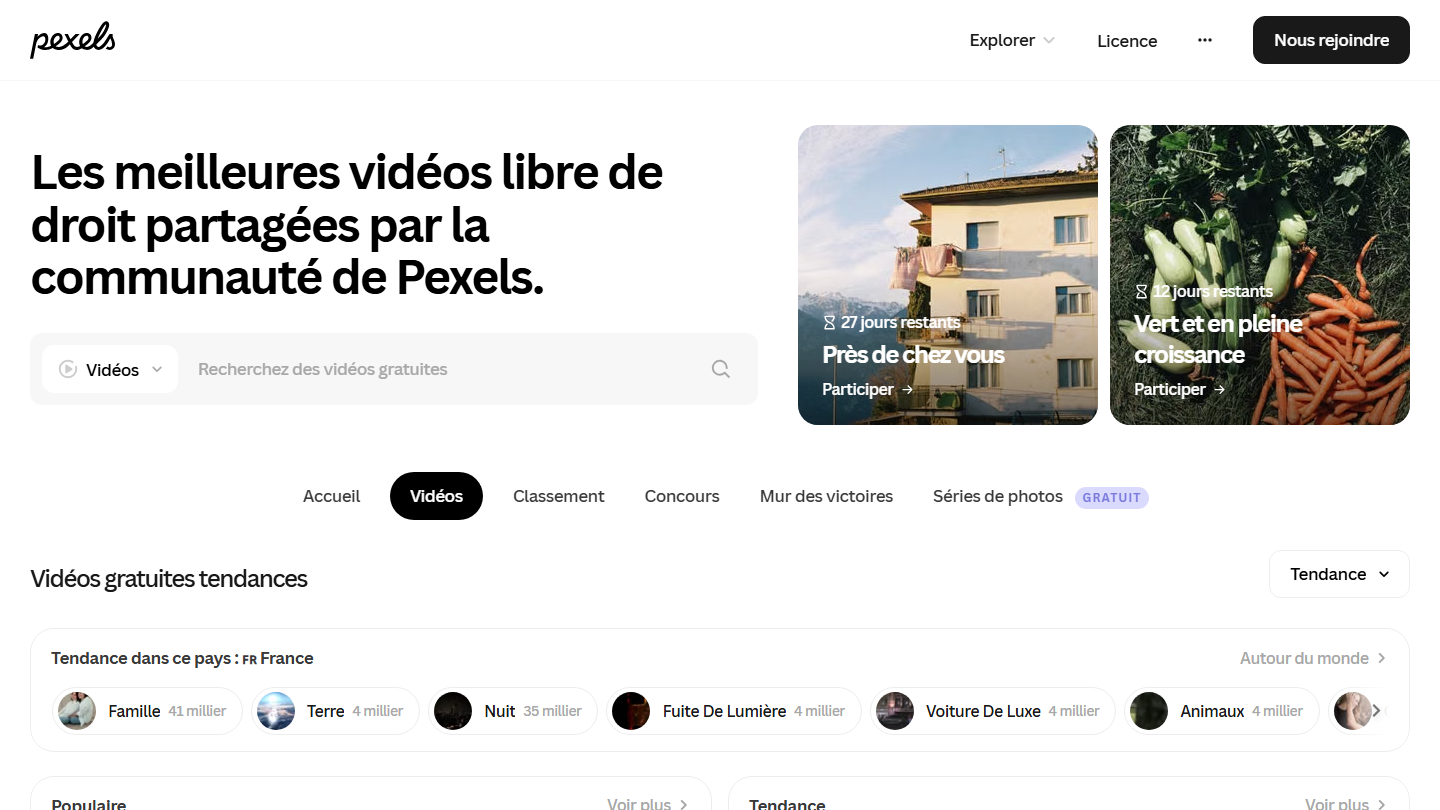
Pexels Videos page: “The best royalty-free videos shared by the Pexels community”, with the free video search engine

Pexels is probably one of the best platforms for downloading royalty-free videos for free. You will find content on every subject and in every category imaginable, along with royalty-free photos you can download the same way as the videos.

The search filter is very basic, but it lets you sort videos by orientation. Perfect for creating vertical videos for TikTok or Instagram, or more classic horizontal or square formats. Given how much content there is, create an account so you can like or save videos and find them later.

On the license side, everything is free and no attribution is required: naming the videographer or Pexels is appreciated, not mandatory. You can also edit the videos. What is prohibited: selling an unedited raw copy, redistributing it on another stock library, showing an identifiable person in a bad light or suggesting that a person or brand in the video endorses your product.

02

Pixabay

4.5/5 From Free

Best for: One free platform for all your content: videos, photos, music, sound effects

+ Strengths
  • HD and 4K videos, with no obligation to credit the author
  • Videos, photos, illustrations, music and sound effects in the same library
  • Regular new content
− Downsides
  • Search results sometimes not very consistent
  • Very uneven content quality
★ Pixabay in brief

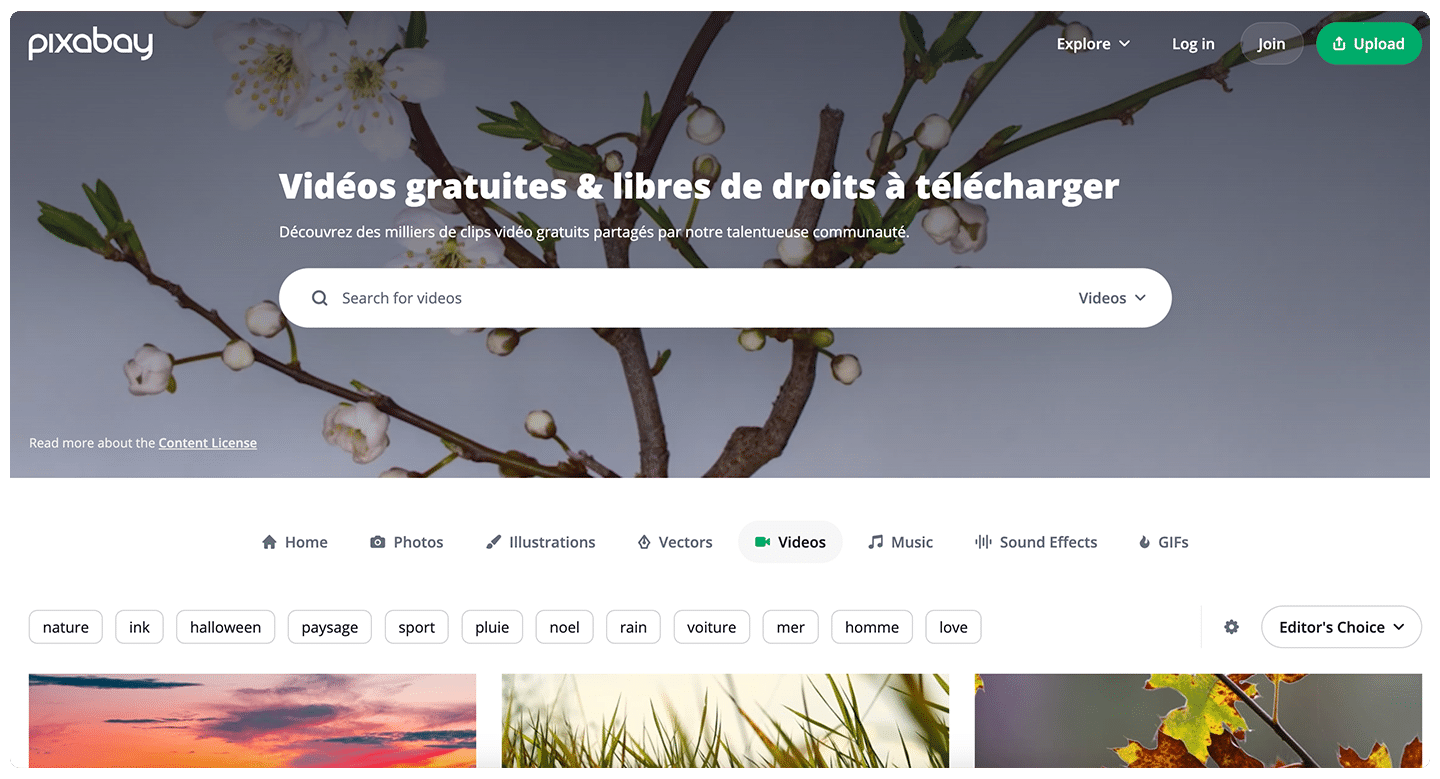
Pixabay Videos page: “Free royalty-free videos to download”, with the search bar and popular keywords

Pixabay was created in 2010 and is the platform with the widest variety of content: royalty-free videos, photos, illustrations, vectors, music, sound effects and even 3D models and GIFs. The site claims more than 6.4 million items shared by its community.

If you had to keep just one platform from this list, Pixabay is the one to remember. Each video shows its resolution (HD or 4K) and duration right in the search results, and a button lets you edit it online before downloading.

As with Pexels, you don’t have to name the author of the content you just downloaded, even if it’s appreciated. The license prohibits reselling content as is, with no creative work, and using for commercial purposes a video showing a recognizable brand or logo.

03

Videezy

3.8/5 From Free

Best for: A free complement to the other libraries, if crediting the author doesn’t bother you

+ Strengths
  • HD and 4K videos, motion backgrounds and After Effects templates
  • Per-item purchase for Pro files, with no subscription
− Downsides
  • Site in English
  • Attribution required on free videos
  • Pro videos mixed with free ones in the results
★ Videezy in brief

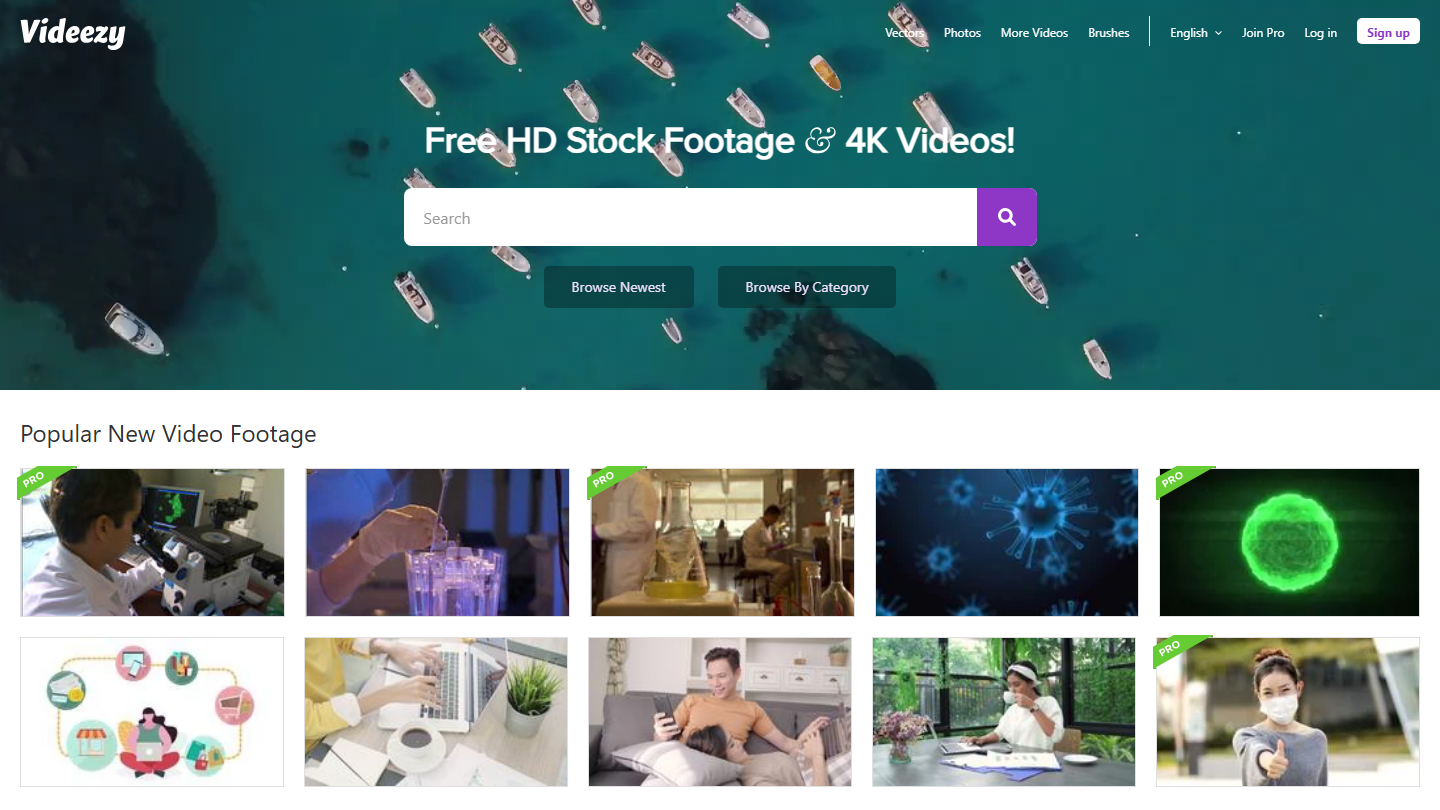
Videezy homepage: “Free HD Stock Footage & 4K Videos!”, with the currently popular videos

Videezy offers royalty-free videos in HD and 4K, motion backgrounds and templates for After Effects. The site belongs to the same network as Vecteezy (vectors) and Brusheezy (Photoshop brushes).

Since the site is in English, searching for content is a little harder. Searches are done by keyword or by category, and the most recent videos have their own page.

Videezy doesn’t offer only free videos: part of the catalog is reserved for Pro files, marked with a badge. In practice, as soon as you use a free video in your project, you have to name the author, on the video, in the end credits or in the description. If you aren’t comfortable with attribution rules, stick to the four other free platforms in this list.

The paid account works on credits, with no subscription: $19 for one file, $39 for five. It gives access to Pro files and removes the obligation to credit the author.

04

Mixkit

4.3/5 From Free

Best for: Quickly finding a specific free clip, with filters for duration, orientation and date

+ Strengths
  • Varied content, in HD and 4K
  • Very good filter system (orientation, duration, upload date)
  • No obligation to credit authors
− Downsides
  • Site in English
  • Not all content is available in 4K
  • Fewer videos than Pexels or Pixabay
★ Mixkit in brief

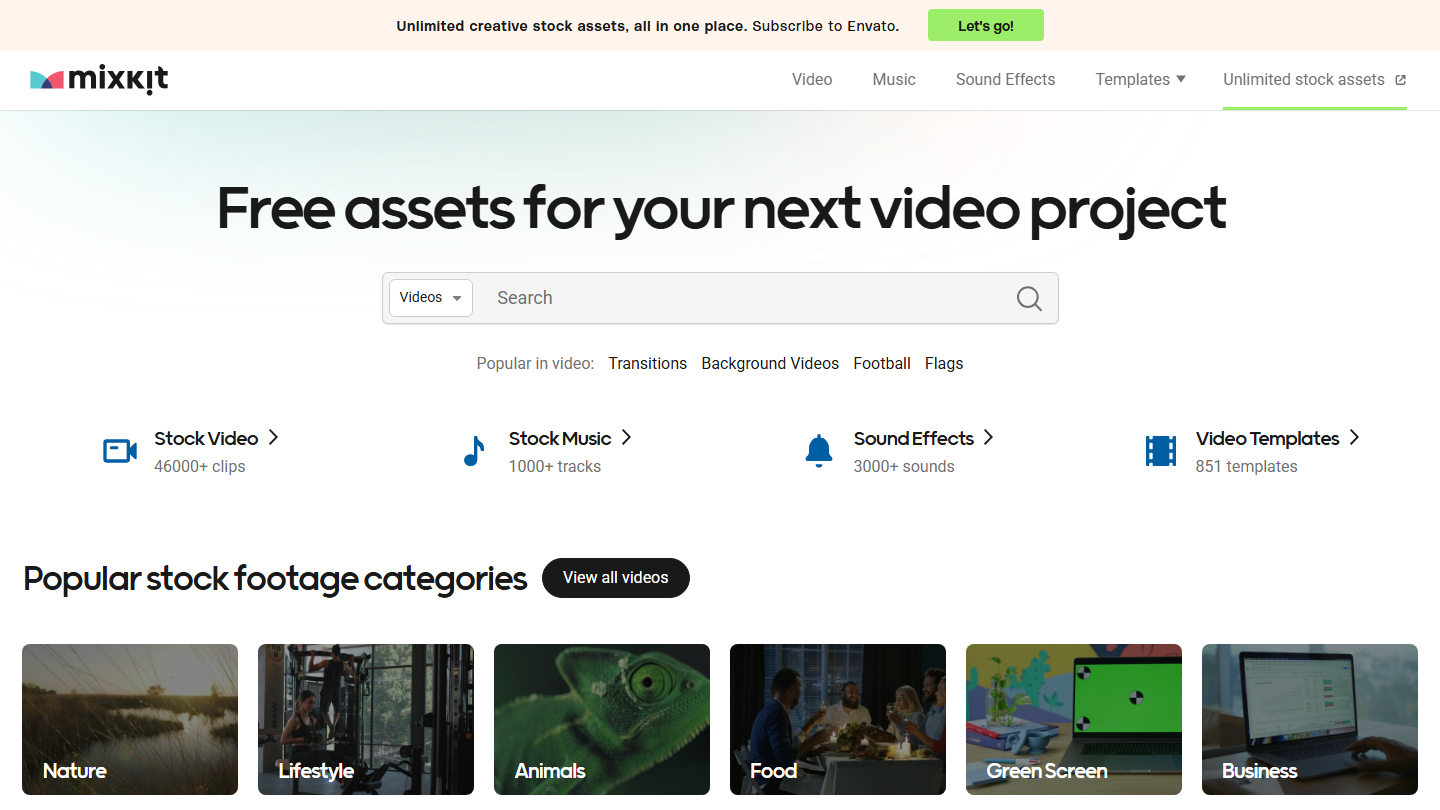
Mixkit homepage: “Free assets for your next video project”, with popular stock video categories

As on the other platforms, Mixkit lets you search by entering keywords or by using its many categories. The site claims more than 46,000 video clips, more than 1,000 music tracks, more than 3,000 sound effects and video templates.

All the videos we were able to test are royalty-free, with no need to name the author. Mixkit does, however, have a “Restricted” license for some videos, which prohibits using them in commercial projects. Browsing and downloading videos, we didn’t come across any with this label: there must be few of them. When you view a video, a link simply explains what you are allowed to do with it, a reassuring detail that keeps you from getting it wrong.

The filter system is very effective here too, with a choice of orientation, duration or upload date. Perfect for finding the video you have in mind. Worth noting: Mixkit was created by Envato, which also offers a content library, a paid one this time. That adds a little credibility to the platform.

05

Coverr

4.0/5 From Free

Best for: Product presentation videos and website backgrounds

+ Strengths
  • HD videos, and 4K for some, free to download
  • No attribution required, commercial use included
  • Regular new content
− Downsides
  • Site in English, searches in French handled poorly
  • Paid Shutterstock videos mixed into the free catalog
  • Prohibited for training an AI
★ Coverr in brief

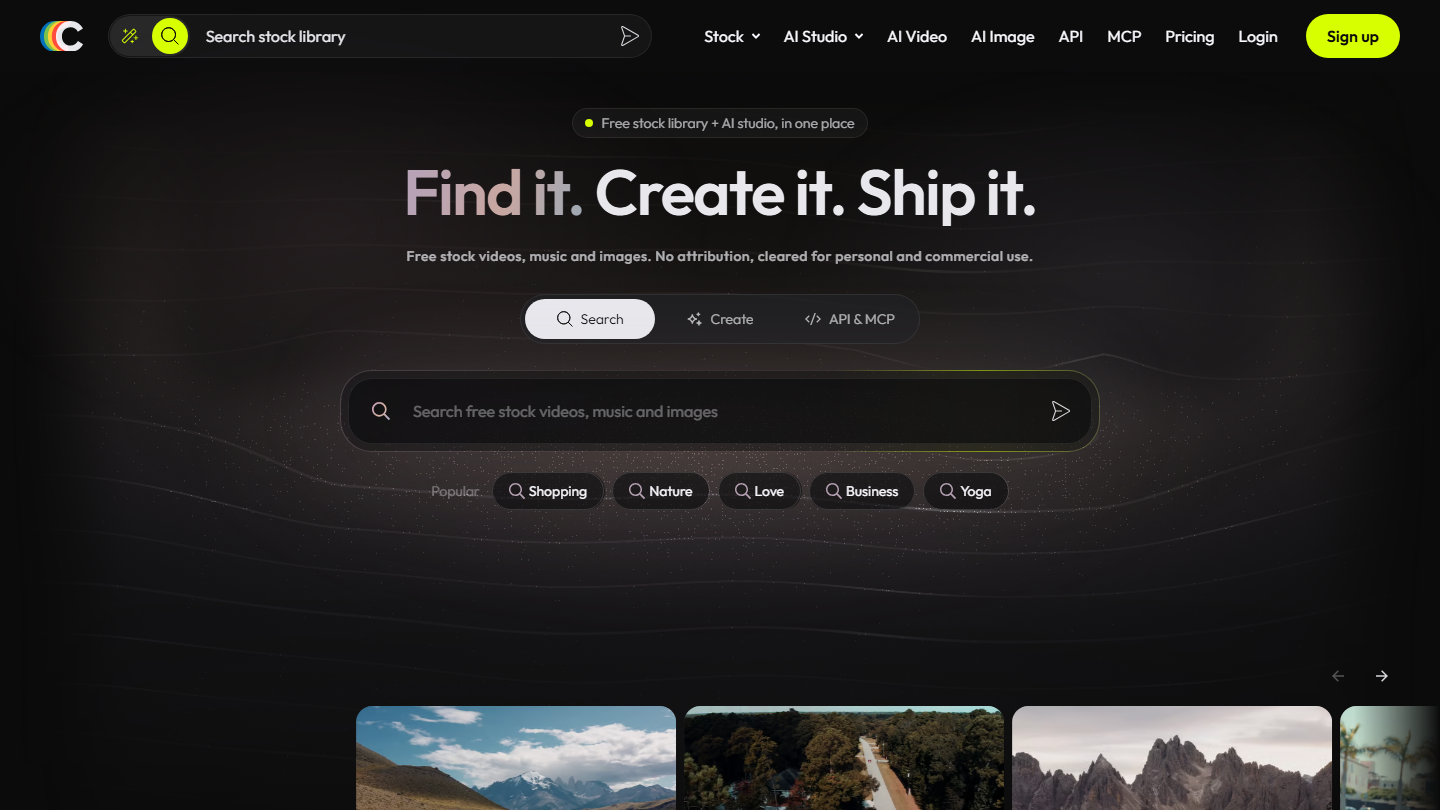
Coverr homepage: “Find it. Create it. Ship it.”, with search across the free video library

And here is the last free royalty-free video library, Coverr. The site is available only in English (and in Spanish too) and handles keyword searches in French poorly. Always a bit more of a nuisance for precise searches.

Coverr offers a large catalog of free videos in HD, and sometimes 4K, also free to download. The videos available are perfect for creating product presentation videos, good material to accompany a sales proposal.

On the license side, the videos can be used for free for commercial or non-commercial purposes, with no credit to the author or Coverr. Two prohibitions: building a competing service with the videos and using them to train an AI. Coverr also fills out its results with paid Shutterstock videos: they are easy to mistake for the free ones.

The site has since turned toward AI generation: its paid plans mainly sell AI credits, with access to premium stock and 4K files. They start at $5 per month, or $4.20 per month billed annually.

Paid video libraries

If you have a budget for your video, go with a paid library: you will get content you are unlikely to see in other videos, because it’s less accessible.

06

Shutterstock

4.4/5 From €49

Best for: Teams that want images, videos and music in one unlimited subscription

+ Strengths
  • A very large catalog, on all subjects
  • Illimité Plus: unlimited downloads of images, videos, music and sound effects
  • No-commitment packs for images
− Downsides
  • Video is included only in the most expensive subscription
  • Price shown with an annual commitment
★ Shutterstock in brief

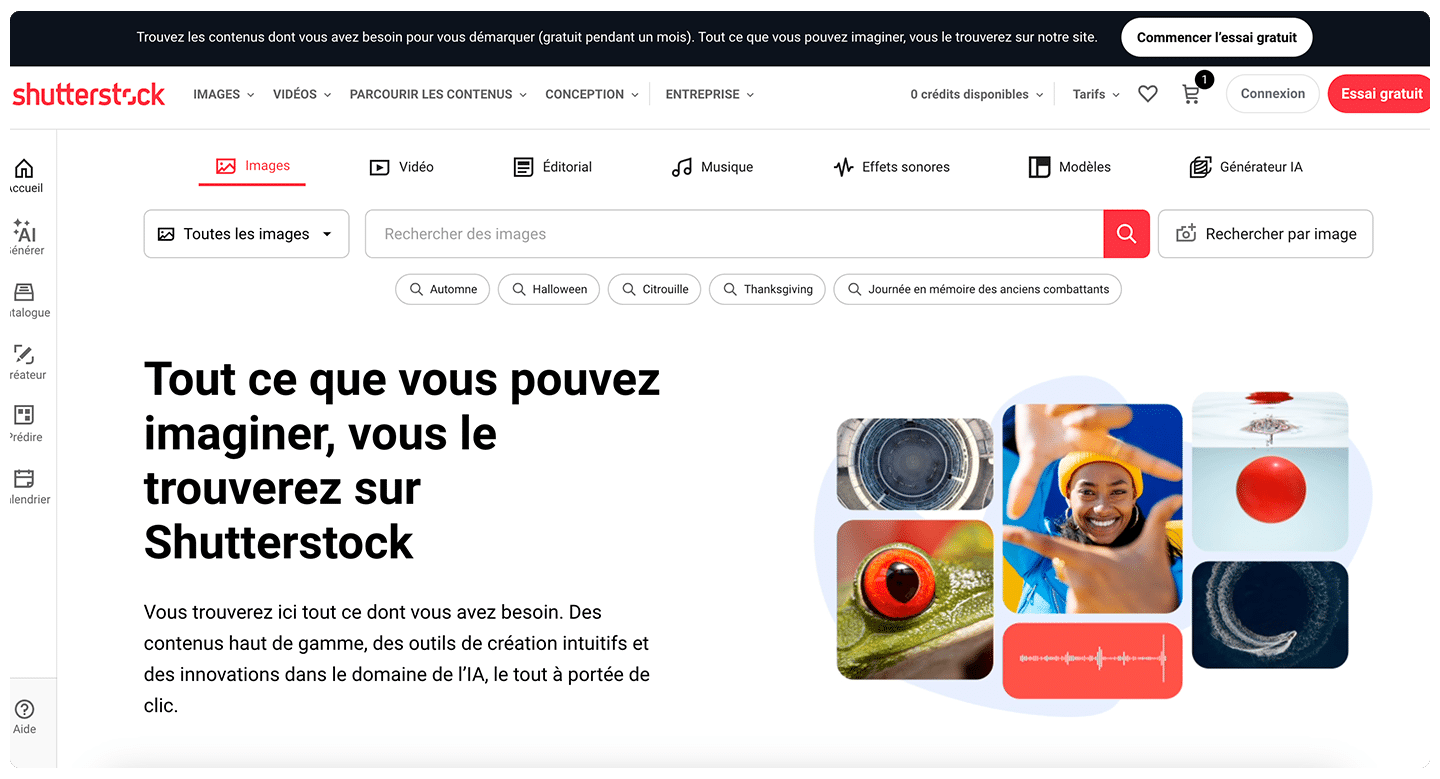
Shutterstock homepage: “Everything you can imagine, you will find on Shutterstock”

Founded in 2003, Shutterstock is one of the world’s reference points for downloading videos for your projects. Over time, millions of videos have become available on the platform. It’s even the site’s tagline: “Everything you can imagine, you will find on Shutterstock”.

For video, the plan to remember is the Illimité Plus subscription: unlimited downloads of images, videos, music and sound effects, with 100 AI generation credits per month, for a single user. It costs €49 per month, billed €588 annually.

The other plans target images: subscriptions from 10 to 750 downloads per month from €18, Illimité Images at €19 per month, or packs of 2 to 25 images with no commitment. If you only need a few videos a year, compare with sites that sell video per item.

07

Adobe Stock

4.4/5 From €29.99

Best for: Editors already working in Premiere Pro and the Adobe suite

+ Strengths
  • Library accessible from Premiere Pro
  • HD and 4K videos, images, audio, templates and 3D
  • Choice of subscription, credit packs or unlimited
− Downsides
  • Only 1 video per month on 10-credit plans
  • Fees if you cancel the annual commitment midway
★ Adobe Stock in brief

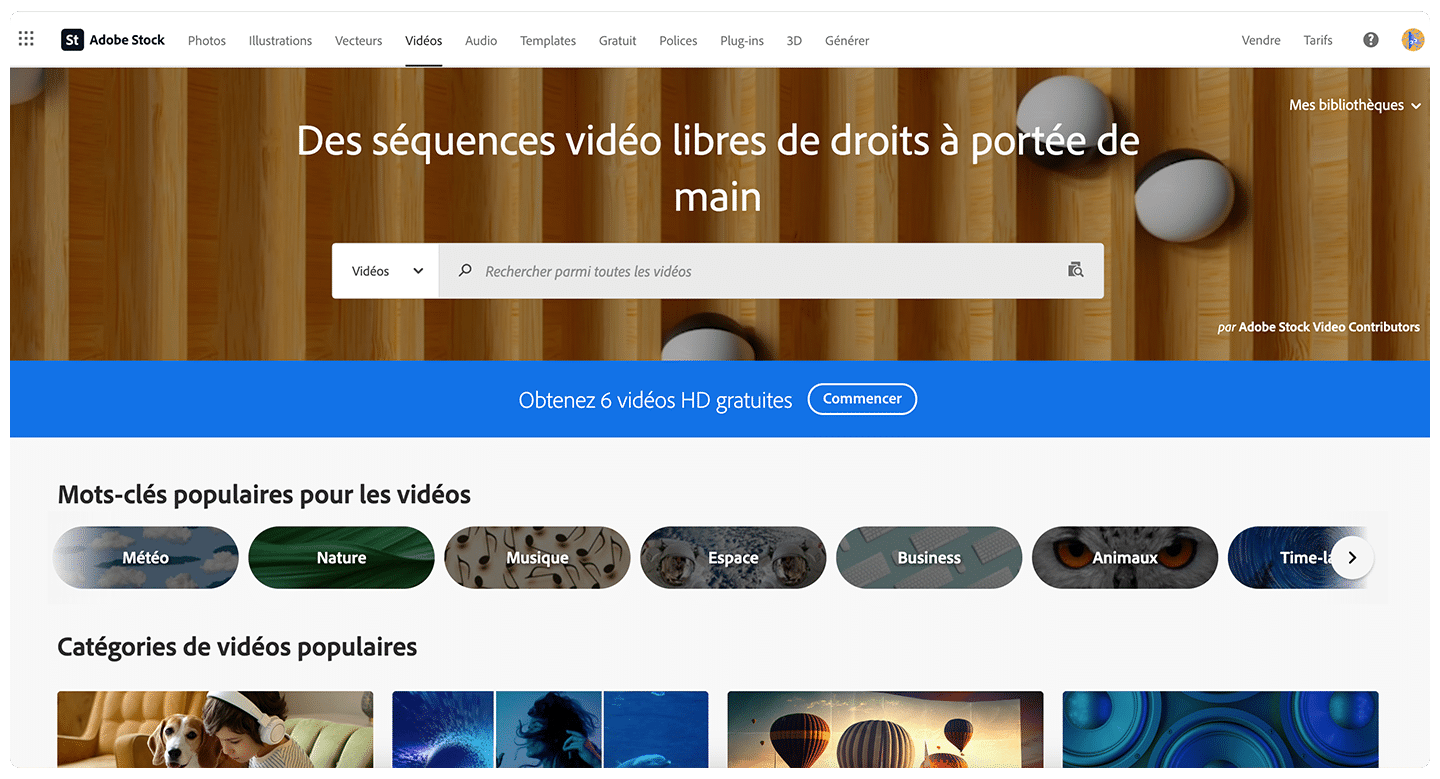
Adobe Stock Videos page: “Royalty-free video footage at your fingertips”, with popular keywords

You will have guessed from the name: this is the content library from Adobe, the publisher of Photoshop and Premiere Pro. On Adobe Stock you find every possible type of content: images, illustrations, vectors, audio, templates, 3D and videos in HD and 4K, more than 900 million assets in total.

In Premiere Pro, you can access your Adobe Stock library: a real time saver for video editing.

For buying videos, you have three options. The entry subscription costs €29.99 per month (annual plan paid monthly) for 10 credits, including one video per month at most; the 25-credit plan, at €59.99 per month, goes up to three videos. The unlimited plan, at €129.99 per month, removes all limits. Without a subscription, credit packs remain valid for one year: a video costs from 8 to 20 credits, and the 40-credit pack (5 HD videos) costs €269.99.

Plans with AI Studio have a 7-day free trial. Watch out for the annual commitment: canceling after 14 days makes you pay half of what remains.

08

iStock

4.2/5 From €105

Best for: Illustrating specific professions and work situations you can’t find for free

+ Strengths
  • Several million videos, including exclusive 4K videos
  • Every possible profession on video
  • Unused downloads carried over to the next month
− Downsides
  • Video is included only in the Premium + Vidéo subscription
  • Annual subscription
★ iStock in brief

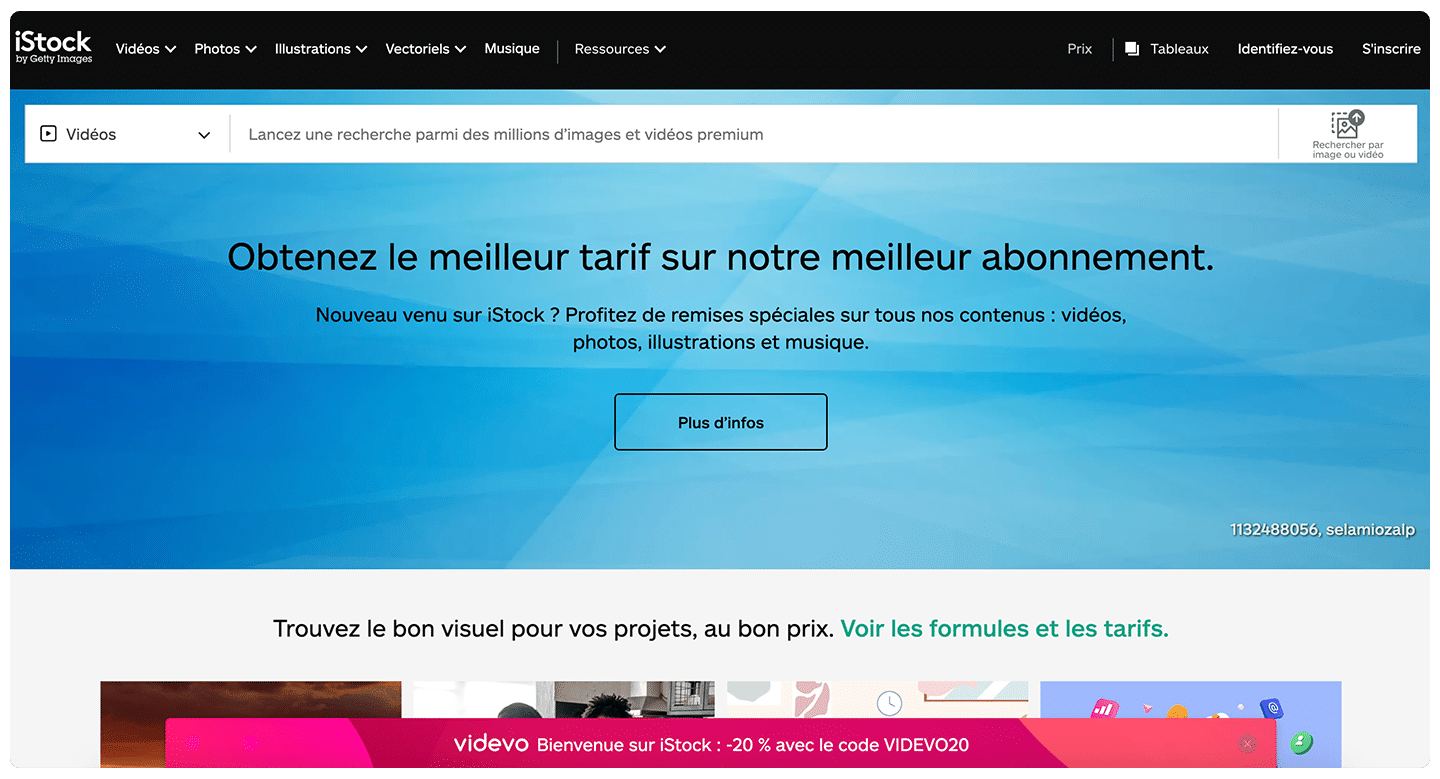
iStock Videos page, with search across premium images and videos and the link to plans and pricing

Founded in 2000, iStock is a reference among video libraries for video projects, just like Shutterstock. The site belongs to Getty Images and offers several million videos.

Its advantage over the other platforms is that you can find every possible profession on video. Useful for illustrating any project, unlike free video libraries.

On pricing, iStock sells credit packs and subscriptions. Only the Premium + Vidéo subscription gives access to videos, in 4K, along with premium images and music: €105 per month on an annual subscription for 10 downloads per month. The Basique (€29) and Premium (€70) subscriptions cover images only.

09

Artgrid

4.1/5 From $19.99

Best for: Videographers who want color-graded shots, in 4K to 8K, for ads or client content

+ Strengths
  • Unlimited downloads on subscription
  • 4K to 8K clips, in ProRes or DNxHR depending on the plan
  • Lifetime license, valid on all platforms
− Downsides
  • Site in English
  • 4K and 8K only start with the Creator plan
  • Billed annually
★ Artgrid in brief

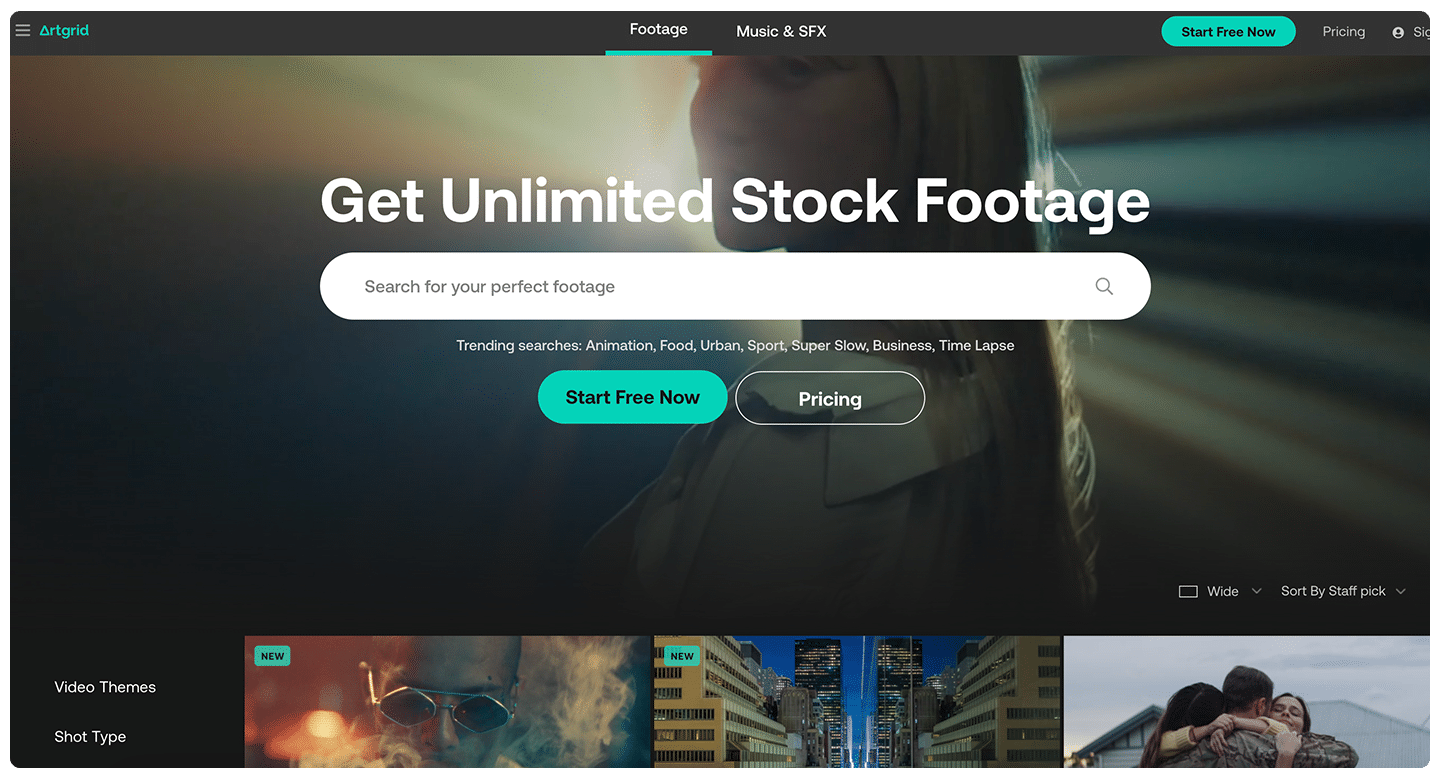
Artgrid homepage: “Get Unlimited Stock Footage”, with trending searches

Artgrid is a site a little less well known than the previous ones. Like the others, it offers very varied videos for your different projects, sorted by theme, type of shot or videographer.

Two things set it apart: videos up to 8K, and subscription pricing that gives you the right to download and use all content, without limit, with a lifetime license.

The Junior plan, at $19.99 per month billed $239.90 annually, is limited to HD clips in H.264. Creator, at $29.99 per month, adds 4K to 8K and the ProRes and DNxHR formats; Pro, at $49.92 per month, adds RAW and LOG footage, for advertising and television.

10

Motion Array

4.1/5 From €24.99

Best for: Editors who want videos, templates, music and plugins in one subscription

+ Strengths
  • Videos, video templates, music, photos and editing plugins
  • Relevant, well-designed filters
  • License valid for any type of project
− Downsides
  • No per-item purchase: subscription required
  • Videos are included only in the Everything offer
★ Motion Array in brief

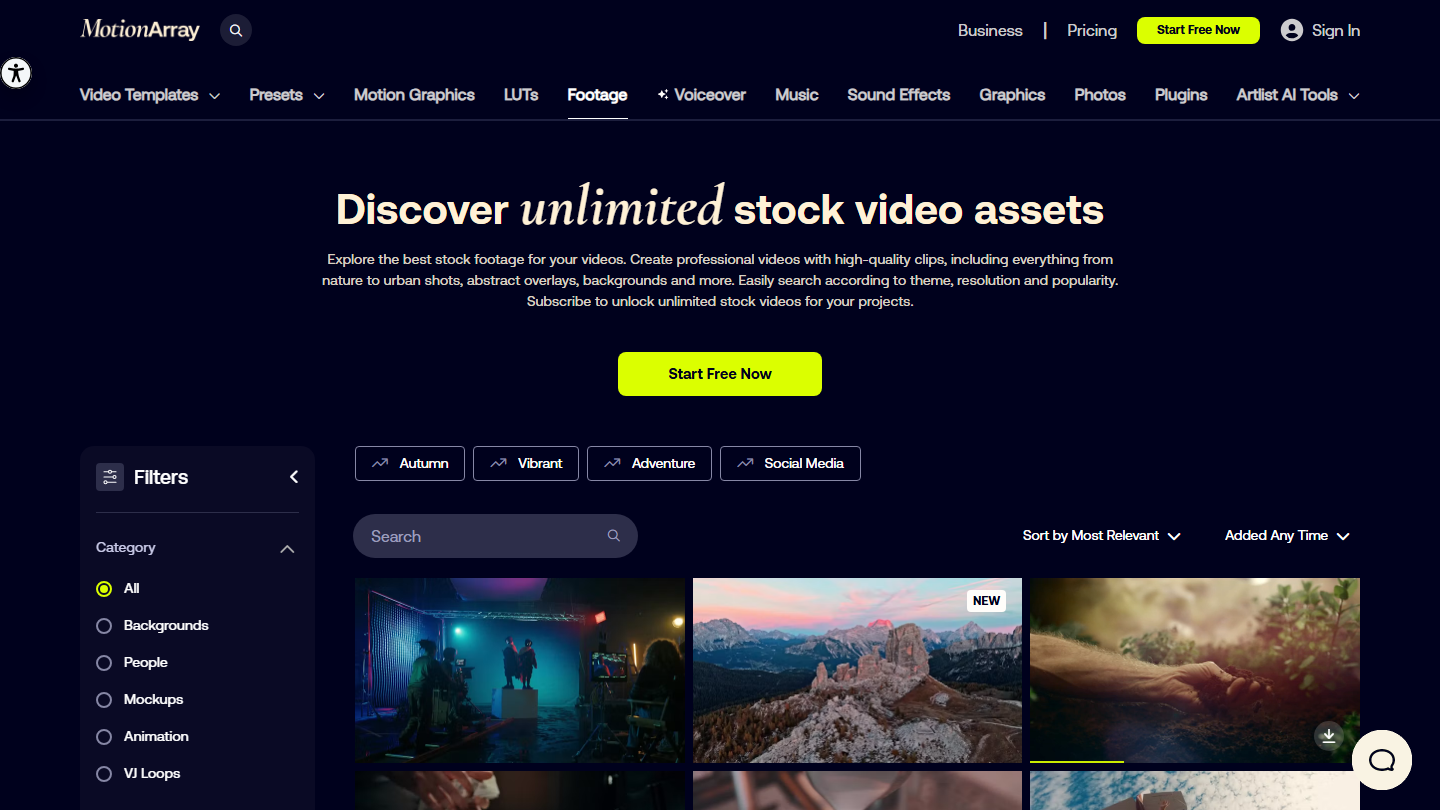
Motion Array Footage page: “Discover unlimited stock video assets”, with category filters

Motion Array is another site you could call all-in-one: videos, photos, music, editing templates, LUTs and plugins.

An excellent site thanks to its “Footage” section, with fairly varied video selections. The filters are relevant and well designed visually, which makes it easier to navigate and find the videos you have in mind.

As for pricing, content is accessible only through a subscription to the platform. Videos are part of the Everything offer, from €24.99 per month for one user; the Video Templates offer, from €15.99, doesn’t include them. Teams (2 to 7 users) and Business offers exist for teams.

11

123RF

3.9/5 From €24.50

Best for: A low-priced unlimited subscription, images and videos included

+ Strengths
  • Unlimited downloads with the PLUS subscription, videos included
  • Choice of credits, subscription or extended license
  • 7-day free trial
− Downsides
  • The standard license excludes products for sale
  • A video costs 30 credits without a subscription
★ 123RF in brief

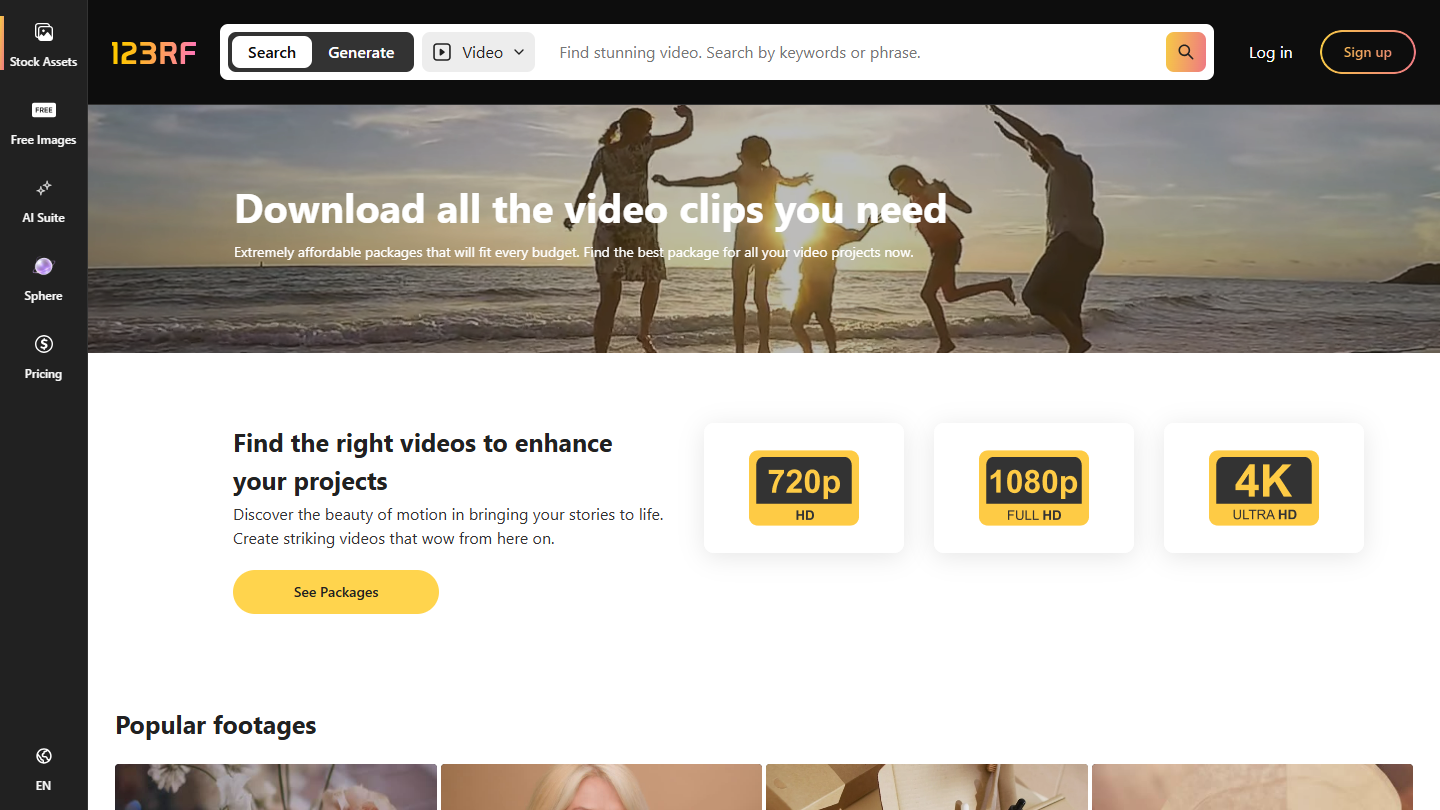
123RF website

123RF has been around since 2005 and is also one of the world’s reference points for photos and videos. Like Shutterstock or iStock, its catalog has millions of items: the site claims 307 million photos, vectors, videos, audio tracks and fonts.

As with Shutterstock and iStock, you choose your pricing. The PLUS subscription, at €24.50 per month, gives unlimited downloads, videos included, with a 7-day free trial. Without a subscription, credits are sold in packs, at €49.50 for 50, and a video costs 30 credits with a standard license.

The standard license covers unlimited views on the web, social media, email and mobile, but not products for sale. For those uses, the extended license for a video costs 80 credits.

12

Getty Images

4.0/5 From On request

Best for: Audiovisual professionals, for premium or archive videos

+ Strengths
  • More than 37 million creative and news videos, in 4K or HD
  • Archives from partners such as the BBC, Universal and Sony Pictures
  • 4K at the same price as HD
− Downsides
  • Pricing designed for audiovisual professionals
  • Video isn’t part of any individual subscription
★ Getty Images in brief

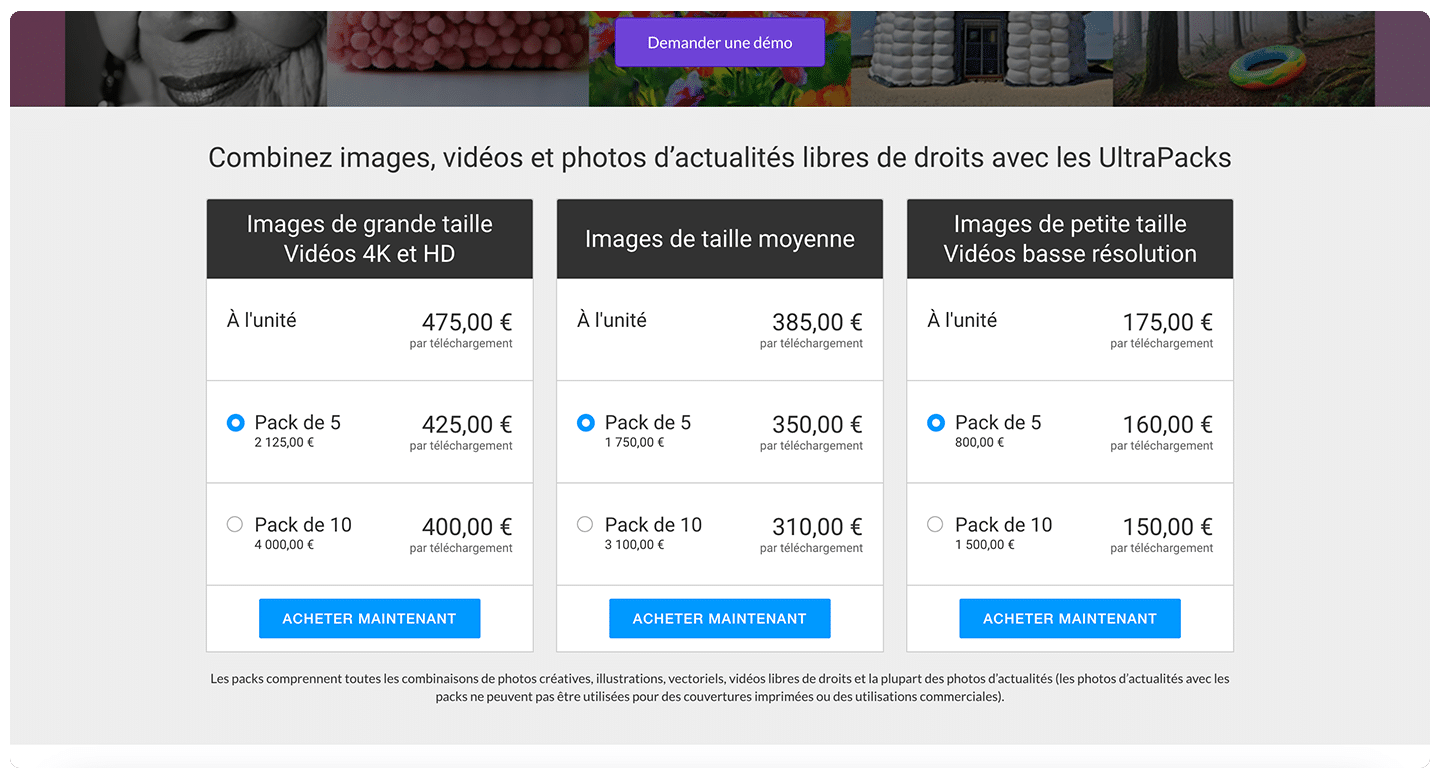
Getty Images pricing: UltraPacks combining images, videos and news photos, per item or in packs of 5 and 10

Possibly the oldest platform in this list, Getty Images was founded in 1995, before Google even existed. The site offers more than 37 million creative and news videos in HD or 4K, and all 4K clips cost the same as HD. As the name suggests, you will also find images there.

Getty Images stands out for its content partners: BBC Motion Gallery, Universal Studios, Sony Pictures and Warner Bros. give access to archive footage you won’t find anywhere else.

Given the prices, the videos are meant for audiovisual professionals. The individual subscription covers only creative images (€195 per month for 10 images); video is bought per item or as an UltraPack, or comes with an Enterprise subscription on request.

13

Dreamstime

3.5/5 From €178

Best for: Projects looking for a late-2000s, early-2010s visual style

+ Strengths
  • Lifetime royalty-free license, valid worldwide
  • Videos from 10 credits each
  • No-commitment subscriptions
− Downsides
  • Content of slightly lower quality than the others
  • A dated visual style
★ Dreamstime in brief

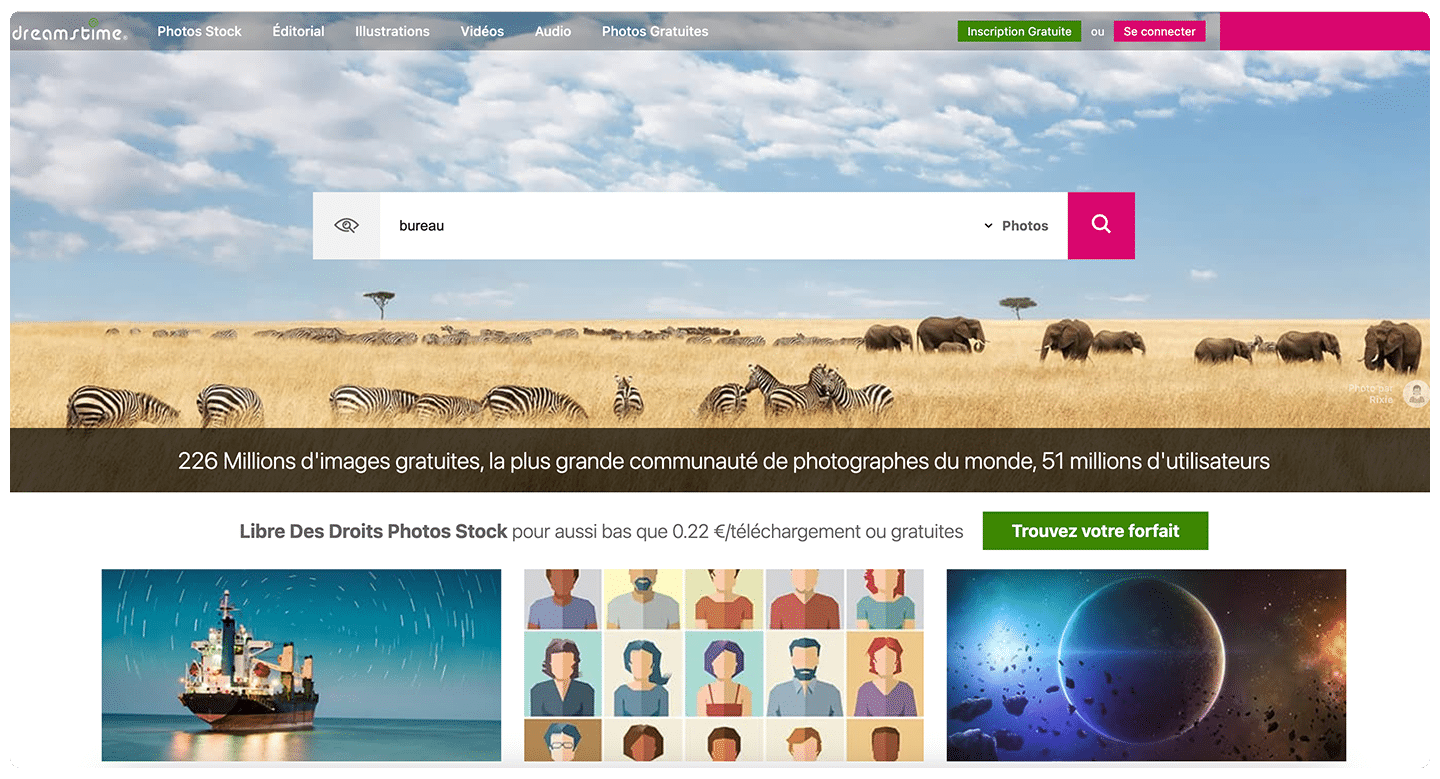
Dreamstime homepage, with the search bar and access to photos, illustrations, videos and audio

Dreamstime gives access to royalty-free videos, with content of slightly lower quality than the others.

The videos on offer look very late 2000s, early 2010s. If that’s the style you need, Dreamstime is a very good platform for downloading videos.

Each download includes the site’s royalty-free license, for life, for web, print, social media and commercial use worldwide. Videos start at 10 credits each, and the monthly video subscription is listed at €178 per month, excluding temporary discounts.

14

Envato

4.3/5 From €14.50

Best for: Downloading lots of videos, templates and music on a fixed budget

+ Strengths
  • Unlimited downloads across more than 30 million assets
  • Lifetime commercial license for all assets
  • Videos, video templates, music, graphics and fonts in the same subscription
− Downsides
  • Prices exclude tax
  • The best rate requires an annual commitment
★ Envato in brief

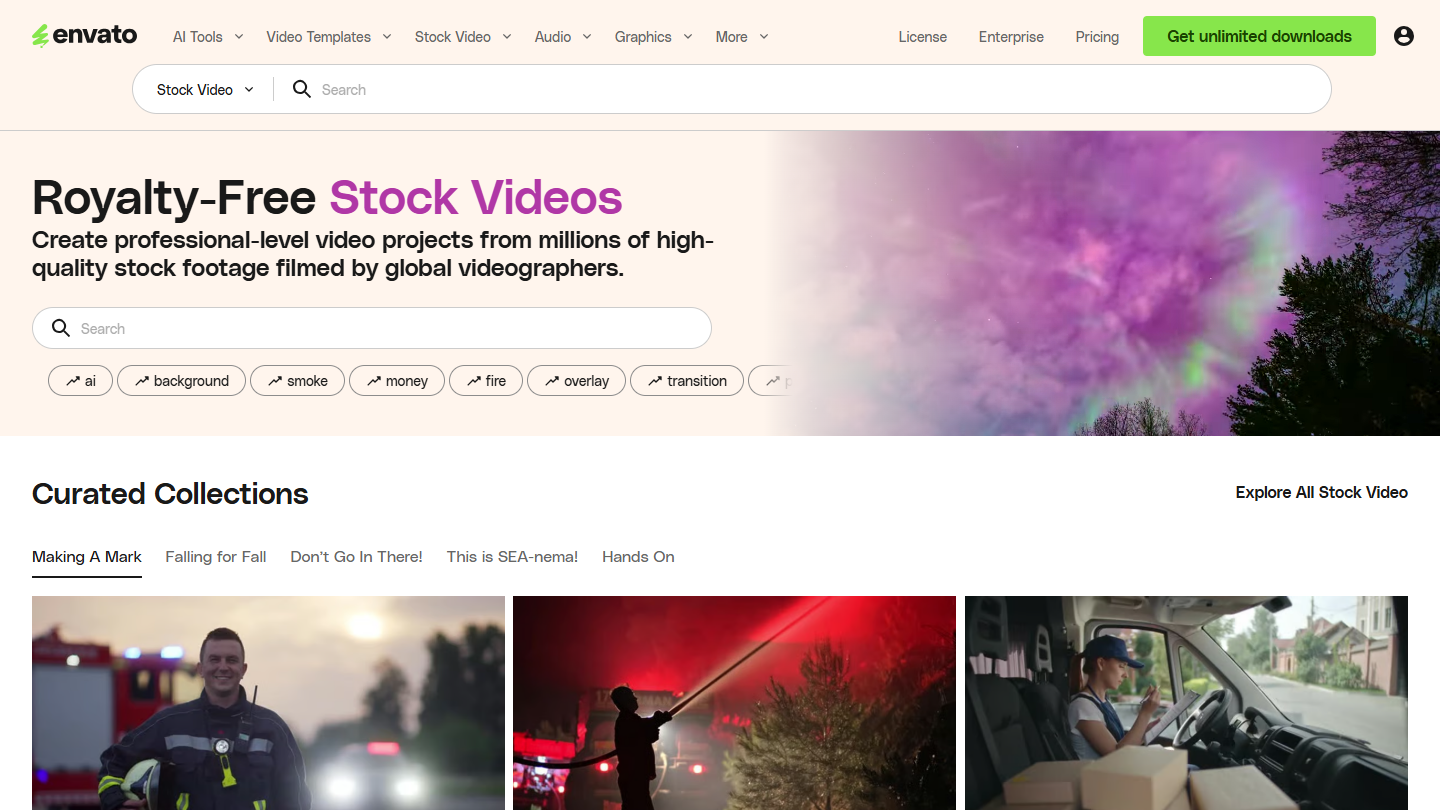
Envato website: “Royalty-Free Stock Videos”

We mentioned this name when presenting Mixkit: Envato, formerly Envato Elements, is the paid version for downloading royalty-free videos.

Like other platforms, it’s an all-in-one site, where you can also find video templates for Premiere Pro, After Effects or DaVinci Resolve, music, fonts, graphics and even website templates.

With a subscription, you can download all the platform’s content without limit, more than 30 million assets, with a lifetime commercial license. That makes it a real advantage over the other platforms.

The Core plan costs €14.50 excl. tax per month billed annually, or €29 billed monthly, with 20 AI credits per month. The Plus (€33) and Ultimate (€145) plans mainly add AI generation credits.

15

Magnific (ex-Freepik)

3.9/5 From €12

Best for: Dressing up a video with animations and backgrounds, when you already use Freepik for your visuals

+ Strengths
  • Free version, with attribution
  • Animations and wallpapers to dress up a video
  • Videos, photos, vectors and PSDs in the same subscription
− Downsides
  • Attribution required on the free version
  • An offer increasingly turned toward AI generation
★ Magnific (ex-Freepik) in brief

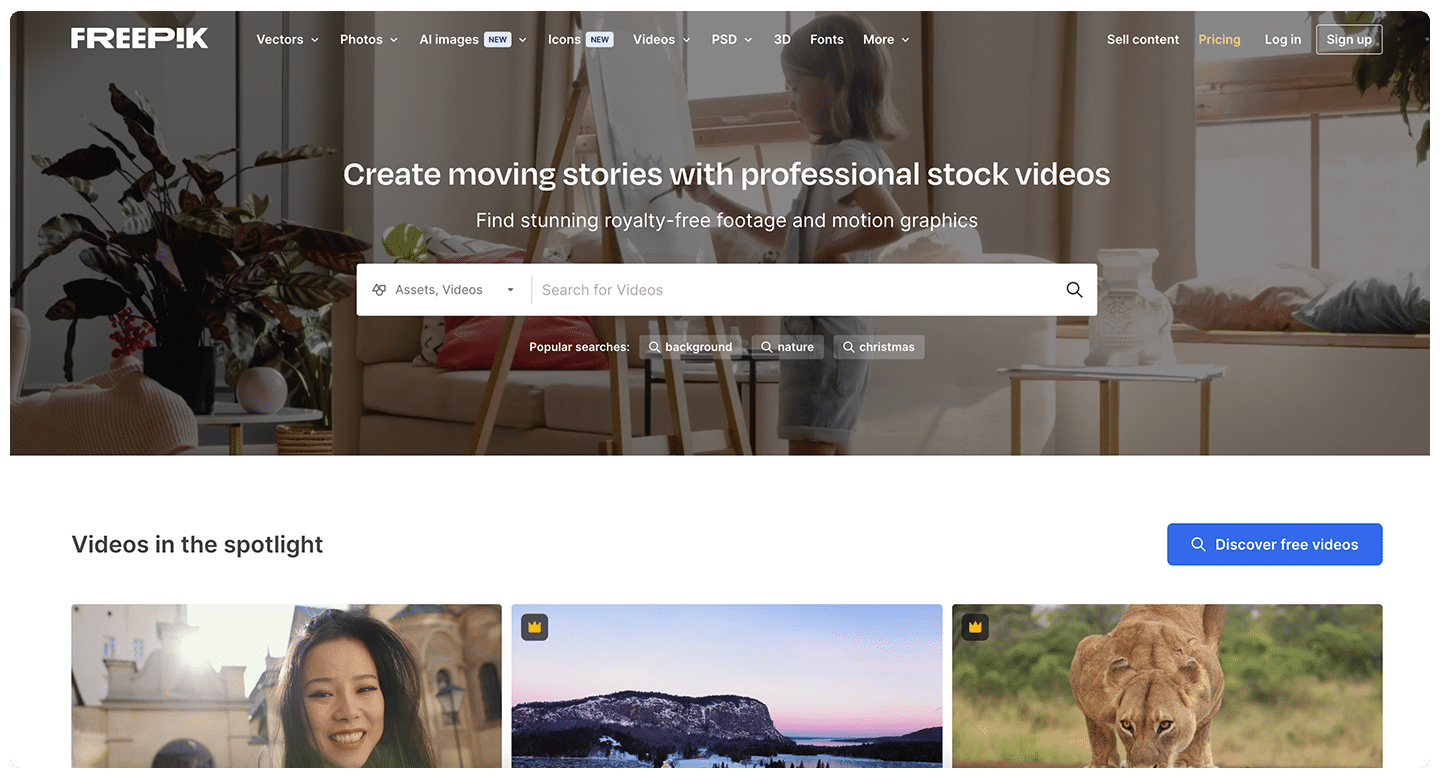
Videos page from Freepik, now Magnific: “Create moving stories with professional stock videos”

Finally, the last site: Freepik, which is now called Magnific. Much better known for its visuals, photos and images, the site also has a section with video files.

These are not only filmed videos, but also animations, wallpapers, etc. Elements that can be used to dress up a video.

Free content can be used on condition that you credit Magnific and, where applicable, the author. To do without attribution and access premium content, you need a subscription: Premium costs €12 excl. tax per month billed annually, or €16 billed monthly, with credits for the site’s AI tools.

How did we choose these 15 video libraries?

We analyzed many royalty-free video sites. Some open and close over time, and content quality is very uneven: we only kept the libraries that offer a real catalog of videos, free or paid. The order of the list is not a ranking.

  1. 01
    Scope

    Stock video libraries accessible from France, with a license that allows professional use. AI video generators and template-only sites are left out.

  2. 02
    License

    For each site, the license page was reread: attribution required or not, commercial use, resale, prohibitions. That is what separates the two groups in the list.

  3. 03
    Pricing

    The price shown is the regular price of the plan that gives access to videos, read on the publisher’s website, excluding promotions or welcome discounts. Tax-exclusive pricing is stated when the page gives it.

  4. 04
    Updates

    A site that has closed or been absorbed leaves the list. Videvo, which now redirects to Magnific, has made way for Videezy. Freepik and Envato Elements appear under their new names, Magnific and Envato.

  5. 05
    Independence

    No link on this page is an affiliate link, and no publisher was consulted about its place in the list.

The questions we get over and over.

Do you have to credit the author of a royalty-free video?

It depends on the site’s license. On Pexels, Pixabay, Mixkit and Coverr, no attribution is required, even if it’s appreciated. On Videezy and the free version of Magnific, you have to credit the author or the site, on the video, in the end credits or in the description. A video bought on a paid library doesn’t require attribution.

Can you use a free royalty-free video in an ad?

Yes, the licenses of Pexels, Pixabay and Coverr allow commercial use. They set a few limits: no recognizable brand or logo used to sell a product, no identifiable person shown in a bad light, no implied endorsement of your product by a person. On Mixkit, check each video’s license: the “Restricted” license prohibits commercial use.

Can you resell a video downloaded from a free library?

No, not as is. Pexels and Pixabay prohibit selling a raw copy with no creative work, and redistributing it on another stock library. Coverr also prohibits using its videos to build a competing service or to train an AI.

Does a paid license have limits?

Yes. The standard license covers most web and social media uses, but not everything: at 123RF, it excludes products for sale, which require an extended license (80 credits for a video). Some licenses also limit the number of views or print runs. Before buying credits or subscribing, ask support for details.

Which paid video library should you choose for regular use?

To download often, an unlimited subscription costs less than buying per video: Envato from €14.50 excl. tax per month billed annually, 123RF at €24.50 per month, Motion Array from €24.99 per month, Artgrid from $19.99 per month. Adobe Stock and iStock count videos per month, and Getty Images mainly sells per video or on request.

★ The conversation, 0 comments

What the community says.

Basic Markdown, moderated within 24 h
Loading…

    In the same category