The 18 Best Apps on the HubSpot Marketplace

18 applications from the HubSpot marketplace. Automation and data: Zapier (free for 100 tasks/month, Professional $19.99/month billed annually), Google Sheets (free, through workflows), Insycle (deduplication, from $100/month for 100,000 records), Airtable (Team $20/license/month, requires Data Hub Starter), Databox (free, Analyst $89/month).

Maxime Ben Bouaziz
Maxime Ben Bouaziz
CEO Salesdorado, IA & Sales Tech
May 15, 2024, updated November 10, 2026, 1 min read
See all tools

The HubSpot marketplace offers more than 2,600 applications to complement and extend HubSpot’s tools. Free or paid, HubSpot apps add features fairly simply, with no advanced technical skills required. There are HubSpot apps of every type, whether for CRM, marketing, customer service, finance, analytics or productivity.

We have selected 18 of the best HubSpot apps on the marketplace. There is something for every taste and every need. Watch out for one point the marketplace displays but that is easy to skim past: the app is almost always free, it is the subscription to the connected tool that you pay for, and some require a specific plan.

Depending on what you need:

  • Connect HubSpot to tools with no direct integration: Zapier
  • Clean and deduplicate the contact database: Insycle
  • Log your emails and track opens without leaving your inbox: Gmail
  • Prospect on LinkedIn from contact records: LinkedIn Sales Navigator
  • Plan routes for field sales reps: Mapsly
  • Call and send SMS from HubSpot: Aircall
  • Send proposals and get them signed: PandaDoc
  • Create visuals for emails and posts: Canva
  • Receive HubSpot alerts in the team’s channels: Slack
The 18 tools, side by side

# Logos tool Score Price Best for
01 Zapier 4.5/5 ★ $19.99 Teams that want to connect HubSpot to a tool with no native integration Visit site
02 Slack 4.4/5 ★ €8.25 Teams that work in Slack and want to follow their leads and tickets in real time Visit site
03 LinkedIn Sales Navigator 4.7/5 ★ On request Sales teams that prospect on LinkedIn and have the Advanced Plus plan Visit site
04 Typeform 4.6/5 ★ €25 Marketers who want more engaging forms than HubSpot's Visit site
05 Gmail 4.4/5 ★ Free Sales reps who live in Gmail and want an up-to-date CRM without retyping Visit site
06 Calendly 4.8/5 ★ $10 Teams that book many meetings with inbound prospects Visit site
07 LinkedIn Ads 3.9/5 ★ Depends on budget B2B teams that invest in LinkedIn advertising and want to measure the revenue generated Visit site
08 Aircall 4.6/5 ★ €30 Sales and support teams that make many calls from the CRM Visit site
09 Google Sheets 4.0/5 ★ Free Teams that build their reports or forecasts in a spreadsheet Visit site
10 Canva 4.6/5 ★ €12 Marketing teams without a designer that produce a lot of visuals Visit site
11 PandaDoc 4.3/5 ★ $49 Teams that send many proposals and quotes Visit site
12 Airtable 4.0/5 ★ $20 Teams that already manage their projects or catalog in Airtable Visit site
13 WordPress 4.2/5 ★ Free SMBs whose site runs on WordPress and that are starting out with HubSpot Visit site
14 Zendesk 5.0/5 ★ €55 Companies that keep Zendesk for support and HubSpot for sales Visit site
15 Databox 4.2/5 ★ $89 Marketing and sales teams that steer with multi-source dashboards Visit site
16 Stripe 3.9/5 ★ 1.5% + €0.25 SaaS vendors and e-commerce merchants that collect payments with Stripe Visit site
17 Insycle 4.1/5 ★ $100 RevOps teams that manage a large database of contacts and companies Visit site
18 Mapsly 4.0/5 ★ €30 Field sales teams that organize customer visits Visit site
01

Zapier

4.5/5 From $19.99

Best for: Teams that want to connect HubSpot to a tool with no native integration

+ Strengths
  • More than 8,000 connectable apps
  • Free plan with 100 tasks per month
  • App built and certified by HubSpot
− Downsides
  • The bill rises with the number of tasks
  • Tedious field mapping on large scenarios
★ Zapier in brief

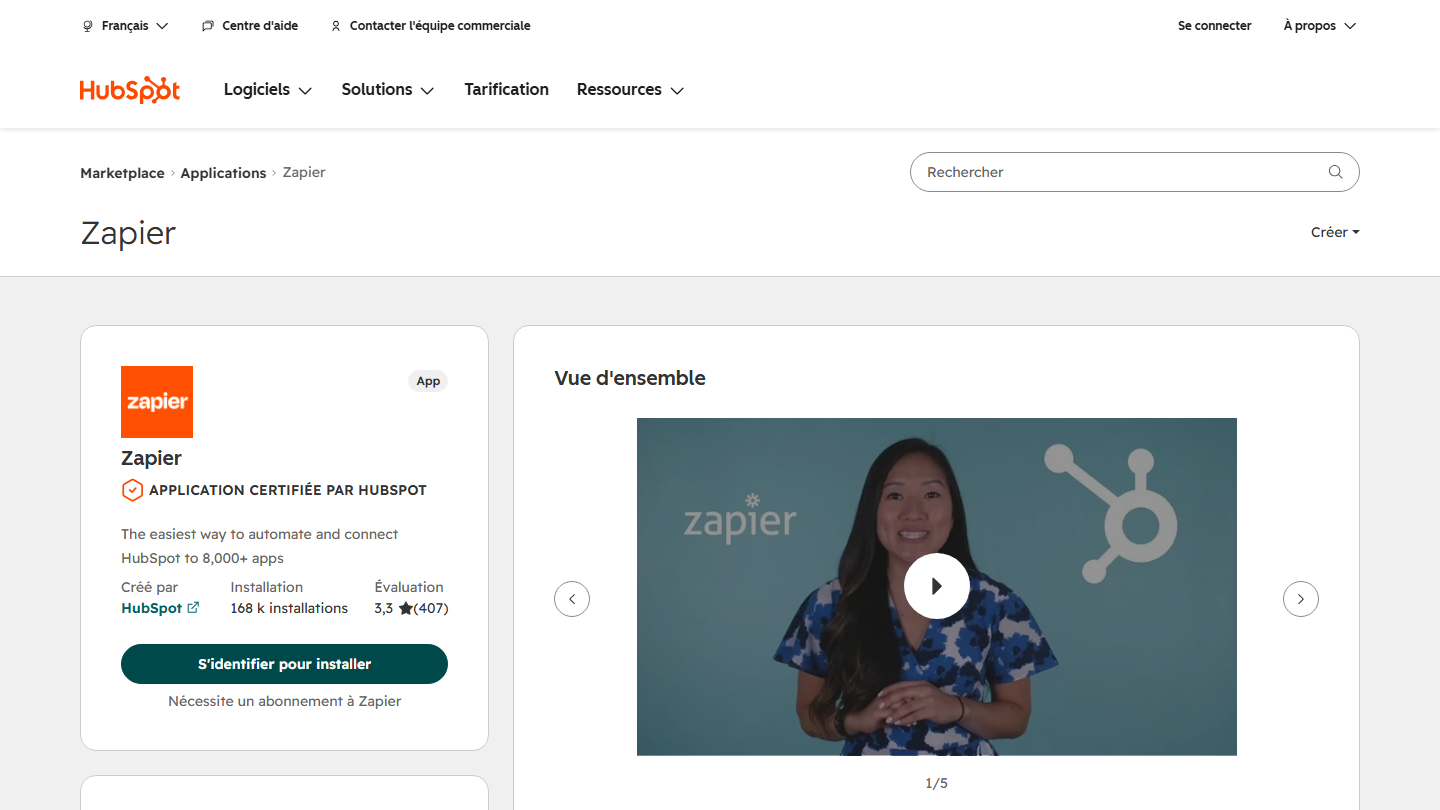
Zapier listing on the HubSpot marketplace: “The easiest way to automate and connect HubSpot to 8,000+ apps”, certified app built by HubSpot

Zapier helps you connect your favorite apps to HubSpot in a few clicks, without having to write a line of code. Before Zapier, automating repetitive tasks between different applications required complex, expensive integrations.

With Zapier, you can create “Zaps” that automate data transfer between HubSpot and other services such as Gmail, Slack or Google Sheets. A Zap is triggered when a contact, deal, ticket or custom object is created, or when a deal changes stage, and then creates or updates records in HubSpot. This saves valuable time and streamlines marketing, sales and customer service processes.

The app is built by HubSpot and has 168,000 installs, with a rating of 3.3 out of 5 on the marketplace. Reviews praise the connections with tools that have no direct integration and complain about tedious field mapping. Make, which we have reviewed, does the same job with visual scenarios.

You can use Zapier for free for up to 100 tasks per month. The Professional plan, which unlocks multi-step Zaps, starts at $19.99 per month billed annually ($29.99 billed monthly), and its price rises with task volume.

02

Slack

4.4/5 From €8.25

Best for: Teams that work in Slack and want to follow their leads and tickets in real time

+ Strengths
  • Form, mention and reminder notifications in Slack
  • Commands to search and create HubSpot records
  • Breeze answers CRM questions in threads
− Downsides
  • Slack's free plan limits history to 90 days and 10 applications
  • Rated 3.7 out of 5 on the marketplace
★ Slack in brief

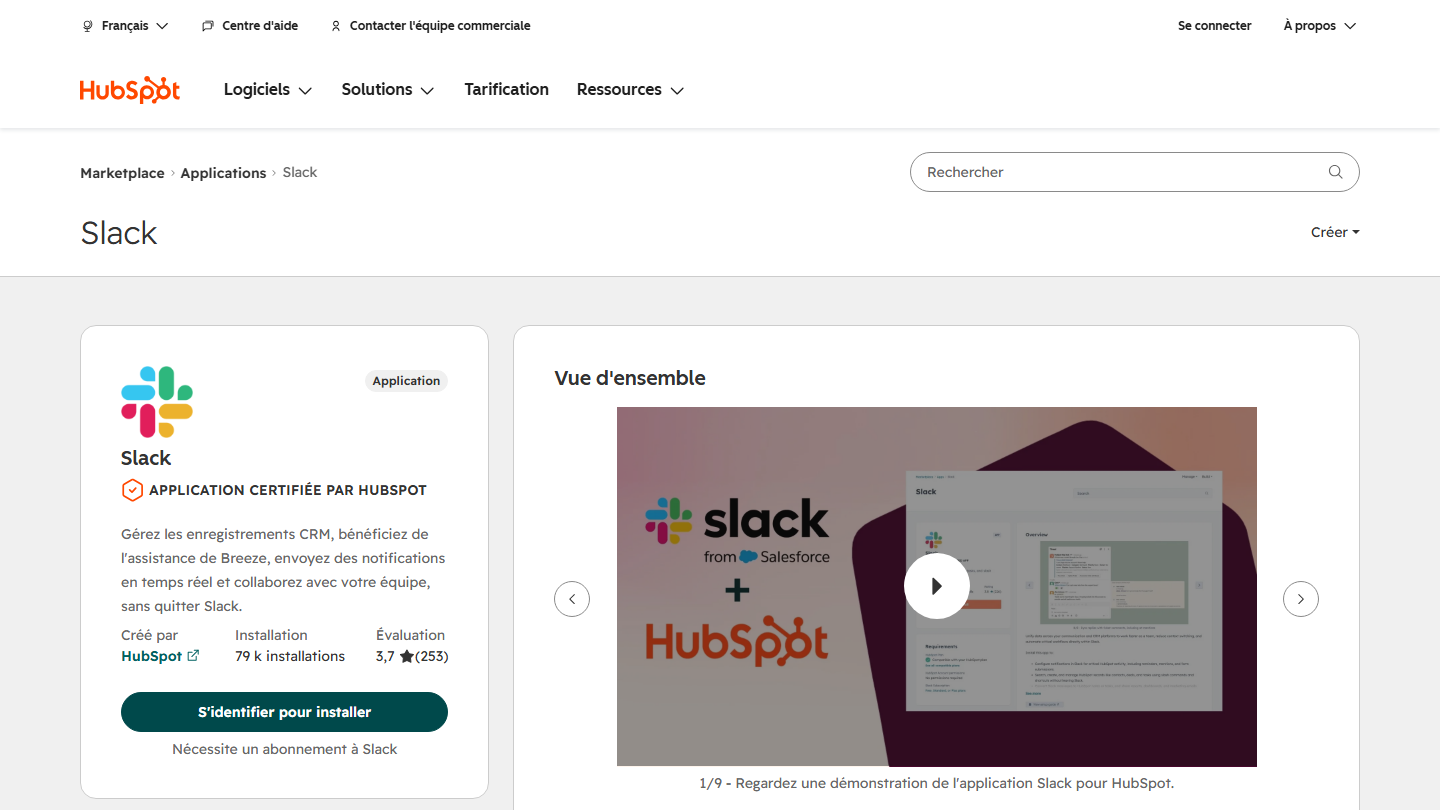
Slack listing on the HubSpot marketplace: manage CRM records, receive notifications and collaborate without leaving Slack

Slack is an internal messaging application for collaborative work. It is one of the most popular collaboration platforms on the market.

With the HubSpot integration, you receive reminders, mentions and new form submissions in Slack. You can search, create and edit contacts, deals or tasks with commands, turn a message into a HubSpot note or task, and share reports in channels. Breeze, HubSpot’s AI, answers questions about your CRM data in threads.

This avoids switching between the two applications and keeps teams informed in real time. Slack also lets you create dedicated channels for different teams or projects. The app is built by HubSpot and has 79,000 installs.

Slack has a free plan, limited to 90 days of history and 10 applications. The Pro plan costs €8.25 per user per month billed monthly, Business+ €18.

03

LinkedIn Sales Navigator

4.7/5 From On request

Best for: Sales teams that prospect on LinkedIn and have the Advanced Plus plan

+ Strengths
  • LinkedIn profile data in contact and company records
  • InMails and icebreakers sent from HubSpot
  • Account IQ to prepare a meeting
− Downsides
  • Several features require the Advanced Plus plan, on request
  • Rated 2 out of 5 on the marketplace (372 reviews)
★ LinkedIn Sales Navigator in brief

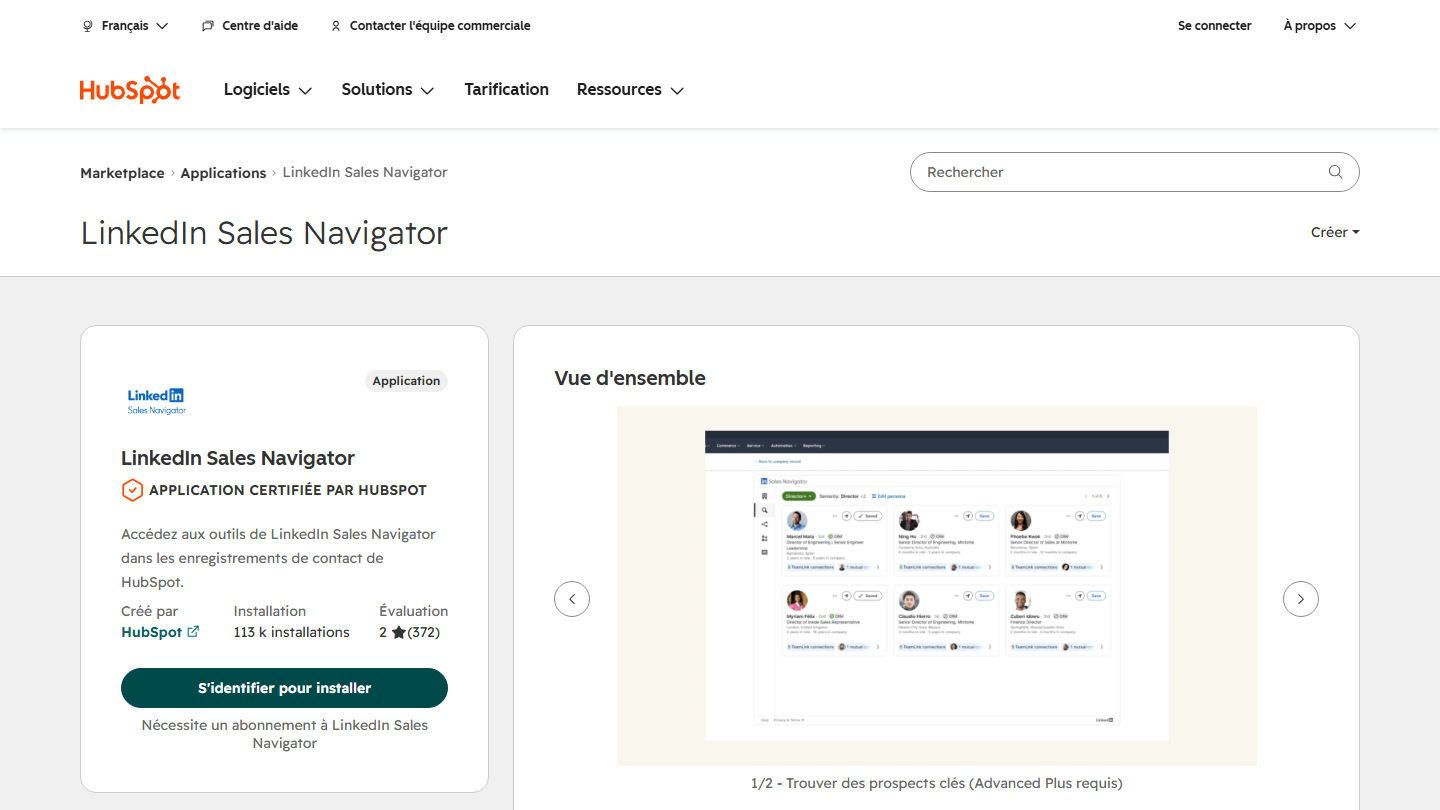
LinkedIn Sales Navigator listing on the HubSpot marketplace: access Sales Navigator tools in HubSpot contact records

LinkedIn Sales Navigator is a very useful tool for B2B prospecting on the world’s largest professional social network. The HubSpot integration gives access to detailed information on prospects directly in your CRM.

In contact and company records, you see LinkedIn profile data, the history of exchanges and mutual connections. You can send InMails without leaving HubSpot, spot key contacts at an account with relationship maps and recommended leads, and consult Account IQ, which summarizes a company’s priorities and financial data.

The point to check before installing: HubSpot states that Sales Navigator’s Advanced Plus plan is required for several features. The app, built by HubSpot, has 113,000 installs but a rating of only 2 out of 5.

The Core and Advanced plans show their prices on LinkedIn’s website. Advanced Plus, the one that unlocks CRM integration, is sold on request after a demo.

04

Typeform

4.6/5 From €25

Best for: Marketers who want more engaging forms than HubSpot's

+ Strengths
  • Integration available from the free plan
  • Conditional logic to personalize questions
  • Responses sent to HubSpot as contacts or deals
− Downsides
  • The Basic plan caps at 100 responses per month
  • Rated 3.2 out of 5 on the marketplace
★ Typeform in brief

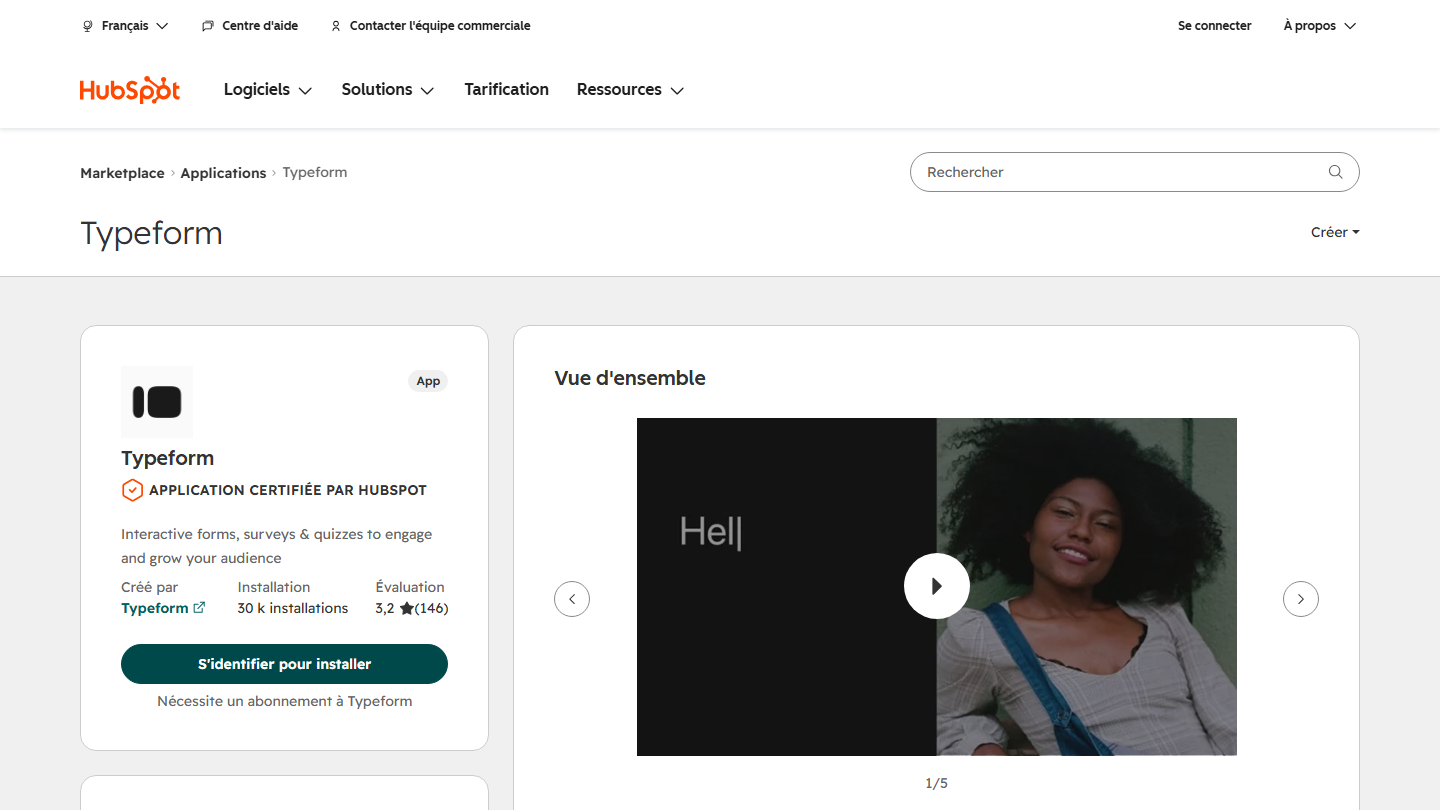
Typeform listing on the HubSpot marketplace: interactive forms, surveys and quizzes, certified app published by Typeform

Typeform makes it easy to create forms and surveys. The HubSpot integration automatically syncs the collected data, improving lead management and user segmentation.

Typeform offers very advanced, intuitive options to customize your data collection forms and make them more engaging. With conditional logic, each respondent sees different questions depending on their answers, then the data lands in HubSpot as contacts, deals or customers.

It is one of the leading apps in this category: 30,000 installs, published by Typeform, a HubSpot Premier partner. The integration is available on all plans, including the free one.

You can use Typeform for free for the basic features. The Basic plan costs €25 per month billed annually (€35 billed monthly) for 100 responses per month, Plus €49 and Business €84.

05

Gmail

4.4/5 From Free

Best for: Sales reps who live in Gmail and want an up-to-date CRM without retyping

+ Strengths
  • Emails logged in the CRM with one click
  • Real-time tracking of opens and clicks
  • Templates, sequences and meeting links in the inbox
  • Most installed app on the marketplace
− Downsides
  • Google Workspace is paid for an address on your own domain
★ Gmail in brief

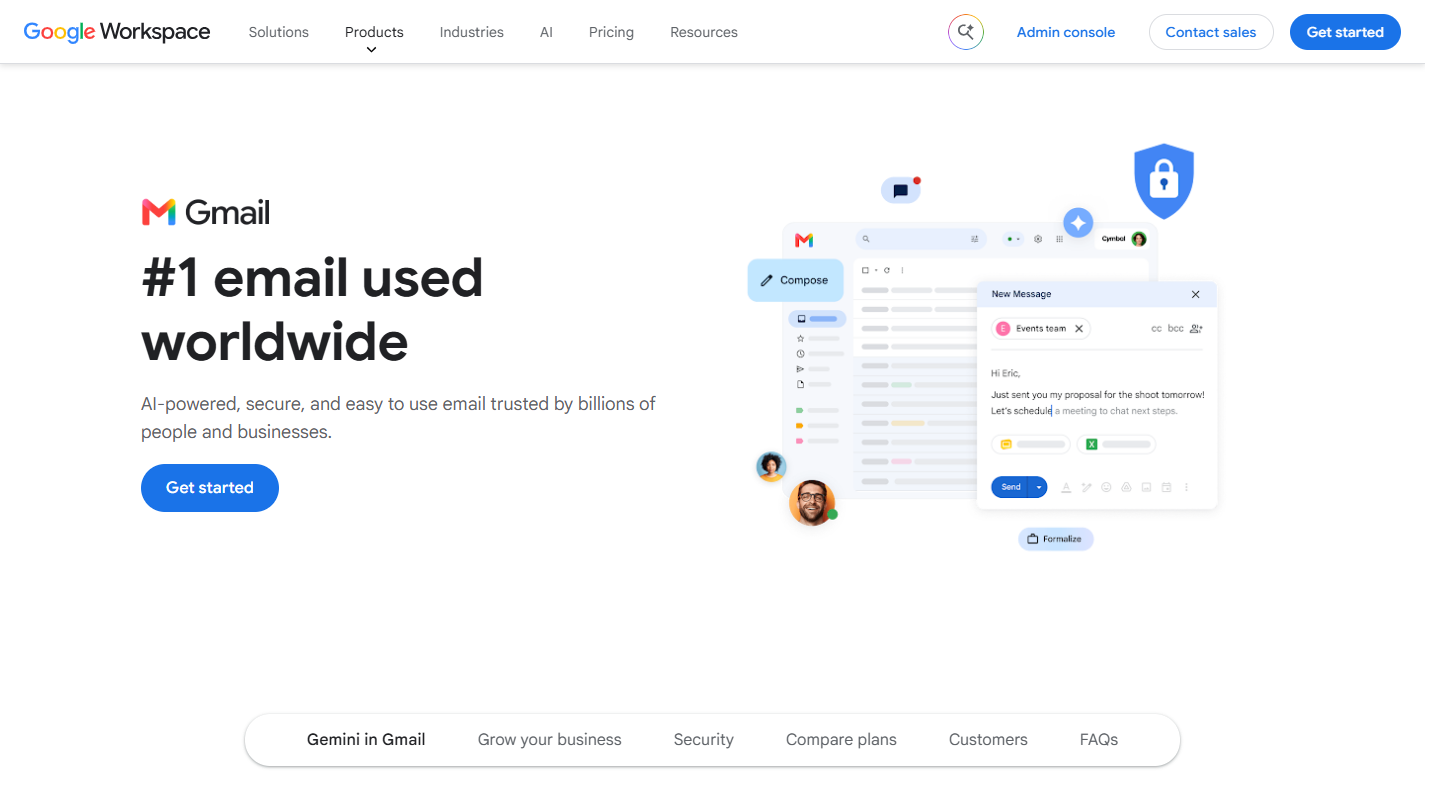
Gmail website: “#1 email used worldwide”

Gmail integrates seamlessly with HubSpot. The integration lets users work with the HubSpot CRM directly from their Gmail inbox, through a sidebar that shows all the contact’s details.

You log emails sent from Gmail in the CRM with one click, and track their opens and clicks in real time. HubSpot’s email templates, sequences and meeting links are accessible without leaving the inbox.

It is the most installed app on the marketplace: 530,000 installs, with a rating of 4 out of 5 from more than 3,000 reviews. It is built by HubSpot. Outlook has its equivalent for teams on Microsoft 365.

Gmail is free. For an address on your own domain and more storage, Google Workspace starts at €6.80 per user per month (Starter, annual commitment), with a 14-day trial.

06

Calendly

4.8/5 From $10

Best for: Teams that book many meetings with inbound prospects

+ Strengths
  • Contacts and meetings updated in HubSpot without retyping
  • Routing of qualified prospects to the right sales rep
  • Notetaker notes synced
− Downsides
  • The integration requires a paid plan (Standard or higher)
  • Priced in dollars
★ Calendly in brief

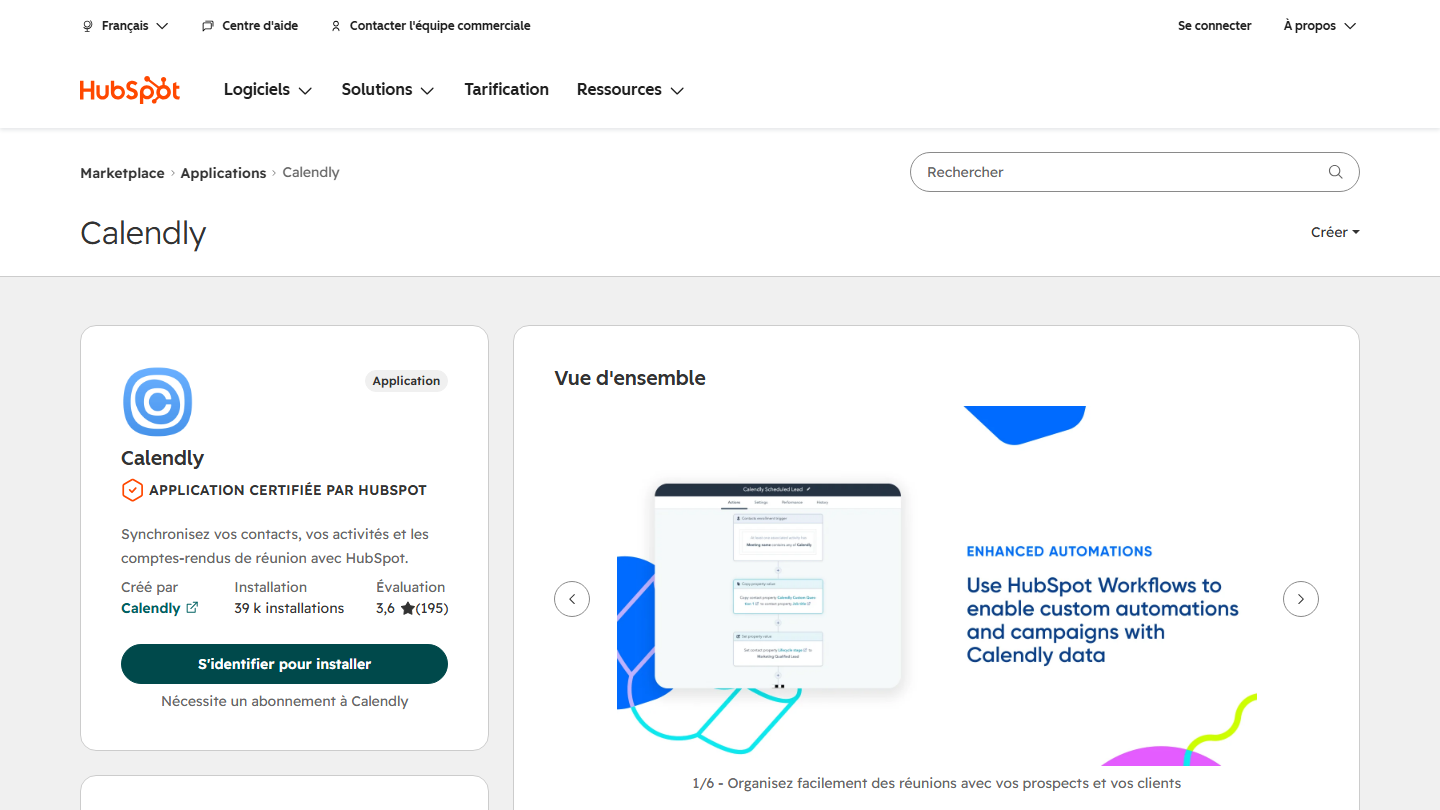
Calendly listing on the HubSpot marketplace: sync contacts, activities and meeting notes with HubSpot

Calendly simplifies meeting scheduling by syncing meetings directly into HubSpot. With this integration, you can automate booking and work more efficiently without the usual back-and-forth to set a date.

The app captures and routes qualified prospects, keeps contacts and meeting activity up to date, and syncs the notes produced by Calendly Notetaker into HubSpot. Reminders and confirmations remain managed by Calendly.

The app is published by Calendly, a HubSpot Premier partner, and has 39,000 installs. HubSpot has its own scheduling tool: Calendly makes sense if your team already uses it or needs its routing.

Calendly offers a free plan, but the HubSpot integration requires a Standard, Teams or Enterprise plan. The Standard plan costs $10 per license per month billed annually ($12 billed monthly), Teams $16 ($20).

07

LinkedIn Ads

3.9/5 From Depends on budget

Best for: B2B teams that invest in LinkedIn advertising and want to measure the revenue generated

+ Strengths
  • Audiences built from HubSpot lists, updated automatically
  • Leads synced and conversions sent back to LinkedIn
  • Revenue attributed to each campaign
− Downsides
  • Cost depends on bidding: no fixed price
  • Rated 3 out of 5 on the marketplace
★ LinkedIn Ads in brief

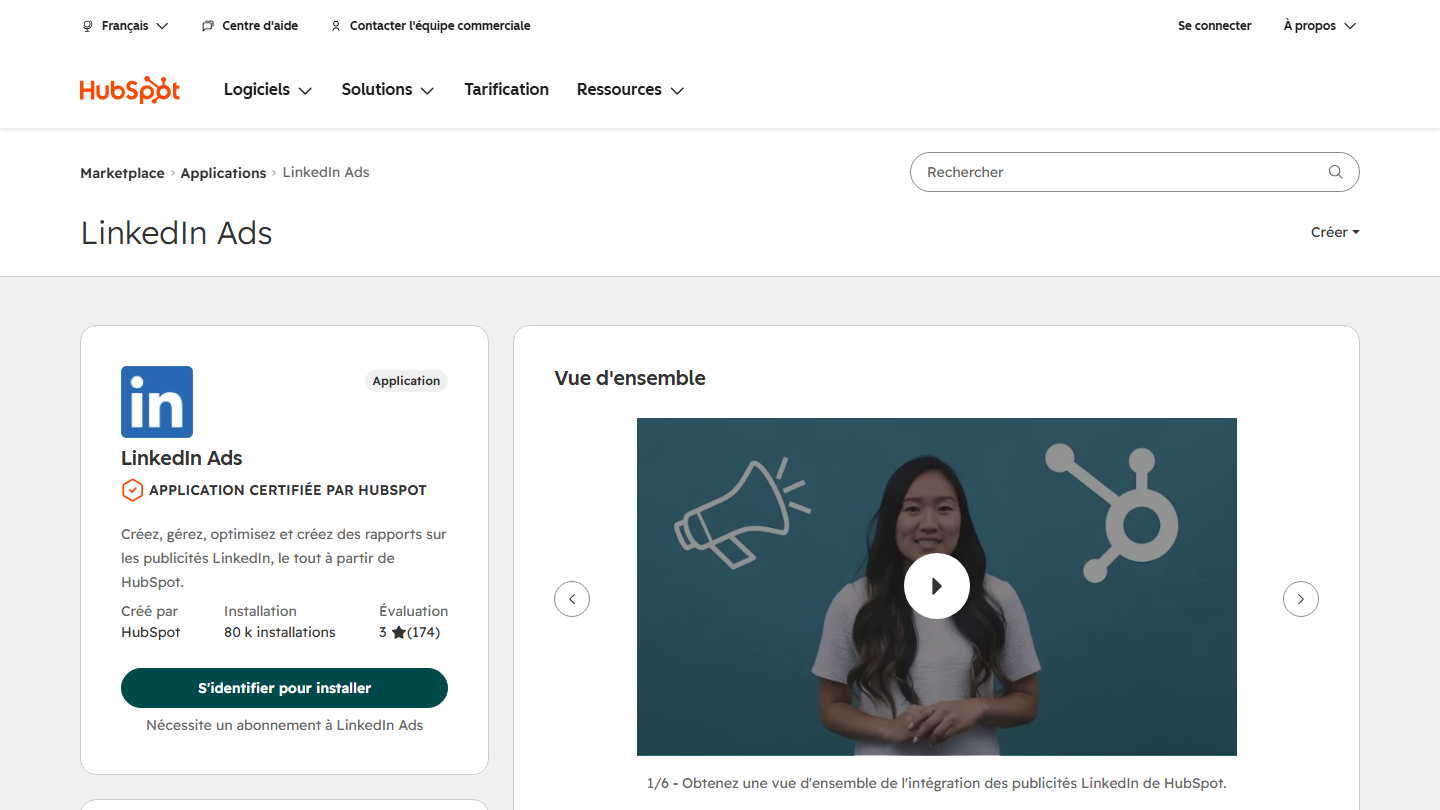
LinkedIn Ads listing on the HubSpot marketplace: create, manage, optimize and analyze LinkedIn ads from HubSpot

LinkedIn Ads is the service designed to manage and optimize your advertising campaigns on LinkedIn. The app lets you manage your LinkedIn Ads campaigns directly from HubSpot.

You create your ads and audiences from HubSpot lists, segmented by lifecycle stage, company size, job title or industry. Contacts enter and leave the audience as they move through their journey. The leads generated arrive in HubSpot, and conversions go back to LinkedIn so the campaign optimizes for real results, not just clicks.

The app is built by HubSpot and has 80,000 installs. Its main value is attribution: you see what revenue each campaign generated, and you trigger workflows based on ad interactions.

The app costs nothing. The price of LinkedIn advertising depends on the type of action you pay for and on bidding against other advertisers targeting the same audience.

08

Aircall

4.6/5 From €30

Best for: Sales and support teams that make many calls from the CRM

+ Strengths
  • Calls, SMS and WhatsApp synced with contacts, deals and tickets
  • App published by Aircall, the most installed in its category
  • Rated 4.3 out of 5 on the marketplace
− Downsides
  • 3 licenses minimum, so at least €90 per month
  • AI Actions still in beta
★ Aircall in brief

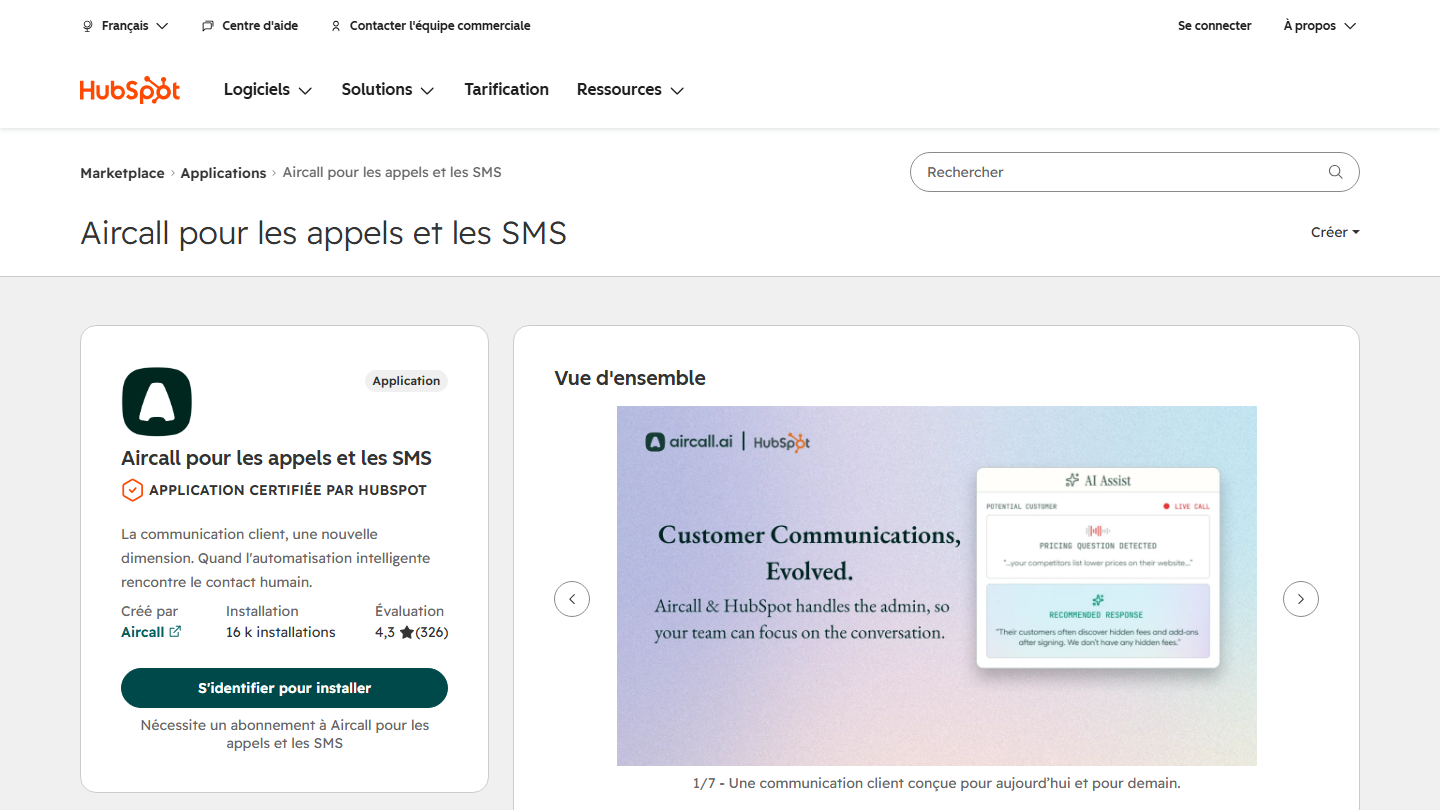
Aircall for calling and SMS listing on the HubSpot marketplace: certified app built by Aircall

Aircall is a cloud telephony solution for managing customer calls. With the Aircall app, you can manage your inbound and outbound calls directly from HubSpot, while keeping a record of every interaction.

The app selected is the one published by Aircall, “Aircall for calling and SMS” (16,000 installs), rather than the contact sync built by HubSpot. Each call, SMS and WhatsApp message is attached in real time to the relevant contact, deal or ticket. AI Actions, in beta, let Aircall’s virtual agent look up a contact, create a record, open a ticket or schedule a meeting during the call.

Aircall makes sense for a team that spends a good part of its day on the phone and wants a complete history in HubSpot without retyping call notes.

Aircall offers a free trial. Paid plans start at €30 per month per license billed annually (Essentials), with a minimum of 3 licenses, so €90 per month. The Professional plan is €50.

09

Google Sheets

4.0/5 From Free

Best for: Teams that build their reports or forecasts in a spreadsheet

+ Strengths
  • Free, like Google Sheets
  • No more manual CSV exports
  • Compatible with all workflow types
− Downsides
  • Workflow-based: you need a HubSpot workflow to trigger the send
  • Rated 2.8 out of 5 on the marketplace
★ Google Sheets in brief

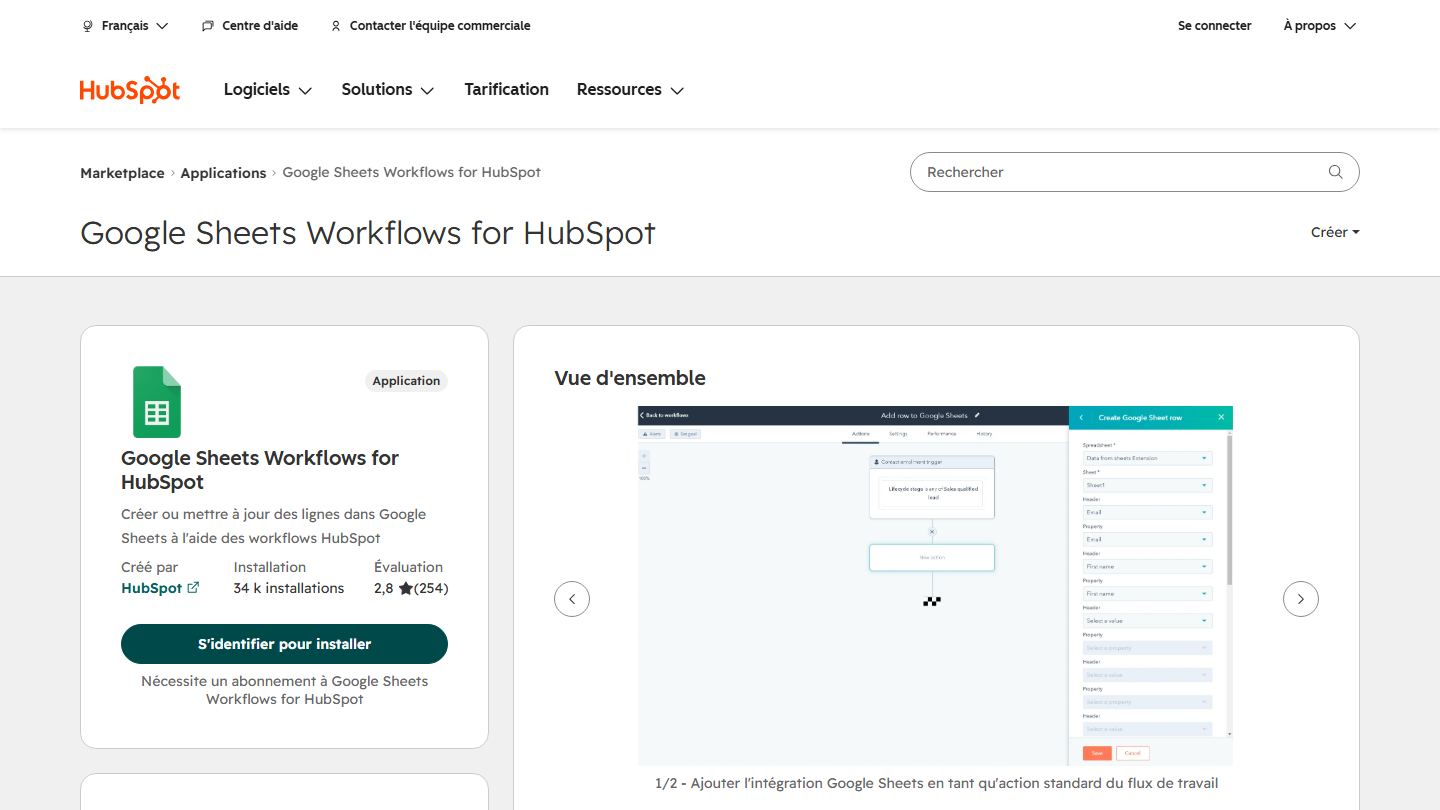
Google Sheets Workflows for HubSpot listing on the HubSpot marketplace: create or update Google Sheets rows from HubSpot workflows

Google Sheets is the equivalent of Excel, in a cloud-based, collaborative version. The integration between Google Sheets and HubSpot, as you will have guessed, sends your HubSpot data to Google Sheets.

The app is now called “Google Sheets Workflows for HubSpot” and runs through workflows. Each time it is triggered, the workflow creates a row or updates an existing row in the chosen sheet, with the properties you selected. That is the end of repeated CSV or Excel exports.

Once the data is in the sheet, you can create custom reports and sales dashboards, manage territories, check data quality or build sales forecasts.

Google Sheets is free, and so is the app. It is built by HubSpot and has 34,000 installs.

10

Canva

4.6/5 From €12

Best for: Marketing teams without a designer that produce a lot of visuals

+ Strengths
  • “Design with Canva” button in HubSpot's editors
  • Designs sent back to the file manager with one click
  • Works with Canva's free plan
− Downsides
  • Brand templates and advanced collaboration are in the paid plans
  • Rated 3.3 out of 5 on the marketplace
★ Canva in brief

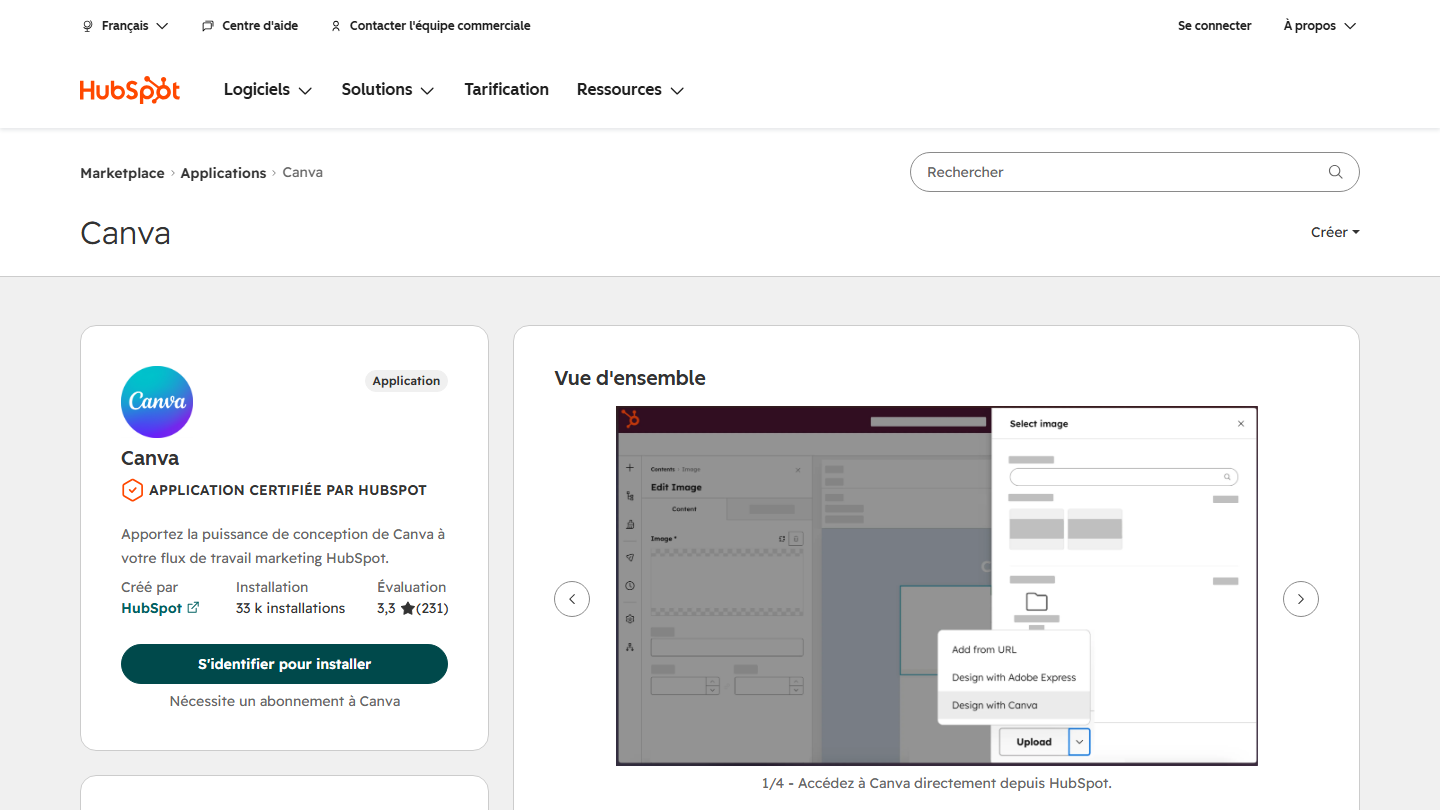
Canva listing on the HubSpot marketplace: “Bring Canva's design power to your HubSpot marketing workflow”

Canva is a no-code graphic design tool for creating professional visuals in a few minutes. Canva has become very popular (but hated by graphic designers!) because it is simple to use and offers many templates and features.

The integration adds a “Design with Canva” button in HubSpot’s email, social media, ad and landing page editors. The finished design returns to HubSpot’s file manager with one click, ready to use in your campaigns.

The app is built by HubSpot and has 33,000 installs. It makes sense as soon as several people produce visuals and you want to avoid passing files back and forth.

Canva offers a free plan, which is enough for the integration. Canva Pro costs €12 per month or €110 per year for one person, and gives access to more templates and more editing features. Pro+ replaces the old Canva for teams offer.

11

PandaDoc

4.3/5 From $49

Best for: Teams that send many proposals and quotes

+ Strengths
  • Documents filled with CRM data
  • E-signature, CPQ and payments in the same tool
  • Document status tracked in HubSpot
  • Rated 4.3 out of 5 on the marketplace
− Downsides
  • The integration requires the Business plan, at $49 per user
  • Priced in dollars
★ PandaDoc in brief

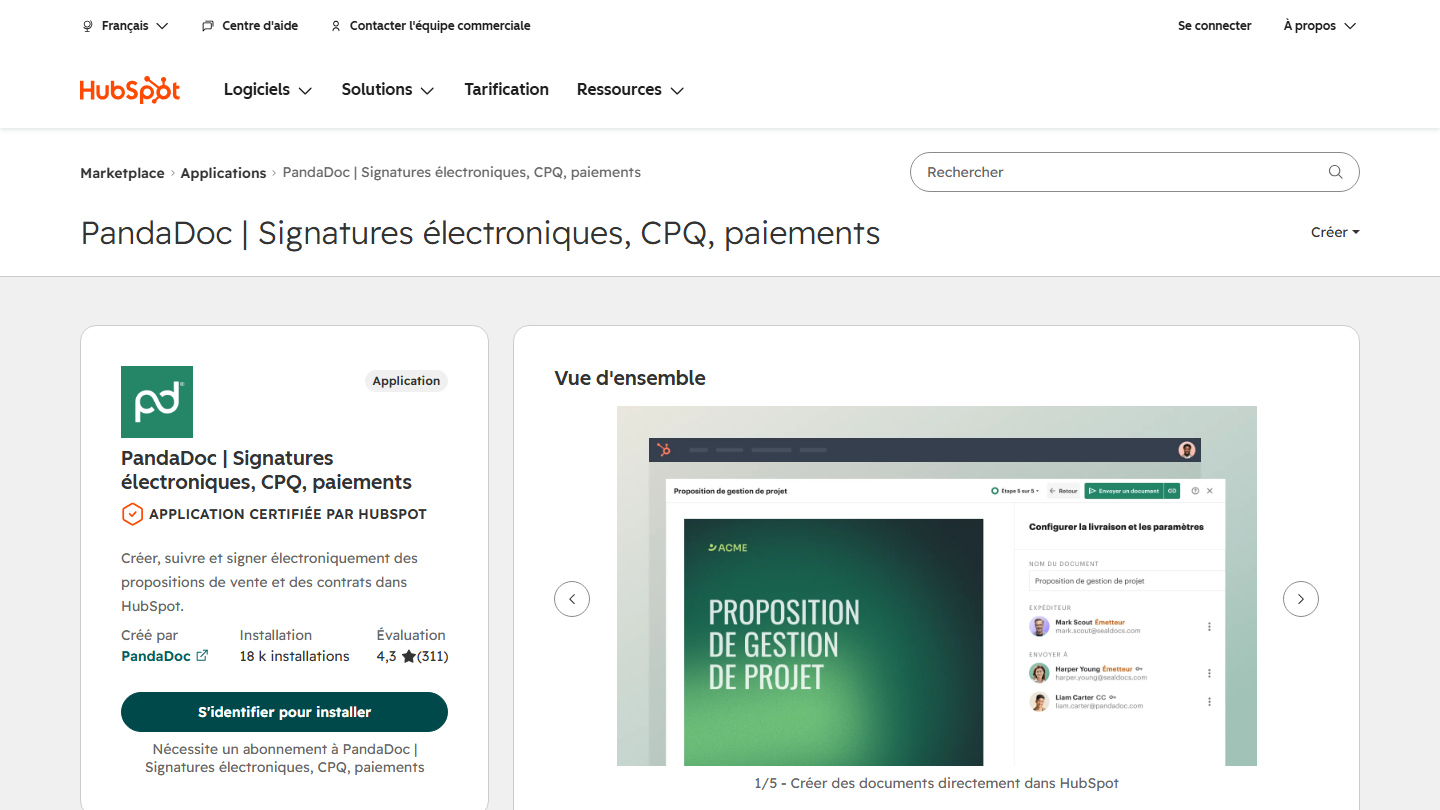
PandaDoc listing on the HubSpot marketplace: create, track and e-sign proposals and contracts in HubSpot

PandaDoc is a complete document management solution, ideal for creating, sending and tracking sales proposals, contracts and other business documents. With the HubSpot integration, you can generate documents in PandaDoc using information from your CRM and sync those documents into HubSpot.

Documents are created from customizable templates, go out for e-signature, and their status comes back to HubSpot at each step. Sync runs both ways, with an approval flow, and PandaDoc also offers a CPQ module for building quotes in HubSpot.

The app is published by PandaDoc, a HubSpot Premier partner, and has 18,000 installs. DocuSign, which we have reviewed, is the other big name in e-signature.

PandaDoc offers a free plan limited to 5 documents per month and a 14-day free trial. The HubSpot integration requires the Business plan, at $49 per user per month billed annually ($65 billed monthly), or Enterprise.

12

Airtable

4.0/5 From $20

Best for: Teams that already manage their projects or catalog in Airtable

+ Strengths
  • Real-time two-way sync
  • History synced on activation
  • Free plan on the Airtable side
− Downsides
  • Requires a paid Data Hub Starter subscription on the HubSpot side
  • Rated 3.2 out of 5 on the marketplace
★ Airtable in brief

Airtable listing on the HubSpot marketplace: “Data Sync - Sync Airtable records with HubSpot”, app built by HubSpot

Airtable combines the flexibility of a spreadsheet with the capabilities of a database. It is used for project management, event planning or a product catalog, with ready-to-use templates.

The HubSpot integration, built by HubSpot (Data Sync), syncs Airtable records with HubSpot objects both ways. When a record is created or changed on one side, the other is updated. Existing data is brought over on activation, and field mappings can be customized.

The point to know before installing: the app requires a paid Data Hub Starter subscription. Without it, you can prepare the field mappings but not activate the sync.

Airtable offers a free plan. Paid plans start at $20 per month per user (Team, billed annually), Business is $45.

13

WordPress

4.2/5 From Free

Best for: SMBs whose site runs on WordPress and that are starting out with HubSpot

+ Strengths
  • Free plugin
  • Forms, pop-ups and live chat without coding
  • Compatible with Gravity Forms, Contact Form 7 and Ninja Forms
− Downsides
  • Only for sites running on WordPress
★ WordPress in brief

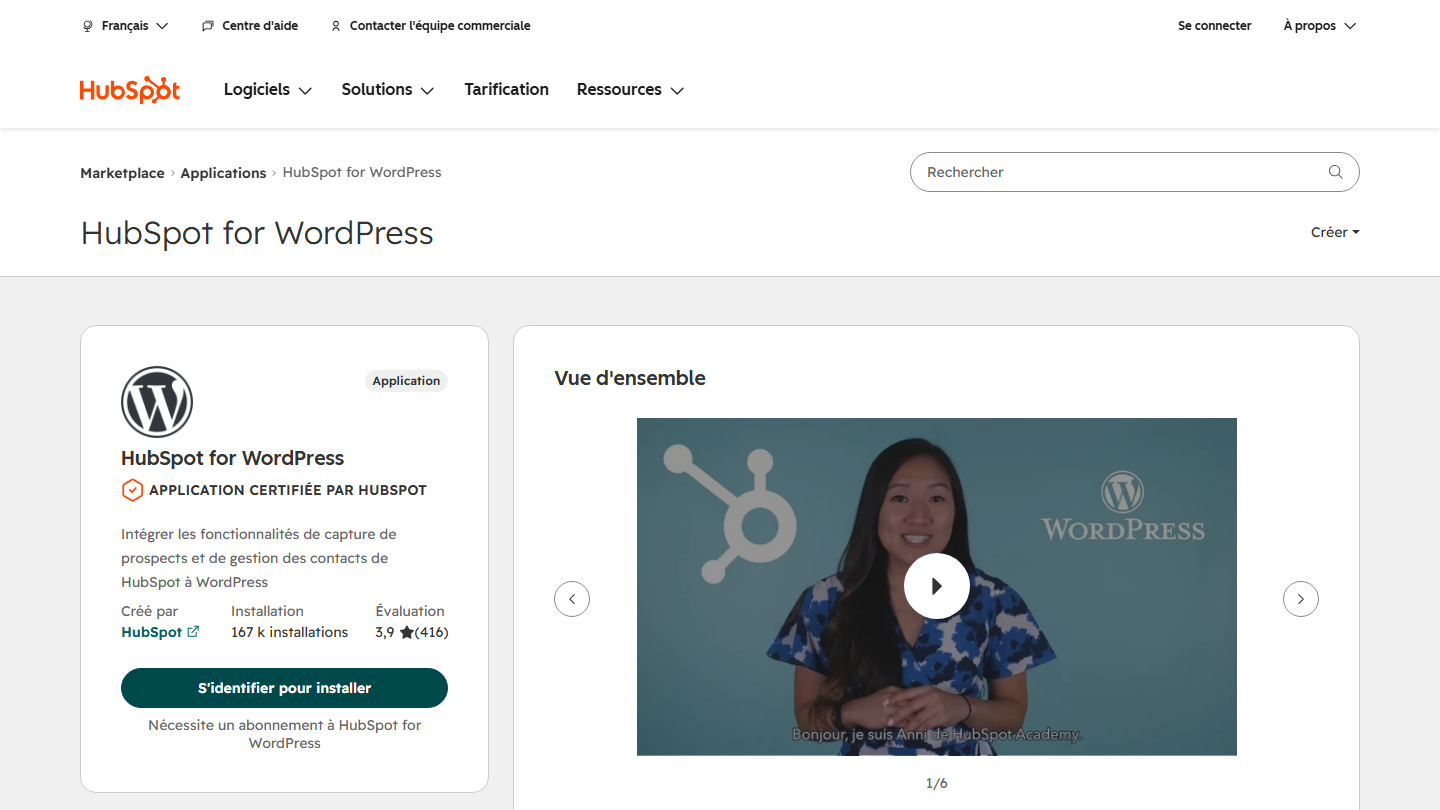
HubSpot for WordPress listing on the HubSpot marketplace: integrate HubSpot's lead capture and contact management into WordPress

WordPress is the most popular content management system (CMS) and one of the most robust for creating and managing websites. The HubSpot integration, the “HubSpot for WordPress” plugin, syncs the data from your WordPress site with your CRM.

With this integration, you can capture leads through drag-and-drop forms and pop-ups, talk to visitors through live chat or a chatbot, and send an automatic email after a form or conversation. If you keep your current forms, such as Gravity Forms, Contact Form 7 or Ninja Forms, the contacts collected also land in HubSpot.

The built-in analytics show which pages and traffic sources convert best. The app is built by HubSpot and has 167,000 installs.

WordPress is free, and so is the HubSpot plugin. It relies on HubSpot’s free CRM.

14

Zendesk

5.0/5 From €55

Best for: Companies that keep Zendesk for support and HubSpot for sales

+ Strengths
  • Two-way sync of contacts and tickets
  • Ready-to-use field mappings
  • Conversation history transferred to HubSpot
− Downsides
  • The app requires a Suite plan, at €55 per agent
  • Rated 2.7 out of 5 on the marketplace (25 reviews)
  • Archived tickets are not synced
★ Zendesk in brief

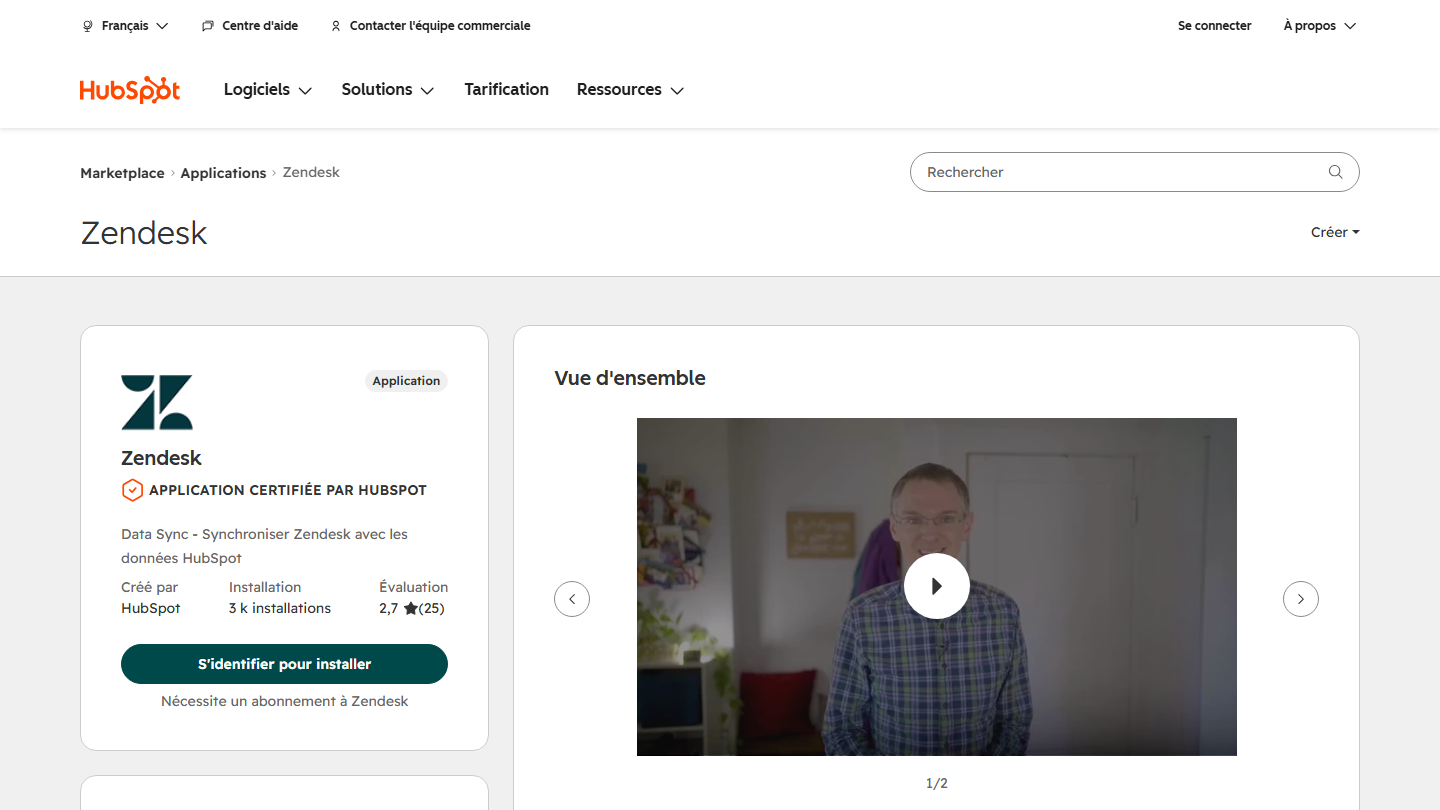
Zendesk listing on the HubSpot marketplace: “Data Sync - Sync Zendesk with HubSpot data”

Zendesk is a benchmark solution for customer service management. The HubSpot integration centralizes customer data and tracks support tickets directly in your HubSpot CRM. It is aimed at companies that do not use HubSpot’s customer service software.

The app, built by HubSpot (Data Sync), syncs Zendesk users and organizations, as well as contacts and tickets, both ways. Default field mappings speed up setup, existing data is brought over right away, and conversation history can move into HubSpot. Only archived tickets are left out.

With 3,000 installs and 2.7 out of 5, it is a niche app: its main use is to give sales reps a view of the tickets opened by their customers.

Zendesk offers a 14-day free trial. The app requires a Suite plan (Team, Growth or Professional): Suite Team costs €55 per agent per month billed annually.

15

Databox

4.2/5 From $89

Best for: Marketing and sales teams that steer with multi-source dashboards

+ Strengths
  • More than 130 sources combined with HubSpot
  • Free plan (1 user, 3 sources)
  • Rated 4.4 out of 5 on the marketplace
− Downsides
  • The first paid plan is $89 per month
  • Only three sources on the free plan
★ Databox in brief

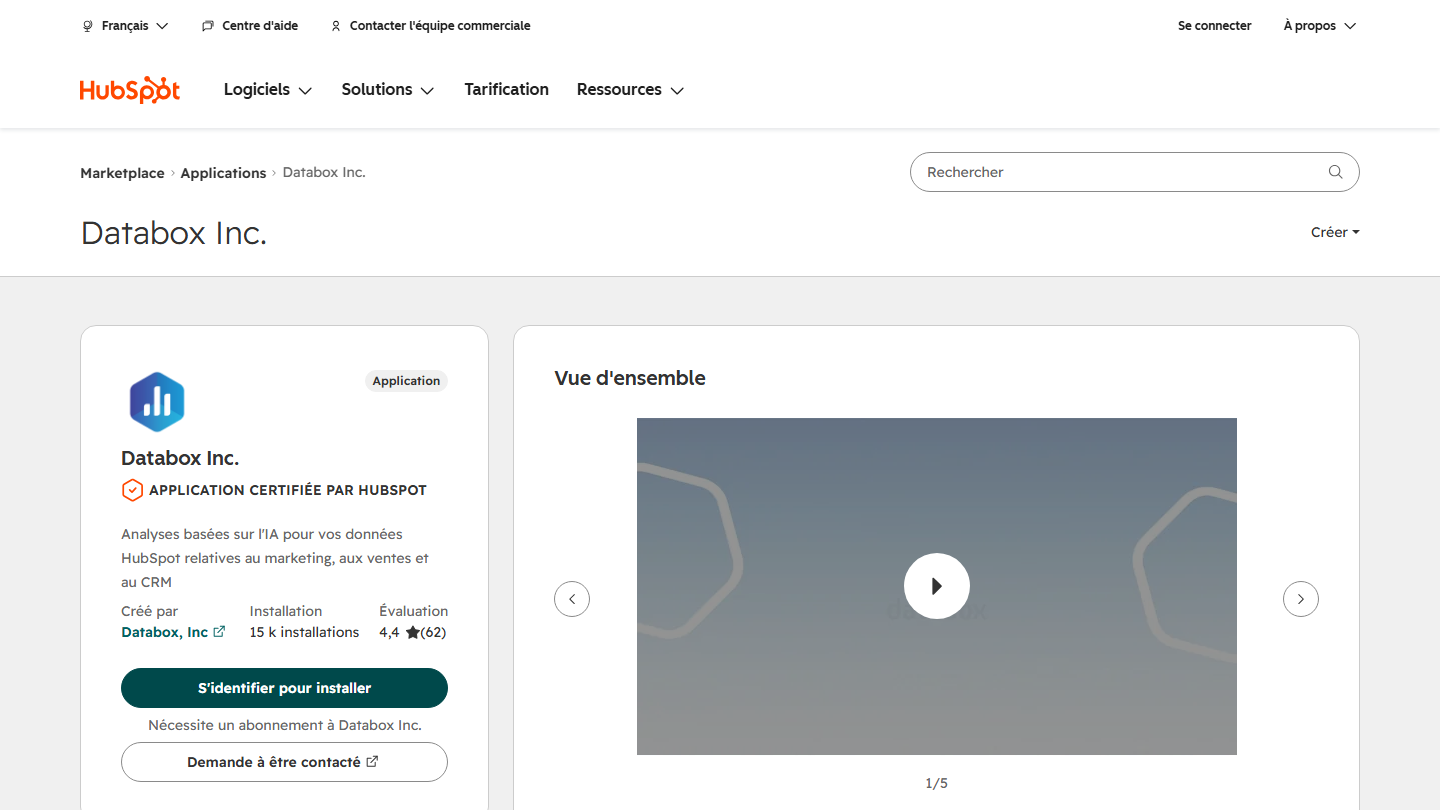
Databox listing on the HubSpot marketplace: AI-based analytics for HubSpot marketing, sales and CRM data

Databox is a reporting and analytics tool for tracking the performance of your teams and campaigns in real time.

With the HubSpot integration, you can bring HubSpot’s marketing, sales and CRM data together with data from at least 130 other platforms, such as Google Analytics 4, Meta Ads or Stripe, then create custom dashboards: pipeline next to ad spend, MRR next to NPS. Genie, Databox’s AI analyst, answers questions asked in natural language about this data.

The app is published by Databox, a HubSpot Premier partner, and has 15,000 installs. It makes sense when HubSpot’s native reports are no longer enough because your numbers come from several tools.

Databox offers a free plan for 1 user and 3 data sources. The Analyst plan costs $89 per month billed monthly, Team $249. Each paid plan can be tried for 14 days.

16

Stripe

3.9/5 From 1.5% + €0.25

Best for: SaaS vendors and e-commerce merchants that collect payments with Stripe

+ Strengths
  • No subscription: Stripe is paid per transaction
  • Two-way sync of customers and contacts
  • Existing data brought over on activation
− Downsides
  • Custom field mappings require a paid plan on the HubSpot side
  • Rated 2.1 out of 5 on the marketplace
★ Stripe in brief

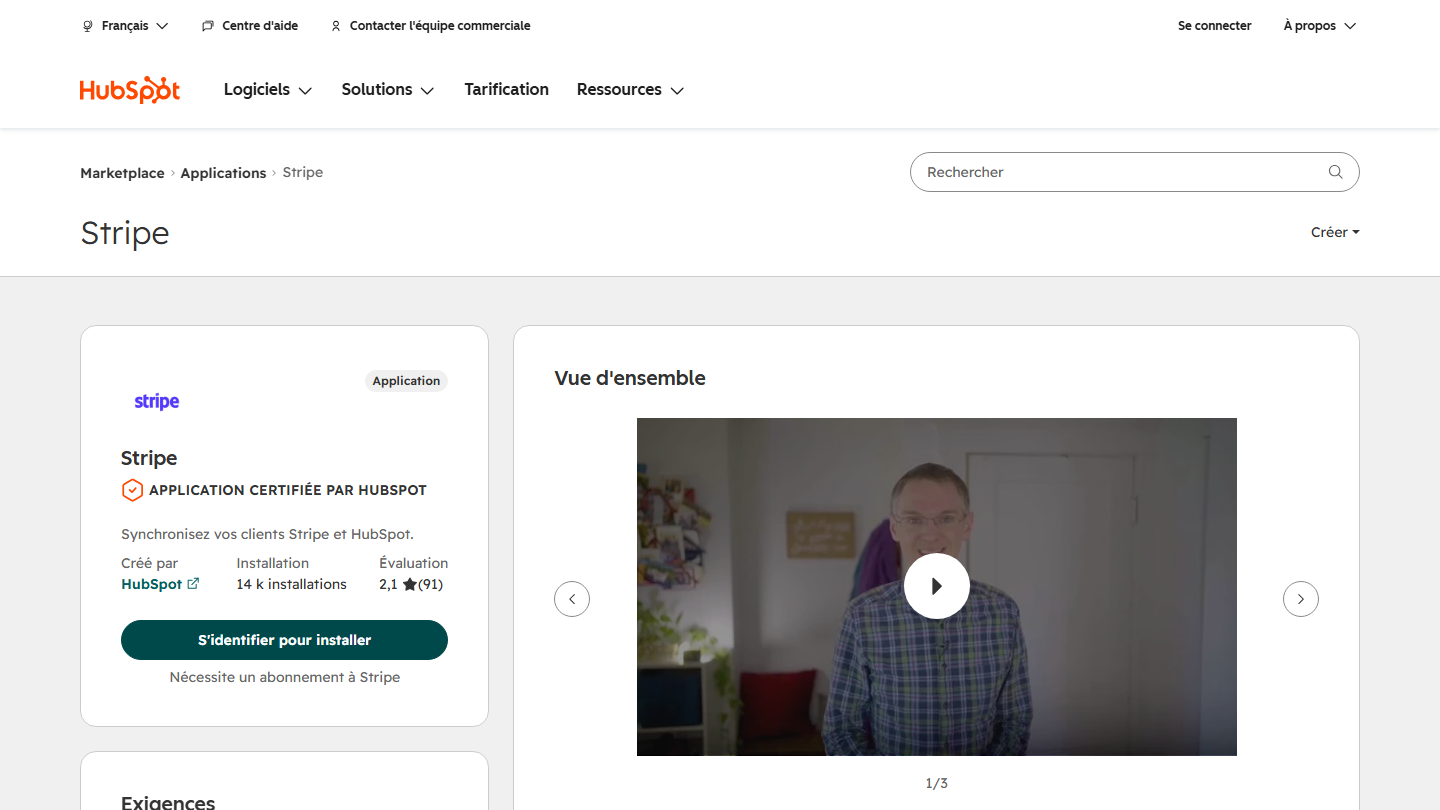
Stripe listing on the HubSpot marketplace: “Sync your Stripe and HubSpot customers”, app built by HubSpot

Stripe is an online payment platform designed to make transaction management easier. The HubSpot integration syncs your Stripe customer data with your CRM.

The app, built by HubSpot (Data Sync), shares Stripe customers and HubSpot contacts both ways, in real time, with default field mappings and existing data brought over. Custom mappings require an Operations Hub Starter or Professional plan. To collect payments with Stripe Checkout from HubSpot, you need to install the other Stripe integration.

The app has 14,000 installs and a rating of 2.1 out of 5: it saves you from retyping Stripe customers in HubSpot, and is limited to syncing customers and contacts.

Stripe offers transaction-based pricing with no monthly fees: 1.5% + €0.25 per successful transaction with a standard European Economic Area card, 2.5% + €0.25 with a UK card.

17

Insycle

4.1/5 From $100

Best for: RevOps teams that manage a large database of contacts and companies

+ Strengths
  • Bulk deduplication of contacts, companies and deals
  • Recipes plugged into HubSpot workflows to correct data on entry
  • Unlimited users, priced by number of records
  • Rated 4.7 out of 5 on the marketplace
− Downsides
  • Expensive for a small database: $100 per month at the first listed tier
  • Website and marketplace listing in English
★ Insycle in brief

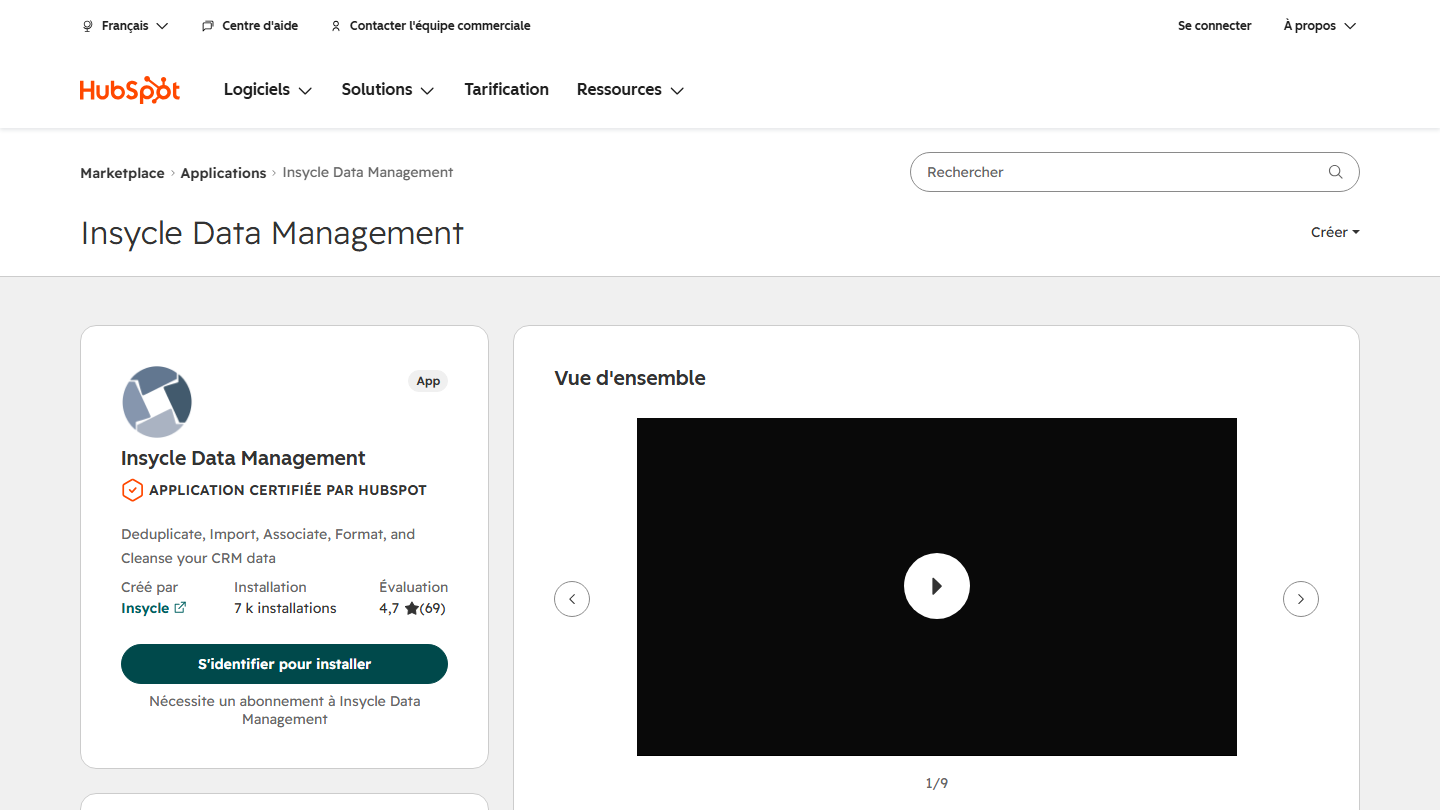
Insycle Data Management listing on the HubSpot marketplace: deduplicate, import, associate and format HubSpot CRM data

Insycle is a data management application for HubSpot. It takes the place of Tick Tock Today, which is no longer on the marketplace: the same idea of a utility that saves you from building workflows by hand, applied this time to database quality.

The app lets you bulk deduplicate contacts, companies and deals, standardize names, phone numbers and addresses, import a CSV while comparing it to existing data, and associate records with one another even when the data is inconsistent. Its “recipes” plug into HubSpot’s workflow editor to fix a piece of data as soon as a visitor fills in a form.

Insycle makes sense as soon as the database grows beyond what you can clean by hand, or when several tools write to HubSpot. The app has 7,000 installs and a rating of 4.7 out of 5.

The price depends on the number of records, not the number of users. For 100,000 records, Starter (one module) costs $100 per month, Growth $150 and Professional $200, billed annually. A 14-day free trial is available.

18

Mapsly

4.0/5 From €30

Best for: Field sales teams that organize customer visits

+ Strengths
  • HubSpot data synced both ways in real time
  • Route calculation and territory mapping
  • 14-day trial with no credit card
  • Rated 4.7 out of 5 on the marketplace
− Downsides
  • Paid from the first user: no free plan
  • Vendor website in English
★ Mapsly in brief

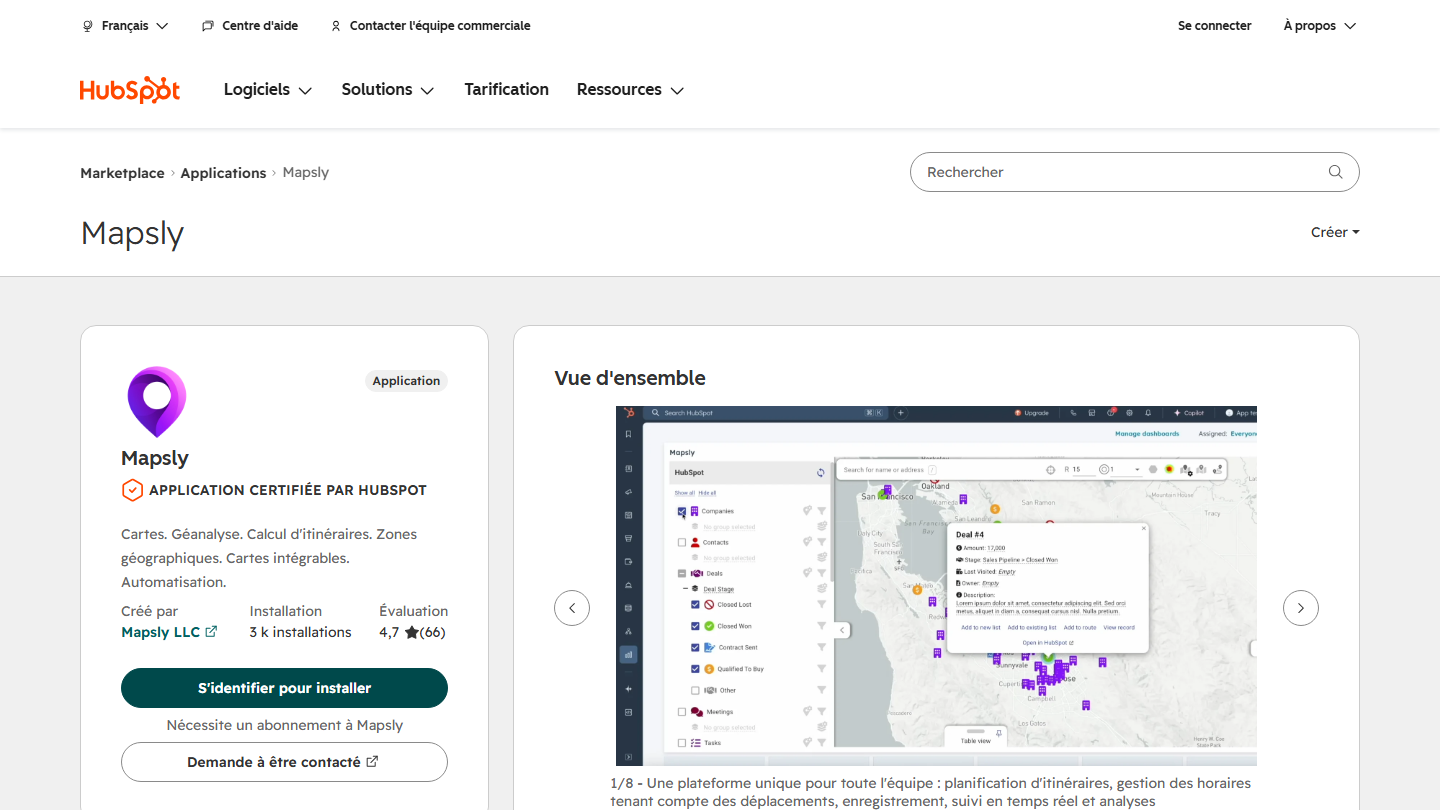
Mapsly listing on the HubSpot marketplace: maps, geolocation, route calculation and geographic territories, with a preview of the map

Mapsly is an app that displays your HubSpot data on an interactive map. In this top it replaces GeoMapper, which is no longer on the marketplace. It is particularly useful for sales teams that want to optimize their customer visits and better understand the geographic distribution of their prospects.

With this HubSpot app, you can display HubSpot objects and their properties on the map, including custom ones, filter them, define territories and plan a week of visits in a few minutes. Sync runs both ways and in real time: an update made in Mapsly, even in bulk, goes back to HubSpot.

The app, published by Mapsly, has 3,000 installs and a rating of 4.7 out of 5. It is aimed at field sales reps, service technicians and account managers. Badger Maps is another option, less installed on HubSpot.

Mapsly has no free plan but offers a 14-day trial. The Essential plan costs €30 per user per month billed monthly, €26 billed annually; the Pro plan costs €55 (€47 billed annually).

How we chose these 18 apps

The selection covers the common needs of a team working in HubSpot: automating, selling, marketing, collaborating. The order is not a ranking: the right app is the one that connects HubSpot to a tool you already use.

  1. 01
    Scope

    Applications published on the HubSpot marketplace, certified by HubSpot, that connect a common B2B third-party tool or add a function missing from the CRM.

  2. 02
    Verification

    Each app was reviewed on its marketplace listing: publisher, installs, rating, features and required subscription. GeoMapper and Tick Tock Today, which are no longer listed, give way to Mapsly and Insycle.

  3. 03
    Pricing

    The price shown is that of the connected tool, at the normal rate displayed by the vendor, excluding promotions, and for the plan the integration requires when it requires one.

  4. 04
    Ratings

    Calendly, Aircall, Typeform, Canva and Zendesk use the rating from their Salesdorado review. The other tools have not yet been reviewed: their rating is the editorial team's, not the marketplace's.

The questions we get over and over.

Are HubSpot marketplace apps free?

Installation is free for most apps, but many require a subscription to the connected tool. Each listing states this under “Requires a subscription to”. In this top, Google Sheets, WordPress and LinkedIn Ads cost nothing in themselves; Calendly requires a Standard plan, PandaDoc the Business plan, Zendesk a Suite plan and LinkedIn Sales Navigator the Advanced Plus plan for several features.

Do you need a paid HubSpot subscription to install an app?

Not for most apps, which work with HubSpot's free CRM. Some do require one: the Airtable sync requires Data Hub Starter, and Stripe's custom field mappings an Operations Hub plan. Each app's listing shows the compatible HubSpot subscriptions.

How many apps are on the HubSpot marketplace?

More than 2,600 applications, plus AI agents, workflow templates and the solutions partner directory. The most installed are Gmail and Google Calendar, two apps published by HubSpot.

How do you install a HubSpot app?

From the app's listing on the marketplace: log in to your HubSpot account, click the install button and authorize access to the requested data. Most apps install in a few clicks, without an integrator. You then need to connect the third-party tool's account and set up the field mappings.

How can you tell whether a HubSpot app is reliable?

Look at who built it (HubSpot or the vendor), the number of installs, the rating and reviews, and the “HubSpot Certified App” badge. Premier partners are those HubSpot presents as the most established. A low rating on a widely installed app, such as Sales Navigator, often signals a misunderstood subscription requirement rather than a faulty tool.

★ The conversation, 0 comments

What the community says.

Basic Markdown, moderated within 24 h
Loading…

    In the same category