


Choosing a CRM in manufacturing has nothing to do with choosing one for a services firm or a SaaS startup. A manufacturing CRM has to handle sales cycles of six to eighteen months, a buying committee of five to ten people, an installed base tracked for years, a constant dialogue with the ERP and sales that go through distributors. It has to do all this natively, or through an official module from the vendor.
We picked 5. Depending on your need:
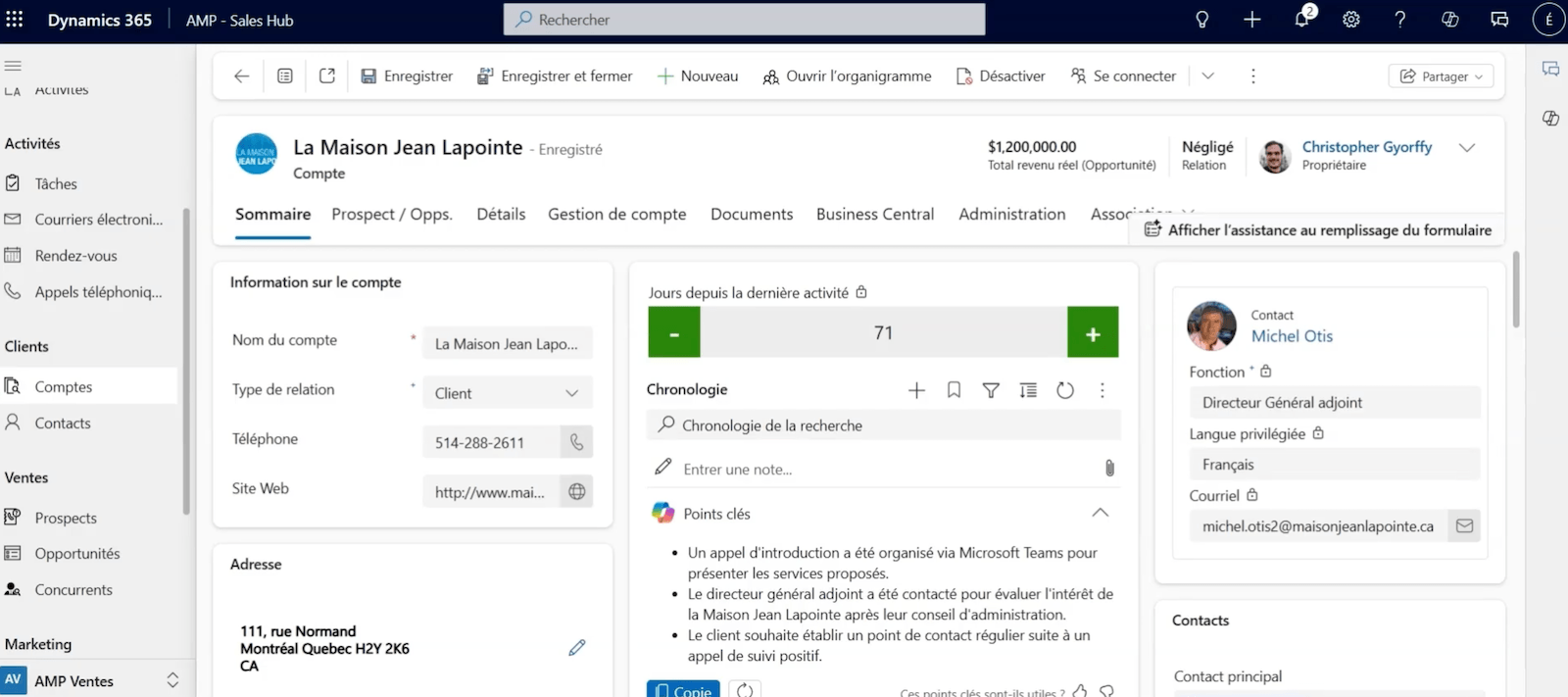
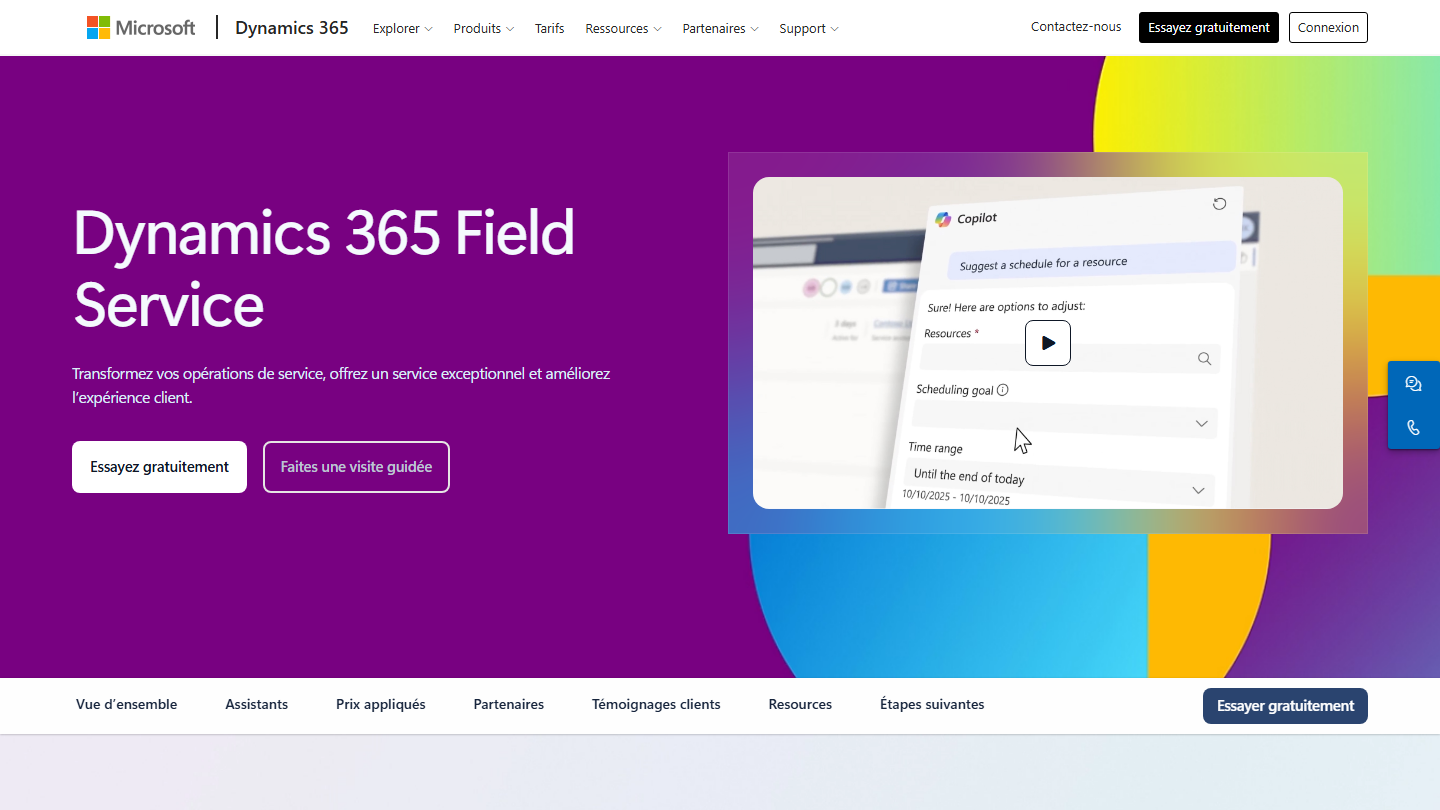
- an installed base and technicians at your customers’ sites: Microsoft Dynamics 365, with Field Service;
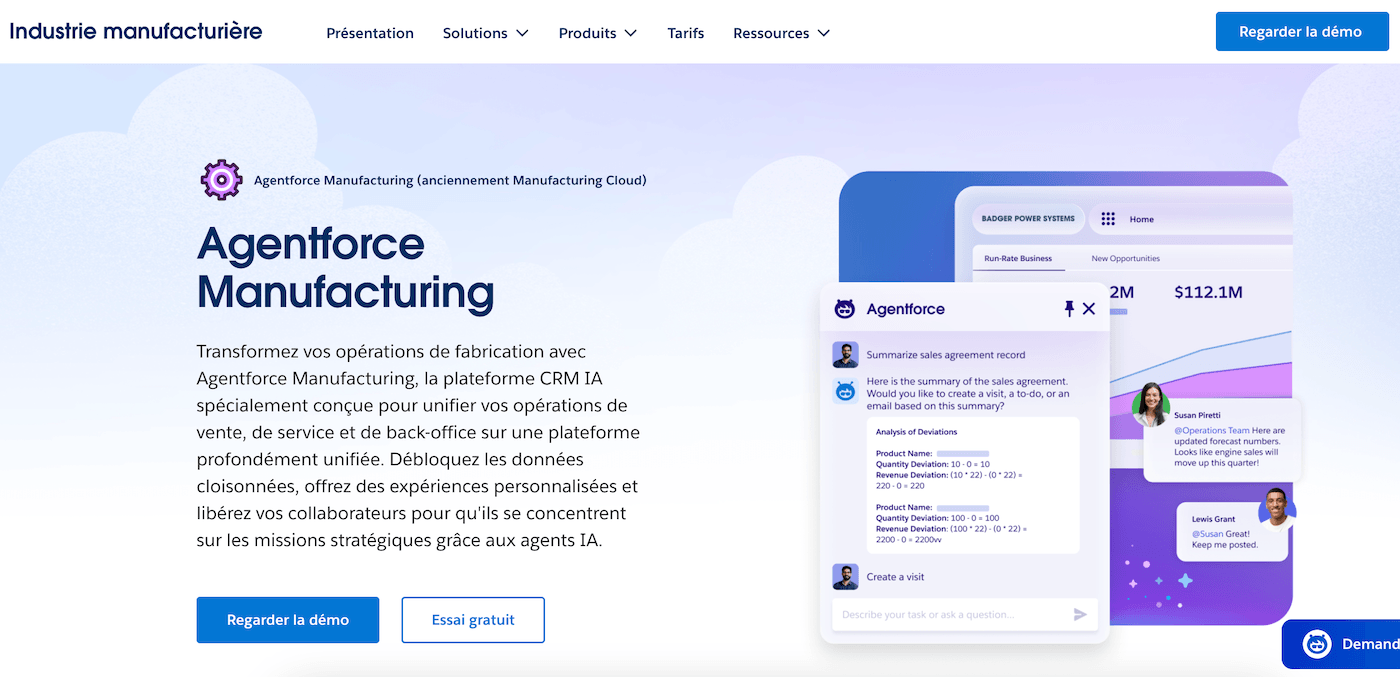
- framework agreements and account-level forecasts in an international group: Salesforce Manufacturing Cloud;
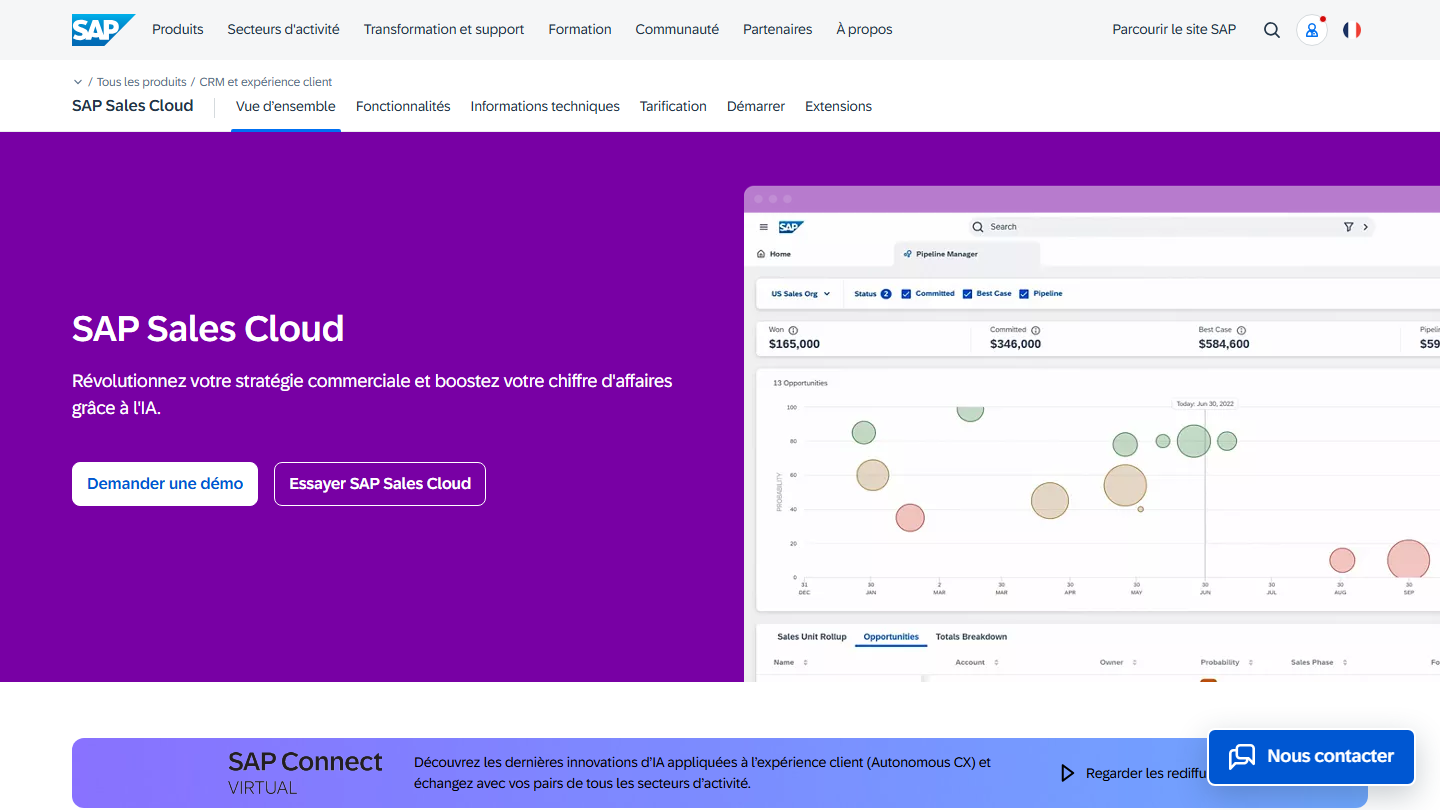
- a plant already running on SAP S/4HANA: SAP Sales Cloud;
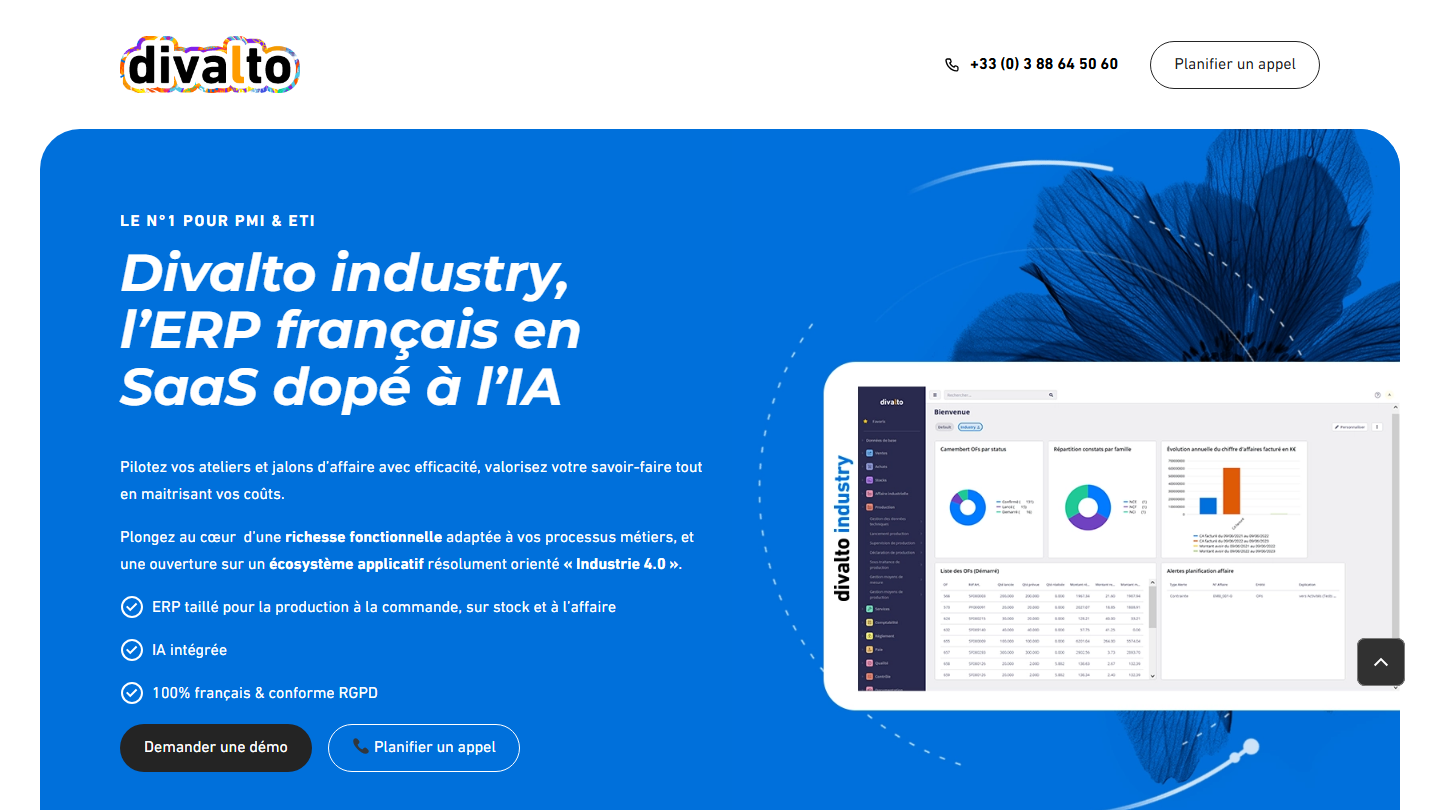
- ERP and CRM from the same French vendor: Divalto;
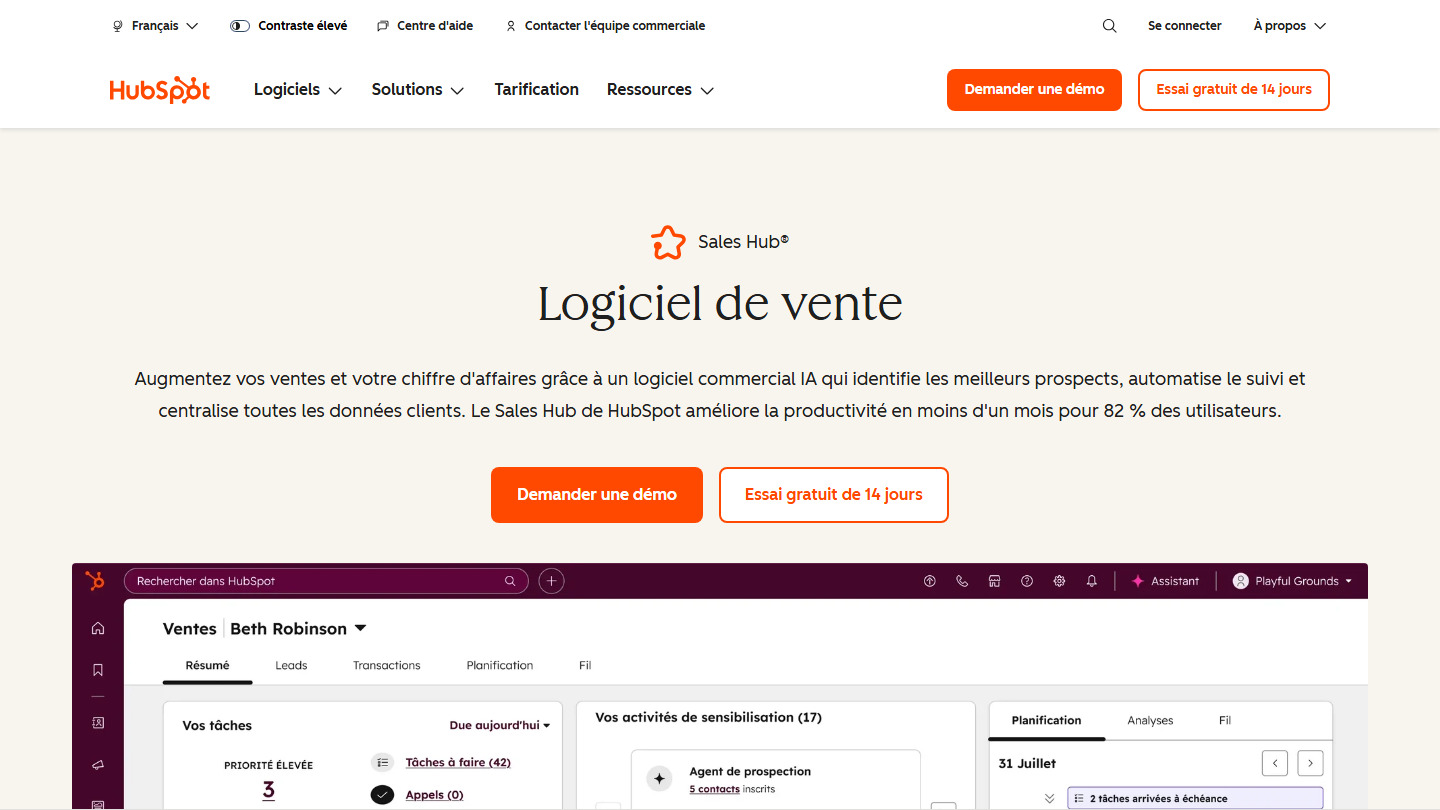
- shorter cycles and sales reps who need to be won over fast: HubSpot.
Before presenting the five tools, we look at what sets a manufacturing CRM apart from a generic one, and at the features to demand. The choice of integrator, which is decisive, is covered at the end of the article.
In short, for those in a hurryFor French manufacturing companies in 2026, our recommendation is Microsoft Dynamics 365 as the CRM and Masao as the specialist integrator. If you want to save time, you can talk to their teams right now. Otherwise, the rest of the article explains why.
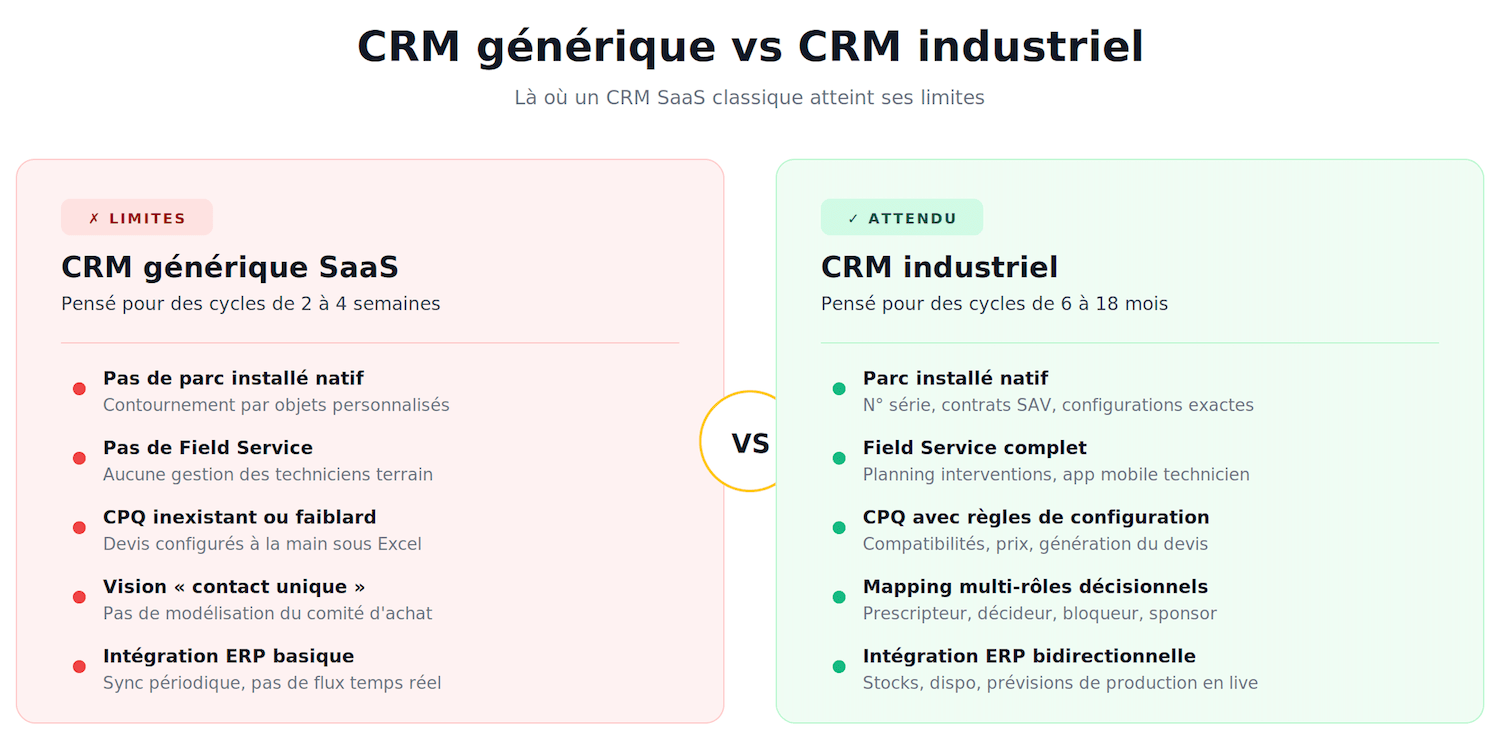
Why a manufacturing CRM is not like other CRMs
Before comparing tools, you need to understand what makes industrial sales structurally different from SaaS sales or services sales.
Here are the five specifics that should shape your choice.
#1 Long sales cycles (6 to 18 months) demand a perfect sales memory
In manufacturing, the “one shot” is the exception. The norm is a sales cycle spread over six to eighteen months, with several well-defined phases:
- First contact.
- Technical qualification.
- Tender.
- Prototype or sample.
- Purchasing validation.
- Contract negotiation.
- Signature.
Between the first meeting and the signature, your sales rep will interact thirty to fifty times with the customer, potentially with several contacts.
A manufacturing CRM must be the reliable memory of all that history: every call, every email, every technical document sent, every commercial concession, every partial validation. A generic CRM designed for short-cycle sales (typically two to four weeks) is simply not built to trace that depth of information.
Fields are missing, workflows don’t adapt, and after three months your sales rep ends up keeping a parallel Excel file “to keep track”. That is a guaranteed failure of the CRM project.
#2 Mapping the buying committee: who really decides?
In most B2B industrial sales, the purchase decision involves between 5 and 10 people.
A good manufacturing CRM lets you map this complexity:
- Who is the specifier (often the design office, the maintenance manager, the methods manager)?
- Who is the economic decision-maker (plant manager, finance director, president)?
- Who is the potential blocker (purchasing, quality, legal)?
- Who is the internal sponsor who will champion your deal?
Mapping the buying committee is not a luxury. It is a condition of success. A technically approved deal can be buried by purchasing if you haven’t secured that link. A generic CRM that just offers a “contact record” with a link to an “account” is not enough.
You need a tool that can model decision-making roles, trace influence and track how positions evolve over the months.
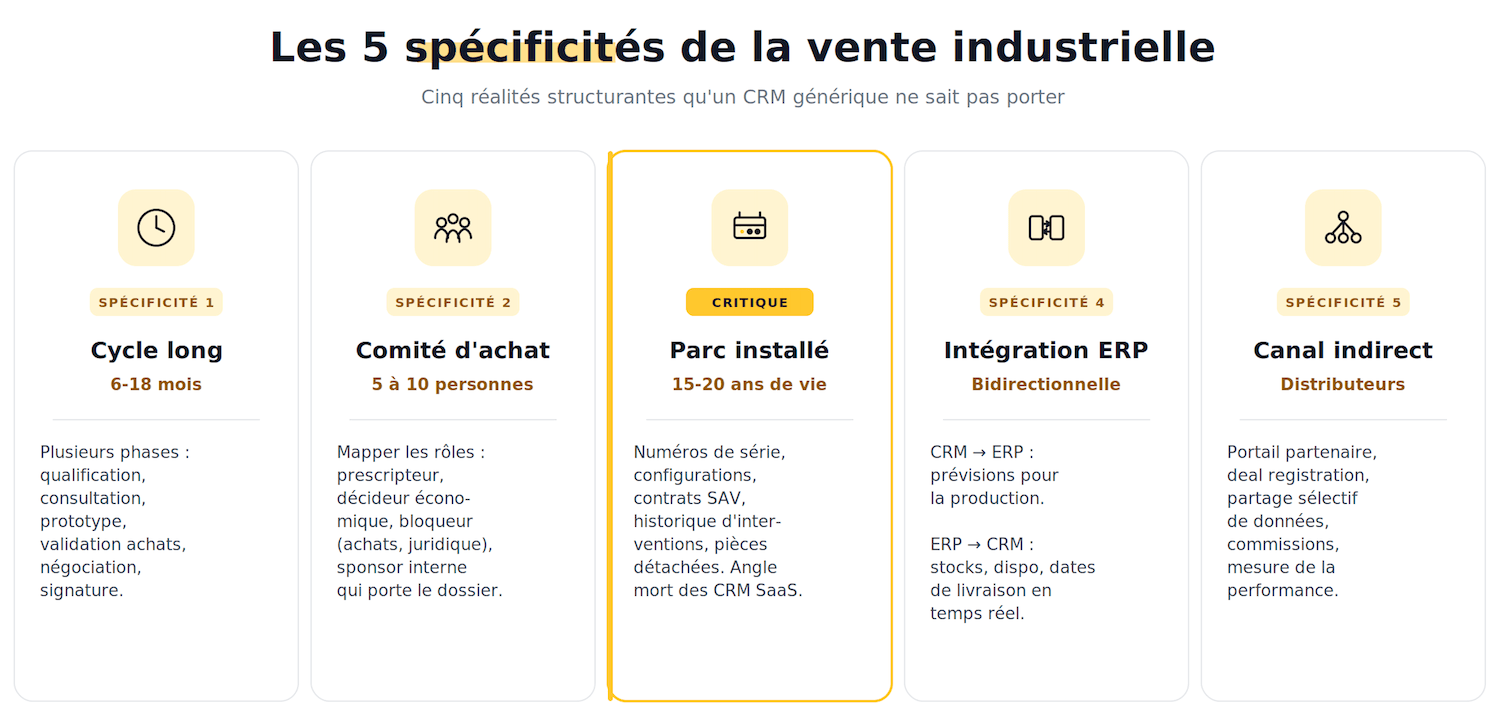
#3 The installed base: an asset that lives 10 to 20 years
When you sell an industrial machine, a production line or a piece of measuring equipment, you are not selling a product, you are opening a relationship that will last several years, even several decades. The machine will be installed, maintained, repaired, upgraded, possibly resold.
Your CRM must manage this “installed base”: which machine is at which customer, with what serial number, what exact configuration, what installation date, which maintenance contracts are attached, what service history, which spare parts were ordered, and so on.
Installed base tracking is probably the number one blind spot of general-purpose CRMs. HubSpot, Pipedrive, Sellsy or Axonaut cannot handle this concept natively.
You can of course create custom objects, but you then leave the tool’s standard framework and become dependent on custom development. On Dynamics 365 or Salesforce, the notion of an “installed base” is natively carried by the Field Service modules. That is a structural difference.
#4 ERP integration is not an option, it is a prerequisite
In manufacturing, the CRM cannot live in isolation, it has to talk to the ERP that manages inventory, production, invoicing and accounting.
This dialogue runs both ways:
- The CRM needs to know in real time whether a product is available and when it can be delivered.
- The ERP needs the sales forecasts to plan production.
Depending on the level of integration required (simple periodic synchronization or real-time flows with complex workflows), the choice of CRM and ERP cannot be made independently.
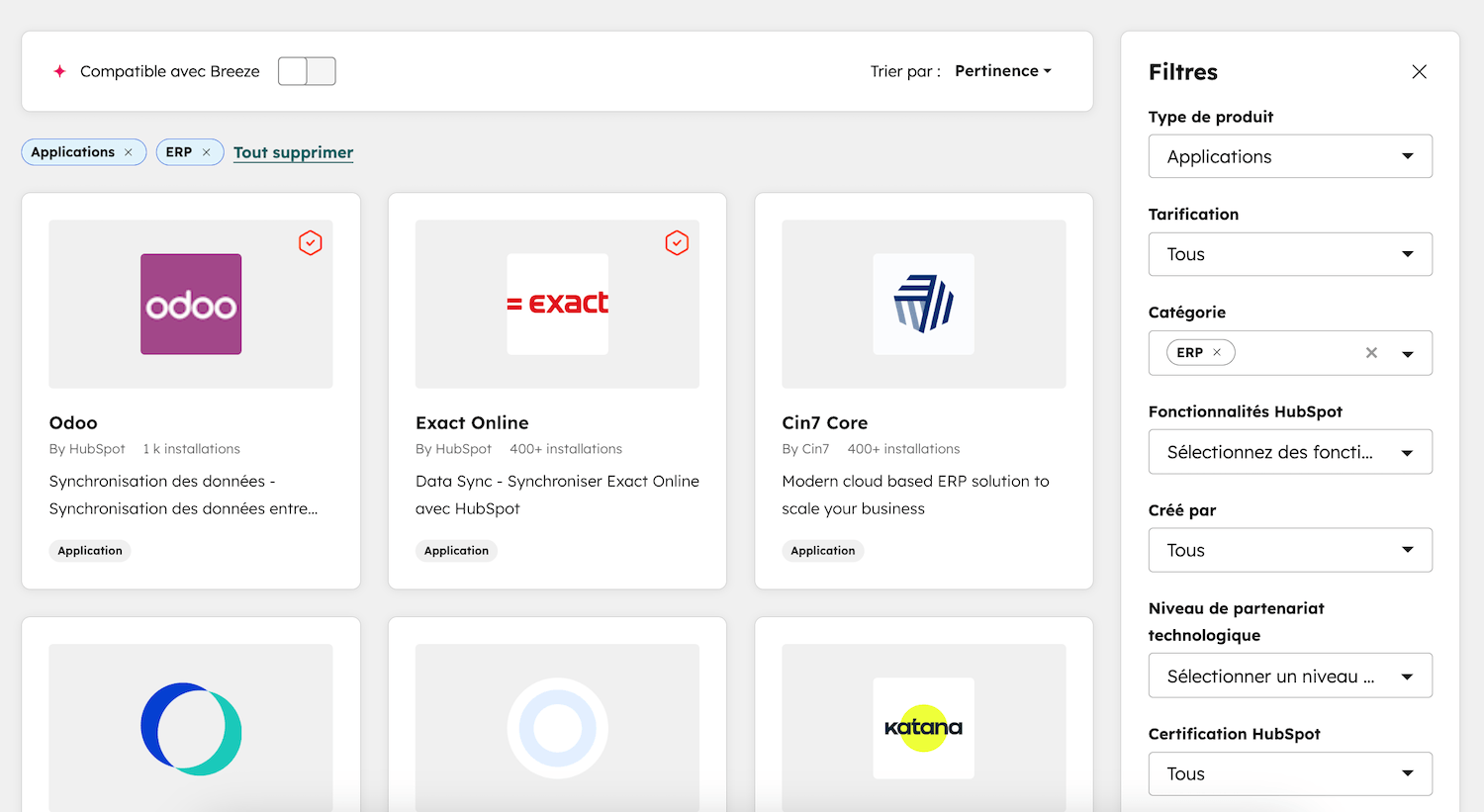
A good manufacturing CRM must offer standard connectors to the major ERPs on the market (SAP, Microsoft Dynamics Finance & Operations, Microsoft Business Central, Sage, Cegid, Infor) and provide an open API for custom integrations.
#5 Distributors and the indirect channel
A large share of industrial business goes through distributors, integrators or resellers.
Your CRM must be able to treat these partners as full players:
- Share some data (not all of it).
- Trace the opportunities they bring in.
- Measure their individual performance.
- Manage commissions and incentives.
CRMs designed natively for direct sales can’t do this cleanly, and bolting this component on afterwards is very expensive.
The 6 must-have features of a manufacturing CRM
Beyond the specifics we just covered, here are the six features on which you should accept no compromise. If a CRM you are considering doesn’t tick these boxes natively (or through an official module from the vendor), it is probably not made for you.
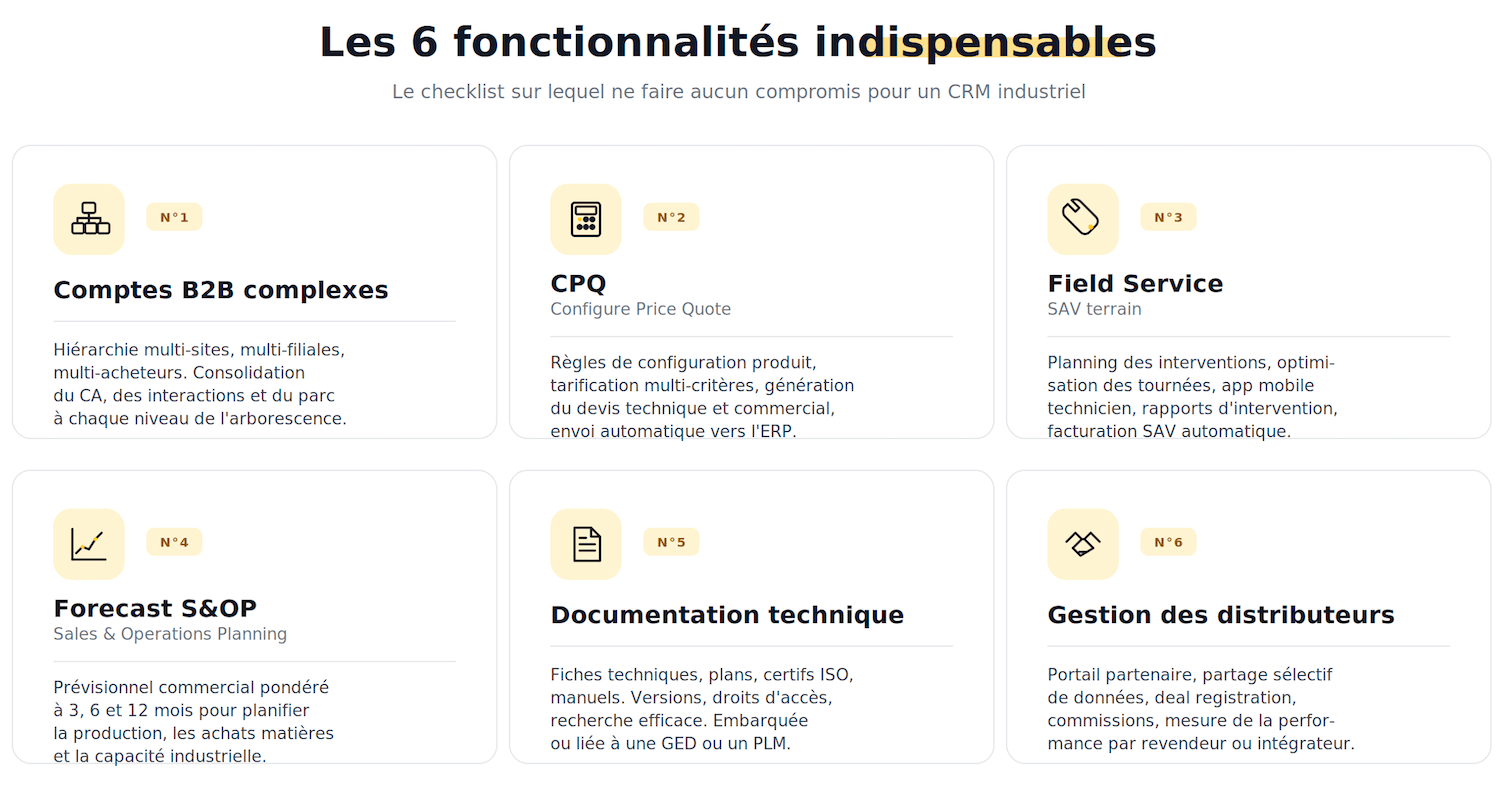
#1 Fine-grained management of complex B2B accounts
Multi-site, multi-subsidiary, multi-buyer: an industrial customer is never a simple “entity”, it is a hierarchy of accounts that can include a parent company, several subsidiaries in different countries, several plants per subsidiary, several departments per plant.
Your CRM must be able to model this hierarchy and consolidate the data (total revenue, interaction history, total installed base) at every level.
#2 CPQ (Configure Price Quote) for configurable products
If your products are configurable (options, variants, dimensions, materials), you need a CPQ engine built into or connected to your CRM.
The CPQ:
- Applies configuration rules: compatibilities, incompatibilities, dependencies…
- Calculates prices according to pricing rules (volume, customer, currency, terms).
- Generates the technical and commercial quote.
- Sends the order to the ERP.
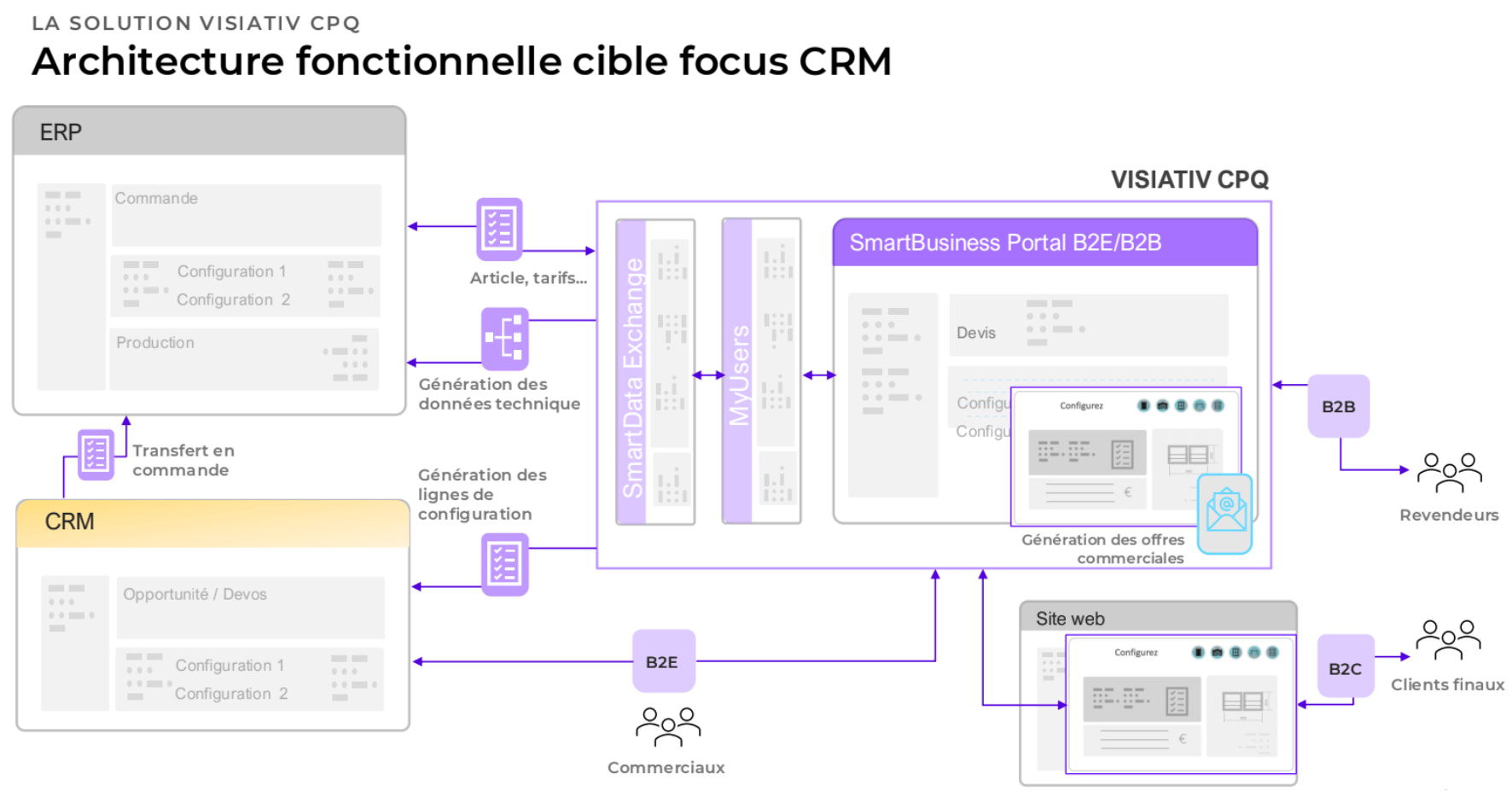
Without a CPQ, your sales reps waste an absurd amount of time redoing quotes in Excel, with configuration errors and badly calculated margins.
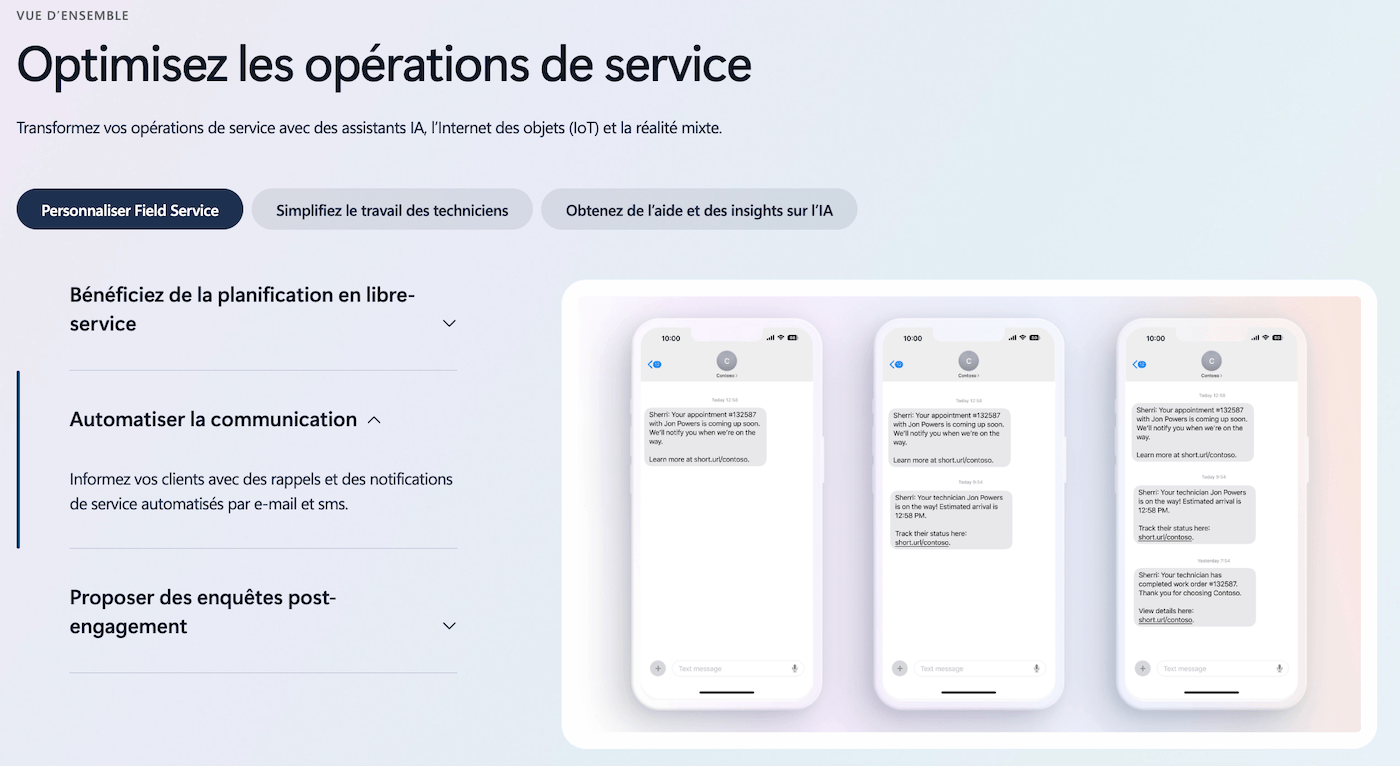
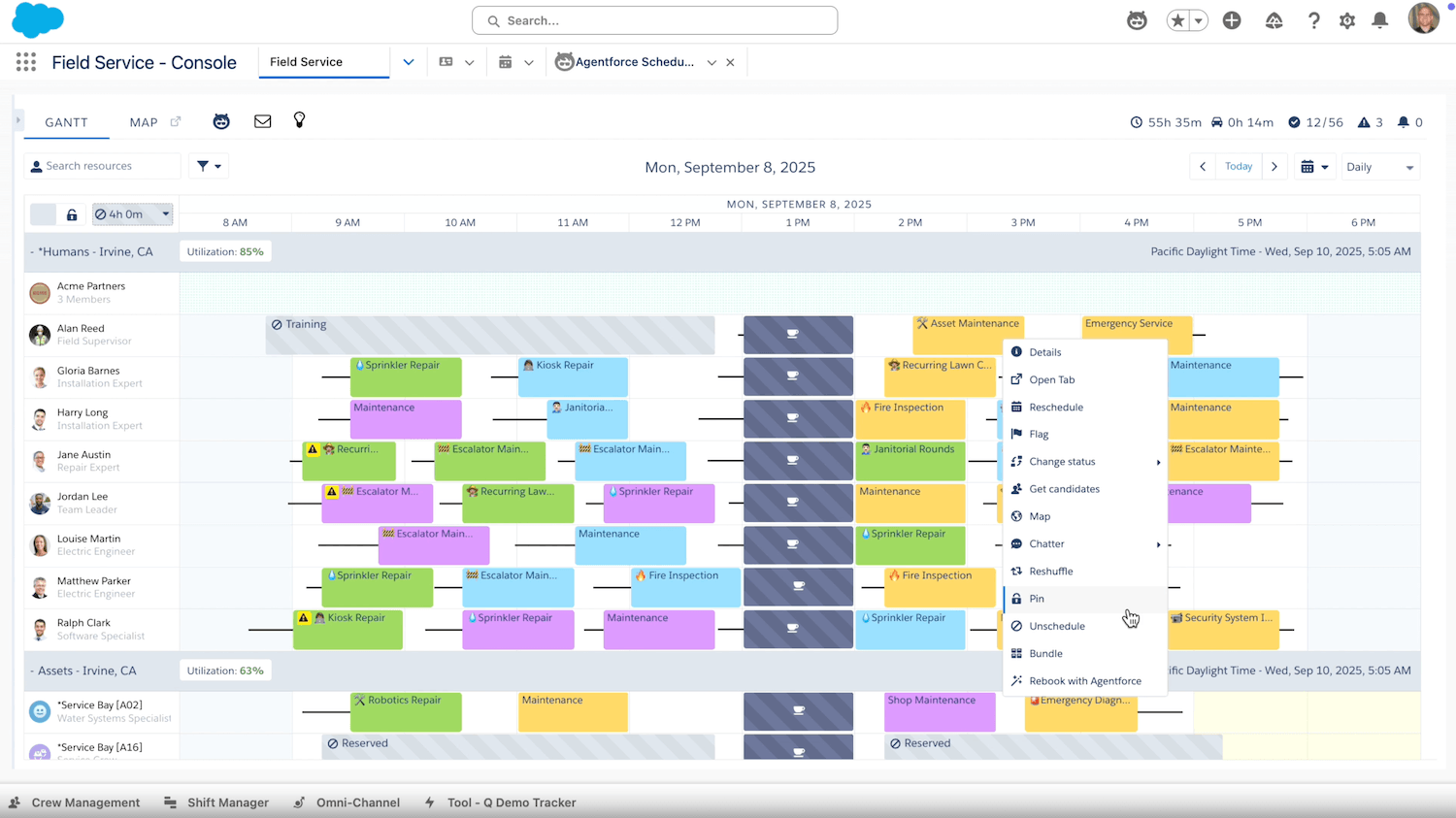
#3 Integrated Field Service / on-site after-sales
If you have technicians who work at your customers’ sites (for installation, maintenance, repairs, updates), you need a Field Service module, which handles:
- Scheduling of interventions.
- Route optimization.
- The mobile app for field technicians.
- Entry of service reports.
- Automatic invoicing of after-sales work.
It is a module rarely found natively in general-purpose CRMs (HubSpot or Sellsy don’t have it) but it is natively present at Microsoft (Dynamics 365 Field Service) and Salesforce (Service Cloud + Field Service Management).
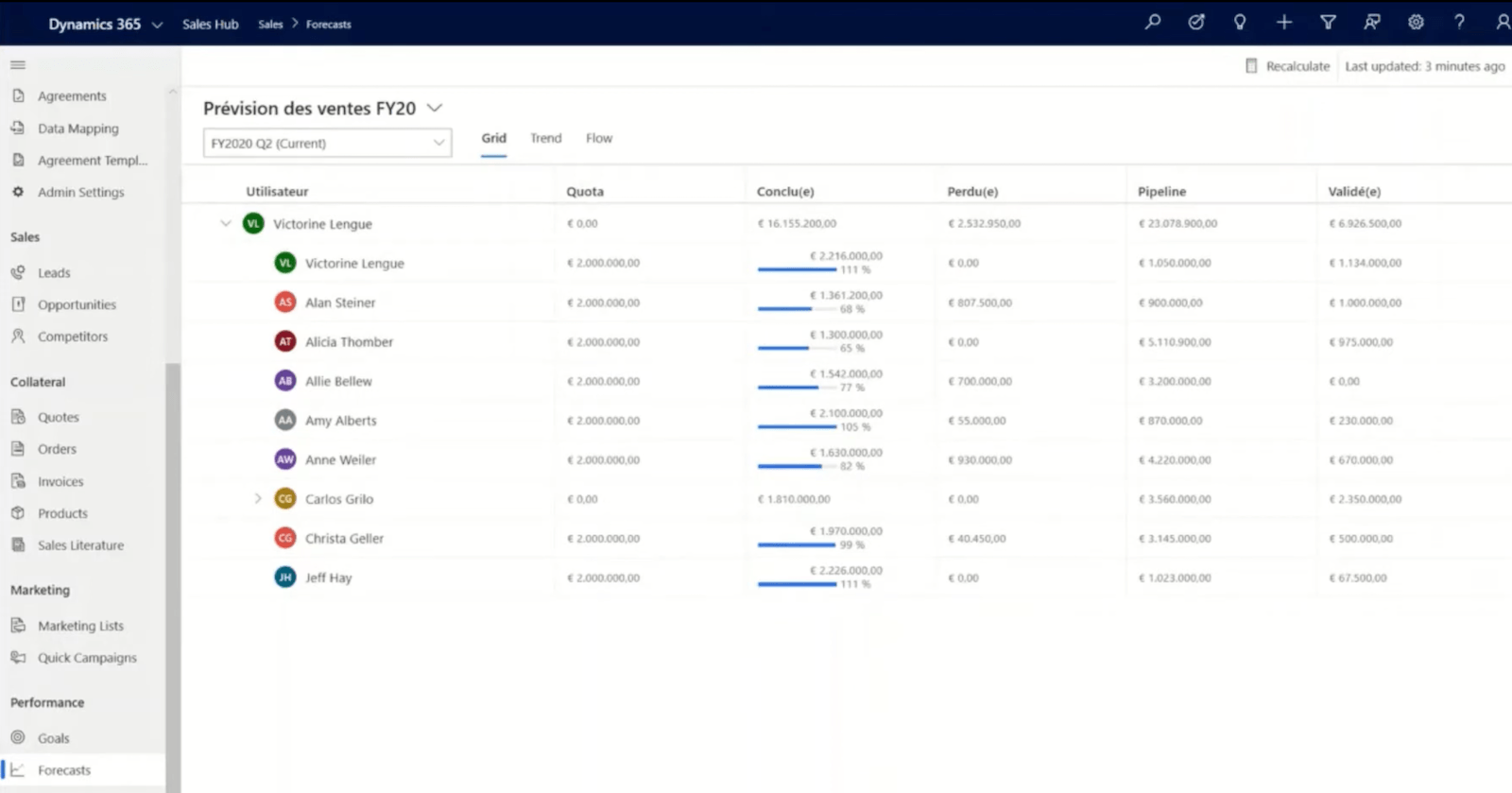
#4 Weighted forecast for production planning (S&OP)
In manufacturing, the sales forecast feeds production planning directly (the famous S&OP, Sales & Operations Planning).
A good manufacturing CRM must deliver a reliable forecast, weighted by probability, with a 3, 6 and 12-month view. This forecast is not a gadget for sales management, it is what lets you launch raw material orders and reserve production capacity.
A poor-quality forecast is paid for in stockouts or costly overstocks.
#5 Built-in technical documentation
Your industrial sales reps don’t sell from a catalog, they sell technical solutions, and so they need instant access to up-to-date data sheets, drawings, ISO certifications, test reports, user manuals…
A manufacturing CRM must either embed this documentation (native document management) or integrate cleanly with a document management system or a PLM. A simple “PDF storage space” is not enough: you need version control, access rights and effective search.
#6 Native management of distributors and the indirect channel
We covered this above. Partner portal, selective data sharing, deal registration tracking, performance measurement per distributor, commission management: it is a functional set in its own right that must be carried natively by the CRM, not bolted on as a parallel Excel file.





What the community says.