Top 13 Evernote Alternatives for Managing Your Notes

Thirteen Evernote alternatives compared: Notion, ClickUp, monday.com, Todoist, UpNote, Joplin, Microsoft OneNote, Zoho Notebook, Obsidian, Milanote, Google Keep, Apple Notes and Simplenote. UpNote, Joplin, Microsoft OneNote and Zoho Notebook follow the notebook logic of Evernote; Obsidian links notes together and Milanote organizes them on visual boards; Google Keep, Apple Notes and Simplenote are free and lightweight; Notion, ClickUp, monday.

Maxime Ben Bouaziz
Maxime Ben Bouaziz
CEO Salesdorado, IA & Sales Tech
February 16, 2025, updated November 10, 2026, 1 min read
See all tools

Evernote used to be THE note-taking app, the absolute reference, but it has let a lot of people down in recent years. Since Bending Spoons bought it in 2023, the free version is capped at 50 notes, one notebook and one device, and the first paid plan, Starter, costs €12.99 a month (€79.90 a year).
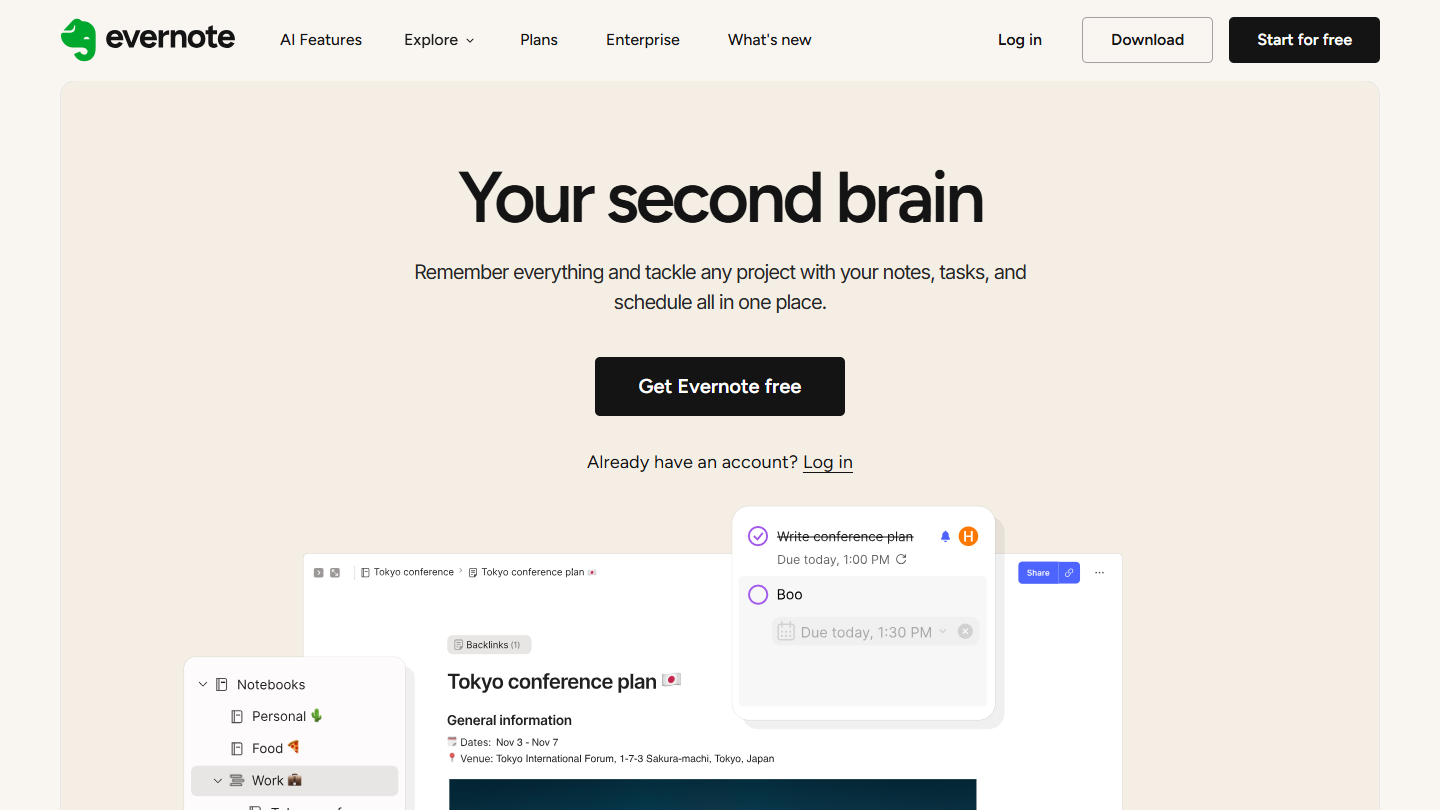
Evernote website: “Your second brain”

The good news is that the market has widened. Some tools copy Evernote’s architecture, others take a more visual approach or focus on links between notes, and project management tools can also do the job. Depending on what you need:

  • get Evernote’s way of working back: UpNote, or Joplin if you want open source;
  • pay nothing: Microsoft OneNote, Google Keep, Apple Notes or Simplenote;
  • visual notebooks on all your devices: Zoho Notebook;
  • link your notes together: Obsidian;
  • organize your ideas as images: Milanote;
  • tie notes, tasks and projects together as a team: Notion, ClickUp or monday.com;
  • jot notes alongside a task list: Todoist.

The 13 tools, side by side

# Logos tool Score Price Best for
01 monday.com 4.0/5 ★ €9 Teams that want to link their notes to tasks, deadlines and owners Visit site
02 Obsidian 4.5/5 ★ $4 People who want to go from simply storing notes to interconnected knowledge management Visit site
03 Notion 4.7/5 ★ €9.50 Teams that want an all-in-one space for notes, projects and collaboration Visit site
04 UpNote 4.2/5 ★ $1.99 Evernote regulars who want the same way of working in a more pleasant interface Visit site
05 ClickUp 4.7/5 ★ $9 Teams that want to turn their notes into tasks and share their project documentation Visit site
06 Todoist 4.7/5 ★ €5 People who mostly manage tasks and want to note important information in them Visit site
07 Microsoft OneNote 4.3/5 ★ Free Researchers and people who work from a wide range of sources Visit site
08 Joplin 4.0/5 ★ €2.99 People looking for a free, open source alternative able to import their Evernote notebooks Visit site
09 Zoho Notebook 4.0/5 ★ €1.67 People who want a free, visual note-taking app on all their devices Visit site
10 Apple Notes 3.9/5 ★ Free Users fully equipped with Apple who want simple note-taking Visit site
11 Milanote 4.0/5 ★ $9.99 Creatives and designers who organize their ideas visually Visit site
12 Simplenote 3.8/5 ★ Free People with basic needs who mostly take text notes Visit site
13 Google Keep 4.2/5 ★ Free People who want to jot things down fast on their phone as well as their computer, and share lists Visit site
01

monday.com

4.0/5 From €9

Best for: Teams that want to link their notes to tasks, deadlines and owners

+ Strengths
  • Centralizes a project's notes, documents, images and videos in one place
  • Infinitely customizable boards, shared with collaborators
  • Comments and mentions to discuss each item
  • Quick to learn, visual and colorful interface
− Downsides
  • Not really a note-taking app
  • No text recognition in images, no note creation by email, no handwritten notes
  • Free plan limited to 2 users, 3 boards and 3 documents
★ monday.com in brief

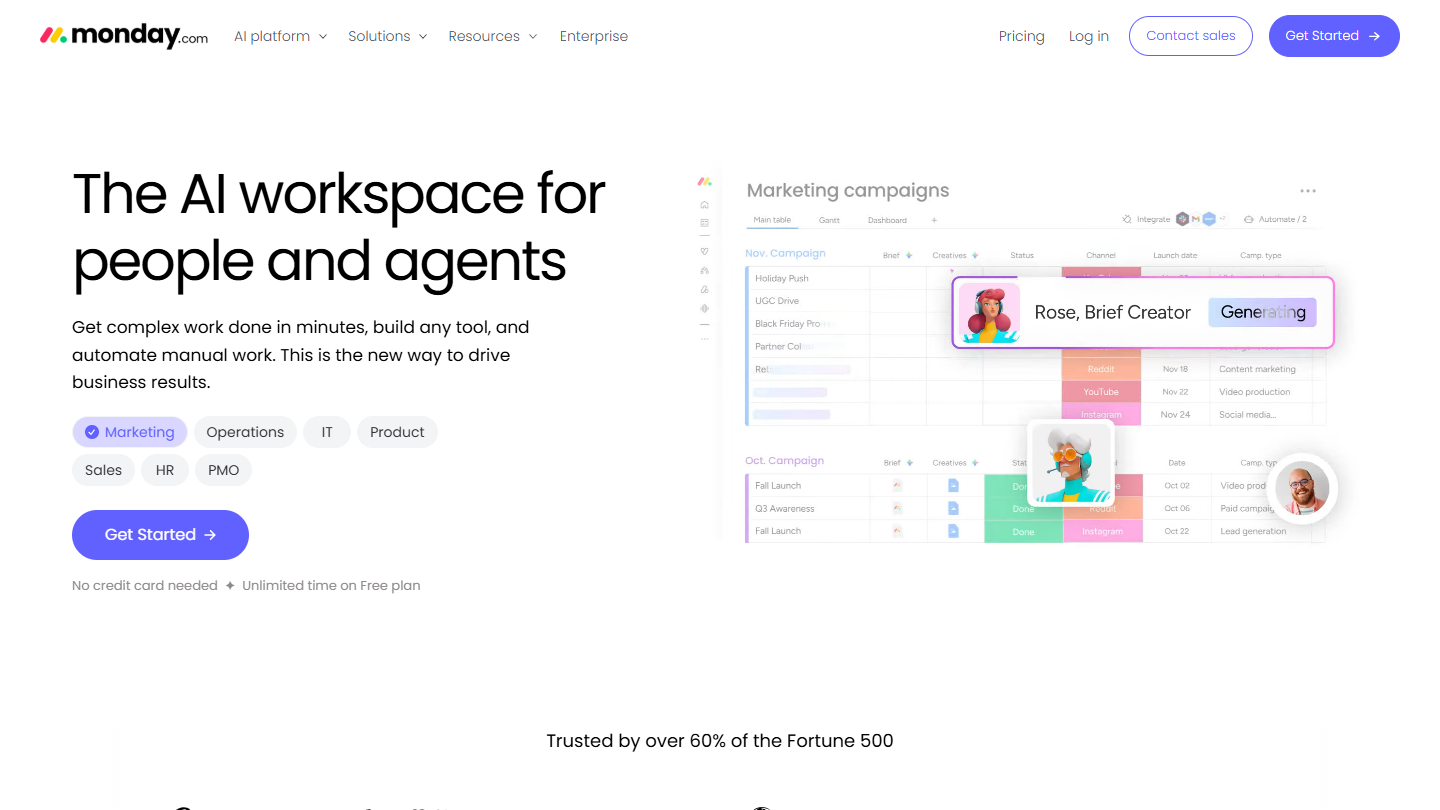
monday.com website: “The AI workspace for people and agents”

monday.com is not a note-taking app like Evernote: it is a project management and collaborative work tool. Its boards and documents, which several people can edit in real time, can still stand in for one.

In practice, each project has its board: you store notes, documents, images and videos there, assign each item to an owner with a deadline, and discuss it in the comments. Project progress can be read at a glance.

It is the choice furthest from Evernote in this ranking: you gain tracking of deadlines and owners, you lose the note taken in two seconds and the sorting into notebooks. It makes sense mostly if your team already runs its projects in monday.com.

The free plan covers 2 users, 3 boards and 3 documents. Basic costs €9 per user per month billed annually, with a 3-user minimum, so €27 a month; Standard €12, Pro €19.

02

Obsidian

4.5/5 From $4

Best for: People who want to go from simply storing notes to interconnected knowledge management

+ Strengths
  • Notes linked together in vaults, with no imposed hierarchy
  • Graph view of the links between notes
  • Imports Evernote notes (.enex) as Markdown with the official Importer plugin
  • Free without limits, including for professional use
− Downsides
  • Cross-device sync is paid: $4 a month billed annually
  • Works very differently from Evernote and classic note-taking apps
★ Obsidian in brief

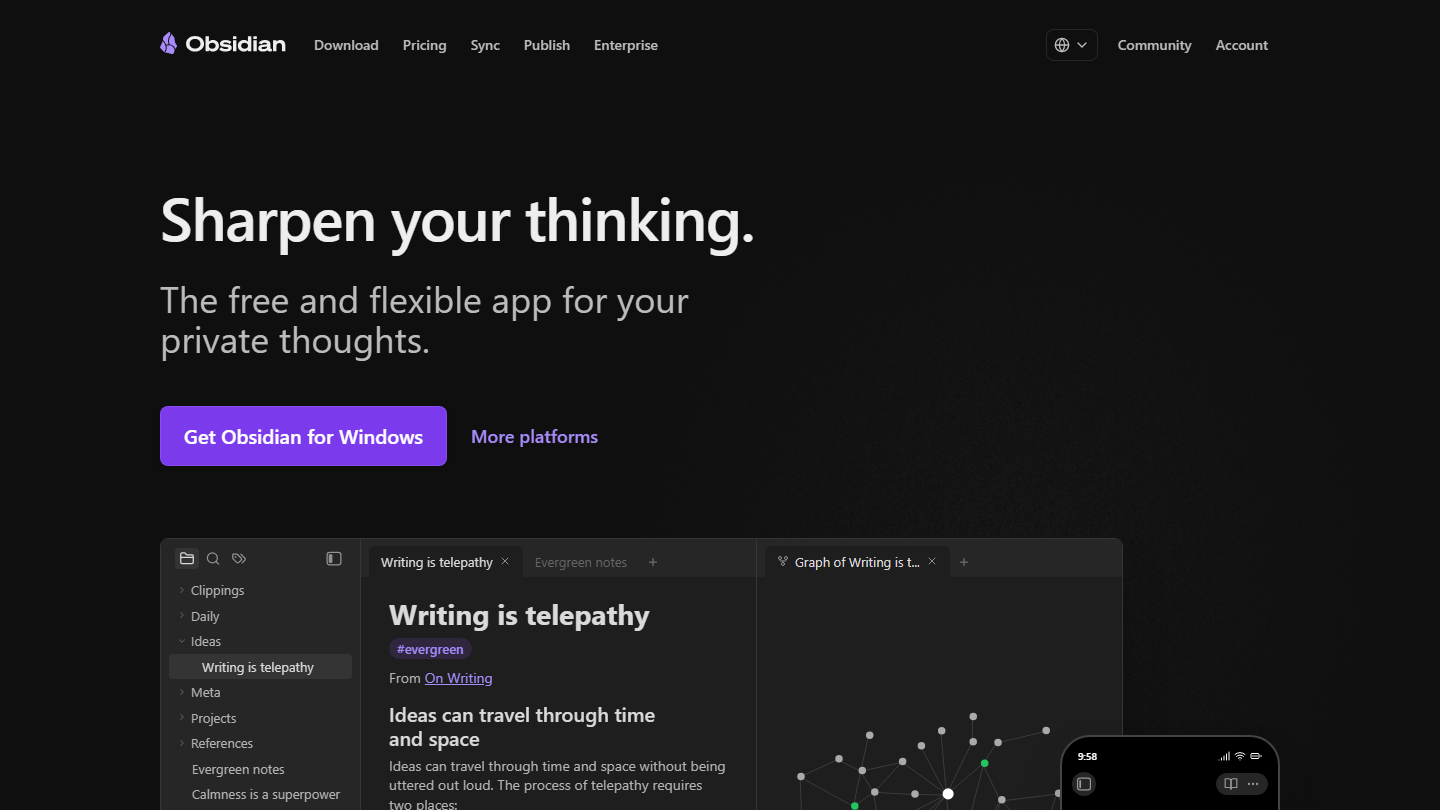
Obsidian home page:

Obsidian is a knowledge management tool that stands clearly apart from classic note-taking apps like Evernote. Notes are Markdown files stored on your device, grouped in vaults, with no imposed hierarchy.

In practice, you link notes together with internal links, and a graph displays the network that forms: you move from one idea to the next rather than from notebook to notebook. Community plugins add features, and an official Web Clipper saves web pages.

The downside: everything rests on local files, and getting Evernote’s automatic sync back means a subscription or a third-party storage service.

The app is free, with no account and no limit, including at work (a commercial license at $50 a year remains optional). Syncing your notes costs $4 a month billed annually ($5 monthly) with Sync Standard, $8 with Sync Plus.

03

Notion

4.7/5 From €9.50

Best for: Teams that want an all-in-one space for notes, projects and collaboration

+ Strengths
  • Designed from the start for shared work, with solid collaboration features
  • Pages built from blocks: text, images, tables, calendars, task lists
  • Very rich template gallery
  • Free version with unlimited pages and blocks for one user, and API access
− Downsides
  • Hard to learn for less experienced users and for quick note-taking
  • Little developed reporting
  • Recurring tasks are very hard to create
★ Notion in brief

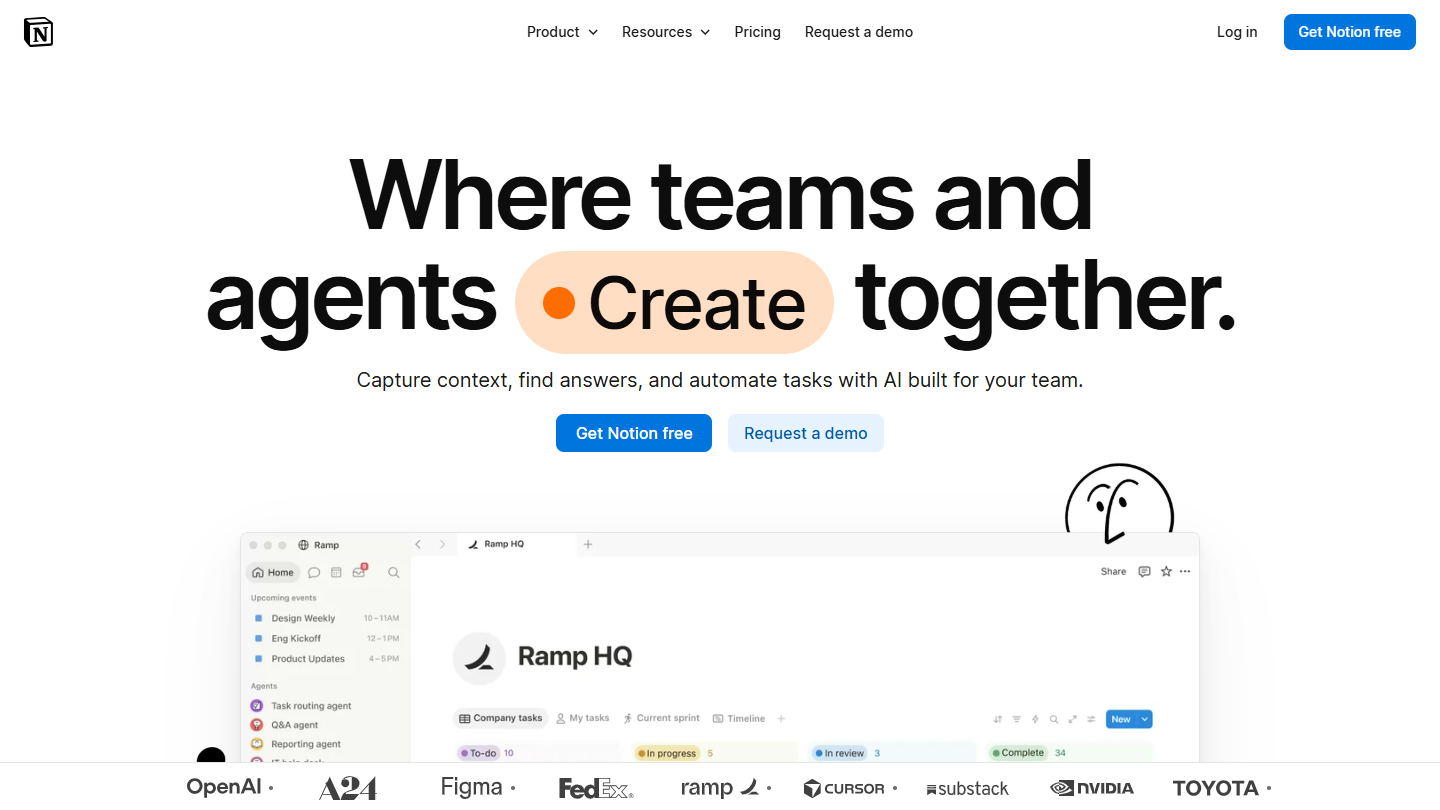
Notion website: “Where teams and agents Create together.”

Notion is a workspace built from blocks: a single page can mix text, images, tables, task lists and databases. Designed from the start for shared work, it is one of Evernote’s most serious competitors.

In practice, a meeting note becomes a page in a database, with its date, its attendees and the tasks that follow; you then find it with a filter or in a calendar view. Pages are shared with the team, and a change made to a block is reflected everywhere the block is reused.

That flexibility is also its limit compared with Evernote: you have to build your organization before using it, and the quick on-the-fly note is less direct. By its logic, Notion is closer to Airtable and its relational databases than to a notebook.

The free version offers unlimited pages and blocks for a single user, with files of 5 MB maximum. Plus costs €9.50 per member per month billed annually (€11.50 monthly), Business €19.50.

04

UpNote

4.2/5 From $1.99

Best for: Evernote regulars who want the same way of working in a more pleasant interface

+ Strengths
  • Familiar three-pane interface, close to Evernote in how it works
  • Elegant interface that is pleasant to use
  • Available on iOS, Android, Windows, macOS and Linux, with sync across devices
− Downsides
  • Few integrations with other tools
  • Free version limited to 50 notes
★ UpNote in brief

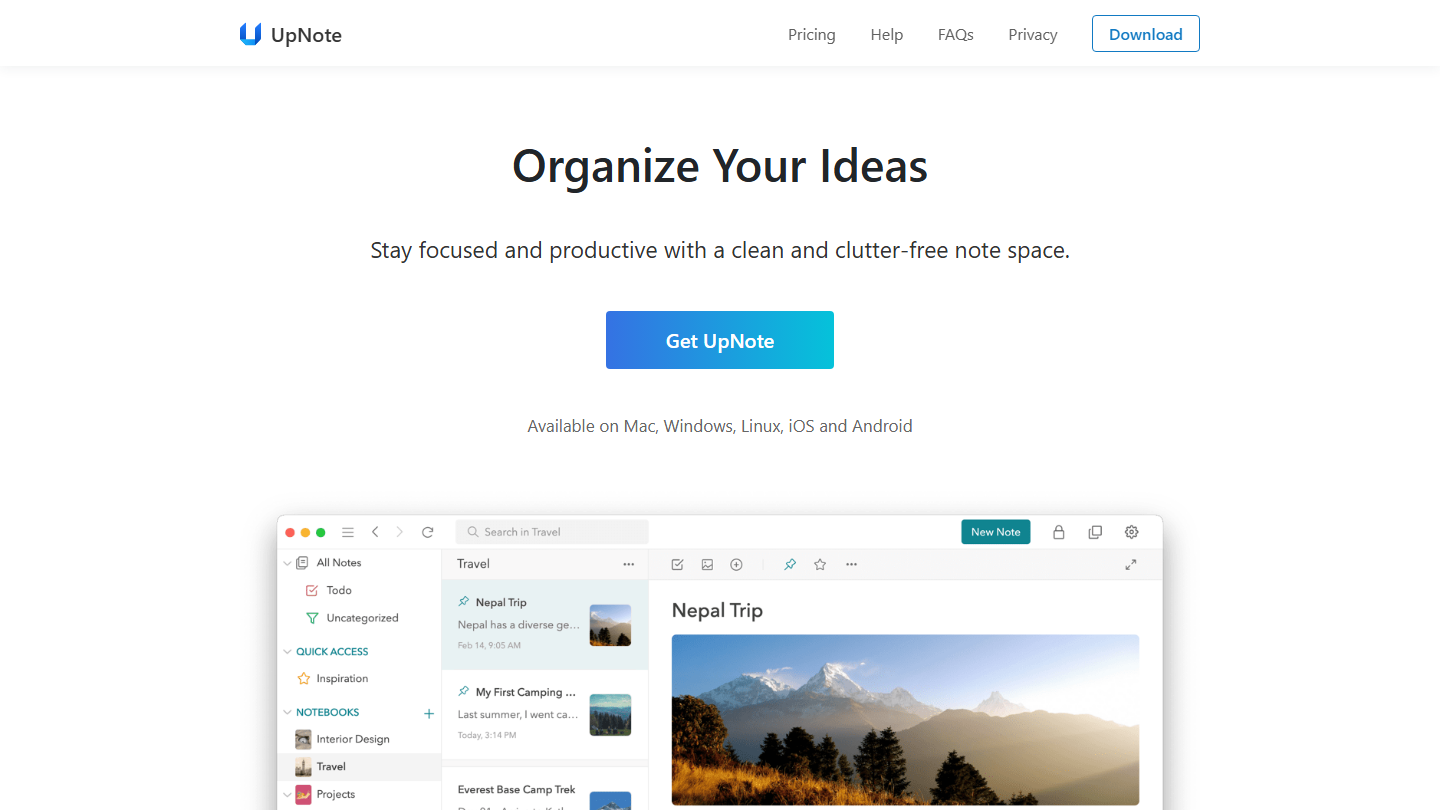
UpNote home page:

UpNote is a note-taking app often compared with Evernote, from which it borrows the three-pane interface: notebooks, list of notes, open note. It runs on iOS, Android, Windows, macOS and Linux.

In practice, you file notes in nested notebooks, with hashtags, pinned notes and quick access to favorites. The editor handles rich formatting and Markdown, tables, code blocks and attachments; an extension saves a web page from Chrome, Safari or Firefox, and notes export to text, PDF, HTML or Markdown.

It is the alternative to favor if you want to change tools without changing habits. It remains designed for personal use: a note is shared through a web link, with no team space.

The free version stops at 50 notes. Premium costs $1.99 a month, or $39.99 as a one-time payment, for life.

05

ClickUp

4.7/5 From $9

Best for: Teams that want to turn their notes into tasks and share their project documentation

+ Strengths
  • Full note-taking and text formatting, PDF or HTML exports
  • Automatic creation of tasks from notes
  • Integrations with Outlook, Slack, Google Docs and Google Sheets
  • Some of the most advanced automation on the market
− Downsides
  • Free plan limited to 60 MB of storage
  • Long, difficult onboarding, unassisted outside the Enterprise plan
  • Support reachable only by chat for usage problems
★ ClickUp in brief

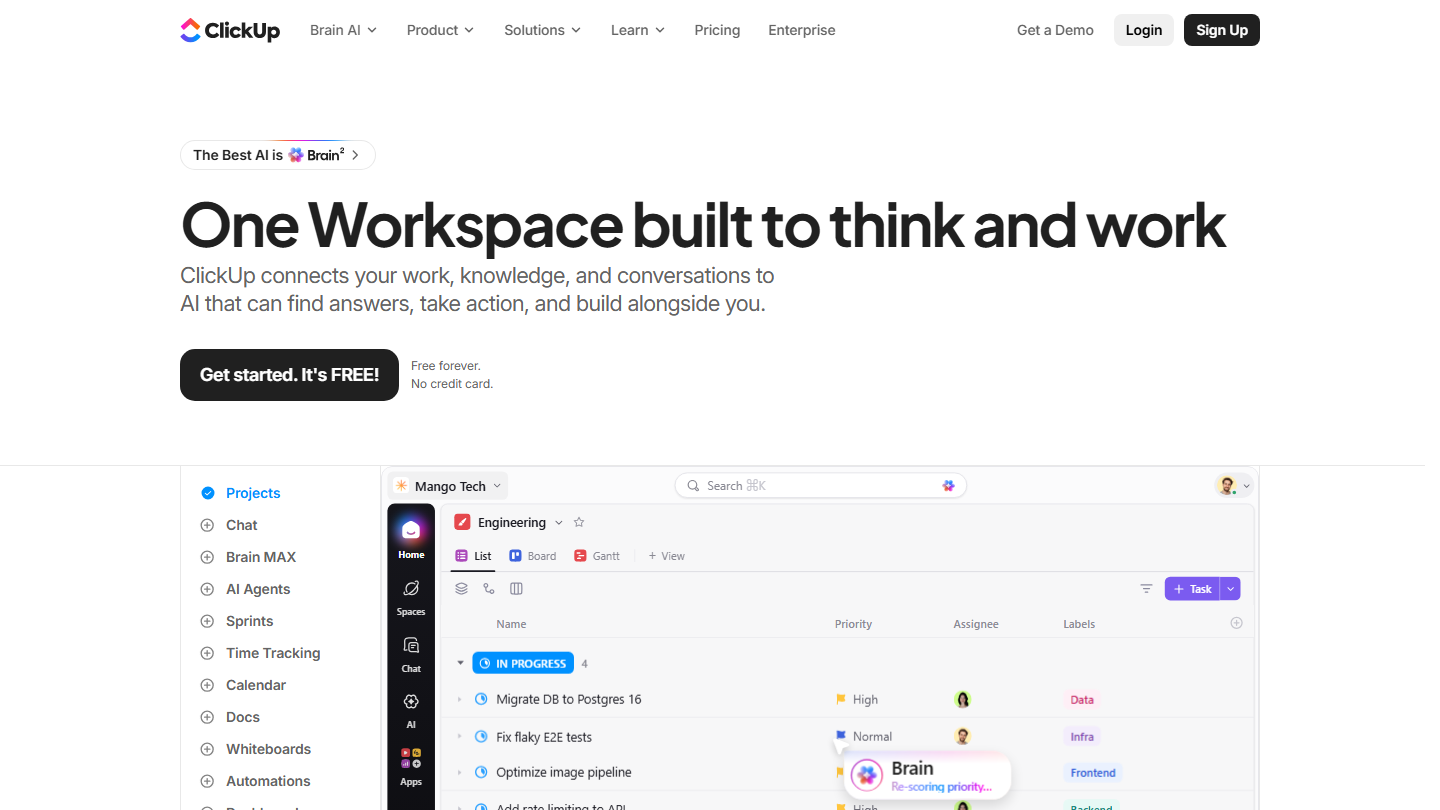
ClickUp home page:

ClickUp is a project management platform that ships with a real documents module. You take notes, format them and export them to PDF or HTML, in the same place as your tasks.

In practice, a line from meeting minutes can become a task in one click, with an owner, a priority and a deadline. A project’s documents sit next to its tasks, anyone can comment on or edit them, and the embedded view opens Google Docs or Google Sheets without leaving ClickUp.

Compared with Evernote, ClickUp makes sense when your notes mostly serve to move team projects forward. For personal use, it is a lot of tool, and it takes time to find your way around.

The free plan accepts an unlimited number of members, but only 60 MB of storage. Core costs $9 per user per month billed annually ($12 monthly), Business $17.

06

Todoist

4.7/5 From €5

Best for: People who mostly manage tasks and want to note important information in them

+ Strengths
  • Organizes and prioritizes projects while keeping notes
  • Templates to get started quickly
  • Task assignment, labels, themes and voice notes
  • Windows, Mac and Linux apps, web, tablets and smartphones
− Downsides
  • No custom fields or real-time discussions
  • Free plan limited to 5 personal projects and 3 filtered views
  • No native time tracking or automation
★ Todoist in brief

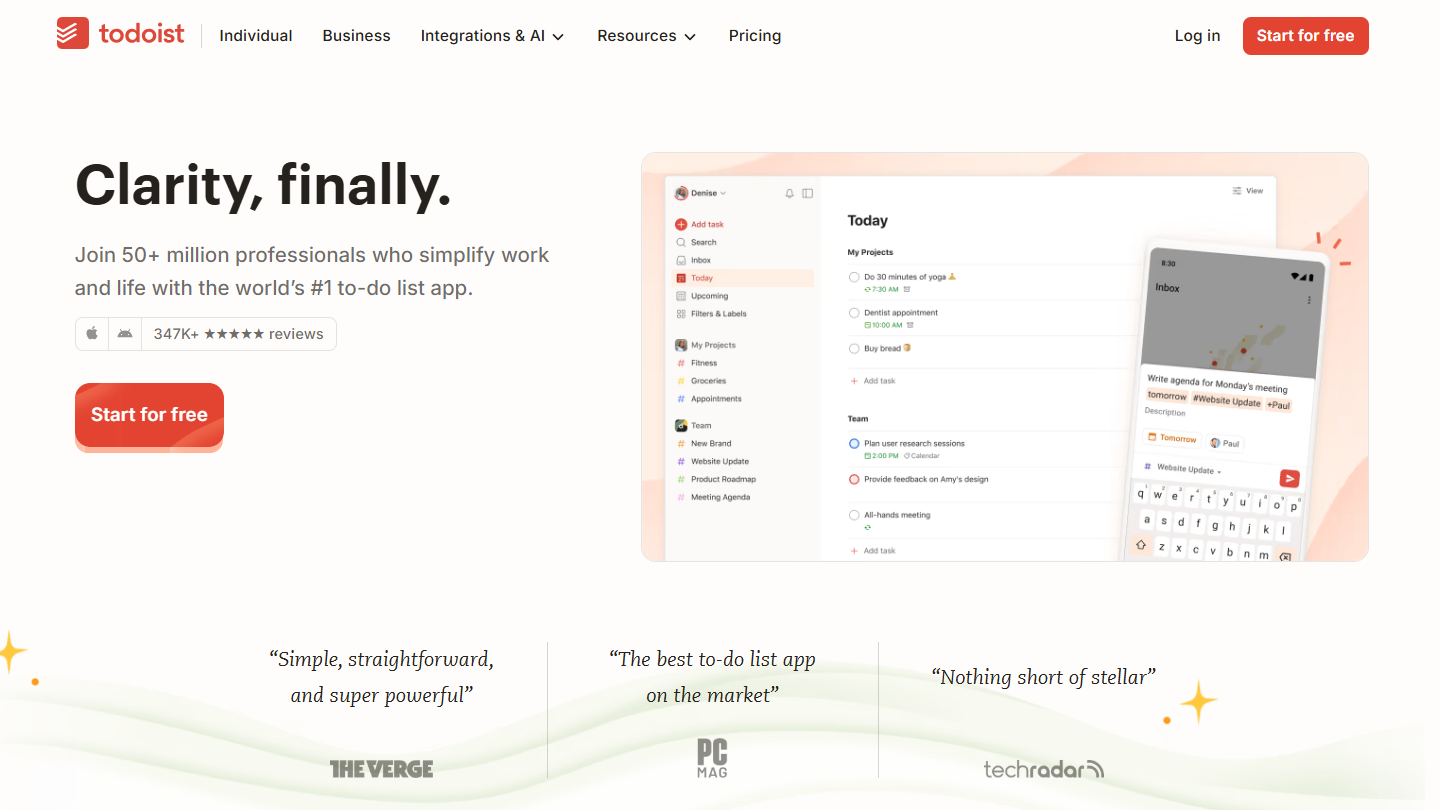
Todoist website: “Clarity, finally.”

Todoist is a to-do list app, on Windows, Mac, Linux, the web, tablets and smartphones. Each task can carry a description and comments: you note what you need to know when you get down to it.

In practice, you enter a task in plain language (« call the supplier Thursday at 10 »), file it in a project, add labels, a priority and notes, or dictate it with voice entry. Templates help start a project, and tasks can be assigned to team members.

Compared with Evernote, Todoist works if your notes are mostly things to do. For archiving documents, articles or long notes, it is not built for that.

The free plan covers 5 personal projects, reminders included. Pro costs €5 a month billed annually (€60 a year), Business €8 per user per month billed annually.

07

Microsoft OneNote

4.3/5 From Free

Best for: Researchers and people who work from a wide range of sources

+ Strengths
  • Classic Microsoft interface, easy to pick up for anyone who knows it
  • Notebooks, tabs and multi-page sections, for free-form workspaces
  • Simultaneous editing by several users
  • Free
− Downsides
  • Easy to pick up mostly for regular Microsoft software users
  • No premium plan of its own: more space and Copilot come through a Microsoft 365 subscription
★ Microsoft OneNote in brief

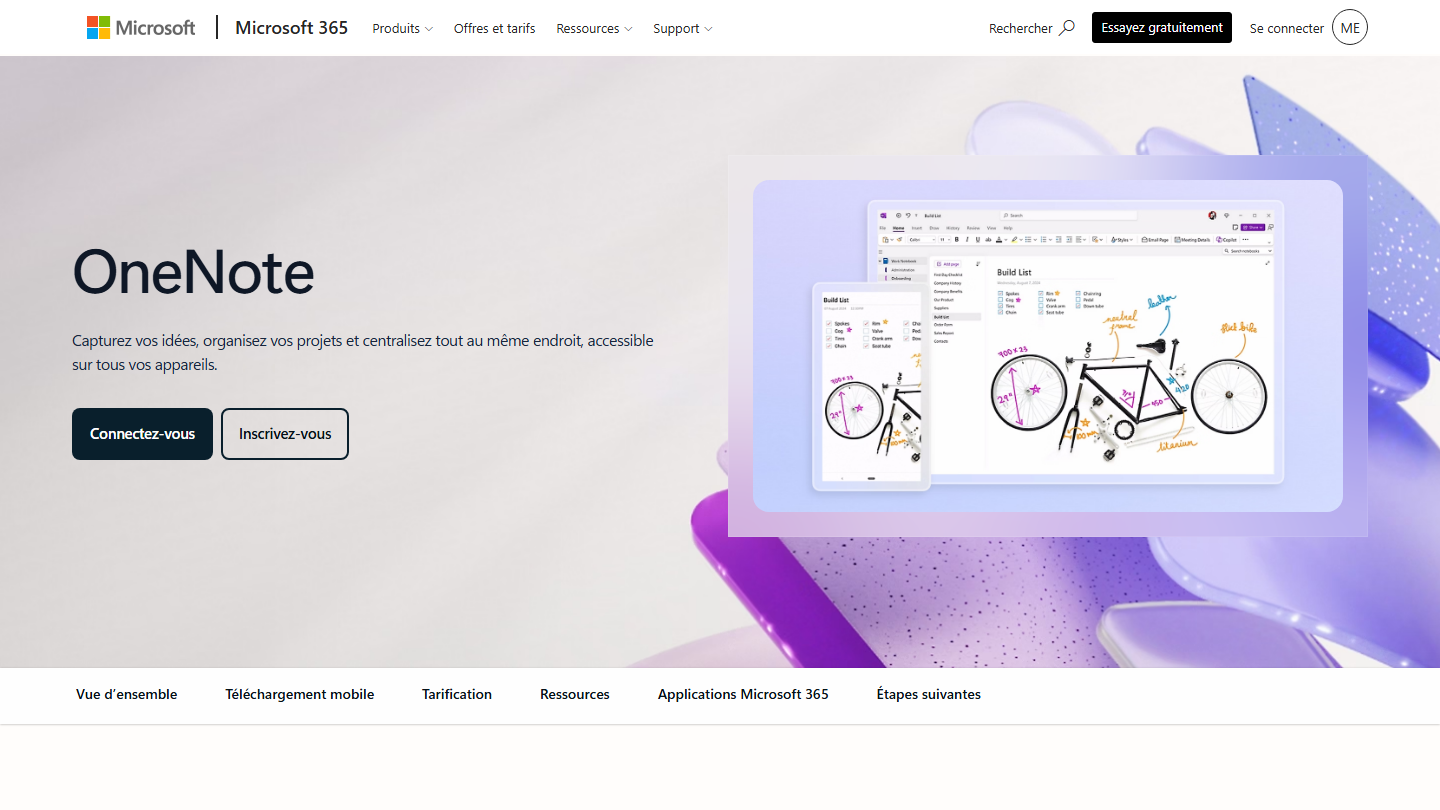
Microsoft OneNote presentation page:

Microsoft OneNote is Microsoft’s note-taking app, free with a Microsoft account on computer, smartphone and tablet. Its interface follows that of Microsoft software, familiar to those who already use it.

In practice, OneNote organizes notes into notebooks, sections and pages. Each page is a free-form surface: you place text, images, checklists, files and attachments wherever you want, you draw and annotate, and tags mark the items to follow up. Several people can edit a notebook at the same time.

The tool is popular with researchers and people who work from many sources. Compared with Evernote, the logic changes: you compose pages rather than stack up notes, and voice transcription helps you follow a meeting.

OneNote is free, and notes are stored on OneDrive. For more space, Microsoft 365 Basic costs €2 a month (100 GB); Copilot in OneNote requires Microsoft 365 Personal, at €10 a month.

08

Joplin

4.0/5 From €2.99

Best for: People looking for a free, open source alternative able to import their Evernote notebooks

+ Strengths
  • Open source and free
  • Easy import of Evernote notebooks, structure kept
  • Three-pane interface, notebooks and sub-notebooks as in Evernote
  • Sync with Dropbox, Nextcloud or OneDrive
− Downsides
  • Notes by email reserved for Joplin Cloud Pro, at €5.99 a month
  • No automatic file import, no note merging
  • Text recognition limited to the desktop app, without handwriting
★ Joplin in brief

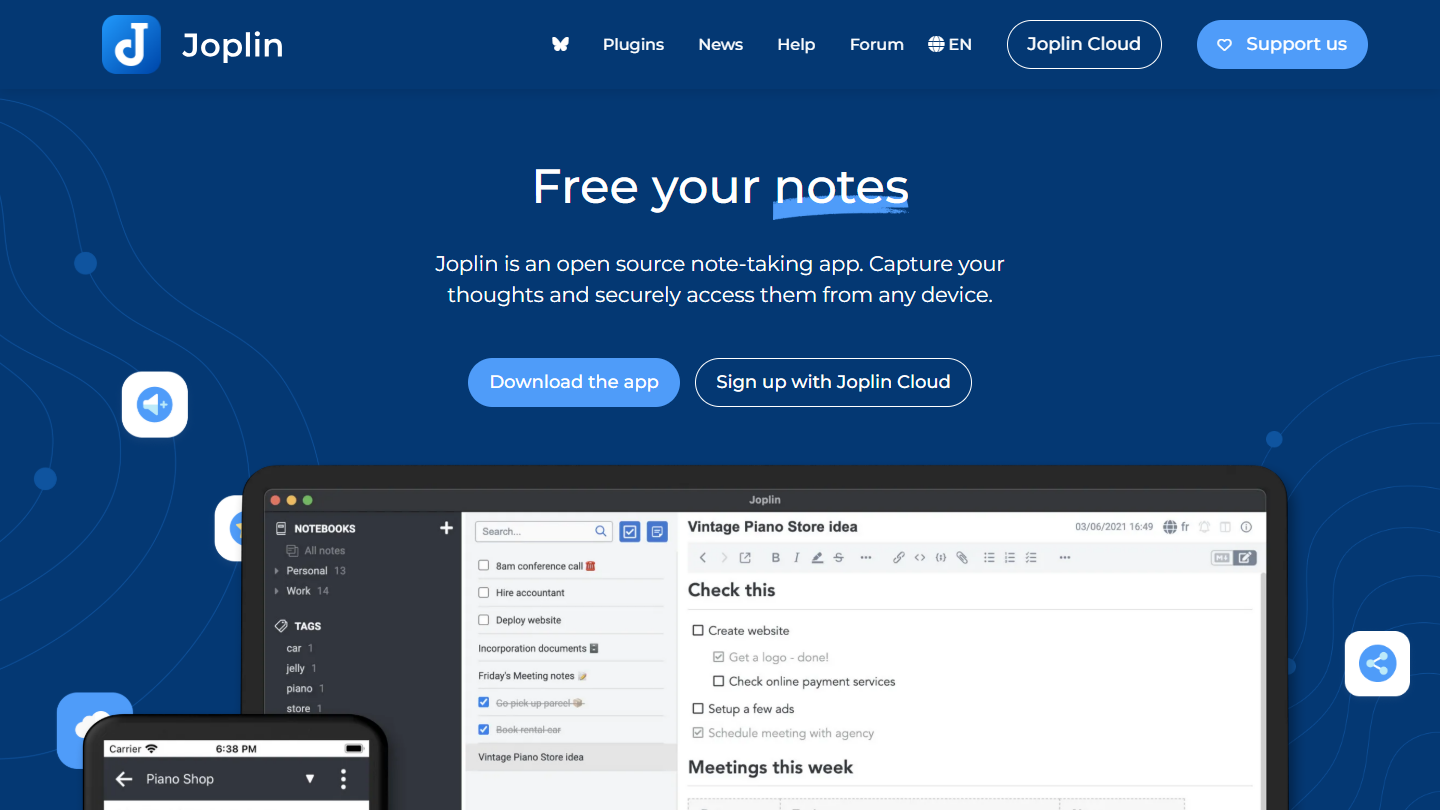
Joplin website: “Free your notes”

Joplin is a free, open source note-taking app. Like Evernote, it files notes in notebooks and sub-notebooks, in a three-pane interface.

In practice, importing Evernote’s export files brings in your notebooks as they are. Notes are written in Markdown, end-to-end encrypted during sync, and the desktop app recognizes the text in PDFs and images for search.

Joplin makes sense if you want to keep control of your data: open format, public source code, sync through the service of your choice (Dropbox, Nextcloud, OneDrive or Joplin Cloud). In return, several of Evernote’s advanced features are missing or require a subscription.

The app is free. Joplin Cloud Basic costs €2.99 a month (€2.40 billed annually) for 2 GB and collaboration on a notebook; Pro, at €5.99, adds 30 GB and sending notes by email.

09

Zoho Notebook

4.0/5 From €1.67

Best for: People who want a free, visual note-taking app on all their devices

+ Strengths
  • Text, images, audio, tags, reminders, handwriting and drawing
  • Available on Android, iOS, macOS, Windows, Linux and the web
  • Notebooks presented as physical objects, with covers and colored pages
− Downsides
  • No list view of notebooks
  • Hard migration from Evernote, since there are no notebook stacks
  • Free version limited to 500 MB, with no search in the text of images and no notes by email
★ Zoho Notebook in brief

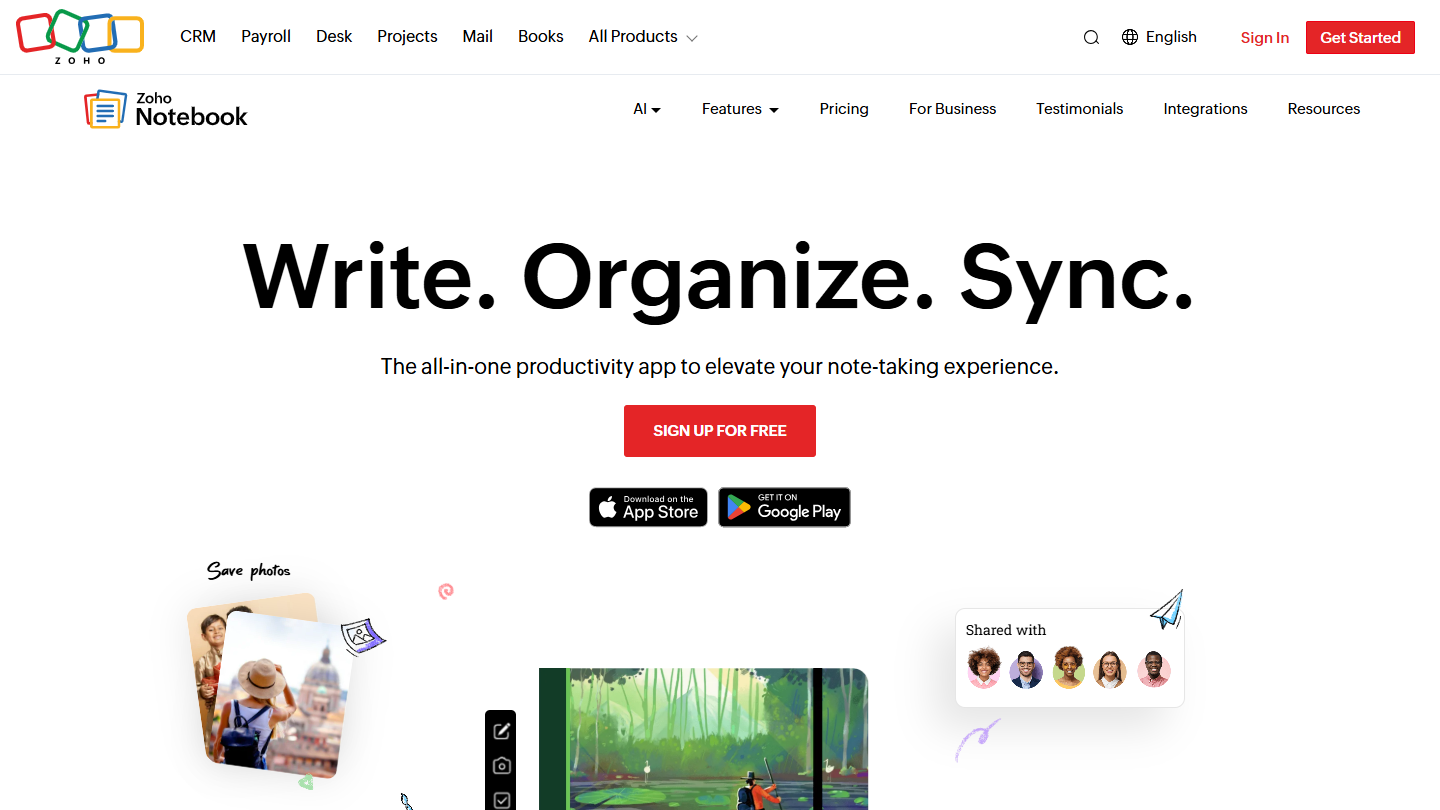
Zoho Notebook website: “Write. Organize. Sync.”

Zoho Notebook is the note-taking app from Zoho, the Indian publisher of cloud software for businesses. It runs on Android, iOS, macOS, Windows, Linux and the web.

In practice, each note is a card: text, list, photo, audio recording, sketch or file, with its tags and reminders. Notebooks each have their own cover, and the free version already scans documents.

Its organization throws off an Evernote regular, and carrying over an existing tree takes work. It suits someone starting from scratch better than a user migrating thousands of notes.

Essential is free, with 500 MB of storage and files of 10 MB. Pro costs €19.99 a year (€1.67 a month) or €49.99 for 3 years, and adds 100 GB, search in the text of images, emails turned into notes and business card scanning.

10

Apple Notes

3.9/5 From Free

Best for: Users fully equipped with Apple who want simple note-taking

+ Strengths
  • Native on iPhone, iPad and Mac, with fast sync through iCloud
  • Text, images, sketches, lists and attachments in a single note
  • Tag and hashtag management
  • Free
− Downsides
  • Reserved for Apple devices
  • Limited integrations with third-party tools
  • 5 GB of free iCloud storage, beyond that you have to move to iCloud+
★ Apple Notes in brief

Apple Notes website: “iCloud+”

Apple Notes is the notes app preinstalled on iPhone, iPad and Mac. Notes sync through iCloud and remain accessible from a browser, on iCloud.com.

In practice, a note mixes text, images, sketches, lists and attachments, and is sorted by folders and tags. The app is simple and fast, with nothing to set up.

It is the simplest solution if you are fully equipped with Apple. Outside that ecosystem it loses its appeal: from another device, you have to go through the browser.

Notes is free and uses iCloud’s 5 GB free. Beyond that, iCloud+ costs €0.99 a month for 50 GB, €2.99 for 200 GB.

11

Milanote

4.0/5 From $9.99

Best for: Creatives and designers who organize their ideas visually

+ Strengths
  • Very graphic idea capture: images, videos and visual elements
  • Notes organized in boards, by drag and drop
  • Real-time collaborative work
− Downsides
  • Not a direct alternative to Evernote for classic text notes
  • Free plan limited to 100 notes, images or links
★ Milanote in brief

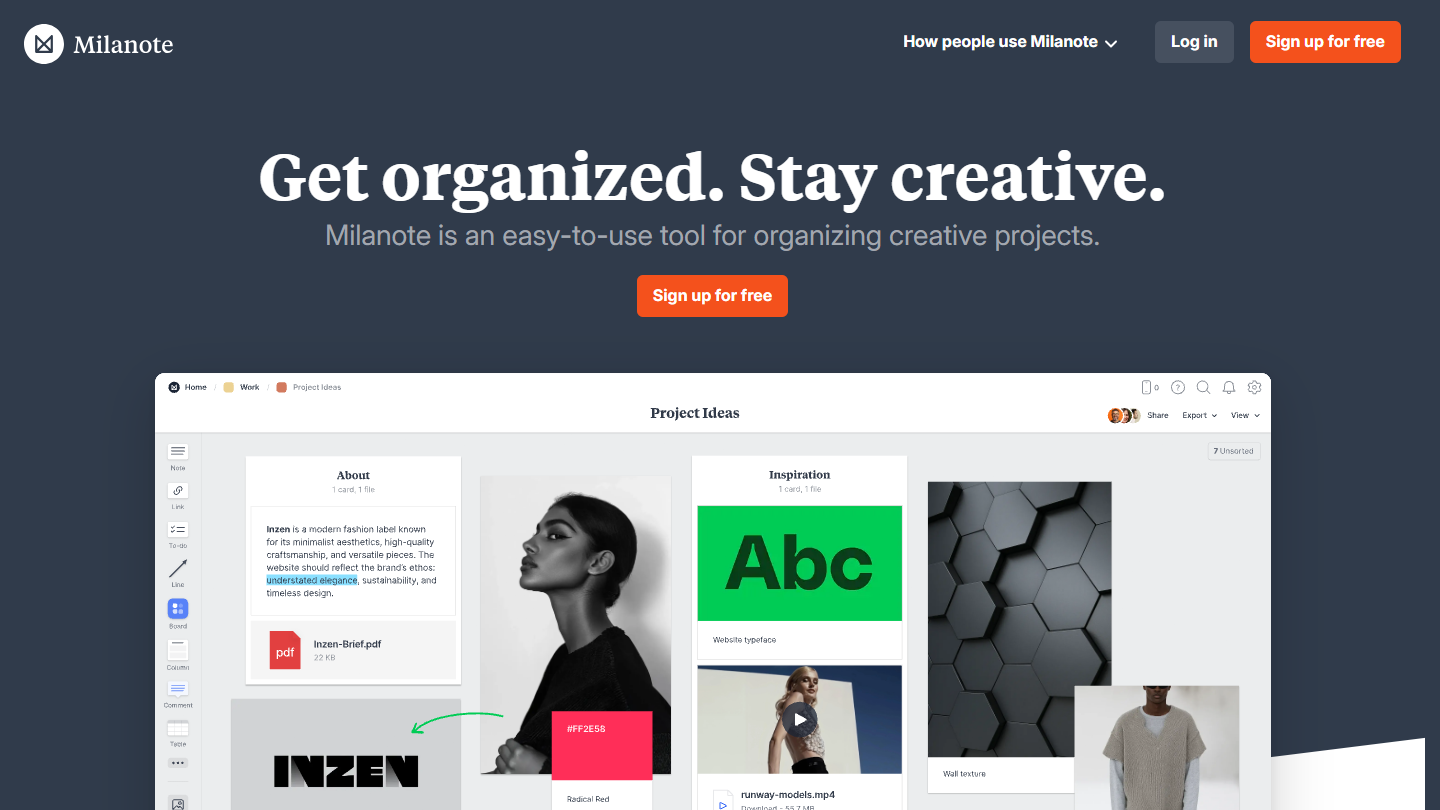
Milanote website: “Get organized. Stay creative.”

Milanote is a visual note-taking app, designed for creatives and designers. Instead of a list of notes, you work on boards where you freely lay out text, images, videos, links and files.

In practice, a board serves as an inspiration wall or a project folder: you drop visuals in, group ideas, connect items with arrows and add tasks. Boards can be shared and edited by several people.

Milanote doesn’t replace Evernote for text notes, but it covers what Evernote doesn’t do: thinking through a project in images. A mobile app, a desktop app and a web clipper round out the tool.

The free plan, with no time limit, stops at 100 notes, images or links and 10 files. The individual subscription costs $9.99 a month billed annually ($12.50 monthly), the team plan $49 a month billed annually for up to 10 people.

12

Simplenote

3.8/5 From Free

Best for: People with basic needs who mostly take text notes

+ Strengths
  • Free, fast and lightweight
  • Tags and Markdown
  • Available on all the main platforms, including Linux, and as a web version
  • Collaboration on notes and public publishing
− Downsides
  • Text notes only, no multimedia content
  • No notebooks, no notebook stacks, no web clipper, no OCR
  • App that changes little: latest iOS version released in November 2024
★ Simplenote in brief

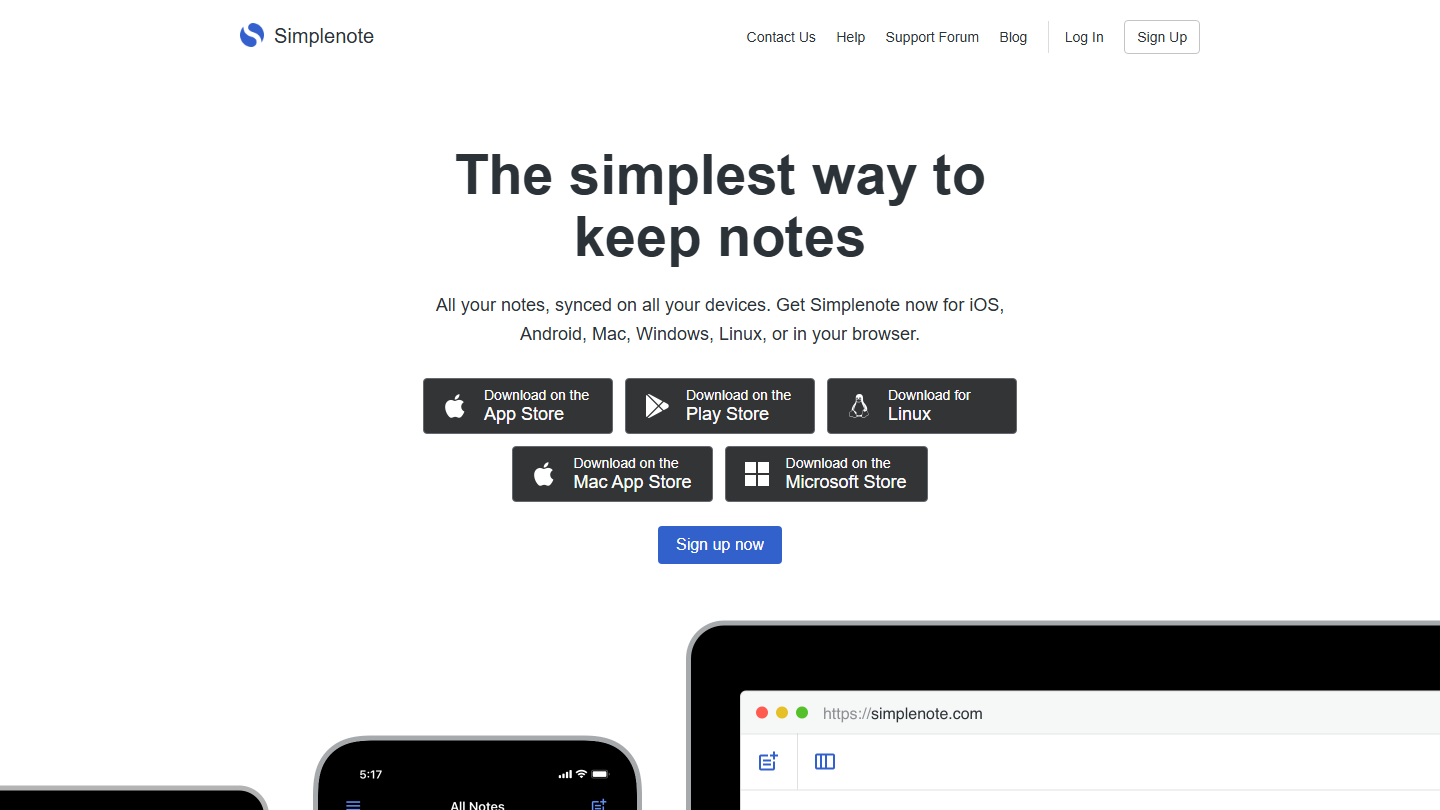
Simplenote home page:

Simplenote, developed by Automattic (the company behind WordPress.com), is a free, fast and lightweight note-taking app, on iOS, Android, Mac, Windows, Linux and the web.

In practice, you write in plain text or Markdown, sort by tags and find everything with instant search. Every change is saved: you can go back to an earlier version of a note.

Compared with Evernote, it is the minimalist option. It suits people who mostly take text notes and want a tool that does nothing else.

Everything is free: apps, backups, sync and sharing.

13

Google Keep

4.2/5 From Free

Best for: People who want to jot things down fast on their phone as well as their computer, and share lists

+ Strengths
  • Free with a Google account
  • Notes, lists, photos, drawings and transcribed voice memos
  • Real-time multi-user editing and export to Google Docs
  • Reminders, labels and color coding
− Downsides
  • No notebooks or subfolders, only labels
  • Poorly suited to long notes and documents
★ Google Keep in brief

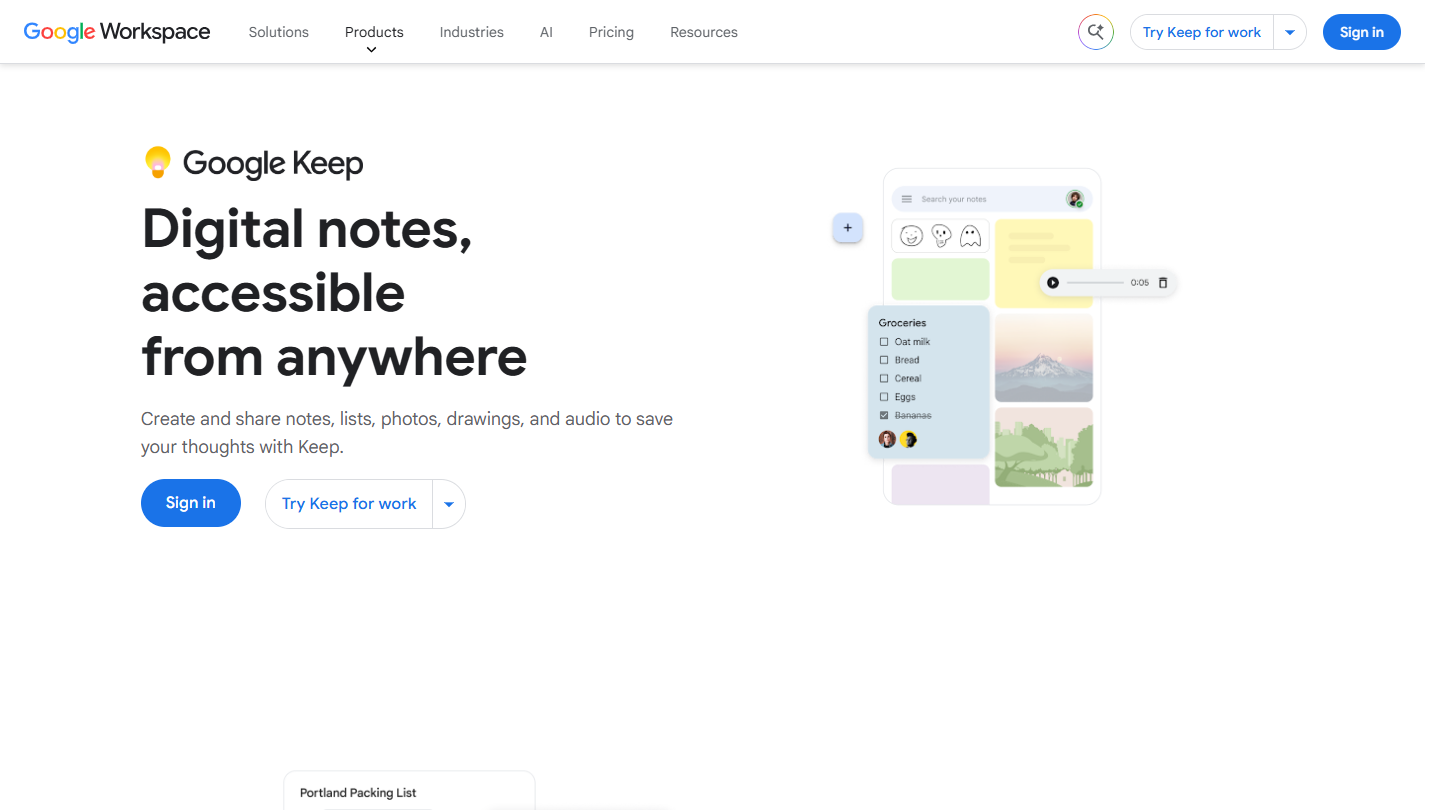
Google Keep website: “Digital notes, accessible from anywhere”

Google Keep is Google’s notes app, free with a Google account, on Android, iPhone and the web. It bets on speed: you open it, write, and it is synced.

In practice, a note can be text, a checklist, a photo, a drawing or a voice memo, transcribed automatically. You find it through search, labels, colors or pins, add a reminder to it, and share it with family and friends or colleagues.

Compared with Evernote, Keep plays the simplicity card: a wall of notes rather than a tree. It suits lists, ideas and reminders; a note that grows can be sent to Google Docs.

Keep is free, with no paid plan of its own. A business version is part of Google Workspace.

How we chose these 13 tools

Every tool in this selection has been used in real conditions by our team or by a Salesdorado consultant, in a B2B sales and marketing setting. No ranking built from a marketing deck. The order of the list is not a ranking: the right tool depends on your needs.

  1. 01
    Benchmark scope

    Broad identification of the tools on the market (G2, Capterra, Salesdorado customer feedback, LinkedIn signals). Initial filtering, then a short list based on a 2-hour setup per tool.

  2. 02
    Test conditions

    3 to 4 weeks of active use per tool, with data representative of a B2B sales use case. When a tool targets a specific profile (SDR, AE, Ops, Marketer…), we match the tester accordingly.

  3. 03
    Weighted criteria

    For each category, 5 to 7 axes weighted according to what matters in the segment: UX, feature depth, native integrations, support, pricing at scale, compliance (GDPR, security), and roadmap quality.

  4. 04
    Independence

    No tool is scored in exchange for payment. Partner links (affiliate) are marked as such and do not influence the score. Non-partner tools are included when their place in the ranking is deserved.

  5. 05
    Updates

    The ranking is reviewed every 6 to 12 months or on every major release of a tool mentioned. The date of the last check is shown at the top of the article.

The questions we get over and over.

Why look for an Evernote alternative?

Evernote version 10 disappointed a lot of users: sync problems, missing features, a new focus on task management, bugs. The 2023 acquisition by Bending Spoons then brought price increases and a free plan cut to 50 notes, 1 notebook and 1 device; the Starter plan costs €12.99 a month. On top of that, the interface is seen as dated.

Which Evernote alternative works most like Evernote?

UpNote copies Evernote's three-pane interface and works in a similar way, in a more pleasant interface. Joplin, which is open source, also uses a three-pane interface with notebooks and sub-notebooks, and imports Evernote notebooks easily.

Is there a free alternative to Evernote?

Yes. Joplin is open source and free, Simplenote is entirely free, Microsoft OneNote and Google Keep are free with a Microsoft or Google account, and Apple Notes comes with Apple devices. Obsidian is free too, but syncing across devices costs $4 a month billed annually.

Is it easy to migrate your notes from Evernote?

Not necessarily: no alternative is a 100% clone of Evernote, and tags, reminders or internal links between notes don't always migrate easily. With a history of thousands of notes, Salesdorado recommends choosing a tool that works much like Evernote. Joplin imports Evernote notebooks, and Obsidian converts the Evernote export (.enex files) to Markdown with its official Importer plugin.

Can a project management tool replace Evernote?

Yes, if you use Evernote to gather information tied to your professional projects: monday.com, Notion or ClickUp let you link notes to tasks, deadlines and owners. For personal use, or if you need text recognition in images, notes by email or handwritten notes, monday.com is not the best fit.

★ The conversation, 0 comments

What the community says.

Basic Markdown, moderated within 24 h
Loading…

    In the same category