The tool in detail
Todoist after real-world use: feature scope, integrations, pricing and concrete limits.
A benchmark among to-do list apps, Todoist is a light, efficient solution for managing tasks and fairly simple projects.
Easy to implement, and backed by rich template and integration catalogs, this tool is a perfect fit for users without heavy functional needs. Todoist does have its limits, especially on collaboration and automation.
Todoist: features overview
Task management and planning
Todoist works with a system of projects, to which you can add tasks and subtasks. Projects let you keep your different task lists apart, for example to separate personal tasks from work tasks.
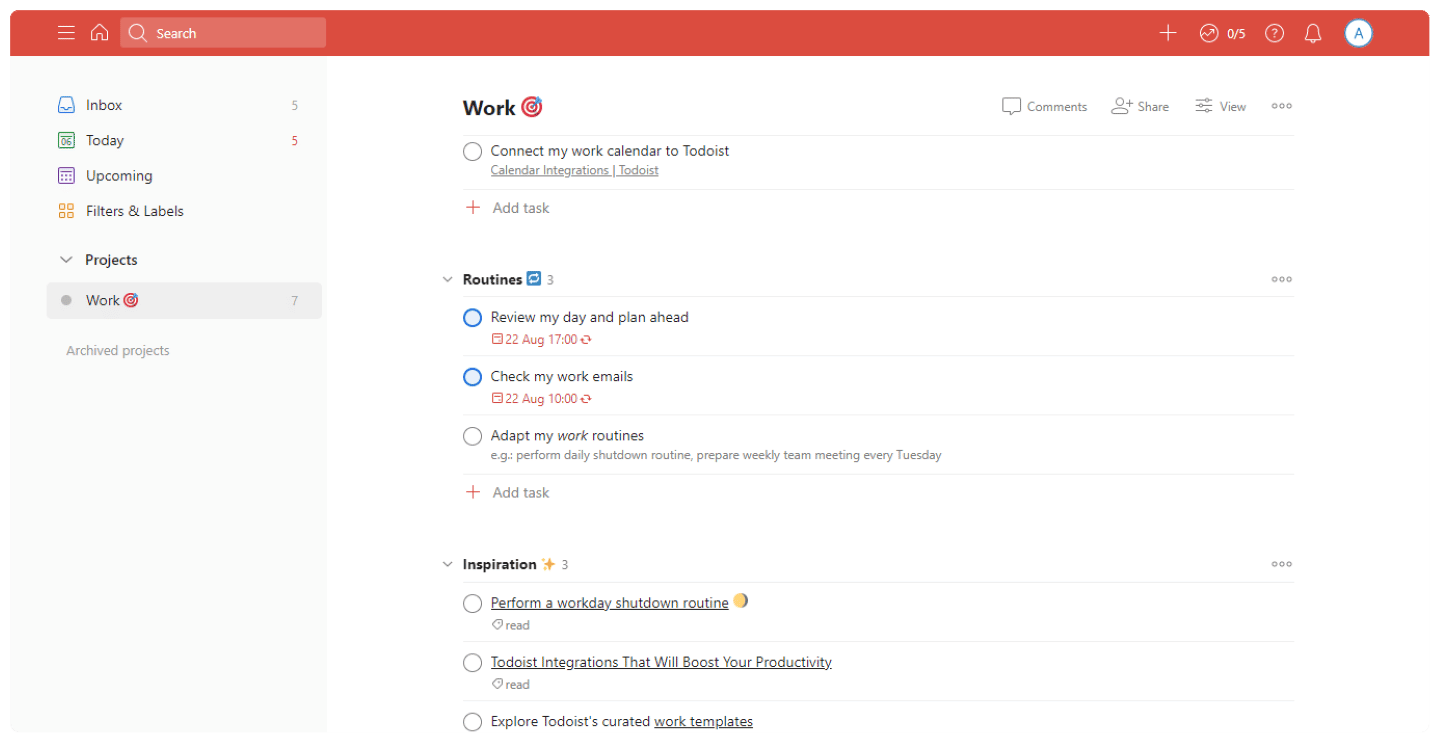
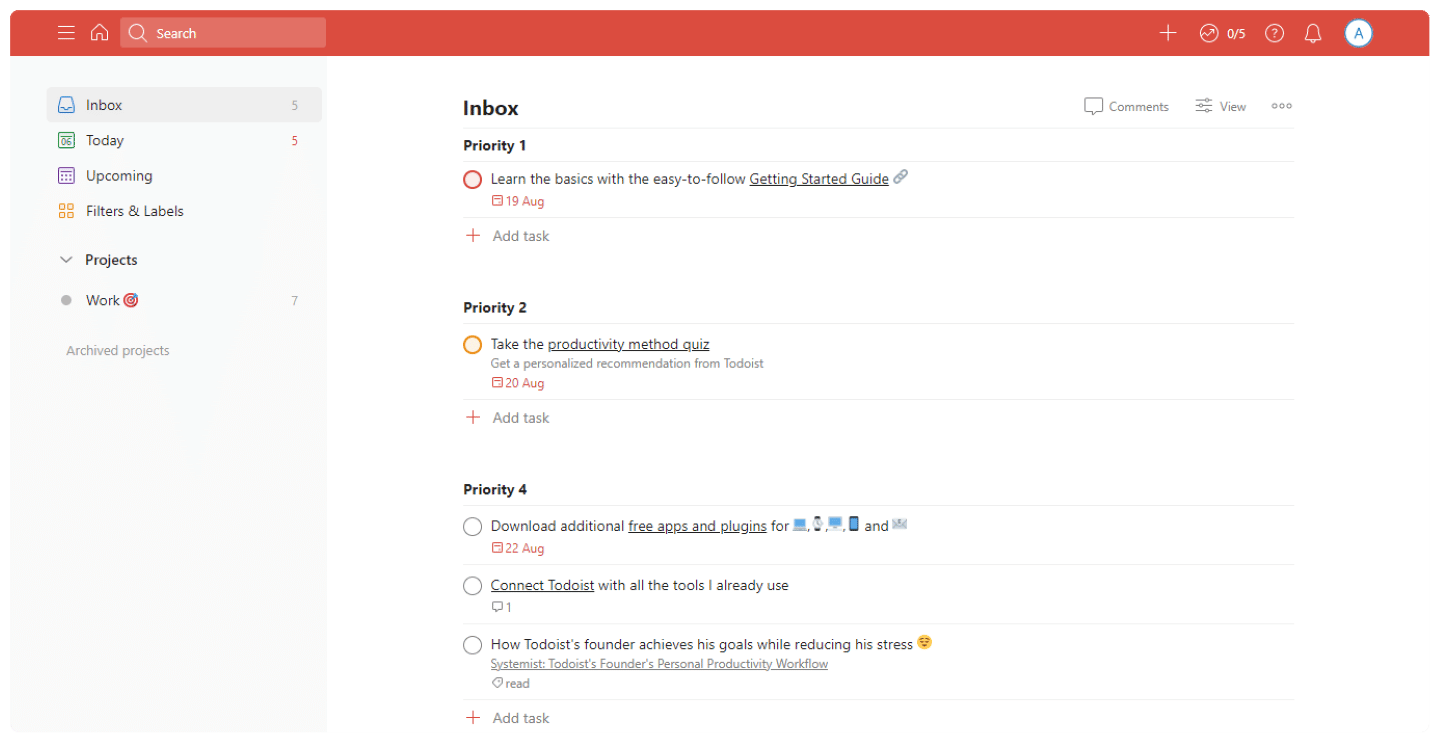
Todoist offers several views: you can display the tasks due that same day, every task sitting in your inbox, or all upcoming tasks.
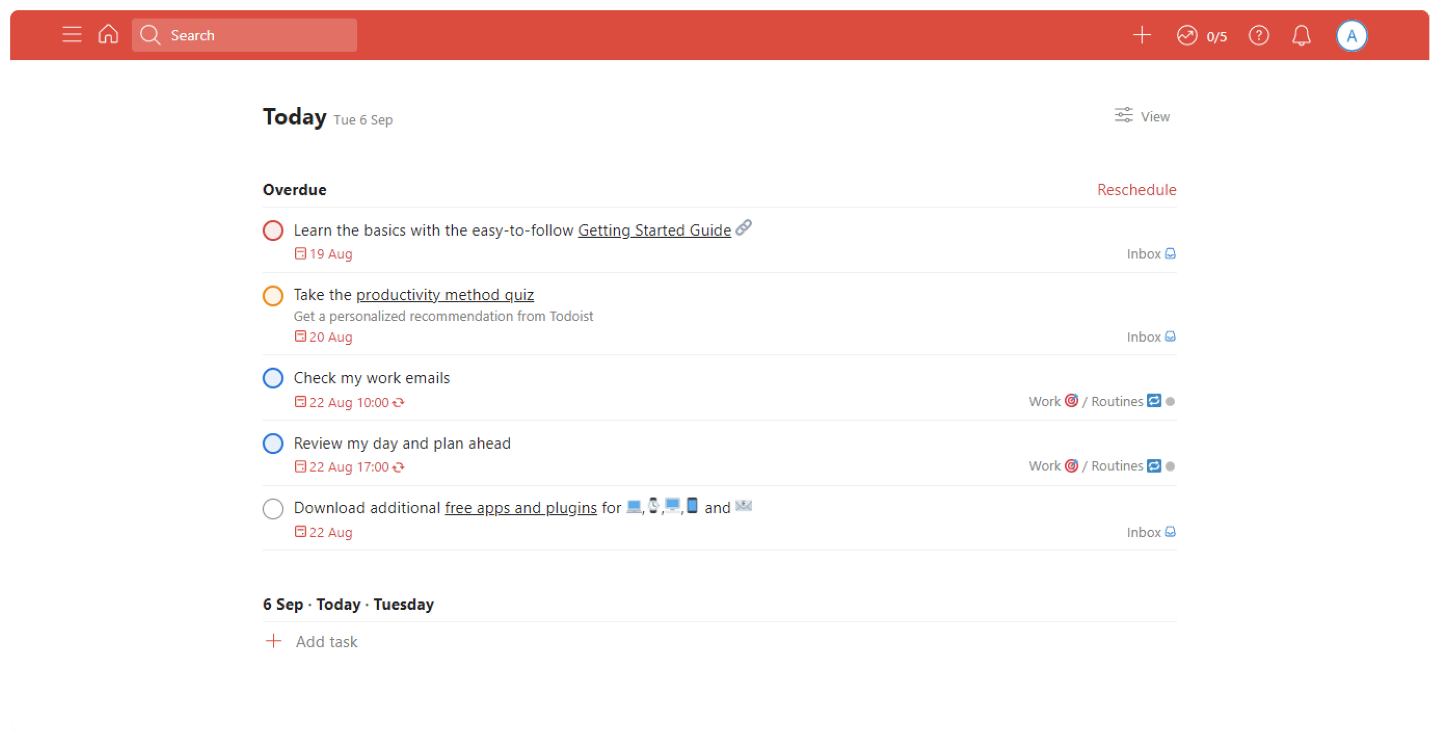
Tasks can carry filters and labels, and be sorted manually, or automatically by the criterion of your choice: project, priority or due date.
Notifications tell you when a task is due or when a collaborator marks a task as done. Time-based or location-based reminders are also available to users who have chosen a paid plan.
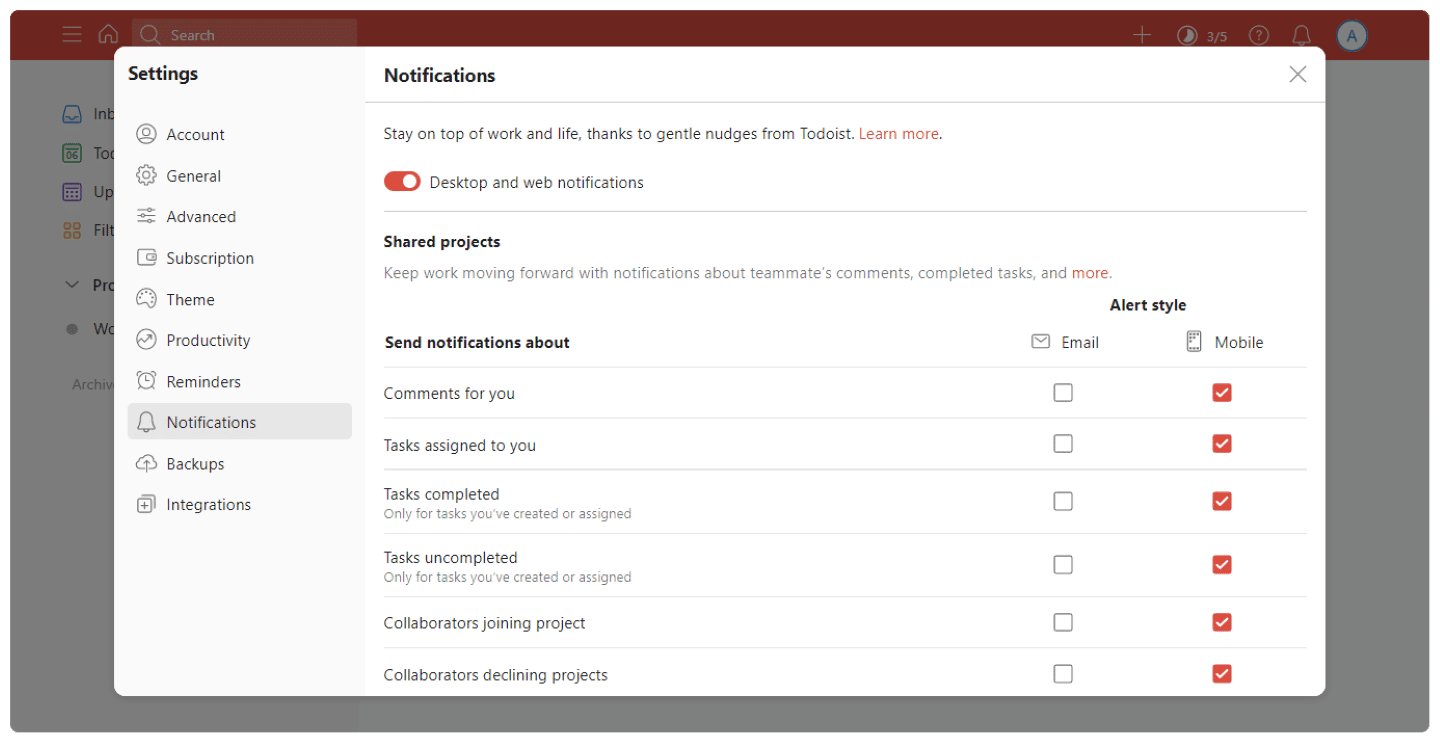
To help you set up your projects, Todoist also offers a very rich template gallery.
Collaboration
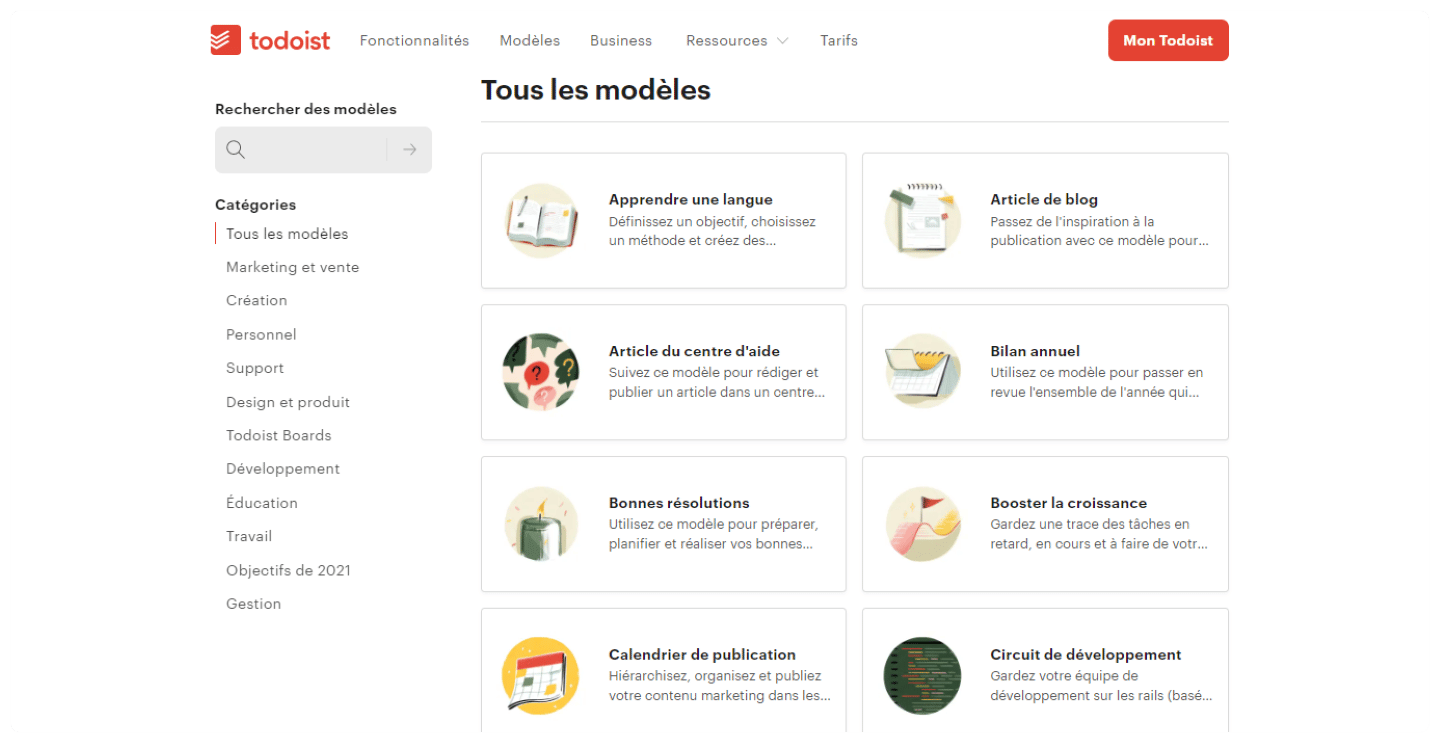
To collaborate in Todoist, invite collaborators to one of your projects. Once a collaborator has accepted your invitation, you can assign tasks to each other.
Salesdorado’s tipIf you use Todoist Pro and invite collaborators to a project, they will need to sign up for a Todoist account, but not to upgrade to Pro.
To communicate, you can upload files and add comments to tasks.
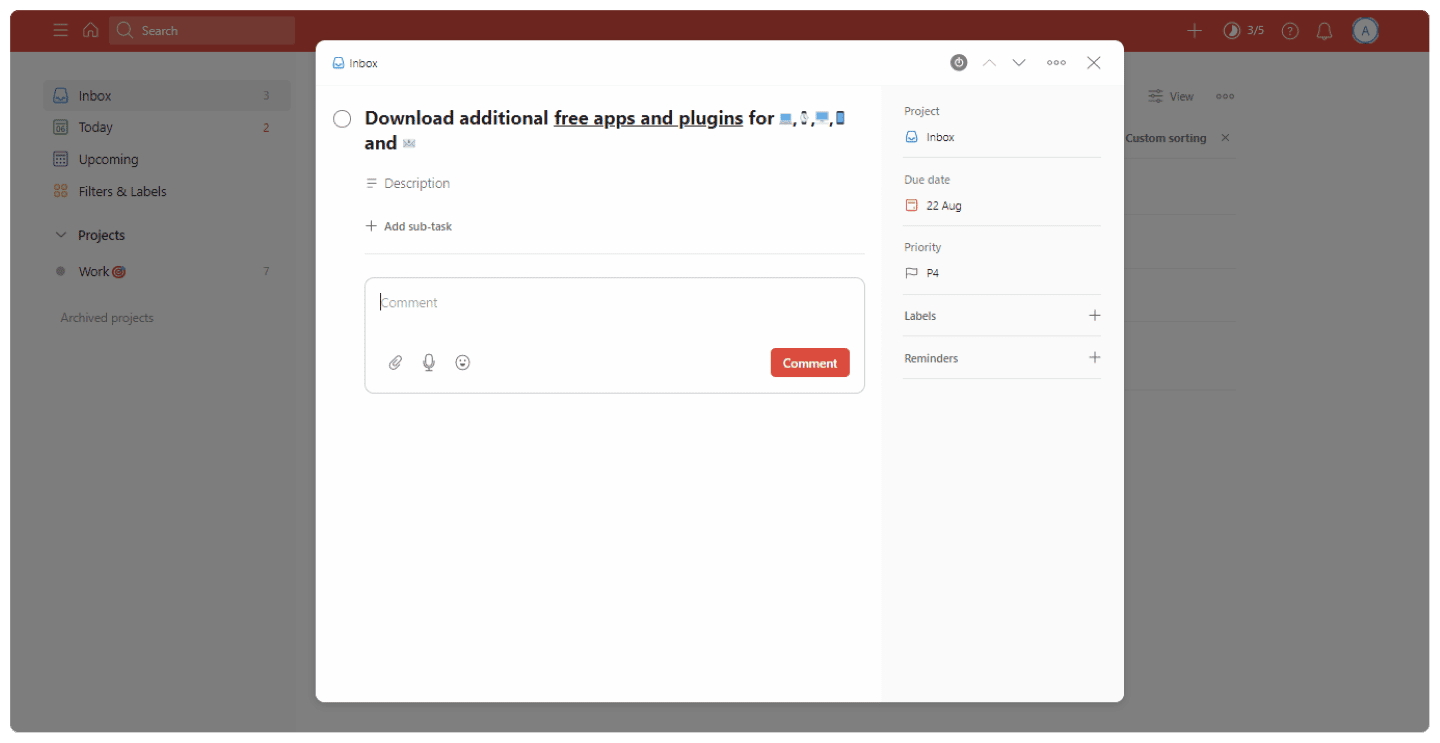
You can also customize your alerts, for example if you don’t need to be told about every change your collaborators make.
Reporting
Todoist generates a daily productivity report that shows tasks color-coded by project. You can choose to display the report based on the tasks completed per day or per week.
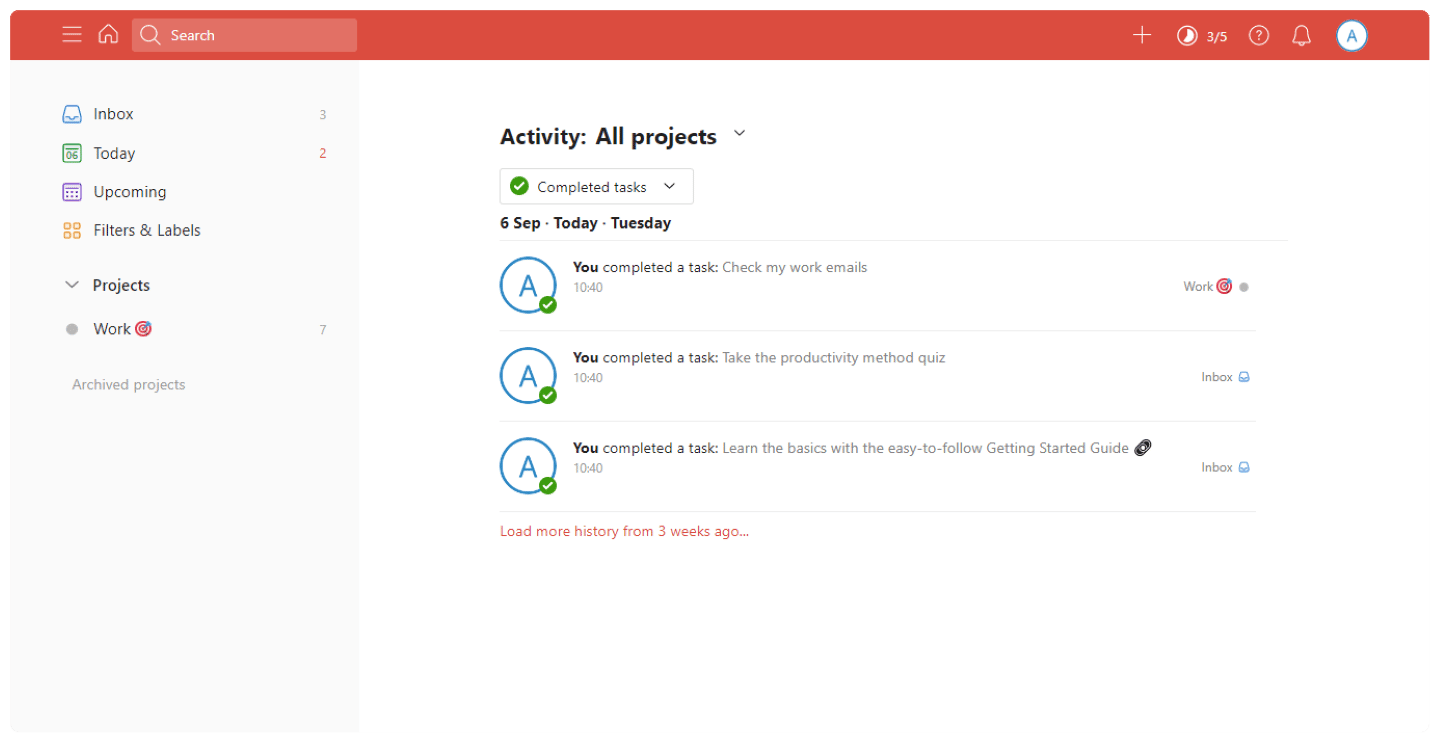
A scrolling chart also shows the number of tasks completed each week, sorted by color and by project.
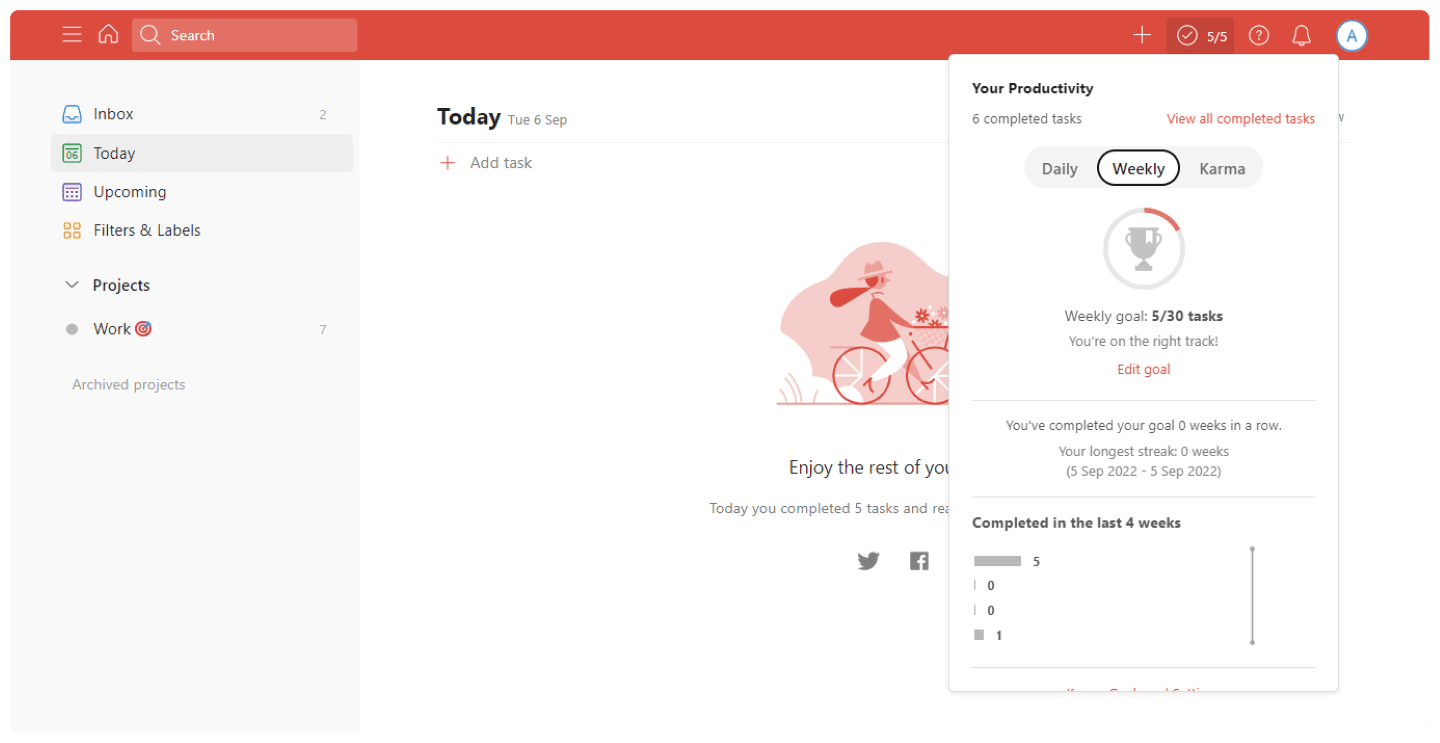
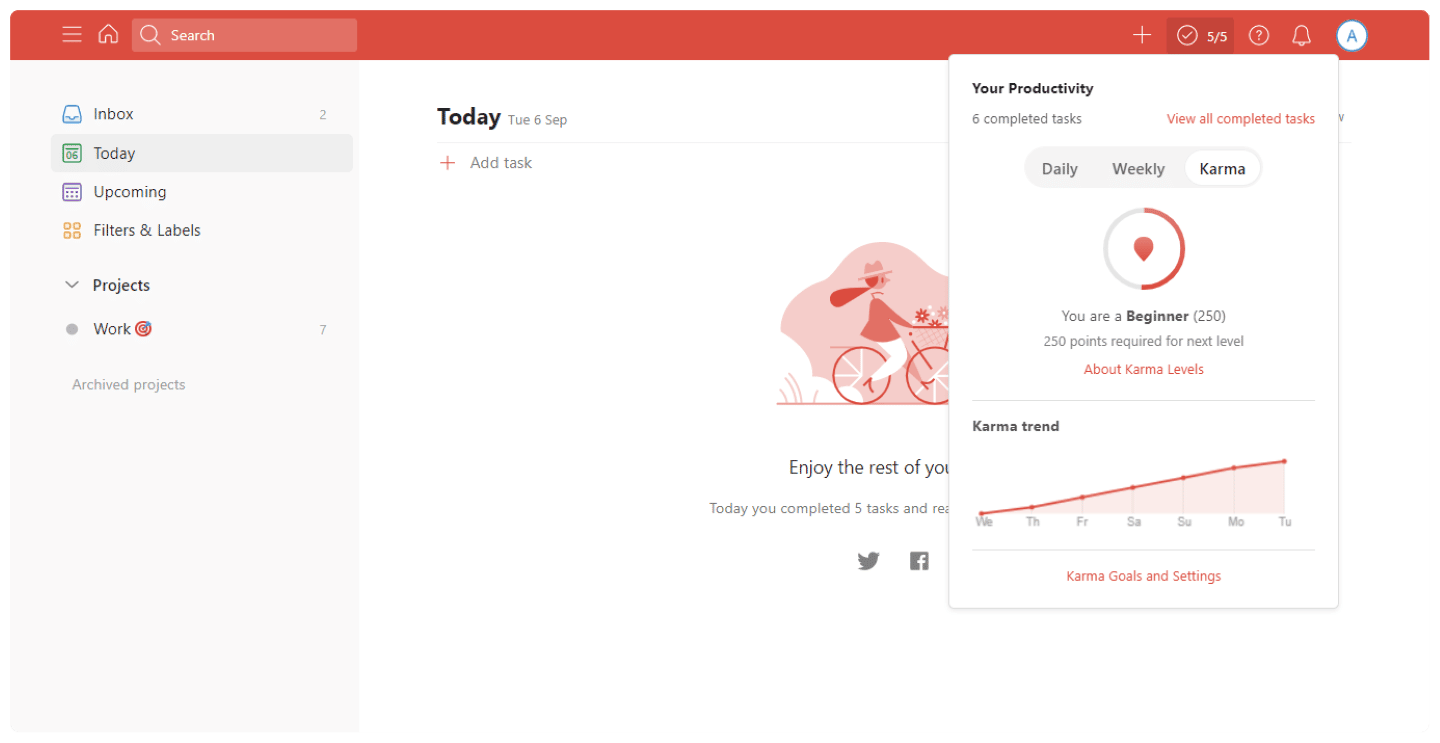
A Karma score also lets you track your progress against your stats and goals, for example the goal of completing three tasks every day of the week.
Todoist’s big plus: flexible access and customization
Todoist has apps for all the major platforms: Android and Wear OS, Apple and Apple Watch, Windows, browser extensions and the web. Sync is reliable and effortless, which makes collaboration much easier.
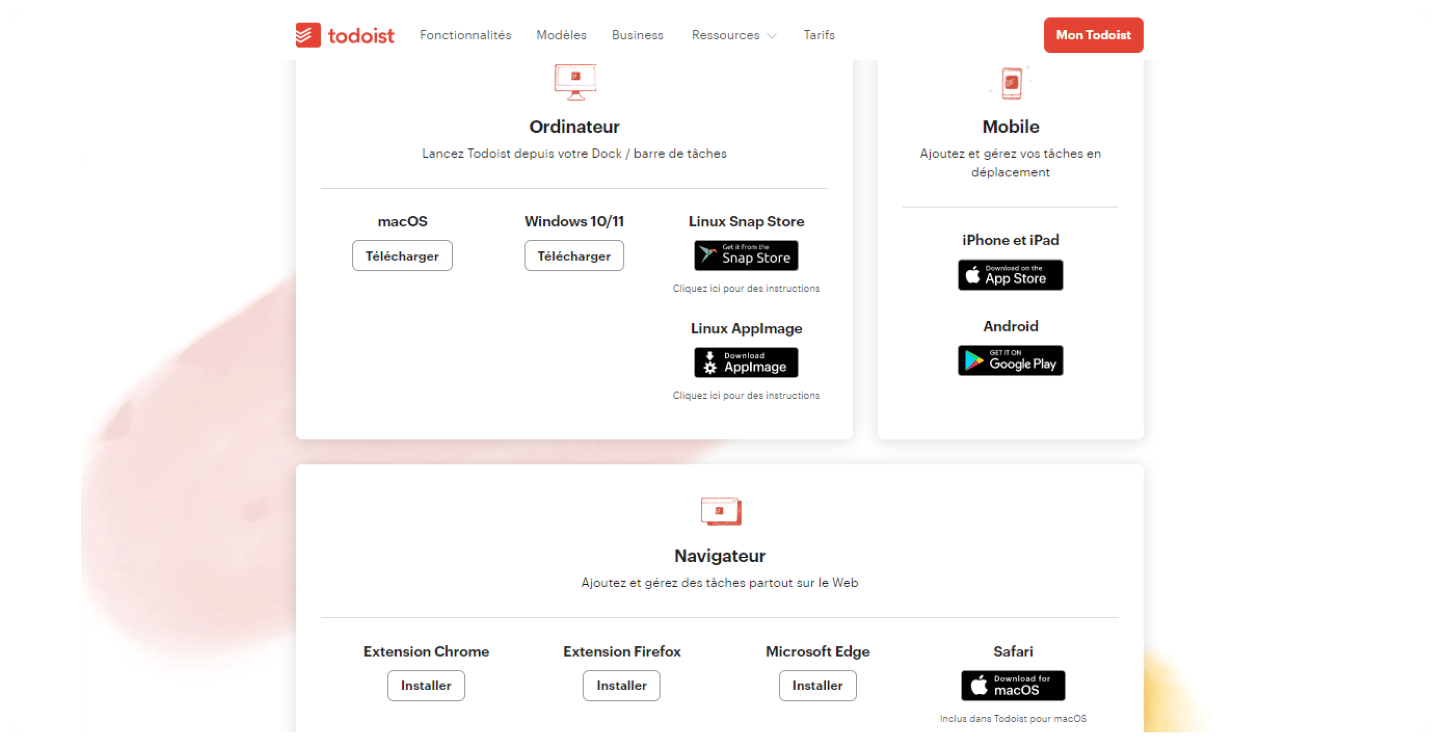
Salesdorado’s takeTodoist is one of our favorite Chrome extensions: it lets you add websites as tasks and complete tasks right from your browser.
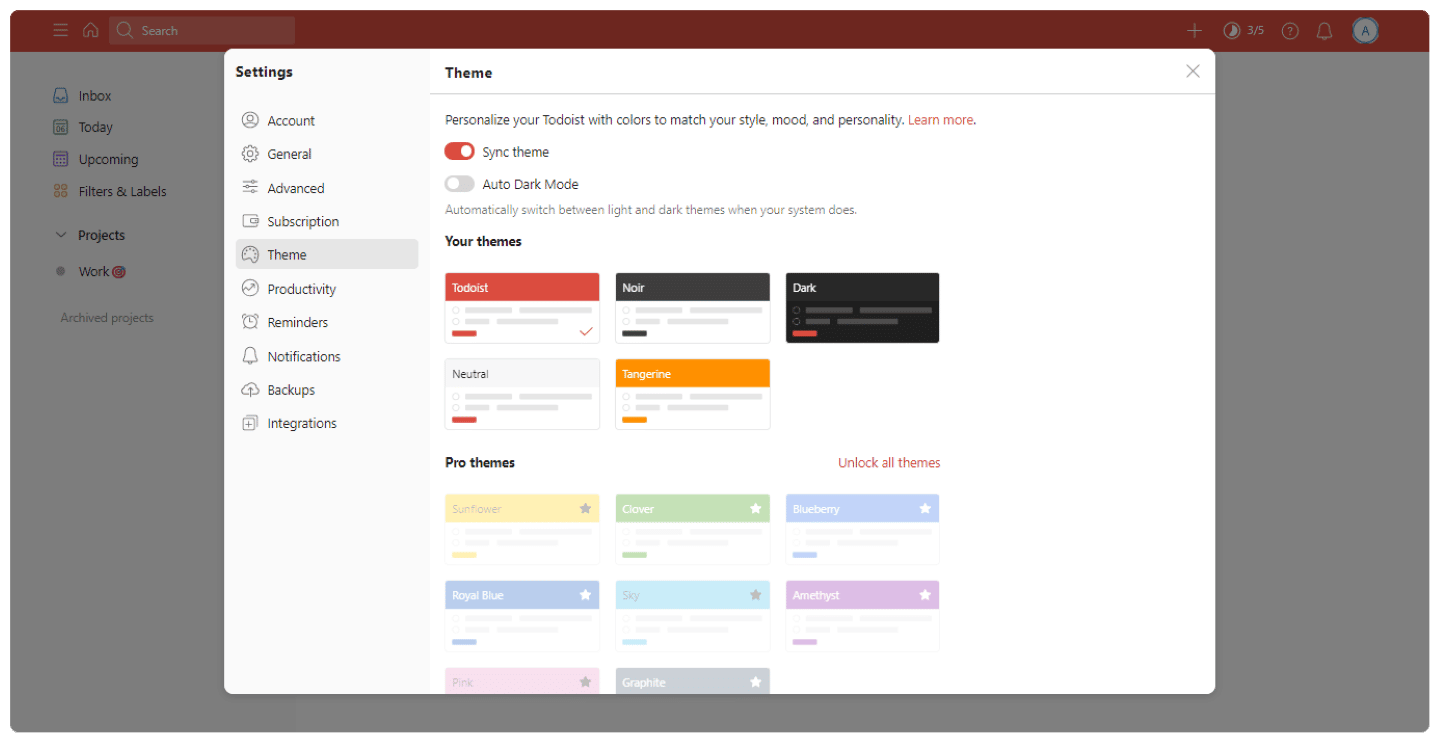
Todoist also has a dark mode, which you can turn on manually or sync with your phone: if your phone switches to dark mode, your Todoist app automatically does the same.
Finally, Todoist offers voice command features with Siri, Google Assistant and Alexa, which also work with the Apple Watch and Wear OS. They make it easy, for example, to set due dates.
Customer support at Todoist
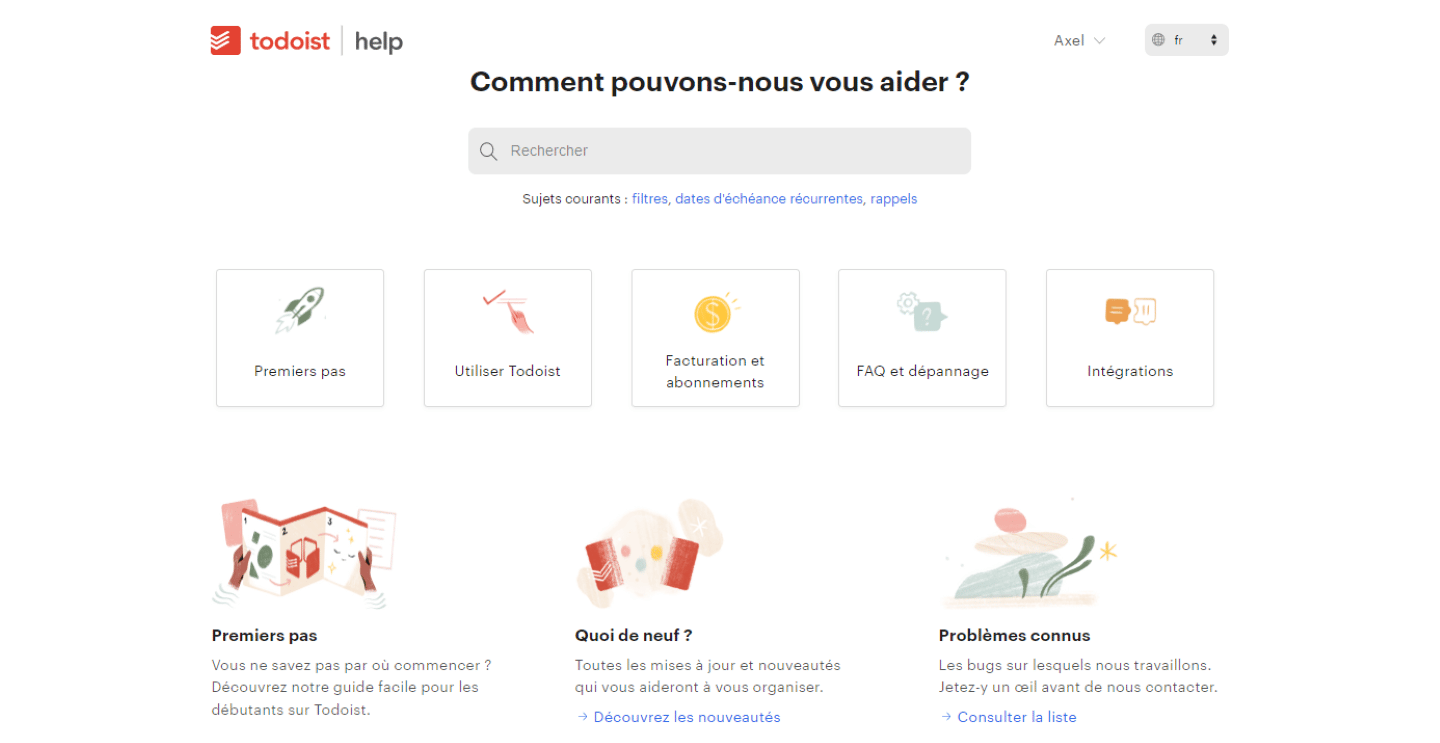
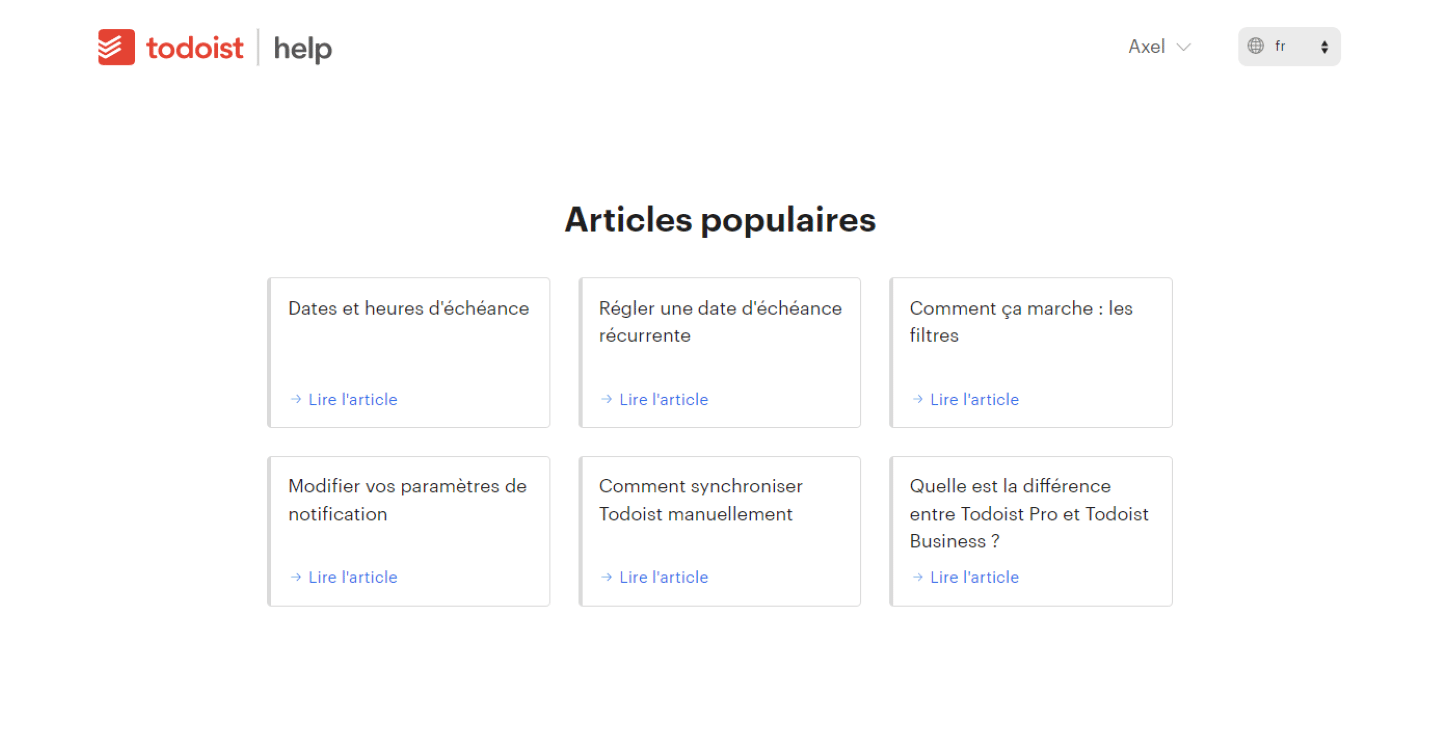
Todoist’s customer support offers plenty of resources to help users: articles, tutorials, FAQs. They are easy to reach thanks to a search bar, and the most popular articles are highlighted.
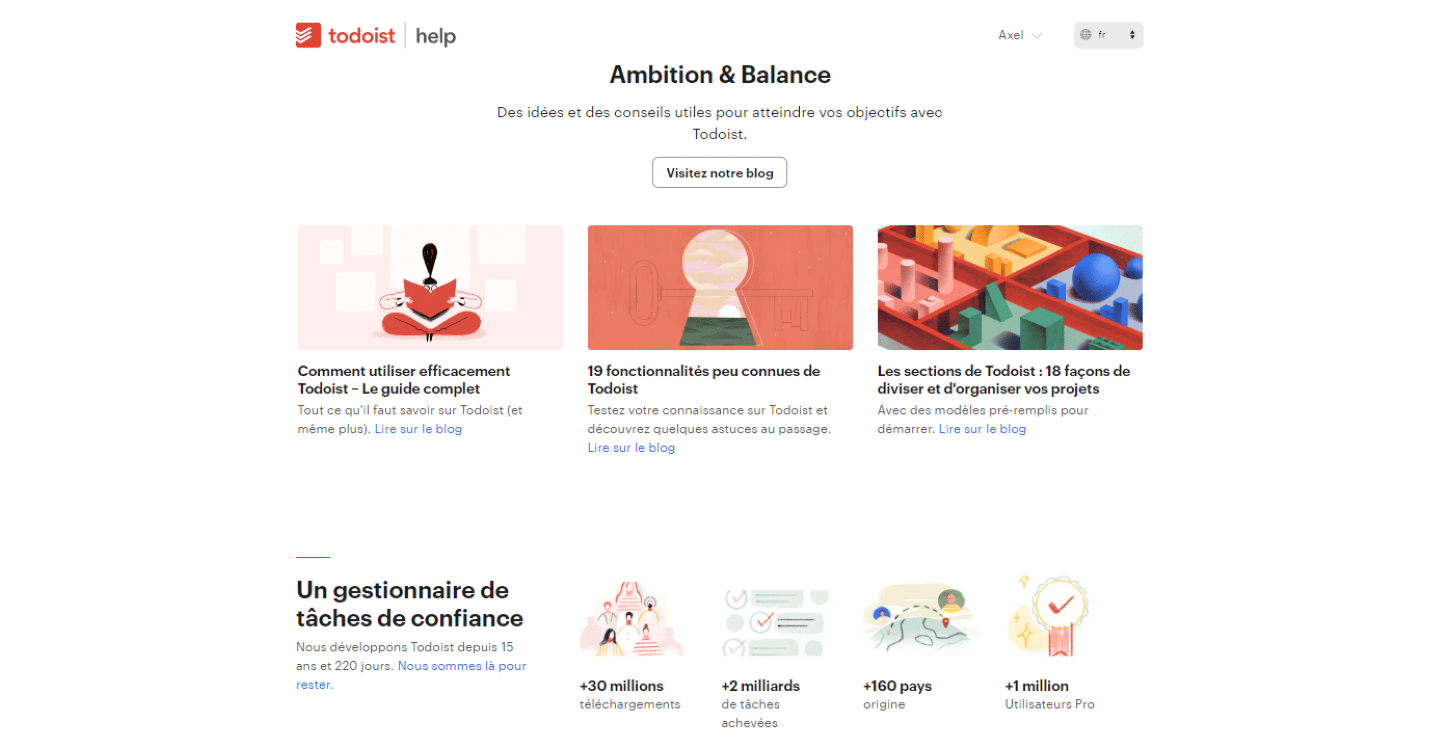
Todoist also runs a blog with lots of posts, tutorials and tips.
Todoist’s YouTube page has many informative videos. The tool is also on other networks: Twitter, Facebook and Snapchat. When there is a problem, you reach the team through a contact form, available from the help center.
The Todoist integrations marketplace
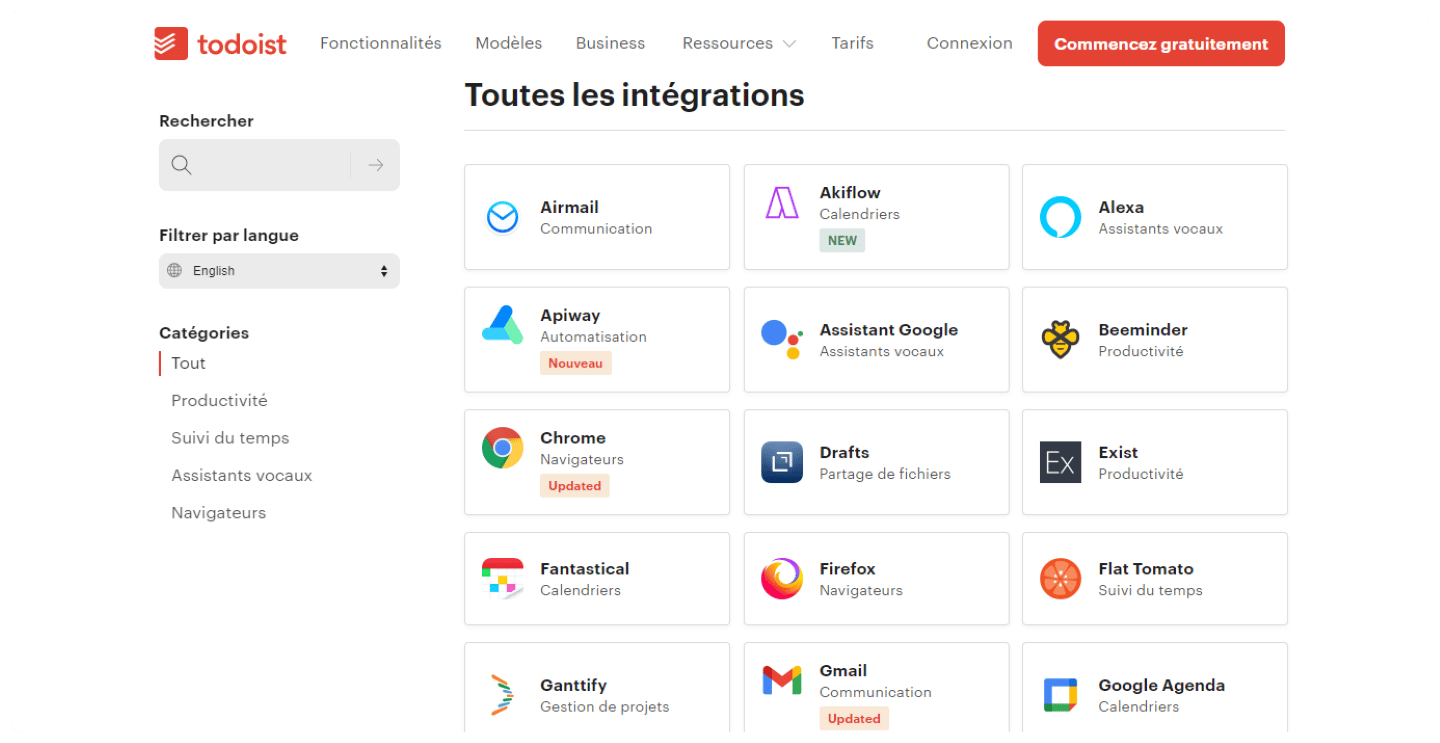
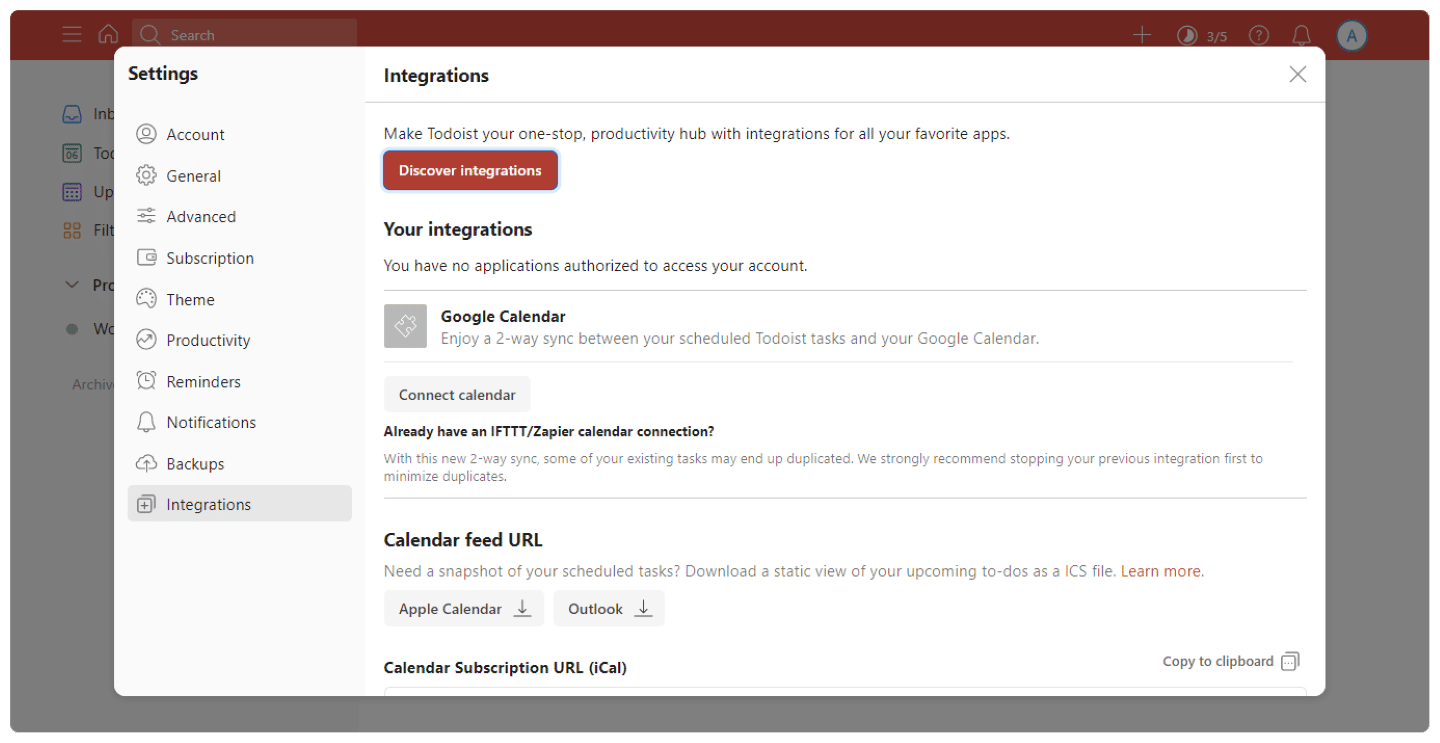
Todoist offers many integrations:
- Communication: Teams, Outlook, Gmail, Slack. These integrations with the main collaboration platforms are essential, because Todoist’s collaboration and communication features are limited.
- Time tracking: Time Doctor, Flat Tomato, PomoDone. These integrations with time tracking software make up for the lack of any time tracking solution in Todoist.
- Productivity: Gantify, Evernote, Cerebro. With these integrations, you can round out the productivity features the tool already offers.
- Automation: Make, Zapier, Save My Leads. Once again, these integrations fill a gap in Todoist, which offers no automation features.
Todoist: pricing
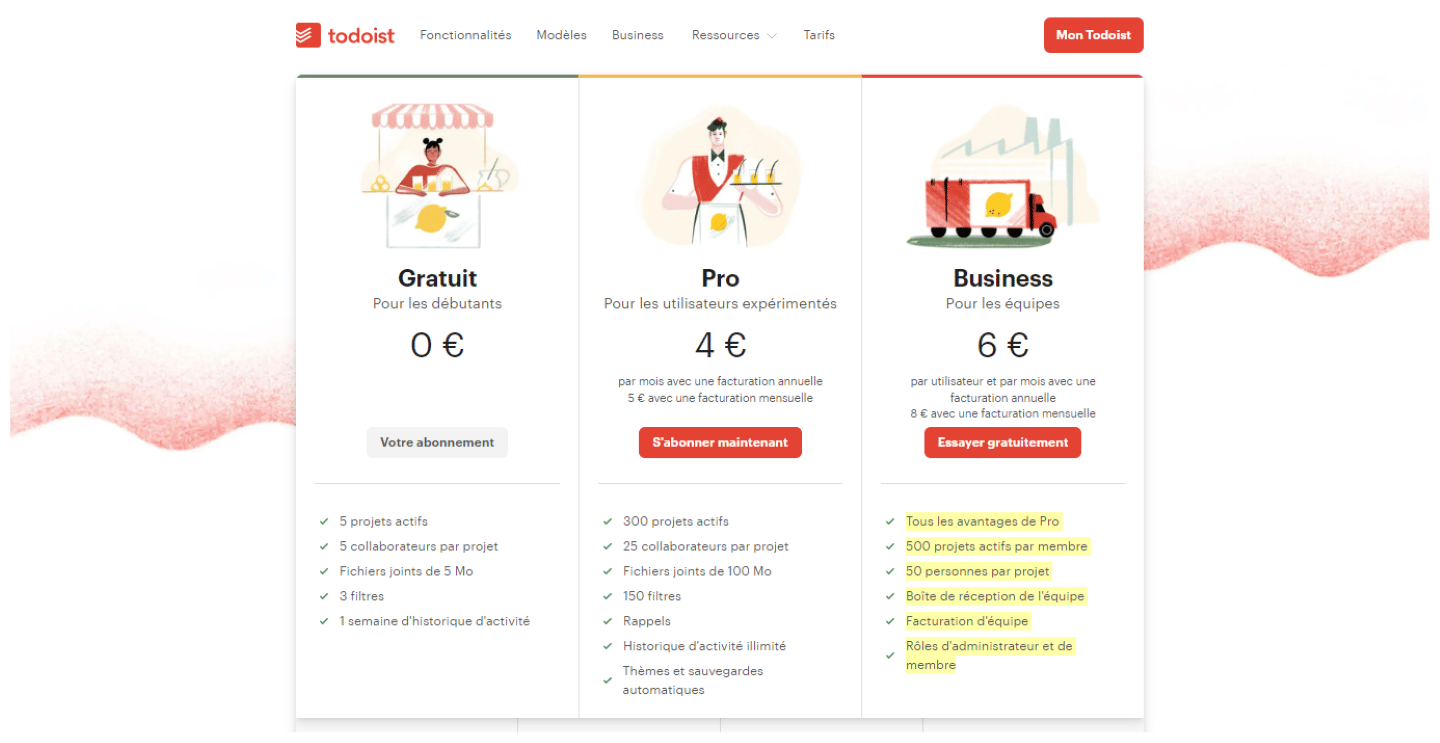
Todoist offers three different plans:
- Beginner: this free plan gives you access to 5 active projects open to 5 collaborators. It also guarantees uploads of 5 MB files, 3 filters, and 1 week of activity history.
- Pro: this version, at $5 per user per month billed annually, gives access to 300 active projects open to 25 collaborators. It also offers file uploads up to 100 MB, 150 filters, and custom reminders.
- Business: this plan, at $8 per user per month billed annually, includes everything in Pro, for 300 personal projects per member, up to 500 team projects and 250 people per team project. It adds team inbox and team billing features, plus admin and member roles.