


A core feature of project management software, the Kanban method lays out a project’s tasks and stages on a board of varying sophistication. The most basic version has “to do”, “in progress” and “done” columns.
Most project management tools include this board view. But they do not all offer it with the same functional depth: most show cards in columns, and only a few limit work in progress, split the board into swimlanes and measure cycle time. Depending on what you need:
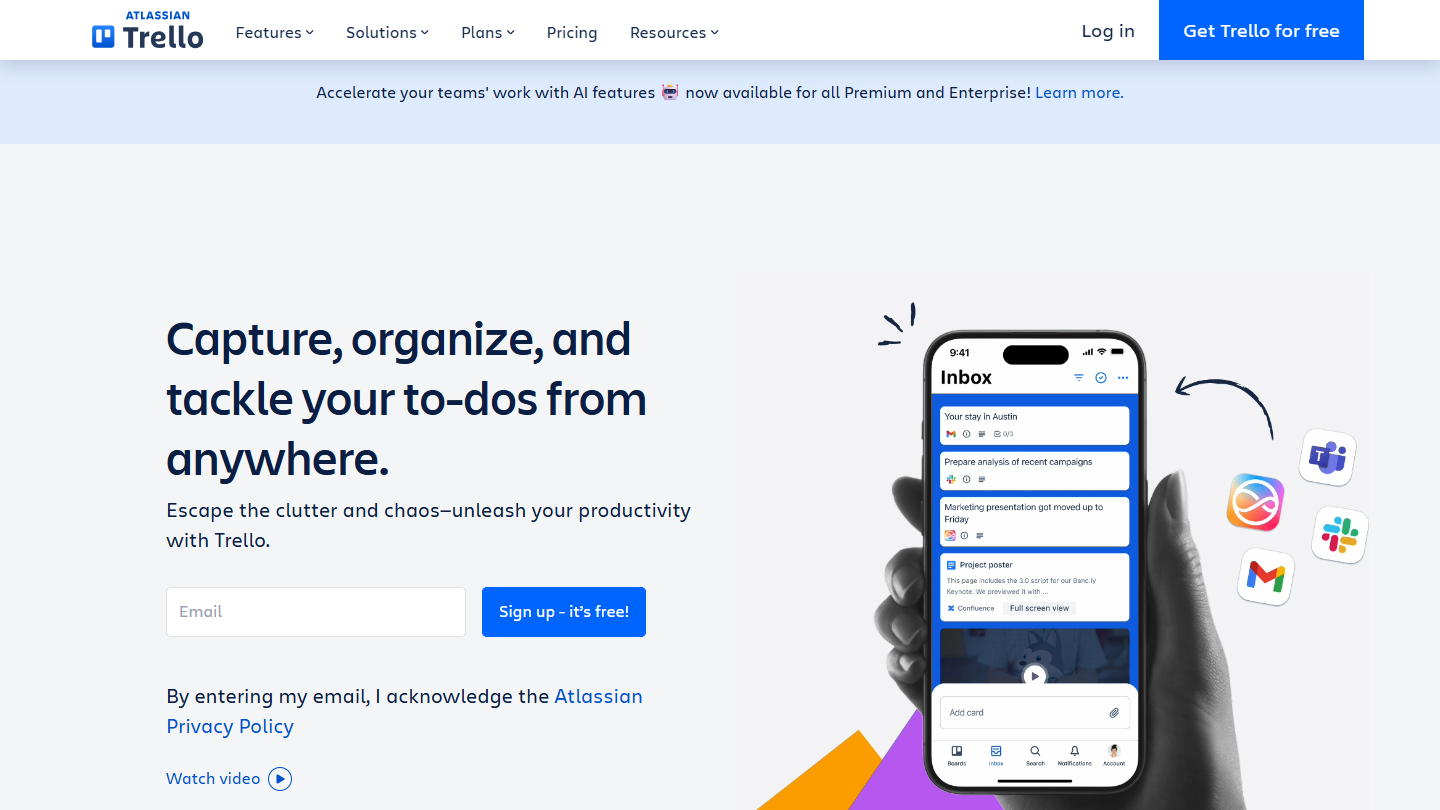
- a shared board, adopted without training: Trello;
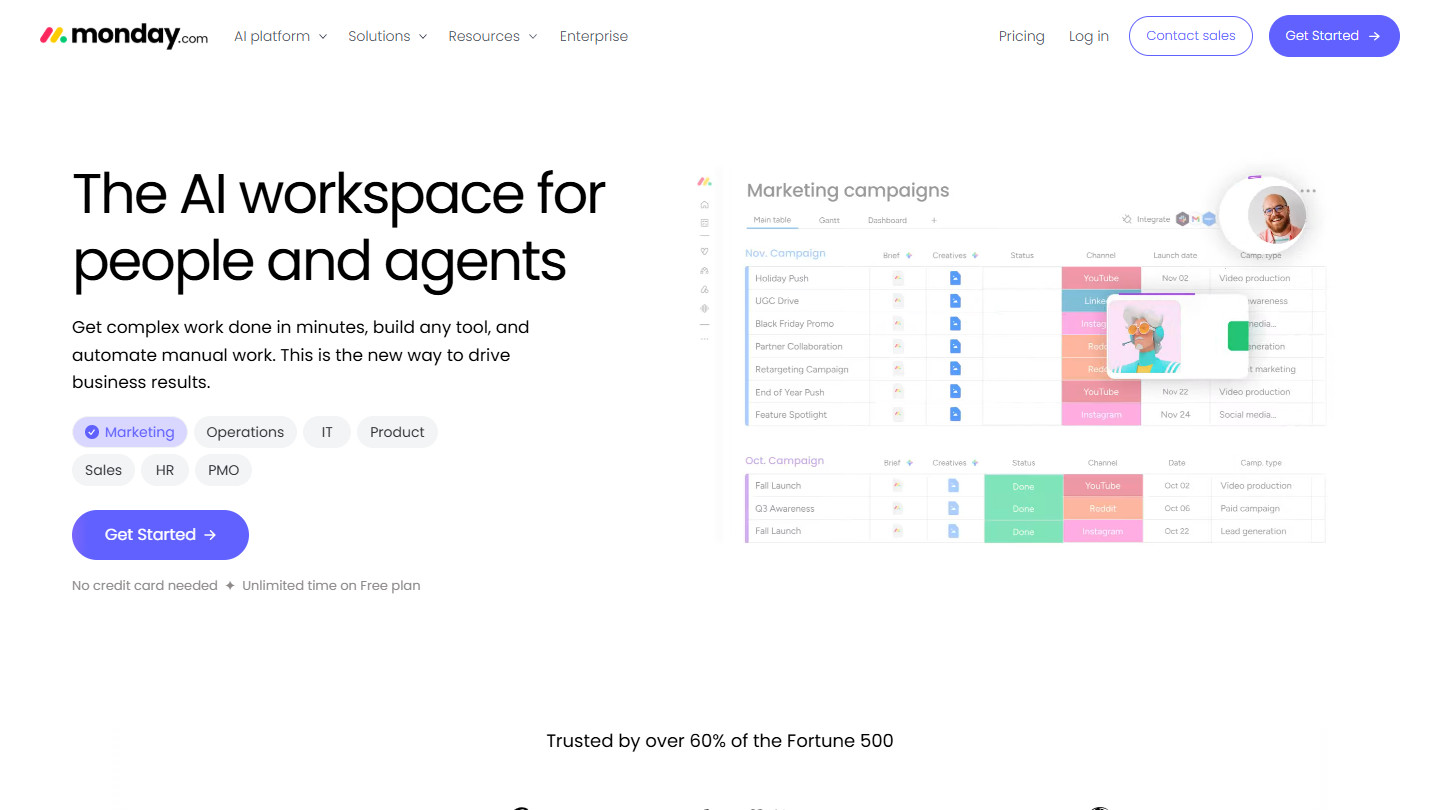
- Kanban as one view alongside Gantt and calendar: monday.com or Asana;
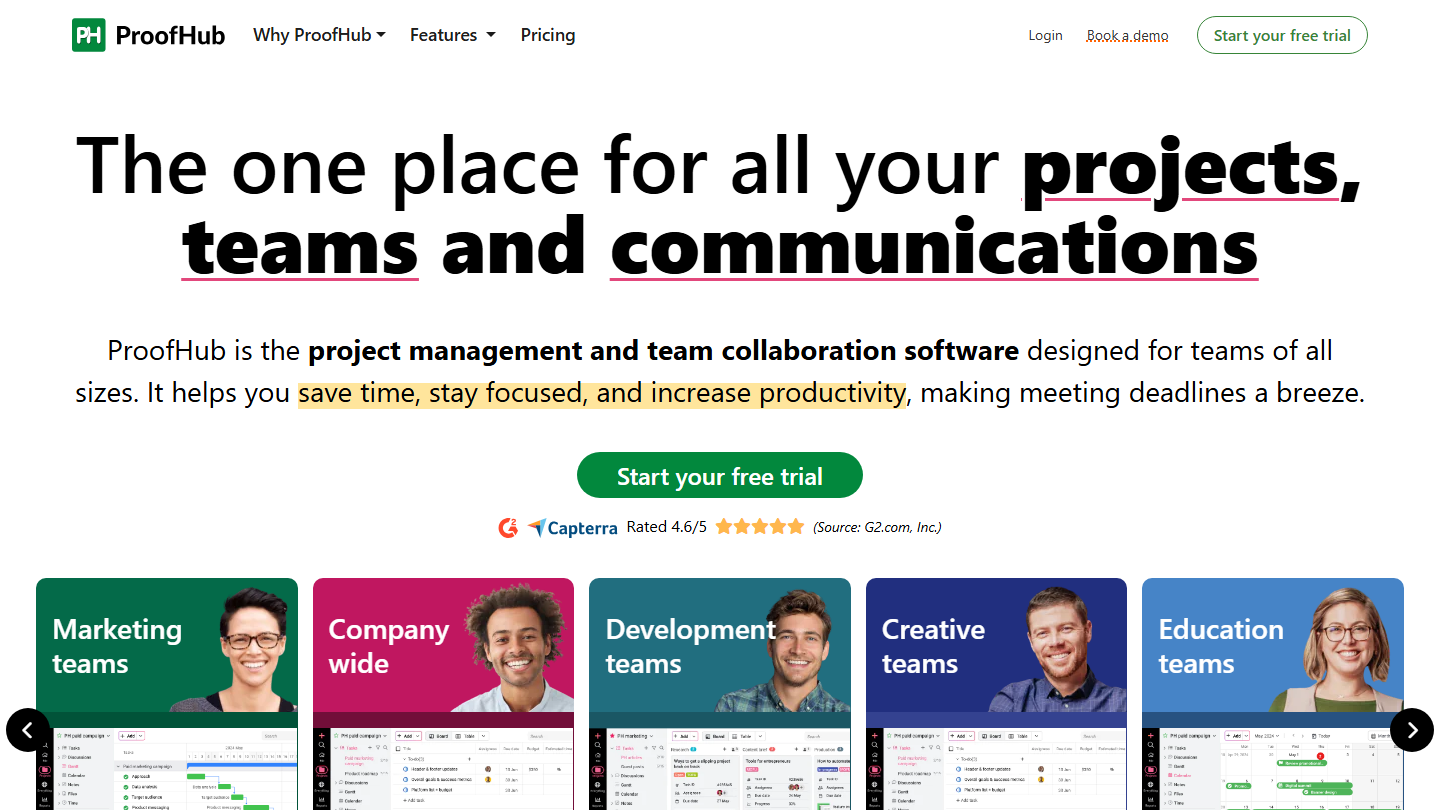
- a large team, without paying per user: ProofHub;
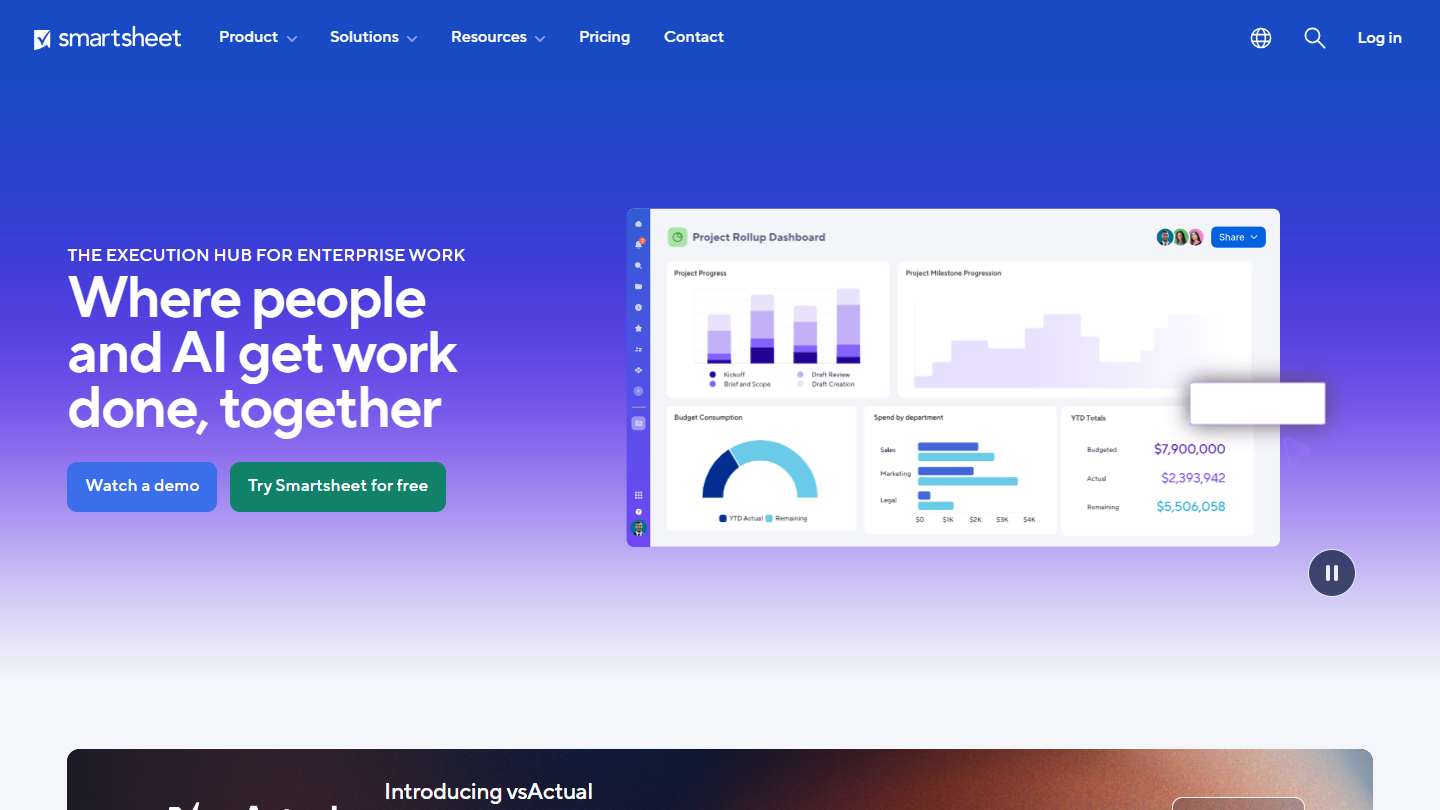
- keeping the spreadsheet logic: Smartsheet;
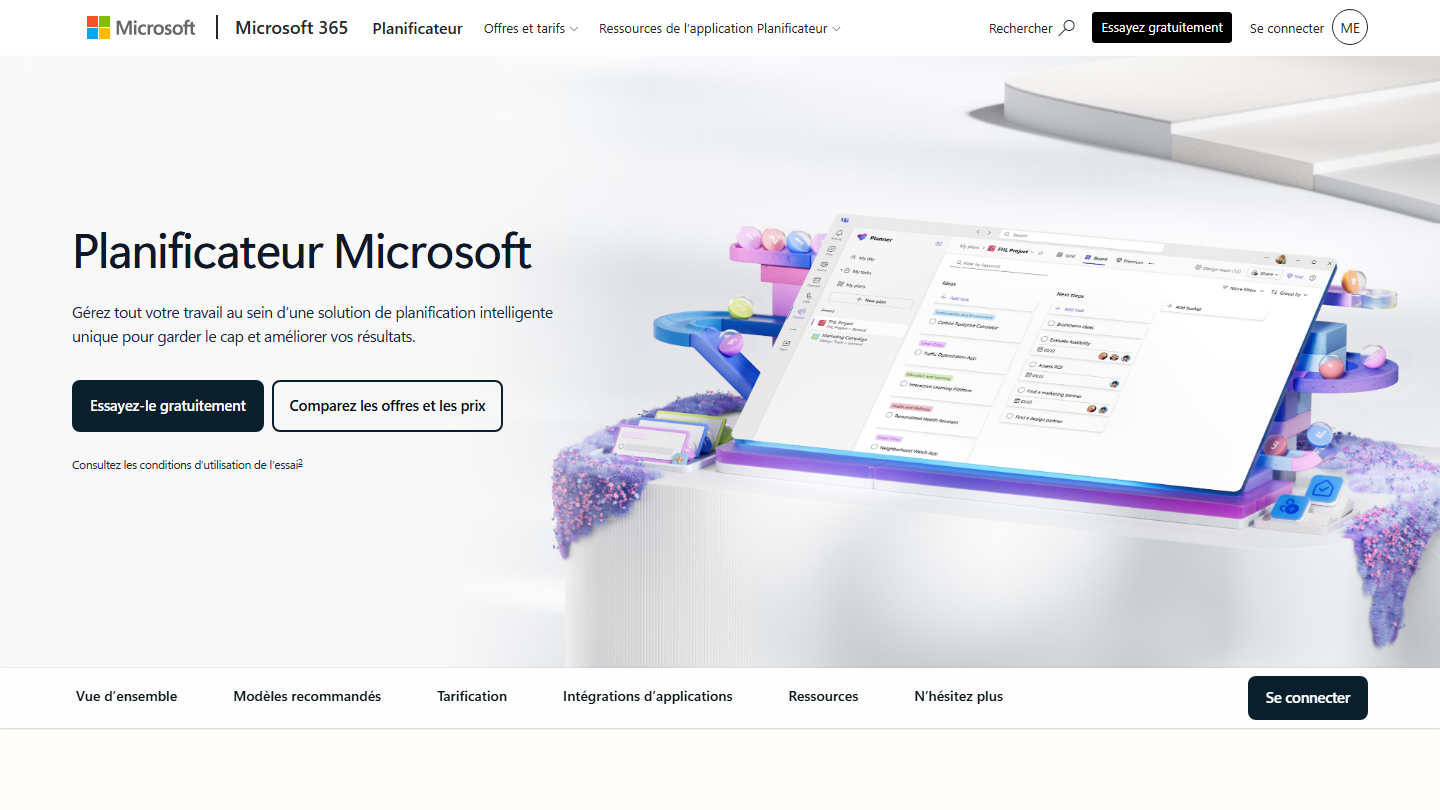
- staying inside Microsoft Teams: Microsoft Planner;
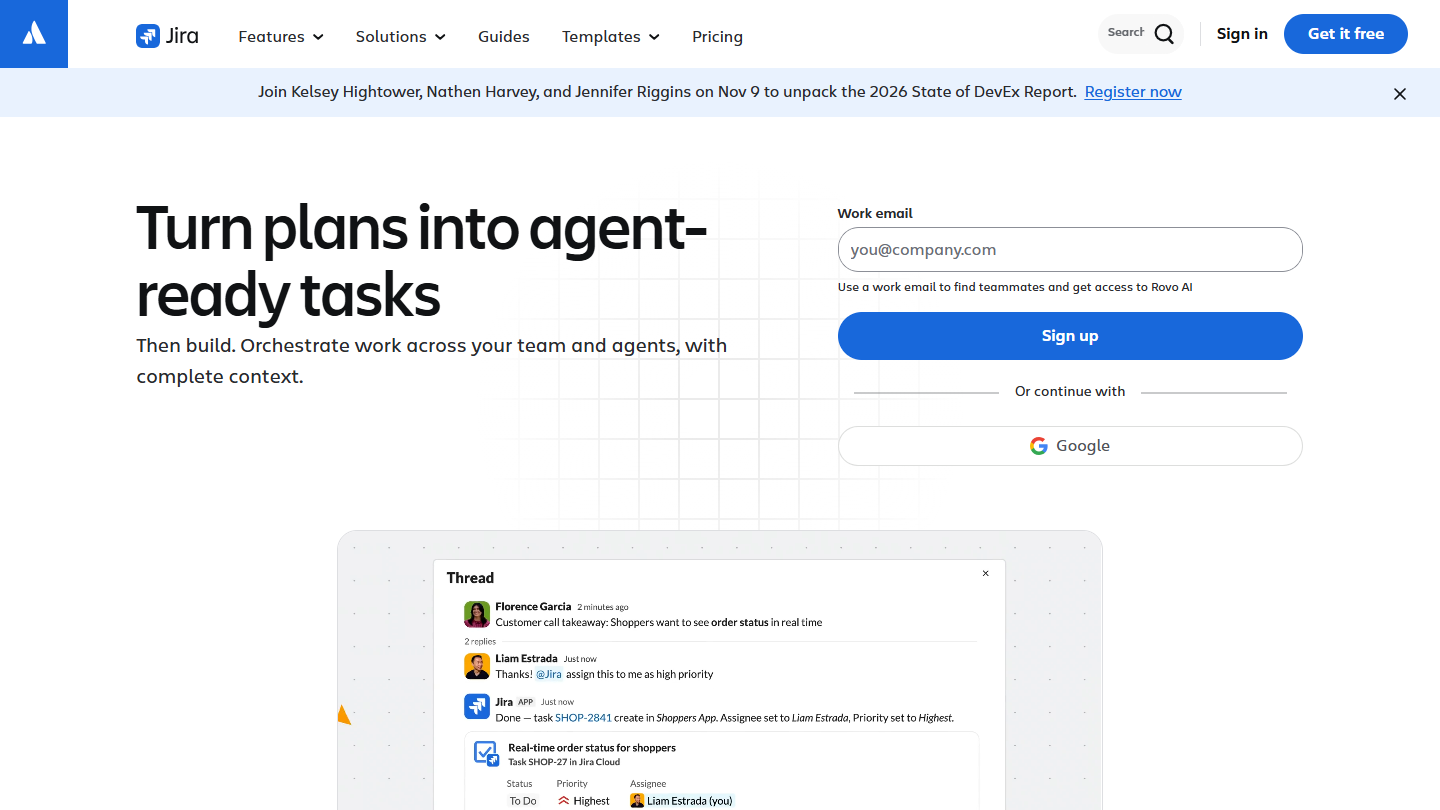
- a development team running Kanban or Scrum: Jira;
- applying the method with its flow metrics: SwiftKanban;
- several Kanban teams tied to company objectives: Businessmap;
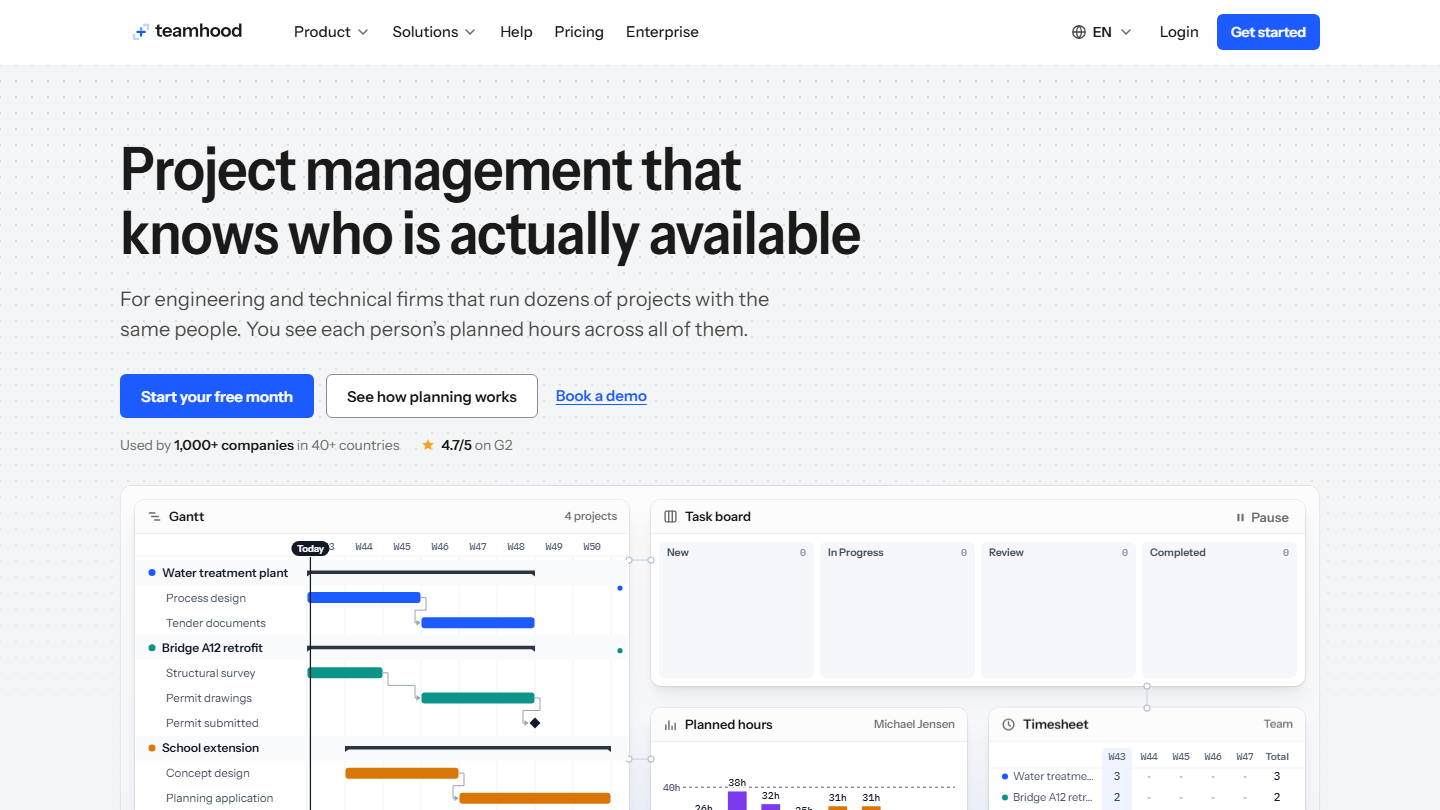
- a Kanban board tied to each person’s workload: Teamhood.
What is the Kanban method?
Kanban is a workflow management method that aims to make organizations more efficient. It comes from Toyota’s factories, which developed just-in-time work organization in the 1950s. Applied to services, it makes tasks and their stages visible on a board: kanban means “label” or “sign” in Japanese.
The method comes down to a few practices:
- visualize the flow: columns are your work stages, cards are your work items, and a card changes column when the stage is done;
- limit work in progress (WIP): a maximum number of cards per column, so you finish before you start;
- manage the flow, so cards move at a predictable pace without a column overflowing;
- make the rules explicit: everyone knows when a card can move to the next stage;
- run feedback loops, for example a daily stand-up in front of the board;
- improve continuously, with the whole team.
What software adds to a paper board
Kanban software gives remote access to the board, updates statuses in real time for the whole team and keeps each card’s history. The features that make the difference:
- swimlanes, rows that split the board by person, type of work or priority;
- classes of service, to handle urgent items separately;
- subtasks and dependencies between cards;
- work-in-progress limits per column, with an alert when they are exceeded;
- flow metrics: lead time, from customer request to delivery, and cycle time, from start of work to delivery;
- “if… then” automations, to move a card, trigger a reminder or block a card waiting on another task.







What the community says.