
The tool in detail
Jira after real-world use: feature scope, integrations, pricing and concrete limits.
Jira is the project management software built by the software publishing giant Atlassian. Today it comes as two products, plus a planning module:
- Jira: the project and task management platform. Since 2024 it combines Jira Software, the version designed for developers, and Jira Work Management (formerly Jira Core), built for business teams.
- Jira Service Management: formerly Jira Service Desk, the platform for customer support and IT professionals.
- Plans: formerly Advanced Roadmaps, for planning work across several teams. It is only included in Jira’s Premium and Enterprise plans.
Jira Software is used by more than 65,000 teams worldwide. It’s a very good back-office tool to use alongside a customer communication tool.
While it is meant for any type of business thanks to its advanced customization features, it is particularly well suited to marketing teams, HR teams and web developers.
Jira: an impressive feature set
At Jira, every feature has a purpose. And each one is extremely developed, which explains the software’s success.
Ticket management
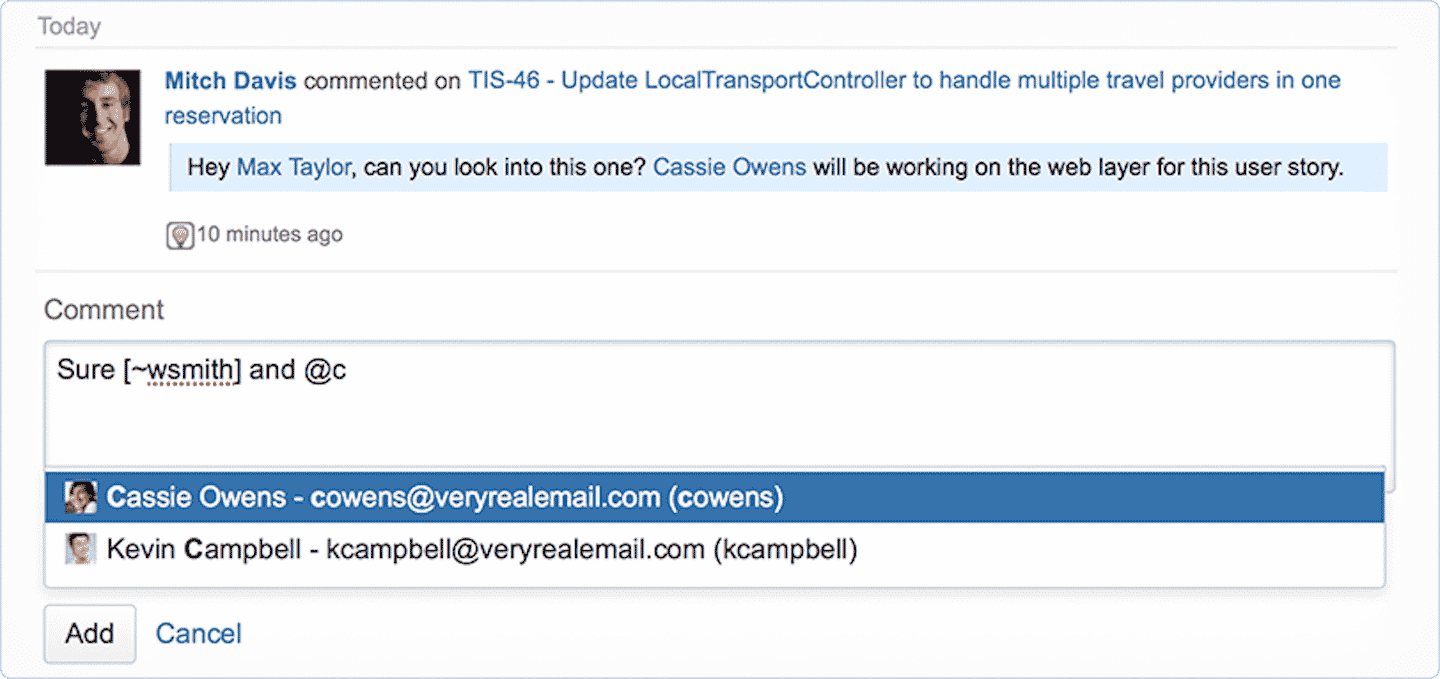
Jira started out as a ticket tracking tool. Today it is one of the best you can find on the market.
You get an overview of your customers’ needs, bugs and any other potential malfunction. Tracking is very advanced: each ticket has a lifecycle and can be linked to other past events.
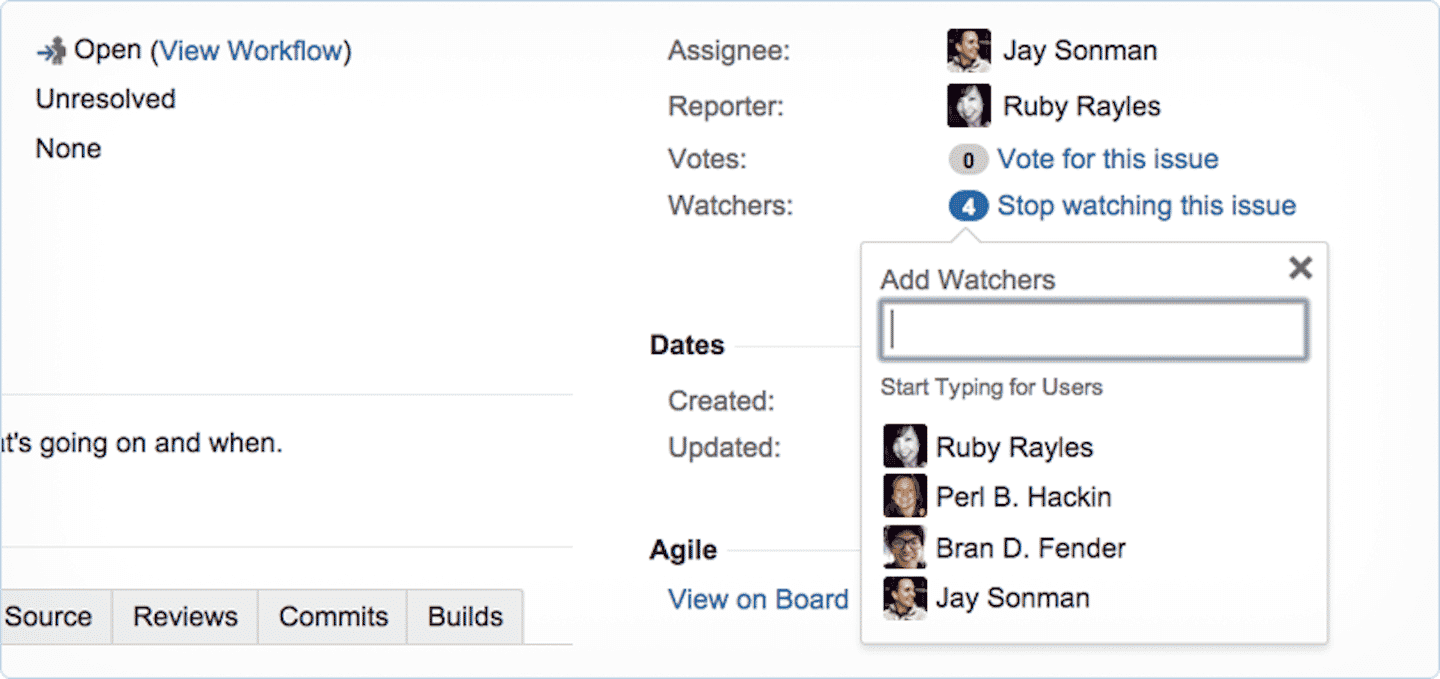
There are 3 ways to manage tickets in Jira:
- Ticket manager: this feature is very powerful, but that also comes with some complexity. The manager requires a grasp of basic code and is better suited to software developers.
- Scrum and Kanban boards: easier to use, they are the choice of Agile teams.
- Jira queues: aimed more at beginners.
Scrum and Kanban: the project management tools
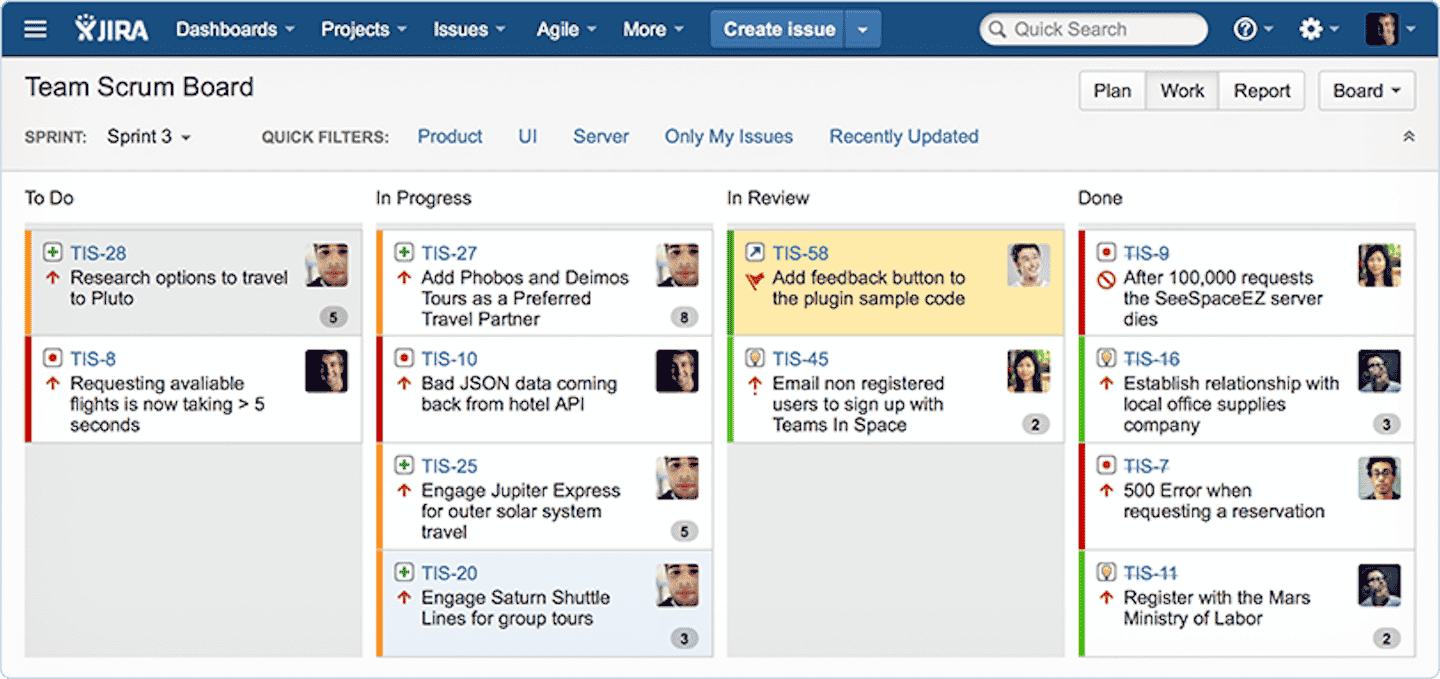
These are Jira’s project management tools. They help you visualize goals and targets:
- Scrum: the boards let you track different « sprints », each matching the duration of a specific task, broken down into subtasks.
- Kanban: similar to Scrum, but with a broader scope. It manages the project as a whole, taking into account the time needed to complete it.
Jira walks you through it with a 5-step creation process: choosing the project type, filling the backlog, creating the sprint, viewing the roadmap and improving through reporting.
The big strength of these two tools is customization. The boards adapt to the workflow of software development, marketing and project management teams.
Roadmap
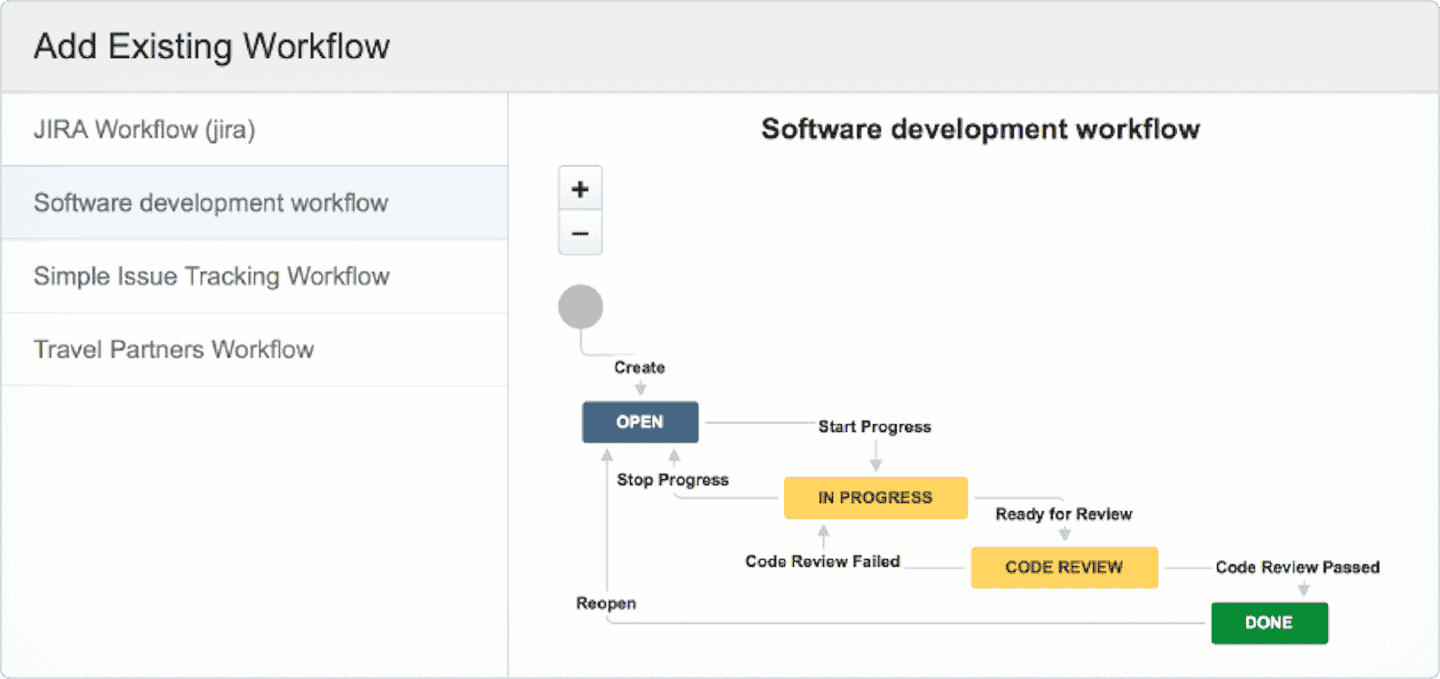
With Plans (formerly Advanced Roadmaps), you get a clear view of the product you are building. Plans is not an integration: it is included in the Premium and Enterprise plans, and lets you plan work across several teams and projects, with capacity management, cross-team dependencies and scenarios. On Free and Standard, you only get the basic timeline view.
Plans adapts to each user:
- Team leads: to track the development team’s progress.
- Agile development teams: to follow the process of delivering a project.
- Sales teams: to promote new features to users before they launch.
Automation
Jira’s « rules » feature saves time and stops you from handling repetitive tasks by hand. Rules are specific conditions you set up to start the automation, which breaks down into 3 parts: triggers (predefined rules), conditions and actions (carrying out the tasks).
When you trigger a rule or all conditions are met, Jira sends a notification. You are also told if the conditions are met but the action doesn’t fire because of conflicting conditions.
Salesdorado’s takeJira offers hundreds of automation templates you can customize to your needs. Among the most popular: the daily summary on Slack, or connecting Jira with Bitbucket, GitHub or GitLab.
Reporting in Jira
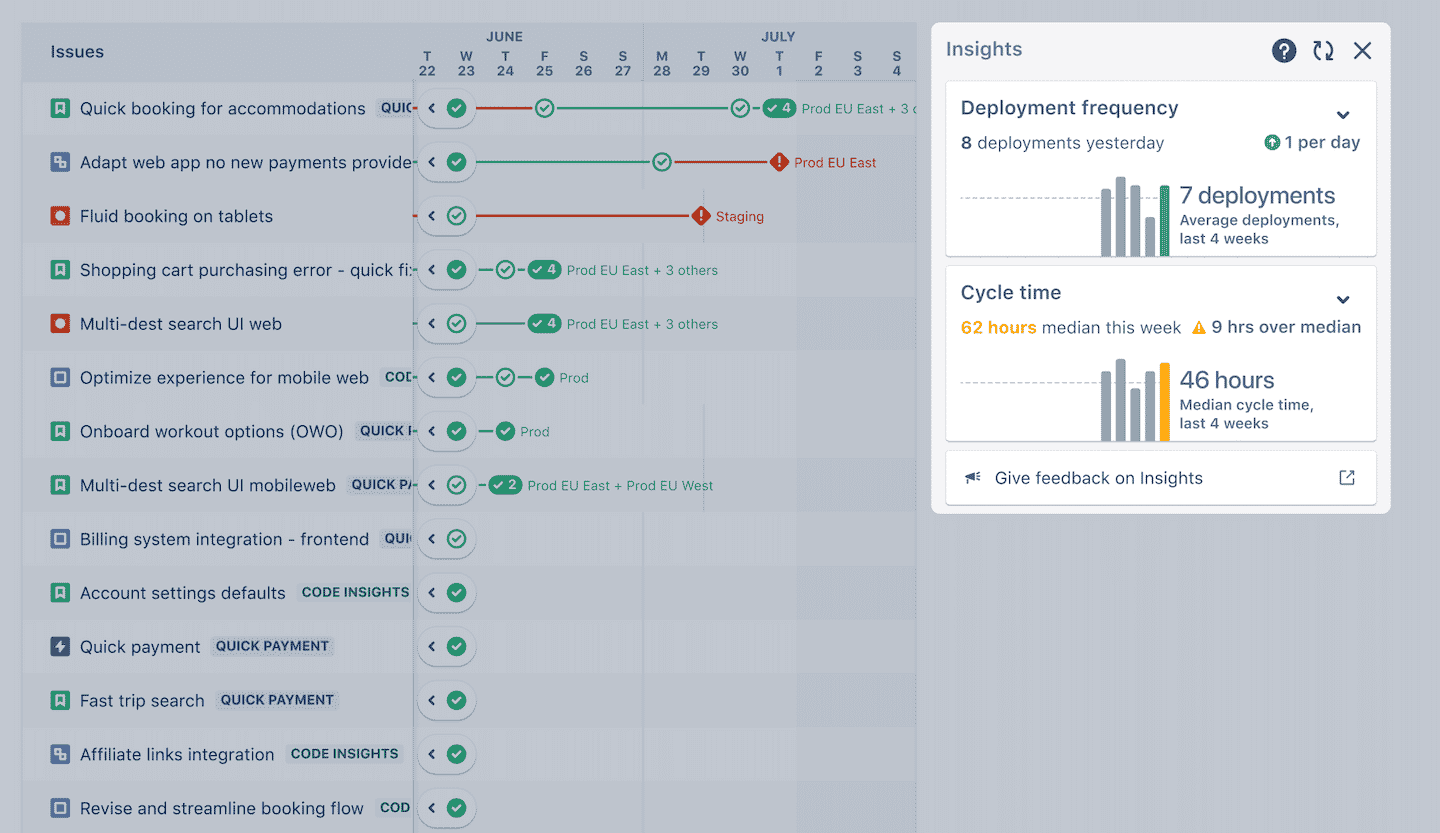
Jira has one of the most in-depth reporting features among project management tools. The publisher offers many reports, including Sprint reporting, which gives a detailed analysis of each sprint on your Scrum board. Among others, you’ll find the following reports:
- Progress chart: it shows how your sprints are progressing.
- Release burndown: you can track product release dates for software development teams.
- Velocity chart: it measures the amount of work the team completes in each sprint.
- Cumulative flow diagram: to track issues and bottlenecks within a Kanban board.
- Control charts: they determine the future performance of cycles on a Kanban board.
There are also time tracking reports, and others on average age, the most recent tickets, agent workload or resolution time.
Jira customer support
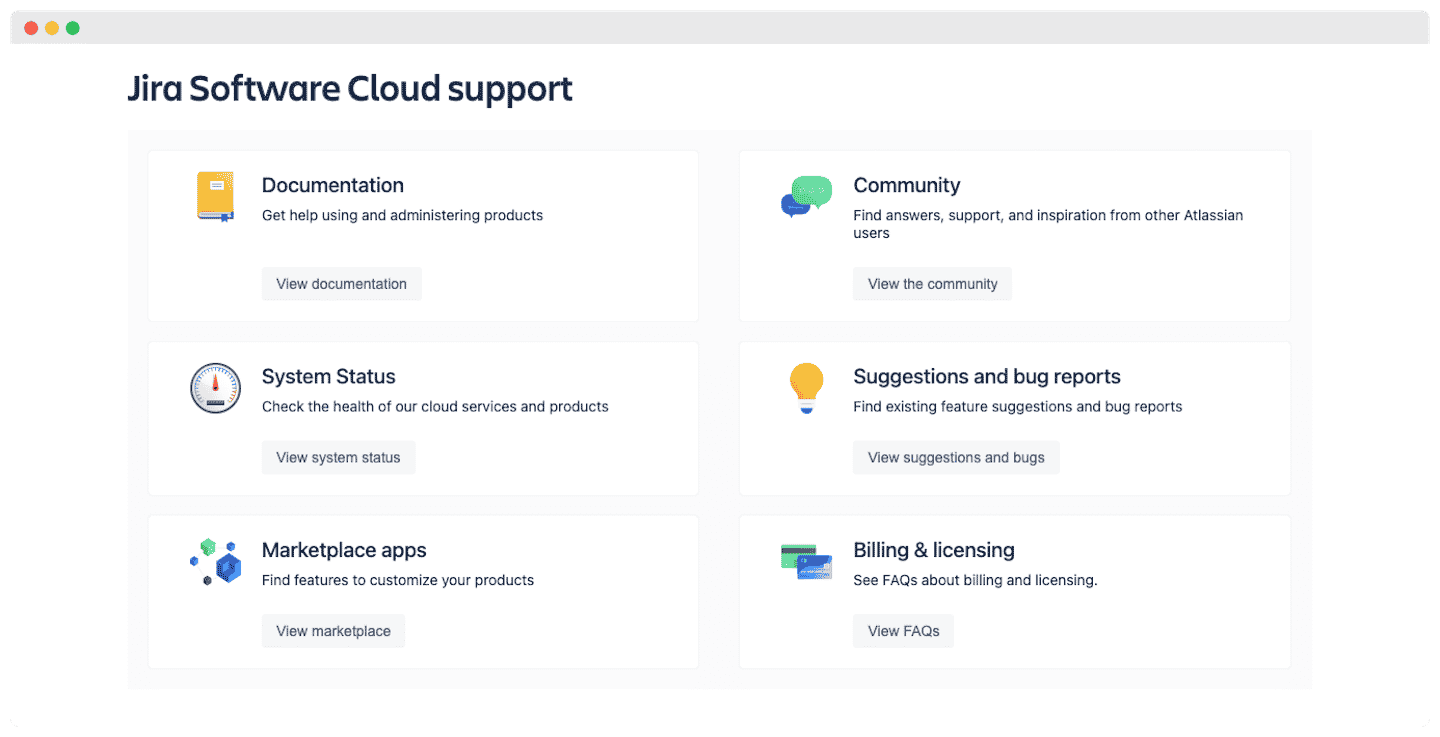
Jira’s customer support in a few points:
- Contact options: support is available by chat and email, during business hours on the Standard plan, 24/7 for critical issues on Premium, and 24/7 for all issues on Enterprise. Note that phone support is only available on the Enterprise plan.
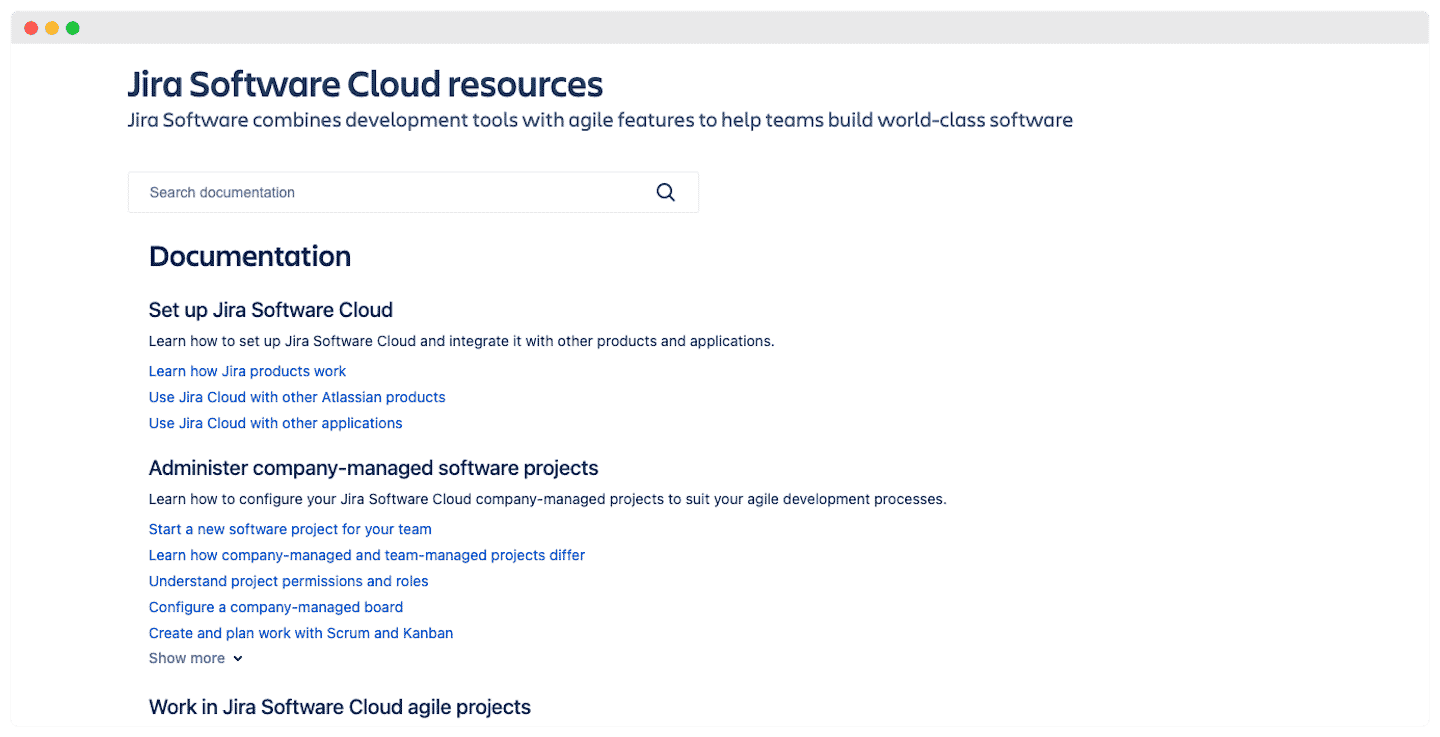
- Helpdesk: the helpdesk is very comprehensive and the platform is well organized. The idea is that you can solve your problems on your own with the documentation.
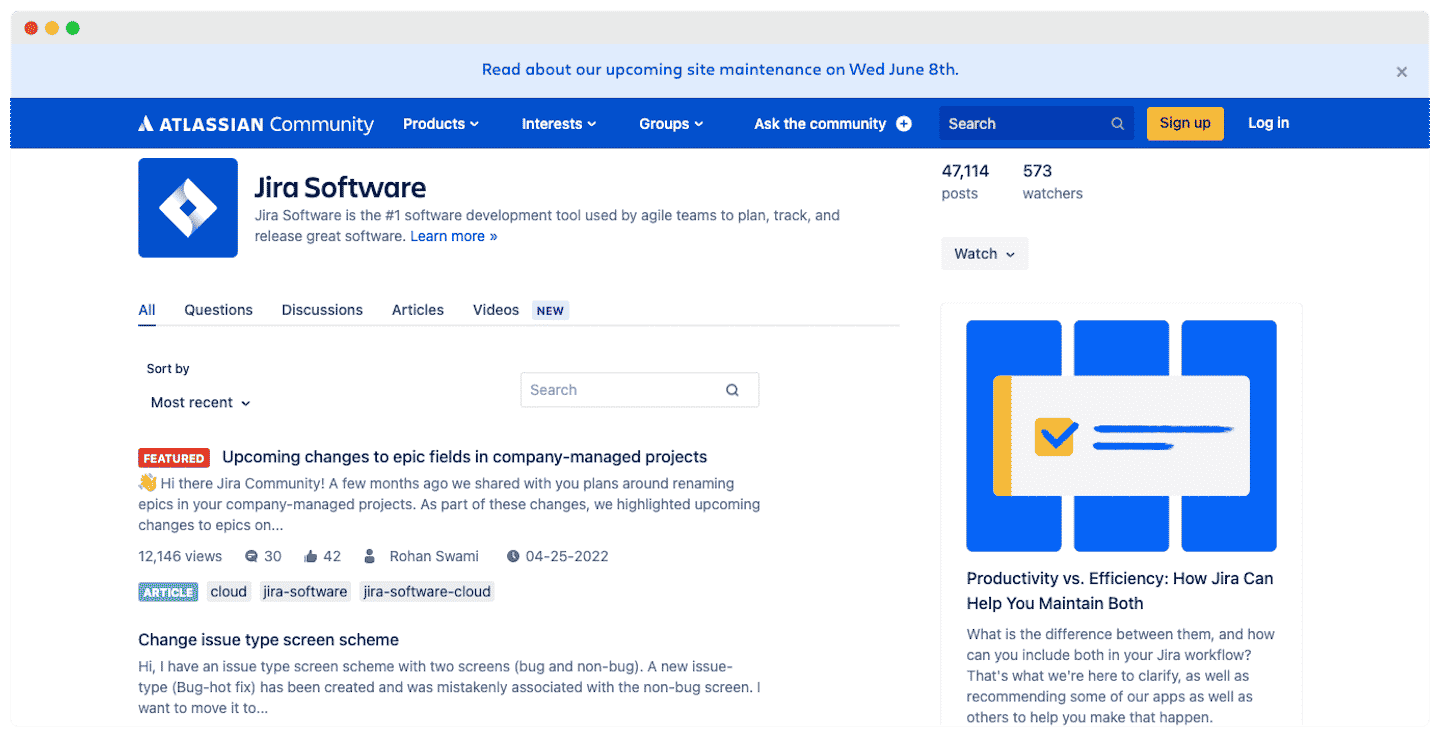
- User community: like Jira itself, the community is very developed. You can get help from other users through their dedicated blog.
Salesdorado’s takeWe like that they publish response times by problem category, so you know roughly what to expect.
Jira integrations and mobile app
Jira’s integration marketplace

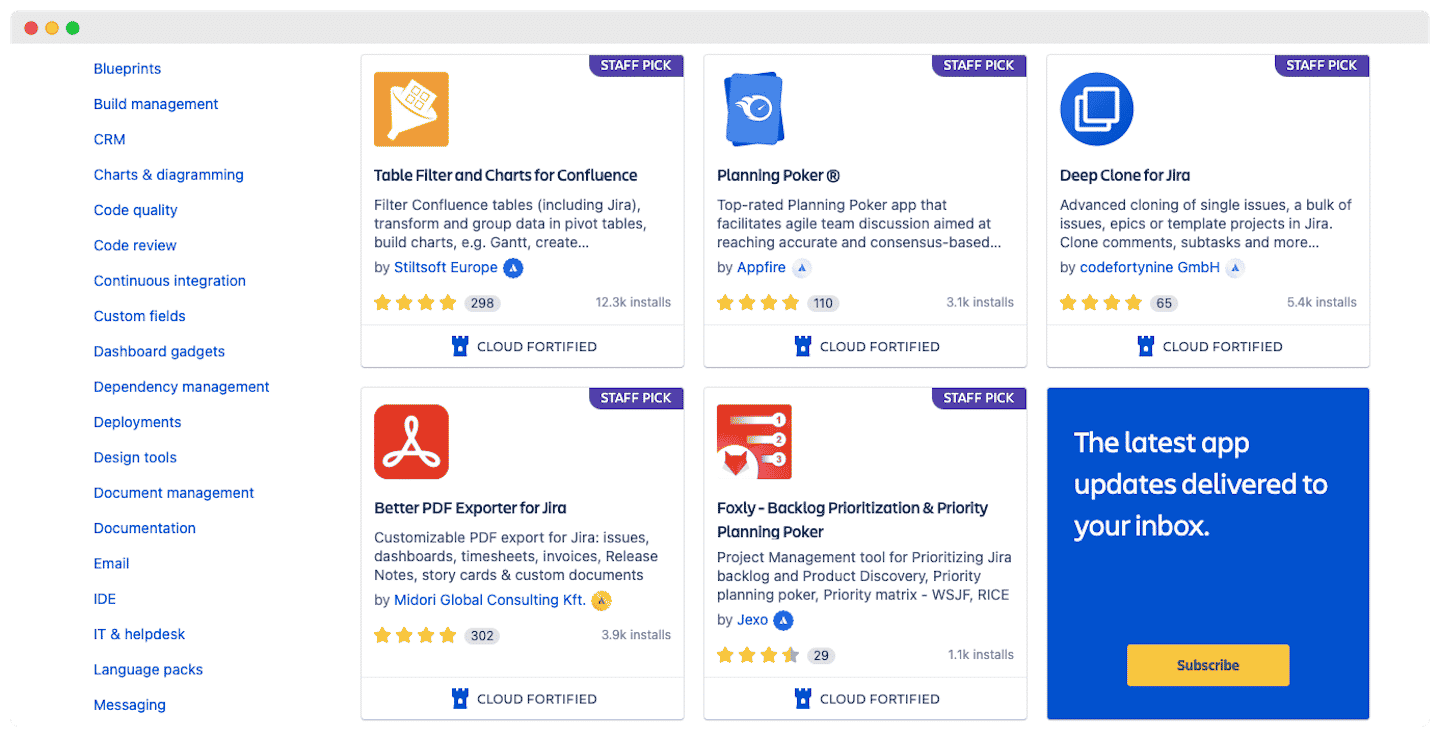
Jira’s integration marketplace is, once again, extremely rich. A few of these integrations:
- Channels: WhatsApp, Twitter, Gmail. You can create issues from your emails and messages.
- CRM: Atlas, Salesforce, HubSpot, to update your contacts, deals and activities.
- Project management software: Worklog, Deep Clone, Timesheet. This lets you track the time spent on each issue and clone issues and projects.
- Internal communication and collaboration: Slack and Zoom to start video meetings with your colleagues.
The mobile app
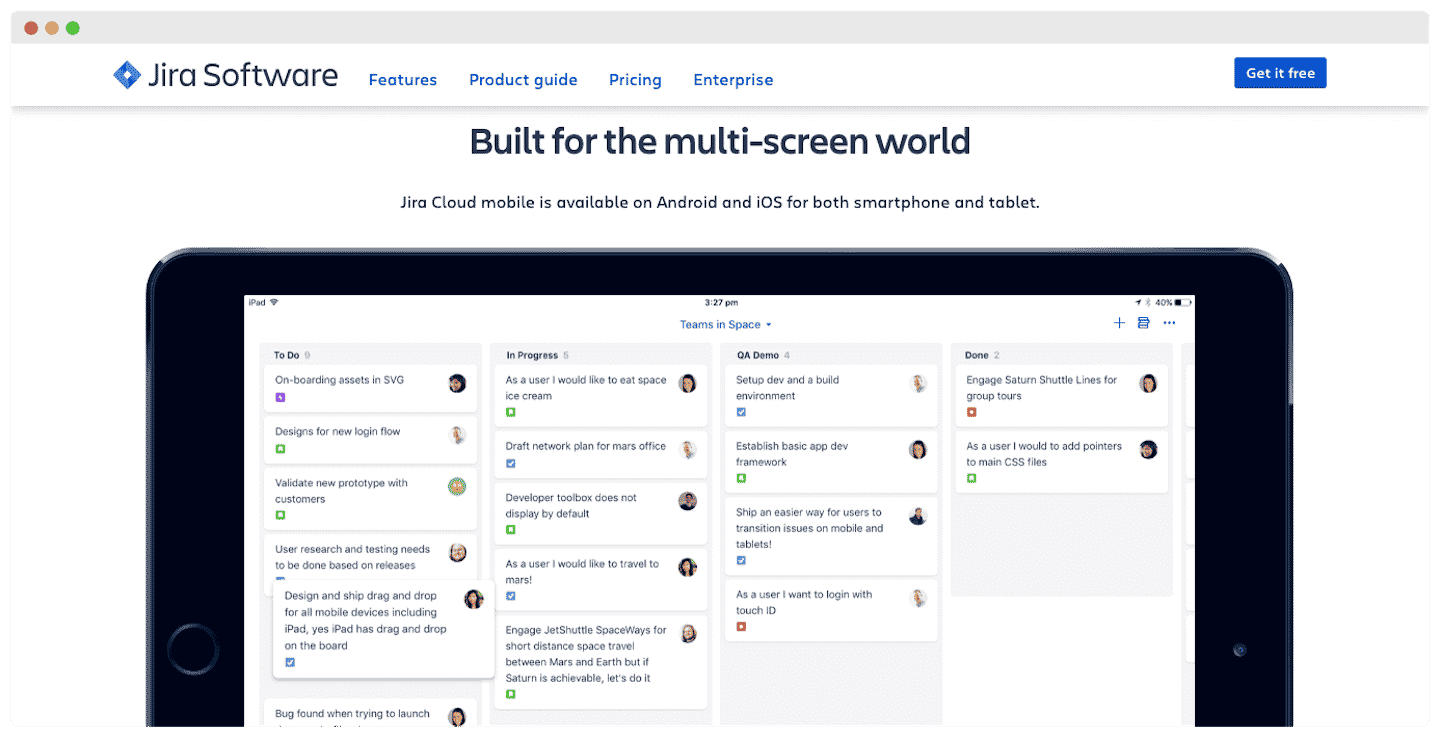
It’s a watered-down version of the software. The user interface is optimized for the smaller screens of mobile devices and gives quick access to the main features.
Note, however, that what you can do is limited to viewing tickets, adding comments and assigning them to users. You can’t create or edit tickets without going through the software.
Jira pricing
Jira offers 4 plans. Here are the prices on monthly billing, per user per month, for a team of up to 100 users: above that, the per-user price drops by tiers.
- Free: limited to 10 users. Access to Scrum and Kanban boards, backlogs and custom workflows. The whole integration catalog is available. 2 GB of storage maximum.
- Standard: $9.70 per user per month. Up to 100,000 users. Support is available during business hours. 250 GB of storage.
- Premium: $19.60 per user per month. You get 24/7 customer support for critical issues and Plans for cross-team planning. Unlimited storage.
- Enterprise: annual billing only, with a published price from 801 users (contact sales below that). You get all the Premium features, plus access to Atlassian Analytics and phone support.
Salesdorado’s tipSwitch to annual billing: Atlassian advertises savings of up to 17%, and Standard comes to $950 a year for 10 users.