The best Notion alternatives

Ten Notion alternatives compared: all-in-one workspaces (Superhuman Docs, formerly Coda, Microsoft Loop, ClickUp), project management (monday.com, Asana, Trello), databases (Airtable, Stackby) and note-taking (Obsidian, Evernote). Each tool is measured against Notion’s limits in project management: a Timeline view far from a real Gantt chart, thin assignments and internal communication, slow reporting.

Maxime Ben Bouaziz
Maxime Ben Bouaziz
CEO Salesdorado, IA & Sales Tech
May 27, 2024, updated November 10, 2026, 1 min read
See all tools

We love Notion at Salesdorado. The tool is extremely flexible and modular, and in practice it is a company cloud, a project management tool and the source of all the company’s documentation at once.

But for project management, the software is a bit light. Its Timeline view is no substitute for a real Gantt chart, and handling assignments or internal communication stays fairly thin. Reporting is the same story: formulas and multi-table setups are slow and give no overview of complicated projects.

The 10 alternatives in this ranking get past those limits, each on a specific ground. Depending on your need:

  • keep Notion’s logic, with more advanced tables and formulas: Superhuman Docs (formerly Coda);
  • work inside Microsoft 365: Microsoft Loop;
  • bring tasks, docs and chat together in one tool: ClickUp;
  • project management with Gantt charts and dashboards: monday.com or Asana;
  • a simple Kanban: Trello;
  • structure a lot of data: Airtable, or Stackby on a tight budget;
  • private notes stored on your own device: Obsidian;
  • capture your notes and find them again on all your devices: Evernote.

For comparison, Notion is free for solo use, then costs €9.50 per member per month billed annually (Plus) and €19.50 (Business).


SalesdoradoSimulate your choice of project management tool
Free tool, 2 minutes
Simulate your choice of project management tool

Answer 10 targeted questions and find the tools that actually fit your situation.

12
tools analyzed
10
targeted questions
€0
no sign-up
Methodology published by the Salesdorado editorial team

The 10 tools, side by side

# Logos tool Score Price Best for
01 Superhuman Docs (ex-Coda) 4.5/5 ★ €12 Teams with complex projects who want more powerful databases and formulas than Notion Visit site
02 Obsidian 4.3/5 ★ Free Users who want Markdown notes, stored offline and linked together Visit site
03 Microsoft Loop 3.9/5 ★ Included in Microsoft 365 Teams already on Microsoft 365 who want to take notes and manage projects together Visit site
04 ClickUp 4.7/5 ★ $9 Teams who want to centralize tasks, emails and CRM in one tool, with no limit on collaborators Visit site
05 monday.com 4.0/5 ★ €9 Teams who want very visual project management, with Gantt views, and fast adoption Visit site
06 Asana 4.2/5 ★ €10.99 Teams who want structured project tracking, with Gantt charts and milestones Visit site
07 Trello 4.7/5 ★ $5 Teams who want simple, visual Kanban-style project management Visit site
08 Airtable 4.3/5 ★ $20 Teams without coding skills who want to structure and centralize their data Visit site
09 Stackby 4.0/5 ★ $12.50 Teams looking for an affordable database, connected to APIs with no code Visit site
10 Evernote 4.0/5 ★ €12.99 Users who want to capture their ideas and find their notes on all their devices Visit site
01

Superhuman Docs (ex-Coda)

4.5/5 From €12

Best for: Teams with complex projects who want more powerful databases and formulas than Notion

+ Strengths
  • Databases and formulas much more powerful than Notion’s
  • Advanced automation and integrations with many apps
  • Wide choice of templates and customizable views
  • Desktop and mobile apps, including on the free plan
− Downsides
  • Limited free version: doc size is capped
  • Docs AI assistant still in beta
  • More expensive than Notion
★ Superhuman Docs (ex-Coda) in brief

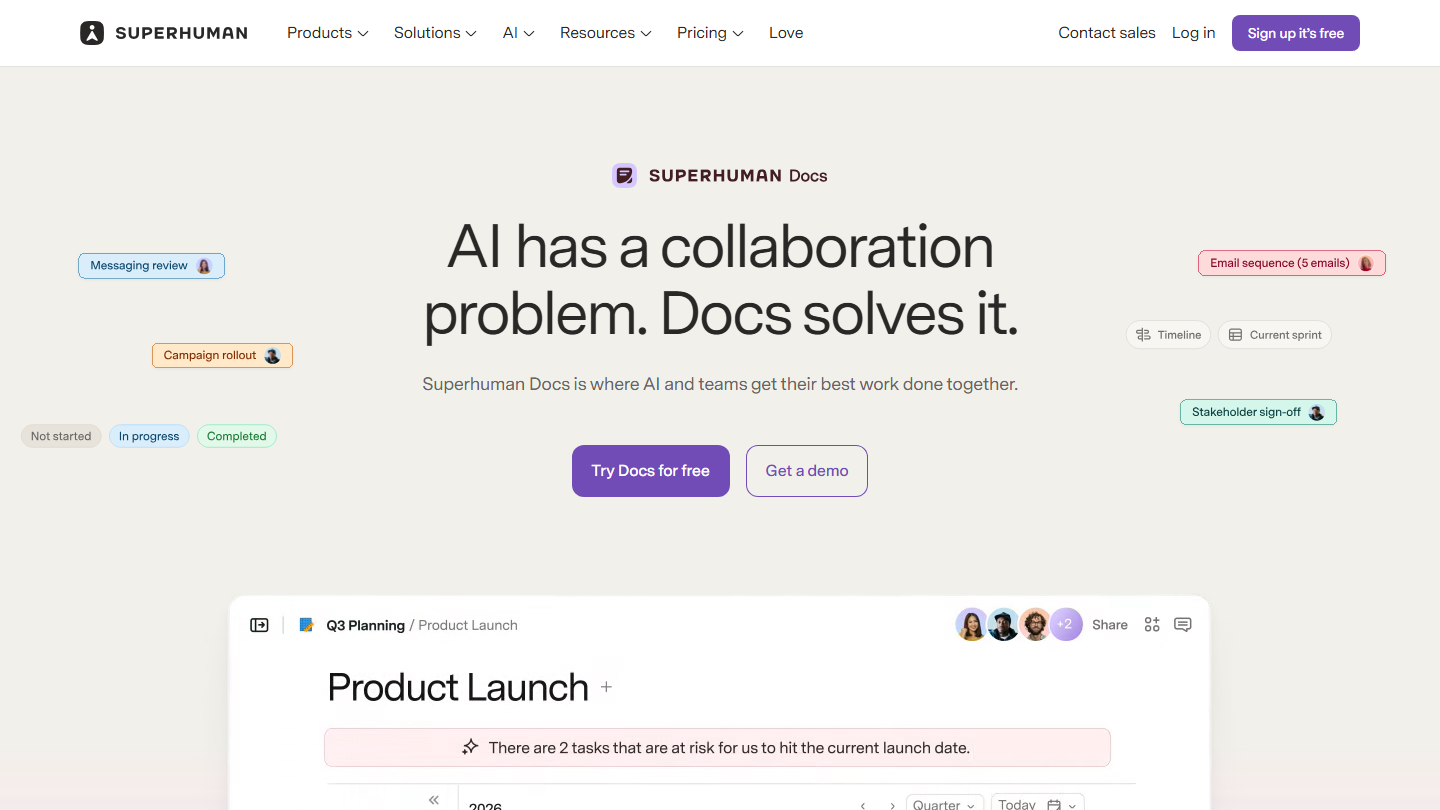
Superhuman Docs home page, formerly Coda: “AI has a collaboration problem. Docs solves it.”

Superhuman Docs is the new name of Coda, which is now part of the Superhuman suite, alongside Grammarly and the Superhuman Mail email client. The principle is unchanged: a document that also holds linked tables, formulas, buttons and automations.

In practice, you put a project brief, the task table with owners and due dates, and the dashboard that calculates progress in one doc. Formulas are written like in a spreadsheet and pull data from the doc’s tables; buttons and automations create a row or change a status without going through another tool.

It is the most obvious Notion alternative: same logic of pages and blocks, but much more advanced tables and formulas. It suits teams that hit the limits of Notion’s databases for their reporting.

The free plan is enough for testing. Pro costs €12 per Doc Maker per month billed annually (€15 monthly), Business €33. Only Doc Makers, the people who create docs, are billed: editors and viewers stay free.

02

Obsidian

4.3/5 From Free

Best for: Users who want Markdown notes, stored offline and linked together

+ Strengths
  • Works entirely offline, in Markdown format
  • Constellation view to connect complex ideas
  • Free and unlimited, no account required
  • Plugins (Make.md, Outliner) that can reproduce Notion’s interface
− Downsides
  • Relies on plugins for some basic features
  • Vault sharing only through the paid Sync option
  • Steep learning curve for advanced features
★ Obsidian in brief

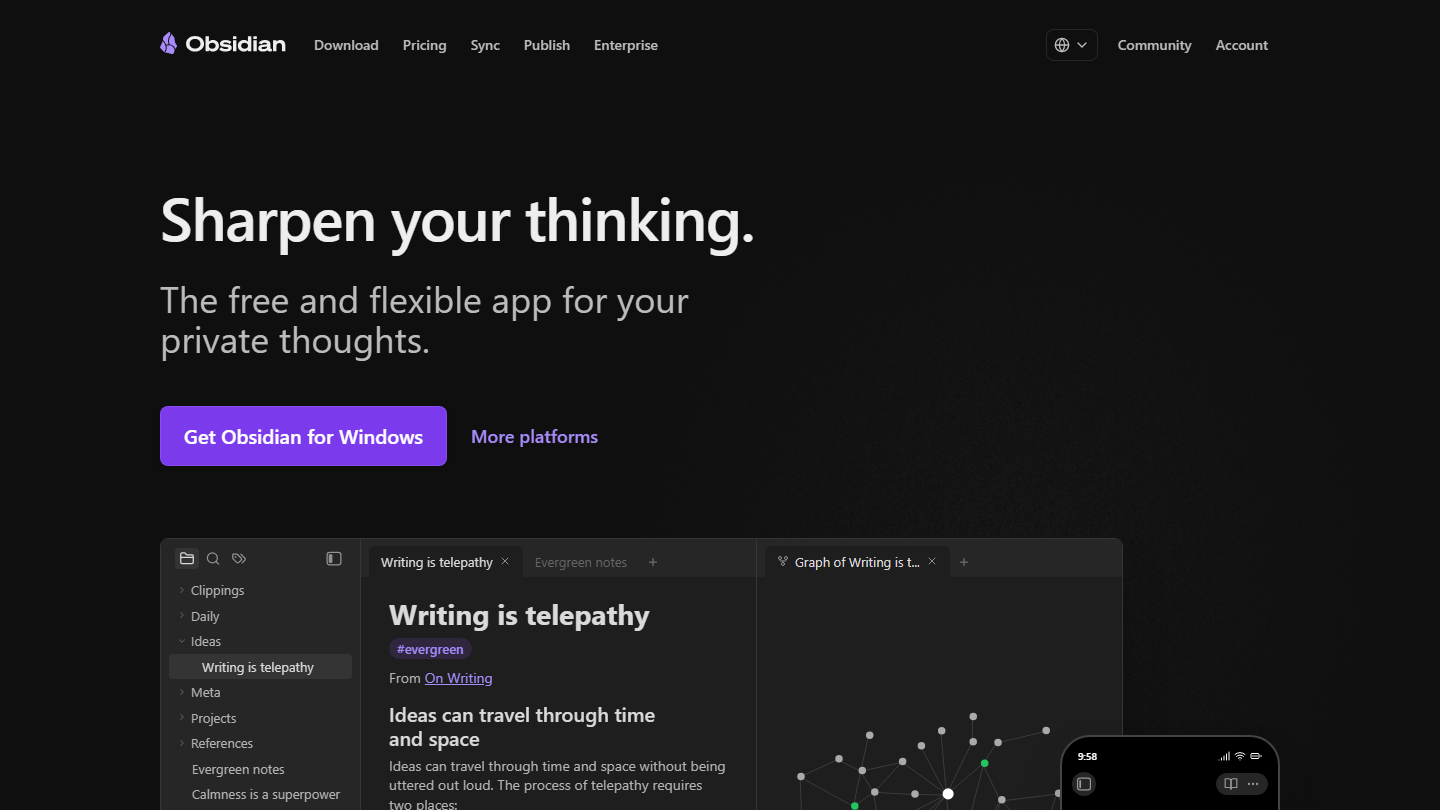
Obsidian home page: “Sharpen your thinking.”, with a note and its graph view

Obsidian is a note-taking app that stores everything locally, as Markdown files, in a folder called a vault.

In practice, you link your notes with internal links, and the graph view draws the network of those links. Community plugins add features, and Canvas lets you lay out notes and ideas on a free-form board.

Against Notion, Obsidian plays the privacy card: notes stay on your device, the app collects no telemetry, and the paid sync is end-to-end encrypted. It suits personal use or a small team; for a shared company wiki, Notion is still simpler.

The app is free, including at work: the commercial license, at $50 per user per year, is optional. Sync costs $4 per user per month billed annually, Publish $8 per site to put notes online.

03

Microsoft Loop

3.9/5 From Included in Microsoft 365

Best for: Teams already on Microsoft 365 who want to take notes and manage projects together

+ Strengths
  • Full integration with Microsoft 365 apps
  • Loop Components: content synced in real time across Microsoft apps
  • Microsoft Copilot to automate some tasks across apps
− Downsides
  • Less flexible than Notion in customization and appearance
  • Limited value outside the Microsoft ecosystem
★ Microsoft Loop in brief

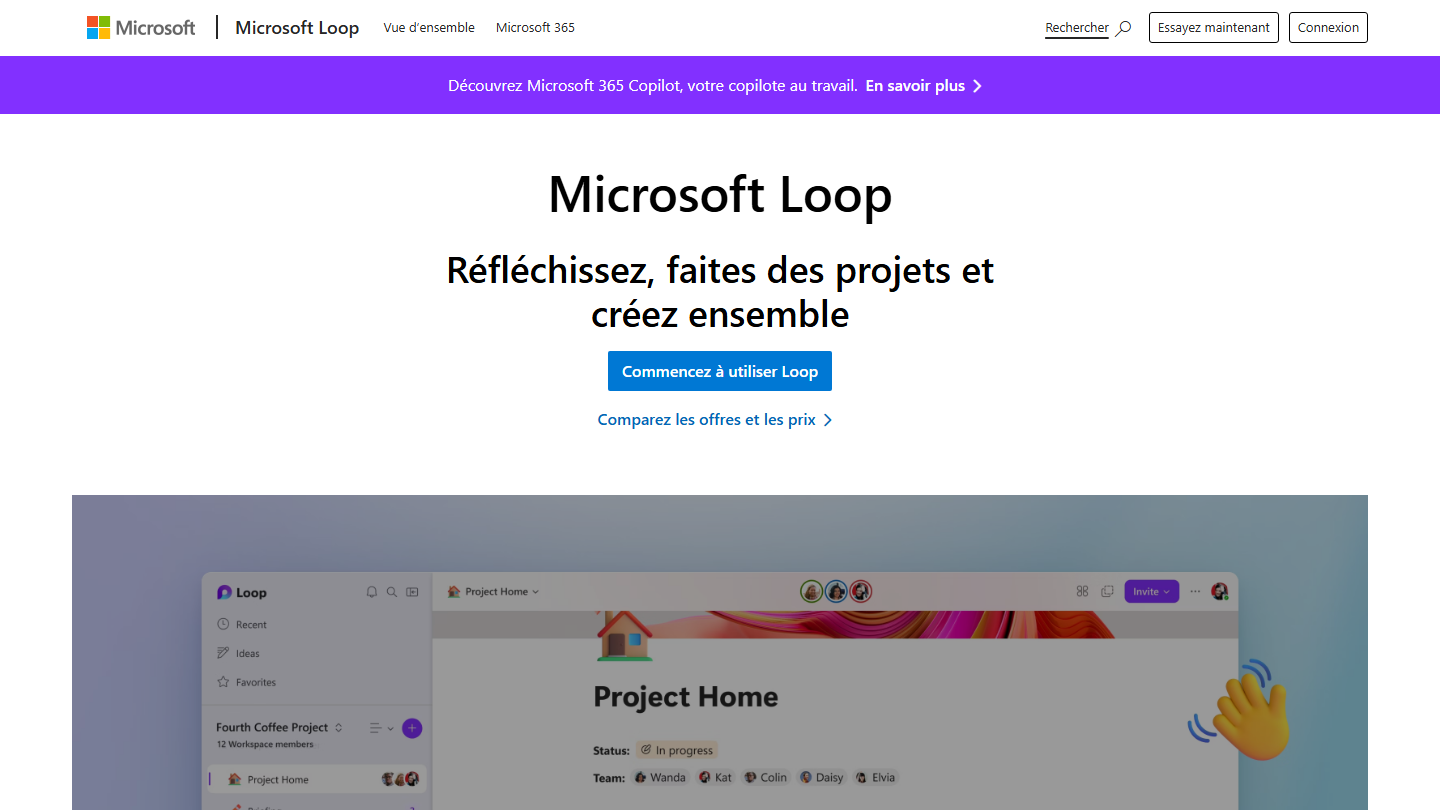
Microsoft Loop presentation page: “Think, plan, and create together”

Microsoft Loop is Microsoft’s answer to Notion: shared workspaces split into pages, where a team takes notes, tracks a project and gathers its documents.

Its specificity is Loop components: a task list, a table or a paragraph that you paste into a Teams conversation, an Outlook email or a Loop page, and that stays synced everywhere in real time. When you create a workspace, Loop suggests files related to the topic, and Copilot helps draft and summarize what others have written.

For a company already equipped with Microsoft 365, it is the simplest alternative to roll out: nothing more to buy, and teams stay in their usual apps. Outside that ecosystem, Loop loses its appeal.

Loop is included in the Microsoft 365 Business Standard and Business Premium plans. Business Basic, at €6.07 excl. VAT per user per month billed annually, does not include it.

04

ClickUp

4.7/5 From $9

Best for: Teams who want to centralize tasks, emails and CRM in one tool, with no limit on collaborators

+ Strengths
  • Tasks, docs, chat and whiteboards in one place
  • Subtasks, dependencies and Gantt views to structure projects
  • Unlimited members and tasks from the free plan
  • Among the most advanced automation on the market
− Downsides
  • Hard to get started with because of the number of options and settings
  • Free plan limited to 60 MB of storage
  • AI runs on credits: beyond the 1,000 monthly credits per Core user, refills are paid
★ ClickUp in brief

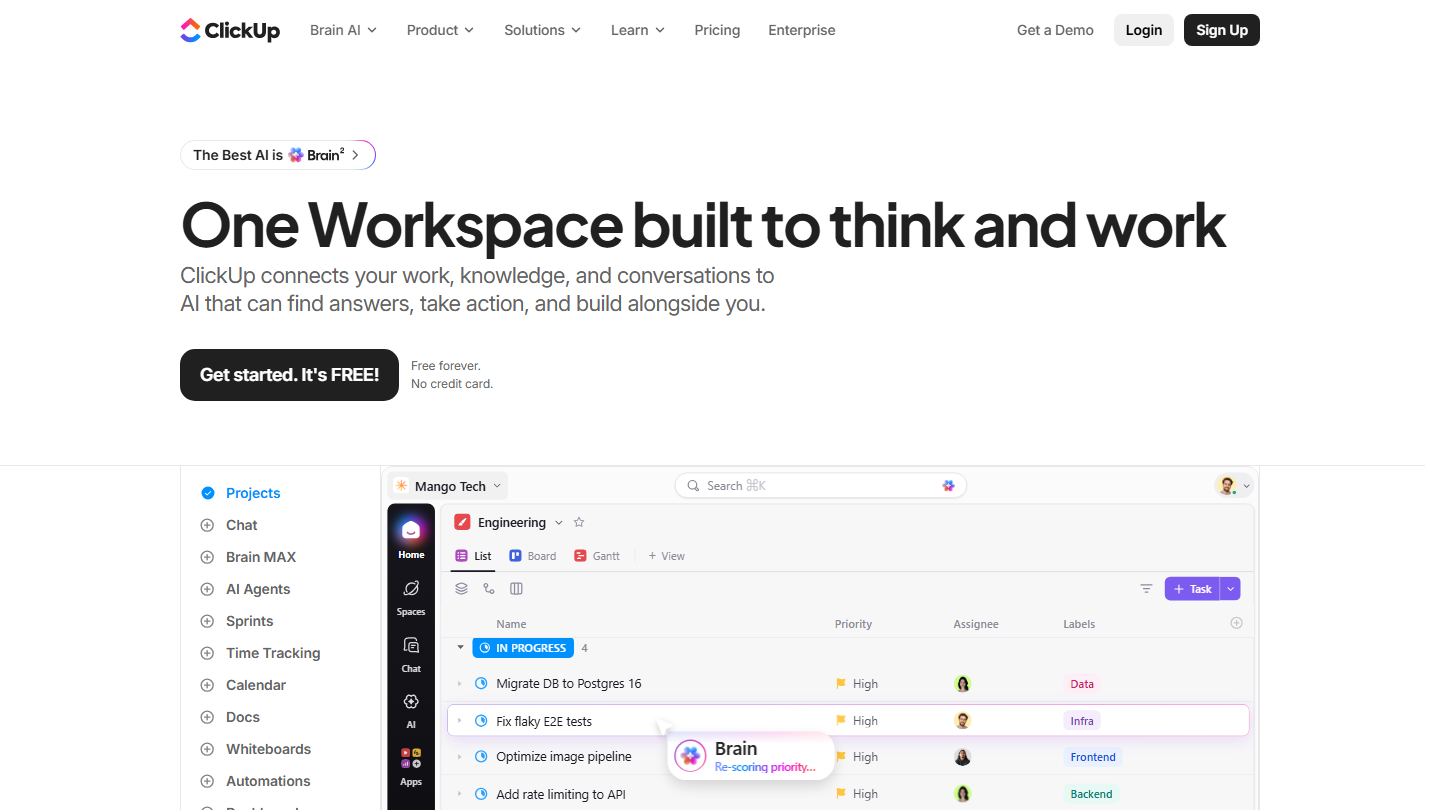
ClickUp home page: “One Workspace built to think and work”, with a task list and the Board and Gantt views

ClickUp presents itself as the workspace that replaces all the others: tasks, documents, whiteboards, chat, time tracking and dashboards in the same tool.

In practice, a task carries subtasks, dependencies and custom fields, and shows up as a list, Kanban, calendar or Gantt. Docs attach to projects, and chat saves you from opening another app to discuss them.

Against Notion, ClickUp goes much further on project management: Gantt, resource management, goals, automations. It keeps part of Notion’s flexibility with its docs, but setting it up takes time.

Core costs $9 per user per month billed annually ($12 monthly) and unlocks unlimited storage and Gantt charts. Business goes up to $17 ($25 monthly).

05

monday.com

4.0/5 From €9

Best for: Teams who want very visual project management, with Gantt views, and fast adoption

+ Strengths
  • Visual, customizable interface, adopted quickly
  • Gantt views to plan and track projects in real time
  • Many integrations, including Google Drive, Outlook and Slack
  • Fully customizable boards and field types
− Downsides
  • Cost climbs as the team grows
  • Free plan limited to 2 seats and 3 boards, Gantt and automations only from the Standard plan
  • Sometimes lacks depth for complex needs
★ monday.com in brief

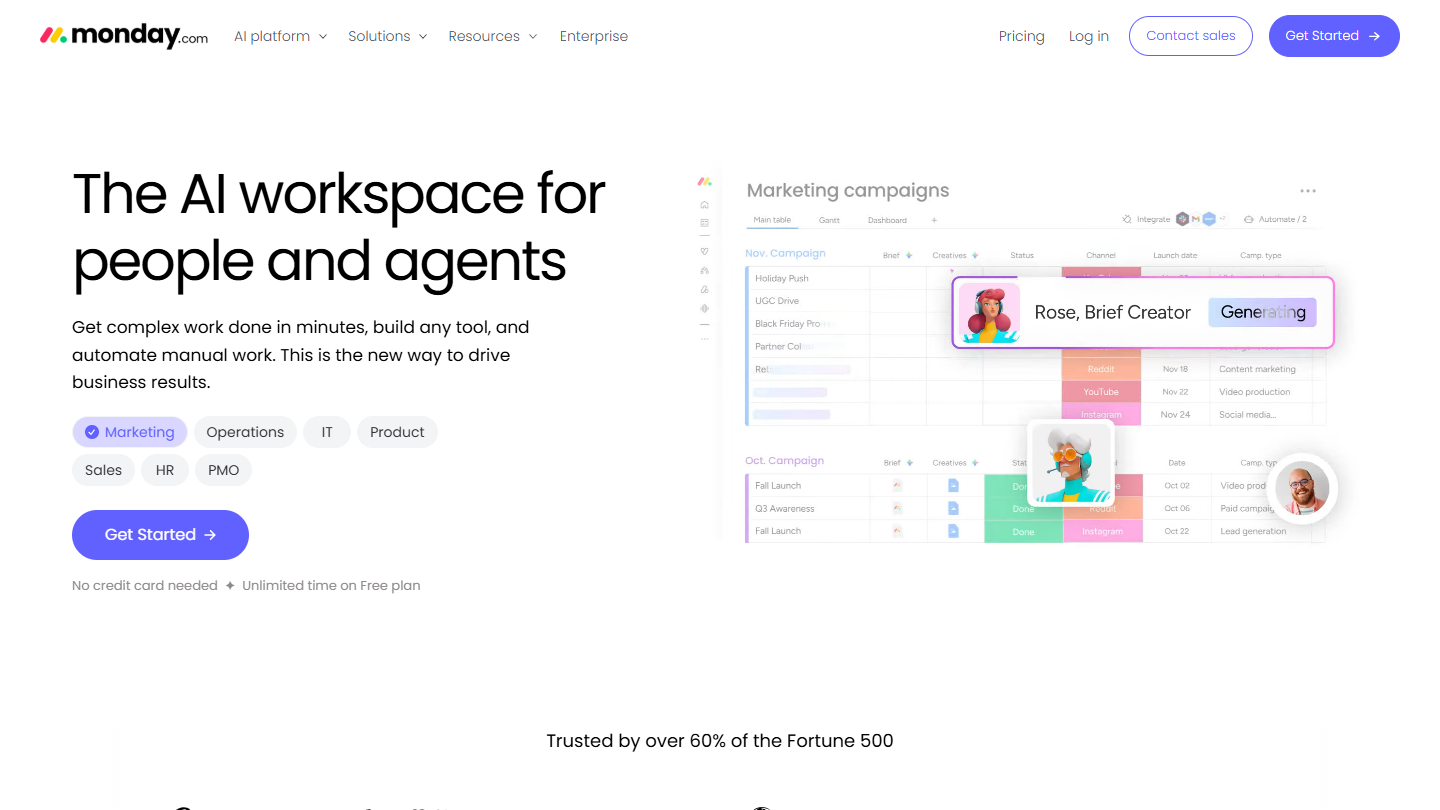
monday.com website: “The AI workspace for people and agents”

monday.com organizes work into boards: each row is an item (a task, a deliverable, a client), each column a piece of information (status, owner, date, budget). The platform also comes as a CRM.

In practice, the same board displays as Kanban, calendar or Gantt, and automations move the work forward: a status change notifies the next person, an approaching deadline triggers a reminder. AI agents take over some tasks, such as taking meeting notes.

It is the tool to pick if Notion lacks readability on progress: everything is visible at a glance. For documentation, monday offers Docs, but the tool stays focused on tracking work rather than on the wiki.

Basic costs €9 per seat per month billed annually, Standard €14 and Pro €22, excluding temporary offers.

06

Asana

4.2/5 From €10.99

Best for: Teams who want structured project tracking, with Gantt charts and milestones

+ Strengths
  • Gantt charts and milestones created quickly
  • More than 100 integrations, from the free plan
  • Unlimited automation rules from Starter
  • Private or comment-only projects to protect sensitive data
− Downsides
  • Gantt, dashboards and forms reserved for paid plans
  • Free plan limited to 2 users
  • Prices above the rest of the market
★ Asana in brief

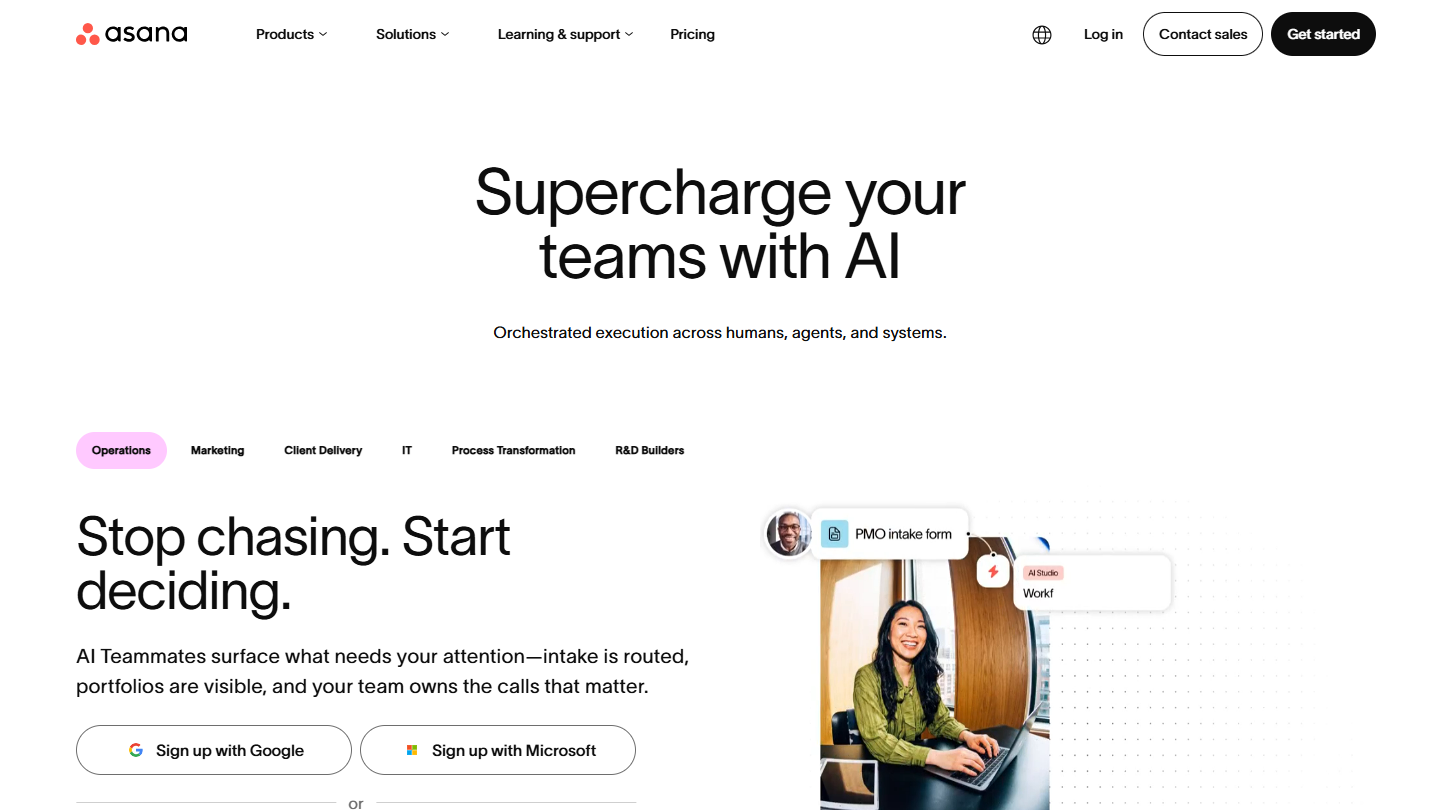
Asana website: “Supercharge your teams with AI”

Asana is a project management tool founded by two former Facebook employees, organized around tasks, projects and project portfolios.

In practice, each task has an owner, a due date and custom fields; projects display as a list, board, calendar, timeline or Gantt with their dependencies. Forms turn a request into a task, and rules handle assignment, alerts and status updates.

Against Notion, Asana is more structured: you track due dates and owners rather than write. Its dashboards give the overview that Notion lacks on complicated projects. Portfolios, goals and resource management require the Advanced plan.

The Personal plan is free. Starter costs €10.99 per user per month billed annually, Advanced €24.99.

07

Trello

4.7/5 From $5

Best for: Teams who want simple, visual Kanban-style project management

+ Strengths
  • Simple, intuitive Kanban boards
  • Friendly interface, ideal for beginners
  • Automation included from the free plan (250 commands per month)
  • Very rich template gallery
− Downsides
  • Not recommended for complex management needs
  • Free plan limited to 10 boards and 10 collaborators per workspace
  • Custom fields missing from the free plan
★ Trello in brief

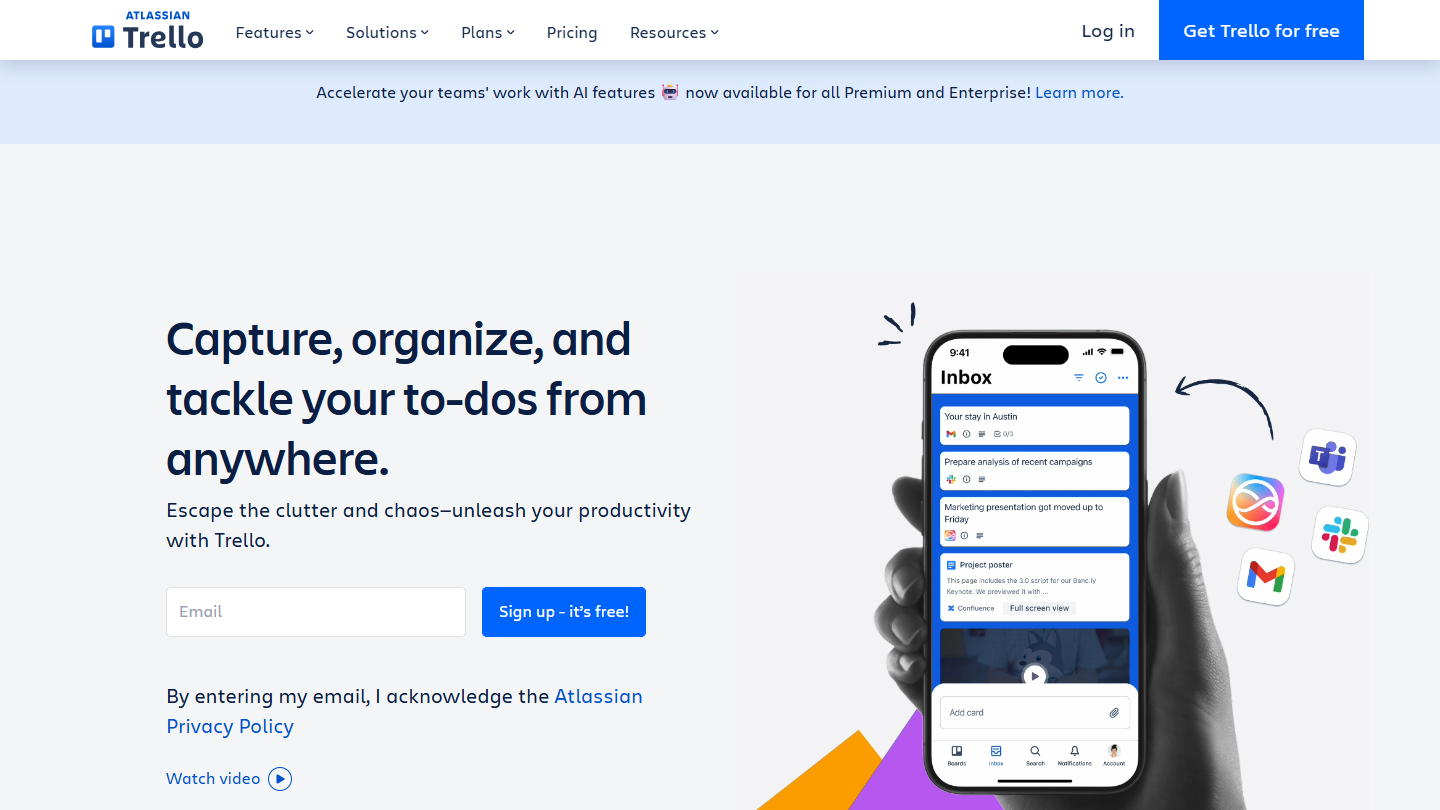
Trello website: “Capture, organize, and tackle your to-dos from anywhere.”

Trello, published by Atlassian, organizes work into Kanban boards: lists for the stages, cards for the tasks, which you drag from one column to another.

In practice, each card carries an assignee, a due date, checklists and attachments. Tasks also arrive from emails, Slack or Teams thanks to quick capture.

Against Notion, Trello does fewer things but with no setup: a board is ready in two minutes, and the whole team sees where each task stands. As soon as a project needs dependencies or reporting, it shows its limits.

Standard costs $5 per user per month billed annually ($6 monthly) and unlocks unlimited boards. Premium, at $10, adds the Calendar, Timeline and Table views, and Atlassian’s AI.

08

Airtable

4.3/5 From $20

Best for: Teams without coding skills who want to structure and centralize their data

+ Strengths
  • The simplicity of a spreadsheet and the power of a database, no code
  • Intuitive, pleasant interface
  • Views customizable by function: project, CRM, content planning
  • Free plan with unlimited bases, up to 5 editors
− Downsides
  • Integrations sometimes limited
  • High cost for large companies, $20 per user per month from the Team plan
  • Free plan capped at 1,000 records per base
★ Airtable in brief

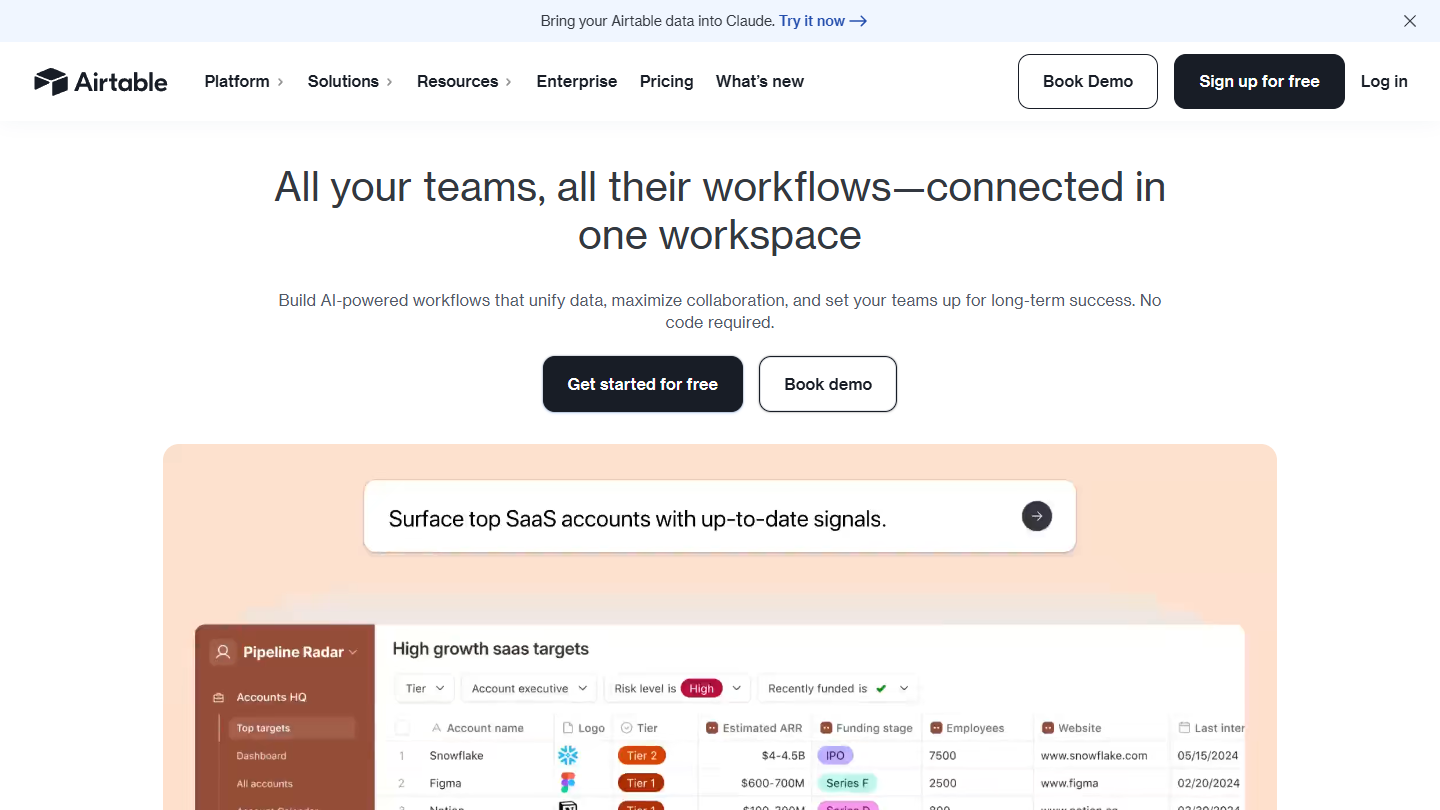
Airtable home page: “All your teams, all their workflows, connected in one workspace”, with a sample base

Airtable is an online database that you handle like a spreadsheet: linked tables, typed fields, and interfaces built on top without writing code.

In practice, a marketing team manages its editorial calendar in it, a sales team its account tracking, a product team its roadmap. Each table displays as a grid, Kanban, calendar, gallery or form, and Interface Designer creates simplified screens for people who should not touch the raw data.

Against Notion, Airtable holds up better when data becomes large and linked: 50,000 records per base on Team, where Notion’s databases slow down. It does not replace Notion for documentation.

Team costs $20 per license per month billed annually ($24 monthly) and adds the Gantt and timeline views; Business costs $45 ($54 monthly).

09

Stackby

4.0/5 From $12.50

Best for: Teams looking for an affordable database, connected to APIs with no code

+ Strengths
  • One of the lowest prices among no-code databases
  • API connectors to enrich data without programming
  • Bases created from scratch, imported data or ready-made templates
  • Free plan up to 5 editors and 20 stacks
− Downsides
  • Less polished than Airtable
  • Interface and automations take some getting used to
  • Free plan limited to 1,500 rows per stack and 100 automation runs
★ Stackby in brief

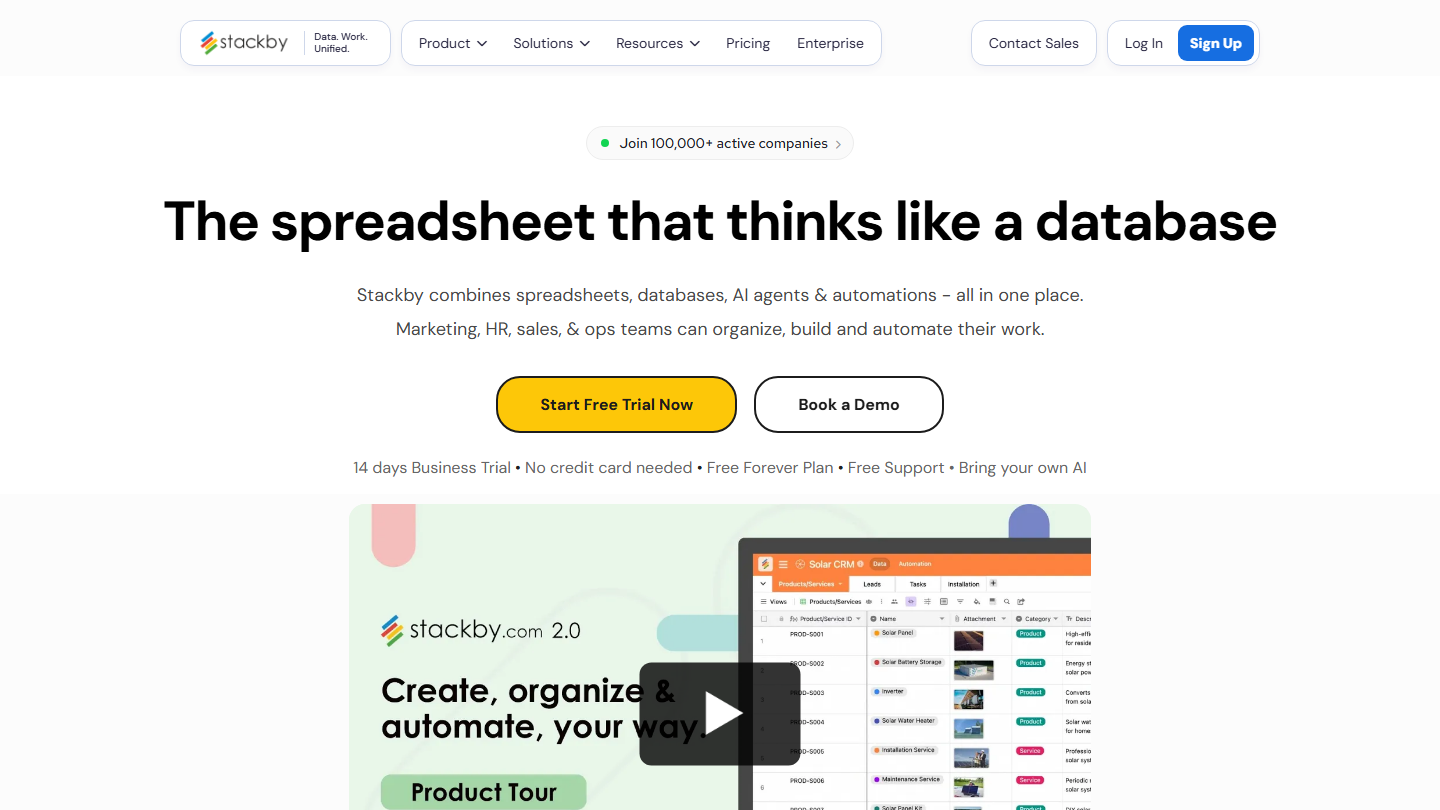
Stackby home page: “The spreadsheet that thinks like a database”

Stackby follows the same logic as Airtable, a spreadsheet that works like a database, with one more argument: API connectors plugged directly into columns.

In practice, you create a base from scratch, import a file or start from a template (content planning, CRM, project tracking), then a connected column fetches data from a third-party service. Refresh is manual on the free plan, automatic on paid plans.

Against Notion, Stackby is a data tool, not a documentation tool. Against Airtable, it costs much less, with a smaller ecosystem.

Economy costs $12.50 per month for 3 users billed annually, which is $149 per year; Business $24.90 and Pro $37.40, still for 3 users. A 14-day trial of the Business plan is offered.

10

Evernote

4.0/5 From €12.99

Best for: Users who want to capture their ideas and find their notes on all their devices

+ Strengths
  • Intuitive interface, easy-to-use tool
  • Proven cross-platform sync
  • Notes available offline
− Downsides
  • Free plan limited to 50 notes, 1 notebook and 1 device
  • Poorly suited to complex project or task management
  • Starter plan capped at 1,000 notes and 20 notebooks
★ Evernote in brief

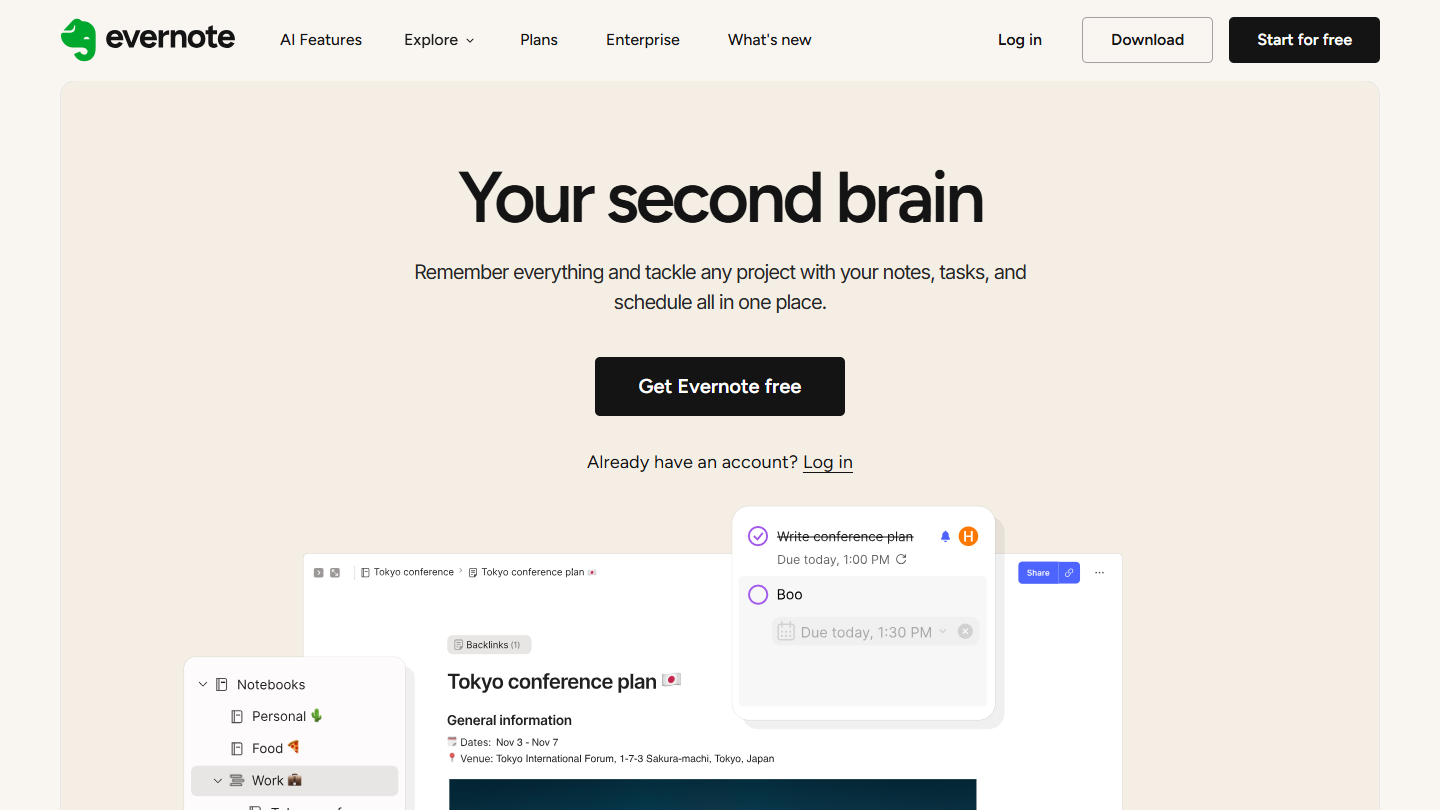
Evernote website: “Your second brain”

Evernote is one of the oldest note-taking apps. It now brings notes, tasks and a calendar together in the same tool.

In practice, you capture a web page with the Web Clipper, a photo of a document or a meeting recording, and search finds the text even inside images and PDFs. Notes are filed in notebooks and tags, and tasks get a date, a reminder and an assignee.

Against Notion, Evernote is better at capturing and retrieving, weaker at structuring: no databases and no project views.

Starter costs €12.99 per month with no commitment or €79.90 per year, Advanced €21.99 per month or €199.99 per year. For teams, Flexible starts at €10 per seat per month.

How we chose these 10 tools

Every tool in this selection has been used in real conditions by our team or by a Salesdorado consultant, in a B2B sales and marketing setting. No ranking built from a marketing deck. The order of the list is not a ranking: the right tool depends on your needs.

  1. 01
    Benchmark scope

    Broad identification of the tools on the market (G2, Capterra, Salesdorado customer feedback, LinkedIn signals). Initial filtering, then a short list based on a 2-hour setup per tool.

  2. 02
    Test conditions

    3 to 4 weeks of active use per tool, with data representative of a B2B sales use case. When a tool targets a specific profile (SDR, AE, Ops, Marketer…), we match the tester accordingly.

  3. 03
    Weighted criteria

    For each category, 5 to 7 axes weighted according to what matters in the segment: UX, feature depth, native integrations, support, pricing at scale, compliance (GDPR, security), and roadmap quality.

  4. 04
    Independence

    No tool is scored in exchange for payment. Partner links (affiliate) are marked as such and do not influence the score. Non-partner tools are included when their place in the ranking is deserved.

  5. 05
    Updates

    The ranking is reviewed every 6 to 12 months or on every major release of a tool mentioned. The date of the last check is shown at the top of the article.

The questions we get over and over.

Why look for a Notion alternative?

Notion is versatile, maybe too much so: its flexibility makes it complex to learn and it is easy to get lost in large projects. For project management, its Timeline view is no substitute for a real Gantt chart, assignments and internal communication stay thin, and its formulas and multi-table setups are slow for reporting. Its integrations are insufficient and it is not end-to-end encrypted.

What is the closest alternative to Notion?

Coda, now Superhuman Docs, is the most obvious alternative: it offers more powerful database and formula capabilities than Notion, advanced automation, and a wide choice of templates and customizable views.

Which Notion alternative for secure, offline notes?

Obsidian stores notes on your device, in Markdown format, and works entirely offline. The app collects no telemetry, and its paid sync (Sync, $4 per month billed annually) is end-to-end encrypted. Its graph view connects complex ideas, and plugins like Make.md and Outliner give it an interface close to Notion’s.

Which Notion alternative for project management?

monday.com for very visual project management with Gantt views, Asana for structured tracking with Gantt charts and milestones, ClickUp to centralize tasks, emails and CRM, and Trello for simple Kanban-style management.

Which Notion alternative for managing databases?

Airtable combines the simplicity of spreadsheets with the power of databases, with no coding skills needed. Stackby takes the same approach, more affordably, with API integrations to enrich data.

Which Notion alternative for a team on Microsoft 365?

Microsoft Loop, Microsoft’s answer to Notion: it integrates with Microsoft 365 apps and its Loop components sync content in real time across Teams, Outlook and Loop. It is included in Microsoft 365 Business Standard and Business Premium.

★ The conversation, 0 comments

What the community says.

Basic Markdown, moderated within 24 h
Loading…

    In the same category