


Salesforce is the undisputed CRM leader. The Service Cloud suite remains heavily focused on sales and customer data, with great functional depth, native integration with Salesforce and its integration ecosystem via the AppExchange. The one drawback: prices noticeably above the competition.
Zendesk is also a benchmark among customer service tools. Originally focused on managing tickets and inbound requests, it has evolved into more complete customer relationship software in the broad sense, while staying fairly accessible thanks to very effective automation features and templates.
In this article, I compare the two customer service giants in detail.
Zendesk vs Salesforce Service Cloud: what customers say
Zendesk is generally appreciated for its simplicity (relative, but still) and its ease of administration. On the other hand, its customer service is regularly criticized by dissatisfied customers.
Salesforce Service wins in the vast majority of cases: omnichannel management, reporting, the help center and AI tools (Einstein, now brought together under the Agentforce brand) are regularly mentioned in positive reviews.
Zendesk vs Salesforce Service Cloud: feature scope
Ticket and case management
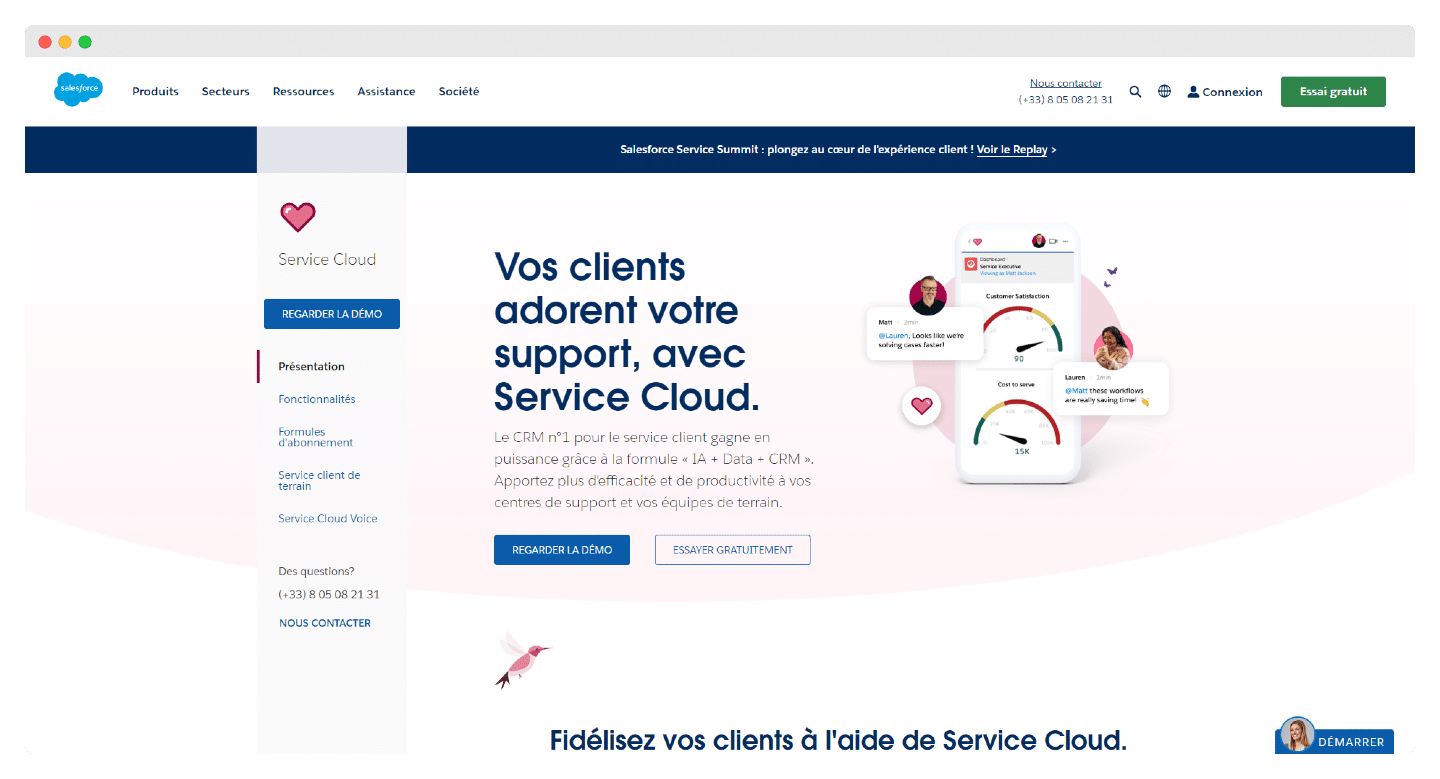
Zendesk and Salesforce Service Cloud both offer a single inbox for fast, organized ticket management: all requests, whatever the channel (email, social media, web forms, chats), land in the same inbox.
To prevent several agents from handling the same request at once and a customer from receiving several replies, for example, both tools offer collision detection: in Zendesk, it appears on the dashboard of each ticket.
To handle ticket management, both tools rely on automation and artificial intelligence.
Zendesk uses AI agents, included in all its editions, to assist agents and automate answers to simple, repetitive questions. If the customer still needs help after that, the ticket is sent back to an agent.
Simple but effective, this works better for small teams that prefer a ticket management solution that is easy to implement.
Service Cloud, for its part, manages cases rather than tickets. Like Zendesk, its case management takes care of all the automation. The bonus: if you also use other Salesforce products (sales, marketing software), you increase the power of the platform.
Agents, salespeople and marketers can get a 360-degree view of a customer’s profile, meaning more information for better decisions and faster case resolution.
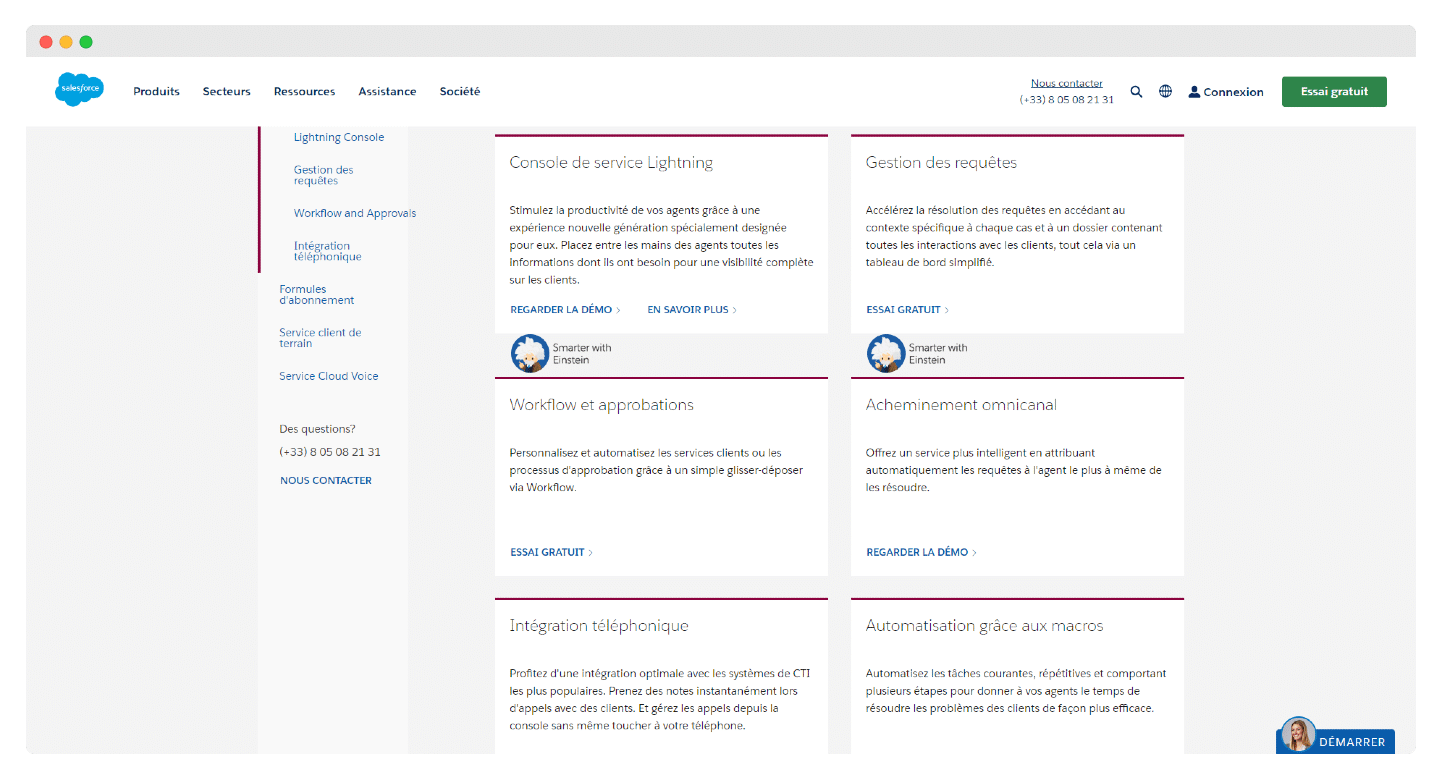
Service Cloud therefore has a more complex setup for ticket management, but it can be an excellent solution for large organizations that want to extract more value from their customer data.
On omnichannel conversation management, both tools let users receive requests from all channels in the same inbox.
Watch out: at Salesforce, telephony goes through integrations (CTI, contact center) and digital channels through add-ons. Online chat is only included from the Advanced edition, and enhanced messaging costs an extra €75 per user per month on Core and Advanced. You therefore have to factor these extra costs on top of Salesforce’s base prices in your operations. At Zendesk, messaging, live chat and telephony are included from Suite Team, at €55 per agent per month paid annually.
But customer reviews clearly favor Salesforce on these features, especially for social listening, that is, tracking what is being said on social media.
Automation and artificial intelligence
Both platforms have fairly advanced automation and AI tools, but Salesforce’s are more sophisticated.
The Zendesk dashboard lets you configure automation conditions and trigger sequences based on criteria such as form submissions, channel sources, time elapsed since assignment, etc.
But the interface is not the most intuitive and does not serve all CRM users.
Salesforce’s automation is more dynamic, but it is not the easiest to deploy. It goes through Flow Builder, functional but sometimes confusing because of a complex series of drop-down menus. Starter Suite gives no access to it, and Pro Suite limits it to 5 flows per organization.
If you want to multiply automations and set up approval processes, you will have to move to the Core edition, which unlocks unlimited flows and approval workflows.
On AI, Zendesk offers a suite of tools with which agents can get more information about customers before the interaction, triage tickets, get contextual information, suggestions of related articles and existing knowledge, and automate common tasks.
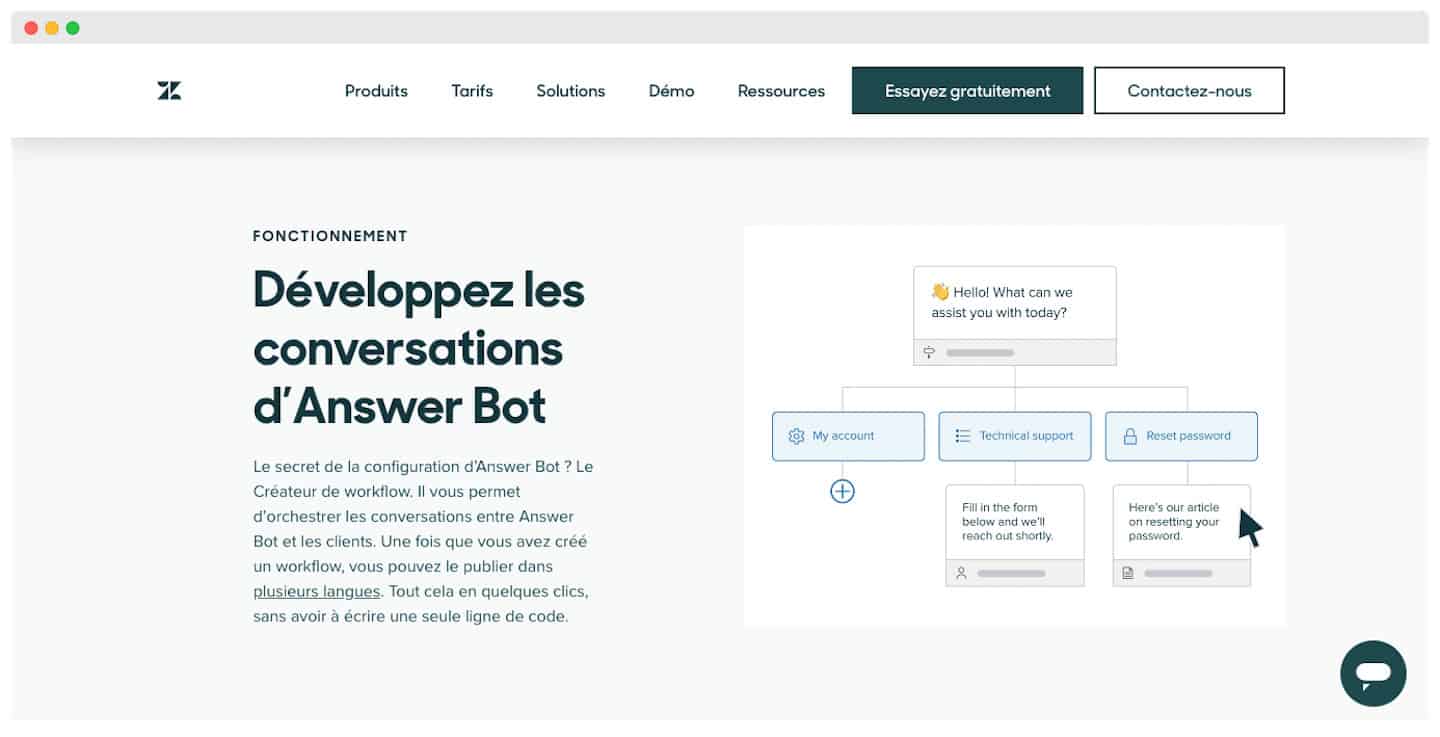
Its AI agents are extremely simple to deploy and very effective at solving customers’ simple problems without an agent stepping in, thanks to machine learning capabilities that help improve automated answers.
Not all of these features are included in the base editions. AI agents are included everywhere, but billed beyond a quota of automated resolutions. The Copilot add-on costs an extra €50 per agent per month paid annually and adds intelligent triage, insights and suggestions for agents, writing tools and ticket summaries; it is included in Suite Enterprise + Copilot.
Salesforce narrowly beat Zendesk by offering one of the first generative AI integrations for a CRM, Einstein GPT, now brought together with the rest of its AI under the Agentforce brand. Agentforce for service is a paid add-on on Core and Advanced, included in the Max edition: it provides customer insights, suggests actions and automates part of case handling.
Thanks to Salesforce’s proprietary modeling, its AI can create knowledge articles, generate agent replies and summarize exchanges, across all channels.
Salesforce also offers Next Best Action, which turns data into predictive suggestions and action strategies.
Help center and documentation
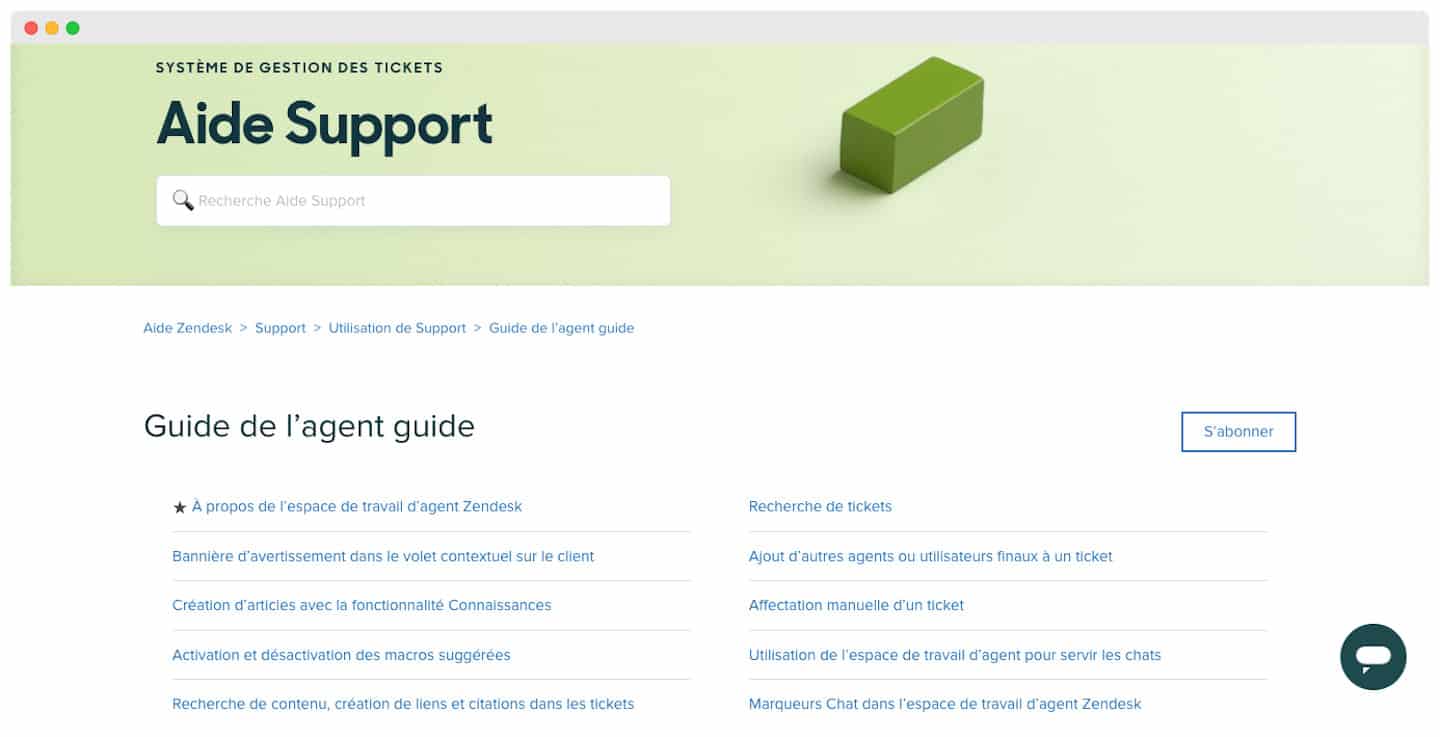
Help centers help your customers solve their problems quickly, reducing the number of tickets and letting agents focus on the most urgent requests.
But these portals also serve agents, so they can find the right information when helping a customer.
Zendesk and Salesforce both have customer-facing help center interfaces that can be easily configured and customized to your company: layout, color, menu, etc. At Zendesk, the knowledge base comes with Suite Team; at Salesforce, knowledge management is present in all editions, but the self-service help center requires the Core edition. Here again, customer reviews favor Salesforce.
Reporting
Zendesk’s reporting module is fairly solid, with predefined dashboards, report templates and access to past reports. Suite Professional adds AI-created reports based on questions asked in natural language.
That said, the native reporting capabilities seem rather focused on issue-related measures: tickets resolved, status duration, call activity and chatbot performance.
Salesforce’s report builder is somewhat broader, with dozens of report types out of the box, and customizable reports and dashboards in all editions. Both tools let you create custom reports, but Salesforce seems more naturally positioned for a wide range of reporting applications.
Here again, customer reviews lean toward Salesforce’s reporting module, rated higher than Zendesk’s on G2.
Zendesk vs Salesforce Service Cloud: integrations and philosophy
Zendesk gives you most of the integrations your team needs, with more than 1,000 apps on its Marketplace; but Zendesk customers very often need an integration with Salesforce, so much so that there is a Salesforce integration guide to get it done quickly.
Salesforce is way ahead with the AppExchange (now AgentExchange) and a network of partners and agencies more or less unmatched in the software world.
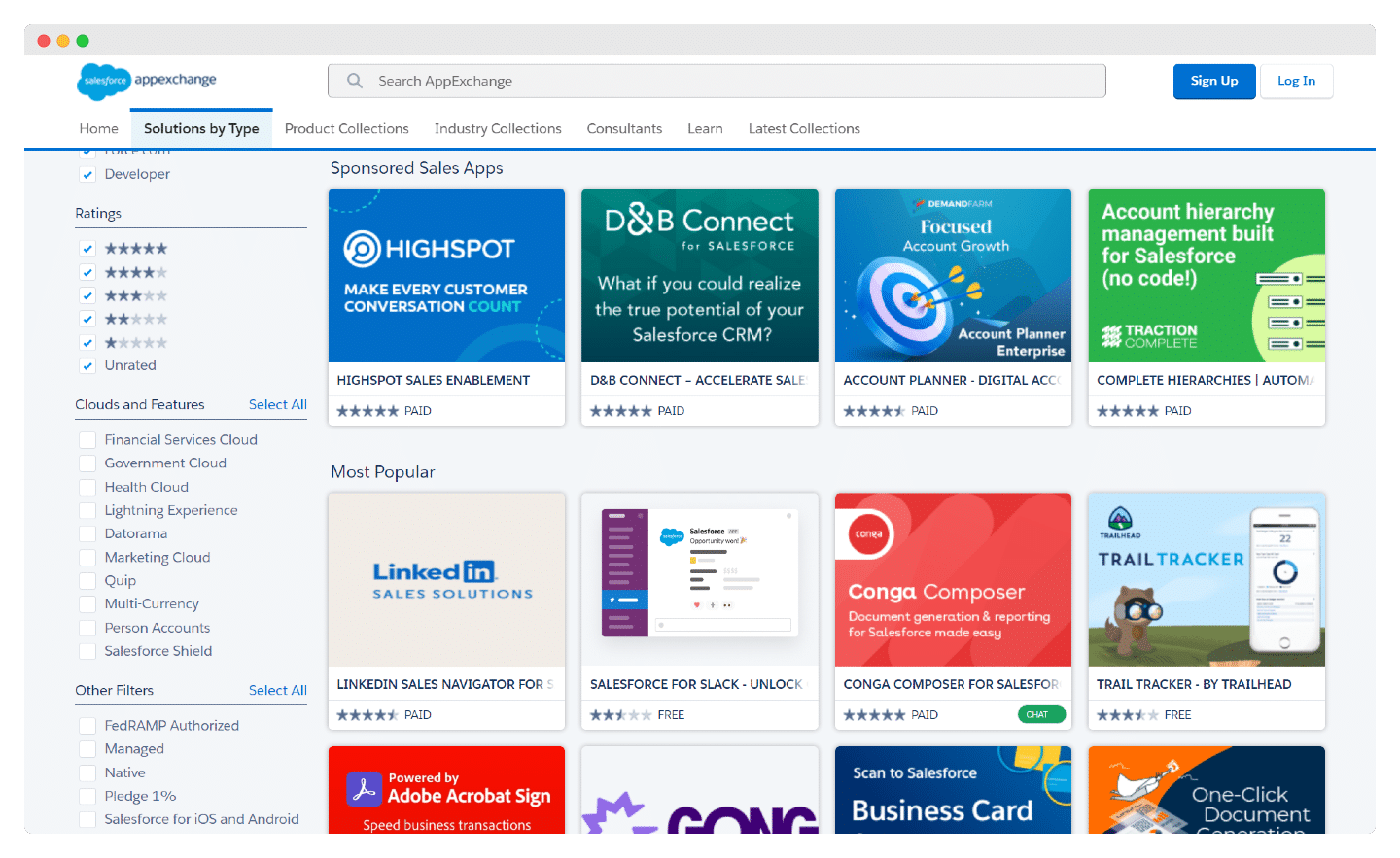
Custom integrations will not be a problem either, for either tool. Zendesk’s APIs include features with or without code. Service Cloud, for its part, includes a wide range of Apex utilities, integration patterns, declarative tools, platform events and APIs.
In terms of philosophy, Zendesk has an issue management DNA: it is first and foremost ticketing software, even if it is gradually evolving into more complete customer relationship software in the broad sense.
Salesforce has more of an account management DNA, very sales- and revenue-driven, which does not suit all customer relationship processes.
Zendesk vs Salesforce Service Cloud: pricing
Salesforce Service Cloud plans start at €25 per user per month with Starter Suite, billed monthly or annually. You can get a 30-day free trial, with no credit card. For up to 2 users, Salesforce’s free suite also covers basic customer service: cases, knowledge base, reports and dashboards.
Salesforce offers 5 paid editions: Starter Suite at €25, Pro Suite at €100, then Core at €195, Advanced at €395 and Max at €550 per user per month, the last four billed annually. They differ mainly on the following criteria:
- Service contracts and entitlements: this tool, which lets you track specific contracts and warranties, is only available from Pro Suite, like omnichannel routing.
- API: to connect external services to Salesforce, you are better off with the Core edition, where the Web Services API is included; it costs an extra €25 per user per month on Pro Suite.
- The Premier Success Plan, with 24/7 support for business-disrupting issues, is included from the Core edition; it is optional on Pro Suite.
But Starter Suite and Pro Suite bring together sales, customer service and marketing in one license, which makes the tool much cheaper if you are on Salesforce. Even so, it is still billed per user, and the people handling customer support and sales are not always the same.
Zendesk offers lower-priced plans. For basic email support, the Support Team plan costs €19 per agent per month paid annually (€25 monthly).
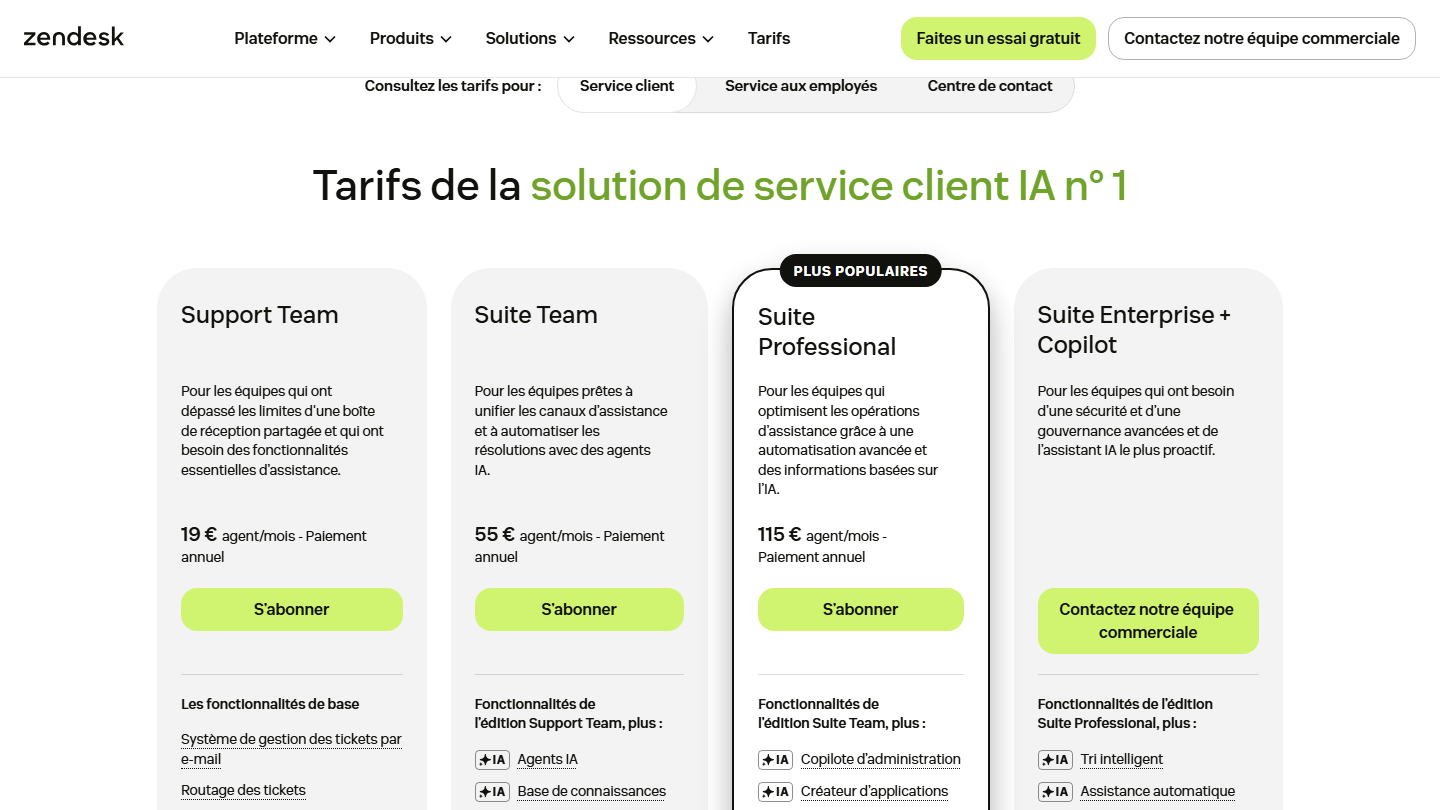
For complete customer service software, Zendesk offers three Suite editions, with a 14-day free trial of Suite Professional (prices per agent per month paid annually):
- Suite Team, at €55 (€69 monthly): adds to the basic functions (email tickets, routing, pre-written replies, automations) AI agents, the knowledge base, omnichannel routing, messaging, live chat and telephony.
- Suite Professional, at €115 (€149 monthly): skills-based routing, a phone tree (IVR), quick reports and AI tools for admins and for writing.
- Suite Enterprise + Copilot, on request: intelligent triage, auto-assist, generative AI for phone, approval workflows, a sandbox environment and custom agent roles.