Top 10 best ticketing software

Ten ticketing software compared, paid plans included. Full help desks for multichannel support: Zendesk (Support Team €19, Suite Team €55 per agent per month), Freshdesk (Growth €17), Zoho Desk (free for 3 users, Express €7) and LiveAgent (Starter $15, call center from Team). Ticketing plugged into another tool: Salesforce Service Cloud (Starter Suite €25, Core €195) and HubSpot (free for 2 users, Starter €20) for the CRM, Jira Service Management (free for 3 agents, Standard $21.

Maxime Ben Bouaziz
Maxime Ben Bouaziz
CEO Salesdorado, IA & Sales Tech
August 24, 2023, updated November 10, 2026, 1 min read
See all tools

As a company starts to grow, managing customer support can get more and more complex. Ticketing software turns every customer request, whatever its channel, into a ticket that the team prioritizes, assigns to itself and tracks until it is resolved.

It serves both communication with the customer and collaboration between agents. Prioritization is usually based on the severity of the problem (degraded experience or unusable product) and the number of customers affected. This top compares full solutions, paid plans included. Depending on your need:

  • multichannel support for a complex organization: Zendesk;
  • a complete help desk for a small business: Freshdesk;
  • every option at the lowest price: Zoho Desk;
  • support built around live chat: LiveAgent;
  • customer service inside the CRM: Salesforce Service Cloud for large accounts, HubSpot for SMEs;
  • tickets linked to development teams: Jira Service Management;
  • field maintenance interventions: Organilog;
  • written-only support: Help Scout to get started, Front as you grow.

What we thinkAny feature that lets you group tickets to identify the cause of a problem faster is very valuable.
But beware of features that save you 10 seconds, to send a customer a quicker but empty reply, and which we find very gimmicky.

The 10 tools, side by side

# Logos tool Score Price Best for
01 Salesforce Service Cloud 4.5/5 ★ €25 Large companies already on Salesforce that want customer service in the same CRM as sales Visit site
02 Zendesk 5.0/5 ★ €19 Organizations that want deep customer support, suited to a complex internal organization Visit site
03 Jira Service Management 4.3/5 ★ $21.50 Development teams that collaborate on complex processes Visit site
04 HubSpot 4.5/5 ★ €20 Companies that want their ticketing in the same tool as their CRM Visit site
05 Help Scout 4.7/5 ★ $25 Beginners and small organizations that want a tool that is easy to pick up Visit site
06 Front 4.4/5 ★ $25 Growing organizations whose customer support runs only through written channels Visit site
07 LiveAgent 4.6/5 ★ $15 Support teams that want a flexible tool, built around live chat and quickly adopted Visit site
08 Freshdesk 4.5/5 ★ €17 Small businesses that want a good customer support tool, without project management Visit site
09 Zoho Desk 4.4/5 ★ €7 Teams that want every ticketing option at the best value for money Visit site
10 Organilog 4.2/5 ★ €19 Maintenance departments that manage field interventions Visit site
01

Salesforce Service Cloud

4.5/5 From €25

Best for: Large companies already on Salesforce that want customer service in the same CRM as sales

+ Strengths
  • Very strong for collaboration and customer communication
  • Built with Slack to get teams working together
  • Free trial offered on every edition
− Downsides
  • You have to pay up, which can limit small businesses
  • First customer-service-specific plan (Core) at €195 per user per month
  • No free plan
★ Salesforce Service Cloud in brief

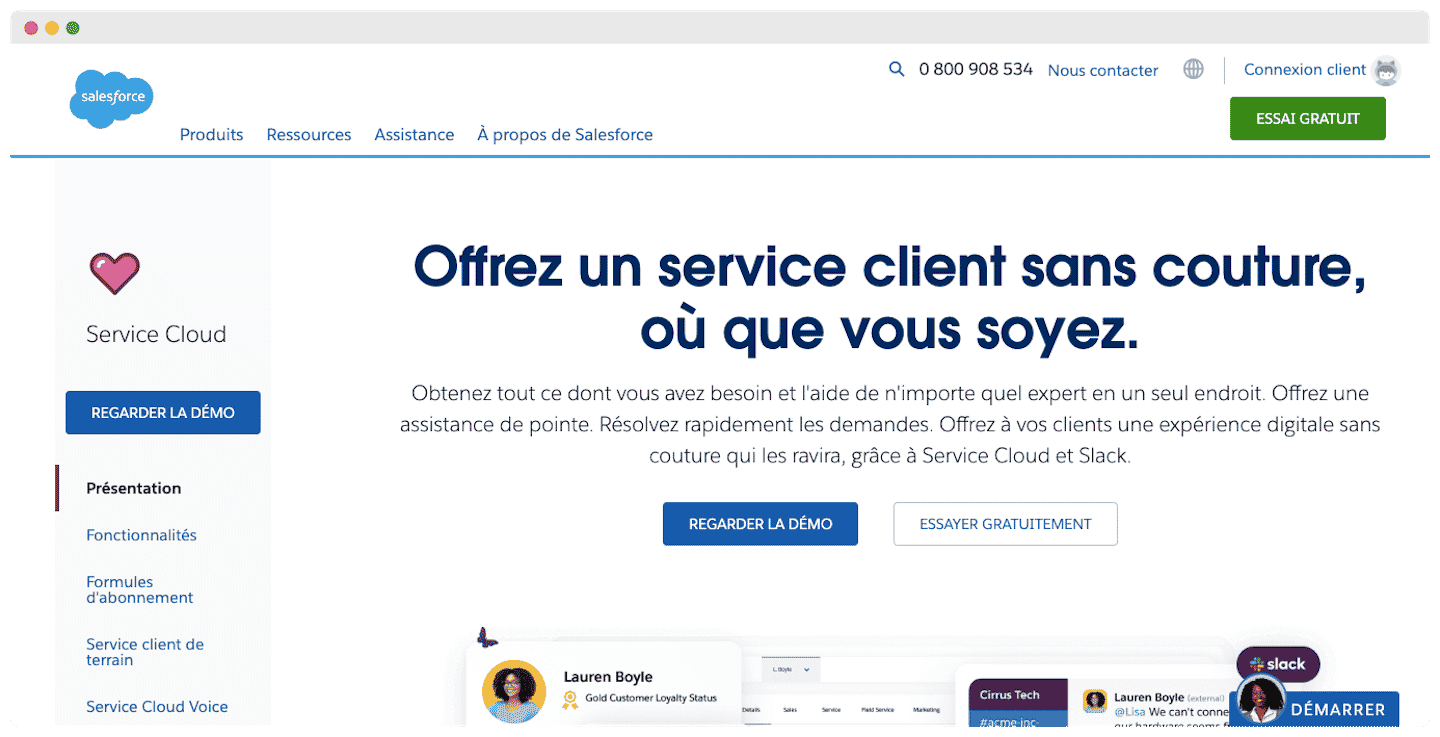
Salesforce Service Cloud page, “Deliver seamless customer service, wherever you are”, with Service Cloud and Slack

Ticketing by Salesforce. Service Cloud is Salesforce’s customer service module. Requests become cases, attached to the customer account and its sales history, and teams collaborate on them in Slack.

Its turf is organizations where support, sales and sometimes field teams work on the same accounts. The higher editions add omnichannel routing, knowledge management and service contracts.

It makes sense if the company already runs on Salesforce. Otherwise you have to pay up, and it is an integration project more than a tool you install in a week.

The Starter Suite, which covers sales and customer service, starts at €25 per user per month. The Core edition, specific to customer service, costs €195 billed annually, Advanced €395 and Max €550.

02

Zendesk

5.0/5 From €19

Best for: Organizations that want deep customer support, suited to a complex internal organization

+ Strengths
  • Complete, deep features: channels, automations, reporting
  • Views to sort tickets, and a clear interface despite the tool’s richness
  • First tier at €19 for email tickets, without changing tools as you grow
  • AI agents included in the Suite editions, billed per resolution
− Downsides
  • Bill that climbs fast: €55 for chat and phone, €115 for Suite Professional
  • Big machine to set up, too heavy for light needs
  • No free plan
★ Zendesk in brief

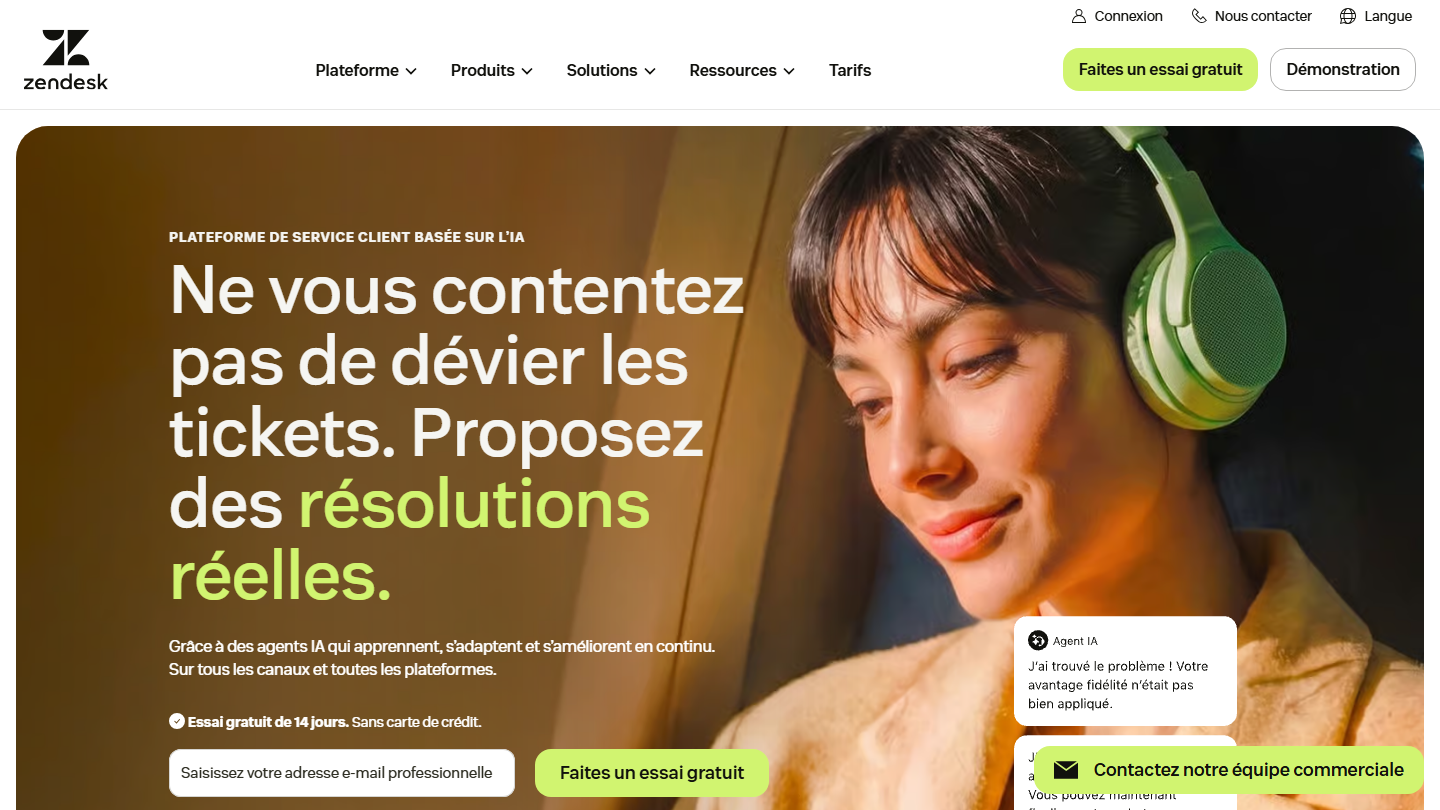
Zendesk home page: “Don’t just deflect tickets. Deliver real resolutions.”

One of the leaders in the segment. Zendesk is the reference customer support software for structured teams. Requests from each channel become tickets, sorted into Views (by priority, product, tier), then routed to the right group of agents according to triggers.

In multi-tier support, this is where it takes the lead: a tier 1 agent handles the raw request, escalates the ticket to the technical team, and the customer follows it all from the help center. AI agents, included in the Suite editions, handle simple requests before they reach a human.

It makes sense when volume and the number of channels grow: email, chat, messaging and phone in the same queue. For a two-person team answering emails, it is too much tool.

Support Team costs €19 per agent per month billed annually, for email tickets with routing and automations. Suite Team, at €55, adds chat, telephony, the knowledge base and AI agents; Suite Professional is €115, Enterprise on request. The trial lasts 14 days, and start-ups can request 6 months of Zendesk Suite.

03

Jira Service Management

4.3/5 From $21.50

Best for: Development teams that collaborate on complex processes

+ Strengths
  • One of the most effective ticketing software on the market
  • Simple collaboration on complex processes, tickets linked to Jira
  • Free-forever plan up to 3 agents
− Downsides
  • Vocabulary and workflows inherited from IT service management, heavy for classic customer service
  • Enterprise plan on annual billing only
★ Jira Service Management in brief

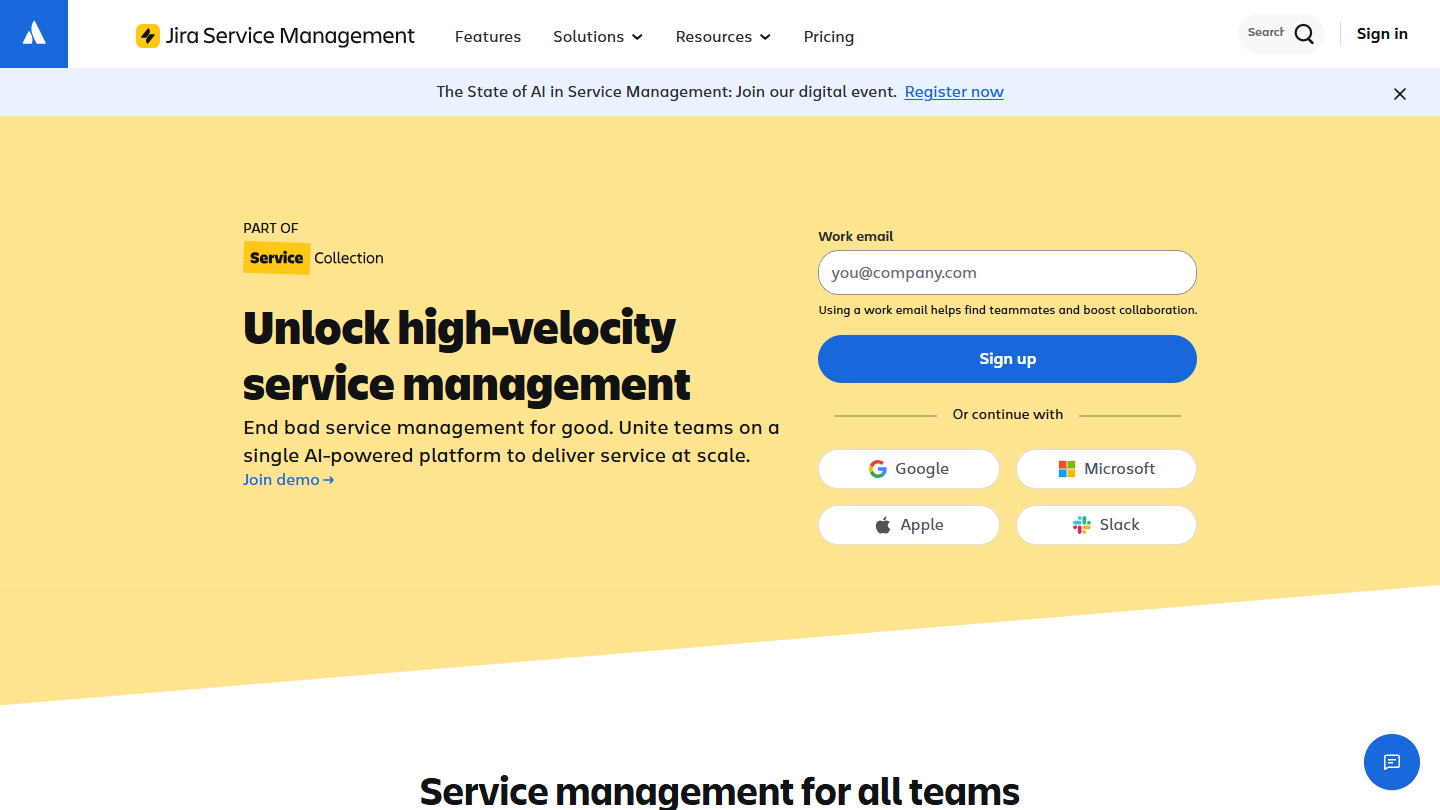
Jira Service Management website: “Unlock high-velocity service management”

The deepest. Jira Service Management is Atlassian’s service desk tool. It has proven itself in performance gains, notably where a customer ticket ends up as a fix.

This is the typical case of tier 2 and 3 tickets: the request arrives at support, which links it to a Jira ticket of the development team; the customer sees progress in their portal without anyone copying the information over.

It lets you collaborate simply on complex processes, which makes it the ideal tool for developers. For customer support with no technical team behind it, its workflows require too much configuration.

The free plan covers 3 agents. Beyond that, Standard costs $21.50 per agent per month and Premium $55.28; Enterprise is paid on annual billing only.

04

HubSpot

4.5/5 From €20

Best for: Companies that want their ticketing in the same tool as their CRM

+ Strengths
  • Ticketing available with the whole CRM package
  • Tickets, routing and chat available free for 2 users
  • Very rich integrations marketplace and partner ecosystem
− Downsides
  • Learning curve judged too long by users
  • Hard to customize in depth
  • Knowledge base and SLAs only in Pro, at €90 per license
★ HubSpot in brief

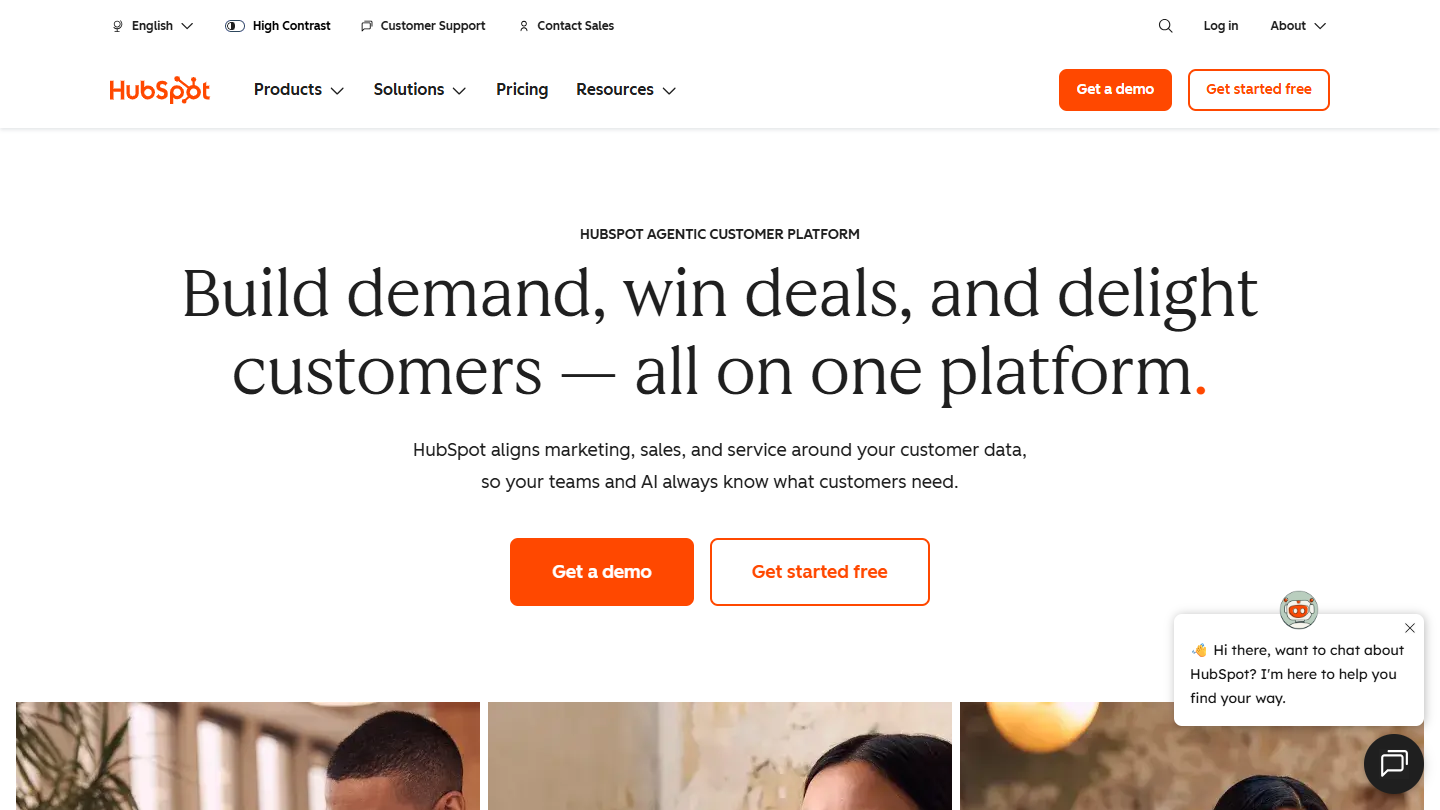
HubSpot website: “Build demand, win deals, and delight customers, all on one platform”

Ticketing inside a CRM. HubSpot offers ticketing features available with the whole CRM package: a ticket opened by a customer appears on their record, next to sales emails and ongoing deals.

The customer communication side is very developed, with marketing automation features within reach: a resolved ticket can trigger a satisfaction survey or an email sequence.

It makes sense when sales, marketing and support work on the same base. For pure, high-volume support, Zendesk or Freshdesk go further for less.

Tickets, routing and chat are free for 2 users. The Starter plan costs €20 per license per month; the knowledge base and SLAs require Pro, at €90, and Enterprise is €175.

05

Help Scout

4.7/5 From $25

Best for: Beginners and small organizations that want a tool that is easy to pick up

+ Strengths
  • Easy to pick up, the ideal for beginners
  • Go from the inbox to a one-to-one discussion with the customer in one click
  • Value for money that is hard to beat
− Downsides
  • Mobile app less polished than competitors’
  • Few customization options
  • Neither the tool nor the support is available in French
★ Help Scout in brief

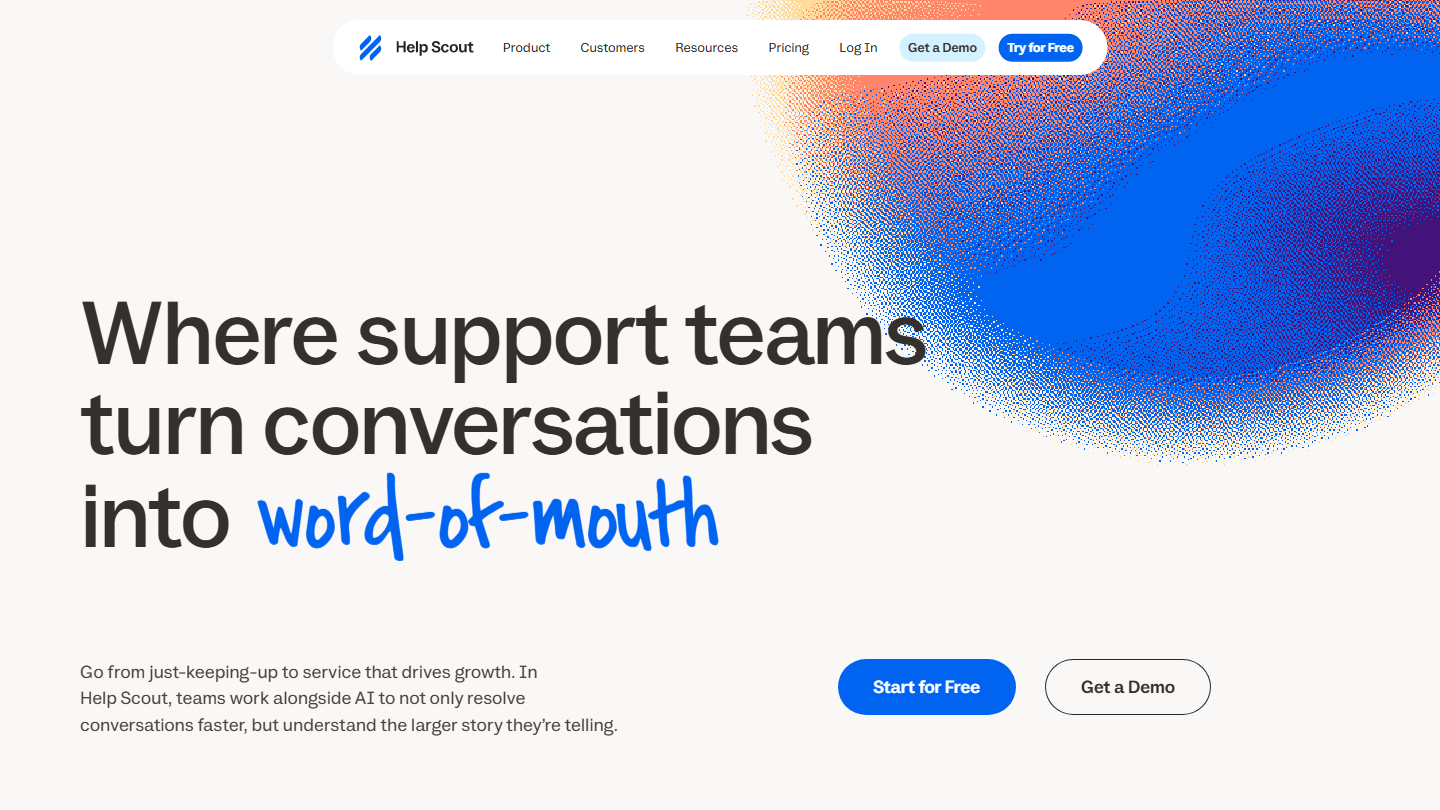
Help Scout home page: “Where support teams turn conversations into word-of-mouth”

The ideal for beginners. Help Scout is the ideal software for newcomers. Customer emails land in a shared inbox, and the agent goes from the list to a one-to-one discussion with the customer in one click.

This simplicity improves customer communication without training the team for weeks: internal notes, assignment and saved replies are understood at first use. Customization, however, stays limited.

It makes sense for a small organization building its first support team and whose customers mostly write by email. Help articles are published in Docs, with no separate tool.

A free plan exists for 5 users and 100 contacts per month. The Standard plan costs $25 per user per month billed annually ($30 monthly) and adds chat and social networks; Plus is $45 and Pro $75.

06

Front

4.4/5 From $25

Best for: Growing organizations whose customer support runs only through written channels

+ Strengths
  • Balance between advanced collaboration and customer communication features
  • Nice collaboration interface: comments, assignment, tags
  • Very rich integrations catalog, with a successful Gmail integration
− Downsides
  • Starter plan limited to a single channel type and 10 seats
  • Automation lags behind competitors such as Zendesk
  • No free plan
★ Front in brief

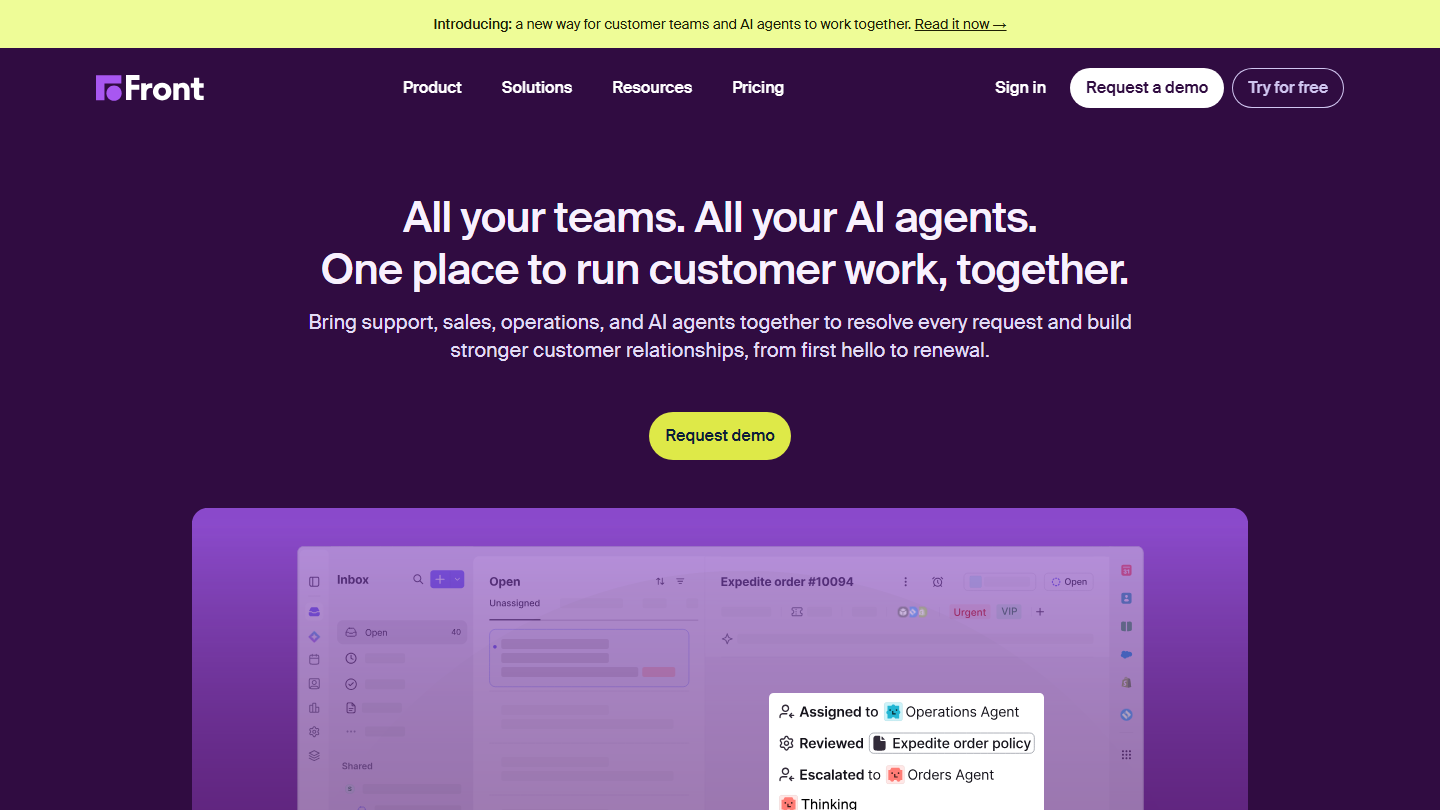
Front home page: “All your teams. All your AI agents. One place to run customer work, together.”, with a shared inbox

The newcomer. Front is a shared inbox that doubles as ticketing software: each message becomes a conversation that the team comments on, assigns to itself and tags, without leaving an interface close to email.

It offers an interesting balance between advanced collaboration features and customer communication, by limiting channels. Internal exchanges happen in the message thread, where other tools send you to a separate note.

It is the ideal software for growing organizations whose support goes through writing, often teams that mix support, account management and inbound sales on the same customers.

The Starter plan costs $25 per seat per month billed annually, up to 10 seats and for a single channel type. Professional, at $65, opens up omnichannel and advanced analytics; Enterprise is $105. The 14-day trial gives access to Professional features.

07

LiveAgent

4.6/5 From $15

Best for: Support teams that want a flexible tool, built around live chat and quickly adopted

+ Strengths
  • Highly developed live chat: predefined messages for customers, note-taking for agents
  • Flexible tool, quickly adopted by support teams
  • Chat, tickets and call center in the same tool from the Team plan
  • AI features included in all plans, with no per-resolution fees
− Downsides
  • Starter without social networks, call center or reporting
  • Unreliable mobile app, users’ most recurring complaint
  • No free plan, only a 30-day trial
★ LiveAgent in brief

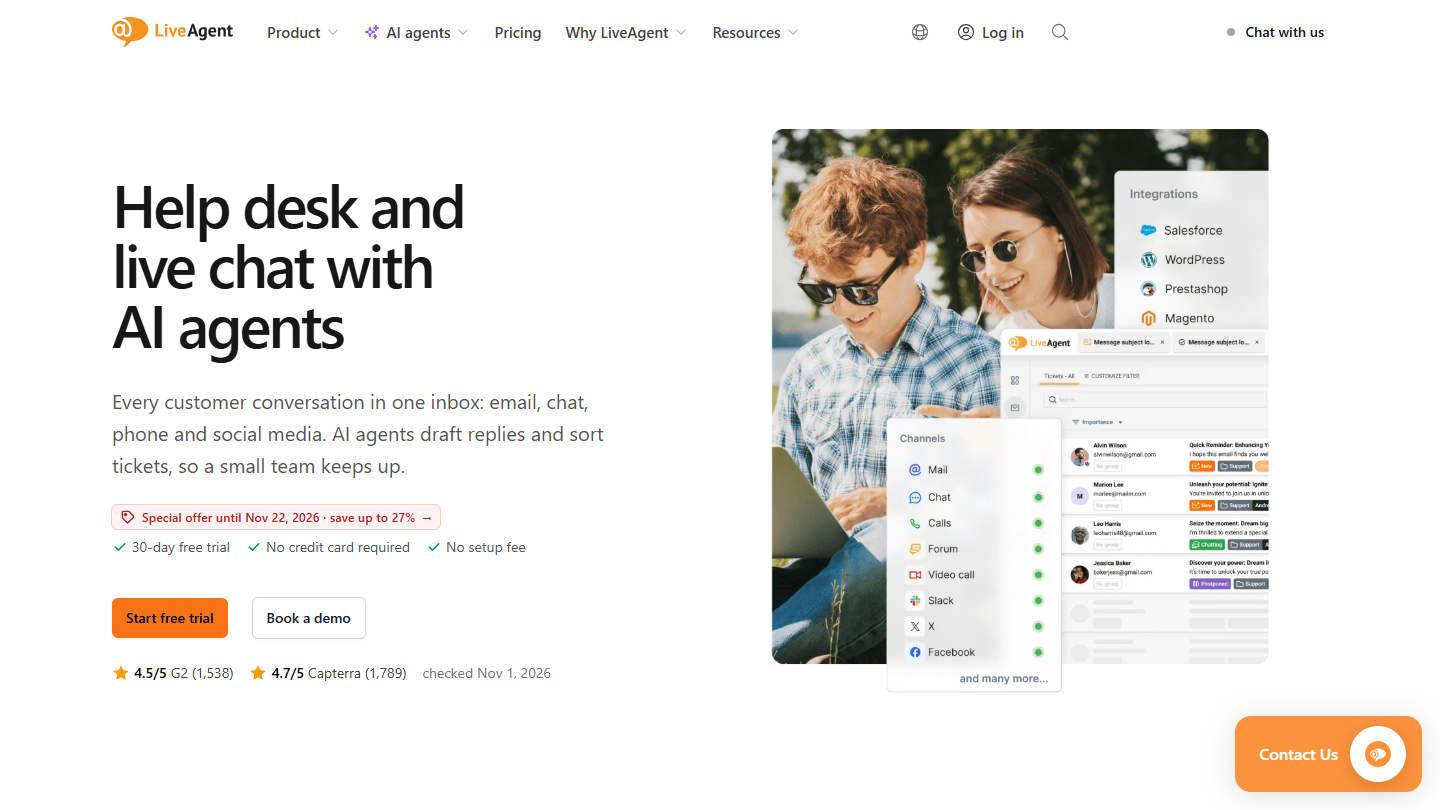
LiveAgent website: “Help desk and live chat with AI agents”

The challenger. LiveAgent bets everything on customer communication, with a highly developed and pleasant live chat: predefined messages on the customer side, note-taking on the agent side, conversion of a conversation into a ticket.

Emails, chat, then social networks and calls arrive in the same inbox. A phone conversation or a Facebook message is handled like a ticket, with the same customer history.

It suits organizations that want a flexible tool, quickly adopted by support teams, especially when the website chat is the first channel. Its reply automations lag behind Zendesk.

The Starter plan costs $15 per agent per month billed annually ($19 monthly), up to 5 agents, with no social networks or call center. Team, at $29 ($35 monthly), adds those channels, reporting and SLA rules; Business is $49. AI is included, paid directly to the chosen provider. The trial lasts 30 days.

08

Freshdesk

4.5/5 From €17

Best for: Small businesses that want a good customer support tool, without project management

+ Strengths
  • Customer portal and help article base from the Growth plan, at €17
  • Access to the whole Freshworks ecosystem, CRM included
  • Smart routing and several SLA policies in Pro
− Downsides
  • Options sold separately: extra AI agent sessions, Copilot at €29 per agent
  • No more lifetime free plan, only 6 months offered for 1 to 2 agents
  • Hard to pick up for beginners
★ Freshdesk in brief

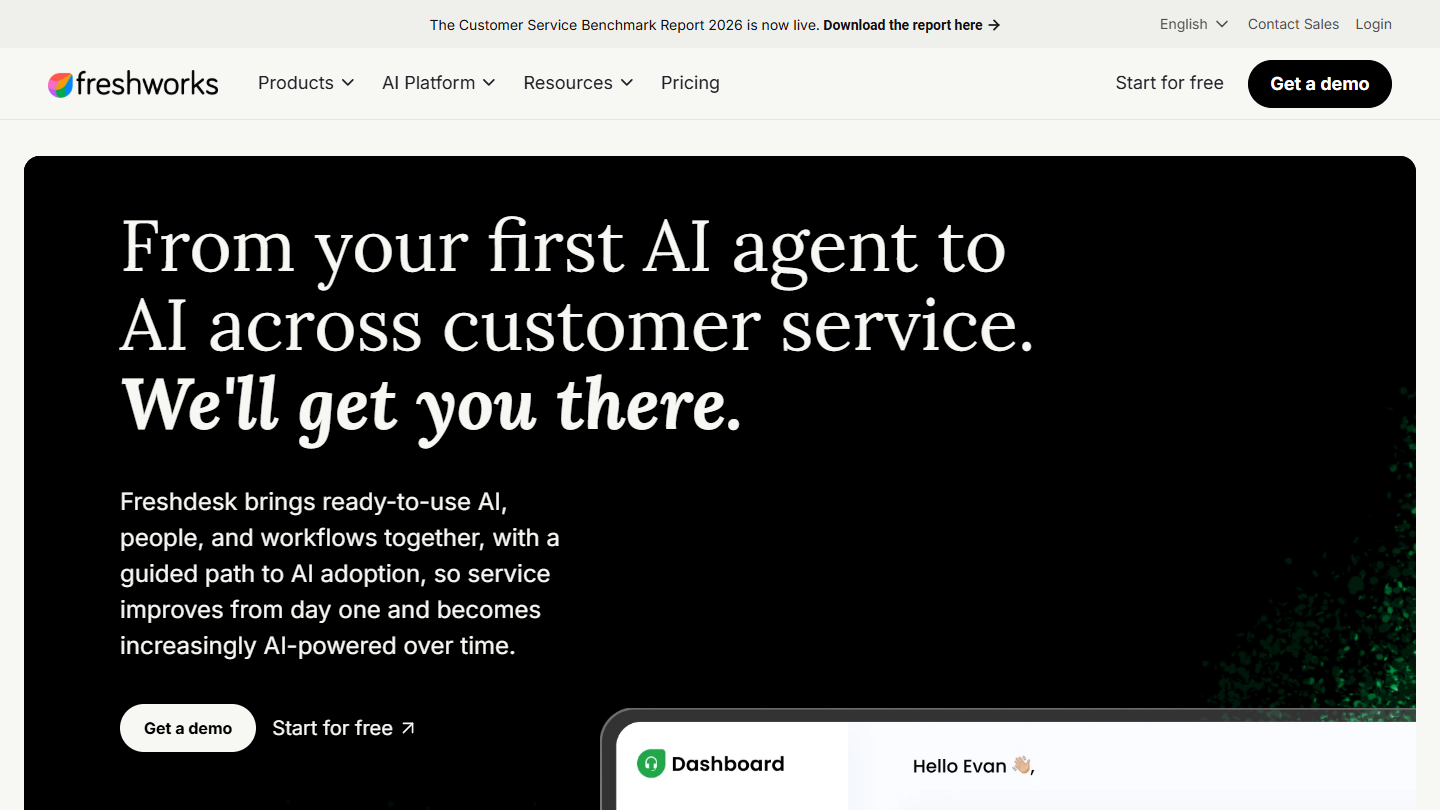
Freshdesk website: “From your first AI agent to AI across customer service. We'll get you there.”

The ideal for small organizations. Freshdesk is Freshworks’ help desk. From the first plan, agents work on shared tickets, with discussion threads and tasks to coordinate, and customers have a space to follow their requests.

Its appeal against Zendesk lies in the entry point: for €17, a small team already has a portal where its customers follow their requests and a base of articles for recurring questions. The rest of the Freshworks ecosystem, CRM included, plugs in afterwards.

It makes sense for an SME that wants a real customer support tool, without the project management features of a Jira. Moving up to the Pro plan, for smart routing and multiple SLAs, triples the bill.

Count €17 per agent per month for Growth, €52 for Pro and €84 for Enterprise, billed annually. Extra AI agent sessions and Copilot (€29 per agent) are paid separately. The 14-day trial opens the Enterprise plan.

09

Zoho Desk

4.4/5 From €7

Best for: Teams that want every ticketing option at the best value for money

+ Strengths
  • Every ticketing option, parent-child tickets included
  • Gentle price ladder: €7, €14, €23 then €40 per user
  • Free-forever plan for 3 users
− Downsides
  • Loses a little in ease of use
  • Interface less ergonomic than Zendesk’s or Freshdesk’s
  • Telephony and multilingual help center only from Professional
★ Zoho Desk in brief

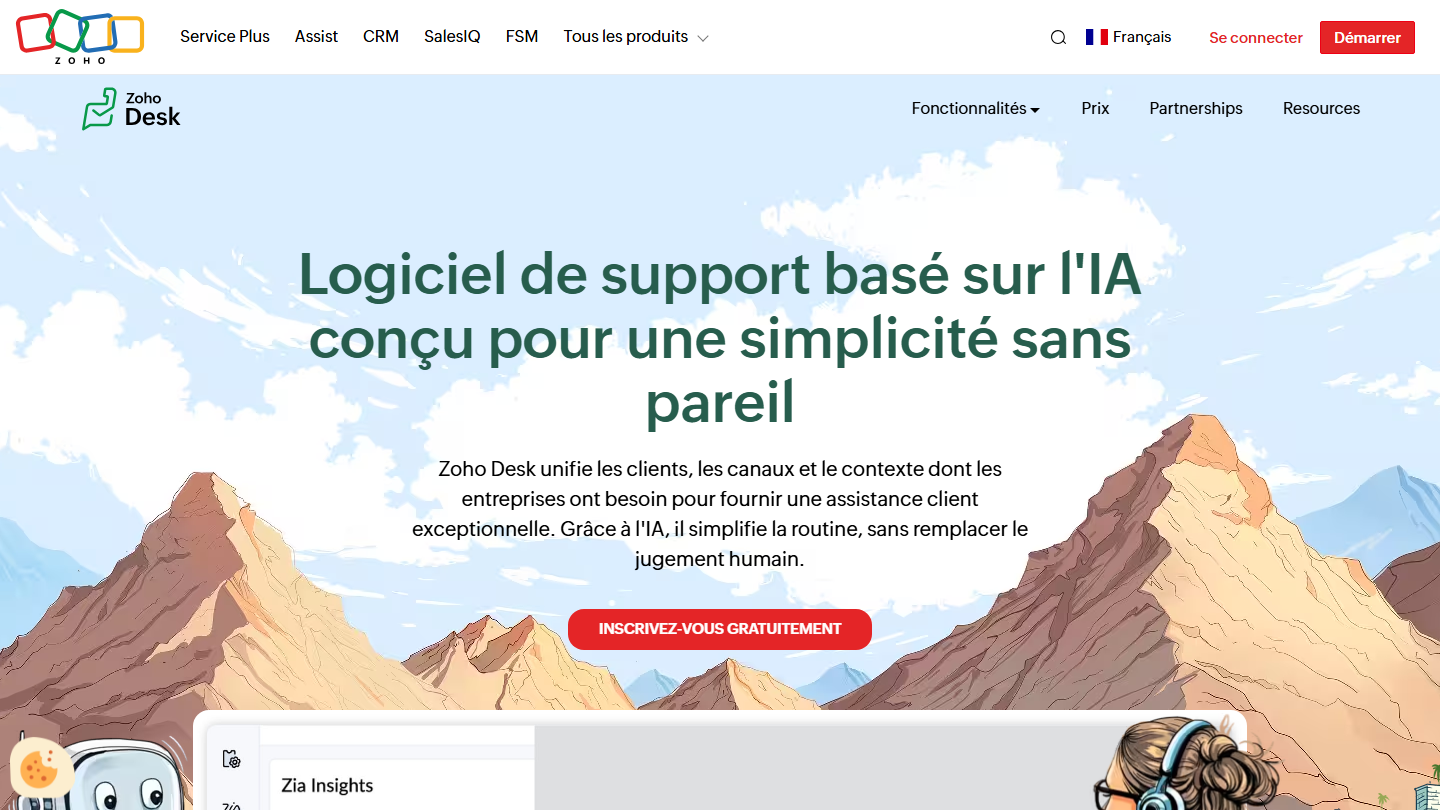
Zoho Desk home page: “AI-based support software built for unmatched simplicity”

The best value for money. Zoho Desk brings together every ticketing option in a tool with extensive features: parent-child tickets, workflows, social networks, chat, knowledge base, telephony.

While it is very complete, it loses a little in ease of use: the interface takes some getting used to, which Freshdesk or Help Scout do not impose. That is the price of a tool that covers so many cases.

It makes sense for a team that wants to move up in features by steps without changing tools, and that already uses, or plans to use, other Zoho applications.

The free plan covers 3 users and email tickets. After that, count €7 (Express), €14 (Standard), €23 (Professional, with telephony) and €40 (Enterprise) per user per month, billed annually.

10

Organilog

4.2/5 From €19

Best for: Maintenance departments that manage field interventions

+ Strengths
  • Dedicated to field interventions, notably maintenance
  • Strong point: planning and post-intervention reporting
  • French software, with a free plan to try the tool
− Downsides
  • Free plan limited to 72 h of history, with no support
  • Ticketing features fully unlocked only from the Pro plan
★ Organilog in brief

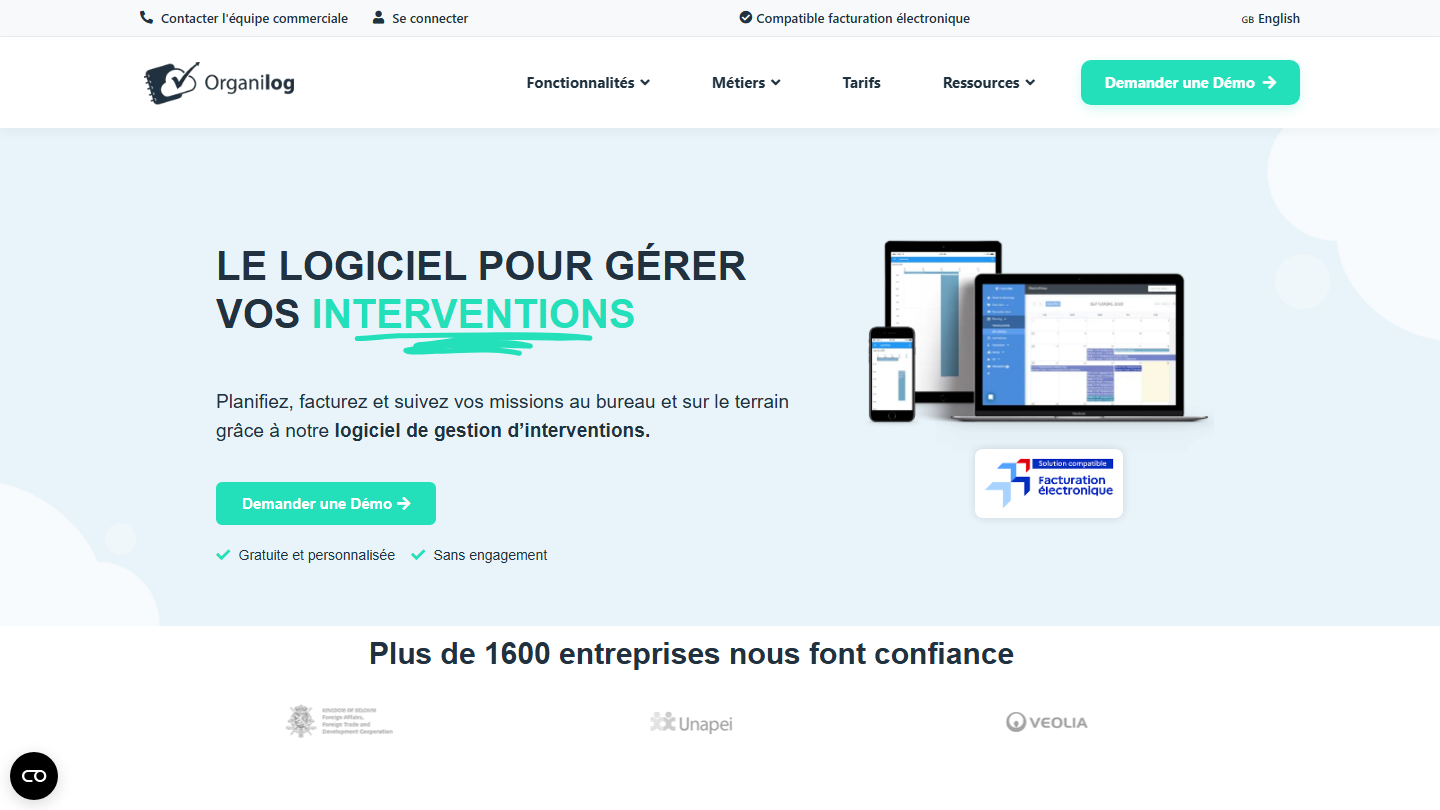
Organilog home page: “The software to manage your interventions”

The ideal for maintenance departments. Organilog is support software dedicated to field interventions: a customer request becomes a scheduled intervention, assigned to a technician, followed by a report.

Its strong point is planning and post-intervention reporting: the technician fills in the report on mobile, the customer receives it, and the invoice can follow in the same tool.

It makes sense for managing maintenance, repair or installation interventions. For remote support, by email or chat, the other tools in this top are better equipped.

The Basic plan is free, limited to 72 hours of history and with no support. Ticketing features are fully unlocked from the Pro plan, at €19 per user per month billed annually (€24 monthly); Business costs €35 and Premium €59.

How we chose these 10 tools

Every tool in this selection has been used in real conditions by our team or by a Salesdorado consultant, in a B2B sales and marketing setting. No ranking built from a marketing deck. The order of the list is not a ranking: the right tool depends on your needs.

  1. 01
    Benchmark scope

    Broad identification of the tools on the market (G2, Capterra, Salesdorado customer feedback, LinkedIn signals). Initial filtering, then a short list based on a 2-hour setup per tool.

  2. 02
    Test conditions

    3 to 4 weeks of active use per tool, with data representative of a B2B sales use case. When a tool targets a specific profile (SDR, AE, Ops, Marketer…), we match the tester accordingly.

  3. 03
    Weighted criteria

    For each category, 5 to 7 axes weighted according to what matters in the segment: UX, feature depth, native integrations, support, pricing at scale, compliance (GDPR, security), and roadmap quality.

  4. 04
    Independence

    No tool is scored in exchange for payment. Partner links (affiliate) are marked as such and do not influence the score. Non-partner tools are included when their place in the ranking is deserved.

  5. 05
    Updates

    The ranking is reviewed every 6 to 12 months or on every major release of a tool mentioned. The date of the last check is shown at the top of the article.

The questions we get over and over.

What is a ticket in a customer support organization?

A ticket, in its most common sense, is an open customer request. The customer runs into a problem, contacts support, and that generates a ticket, an incident if you like. The ticketing software then groups these requests under resolution actions to prioritize the support teams’ work.

What are the different ticket tiers?

Tier 1 corresponds to raw customer requests and is generally resolved in a few hours. Tier 2 describes the underlying cause shared by several incidents and takes a few days. Tier 3 describes a structural problem, which often requires development spread over several months.

What features should you expect from ticketing software?

Omnichannel handling (email, phone, online portal, social networks, chat), grouping of tickets by category, internal communication tools (discussion thread on a ticket, assignment to agents, status tracking), easy adoption by all teams and automations such as automatic assignment or saved replies.

Which ticketing software for a small organization?

Freshdesk is the leader for small businesses looking for a good customer support tool that do not need project management software: tickets, customer portal and knowledge base from €17 per agent. Help Scout is the ideal for beginners, easy to pick up, with a free plan up to 5 users. Zoho Desk starts at €7 per user.

Which ticketing software for development teams?

Jira Service Management lets you collaborate simply on complex processes, which makes it the ideal tool for developers: a customer ticket links to a Jira ticket of the technical team. Its free plan covers 3 agents.

Which ticketing software for maintenance interventions?

Organilog is dedicated to field interventions, notably maintenance. Its strong point is planning and post-intervention reporting.

★ The conversation, 0 comments

What the community says.

Basic Markdown, moderated within 24 h
Loading…

    In the same category