The Best B2B Data Enrichment Solutions

Nine solutions to enrich an existing B2B database (CRM, file). French company data: Pharow (€139 excl. VAT/month, €105 billed annually, CRM export with no duplicates, rating 4.

Maxime Ben Bouaziz
Maxime Ben Bouaziz
CEO Salesdorado, IA & Sales Tech
November 10, 2020, updated November 10, 2026, 1 min read
See all tools

Enriching B2B data means filling the gaps in a database you already have, a CRM or a file, with what it lacks: verified email, mobile number, job title, SIREN, headcount, technologies used. In B2B, a distinction is usually made between « people » and « companies », that is, contact data and company qualification data. Depending on your markets and the data you are after, some solutions will fit better than others.

Depending on your need:

  • qualify French companies from their SIREN: Societeinfo;
  • feed HubSpot or Pipedrive with French data, with no duplicates: Pharow;
  • keep strategic accounts up to date with hand-verified data: Nomination;
  • correct and complete the emails in a CRM while staying GDPR-compliant: Dropcontact;
  • add mobile numbers: Lusha;
  • enrich a CRM for an international target: Apollo;
  • combine several data providers: Clay;
  • find out which technologies your prospects use: BuiltWith;
  • identify the companies that visit your website: Albacross.

We present 9 solutions: 7 « generalist » solutions and 2 very specific ones for narrower use cases.

SalesdoradoSimulate your choice of enrichment tool
Free tool, 2 minutes
Simulate your choice of enrichment tool

Answer 10 targeted questions and find the tools that actually fit your situation.

12
tools analyzed
10
targeted questions
€0
no sign-up
Methodology published by the Salesdorado editorial team

The 9 tools, side by side

# Logos tool Score Price Best for
01 Pharow 4.7/5 ★ €139 Teams that prospect in France and want to enrich their CRM without creating duplicates Visit site
02 Societeinfo 4.7/5 ★ €39 Teams that want accurate French company data, updated every day Visit site
03 Dropcontact 4.4/5 ★ €24 Teams that want reliable email addresses and a CRM that is corrected automatically Visit site
04 Nomination 4.7/5 ★ On request Teams that do ABM on French accounts and want a Salesforce or HubSpot CRM kept up to date Visit site
05 Lusha 4.1/5 ★ $37.45 Sales reps who look for mobile numbers from LinkedIn or their CRM Visit site
06 BuiltWith 4.3/5 ★ $295 Sales reps who sell technical solutions and target according to their prospects' stack Visit site
07 Albacross 4.1/5 ★ €59 Sales and marketing teams that want to know which companies visit their website Visit site
08 Apollo.io 4.0/5 ★ $49 Teams that want a CRM enriched automatically for an international target, with prospecting in the same tool Visit site
09 Clay 4.0/5 ★ $167 RevOps teams that want to enrich a CRM by querying several providers in turn Visit site
01

Pharow

4.7/5 From €139

Best for: Teams that prospect in France and want to enrich their CRM without creating duplicates

+ Strengths
  • Fresh French legal data, reconciled on the SIREN
  • Enrichment included, on company files as well as prospect files
  • CRM export that updates the right record and blocks duplicates
  • Segmentation that combines legal data, business signals and LinkedIn
− Downsides
  • France only: you need another tool, Apollo for example, for international
  • HubSpot and Pipedrive sync; Salesforce announced, not yet available
  • No free plan, only a 15-day trial
★ Pharow in brief

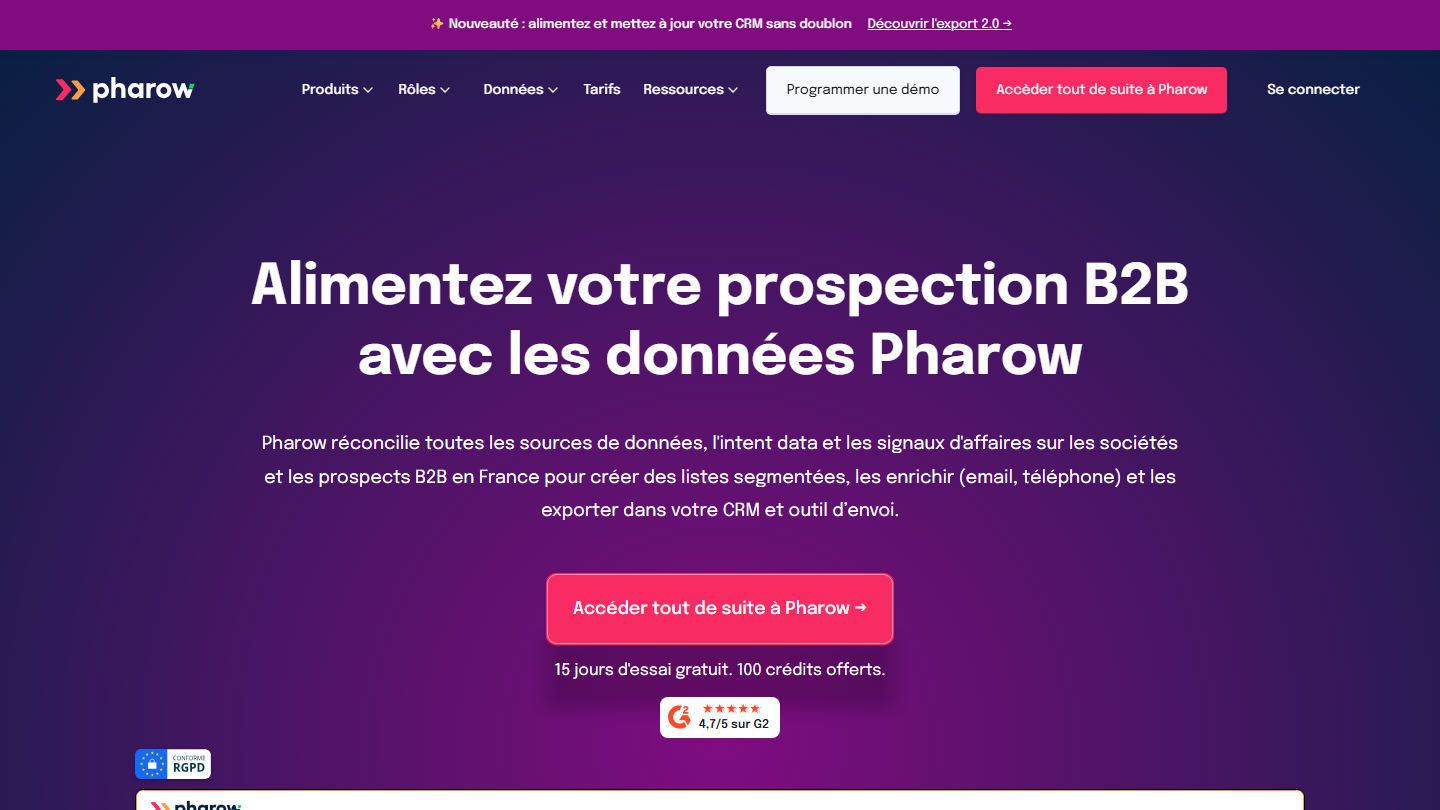
Pharow homepage:

Pharow centralizes data on B2B companies and prospects in France. The platform is built around legal data, enriched with the web, LinkedIn, job boards, technologies, funding rounds and other legal events. The positioning is 100% France, with real work on the freshness and completeness of the data, which allows segmentations that combine legal data, business signals and LinkedIn data.

On the enrichment side, the tool works both ways. You enter a SIREN, a website or a company LinkedIn URL: Pharow finds the company, enriches it and surfaces the decision-makers with their contact details. You import a file of emails or LinkedIn URLs: Pharow finds the associated company data.

The CRM integrations are also a strong point. Pharow recognizes the data already in a CRM (more than 70% of companies, 50% of contacts) and the export does not just create records: the tool identifies the matches already present, updates the right record instead of creating a new one, and blocks actions that would create a duplicate based on the unique fields you define (email, domain, LinkedIn URL). Sensitive fields can be locked so a hand-entered value is never overwritten. Nothing is written to your CRM without validation: before each export you see what will be created, modified or ignored, and you keep control over every ambiguous case. The tool suits marketing profiles as well as sales teams, BDRs and SDRs.

Essentiel costs €139 excl. VAT per month with no commitment, €119 billed quarterly and €105 billed annually, with 1,000 credits per month: one credit is used for each company or prospect added to a list. Avancé goes up to €229 per month (€169 billed annually), with more searches and a dedicated CSM. Each additional user costs €45 per month, €34 billed annually, and the 15-day trial includes 100 credits.

02

Societeinfo

4.7/5 From €39

Best for: Teams that want accurate French company data, updated every day

+ Strengths
  • Exceptional data quality on the French market
  • Connected to the commercial court registries for daily updates
  • Self-service and public pricing
  • Credits bought individually, with no expiry date
− Downsides
  • French market only
  • Not the best on mobile numbers
  • Few native integrations: a Salesforce module, the rest goes through Zapier, Make or the API
★ Societeinfo in brief

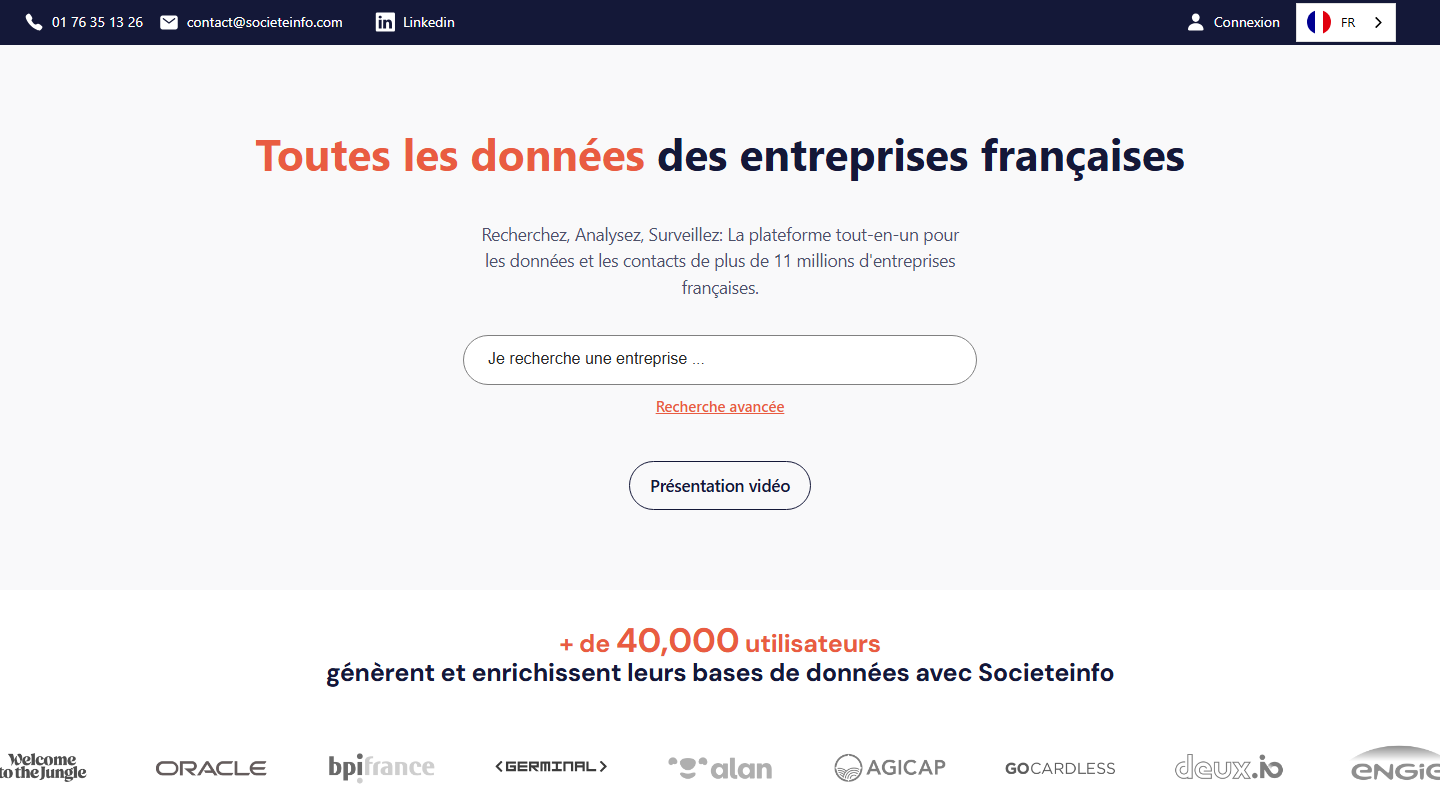
Societeinfo homepage:

Societeinfo stands out as the best-performing data enrichment solution on the French market. The richness and quality of its database are simply stunning. The tool is connected to the commercial court registries for daily data updates. Build a database with very precise information on your prospects, or enrich your existing databases.

To enrich, you start from what the record already contains: SIREN, company name or domain name. Societeinfo attaches the legal information, activity, revenue, headcount, executives and contacts found on the web, for the roughly 11 million companies listed in the SIRENE register. The work is done by file, through the API or, for Salesforce, through a module that fills the fields chosen at setup.

It makes sense when the CRM mostly holds poorly qualified French companies: a SIREN is enough to add sector, size and key figures, then segment. For named emails at volume, Dropcontact does better, and outside France Societeinfo has nothing left to enrich.

Subscriptions run from €39 per month billed annually (Starter, 3,600 credits per year; €59 monthly) to €299 (Scale, 72,000 credits per year, 3 users), with Pro at €99 and Growth at €199 in between. One credit equals one contact or company exported or enriched. Without a subscription, the free account works with credits bought on demand, between €0.25 and €0.05 each.

03

Dropcontact

4.4/5 From €24

Best for: Teams that want reliable email addresses and a CRM that is corrected automatically

+ Strengths
  • Very good at finding email addresses
  • CRM integration that merges duplicates and tracks company changes
  • No database stored, European servers: GDPR compliance
  • Self-service and public pricing for file enrichment
− Downsides
  • Not the best on phone numbers
  • CRM integration sold separately, with no public price, and not yet on Salesforce
  • Enrichment rate drops outside Europe
★ Dropcontact in brief

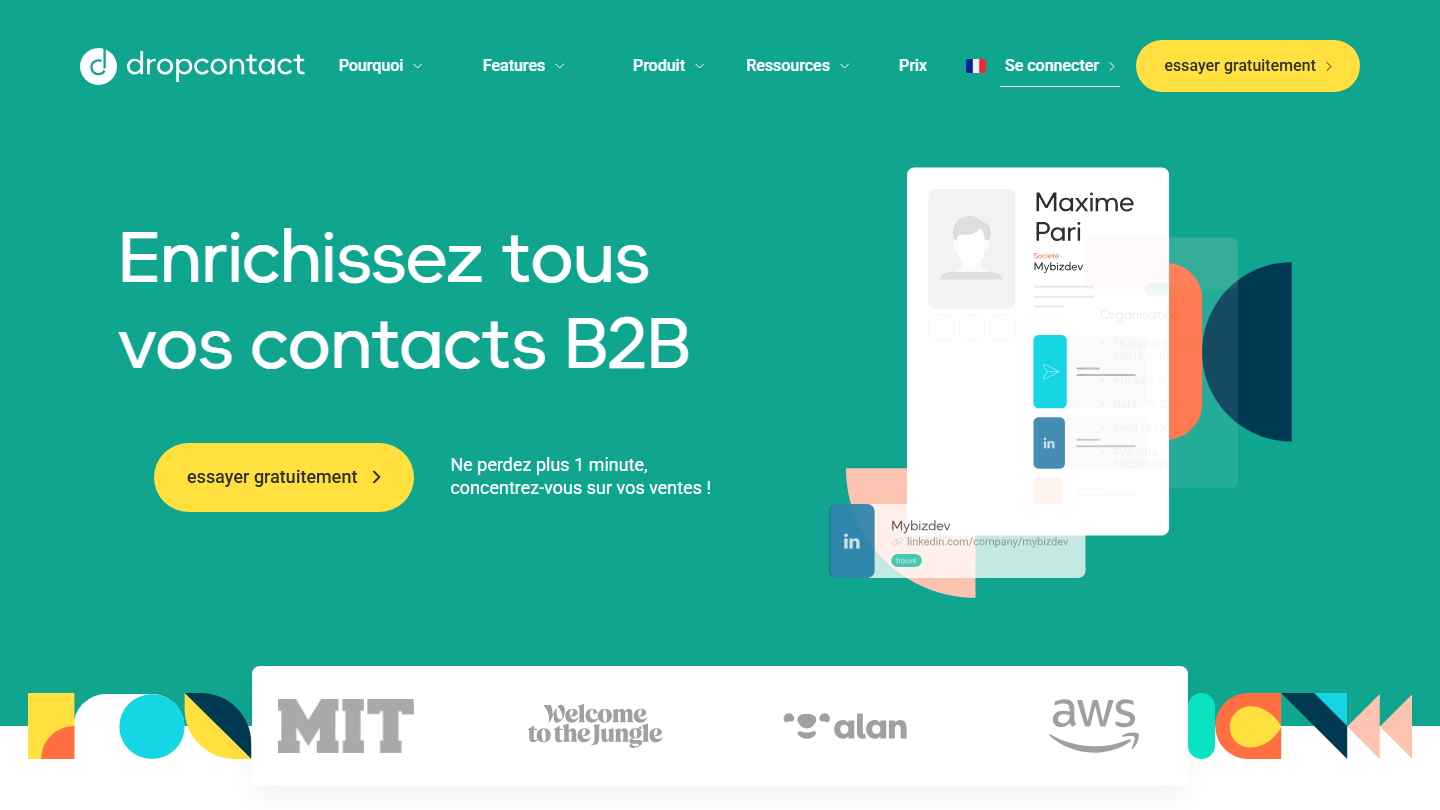
Dropcontact homepage:

This tool connects to your CRM to make sure your contacts stay up to date. Dropcontact automatically corrects errors and outdated information by validating them regularly. It does not resell any contact database: its own algorithms calculate and verify the address from the name and the company, on servers located in the European Union.

Two offers coexist. The Email Finder subscription processes CSV, Excel or TXT files, a Google Sheets spreadsheet or API calls. The CRM integration, on HubSpot and Pipedrive, works directly in the records: merging duplicate contacts and companies, detecting people who changed employer, adding the verified email, the LinkedIn profile and the mobile number. Credits from one cannot be used in the other.

It is the tool to plug in when the CRM already exists and is degrading: duplicates, outdated job titles, contacts who left. For a one-off file from a trade show, the Email Finder with no commitment is enough: subscribe for a month, process the file, cancel.

Billed annually, the Email Finder comes to €24 per month for 500 credits (Starter), €29 with no annual commitment; Growth, from €29, adds LinkedIn enrichment, job title cleanup and company data. 50 credits are offered. The CRM integration has no public price: it is quoted after a demo, with a free audit of the database.

04

Nomination

4.7/5 From On request

Best for: Teams that do ABM on French accounts and want a Salesforce or HubSpot CRM kept up to date

+ Strengths
  • Very good for ABM
  • Database continuously updated by a team of 60 people
  • Org charts, subsidiaries and news on the accounts you follow
  • CRM connectors for Salesforce and HubSpot
− Downsides
  • French market only
  • Pricing on request, no public grid
  • Narrower coverage than a legal database: 100,000 companies
★ Nomination in brief

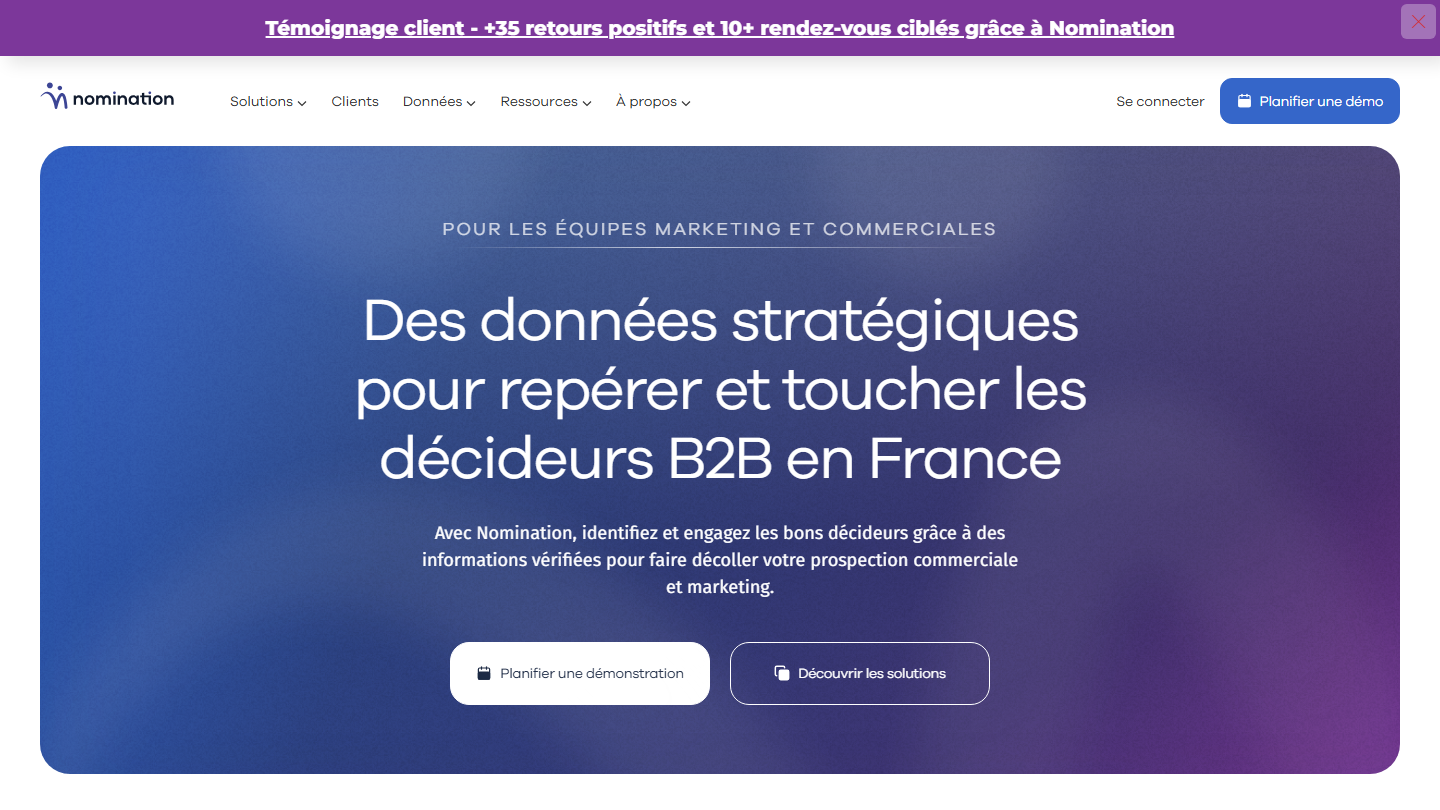
Nomination homepage:

Nomination covers the prospecting process as a whole: find the decision-makers who work in the companies you target, identify entry points through mutual contacts and contact them directly by email.

The tool keeps its database continuously updated thanks to a team of experts whose job is to verify as much information as possible: 60 people, half of the staff. The database covers 100,000 companies and 450,000 decision-makers, with org charts, subsidiaries and more than 40,000 news items detected each year.

To enrich your existing data from the Nomination database, a connector completes customer and prospect records directly in Salesforce or HubSpot, with daily account updates and an anti-duplicate system. Sales reps also receive news about their accounts there. For a heavily degraded database, Nomination sells a data cleaning service: audit, deduplication, replacement of contacts who left, and segmentation.

It makes sense for a list of strategic accounts, when a contact error costs more than the data. To qualify thousands of small companies, a legal database like Societeinfo costs less. Pricing is on request only, and a free test can be requested on the site.

05

Lusha

4.1/5 From $37.45

Best for: Sales reps who look for mobile numbers from LinkedIn or their CRM

+ Strengths
  • Excellent on mobile numbers and emails
  • Chrome extension that works on LinkedIn, Gmail and inside the CRM
  • Bulk enrichment and direct export to the CRM
  • Free plan with 40 credits per month
− Downsides
  • Not the best on company data
  • A phone number costs 5 credits, an email only 1
  • CSV file and API enrichment from the Pro plan
★ Lusha in brief

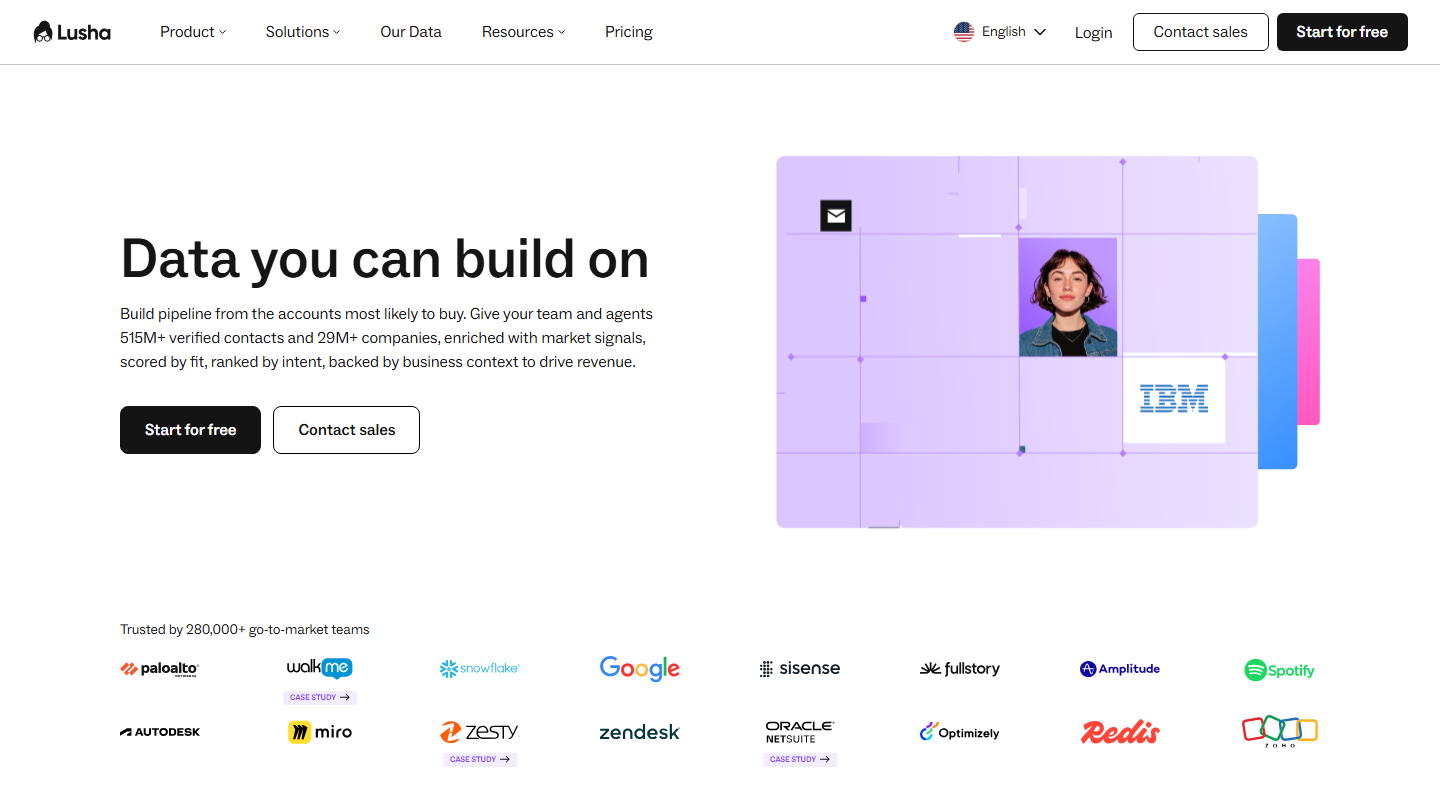
Lusha homepage:

Many tools give you your targets’ email addresses, but Lusha stands out by giving you access to a piece of data that companies often protect: the phone number.

Lusha works as a Chrome extension that alerts you, on LinkedIn or Gmail for example, when a contact is identified, or directly in your CRM, where it completes the open record. For a whole database, bulk enrichment processes contact lists and sends them back to the CRM.

Lusha makes sense when the team makes calls and the CRM holds names without numbers. The cost is calculated in numbers: at 5 credits each, the 4,800 annual credits of the Starter plan give about 960 numbers per year. On a French database, test on a sample first, coverage is better in the United States.

The free plan gives 40 credits per month. Billed annually, count $37.45 per month for Starter, $52.45 for Pro (7,200 credits per year, API and CSV files) and $299.95 for Premium (40,800 credits). Beyond that, Scale is on request.

06

BuiltWith

4.3/5 From $295

Best for: Sales reps who sell technical solutions and target according to their prospects' stack

+ Strengths
  • Very valuable data on the technologies your prospects use
  • Alerts when a site adopts or drops a technology
  • Free single-site lookup
  • CRM integration on all plans
− Downsides
  • Fairly expensive tool: first plan at $295 per month
  • No free trial, one-month minimum commitment
  • Basic plan limited to 2 technologies tracked
★ BuiltWith in brief

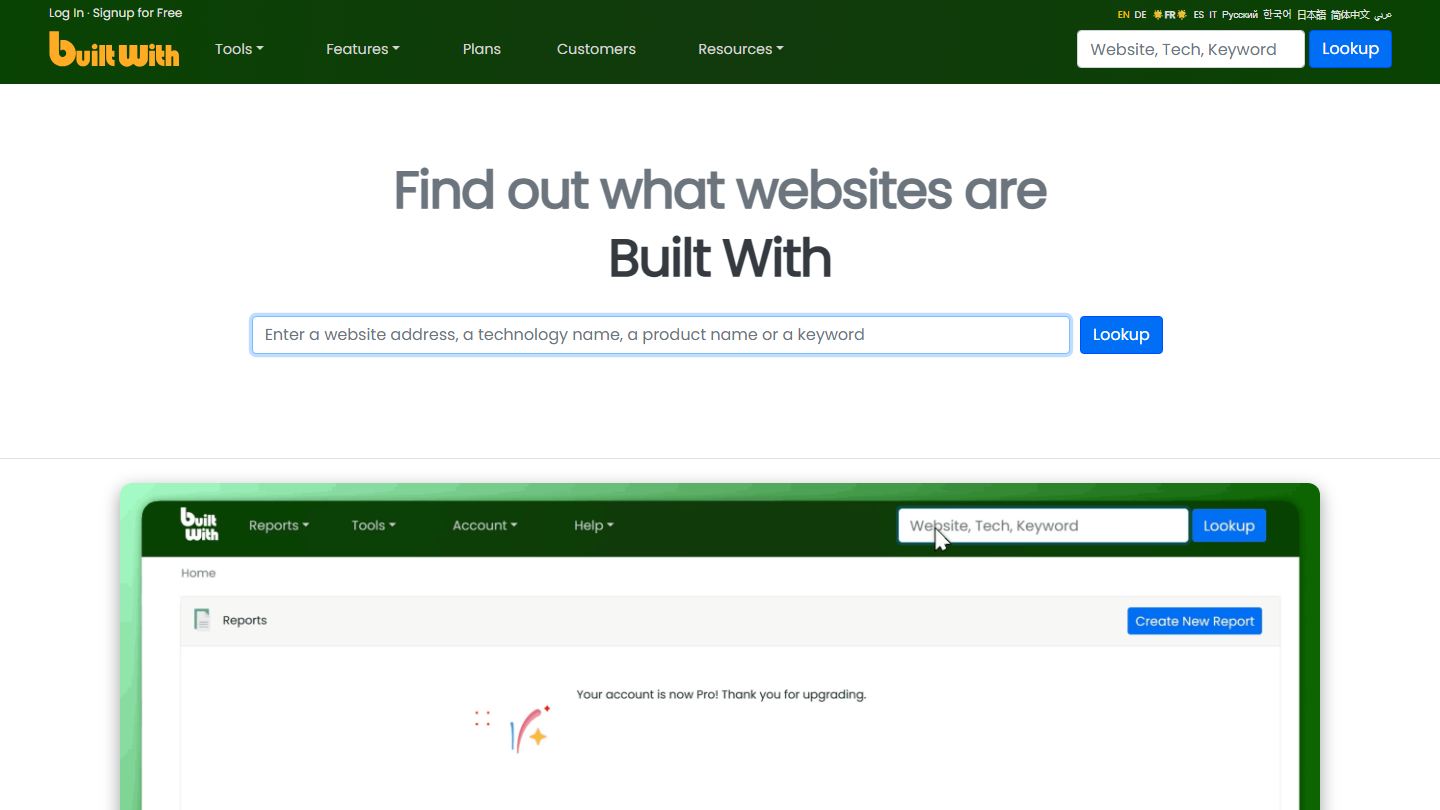
BuiltWith homepage:

BuiltWith takes a slightly different approach from its competitors on data enrichment. The tool tells you which technology solutions your prospects use, and in particular which software. That is extremely valuable for sales teams working in this industry: offer your prospects well-suited solutions and improve your conversion.

BuiltWith tracks 491.9 million domains and nearly 128,000 technologies, with history. You build a list of sites that use a technology (a CMS, an emailing tool, a competitor), export it to Excel or CSV with the associated public contacts, or push it into the CRM.

It makes sense when you sell software or a service tied to a specific technology: integrator, vendor replacing a competitor, specialized agency. To add emails or numbers to your records, it does not replace the tools in the previous group.

Looking up a single site remains free. Basic costs $295 per month for 2 technologies and 2 keywords tracked, Pro $495 unlimited, Team $995 with several users. Billed annually, Basic comes to $2,950, that is two months free.

07

Albacross

4.1/5 From €59

Best for: Sales and marketing teams that want to know which companies visit their website

+ Strengths
  • Easy to use and intuitive
  • Customer service that takes care of you
  • Most active accounts sent to the CRM, Slack or Teams
− Downsides
  • Fairly expensive tool
  • No free plan, only 14 days of free access
  • Contact credits are counted: 10 emails and 5 numbers per month on Starter
★ Albacross in brief

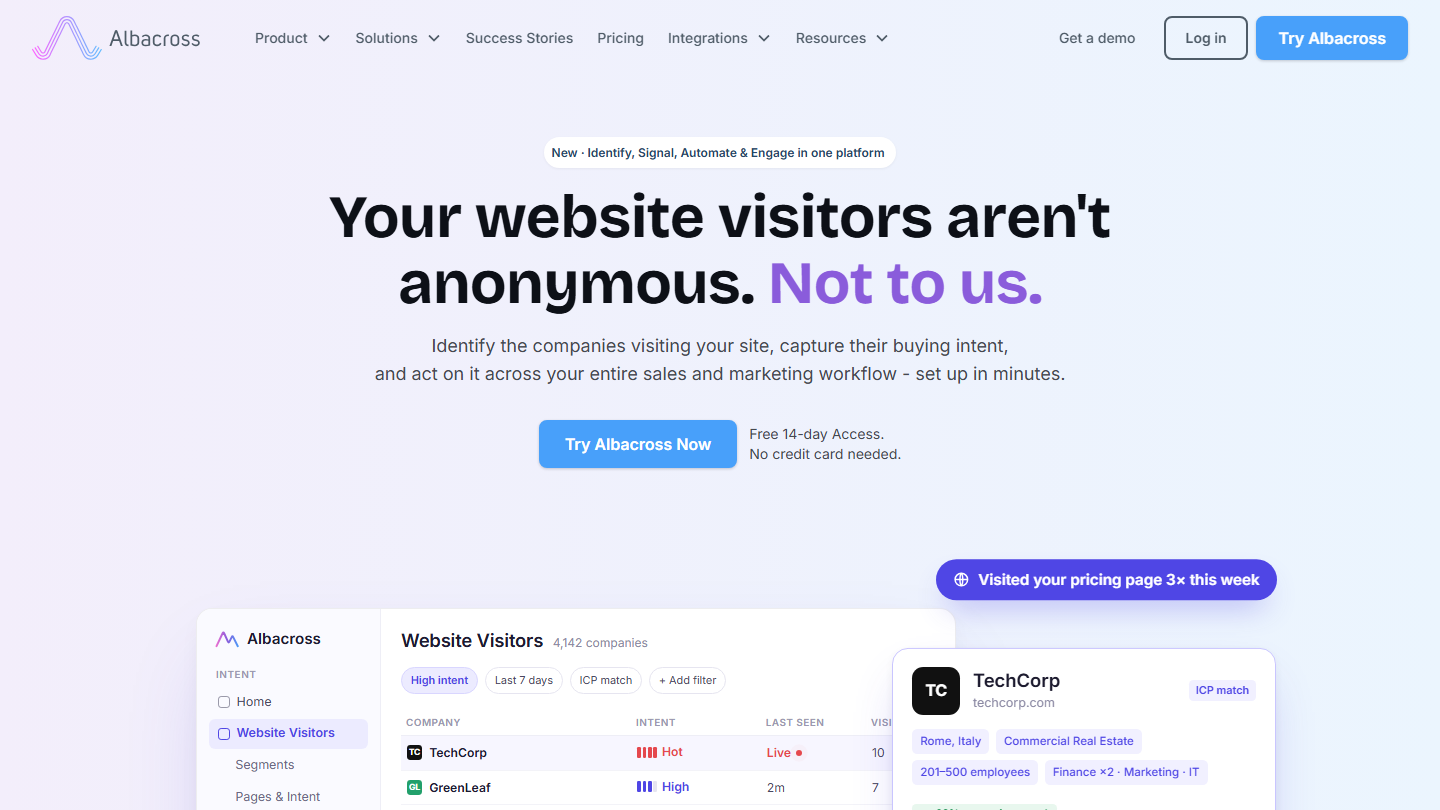
Albacross homepage:

Albacross helps you answer one of the hardest questions: who is visiting my B2B website? That information is obviously very valuable for any sales and marketing department. Albacross is easy to use, filters companies easily and creates segments to monitor.

Albacross’s intelligence solutions are based on an IP-to-company data network that tracks 3 billion events per month. A script placed on the site links each visit to a company; Albacross adds its contact data to find the right decision-makers, and can launch email or LinkedIn sequences.

It is not a tool to enrich an existing database: it creates a new one, made of the companies showing interest. It makes sense when the site attracts B2B traffic that does not fill in a form. The identified accounts then go to the CRM, where a tool from the previous group completes them.

Starter costs €59 per month billed annually and €84 monthly, for at most 100 companies identified per month. Professional goes up to €149 (€213 monthly) for 500 companies, with HubSpot integration and CSV export. The 14-day free access requires no credit card.

08

Apollo.io

4.0/5 From $49

Best for: Teams that want a CRM enriched automatically for an international target, with prospecting in the same tool

+ Strengths
  • Automatic enrichment of the CRM, CSV files and via API from the Basic plan
  • Waterfall enrichment when its own database finds nothing
  • Free plan with 100 CRM enrichments per month
− Downsides
  • Less accurate than Pharow or Societeinfo on French companies
  • Billed per seat: the bill climbs with team size
  • Customer service in English only
★ Apollo.io in brief

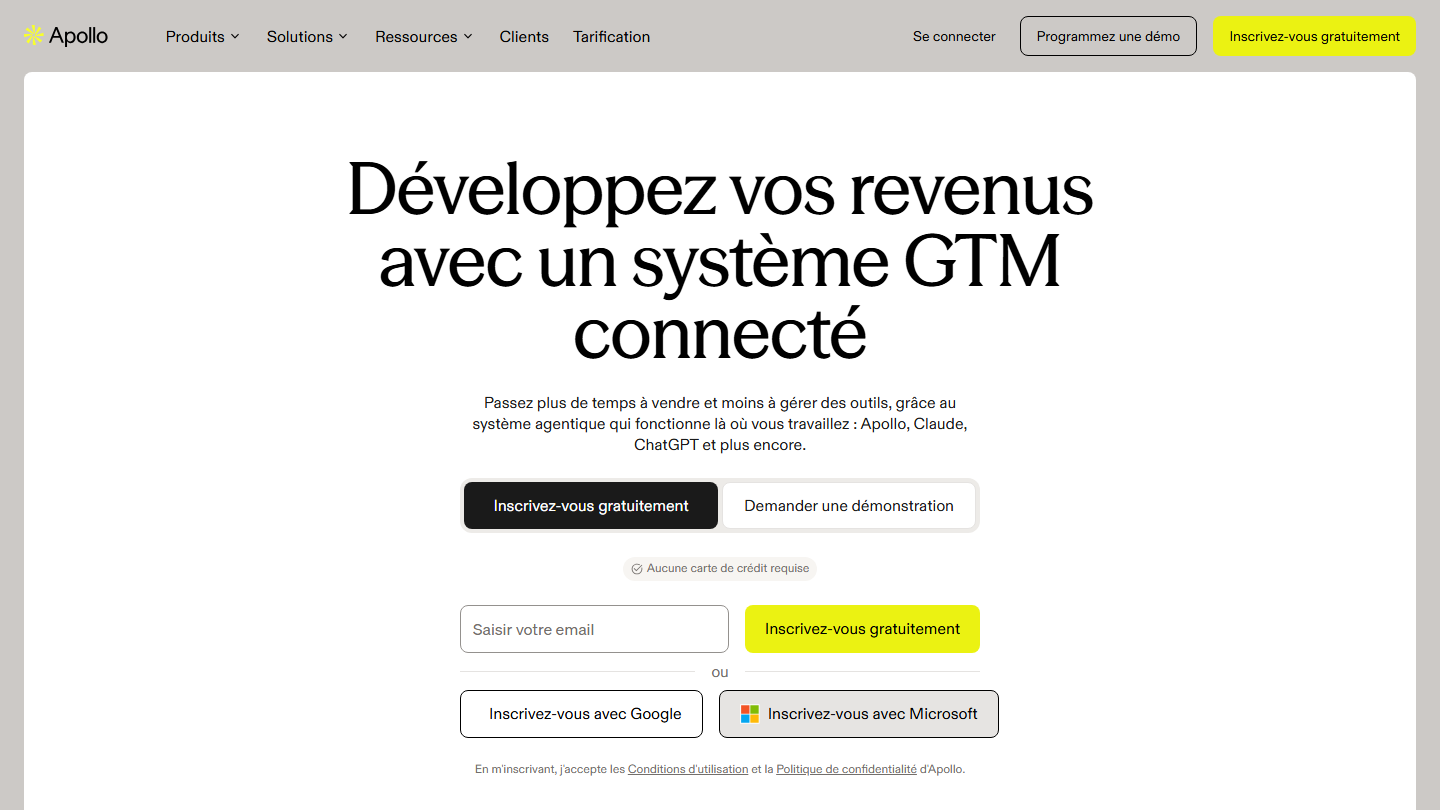
Apollo homepage:

Apollo is a prospecting platform built on its own database of contacts and companies, worldwide. It is known for its LinkedIn extension and its sequences; here, it is the enrichment module that matters.

Connected to HubSpot or Salesforce, Apollo completes the contacts and accounts in the CRM and updates them automatically. The same engine enriches a CSV file dropped into the interface, form leads in real time, or goes through the API. When its database finds nothing, waterfall enrichment queries other providers.

It makes sense for a CRM that mixes accounts from several countries, where a French tool leaves gaps. On a 100% French database, Pharow or Societeinfo give more accurate company records.

The free plan enriches 100 CRM records per month, enough to judge the quality on your own database. Automatic enrichment starts with Basic, at $49 per month per seat billed annually, $65 monthly; Professional goes up to $79. Both can be tried for 14 days.

09

Clay

4.0/5 From $167

Best for: RevOps teams that want to enrich a CRM by querying several providers in turn

+ Strengths
  • Better fill rate than a single source, thanks to waterfall enrichment
  • Claygent, an AI agent that searches the web for what no provider has
  • 14-day trial on top of the free plan
− Downsides
  • Steep learning curve: each table is built column by column
  • Automatic CRM sync reserved for the Growth plan, at $446 per month
★ Clay in brief

Clay homepage:

Clay does not own a contact database. It is a spreadsheet connected to many data providers, with an AI agent that reads the web when no provider has the information.

You import a list or a CRM view, then add columns: email, number, job title, headcount, technology, news. For each column, Clay queries a first provider, then the next if it finds nothing, and so on. The results go back to the CRM or the sending tool.

It makes sense when a single source leaves too many empty cells and someone on the team can build and maintain the tables. Without a RevOps profile to set it up, it stays underused, and Dropcontact or Apollo do the job for less.

The free plan gives 1,200 data credits per year and 200 rows per table, enough to test a waterfall. Launch costs $167 per month billed annually ($185 monthly) with 30,000 data credits per year. Automatic CRM sync requires Growth, at $446 per month billed annually ($495 monthly).

How we chose these 9 tools

Every tool in this selection has been used in real conditions by our team or by a Salesdorado consultant, in a B2B sales and marketing setting. No ranking built from a marketing deck. The order of the list is not a ranking: the right tool depends on your needs.

  1. 01
    Benchmark scope

    Broad identification of the tools on the market (G2, Capterra, Salesdorado customer feedback, LinkedIn signals). Initial filtering, then a short list based on a 2-hour setup per tool.

  2. 02
    Test conditions

    3 to 4 weeks of active use per tool, with data representative of a B2B sales use case. When a tool targets a specific profile (SDR, AE, Ops, Marketer…), we match the tester accordingly.

  3. 03
    Weighted criteria

    For each category, 5 to 7 axes weighted according to what matters in the segment: UX, feature depth, native integrations, support, pricing at scale, compliance (GDPR, security), and roadmap quality.

  4. 04
    Independence

    No tool is scored in exchange for payment. Partner links (affiliate) are marked as such and do not influence the score. Non-partner tools are included when their place in the ranking is deserved.

  5. 05
    Updates

    The ranking is reviewed every 6 to 12 months or on every major release of a tool mentioned. The date of the last check is shown at the top of the article.

The questions we get over and over.

Which data enrichment solution should you choose for the French market?

Societeinfo stands out as the best-performing data enrichment solution on the French market: the tool is connected to the commercial court registries for daily data updates, across the 11 million companies in the SIRENE database. Pharow, positioned 100% France, enriches company and prospect files from legal data, the web and LinkedIn, and updates the CRM without creating duplicates. Nomination tracks 100,000 companies and 450,000 decision-makers, verified by a dedicated team.

Which tool should you use to get your prospects' mobile numbers?

Lusha gives access to a piece of data that companies often protect: the phone number. Its Chrome extension flags the contacts identified on LinkedIn or Gmail and completes the open record in the CRM; bulk enrichment processes a whole list. A number costs 5 credits, against 1 for an email.

Which enrichment solution should you use to target companies outside France?

Apollo relies on a worldwide database and automatically enriches the contacts and accounts in the CRM from its Basic plan, at $49 per seat per month billed annually. Clay goes further by querying several providers in turn when the first finds nothing. The French tools in this comparison, Societeinfo, Pharow and Nomination, do not cover foreign markets.

How can you find out which technologies your prospects use?

BuiltWith shows which technology solutions, and in particular which software, your prospects use. Sales teams in this sector can then offer them suitable solutions and improve their conversion.

How do you identify the companies that visit your B2B website?

Albacross relies on an IP-to-company data network that tracks 3 billion events per month to reveal your site's anonymous visitors. The tool filters companies, creates segments to monitor and finds the right decision-makers through its contact data. Starter costs €59 per month billed annually.

★ The conversation, 0 comments

What the community says.

Basic Markdown, moderated within 24 h
Loading…

    In the same category