


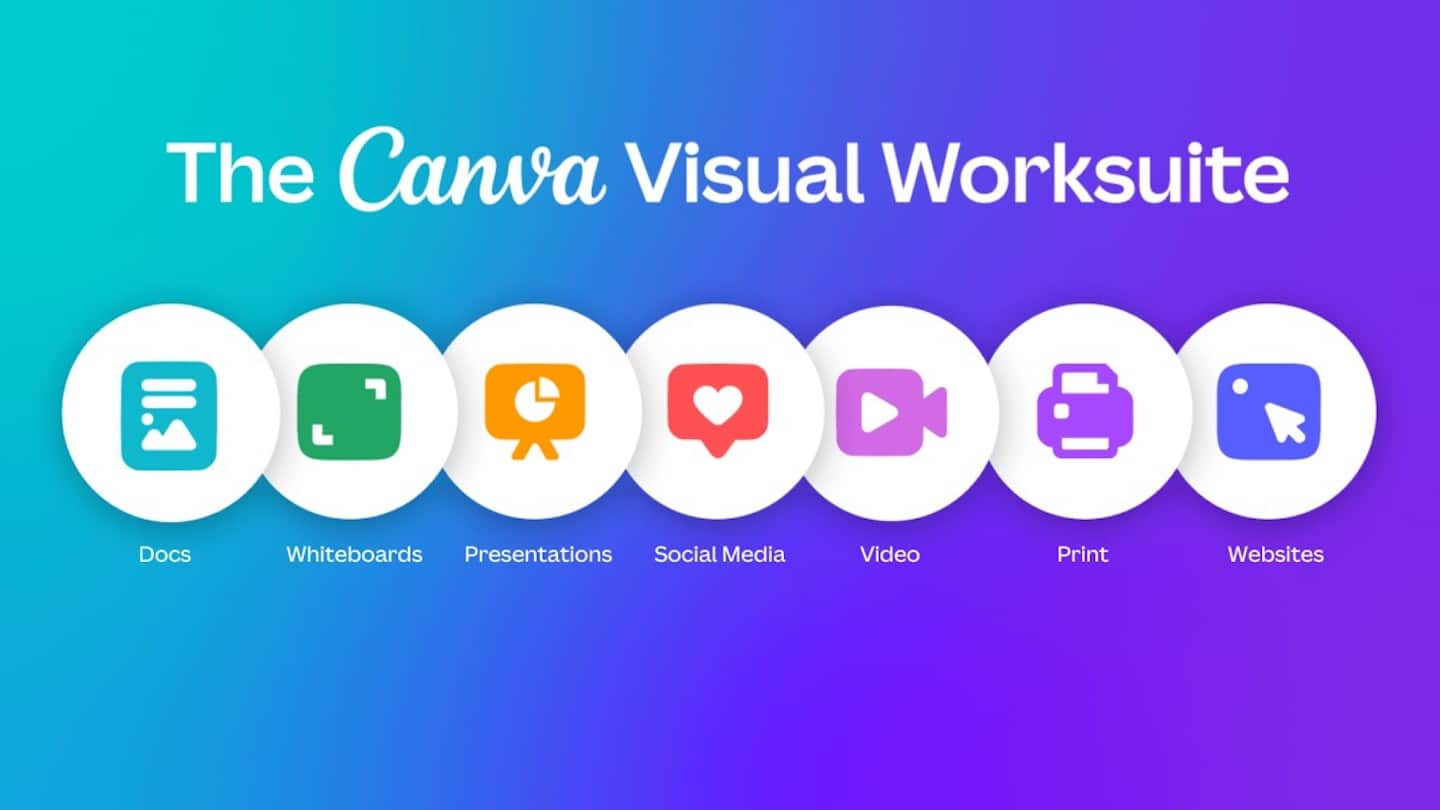
- Canva’s templates and drag & drop editor let you produce a professional sales presentation in very little time.
- The Brand kit defines colors, typography, images and templates, and checks that the whole company’s designs respect them.
- Targeted comments, notifications, rights management, publishing calendar, Slack integration: collaboration happens inside the tool.
- Canva Suite Studio adds one-page website creation, a whiteboard, new presentation animations and Canva Docs.
About this articleThis article was sponsored by Canva. Canva is a graphic design suite that announced in September 2022 the launch of Canva Suite Studio, a complete suite of design and office tools with a design-first approach. They offer a very complete free plan, and the Worksuite is available with Canva Pro, from €12 per month per user. For more information, head over to Canva
The Canva graphic design suite needs no introduction. In just a few years, Canva has become a real standard for most marketing teams. Whether it’s Instagram or Facebook posts for your social media campaigns, ad banners for websites or emails, infographics, YouTube thumbnails, memes of every kind, … Canva is everywhere.
But for a few years now, Canva has been developing a whole bunch of new features that go relatively unnoticed.
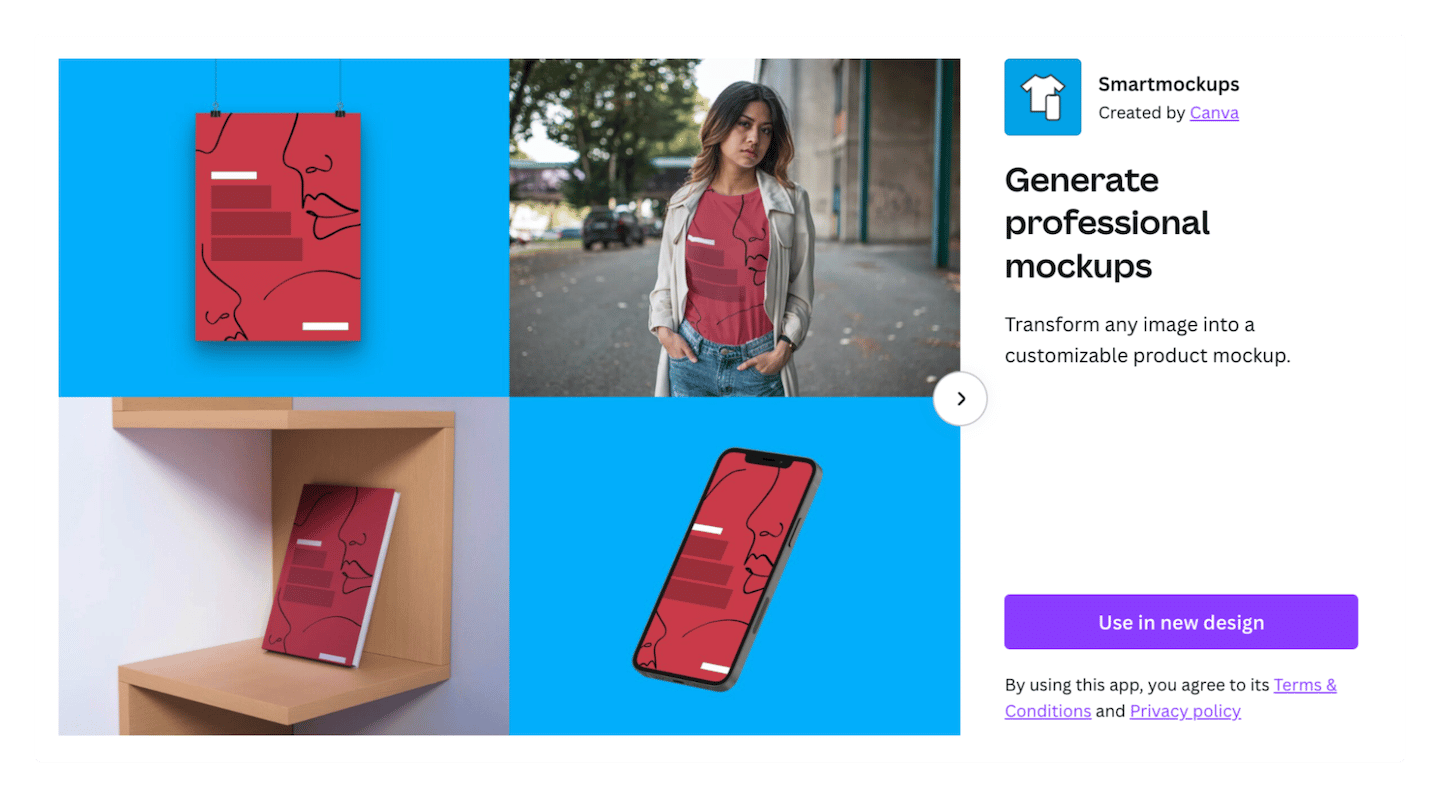
First, they moved beyond pure web, offering things like paper printing (print) – to design flyers, sales brochures, business cards, and have them delivered to you printed – and even printing on objects – T-shirts, mugs, … We really liked the « Smart Mockup » features, which let you put an image on an object, for example.
Next, they added video, a medium you cannot avoid today. Goodbye complex software: anyone can now edit videos and GIFs on Canva, very simply.
But above all, the platform is gradually becoming a real collaborative platform, and gradually extending beyond marketing teams alone. That is what they presented at Canva Create in September 2022: Canva Worksuite.
In short, Canva aims to compete with classic office tools like Microsoft Office and Google Workspace (some would even say Notion) with the Canva vision: Design first.
What does this mean for your sales communication? How can you use these new features to sell more, faster and better? We explain it all in detail in this article.
Prepare your sales presentations faster
In my view, Canva is one of the best tools for preparing sales proposals that work, quickly. Canva’s drag & drop editor is light years ahead of PowerPoint & Google Slides. Design first.
It’s super fast, the smart ruler shows up on its own, and you get a professional result in very little time. No need to know 34 keyboard shortcuts or who knows how many clicks and settings to align a title with the bullet points below it.
But above all, Canva offers a huge number of up-to-date templates. That matters because we’re far from the dusty 90s templates you find in Office and Google Slides, and it really makes a different impression in front of a client.
Say you want to insert an image but change the background color. Or resize an image without completely distorting it. Or frame an image, apply effects (duotone, black & white), etc. You will probably find a free online tool that does it. You upload the image, download the edited version, and then import it into your presentation.
Two schools of thought: either you don’t do it (too long), or you spend hours on your presentations.
With Canva, all of this is built into the design tool. Even the main image banks are directly accessible from the editor, and recently you can even generate images with GPT-3, OpenAI’s artificial intelligence.

But Canva’s real strength is the visual effect the tool lets you achieve very simply. The data visualization templates are excellent, and let anyone present complex things simply.
Unify your company’s communication
One of the most important elements in building a brand is consistency. Whether it’s a Facebook post, a blog article, an event registration page, a trade show booth, a brochure, a business card, your employees’ email signature or a mug, the colors, typography and brand universe must be represented in the same way.
The problem is that this assumes everyone knows the « brand kit » inside out, and chooses to follow it. Mission impossible.
Canva gets this, and lets you define a « Brand kit » directly in the tool. A set of rules, colors, images and templates that let the whole company create freely while respecting the rules.
In practice, instead of rapping everyone’s knuckles, or worse, setting up an approval process that costs everyone 3 days (it happens!), all you have to do is make sure everyone uses Canva.
The tool goes quite far in terms of rights and access management, and automatically checks whether the typography, colors, etc. match the Brand Kit. It is also a very strong tool for successfully onboarding new hires.
Collaborate simply on more complex documents
Canva’s ambition is very clear: build a new way of working. The visual worksuite lets you collaborate in real time on a document or presentation, and build approval processes directly in Canva.
The tool integrates with Slack and offers all the usual collaborative tools: comments targeted at a specific element, notifications, rights management, a publishing calendar, and organization of documents into files and folders, all stored in the cloud.
Going further with Canva Suite Studio
Canva Suite Studio is not just the integration of all Canva tools on a single collaborative platform.
They have also added several tools never seen before on Canva, such as
- Website creation
- A whiteboard for running brainstorming sessions or workshops
- A set of new features in the video and presentation tools
- And the Canva Docs tool, which lets you edit Word-format documents with all the power of Canva.
Creating a website with Canva
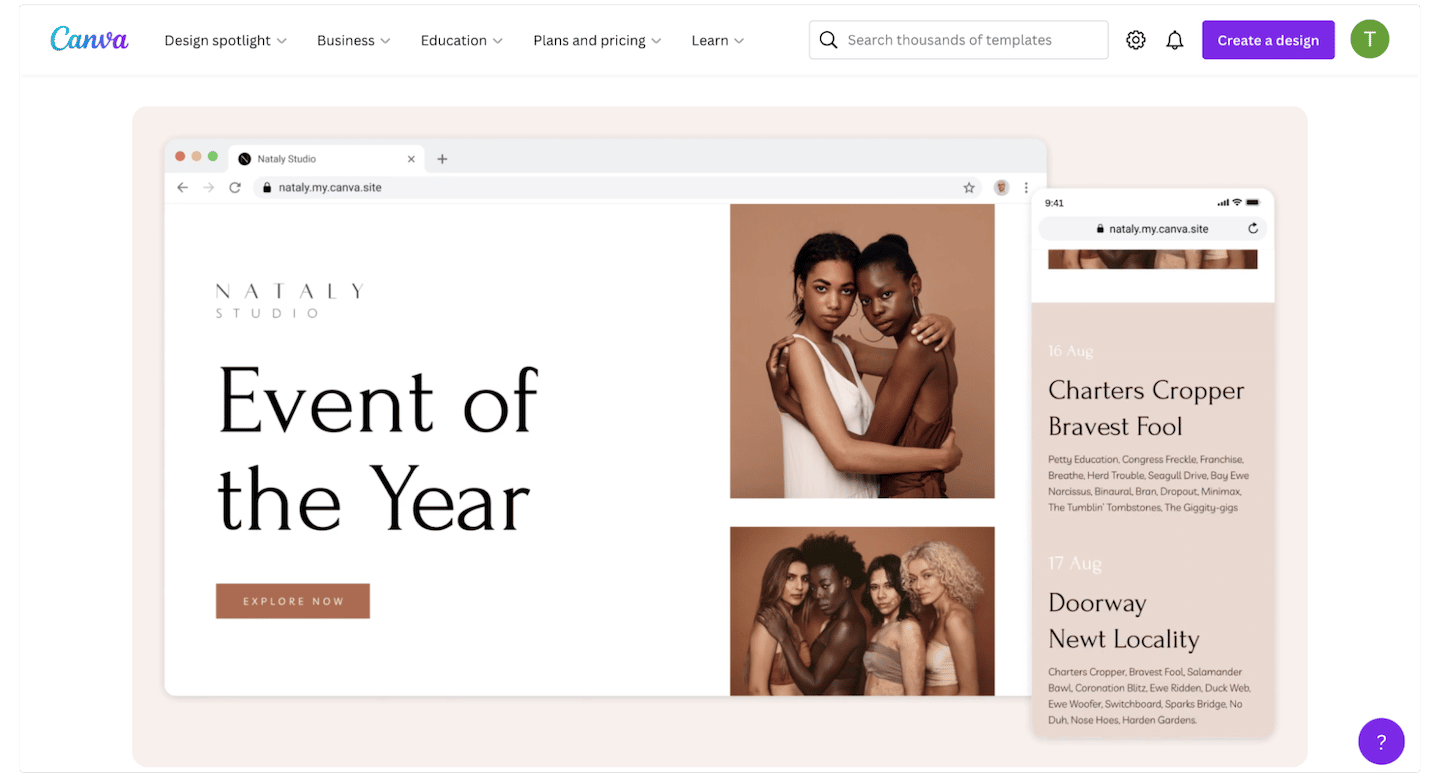
Since September, Canva lets you create a website (a single page) in the blink of an eye. You can create a mini-site or a landing page in a few minutes to announce an event, present a new product or completely reinvent your sales proposals by offering your clients a full web experience (access can be password-protected).
If you tinker a (tiny) bit, you can even go as far as embedding a payment link directly on the landing page with tools like Stripe or Lydia.
The website builder includes built-in web analytics to track visits and conversion rates, and to segment by region and device. Nothing to envy landing page tools, especially since the templates here are excellent too, and you benefit from the Canva platform, with all the communication and collaboration tools and the Brand kit.
The whiteboard feature in Canva
If you work in services, or if you have training or onboarding sessions to run, you probably use tools like Miro, Mural or Jamboard for your workshops.
Canva now offers the same features, here again within the platform, with everything that implies.
In practice, you save many hours preparing your workshops, and ensure a professional visual standard that respects your brand image across all your internal and external work tools.
What’s new in Canva’s presentation tools
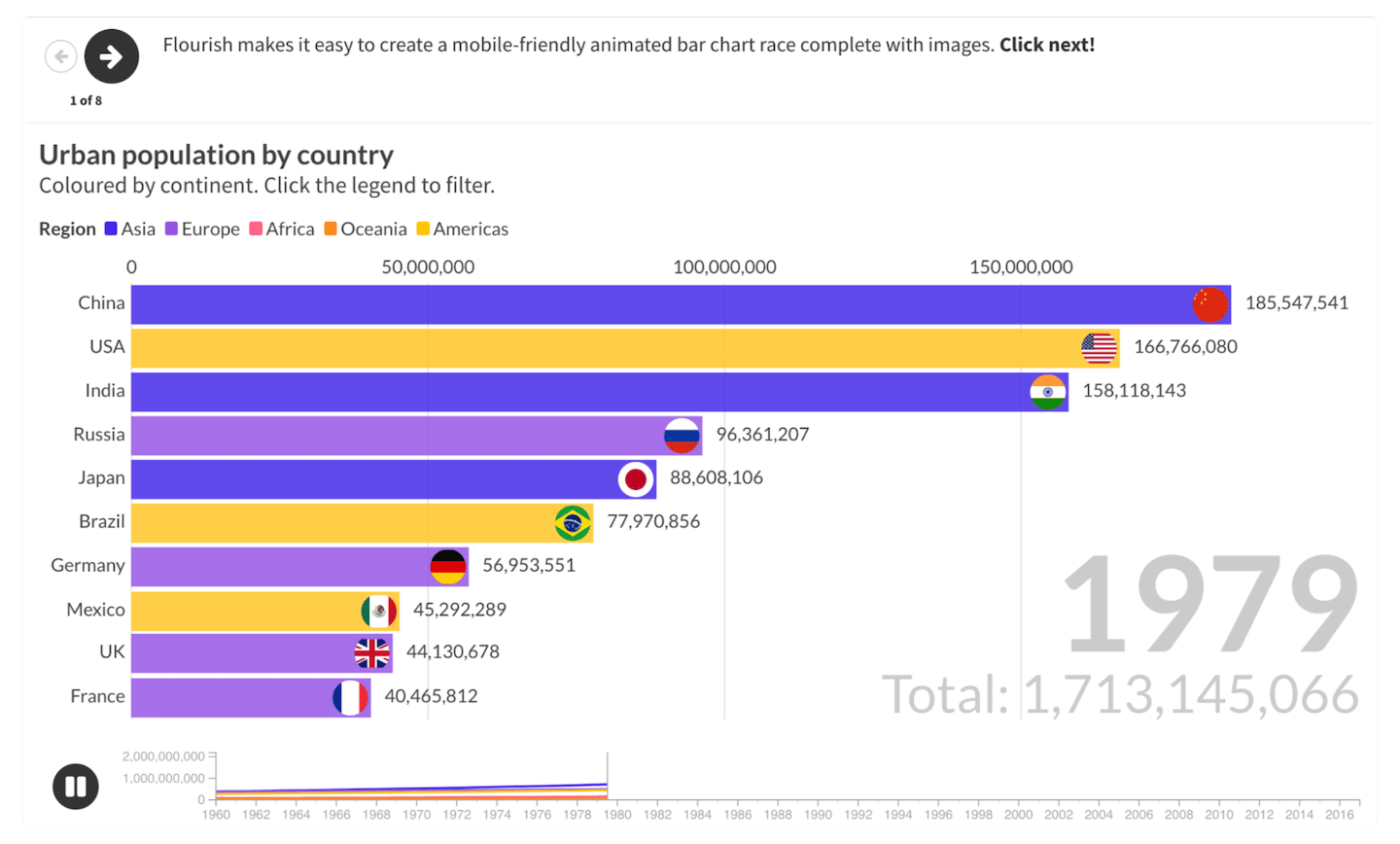
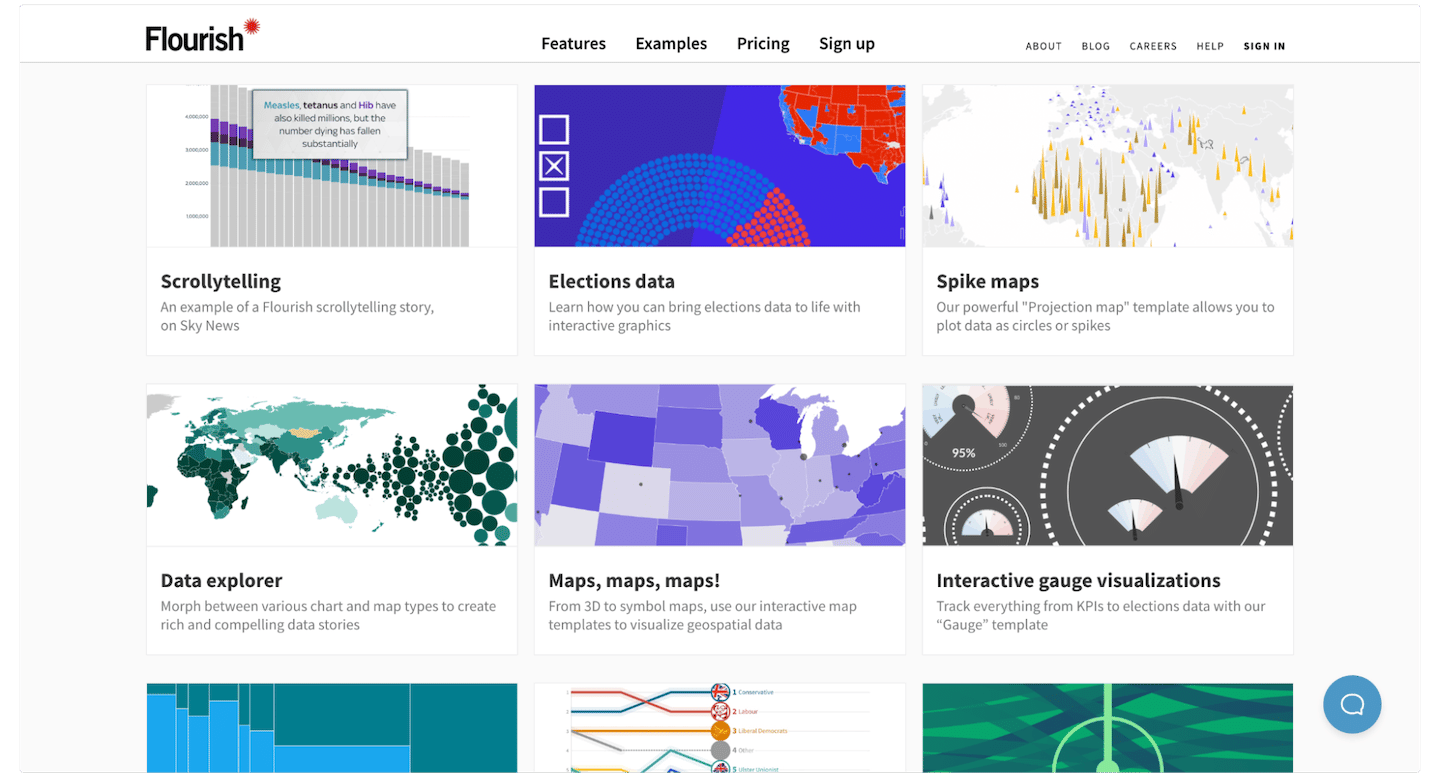
Canva also presented many updates to its presentation tools, in particular animation tools, notably thanks to the acquisition of Flourish, a data visualization tool, last year.
Flourish lets you design dynamic visualizations to show changes over time, or simply bring your presentations to life. It is a tool traditionally reserved for design professionals preparing complex presentations, but the acquisition by Canva makes it simply accessible to everyone.
Canva also presented many updates to its video editing and video tools. Canva has long let you remove the background from an image. It is a feature that has been used almost 1 billion times since its launch. Now you can do the same thing on a video.
But the big news is that all the power of the video editing tools is now available in presentations, with animations far beyond anything that exists in PowerPoint or Google Slides.
Canva docs
The Word format is still massively used, for all kinds of documents, internal or not. But curiously, it is also one of the formats that has evolved the least. A Word document generally stays static.
And if you want to turn it into a more interactive, easy-to-read document (for a white paper, for example), you usually call in a graphic designer to transform the text into a more pleasant format.
Canva docs brings all the power of Canva’s visual tools to this format, and even offers automated writing tools using GPT-3, OpenAI’s artificial intelligence engine.
The best part is that Canva Docs is completely free, with no access limits. A real challenger to the Google Workspace suite.
The questions we get over and over.
Why use Canva for sales presentations?
The drag & drop editor is fast, the smart ruler shows up on its own, and Canva offers a huge number of up-to-date templates. Image editing, image banks and image generation are built into the design tool.
What is Canva's Brand kit for?
It brings together a set of rules, colors, images and templates that let the whole company create freely while respecting the brand identity. The tool automatically checks whether the typography and colors match the Brand kit.
Can you create a website with Canva?
Yes, since September 2022, Canva lets you create a single-page site, such as a mini-site or a landing page, with optional password-protected access and built-in web analytics.
What is Canva Docs?
A tool that lets you edit Word-format documents with Canva's visual tools, and that offers automated writing tools using GPT-3. The article presents it as completely free.



What the community says.