9 live chat software to generate B2B leads

Comparison of 9 live chat and chatbot software to generate B2B leads. A chatbot answers visitors with a robot, a live chat with your team; most tools do both, with an AI agent on the front line. Live chats built for lead generation: Intercom ($29/seat/month billed annually, routing in Advanced $85, Fin AI agent $0.

Maxime Ben Bouaziz
Maxime Ben Bouaziz
CEO Salesdorado, IA & Sales Tech
November 12, 2020, updated November 10, 2026, 1 min read
See all tools

A live chat software adds a discussion window to your site: the visitor asks their question while browsing your pages, and a team member or a chatbot answers right away. To generate B2B leads, timing is what counts: the question comes when interest is at its highest.

In recent years, customer experience has taken a very important place in sales, and the line between chatbot and live chat has faded: most tools do both, with an AI agent on the front line and a human behind it. What sets them apart: visitor qualification, routing to the right sales rep, the link with the CRM and the billing model (per operator, per conversation or flat fee). Depending on your need:

  • qualify and route leads to sales reps: Intercom;
  • a free chat whose conversations land in the CRM: HubSpot;
  • see and score site visitors for a few euros per operator: Zoho SalesIQ;
  • an AI agent at a fixed price, with no usage bill: Olark;
  • a French publisher billed per team: Crisp;
  • chat, social networks and SMS in a single inbox: Freshchat, or Lime Connect for hosting in Germany and WhatsApp;
  • a free chat for an e-commerce site: Tidio;
  • a simple, human live chat at a fixed price: Pure Chat.
The 9 tools, side by side

# Logos tool Score Price Best for
01 Freshchat 4.2/5 ★ €19 Sales teams who want to trigger messages based on visitors’ actions on the site Visit site
02 Intercom 4.5/5 ★ $29 B2B SaaS publishers who want to automatically qualify and route their leads to the right sales reps Visit site
03 Pure Chat 4.0/5 ★ $39 Small teams who want to test a complete live chat for 30 days before paying Visit site
04 Olark 4.0/5 ★ $29 Marketing teams who want to capture and qualify site leads day and night, with no usage bill Visit site
05 Lime Connect (ex-Userlike) 3.8/5 ★ €87 Companies who want to direct each visitor to the right department, on the site as well as on WhatsApp Visit site
06 HubSpot 4.5/5 ★ €20 Teams on the HubSpot CRM who want the visitor’s history in front of them during the chat Visit site
07 Zoho SalesIQ 4.1/5 ★ €7 Sales teams who want to see who visits the site, score leads and start the conversation at the right time Visit site
08 Tidio 4.5/5 ★ €24.17 E-commerce sites who want to talk with their visitors, generate leads and sell more Visit site
09 Crisp 4.4/5 ★ €45 SMEs who want a site chat and proactive messages without paying for each operator Visit site
01

Freshchat

4.2/5 From €19

Best for: Sales teams who want to trigger messages based on visitors’ actions on the site

+ Strengths
  • Free plan up to 10 agents
  • Messages triggered after a specific action on the site
  • Site chat, social networks and SMS in the same inbox from Growth
  • Set up in under 30 minutes
− Downsides
  • Freddy AI agent billed separately: €45 per 100 sessions
  • Smart routing reserved for the Pro plan, at €49
  • Customer support is rather slow to respond
★ Freshchat in brief

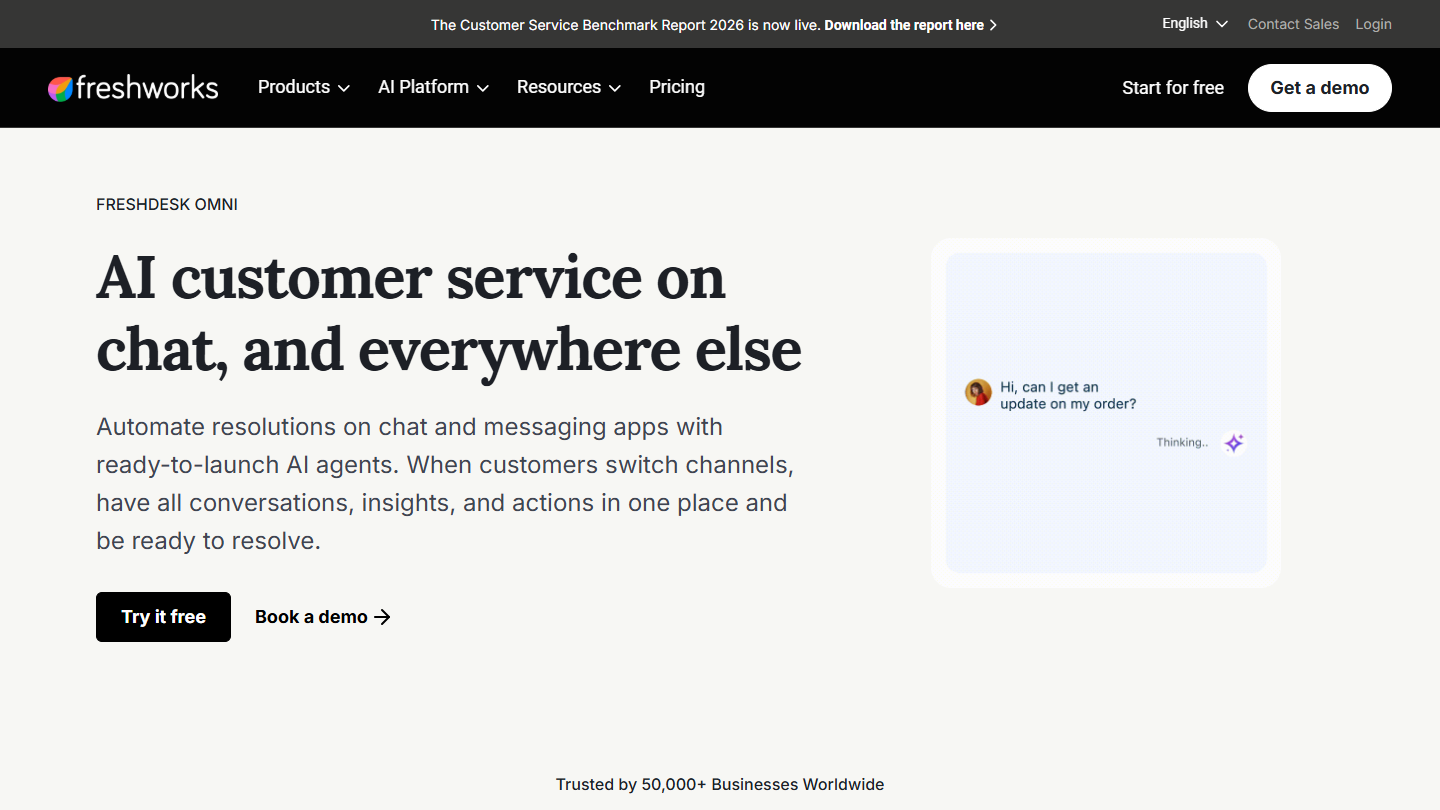
Freshchat website: “AI customer service on chat, and everywhere else”

Freshchat is the messaging software from Freshworks, the publisher of Freshdesk. It brings together website chat, mobile app chat and messaging apps in a shared inbox, with bots and an AI agent, Freddy.

Freshchat focuses on conversions and on reaching the right prospects at the right time. You can trigger a message after a specific action on your site, and sales reps see the visitor’s behavior and the language they speak. This creates more natural conversations.

It makes sense for a team that wants to start for free and add social networks and SMS later. If you already use Freshdesk or Freshsales, it shares their contacts and their interface.

The free plan covers up to 10 agents with the chat widget and shared inboxes. Growth costs €19 per agent per month billed annually (€21 monthly), Pro €49 (€59) and Enterprise €79 (€95). The Freddy AI agent is billed €45 per 100 sessions, and the 14-day trial gives access to the Enterprise plan.

02

Intercom

4.5/5 From $29

Best for: B2B SaaS publishers who want to automatically qualify and route their leads to the right sales reps

+ Strengths
  • Message targeting based on browsing behavior
  • Distribution of conversations among sales reps (round robin from Advanced)
  • Fin AI agent that answers when the team is offline
  • Clear and very complete reporting
− Downsides
  • Expensive tool, and a bill that is hard to predict with per-resolution AI
  • Longer learning curve than average
  • No free plan
★ Intercom in brief

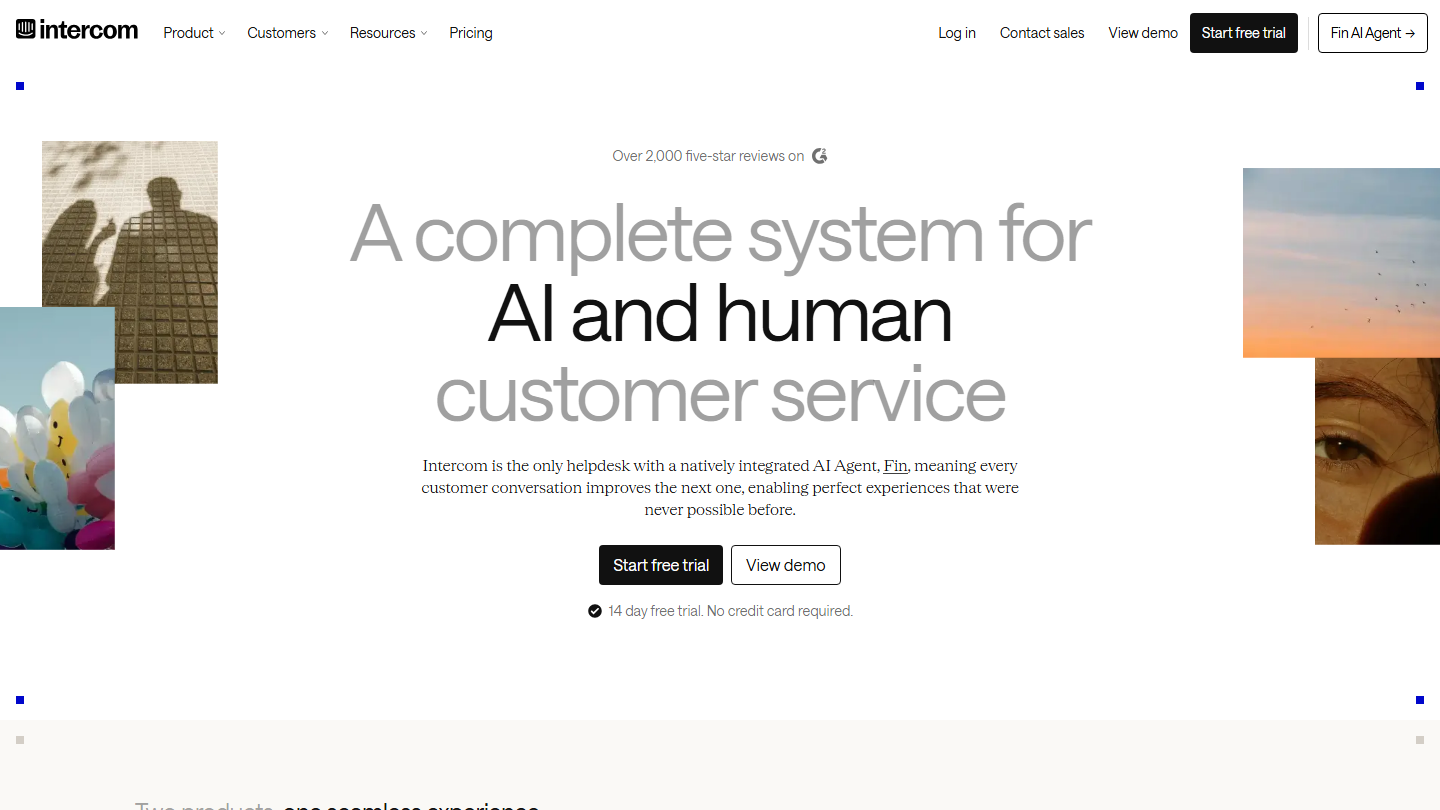
Intercom home page: “A complete system for AI and human customer service”, 14-day free trial

Intercom places a messenger on your site and in your app, and links each conversation to the visitor’s profile: pages viewed, attributes, conversation history. This profile is what decides who talks to whom, and when.

For lead generation, the typical scenario goes like this: a visitor lands on the pricing page, a targeted message offers help, the Fin AI agent answers the first questions and the conversation passes to a sales rep as soon as there is a project. At night or on weekends, Fin keeps answering and the team picks up the thread the next day.

It makes sense for a software publisher who wants a single tool for pre-sales and customer support. For putting a simple chat on a showcase site, it is oversized and expensive: the learning curve is real, but that is the price of a high-end tool.

Essential costs $29 per seat per month billed annually. Automatic distribution and workflows require Advanced, at $85, and Expert is $132. Fin is added at $0.99 per resolution, charged once per conversation. The trial lasts 14 days, with no credit card, and there is no free plan.

03

Pure Chat

4.0/5 From $39

Best for: Small teams who want to test a complete live chat for 30 days before paying

+ Strengths
  • 30-day free trial on the Pro plan
  • 4 operators included from Growth, 10 in Pro
  • Canned replies, unlimited history and visitor information
  • 30-day money-back guarantee
− Downsides
  • No free plan
  • No announced chatbot or AI agent
  • Site and support in English
★ Pure Chat in brief

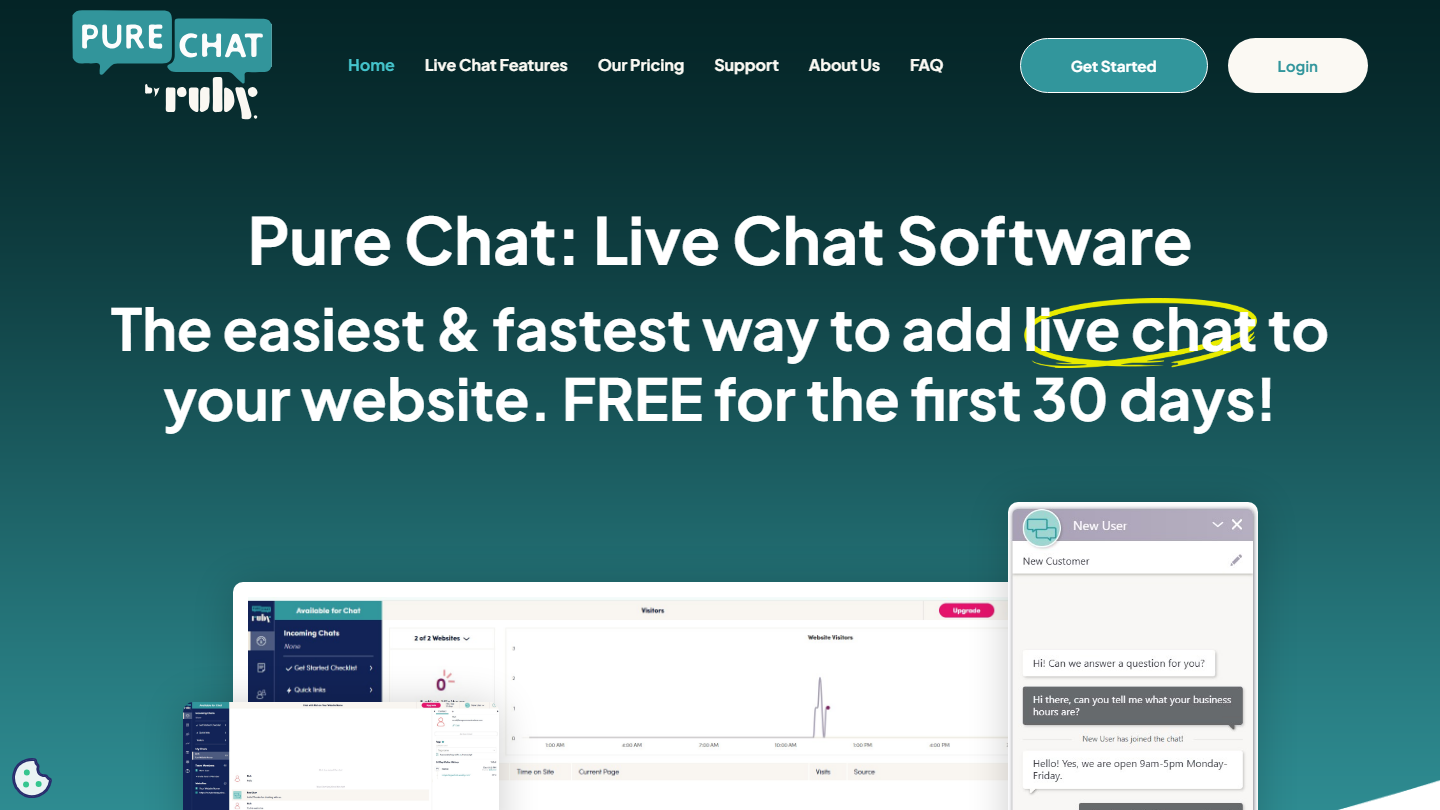
Pure Chat home page: “The easiest & fastest way to add live chat to your website”, free for 30 days

Pure Chat is an American live chat, now published by Ruby. It does one thing: put a chat widget on your site and connect your operators with visitors, on desktop or from the iOS and Android apps.

The software has many advantages: customizable widget, alerts as soon as a new conversation starts, a pre-chat form, visitor information and location, and canned replies to save time. An email form takes over when nobody is available.

It makes sense for a small team that wants a human chat, without AI, and a price that depends neither on the number of conversations nor on an add-on module. To qualify or route leads automatically, the other tools in this top go further.

Growth costs $39 per month billed annually, or $49 monthly, for 1 site and 4 operators. Pro is $79 ($99 monthly) for unlimited sites and 10 operators. An additional operator costs $8 to $15 per month depending on the plan. The 30-day trial is on the Pro plan.

04

Olark

4.0/5 From $29

Best for: Marketing teams who want to capture and qualify site leads day and night, with no usage bill

+ Strengths
  • Pages viewed and visitor history visible before replying
  • Pre-chat and offline forms to collect contact details
  • Fixed-price AI agent, unlimited conversations
  • Agent groups, routing rules and a chat limit per agent
− Downsides
  • AI agent expensive for a small team: $400 per month billed annually
  • No free plan: 14-day trial
  • Site and documentation in English
★ Olark in brief

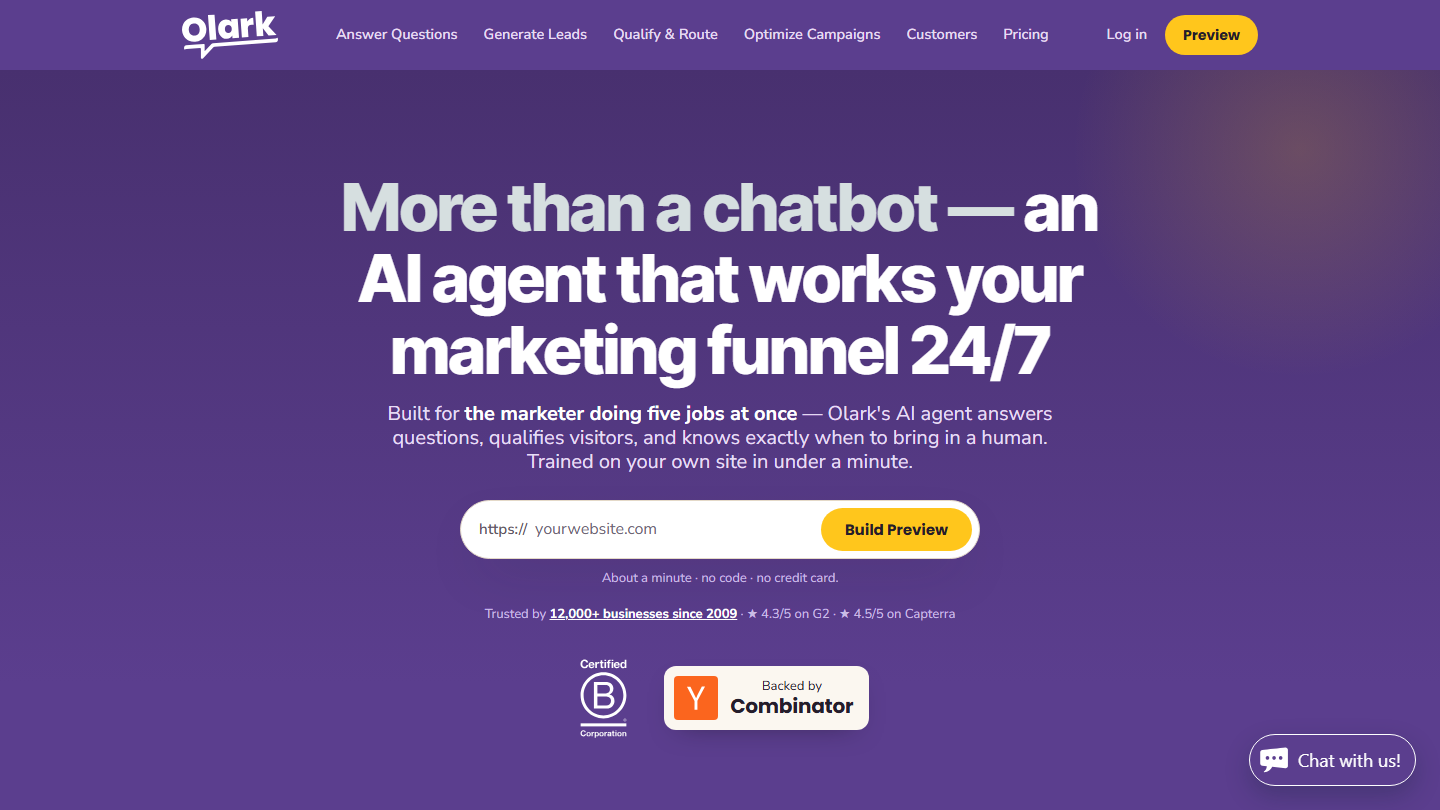
Olark home page: “More than a chatbot, an AI agent that works your marketing funnel 24/7”

Olark helps you personalize your chats: the agent sees the visitor’s location, the pages they viewed, their previous visits and the conversations already exchanged. A pre-chat form collects useful information, which gives the sales rep the context needed for a productive conversation.

The publisher now pushes an AI agent trained on your site. It answers questions, qualifies the visitor using criteria written in plain language, asks for their contact details when useful and hands over to a human in the same chat thread. Leads flow into HubSpot or Salesforce with the transcript.

Olark makes sense for a team that wants to cover the site outside office hours without paying for each AI conversation. If you do not need AI, the live chat alone remains one of the simplest to price.

The live chat without AI costs $29 per agent per month, with a 14-day trial with no credit card. The AI agent is $400 per month billed annually, with unlimited conversations and one human seat included, then $29 per additional agent.

05

Lime Connect (ex-Userlike)

3.8/5 From €87

Best for: Companies who want to direct each visitor to the right department, on the site as well as on WhatsApp

+ Strengths
  • Site chat, WhatsApp and messaging apps in the same workspace
  • Built and hosted in Germany, ISO 27001 certified
  • Simultaneous translation, video calls and screen sharing in Pro
  • Free plan: 1 user, 1 channel, 200 conversations
− Downsides
  • Free version of little use beyond a test
  • Pro plan from 3 users, AI agent as an option
  • Integration issues reported
★ Lime Connect (ex-Userlike) in brief

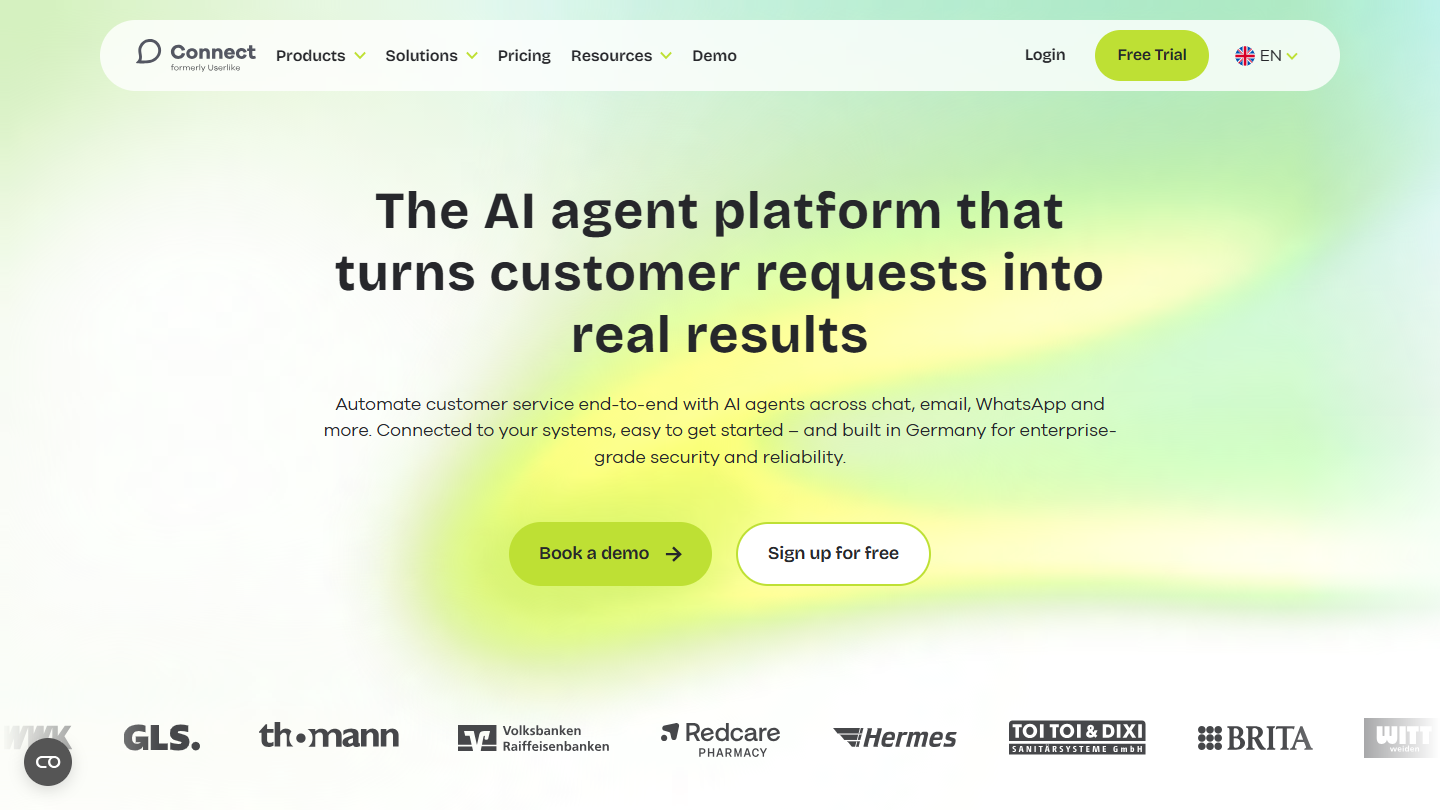
Lime Connect (ex-Userlike) website: “The AI agent platform that turns customer requests into real results”

Lime Connect is the new name of Userlike, a German chat software taken over by the Lime group. The tool brings together website chat, WhatsApp and other messaging apps in a space shared between the team and AI agents.

Userlike already helped sales reps create personalized conversations: when a person gives their email address, the anonymous conversation becomes a contact with a dedicated profile. Conversations can then be directed to the right department or the right colleague.

Lime Connect makes sense for a European company that cares about hosting in Germany and wants to treat WhatsApp like the site chat. For a first live chat, its free plan is too narrow and its Pro plan starts at 3 users.

The Free plan gives 1 user, 1 channel and 200 conversations. Pro starts at €87 excl. VAT per month billed annually, or €105 monthly, with 3 users minimum, unlimited channels and conversations. Enterprise is on request, from 5 users. The AI agent is sold as an option, from €99 per month.

06

HubSpot

4.5/5 From €20

Best for: Teams on the HubSpot CRM who want the visitor’s history in front of them during the chat

+ Strengths
  • Free live chat and chatbot, with no time limit
  • Conversations recorded directly in the HubSpot CRM
  • Visitor’s history with the company visible before replying
  • Welcome messages targeted by page and segment
− Downsides
  • Free tools limited to 2 users
  • Cost that climbs quickly with paid plans
  • Long learning curve
★ HubSpot in brief

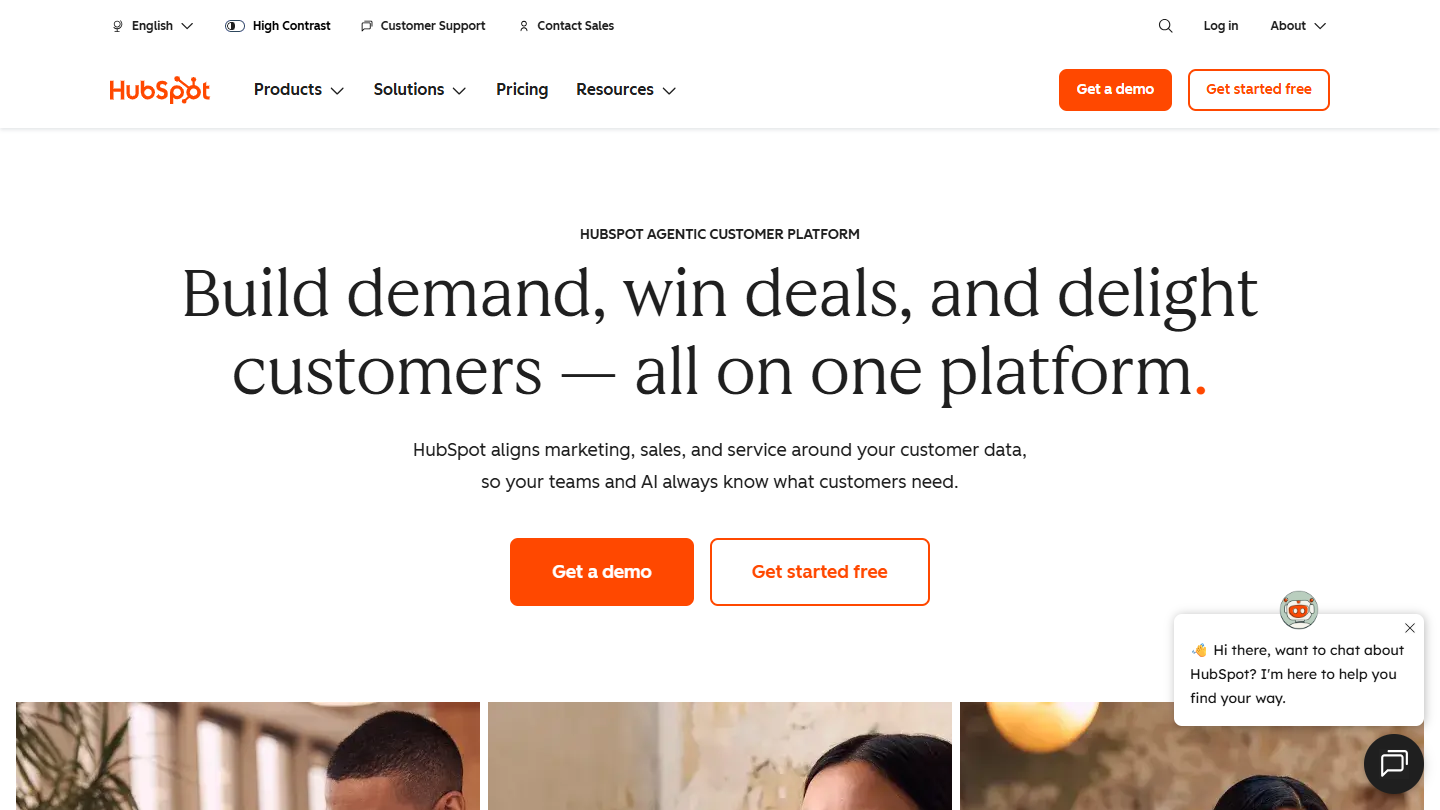
HubSpot website: “Build demand, win deals, and delight customers, all on one platform”

HubSpot’s live chat is one of the CRM’s free tools. The widget installs on the site without code, a chatbot can answer common questions, and each conversation is recorded in an inbox attached to the contact record.

The value for sales is context: before replying, the sales rep sees who the visitor is, the pages they viewed and their past exchanges with the company. The chat can pass customer questions to support and leads to the sales team, and offer to leave an email address outside opening hours.

It makes sense when the CRM is already HubSpot, or is about to become HubSpot. Used alone, for a site that does not need the CRM, HubSpot’s live chat quickly gets expensive once you go beyond the free tools.

The chat is free for up to 2 users. Paid plans start at €20 per license per month with Starter, then €90 in Pro and €175 in Enterprise.

07

Zoho SalesIQ

4.1/5 From €7

Best for: Sales teams who want to see who visits the site, score leads and start the conversation at the right time

+ Strengths
  • Free plan: 3 operators and 100 chat sessions per month
  • Lead and company scoring from the Basic plan
  • Proactive chat triggers, routing and chatbot
  • Integrated with Zoho apps, including Zoho CRM
− Downsides
  • Visitor tracking capped depending on the plan, paid add-on beyond
  • Chat translation and hybrid chatbot reserved for the Enterprise plan
★ Zoho SalesIQ in brief

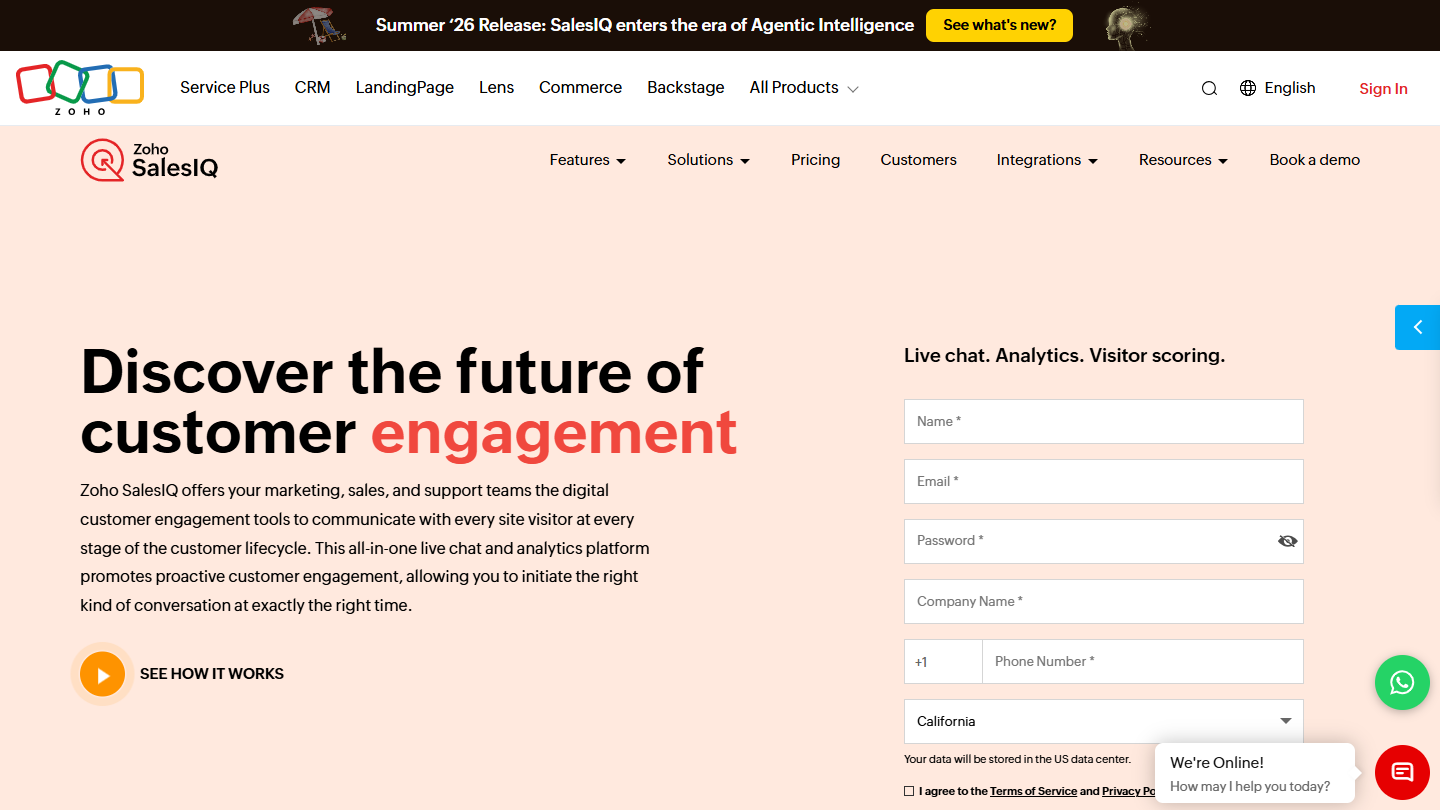
Zoho SalesIQ website: “Discover the future of customer engagement”

Zoho SalesIQ is the live chat of the Zoho suite. It combines the chat window on the site, real-time visitor tracking and scoring of the leads and companies that visit your pages.

For a sales rep, the use is simple: the list of current visitors appears with their score, and a proactive trigger opens the conversation when an interesting account comes back to the site. Chats are routed to the right operator, and a chatbot can take over on repetitive questions.

It makes sense first for companies equipped with Zoho CRM, where leads and conversations flow in without a connector. It is also one of the cheapest ways to get a chat with visitor scoring, even with another CRM.

The free plan covers 3 operators and 100 chat sessions per month. Basic costs €7 per operator per month billed annually, Professional €12.75 (unlimited sessions, 5 chatbots) and Enterprise €20. Tracking beyond the plan’s cap is sold as an add-on, from €90 per month for 100,000 visitors. The trial lasts 15 days, with no credit card.

08

Tidio

4.5/5 From €24.17

Best for: E-commerce sites who want to talk with their visitors, generate leads and sell more

+ Strengths
  • Usable free plan: 50 conversations per month and 10 seats
  • All visitor replies in a single inbox
  • Flows scenarios to collect contact details or a quote request
  • Automatic assignment and pages viewed from the Growth plan
− Downsides
  • Billing by number of conversations: the cost follows traffic
  • Lyro AI agent as an option, from €32.50 per month
★ Tidio in brief

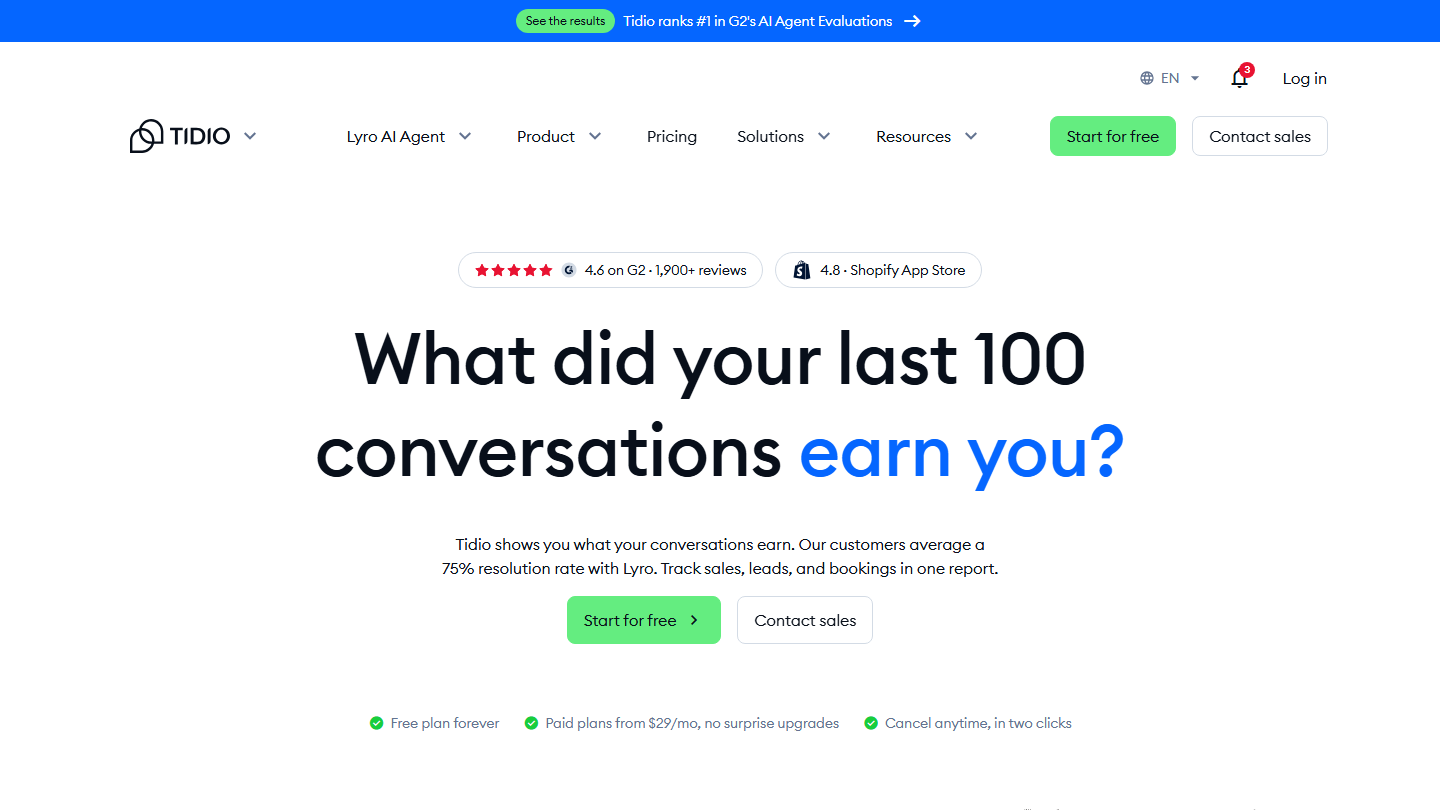
Tidio home page: “What did your last 100 conversations earn you?”, free plan and Lyro AI agent

Tidio is an all-in-one chat software designed for e-commerce businesses that want to engage with their site visitors, generate leads and increase their sales. All replies arrive in a single inbox, which lets agents handle requests as a group.

Two building blocks add to the chat: Flows, no-code scenarios that appear at the right time to collect an email or a quote request, and Lyro, the AI agent that answers common questions. The publisher claims an average resolution rate of 75% for Lyro.

Tidio makes sense for an online store or a small site that wants to start without paying. In B2B, it mainly suits teams who want to capture contact details and pass them to their CRM.

The free plan includes 50 conversations per month. Starter costs €24.17 per month billed annually, or €29 monthly, for 100 conversations. Growth starts at €49.17 billed annually (€59 monthly) and Plus at €300 per month plus usage. Lyro and Flows are billed separately, with a 7-day trial.

09

Crisp

4.4/5 From €45

Best for: SMEs who want a site chat and proactive messages without paying for each operator

+ Strengths
  • Free-forever plan with chat widget, for 2 seats
  • Proactive messages from the Mini plan
  • Price per workspace: 4 seats from Mini, 10 in Essentials
  • French publisher, data hosted in Europe
− Downsides
  • AI chatbot, routing and statistics from Essentials, at €95 per month
  • Limited AI credits in the smaller plans (€5 per month in Mini)
★ Crisp in brief

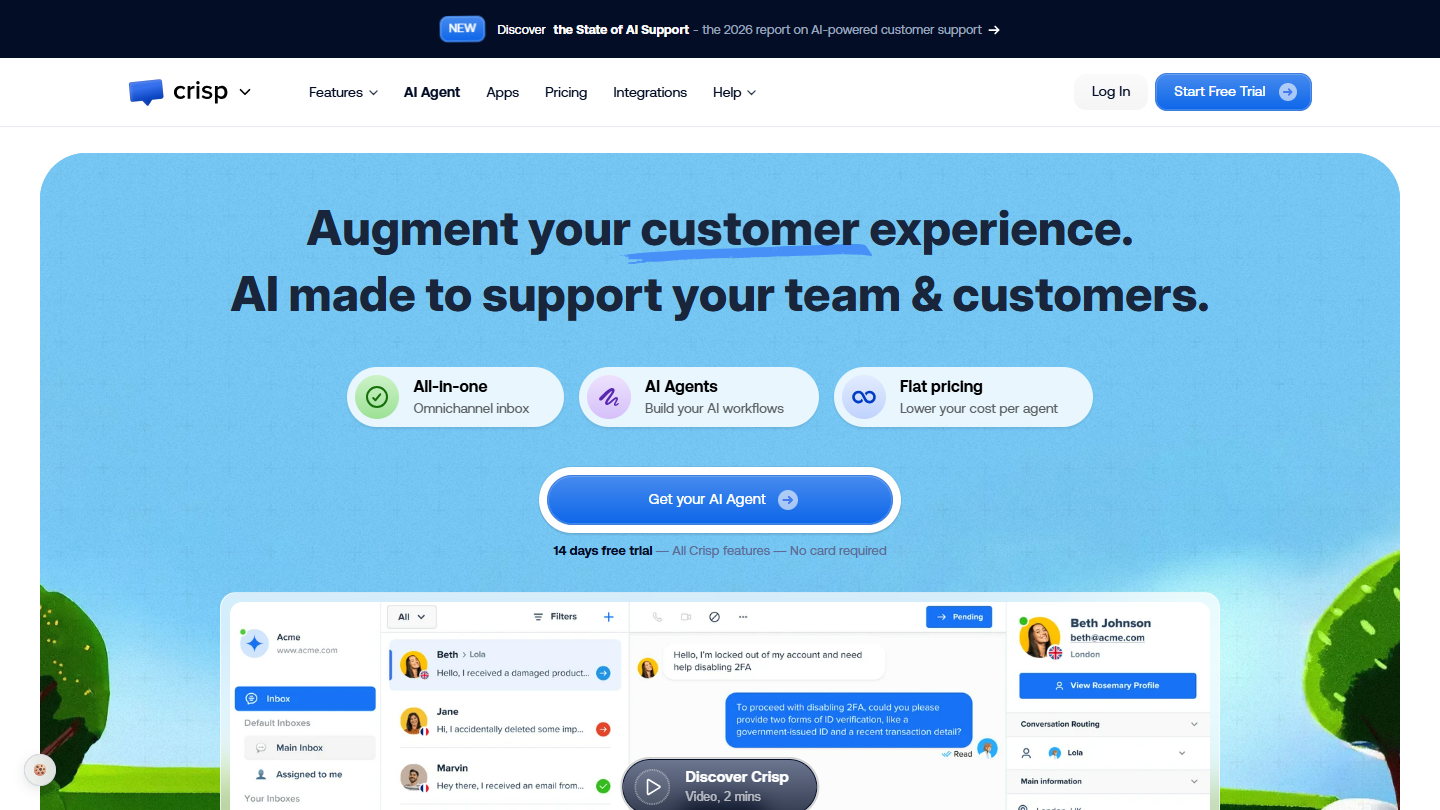
Crisp website: “Augment your customer experience. AI made to support your team & customers.”

Crisp is a customer messaging platform published in France. The site chat widget, email and social networks arrive in a shared inbox, with an AI agent, Hugo, who can answer first.

For lead generation, proactive messages are what count: a message appears when a visitor stays on a page, and the reply goes straight to the team’s inbox. The contact profile keeps track of exchanges and pages viewed.

Crisp makes sense for an SME that wants a chat that is quick to install and a predictable budget: you pay for the workspace, not for each operator. For advanced routing or a real sales CRM, you will need to connect it to another tool.

The free plan gives the widget, the shared inbox and the mobile apps for 2 seats. Mini costs €45 per month for 4 seats and adds email and proactive messages. Essentials, at €95 for 10 seats, brings the multichannel chatbot, routing and statistics; Plus is €295. An additional seat costs €10 per month.

How we chose these 9 tools

Every tool in this selection has been used in real conditions by our team or by a Salesdorado consultant, in a B2B sales and marketing setting. No ranking built from a marketing deck. The order of the list is not a ranking: the right tool depends on your needs.

  1. 01
    Benchmark scope

    Broad identification of the tools on the market (G2, Capterra, Salesdorado customer feedback, LinkedIn signals). Initial filtering, then a short list based on a 2-hour setup per tool.

  2. 02
    Test conditions

    3 to 4 weeks of active use per tool, with data representative of a B2B sales use case. When a tool targets a specific profile (SDR, AE, Ops, Marketer…), we match the tester accordingly.

  3. 03
    Weighted criteria

    For each category, 5 to 7 axes weighted according to what matters in the segment: UX, feature depth, native integrations, support, pricing at scale, compliance (GDPR, security), and roadmap quality.

  4. 04
    Independence

    No tool is scored in exchange for payment. Partner links (affiliate) are marked as such and do not influence the score. Non-partner tools are included when their place in the ranking is deserved.

  5. 05
    Updates

    The ranking is reviewed every 6 to 12 months or on every major release of a tool mentioned. The date of the last check is shown at the top of the article.

The questions we get over and over.

What is the difference between a chatbot and a live chat?

A chatbot is a conversational tool built on robots that answer your customers: it multiplies interactions. A live chat serves the same goal, but members of your team do the answering: the replies are more human, but the number of interactions is limited. Chatbot tools very often offer a live chat, and vice versa: today, an AI agent answers first and hands the conversation to a human when needed.

Which live chat software routes leads to the right sales reps?

Intercom. It targets visitors based on their browsing behavior, and its Advanced plan ($85 per seat per month billed annually) distributes conversations among sales reps. When the team is offline, its Fin AI agent keeps answering. Zoho SalesIQ does the same routing job for €7 per operator, with lead scoring.

Which live chat should you choose if you already use the HubSpot CRM?

HubSpot's live chat, free for up to 2 users. Because it is tied to the CRM, you know who you are talking to and their history with your company, and conversations are recorded directly in the CRM.

Which live chat software for an e-commerce site?

Tidio is built for e-commerce businesses that want to engage with their site visitors, generate leads and increase sales. All replies arrive in a single inbox, and its free version includes 50 conversations per month.

Which live chat for a large team?

Olark handles agent groups, routing rules and a chat limit per agent, and shows the pages the visitor has already viewed and their previous conversations. Its fixed-price AI agent ($400 per month billed annually, unlimited conversations) absorbs traffic peaks without driving up the bill.

★ The conversation, 0 comments

What the community says.

Basic Markdown, moderated within 24 h
Loading…

    In the same category