The tool in detail
Leadpages after real-world use: feature scope, integrations, pricing and concrete limits.
Leadpages is a real challenger on the landing page tool market, and for good reason.
Aimed at small businesses, it is a very complete tool, fairly easy to use, and it includes every feature you expect from a landing page builder (varied templates, effective A/B tests, deep integrations).
Above all, some of its features set it apart from its competitors. And the pricing is transparent and attractive if you commit annually.
Find all the details of our Leadpages review in this article!
Leadpages features: our review
Leadpages is clearly one of the most affordable landing page platforms on the market. Functionally, the tool lets you go quite far, even if the editor is a bit limited in terms of customization.
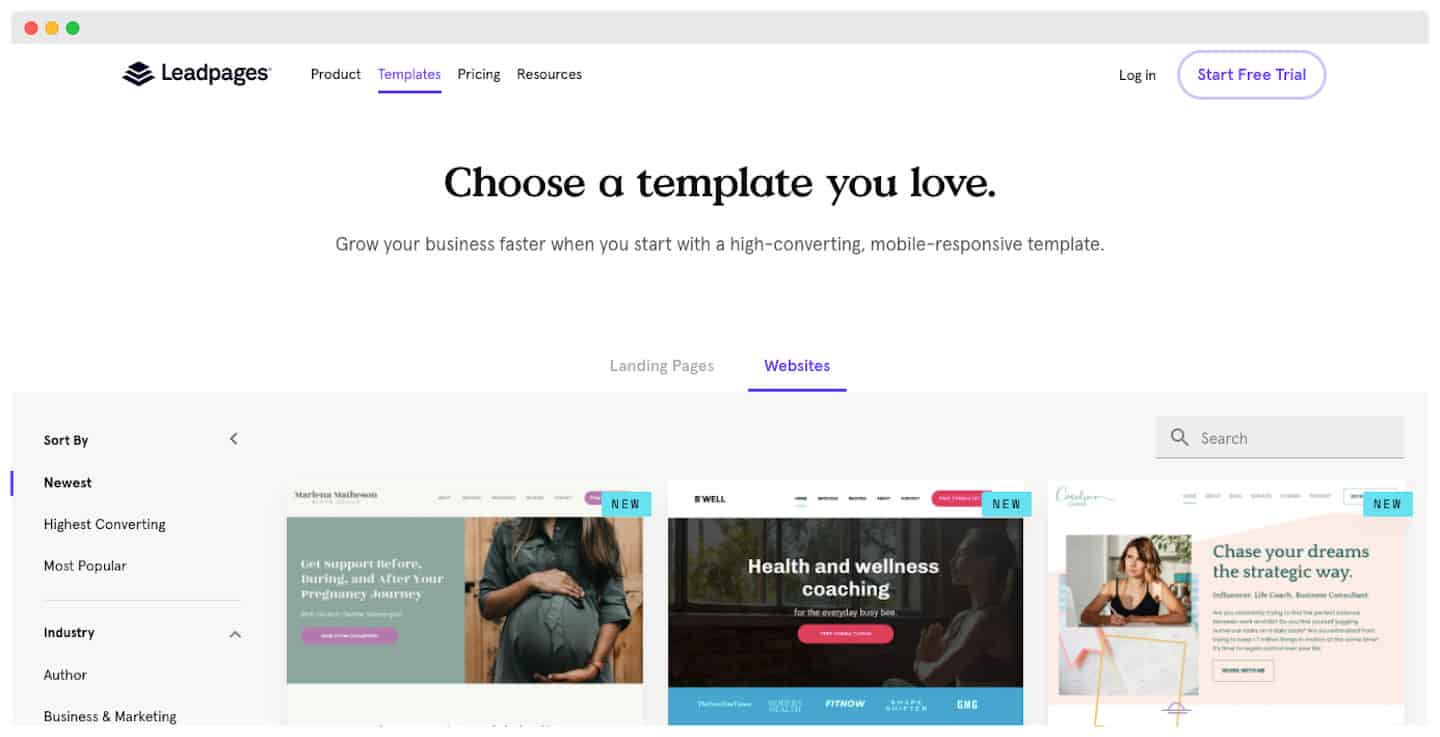
The Leadpages template gallery
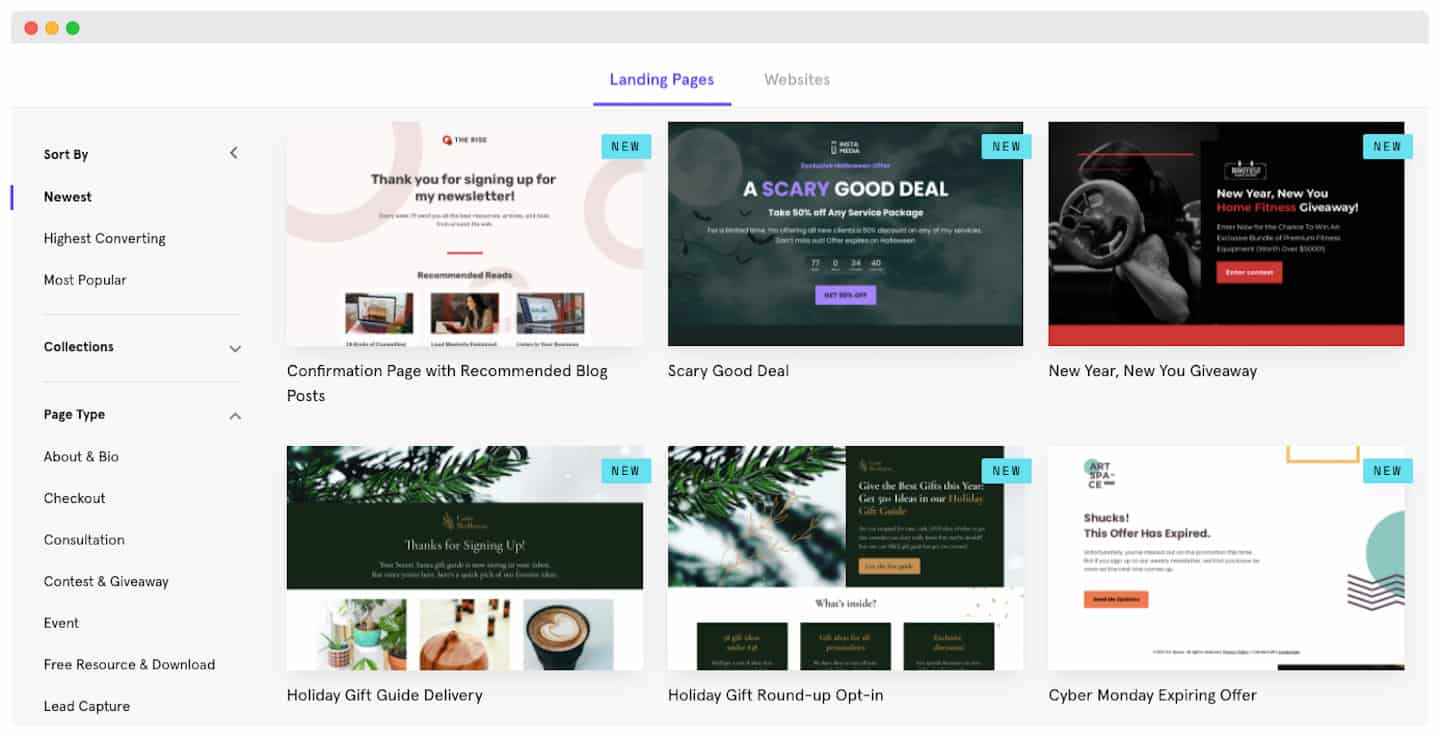 You can sort them by conversion rate to pick the template that has (according to them) the best conversion rate.
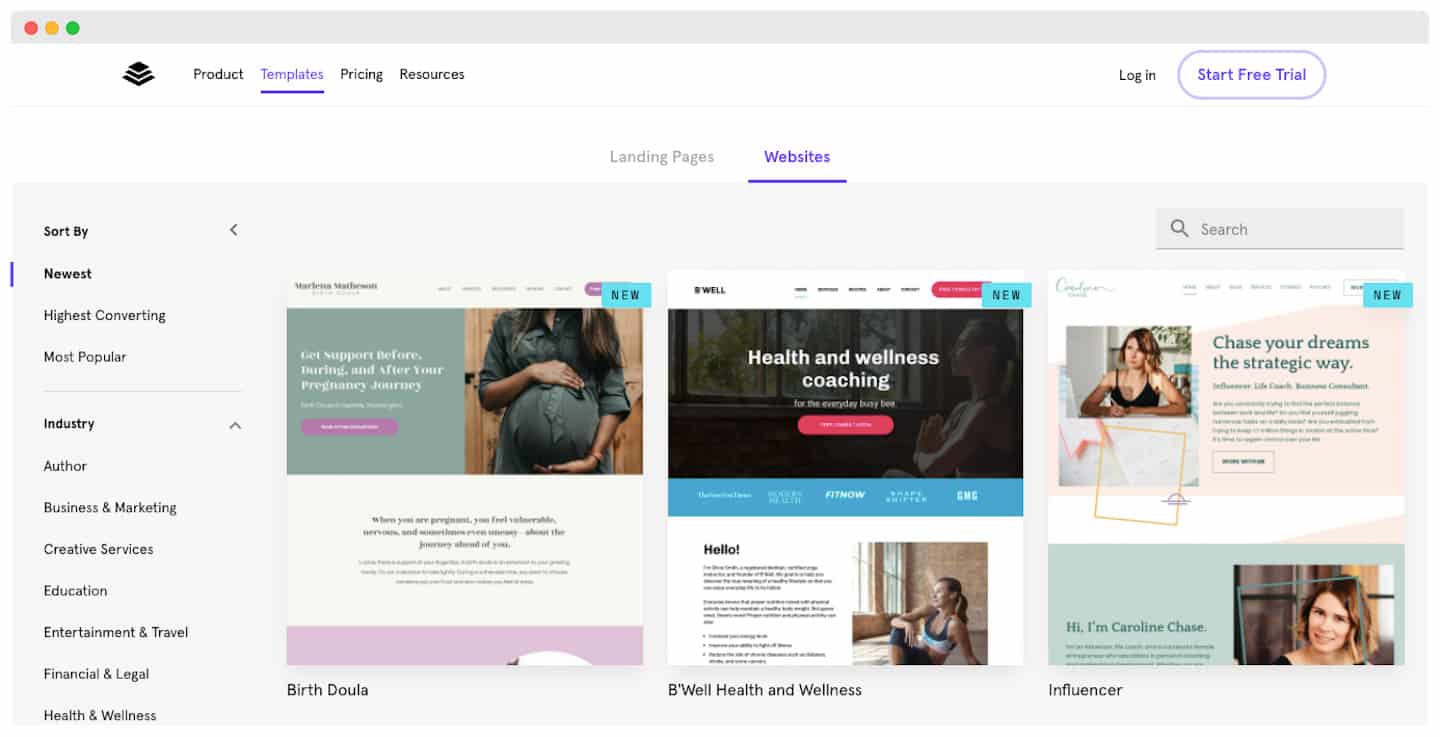
Above all, they are really well categorized:
- By page type: event, webinar, giveaway, confirmation pages, product pages (with built-in checkout), etc.
- By style: light and simple, professional or more fun, colorful or dark, etc.
- By industry
- By color
The Leadpages landing page editor
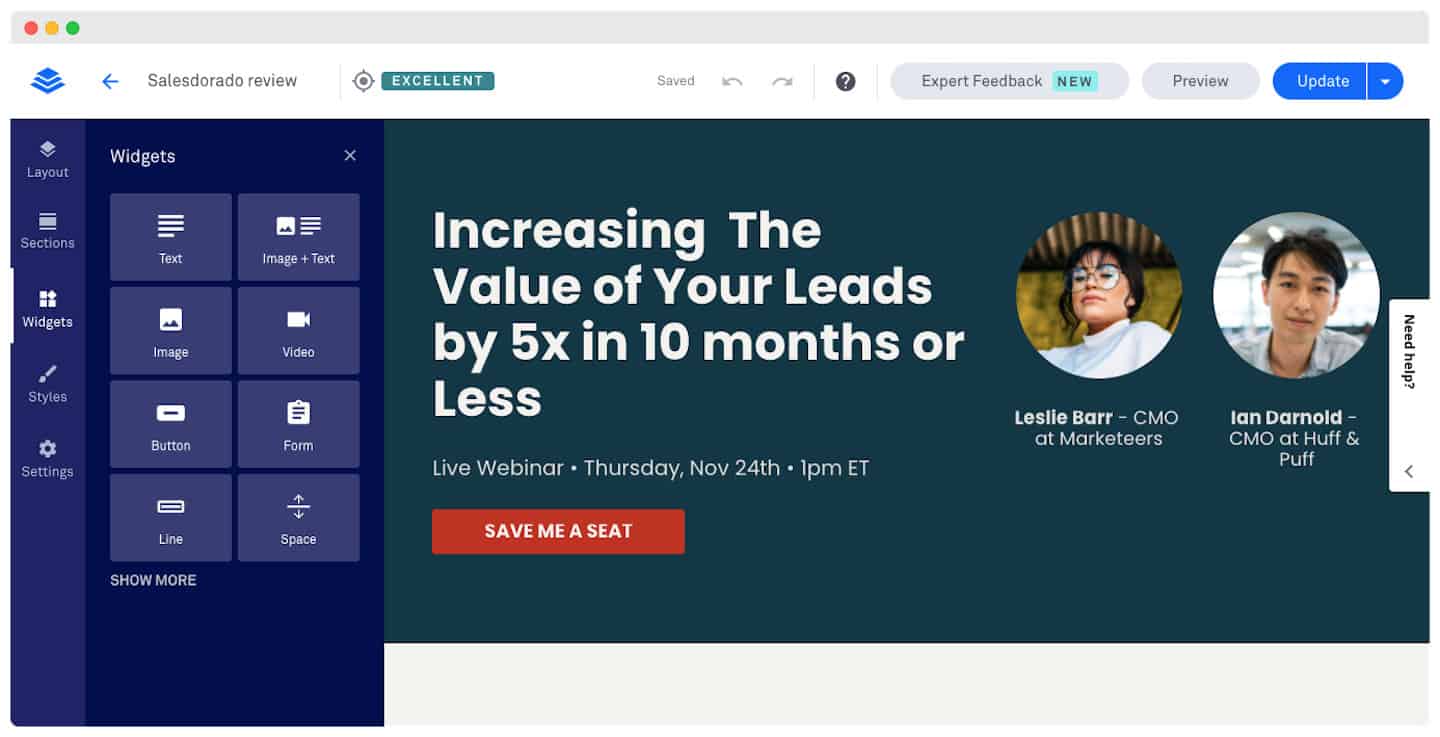
It is one of Leadpages’ strong points: thanks to its very intuitive interface, customizing landing pages is within anyone’s reach.
Pros:
- Easy access: just click on an element to bring up the customization controls. You can change colors, borders, text, etc.
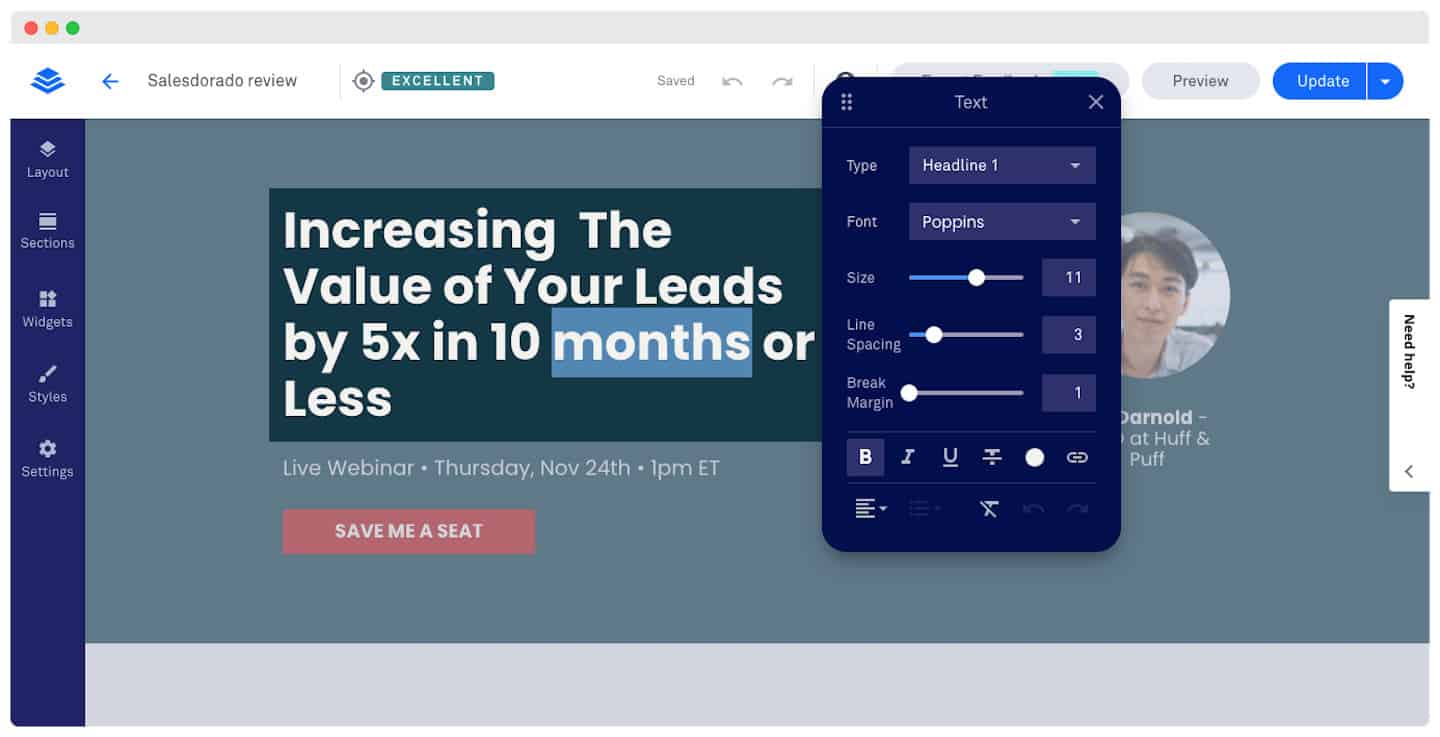
- Widgets: Leadpages also lets you add widgets with a very easy drag-and-drop feature. The tool doesn’t have as many widgets as other platforms (like WordPress), but it remains fairly complete. And since they specialize in landing pages, it is no surprise that the range of widgets is narrower.
- Templates: section templates are a real time saver for adding sections that aren’t in the original template.
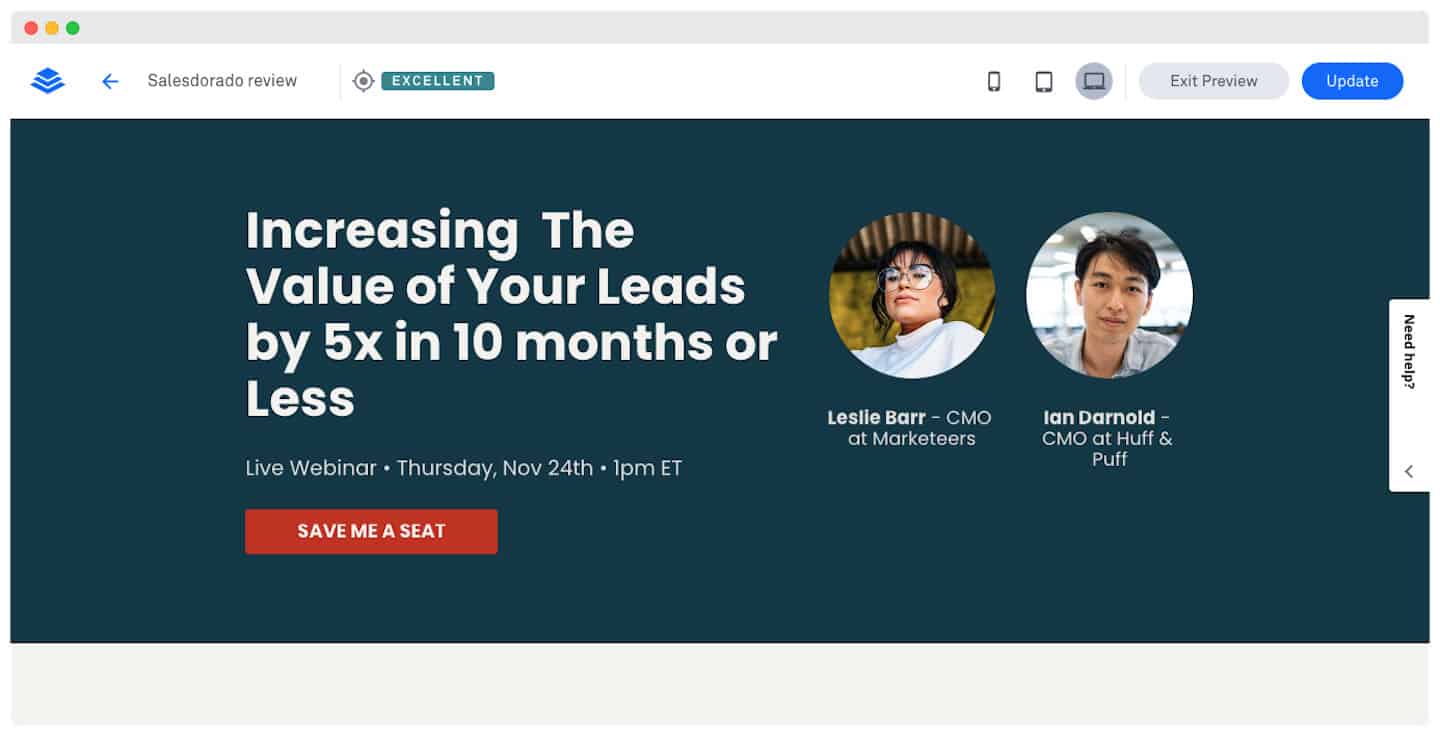
- Optimization Score: the real-time optimization option is a real asset. You are kept informed of the status of your changes as you go. It can be very useful, especially when you modify templates in depth.
- WYSIWYG editor: it generates a preview of your page once published. It is like the preview feature, but without leaving the tool. One advantage in particular: you can adjust the settings to preview your page on smartphones and tablets.
Cons:
- No simultaneous customization: you can’t customize the page for different devices at the same time by switching between the hide/show options for smartphone visitors (a feature Instapage offers, for example). The problem is that your changes will apply to every type of display, not just to mobile users.
- Limited layout help: there are no visual guides when you move elements in the editor, especially the distance to the edges for aligning elements precisely.
- Limited creation: Leadpages uses a base structure with predefined rows and columns that restrict how you organize your elements; for example, you can’t stack them on top of each other (as you can with Instapage).
This last point mainly concerns those looking for maximum customization options. If you prefer working from templates and making minor changes, it won’t be a problem for you.
Popups & Alert bars
Exit pop-ups are triggered when a user is about to leave your page. The goal is to capture prospects from traffic that would slip away without these tools.
With Leadpages, they are very easy to set up, especially for those who aren’t familiar with code. Compared with the other tools on the market, Unbounce offers the same feature, but Instapage doesn’t.
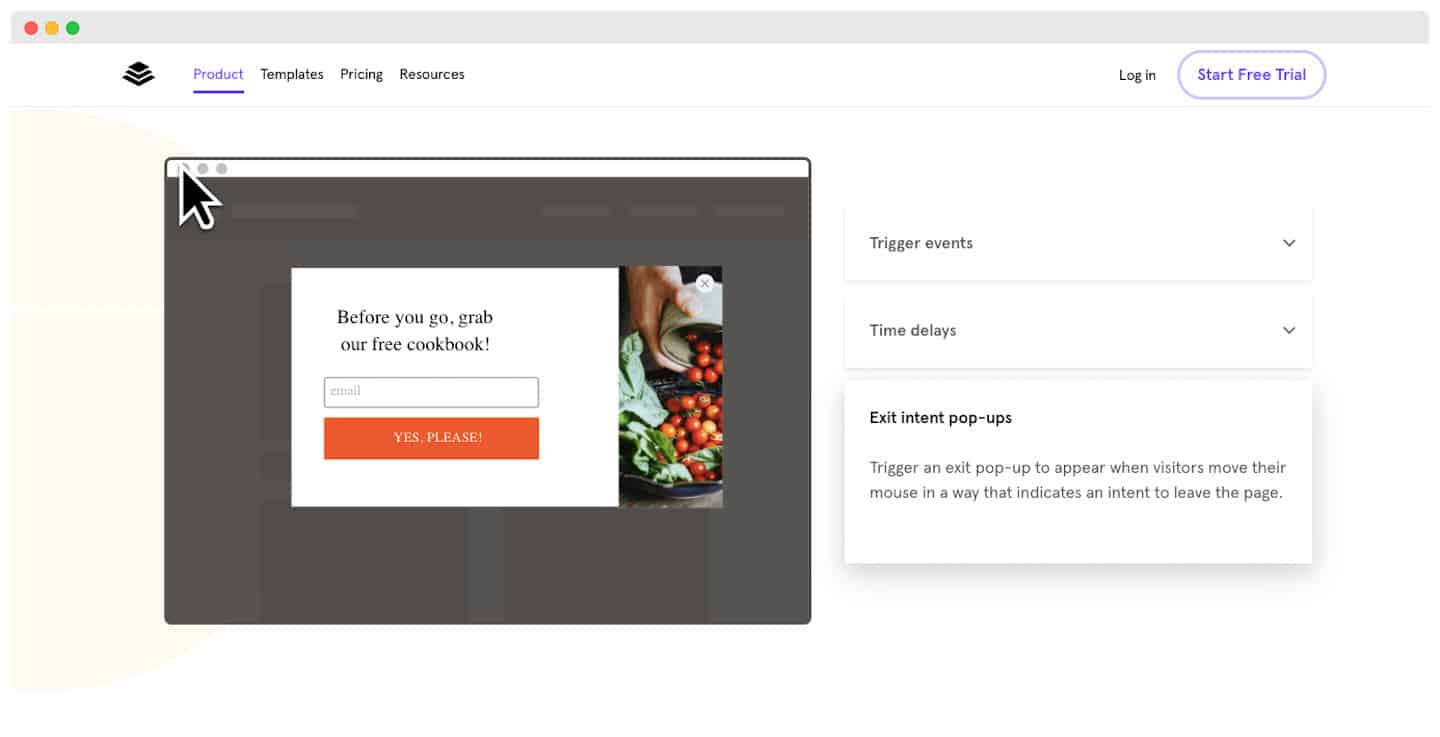
Alert bars get a message across to visitors without interrupting their user experience. They are particularly well suited to mobile users. As with pop-ups, setting them up is very simple: you need neither lines of code nor plugins.
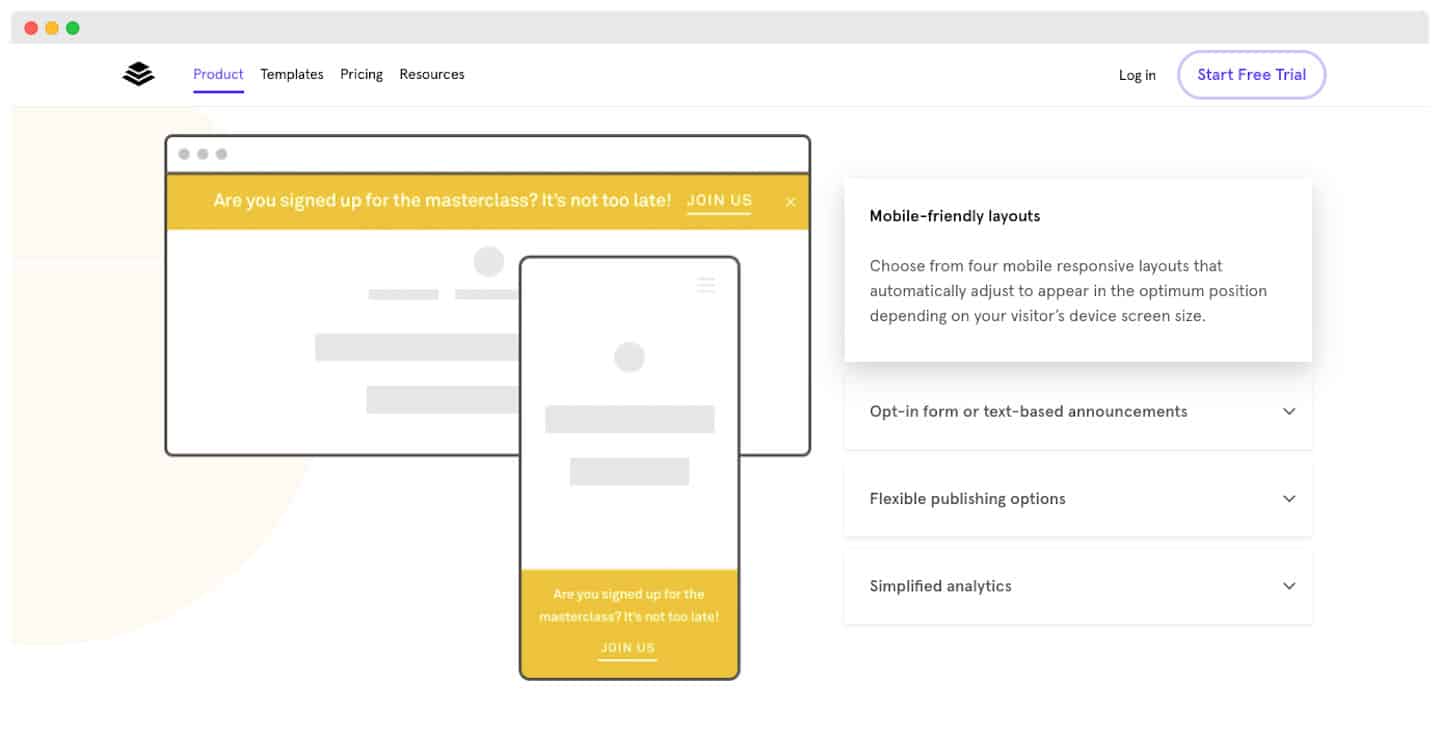
What we thinkThese two tools can really make a difference to your conversion rates, especially if they are combined with other lead generation tools to make your revenue take off.
The Leadpages A/B testing engine
Available from the Grow plan, this feature lets you test the different versions of your landing pages once they are live, using your visitors’ data. First there is the Leadpages reporting tool: it lets you measure the performance of your designs, based on their data.
But above all, the solution has an A/B testing engine. With it, you can create variants of your landing pages and test them on your visitors.
Leadpages takes care of showing the variants to different segments of your audience. You quickly get data to choose the most suitable version.
Leadpages integrations
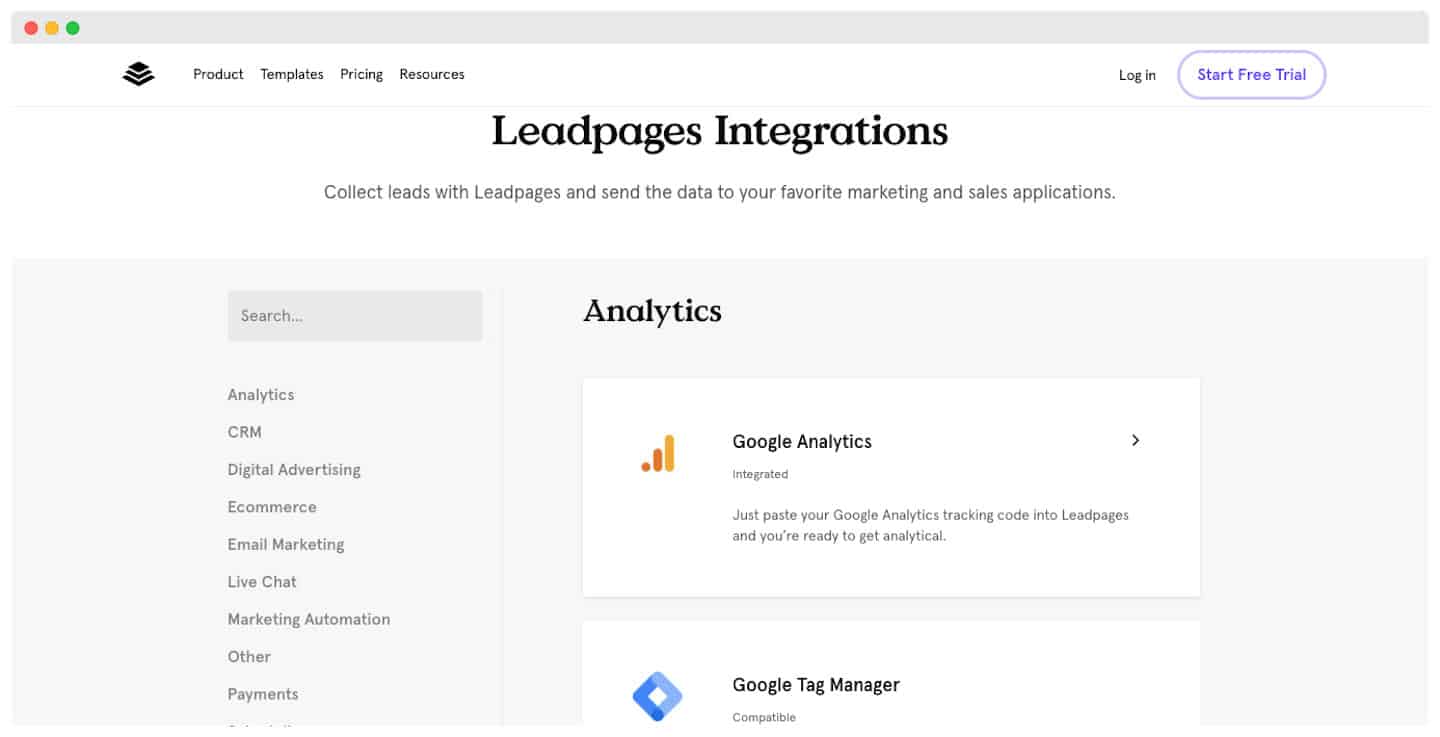
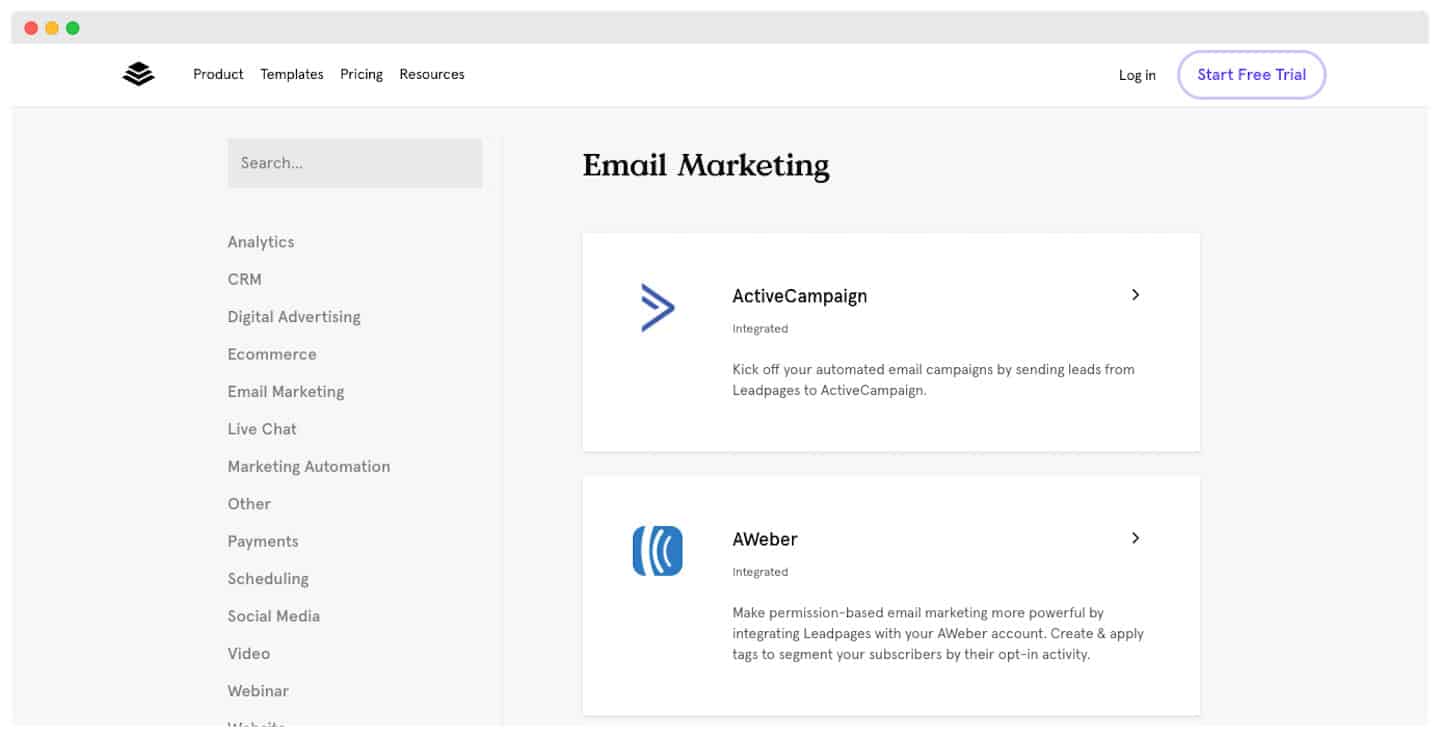
Leadpages offers many integrations. The one with Zapier is clearly the most important, because it connects thousands of applications to each other. Basically, once you are integrated with Zapier, you are integrated with almost everything.
Leadpages also integrates natively with HubSpot, Salesforce, Mailchimp, Google Ads, Stripe, Shopify or Slack, and more than 200 other tools. Watch out for the number of active connections, though: 5 on the Pro, Business and Grow plans, 10 on Optimize.
For our part, we still prefer Make (formerly Integromat), and we explain why in our Make review.
The Leadpages integration with Facebook
The integration works very well, with several complementary tools:
- Ad Studio, an ad generator built into Leadpages.
- An audience targeting tool.
- Automated pixel placement: ideal when you aren’t very familiar with code.
The Leadpages integration with WordPress
If you have your own WordPress site, your landing pages, pop-ups and alert bars display very easily. Once the Leadpages plugin is downloaded, all you have to do is choose the pages to display on your site.
The display options are many and complete (you can display several landing pages or other content, for example).
What we thinkA real strong point for this solution. Publishing is optimized and made easier, which is a real time saver (and money saver).
Leadpages customer support
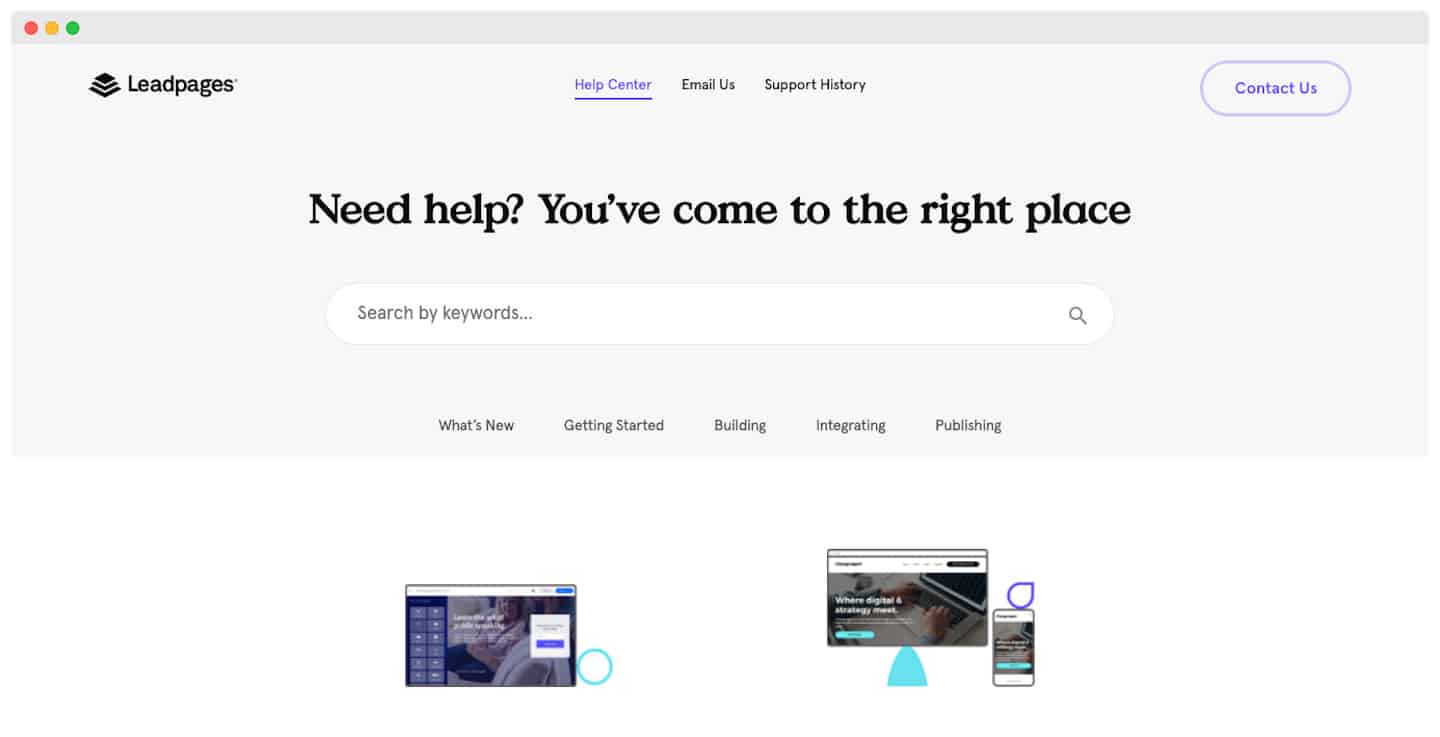
Priority support, by email, is reserved for the Optimize plan, and the Enterprise offer gives access to dedicated support. Leadpages doesn’t detail the channels available on the other plans.
Leadpages isn’t translated, and neither is its support. But it remains compatible with other languages thanks to built-in translations, available in Settings > Languages (in the builder).
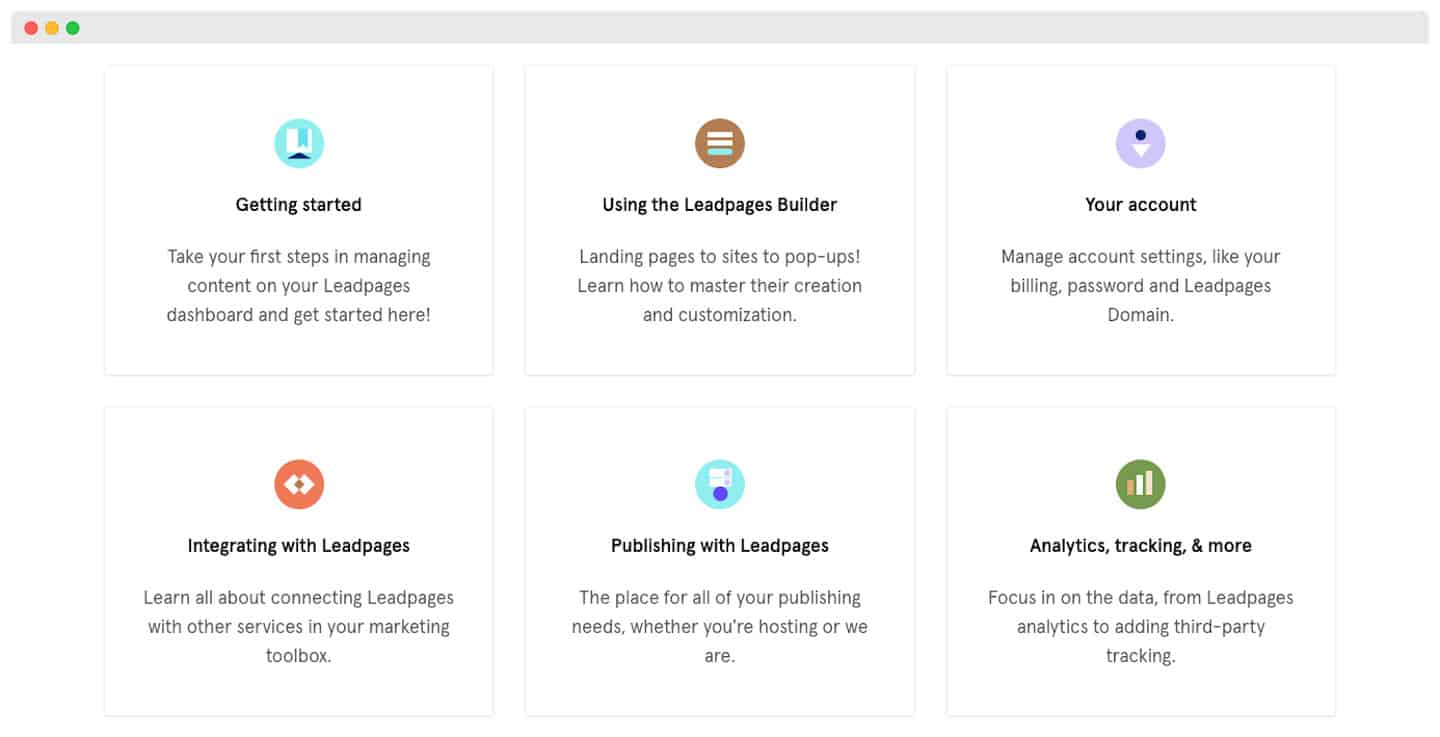
The Leadpages help center is really complete. It is easy to navigate and you quickly find what you are looking for because the answers are well categorized.
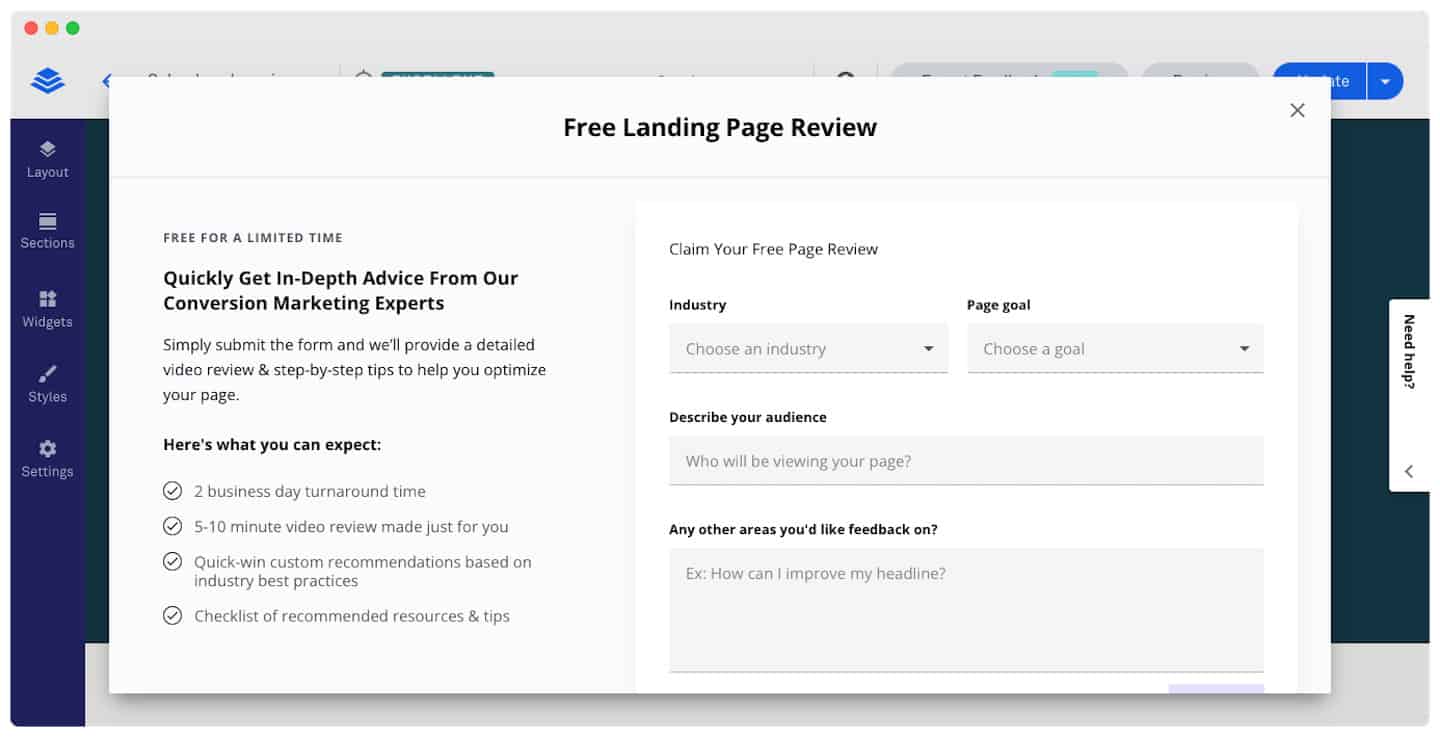
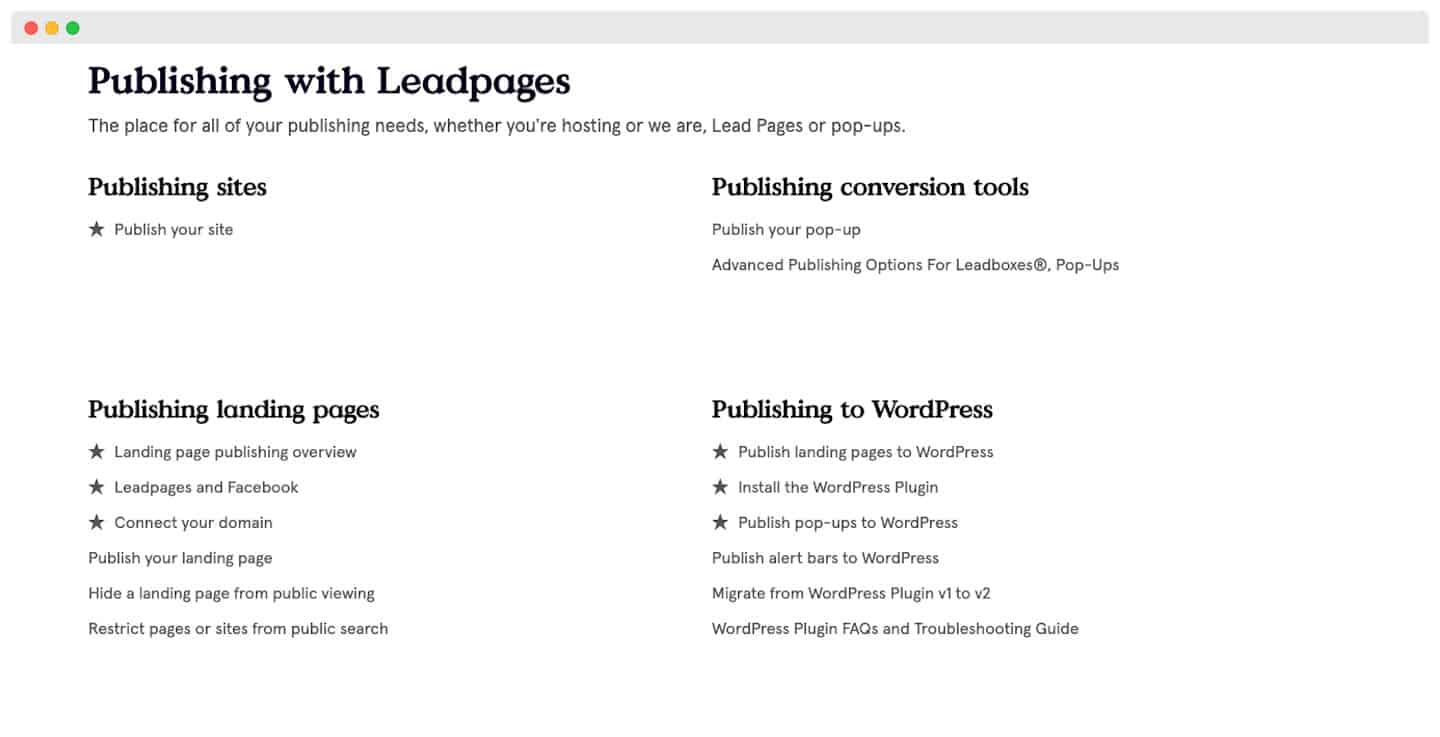 In particular, the support offers lots of resources on their website: a blog, very thorough guides, a podcast, regular webinars. Most of them can be downloaded (guides, checklists, etc.)
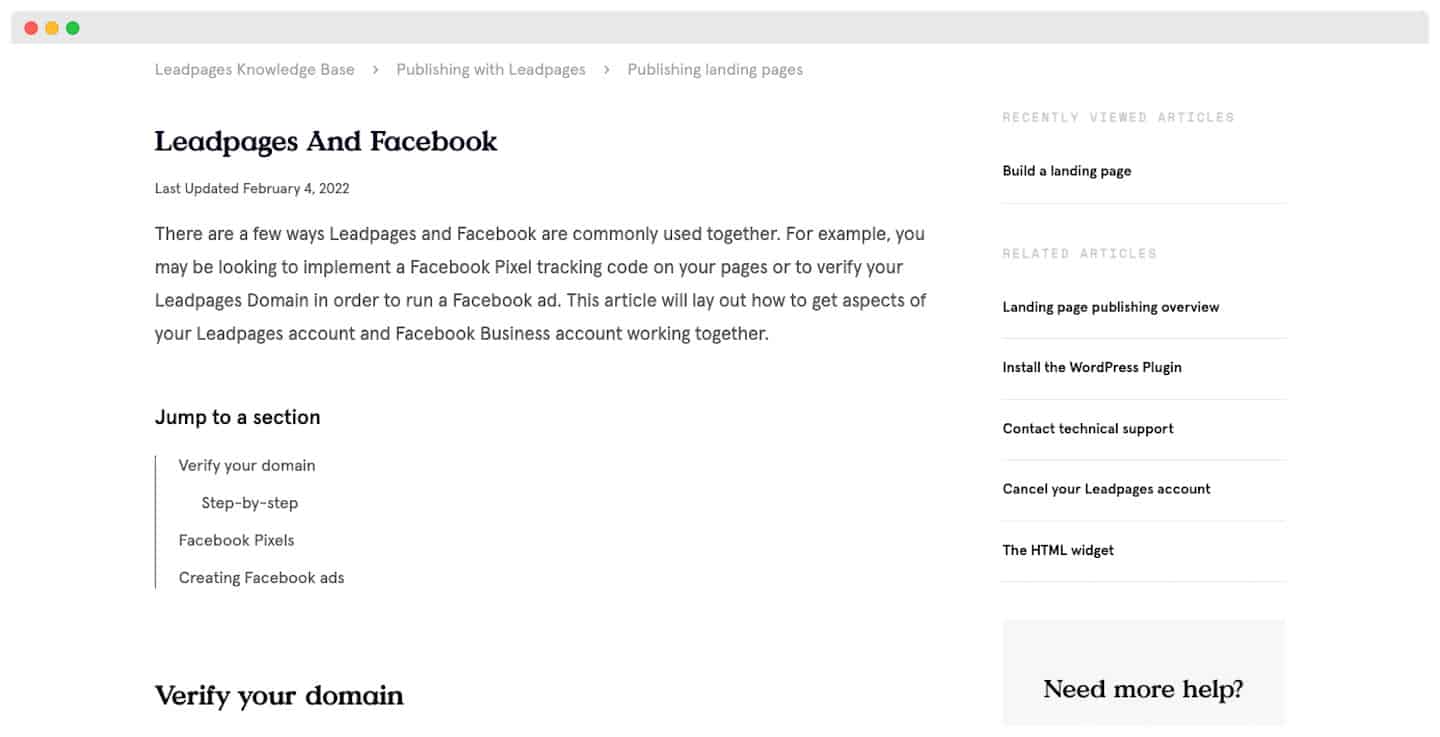
Salesdorado’s takeA real asset for the solution, even if the channels could be more varied.
Leadpages pricing
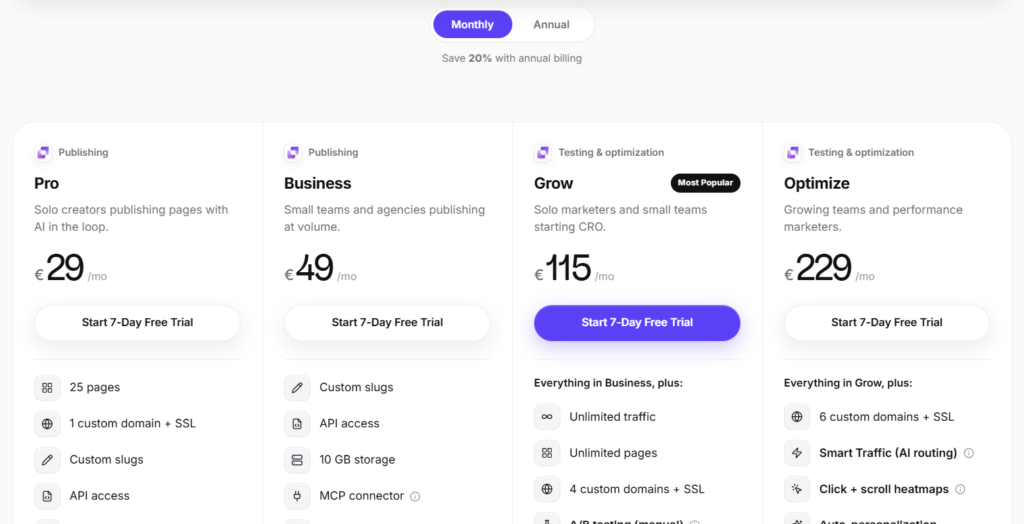
Leadpages now splits its offer into two families: page publishing on one side, testing and optimization on the other. Every plan can be tried for free for 7 days, credit card required.
- Pro plan (29 €/month): for freelancers. Up to 25 pages, one custom domain, 1 blog, 90 days of analytics and AI credits to generate your content.
- Business plan (49 €/month): for small teams and agencies. You move up to 50 pages, 2 domains, 2 blogs and one year of analytics, with CSV export.
- Grow plan (115 €/month): the first plan designed for conversion optimization. Pages become unlimited, with A/B tests, dynamic text replacement, page personalization, anonymous traffic detection and enrichment of 1,000 leads per month.
- Optimize plan (229 €/month): for growing marketing teams. It adds AI traffic routing (Smart Traffic), click and scroll heatmaps, automatic personalization and multivariate tests.
- An Enterprise offer on quote also exists for large teams, with SSO and dedicated support.
Pro tipA 20% discount is available on annual commitments. It can be really worthwhile if you are sure of your choice!