Lead generation: 29 tools to boost your revenue

29 B2B lead generation tools in six families. Lead lists: SocieteInfo (Starter €39/month billed annually, free account), LinkedIn Sales Navigator (Core €120.99/month), Emailable (formerly DataValidation, €38 for 5,000 verifications), Lusha (free 40 credits/month, Starter $37.

Maxime Ben Bouaziz
Maxime Ben Bouaziz
CEO Salesdorado, IA & Sales Tech
September 21, 2021, updated November 10, 2026, 1 min read
See all tools

We had already done it for prospecting tools, so here is a rather long list of lead generation tools to boost your revenue. Outbound and inbound, you’ll find software and solutions here for diversifying the ways you generate leads.

Building lead lists, prospecting, nurturing, qualifying or capturing your prospects: it’s all here. The tools are sorted into six families, from prospecting lists to the channels that attract prospects to you, so you can identify more quickly the type of tool you need.

Depending on what you need:

  • Build a list of French companies and executives: SocieteInfo
  • Find your contacts’ emails and keep a CRM up to date: Dropcontact
  • Automate your LinkedIn invitations and messages, then follow up by email: Waalaxy
  • Send cold emailing campaigns at volume: Woodpecker
  • Run a mail merge from Gmail and Google Sheets: YAMM
  • Nurture your leads on a small budget: Brevo
  • Track your opportunities in a CRM designed for salespeople: Positive noCRM
  • Hold on to visitors leaving your website: OptinMonster
  • Find out which companies visit your website: Lead Forensics
  • Generate leads with webinars: Livestorm

SalesdoradoSimulate your choice of enrichment tool
Free tool, 2 minutes
Simulate your choice of enrichment tool

Answer 10 targeted questions and find the tools that actually fit your situation.

12
tools analyzed
10
targeted questions
€0
no sign-up
Methodology published by the Salesdorado editorial team

The 29 tools, side by side

# Logos tool Score Price Best for
Generating lead lists (outbound)
01 SocieteInfo 4.7/5 ★ €39 Teams prospecting French companies that want a clean list at a low price Visit site
02 LinkedIn Sales Navigator 4.7/5 ★ €120.99 Salespeople prospecting on LinkedIn who want lists targeted by job title and company Visit site
03 Emailable 4.3/5 ★ €38 Those who want to clean an email list before a campaign and reduce bounces Visit site
04 Lusha 4.1/5 ★ $37.45 Salespeople mainly looking for direct phone numbers Visit site
05 Dropcontact 4.4/5 ★ €15 Teams that want a clean CRM and professional emails found in France Visit site
Contacting your prospects (outbound)
06 Waalaxy 4.0/5 ★ €19 Freelancers and small teams that mainly prospect on LinkedIn Visit site
07 Woodpecker 4.4/5 ★ €26 Teams that send cold email at volume and take care of their deliverability Visit site
08 YAMM 4.0/5 ★ €36 Those who send small personalized campaigns from Gmail and Google Sheets Visit site
09 Aircall 4.6/5 ★ €30 Sales teams that call a lot and want every call logged in their CRM Visit site
10 PhantomBuster 4.0/5 ★ €56 Growth hackers and sales ops who want to extract and automate on LinkedIn Visit site
Nurturing and qualifying your leads (inbound)
11 ActiveCampaign 4.5/5 ★ €15 SMEs that want elaborate nurturing scenarios without technical skills Visit site
12 Brevo 4.6/5 ★ €7 Small teams that want to nurture their leads with a generous free plan Visit site
13 HubSpot 4.5/5 ★ €20 Companies that want marketing and sales in one suite, even if it means paying more as they grow Visit site
14 Positive noCRM 4.4/5 ★ €11 Sales teams in very small and mid-sized businesses that want lead tracking without the heaviness Visit site
15 Pipedrive 4.5/5 ★ €14 Sales teams that want a visual pipeline and a CRM adopted quickly Visit site
16 Close 4.1/5 ★ $9 Teams that prospect a lot by phone and want everything together in the CRM Visit site
Capturing and converting your visitors (inbound)
17 OptinMonster 4.7/5 ★ $210 Websites that want to convert their visitors with targeted pop-ups Visit site
18 Unbounce 4.7/5 ★ $22 Marketers who launch many landing pages and want to test them Visit site
19 Intercom 4.5/5 ★ $29 SaaS companies that qualify their leads through chat and the AI agent Visit site
20 LeadQuizzes 3.8/5 ★ $37 Marketers who want to capture leads with quizzes and surveys Visit site
21 Typeform 4.6/5 ★ €25 Those who want capture forms that are pleasant to fill in Visit site
Analyzing your traffic and visitor behavior (inbound)
22 Semrush 4.5/5 ★ €112.52 Marketing teams betting on SEO to attract leads Visit site
23 Ahrefs 4.7/5 ★ €99 SEO teams that want detailed reports on their website and backlinks Visit site
24 Google Analytics 4.3/5 ★ Free All websites that want to measure their traffic and conversions with no budget Visit site
25 Fullstory 4.0/5 ★ On request Teams that want to understand where their visitors drop off before converting Visit site
26 Lead Forensics 4.0/5 ★ On request B2B teams that want to follow up with companies that came to their website without leaving contact details Visit site
Attracting prospects to your website or other channels (inbound)
27 Livestorm 4.5/5 ★ €2.50 Marketing teams that make webinars a regular lead generation channel Visit site
28 Quora 3.5/5 ★ Free Experts who want to make themselves known by answering their market's questions Visit site
29 YouTube 4.0/5 ★ Free Companies ready to regularly produce videos useful to their target Visit site

Generating lead lists (outbound)

The tools below are used to generate lead lists: collecting data, verifying addresses and enriching your contact list. This is a selection of outbound-only tools.

01

SocieteInfo

4.7/5 From €39

Best for: Teams prospecting French companies that want a clean list at a low price

+ Strengths
  • Search engine covering more than 11 million French companies
  • A company or a contact costs the same credit
  • Free account to try the search
− Downsides
  • Data centered on France
  • Annual pricing far cheaper than monthly: you have to commit
★ SocieteInfo in brief

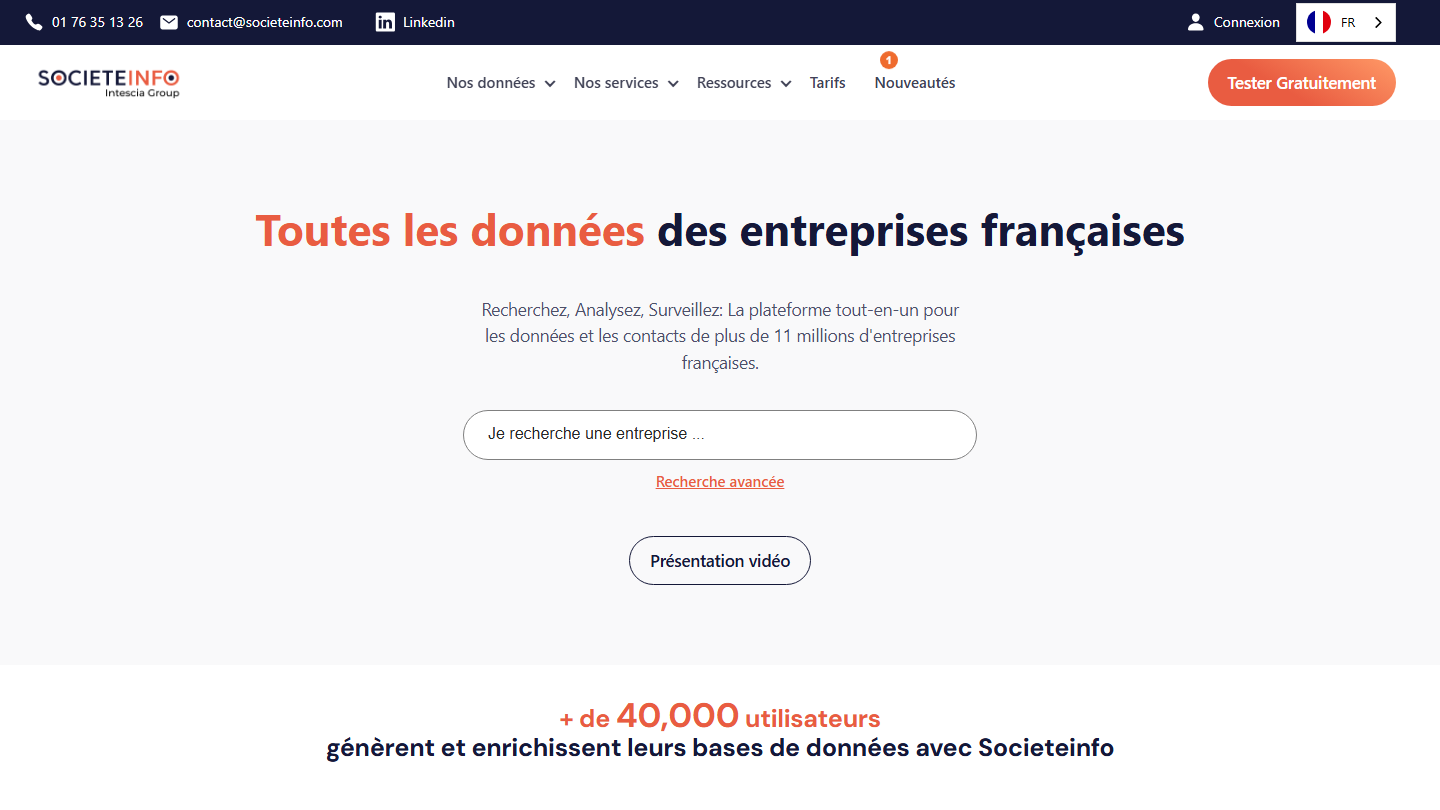
SocieteInfo homepage: “All the data on French companies”, with a company search engine

SocieteInfo is a SaaS tool for generating prospecting lists and enriching the data you hold on your customers and prospects. The website advertises the data and contacts of more than 11 million French companies.

The tool has two main strengths, starting with its search engine, which is extremely effective. It gives quick access to clear, structured B2B data. That makes it easier to enrich your lists with reliable information.

Its price is another major strength. Pricing works on credits, and a company record now costs the same credit as an executive contact: from €0.25 to €0.05 per credit depending on the volume bought. A clear price list that makes it easy to budget your prospecting.

A free account lets you try the search. Subscriptions start with Starter at €39 per month billed annually (€468 per year), against €59 excl. VAT billed monthly; Pro goes to €99 per month billed annually.

02

LinkedIn Sales Navigator

4.7/5 From €120.99

Best for: Salespeople prospecting on LinkedIn who want lists targeted by job title and company

+ Strengths
  • Advanced search filters on profiles and companies
  • Alerts and information on the prospects you follow
  • Pairs with automation tools such as PhantomBuster
− Downsides
  • Expensive for individual use
  • Hard to extract large lists without an additional tool
★ LinkedIn Sales Navigator in brief

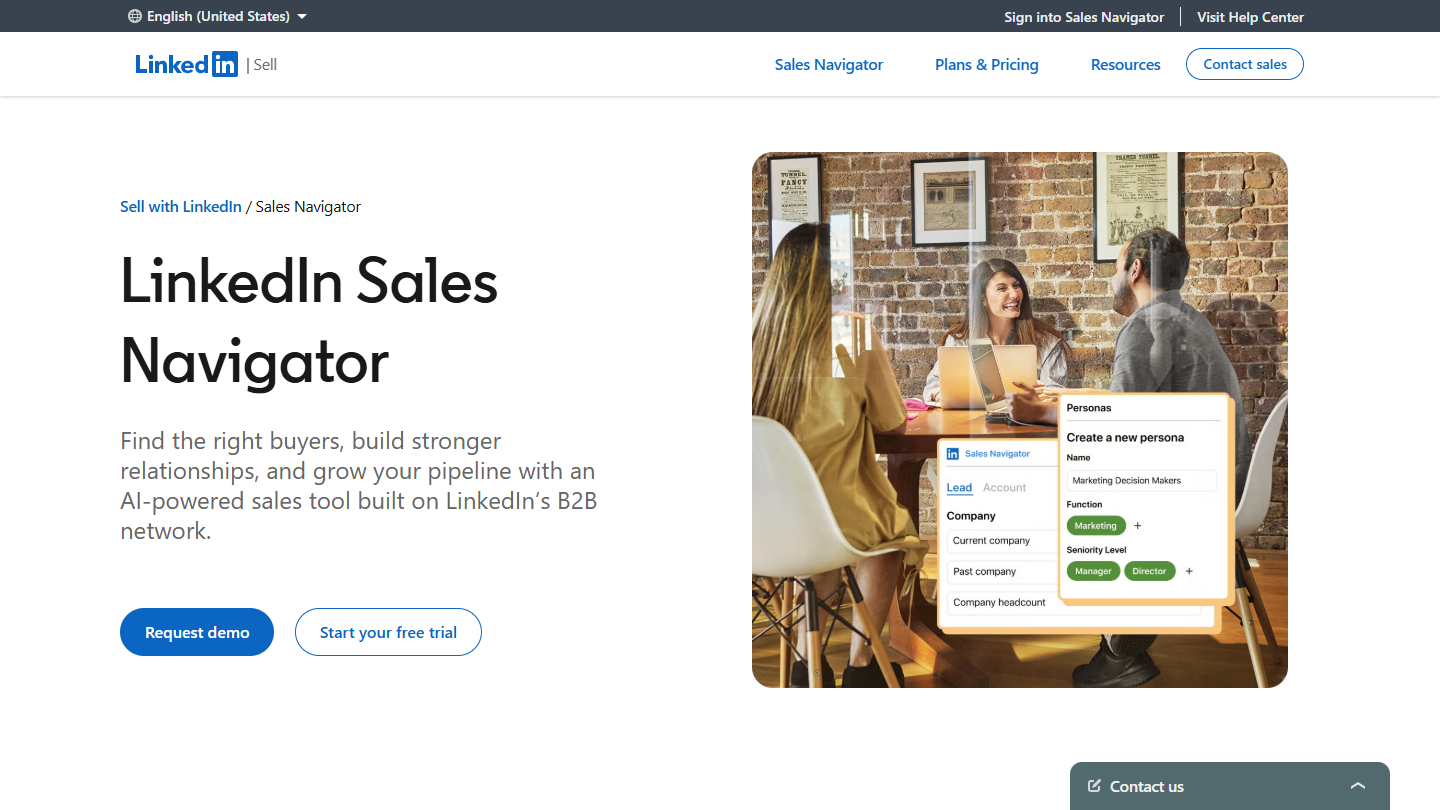
LinkedIn Sales Navigator website: “LinkedIn Sales Navigator”

Sales Navigator, LinkedIn’s lead generation solution, lets you reach the right type of prospect using its search and filtering features. Sales Navigator also provides practical information that can open the way to a better understanding of prospects and potential customers.

That way, you can connect with your prospects on a much more personal level by offering them personalized content.

It’s hard to generate large, easily usable lists of prospects. Even so, paired with a solution such as PhantomBuster, which we present in more detail later in the article, Sales Navigator is very effective.

LinkedIn offers a free trial of the Core and Advanced plans, without stating how long it lasts. The published prices are estimates: Core at €120.99 per month or €1,088.88 per year, Advanced at €148.21 per month or €1,693.88 per year. Advanced Plus is on request.

03

Emailable

4.3/5 From €38

Best for: Those who want to clean an email list before a campaign and reduce bounces

+ Strengths
  • Pay-as-you-go, with no mandatory subscription
  • 250 free credits at sign-up
  • Takes over DataValidation's customers
− Downsides
  • Minimum purchase of 5,000 verifications
  • Interface in English
★ Emailable in brief

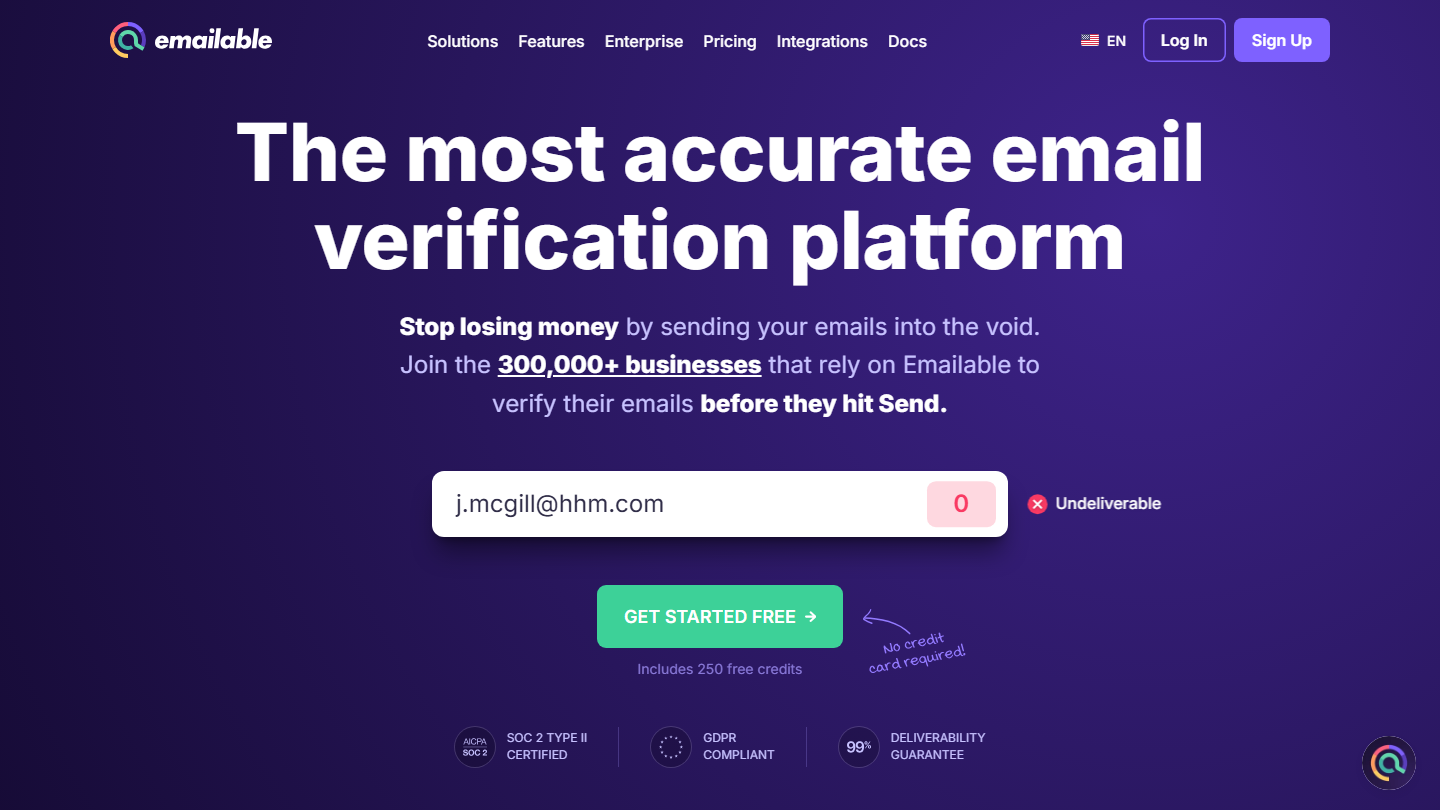
Emailable homepage: “The most accurate email verification platform”, with an address tested and found undeliverable

Emailable bought DataValidation, which featured in the first version of this top: the old address redirects to emailable.com, which welcomes DataValidation users. The principle remains the same: Emailable is a tool for verifying the email addresses on your prospect list. It confirms the data supplied and reports on its viability.

How many addresses are good, how many are bad? Those are the questions Emailable targets. The final goal is to lower the bounce rate of campaigns.

You can verify one address at a time or import a whole list. Emailable also offers an API and integrations, to verify addresses as they enter your database.

Emailable gives 250 credits at sign-up. Rates then vary with the number of addresses to verify: on pay-as-you-go, 5,000 verifications cost €38, or €0.0076 per address, and the monthly subscription brings this tier down to €32.30 per month.

04

Lusha

4.1/5 From $37.45

Best for: Salespeople mainly looking for direct phone numbers

+ Strengths
  • Verified emails and phone numbers
  • Chrome extension for LinkedIn, CRMs and any website
  • Free plan of 40 credits per month
− Downsides
  • Credits go fast on entry-level plans
  • Prices shown in dollars only
★ Lusha in brief

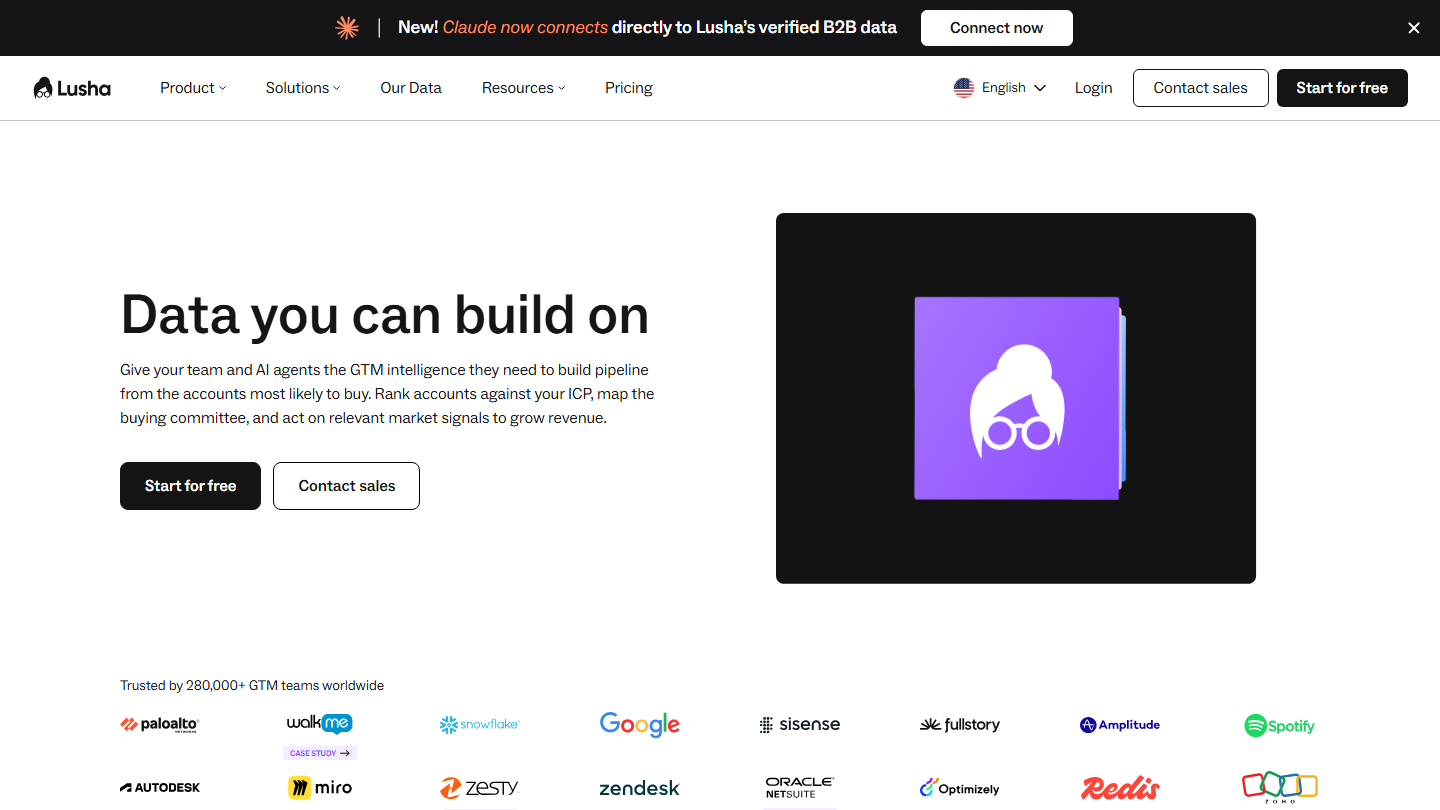
Lusha homepage: “Data you can build on”, with customer logos

Designed to support sales, recruitment and marketing professionals, Lusha is a super simple Chrome extension that gets you your prospects’ contact details (mainly their phone number) via social networks and LinkedIn in particular.

Integrations then let you follow up on prospects through your CRM. You can also build your own lists.

Lusha has broadened its offer: the platform now highlights company data and buying signals to spot accounts to target. For an occasional need, the extension remains the simplest way in.

Lusha offers a free plan of 40 credits per month. Prices then climb: Starter costs $37.45 per month billed annually ($49.90 billed monthly) with one seat, Pro $52.45 per month billed annually with two seats.

05

Dropcontact

4.4/5 From €15

Best for: Teams that want a clean CRM and professional emails found in France

+ Strengths
  • Connects to the CRM to correct and complete records
  • Paid per credit, starting with small volumes
  • 50 free credits to test it
− Downsides
  • No phone numbers
  • You need to know the contact's name and company
★ Dropcontact in brief

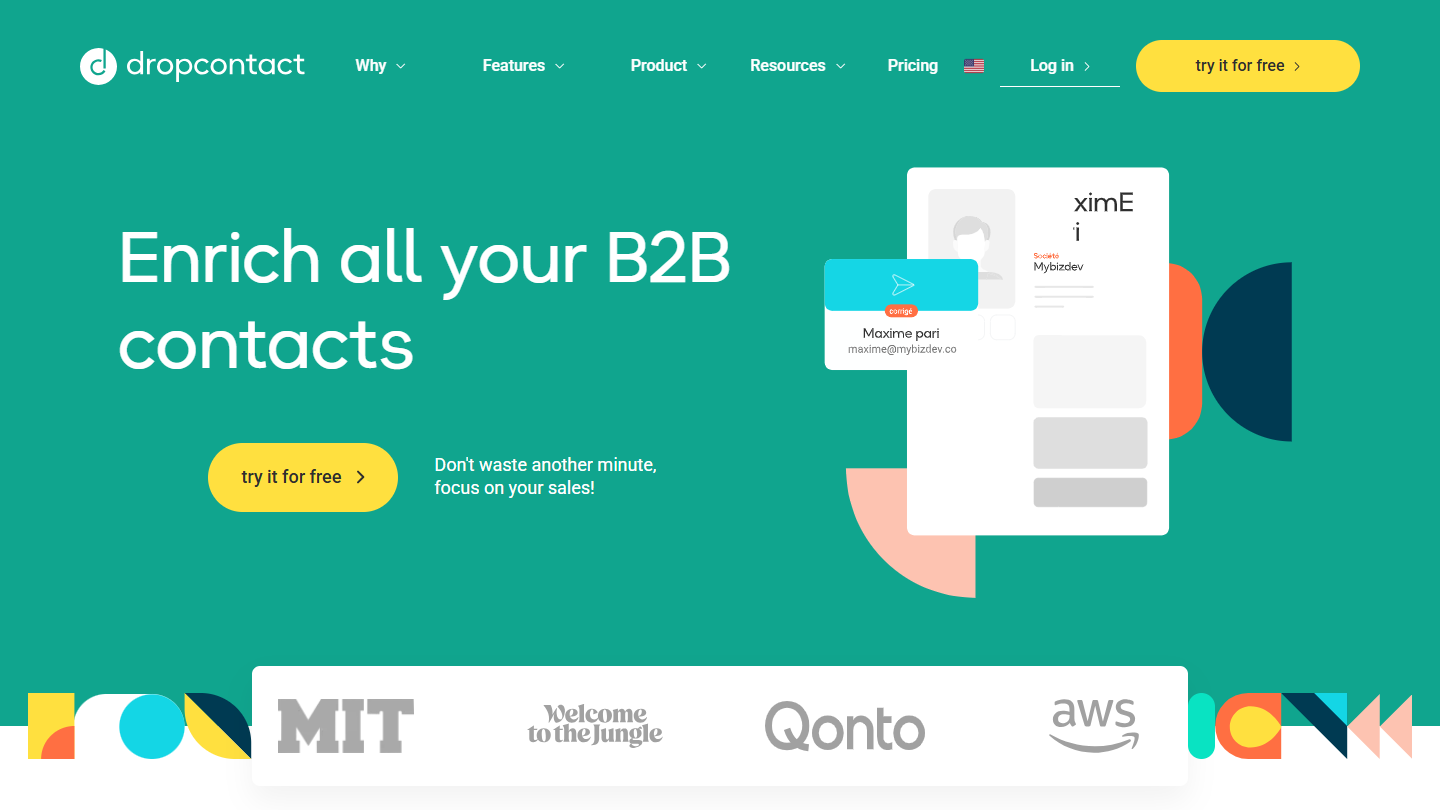
Dropcontact website: “Enrich all your B2B contacts”

This tool connects to your CRM to make sure your contacts stay up to date. Dropcontact automatically corrects errors or outdated information by validating it regularly.

It also finds a contact’s professional email address from their name and company, which makes it as much an email finder as a cleaning tool.

Dropcontact is on our list of data enrichment solutions. It makes sense as soon as your prospecting list lives in a CRM and needs keeping clean without spending your days on it.

Dropcontact gives 50 credits to test it. After that you pay according to the number of searches: the smallest plan, Starter, gives 500 credits for €15 per month billed annually (€19 billed monthly), and tiers go up to 150,000 credits.

Contacting your prospects (outbound)

A list of simple but effective outbound tools: this software lets you contact prospects on all channels, LinkedIn, email and phone.

06

Waalaxy

4.0/5 From €19

Best for: Freelancers and small teams that mainly prospect on LinkedIn

+ Strengths
  • Simple to learn, no technical skills needed
  • Complete reporting: visits, invitations, acceptance and reply rates
  • 14-day free trial
− Downsides
  • Sequences with email are reserved for the Business plan
  • No free plan
★ Waalaxy in brief

Waalaxy homepage: “We make LinkedIn prospecting (really) simple”

A tool designed by the founders of ProspectIn, Waalaxy automates your prospecting on LinkedIn: invitations, messages and follow-ups. The website advertises more than 800 new prospects contacted every month on LinkedIn.

Simple and light, the tool is particularly attractive if you prospect a lot through LinkedIn. Emailing isn’t left out, since you can create omnichannel sequences from the Business plan.

The reporting dashboard is complete and ergonomic. It gives access to the key information: visits, connection requests, messages, acceptance or reply rates.

Waalaxy offers a 14-day free trial. There are three plans, per user per month: Pro at €19 billed annually (€39 billed monthly), Advanced at €49 (€99) and Business at €69 (€139).

07

Woodpecker

4.4/5 From €26

Best for: Teams that send cold email at volume and take care of their deliverability

+ Strengths
  • Deliverability tools: domains, mailboxes and warm-up included
  • LinkedIn steps possible in the same campaign
  • Unlimited team members
− Downsides
  • LinkedIn billed as a separate module
  • Interface in English
★ Woodpecker in brief

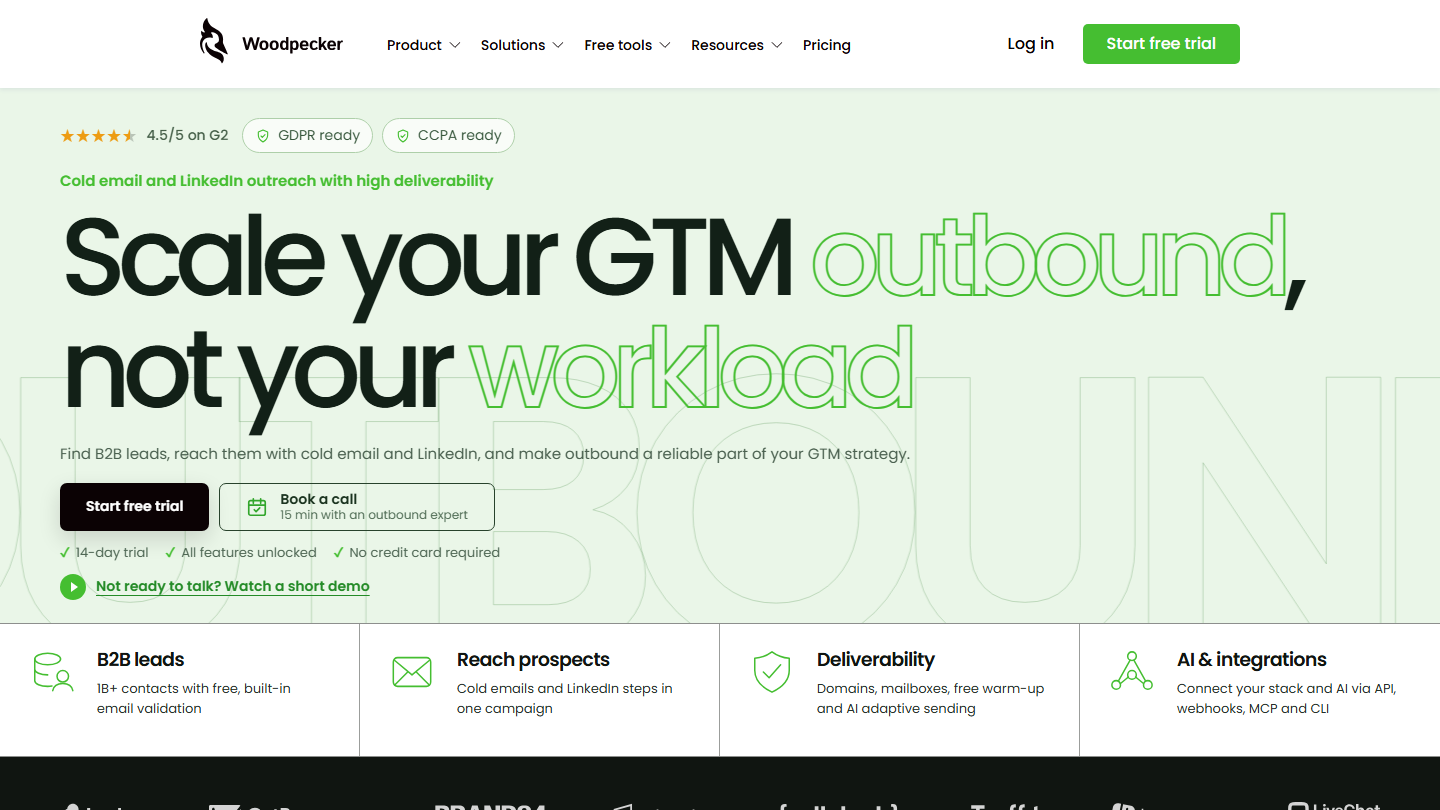
Woodpecker homepage: “Scale your GTM outbound, not your workload”, cold email and LinkedIn prospecting

Woodpecker is one of the market leaders in cold emailing. The tool handles sending cold email sequences and their automatic follow-ups.

Woodpecker focuses on deliverability: buying domains and mailboxes, free warm-up, adaptive sending. LinkedIn steps can be added to emails in the same campaign.

We really like the reporting feature. Clear and detailed, it makes all the key information accessible. Finally, Woodpecker offers many integrations. Pipedrive and HubSpot are among the CRMs covered.

Woodpecker offers a free trial of 14 days or 500 emails, with no credit card. You then pay €26 per month billed annually for the Email plan (€39 billed monthly), €55 for the Multichannel plan (€68 billed monthly); the LinkedIn module alone costs €29 per month.

08

YAMM

4.0/5 From €36

Best for: Those who send small personalized campaigns from Gmail and Google Sheets

+ Strengths
  • Simple and fast: a Google Sheet and a Gmail draft are all you need
  • Tracking of opens and clicks in the sheet
  • Free plan
− Downsides
  • 20 recipients a day for free, 400 on Pro with a gmail.com account
  • No native CRM integration: everything goes through Google Sheets
★ YAMM in brief

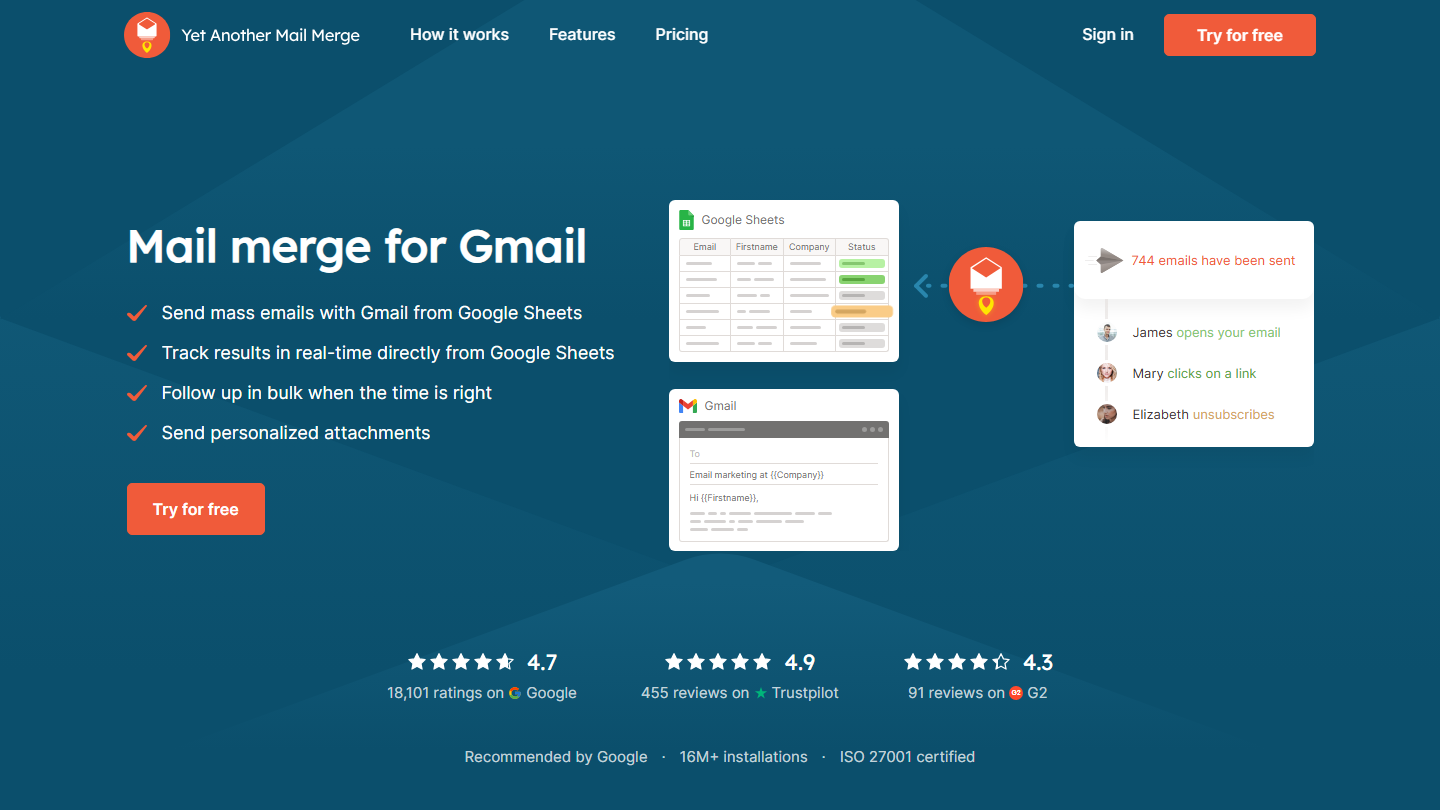
Yet Another Mail Merge homepage: “Mail merge for Gmail”, with a Google Sheets spreadsheet and a Gmail draft

On Yet Another Mail Merge, the contact base is a simple Google Sheet. The email template is a Gmail or Google Workspace draft. The user can then customize the dynamic fields, add CCs, and so on.

In the end, the tool is fairly basic. Its reporting is in the same vein: opens, clicks and replies flow back into the sheet, and mostly tell you about the health of current campaigns. It’s also a fairly light tool in terms of integrations: to work with Salesforce or HubSpot, you export your contacts to Google Sheets.

A long-standing tool, we really like YAMM for its simplicity and speed of execution. On the other hand, the tool isn’t suited to large campaigns.

YAMM lets you send up to 20 emails a day for free. The Pro plan costs €36 per year (€3 per month) with a gmail.com account, for 400 recipients a day, and €72 per year with Google Workspace, for 1,500 recipients a day.

09

Aircall

4.6/5 From €30

Best for: Sales teams that call a lot and want every call logged in their CRM

+ Strengths
  • No physical lines to set up, quick installation
  • Ergonomic interface that is simple to learn
  • Many integrations, including Salesforce
− Downsides
  • 3-license minimum
  • Prices far higher on monthly billing
★ Aircall in brief

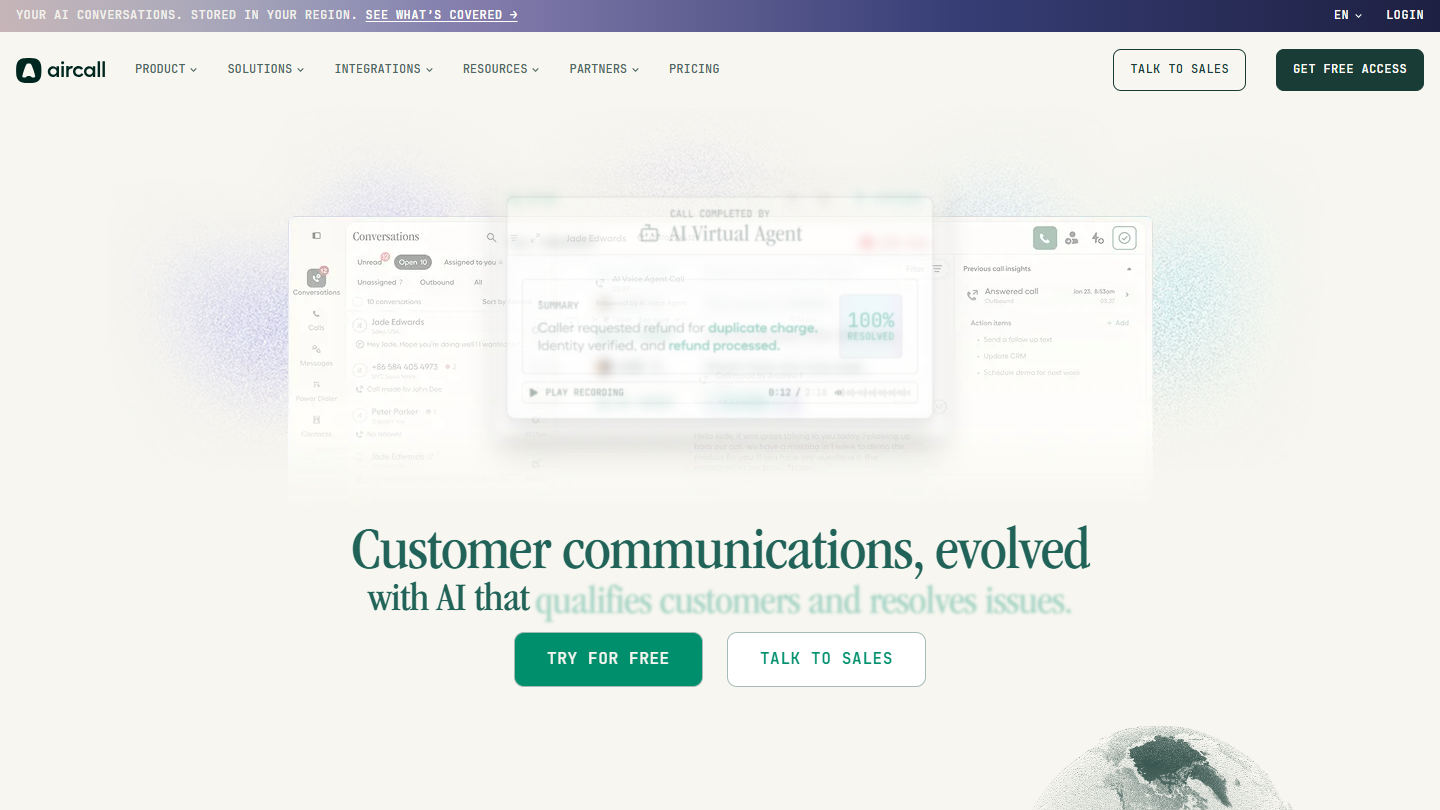
Aircall website: “Customer communications, evolved with AI that qualifies customers and resolves issues.”

A telephony tool suited to companies looking for a complete call center solution, Aircall is very comprehensive.

It means you no longer have to set up physical phone lines dedicated to Sales or Customer Service teams. The very fast installation lets you start prospecting almost immediately.

The interface is ergonomic and pleasant. It’s very easy to navigate between the app’s features. Accessible, simple and fast, Aircall also offers many integrations, including one with Salesforce. In fact, we consider it the best on the market, no less.

Aircall offers 3 plans: Essentials at €30 per license per month billed annually (€40 billed monthly), Professional at €50 (€70 billed monthly), and Enterprise, with prices available on request. You need at least 3 licenses.

10

PhantomBuster

4.0/5 From €56

Best for: Growth hackers and sales ops who want to extract and automate on LinkedIn

+ Strengths
  • Extracts profiles from a search, a group or a post's commenters
  • Automates invitations and messages
  • Unlimited users on all plans
− Downsides
  • No more free plan, only a 14-day trial
  • Takes time to learn
★ PhantomBuster in brief

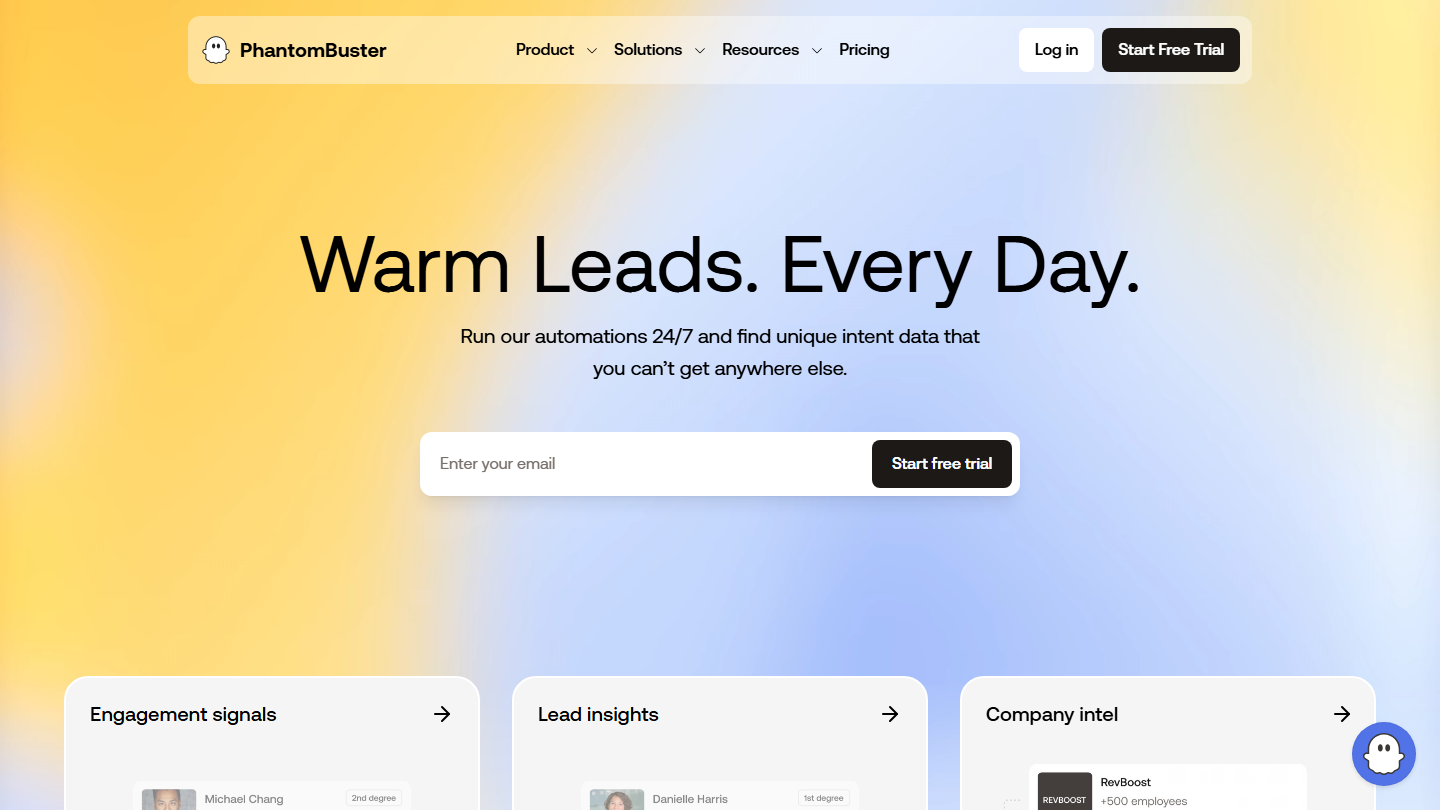
PhantomBuster homepage: “Warm Leads. Every Day.”

A reference in the toolbox of growth hackers and sales ops, PhantomBuster works much like an API route: you send a request and receive a more precise list of data.

Take the URL of a recently published LinkedIn post. When you send this information, PhantomBuster comes back with a list of the LinkedIn profiles of the people who commented on the post.

It’s an effective tool for generating leads and enriching your prospecting lists. You can extract the results of a LinkedIn search or LinkedIn group to build your list. The tool also automates your outreach: you can send invitations to all the prospects from a LinkedIn search, or who liked a post, a page, and so on.

PhantomBuster offers a 14-day free trial, with no credit card. Three plans are then available: Start at €56 per month billed annually (€69 billed monthly), Grow at €128 (€159) and Scale at €352 (€439).

Nurturing and qualifying your leads (inbound)

The first tools in this section feed your prospects with relevant content, with sequences that move them forward, step by step, through the sales funnel. The CRMs that follow are used to qualify and prioritize the leads most likely to use your services, while making the Sales teams’ work easier.

11

ActiveCampaign

4.5/5 From €15

Best for: SMEs that want elaborate nurturing scenarios without technical skills

+ Strengths
  • Drag-and-drop automation builder
  • Workflows adapted to each stage of the funnel
  • 14-day free trial
− Downsides
  • Lead scoring as a paid module, from the Plus plan
  • Prices climb fast with the number of contacts
★ ActiveCampaign in brief

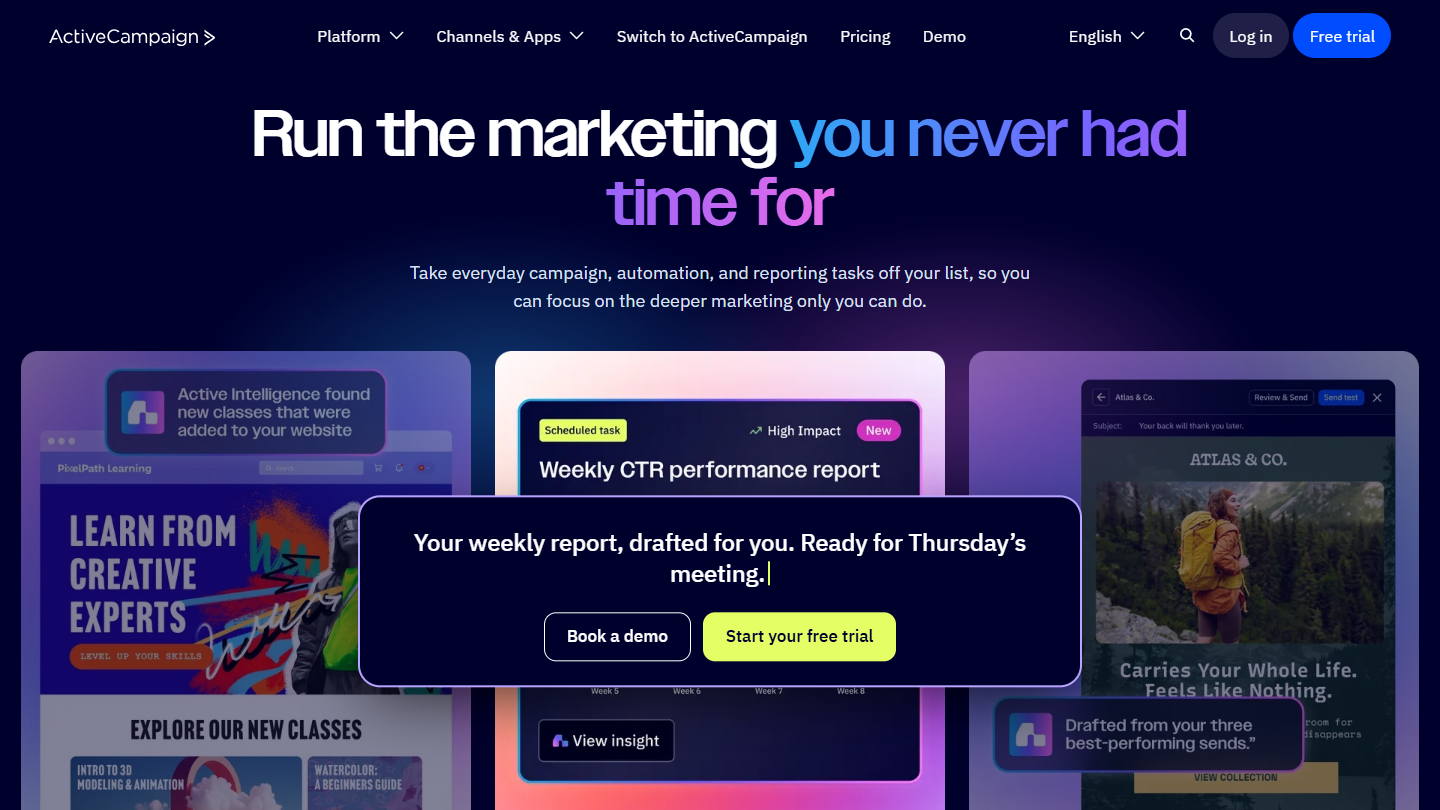
ActiveCampaign website: “Run the marketing you never had time for”

ActiveCampaign is a complete marketing automation tool for automating your marketing sequences. It’s simple to use: no need to be an expert in CRM, technology or code.

ActiveCampaign offers a drag-and-drop automation builder. In a few minutes, you can generate a quality workflow, adapted to each stage and sub-stage of the sales funnel. That makes it easier to guide the prospect.

The tool comes with a lead scoring feature, offered as a paid module from the Plus plan. It’s simple to analyze and define which opportunities are the most interesting.

ActiveCampaign offers a 14-day free trial. For 1,000 contacts billed annually, expect €15 per month on Starter, €49 on Plus, €79 on Pro and €145 on Enterprise.

12

Brevo

4.6/5 From €7

Best for: Small teams that want to nurture their leads with a generous free plan

+ Strengths
  • Free plan for up to 300 emails a day
  • Nurturing, contact management and precise reporting
  • French vendor
− Downsides
  • Forms and landing pages lag behind
  • Integrations a little light upstream
★ Brevo in brief

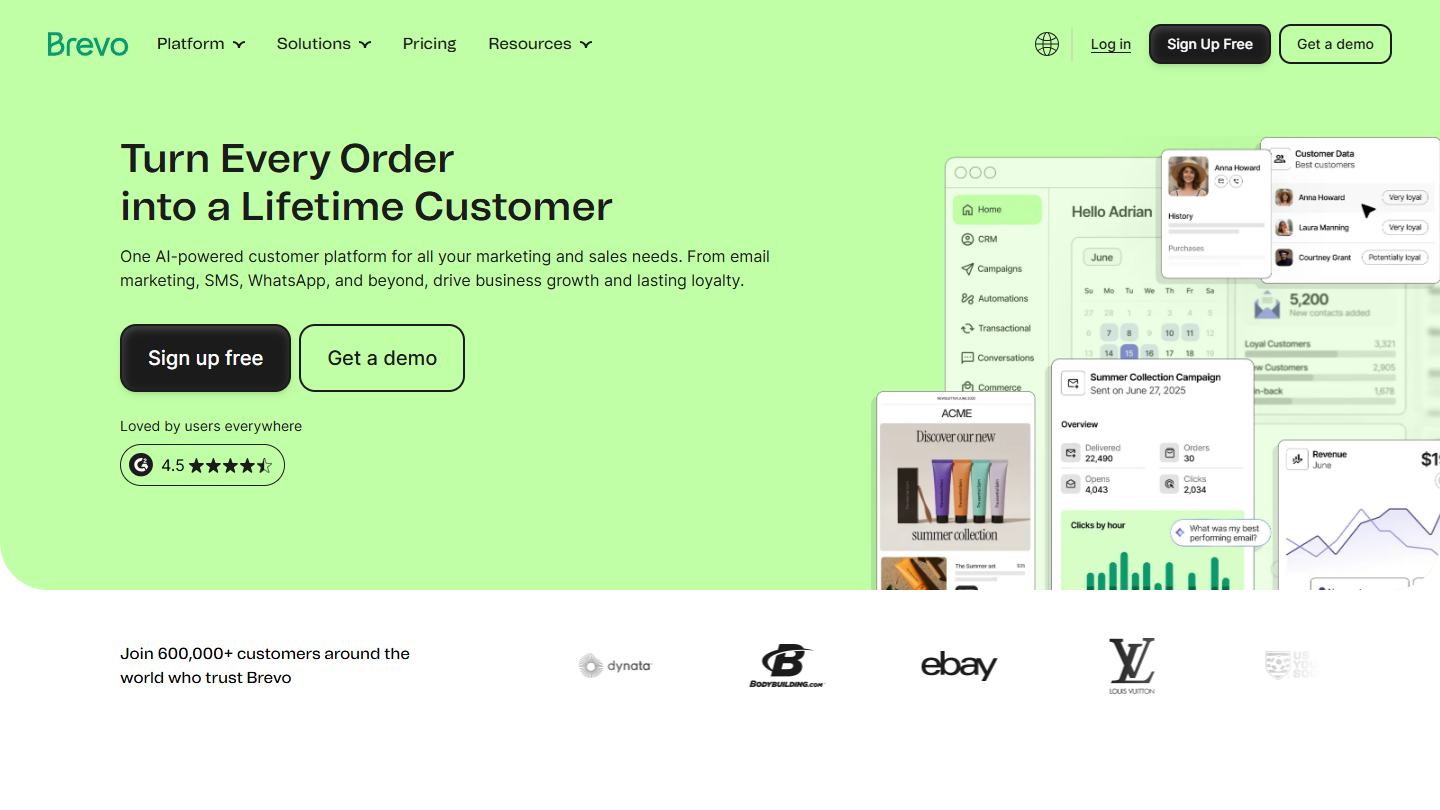
Brevo website: “Turn Every Email SMS Order Interaction into a Lifetime Customer”

Brevo, formerly Sendinblue, is a tool we know particularly well. To tell the truth, Salesdorado was born in their offices.

Generally speaking, Brevo is an excellent solution to put upstream of a CRM. The tool’s functional scope is attractive. You can set up a nurturing strategy, manage your contacts and analyze statistics thanks to very precise reporting.

The only negative point concerns lead capture. The solutions offered (forms, landing pages) seem to fall short of what you might hope for. The integrations are also a little light, particularly upstream. It seems difficult, then, to run somewhat complex capture campaigns with Brevo alone. On the other hand, by turning to an external solution, the tool can quickly become very effective.

Brevo is available for free for up to 300 emails a day. Three other plans are offered: Starter at €7 per month (€6.33 billed annually), Standard at €15 (€13.50 billed annually), Pro at €499; Enterprise is on request.

13

HubSpot

4.5/5 From €20

Best for: Companies that want marketing and sales in one suite, even if it means paying more as they grow

+ Strengths
  • Free CRM and form builder
  • Marketing automation and sales automation in the same suite
  • Kanban pipeline view, many integrations
− Downsides
  • Prices soar with volume and the Pro plans
  • Free plan limited to 2 users
★ HubSpot in brief

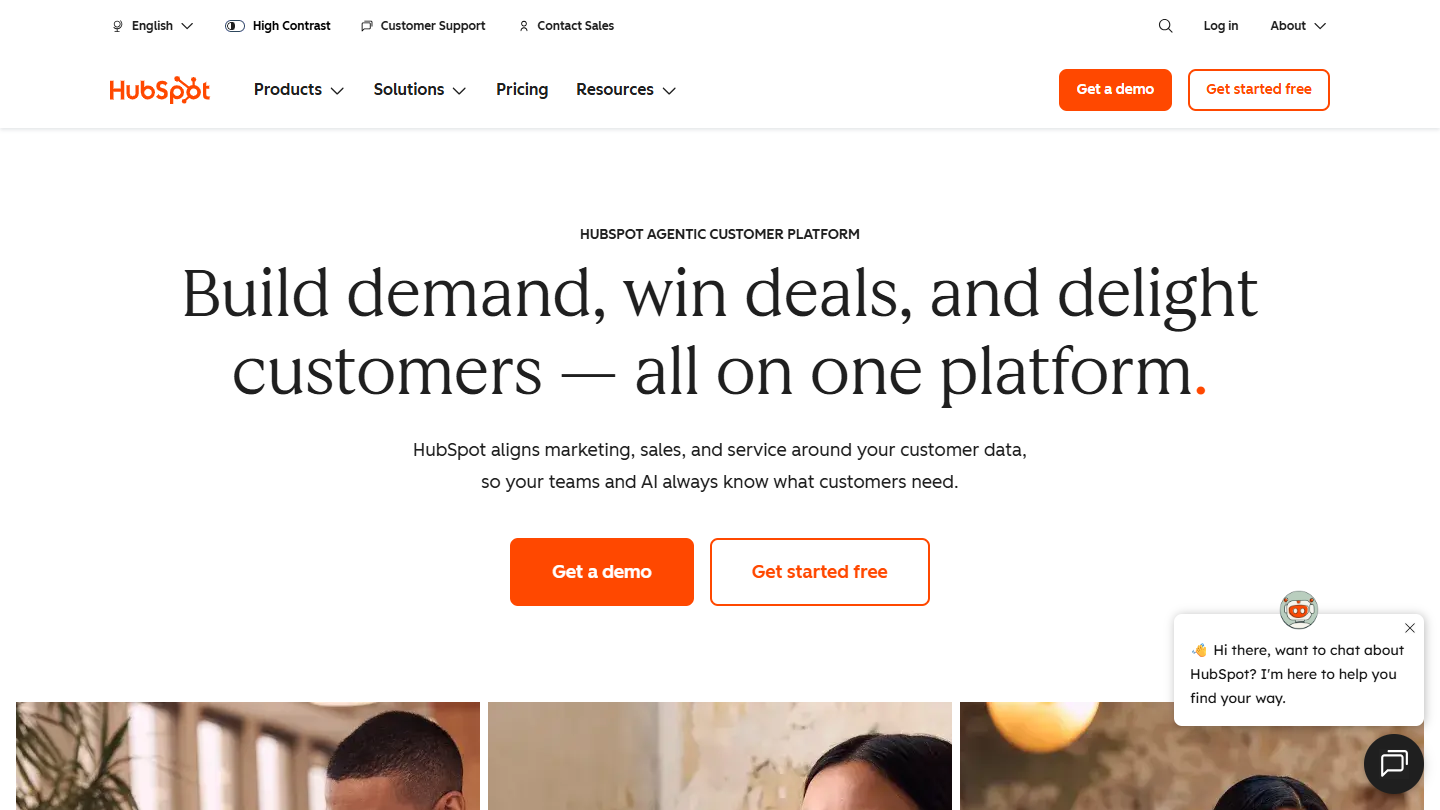
HubSpot website: “Build demand, win deals, and delight customers, all on one platform”

HubSpot is a collection of integrated software tools for automating many tasks. Some of this software can be used for free, notably the CRM and the form builder.

It’s a formidable marketing automation solution. Even so, we can’t help pointing out the prices, which can quickly soar. The higher the volume of prospects you handle, the more you’ll have to pay.

HubSpot CRM is the tool’s sales suite. Rich in sales automation features, it also offers many integrations. We like the Kanban view, which lets you follow your leads’ progress through the funnel. Ergonomic and pleasant, HubSpot CRM makes life simpler: the number of clicks between each action is reduced, and for basic use, the tool is mastered fairly quickly.

HubSpot’s free tools work for up to 2 users. Several plans are then offered: Starter at €20 per license per month, Pro at €90 and Enterprise at €175.

14

Positive noCRM

4.4/5 From €11

Best for: Sales teams in very small and mid-sized businesses that want lead tracking without the heaviness

+ Strengths
  • Perfectly built menu dedicated to prospecting
  • Visual pipeline and Kanban view of opportunities
  • 15-day free trial
− Downsides
  • Less complete than a general CRM for marketing
  • Price far higher on monthly billing
★ Positive noCRM in brief

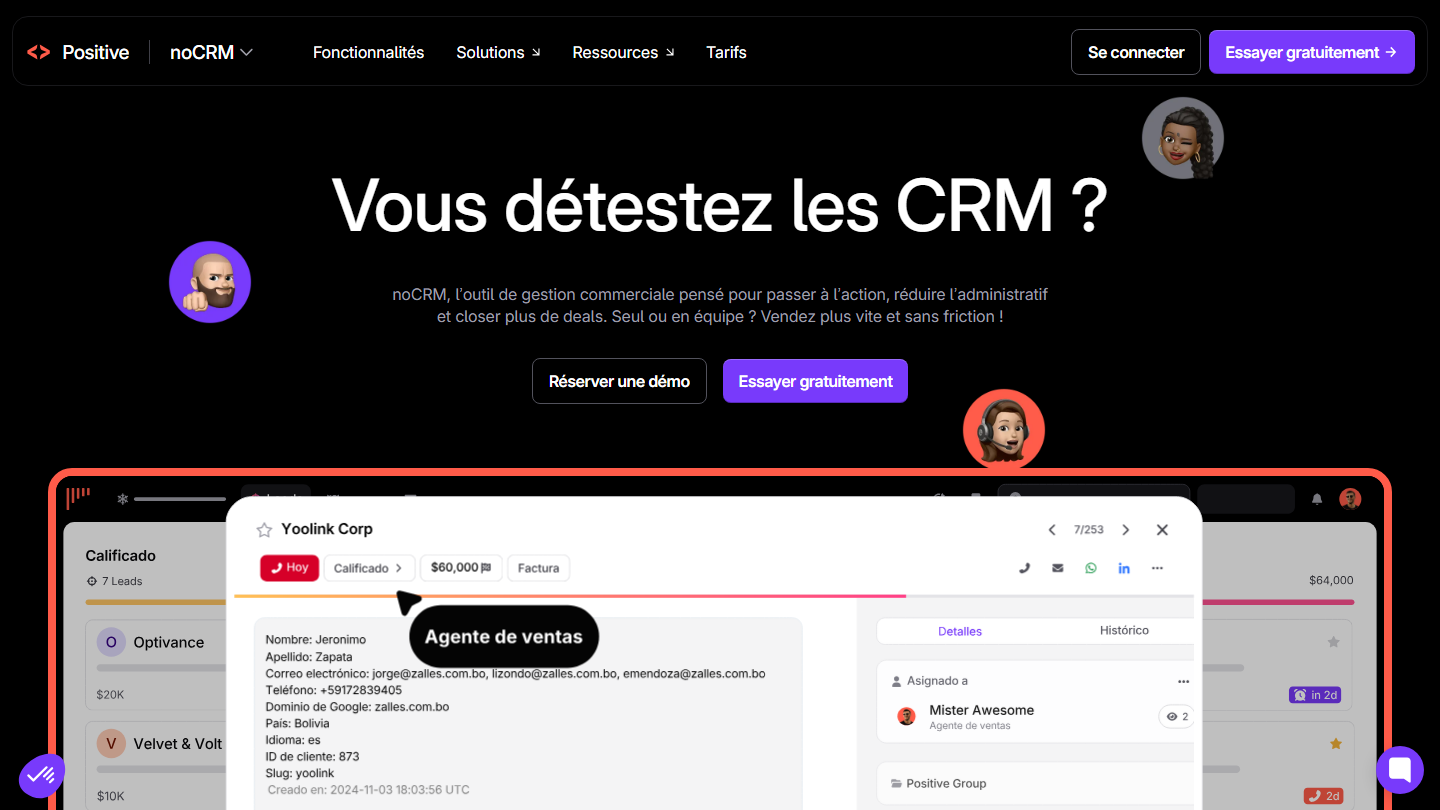
Positive noCRM homepage: “Do you hate CRMs?”, with the record of a lead to qualify

Positive noCRM, formerly noCRM, is an excellent tool designed for salespeople. Very simple in design and use, it suits sales teams in very small and mid-sized businesses.

We like its menu dedicated to prospecting, which is perfectly built. Sales-focused, the tool offers a visual and simplified sales pipeline. That optimizes the tracking of leads and opportunities. Finally, we’d highlight the relevance of the Kanban view of current opportunities.

A sales-oriented tool, Positive noCRM has a fairly broad functional scope. It makes sense when the challenge is moving each lead on to the next action, rather than maintaining a marketing database.

Positive noCRM lets you discover the tool for free for 15 days. The first plan, Starter, is €11 per user per month billed annually (€19 billed monthly); Expert goes to €22 and Dream to €33.

15

Pipedrive

4.5/5 From €14

Best for: Sales teams that want a visual pipeline and a CRM adopted quickly

+ Strengths
  • Quick to install and learn
  • Moving deals between stages, notes, emails, reminders
  • Simple, clean interface
− Downsides
  • No free plan
  • Advanced features require the higher plans
★ Pipedrive in brief

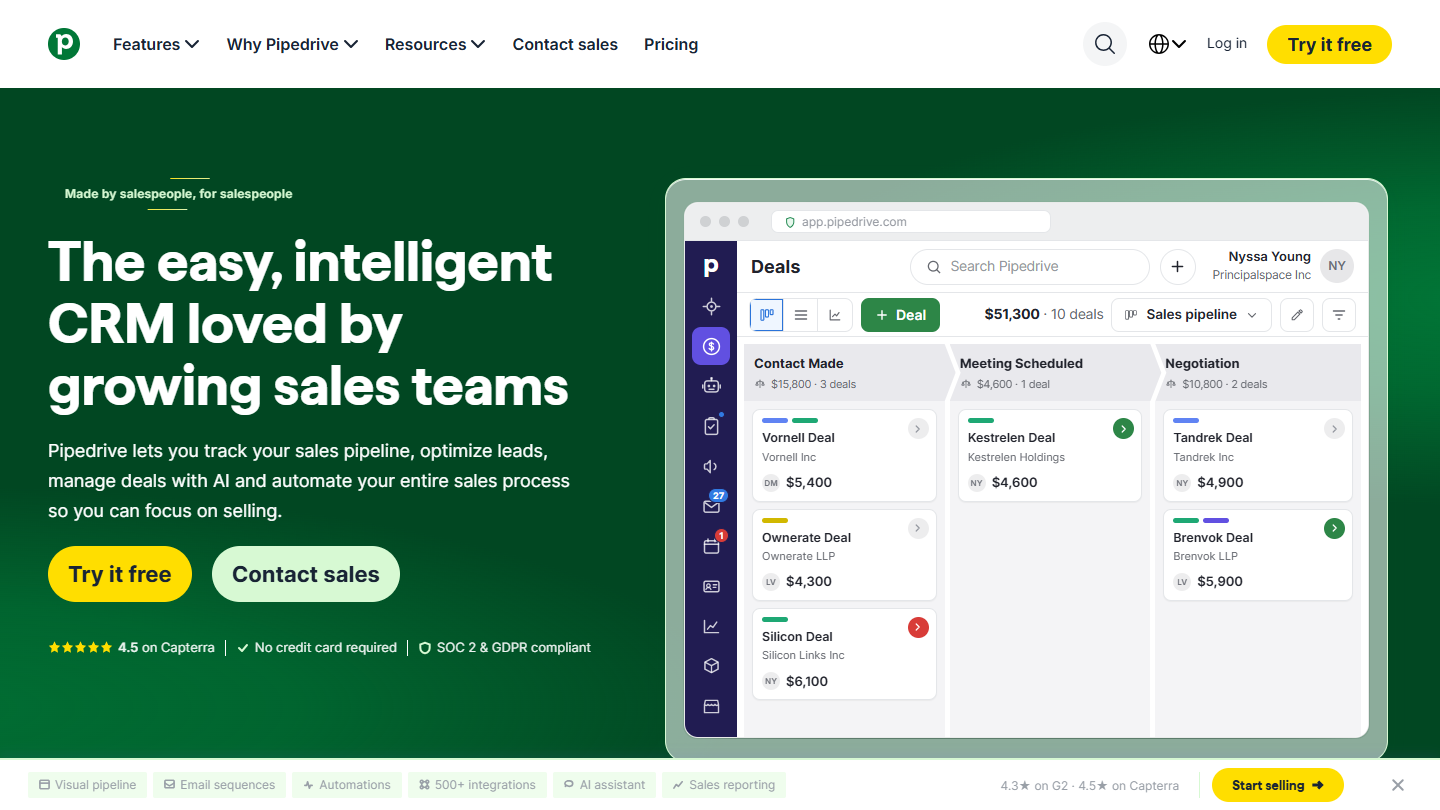
Pipedrive website: “The easy, intelligent CRM loved by growing sales teams”

Pipedrive is an excellent option for setting up CRM software. Easy to install, it helps you frame and optimize your processes.

It has real functional depth. You can move a “deal” from one stage to the next, add notes, send your email or schedule an appointment or a reminder.

The interface is a success. Simple and clean, it lets you navigate between options in just a few clicks. Simple to install and use, Pipedrive has complete, in-depth features. A tool we really like.

Pipedrive offers a 14-day free trial. Four plans are then available, per user per month billed annually: Lite at €14 (€24 billed monthly), Growth at €39, Premium at €59 and Ultimate at €79.

16

Close

4.1/5 From $9

Best for: Teams that prospect a lot by phone and want everything together in the CRM

+ Strengths
  • Calling, SMS and email built into one platform
  • Automatic call recording
  • Transparent pricing, 14-day trial
− Downsides
  • Call minutes are billed separately
  • Interface in English
★ Close in brief

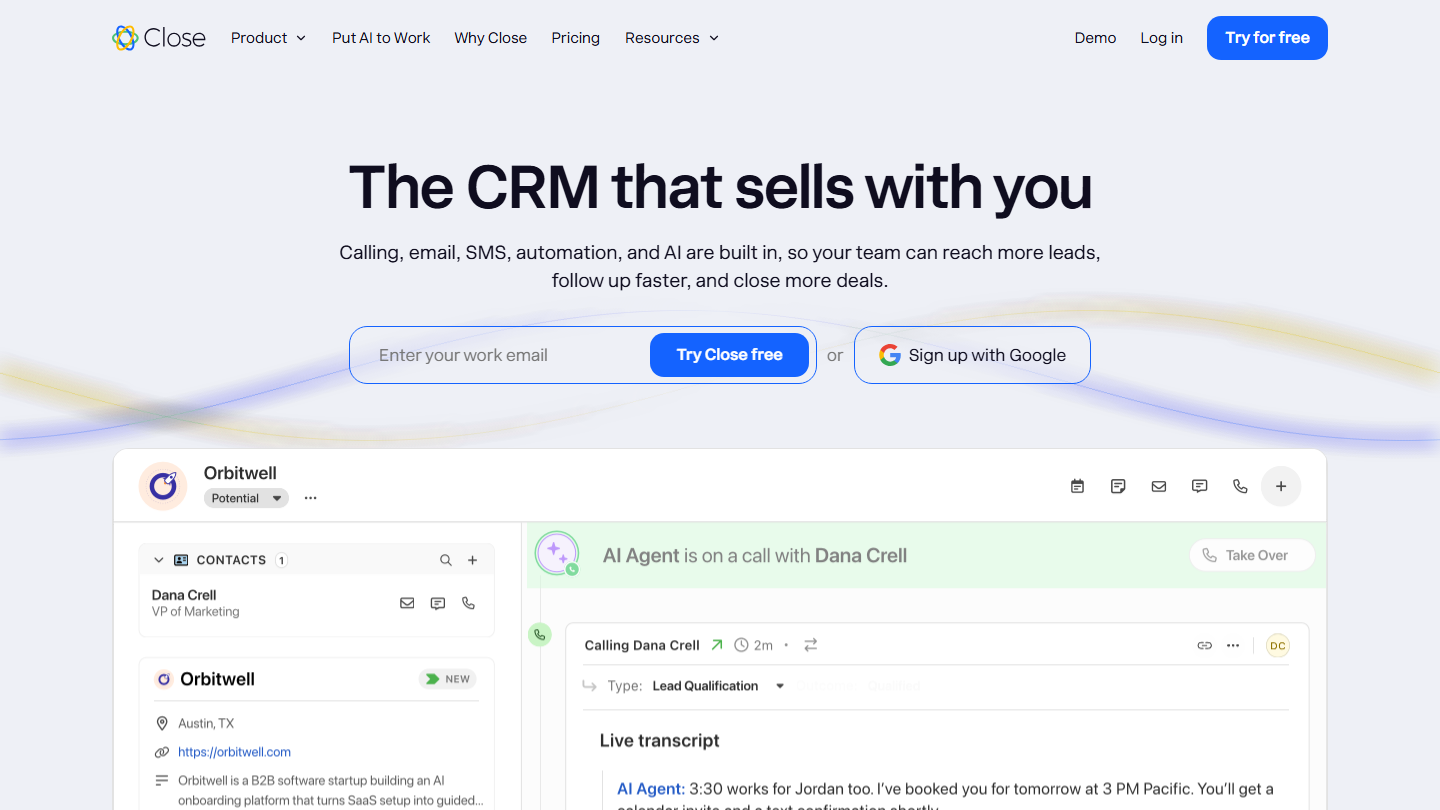
Close homepage: “The CRM that sells with you”, with a call transcribed in a contact record

Designed to help the Sales department close more sales, Close, formerly Close.io, is a “productivity” tool. It has many features, such as built-in calling, SMS and email. Everything is together on one platform.

So you can communicate with prospects from this one place. Simple to learn, the tool automates certain tasks, such as the automatic recording of your calls.

It’s a tool that is easy to roll out and transparent about its pricing, worth a look if the phone is at the heart of your prospecting. Calls are billed on top of the subscription.

Close offers a 14-day free trial. Four plans are then available, billed annually: Solo at $9 per month for one user ($19 billed monthly), then, per user, Essentials at $35, Growth at $99 and Scale at $139.

Capturing and converting your visitors (inbound)

Capture tools collect information about your visitors: pop-ups, landing pages, chat, quizzes and forms. They are used to generate new prospects and, eventually, new sales.

17

OptinMonster

4.7/5 From $210

Best for: Websites that want to convert their visitors with targeted pop-ups

+ Strengths
  • Ready-to-use pop-ups, floating bars and forms
  • Exit-intent pop-up (Pro plan)
  • Free version to get started
− Downsides
  • Annual billing only
  • The free version moves to a paid plan beyond 500 impressions
★ OptinMonster in brief

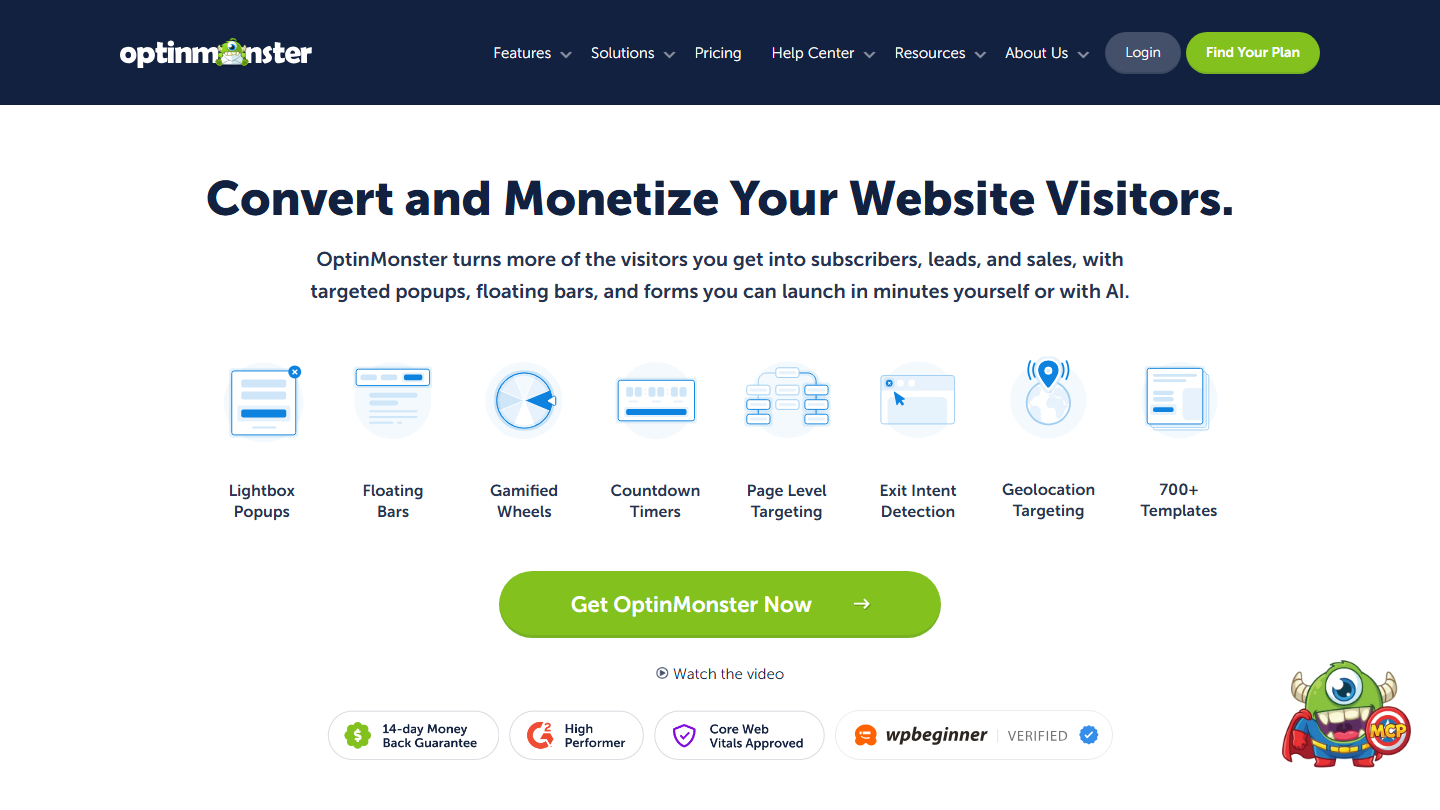
OptinMonster homepage: “Convert and Monetize Your Website Visitors”, with the types of pop-ups offered

OptinMonster is a tool for creating optimized pop-ups and sign-up forms. The goal is to capture lead data on the website, then convert those leads.

The tool stood out by offering a pop-up window on each exit intent: as soon as the cursor gets close to the cross, the window appears. This feature is reserved for the Pro plan.

OptinMonster is worth a look. Its full functional scope lets you generate new leads in no time.

OptinMonster offers a free version limited to 500 impressions. Paid plans are billed annually, at the regular price of $210 per year for Basic, $570 for Plus, $870 for Pro and $1,470 for Growth.

18

Unbounce

4.7/5 From $22

Best for: Marketers who launch many landing pages and want to test them

+ Strengths
  • Drag-and-drop editor and many templates
  • A/B testing and Google Ads integration
  • 14-day free trial
− Downsides
  • A/B testing reserved for the Experiment plan and above
  • A tool intended for seasoned professionals
★ Unbounce in brief

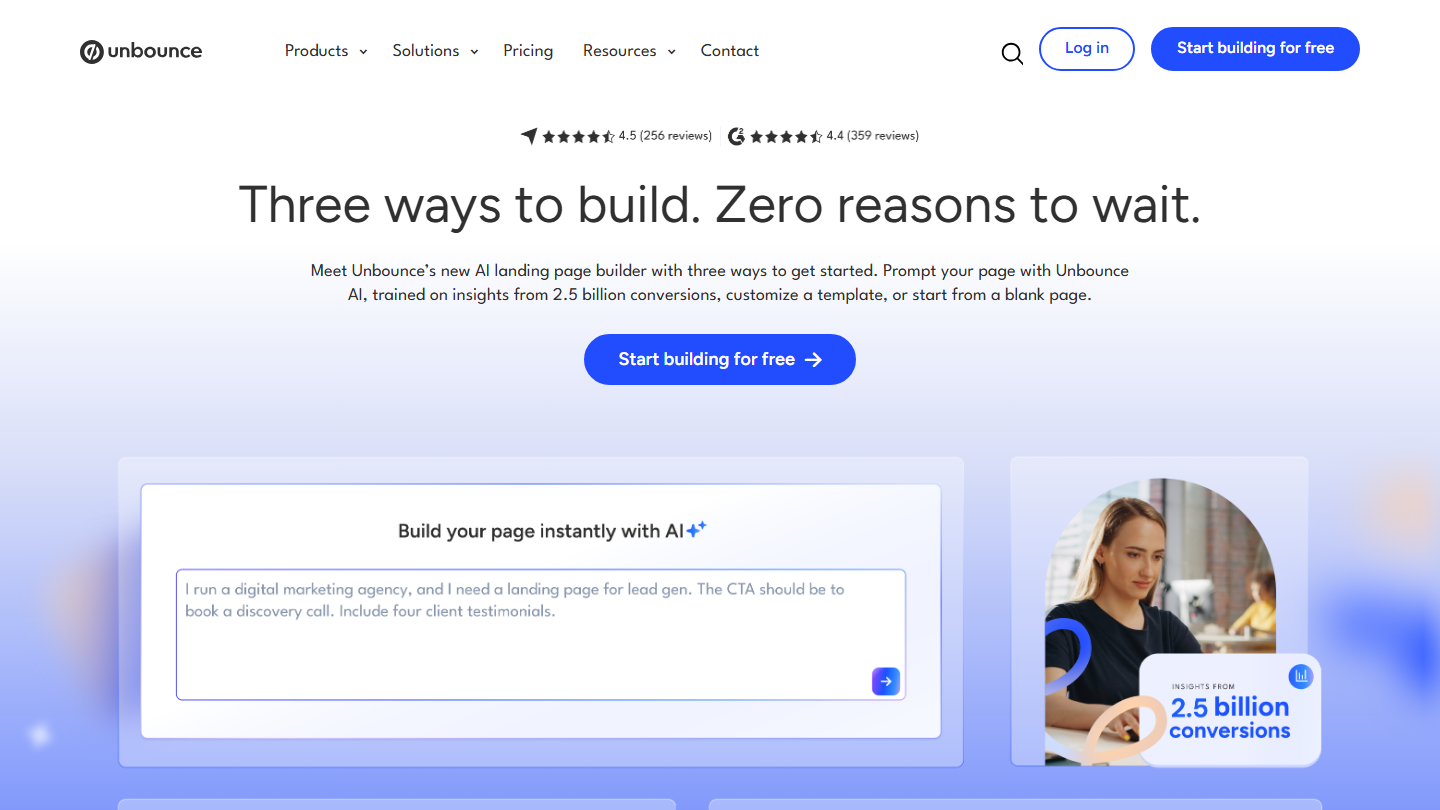
Unbounce homepage: “Three ways to build. Zero reasons to wait.”, with the AI landing page generator

Unbounce is one of the leaders among landing page creation tools. Simple to use thanks to its drag-and-drop system, it’s a tool intended for seasoned professionals.

The software offers many templates. You can also work on your sales pages from scratch, or have AI generate them from a description. It’s one of the most complete editors on the market.

We really like its many other features. You can run A/B testing, integrate with Google Ads or analyze your current performance in real time.

A 14-day trial version is available. Several plans are offered, billed annually: Starter at $22 per month ($29 billed monthly), Build at $74, Experiment at $112 and Optimize at $187.

19

Intercom

4.5/5 From $29

Best for: SaaS companies that qualify their leads through chat and the AI agent

+ Strengths
  • Live chat, chatbots and Fin AI agent
  • Complete reporting
  • 14-day free trial
− Downsides
  • Complex to manage, steep learning curve
  • Bills per seat plus $0.99 per Fin resolution
★ Intercom in brief

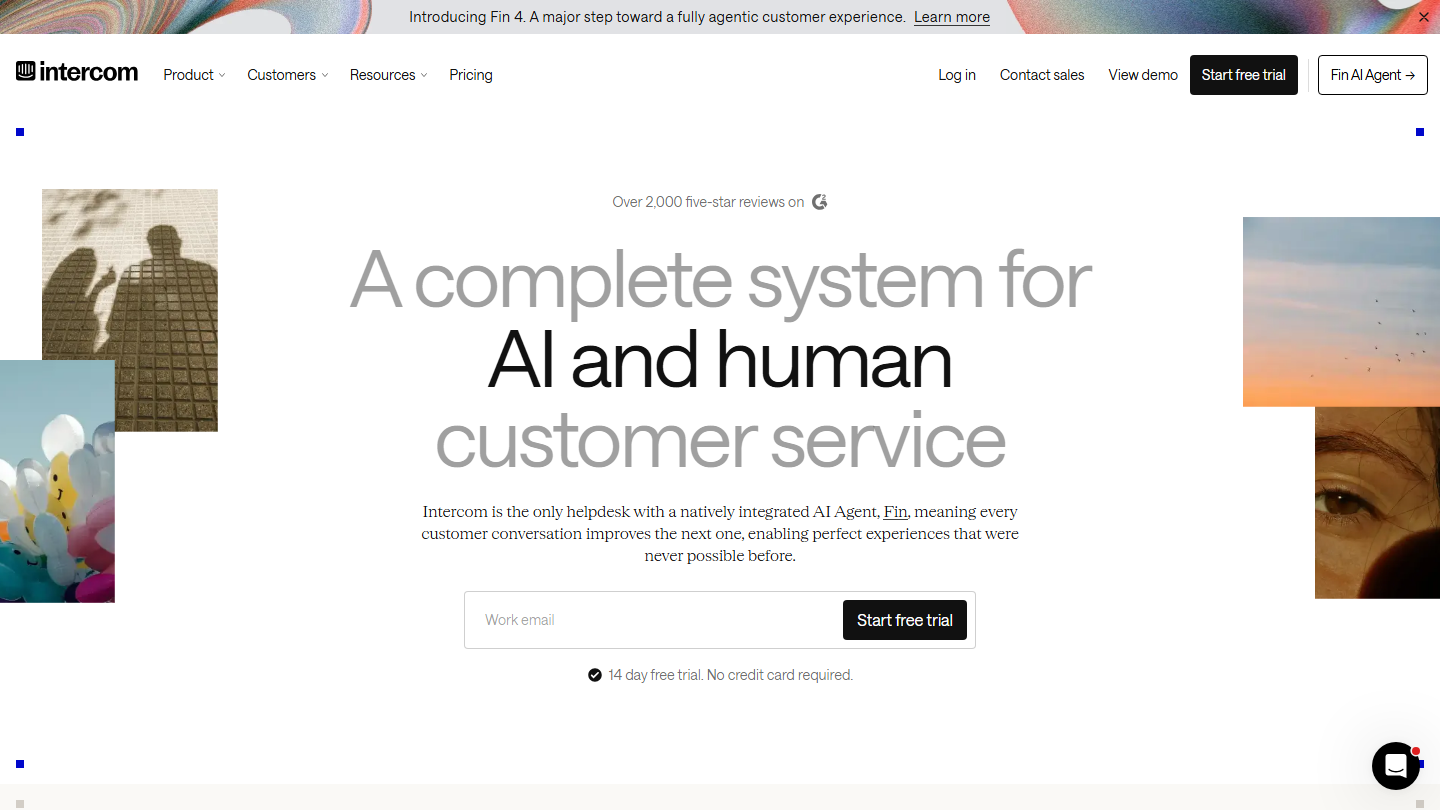
Intercom homepage: “A complete system for AI and human customer service”

Intercom automatically qualifies your leads, through conversational marketing. To tell the truth, this tool is the market leader. It offers a fairly rich and complete range of solutions.

You can create live chats and chatbots, and hand part of the conversations over to Fin, its AI agent. A major ally in automating certain marketing and customer service processes.

We also like its reporting tool, a real strength of the software. Even so, managing Intercom is complex and the learning curve fairly steep.

There is no free version, but a 14-day trial. Intercom bills per seat: Essential at $29 per month billed annually ($39 billed monthly), Advanced at $85 and Expert at $132, plus $0.99 per conversation resolved by Fin.

20

LeadQuizzes

3.8/5 From $37

Best for: Marketers who want to capture leads with quizzes and surveys

+ Strengths
  • Quizzes, surveys, forms and calculators
  • Qualified leads sent to the CRM
  • 14-day free trial
− Downsides
  • Interface and templates in English
  • No free plan
★ LeadQuizzes in brief

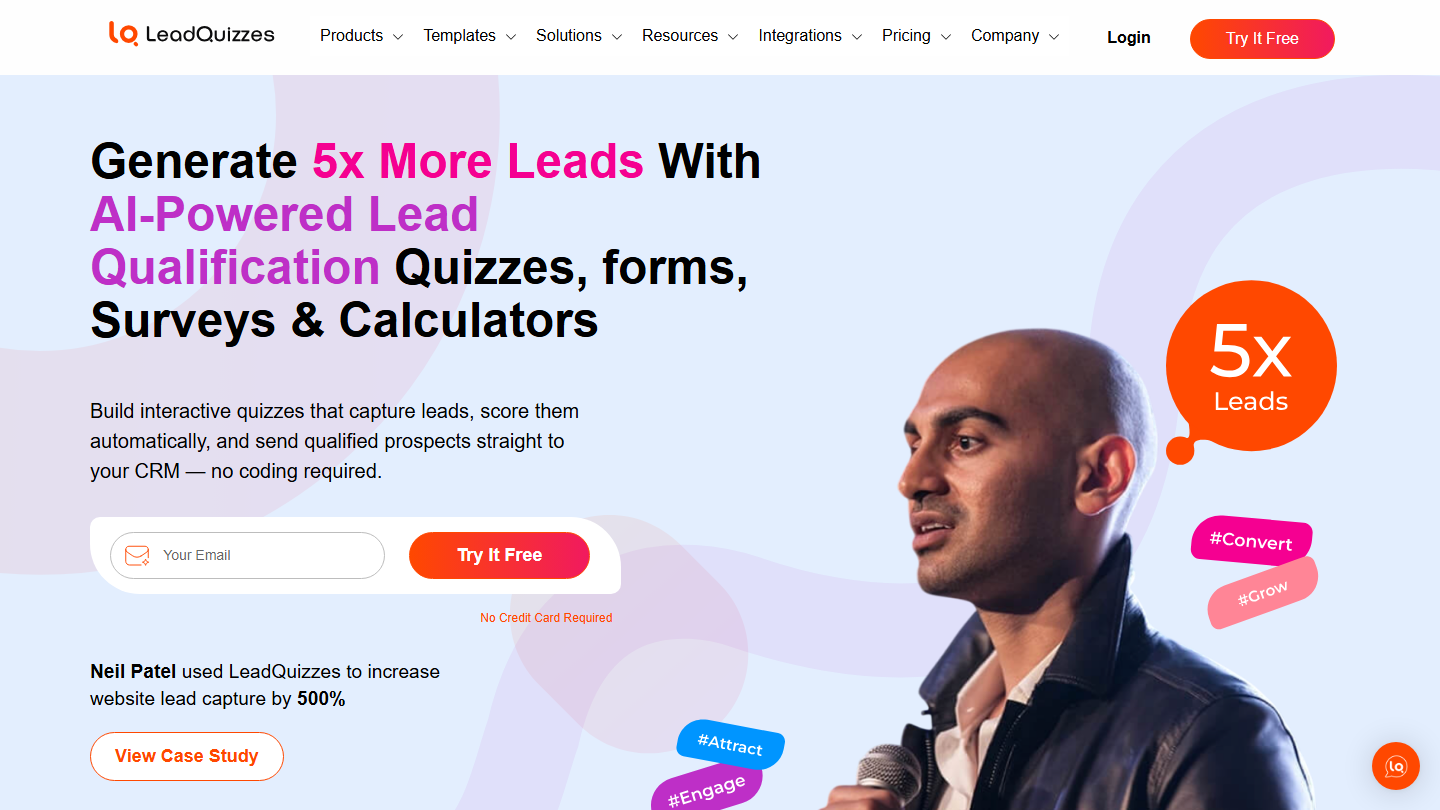
LeadQuizzes homepage: “Generate 5x More Leads With AI-Powered Lead Qualification Quizzes, forms, Surveys and Calculators”

LeadQuizzes is an online tool for creating surveys, quizzes and other forms of lead magnets to help you grow your customer base and turn your audience into a solid group of loyal readers.

The tool now highlights qualification: each quiz answer is used to score the lead, and qualified prospects go straight to your CRM.

Using quizzes can improve B2B lead generation. LeadQuizzes naturally stands out as one of the leaders in this segment.

LeadQuizzes offers a 14-day trial. If you only want to use it for one website, you’ll pay $37 per month billed annually ($49 billed monthly). For five workspaces, the price is $74 per month. Beyond 15, you need to contact the vendor for a custom plan.

21

Typeform

4.6/5 From €25

Best for: Those who want capture forms that are pleasant to fill in

+ Strengths
  • Conversational forms, one question at a time
  • Conditional logic and automations
  • Free plan
− Downsides
  • Number of monthly responses limited by plan
  • Very limited free plan
★ Typeform in brief

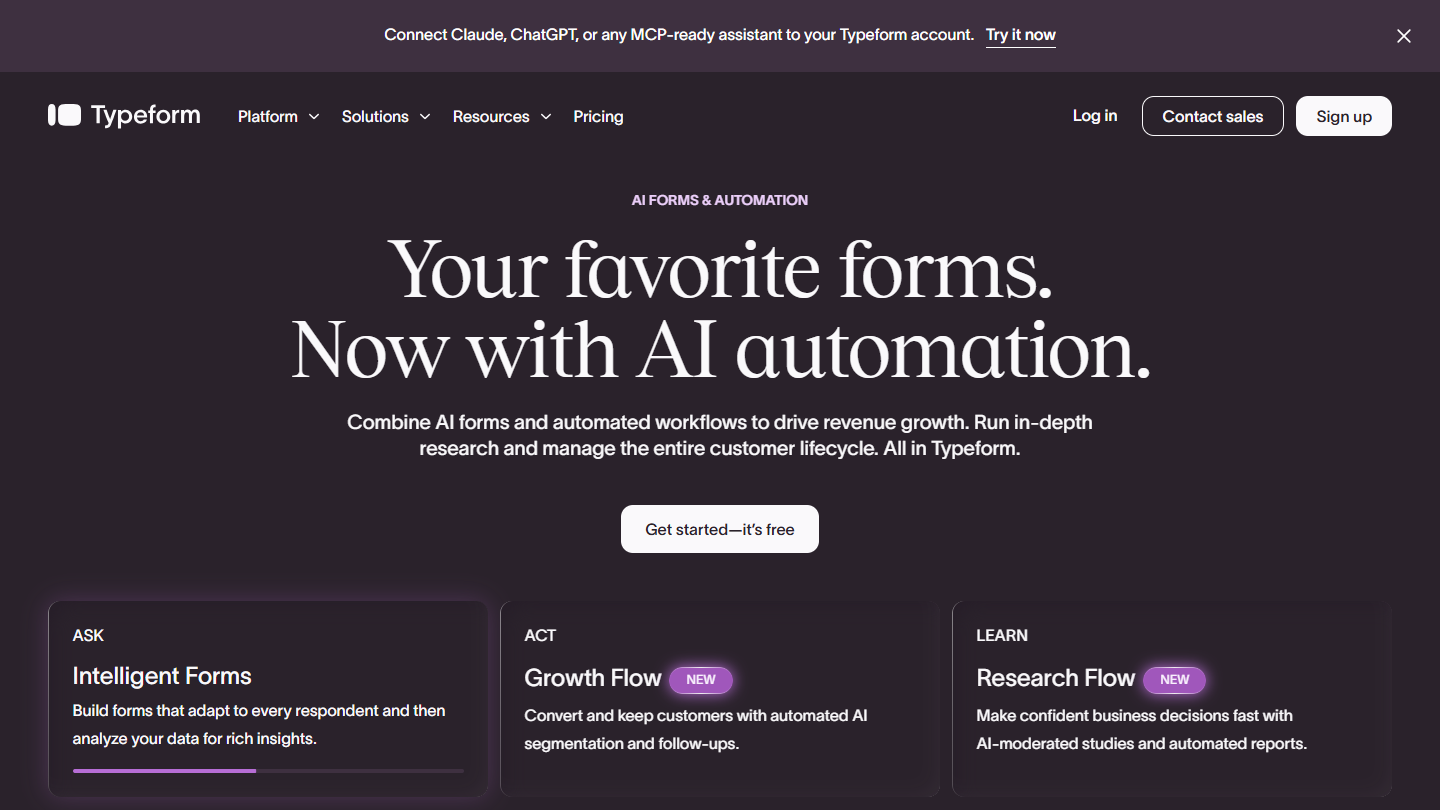
Typeform website

Typeform is a tool for creating online forms and surveys, widely used to capture leads on a website, a landing page or in an email.

Typeform creates forms that ask one question at a time, like a conversation. This format makes filling them in more pleasant than a long classic form, which helps conversion.

Conditional logic adapts questions to previous answers, and responses go to the CRM or emailing tool. It’s a good tool for qualifying a lead from first contact.

Typeform offers a free plan. Paid plans start with Basic at €25 per month billed annually (€35 billed monthly) for 100 responses per month, then Plus at €49 (€70 billed monthly) for 1,000 responses.

Analyzing your traffic and visitor behavior (inbound)

Analyzing and understanding all your traffic helps you define your target better. Studying how visitors behave on your website shows what works and what doesn’t: enough to optimize the user experience and convert better.

22

Semrush

4.5/5 From €112.52

Best for: Marketing teams betting on SEO to attract leads

+ Strengths
  • Keyword research and site audits
  • Tracking of visibility in AI answers
  • Free plan and 7-day trial
− Downsides
  • High prices for a small organization
  • Free plan limited to 10 reports a day
★ Semrush in brief

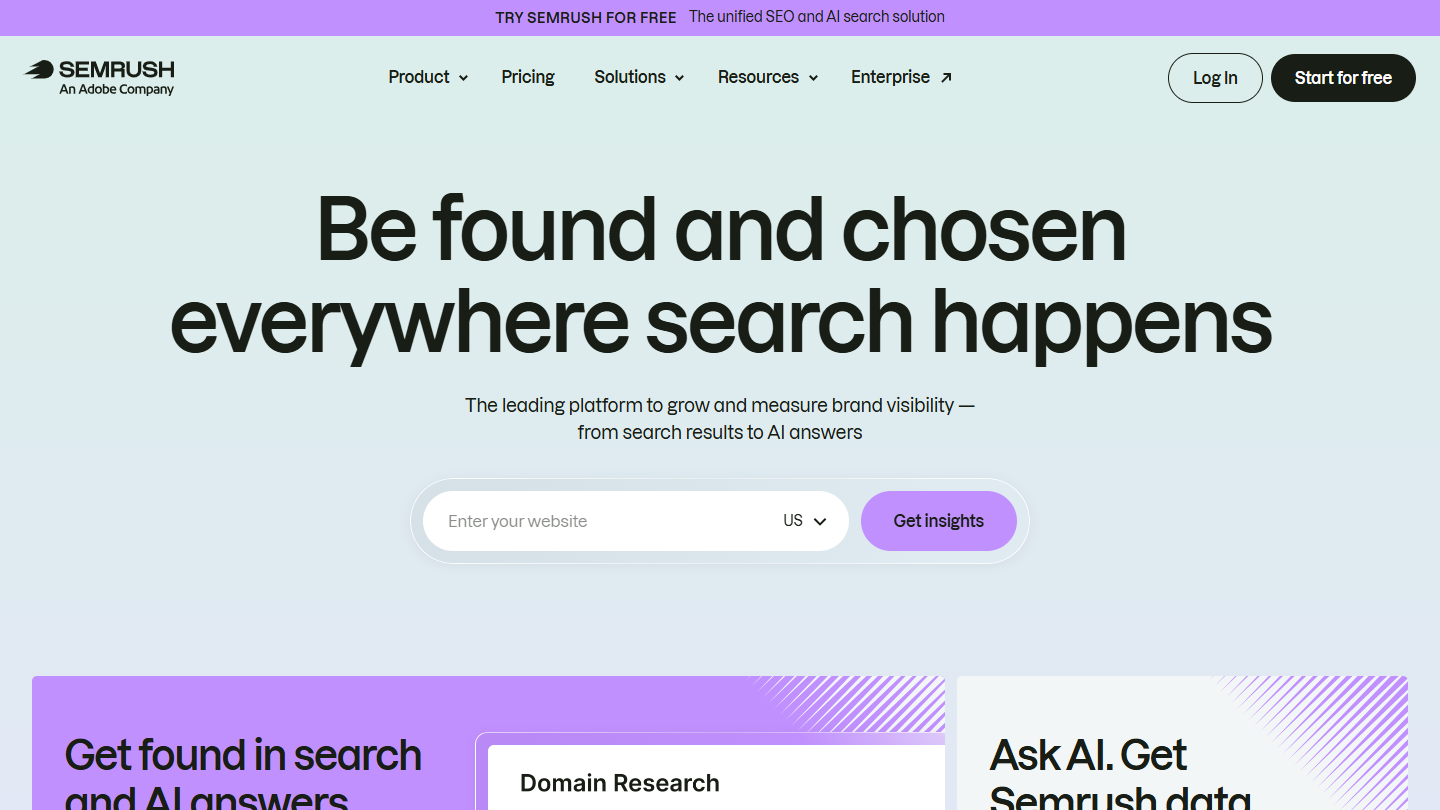
Semrush website: “Be found and chosen everywhere search happens”

Semrush is known as a formidably effective tool. Relevant for SEO (keyword research), it’s also useful for running site audits. It helps you optimize your organic search, for better positions on search engines.

Semrush also tracks your brand’s visibility in the answers of AI assistants, a new acquisition channel to watch.

Semrush is an excellent tool for monitoring SEO, traffic and visitor behavior. One of the most effective on the market.

Semrush offers a free plan limited to 10 reports a day and a 7-day trial. Paid plans, per month billed annually: SEO at €112.52 (€134 billed monthly), Starter at €158.40 (€190) and Pro+ at €238 (€286).

23

Ahrefs

4.7/5 From €99

Best for: SEO teams that want detailed reports on their website and backlinks

+ Strengths
  • Detailed reports on rankings and backlinks
  • Detection of the website's technical problems
  • Free offer for your own website (Ahrefs Gratuit)
− Downsides
  • No free trial
  • Extra users are paid
★ Ahrefs in brief

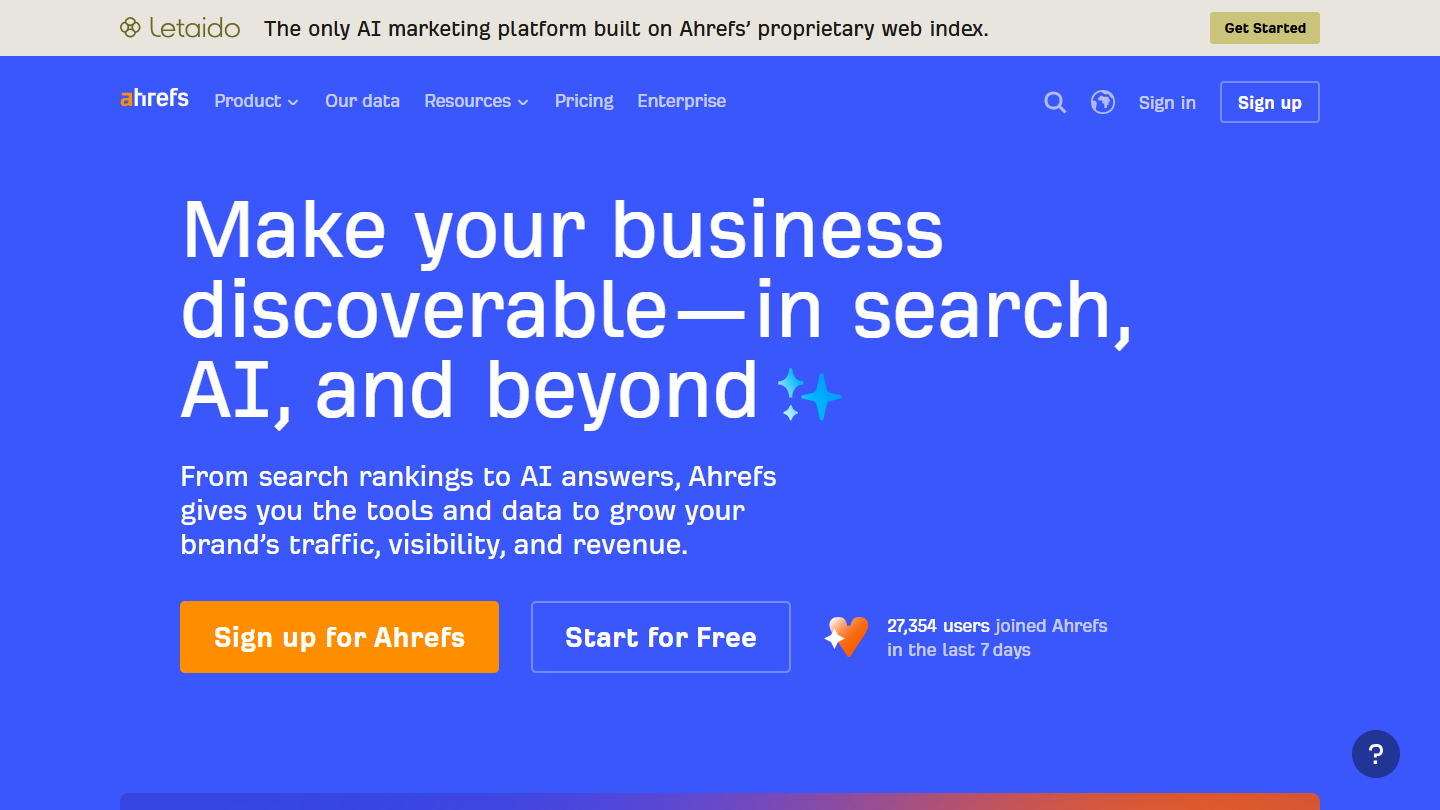
Ahrefs website: “Make your business discoverable, in search, AI, and beyond”

While Ahrefs is a general SEO tool, its reporting features are quite incredible.

It gets you ultra-detailed reports on your website, its rankings, its backlinks and its SEO, which implies thinking about traffic.

It helps identify problems more quickly and fix them before they harm your search ranking. A tool much appreciated by SEOs, it’s one of the most effective, along with Semrush.

Ahrefs doesn’t offer a trial, but a free offer for your own website, Ahrefs Gratuit. Several plans are offered, per month billed annually: Lite at €99 (€119 billed monthly), Standard at €191 and Advanced at €349; Enterprise costs €1,394 per month with an annual commitment.

24

Google Analytics

4.3/5 From Free

Best for: All websites that want to measure their traffic and conversions with no budget

+ Strengths
  • Free
  • Real-time tracking of pages and visitors
  • Remarketing audiences sent to Google Ads
− Downsides
  • Partial age and gender data, only with Google signals
  • GA4 less intuitive to learn
★ Google Analytics in brief

Google Analytics website: “Get essential customer insights.”

Analytics is probably the best-known traffic and behavior analysis tool. Accessible to the general public, it’s fairly complete. Simple to create and implement on your website, GA lets you track your pages’ performance in real time.

The information on your website’s visitors is detailed. You can learn about where they come from, their devices and, if Google signals are enabled, their age range and gender.

Synchronized with Google Ads, you get a system for setting up remarketing lists, to bring visitors back to your page after they leave.

Google Analytics is a free tool. A paid version, Analytics 360, targets large companies, on request.

25

Fullstory

4.0/5 From On request

Best for: Teams that want to understand where their visitors drop off before converting

+ Strengths
  • Session replay and full journey analysis
  • Customizable reports
  • Free plan for up to 30,000 sessions per month
− Downsides
  • Paid plans on request only
  • Interface in English
★ Fullstory in brief

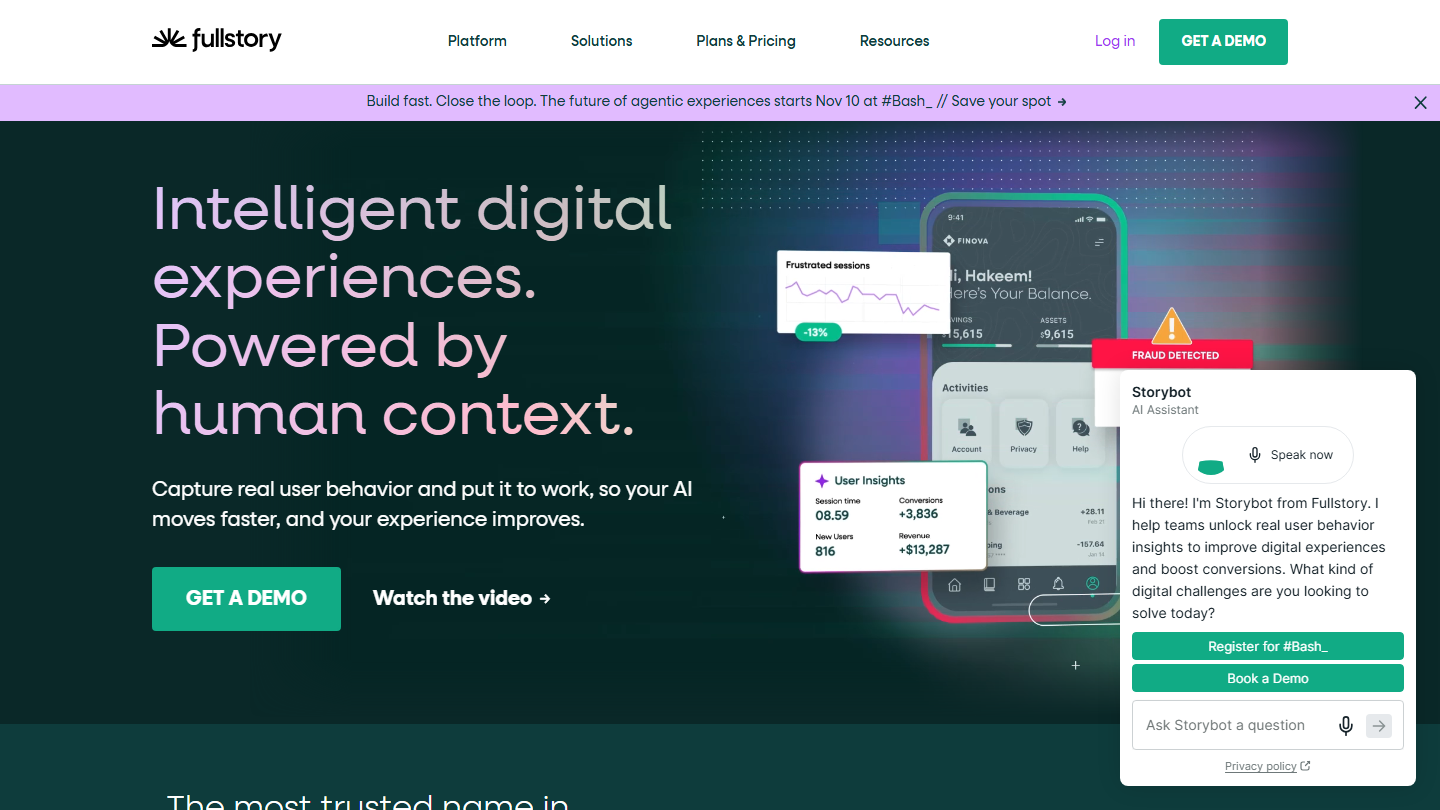
Fullstory homepage: “Intelligent digital experiences. Powered by human context.”

Fullstory gives you an overview of how visitors interact with your website. It lets you analyze the prospect’s whole journey.

The data can be used directly by marketing and sales departments to improve the conversion rate. We also like the reporting feature. It lets you create your own reports using only the data you care about.

Thanks to Fullstory, you can replay your users’ sessions. An effective tool for analyzing the journey of prospects through the funnel.

A free version, with no time limit, handles up to 30,000 sessions per month. There are then three plans, Business, Advanced and Enterprise. Prices are not shown on the website.

26

Lead Forensics

4.0/5 From On request

Best for: B2B teams that want to follow up with companies that came to their website without leaving contact details

+ Strengths
  • Identifies companies visiting the website by their IP address
  • Visit alerts and a list of accounts to follow up
  • Unlimited users, one-week trial
− Downsides
  • Price on request, depending on traffic
  • Identifies the company, not the person
★ Lead Forensics in brief

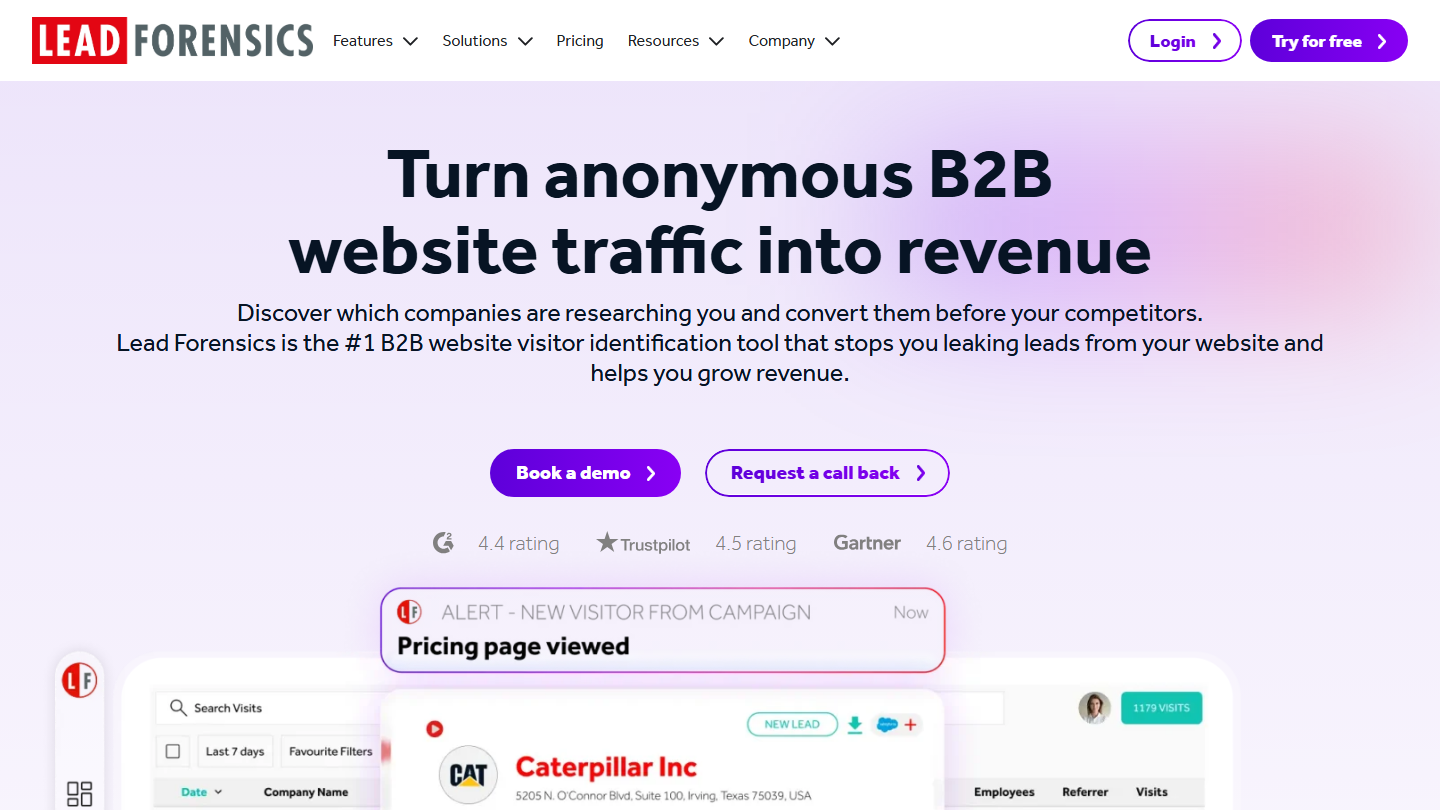
Lead Forensics homepage: “Turn anonymous B2B website traffic into revenue”, with a company visit alert

Many people visit your website. Yet only a handful turn into leads by filling in your forms.

Lead Forensics tracks the IP address of companies visiting your website. The extracted data gives information about the company that came to your page. You then create a list of qualified leads that you can follow up with, through LinkedIn in particular.

Lead Forensics determines which companies have been on your website, so you can recontact them better. An effective tool that quickly gets you a list of qualified leads.

The tool has no fixed rate: prices vary with your website’s traffic, on request. A free one-week trial is offered.

Attracting prospects to your website or other channels (inbound)

There are many ways of generating leads other than SaaS software: webinars, questions and answers, videos. By working on the right content format for the audience you’re targeting, you can generate new qualified prospects.

27

Livestorm
4.5/5 From €2.50

Best for: Marketing teams that make webinars a regular lead generation channel

+ Strengths
  • Registration page and email sequence for reminders and follow-up
  • Chat, questions, polls and CTAs during the webinar
  • Data on participants and their engagement
− Downsides
  • Paid per participant, with a credit pack bought for the year
  • No free plan displayed
★ Livestorm in brief
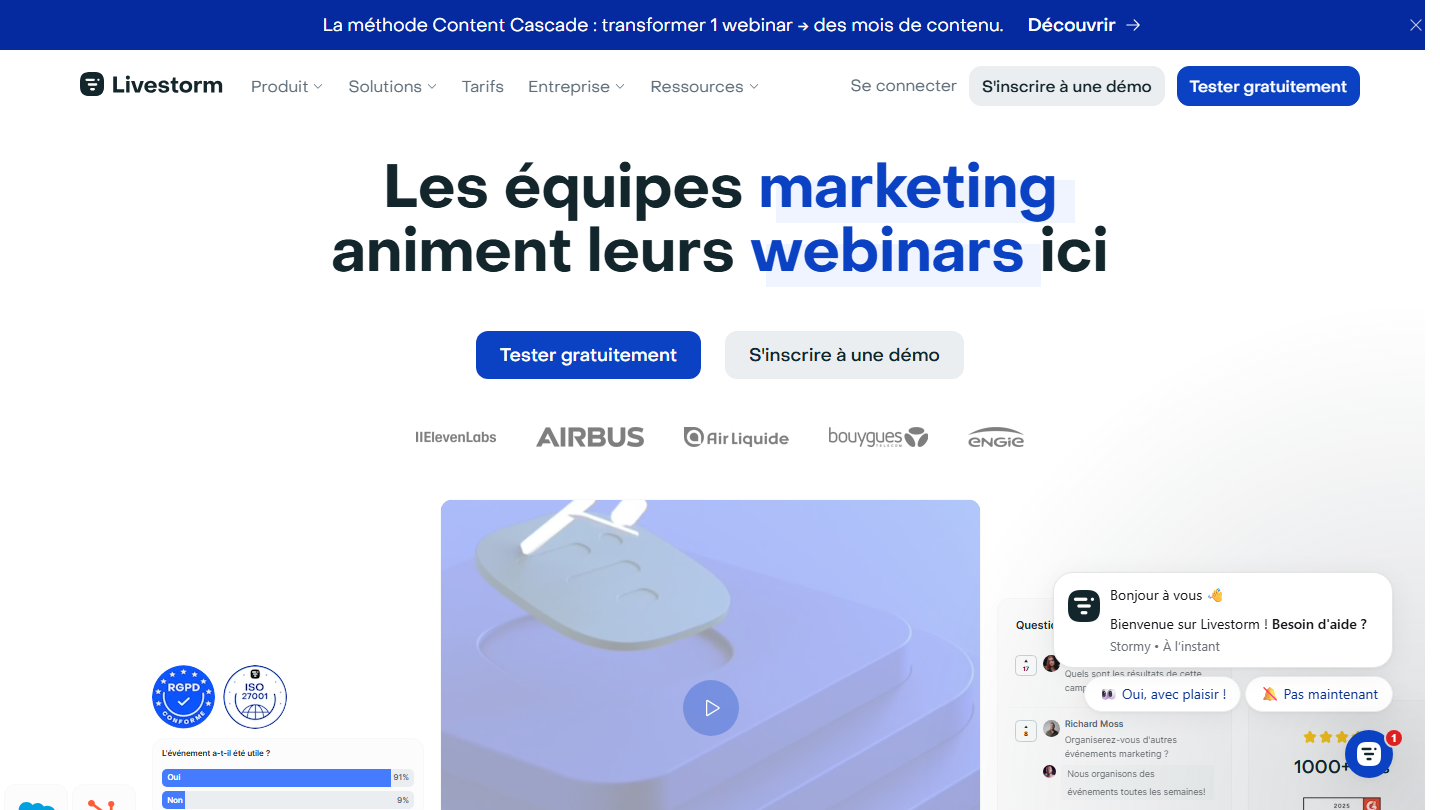
Livestorm homepage: “Marketing teams run their webinars here”
Including webinars in your marketing strategy is an asset for energizing lead generation. It’s also a subtle way of extending lead capture over time through the replays you can put online.

Livestorm makes it easy to create your webinars in a few minutes, with a nice registration page and a personalized email sequence for reminders and follow-up messages. The tool has all the interaction features you’d expect from webinar software: chat, live questions, polls, CTAs, notifications.
Livestorm’s data analysis and enrichment give you a better understanding of participants’ behavior, their profile, the registration source and their engagement throughout the webinar.

Livestorm can be tried for free, with no credit card. The Pro plan is paid per participant: €2.50 per participant, with a credit pack bought for the year and sessions of up to 4 hours. The Enterprise plan is custom.
28

Quora

3.5/5 From Free

Best for: Experts who want to make themselves known by answering their market's questions

+ Strengths
  • Free to publish
  • Questions already asked by interested prospects
  • Advertising possible with Quora Ads, from $5 a day
− Downsides
  • Takes time and high-value content
  • French-speaking audience smaller than the English-speaking one
★ Quora in brief

Quora homepage in French: “A place to share knowledge and better understand the world”, with the login form
Forums let you start a discussion with prospects who are already interested. They’re an ideal place from which to generate leads. Quora has established itself as one of the right solutions for this.

By looking for Quora queries suited to your market, your company could find dozens, even hundreds of related questions. A nice way of showing your expertise and generating new prospects.

Quora has established itself as one of the forums most frequented by B2B professionals. Too often forgotten and little used, it can generate qualified leads.

Publishing on Quora is free. To go faster, Quora Ads lets you run ads, with a minimum budget of $5 per day per campaign.

29

YouTube

4.0/5 From Free

Best for: Companies ready to regularly produce videos useful to their target

+ Strengths
  • Free to publish
  • Videos that keep generating leads over time
  • No need for millions of views to reach interested leads
− Downsides
  • Video production costs time
  • Results are slow to come
★ YouTube in brief

YouTube Creators page: “Everything you need to create content on YouTube”

YouTube is one of the most used search engines on the web. You can generate many leads from high-value videos, without needing millions of views.

Your content directly targets leads interested in what you offer. It’s an increasingly popular format, which also helps you reuse your B2B content: a webinar, a demo or a conference.

YouTube is, without question, the number one video platform in the world. If you plan to create video content, this is where you’ll need to share it.
Publishing on YouTube is free. The cost lies elsewhere: the time it takes to produce the videos.

How did we choose these 29 lead generation tools?

The list covers a lead's whole journey, from building the list to conversion, in outbound as well as inbound. The tools are sorted by stage, not ranked against each other: each family answers a different need.
  1. 01
    Scope

    Tools used directly to generate B2B leads: finding prospects, contacting them, capturing website visitors, nurturing them, qualifying them, and attracting new prospects through content.

  2. 02
    Sorted by stage

    Six families, from outbound to inbound. Within each family, the order is that of the first version of this top, with no hierarchy between the tools.

  3. 03
    Verification

    Each tool was reviewed on its vendor's website. Datavalidation, which was bought out, gives way to Emailable; Gumstack, which no longer exists, to Typeform; Slideshare leaves the list. HubSpot and HubSpot CRM now form a single entry.

  4. 04
    Pricing

    The price shown is the regular price displayed by the vendor, excluding promotions, with annual billing when that is the default display and the monthly equivalent alongside. Several tools are sold in dollars only.

  5. 05
    Ratings

    Tools that Salesdorado has reviewed use the rating from their review. The others have an editorial rating, aligned with our other comparisons when the tool already appears in them.

The questions we get over and over.

What is the difference between outbound and inbound lead generation?

In outbound, you go after the prospect: you build a list (SocieteInfo, Sales Navigator, Lusha), then contact them by LinkedIn, email or phone (Waalaxy, Woodpecker, Aircall). In inbound, the prospect comes to you: you attract them with content (webinars, videos, SEO), capture their contact details on your website (pop-ups, landing pages, forms), then nurture them until they are ready to buy.

Which lead generation tools have a free plan?

SocieteInfo (free account), Lusha (40 credits per month), YAMM (20 emails a day), Brevo (300 emails a day), HubSpot (2 users), OptinMonster (500 impressions), Typeform, Google Analytics, Fullstory (30,000 sessions per month) and Semrush (10 reports a day) have a free version. Ahrefs offers a free plan for your own website. Dropcontact and Emailable give credits at sign-up, and most other tools a trial of 7 to 15 days.

How can I find out which companies visit my website?

A tool like Lead Forensics identifies the companies visiting your website from their IP address, even when the visitor fills in no form. It gives the company name and the pages viewed, not the person's identity: you still have to find the right contact, with Sales Navigator or Lusha for example, then follow up.

How do I find a prospect's email or phone number?

Dropcontact finds the professional email from the name and company and updates the CRM records. Lusha provides emails and phone numbers from its Chrome extension, on LinkedIn or on a company website. Before sending a campaign, a tool like Emailable checks that the addresses are valid, to limit bounces.

Do you need a CRM to generate leads?

Not to generate your first leads, but as soon as you need to track and qualify them, yes. A CRM like Pipedrive, Positive noCRM or Close keeps the history of each exchange and shows where each opportunity stands. HubSpot has the advantage of bringing together CRM and marketing automation, with a free version to get started.

★ The conversation, 0 comments

What the community says.

Basic Markdown, moderated within 24 h
Loading…

    In the same category