The tool in detail
ZeroBounce after real-world use: feature scope, integrations, pricing and concrete limits.
Every year, an estimated 25% of a B2B email list goes stale. Job changes, closed accounts, abandoned domains: your B2B data decays silently. And once your bounce rate goes past 2%, the Gmail and Outlook spam filters start giving you funny looks.
That’s where email validation tools come in. And among them, ZeroBounce has established itself as a reference, especially with large accounts. But careful: we’re not talking about a simple address checker here. ZeroBounce is a complete deliverability suite that goes well beyond list cleaning.
In this article, we take the tool apart: features, pricing, strengths, limits, and above all we tell you who it’s really built for. Because, spoiler, ZeroBounce isn’t right for everyone.
ZeroBounce: what is it exactly?
ZeroBounce is an American email validation platform founded with a clear ambition: securing companies’ email communications.
And the least we can say is that growth followed. The company made the Inc. 5000 list of the fastest-growing American companies several years in a row, reaching 40th place nationally in 2020.
Today, ZeroBounce claims more than 650,000 customers, including names like Amazon, Netflix, Disney, LinkedIn and Sephora. More than 60 billion emails validated to date. This is clearly an established player, not a startup still looking for its market.
The core promise: 99.6% accuracy on email validation. In a market where the average hovers between 95% and 97%, those few points of difference matter. For a company sending 1 million emails a month, a 2% difference means 20,000 potential bounces, more than enough to trigger an IP block.
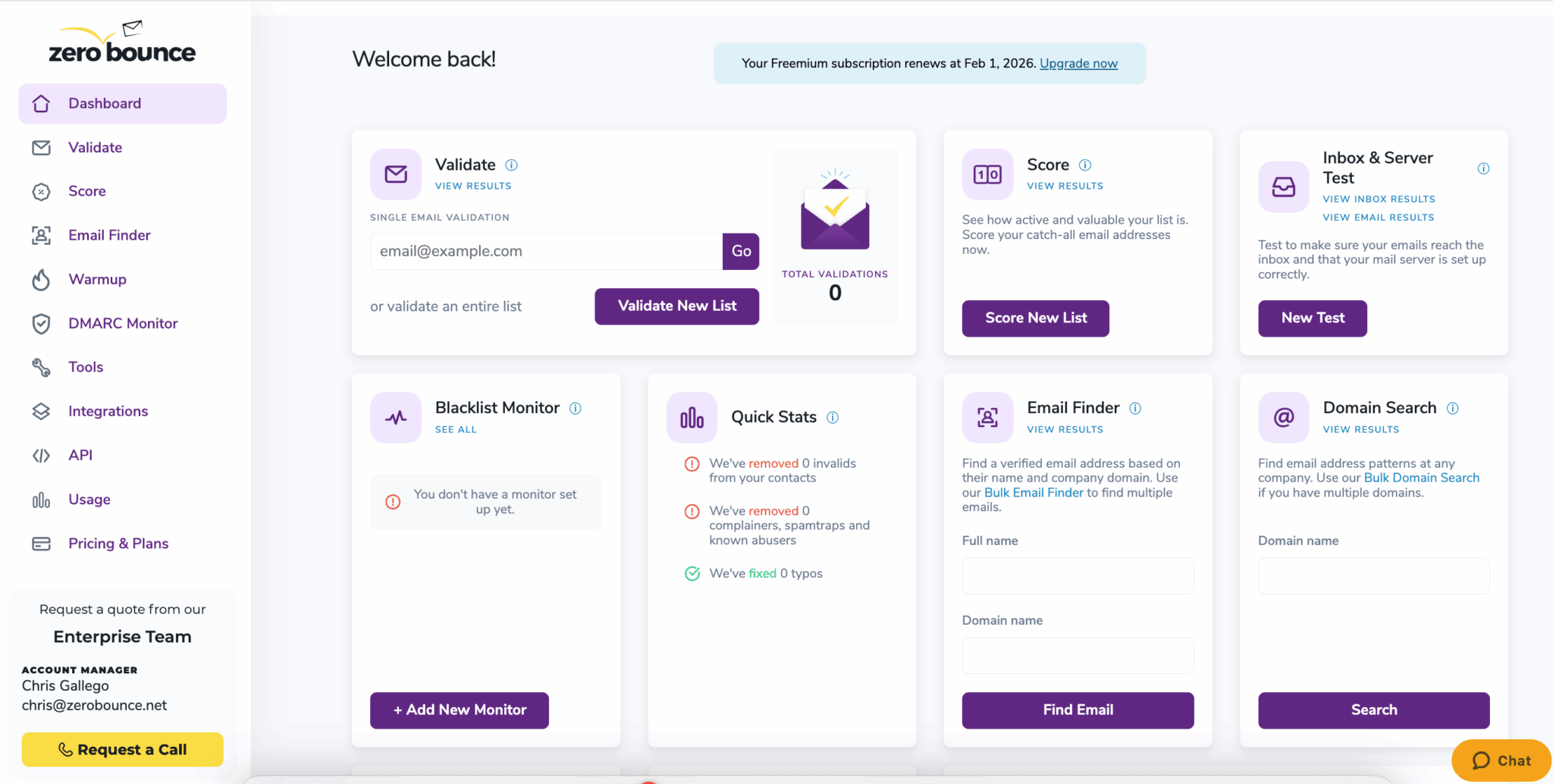
But ZeroBounce doesn’t position itself as a simple validator. It’s a complete deliverability suite that combines validation, AI scoring, warmup, blacklist monitoring, inbox placement testing…
All with a level of security certifications (SOC 2 Type II, ISO 27001, HIPAA) you rarely find among competitors. A positioning clearly aimed at the mid-market and large accounts.
ZeroBounce’s key features
Email validation: the core engine
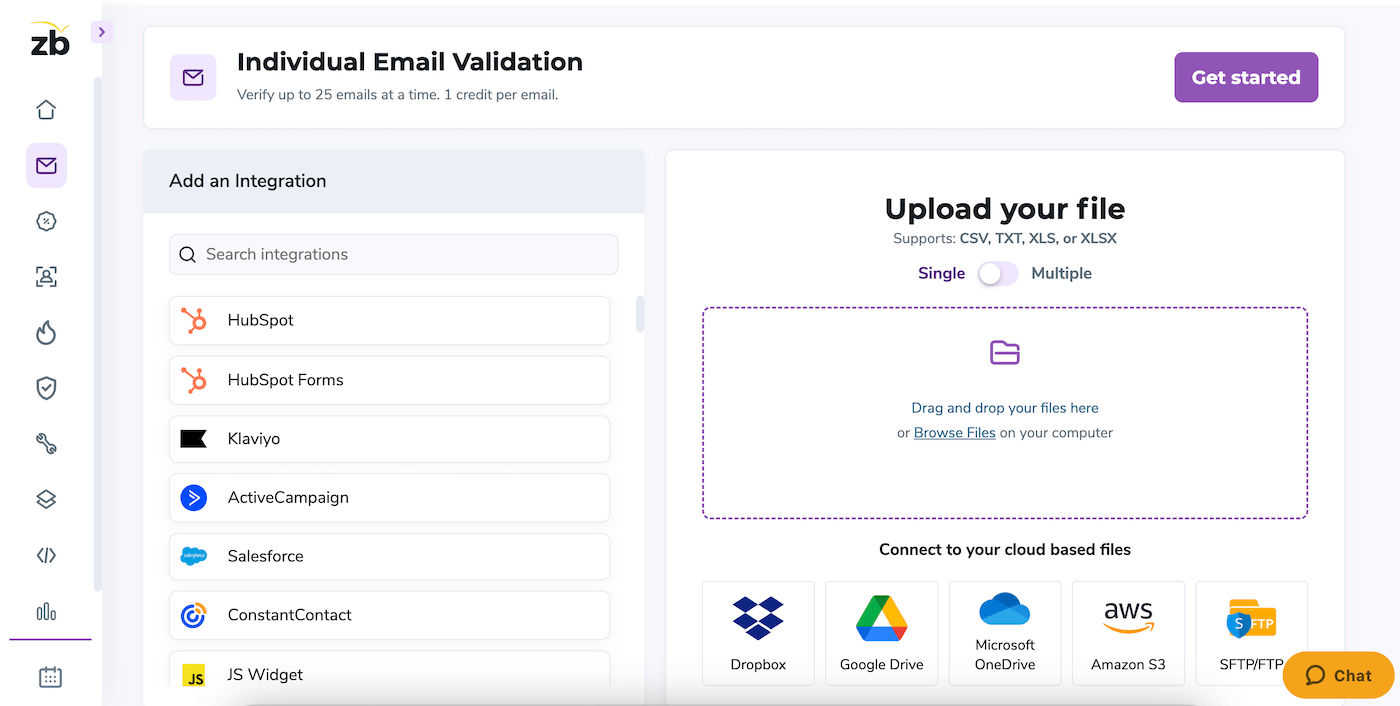
Email validation at ZeroBounce isn’t a simple syntax check. The tool runs each address through a multi-step process that queries the actual state of the mailbox, without ever sending a message (which would be spam).
What sets ZeroBounce apart is the granularity of the results.
Rather than a simple « valid/invalid », the tool sorts emails into 9 distinct classes:
- Valid: confirmed addresses, ready to send
- Invalid: addresses that don’t exist, or no longer exist
- Catch-all: servers that accept everything (impossible to verify directly)
- Spam traps: spam traps, to delete immediately
- Abuse: addresses known to report emails as spam
- Role-based: generic addresses (info@, support@, contact@)
- Disposables: temporary emails (Guerrillamail, 10minutemail…)
- Do-not-mail: high-risk addresses
- Unknown: impossible to determine (not billed by ZeroBounce)
This granularity allows finer decisions. Role-based addresses, for example, have a high bounce rate but can be kept for some targeted campaigns. Disposables, on the other hand, should always be deleted.
On performance: 100,000 emails processed in 45 minutes in bulk, about 3 seconds per address through the API. Speeds compatible with real-time use on signup forms.
AI scoring for catch-alls: the real differentiator
Servers configured as « catch-all » are a headache for every validator. These servers accept all emails sent to their domain, whether the addresses exist or not. The result: there’s no way to confirm that a specific address really exists with conventional methods.
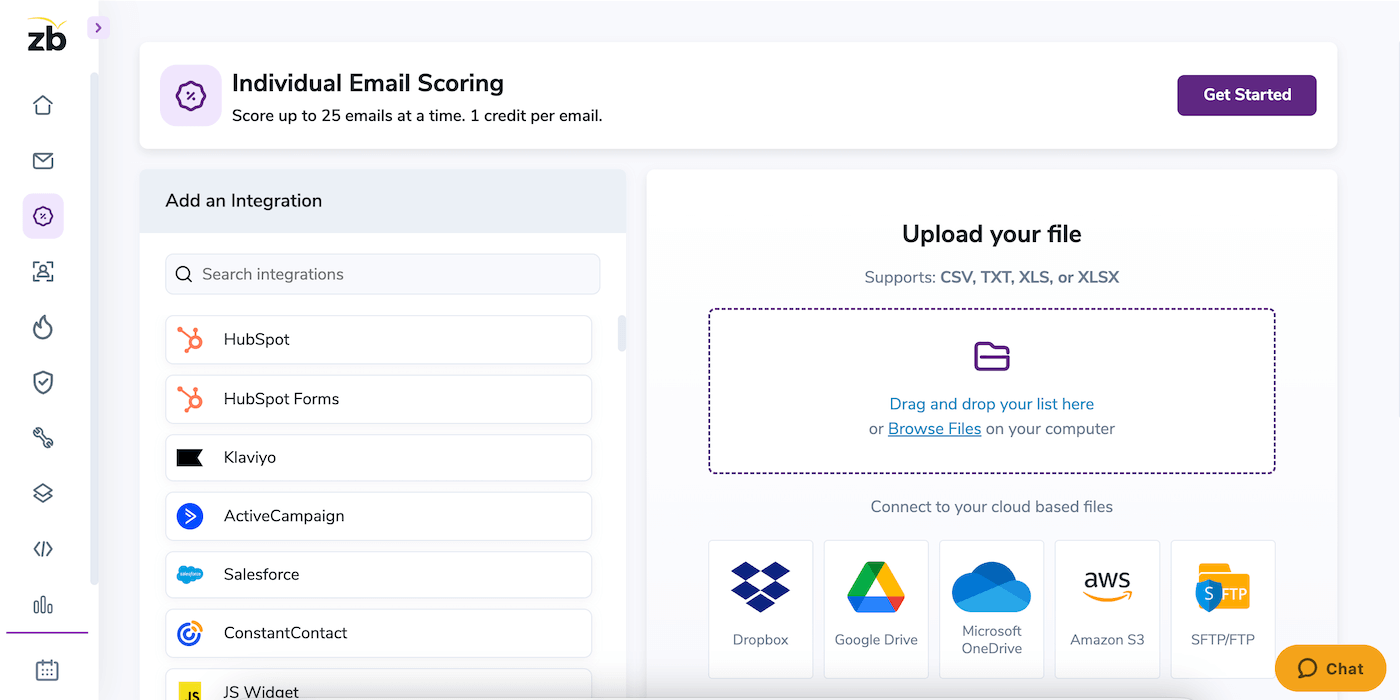
ZeroBounce built AI scoring to work around this problem. The tool cross-references billions of behavioral signals (open history, web presence, metadata) to assign a probability score from 0 to 10:
- 0-2: low quality, high risk of bounce or inactivity
- 3-8: medium quality, to handle with care
- 9-10: high quality, strong likelihood of an active user
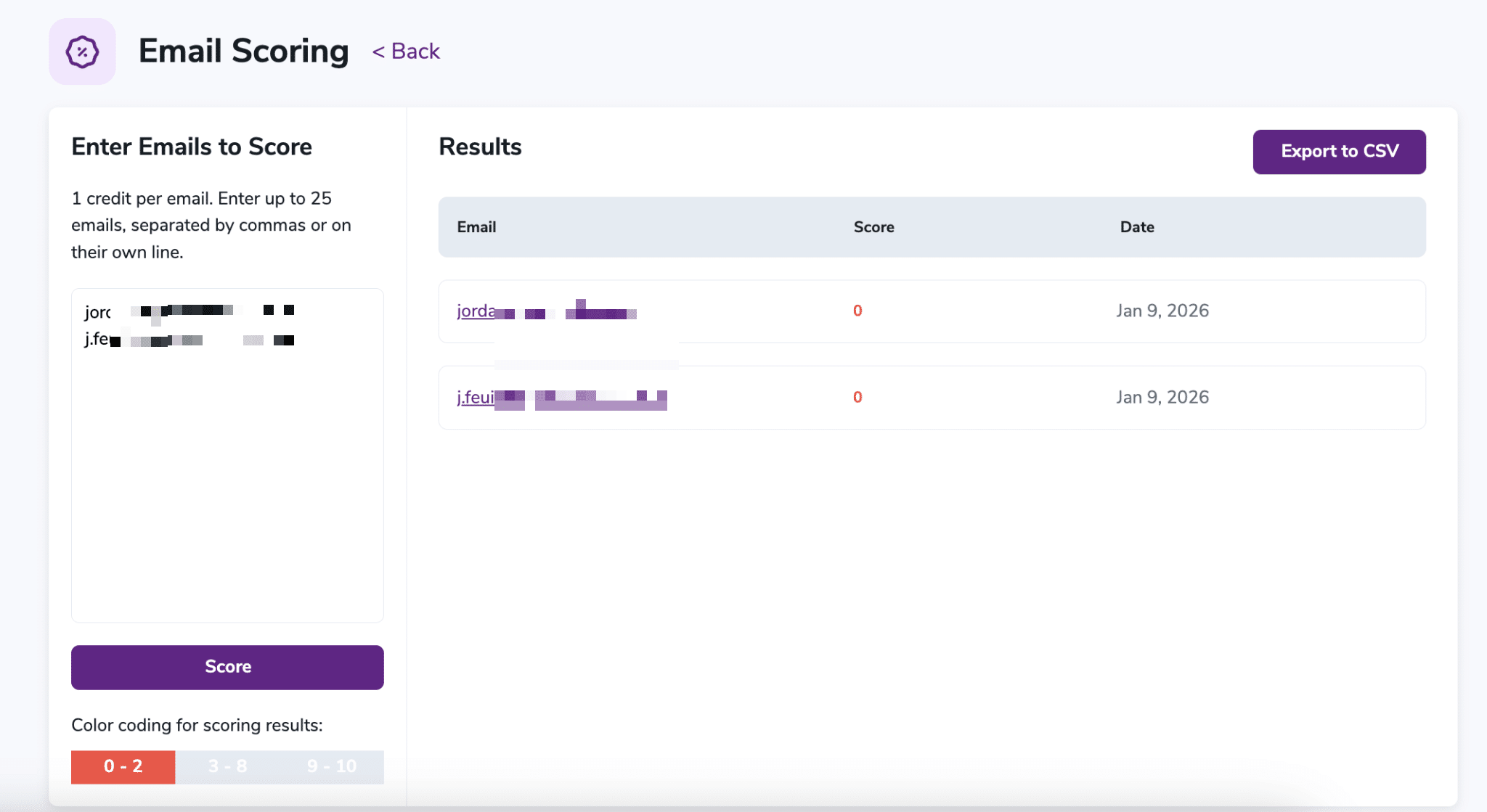
In practice, this feature lets you « save » 10 to 30% of B2B lists that would otherwise be discarded as a precaution. On a list of 100,000 contacts with 20% catch-alls, that potentially means 6,000 to 8,000 recovered leads.
Email Warmup: for new domains
When you launch a new domain or a new sending IP, email providers (Gmail, Outlook) look at you with suspicion. Your first sends risk landing straight in spam.
ZeroBounce’s Email Warmup automates the « preparation » process: the platform simulates natural engagement behavior (opens, clicks, replies) from a network of real mailboxes. The goal is to gradually build your sender reputation.
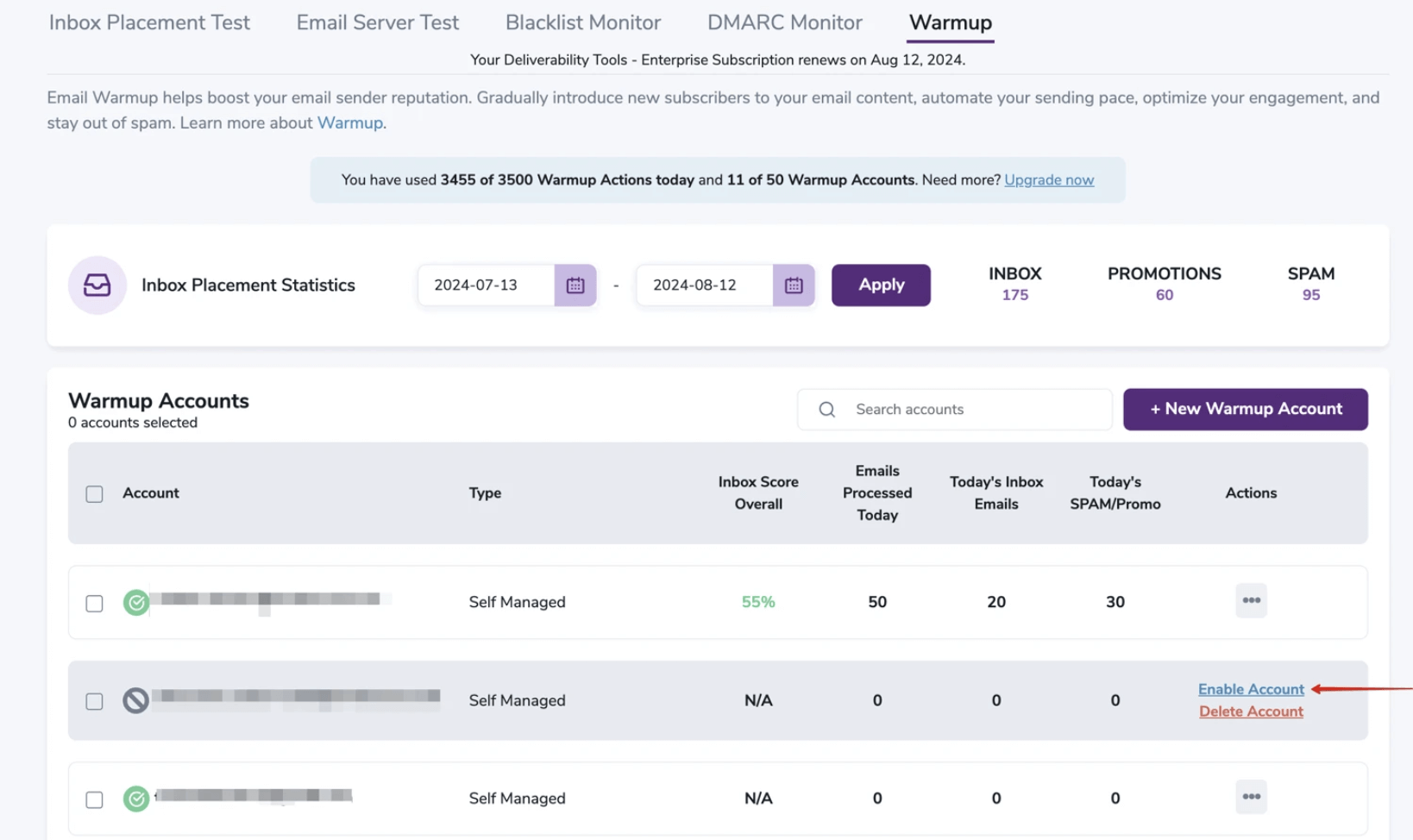
The dashboard tracks your inbox placement rate in real time (inbox vs spam vs promotions) and checks the alignment of your authentication protocols (SPF, DKIM, DMARC).
The deliverability tools: blacklist monitoring, inbox test, DMARC
This is where ZeroBounce stands apart from « basic » validators.
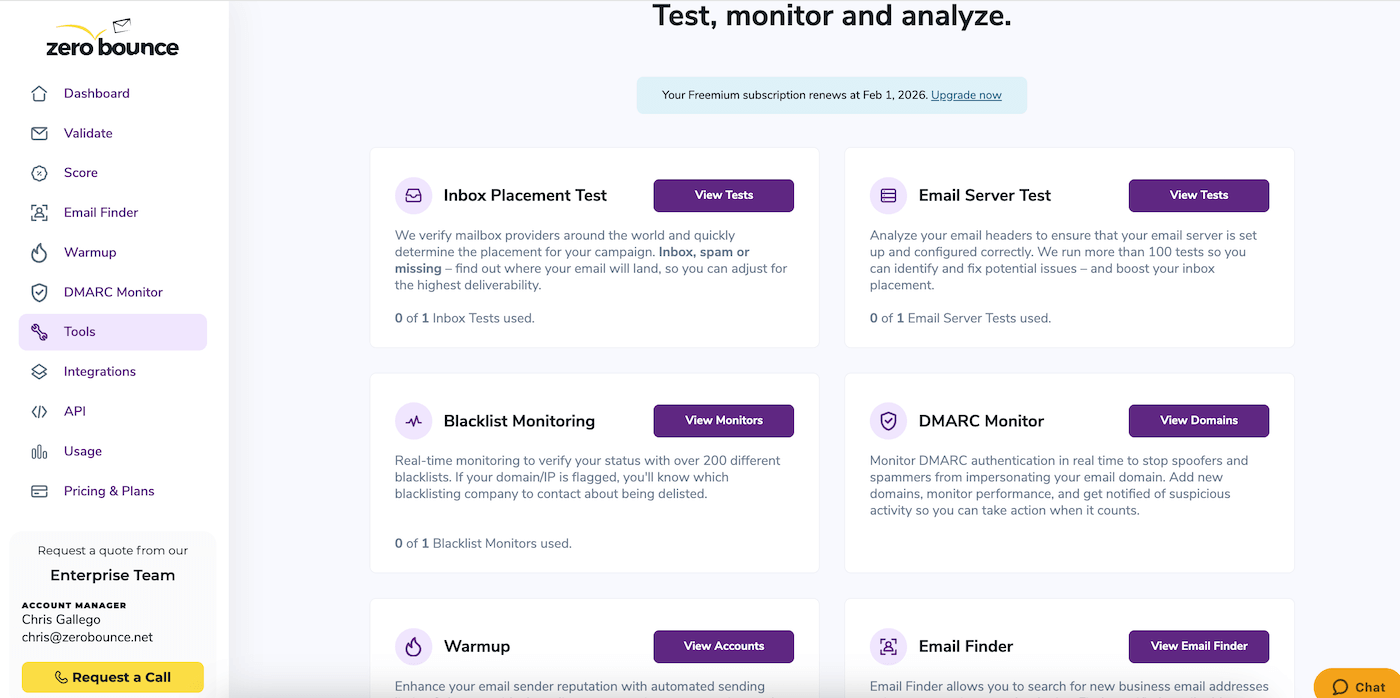
The platform includes a complete set of tools to monitor and optimize your deliverability:
- Blacklist Monitoring: real-time monitoring of more than 200 blacklists. If your IP or domain is listed on an RBL (Spamhaus, etc.), you’re alerted immediately. Scans run every 24h (8h for ZeroBounce ONE subscribers).
- Inbox Placement Test: before sending a campaign to 100,000 recipients, you can test where your email actually lands with more than 20 providers (Gmail, Outlook, Yahoo, iCloud…). The report tells you whether you land in the inbox, in promotions or in spam.
- DMARC Monitor: with the new Gmail and Yahoo requirements in 2024, the DMARC protocol has become mandatory for bulk senders. ZeroBounce includes a monitoring tool that shows who is sending emails on behalf of your domain, useful for detecting spoofing attempts.
- Email Server Test: a technical audit of your sending infrastructure (SPF, DKIM, reverse DNS, TLS configuration). A diagnostic tool for technical teams.
Salesdorado’s takeThe deliverability suite (warmup, blacklist monitoring, inbox test) is actually ZeroBounce’s real differentiator. If all you need is pure validation, cheaper alternatives will do the job. But if you manage the sending reputation of a marketing team, this integrated suite saves you from juggling 4 different tools.
Email Finder: an add-on, not the core business
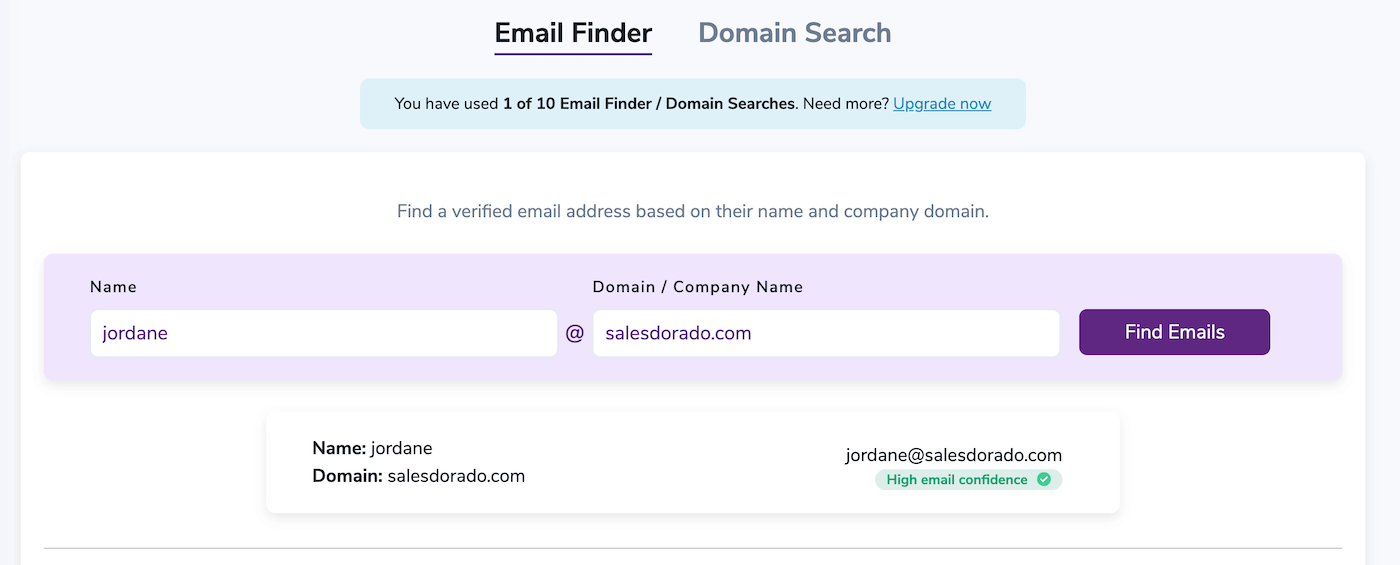
ZeroBounce also offers an Email Finder that lets you discover email addresses from a name and a domain. Each search uses 20 credits and returns a confidence score (HIGH, MEDIUM, LOW).
Let’s be clear: this isn’t ZeroBounce’s strong point. If your main need is finding B2B emails, tools like Hunter, Kaspr or Apollo are better suited and cheaper for that specific use. ZeroBounce’s Email Finder is an add-on, not an alternative.
Integrations and API
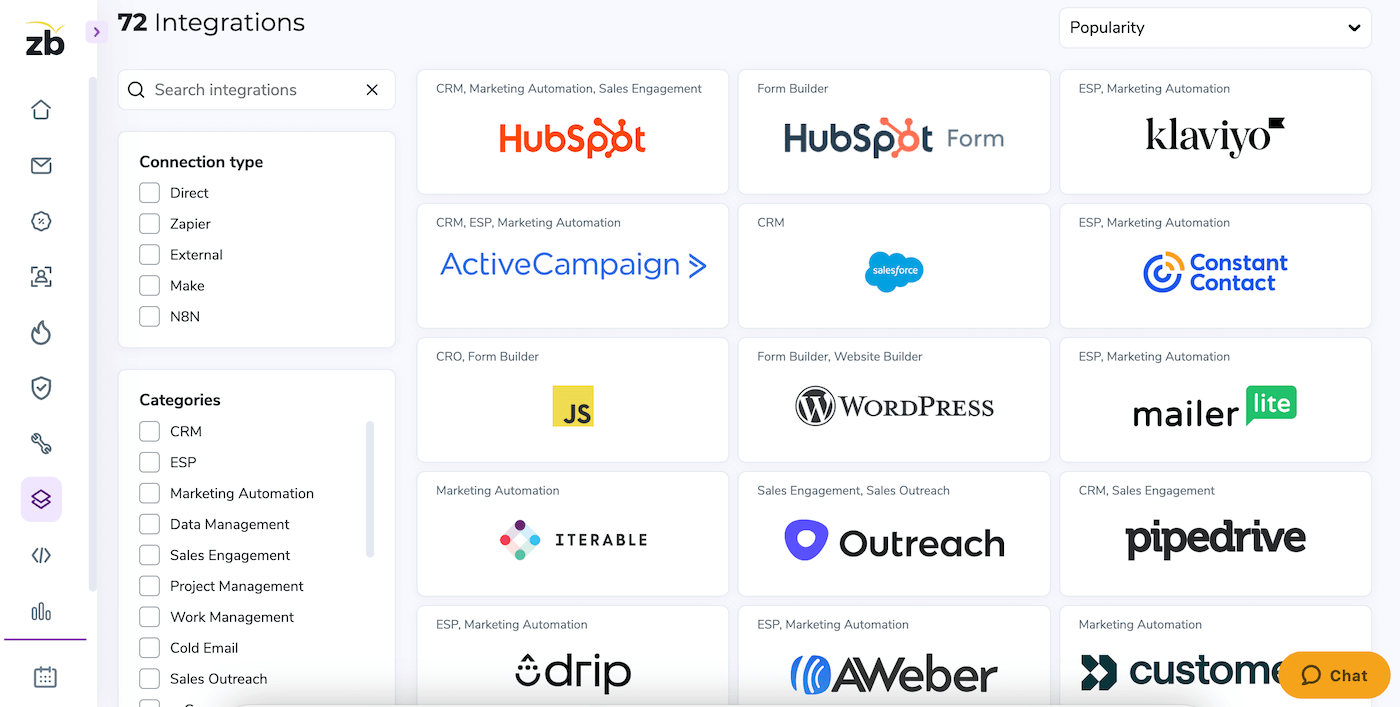
ZeroBounce has more than 70 native integrations: Salesforce, HubSpot, Mailchimp, Klaviyo, Brevo, Zapier. The tool connects to almost all of the modern marketing stack, and the REST API is well documented, with SDKs.
ZeroBounce pricing: how much does it cost?
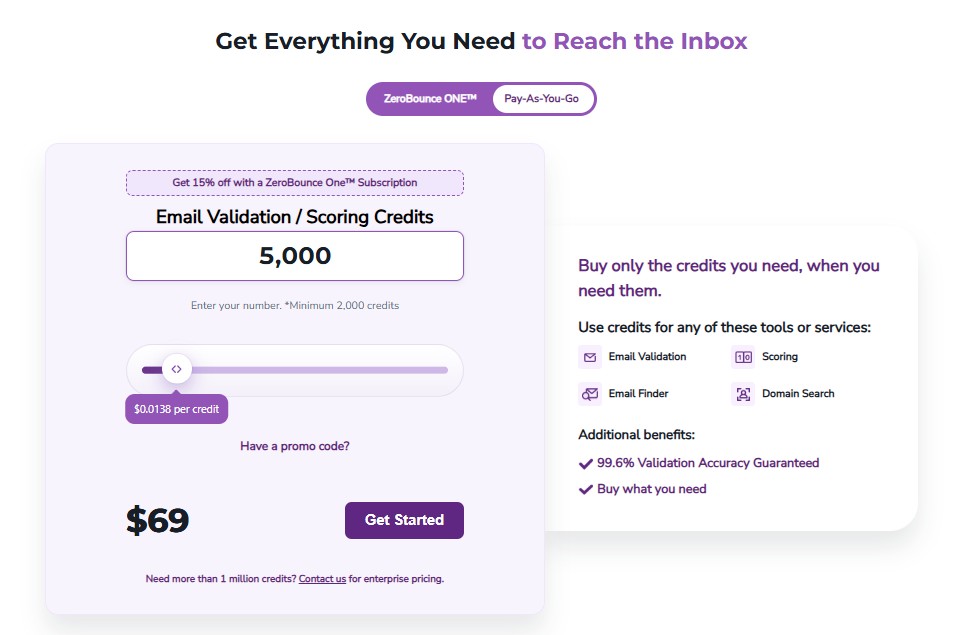
ZeroBounce offers a hybrid model: buying credits as you go (Pay-as-you-go) or a monthly subscription. Here are the details.
Pay-as-you-go pricing (credits)
The principle: 1 credit = 1 validated email. Credits get cheaper with volume:
| Volume | Price | Cost per email |
|---|---|---|
| 2,000 credits | $39 | $0.0195 |
| 10,000 credits | $129 | $0.0129 |
| 50,000 credits | $499 | $0.0100 |
| 100,000 credits | $649 | $0.0065 |
| 500,000 credits | $2,199 | $0.0044 |
| 1,000,000 credits | $3,199 | $0.0032 |
| More than one million credits | On quote | – |
Beyond one million credits, the Enterprise offer adds a dedicated account manager, custom API limits and a free ZeroBounce ONE subscription. ZeroBounce ONE subscribers also get 15% off all these packs.
Key point: with an active ZeroBounce ONE subscription, credits never expire. Without a subscription, expiration rules may apply depending on the purchase date: check before buying in bulk for several years.
Another good point: « Unknown » results (impossible to determine) are not billed. If ZeroBounce can’t decide, the credit is returned. Duplicates are also detected and removed for free before validation. Watch out for the Email Finder, though, which uses 20 credits per successful search.
ZeroBounce ONE subscription
For teams with recurring needs, the ZeroBounce ONE subscription starts at $99/month for 10,000 monthly credits that roll over (20% off with annual billing). It also includes:
- access to the deliverability tools: 250 warmup addresses, 100 inbox placement tests, 10 blacklist monitors, DMARC monitoring for one domain and 100 email server tests;
- 10,000 Email Finder searches;
- blacklist scans every 8h (versus 24h on the free version);
- 15% off credits bought pay-as-you-go;
- 24/7 VIP support, and credits that never expire.
The math is quick: 10,000 credits in Pay-as-you-go cost $129. At $99/month with access to the full suite, the subscription pays for itself as soon as you regularly validate that volume, and even more so if you use the deliverability tools.
Free version
ZeroBounce offers 100 free validation credits every month for accounts with a business domain. Signing up also gives access to the full API with a test environment, to the integrations, to 24/7 support, plus one placement test, one server test, one blacklist monitor scanned every 24h and 10 Email Finder searches. Warmup and DMARC monitoring are reserved for subscribers. It’s enough to test the tool, not for regular use.
Our final verdictZeroBounce is the obvious choice for organizations that treat email as a critical asset needing protection, maintenance and constant optimization. For everyone else, cheaper alternatives will do just fine.