The 10 best webinar software

Ten webinar tools compared: Livestorm, GoTo Webinar, Webikeo, BigMarker, ClickMeeting, Webex, Zoom Webinars, Zoho Webinar, Adobe Connect and EverWebinar. Livestorm remains our favorite for lead generation; the others stand out for their audience, paid sessions, integration with a video conferencing tool or pre-recorded webinars.

Maxime Ben Bouaziz
Maxime Ben Bouaziz
CEO Salesdorado, IA & Sales Tech
April 2, 2020, updated November 10, 2026, 1 min read
See all tools

A good webinar tool does three things: it fills your event (registration page, reminder emails), it keeps the audience engaged during the session (questions, polls, chat) and it makes use of the data afterwards (replay, export to the CRM). To showcase expertise or a product and generate qualified leads, these are the three points that set the tools apart.

The right choice depends on what you expect from the webinar:

  • generate leads and send them to your CRM: Livestorm;
  • a proven platform with detailed reporting on each participant: GoTo Webinar;
  • reach a French-speaking audience wider than your own base: Webikeo;
  • very large events: BigMarker;
  • charge for access to your webinars: ClickMeeting;
  • stay in the video conferencing tool you already use: Webex, Zoom or Zoho Webinar;
  • content-rich online training: Adobe Connect;
  • broadcast a recorded webinar at any hour: EverWebinar.
The 10 tools, side by side

# Logos tool Score Price Best for
01 Livestorm 4.5/5 ★ €2.50 Marketing teams who want to get qualified leads from their webinars Visit site
02 GoTo Webinar 4.5/5 ★ €50 Teams who want to know who followed their webinars so they can follow up with hot prospects Visit site
03 Webikeo 4.4/5 ★ €3,590 French-speaking companies who want to reach a wider audience than their own base Visit site
04 Zoom Webinars 4.1/5 ★ €736 Teams who already use Zoom and want webinars without changing tools Visit site
05 Zoho Webinar 4.0/5 ★ €8 Companies already equipped with the Zoho suite, Zoho CRM above all Visit site
06 ClickMeeting 3.5/5 ★ €41 Organizers who want to charge for access to their webinars Visit site
07 Webex 4.4/5 ★ €11 Teams who want a generous free plan and a good audience experience Visit site
08 EverWebinar 3.8/5 ★ $99 Marketers who want to run pre-recorded webinars to save time Visit site
09 Adobe Connect 3.9/5 ★ €175 Organizations looking for a very rich video conferencing and webinar tool, videos included Visit site
10 BigMarker 4.2/5 ★ On request Large organizations that bring together thousands of participants Visit site
01

Livestorm

4.5/5 From €2.50

Best for: Marketing teams who want to get qualified leads from their webinars

+ Strengths
  • Nothing to install: participants register and follow the webinar from their browser
  • Lead data enrichment and a registration page optimized for conversion
  • Unlimited webinars and replays, with no viewing deadline
  • Data sent to your CRM and other tools, via Zapier or webhooks
− Downsides
  • Per-participant billing, from €2.50: a real investment for small teams
  • Incomplete native integrations: no ActiveCampaign, Salesforce reserved for the Enterprise plan
★ Livestorm in brief

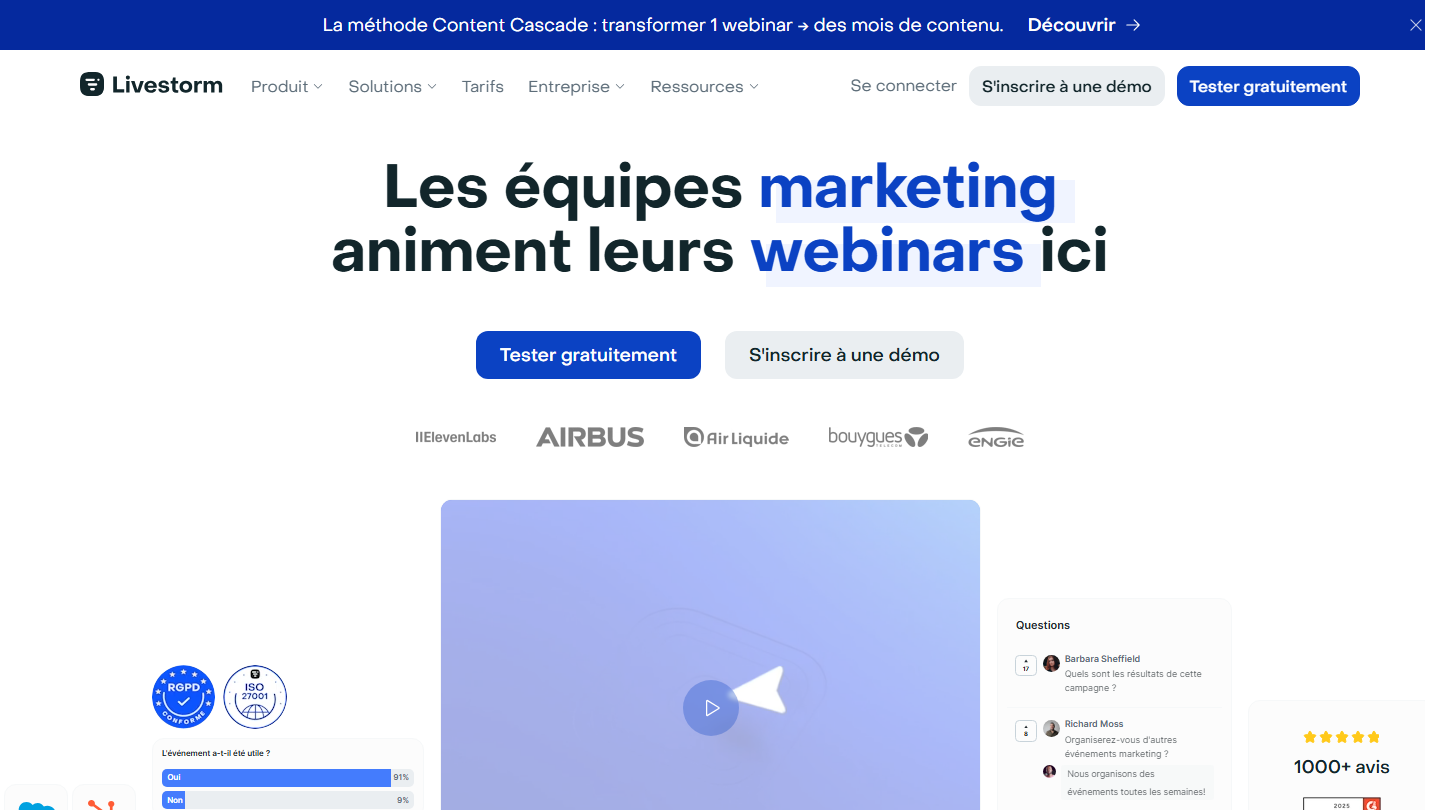
Livestorm home page: “Marketing teams run their webinars here”, with a poll and questions from the audience

Livestorm is a French webinar platform built for marketing teams. Everything happens in the browser, from registration to replay, and the tool is built around one goal: turning participants into usable leads.

In practice, you create the event, Livestorm generates the registration page and sends confirmation and reminder emails, which you can customize. On the day, participants click their link and land in the room: you present, they ask questions, vote on other people’s questions and answer polls. After the session, the replay is available and you know who registered, who attended, how long they stayed and what they asked.

It is the tool to pick if the webinar is a regular acquisition channel and sales needs to know the next day who to call back. For an internal webinar or an occasional team meeting, a video conferencing tool is enough.

There is no permanent free version, but there is a trial without a credit card. The Pro plan is paid in annual credits, one credit per participant per session: €2.50 per credit for the 400 pack (€1,000), down to €2.00 for 4,000 credits. Team members are not counted. Sessions last up to 4 hours and host up to 3,000 live participants. The Enterprise plan is custom, with sessions up to 12 hours.

02

GoTo Webinar

4.5/5 From €50

Best for: Teams who want to know who followed their webinars so they can follow up with hot prospects

+ Strengths
  • Easy to pick up, even on the entry plan
  • Registration, Q&A, polls and document management from the starter plan
  • Detailed reporting: attendance rate, attention, poll answers
  • HubSpot, Salesforce and Zapier integrations, plus a full API
− Downsides
  • Expensive when you need more participants
  • Aging interface, for both attendees and presenters
  • Limited customization of emails and registration pages
★ GoTo Webinar in brief

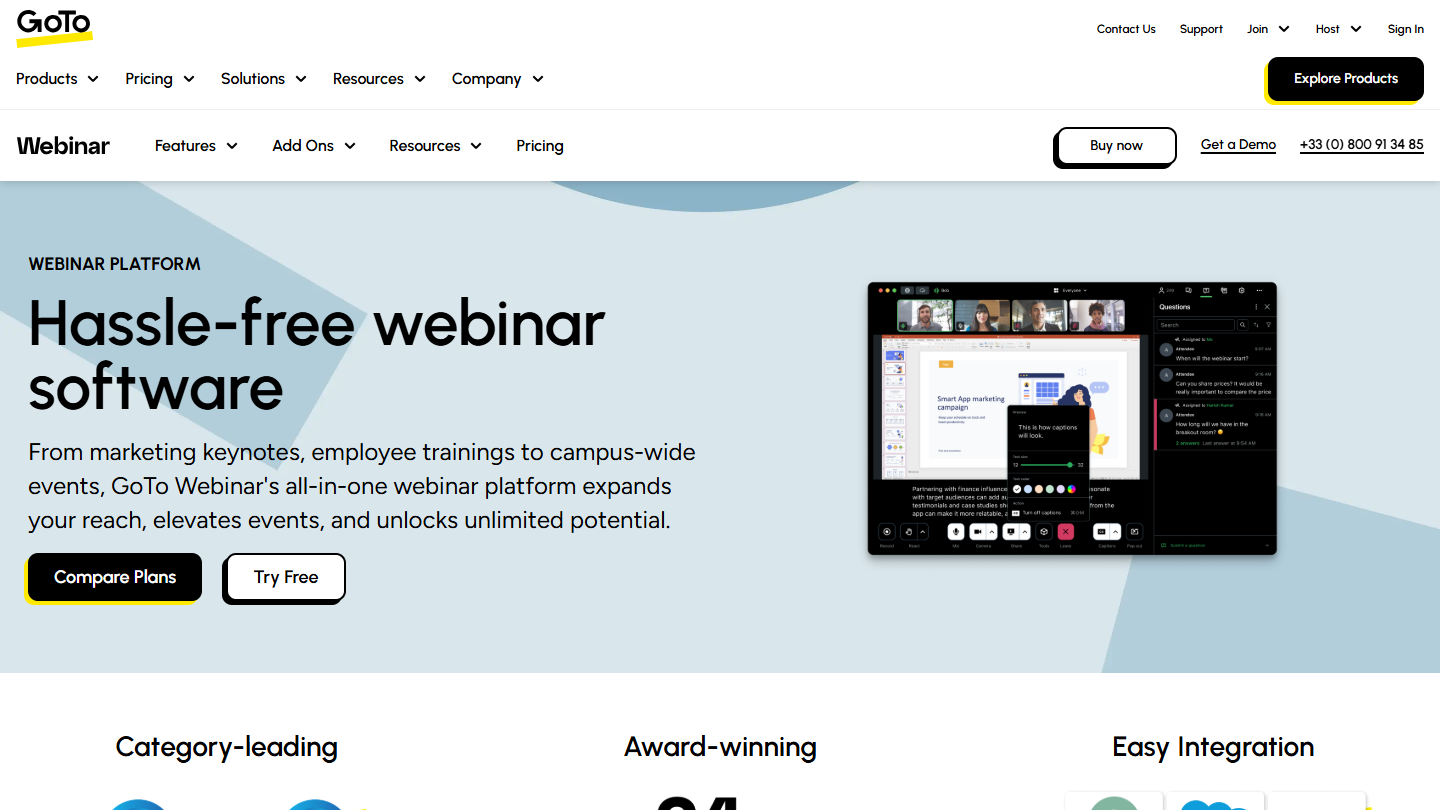
GoTo Webinar website: “Hassle-free webinar software”

GoTo Webinar is one of the best-known webinar platforms. Its reputation comes from how easy it is to pick up and from the precision of its participant reports.

In practice, you schedule the webinar, share the registration form, then run the session with screen sharing, Q&A, polls and downloadable documents. After the event, the reports show who attended, their level of attention and their poll answers: enough to sort registrants between those to follow up right away and the others. The Elevate plan adds cloud recordings, AI summaries and transcripts, and breakout rooms.

GoTo Webinar suits teams that run regular webinars for a few hundred people and want reliable engagement figures. The Complete plan, on request, adds paid events and broadcasting to an unlimited audience.

Reach costs €50 per month billed annually for 500 participants, Elevate €88 for 1,000 participants; Complete goes up to 3,000. The free trial lasts 30 days, with no credit card.

03

Webikeo

4.4/5 From €3,590

Best for: French-speaking companies who want to reach a wider audience than their own base

+ Strengths
  • No download, intuitive and easy to use, for speakers and attendees alike
  • Up to 6 speakers seen and heard on video, sharing all types of materials
  • Promotion of your events to the Webikeo community, from the Core suite
  • Registrant and attendee data available after the webinar
− Downsides
  • High-end positioning: from €3,590 excl. VAT per year
  • Mostly French audience, which renews slowly
  • Participants cannot speak, only write in the chat
★ Webikeo in brief

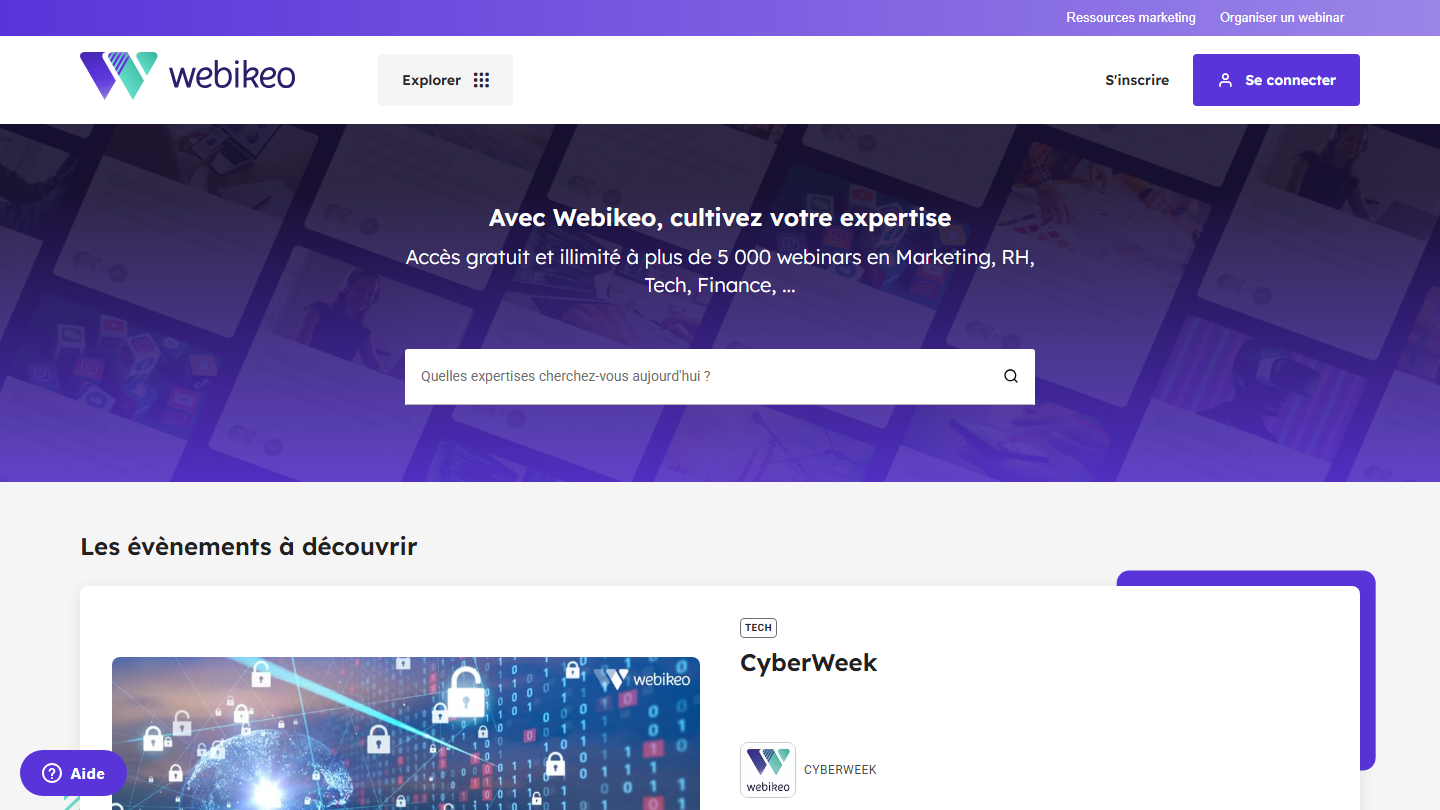
Webikeo home page: “With Webikeo, cultivate your expertise”, free access to more than 5,000 webinars

Webikeo is a French webinar platform with one distinctive feature: it has its own audience. Professionals come to Webikeo to watch free webinars on marketing, HR, tech or finance, and your events are offered to them alongside the others.

In practice, you host from the browser, with nothing to download, with up to six speakers seen and heard on video, who share their materials. Participants take part through the chat. Webikeo promotes the event to its community through its emailing lists, and you then get the data on registrants and attendees.

The value is highest at the start: the platform brings you registrants you would not have reached alone. Over the course of your webinars, the audience renews slowly and you find some of the same people again. The budget makes it a tool for companies rather than small businesses.

The Access suite starts at €3,590 excl. VAT per year, with unlimited participants. The Core suite, for very small businesses of 2 to 19 employees, starts at €9,490 excl. VAT per year. Offers for SMEs, mid-caps and large accounts are custom. There is neither a free version nor a trial for organizers.

04

Zoom Webinars

4.1/5 From €736

Best for: Teams who already use Zoom and want webinars without changing tools

+ Strengths
  • Simple, intuitive design that is easy to pick up
  • Screen sharing, live chat, HD quality and replays
  • Free plan: 40-minute meetings, up to 100 participants
− Downsides
  • Webinars license sold separately from video conferencing
  • Participant tracking less advanced than on dedicated platforms
★ Zoom Webinars in brief

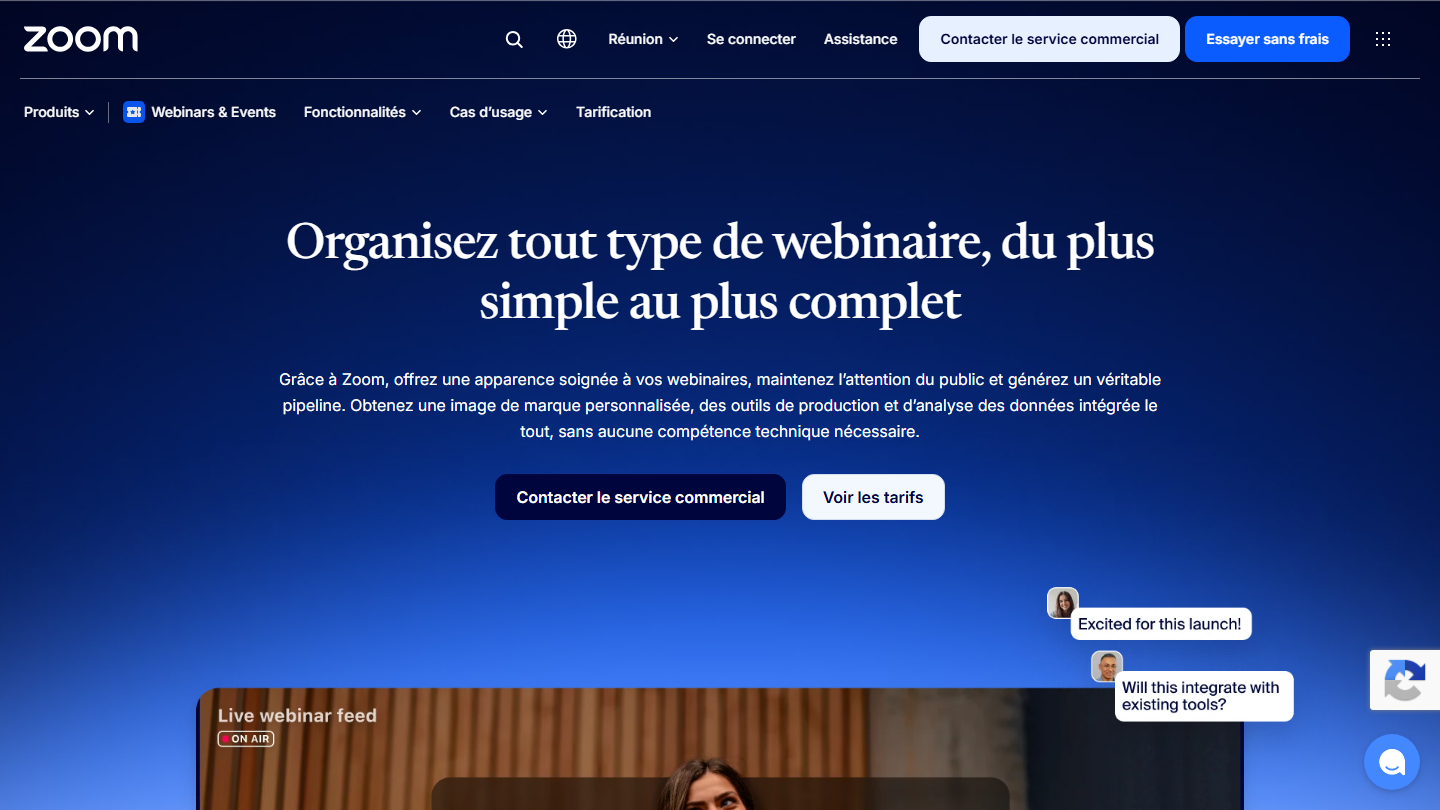
Zoom Webinars page: “Host any kind of webinar, from the simplest to the most complete”

Zoom is first and foremost the video conferencing tool everyone knows, which is an argument in itself: nobody discovers the interface on the day of the webinar. Its Zoom Webinars offer is a separate license that turns the meeting into an event where only the speakers talk.

In practice, you open registrations, participants receive their link and follow the session in HD, with screen sharing, chat, Q&A and polls. Speakers can gather backstage before going live, and the recording serves as the replay. Sessions last up to 30 hours.

Zoom is the right choice when the company already uses it for meetings and wants webinars without training the team on a new tool. For lead generation, dedicated platforms go further on participant tracking.

The free plan covers 40-minute meetings for up to 100 participants. Zoom Workplace Pro costs €13.33 per month billed annually and Business €17.49. The Zoom Webinars license costs €736 per year for 300 participants (€82 monthly) and €920 per year for 500.

05

Zoho Webinar

4.0/5 From €8

Best for: Companies already equipped with the Zoho suite, Zoho CRM above all

+ Strengths
  • Simple and affordable, ideal to get started
  • Good reporting module
  • Fits naturally with the other tools in the Zoho suite
  • Free plan: 100 participants, 60-minute webinars
− Downsides
  • Rather limited in terms of customization
  • Not the last word in webinar lead generation
★ Zoho Webinar in brief

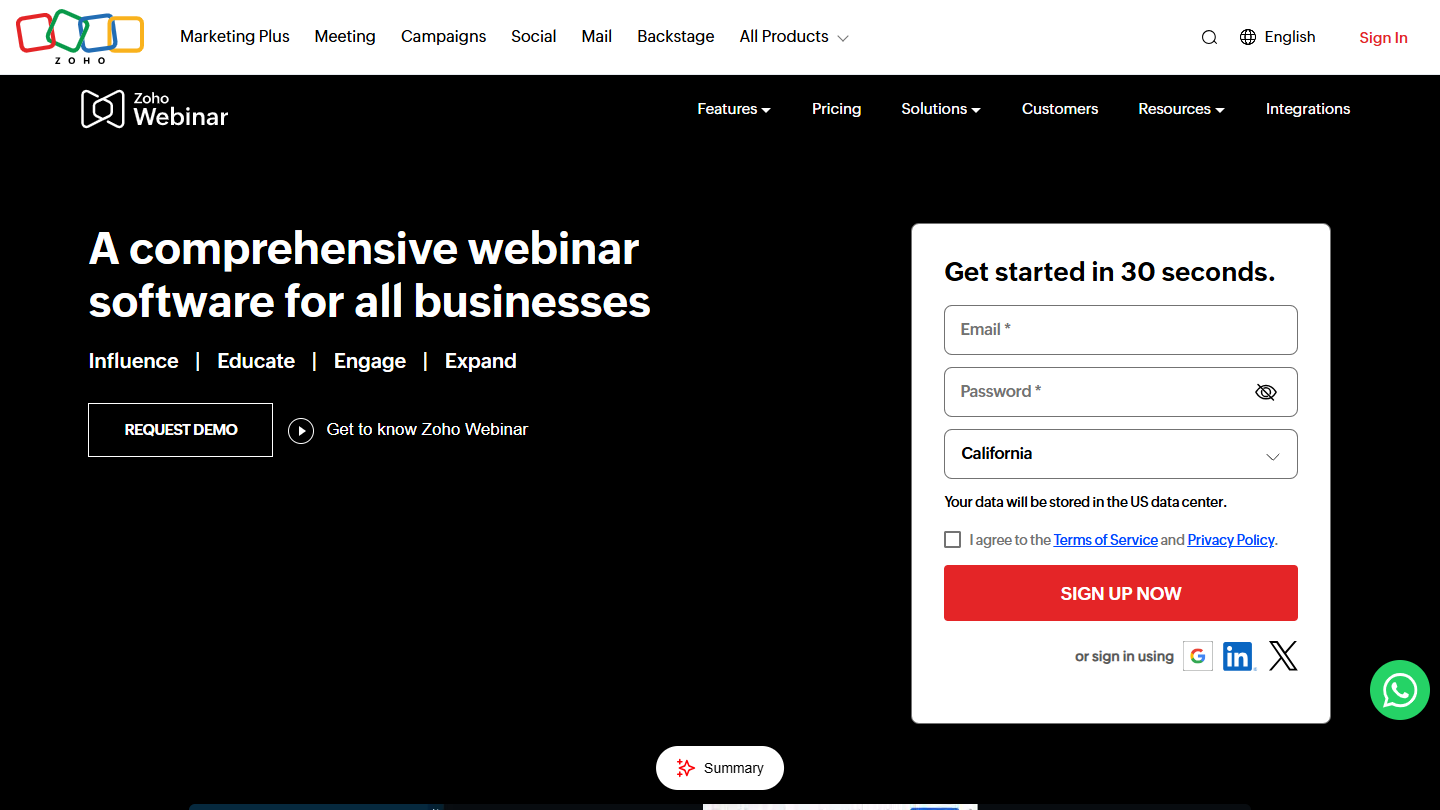
Zoho Webinar website: “A comprehensive webinar software for all businesses”

Zoho took webinars out of Zoho Meeting to make them a product of their own, Zoho Webinar. It fits naturally with the other tools in the Zoho suite, Zoho CRM first among them, and offers a generally successful experience.

In practice, registrations and attendees go straight into Zoho CRM or Zoho Campaigns, which saves manual exports. During the session, you have polls, Q&A and the ability to give the floor to a participant. Reports show attendance and engagement, and the Enterprise plan adds on-demand webinars.

It is not the last word in webinar lead generation, but for a company already on Zoho, it is the simplest solution and one of the cheapest in the selection.

The free plan hosts 100 participants, for 60-minute webinars. The Standard plan starts at €8 per organizer per month billed annually for 25 participants (€18 for 100); Professional and Enterprise go up to 3,000 and 5,000 participants. 14-day trial with no credit card.

06

ClickMeeting

3.5/5 From €41

Best for: Organizers who want to charge for access to their webinars

+ Strengths
  • Plenty of features
  • Support for paid sessions
  • Custom waiting rooms
− Downsides
  • Interface that is not very intuitive: your audience may struggle to find their way around
  • Many technical issues
  • Free trial limited to 14 days and 25 participants
★ ClickMeeting in brief

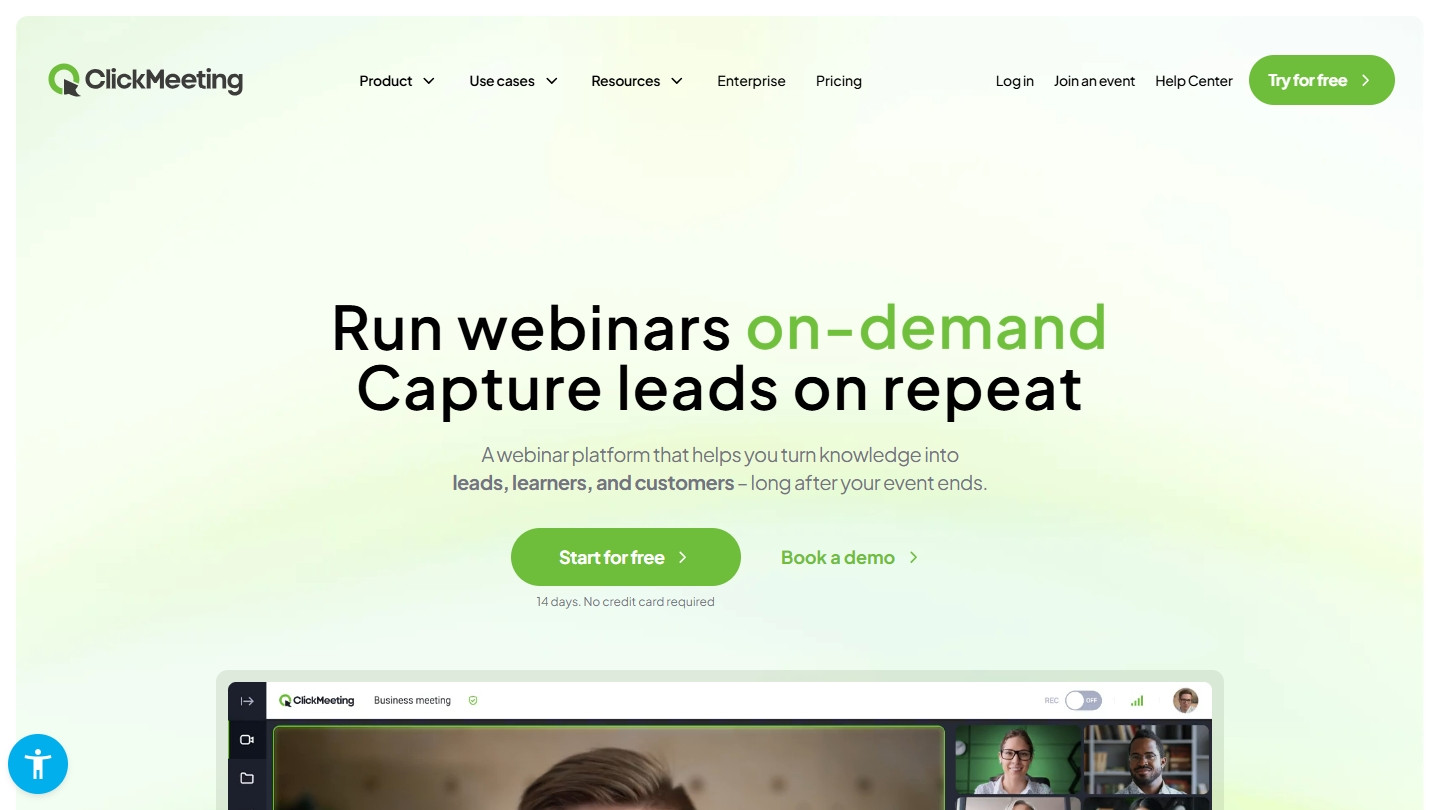
ClickMeeting website: “Webinar software with 5-star support Enjoyed by 15 million users each year”

ClickMeeting is a very rich webinar platform that runs in the browser, with no installation. It covers live, automated and on-demand webinars, and it is one of the few tools in the selection to handle paid events natively.

In practice, you set an access price or turn on donations, and registration goes through payment. Participants arrive in a waiting room in your colors before the session starts. During the webinar, you have screen sharing, polls, chat and recording.

The tool appeals to trainers and experts who sell their sessions. Its richness has a downside: the interface takes some getting used to, and your audience may struggle to find their way around the first time.

The Live plan costs €41 per month billed monthly for 50 participants (€383 per year billed annually) and €74 for 100 participants. The Automated plan, for scheduled webinars, starts at €52 per month. The trial lasts 14 days, with no card, up to 25 participants.

07

Webex

4.4/5 From €11

Best for: Teams who want a generous free plan and a good audience experience

+ Strengths
  • Free plan: up to 100 participants, 40 minutes per session
  • Successful integrations and features that deliver
  • Good audience-side experience
− Downsides
  • No lead generation feature in the meeting plans
  • Webex Webinars, the dedicated offer, on request only
★ Webex in brief

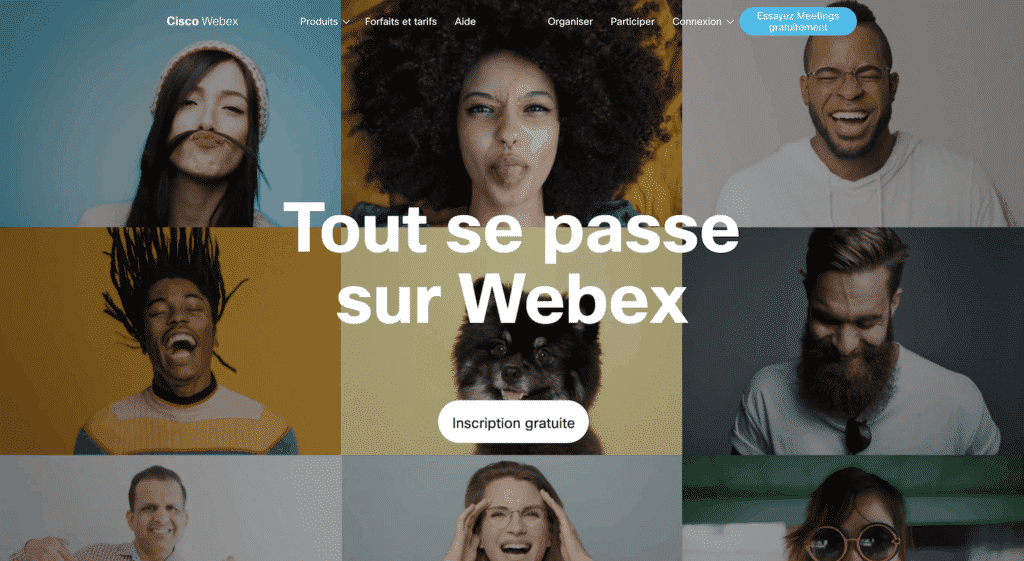
Cisco Webex home page: “It all happens on Webex”, over a mosaic of faces, with a “Free sign-up” button

Cisco, a historic publisher of large, complex software, pulled it off with Webex: a simple, effective and affordable video conferencing tool that can also host webinars.

In practice, you schedule the session from Webex, send the link and present with screen sharing, chat and Q&A. Participants join from the browser or the app, and the experience on the audience side is smooth. Integrations with calendars and office tools work well.

Webex suits companies that are already equipped, for informational or training webinars. The meeting plans have no feature to qualify leads. For that, you need Webex Webinars, which adds registration pages in your colors, automatic emails, live, delayed or on-demand broadcasting, and a CRM integration with Salesforce or Eloqua.

The free plan hosts up to 100 participants, for 40-minute sessions. Webex Starter costs €132 per user per year (150 participants), Business €192.50 (200 participants); Enterprise is on request. Webex Webinars, up to 100,000 participants, is on request.

08

EverWebinar

3.8/5 From $99

Best for: Marketers who want to run pre-recorded webinars to save time

+ Strengths
  • Very easy to set up webinars
  • Fairly advanced lead generation features
  • Bots that interact in the chat to create engagement
  • 30-day money-back guarantee
− Downsides
  • No live presentation: only the chat can be live, in hybrid mode
  • Pre-recorded webinars: a risk for your image
  • No free trial: the 14-day trial costs $1
★ EverWebinar in brief

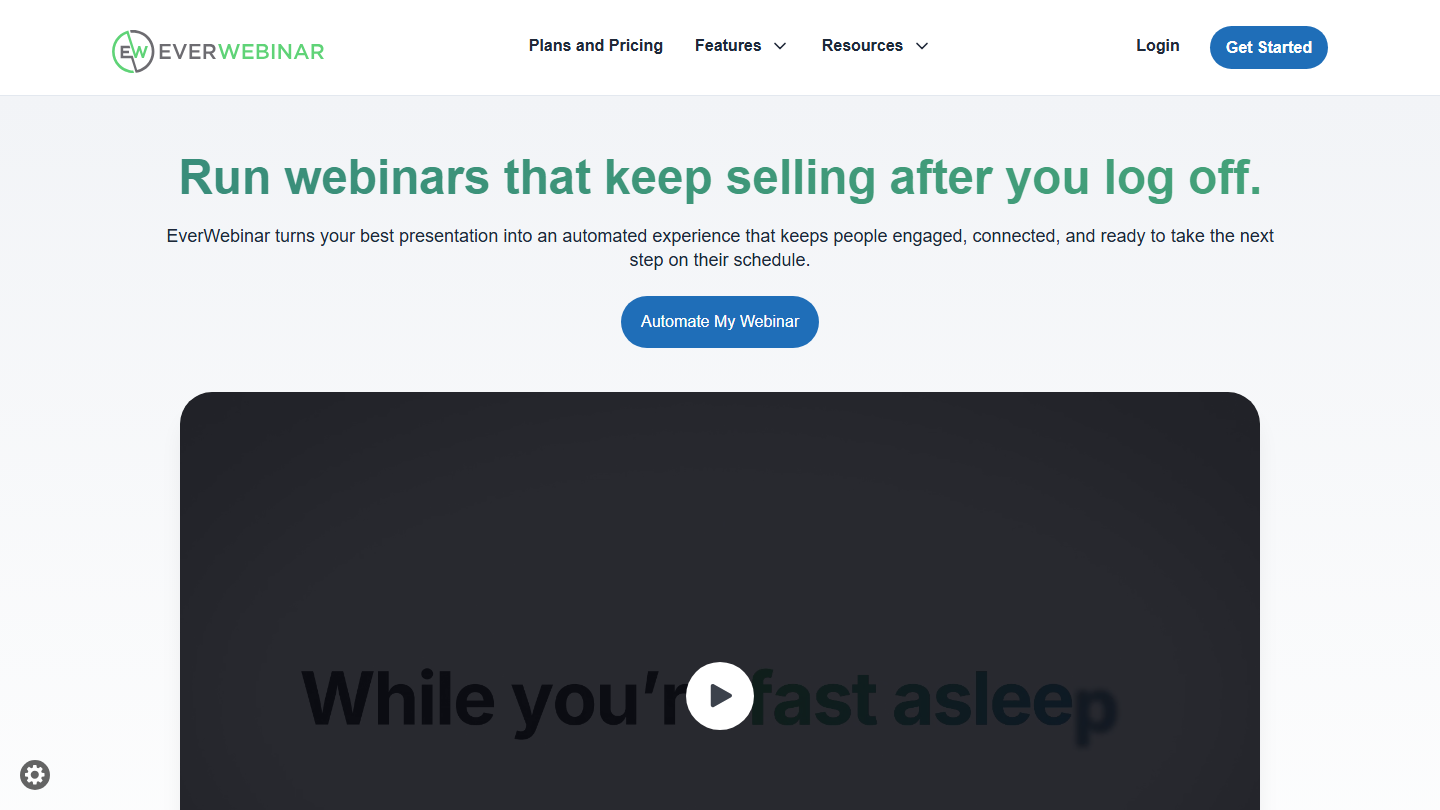
EverWebinar home page: “Run webinars that keep selling after you log off”

EverWebinar works the opposite way from the other tools in the selection: you record your webinar once, and it is broadcast at fixed times or on demand, as if it were live.

In practice, you upload the video, set the broadcast times and the registration page. Each registrant attends a session that seems live, with scheduled chat messages and offers that appear at the right moment in the video. In hybrid mode, your team can answer live in the chat while the video plays.

Depending on your niche, it is a way to sell continuously without hosting every session. The bet remains risky for your image: a participant who realizes that the “live” is recorded, or that the chat is partly automated, may take it badly. For a truly live webinar, the publisher offers another tool, WebinarJam.

One single all-inclusive plan: $199 per month billed monthly, $99 per month billed annually ($1,188 per year) or $79 per month over two years. The 14-day trial costs $1, with a 30-day money-back guarantee.

09

Adobe Connect

3.9/5 From €175

Best for: Organizations looking for a very rich video conferencing and webinar tool, videos included

+ Strengths
  • Very rich in features
  • Support for the videos you want to present
  • Solid performance
− Downsides
  • Expensive compared to the competition
  • Not wired for pure lead generation
★ Adobe Connect in brief

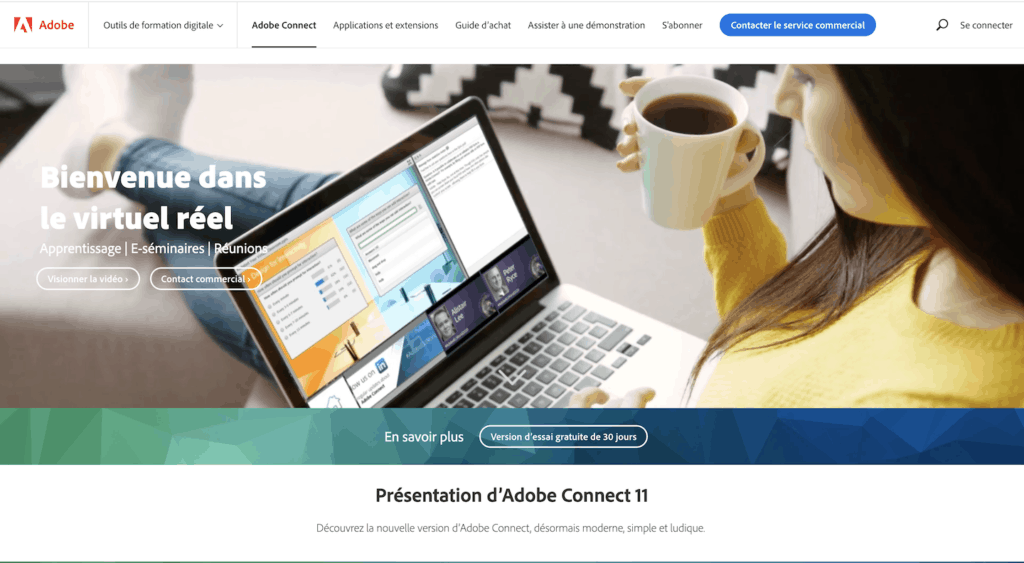
Adobe Connect home page: “Welcome to real virtual”, a woman follows a session on her laptop

Adobe Connect is Adobe’s virtual classroom and webinar tool. It is very rich in features and mainly targets online training.

In practice, an Adobe Connect room is made of modules that you arrange on screen: presentation, video, chat, poll, notes, downloadable files. Rooms are persistent: you prepare the layout once and find it again at every session, which suits training cycles well. The tool supports the videos you want to broadcast.

For pure lead generation, Adobe Connect is not wired for it: few tools to qualify registrants and send them to a CRM. It is justified for training where audience engagement during the session matters more than sales follow-up.

Webinar rooms cost €175 per year per host for 100 people (Standard), €267 for Premium and €359 for Enterprise, for 300 people. The free trial lasts 30 days, up to 25 participants.

10

BigMarker

4.2/5 From On request

Best for: Large organizations that bring together thousands of participants

+ Strengths
  • Integrations with most CRMs on the market
  • Runs 100% in the browser, like Livestorm
  • Hosted videos to build a course or a mini-series
  • Up to 500,000 live participants with Webcast Enterprise
− Downsides
  • Interface and support 100% in English
  • SMEs are not a priority: approximate support for small customers
  • Pricing on request only
★ BigMarker in brief

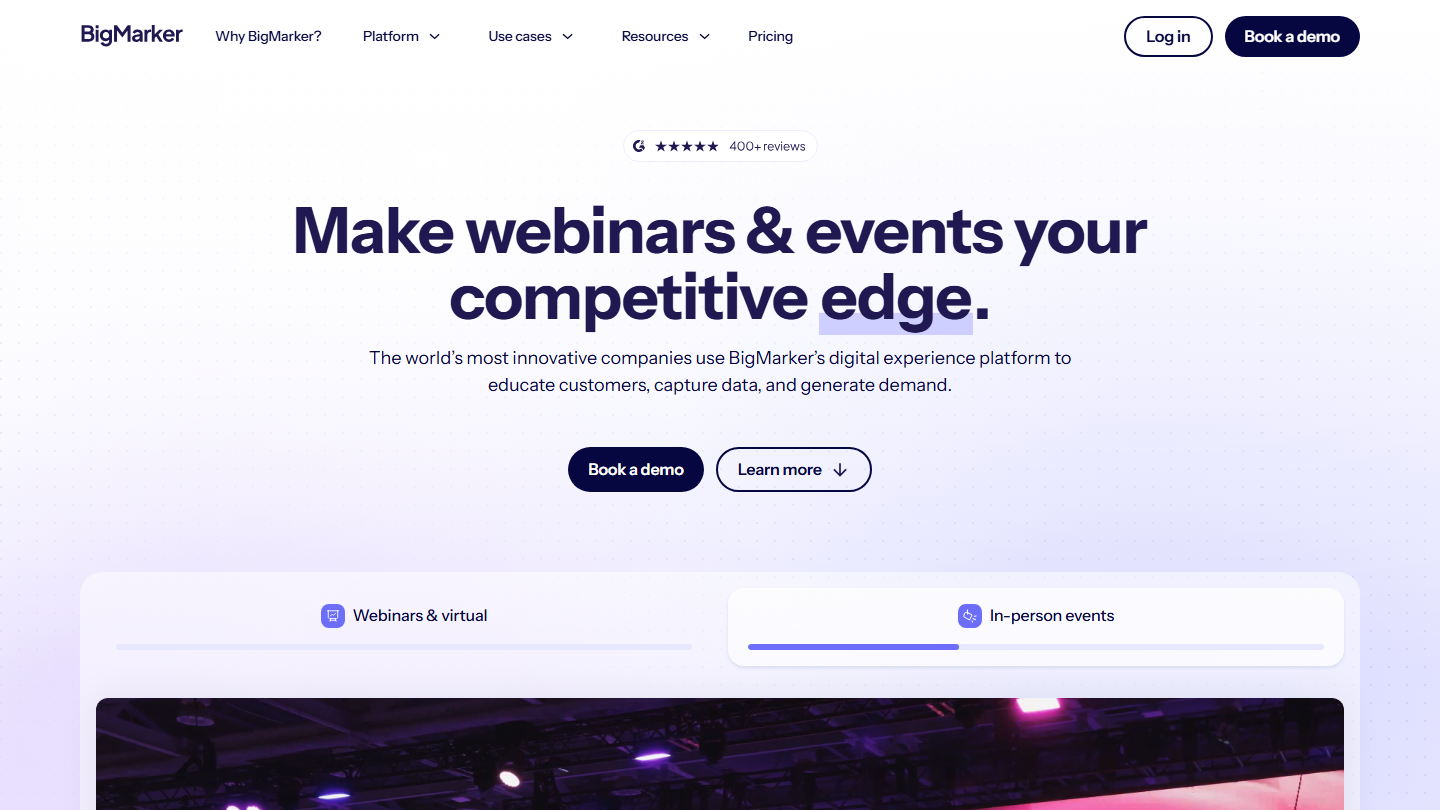
BigMarker home page: “Make webinars & events your competitive edge”

BigMarker is an American webinar and virtual event platform aimed mainly at large organizations. It runs entirely in the browser, like Livestorm, and connects to most CRMs on the market.

In practice, you set up a live webinar, a series of events or a hybrid event, with several speakers, registration pages and audience engagement tools. Videos can be hosted and grouped, for example to offer an on-demand course or mini-series.

BigMarker makes sense for audiences of several thousand people, with a team to organize them. The site and support are in English, and the publisher mainly targets large accounts: an SME may wait if something goes wrong.

Everything is on request, with an annual subscription. Webcast Basic hosts up to 1,000 live participants, Webcast Professional up to 10,000 and Webcast Enterprise up to 500,000. A trial is available on request.

How we chose these 10 tools

Every tool in this selection has been used in real conditions by our team or by a Salesdorado consultant, in a B2B sales and marketing setting. No ranking built from a marketing deck. The order of the list is not a ranking: the right tool depends on your needs.

  1. 01
    Benchmark scope

    Broad identification of the tools on the market (G2, Capterra, Salesdorado customer feedback, LinkedIn signals). Initial filtering, then a short list based on a 2-hour setup per tool.

  2. 02
    Test conditions

    3 to 4 weeks of active use per tool, with data representative of a B2B sales use case. When a tool targets a specific profile (SDR, AE, Ops, Marketer…), we match the tester accordingly.

  3. 03
    Weighted criteria

    For each category, 5 to 7 axes weighted according to what matters in the segment: UX, feature depth, native integrations, support, pricing at scale, compliance (GDPR, security), and roadmap quality.

  4. 04
    Independence

    No tool is scored in exchange for payment. Partner links (affiliate) are marked as such and do not influence the score. Non-partner tools are included when their place in the ranking is deserved.

  5. 05
    Updates

    The ranking is reviewed every 6 to 12 months or on every major release of a tool mentioned. The date of the last check is shown at the top of the article.

The questions we get over and over.

What is the difference between webinar software and video conferencing software?

At Salesdorado, we tell them apart with one simple feature: whether everyone can speak by video and audio. If one or more hosts deliver a presentation to an audience, you are looking for webinar software. If everyone must be able to speak, you are looking for video conferencing software.

Which webinar software should I choose to generate leads?

Livestorm is our favorite: easy to use, it enriches lead data and offers a registration page optimized for conversion. It then sends the data to your CRM.

Is there a French webinar platform?

Yes, Webikeo, the French-style webinar platform. It works without any download, hosts up to 6 speakers seen and heard on video and promotes events through its emailing lists.

Can you charge for access to a webinar?

Yes. ClickMeeting in particular handles paid sessions and lets you create custom waiting rooms, even though its interface is not very intuitive for the audience.

Can you broadcast a pre-recorded webinar?

Yes, that is EverWebinar's model: you record the webinar once and it is broadcast at fixed times or on demand, with scheduled chat messages to create engagement. The presentation is never live, but in hybrid mode your team can answer live in the chat during the broadcast.

★ The conversation, 0 comments

What the community says.

Basic Markdown, moderated within 24 h
Loading…

    In the same category