Top 18 Best Inbound Marketing Tools

Eighteen inbound marketing tools, ranked by stage of the journey: attract with SEO and content (Google Search Console, Ahrefs, ChatSEO, AnswerThePublic, ChatGPT, Canva) and social media (Buffer, Taplio, Brand24, Spotify for Creators), convert (Unbounce, Typeform, OptinMonster, Livestorm), nurture leads (HubSpot, Brevo) and measure (Google Analytics, Microsoft Clarity).

Maxime Ben Bouaziz
Maxime Ben Bouaziz
CEO Salesdorado, IA & Sales Tech
March 17, 2022, updated November 10, 2026, 1 min read
See all tools

Inbound marketing means getting prospects to come to you with useful content, rather than chasing them. It sometimes feels like a topic reserved for experts: in reality, a handful of accessible tools is enough, as long as they cover the four stages of the journey.

  • attract visitors: Google Search Console, Ahrefs or ChatSEO for SEO, AnswerThePublic, ChatGPT and Canva to produce content, Buffer, Taplio, Brand24 and Spotify for Creators to distribute it;
  • convert them into leads: Unbounce for landing pages, Typeform for forms, OptinMonster for popups, Livestorm for webinars;
  • nurture those leads until the sale: HubSpot, or Brevo for a tighter budget;
  • measure what works: Google Analytics and Microsoft Clarity.

Inbound only pays off in the medium term: better one tool used well per stage than ten half-used subscriptions.

The 18 tools, side by side

# Logos tool Score Price Best for
01 HubSpot 4.5/5 ★ €20 Small and medium businesses, from 10 to 200 employees, that want to automate their marketing Visit site
02 Ahrefs 4.7/5 ★ €27 SEO teams that want to estimate organic traffic and find backlink opportunities Visit site
03 OptinMonster 4.7/5 ★ $9 Capturing emails or redirecting existing traffic to the pages with the highest conversion potential Visit site
04 Google Analytics 4.3/5 ★ Free Measuring your traffic and conversion by landing page, by channel and by source Visit site
05 Typeform 4.6/5 ★ €25 Forms more complex than a single email field, with a polished experience for the respondent Visit site
06 Unbounce 4.7/5 ★ $22 Marketers, novice or advanced, who want landing pages that convert Visit site
07 AnswerThePublic 4.4/5 ★ €10 Finding content ideas and the questions people ask about a topic Visit site
08 Buffer 4.5/5 ★ $5 Systematizing your posts and keeping a regular presence on social media Visit site
09 Livestorm 4.5/5 ★ €2.50 Those who run webinars to do business and want to enrich and track their leads Visit site
10 Spotify for Creators 4.5/5 ★ Free Creating, editing, distributing and monetizing a podcast without paying anything Visit site
11 Canva 4.6/5 ★ €12 Marketers without design skills who produce visuals, posts and videos in volume Visit site
12 Brand24 4.5/5 ★ $199 Knowing when and where your content is shared on social media, and what is said about it Visit site
13 Google Search Console 4.6/5 ★ Free Any site that wants to know which Google searches it appears for, and what blocks its indexing Visit site
14 ChatSEO 4.0/5 ★ €23 Freelancers and SMBs without an SEO expert, who want concrete actions drawn from their Search Console Visit site
15 ChatGPT 4.5/5 ★ Free Preparing, writing and adapting your content faster, as long as you proofread it Visit site
16 Taplio 4.1/5 ★ $32 Consultants and B2B teams who post several times a week on LinkedIn Visit site
17 Brevo 4.6/5 ★ €7 Very small businesses and SMBs that want to send newsletters and nurturing scenarios without paying per contact Visit site
18 Microsoft Clarity 4.4/5 ★ Free Understanding why a page doesn't convert, by seeing what visitors really do Visit site
01

HubSpot

4.5/5 From €20

Best for: Small and medium businesses, from 10 to 200 employees, that want to automate their marketing

+ Strengths
  • Automates repetitive tasks: omnichannel campaigns, emails, reporting, A/B tests
  • Effective workflows and lead tracking in the pipeline
  • Free plan, then a suite that can grow with you
  • Very rich integration marketplace and partner ecosystem
− Downsides
  • Starter and Professional plans are expensive for what they offer
  • Long learning curve, users' number one complaint
  • Hard to customize deeply for bespoke processes
★ HubSpot in brief

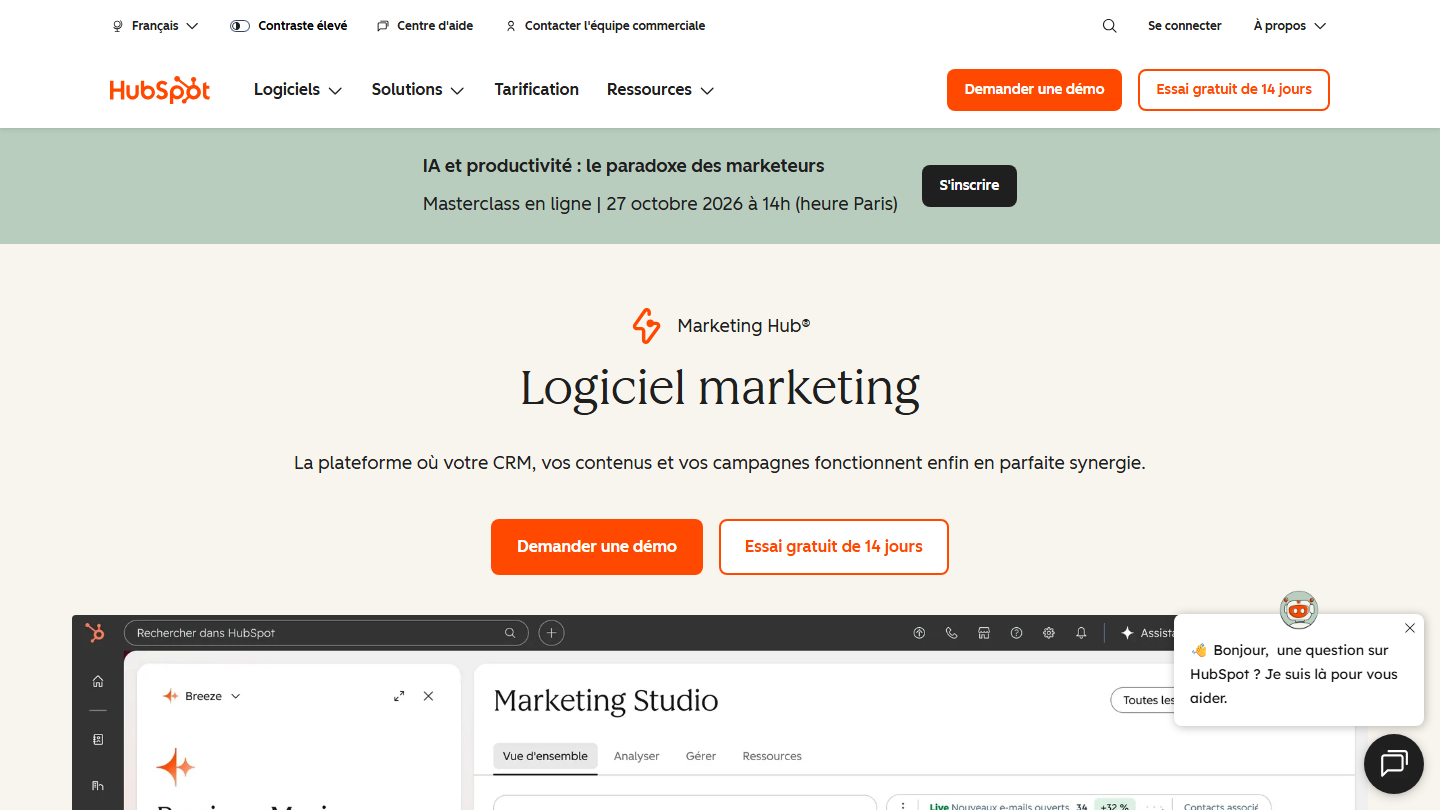
HubSpot Marketing Hub page: “Marketing software”, with the Marketing Studio editor

HubSpot is the platform that popularized the term inbound marketing. It combines CRM, emailing, marketing automation, forms and landing pages, which makes it the center of the strategy for many SMBs.

In practice, a visitor who downloads a white paper lands in the CRM with the page they came from. A workflow sends them a series of emails tailored to their profile, raises their score with every interaction and alerts a salesperson when they are ready. Reporting then ties each piece of content to the sales it generated.

HubSpot suits SMBs of 10 to 200 employees that want everything in a single tool. For a tighter budget, Brevo or ActiveCampaign do marketing automation for less.

The free plan lets you start without a credit card. Starter costs €20 per seat per month, Pro €90 billed annually.

02

Ahrefs

4.7/5 From €27

Best for: SEO teams that want to estimate organic traffic and find backlink opportunities

+ Strengths
  • Covers the 3 pillars of SEO: content, authority, technical
  • The most accurate tool for estimating a site's organic traffic and authority
  • Content gap to spot the content you're missing against competitors
  • Breakdown of each site's referring domains, to find backlinks
− Downsides
  • Less complete than SEMrush on content optimization and technical audits
  • Free version limited to Site Explorer and Site Audit, for site owners
  • No free trial announced on paid plans
★ Ahrefs in brief

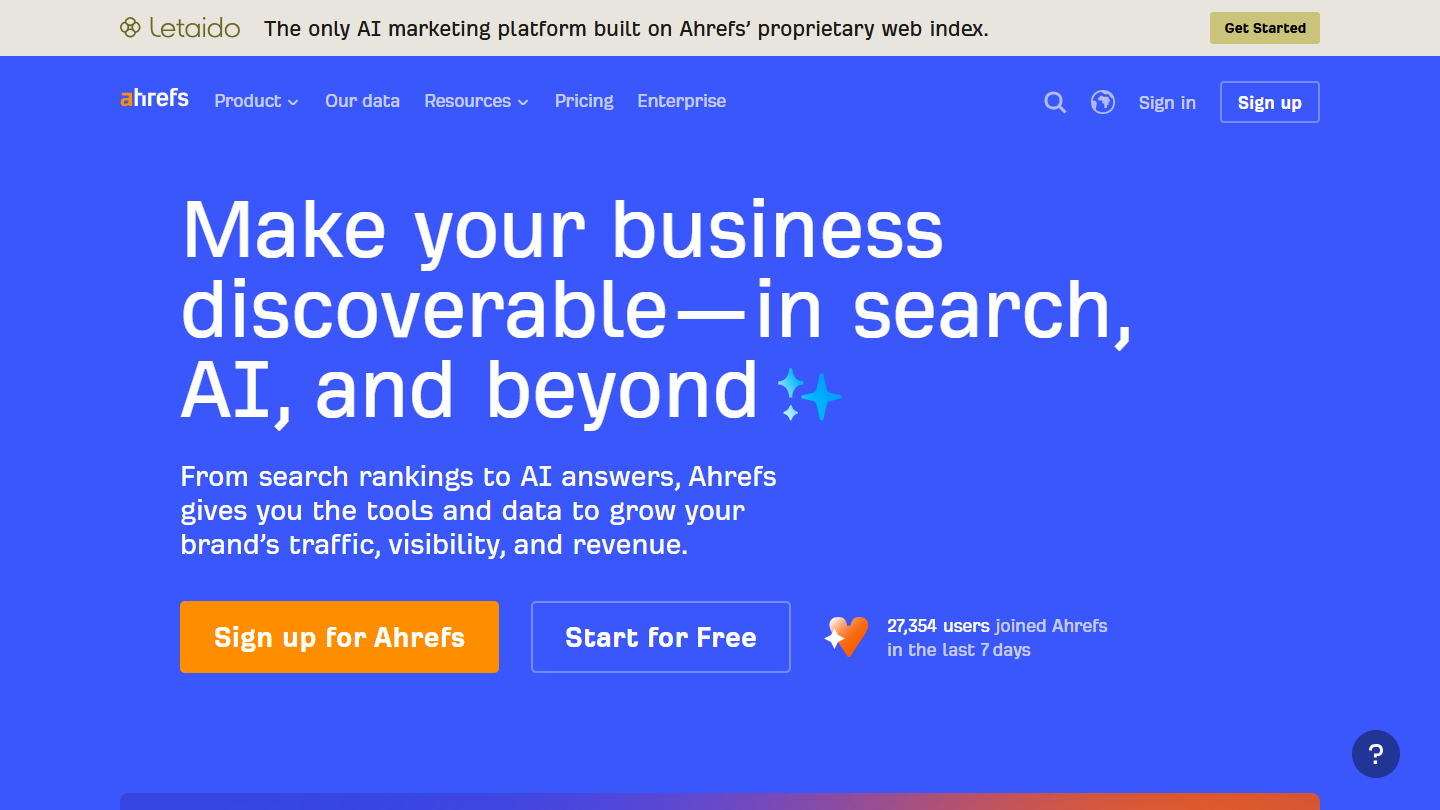
Ahrefs website: “Make your business discoverable, in search, AI, and beyond”

Ahrefs covers the three pillars of SEO: content (ideas, optimization), authority (inbound and outbound links of every site on the web) and technical (audits, log analysis). It is, by far, the most accurate tool for estimating a site’s organic traffic and authority.

In practice, you enter a competitor’s domain and see the pages that bring it traffic, the keywords it ranks for and the sites that link to it. The content gap lists the topics it covers and you don’t: enough to fill an editorial calendar for months. Each site’s referring domains are so many link opportunities.

Semrush goes further on content optimization and technical audits, but is less accurate on links. Spyfu, which we like a lot, detects the sites that have affiliate links, and therefore a commercial relationship, to a target site.

Ahrefs Free gives access to Site Explorer and Site Audit for your own site. Starter costs €27 per month; Lite, the first full plan, €119. No free trial.

03

OptinMonster

4.7/5 From $9

Best for: Capturing emails or redirecting existing traffic to the pages with the highest conversion potential

+ Strengths
  • Popups, banners and other formats to capture emails
  • Dozens of campaigns managed with formidable simplicity
  • Leader among popup tools, very complete
  • Unlimited campaigns on all plans
− Downsides
  • No free plan or trial, only a 14-day money-back guarantee
  • Entry price valid for the first year, renewal costs more
  • Less complete than Intercom or Drift for conversational marketing
★ OptinMonster in brief

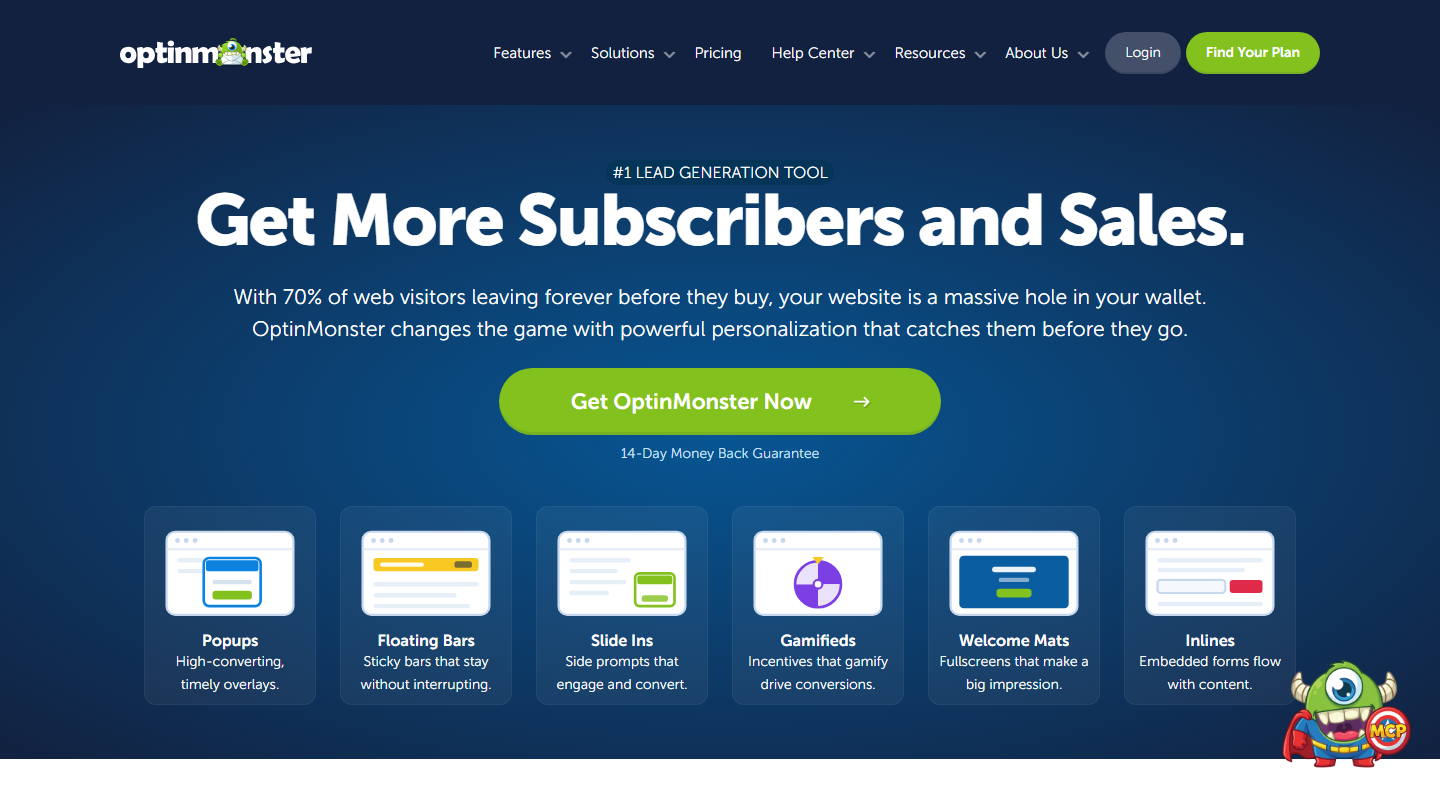
OptinMonster homepage: “Get More Subscribers and Sales”, with its popup and bar formats

OptinMonster is the leader among popup tools, and for good reasons. It is used to capture emails or to redirect existing traffic to the pages that convert best.

In practice, you create a popup, a top bar or an inline box, then choose when to show it: when the visitor is about to leave the page, after a certain reading time, or only on certain articles. The key is matching the offer to the content: an SEO guide at the bottom of an SEO article will convert far better than a generic newsletter signup.

Intercom and Crisp, more complete and more expensive, lean toward conversational marketing: live chat, in-app messages.

Basic costs $108 the first year, then $210 per year. No free plan or trial, but a 14-day money-back guarantee.

04

Google Analytics

4.3/5 From Free

Best for: Measuring your traffic and conversion by landing page, by channel and by source

+ Strengths
  • Conversion tracking by landing page, by channel and by traffic source
  • At the heart of the analytics of an e-commerce site or online business
  • Free, with no displayed numerical limit
− Downsides
  • Visitor consent must be collected before measuring
  • Paid Analytics 360 version with no public price
  • GA4 interface is confusing for people used to the old version
★ Google Analytics in brief

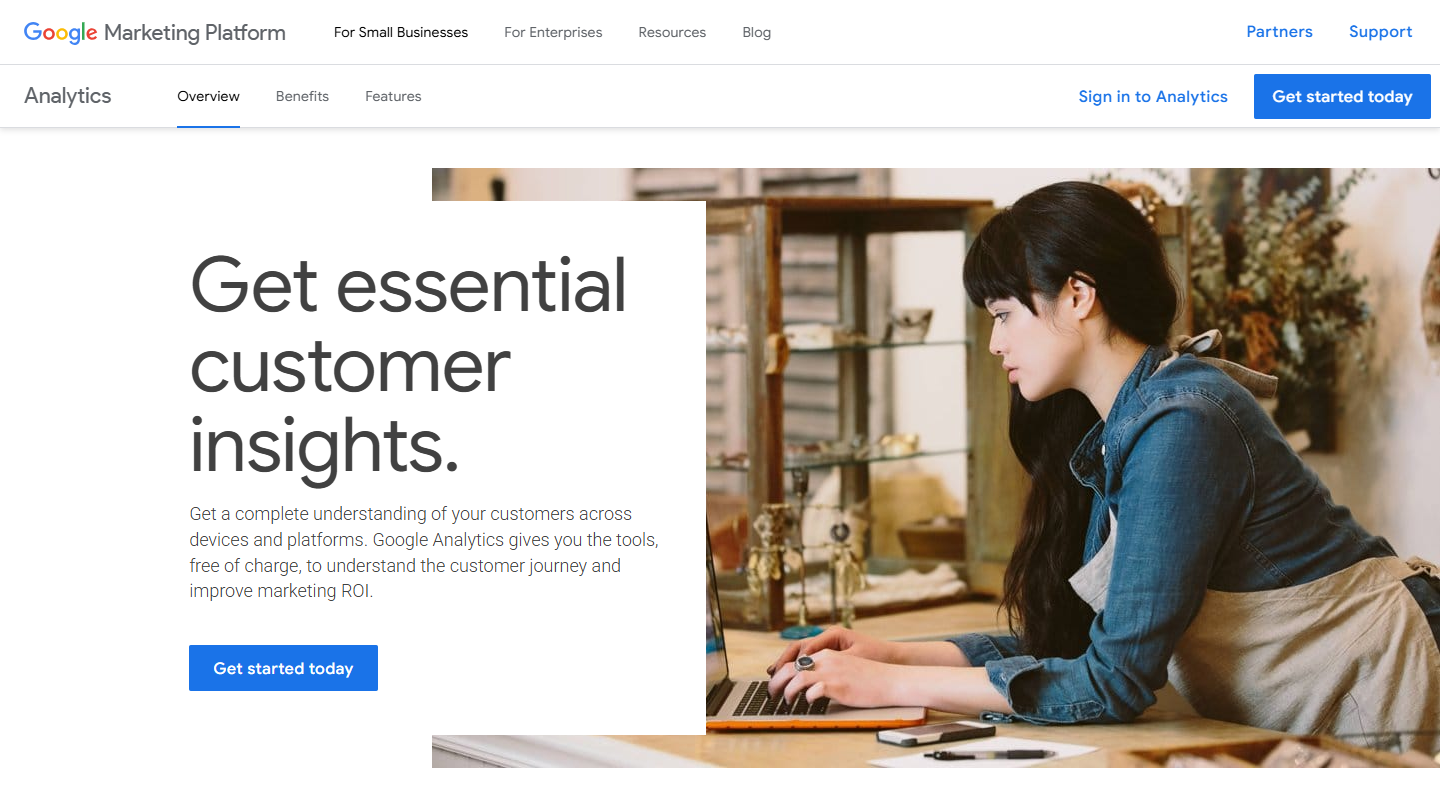
Google Analytics website: “Get essential customer insights.”

Google Analytics is probably the most widely used audience measurement tool in the world. It tracks traffic performance by page, by channel (search, social media, referring sites) and by source, all the way to conversion.

In practice, you define your conversions (form submitted, guide downloaded, webinar signup) and see which channels and pages generate them. That is how you know whether an article attracts leads or just visitors, and decide where to invest.

On the GDPR side, the situation has cleared up: since the data transfer framework adopted between the European Union and the United States in July 2023, the CNIL considers that transfers to certified US companies can take place freely. You must still always collect visitors’ consent. Matomo, which can be hosted in Europe, is the most frequently cited alternative.

Free. Analytics 360, the enterprise version, is quote-based.

05

Typeform

4.6/5 From €25

Best for: Forms more complex than a single email field, with a polished experience for the respondent

+ Strengths
  • Self-advancing format, one question at a time, that converts well
  • Integrates with virtually every tool, including native HubSpot and Salesforce
  • Video forms, in questions as well as answers
  • Free plan to get started
− Downsides
  • Premium pricing, hard to justify for occasional use
  • Conditional logic below Jotform for complex forms
★ Typeform in brief

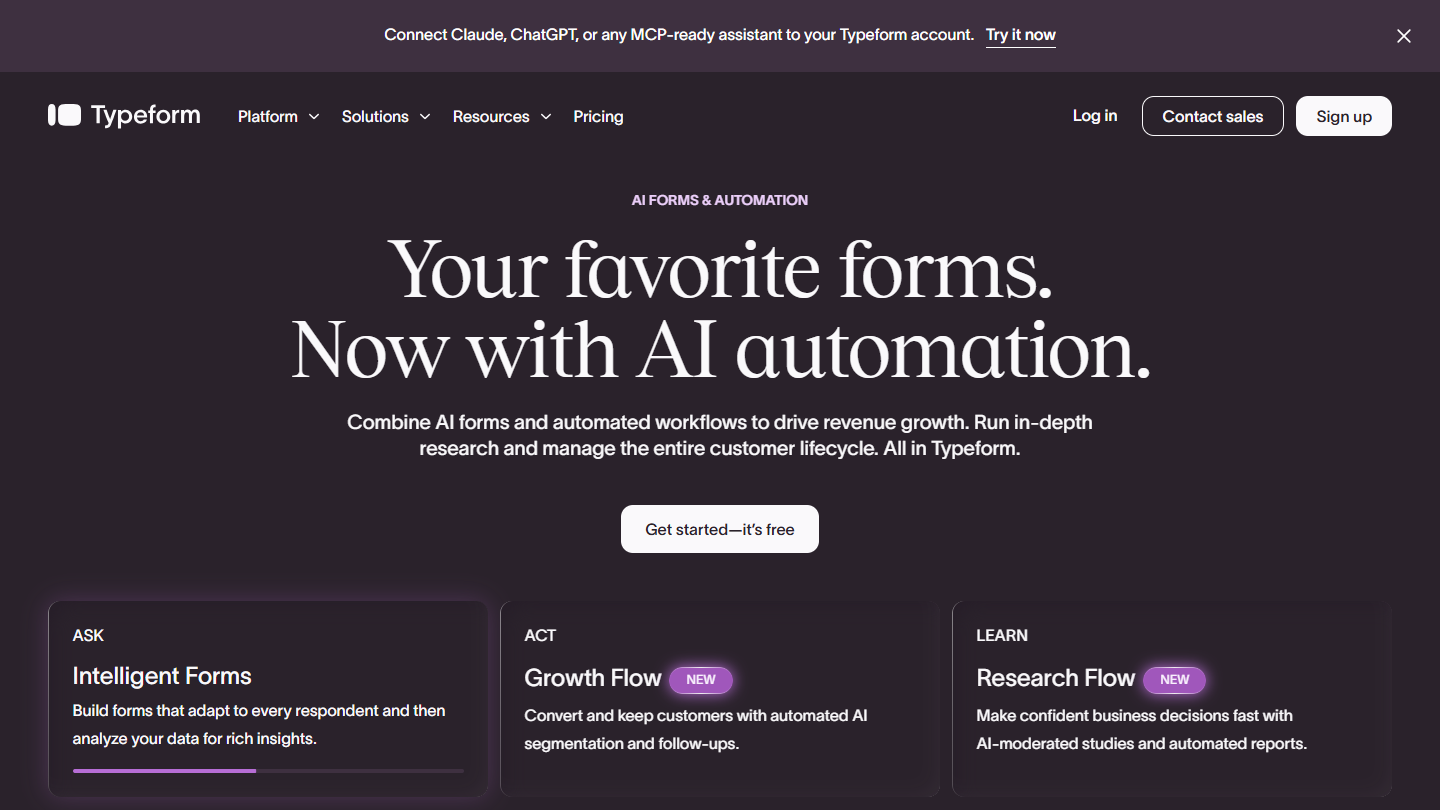
Typeform website

Typeform has become an institution in forms thanks to its conversational format: one question at a time, full screen. It is used whenever you want to ask for more than an email address.

In practice, you build a contact form, a qualification questionnaire or a quote request, with questions that adapt to previous answers. Responses go straight into your CRM or emailing tool, and the form integrates with virtually every tool imaginable.

For quizzes, calculators or games, Outgrow is a solution we see more and more, built around the gamification of the journey. For a simple, lower-cost form, Tally is a French alternative with a generous free plan.

The free plan lets you get started. Basic costs €25 per month billed annually (€294 per year) or €35 monthly.

06

Unbounce

4.7/5 From $22

Best for: Marketers, novice or advanced, who want landing pages that convert

+ Strengths
  • One of the most complete builders, with advanced customization
  • A/B testing that automatically picks the best-performing version
  • Among the most integrations on the market, CRM and marketing automation included
  • 14-day free trial
− Downsides
  • Quickly gets expensive once you want to test and optimize
  • Neither the tool nor the support is available in French
  • Confusing interface without experience of website builders
★ Unbounce in brief

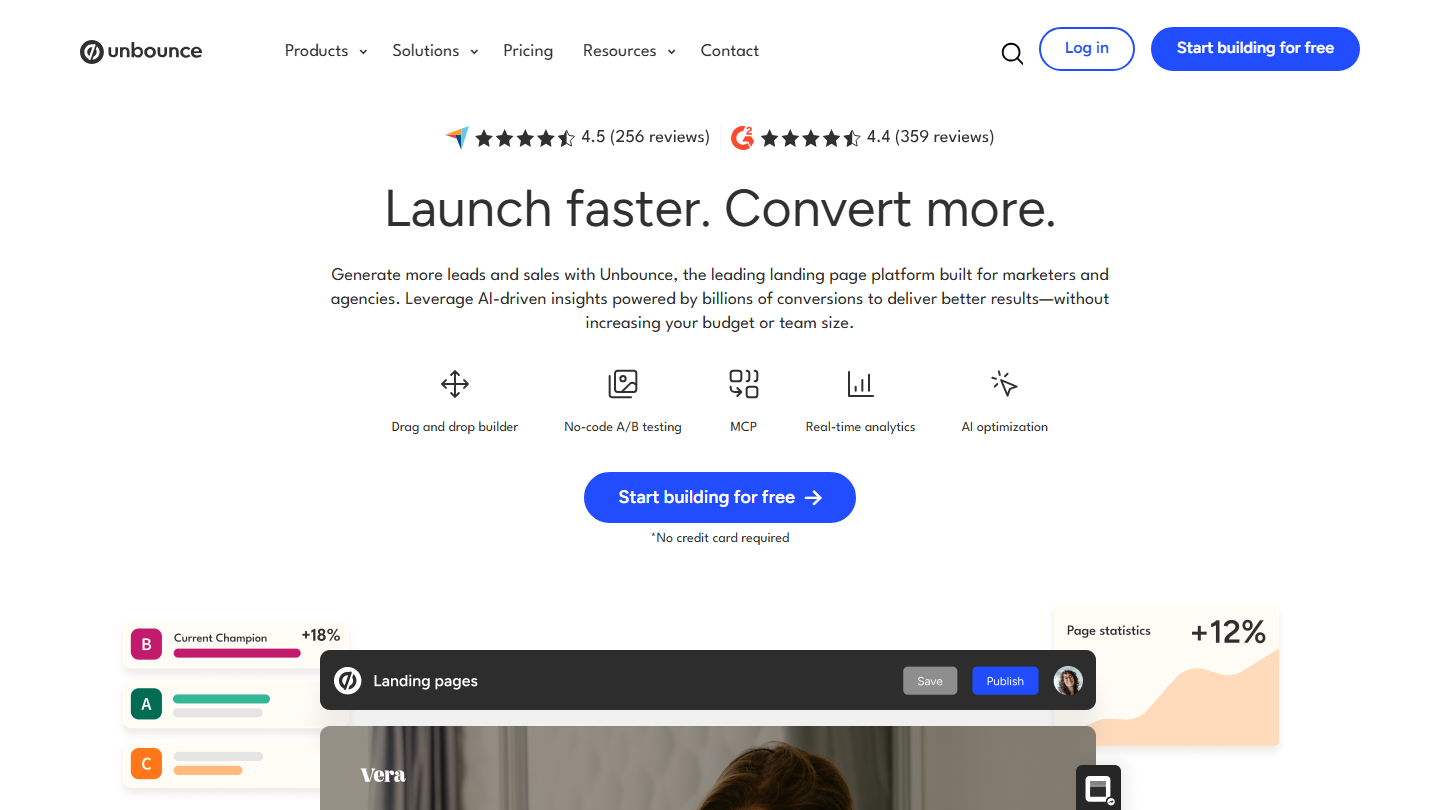
Unbounce homepage: “Launch faster. Convert more.”, with a landing page preview

Unbounce is one of the most complete landing page tools. It is accessible to advanced marketers and novice entrepreneurs alike, and it remains a reference for paid campaigns.

In practice, you start from a template, edit the page in a drag-and-drop editor, publish it on your domain and connect the form to your CRM or emailing tool. You then create a variant and the tool sends visitors to the version that converts best.

Landing page tools stand out by the flexibility of their editor, which spares you from depending on a developer, and by their integrations. Leadpages is a fairly complete alternative.

The first plan costs $22 per month billed annually ($29 monthly), with a 14-day trial, no credit card required.

07

AnswerThePublic

4.4/5 From €10

Best for: Finding content ideas and the questions people ask about a topic

+ Strengths
  • Taps Google's People Also Ask across thousands of keyword combinations
  • Helps find an original angle or what to include in an article
  • Free plan: 3 searches per day with an account
− Downsides
  • Pricing grid with no number of searches or users per plan
  • Prices vary by region
★ AnswerThePublic in brief

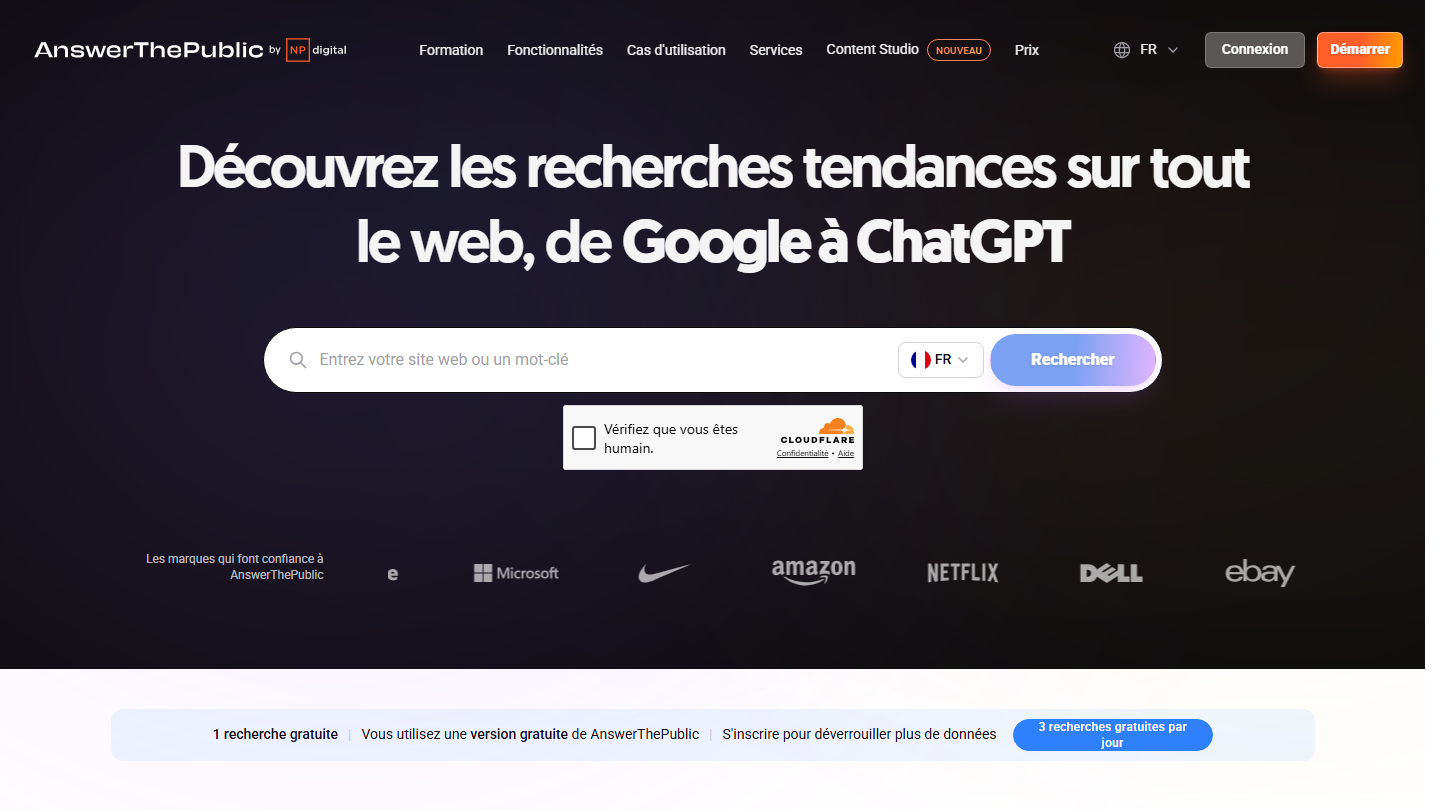
AnswerThePublic homepage: “Discover trending searches across the web, from Google to ChatGPT”

AnswerThePublic helps find content ideas: it queries search engine suggestions across thousands of combinations from a keyword, to surface the questions people ask. The tool belongs to NP Digital, Neil Patel’s agency.

For example, if you type “marketing tools”, it iterates on what, how, why, which, where, etc. and sorts the questions it finds. It is a good way to find an original angle, or to know what an article absolutely must cover to answer the search.

Search volumes remain indicative: cross-check the ideas with Search Console or Ahrefs before writing. Quora and Reddit are other sources of questions, and they are free.

The free version gives 3 searches per day with an account. Starter costs €10 per month billed annually.

08

Buffer

4.5/5 From $5

Best for: Systematizing your posts and keeping a regular presence on social media

+ Strengths
  • Social media post scheduling, very useful and effective
  • Free plan up to 3 channels
  • Unlimited users with the Team plan
− Downsides
  • Billed per channel, which climbs with the number of networks
  • Free plan limited to 10 scheduled posts per channel and 1 user
★ Buffer in brief

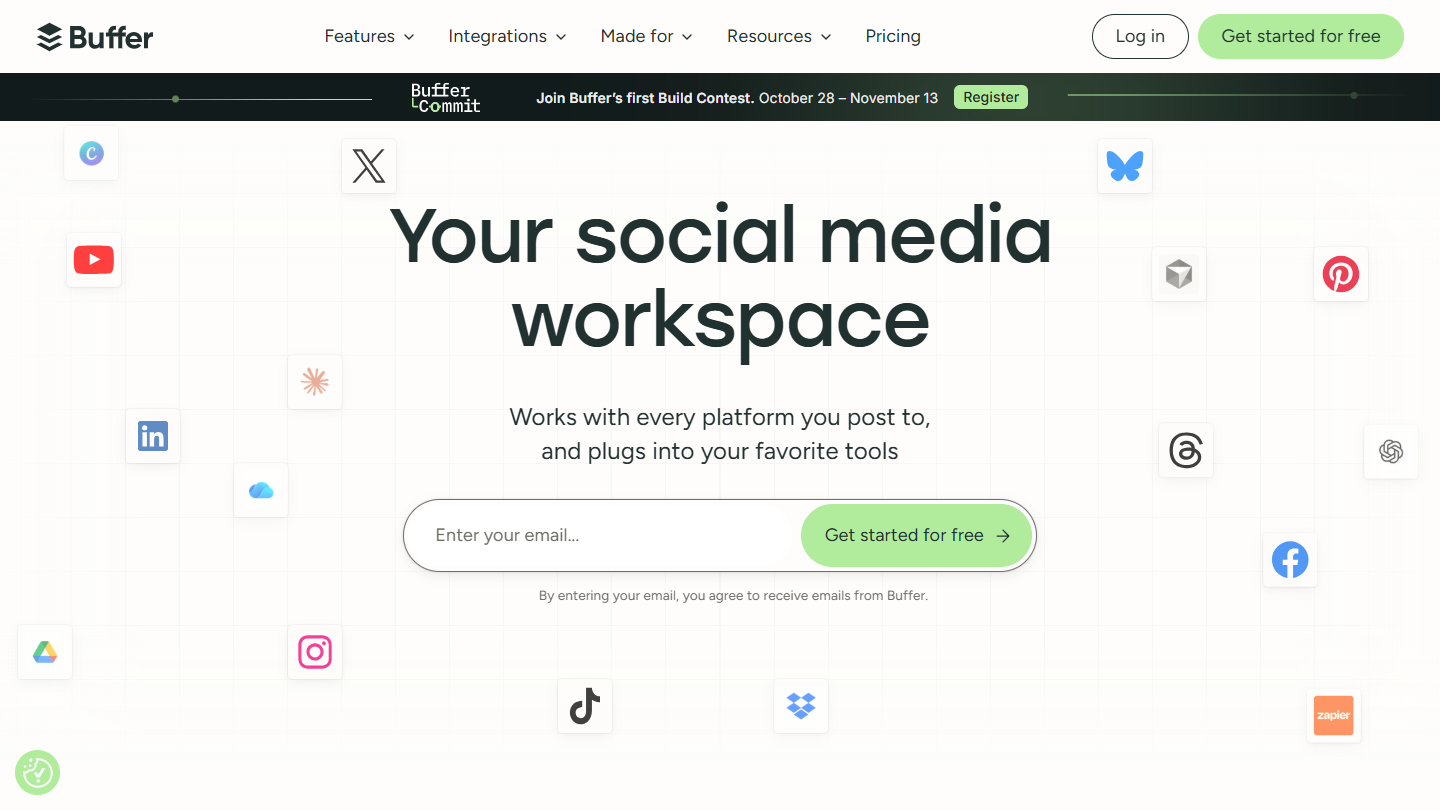
Buffer website: “Your social media workspace”

Buffer is a social media post scheduling tool. It lets you publish regularly without thinking about it every day.

In practice, you connect your accounts (LinkedIn, Instagram, Facebook, X, TikTok…), prepare the week’s posts in one session and Buffer publishes them at the times you choose. The statistics then show which formats and times work best. The Team plan lets several people prepare and approve posts.

It is our favorite scheduling tool. Edgar fulfills broadly the same functions, with an emphasis on recycling old posts.

The free plan covers 3 channels. Paid plans cost $5 per channel per month billed annually, $6 monthly.

09

Livestorm

4.5/5 From €2.50

Best for: Those who run webinars to do business and want to enrich and track their leads

+ Strengths
  • The best at lead enrichment and lead management
  • Very complete tool, nothing for participants to install
  • Billed per actual participant: no-shows and team members consume nothing
  • Support in French, which responds quickly
− Downsides
  • Not cheap: from €2.50 per participant, in credit packs to plan ahead
  • Advanced CRM integrations, Salesforce included, reserved for the Enterprise plan
  • No more permanent free plan
★ Livestorm in brief

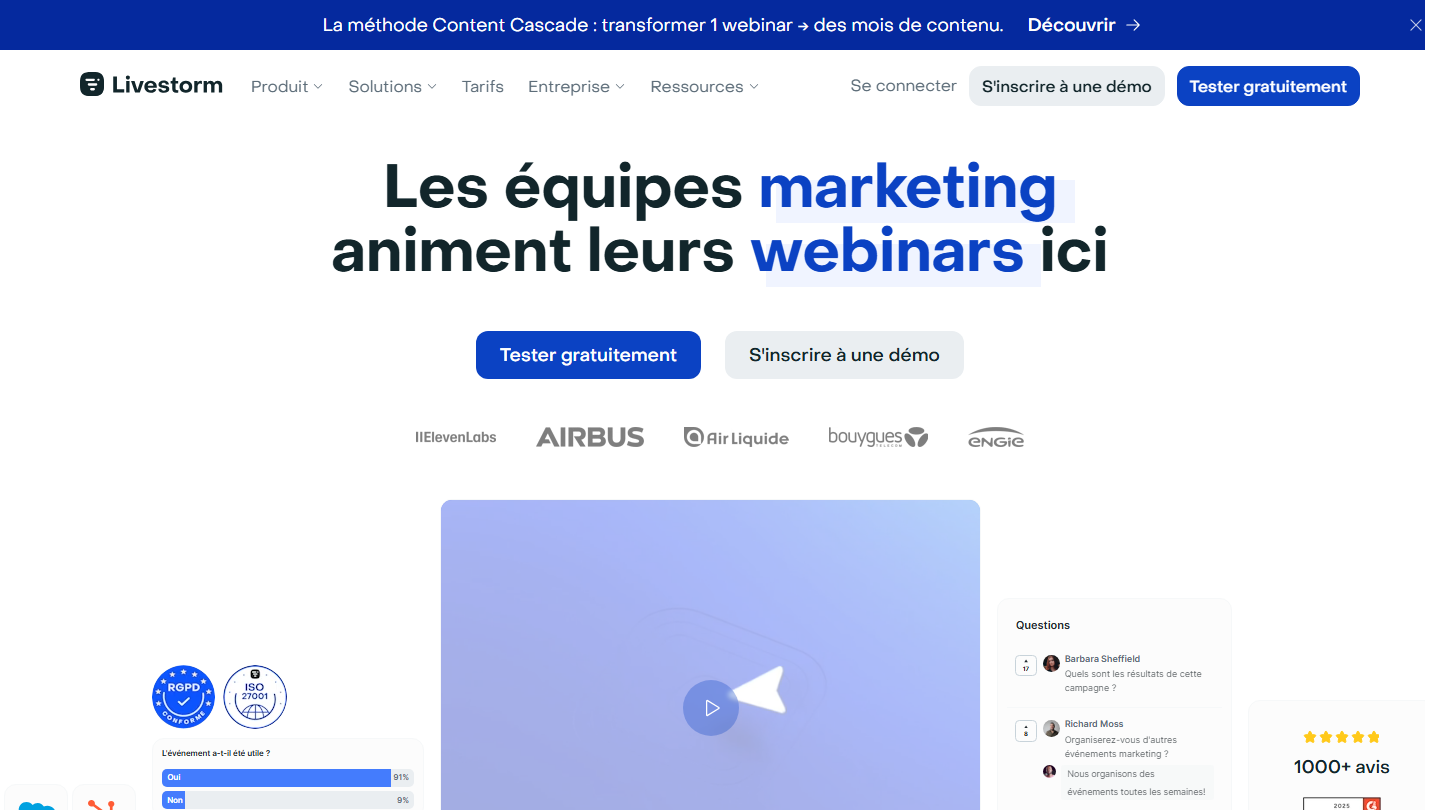
Livestorm homepage: “Marketing teams host their webinars here”, with a poll and audience questions

Webinars remain one of the most effective ways to generate qualified leads. Livestorm is clearly our favorite: it is the best at lead enrichment and management.

In practice, Livestorm creates the registration page and sends the reminder emails. Participants follow the webinar in their browser, ask their questions and answer the polls. After the session, you know who came, how long they stayed and what they asked, and that data goes to your CRM.

If you run webinars to do business, it is the ideal tool. For one-off meetings, Zoom is enough; Webikeo, a French tool, has the advantage of bringing its own audience.

No permanent free version, but a trial with no card. The Pro plan is paid in annual credits, one per participant per session: €2.50 for the pack of 400, down to €2.00 for 4,000.

10

Spotify for Creators

4.5/5 From Free

Best for: Creating, editing, distributing and monetizing a podcast without paying anything

+ Strengths
  • All-in-one for podcasting: creation, editing, distribution, monetization
  • 100% free
  • Built by Spotify for content creators
− Downsides
  • Monetization reserved for eligible shows: 1,000 listeners and 2,000 hours of listening over 30 days
★ Spotify for Creators in brief

Spotify for Creators website: “All the tools to grow your show”

Spotify for Creators, formerly Anchor, is Spotify’s tool to create, host, distribute and monetize a podcast. It is the simplest all-in-one tool to get started, and it is free.

In practice, you record or import your episodes, add a cover and a description, and the episode is published on Spotify and distributed through an RSS feed to the other listening platforms. The statistics show each episode’s audience, and the tool also handles video podcasts.

A B2B podcast is judged over time: expect several months of regular publishing before measuring its effect on leads. Monetization is only available to shows that already have an audience.

Free. The monetization program, open in France, requires 3 published episodes, 1,000 listeners and 2,000 hours of listening over 30 days.

11

Canva

4.6/5 From €12

Best for: Marketers without design skills who produce visuals, posts and videos in volume

+ Strengths
  • A multitude of templates, from Facebook post to newsletter
  • Free video editor, even without editing experience
  • Ultra intuitive interface, even for non-designers
  • AI tools built into the editor
− Downsides
  • Limited free version: export, a single brand identity, AI
  • Sluggish on complex projects or ones heavy on assets
  • Does not replace a graphic designer for highly customized design
★ Canva in brief

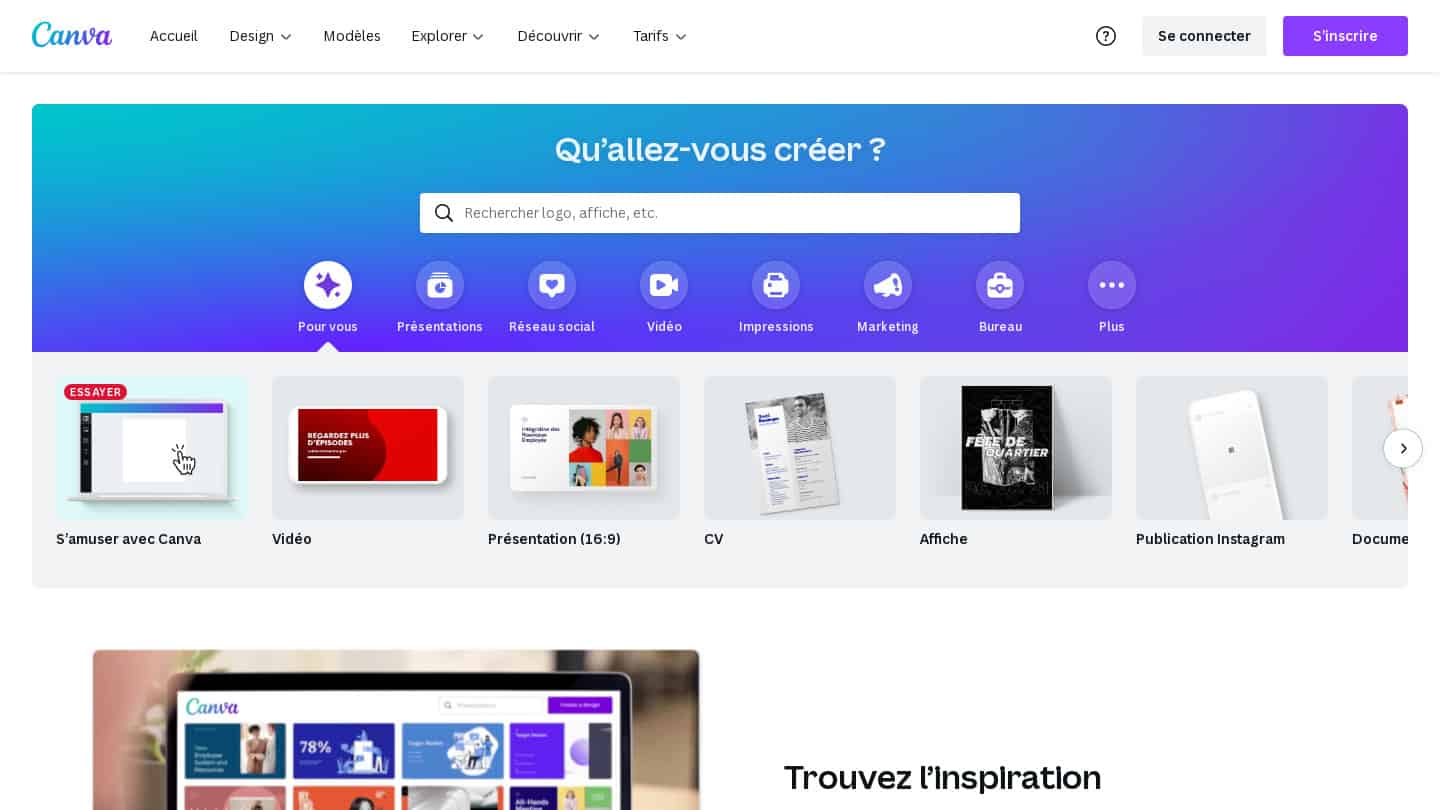
Canva homepage and its template search: presentations, videos, résumés, posters

Canva helps marketers create professional visuals without a graphic designer. You start from a template, whether it’s a LinkedIn post, an article thumbnail, an infographic or a newsletter layout.

In practice, you save your logo, colors and fonts once, then adapt the same visual to every format in a few clicks. The video editor lets you cut a short video for social media with no editing experience, and the AI tools generate an image or cut out a photo.

Canva is also one of our favorite tools for laying out sales proposals and white papers. It does not replace a graphic designer for a carefully crafted visual identity.

The free version covers the basics. Canva Pro costs €12 per month for one person (€110 per year), Pro+ €17.

12

Brand24

4.5/5 From $199

Best for: Knowing when and where your content is shared on social media, and what is said about it

+ Strengths
  • Monitors your content on social media long after it was published
  • 14-day free trial, no credit card required
  • Unlimited users from the Team plan
− Downsides
  • First plan at $199 per month billed annually, limited to 3 keywords
  • No permanent free plan
★ Brand24 in brief

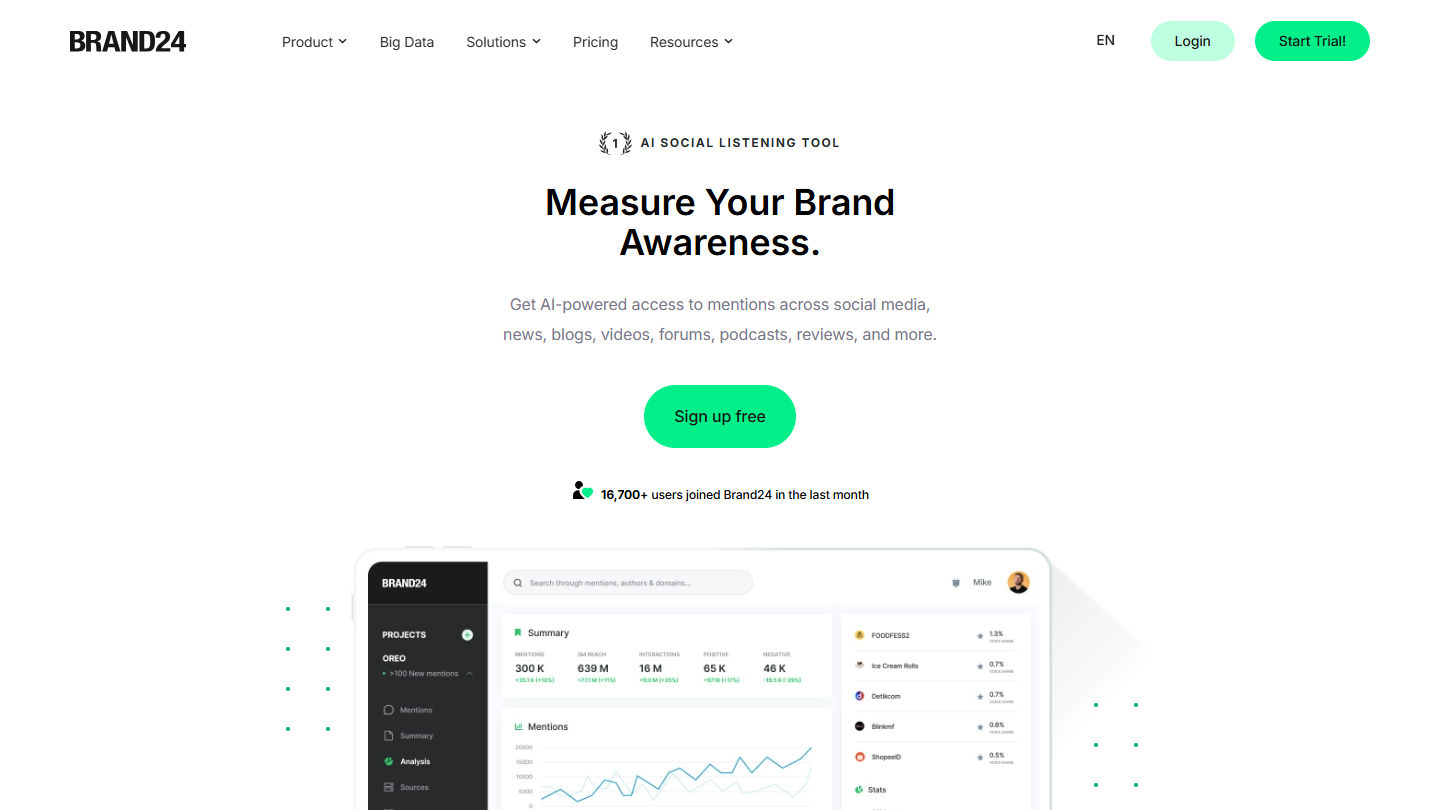
Brand24 website: “AI SOCIAL LISTENING TOOL”

Brand24 is a social listening tool: it monitors what is said about your brand, your content or your competitors on social media, blogs, forums and the media.

In practice, you define keywords (brand name, an executive’s name, the title of a study) and Brand24 surfaces each mention with its reach and sentiment. You see where your content circulates long after it was published, and you can answer a criticism or thank a sharer the same day.

The price reserves it for brands that already have an audience: a young company will find few mentions to track. Mention is a French alternative.

The first plan costs $199 per month billed annually ($249 monthly) for 3 keywords. 14-day trial, no credit card required.

13

Google Search Console

4.6/5 From Free

Best for: Any site that wants to know which Google searches it appears for, and what blocks its indexing

+ Strengths
  • Real Google data: queries, clicks, impressions, average position
  • Page-by-page indexing tracking, with alerts in case of problems
  • Free
− Downsides
  • Only shows your site, nothing on competitors
  • Part of the queries hidden for privacy reasons
★ Google Search Console in brief

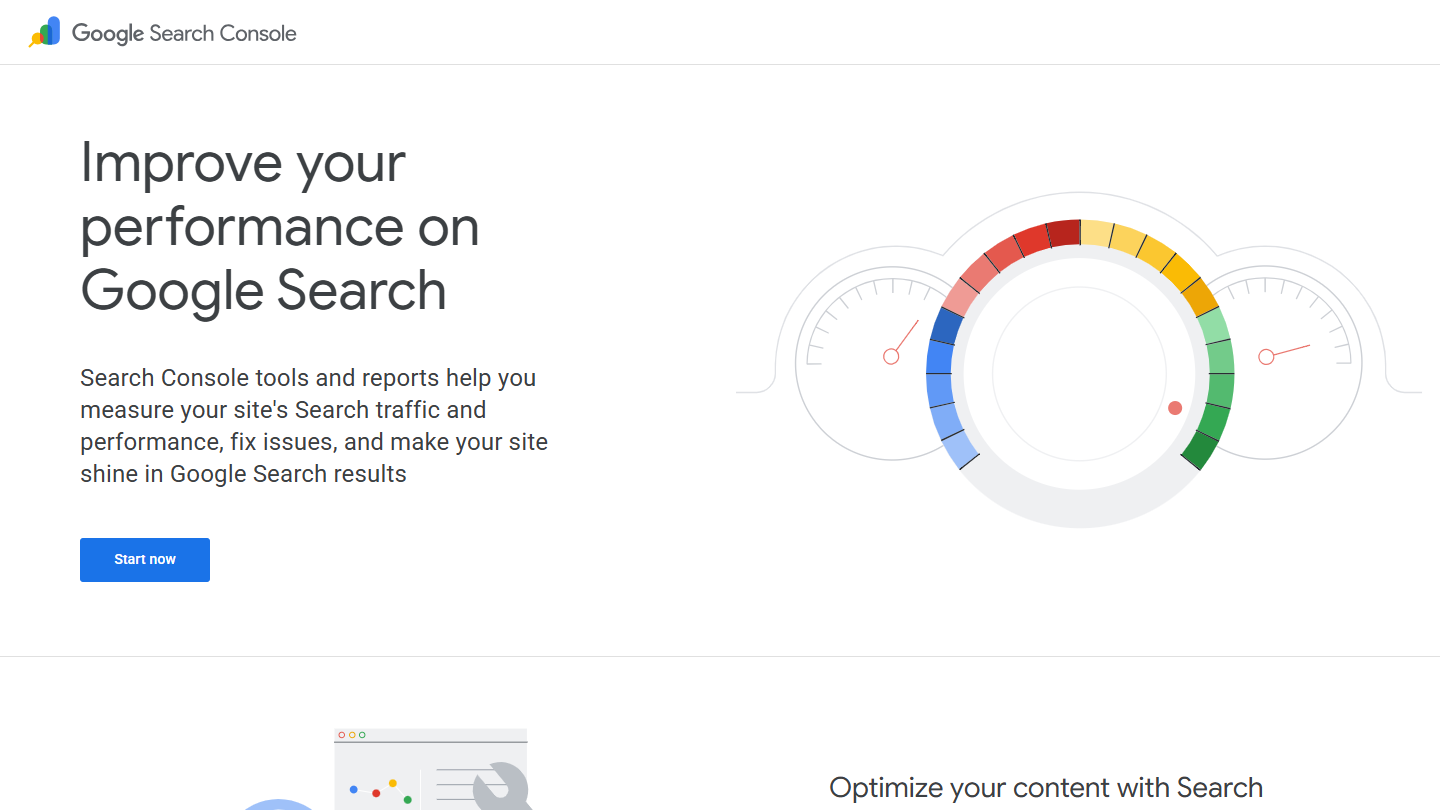
Google Search Console website

Search Console is Google’s free tool for tracking a site’s presence in its results. It is the starting point of any SEO work: the data comes from Google itself, not from an estimate.

In practice, the Performance report lists the searches that displayed your pages, with impressions, clicks and average position. A page that shows up often without being clicked calls for a better title; a query where you’re on the second page signals content to expand. The indexing report shows the pages Google ignores and why.

It says nothing about your competitors or the keywords you don’t target yet: that is Ahrefs’ job. But for a site that is starting out, Search Console is enough to find the first leads.

Free, you just have to prove you own the site.

14

ChatSEO

4.0/5 From €23

Best for: Freelancers and SMBs without an SEO expert, who want concrete actions drawn from their Search Console

+ Strengths
  • Conversational interface, no learning curve
  • Connected to Search Console: your real positions and real clicks
  • Three to four times cheaper than Ahrefs or Semrush
− Downsides
  • Still a young tool: some approximations possible
  • Number of queries limited depending on the plan
  • Poorly suited to very large sites
★ ChatSEO in brief

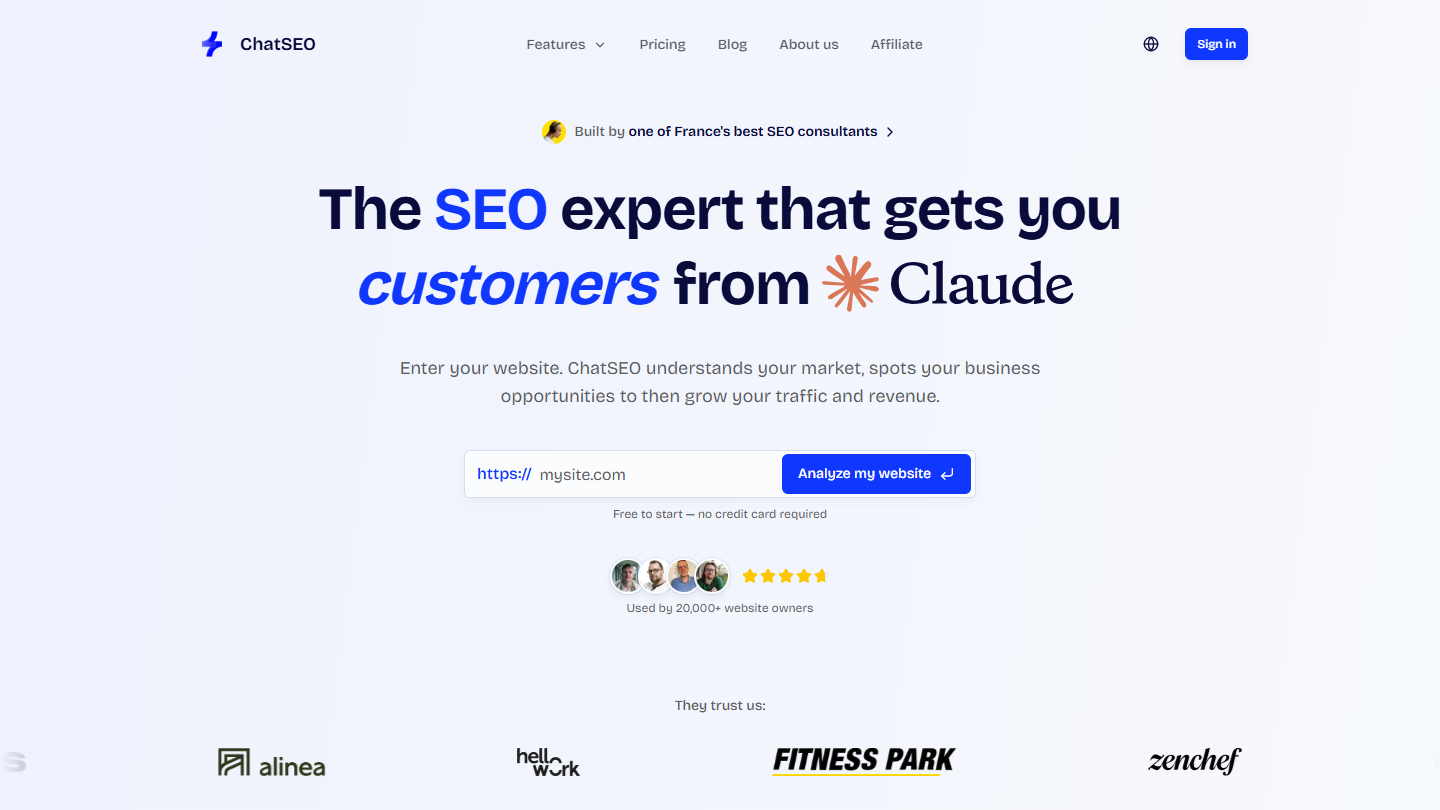
ChatSEO website: “The SEO expert that gets you customers from Google”

ChatSEO is a French SEO assistant, built on a language model and plugged into your Search Console. You ask it questions in French, and it answers from your real data.

In practice, you connect your site and ask, for example, which pages lost traffic this quarter or which queries put you close to the first page. The tool answers with a list of actions: article to expand, title to rework, page to link to another. No dashboards to learn.

It is designed for freelancers and SMBs without an SEO expert, who can’t justify €100 per month for Ahrefs or Semrush. An experienced SEO comfortable with their tools will gain little, and the tool is not made for sites with more than 100,000 pages.

Starter costs €23 per month billed annually (€29 monthly). The 7-day trial gives 30 credits.

15

ChatGPT

4.5/5 From Free

Best for: Preparing, writing and adapting your content faster, as long as you proofread it

+ Strengths
  • Useful at every stage: outline, first draft, adaptations, rewording
  • Built-in web search to source your content
  • Free plan, then Plus at €23 per month
− Downsides
  • Generic text without proofreading or expertise added
  • Factual errors possible: every figure must be checked
★ ChatGPT in brief

ChatGPT, OpenAI’s assistant, has become a common work tool for content. It does not replace expertise, but it saves time on everything around it.

In practice, it is used to build an outline from a list of questions, produce a first draft to rewrite, turn an article into LinkedIn posts or a newsletter, suggest ten titles, or reword a paragraph that is too heavy. Web search lets you ask it for sources, to be checked one by one afterwards.

The trap is publishing the text as is: it will be generic, sometimes wrong, and will look like that of your competitors who use the same tool. Claude, from Anthropic, and Le Chat, from Mistral, play in the same category.

The free version is enough to get started. Go costs €8 per month, Plus €23; the Business plan comes to €21 per user per month billed annually, from two users.

16

Taplio

4.1/5 From $32

Best for: Consultants and B2B teams who post several times a week on LinkedIn

+ Strengths
  • AI generation and rewriting of LinkedIn posts
  • Editorial calendar, queue and optimized publishing times
  • Recycling of the best posts to keep up the pace
− Downsides
  • Generic generated content, to be rewritten to keep your voice
  • Carousels, AI images and sufficient credits reserved for higher plans
  • No free plan
★ Taplio in brief

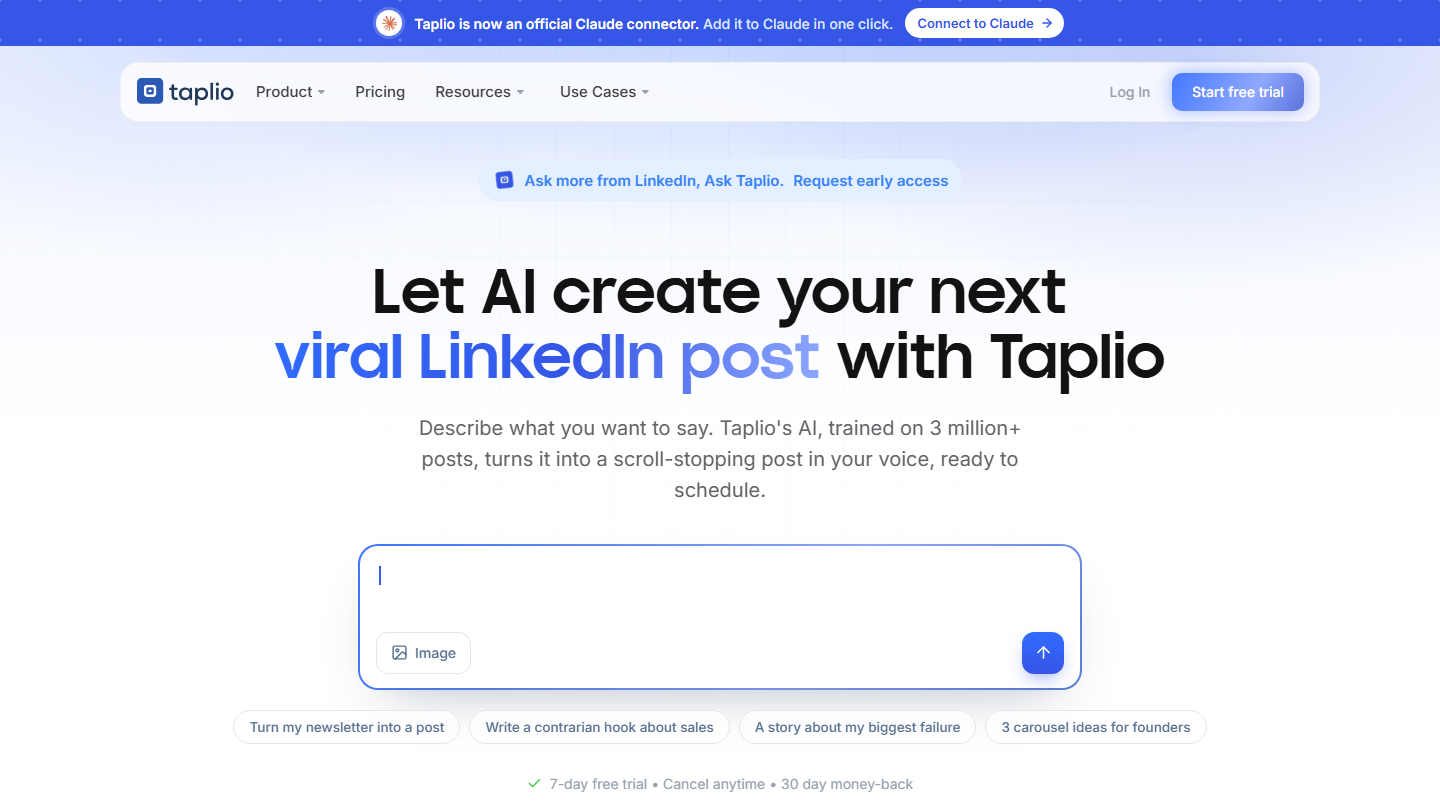
Taplio homepage: “Let AI create your next viral LinkedIn post with Taplio”

Taplio is an AI-powered LinkedIn content creation tool, owned by lempire, the group behind lemlist. In B2B, LinkedIn is often the first inbound channel, and Taplio is used to post there consistently.

In practice, you describe an idea and the AI, trained on millions of posts, suggests a draft and several hooks. You rework it, place it in the calendar, and Taplio publishes it at the best time. The posts that performed best can be recycled a few months later.

The tool pays off most for those who post several times a week and accept going back over the AI’s work to keep their voice. For an occasional post, its price will seem disproportionate.

Starter costs $32 per month billed annually ($39 monthly). The 7-day trial gives access to the Pro plan, with a 30-day money-back guarantee.

17

Brevo

4.6/5 From €7

Best for: Very small businesses and SMBs that want to send newsletters and nurturing scenarios without paying per contact

+ Strengths
  • Billing by email volume, unlimited contacts
  • Free plan up to 300 emails per day
  • Precise reporting: click maps, A/B tests, geographic filters
  • Drag-and-drop editor easy to pick up
− Downsides
  • Weak lead capture: limited forms and landing pages
  • Lead scoring reserved for the Pro plan, from €499 per month
  • Salesforce integration not up to par
★ Brevo in brief

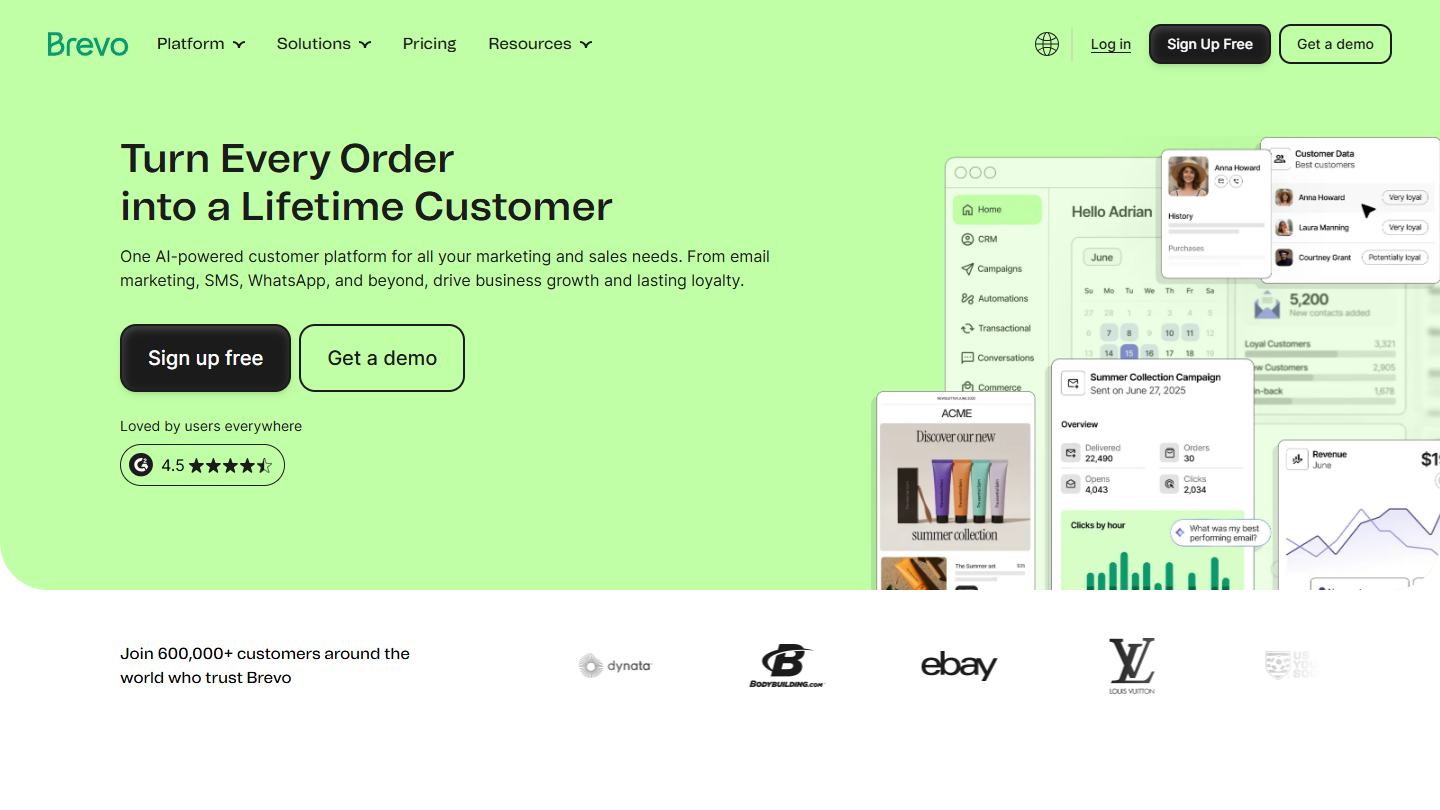
Brevo website: “Turn Every Email SMS Order Interaction into a Lifetime Customer”

Brevo, formerly Sendinblue, is a French emailing and marketing automation platform. It bills by volume of emails sent rather than by number of contacts, which changes everything for a growing list.

In practice, you import your contacts, create a newsletter in the drag-and-drop editor and track opens and clicks. Automated scenarios take over: welcome email after a signup, series of content after a guide download, follow-up to an inactive prospect. Brevo also handles SMS and WhatsApp.

It is a good solution to place upstream of a CRM, to maintain the relationship with leads. Its weak point remains capture: forms and landing pages are limited, to be complemented with Typeform or Unbounce.

The free plan lets you send 300 emails per day. Starter starts at €7 per month and Standard at €15, depending on email volume.

18

Microsoft Clarity

4.4/5 From Free

Best for: Understanding why a page doesn't convert, by seeing what visitors really do

+ Strengths
  • Session recordings and heatmaps
  • Free, with no traffic limit
  • Integrates with Google Analytics
− Downsides
  • Data viewable for only 30 days
  • Visitor consent mandatory in Europe
★ Microsoft Clarity in brief

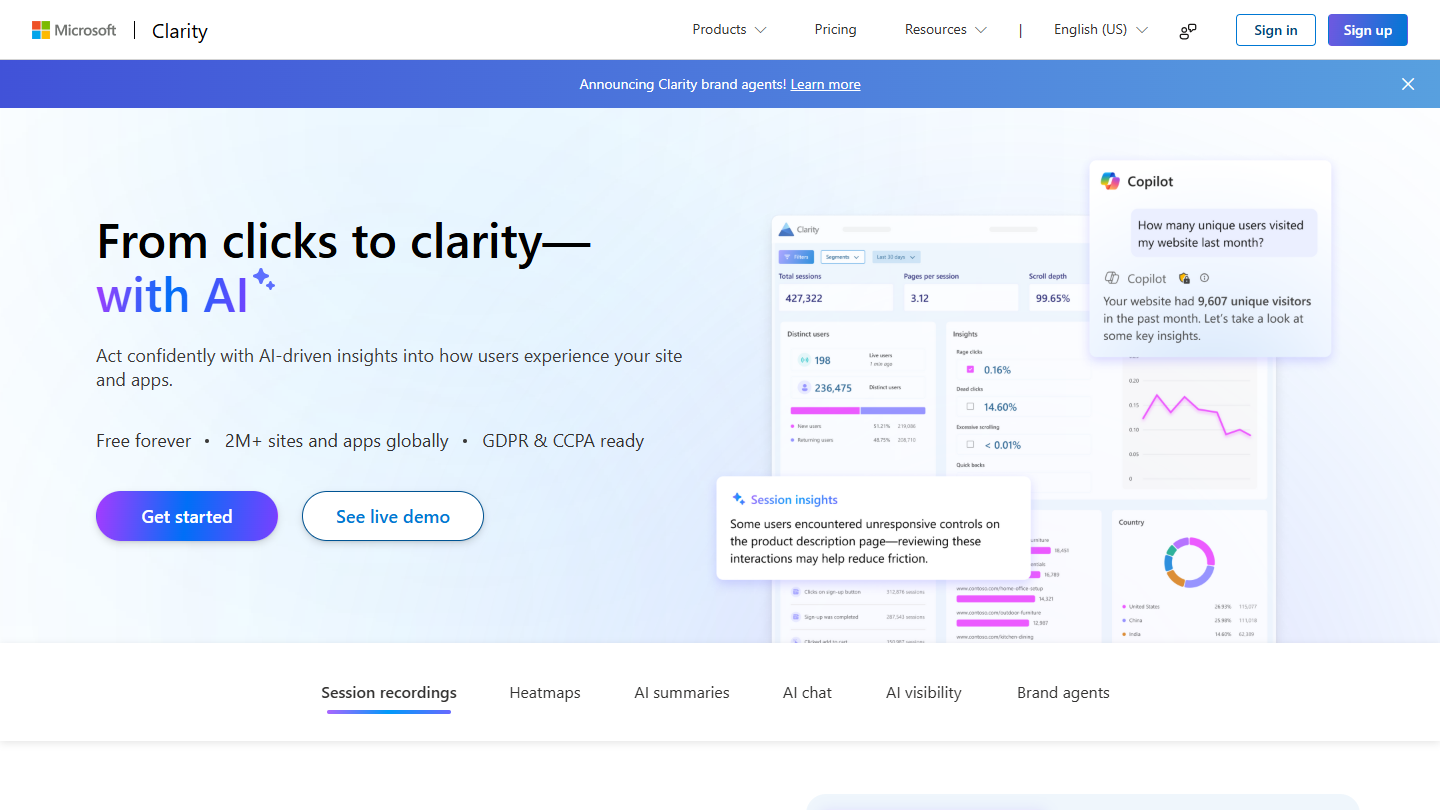
Microsoft Clarity website: “From clicks to clarity”

Microsoft Clarity shows what visitors do on your pages: where they click, how far they scroll, where they hesitate. Where Google Analytics says a page converts poorly, Clarity helps understand why.

In practice, you add a script to the site and Clarity records sessions. You watch about ten visits to your landing page and see the button nobody notices, the form abandoned at the third field, the text that is never read. Heatmaps summarize the clicks and scrolling of all visitors.

The tool replaces Hotjar for most sites, without the price. Like any tool of this kind, it requires visitor consent in Europe.

Free, with no traffic limit. Data remains viewable for 30 days.

How we chose these 18 tools

Every tool in this selection has been used in real conditions by our team or by a Salesdorado consultant, in a B2B sales and marketing setting. No ranking built from a marketing deck. The order of the list is not a ranking: the right tool depends on your needs.

  1. 01
    Benchmark scope

    Broad identification of the tools on the market (G2, Capterra, Salesdorado customer feedback, LinkedIn signals). Initial filtering, then a short list based on a 2-hour setup per tool.

  2. 02
    Test conditions

    3 to 4 weeks of active use per tool, with data representative of a B2B sales use case. When a tool targets a specific profile (SDR, AE, Ops, Marketer…), we match the tester accordingly.

  3. 03
    Weighted criteria

    For each category, 5 to 7 axes weighted according to what matters in the segment: UX, feature depth, native integrations, support, pricing at scale, compliance (GDPR, security), and roadmap quality.

  4. 04
    Independence

    No tool is scored in exchange for payment. Partner links (affiliate) are marked as such and do not influence the score. Non-partner tools are included when their place in the ranking is deserved.

  5. 05
    Updates

    The ranking is reviewed every 6 to 12 months or on every major release of a tool mentioned. The date of the last check is shown at the top of the article.

The questions we get over and over.

What is inbound marketing?

Inbound marketing means getting leads to come to you by giving away just enough value for free. This strategy only really works in the medium term, so focus on the highest-impact actions.

Which tool should I choose to build landing pages?

Unbounce, the landing page leader for professional marketers, is accessible to advanced users and novice entrepreneurs alike, with fairly advanced customization and an A/B testing module that automatically picks the best-performing version. Leadpages is a fairly complete alternative.

Which webinar tool should I use to generate leads?

Livestorm, Salesdorado's favorite: it is the best at lead enrichment and lead management, the ideal tool if you run webinars to do business. Zoom and Webikeo, a French tool that gives its users emailing lists, are alternatives.

Is Google Analytics banned by the CNIL?

No. In 2022, the CNIL ruled that data transfers to the United States linked to Google Analytics were illegal. Since the adoption of the EU-US data protection framework on July 10, 2023, it considers that transfers to certified US companies can take place freely. You must still always collect visitors' consent before measuring them. Matomo, which can be hosted in Europe, is the most frequently cited alternative.

How do I find content ideas?

AnswerThePublic starts from a keyword and surfaces the questions people ask about a topic. Search Console shows the searches your site already appears for, and ChatSEO uses it to spot topics to expand. Quora and Reddit are other sources of questions, and they are free.

★ The conversation, 0 comments

What the community says.

Basic Markdown, moderated within 24 h
Loading…

    In the same category