The 10 best CRMs for independents and freelancers

Ten CRMs for independents and freelancers reviewed: HubSpot, monday CRM, folk, Pipedrive, Bonsai, Positive noCRM, Zoho CRM, Harlow, Wobaka and Streak. Three families meet a freelancer's needs: general-purpose CRMs with a free plan or an inexpensive entry plan, all-in-one CRMs designed for freelancers, and project management apps used as a CRM.

Maxime Ben Bouaziz
Maxime Ben Bouaziz
CEO Salesdorado, IA & Sales Tech
March 21, 2023, updated November 10, 2026, 2 min read
See all tools

For a freelancer, a good CRM is easy to pick up without training, costs little or nothing and covers client follow-up and reminders, often through to the quote and the invoice. A good mobile app, integration with your project management tools and data security also matter: these are the criteria behind this selection of ten tools.

The right choice mostly depends on what you want to manage:

  • a free CRM that keeps up as your business grows: HubSpot, or Zoho CRM, free for up to 3 users;
  • your whole business in one tool, from projects to invoices: Bonsai or Harlow;
  • a network of contacts wider than your clients: folk;
  • a large flow of sales opportunities: Pipedrive, or Positive noCRM for a more stripped-down tool;
  • automated follow-ups: Wobaka;
  • selling without leaving Gmail: Streak;
  • client projects run by several people: monday CRM, billed from 3 users.

Which CRM for a freelancer?

Three types of CRM software can meet freelancers’ needs:

  • General-purpose CRMs that are simple to use, with a free plan or an inexpensive entry plan. They offer advanced features covering all CRM needs. This type of CRM is therefore particularly suited to freelancers who want to grow their client base or who need advanced marketing or customer-data analysis features. Perfect for a solopreneur who has built an online business and is starting to have a fairly large client base.
  • All-in-one CRMs designed for freelancers, bringing together everything an independent needs: managing contacts, projects and the whole sales process, from prospecting to invoicing and payment. What sets them apart from more traditional CRMs is their ease of use, their often lower cost and features focused more on administrative tasks than on detailed analysis of the sales process. We therefore particularly recommend this kind of CRM to those who want a simple tool covering their entire sales process and easing administrative work.
  • Project management apps such as Monday or Notion can work as a CRM and let freelancers centralize everything in a single tool. This type of CRM isn’t made specifically for freelancers, but it’s handy for communicating with a client, free or nearly so, and above all easy and pleasant to use. We recommend this type of software to freelancers who work with relatively few clients at a time but on complex projects that require a lot of collaboration and communication.

SalesdoradoSimulate your CRM choice
Free tool, 2 minutes
Simulate your CRM choice

Answer 10 targeted questions and find the tools that actually fit your situation.

15
tools analyzed
10
targeted questions
€0
no sign-up
Methodology published by the Salesdorado editorial team

The 10 tools, side by side

# Logos tool Score Price Best for
01 HubSpot 4.5/5 ★ €20 Getting a real CRM for free, then the whole HubSpot suite Visit site
02 monday CRM 4.0/5 ★ €12 Freelancers who run complex, collaborative projects with few clients at a time Visit site
03 folk 4.0/5 ★ €22 Freelancers whose network is their selling point Visit site
04 Pipedrive 4.5/5 ★ €14 Solopreneurs who handle a steady flow of sales opportunities Visit site
05 Bonsai 4.3/5 ★ $9 Established freelancers who want to manage their whole business in one tool Visit site
06 Positive noCRM 4.4/5 ★ €11 Sales pros who bet on efficiency, not complexity Visit site
07 Zoho CRM 4.2/5 ★ €14 Freelancers and start-ups who want to grow their sales with a very complete CRM Visit site
08 Harlow 3.9/5 ★ $19 Freelancers who want to structure their business and save time Visit site
09 Wobaka 3.9/5 ★ $19 Freelancers who want to automate all or part of their sales process Visit site
10 Streak 4.1/5 ★ $49 Freelancers who want to sell more without leaving Gmail Visit site
01

HubSpot

4.5/5 From €20

Best for: Getting a real CRM for free, then the whole HubSpot suite

+ Strengths
  • Very professional free plan: advanced reporting, automation, emails and calendar
  • Starter plan at €20 per seat per month, with sales, marketing and service combined
  • Very rich integrations marketplace and partner ecosystem
− Downsides
  • Long learning curve, the first complaint from users
  • Starter and Professional plans expensive for what they offer
  • Hard to customize in depth for tailor-made processes
★ HubSpot in brief

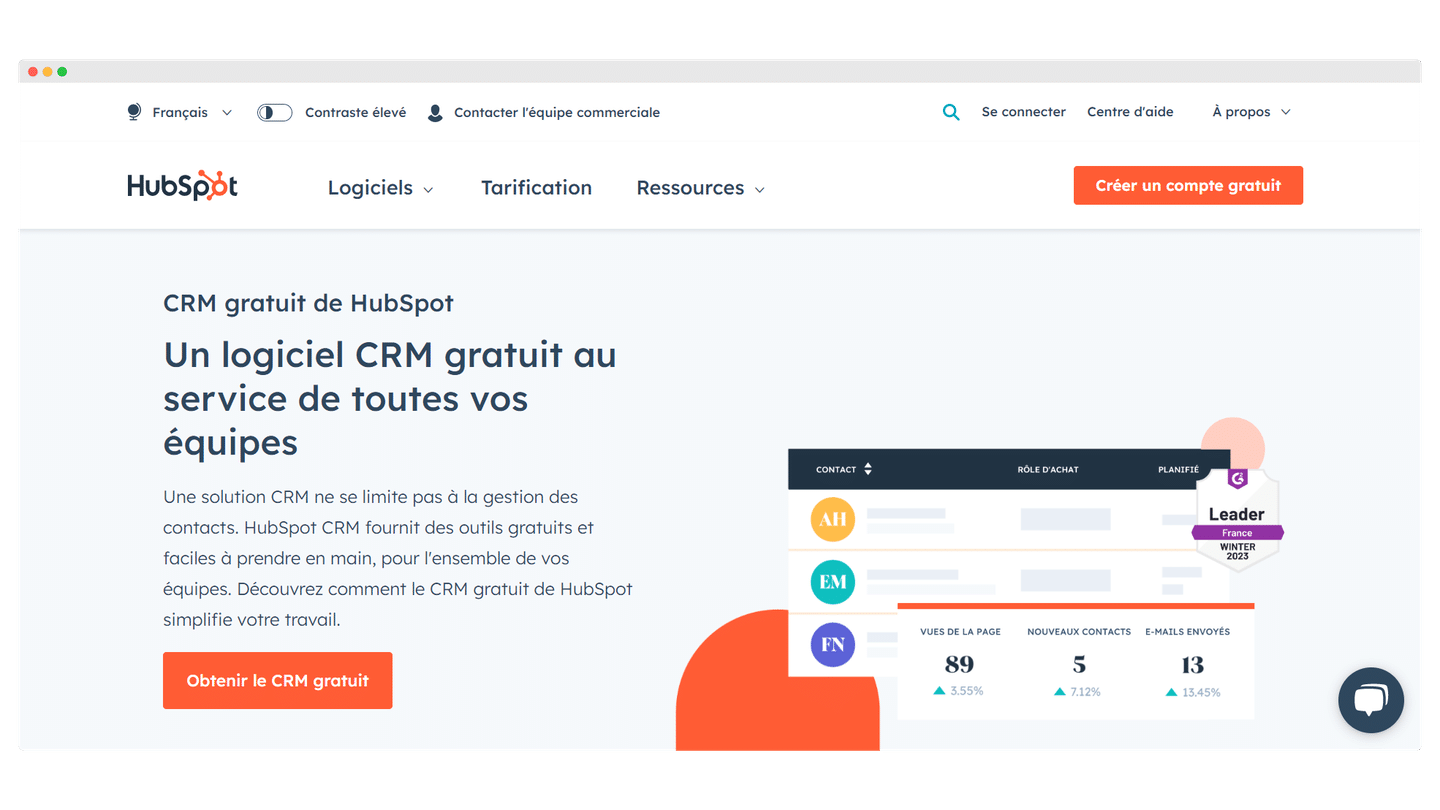
HubSpot’s free CRM home page, with a preview of the contact list

HubSpot is the most complete CRM you can use without paying. The free plan is enough for a freelancer to track contacts, deals and conversations, and the tool stays the same as your business grows.

In practice, you install the HubSpot extension for Gmail or Outlook: emails sent to a prospect are filed on their record, and you see when they open them. Each assignment under discussion becomes a deal that moves through a pipeline (first contact, proposal sent, negotiation, signed), and the booking link saves the back-and-forth of scheduling a first call.

The free plan is mainly worth it for a freelancer who prospects regularly and wants a record of every exchange. If you work with three recurring clients and look for no others, you’ll use only a small part of the tool.

HubSpot has dropped its separate « Hubs » in favor of four plans: free (up to 2 users), Starter (€20), Pro (€90) and Enterprise (€175), per seat per month. The Starter plan costs €20 per seat per month.

02

monday CRM

4.0/5 From €12

Best for: Freelancers who run complex, collaborative projects with few clients at a time

+ Strengths
  • Customizable boards to track sales, marketing and admin
  • Hundreds of CRM and project templates available right away
  • Very easy to pick up: all the data on a simple board
  • Combines with the monday project management tool for the whole team
− Downsides
  • Minimum of 3 billed users, no free plan
  • Limited native integrations, with Zapier to fill the gaps
  • No automatically generated reports
★ monday CRM in brief

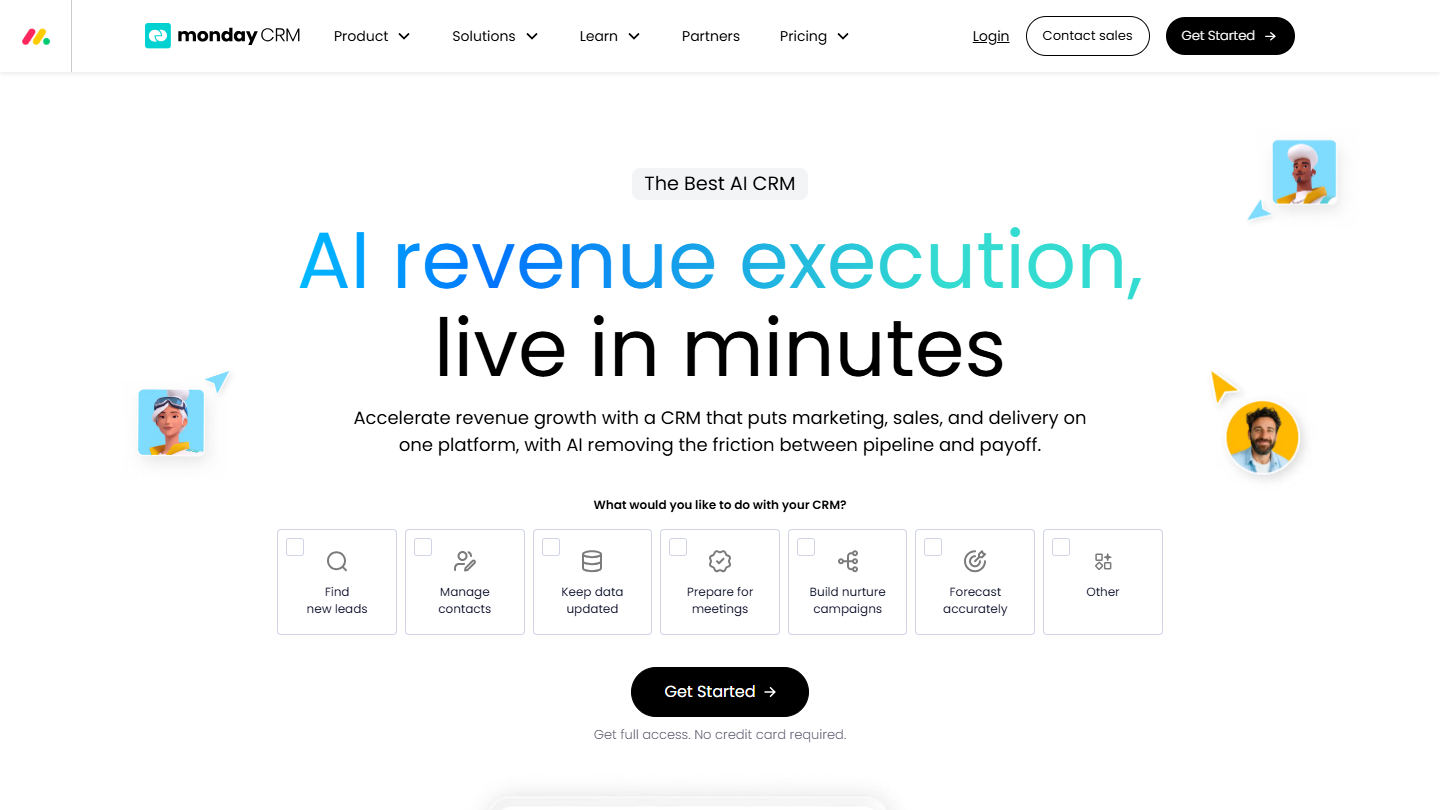
monday CRM website: “AI revenue execution, live in minutes”

monday CRM is the CRM version of monday.com, the work management tool. Everything is organized in boards: one row per client or deal, and columns you add depending on what you want to track.

Take a graphic designer who works with a developer: prospects are tracked in one board, and each signed contract moves to a project board shared with the client or the subcontractor, with its tasks, deadlines and files. The same data shows as Kanban, calendar or timeline, and simple automations (« when the status changes to Signed, create the kickoff task ») prevent oversights.

The tool really comes into its own when several people work on the same files. A freelancer who sells and delivers alone will pay for a team logic they won’t use.

The Basic plan costs €12 per user per month billed annually (€18 billed monthly), with a 14-day trial and no payment method required.

03

folk

4.0/5 From €22

Best for: Freelancers whose network is their selling point

+ Strengths
  • Flexible and very easy to use, spreadsheet-style interface
  • All your contacts in one database, not only clients and prospects
  • Integrates with G-Suite, quick import from your mailbox and LinkedIn
  • Emailing built into the CRM
− Downsides
  • Limited sales and marketing reporting
  • Few native integrations and no mobile app
  • No email sequences: follow-ups are done by hand
★ folk in brief

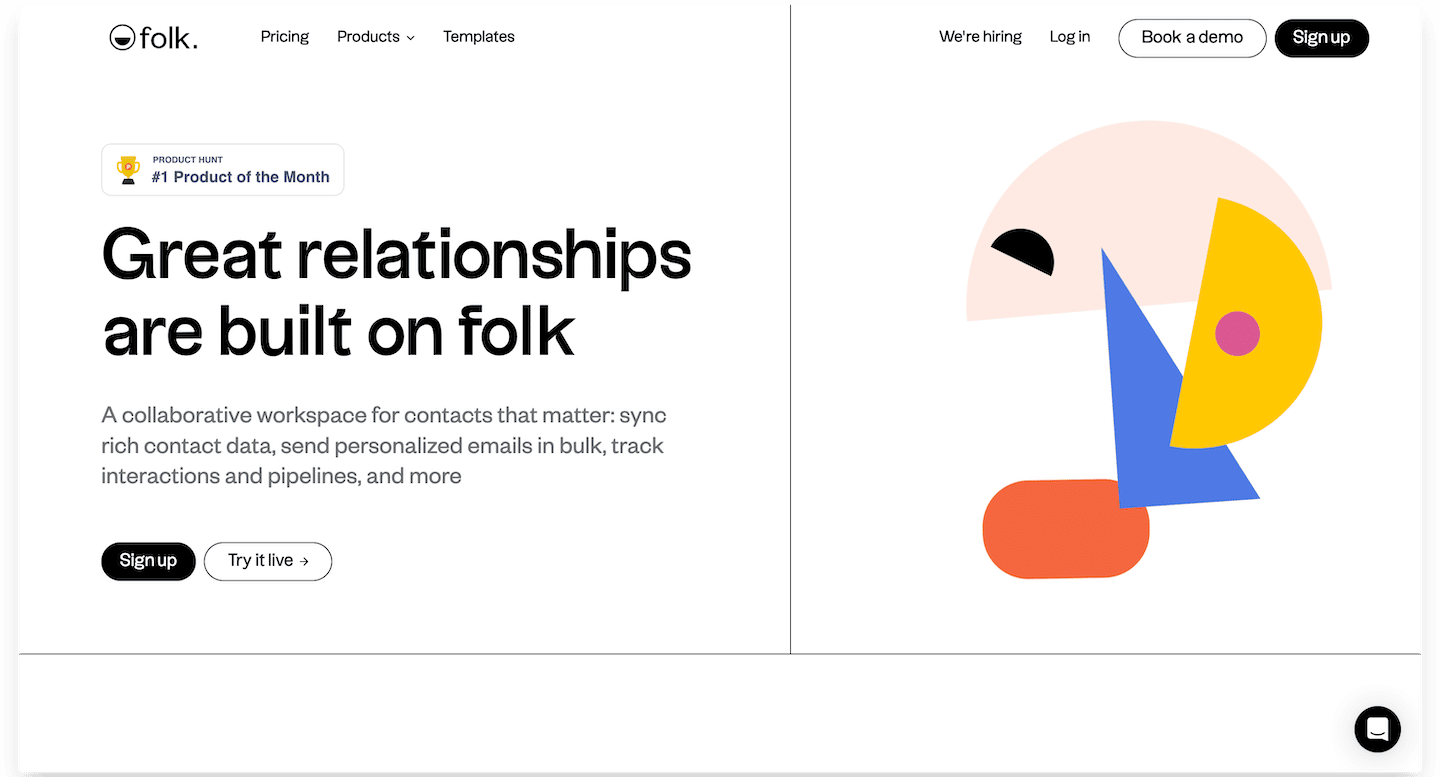
folk home page, a collaborative space for managing contacts

folk presents itself as a shared address book more than a sales CRM: each contact carries its notes, tags and the history of exchanges, traced automatically.

In practice, you import contacts from your mailbox, and from LinkedIn through the Chrome extension, then sort them into groups: clients, former colleagues, partners who send you work, business referrers. Before a meeting, the record reminds you where you left off with the person and what you said to each other.

If your assignments mostly come from referrals, that’s where folk earns its place: it’s less about pushing deals than about maintaining relationships. If you run sales cycles with quotes and tight follow-ups, a pipeline-centered tool will serve you better.

The Standard plan costs €22 per member per month billed annually (€27 monthly), with a two-week trial and no credit card. Premium goes up to €43.

04

Pipedrive

4.5/5 From €14

Best for: Solopreneurs who handle a steady flow of sales opportunities

+ Strengths
  • Very visual interface: the whole sales funnel at a glance
  • Built-in meeting scheduling and video calls
  • One of the best mobile apps on the market
− Downsides
  • No free plan, only a 14-day trial
  • Smart Docs (sales documents, e-signature) is a paid add-on, from €32.50 per month
  • Few native marketing features
★ Pipedrive in brief

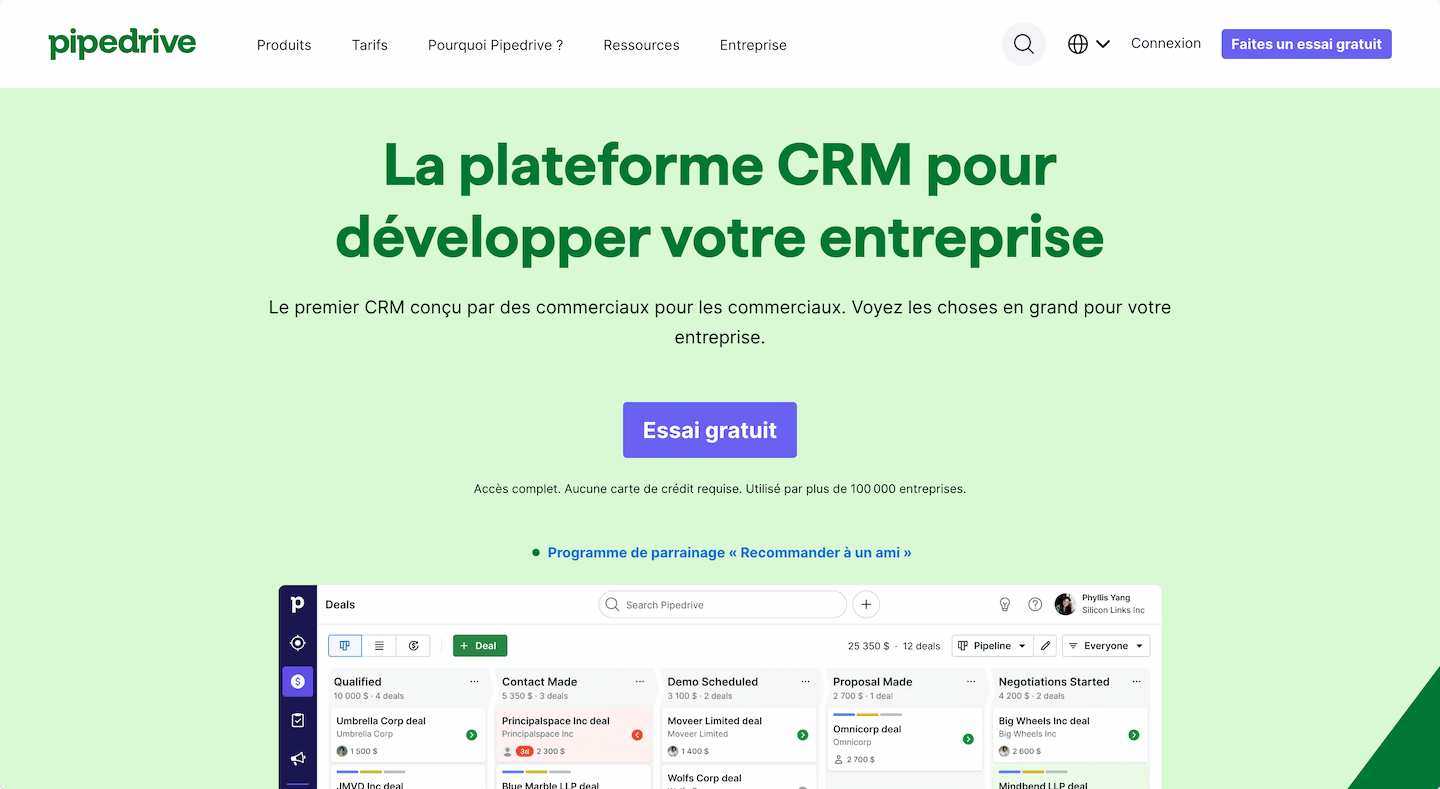
Pipedrive home page with a deal pipeline in columns

Pipedrive is built around the pipeline: each deal moves from one stage to the next, and the tool pushes you to always plan the next action. Of the CRMs in this selection, it’s the most focused on pure selling.

In practice, each incoming request becomes a deal placed in a column (contact made, need qualified, proposal sent, negotiation). A deal with no planned activity (call, email, meeting) is flagged with an alert: a quote you’ve sent doesn’t sit three weeks without a follow-up. Once your mailbox is connected, exchanges attach themselves to the right deal.

Pipedrive pays for itself if you send several proposals a month and your revenue depends on their signing rate. With two or three loyal clients, it idles.

Lite costs €14 per seat per month billed annually; next come Growth (€39), Premium (€59) and Ultimate (€79), with a 14-day trial and no card. Contracts and electronic signatures are included from Premium.

05

Bonsai

4.3/5 From $9

Best for: Established freelancers who want to manage their whole business in one tool

+ Strengths
  • Covers the whole sales process, from projects to clients
  • Easy to use and inexpensive
  • Complete accounting features and many templates
  • Mobile app for quick access
− Downsides
  • Some features are billed on top of the plans
  • No free plan, 7-day trial
★ Bonsai in brief

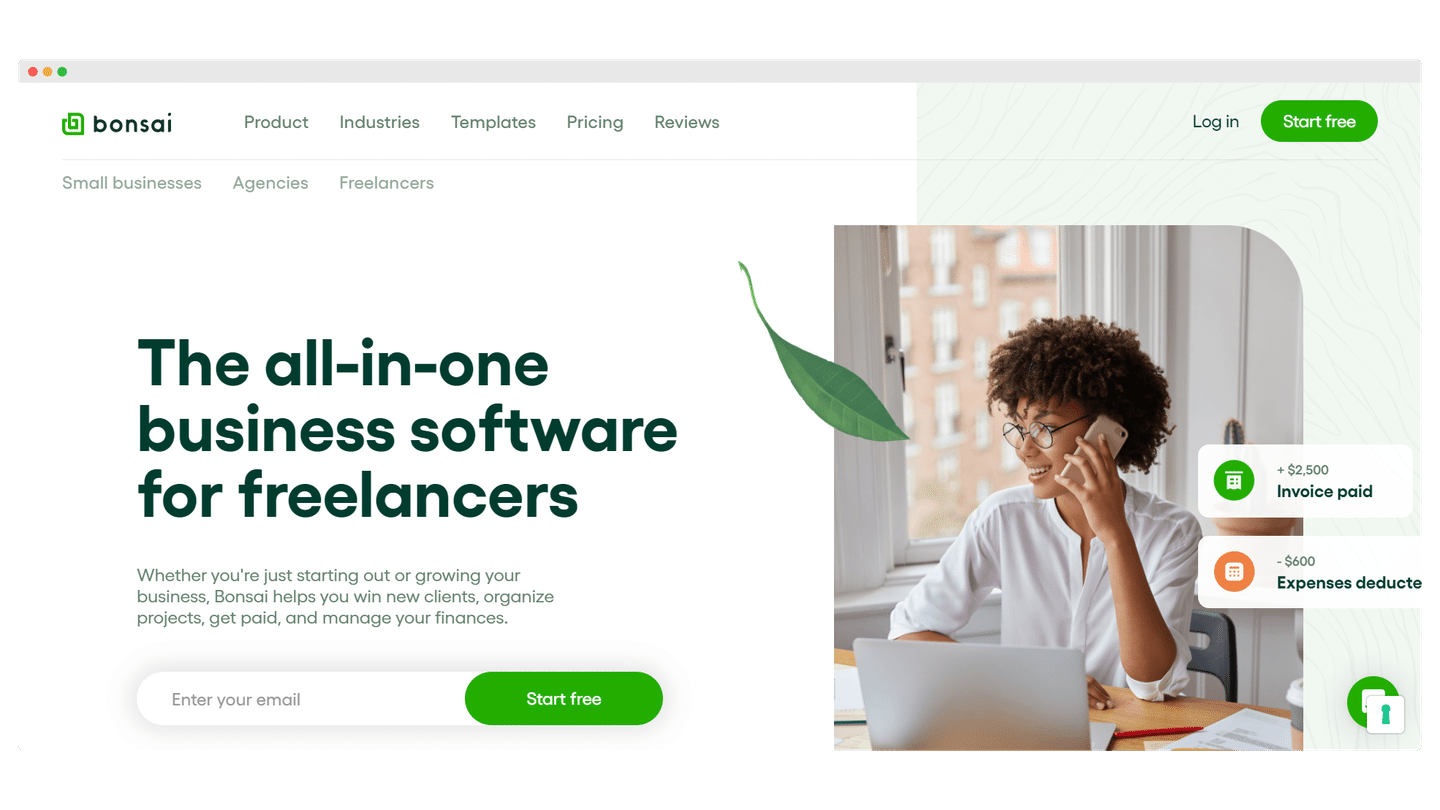
Bonsai home page, all-in-one software for freelancers

Bonsai started as a tool for freelancers and still is one, even though the vendor is increasingly targeting agencies and small teams. The idea: manage clients, projects and admin without juggling several programs.

The typical journey: you send a proposal from Bonsai, the client accepts it online, the contract is generated from a template and signed electronically. Time spent on the assignment, then invoices, follow in the same tool, and the client finds their documents in a dedicated space.

Bonsai suits freelancers who find the admin side boring and prefer one subscription to three. The tool is American: if you invoice French clients, check that its invoices meet your obligations, in particular e-invoicing, which is becoming widespread.

Basic costs $9 per user per month billed annually ($15 monthly), then Essentials ($19), Premium ($29) and Elite ($49). Proposals, contracts and invoices arrive with Essentials, the deal pipeline with Premium.

06

Positive noCRM

4.4/5 From €11

Best for: Sales pros who bet on efficiency, not complexity

+ Strengths
  • Import prospects and create leads in a few clicks
  • Automatic reminders so you never miss a follow-up
  • Quotes and invoices generated from the tool
  • Mobile app to manage your business on the move
− Downsides
  • No free version
  • No marketing features: no emailing, nurturing or lead scoring
  • Starter plan limited to 500 leads in a single pipeline
★ Positive noCRM in brief

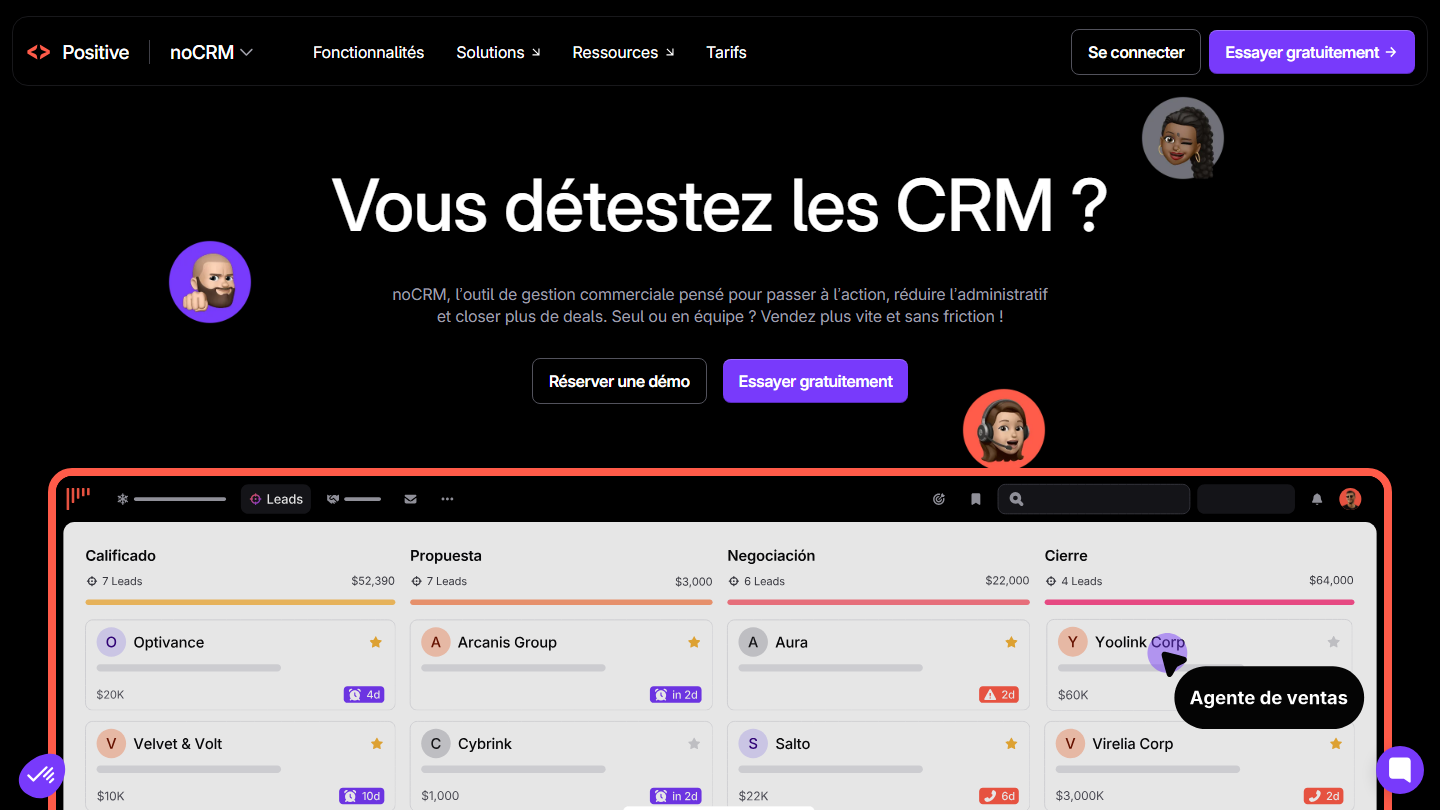
Positive noCRM home page: “Do you hate CRMs?”, with a pipeline of leads in columns

Positive noCRM (formerly noCRM.io) starts from the premise that salespeople hate filling in a CRM: you manage leads rather than records, each with its next action and due date.

In practice, you create a lead by pasting an email, a signature or a spreadsheet row. Every lead must carry a dated next action: in the morning, you open the day’s list and work through your follow-ups one by one. Prospecting lists are used to review a file, by phone or email, so that only interested contacts enter the pipeline.

The tool appeals to freelancers who sell by phone or email and want to spend as little time as possible in software. Those looking for a rich customer file, with a full history and custom fields, will feel cramped.

Starter costs €11 per user per month billed annually (€19 monthly), a rate reserved for new customers; Expert goes up to €22 and Dream to €33. The trial lasts 15 days without a card, 30 days with one.

07

Zoho CRM

4.2/5 From €14

Best for: Freelancers and start-ups who want to grow their sales with a very complete CRM

+ Strengths
  • Easy to use, suited to freelancers and start-ups
  • Customizable: modules, tabs, layouts, automations and fields
  • Recurring and deposit invoices, inventory management module
  • Free plan for up to 3 users
− Downsides
  • Very limited free plan, with no third-party integrations
  • AI and some features are add-ons or reserved for higher plans
  • No individual email tracking or per-prospect notifications
★ Zoho CRM in brief

Zoho CRM home page with a contact record and a Twitter exchange

Zoho CRM goes further than most tools on this list: sales and marketing automation, advanced reporting.

In practice, it distinguishes leads, contacts, accounts and deals, like the CRMs of large companies. You can plug in the other Zoho apps (Books for invoicing, Campaigns for emailing, Bookings for appointments) and automate rules such as « if a lead arrives through the website form, send them a welcome email and create a reminder task ».

This richness costs setup time. For a freelancer who just wants to track prospects, it’s often more than needed, hence the appeal of Bigin, the lighter version of Zoho.

After the free plan, Standard costs €14, Professional €23 and Enterprise €40 per user per month billed annually (€20, €35 and €50 monthly).

Salesdorado’s tipBigin is Zoho’s CRM designed for small businesses, organized around pipelines. Its free plan covers 1 user and 1 pipeline; the Express plan costs €7 per user per month billed annually (€9 monthly) and gives access to 3 pipelines. 15-day trial with no card.

08

Harlow

3.9/5 From $19

Best for: Freelancers who want to structure their business and save time

+ Strengths
  • Complete software designed for freelancers, by freelancers
  • Client management, contract proposals, invoicing and task management
  • Free trial to try the tool
− Downsides
  • Not customizable
  • Reserved for freelancers who sell a digital service online
  • No free plan
★ Harlow in brief

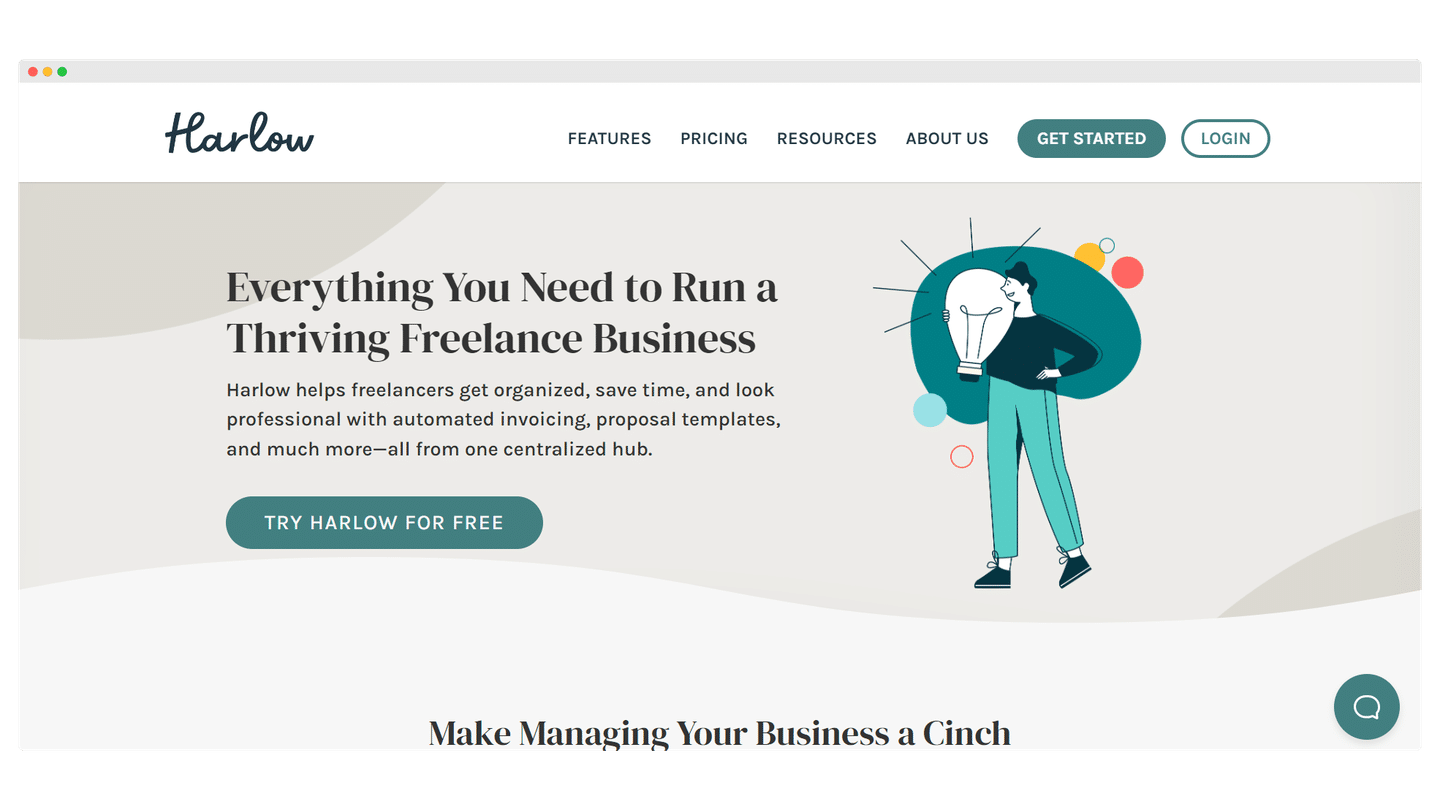
Harlow home page, all-in-one management tool for freelancers, with the free trial button

Harlow comes from the freelance world: the vendor runs a community of independents around the tool, and the software follows an assignment from first contact to invoice.

The flow follows that of an assignment: you send a proposal, the client accepts and signs the contract, then you track tasks and time spent before issuing the invoice. Everything stays attached to the client’s record, so you find in one place what was promised, delivered and invoiced.

Harlow targets the solo freelancer, developer, designer or writer, who wants a lean tool and doesn’t need an elaborate sales pipeline. The tool is in English: plan to adapt your proposals and invoices for French clients.

The Solo plan costs $19 per month ($209 per year) for one account, one collaborator included; Professional goes up to $29 and Advanced to $39.

09

Wobaka

3.9/5 From $19

Best for: Freelancers who want to automate all or part of their sales process

+ Strengths
  • Designed for freelancers who automate their sales process
  • Prospect organization, follow-up and contact automation
  • Automated email sending and to-do lists
  • Free trial with no credit card
− Downsides
  • Pipelines limited by plan: 2 in Pro, 10 in Business
  • No free plan
★ Wobaka in brief

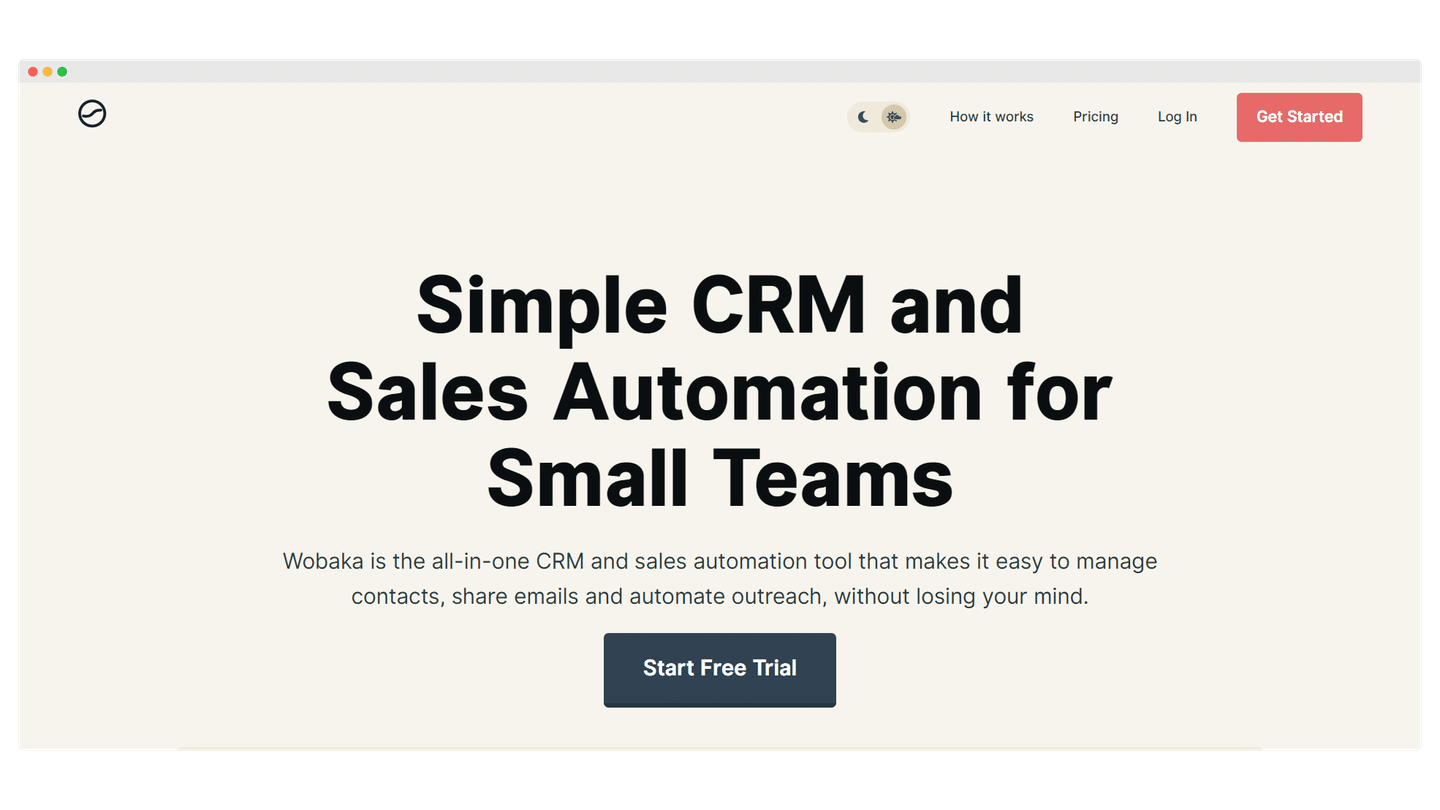
Wobaka home page, CRM and sales automation for small teams

Wobaka is a small Swedish CRM that bets on automation: the idea is to hand the repetitive part of prospect follow-up over to the tool.

In practice, you set up a follow-up sequence: a first email, an automatic reminder a few days later if the prospect hasn’t replied, then a task prompting you to call them. Contacts move through a visual pipeline, and the list of the day’s actions tells you who to follow up.

Wobaka suits the freelancer who canvasses by email and wants to keep follow-ups in their CRM rather than in a separate emailing tool. The interface is in English.

The Pro plan costs $19 per user per month billed annually ($24 monthly) and covers 10,000 contacts. Full email sync and automations require Pro+ ($35); Business goes up to $59.

10

Streak

4.1/5 From $49

Best for: Freelancers who want to sell more without leaving Gmail

+ Strengths
  • Works directly inside Gmail
  • Intuitive interface, data sorted with color-coded labels
  • Tutorial videos to get started in minutes
  • Integrates with G-Suite, and with Zapier on premium plans
− Downsides
  • Requires using Gmail
  • Free plan limited to Gmail tools, with no CRM pipelines
★ Streak in brief

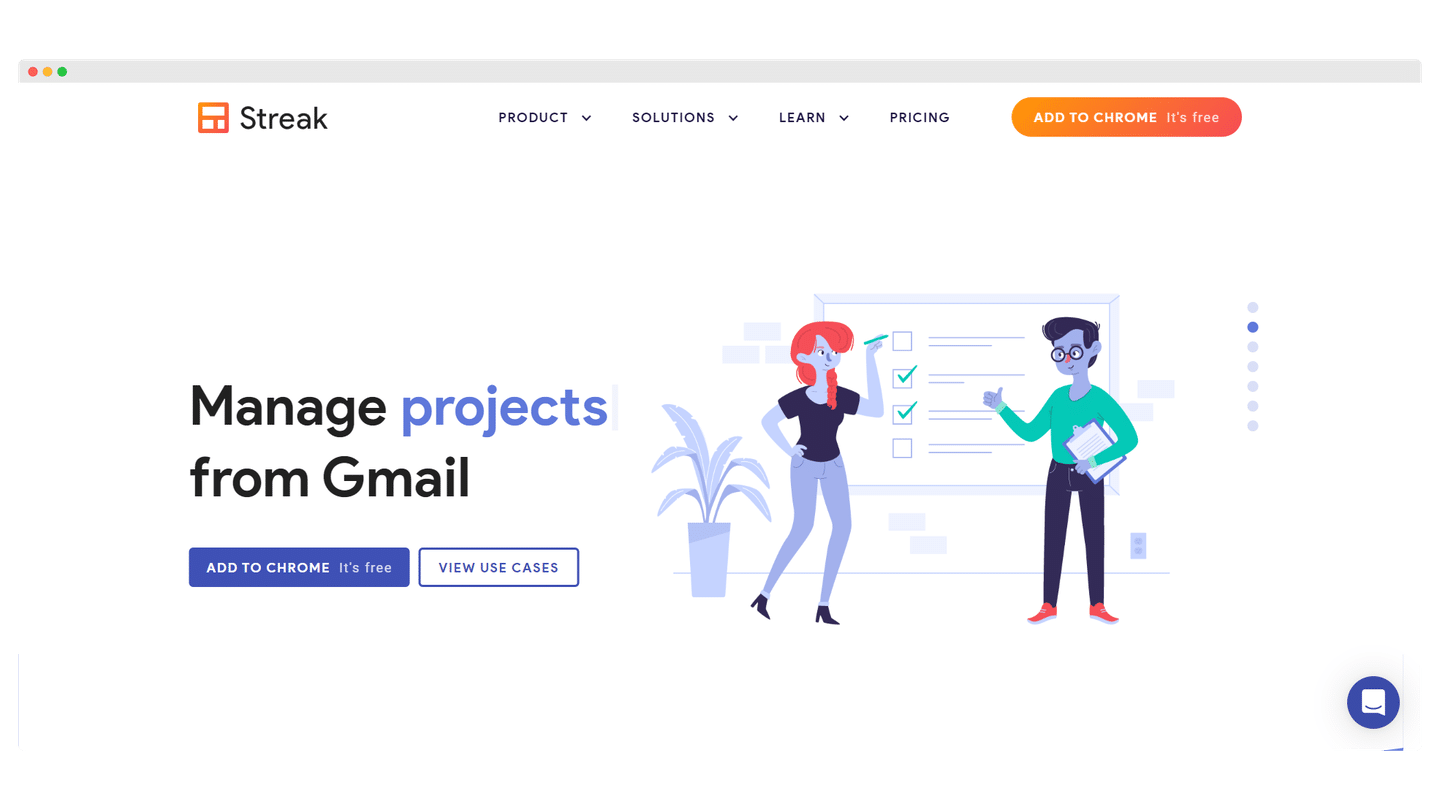
Streak home page, project management from Gmail

Streak installs as a Gmail extension: each email thread can be attached to a deal, which then moves through a pipeline displayed above the inbox.

In practice, you open a prospect’s email and attach it to a deal in one click: the whole thread is filed there, with your notes. The pipeline displays as a board inside Gmail, one column per stage. Reply templates, open tracking and mail merge let you follow up with several prospects at once without leaving the inbox.

If your sales activity already plays out almost entirely by email, this is the CRM that changes your habits the least. The price, however, is the highest in the selection for a first paid plan.

Pro costs $49 per user per month billed annually ($59 monthly) and unlocks unlimited pipelines; Pro+ goes up to $69 and Enterprise to $129. The 14-day trial is offered on Pro+.

How we chose these 10 tools

Every tool in this selection has been used in real conditions by our team or by a Salesdorado consultant, in a B2B sales and marketing setting. No ranking built from a marketing deck. The order of the list is not a ranking: the right tool depends on your needs.

  1. 01
    Benchmark scope

    Broad identification of the tools on the market (G2, Capterra, Salesdorado customer feedback, LinkedIn signals). Initial filtering, then a short list based on a 2-hour setup per tool.

  2. 02
    Test conditions

    3 to 4 weeks of active use per tool, with data representative of a B2B sales use case. When a tool targets a specific profile (SDR, AE, Ops, Marketer…), we match the tester accordingly.

  3. 03
    Weighted criteria

    For each category, 5 to 7 axes weighted according to what matters in the segment: UX, feature depth, native integrations, support, pricing at scale, compliance (GDPR, security), and roadmap quality.

  4. 04
    Independence

    No tool is scored in exchange for payment. Partner links (affiliate) are marked as such and do not influence the score. Non-partner tools are included when their place in the ranking is deserved.

  5. 05
    Updates

    The ranking is reviewed every 6 to 12 months or on every major release of a tool mentioned. The date of the last check is shown at the top of the article.

The questions we get over and over.

Which type of CRM should a freelancer choose?

Three types of software meet freelancers' needs. General-purpose CRMs, simple to use with a free plan or an inexpensive entry plan, suit those who want to grow their client base. All-in-one CRMs designed for freelancers cover the whole sales process, from prospecting to invoicing. Project management apps work as a CRM for those who have few clients at a time but complex projects.

Which free CRM for a freelancer?

HubSpot offers a free plan that lets you build a very professional CRM, with advanced reporting, automation and plenty of tools. Zoho CRM also offers a free plan, but a very limited one: it doesn't allow third-party integrations.

Which CRM for a freelancer who works in Gmail?

Streak works from within Gmail: it lets you import contacts and sales data, send follow-up emails and sort your data with color-coded labels. Using it requires Gmail.

Which CRM for managing your network as a freelancer?

Folk lets you bring all your contacts into the database, not only clients or prospects but also other entrepreneurs, experts or lawyers, with notes, tags and automatic tracking of interactions. Its sales and marketing reporting remains limited.

Can a project management tool work as a CRM for a freelancer?

Yes: apps like Monday or Notion let you centralize everything in a single tool. They suit freelancers who work with relatively few clients at a time, on complex projects that call for a lot of collaboration and communication. monday CRM requires at least 3 users.

★ The conversation, 0 comments

What the community says.

Basic Markdown, moderated within 24 h
Loading…

    In the same category