


There is a whole range of CRM software out there, each built for specific needs. For a nonprofit, a CRM first has to be easy to pick up and cover a wide range of needs: managing contacts, communications and membership dues.
Nonprofits looking for a CRM have two options. On one side, all-in-one software, provided it is flexible enough to fit their processes. Most of these tools offer advanced features, such as website building and a members’ area, but prices climb quickly.
On the other side, general-purpose software, aimed at a less specific audience, with limited or no features for payments, pre-accounting or ticketing.
Depending on what you need:
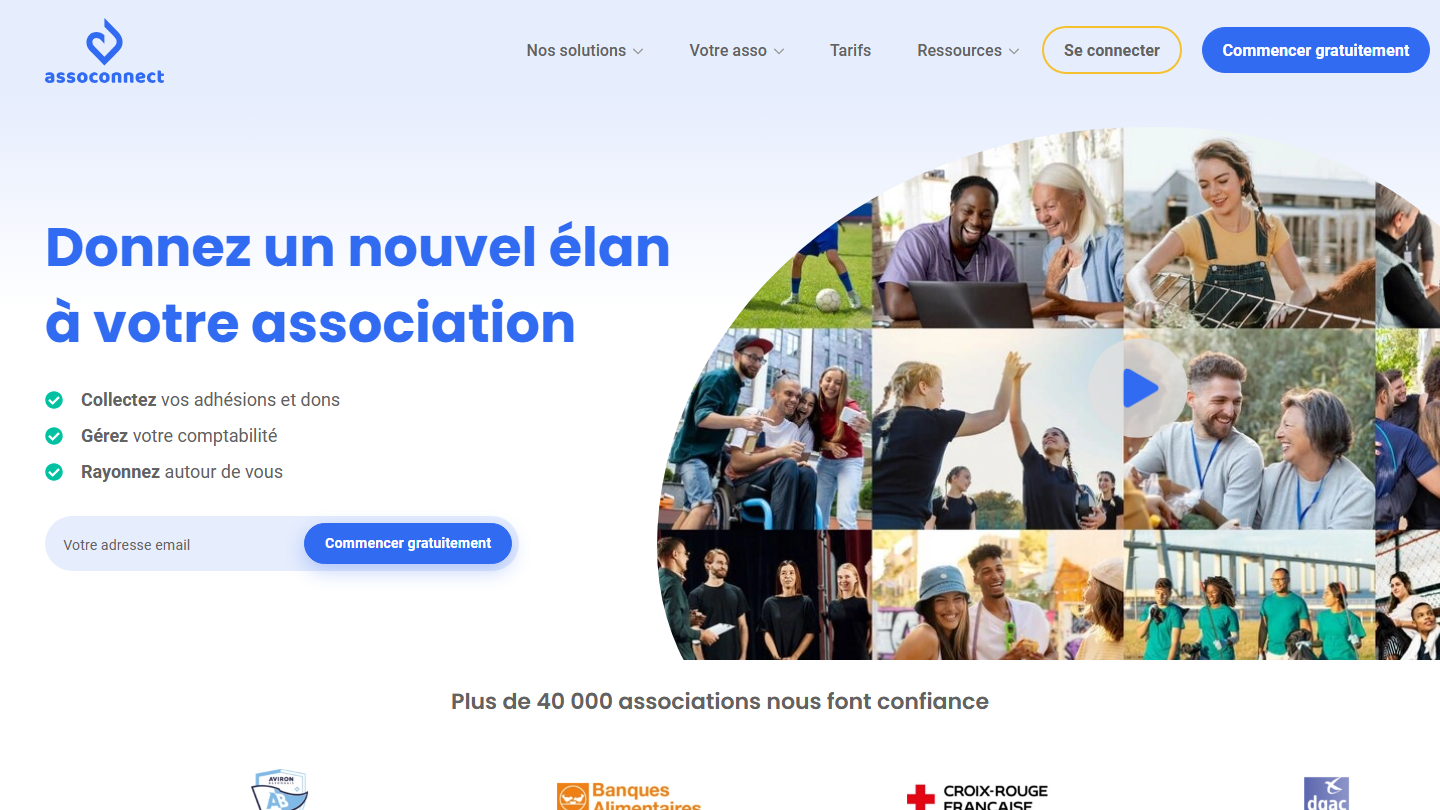
- Managing memberships, donations, accounting and your website in one tool: AssoConnect
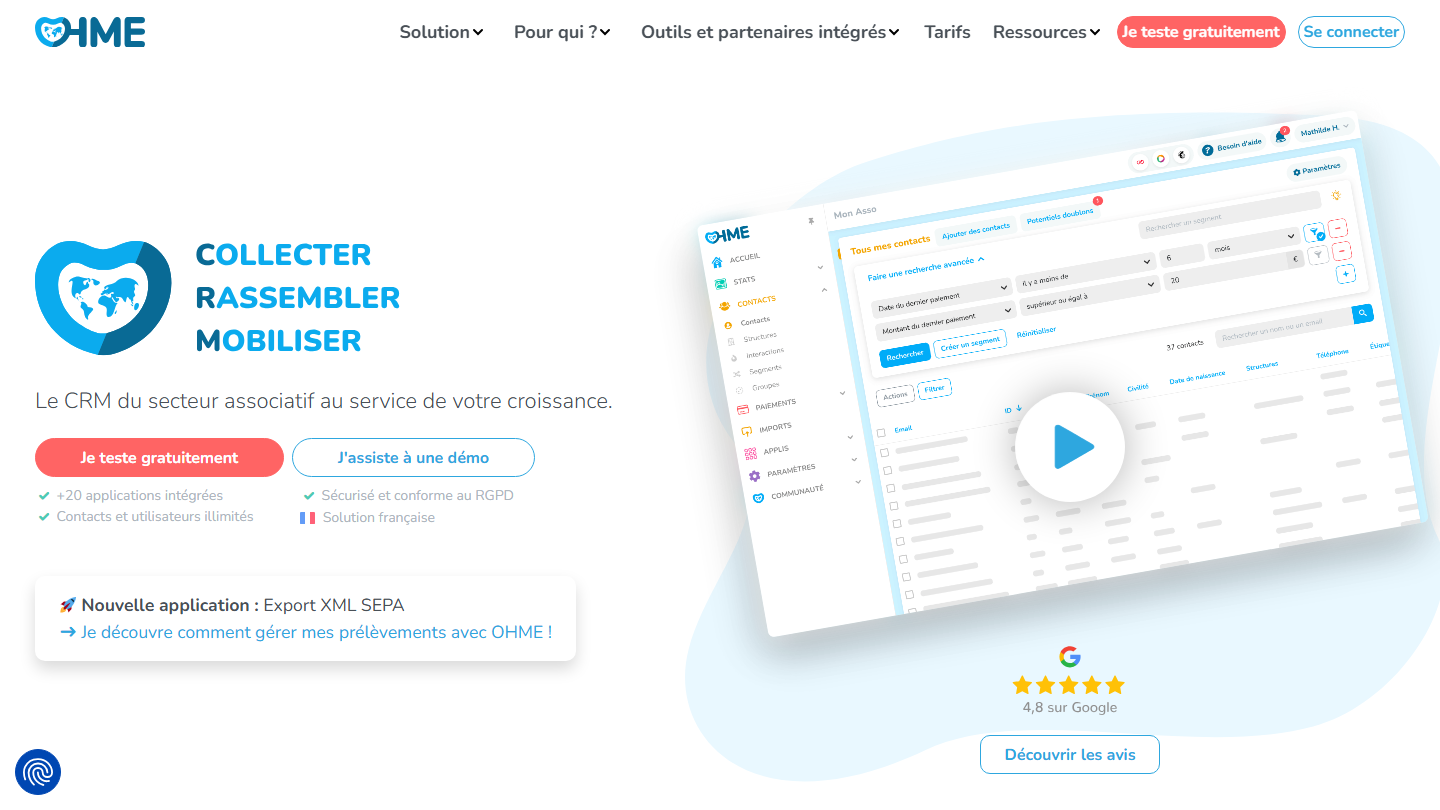
- A French nonprofit CRM that plugs into your tools, with tax receipts: Ohme
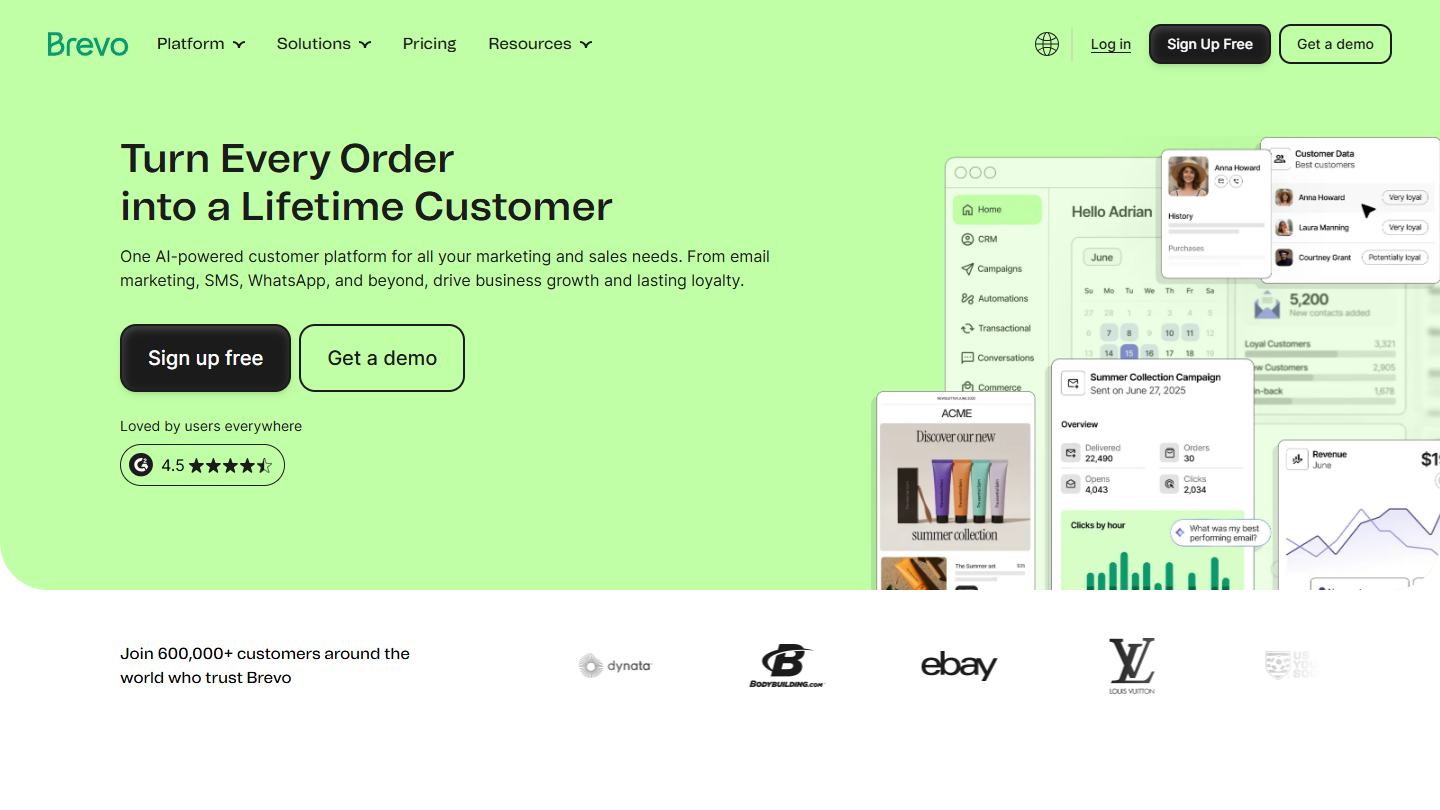
- Email campaigns to a large base of members or donors: Brevo
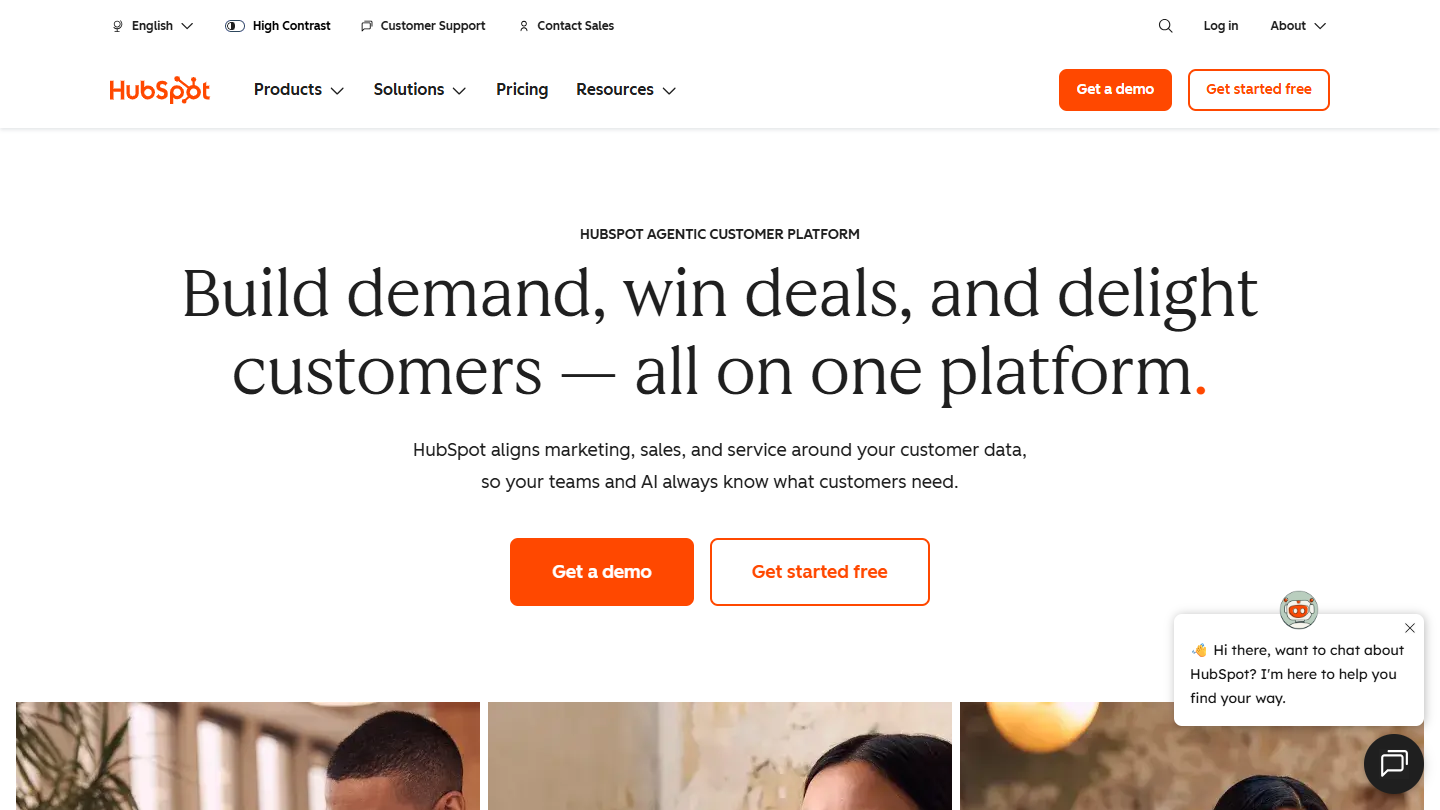
- Advanced automation and reporting, with a free plan: HubSpot
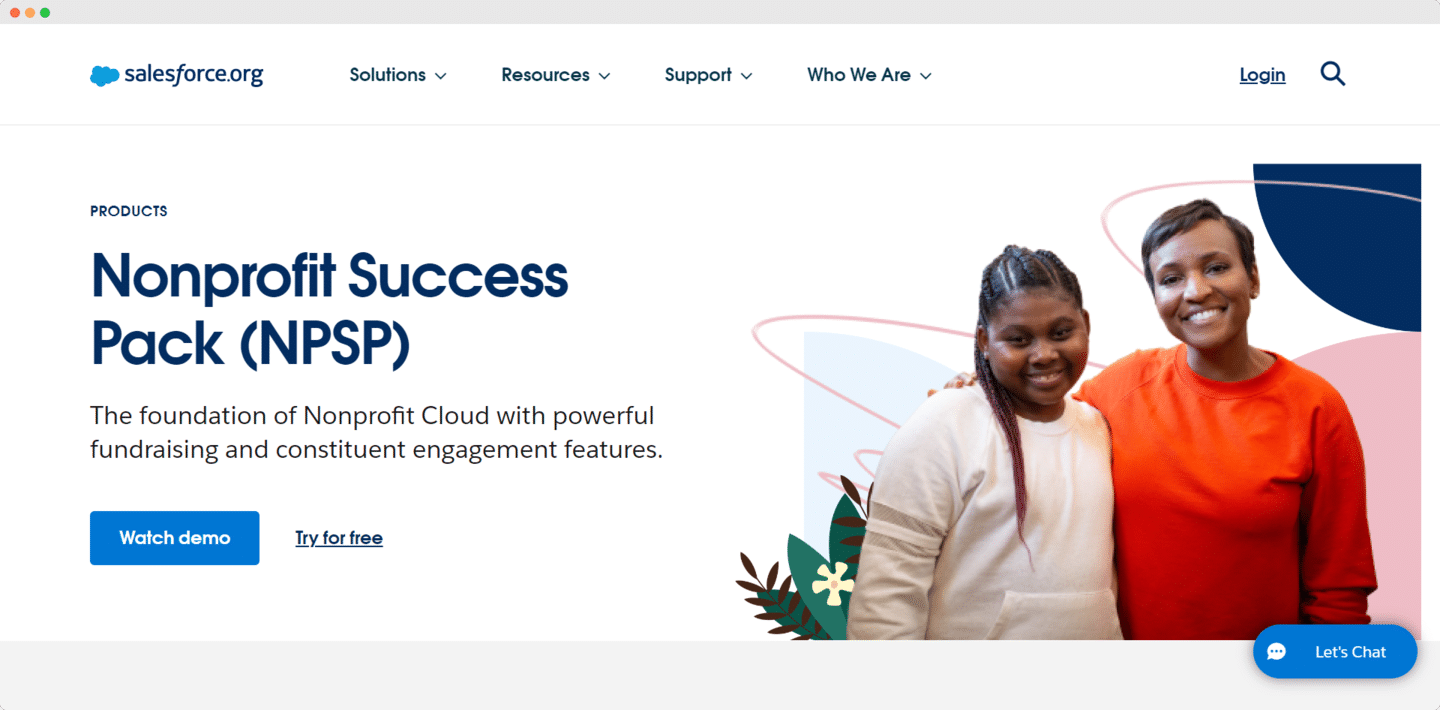
- A large nonprofit with the means for a CRM project: Salesforce Nonprofit Cloud
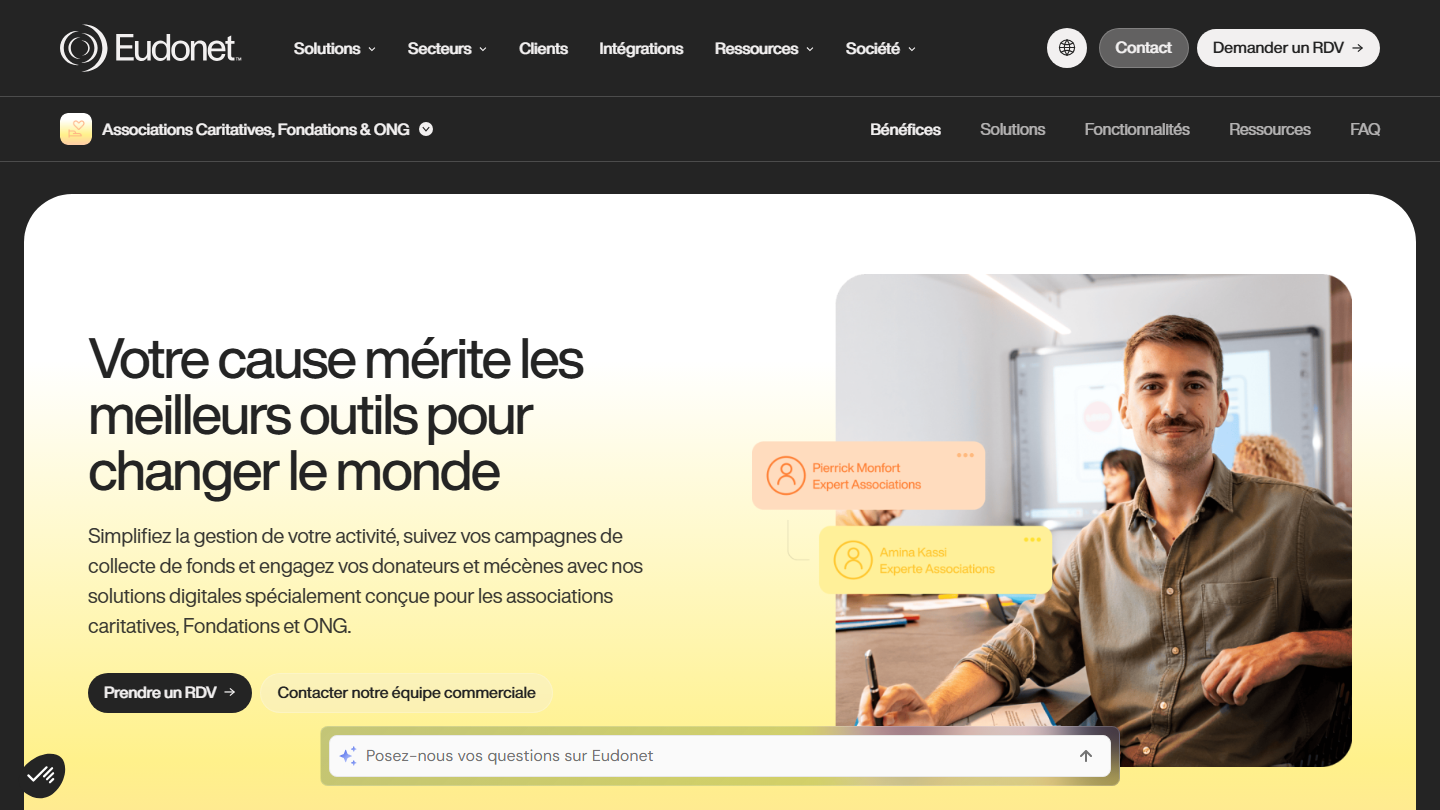
- Fundraising and corporate giving for a foundation or an NGO: Eudonet
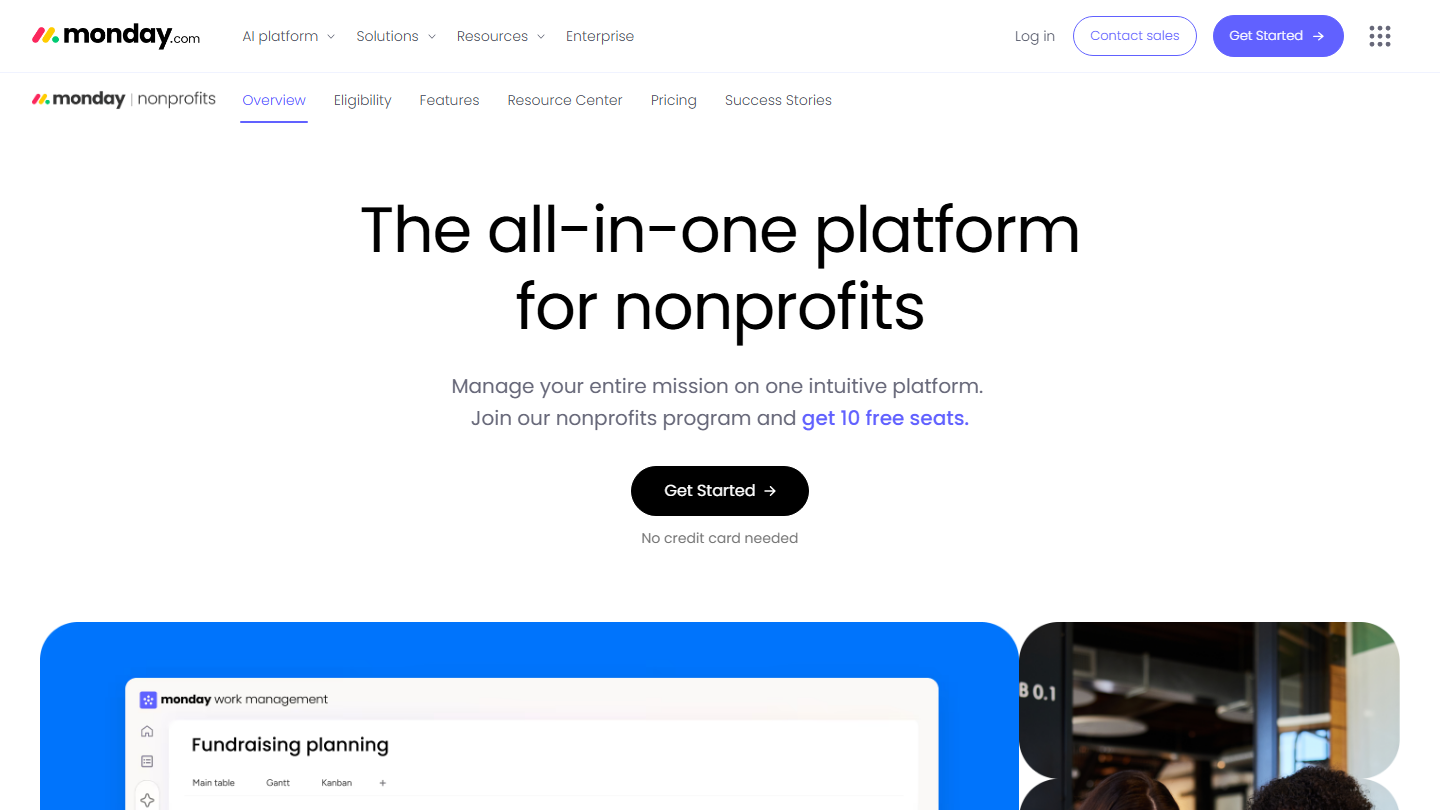
- Organizing projects and volunteer schedules: Monday
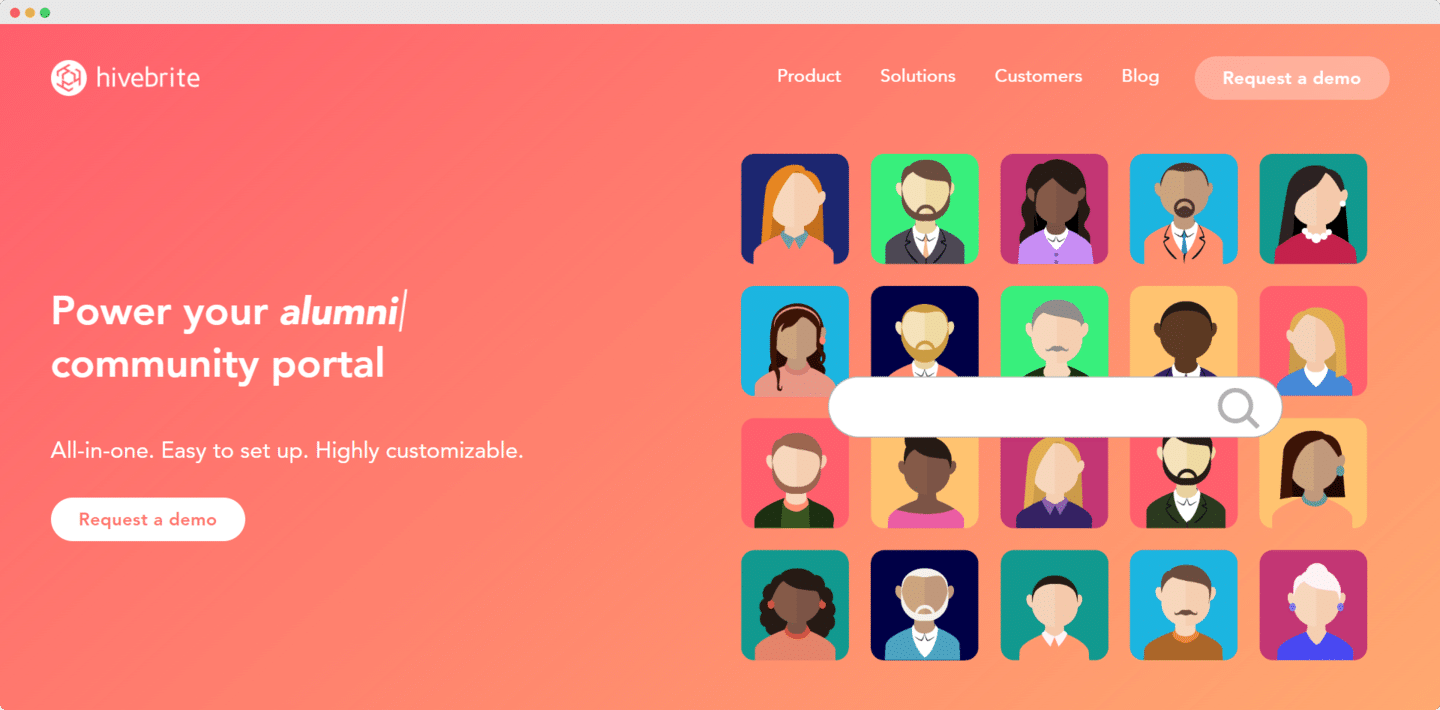
- Running a network of members or alumni: Hivebrite
What makes a good CRM for a nonprofit?
There are several types of CRM, each serving different uses depending on the type of nonprofit they target.
For small nonprofits, whose needs are mainly managing memberships, collecting dues and handling the day-to-day life of the organization, we recommend light, affordable, easy-to-use CRMs. All-in-one CRMs built for nonprofits, such as AssoConnect, meet the needs of organizations this size well.
For large national nonprofits, which run donation campaigns regularly, have a very large member base, heavy email needs and many partners, the CRM’s features have to go further, email in particular. Solutions like Brevo or HubSpot handle large contact bases. For those with specific needs, such as managing fundraising campaigns, specialized software like Eudonet is a good option.
Features for managing contacts, members and partners matter: they centralize contact data and provide traceability for every operation.
Segmentation, automatic communications (automatic receipts, birthdays, satisfaction surveys) and tracking the number of emails sent per contact give you finer control over communications with members.
Finally, CRMs have to meet nonprofits’ needs for managing dues and donations. That mainly means online payments, issuing tax receipts for the organization’s members, or creating dedicated members’ areas.
The solutions in this top break down as follows. On one side, general-purpose CRM software, which has to be supplemented with integrations and adaptation work. On the other, software designed for nonprofits, which meets their needs well but can come with too many features.





What the community says.